Incoming and Outgoing
Shipments in 1 STEP Using
Odoo 17
Enterprise
Introduction
Enterprise
In this presentation slide, we are going to discuss about the
outgoing and incoming shipments in one step.
Incoming shipment: It's the process of receiving the product in
one step. Here, the product is directly taken from the vendor to
stock without further processing. Outgoing shipment: It’s the
process of delivering the product in one step. It's the way of
delivering the product directly from the stock to the customer
without further interruption.
Enterprise
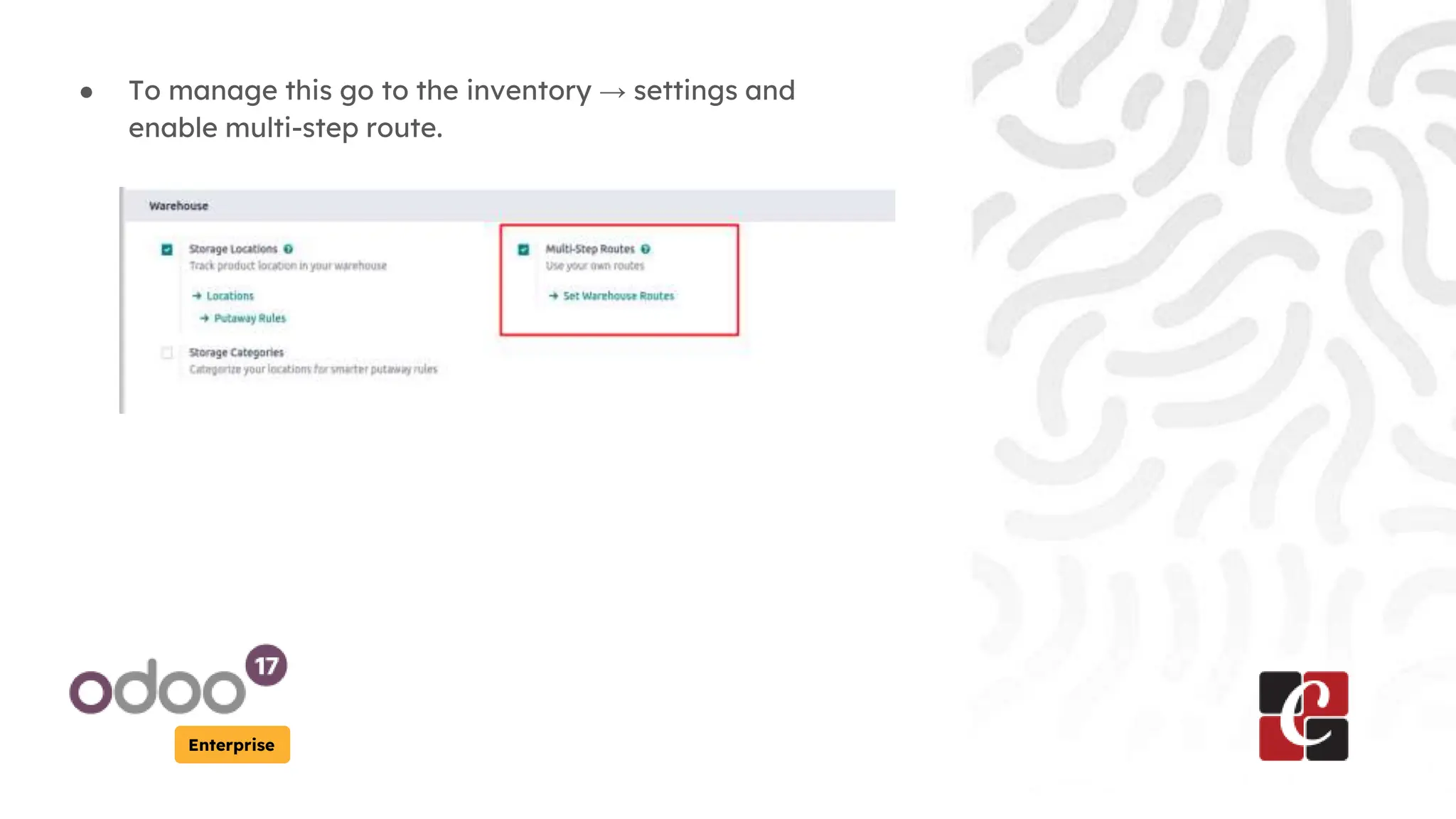
● To manage this go to the inventory → settings and
enable multi-step route.
Enterprise
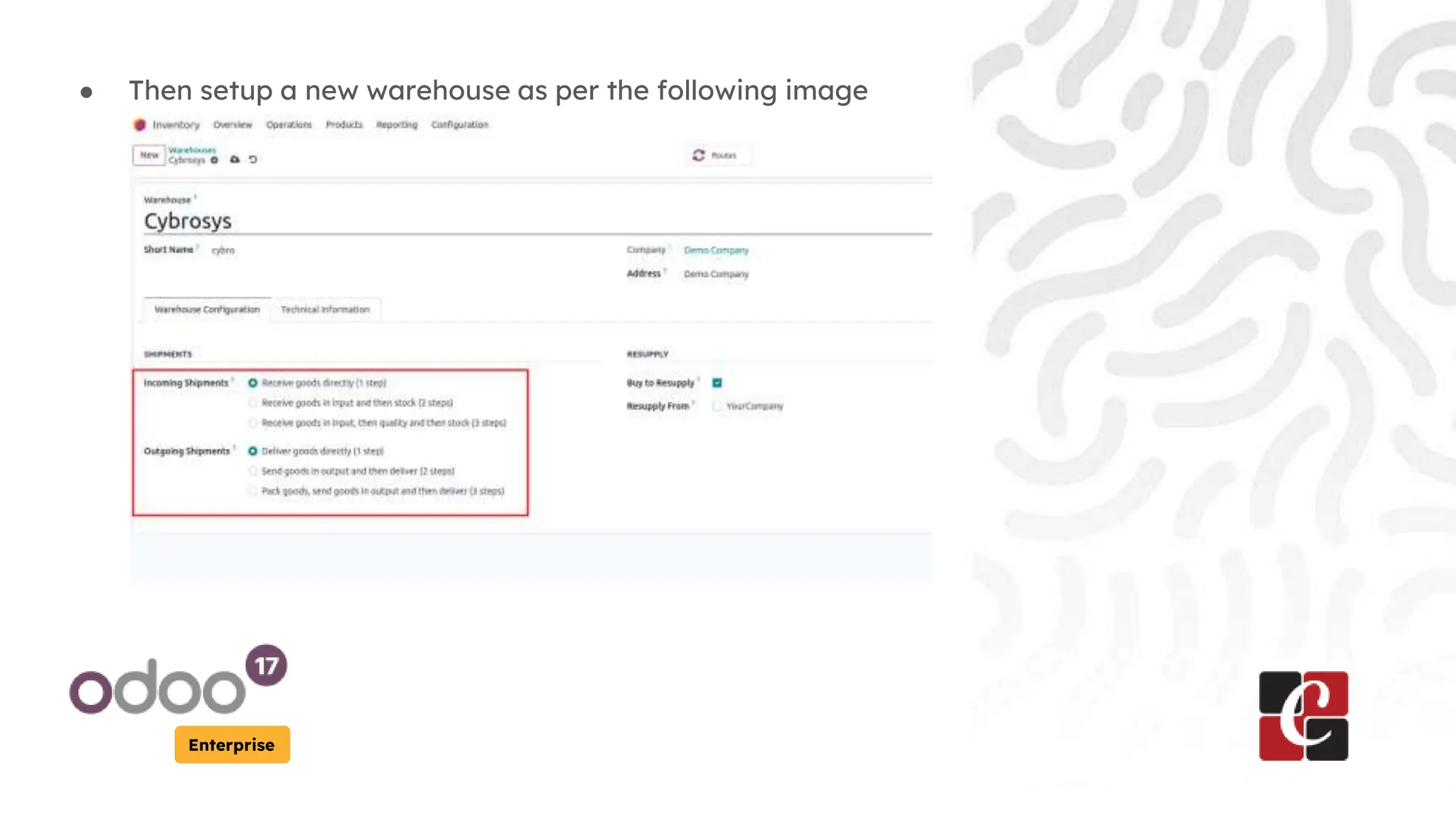
● Then setup a new warehouse as per the following image
Enterprise
● Let's assume we have just received an order from the
customer. Let’s see how can we manage incoming and
outgoing shipments in 1 step.
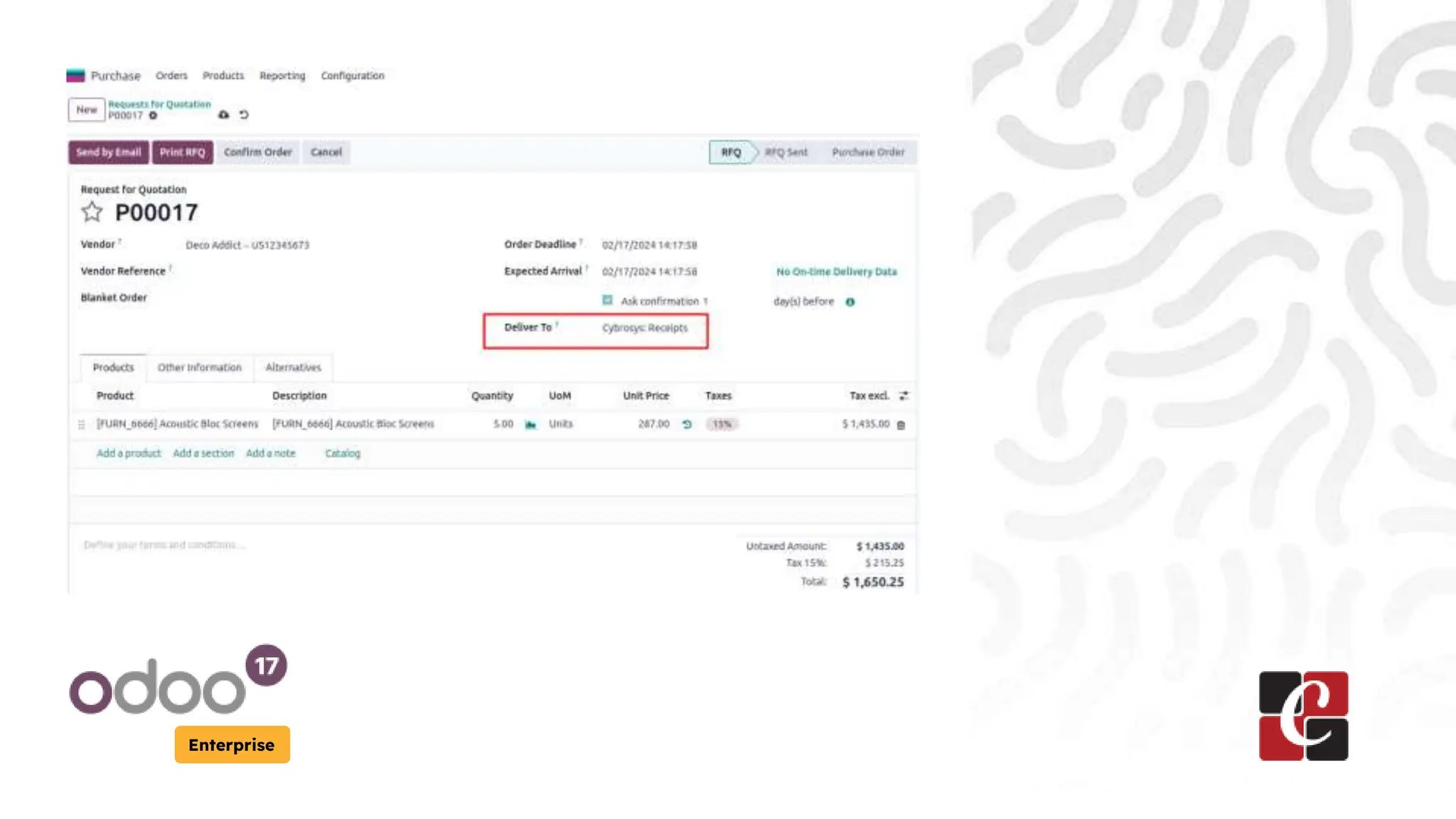
● For that we can go to the purchase module and create an
RFQ as below
Enterprise
Enterprise
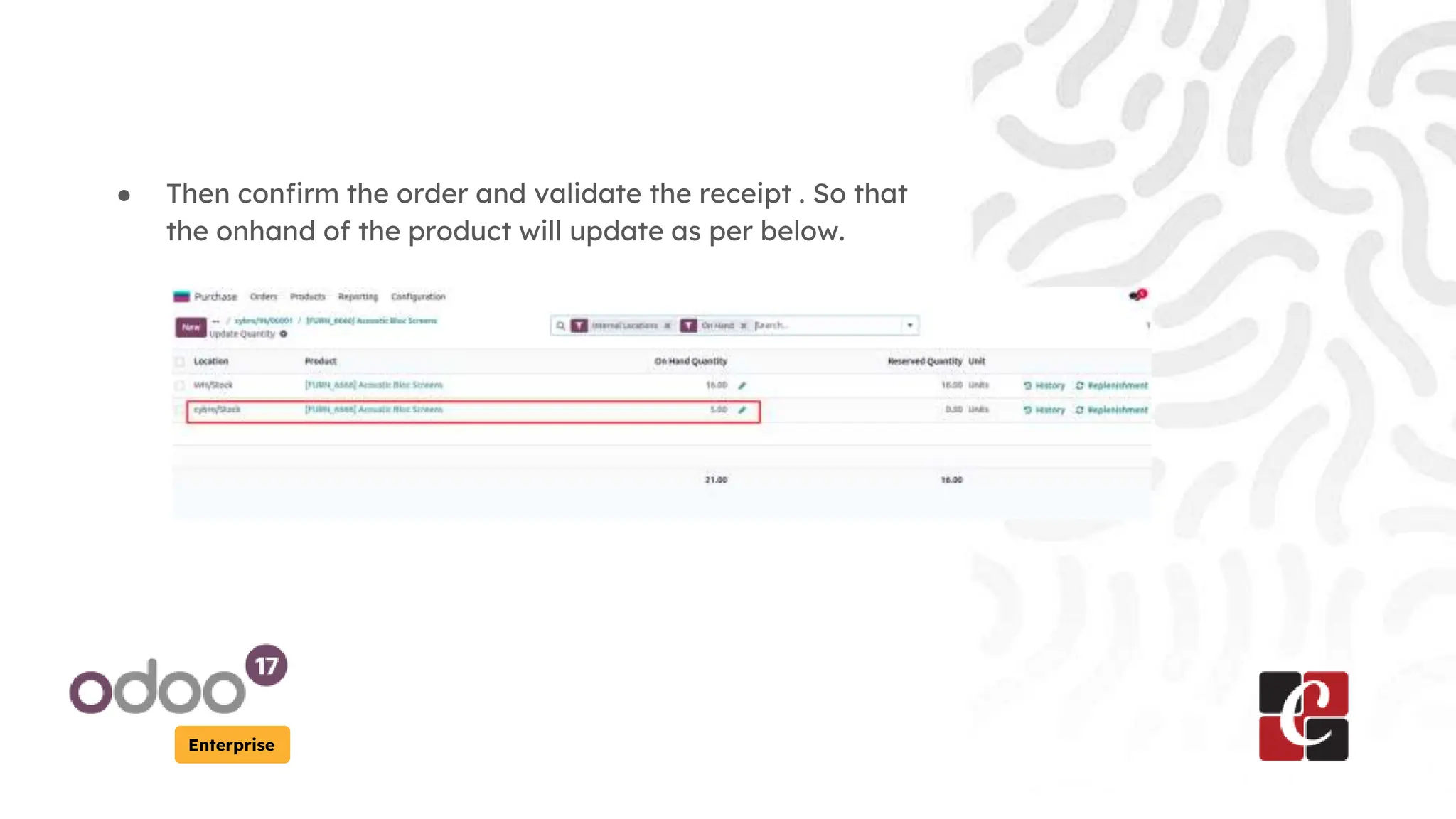
● Then confirm the order and validate the receipt . So that
the onhand of the product will update as per below.
Enterprise
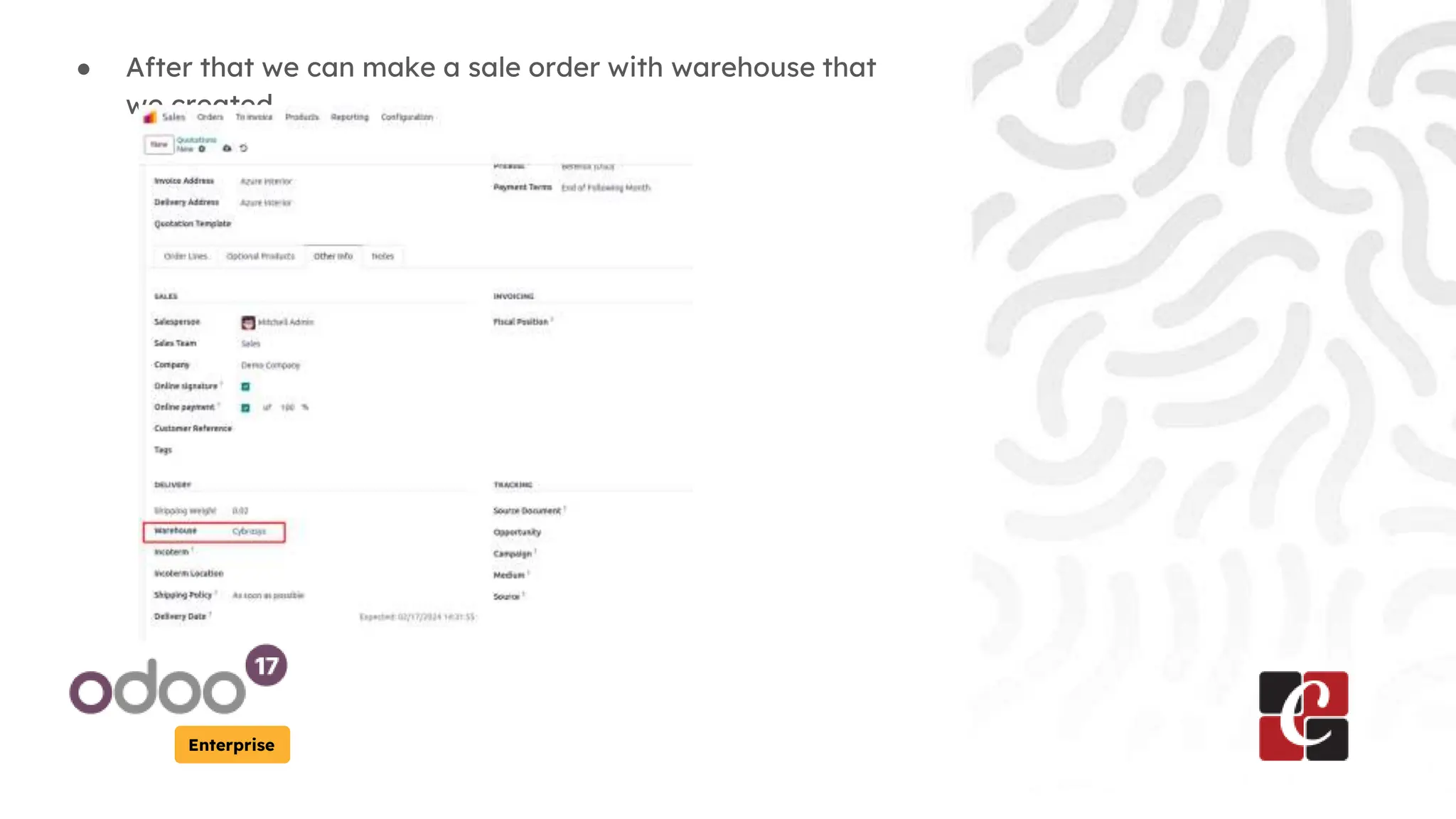
● After that we can make a sale order with warehouse that
we created.
Enterprise
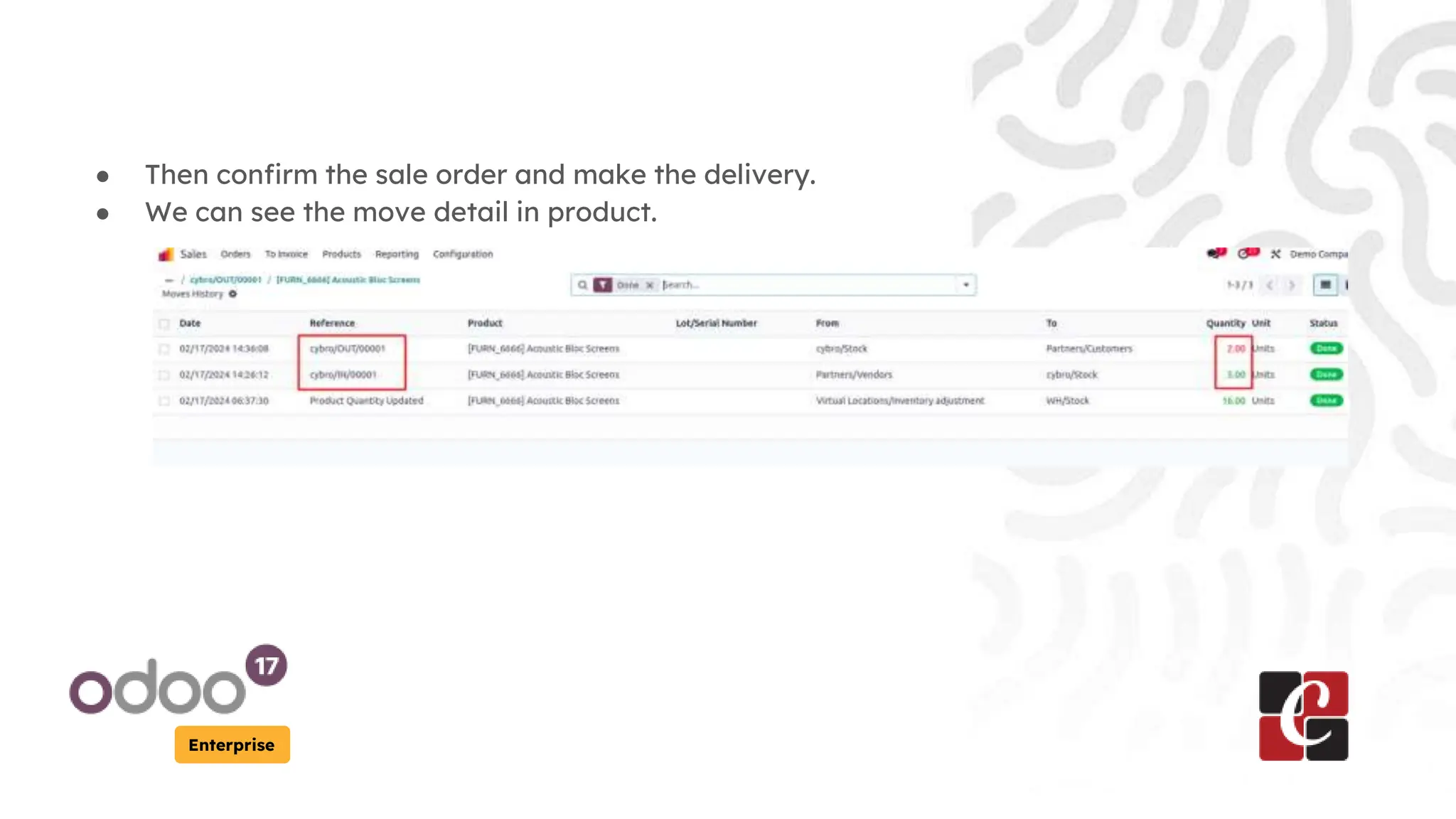
● Then confirm the sale order and make the delivery.
● We can see the move detail in product.
For More Info.
Check our company website for related
blogs and Odoo book.
Check our YouTube channel for
functional and technical videos in Odoo.
Enterprise
www.cybrosys.com

Incoming and Outgoing Shipments in 1 STEP Using Odoo 17

  • 1.
    Incoming and Outgoing Shipmentsin 1 STEP Using Odoo 17 Enterprise
  • 2.
    Introduction Enterprise In this presentationslide, we are going to discuss about the outgoing and incoming shipments in one step. Incoming shipment: It's the process of receiving the product in one step. Here, the product is directly taken from the vendor to stock without further processing. Outgoing shipment: It’s the process of delivering the product in one step. It's the way of delivering the product directly from the stock to the customer without further interruption.
  • 3.
    Enterprise ● To managethis go to the inventory → settings and enable multi-step route.
  • 4.
    Enterprise ● Then setupa new warehouse as per the following image
  • 5.
    Enterprise ● Let's assumewe have just received an order from the customer. Let’s see how can we manage incoming and outgoing shipments in 1 step. ● For that we can go to the purchase module and create an RFQ as below
  • 6.
  • 7.
    Enterprise ● Then confirmthe order and validate the receipt . So that the onhand of the product will update as per below.
  • 8.
    Enterprise ● After thatwe can make a sale order with warehouse that we created.
  • 9.
    Enterprise ● Then confirmthe sale order and make the delivery. ● We can see the move detail in product.
  • 10.
    For More Info. Checkour company website for related blogs and Odoo book. Check our YouTube channel for functional and technical videos in Odoo. Enterprise www.cybrosys.com