The eXtension Tool Box Project: Resources for Promoting eXtension Use at the Local LevelBetsy Greene and Mike Lamburwritingsongs.com
eXtension2010-AustinWe have created the beast…Now what?!
The ProjectA New Way of WorkingTwo Year Internal Grant (UVM)Prototype  for “eXtension Tool box”CreateTestReviseDistributebretcontreras.com
Outcomes	Knowledge of eXtension resources	Familiarity and Comfort	Utilization by Internal Personnel		   -Apply and Utilize in Daily Work		Utilization by Vermonters and beyond
eXtension Toolbox OutlineExplain/Demo/Do
Section I: The Public SiteA. The Agent/Specialist/EducatorGoal: This section will provide tutoring on how you as the extension employee can use the materials to find (and review) information on the public side and then direct your clientele to appropriate resources.
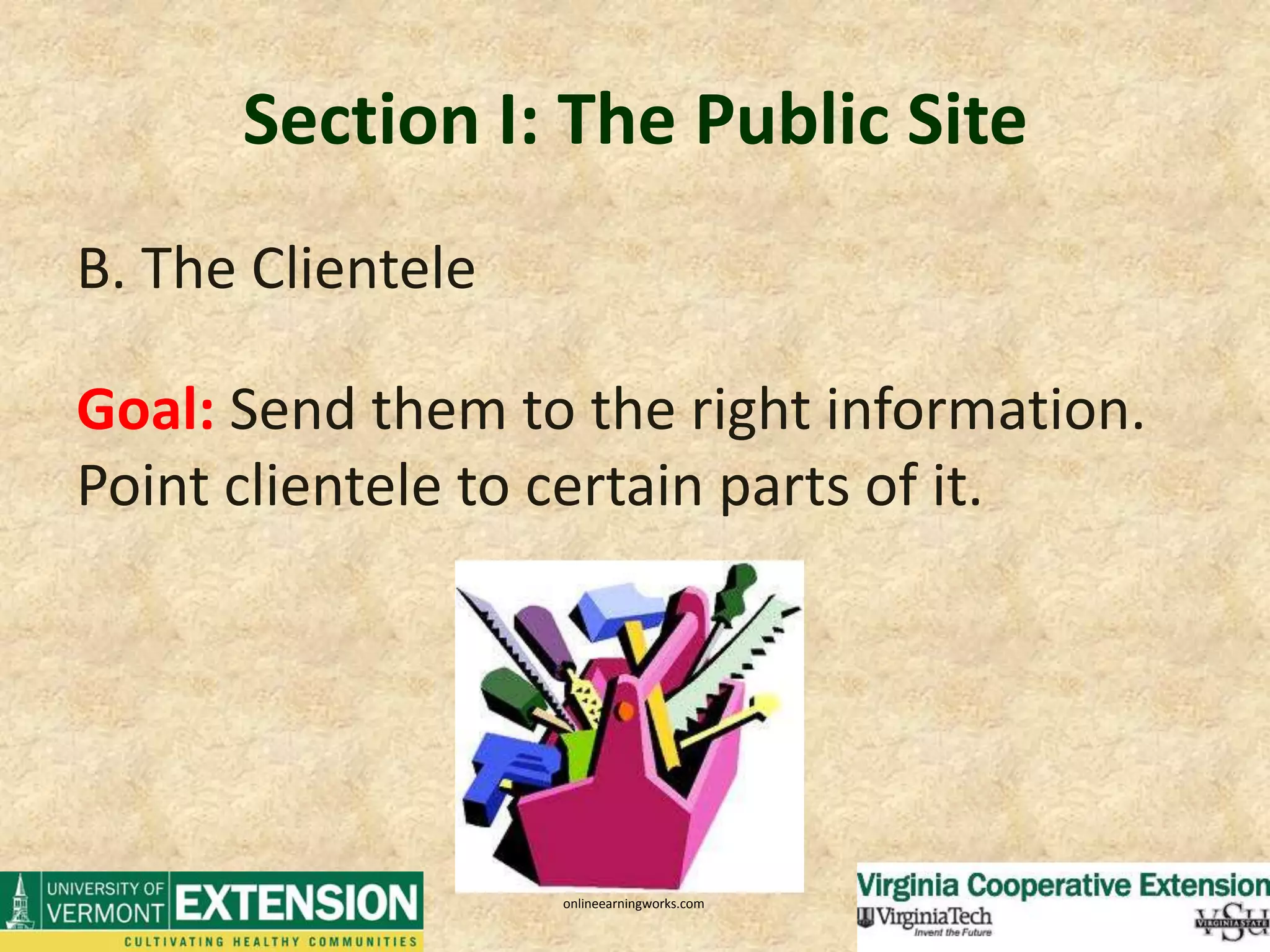
Section I: The Public SiteB. The ClienteleGoal: Send them to the right information.  Point clientele to certain parts of it.onlineearningworks.com
Section I: The Public SiteTool/Video: Finding Information and Navigating the SiteBest way to use as a resource is go right to search Lots of ways to access info, we want to give you the easiest and most efficient way to see if your content is there….as well as direct clientele there too….
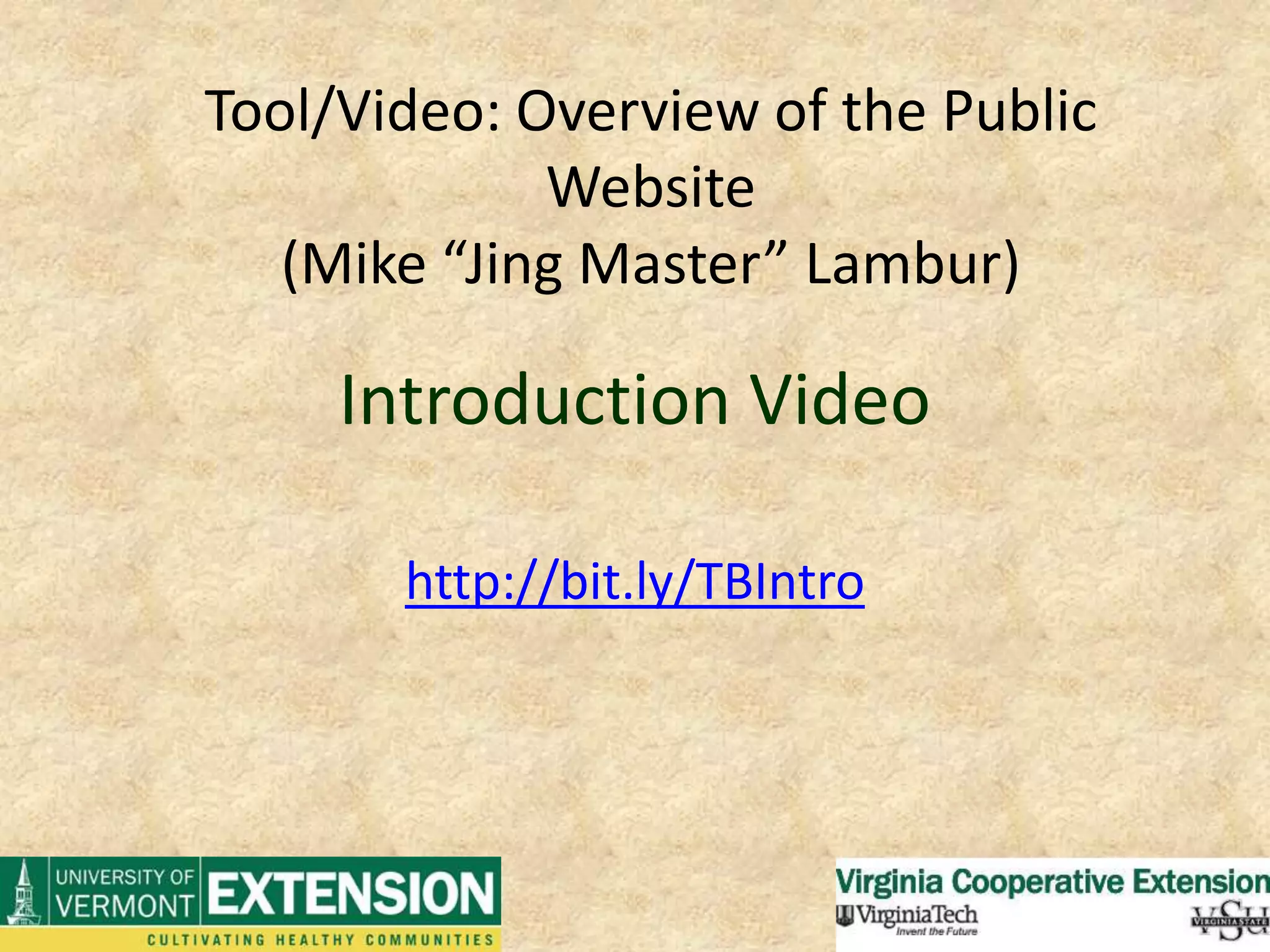
Introduction Videohttp://bit.ly/TBIntroTool/Video: Overview of the Public Website (Mike “Jing Master” Lambur)
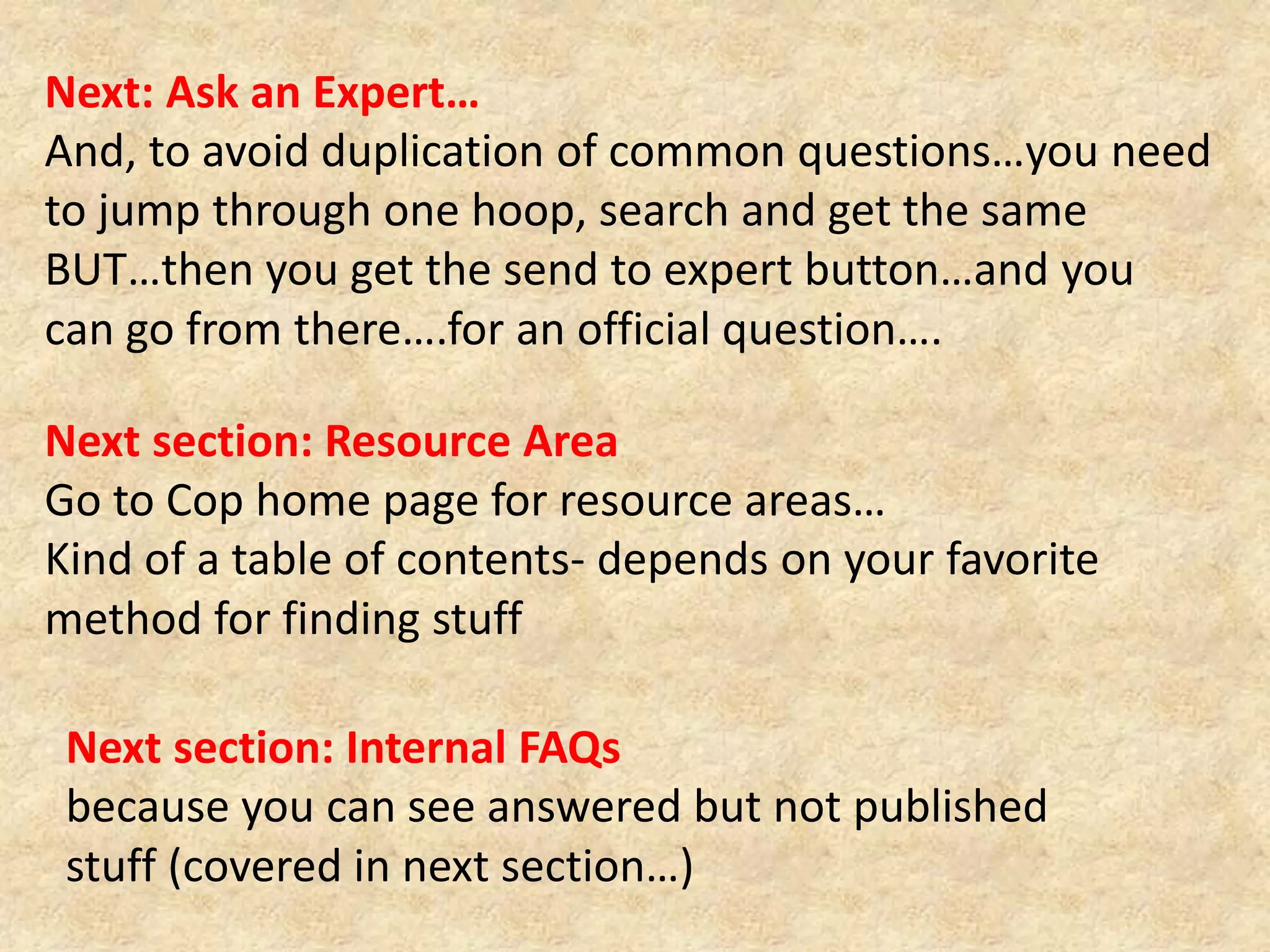
Next: Ask an Expert…And, to avoid duplication of common questions…you need to jump through one hoop, search and get the same BUT…then you get the send to expert button…and you can go from there….for an official question….Next section: Resource Area Go to Cop home page for resource areas…Kind of a table of contents- depends on your favorite method for finding stuffNext section: Internal FAQs because you can see answered but not published stuff (covered in next section…)
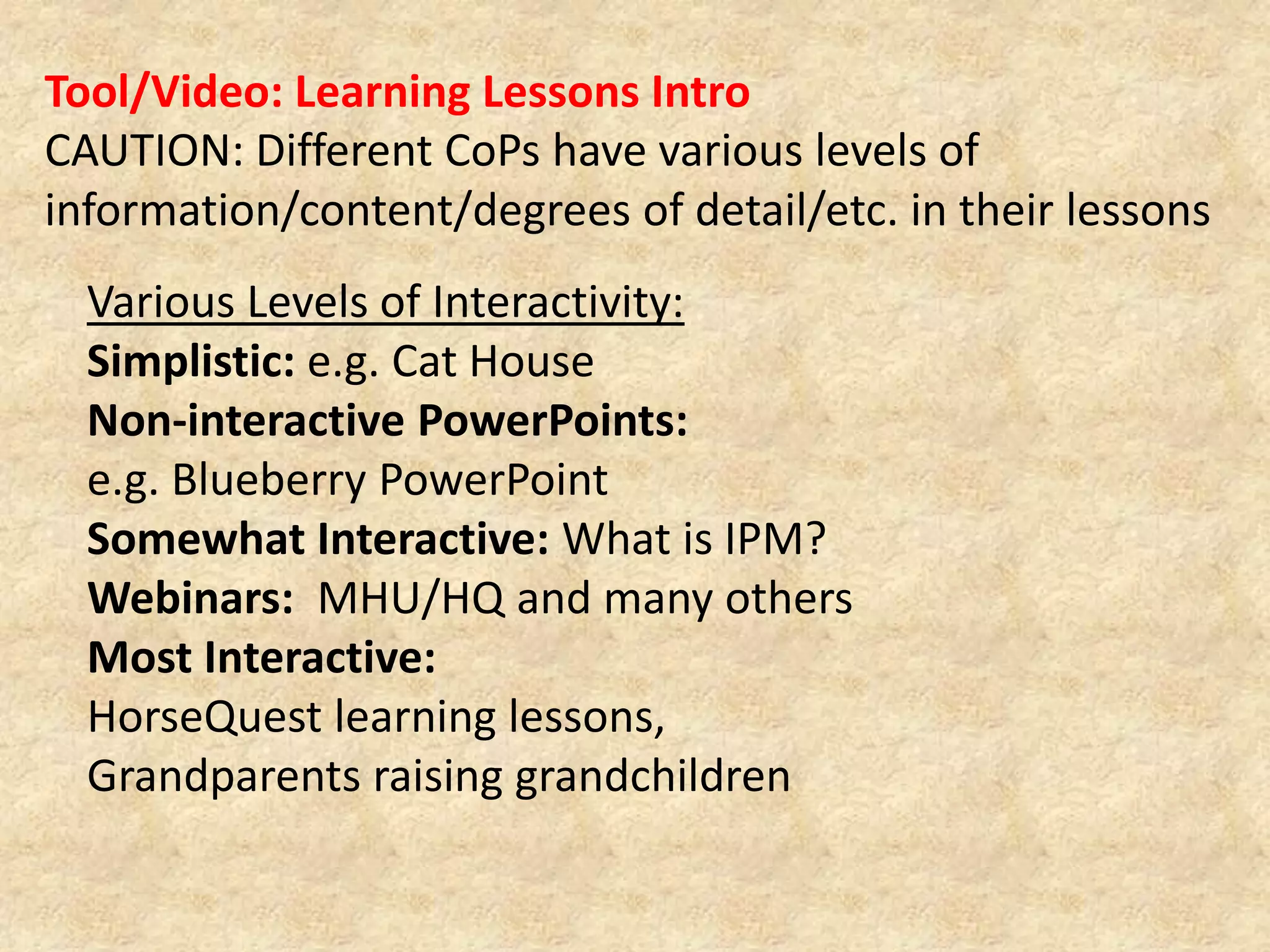
Tool/Video: Learning Lessons IntroCAUTION: Different CoPs have various levels of information/content/degrees of detail/etc. in their lessonsVarious Levels of Interactivity:Simplistic: e.g. Cat HouseNon-interactive PowerPoints: e.g. Blueberry PowerPointSomewhat Interactive: What is IPM?Webinars:  MHU/HQ and many othersMost Interactive: HorseQuest learning lessons, Grandparents raising grandchildren
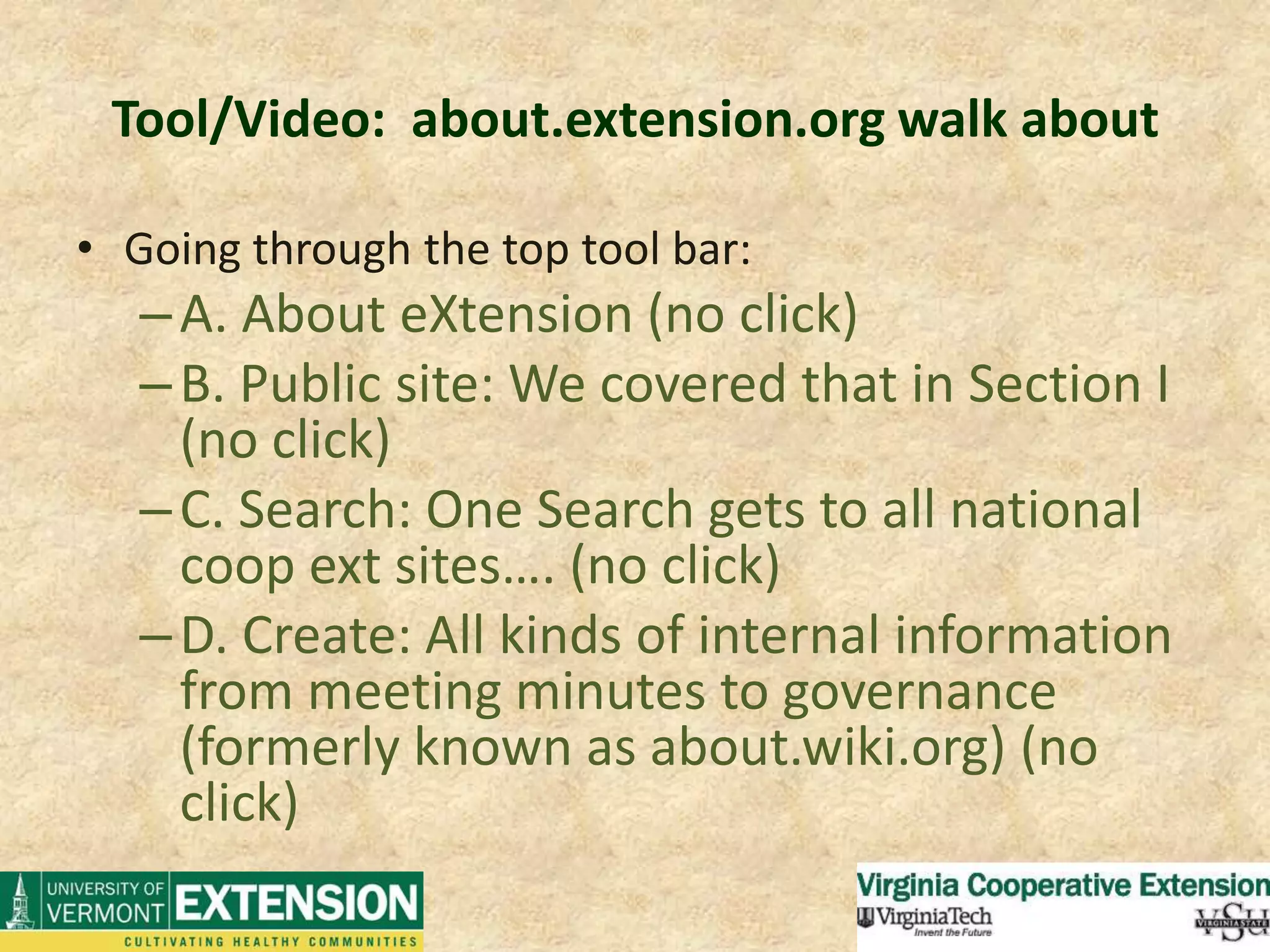
Tool/Video:  about.extension.org walk aboutGoing through the top tool bar:A. About eXtension (no click)B. Public site: We covered that in Section I (no click)C. Search: One Search gets to all national coop ext sites…. (no click)D. Create: All kinds of internal information from meeting minutes to governance (formerly known as about.wiki.org) (no click)
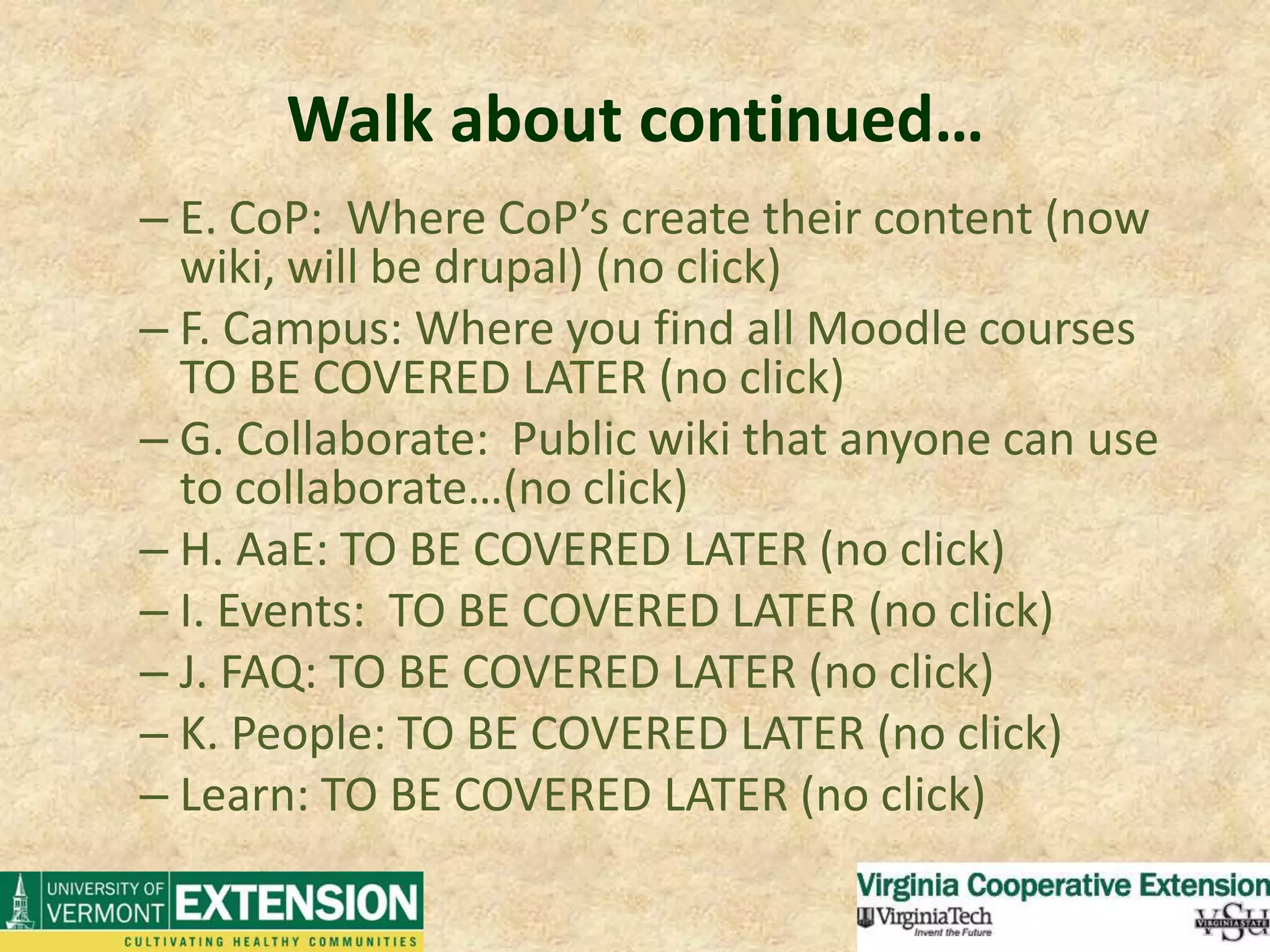
Walk about continued…E. CoP:  Where CoP’s create their content (now wiki, will be drupal) (no click)F. Campus: Where you find all Moodle courses TO BE COVERED LATER (no click)G. Collaborate:  Public wiki that anyone can use to collaborate…(no click)H. AaE: TO BE COVERED LATER (no click)I. Events:  TO BE COVERED LATER (no click)J. FAQ: TO BE COVERED LATER (no click)K. People: TO BE COVERED LATER (no click)Learn: TO BE COVERED LATER (no click)
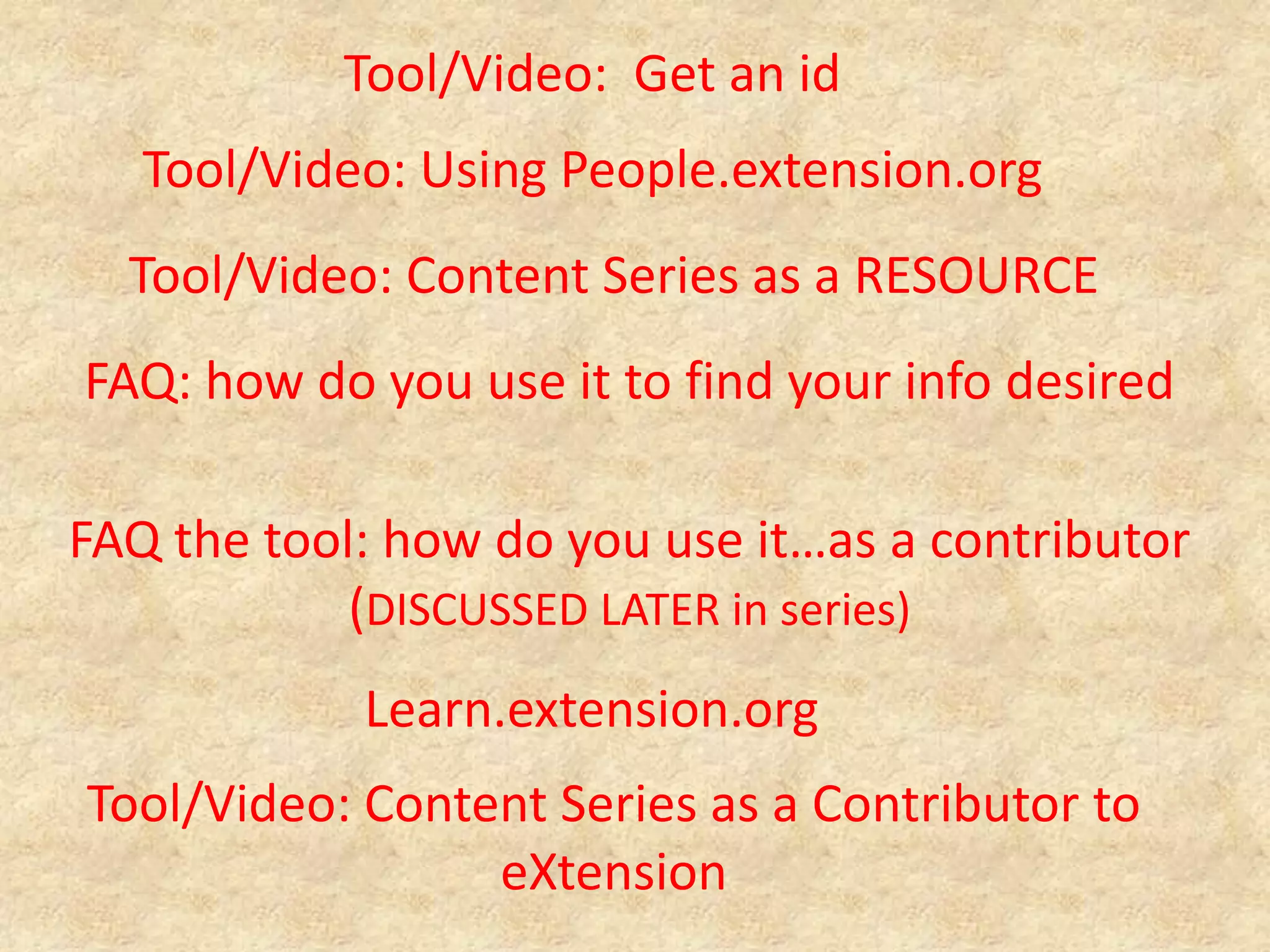
Tool/Video:  Get an idTool/Video: Using People.extension.orgTool/Video: Content Series as a RESOURCEFAQ: how do you use it to find your info desiredFAQ the tool: how do you use it…as a contributor (DISCUSSED LATER in series)Learn.extension.orgTool/Video: Content Series as a Contributor to eXtension
Toolbox Assessment Surveyhttp://bit.ly/TBSurvey
Thoughts/Suggestions?

The eXtension Tool Box Project: Resources for Promoting eXtension Use at the Local Level

  • 1.
    The eXtension ToolBox Project: Resources for Promoting eXtension Use at the Local LevelBetsy Greene and Mike Lamburwritingsongs.com
  • 2.
  • 3.
    The ProjectA NewWay of WorkingTwo Year Internal Grant (UVM)Prototype for “eXtension Tool box”CreateTestReviseDistributebretcontreras.com
  • 4.
    Outcomes Knowledge of eXtensionresources Familiarity and Comfort Utilization by Internal Personnel -Apply and Utilize in Daily Work Utilization by Vermonters and beyond
  • 5.
  • 6.
    Section I: ThePublic SiteA. The Agent/Specialist/EducatorGoal: This section will provide tutoring on how you as the extension employee can use the materials to find (and review) information on the public side and then direct your clientele to appropriate resources.
  • 7.
    Section I: ThePublic SiteB. The ClienteleGoal: Send them to the right information. Point clientele to certain parts of it.onlineearningworks.com
  • 8.
    Section I: ThePublic SiteTool/Video: Finding Information and Navigating the SiteBest way to use as a resource is go right to search Lots of ways to access info, we want to give you the easiest and most efficient way to see if your content is there….as well as direct clientele there too….
  • 9.
    Introduction Videohttp://bit.ly/TBIntroTool/Video: Overviewof the Public Website (Mike “Jing Master” Lambur)
  • 10.
    Next: Ask anExpert…And, to avoid duplication of common questions…you need to jump through one hoop, search and get the same BUT…then you get the send to expert button…and you can go from there….for an official question….Next section: Resource Area Go to Cop home page for resource areas…Kind of a table of contents- depends on your favorite method for finding stuffNext section: Internal FAQs because you can see answered but not published stuff (covered in next section…)
  • 11.
    Tool/Video: Learning LessonsIntroCAUTION: Different CoPs have various levels of information/content/degrees of detail/etc. in their lessonsVarious Levels of Interactivity:Simplistic: e.g. Cat HouseNon-interactive PowerPoints: e.g. Blueberry PowerPointSomewhat Interactive: What is IPM?Webinars: MHU/HQ and many othersMost Interactive: HorseQuest learning lessons, Grandparents raising grandchildren
  • 12.
    Tool/Video: about.extension.orgwalk aboutGoing through the top tool bar:A. About eXtension (no click)B. Public site: We covered that in Section I (no click)C. Search: One Search gets to all national coop ext sites…. (no click)D. Create: All kinds of internal information from meeting minutes to governance (formerly known as about.wiki.org) (no click)
  • 13.
    Walk about continued…E.CoP: Where CoP’s create their content (now wiki, will be drupal) (no click)F. Campus: Where you find all Moodle courses TO BE COVERED LATER (no click)G. Collaborate: Public wiki that anyone can use to collaborate…(no click)H. AaE: TO BE COVERED LATER (no click)I. Events: TO BE COVERED LATER (no click)J. FAQ: TO BE COVERED LATER (no click)K. People: TO BE COVERED LATER (no click)Learn: TO BE COVERED LATER (no click)
  • 14.
    Tool/Video: Getan idTool/Video: Using People.extension.orgTool/Video: Content Series as a RESOURCEFAQ: how do you use it to find your info desiredFAQ the tool: how do you use it…as a contributor (DISCUSSED LATER in series)Learn.extension.orgTool/Video: Content Series as a Contributor to eXtension
  • 15.
  • 16.