Photoshop workshop continued
Q1 What is the cloning tool 
» On your sheet in the box that says the start of 
the lesson write what you think the cloning tool 
is. 
Q2 Do photographs lie 
» Is everything that you see in a photograph total 
truth ? write a sentence explaining your 
thoughts
» The cloning tool 
» The clone tool, is used in digital image editing 
to replace information for one part of a picture 
with information from another part. 
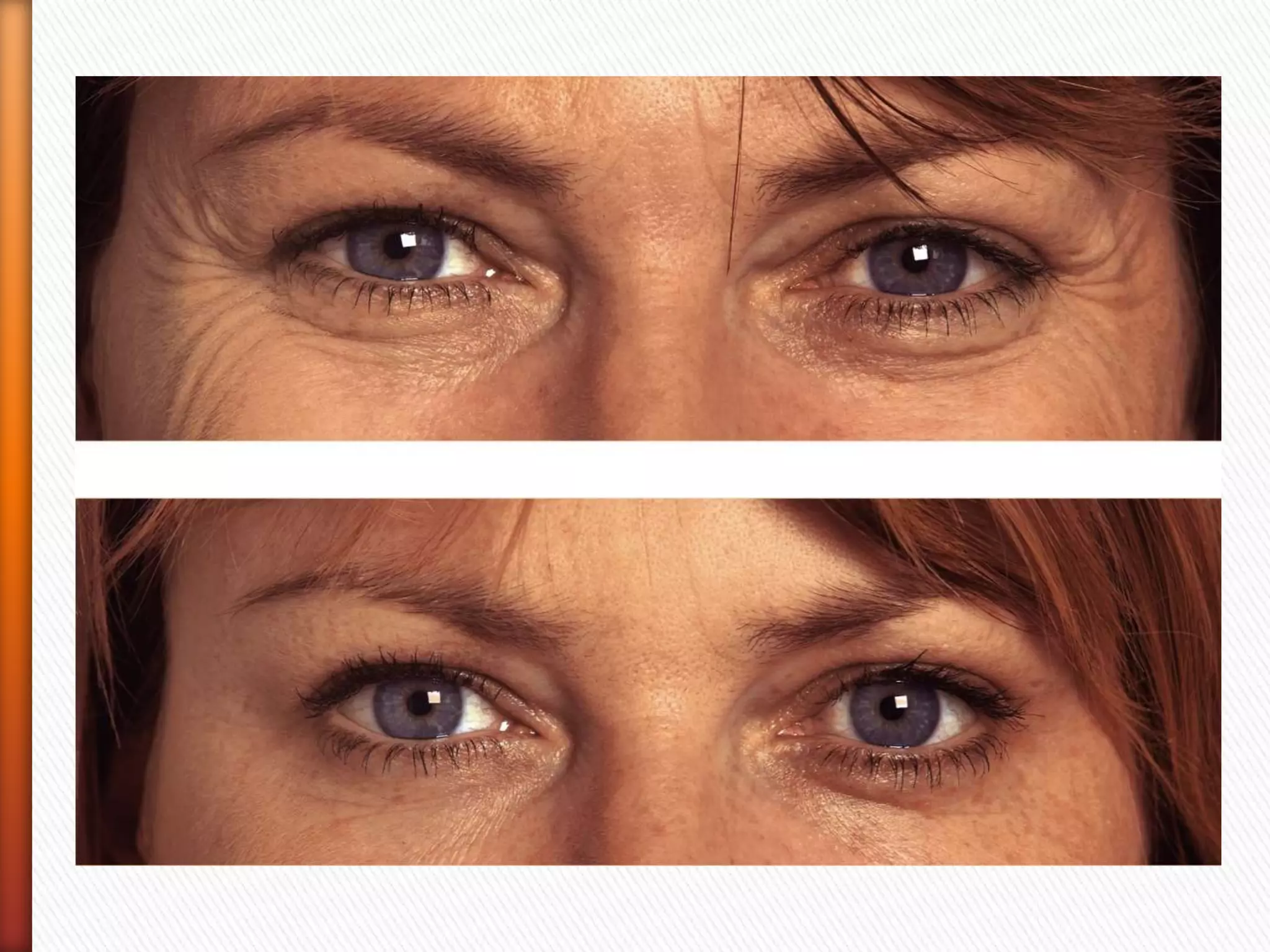
» A typical use for the tool is in "photoshopping" 
out an unwanted part of the image 
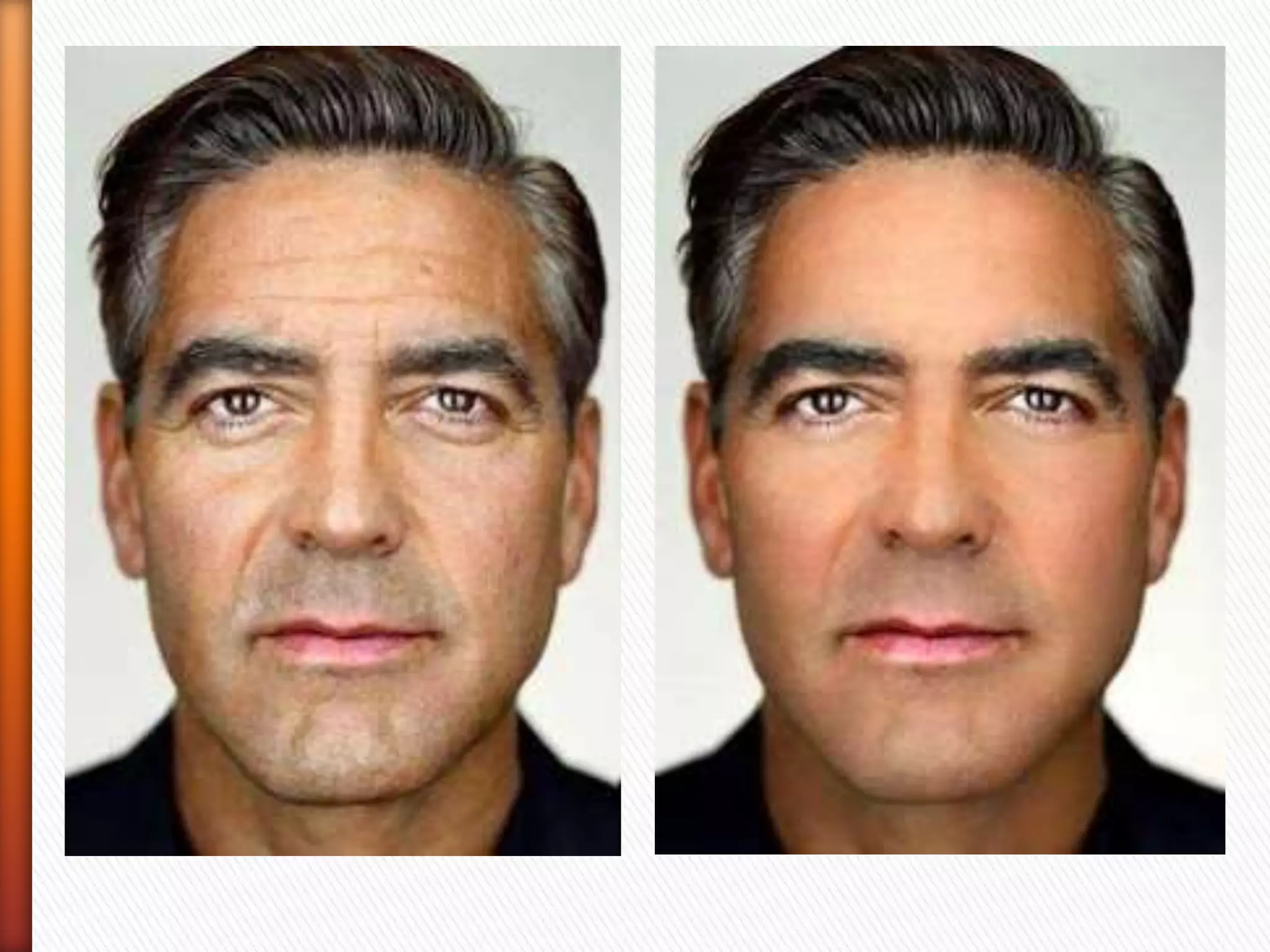
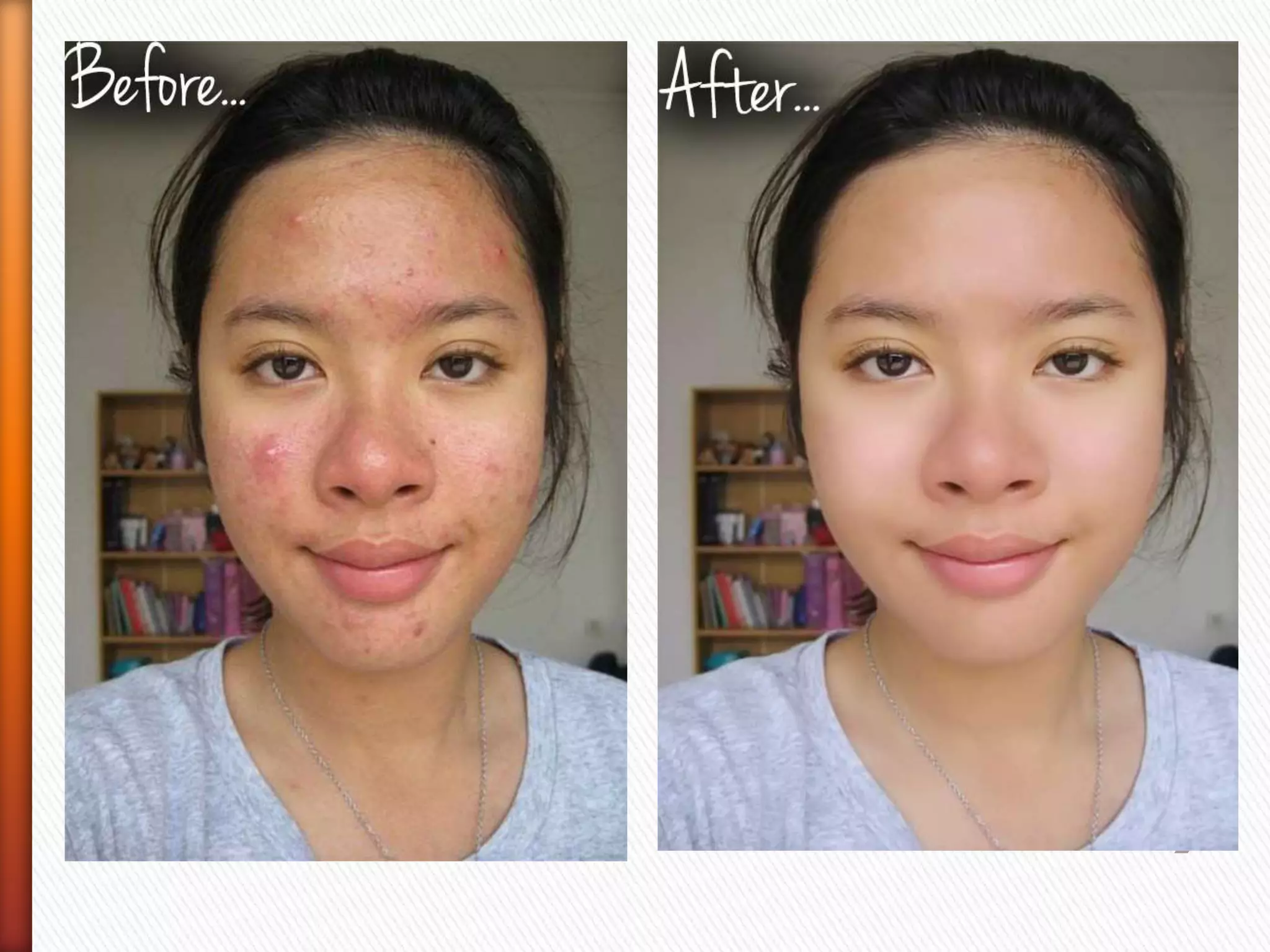
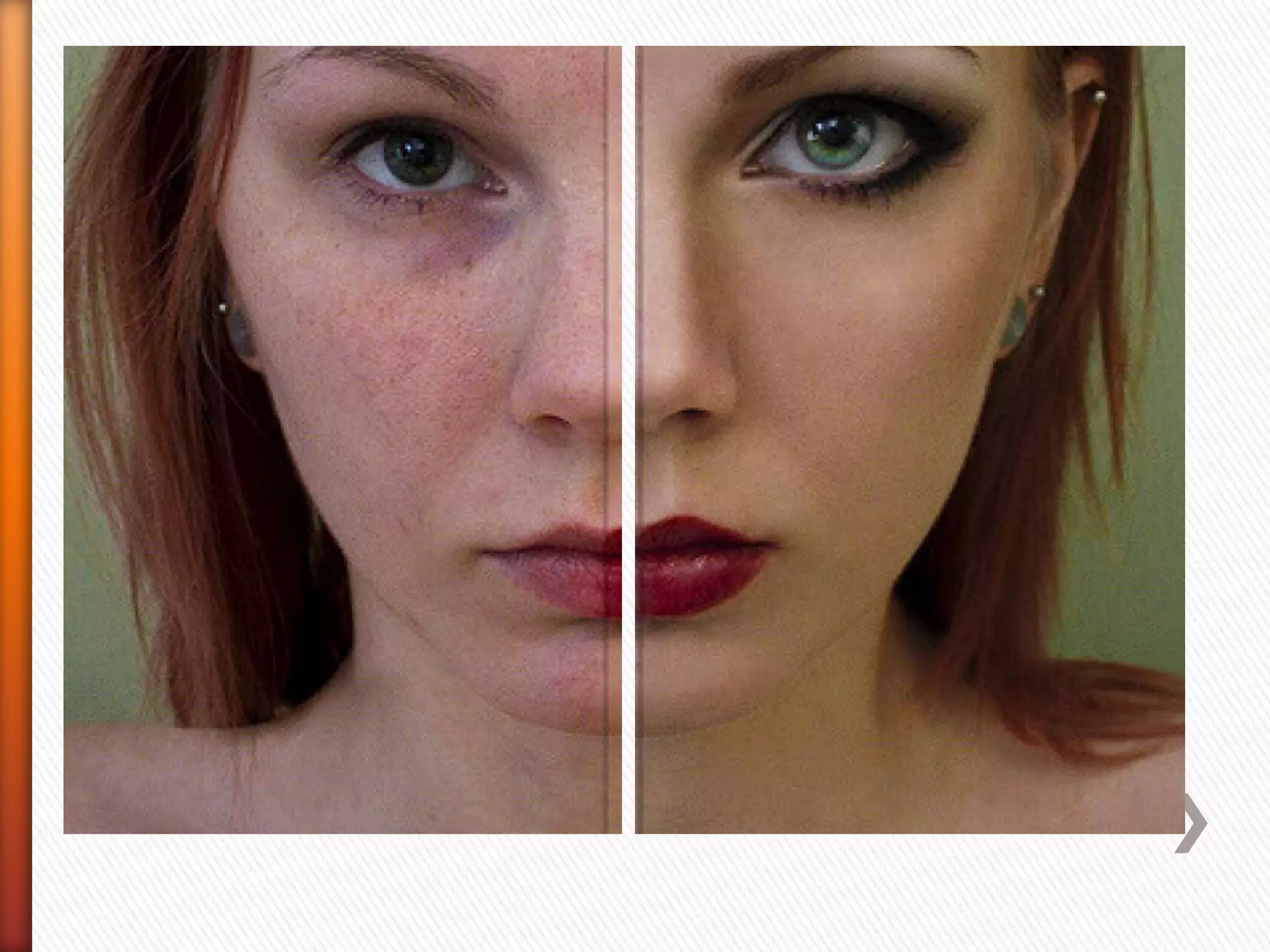
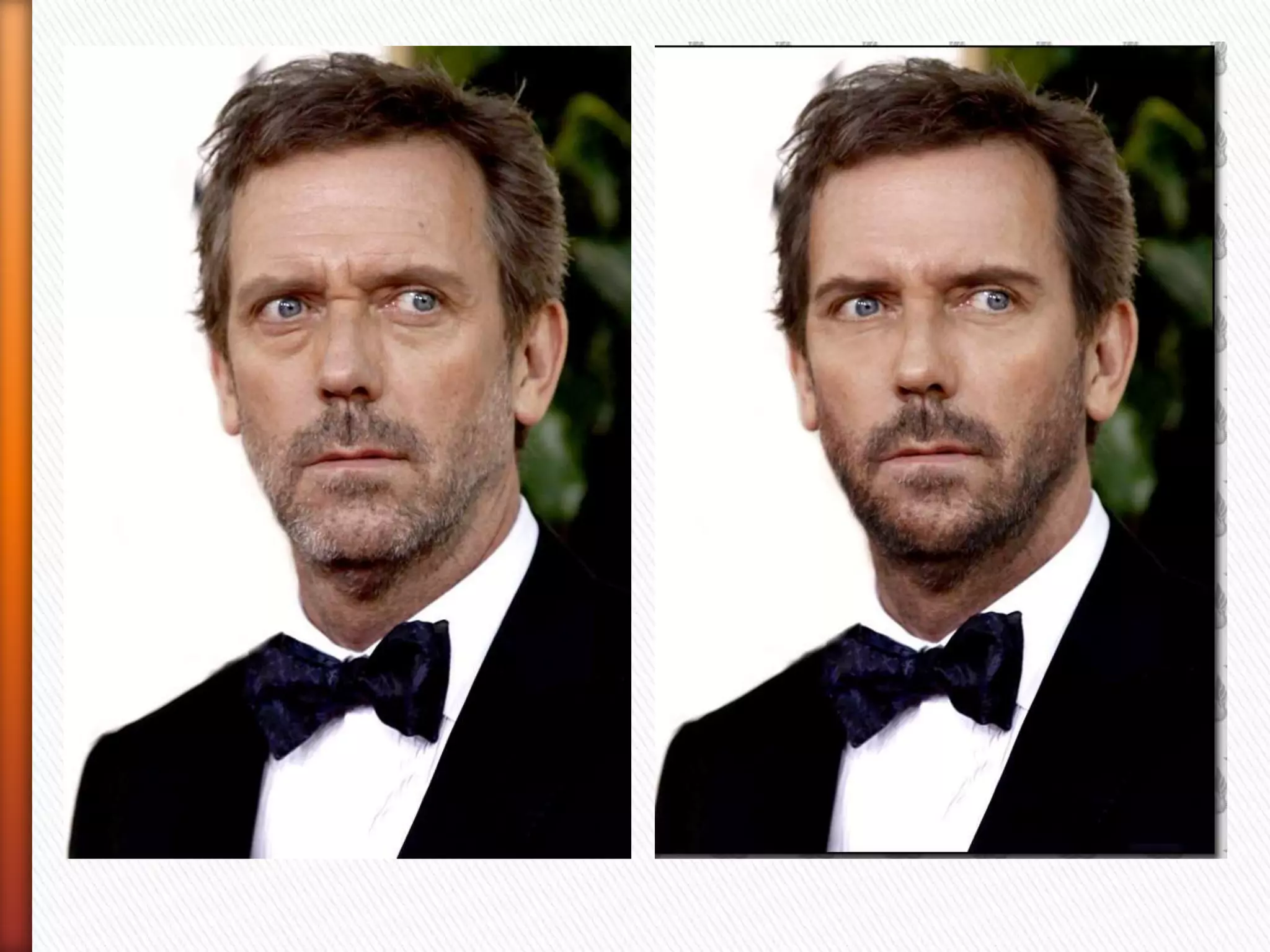
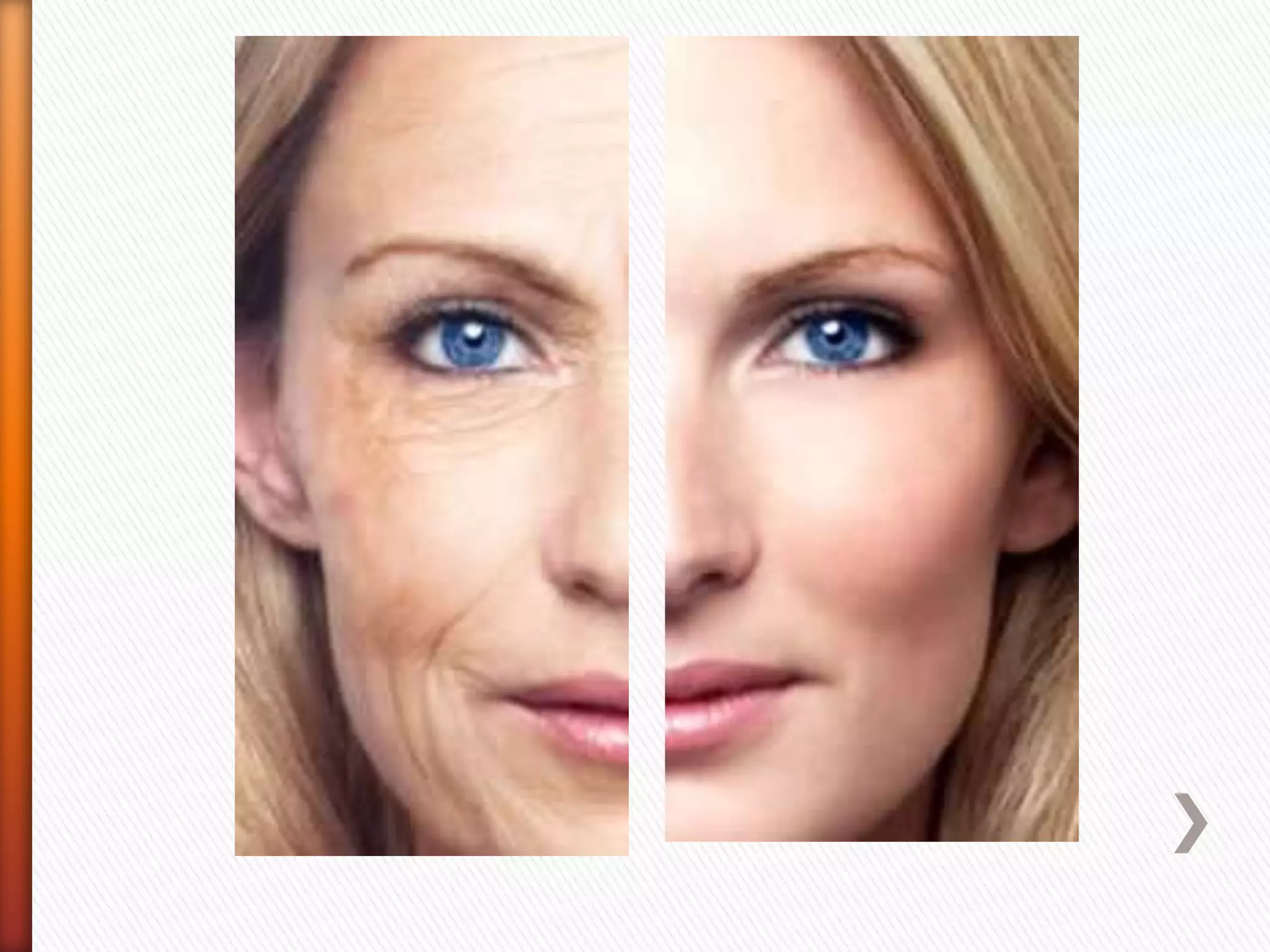
» Most images we see in magazines have been 
retouched using the clone tool, wrinkles 
blemishes are all taken out using this tool
» OBJECTIVES 
Gain an understanding of photoshop and 
cloning tool. Use this knowledge to increase 
their understanding of photographic truth. 
OUTCOMES 
All students to have produced a basic cloned 
portrait. Most to have progressed two cloned 
images and a some to have progressed to a 
third image using a high level of cloning
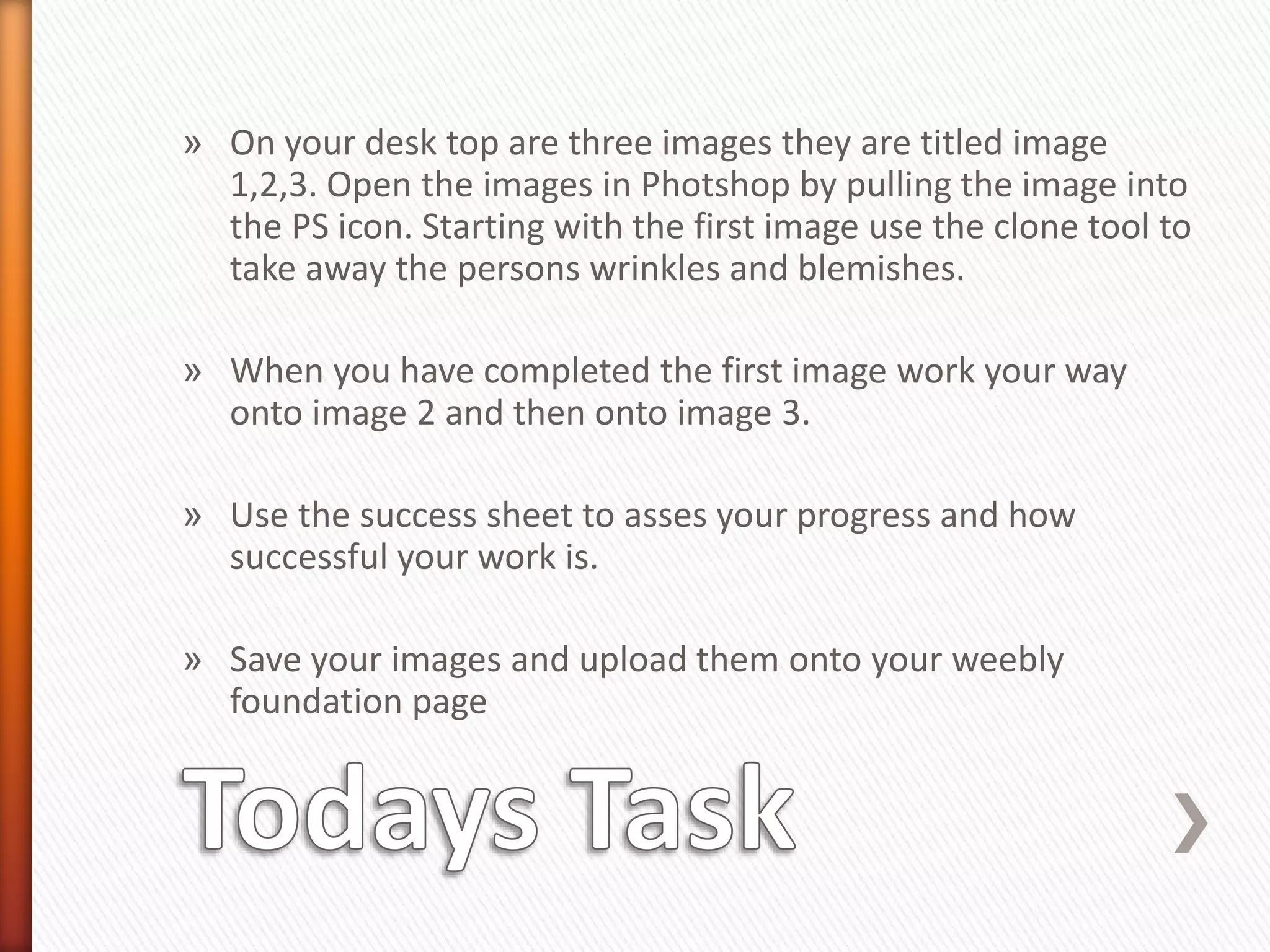
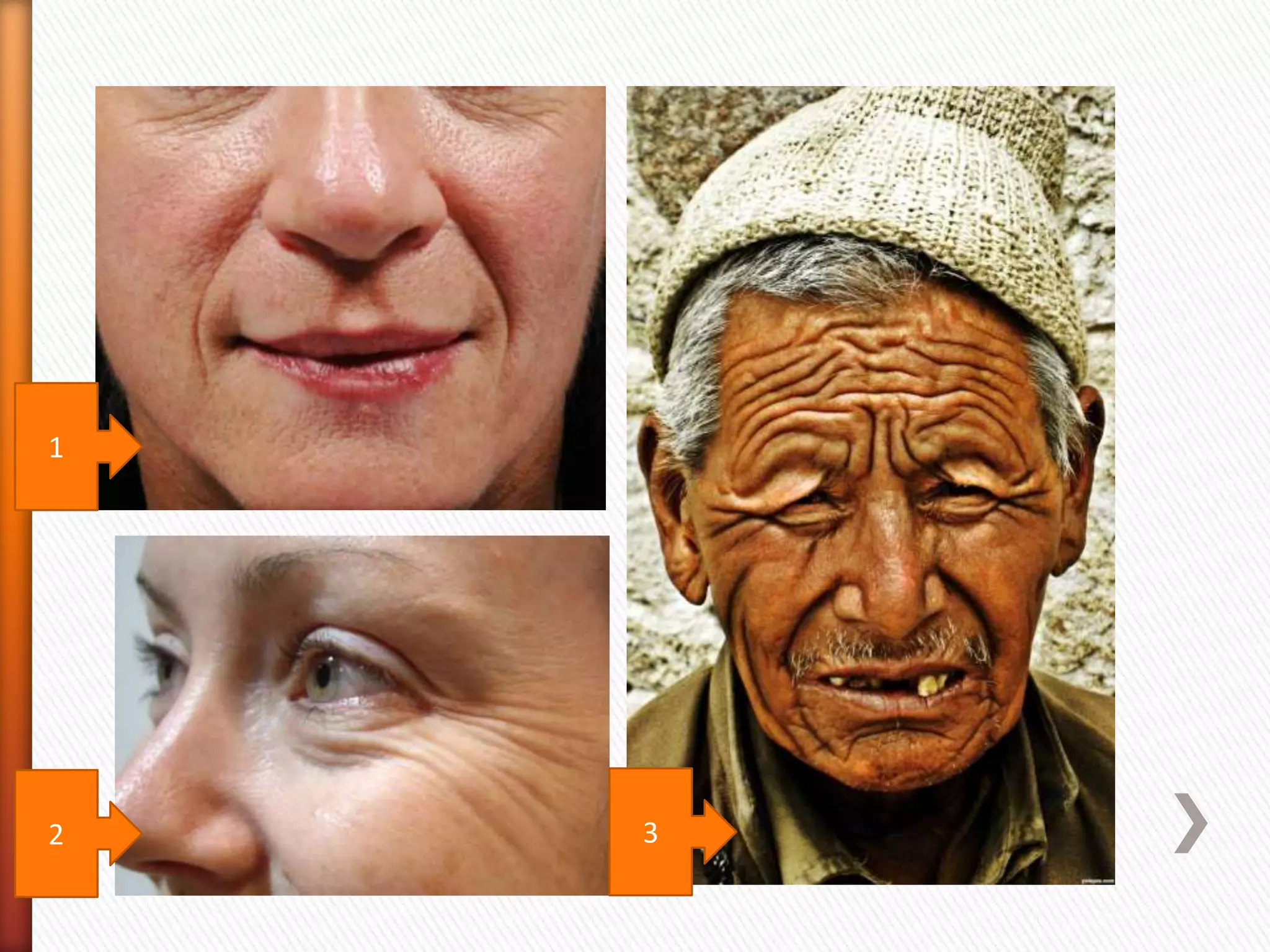
» On your desk top are three images they are titled image 
1,2,3. Open the images in Photshop by pulling the image into 
the PS icon. Starting with the first image use the clone tool to 
take away the persons wrinkles and blemishes. 
» When you have completed the first image work your way 
onto image 2 and then onto image 3. 
» Use the success sheet to asses your progress and how 
successful your work is. 
» Save your images and upload them onto your weebly 
foundation page
1 
2 3
Q3 What is the cloning tool 
» With the knowledge you have acquired in the 
lesson write in the box that says the end of the 
lesson what you now know about the cloning 
tool 
Q2 Do photographs lie 
» Has your opinion changed write in the second 
box what you now think

The cloning tool

  • 1.
  • 2.
    Q1 What isthe cloning tool » On your sheet in the box that says the start of the lesson write what you think the cloning tool is. Q2 Do photographs lie » Is everything that you see in a photograph total truth ? write a sentence explaining your thoughts
  • 3.
    » The cloningtool » The clone tool, is used in digital image editing to replace information for one part of a picture with information from another part. » A typical use for the tool is in "photoshopping" out an unwanted part of the image » Most images we see in magazines have been retouched using the clone tool, wrinkles blemishes are all taken out using this tool
  • 10.
    » OBJECTIVES Gainan understanding of photoshop and cloning tool. Use this knowledge to increase their understanding of photographic truth. OUTCOMES All students to have produced a basic cloned portrait. Most to have progressed two cloned images and a some to have progressed to a third image using a high level of cloning
  • 11.
    » On yourdesk top are three images they are titled image 1,2,3. Open the images in Photshop by pulling the image into the PS icon. Starting with the first image use the clone tool to take away the persons wrinkles and blemishes. » When you have completed the first image work your way onto image 2 and then onto image 3. » Use the success sheet to asses your progress and how successful your work is. » Save your images and upload them onto your weebly foundation page
  • 12.
  • 13.
    Q3 What isthe cloning tool » With the knowledge you have acquired in the lesson write in the box that says the end of the lesson what you now know about the cloning tool Q2 Do photographs lie » Has your opinion changed write in the second box what you now think