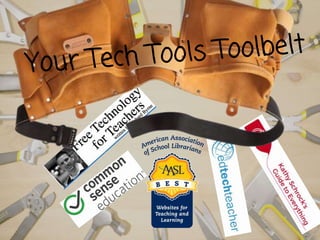
Nicole Graham @Bibliodames
Librarian,
Paschal HS, FWISD
nicole.graham@fwisd.org
Follow along here!
http://bit.ly/TCUAPSIGraham5
_Students can not become proficient users of
technology if their teachers are not modeling
that behavior.
_With the TTESS teacher evaluation system,
there is an expectation of student and teacher
technology use to acquire the Proficient,
Accomplished, and Distinguished ratings.
Why is using tech in your class is
important?
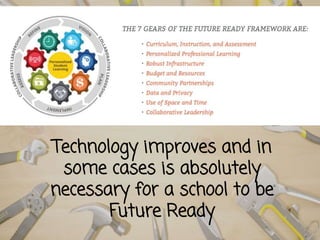
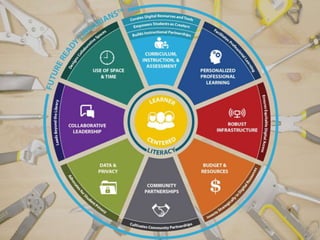
Technology improves and in
some cases is absolutely
necessary for a school to be
Future Ready
Technology will not replace
teachers, but teachers who do
not use technology will be
replaced by those that do
~Mike Espinos- The Honest
Teacher Podcast -ISTE 2018
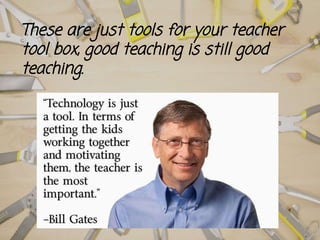
These are just tools for your teacher
tool box, good teaching is still good
teaching.
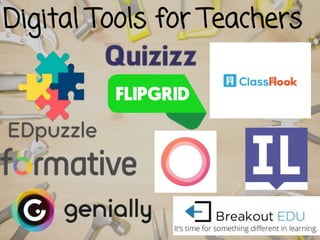
Digital Tools for Teachers
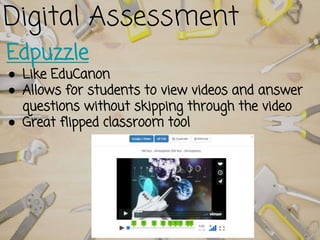
Edpuzzle
● Like EduCanon
● Allows for students to view videos and answer
questions without skipping through the video
● Great flipped classroom tool
Digital Assessment
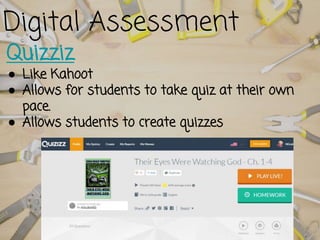
Quizziz
● Like Kahoot
● Allows for students to take quiz at their own
pace.
● Allows students to create quizzes
Digital Assessment
Digital/Analog Problem Solving
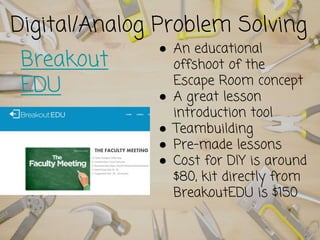
Breakout
EDU
● An educational
offshoot of the
Escape Room concept
● A great lesson
introduction tool
● Teambuilding
● Pre-made lessons
● Cost for DIY is around
$80, kit directly from
BreakoutEDU is $150
Digital/Analog Problem Solving
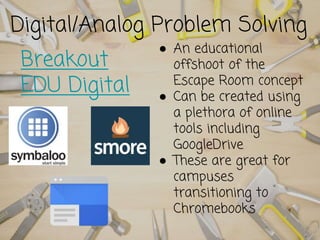
Breakout
EDU Digital
● An educational
offshoot of the
Escape Room concept
● Can be created using
a plethora of online
tools including
GoogleDrive
● These are great for
campuses
transitioning to
Chromebooks
Digital Student
Engagement
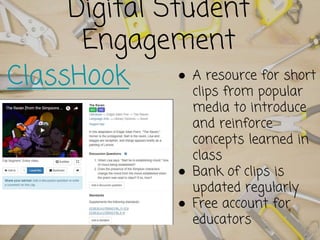
ClassHook ● A resource for short
clips from popular
media to introduce
and reinforce
concepts learned in
class
● Bank of clips is
updated regularly
● Free account for
educators
Digital Social Learning
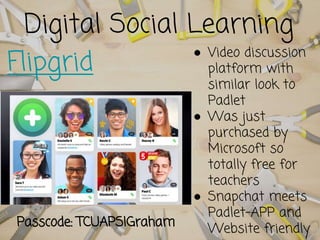
Flipgrid
● Video discussion
platform with
similar look to
Padlet
● Was just
purchased by
Microsoft so
totally free for
teachers
● Snapchat meets
Padlet-APP and
Website friendlyPasscode: TCUAPSIGraham
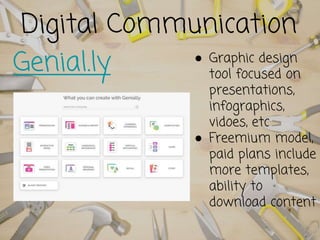
Digital Communication
Genial.ly ● Graphic design
tool focused on
presentations,
infographics,
vidoes, etc
● Freemium model,
paid plans include
more templates,
ability to
download content
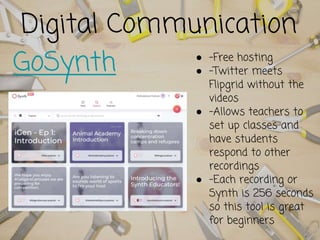
Digital Communication
GoSynth ● -Free hosting
● -Twitter meets
Flipgrid without the
videos
● -Allows teachers to
set up classes and
have students
respond to other
recordings
● -Each recording or
Synth is 256 seconds
so this tool is great
for beginners
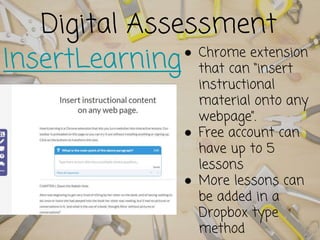
Digital Assessment
InsertLearning● Chrome extension
that can “insert
instructional
material onto any
webpage”.
● Free account can
have up to 5
lessons
● More lessons can
be added in a
Dropbox type
method
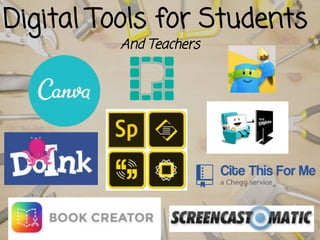
Digital Tools for Students
And Teachers
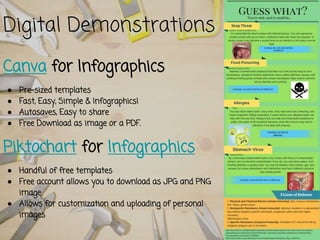
Canva for Infographics
● Pre-sized templates
● Fast, Easy, Simple & Infographics!
● Autosaves, Easy to share
● Free Download as image or a PDF.
Piktochart for Infographics
● Handful of free templates
● Free account allows you to download as JPG and PNG
image
● Allows for customization and uploading of personal
images
Digital Demonstrations
Digital Design Creator
Adobe Spark Suite
● Can be used to create
social media graphics,
web stories, and
animated videos
● Web and app based
● User friendly and
simple to learn
● Free with Adobe
account
Digital Video Creation and
Editing
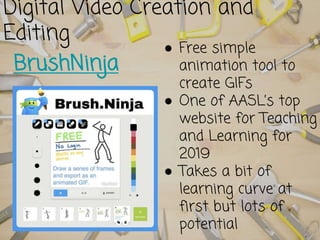
BrushNinja
● Free simple
animation tool to
create GIFs
● One of AASL’s top
website for Teaching
and Learning for
2019
● Takes a bit of
learning curve at
first but lots of
potential
Digital Video Creation
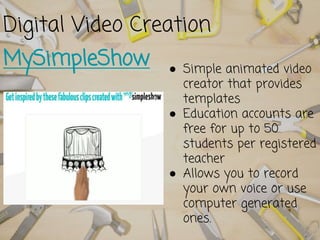
MySimpleShow ● Simple animated video
creator that provides
templates
● Education accounts are
free for up to 50
students per registered
teacher
● Allows you to record
your own voice or use
computer generated
ones.
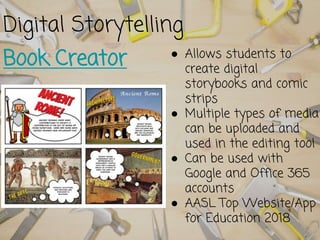
Digital Storytelling
Book Creator ● Allows students to
create digital
storybooks and comic
strips
● Multiple types of media
can be uploaded and
used in the editing tool
● Can be used with
Google and Office 365
accounts
● AASL Top Website/App
for Education 2018
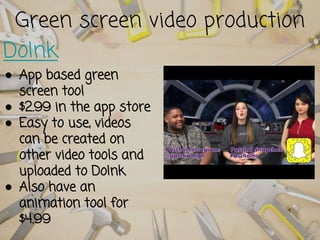
Green screen video production
DoInk
● App based green
screen tool
● $2.99 in the app store
● Easy to use, videos
can be created on
other video tools and
uploaded to DoInk
● Also have an
animation tool for
$4.99
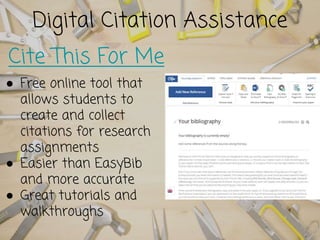
Digital Citation Assistance
Cite This For Me
● Free online tool that
allows students to
create and collect
citations for research
assignments
● Easier than EasyBib
and more accurate
● Great tutorials and
walkthroughs
Have student show their
knowledge with screencasting
Screencasting allows the
students to record any actions
occurring on their computer
screens..
There are a few different free
tools available for screencasting.
Check permissions from your
technology admins.
Great way to show
understanding and create a
product that can be easily shared
and graded
Final takeaways
● No shift is instant
● Always have a plan B
● Start with 1 assignment/ 1 tool
● Use your librarian and/or your EdTech
specialist
● It’s OK to Fail
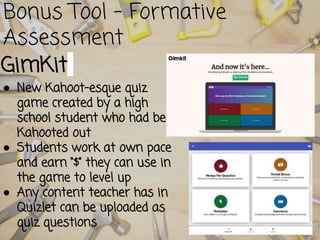
Bonus Tool - Formative
Assessment
GimKit
● New Kahoot-esque quiz
game created by a high
school student who had been
Kahooted out
● Students work at own pace
and earn “$” they can use in
the game to level up
● Any content teacher has in
Quizlet can be uploaded as
quiz questions
Book Recommendation from your
Friendly Neighborhood Librarian
Questions?
Nicole Graham @Bibliodames
@PaschalLibrary
nicole.graham@fwisd.org www.bibliodames.com
Pumped Up or Overwhelmed?

Tech Tools Anyone Can Use

  • 1.
    Nicole Graham @Bibliodames Librarian, PaschalHS, FWISD nicole.graham@fwisd.org Follow along here! http://bit.ly/TCUAPSIGraham5
  • 3.
    _Students can notbecome proficient users of technology if their teachers are not modeling that behavior. _With the TTESS teacher evaluation system, there is an expectation of student and teacher technology use to acquire the Proficient, Accomplished, and Distinguished ratings. Why is using tech in your class is important?
  • 4.
    Technology improves andin some cases is absolutely necessary for a school to be Future Ready
  • 7.
    Technology will notreplace teachers, but teachers who do not use technology will be replaced by those that do ~Mike Espinos- The Honest Teacher Podcast -ISTE 2018
  • 9.
    These are justtools for your teacher tool box, good teaching is still good teaching.
  • 11.
  • 12.
    Edpuzzle ● Like EduCanon ●Allows for students to view videos and answer questions without skipping through the video ● Great flipped classroom tool Digital Assessment
  • 13.
    Quizziz ● Like Kahoot ●Allows for students to take quiz at their own pace. ● Allows students to create quizzes Digital Assessment
  • 14.
    Digital/Analog Problem Solving Breakout EDU ●An educational offshoot of the Escape Room concept ● A great lesson introduction tool ● Teambuilding ● Pre-made lessons ● Cost for DIY is around $80, kit directly from BreakoutEDU is $150
  • 15.
    Digital/Analog Problem Solving Breakout EDUDigital ● An educational offshoot of the Escape Room concept ● Can be created using a plethora of online tools including GoogleDrive ● These are great for campuses transitioning to Chromebooks
  • 16.
    Digital Student Engagement ClassHook ●A resource for short clips from popular media to introduce and reinforce concepts learned in class ● Bank of clips is updated regularly ● Free account for educators
  • 17.
    Digital Social Learning Flipgrid ●Video discussion platform with similar look to Padlet ● Was just purchased by Microsoft so totally free for teachers ● Snapchat meets Padlet-APP and Website friendlyPasscode: TCUAPSIGraham
  • 18.
    Digital Communication Genial.ly ●Graphic design tool focused on presentations, infographics, vidoes, etc ● Freemium model, paid plans include more templates, ability to download content
  • 19.
    Digital Communication GoSynth ●-Free hosting ● -Twitter meets Flipgrid without the videos ● -Allows teachers to set up classes and have students respond to other recordings ● -Each recording or Synth is 256 seconds so this tool is great for beginners
  • 20.
    Digital Assessment InsertLearning● Chromeextension that can “insert instructional material onto any webpage”. ● Free account can have up to 5 lessons ● More lessons can be added in a Dropbox type method
  • 21.
    Digital Tools forStudents And Teachers
  • 22.
    Canva for Infographics ●Pre-sized templates ● Fast, Easy, Simple & Infographics! ● Autosaves, Easy to share ● Free Download as image or a PDF. Piktochart for Infographics ● Handful of free templates ● Free account allows you to download as JPG and PNG image ● Allows for customization and uploading of personal images Digital Demonstrations
  • 23.
    Digital Design Creator AdobeSpark Suite ● Can be used to create social media graphics, web stories, and animated videos ● Web and app based ● User friendly and simple to learn ● Free with Adobe account
  • 24.
    Digital Video Creationand Editing BrushNinja ● Free simple animation tool to create GIFs ● One of AASL’s top website for Teaching and Learning for 2019 ● Takes a bit of learning curve at first but lots of potential
  • 25.
    Digital Video Creation MySimpleShow● Simple animated video creator that provides templates ● Education accounts are free for up to 50 students per registered teacher ● Allows you to record your own voice or use computer generated ones.
  • 26.
    Digital Storytelling Book Creator● Allows students to create digital storybooks and comic strips ● Multiple types of media can be uploaded and used in the editing tool ● Can be used with Google and Office 365 accounts ● AASL Top Website/App for Education 2018
  • 27.
    Green screen videoproduction DoInk ● App based green screen tool ● $2.99 in the app store ● Easy to use, videos can be created on other video tools and uploaded to DoInk ● Also have an animation tool for $4.99
  • 28.
    Digital Citation Assistance CiteThis For Me ● Free online tool that allows students to create and collect citations for research assignments ● Easier than EasyBib and more accurate ● Great tutorials and walkthroughs
  • 29.
    Have student showtheir knowledge with screencasting Screencasting allows the students to record any actions occurring on their computer screens.. There are a few different free tools available for screencasting. Check permissions from your technology admins. Great way to show understanding and create a product that can be easily shared and graded
  • 31.
    Final takeaways ● Noshift is instant ● Always have a plan B ● Start with 1 assignment/ 1 tool ● Use your librarian and/or your EdTech specialist ● It’s OK to Fail
  • 32.
    Bonus Tool -Formative Assessment GimKit ● New Kahoot-esque quiz game created by a high school student who had been Kahooted out ● Students work at own pace and earn “$” they can use in the game to level up ● Any content teacher has in Quizlet can be uploaded as quiz questions
  • 33.
    Book Recommendation fromyour Friendly Neighborhood Librarian
  • 34.