WordPress: Teaching 21st Century Skills
in New Media and Public Relations
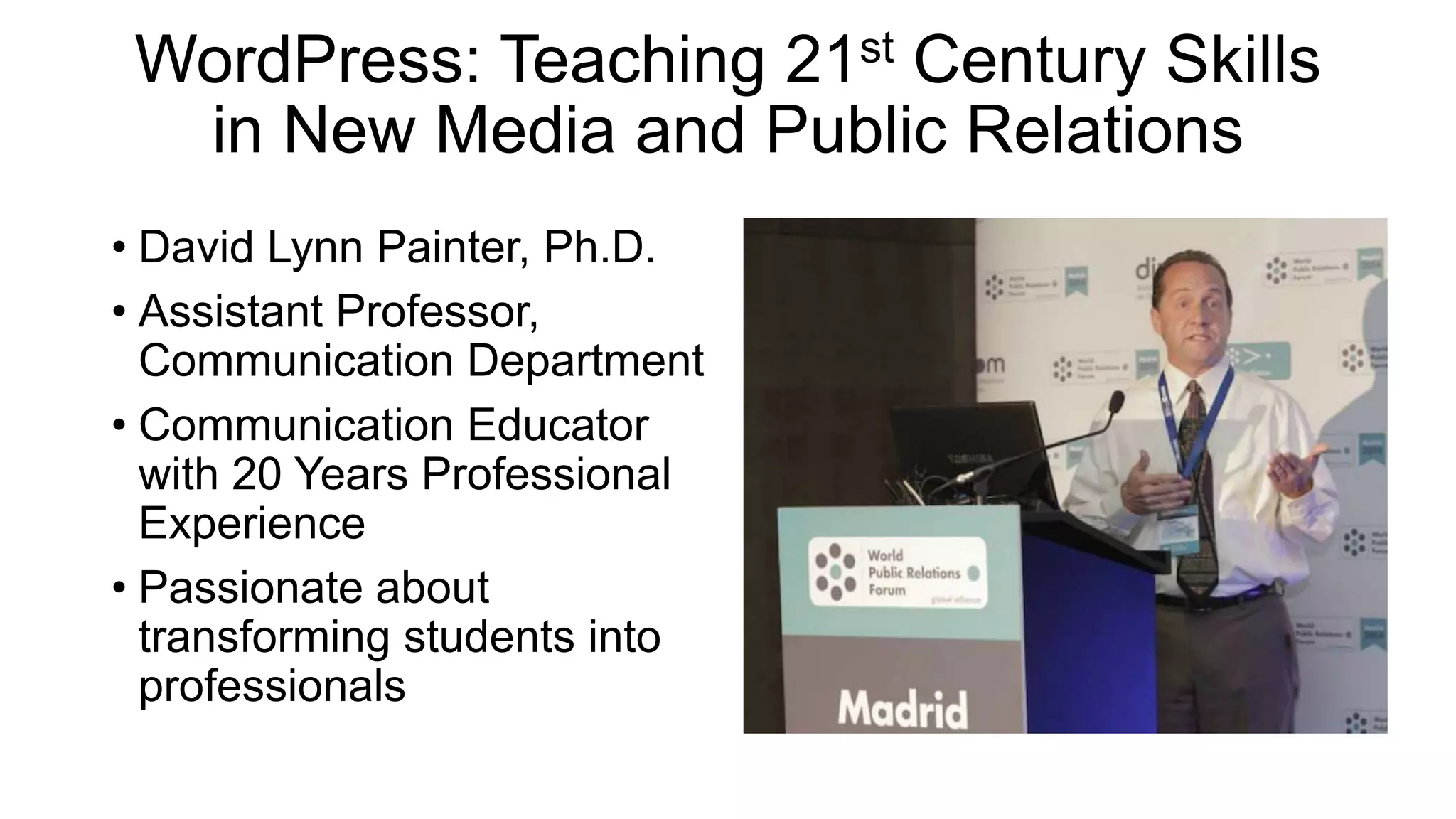
• David Lynn Painter, Ph.D.
• Assistant Professor,
Communication Department
• Communication Educator
with 20 Years Professional
Experience
• Passionate about
transforming students into
professionals
WordPress: Teaching 21st Century Skills
in New Media and Public Relations
• How to balance teaching
skills vs course content vs
community engagement?
• How to motivate students to
take ownership of their
projects?
• How to apply critical
thinking and creativity skills
to develop tomorrow’s
professionals?
WordPress: Teaching 21st Century Skills
1. Why WordPress?
2. Learning Goals
a. Community Engagement
b. Professional Branding
c. Multimedia Storytelling
d. Web Design and UX Principles
e. Search Engine Optimization (SEO)
f. Web Analytics
3. Outcomes
1. Public Projects and Portfolio
2. Lessons Learned and Learning
Platform: WordPress Is Industry Standard
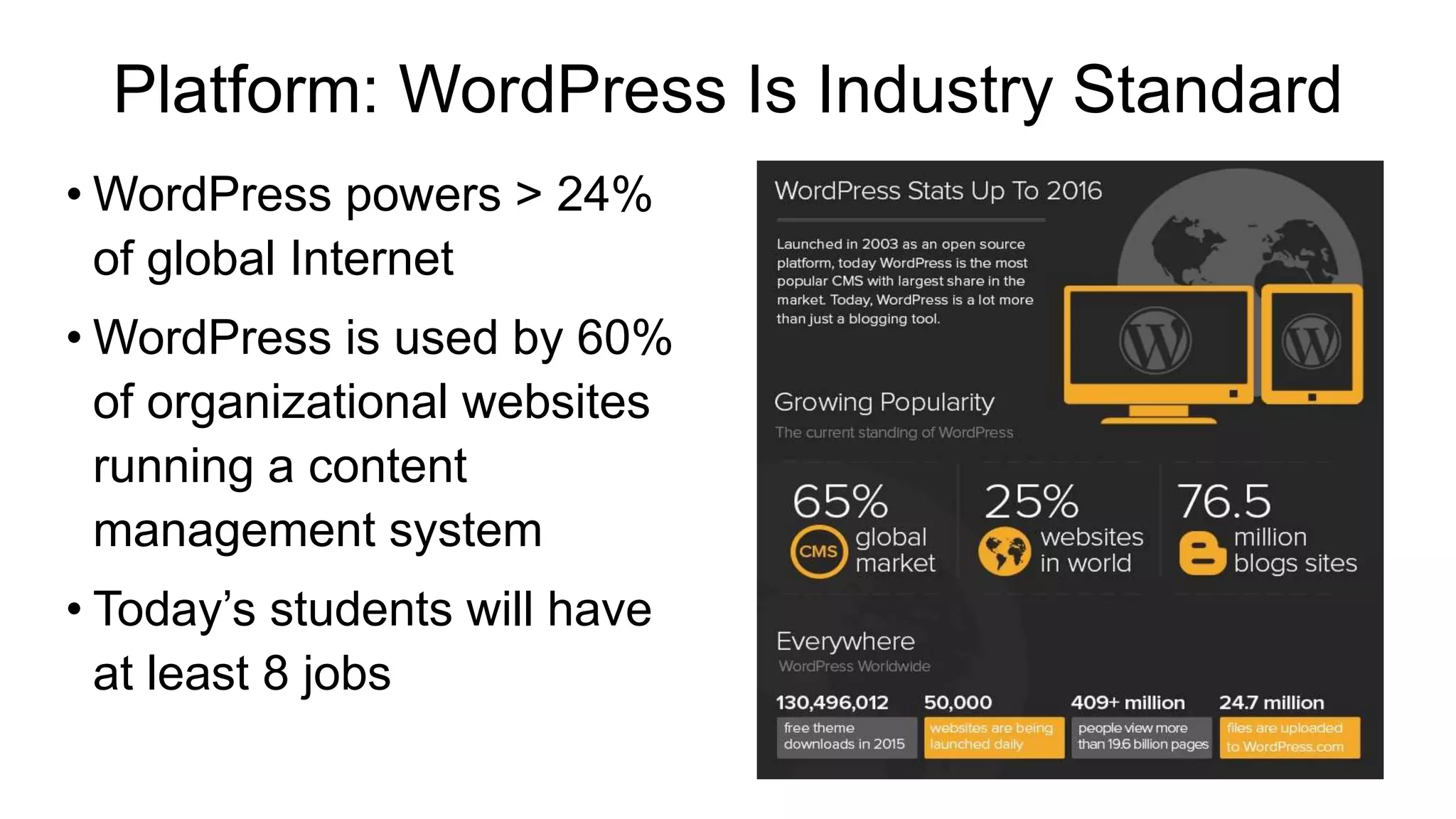
• WordPress powers > 24%
of global Internet
• WordPress is used by 60%
of organizational websites
running a content
management system
• Today’s students will have
at least 8 jobs
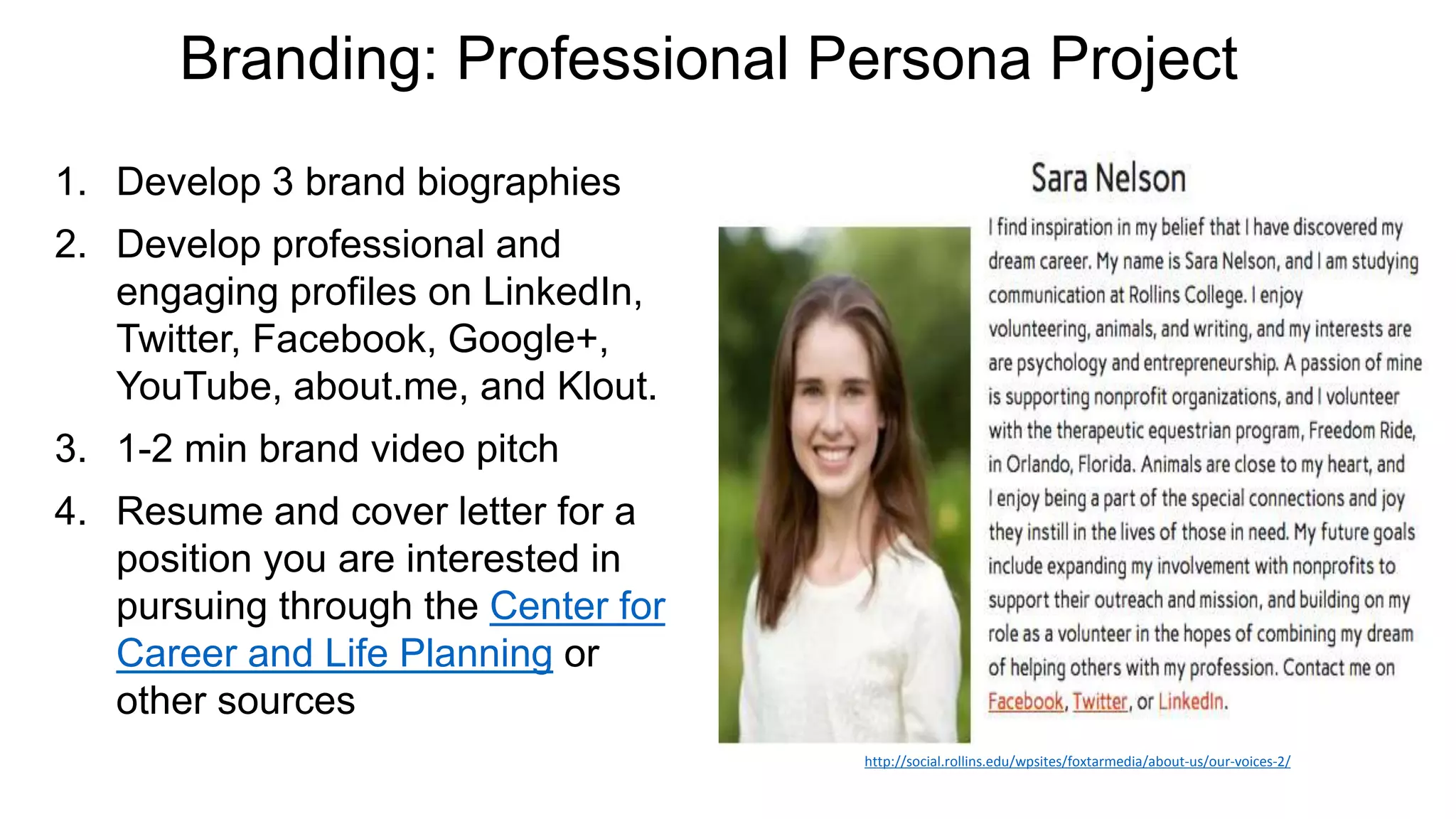
Branding: Professional Persona Project
1. Develop 3 brand biographies
2. Develop professional and
engaging profiles on LinkedIn,
Twitter, Facebook, Google+,
YouTube, about.me, and Klout.
3. 1-2 min brand video pitch
4. Resume and cover letter for a
position you are interested in
pursuing through the Center for
Career and Life Planning or
other sources
http://social.rollins.edu/wpsites/foxtarmedia/about-us/our-voices-2/
WordPress & Community Engagement
1. Form teams; select CP
• Contact person & site visits
2. Select domain names, create
WP site and About Us pages
3. Develop promotional content
4. Optimize & organize content
5. Install plugins
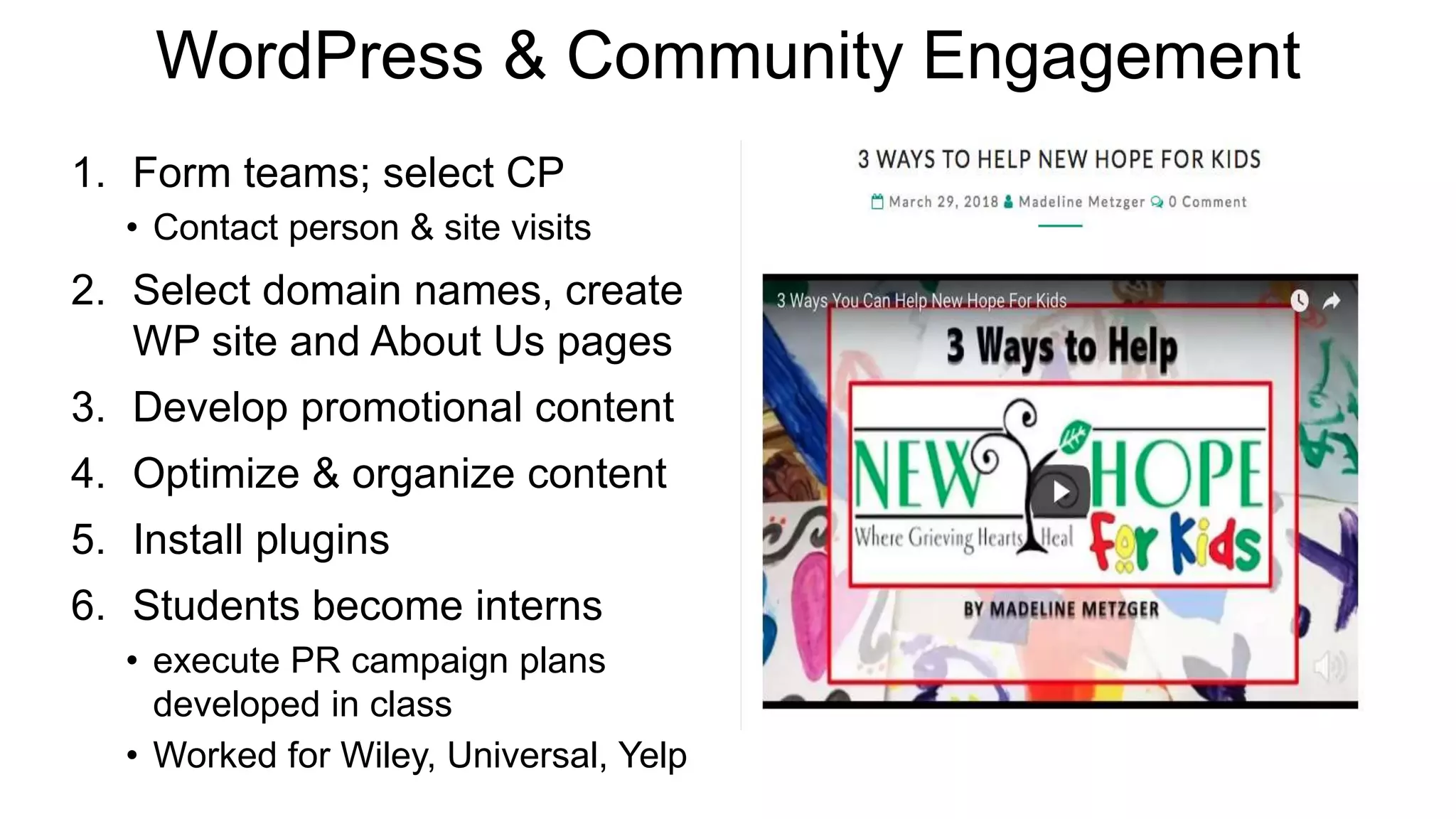
6. Students become interns
• execute PR campaign plans
developed in class
• Worked for Wiley, Universal, Yelp
Multimedia Storytelling
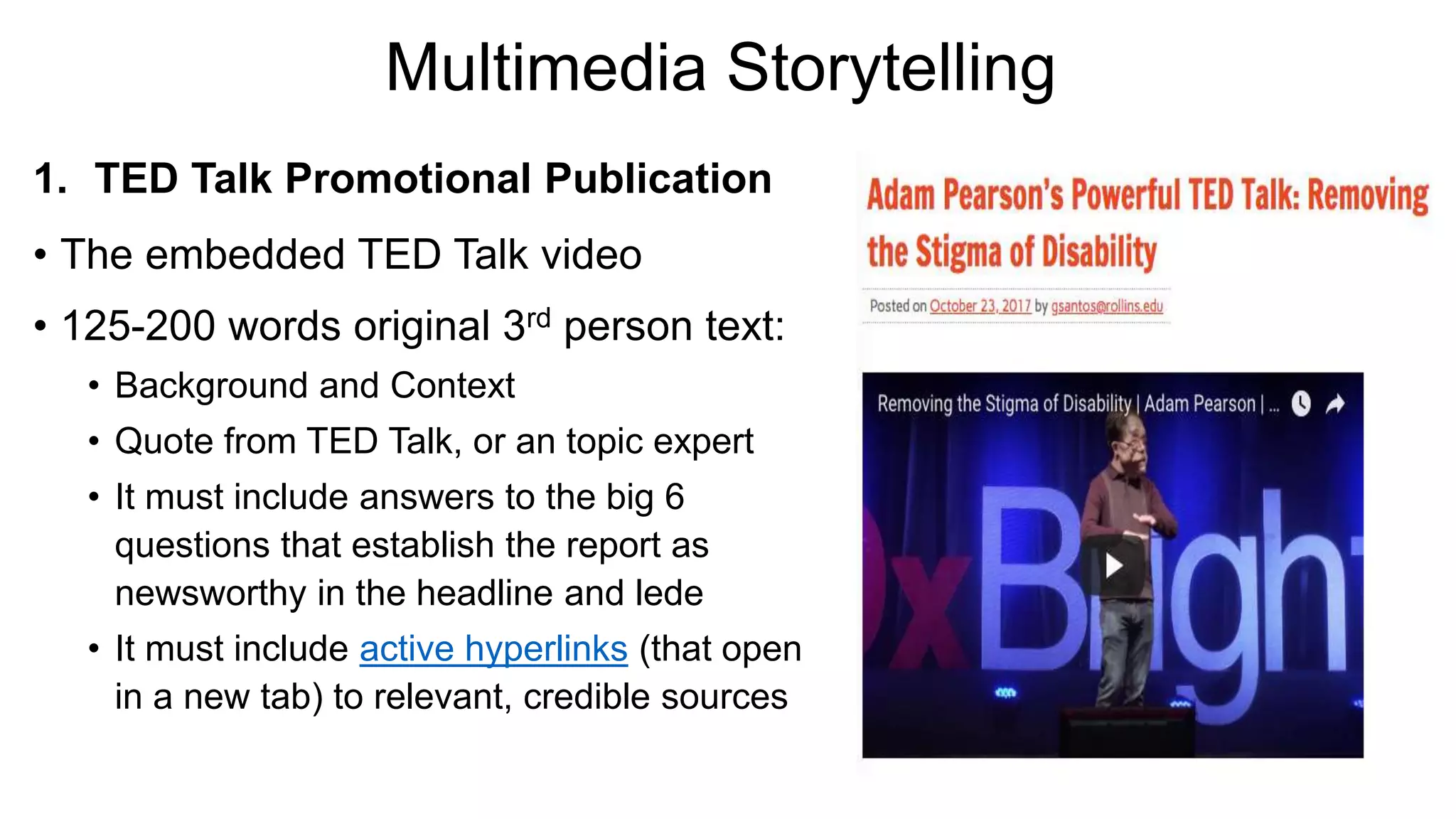
1. TED Talk Promotional Publication
• The embedded TED Talk video
• 125-200 words original 3rd person text:
• Background and Context
• Quote from TED Talk, or an topic expert
• It must include answers to the big 6
questions that establish the report as
newsworthy in the headline and lede
• It must include active hyperlinks (that open
in a new tab) to relevant, credible sources
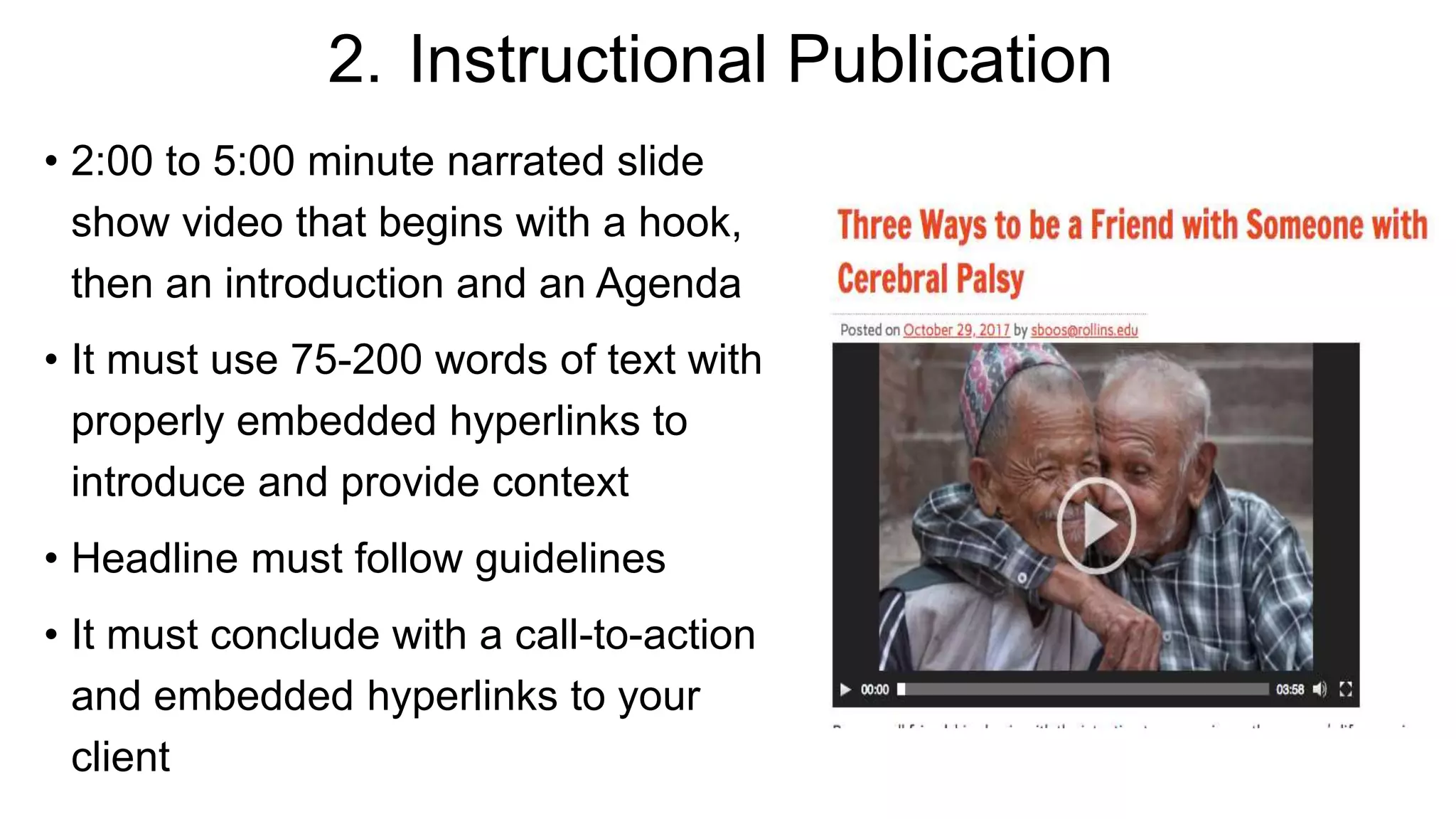
2. Instructional Publication
• 2:00 to 5:00 minute narrated slide
show video that begins with a hook,
then an introduction and an Agenda
• It must use 75-200 words of text with
properly embedded hyperlinks to
introduce and provide context
• Headline must follow guidelines
• It must conclude with a call-to-action
and embedded hyperlinks to your
client
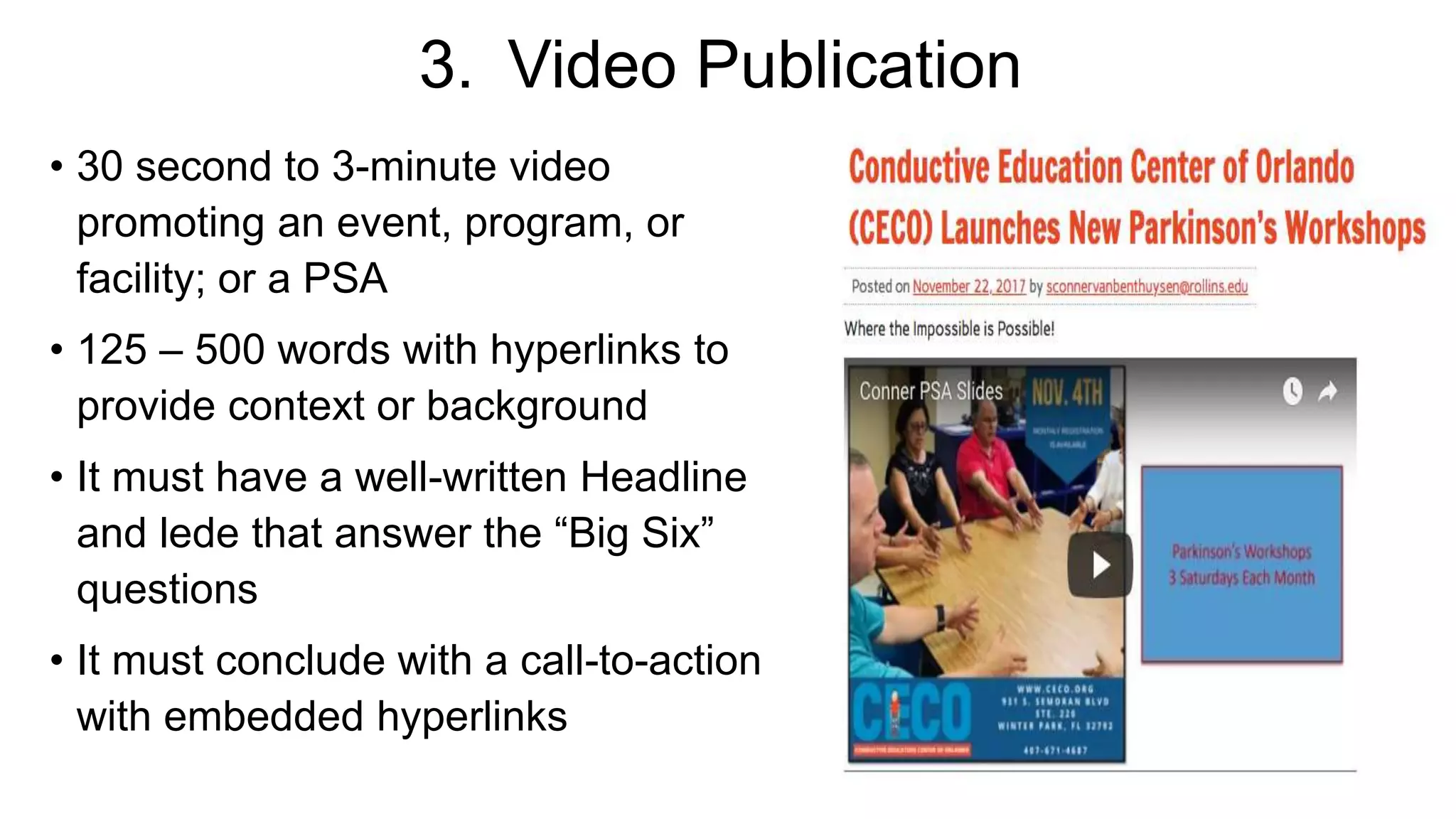
3. Video Publication
• 30 second to 3-minute video
promoting an event, program, or
facility; or a PSA
• 125 – 500 words with hyperlinks to
provide context or background
• It must have a well-written Headline
and lede that answer the “Big Six”
questions
• It must conclude with a call-to-action
with embedded hyperlinks
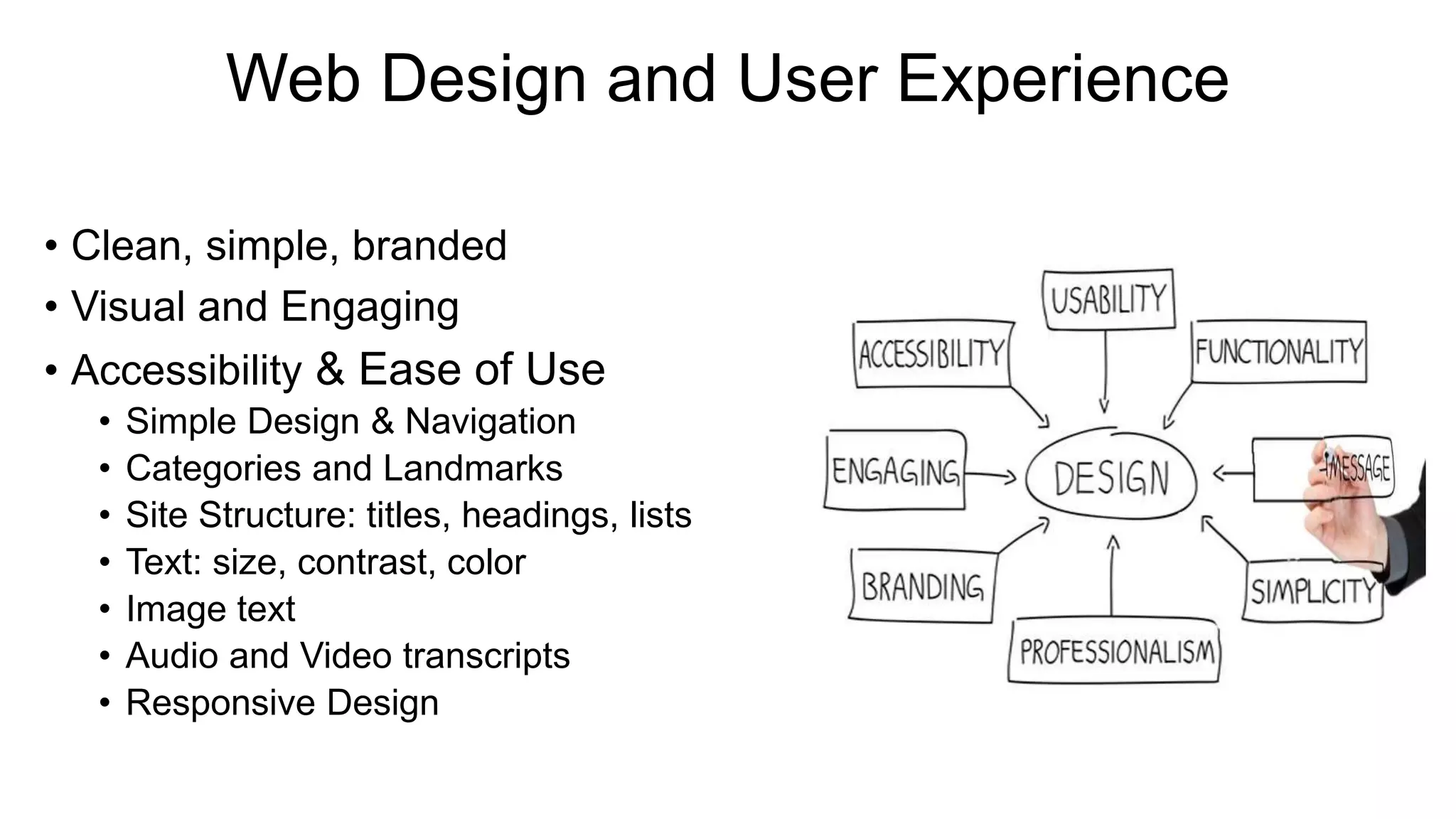
Web Design and User Experience
• Clean, simple, branded
• Visual and Engaging
• Accessibility & Ease of Use
• Simple Design & Navigation
• Categories and Landmarks
• Site Structure: titles, headings, lists
• Text: size, contrast, color
• Image text
• Audio and Video transcripts
• Responsive Design
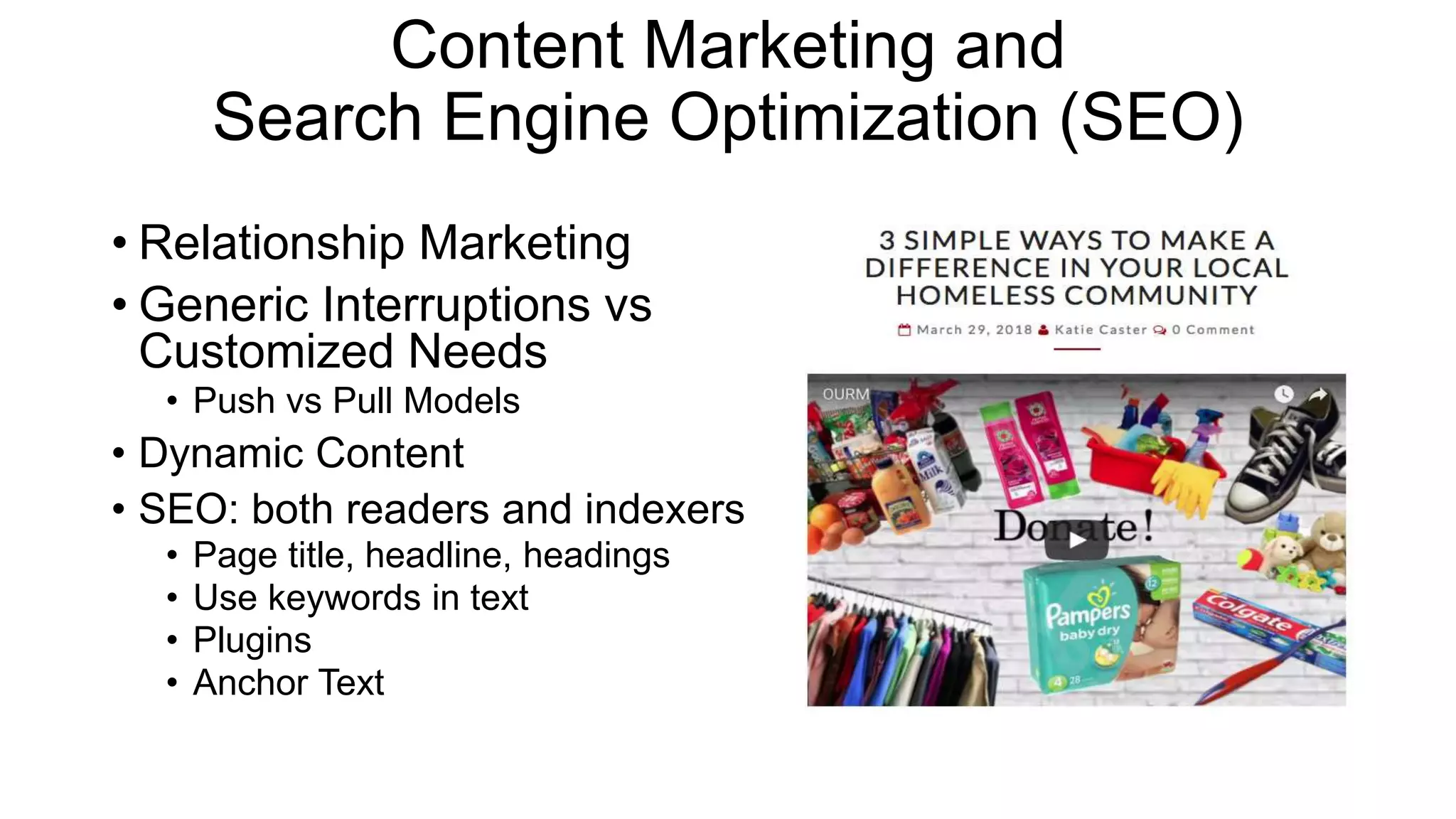
Content Marketing and
Search Engine Optimization (SEO)
• Relationship Marketing
• Generic Interruptions vs
Customized Needs
• Push vs Pull Models
• Dynamic Content
• SEO: both readers and indexers
• Page title, headline, headings
• Use keywords in text
• Plugins
• Anchor Text
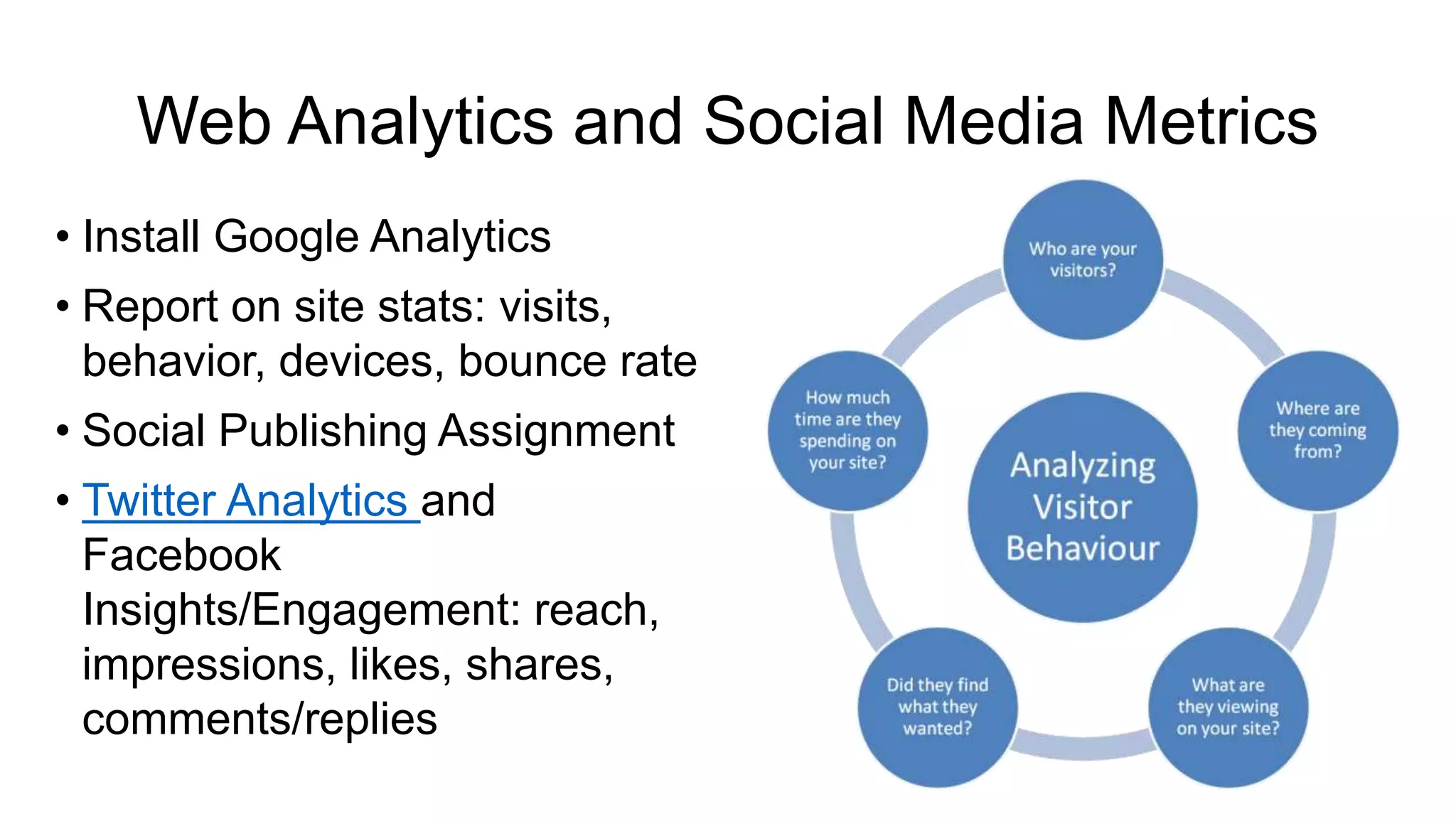
Web Analytics and Social Media Metrics
• Install Google Analytics
• Report on site stats: visits,
behavior, devices, bounce rate
• Social Publishing Assignment
• Twitter Analytics and
Facebook
Insights/Engagement: reach,
impressions, likes, shares,
comments/replies
Portfolios
1. https://organiceatspr.wordpr
ess.com/
2. www.foxtarmedia.com
3. www.realstrategypr.com
4. www.foxwired.com
5. www.missionsweetpr.com
6. www.tarpr.com
Learning Lessons
• Directions > 3 steps challenging
• Students NOT tech savvy
• Social Media
• Narrated PPT or Video Skills
• Vocabulary/Knowledge/Design
• Struggles to balance:
• Scaffolding with originality/creativity
• Control with peer learning (chatter)
• Struggle to:
• Customize assignments for
campaigns
• Generate student ownership

Teaching 21st Century Skills with WordPress

  • 2.
    WordPress: Teaching 21stCentury Skills in New Media and Public Relations • David Lynn Painter, Ph.D. • Assistant Professor, Communication Department • Communication Educator with 20 Years Professional Experience • Passionate about transforming students into professionals
  • 3.
    WordPress: Teaching 21stCentury Skills in New Media and Public Relations • How to balance teaching skills vs course content vs community engagement? • How to motivate students to take ownership of their projects? • How to apply critical thinking and creativity skills to develop tomorrow’s professionals?
  • 4.
    WordPress: Teaching 21stCentury Skills 1. Why WordPress? 2. Learning Goals a. Community Engagement b. Professional Branding c. Multimedia Storytelling d. Web Design and UX Principles e. Search Engine Optimization (SEO) f. Web Analytics 3. Outcomes 1. Public Projects and Portfolio 2. Lessons Learned and Learning
  • 5.
    Platform: WordPress IsIndustry Standard • WordPress powers > 24% of global Internet • WordPress is used by 60% of organizational websites running a content management system • Today’s students will have at least 8 jobs
  • 6.
    Branding: Professional PersonaProject 1. Develop 3 brand biographies 2. Develop professional and engaging profiles on LinkedIn, Twitter, Facebook, Google+, YouTube, about.me, and Klout. 3. 1-2 min brand video pitch 4. Resume and cover letter for a position you are interested in pursuing through the Center for Career and Life Planning or other sources http://social.rollins.edu/wpsites/foxtarmedia/about-us/our-voices-2/
  • 7.
    WordPress & CommunityEngagement 1. Form teams; select CP • Contact person & site visits 2. Select domain names, create WP site and About Us pages 3. Develop promotional content 4. Optimize & organize content 5. Install plugins 6. Students become interns • execute PR campaign plans developed in class • Worked for Wiley, Universal, Yelp
  • 8.
    Multimedia Storytelling 1. TEDTalk Promotional Publication • The embedded TED Talk video • 125-200 words original 3rd person text: • Background and Context • Quote from TED Talk, or an topic expert • It must include answers to the big 6 questions that establish the report as newsworthy in the headline and lede • It must include active hyperlinks (that open in a new tab) to relevant, credible sources
  • 9.
    2. Instructional Publication •2:00 to 5:00 minute narrated slide show video that begins with a hook, then an introduction and an Agenda • It must use 75-200 words of text with properly embedded hyperlinks to introduce and provide context • Headline must follow guidelines • It must conclude with a call-to-action and embedded hyperlinks to your client
  • 10.
    3. Video Publication •30 second to 3-minute video promoting an event, program, or facility; or a PSA • 125 – 500 words with hyperlinks to provide context or background • It must have a well-written Headline and lede that answer the “Big Six” questions • It must conclude with a call-to-action with embedded hyperlinks
  • 11.
    Web Design andUser Experience • Clean, simple, branded • Visual and Engaging • Accessibility & Ease of Use • Simple Design & Navigation • Categories and Landmarks • Site Structure: titles, headings, lists • Text: size, contrast, color • Image text • Audio and Video transcripts • Responsive Design
  • 12.
    Content Marketing and SearchEngine Optimization (SEO) • Relationship Marketing • Generic Interruptions vs Customized Needs • Push vs Pull Models • Dynamic Content • SEO: both readers and indexers • Page title, headline, headings • Use keywords in text • Plugins • Anchor Text
  • 13.
    Web Analytics andSocial Media Metrics • Install Google Analytics • Report on site stats: visits, behavior, devices, bounce rate • Social Publishing Assignment • Twitter Analytics and Facebook Insights/Engagement: reach, impressions, likes, shares, comments/replies
  • 14.
    Portfolios 1. https://organiceatspr.wordpr ess.com/ 2. www.foxtarmedia.com 3.www.realstrategypr.com 4. www.foxwired.com 5. www.missionsweetpr.com 6. www.tarpr.com
  • 15.
    Learning Lessons • Directions> 3 steps challenging • Students NOT tech savvy • Social Media • Narrated PPT or Video Skills • Vocabulary/Knowledge/Design • Struggles to balance: • Scaffolding with originality/creativity • Control with peer learning (chatter) • Struggle to: • Customize assignments for campaigns • Generate student ownership