Download as PDF, PPTX




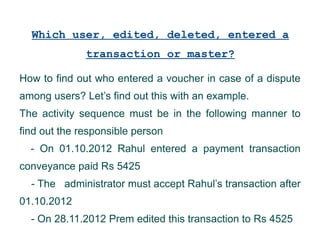


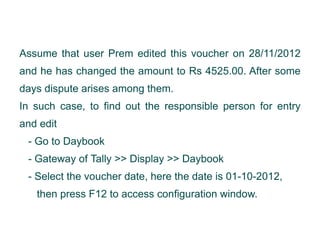




The document explains how to track user activity in Tally ERP 9 using the audit feature, which is beneficial for organizations to avoid disputes among staff. It provides step-by-step instructions for activating the audit feature, accepting user entries, and identifying who created or modified a voucher or master entry. Users can view this information in the daybook by adjusting configuration settings to display the original user and any alterations made.


