SURFACE COMPUTING
What is surface computing?
A form of computing that offers “a natural way of
interacting with information,” rather than the
“traditional user interface”
Surface computing typically includes four key
attributes:
 Direct Interaction
 Multi–Touch
 Multi–User
 Object Recognition
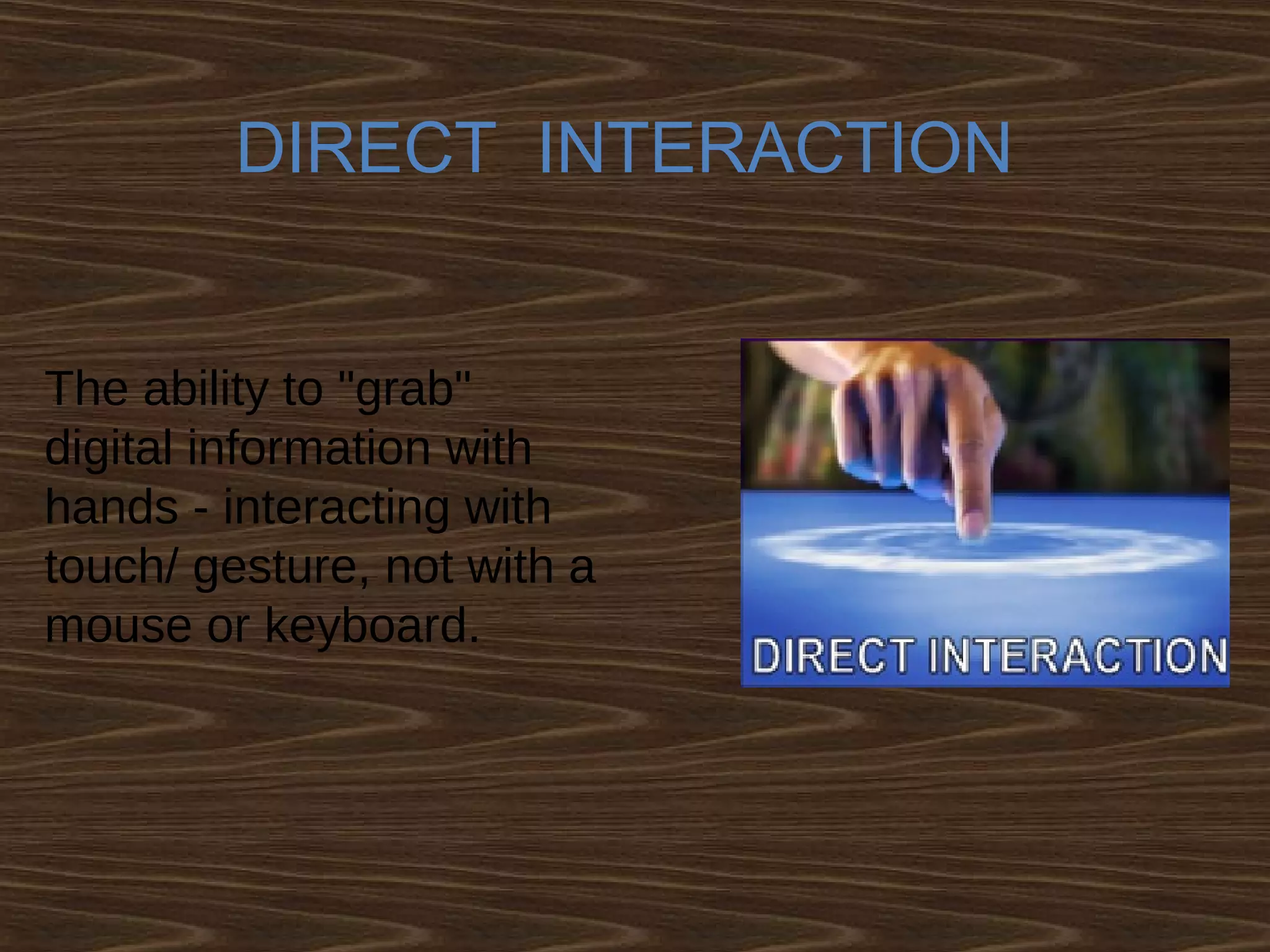
DIRECT INTERACTION
The ability to "grab"
digital information with
hands - interacting with
touch/ gesture, not with a
mouse or keyboard.
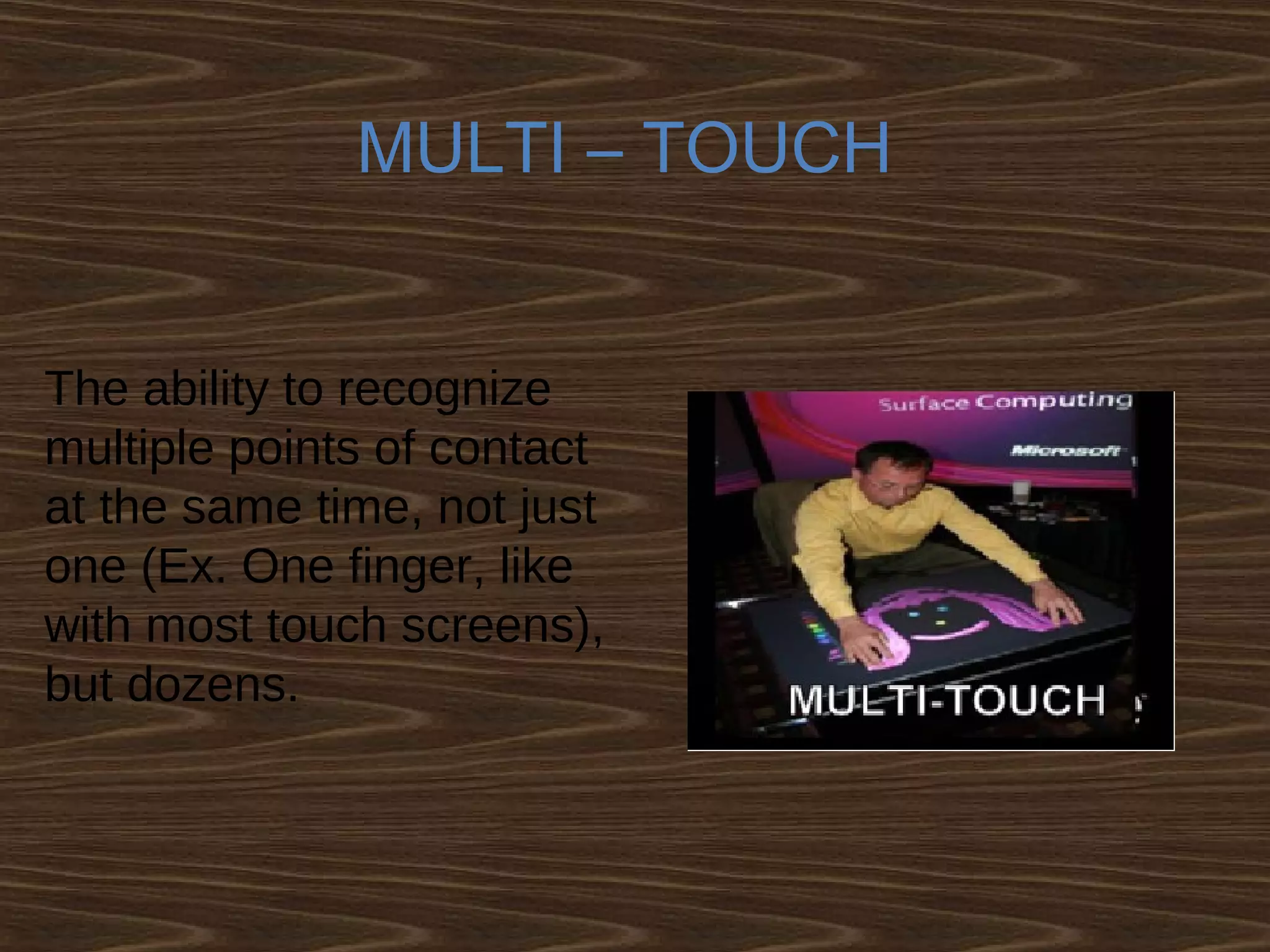
MULTI – TOUCH
The ability to recognize
multiple points of contact
at the same time, not just
one (Ex. One finger, like
with most touch screens),
but dozens.
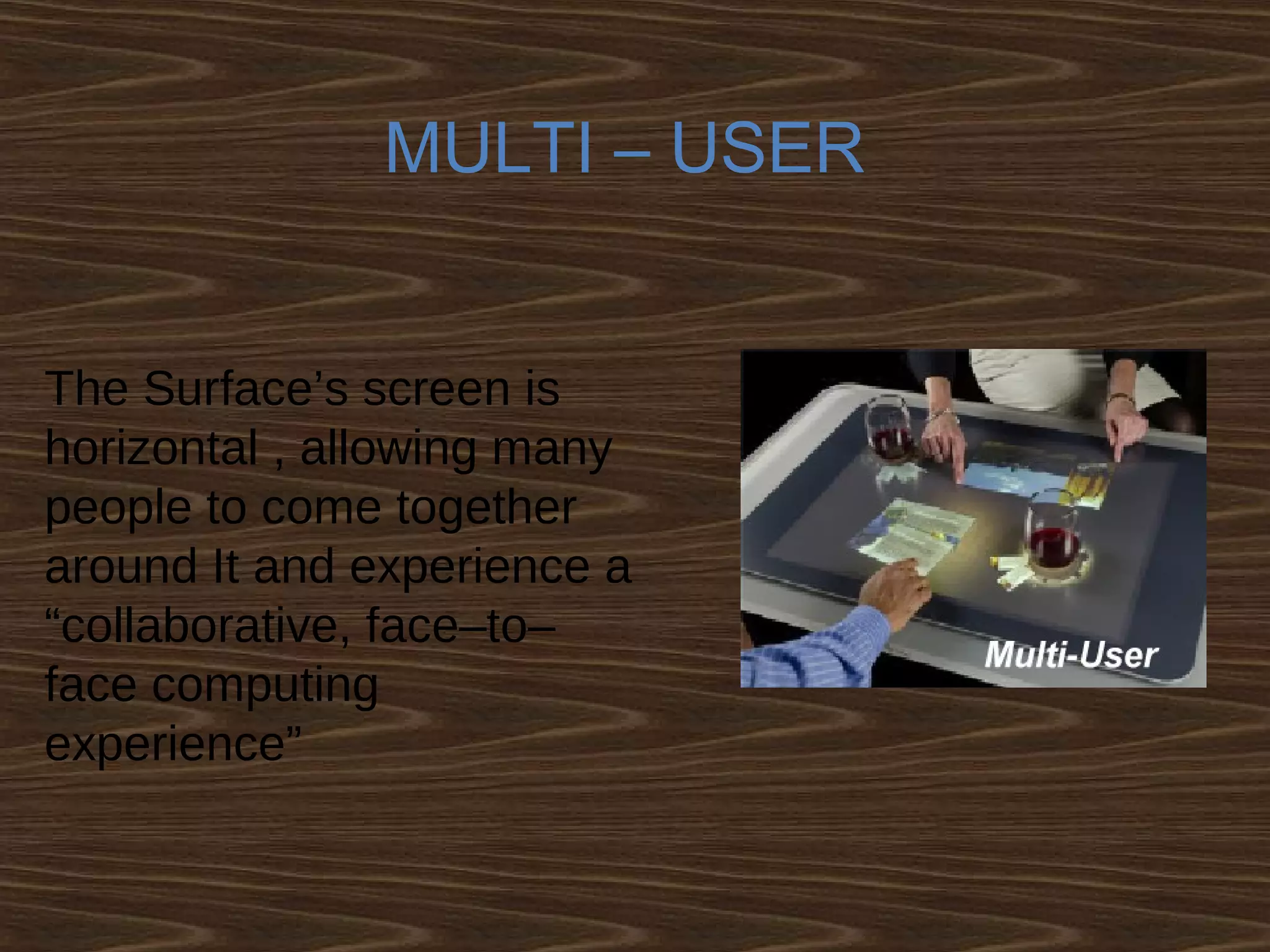
MULTI – USER
The Surface’s screen is
horizontal , allowing many
people to come together
around It and experience a
“collaborative, face–to–
face computing
experience”
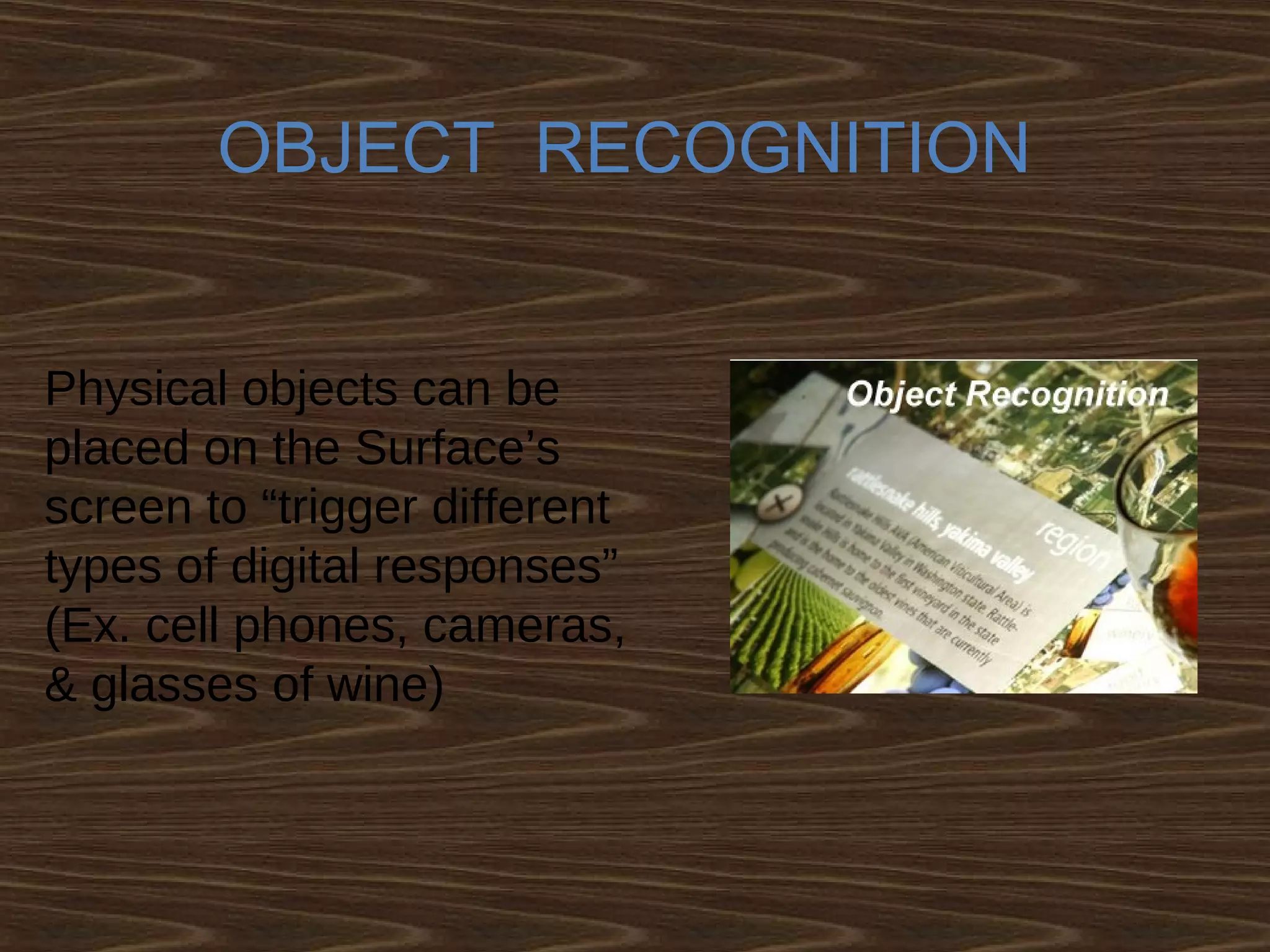
OBJECT RECOGNITION
Physical objects can be
placed on the Surface’s
screen to “trigger different
types of digital responses”
(Ex. cell phones, cameras,
& glasses of wine)
Developments done till now.
Types
1.Microsoft Surface
2. Laser Touch (Microsoft)
3. Gesture Tek
4. Perceptive Pixel
5. Diamond Touch (Mitsubishi)
6. Smart Table
7. Catchyoo
8. Reactrix
9. Sensacell
Microsoft Surface
 The Surface is not a touch-sensitive screen device…
The screen itself is not electronic
 The Surface uses multiple infrared cameras beneath the
screen/table top to sense objects, physical touch, etc
 The Surface “recognizes objects based on shape or by
using
domino-style identification (domino tags) on the bottom
of the objects ”
 This information is processed and displayed using
“ rear projection ”
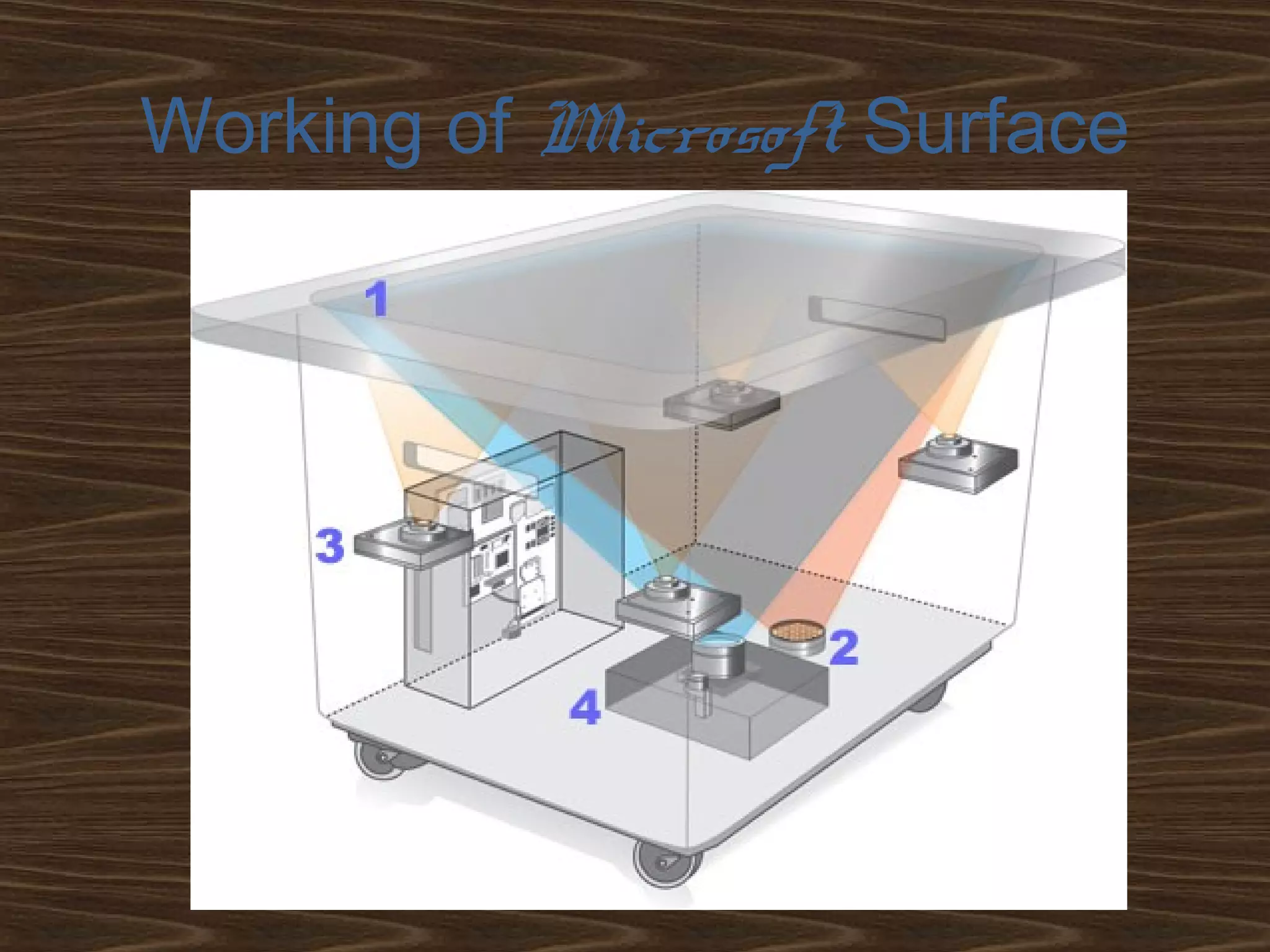
Working of Microsoft Surface
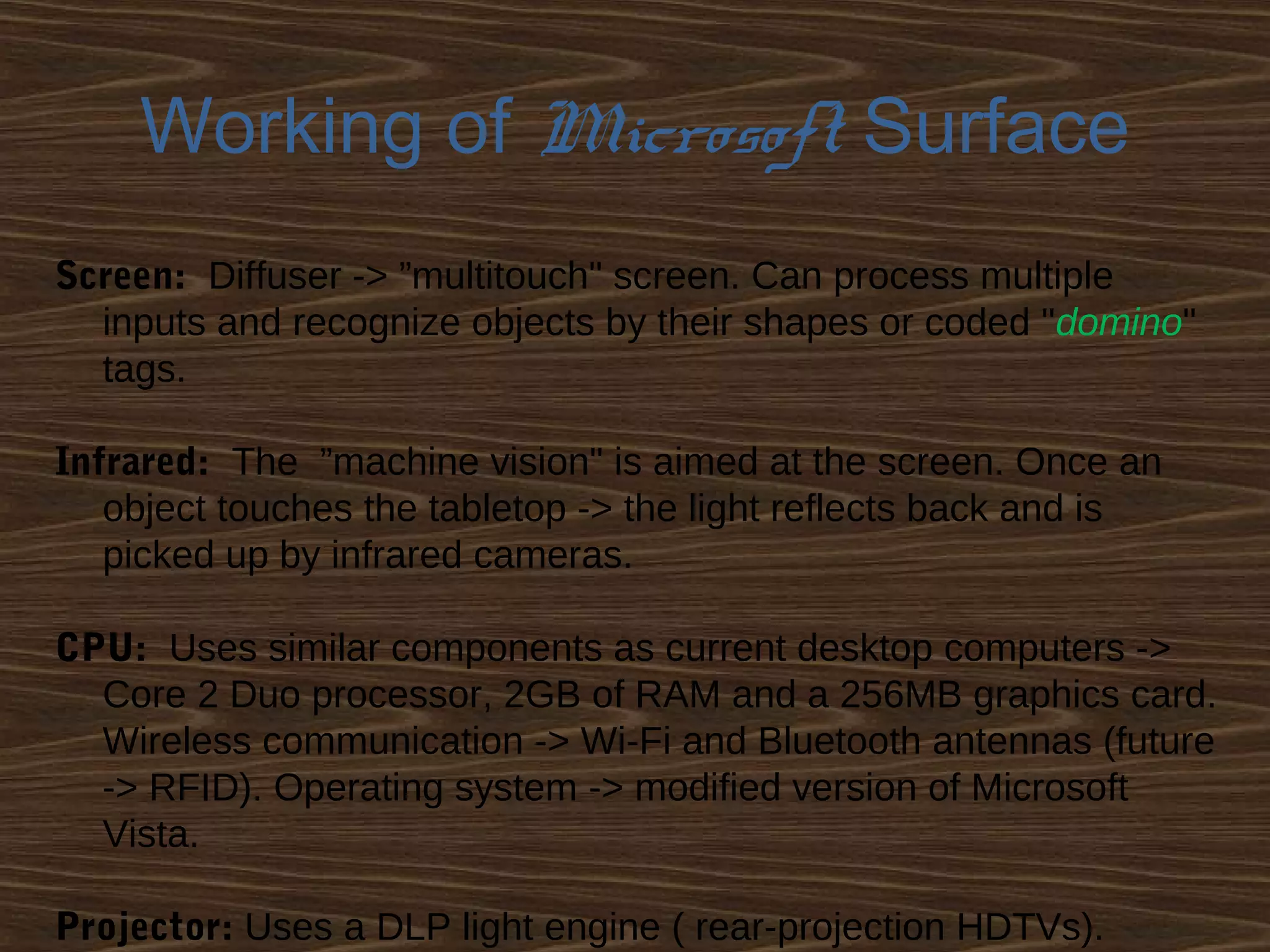
Screen: Diffuser -> ”multitouch" screen. Can process multiple
inputs and recognize objects by their shapes or coded "domino"
tags.
Infrared: The ”machine vision" is aimed at the screen. Once an
object touches the tabletop -> the light reflects back and is
picked up by infrared cameras.
CPU: Uses similar components as current desktop computers ->
Core 2 Duo processor, 2GB of RAM and a 256MB graphics card.
Wireless communication -> Wi-Fi and Bluetooth antennas (future
-> RFID). Operating system -> modified version of Microsoft
Vista.
Projector: Uses a DLP light engine ( rear-projection HDTVs).
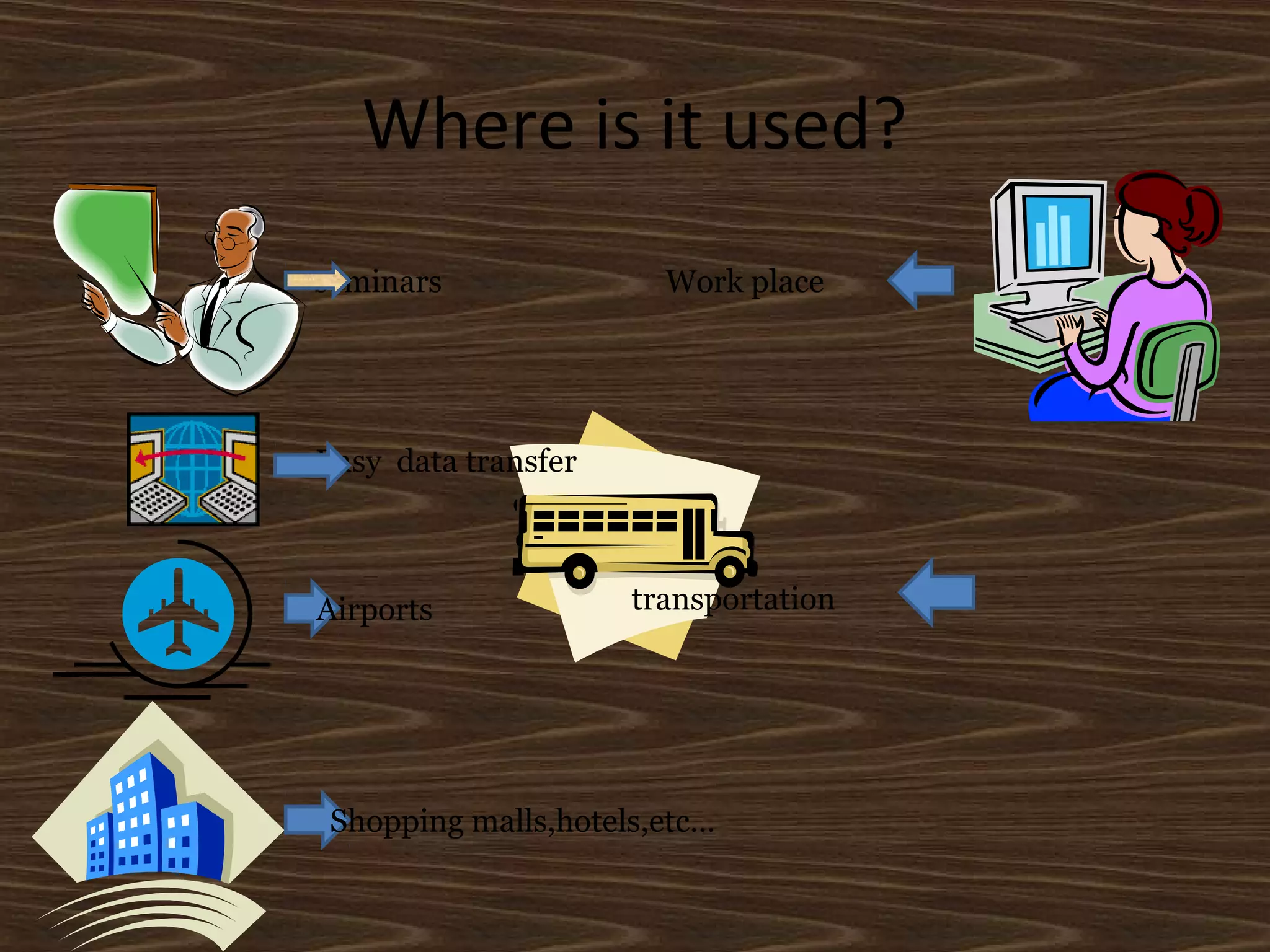
Where is it used?
seminars
Easy data transfer
Airports
Shopping malls,hotels,etc…
Work place
transportation
R&D
 Research work is going on several top universities
like MIT (Massachusetts Institute of technology)
with a innovation named SIXTH SENSE. This is an
application of surface computing.
 Research on building user defined gestures that
are used in surface computing that make the
graphical representation more intuitive…
ADVANTAGES
Data representation/transfer is more
intuitive
User friendly
No use of input/output devices like mouse
keyboard etc . . .
Easily portable . . .
Microsoft Surface
Conclusion
Surface takes existing technology and
presents it in a new way. It isn't simply
a
touch screen, but more of a touch-grab
move-slide-resize and place objects on
top of screen, and this opens up new
possibilities that weren't there before
Queries

Surface Computing

  • 1.
  • 2.
    What is surfacecomputing? A form of computing that offers “a natural way of interacting with information,” rather than the “traditional user interface” Surface computing typically includes four key attributes:  Direct Interaction  Multi–Touch  Multi–User  Object Recognition
  • 3.
    DIRECT INTERACTION The abilityto "grab" digital information with hands - interacting with touch/ gesture, not with a mouse or keyboard.
  • 4.
    MULTI – TOUCH Theability to recognize multiple points of contact at the same time, not just one (Ex. One finger, like with most touch screens), but dozens.
  • 5.
    MULTI – USER TheSurface’s screen is horizontal , allowing many people to come together around It and experience a “collaborative, face–to– face computing experience”
  • 6.
    OBJECT RECOGNITION Physical objectscan be placed on the Surface’s screen to “trigger different types of digital responses” (Ex. cell phones, cameras, & glasses of wine)
  • 7.
    Developments done tillnow. Types 1.Microsoft Surface 2. Laser Touch (Microsoft) 3. Gesture Tek 4. Perceptive Pixel 5. Diamond Touch (Mitsubishi) 6. Smart Table 7. Catchyoo 8. Reactrix 9. Sensacell
  • 8.
    Microsoft Surface  TheSurface is not a touch-sensitive screen device… The screen itself is not electronic  The Surface uses multiple infrared cameras beneath the screen/table top to sense objects, physical touch, etc  The Surface “recognizes objects based on shape or by using domino-style identification (domino tags) on the bottom of the objects ”  This information is processed and displayed using “ rear projection ”
  • 9.
  • 10.
    Working of MicrosoftSurface Screen: Diffuser -> ”multitouch" screen. Can process multiple inputs and recognize objects by their shapes or coded "domino" tags. Infrared: The ”machine vision" is aimed at the screen. Once an object touches the tabletop -> the light reflects back and is picked up by infrared cameras. CPU: Uses similar components as current desktop computers -> Core 2 Duo processor, 2GB of RAM and a 256MB graphics card. Wireless communication -> Wi-Fi and Bluetooth antennas (future -> RFID). Operating system -> modified version of Microsoft Vista. Projector: Uses a DLP light engine ( rear-projection HDTVs).
  • 11.
    Where is itused? seminars Easy data transfer Airports Shopping malls,hotels,etc… Work place transportation
  • 12.
    R&D  Research workis going on several top universities like MIT (Massachusetts Institute of technology) with a innovation named SIXTH SENSE. This is an application of surface computing.  Research on building user defined gestures that are used in surface computing that make the graphical representation more intuitive…
  • 13.
    ADVANTAGES Data representation/transfer ismore intuitive User friendly No use of input/output devices like mouse keyboard etc . . . Easily portable . . .
  • 14.
  • 15.
    Conclusion Surface takes existingtechnology and presents it in a new way. It isn't simply a touch screen, but more of a touch-grab move-slide-resize and place objects on top of screen, and this opens up new possibilities that weren't there before
  • 16.