!4 September 2017
STOP! CITE BEFORE YOU WRITE:
By Marion Hayes, University Librarian
ITU Library Website
6/27/162711 North First St. - San Jose, CA 95134 - www.itu.edu
2
ITU Library Website
DURING THIS WORKSHOP YOU WILL
LEARN:
#1: Purpose of Citation
#2: Citation Methods
#3: APA Style Guide
#4: Reference Management Programs
#5: How to Automate Your Bibliography
#6: Plagiarism and ITU
5/18/17
6/27/162711 North First St. - San Jose, CA 95134 - www.itu.edu
3
ITU Library Website
Citations & Reference Managers
5/18/17
Citation: Reference to or quote from a source
• Acknowledge an idea, opinion or excerpt from a
source that is not your own. It is
• Support your idea and build argument
• Avoid accusations of plagiarism
Reference Manager:
• Search, collect, manage and cite sources
• Zotero, Endnote, Mendeley, ReadCube
• Automatic bibliography – save time & grief
6/27/162711 North First St. - San Jose, CA 95134 - www.itu.edu
4
ITU Library Website
When to Cite? Permission Recommended *
5/18/17
• Paraphrase text
• Quote text
• * Use Image, illustration, graphic, video
• * Use Code,
• * Use ‘Open Source’ (etiquette)
• List of References used
• Bibliography (summative)
• Annotated bibliography
• Literature review
6/27/162711 North First St. - San Jose, CA 95134 - www.itu.edu
5
ITU Library Website
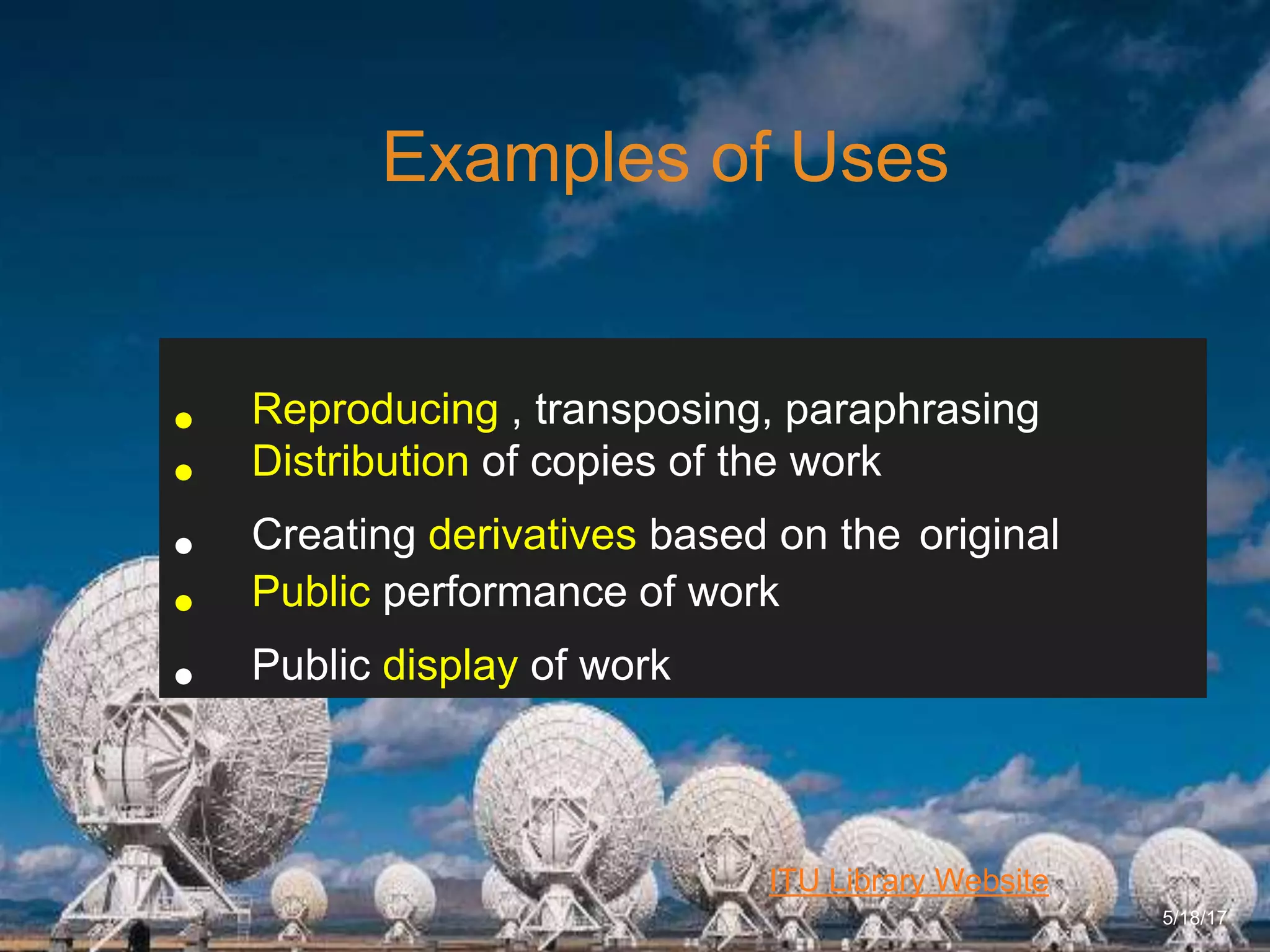
Examples of Uses
5/18/17
• Reproducing , transposing, paraphrasing
• Distribution of copies of the work
• Creating derivatives based on the original
• Public performance of work
• Public display of work
6/27/162711 North First St. - San Jose, CA 95134 - www.itu.edu
6
ITU Library Website
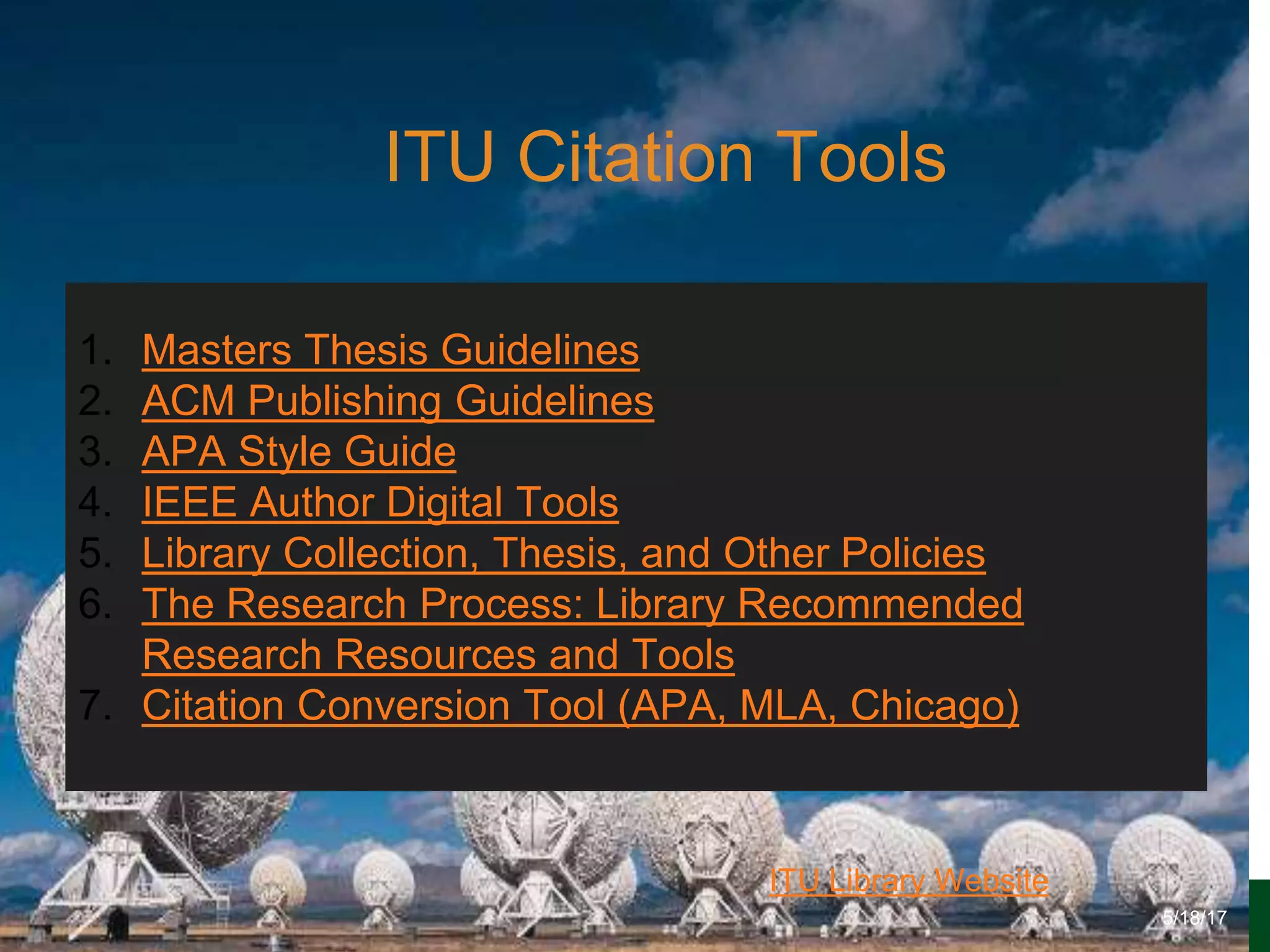
ITU Citation Tools
5/18/17
1. Masters Thesis Guidelines
2. ACM Publishing Guidelines
3. APA Style Guide
4. IEEE Author Digital Tools
5. Library Collection, Thesis, and Other Policies
6. The Research Process: Library Recommended
Research Resources and Tools
7. Citation Conversion Tool (APA, MLA, Chicago)
6/27/162711 North First St. - San Jose, CA 95134 - www.itu.edu
7
ITU Library Website
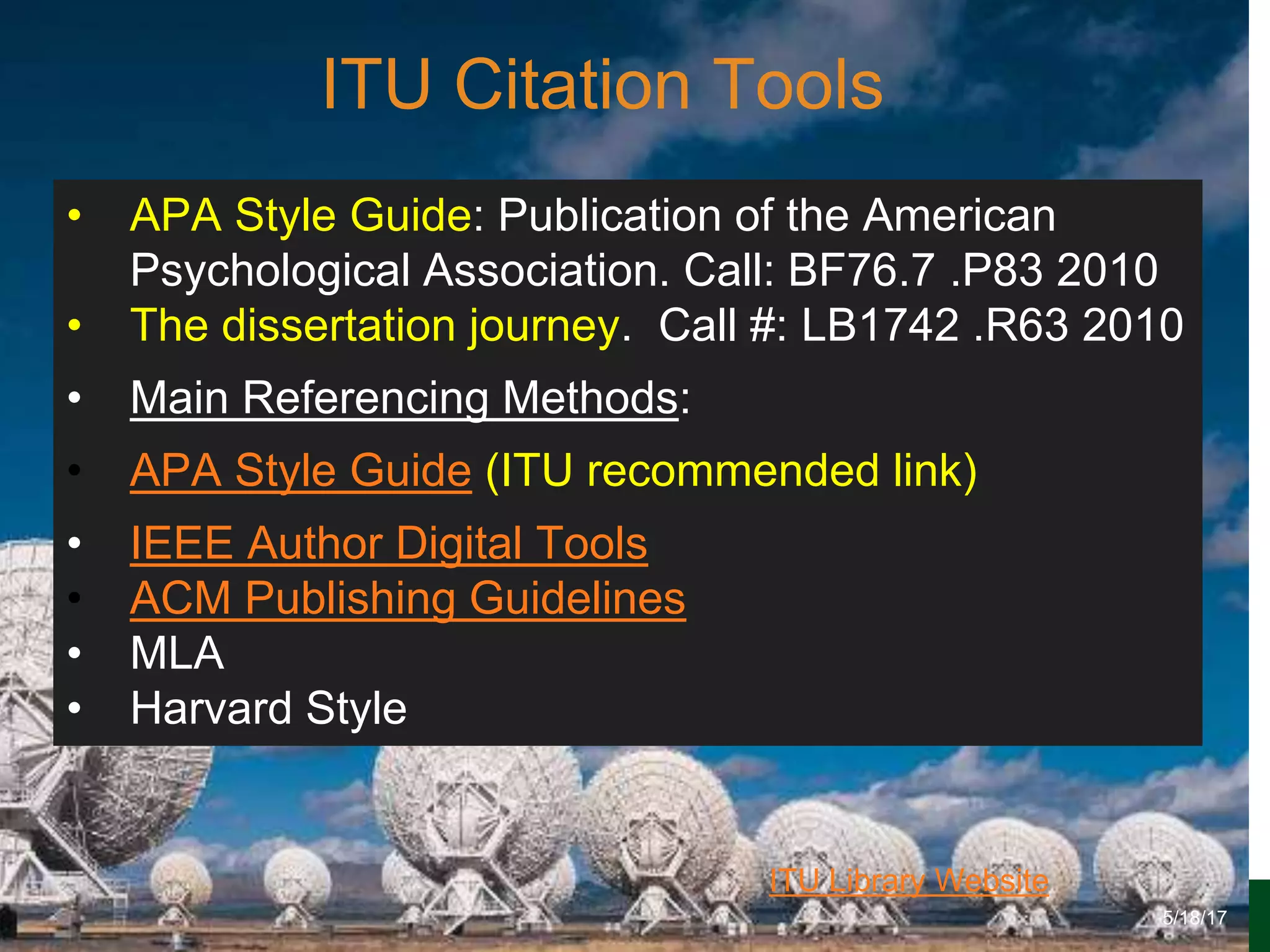
ITU Citation Tools
5/18/17
• APA Style Guide: Publication of the American
Psychological Association. Call: BF76.7 .P83 2010
• The dissertation journey. Call #: LB1742 .R63 2010
• Main Referencing Methods:
• APA Style Guide (ITU recommended link)
• IEEE Author Digital Tools
• ACM Publishing Guidelines
• MLA
• Harvard Style
6/27/162711 North First St. - San Jose, CA 95134 - www.itu.edu
8
ITU Library Website
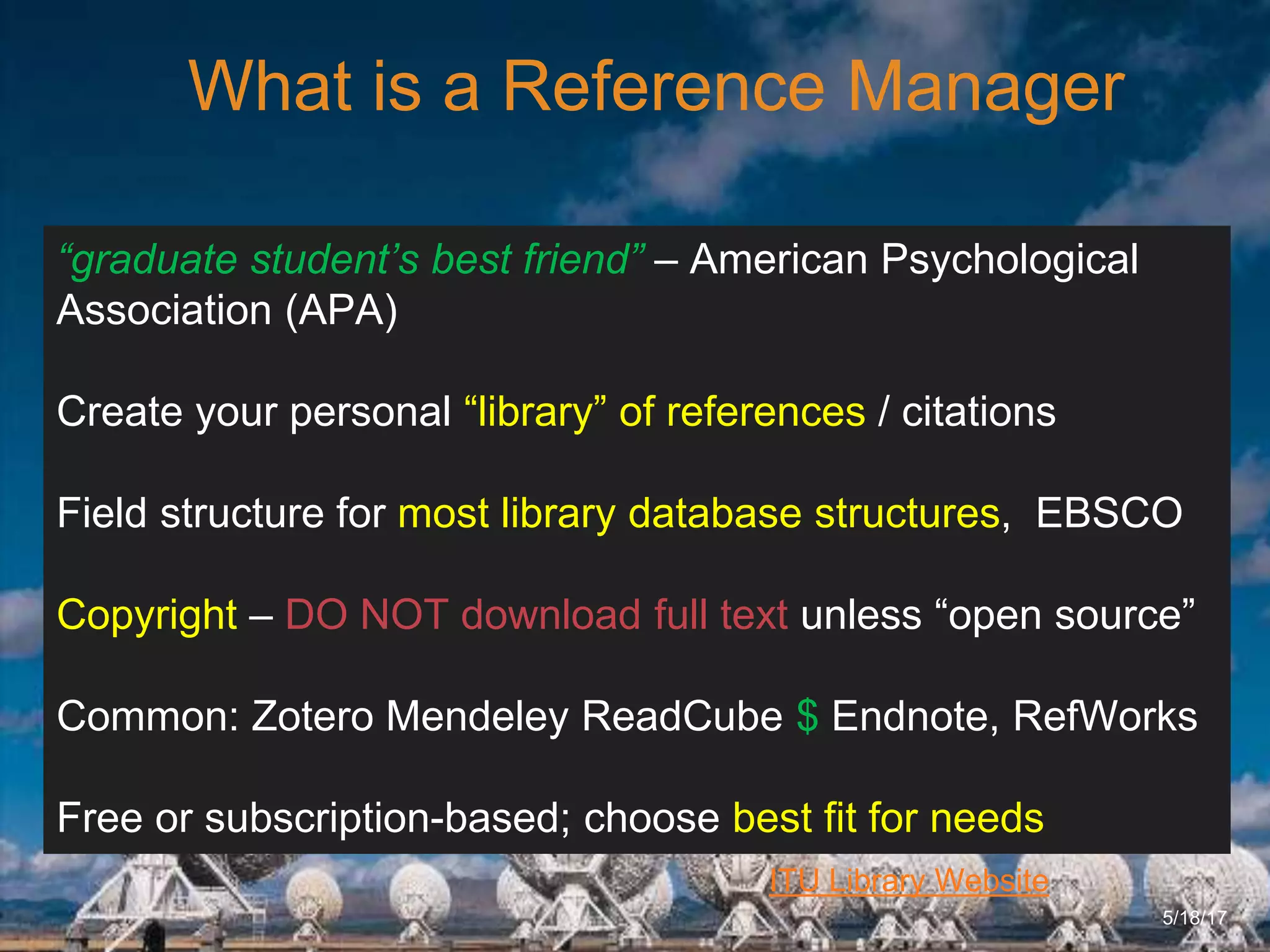
What is a Reference Manager
5/18/17
“graduate student’s best friend” – American Psychological
Association (APA)
Create your personal “library” of references / citations
Field structure for most library database structures, EBSCO
Copyright – DO NOT download full text unless “open source”
Common: Zotero Mendeley ReadCube $ Endnote, RefWorks
Free or subscription-based; choose best fit for needs
6/27/162711 North First St. - San Jose, CA 95134 - www.itu.edu
9
ITU Library Website
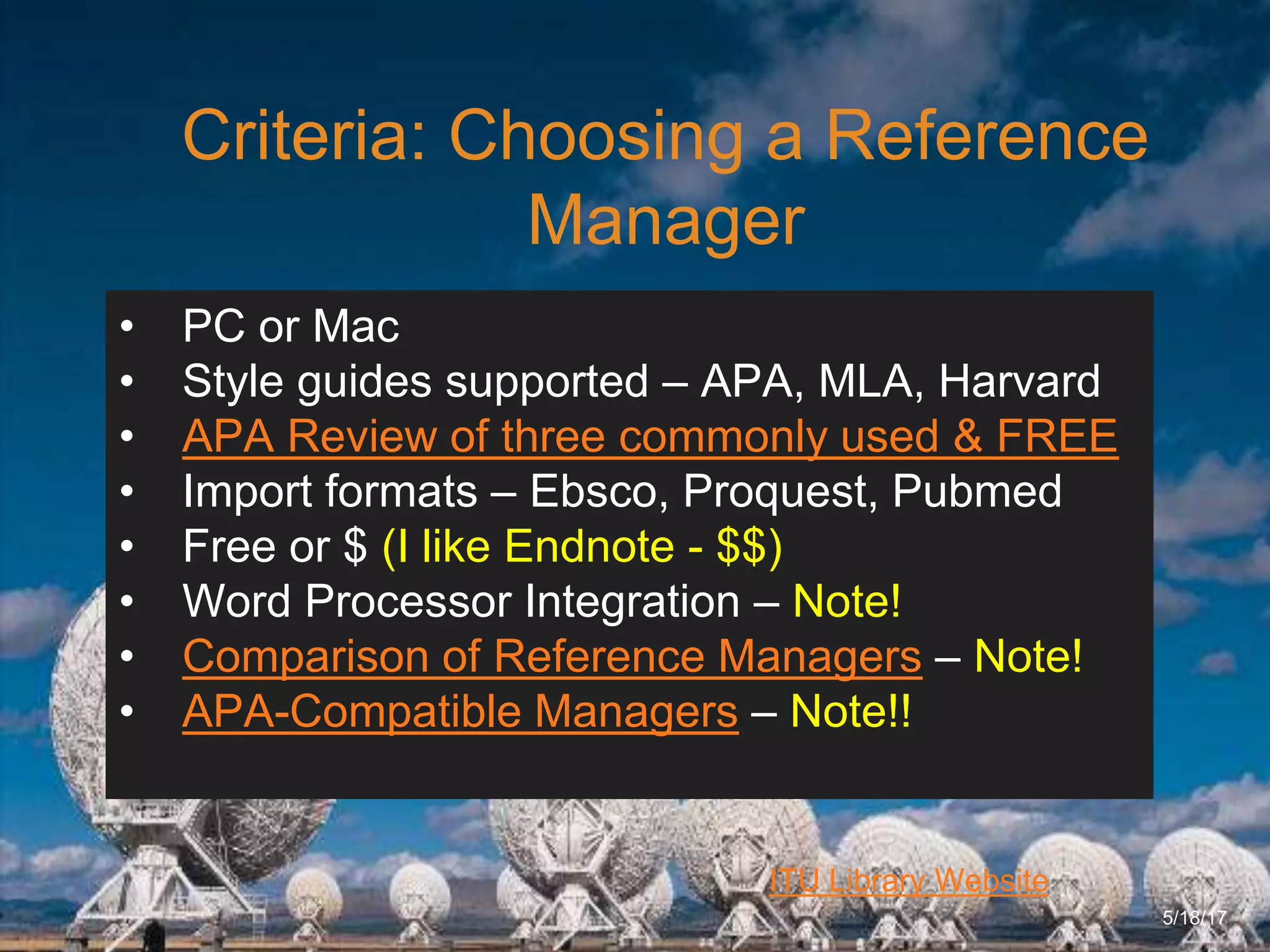
Criteria: Choosing a Reference
Manager
5/18/17
• PC or Mac
• Style guides supported – APA, MLA, Harvard
• APA Review of three commonly used & FREE
• Import formats – Ebsco, Proquest, Pubmed
• Free or $ (I like Endnote - $$)
• Word Processor Integration – Note!
• Comparison of Reference Managers – Note!
• APA-Compatible Managers – Note!!
6/27/162711 North First St. - San Jose, CA 95134 - www.itu.edu
10
ITU Library Website
Criteria: Setting Up Your Reference
Manager
5/18/17
• Comparison of Reference Managers
• Setting up your [database] structure
• Populating your database
• Importing from databases (ACM, EBSCO Bus
Source, Promed, IEEE)
• Manually entering a reference
• Creating your bibliography
6/27/162711 North First St. - San Jose, CA 95134 - www.itu.edu
11
ITU Library Website
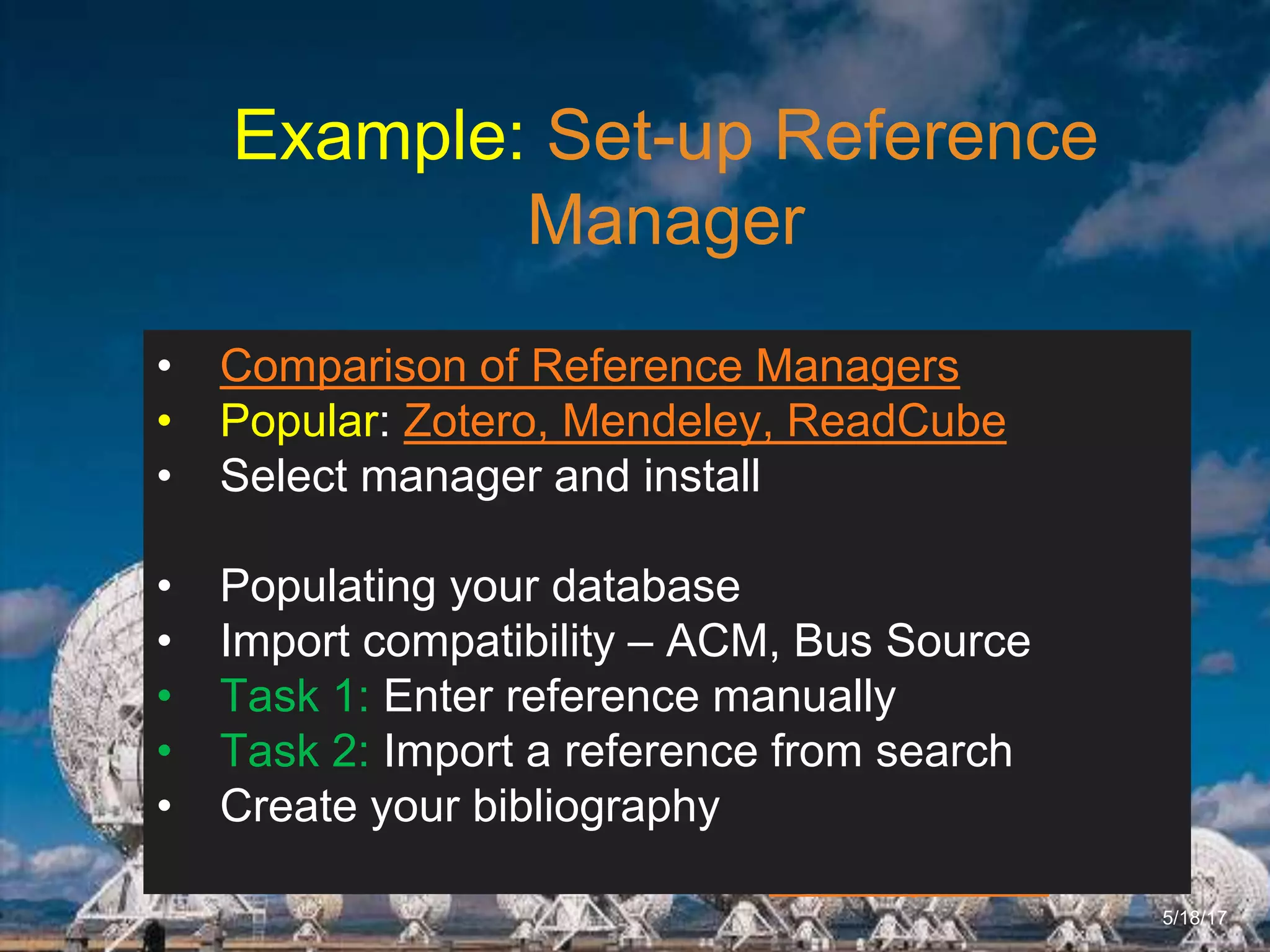
Example: Set-up Reference
Manager
5/18/17
• Comparison of Reference Managers
• Popular: Zotero, Mendeley, ReadCube
• Select manager and install
• Populating your database
• Import compatibility – ACM, Bus Source
• Task 1: Enter reference manually
• Task 2: Import a reference from search
• Create your bibliography
6/27/162711 North First St. - San Jose, CA 95134 - www.itu.edu
12
ITU Library Website
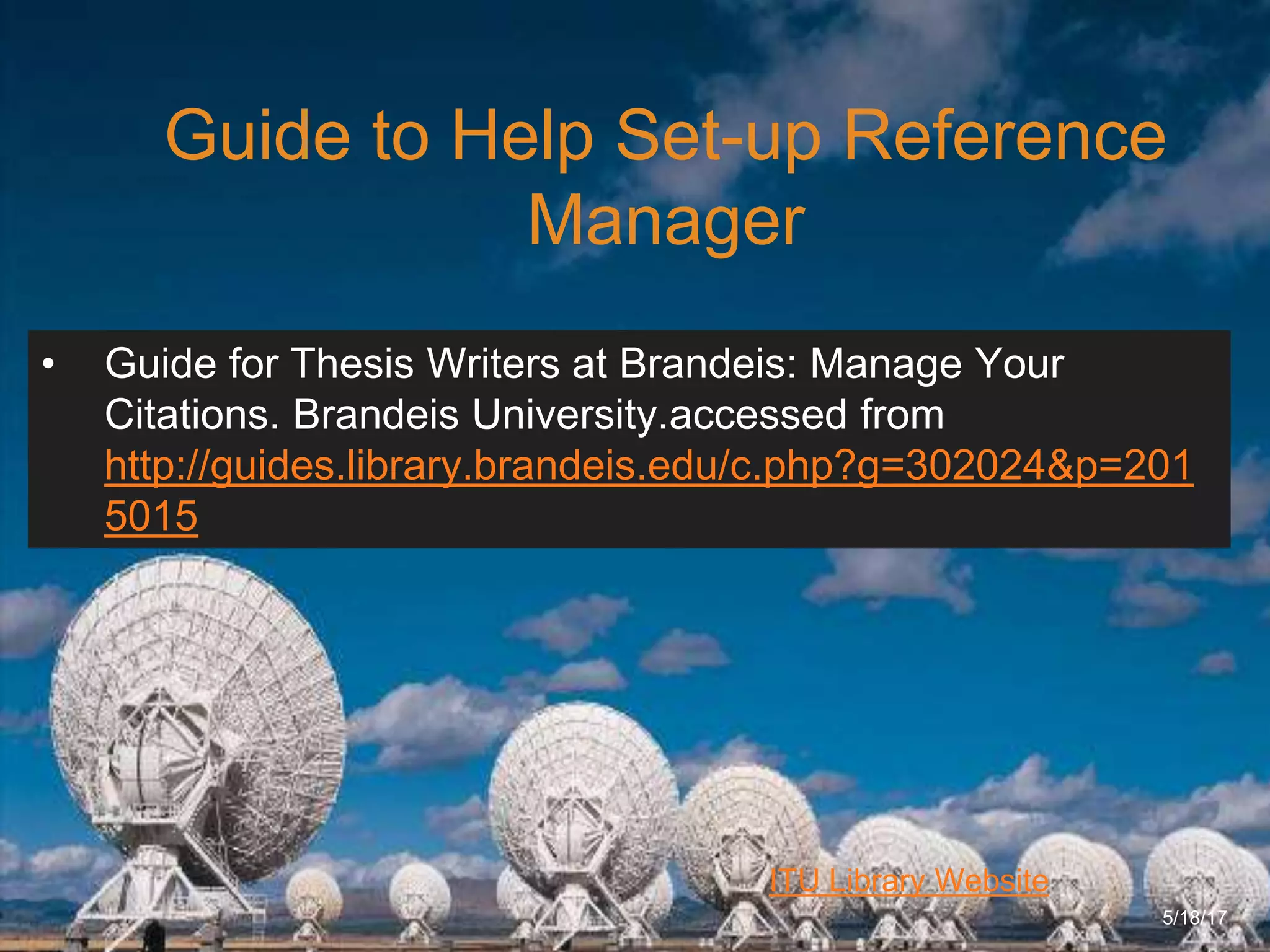
Guide to Help Set-up Reference
Manager
5/18/17
• Guide for Thesis Writers at Brandeis: Manage Your
Citations. Brandeis University.accessed from
http://guides.library.brandeis.edu/c.php?g=302024&p=201
5015
6/27/162711 North First St. - San Jose, CA 95134 - www.itu.edu
13
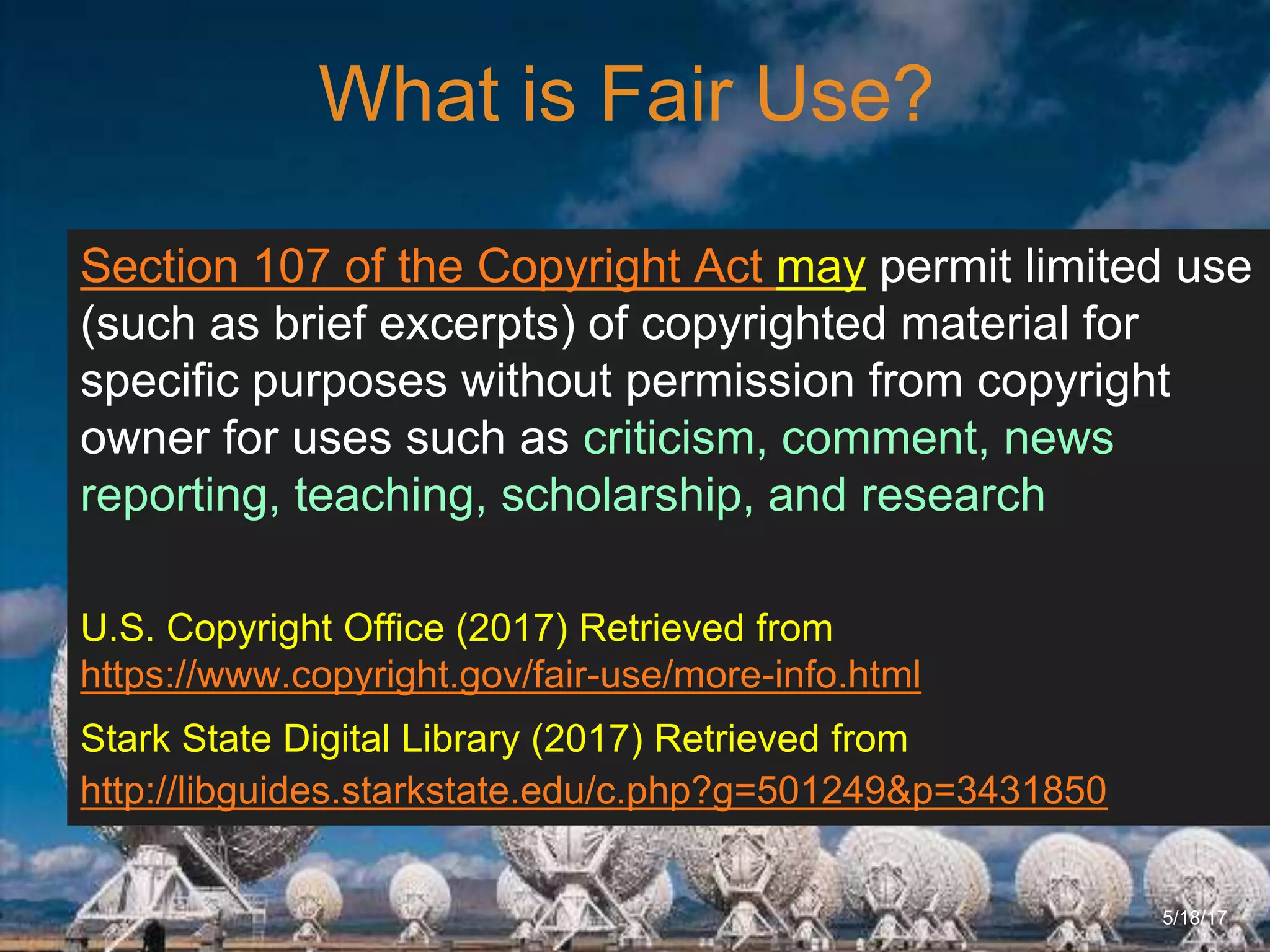
What is Fair Use?
5/18/17
Section 107 of the Copyright Act may permit limited use
(such as brief excerpts) of copyrighted material for
specific purposes without permission from copyright
owner for uses such as criticism, comment, news
reporting, teaching, scholarship, and research
U.S. Copyright Office (2017) Retrieved from
https://www.copyright.gov/fair-use/more-info.html
Stark State Digital Library (2017) Retrieved from
http://libguides.starkstate.edu/c.php?g=501249&p=3431850
6/27/162711 North First St. - San Jose, CA 95134 - www.itu.edu
14
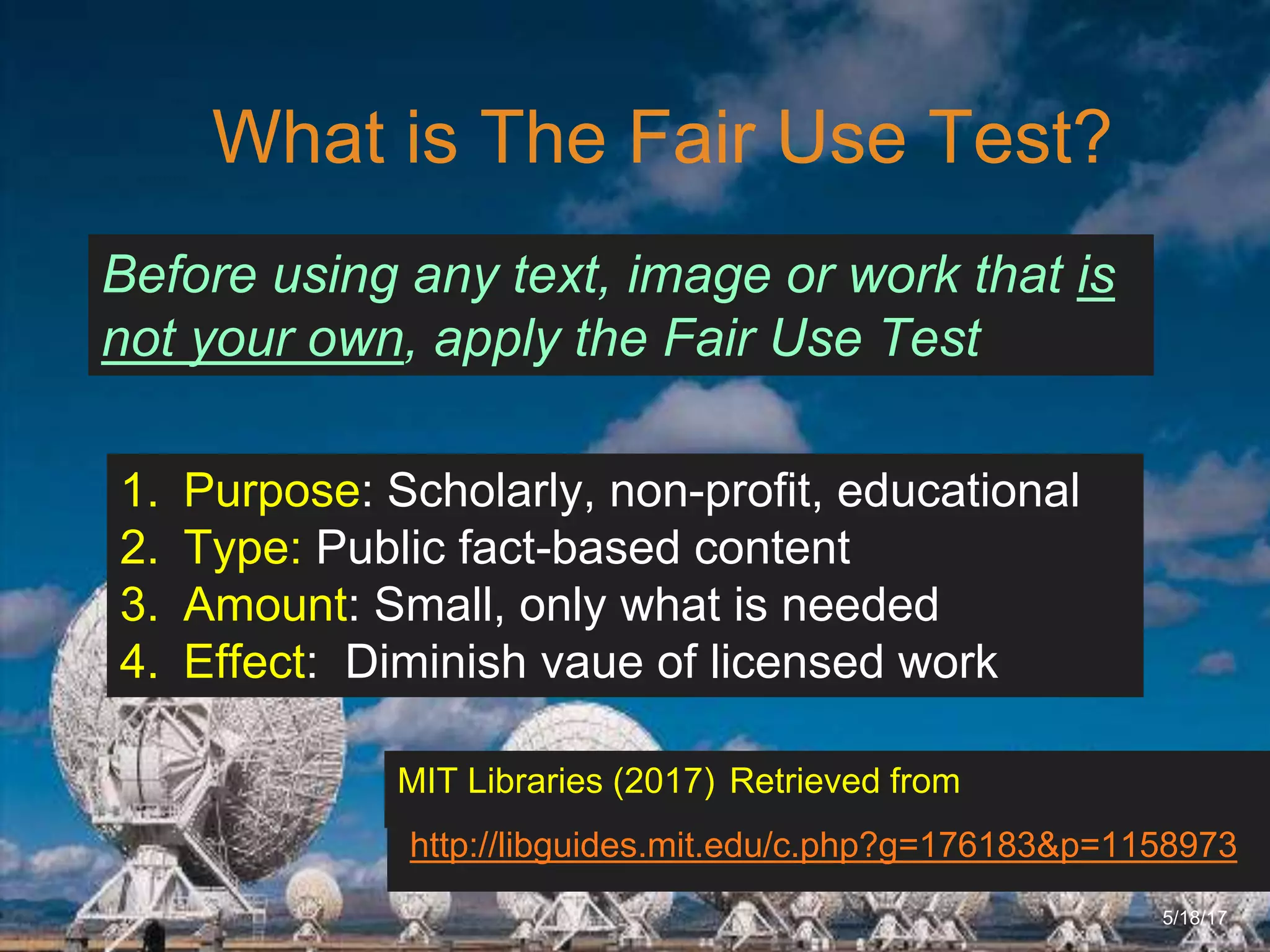
What is The Fair Use Test?
5/18/17
1. Purpose: Scholarly, non-profit, educational
2. Type: Public fact-based content
3. Amount: Small, only what is needed
4. Effect: Diminish vaue of licensed work
http://libguides.mit.edu/c.php?g=176183&p=1158973
MIT Libraries (2017) Retrieved from
Before using any text, image or work that is
not your own, apply the Fair Use Test
6/27/162711 North First St. - San Jose, CA 95134 - www.itu.edu
15
ITU Library Website
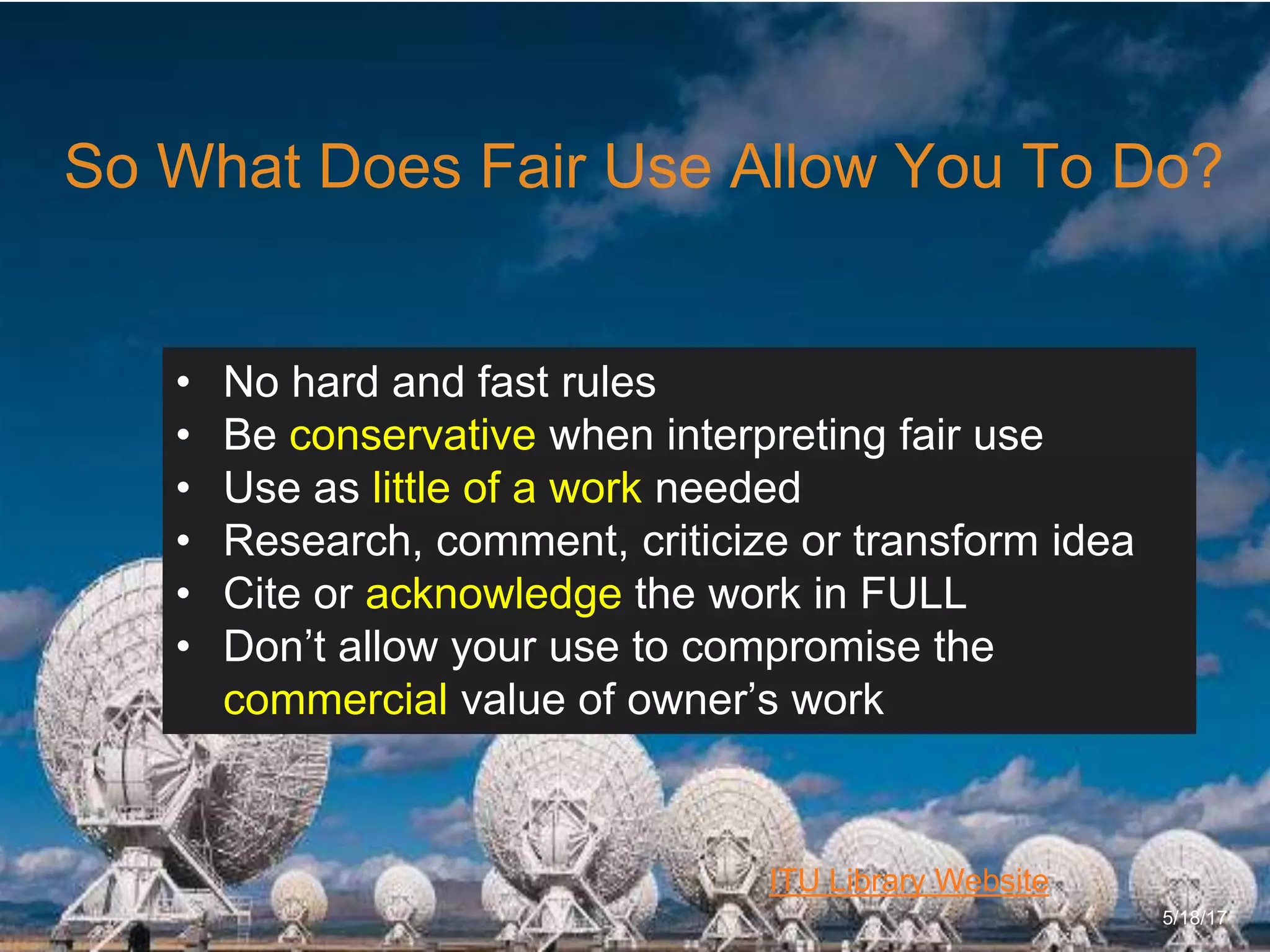
So What Does Fair Use Allow You To Do?
5/18/17
• No hard and fast rules
• Be conservative when interpreting fair use
• Use as little of a work needed
• Research, comment, criticize or transform idea
• Cite or acknowledge the work in FULL
• Don’t allow your use to compromise the
commercial value of owner’s work
6/27/162711 North First St. - San Jose, CA 95134 - www.itu.edu
16
ITU Library Website
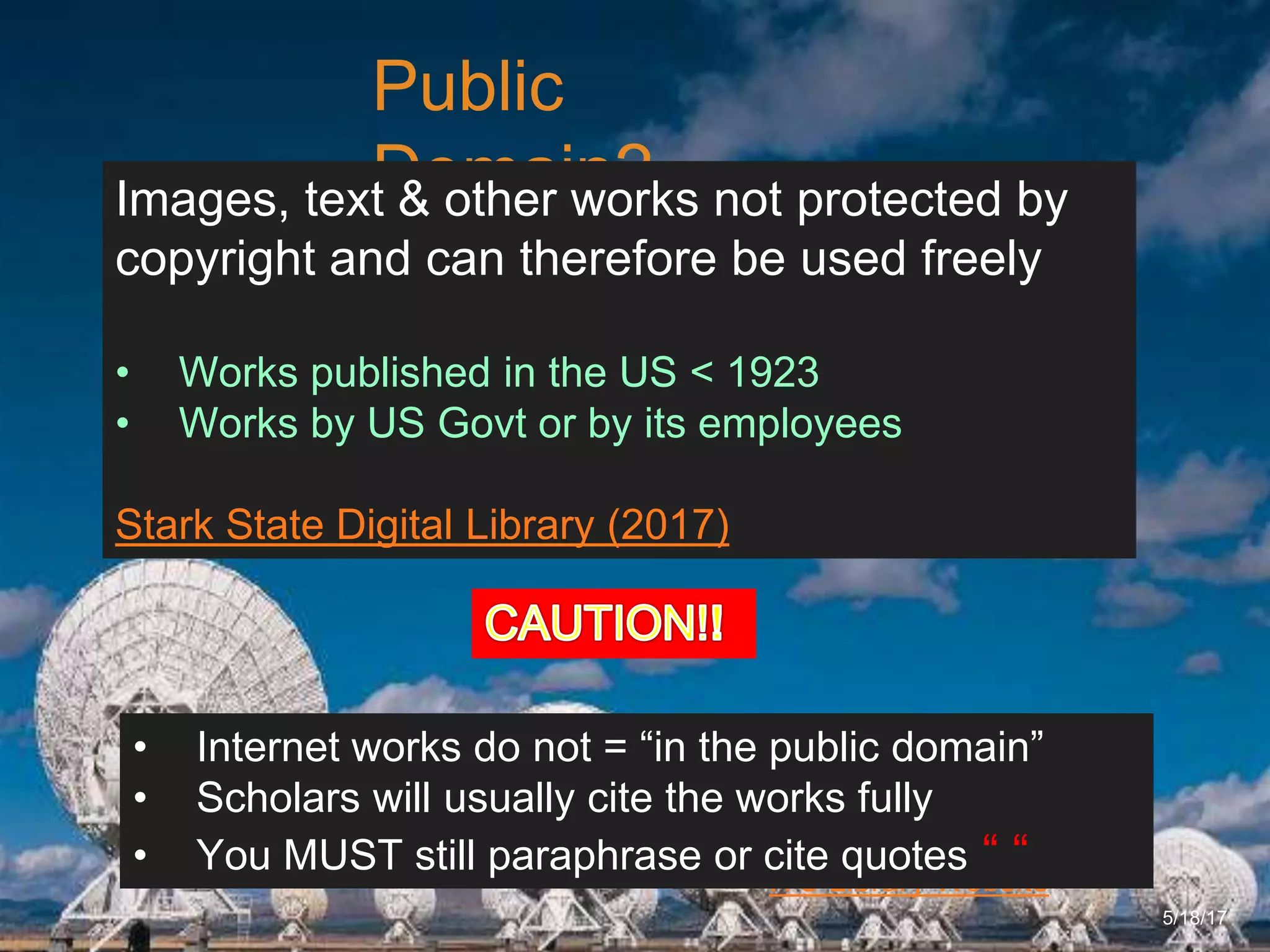
Public
Domain?
5/18/17
Images, text & other works not protected by
copyright and can therefore be used freely
• Works published in the US < 1923
• Works by US Govt or by its employees
Stark State Digital Library (2017)
• Internet works do not = “in the public domain”
• Scholars will usually cite the works fully
• You MUST still paraphrase or cite quotes “ “
6/27/162711 North First St. - San Jose, CA 95134 - www.itu.edu
17
ITU Library Website
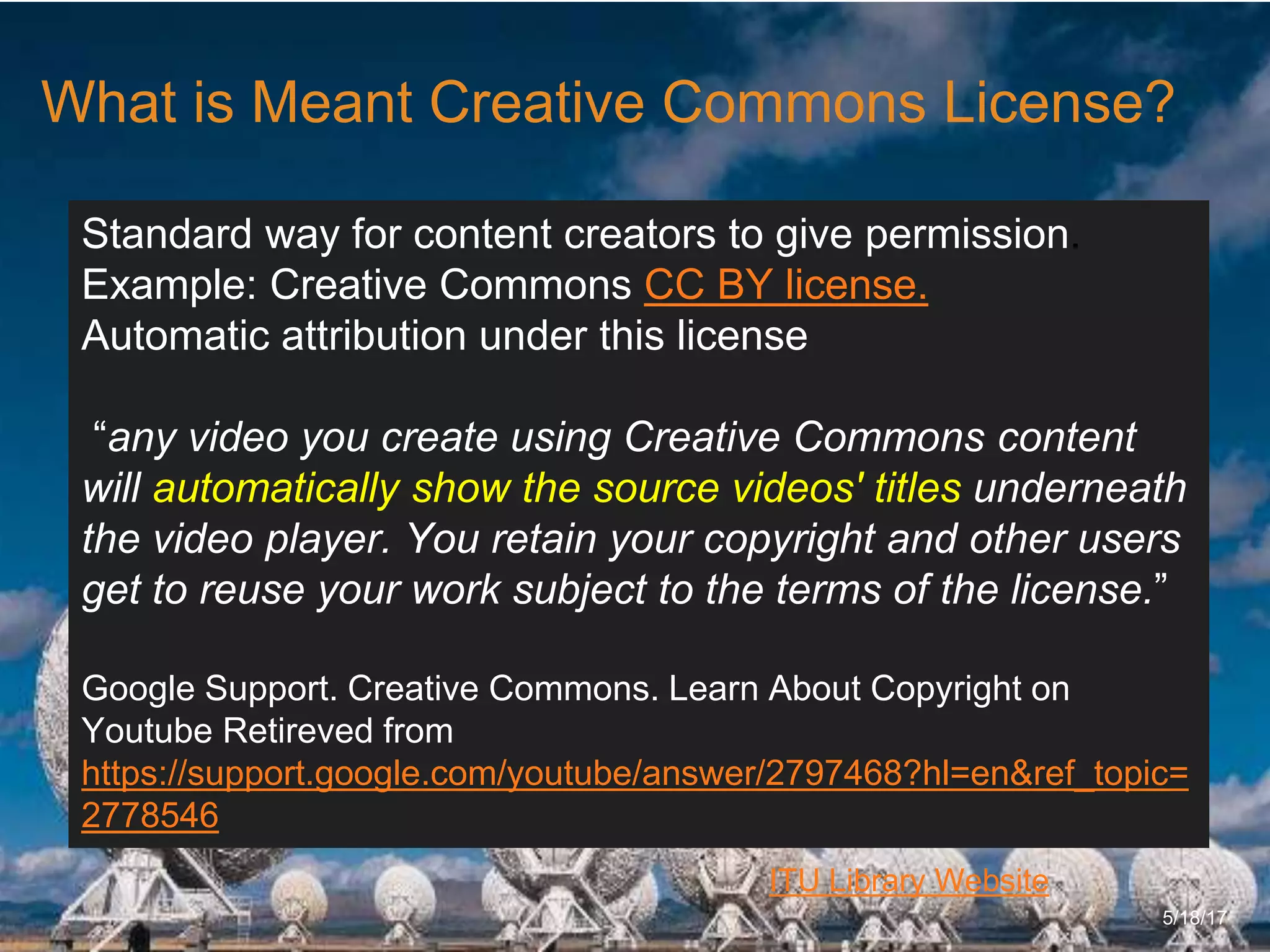
What is Meant Creative Commons License?
5/18/17
Standard way for content creators to give permission.
Example: Creative Commons CC BY license.
Automatic attribution under this license
“any video you create using Creative Commons content
will automatically show the source videos' titles underneath
the video player. You retain your copyright and other users
get to reuse your work subject to the terms of the license.”
Google Support. Creative Commons. Learn About Copyright on
Youtube Retireved from
https://support.google.com/youtube/answer/2797468?hl=en&ref_topic=
2778546
6/27/162711 North First St. - San Jose, CA 95134 - www.itu.edu
18
ITU Library Website
Using Google to Filter Creative
Commons or Public Domain Works?
5/18/17
• From www.Google.com select “Settings” (bottom right screen)
• Select “Advanced Search”
• Select an option from “Usage Rights” such as “free to use share
and modify”
• To search for free to use images, go to Google images, change
settings to “Advanced Search” and
• Change Usage Rights to the option that best fits your use
Stark State Digital Library (2017). Copyright and Plagiarism Guide
for Students
6/27/162711 North First St. - San Jose, CA 95134 - www.itu.edu
19
ITU Library Website
Using Images Safely
5/18/17
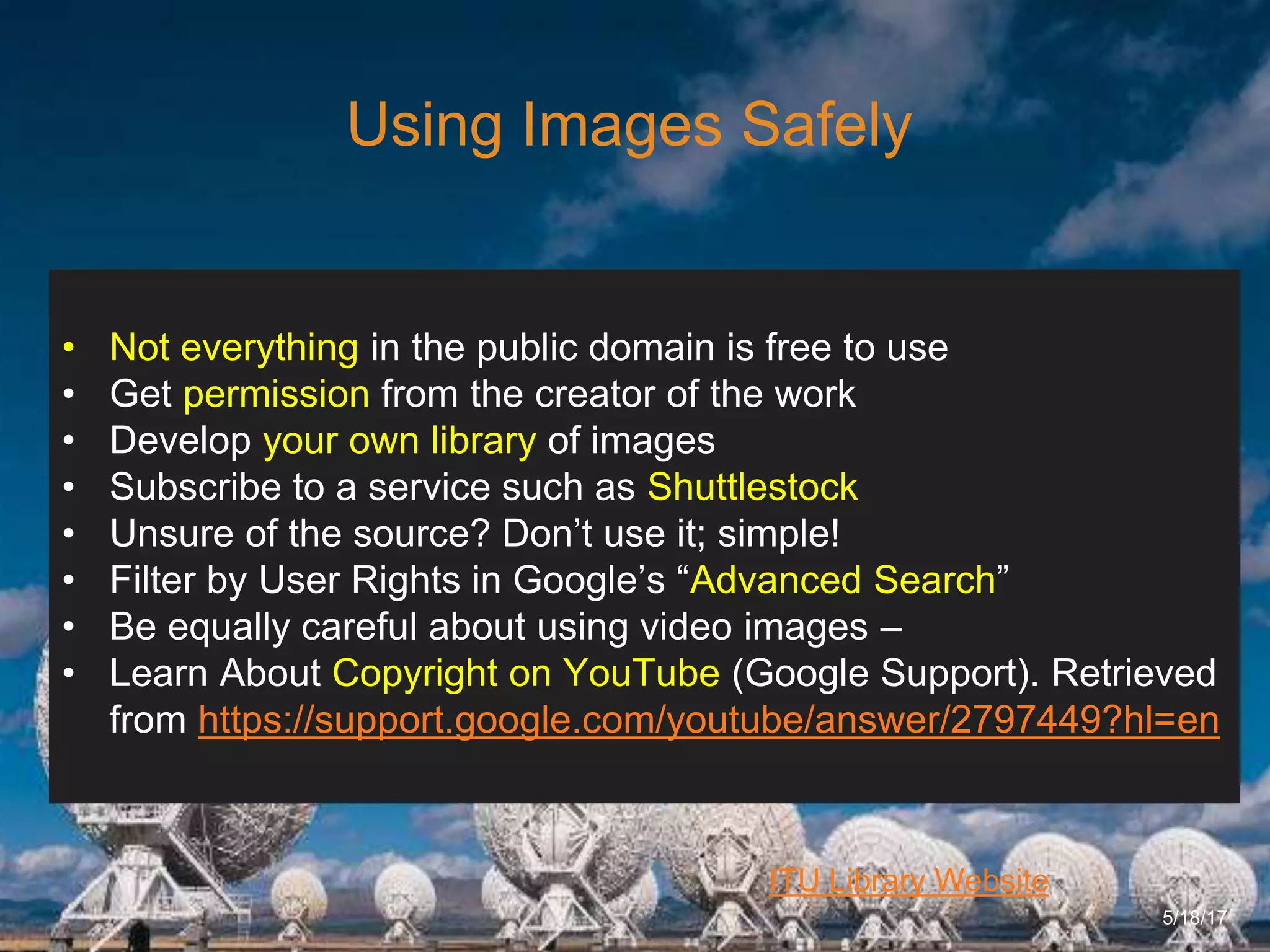
• Not everything in the public domain is free to use
• Get permission from the creator of the work
• Develop your own library of images
• Subscribe to a service such as Shuttlestock
• Unsure of the source? Don’t use it; simple!
• Filter by User Rights in Google’s “Advanced Search”
• Be equally careful about using video images –
• Learn About Copyright on YouTube (Google Support). Retrieved
from https://support.google.com/youtube/answer/2797449?hl=en
6/27/162711 North First St. - San Jose, CA 95134 - www.itu.edu
20
ITU Library Website
Using Google to Filter Creative
Commons or Public Domain Works?
5/18/17
• From www.Google.com select “Settings” (bottom right screen)
• Select “Advanced Search”
• Select an option from “Usage Rights” such as “free to use share
and modify”
• To search for free to use images, go to Google images, change
settings to “Advanced Search” and
• Change Usage Rights to the option that best fits your use
Stark State Digital Library (2017). Copyright and Plagiarism Guide
for Students
6/27/162711 North First St. - San Jose, CA 95134 - www.itu.edu
21
ITU Library Website
How Is Your Academic Integrity or
Ethics?
5/18/17
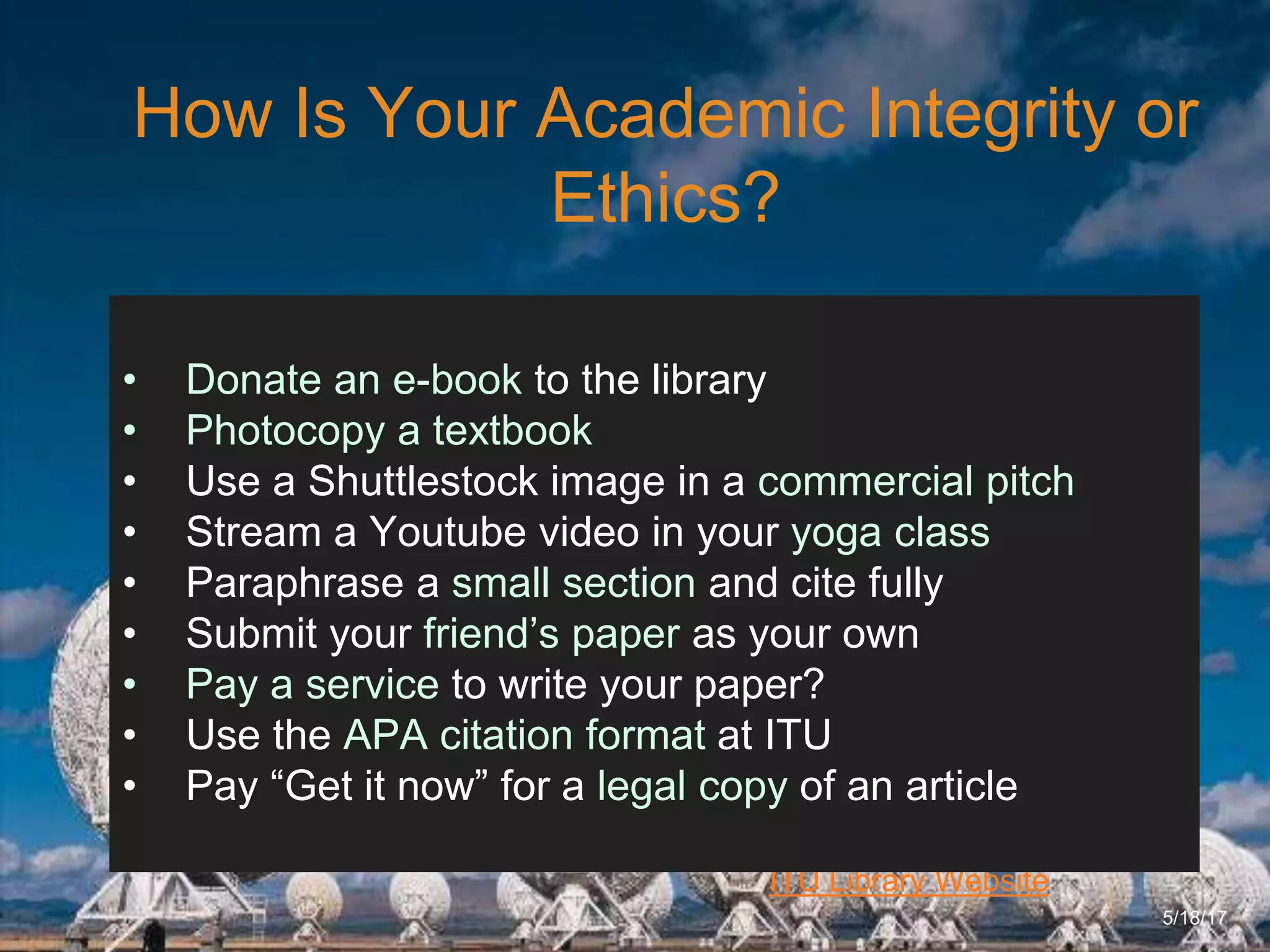
• Donate an e-book to the library
• Photocopy a textbook
• Use a Shuttlestock image in a commercial pitch
• Stream a Youtube video in your yoga class
• Paraphrase a small section and cite fully
• Submit your friend’s paper as your own
• Pay a service to write your paper?
• Use the APA citation format at ITU
• Pay “Get it now” for a legal copy of an article
6/27/162711 North First St. - San Jose, CA 95134 - www.itu.edu
22
ITU Library Website
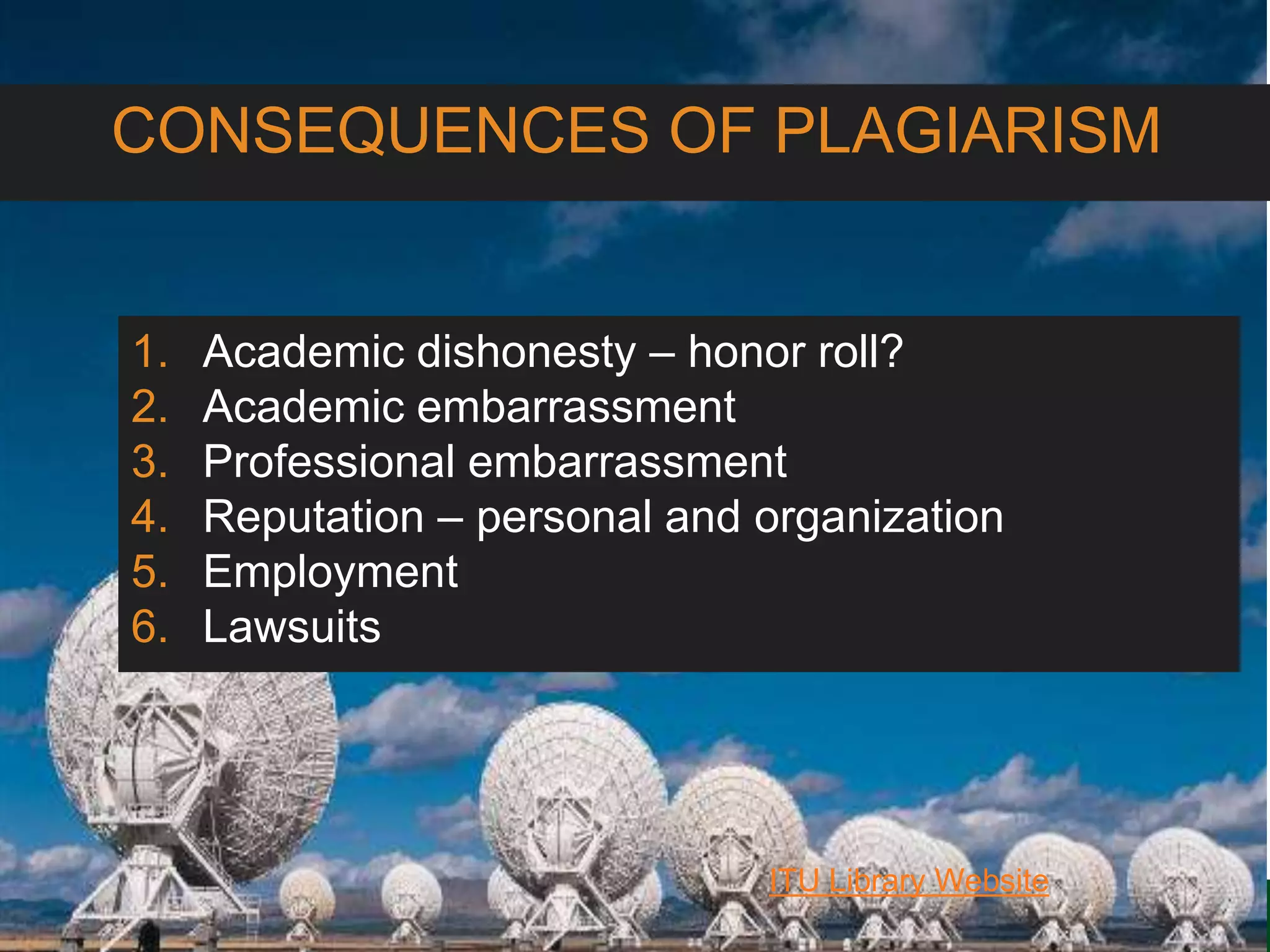
CONSEQUENCES OF PLAGIARISM
1. Academic dishonesty – honor roll?
2. Academic embarrassment
3. Professional embarrassment
4. Reputation – personal and organization
5. Employment
6. Lawsuits
6/27/162711 North First St. - San Jose, CA 95134 - www.itu.edu
23
ITU Library Website
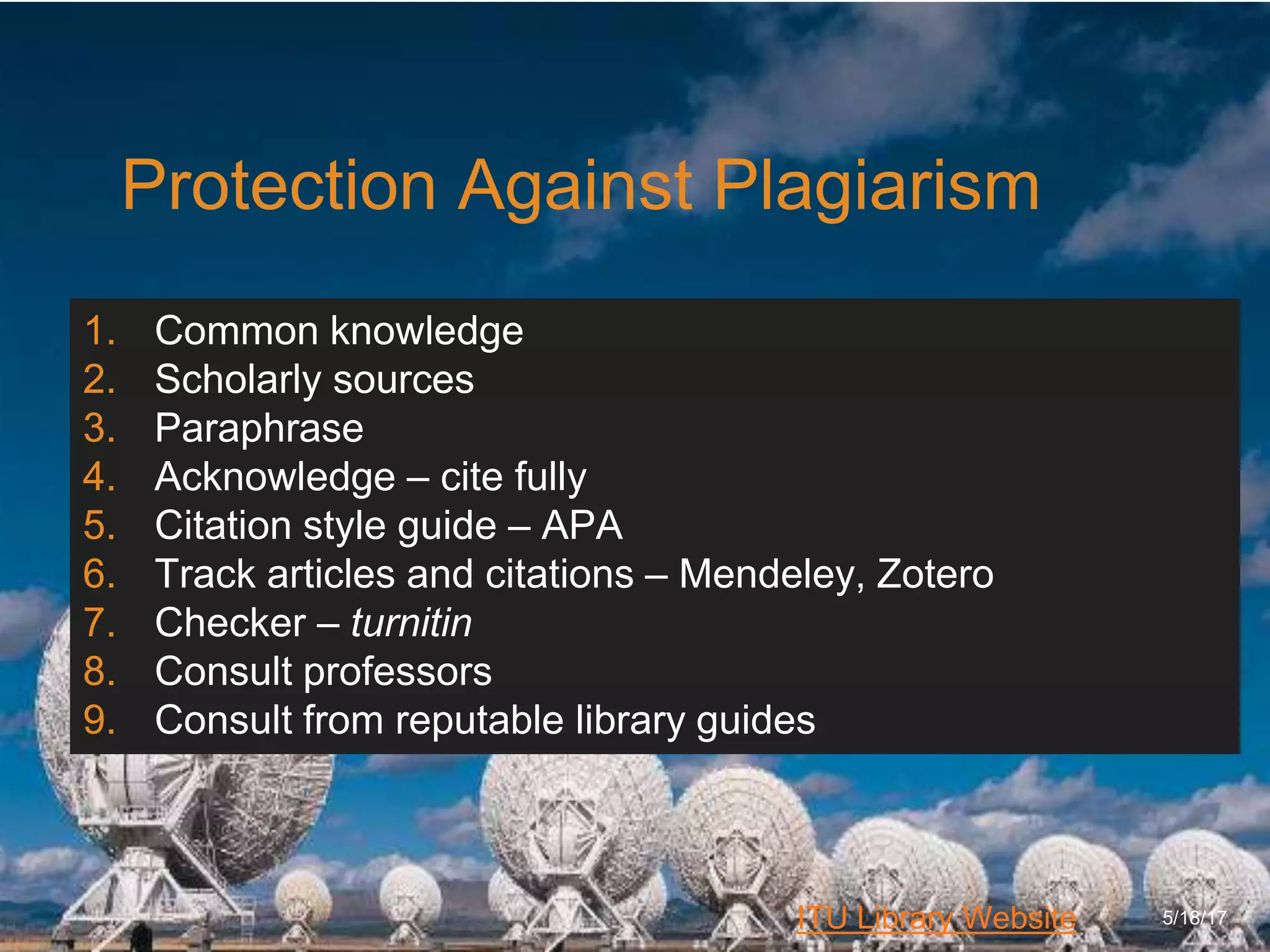
Protection Against Plagiarism
5/18/17
1. Common knowledge
2. Scholarly sources
3. Paraphrase
4. Acknowledge – cite fully
5. Citation style guide – APA
6. Track articles and citations – Mendeley, Zotero
7. Checker – turnitin
8. Consult professors
9. Consult from reputable library guides
6/27/162711 North First St. - San Jose, CA 95134 - www.itu.edu
24
ITU Library Website
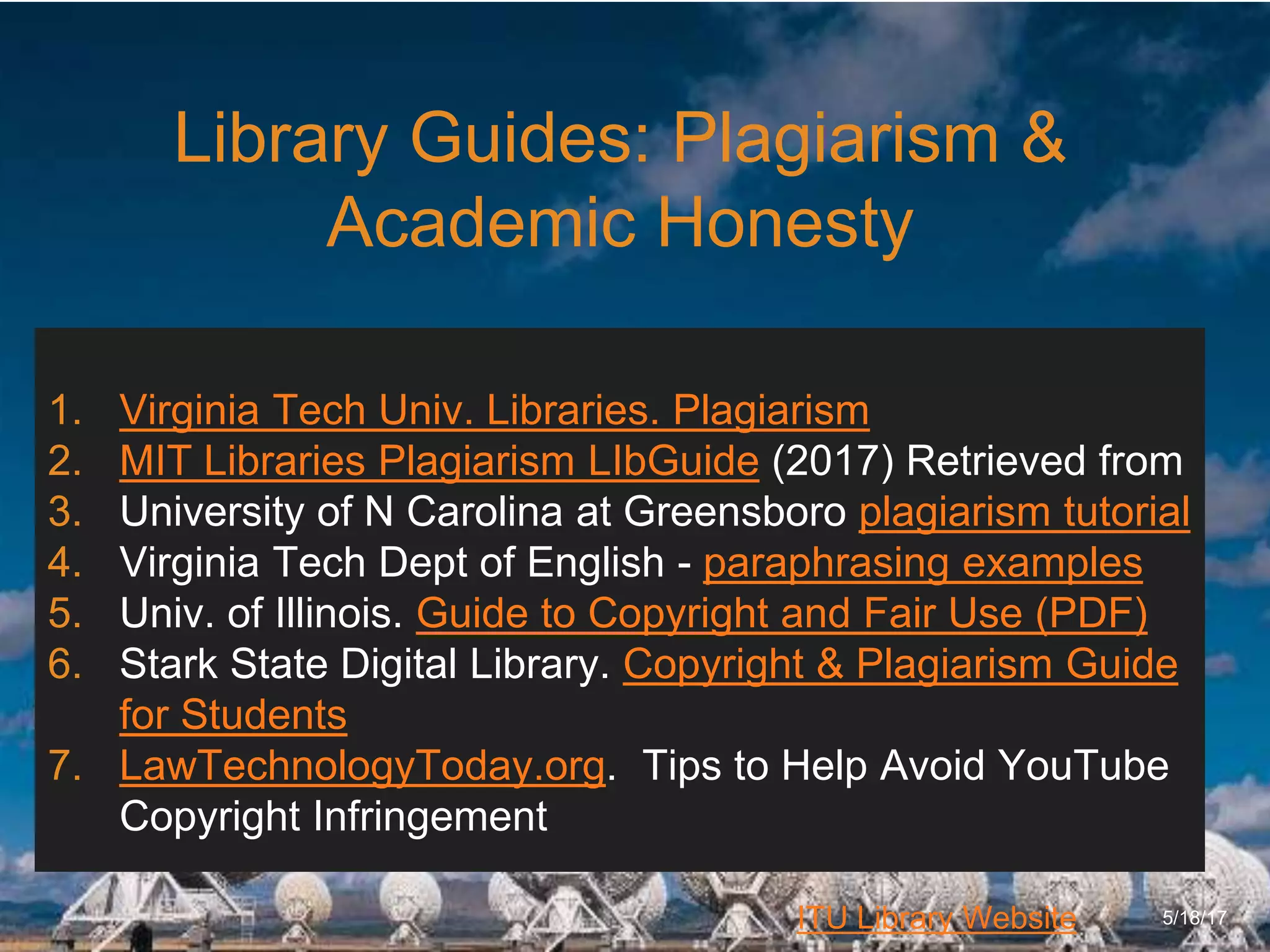
Library Guides: Plagiarism &
Academic Honesty
5/18/17
1. Virginia Tech Univ. Libraries. Plagiarism
2. MIT Libraries Plagiarism LIbGuide (2017) Retrieved from
3. University of N Carolina at Greensboro plagiarism tutorial
4. Virginia Tech Dept of English - paraphrasing examples
5. Univ. of Illinois. Guide to Copyright and Fair Use (PDF)
6. Stark State Digital Library. Copyright & Plagiarism Guide
for Students
7. LawTechnologyToday.org. Tips to Help Avoid YouTube
Copyright Infringement
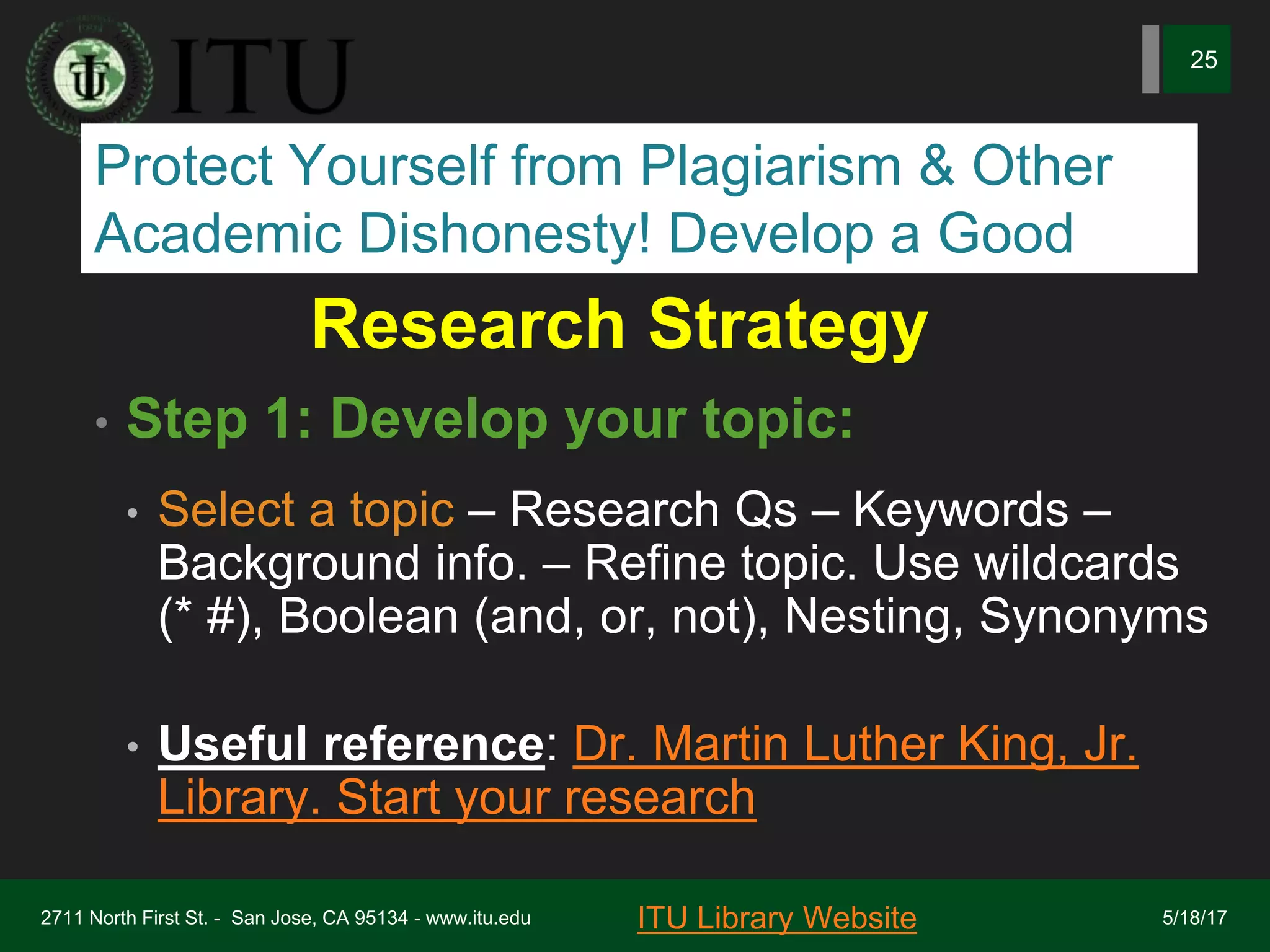
Research Strategy
• Step 1: Develop your topic:
• Select a topic – Research Qs – Keywords –
Background info. – Refine topic. Use wildcards
(* #), Boolean (and, or, not), Nesting, Synonyms
• Useful reference: Dr. Martin Luther King, Jr.
Library. Start your research
2711 North First St. - San Jose, CA 95134 - www.itu.edu
25
ITU Library Website 5/18/17
Protect Yourself from Plagiarism & Other
Academic Dishonesty! Develop a Good
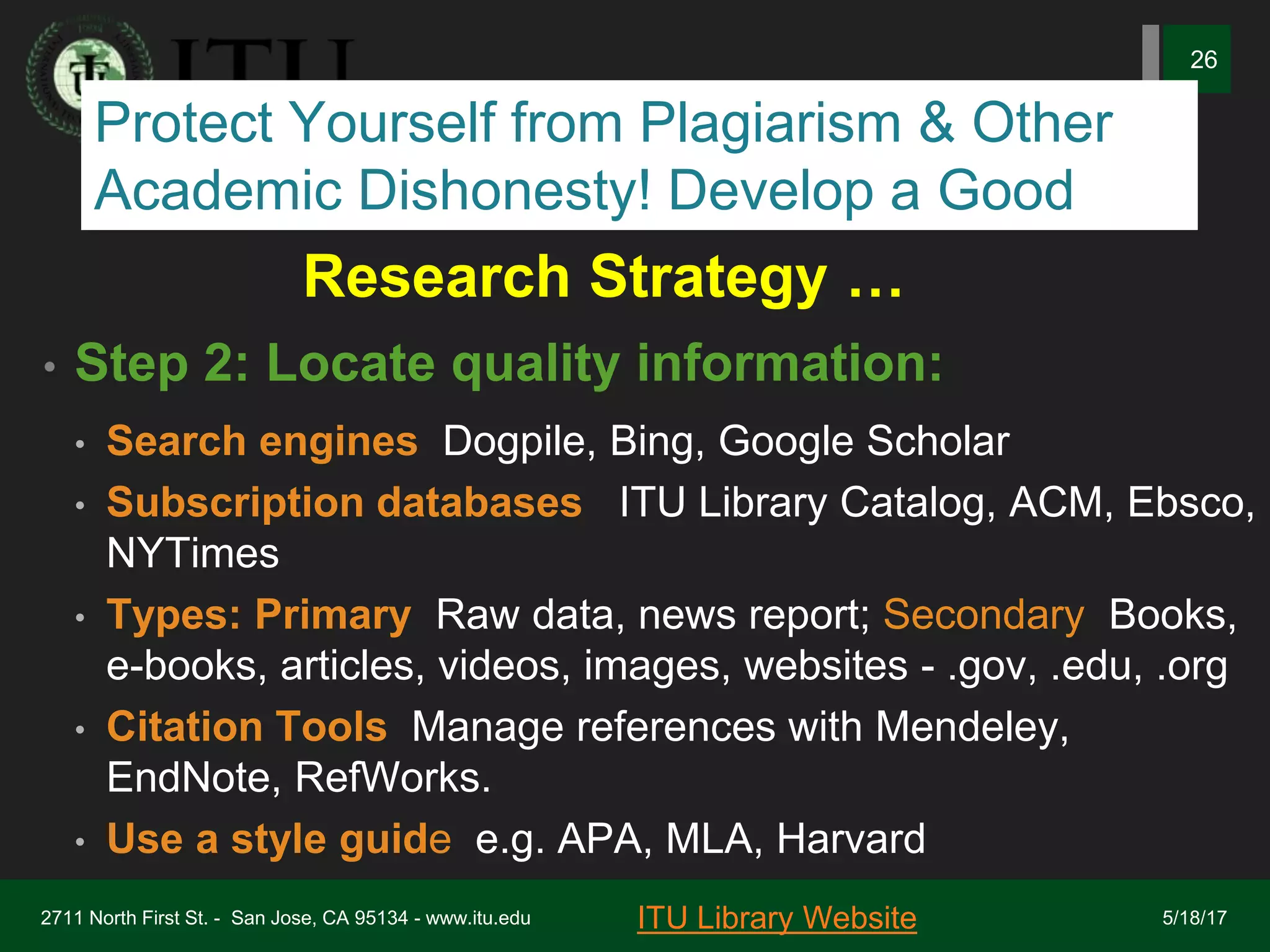
Research Strategy …
• Step 2: Locate quality information:
• Search engines: Dogpile, Bing, Google Scholar
• Subscription databases : ITU Library Catalog, ACM, Ebsco,
NYTimes
• Types: Primary: Raw data, news report; Secondary: Books,
e-books, articles, videos, images, websites - .gov, .edu, .org
• Citation Tools: Manage references with Mendeley,
EndNote, RefWorks.
• Use a style guide, e.g. APA, MLA, Harvard
2711 North First St. - San Jose, CA 95134 - www.itu.edu
26
ITU Library Website 5/18/17
Protect Yourself from Plagiarism & Other
Academic Dishonesty! Develop a Good
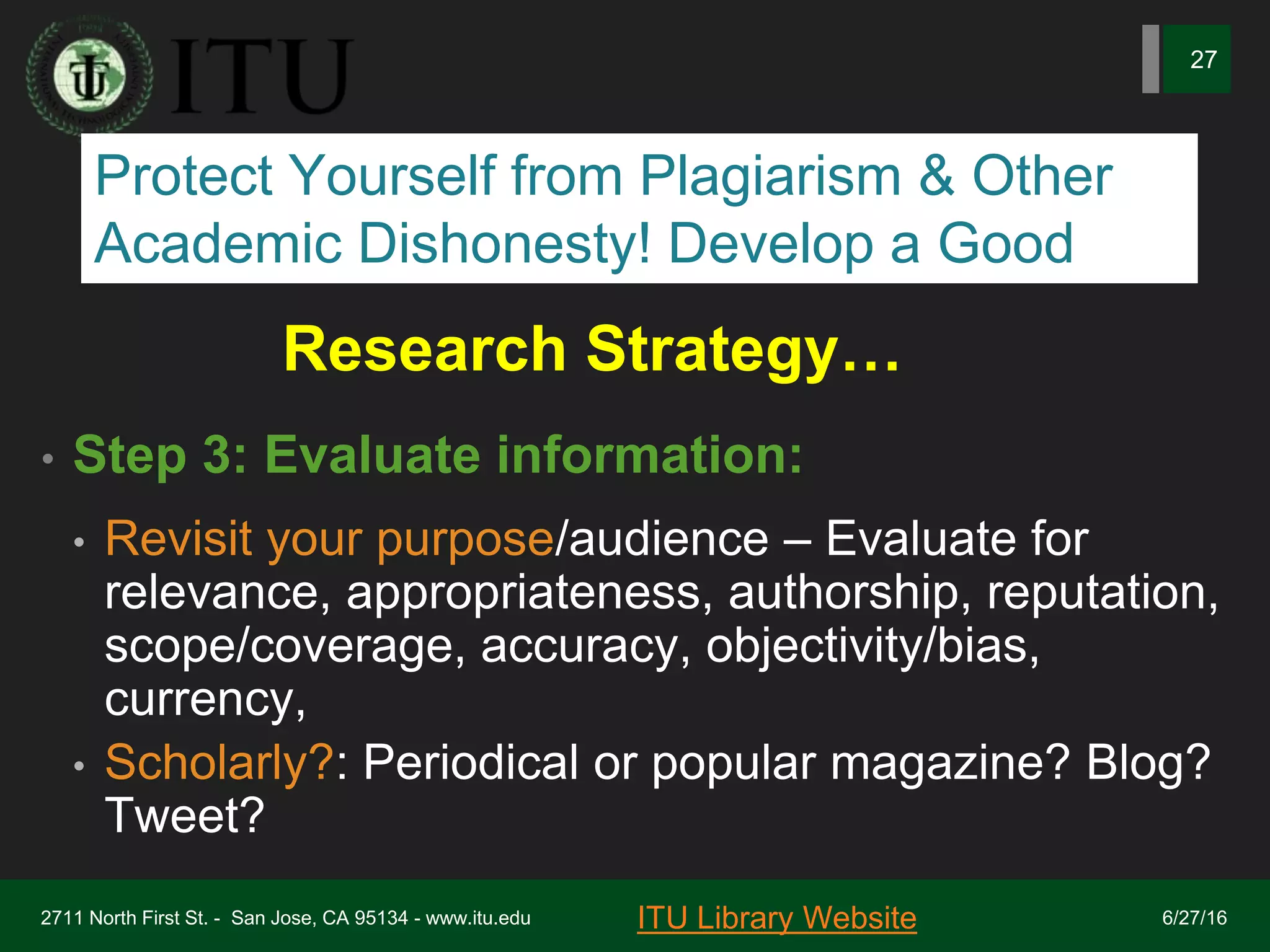
Research Strategy…
• Step 3: Evaluate information:
• Revisit your purpose/audience – Evaluate for
relevance, appropriateness, authorship, reputation,
scope/coverage, accuracy, objectivity/bias,
currency,
• Scholarly?: Periodical or popular magazine? Blog?
Tweet?
6/27/162711 North First St. - San Jose, CA 95134 - www.itu.edu
27
ITU Library Website
Protect Yourself from Plagiarism & Other
Academic Dishonesty! Develop a Good
Research Strategy …
• Step 4: Plan, Take Notes, Write, Re-write:
• Plan/outline: Outline your paper, purpose,
goal/objectives, audience
• Note-taking: Technique that suits your learning
style. Dartmouth College Video
• Literature: Review quality sources to ‘answer’
your research question
5/18/17
2711 North First St. - San Jose, CA 95134 - www.itu.edu
28
ITU Library Website
Protect Yourself from Plagiarism & Other
Academic Dishonesty! Develop a Good
Research Strategy…
• Step 5: Cite, Acknowledge
• APA Style Guide: Johnson & Wales University APA Style
Guide
• APA In-text referencing (in body of paper), e.g.J&W APA
Examples.
• Bibliography and References – style guide
• See Comparison of Reference Mgt Software (Wikipedia)
2711 North First St. - San Jose, CA 95134 - www.itu.edu
29
ITU Library Website 5/18/17
Protect Yourself from Plagiarism & Other
Academic Dishonesty! Develop a Good
Research Strategy…
• Step 6: Check plagiarism, honesty,
copyright, ethics
• See: Plagiarism.org and U.S. Copyright
Office
• Use style guide (APA), in-text, bibliography,
references
2711 North First St. - San Jose, CA 95134 - www.itu.edu
30
ITU Library Website 5/18/17
Protect Yourself from Plagiarism & Other
Academic Dishonesty! Develop a Good
6/27/162711 North First St. - San Jose, CA 95134 - www.itu.edu
31
ITU Library Website
REVIEW QUESTIONS:
1. What is the Fair Use Test?
2. T/F? Students are exempt from the provisions
of the Copyright Act and Regulations.
3. Plagiarism is a deliberate act of academic
dishonesty. Discuss
4. Discuss how you can protect yourself from
plagiarism & copyright breach
5. How will you find & select images for your
course presentations?

Stop! cite before you write workshop fall 2017

  • 1.
    !4 September 2017 STOP!CITE BEFORE YOU WRITE: By Marion Hayes, University Librarian ITU Library Website
  • 2.
    6/27/162711 North FirstSt. - San Jose, CA 95134 - www.itu.edu 2 ITU Library Website DURING THIS WORKSHOP YOU WILL LEARN: #1: Purpose of Citation #2: Citation Methods #3: APA Style Guide #4: Reference Management Programs #5: How to Automate Your Bibliography #6: Plagiarism and ITU 5/18/17
  • 3.
    6/27/162711 North FirstSt. - San Jose, CA 95134 - www.itu.edu 3 ITU Library Website Citations & Reference Managers 5/18/17 Citation: Reference to or quote from a source • Acknowledge an idea, opinion or excerpt from a source that is not your own. It is • Support your idea and build argument • Avoid accusations of plagiarism Reference Manager: • Search, collect, manage and cite sources • Zotero, Endnote, Mendeley, ReadCube • Automatic bibliography – save time & grief
  • 4.
    6/27/162711 North FirstSt. - San Jose, CA 95134 - www.itu.edu 4 ITU Library Website When to Cite? Permission Recommended * 5/18/17 • Paraphrase text • Quote text • * Use Image, illustration, graphic, video • * Use Code, • * Use ‘Open Source’ (etiquette) • List of References used • Bibliography (summative) • Annotated bibliography • Literature review
  • 5.
    6/27/162711 North FirstSt. - San Jose, CA 95134 - www.itu.edu 5 ITU Library Website Examples of Uses 5/18/17 • Reproducing , transposing, paraphrasing • Distribution of copies of the work • Creating derivatives based on the original • Public performance of work • Public display of work
  • 6.
    6/27/162711 North FirstSt. - San Jose, CA 95134 - www.itu.edu 6 ITU Library Website ITU Citation Tools 5/18/17 1. Masters Thesis Guidelines 2. ACM Publishing Guidelines 3. APA Style Guide 4. IEEE Author Digital Tools 5. Library Collection, Thesis, and Other Policies 6. The Research Process: Library Recommended Research Resources and Tools 7. Citation Conversion Tool (APA, MLA, Chicago)
  • 7.
    6/27/162711 North FirstSt. - San Jose, CA 95134 - www.itu.edu 7 ITU Library Website ITU Citation Tools 5/18/17 • APA Style Guide: Publication of the American Psychological Association. Call: BF76.7 .P83 2010 • The dissertation journey. Call #: LB1742 .R63 2010 • Main Referencing Methods: • APA Style Guide (ITU recommended link) • IEEE Author Digital Tools • ACM Publishing Guidelines • MLA • Harvard Style
  • 8.
    6/27/162711 North FirstSt. - San Jose, CA 95134 - www.itu.edu 8 ITU Library Website What is a Reference Manager 5/18/17 “graduate student’s best friend” – American Psychological Association (APA) Create your personal “library” of references / citations Field structure for most library database structures, EBSCO Copyright – DO NOT download full text unless “open source” Common: Zotero Mendeley ReadCube $ Endnote, RefWorks Free or subscription-based; choose best fit for needs
  • 9.
    6/27/162711 North FirstSt. - San Jose, CA 95134 - www.itu.edu 9 ITU Library Website Criteria: Choosing a Reference Manager 5/18/17 • PC or Mac • Style guides supported – APA, MLA, Harvard • APA Review of three commonly used & FREE • Import formats – Ebsco, Proquest, Pubmed • Free or $ (I like Endnote - $$) • Word Processor Integration – Note! • Comparison of Reference Managers – Note! • APA-Compatible Managers – Note!!
  • 10.
    6/27/162711 North FirstSt. - San Jose, CA 95134 - www.itu.edu 10 ITU Library Website Criteria: Setting Up Your Reference Manager 5/18/17 • Comparison of Reference Managers • Setting up your [database] structure • Populating your database • Importing from databases (ACM, EBSCO Bus Source, Promed, IEEE) • Manually entering a reference • Creating your bibliography
  • 11.
    6/27/162711 North FirstSt. - San Jose, CA 95134 - www.itu.edu 11 ITU Library Website Example: Set-up Reference Manager 5/18/17 • Comparison of Reference Managers • Popular: Zotero, Mendeley, ReadCube • Select manager and install • Populating your database • Import compatibility – ACM, Bus Source • Task 1: Enter reference manually • Task 2: Import a reference from search • Create your bibliography
  • 12.
    6/27/162711 North FirstSt. - San Jose, CA 95134 - www.itu.edu 12 ITU Library Website Guide to Help Set-up Reference Manager 5/18/17 • Guide for Thesis Writers at Brandeis: Manage Your Citations. Brandeis University.accessed from http://guides.library.brandeis.edu/c.php?g=302024&p=201 5015
  • 13.
    6/27/162711 North FirstSt. - San Jose, CA 95134 - www.itu.edu 13 What is Fair Use? 5/18/17 Section 107 of the Copyright Act may permit limited use (such as brief excerpts) of copyrighted material for specific purposes without permission from copyright owner for uses such as criticism, comment, news reporting, teaching, scholarship, and research U.S. Copyright Office (2017) Retrieved from https://www.copyright.gov/fair-use/more-info.html Stark State Digital Library (2017) Retrieved from http://libguides.starkstate.edu/c.php?g=501249&p=3431850
  • 14.
    6/27/162711 North FirstSt. - San Jose, CA 95134 - www.itu.edu 14 What is The Fair Use Test? 5/18/17 1. Purpose: Scholarly, non-profit, educational 2. Type: Public fact-based content 3. Amount: Small, only what is needed 4. Effect: Diminish vaue of licensed work http://libguides.mit.edu/c.php?g=176183&p=1158973 MIT Libraries (2017) Retrieved from Before using any text, image or work that is not your own, apply the Fair Use Test
  • 15.
    6/27/162711 North FirstSt. - San Jose, CA 95134 - www.itu.edu 15 ITU Library Website So What Does Fair Use Allow You To Do? 5/18/17 • No hard and fast rules • Be conservative when interpreting fair use • Use as little of a work needed • Research, comment, criticize or transform idea • Cite or acknowledge the work in FULL • Don’t allow your use to compromise the commercial value of owner’s work
  • 16.
    6/27/162711 North FirstSt. - San Jose, CA 95134 - www.itu.edu 16 ITU Library Website Public Domain? 5/18/17 Images, text & other works not protected by copyright and can therefore be used freely • Works published in the US < 1923 • Works by US Govt or by its employees Stark State Digital Library (2017) • Internet works do not = “in the public domain” • Scholars will usually cite the works fully • You MUST still paraphrase or cite quotes “ “
  • 17.
    6/27/162711 North FirstSt. - San Jose, CA 95134 - www.itu.edu 17 ITU Library Website What is Meant Creative Commons License? 5/18/17 Standard way for content creators to give permission. Example: Creative Commons CC BY license. Automatic attribution under this license “any video you create using Creative Commons content will automatically show the source videos' titles underneath the video player. You retain your copyright and other users get to reuse your work subject to the terms of the license.” Google Support. Creative Commons. Learn About Copyright on Youtube Retireved from https://support.google.com/youtube/answer/2797468?hl=en&ref_topic= 2778546
  • 18.
    6/27/162711 North FirstSt. - San Jose, CA 95134 - www.itu.edu 18 ITU Library Website Using Google to Filter Creative Commons or Public Domain Works? 5/18/17 • From www.Google.com select “Settings” (bottom right screen) • Select “Advanced Search” • Select an option from “Usage Rights” such as “free to use share and modify” • To search for free to use images, go to Google images, change settings to “Advanced Search” and • Change Usage Rights to the option that best fits your use Stark State Digital Library (2017). Copyright and Plagiarism Guide for Students
  • 19.
    6/27/162711 North FirstSt. - San Jose, CA 95134 - www.itu.edu 19 ITU Library Website Using Images Safely 5/18/17 • Not everything in the public domain is free to use • Get permission from the creator of the work • Develop your own library of images • Subscribe to a service such as Shuttlestock • Unsure of the source? Don’t use it; simple! • Filter by User Rights in Google’s “Advanced Search” • Be equally careful about using video images – • Learn About Copyright on YouTube (Google Support). Retrieved from https://support.google.com/youtube/answer/2797449?hl=en
  • 20.
    6/27/162711 North FirstSt. - San Jose, CA 95134 - www.itu.edu 20 ITU Library Website Using Google to Filter Creative Commons or Public Domain Works? 5/18/17 • From www.Google.com select “Settings” (bottom right screen) • Select “Advanced Search” • Select an option from “Usage Rights” such as “free to use share and modify” • To search for free to use images, go to Google images, change settings to “Advanced Search” and • Change Usage Rights to the option that best fits your use Stark State Digital Library (2017). Copyright and Plagiarism Guide for Students
  • 21.
    6/27/162711 North FirstSt. - San Jose, CA 95134 - www.itu.edu 21 ITU Library Website How Is Your Academic Integrity or Ethics? 5/18/17 • Donate an e-book to the library • Photocopy a textbook • Use a Shuttlestock image in a commercial pitch • Stream a Youtube video in your yoga class • Paraphrase a small section and cite fully • Submit your friend’s paper as your own • Pay a service to write your paper? • Use the APA citation format at ITU • Pay “Get it now” for a legal copy of an article
  • 22.
    6/27/162711 North FirstSt. - San Jose, CA 95134 - www.itu.edu 22 ITU Library Website CONSEQUENCES OF PLAGIARISM 1. Academic dishonesty – honor roll? 2. Academic embarrassment 3. Professional embarrassment 4. Reputation – personal and organization 5. Employment 6. Lawsuits
  • 23.
    6/27/162711 North FirstSt. - San Jose, CA 95134 - www.itu.edu 23 ITU Library Website Protection Against Plagiarism 5/18/17 1. Common knowledge 2. Scholarly sources 3. Paraphrase 4. Acknowledge – cite fully 5. Citation style guide – APA 6. Track articles and citations – Mendeley, Zotero 7. Checker – turnitin 8. Consult professors 9. Consult from reputable library guides
  • 24.
    6/27/162711 North FirstSt. - San Jose, CA 95134 - www.itu.edu 24 ITU Library Website Library Guides: Plagiarism & Academic Honesty 5/18/17 1. Virginia Tech Univ. Libraries. Plagiarism 2. MIT Libraries Plagiarism LIbGuide (2017) Retrieved from 3. University of N Carolina at Greensboro plagiarism tutorial 4. Virginia Tech Dept of English - paraphrasing examples 5. Univ. of Illinois. Guide to Copyright and Fair Use (PDF) 6. Stark State Digital Library. Copyright & Plagiarism Guide for Students 7. LawTechnologyToday.org. Tips to Help Avoid YouTube Copyright Infringement
  • 25.
    Research Strategy • Step1: Develop your topic: • Select a topic – Research Qs – Keywords – Background info. – Refine topic. Use wildcards (* #), Boolean (and, or, not), Nesting, Synonyms • Useful reference: Dr. Martin Luther King, Jr. Library. Start your research 2711 North First St. - San Jose, CA 95134 - www.itu.edu 25 ITU Library Website 5/18/17 Protect Yourself from Plagiarism & Other Academic Dishonesty! Develop a Good
  • 26.
    Research Strategy … •Step 2: Locate quality information: • Search engines: Dogpile, Bing, Google Scholar • Subscription databases : ITU Library Catalog, ACM, Ebsco, NYTimes • Types: Primary: Raw data, news report; Secondary: Books, e-books, articles, videos, images, websites - .gov, .edu, .org • Citation Tools: Manage references with Mendeley, EndNote, RefWorks. • Use a style guide, e.g. APA, MLA, Harvard 2711 North First St. - San Jose, CA 95134 - www.itu.edu 26 ITU Library Website 5/18/17 Protect Yourself from Plagiarism & Other Academic Dishonesty! Develop a Good
  • 27.
    Research Strategy… • Step3: Evaluate information: • Revisit your purpose/audience – Evaluate for relevance, appropriateness, authorship, reputation, scope/coverage, accuracy, objectivity/bias, currency, • Scholarly?: Periodical or popular magazine? Blog? Tweet? 6/27/162711 North First St. - San Jose, CA 95134 - www.itu.edu 27 ITU Library Website Protect Yourself from Plagiarism & Other Academic Dishonesty! Develop a Good
  • 28.
    Research Strategy … •Step 4: Plan, Take Notes, Write, Re-write: • Plan/outline: Outline your paper, purpose, goal/objectives, audience • Note-taking: Technique that suits your learning style. Dartmouth College Video • Literature: Review quality sources to ‘answer’ your research question 5/18/17 2711 North First St. - San Jose, CA 95134 - www.itu.edu 28 ITU Library Website Protect Yourself from Plagiarism & Other Academic Dishonesty! Develop a Good
  • 29.
    Research Strategy… • Step5: Cite, Acknowledge • APA Style Guide: Johnson & Wales University APA Style Guide • APA In-text referencing (in body of paper), e.g.J&W APA Examples. • Bibliography and References – style guide • See Comparison of Reference Mgt Software (Wikipedia) 2711 North First St. - San Jose, CA 95134 - www.itu.edu 29 ITU Library Website 5/18/17 Protect Yourself from Plagiarism & Other Academic Dishonesty! Develop a Good
  • 30.
    Research Strategy… • Step6: Check plagiarism, honesty, copyright, ethics • See: Plagiarism.org and U.S. Copyright Office • Use style guide (APA), in-text, bibliography, references 2711 North First St. - San Jose, CA 95134 - www.itu.edu 30 ITU Library Website 5/18/17 Protect Yourself from Plagiarism & Other Academic Dishonesty! Develop a Good
  • 31.
    6/27/162711 North FirstSt. - San Jose, CA 95134 - www.itu.edu 31 ITU Library Website REVIEW QUESTIONS: 1. What is the Fair Use Test? 2. T/F? Students are exempt from the provisions of the Copyright Act and Regulations. 3. Plagiarism is a deliberate act of academic dishonesty. Discuss 4. Discuss how you can protect yourself from plagiarism & copyright breach 5. How will you find & select images for your course presentations?