Step-by-Step Guide to
CREATING
PCB CAD
DESIGN
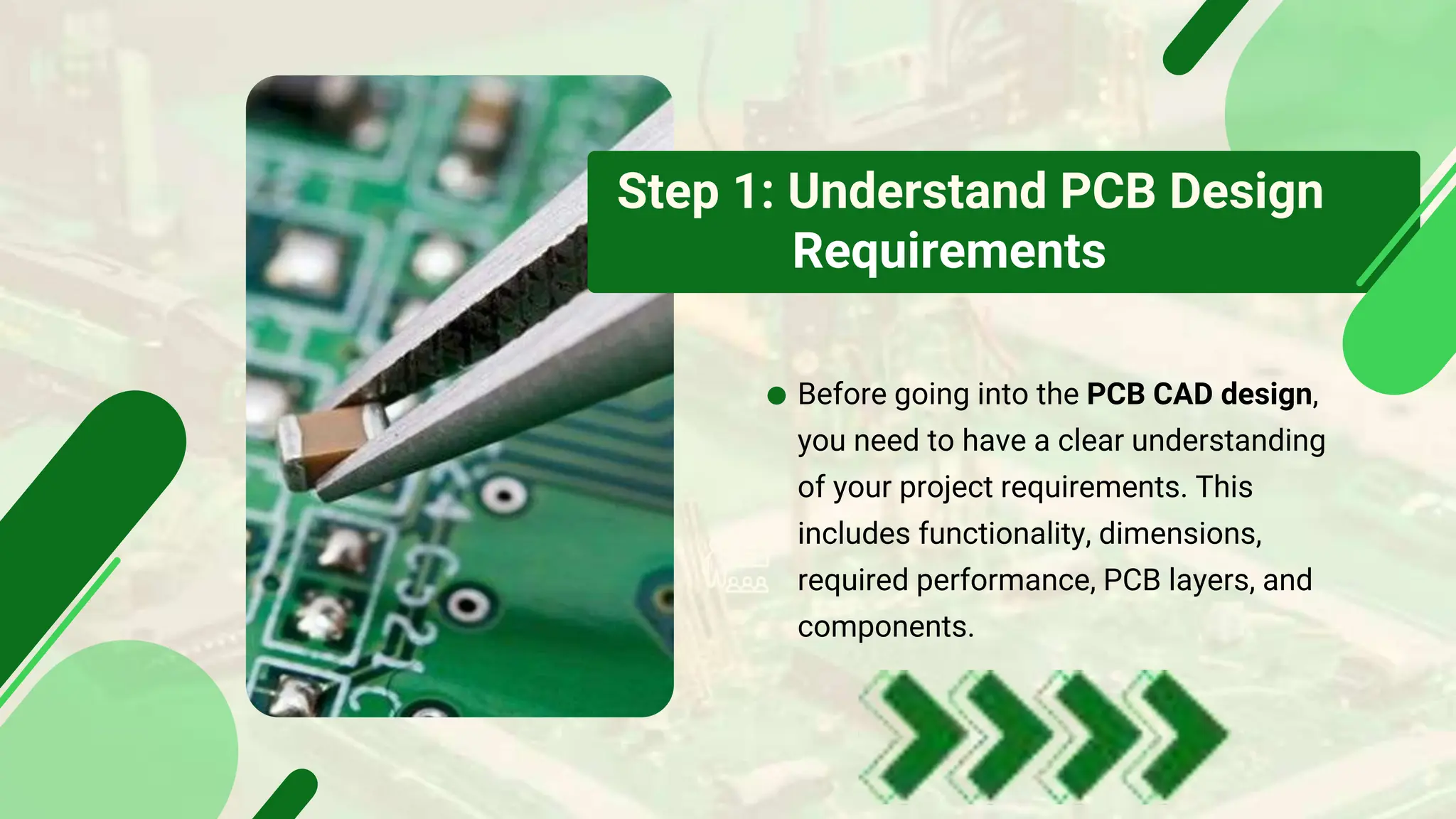
Step 1: Understand PCB Design
Requirements
Before going into the PCB CAD design,
you need to have a clear understanding
of your project requirements. This
includes functionality, dimensions,
required performance, PCB layers, and
components.
Step 2: Choose Suitable
CAD Software
In the PCB design process,
selecting the right PCB CAD
software is the most important
thing. With the abundance of
options on the market today.
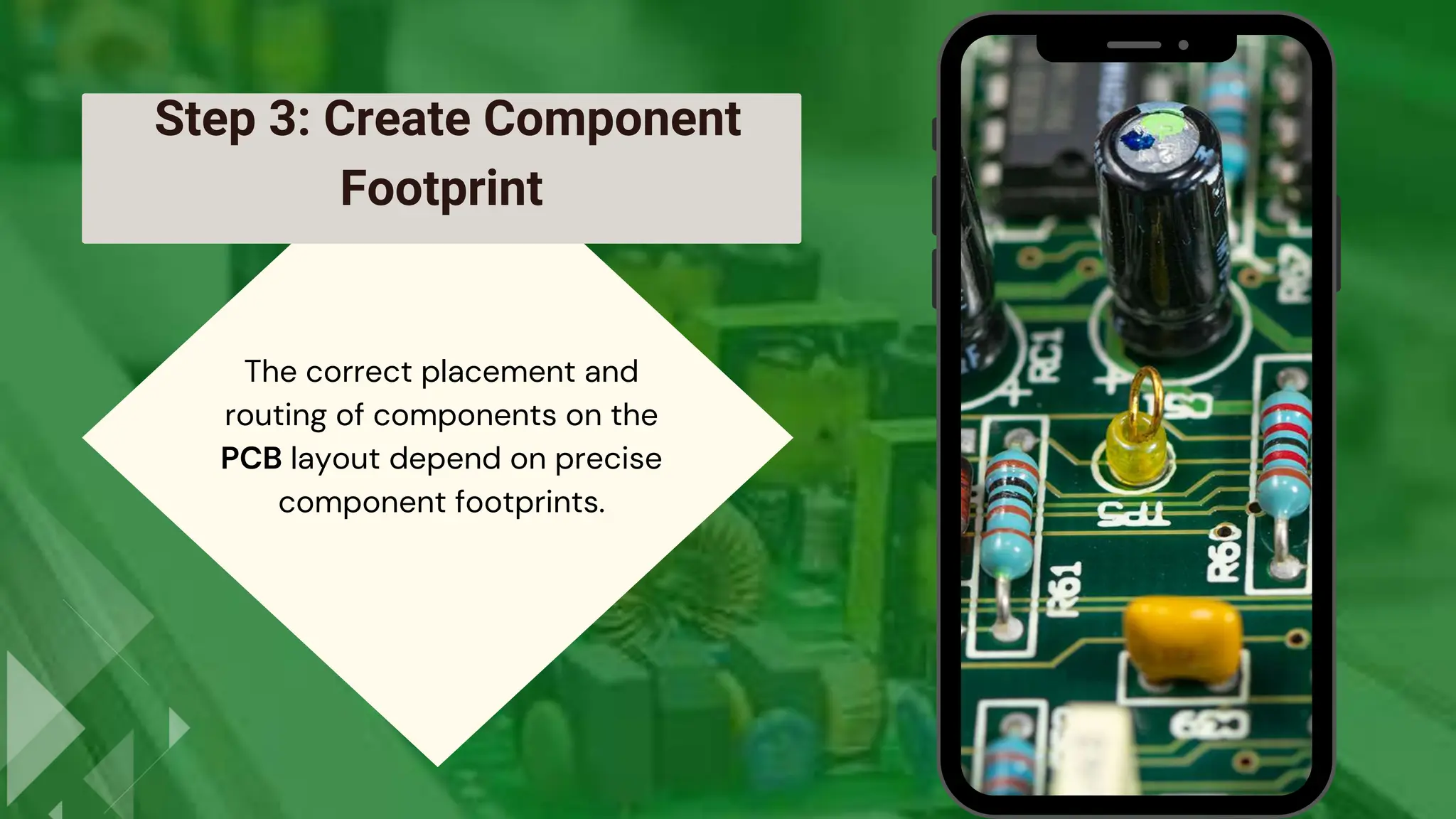
Step 3: Create Component
Footprint
The correct placement and
routing of components on the
PCB layout depend on precise
component footprints.
• To optimize the PCB layout for
performance and manufacturability,
component placement is of utmost
importance.
Step 4:
Component Placement
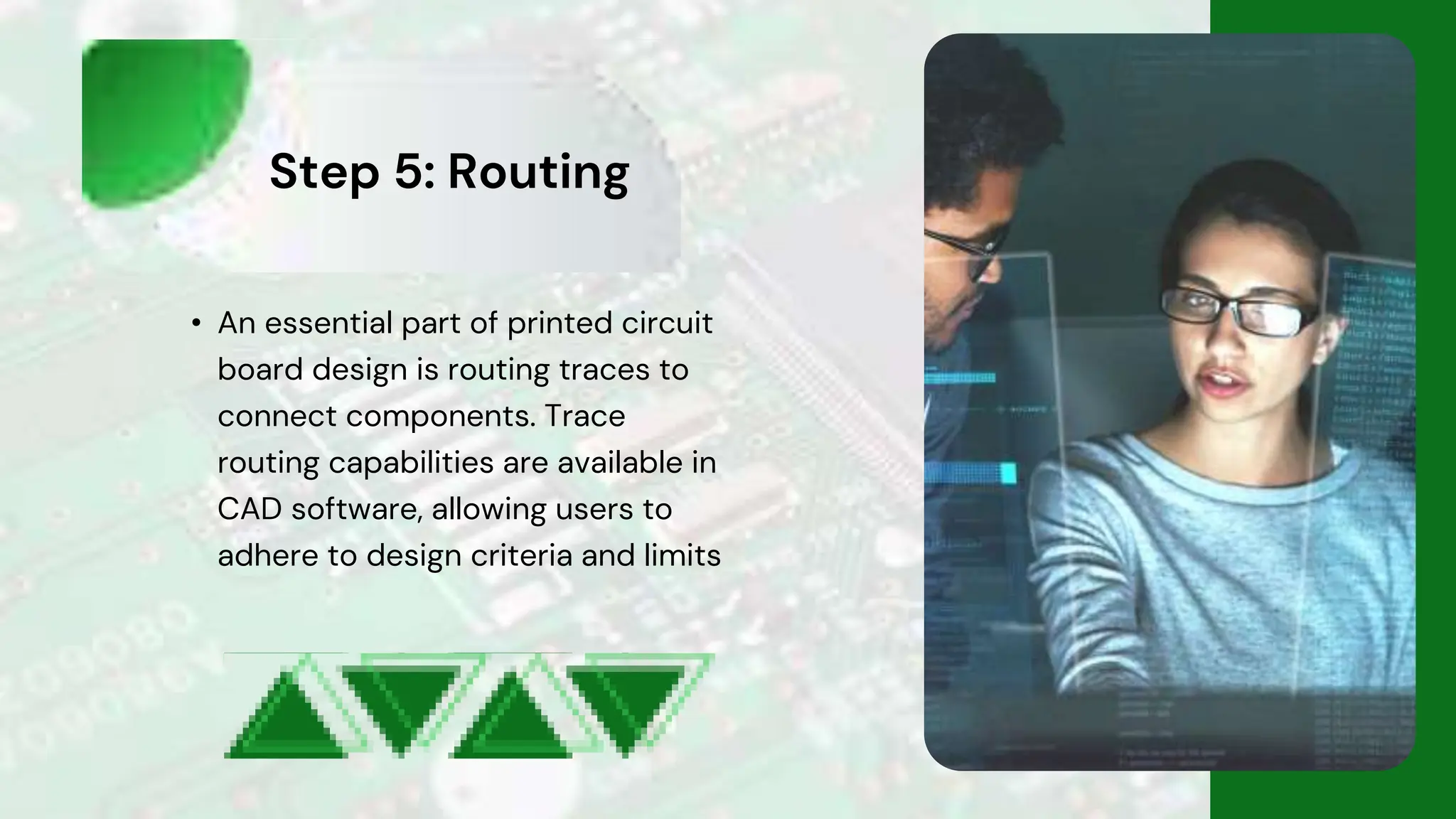
Step 5: Routing
• An essential part of printed circuit
board design is routing traces to
connect components. Trace
routing capabilities are available in
CAD software, allowing users to
adhere to design criteria and limits
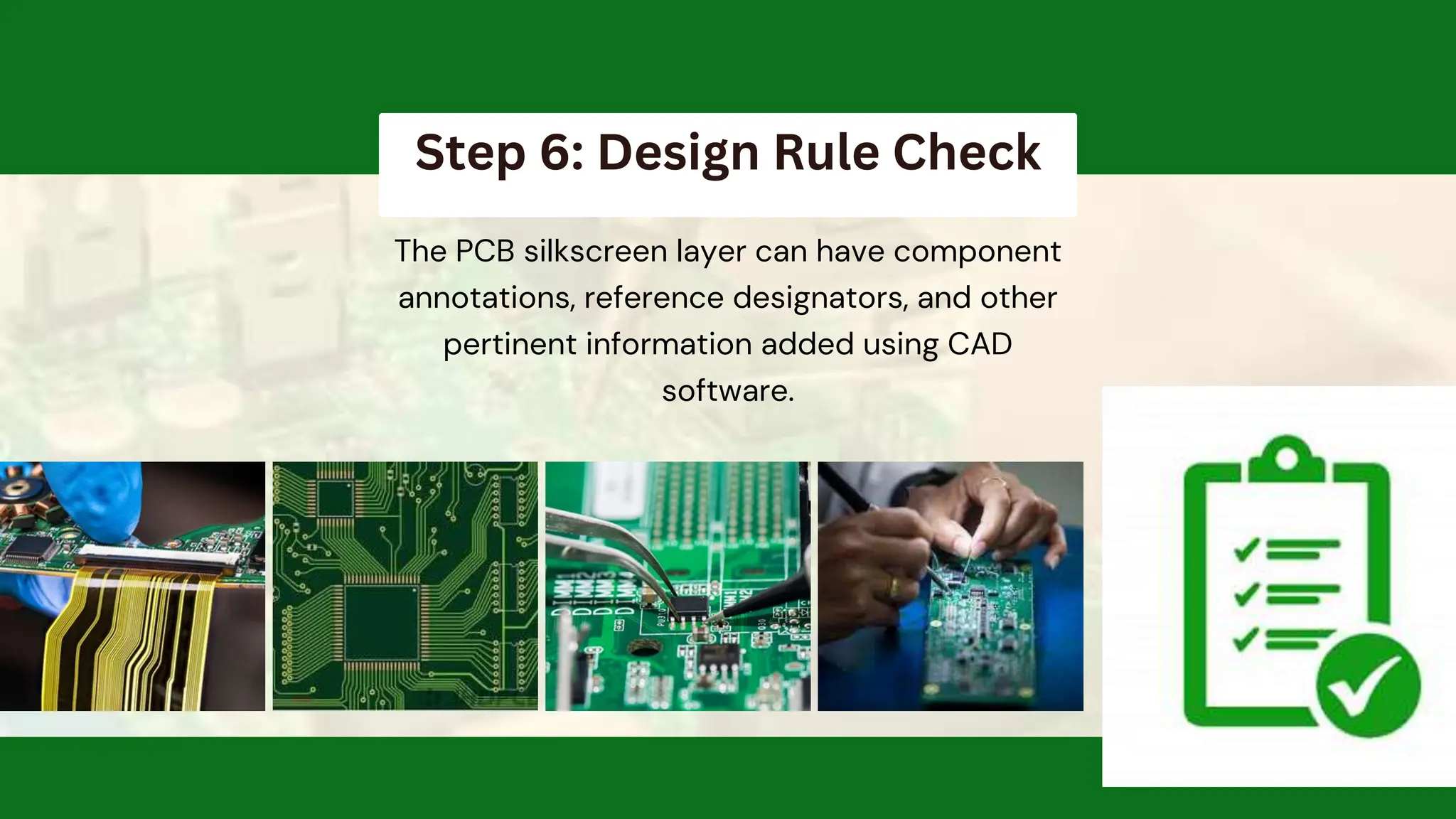
Step 6: Design Rule Check
The PCB silkscreen layer can have component
annotations, reference designators, and other
pertinent information added using CAD
software.
Step 8: Generate Manufacturing Files and
Bill of Materials (BOM)
• Finally, PCB CAD design generates production
files and a complete bill of materials. Designers
may prepare Gerber and drill files for PCB
production using CAD software.
Thank's For Watching
www.pcbcircuit.in
info@pcbciruit.in
+91 9306218403

Step-by-Step Guide to Creating PCB CAD Design

  • 1.
  • 2.
    Step 1: UnderstandPCB Design Requirements Before going into the PCB CAD design, you need to have a clear understanding of your project requirements. This includes functionality, dimensions, required performance, PCB layers, and components.
  • 3.
    Step 2: ChooseSuitable CAD Software In the PCB design process, selecting the right PCB CAD software is the most important thing. With the abundance of options on the market today.
  • 4.
    Step 3: CreateComponent Footprint The correct placement and routing of components on the PCB layout depend on precise component footprints.
  • 5.
    • To optimizethe PCB layout for performance and manufacturability, component placement is of utmost importance. Step 4: Component Placement
  • 6.
    Step 5: Routing •An essential part of printed circuit board design is routing traces to connect components. Trace routing capabilities are available in CAD software, allowing users to adhere to design criteria and limits
  • 7.
    Step 6: DesignRule Check The PCB silkscreen layer can have component annotations, reference designators, and other pertinent information added using CAD software.
  • 8.
    Step 8: GenerateManufacturing Files and Bill of Materials (BOM) • Finally, PCB CAD design generates production files and a complete bill of materials. Designers may prepare Gerber and drill files for PCB production using CAD software.
  • 9.