Static Types on Javascript!?
Type-checking approaches to ensure healthy applications
(Tipos estáticos em Javascript?! Abordagens de type-checking para garantir uma aplicação saudável)
Arthur Puthin
About me
Developer at ilegra (think beyond!)
Mostly front-end stuff
Undergraduate at Unisinos
@aputhin
@aputhin_
https://twitter.com/nodejspoa/status/929339757947170816
So, what is this all about?
- Types
- JS Types
- Why (or why not) Static Types
- How to Static Types
Agenda
Actually, I just want to give you food for thought on
Javascript typing, dynamic or static, and not champion
any approach in particular
Data Types 101
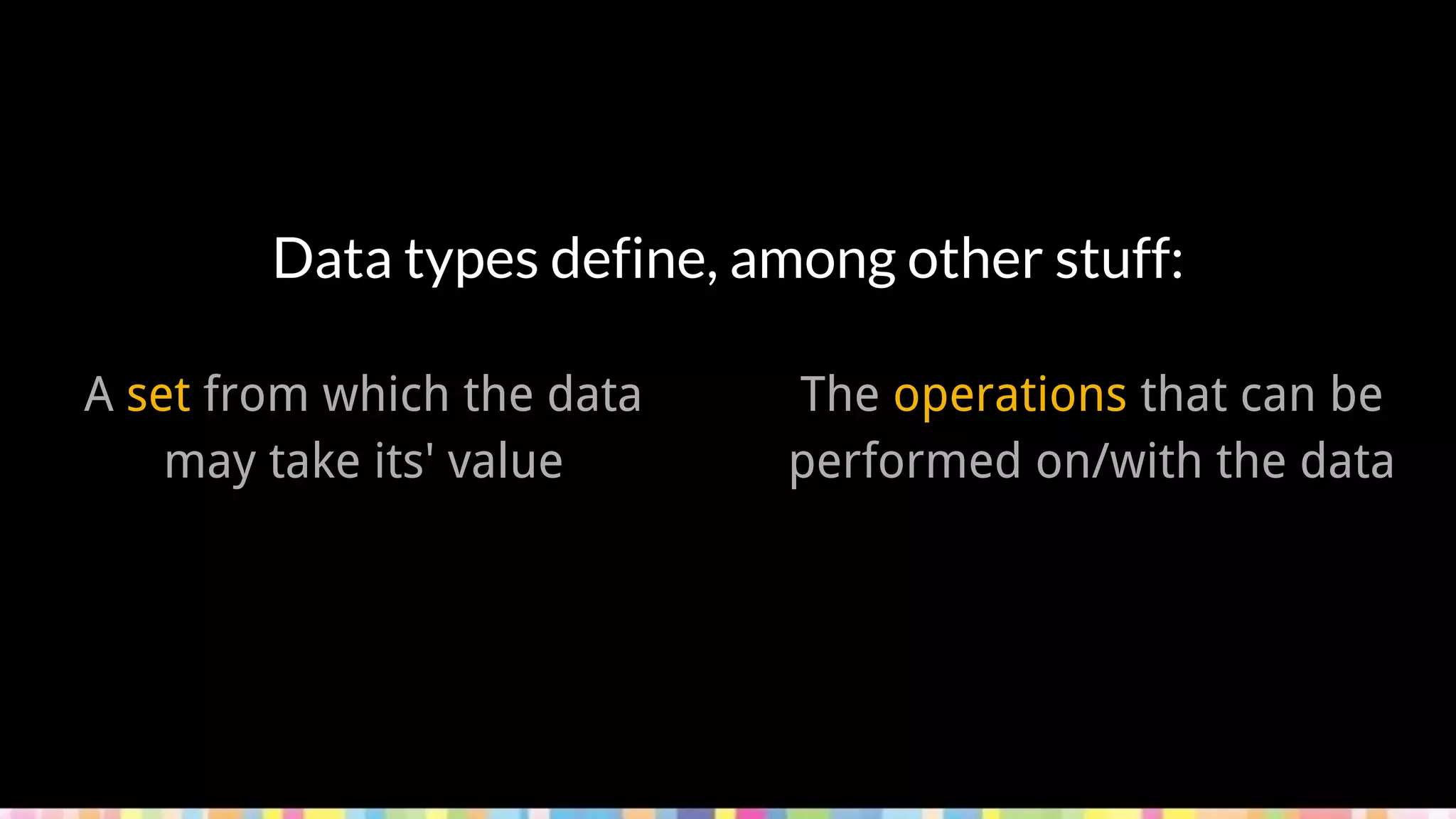
Data types define, among other stuff:
A set from which the data
may take its' value
The operations that can be
performed on/with the data
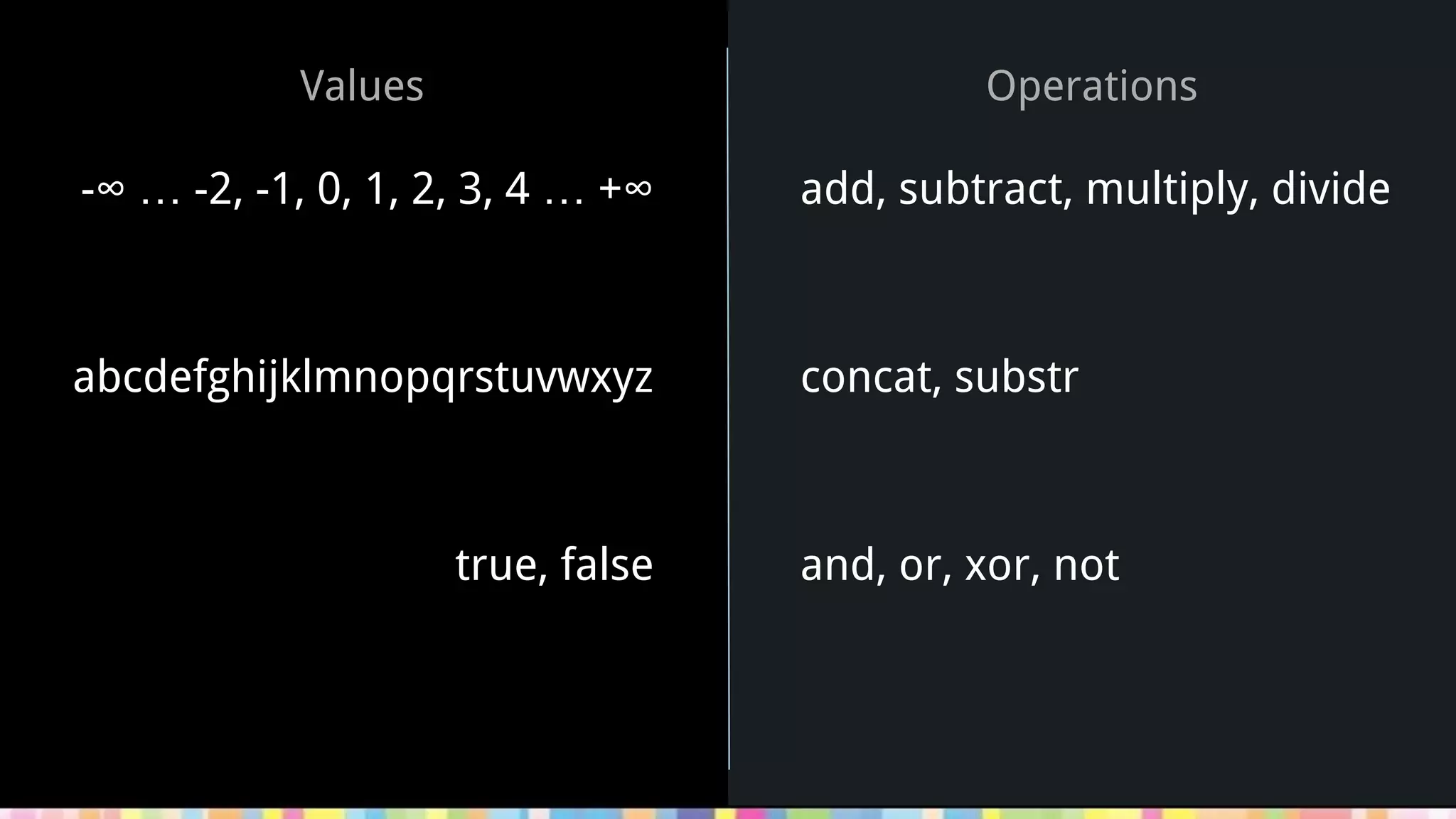
Values
add, subtract, multiply, divide
concat, substr
and, or, xor, not
Operations
-∞ … -2, -1, 0, 1, 2, 3, 4 … +∞
abcdefghijklmnopqrstuvwxyz
true, false
Primitive types are basic
data types which are usually
built-in for each language
Composite or complex
types are derived from
more than one primitive,
and can be user-defined
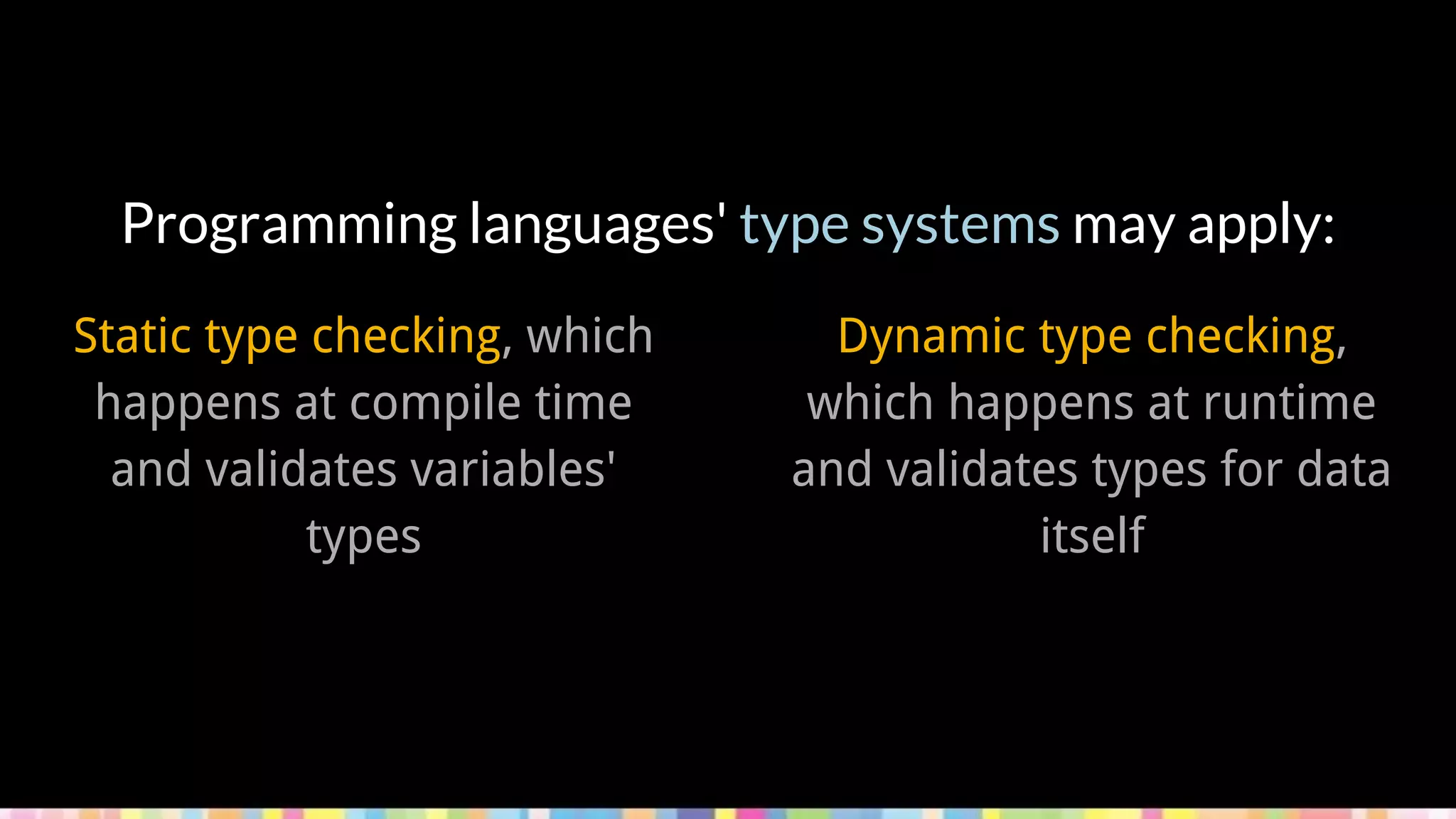
Programming languages' type systems may apply:
Static type checking, which
happens at compile time
and validates variables'
types
Dynamic type checking,
which happens at runtime
and validates types for data
itself
Data Types: the JS Way
In JavaScript, variables
don't have types -- values
have types. [...] Another way
to think about JS types is
that JS doesn't have "type
enforcement" [...].
https://github.com/getify/You-Dont-Know-JS/blob/master/types%20%26%20grammar/ch1.md
let a = 42;
typeof a; // "number"
a = true;
typeof a; // "boolean"
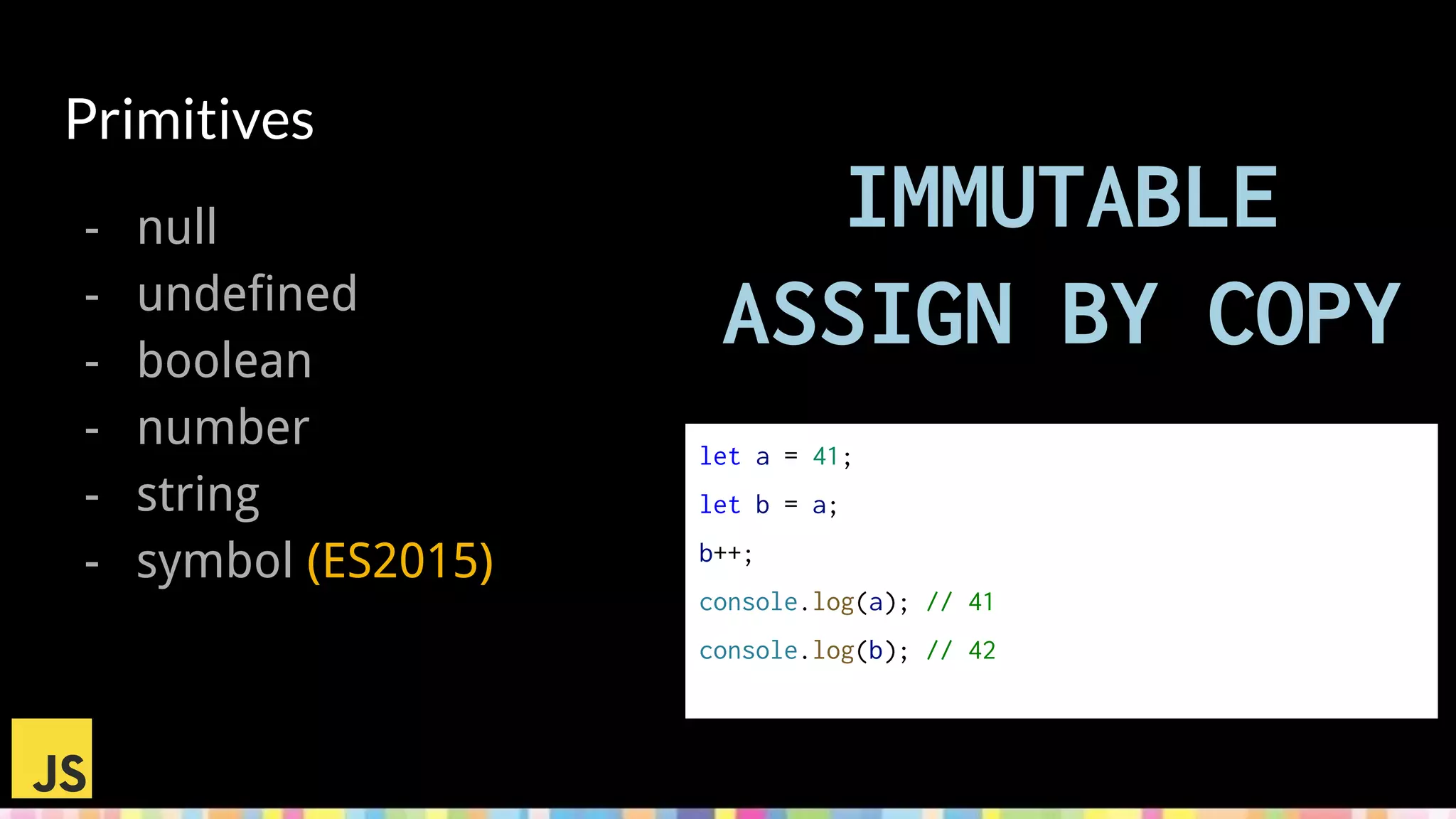
Primitives
- null
- undefined
- boolean
- number
- string
- symbol (ES2015)
IMMUTABLE
ASSIGN BY COPY
let a = 41;
let b = a;
b++;
console.log(a); // 41
console.log(b); // 42
Object Type
- objects of any shape
- functions
- arrays let a = [1, 2];
let b = a;
b.push(3);
console.log(a); // [1, 2, 3]
console.log(b); // [1, 2, 3]
b = [4, 5, 6];
console.log(a); // [1, 2, 3]
console.log(b); // [4, 5, 6]
MUTABLE
ASSIGN BY REFERENCE
let c = { isC: true };
let d = c;
d.isC = false;
console.log(c); // { isC: false }
console.log(d); // { isC: false }
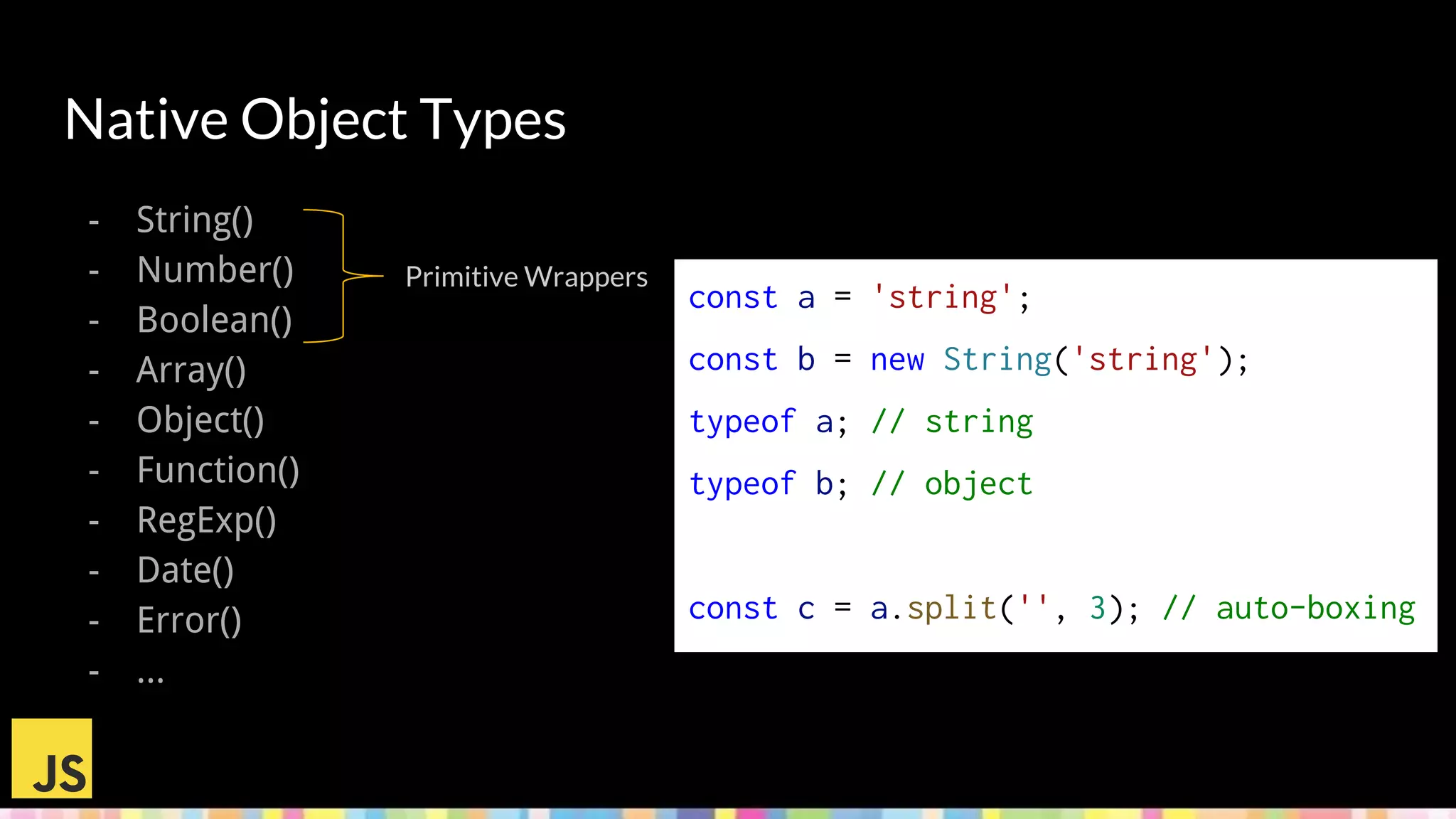
Native Object Types
- String()
- Number()
- Boolean()
- Array()
- Object()
- Function()
- RegExp()
- Date()
- Error()
- ...
const a = 'string';
const b = new String('string');
typeof a; // string
typeof b; // object
const c = a.split('', 3); // auto-boxing
Primitive Wrappers
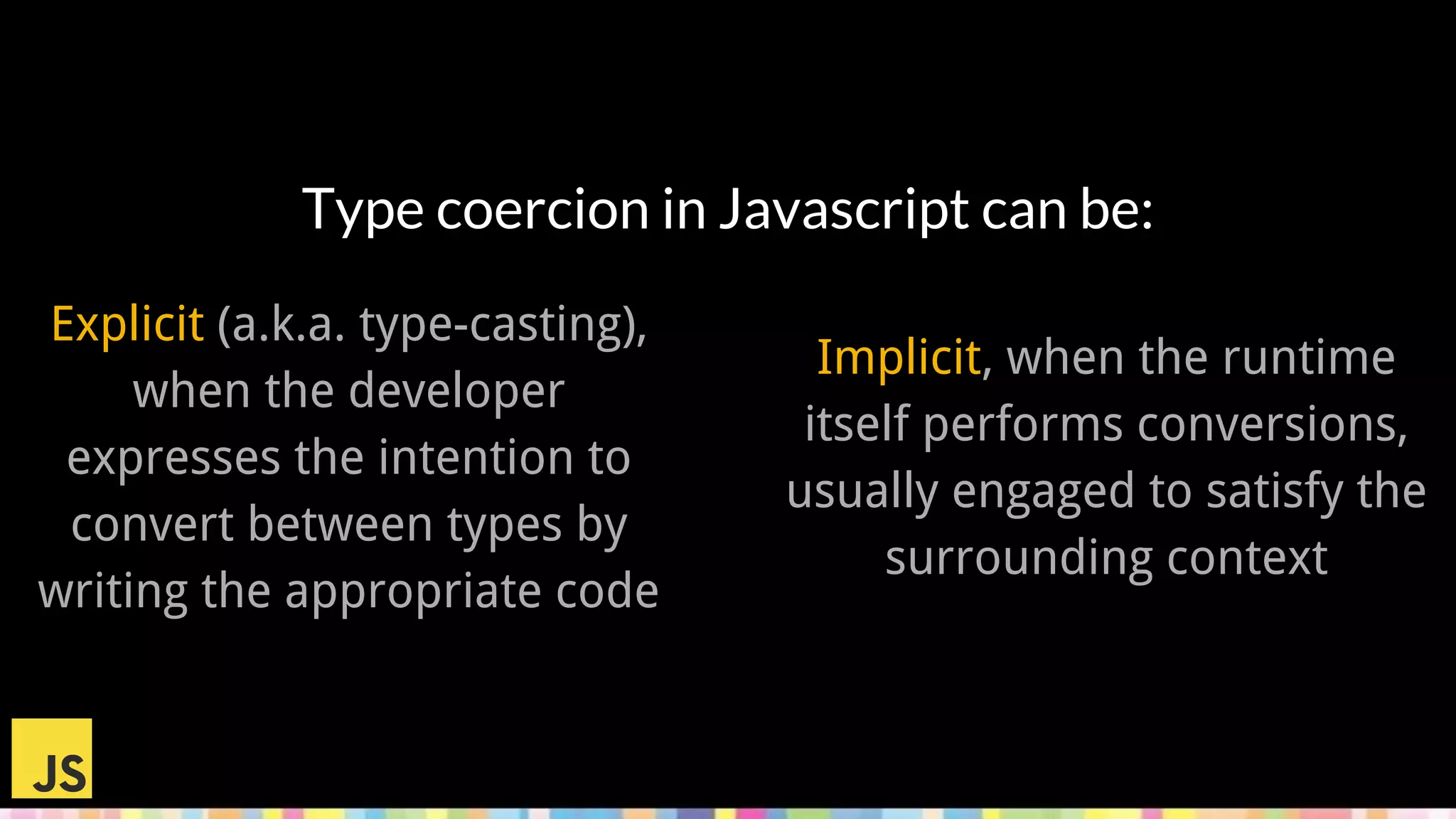
Type coercion in Javascript can be:
Implicit, when the runtime
itself performs conversions,
usually engaged to satisfy the
surrounding context
Explicit (a.k.a. type-casting),
when the developer
expresses the intention to
convert between types by
writing the appropriate code
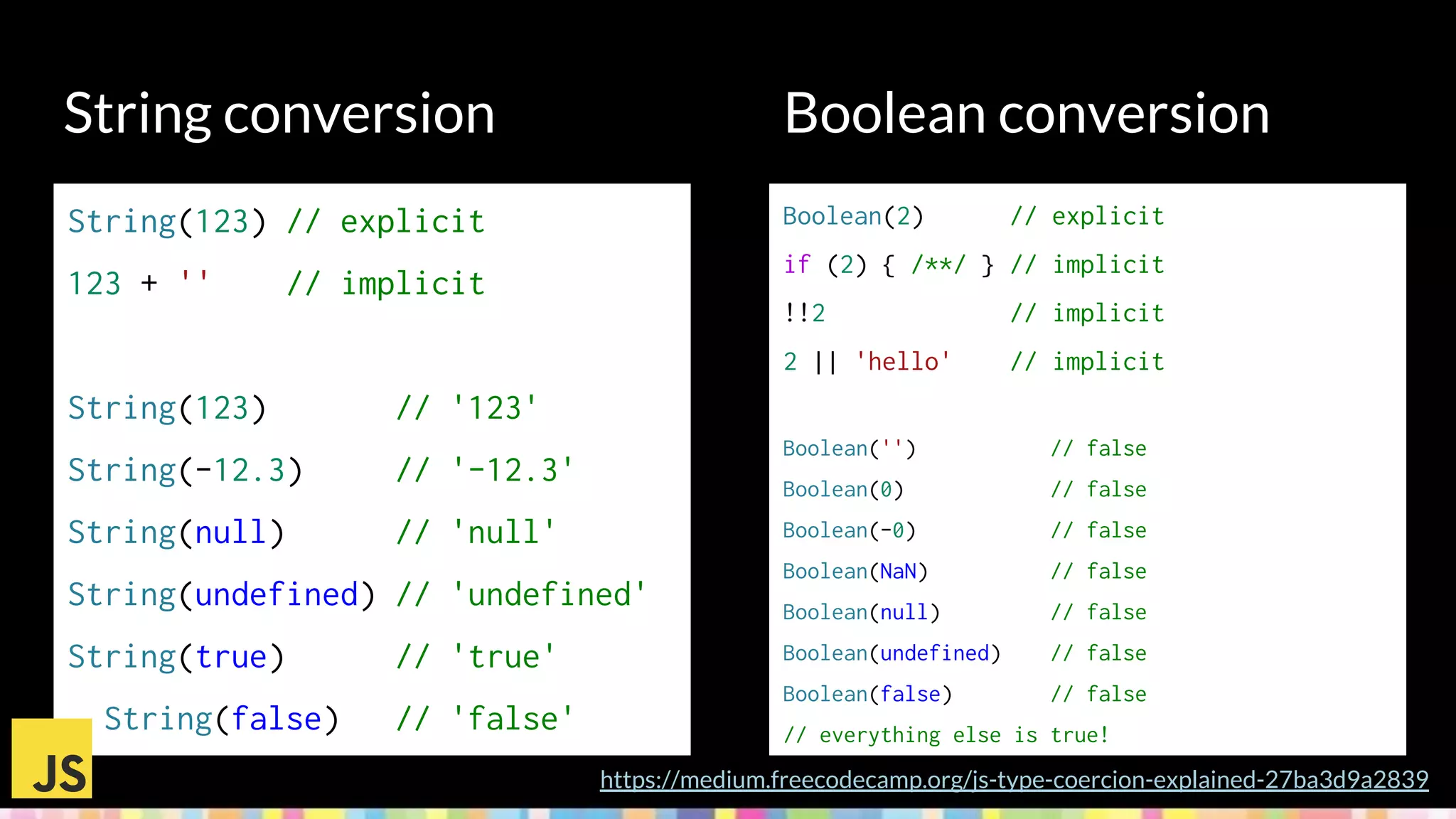
String conversion
Boolean(2) // explicit
if (2) { /**/ } // implicit
!!2 // implicit
2 || 'hello' // implicit
Boolean('') // false
Boolean(0) // false
Boolean(-0) // false
Boolean(NaN) // false
Boolean(null) // false
Boolean(undefined) // false
Boolean(false) // false
// everything else is true!
https://medium.freecodecamp.org/js-type-coercion-explained-27ba3d9a2839
Boolean conversion
String(123) // explicit
123 + '' // implicit
String(123) // '123'
String(-12.3) // '-12.3'
String(null) // 'null'
String(undefined) // 'undefined'
String(true) // 'true'
String(false) // 'false'
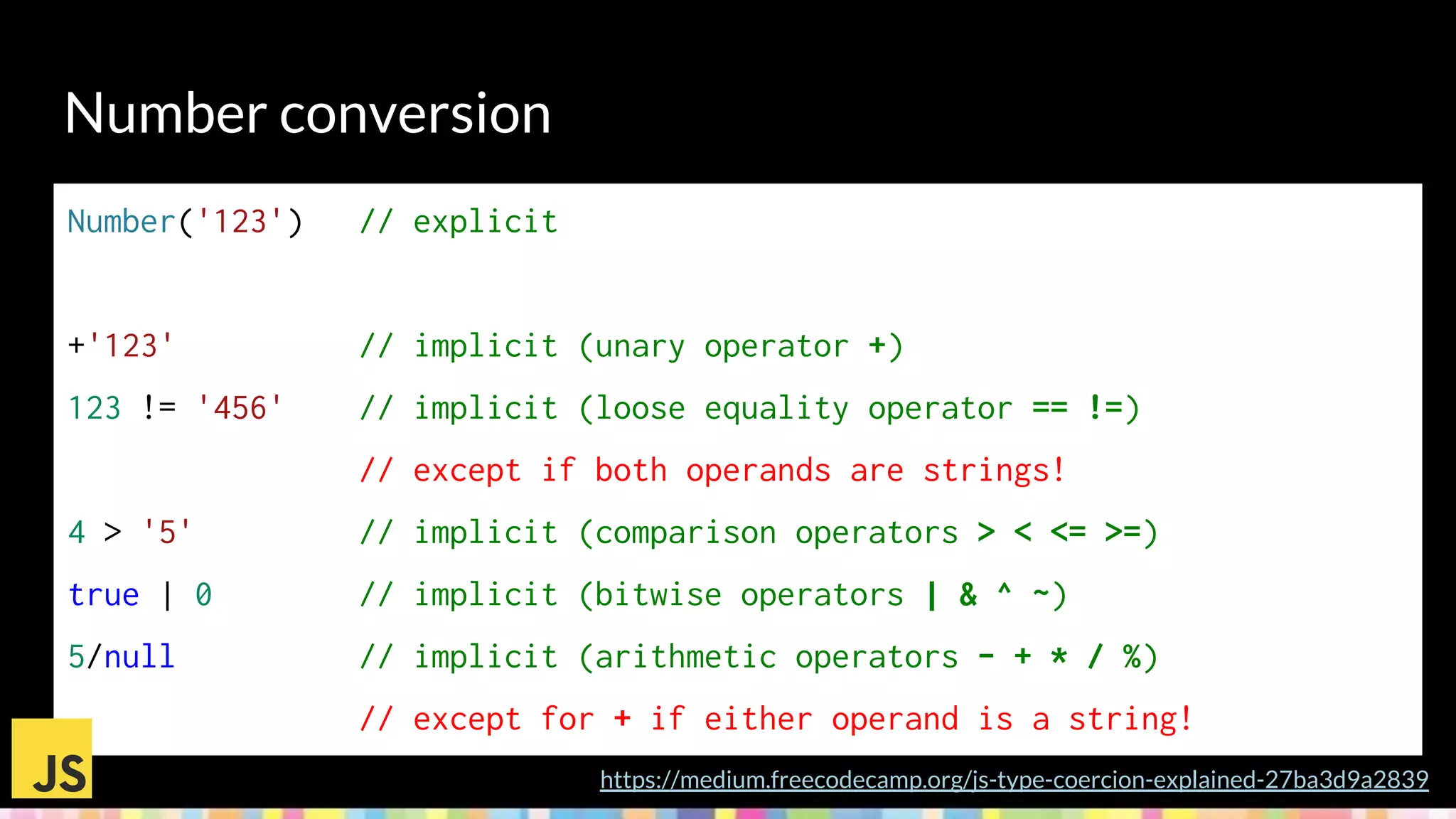
Number conversion
https://medium.freecodecamp.org/js-type-coercion-explained-27ba3d9a2839
Number('123') // explicit
+'123' // implicit (unary operator +)
123 != '456' // implicit (loose equality operator == !=)
// except if both operands are strings!
4 > '5' // implicit (comparison operators > < <= >=)
true | 0 // implicit (bitwise operators | & ^ ~)
5/null // implicit (arithmetic operators - + * / %)
// except for + if either operand is a string!
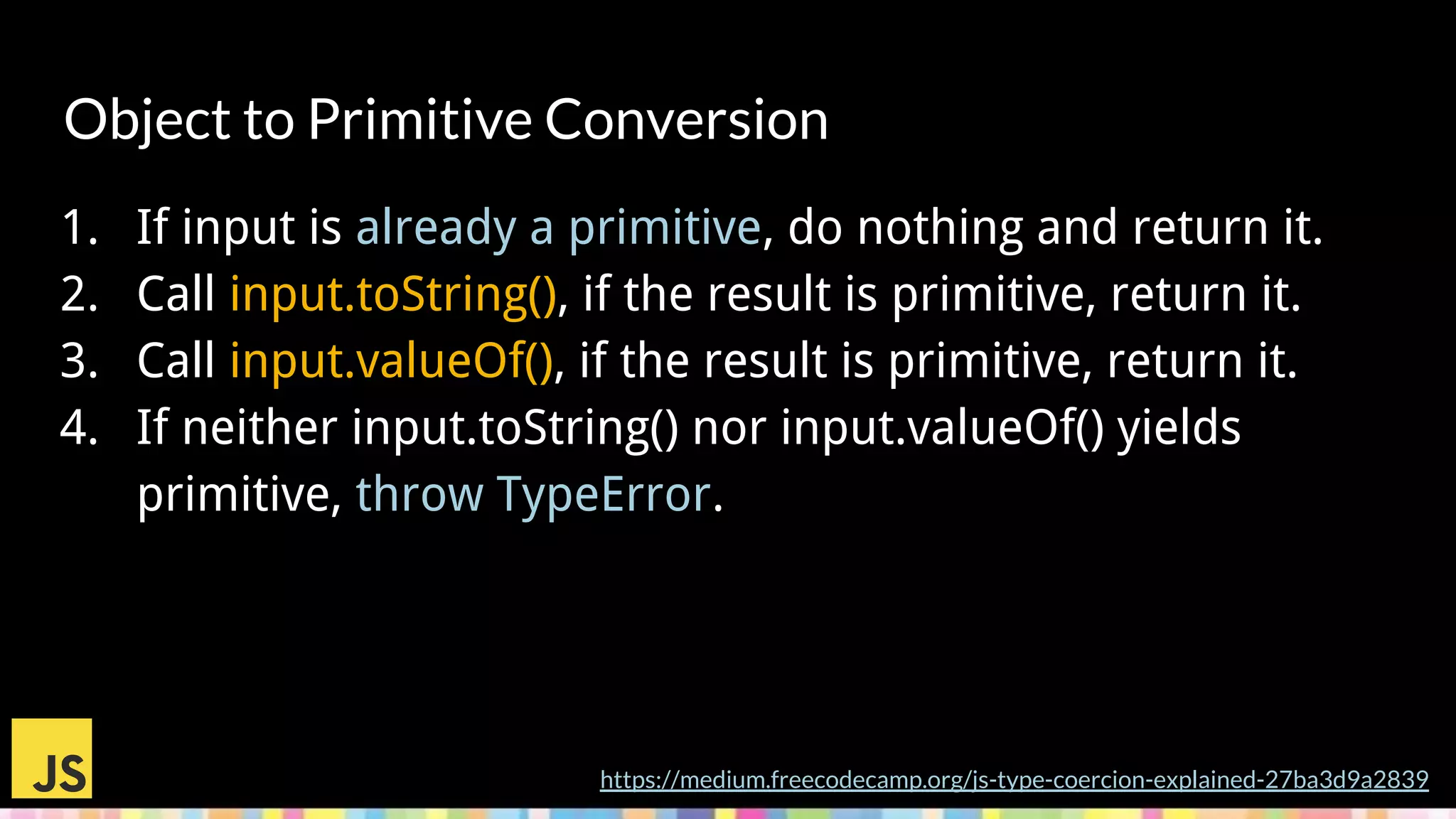
Object to Primitive Conversion
1. If input is already a primitive, do nothing and return it.
2. Call input.toString(), if the result is primitive, return it.
3. Call input.valueOf(), if the result is primitive, return it.
4. If neither input.toString() nor input.valueOf() yields
primitive, throw TypeError.
https://medium.freecodecamp.org/js-type-coercion-explained-27ba3d9a2839
Be a responsible and mature developer.
Learn how to use the power of coercion
(both explicit and implicit) effectively and
safely. And teach those around you to do the
same.
https://github.com/getify/You-Dont-Know-JS/blob/master/types%20%26%20grammar/ch4.md
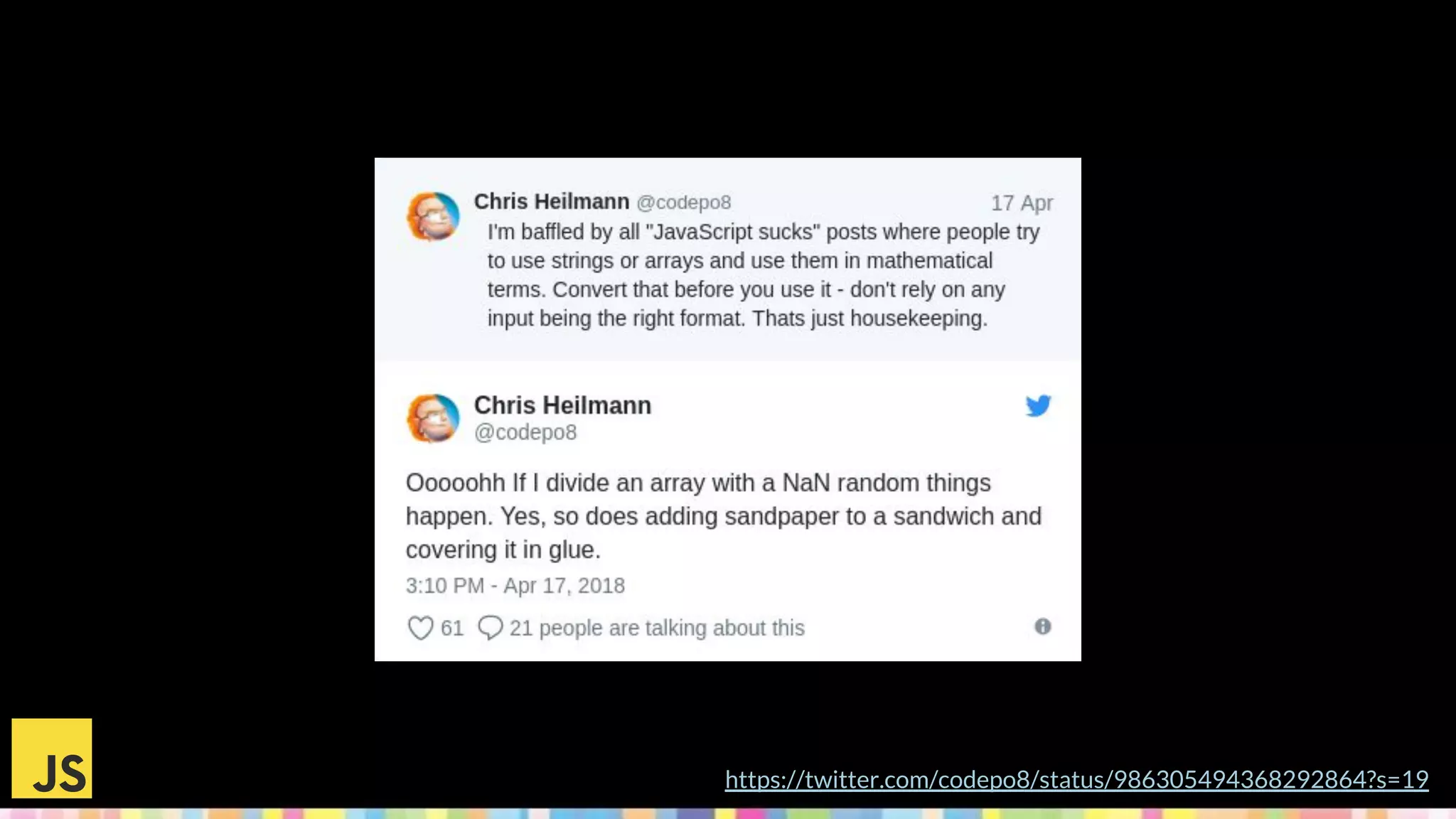
https://twitter.com/codepo8/status/986305494368292864?s=19
Why would we go static?
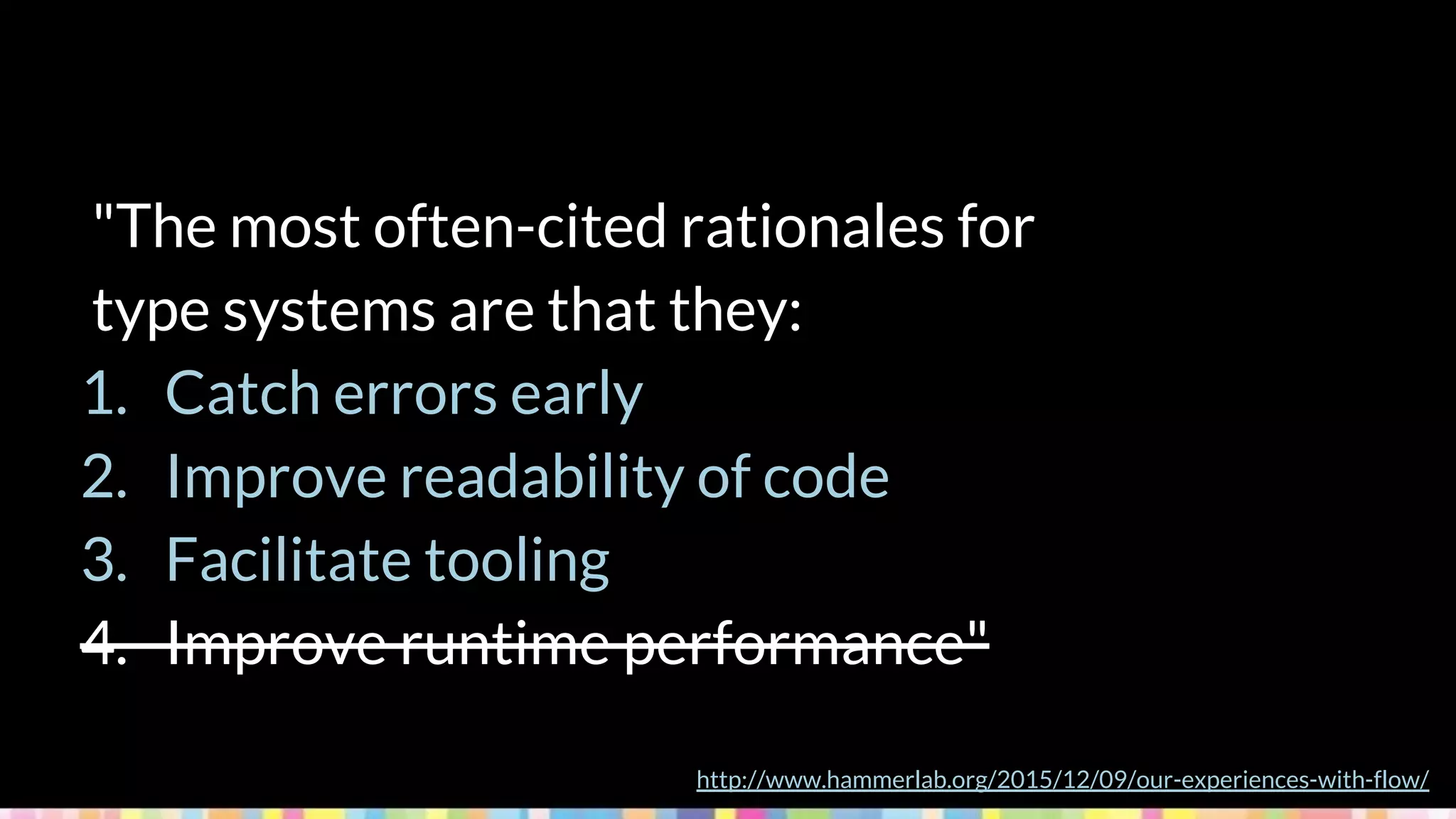
"The most often-cited rationales for
type systems are that they:
1. Catch errors early
2. Improve readability of code
3. Facilitate tooling
4. Improve runtime performance"
http://www.hammerlab.org/2015/12/09/our-experiences-with-flow/
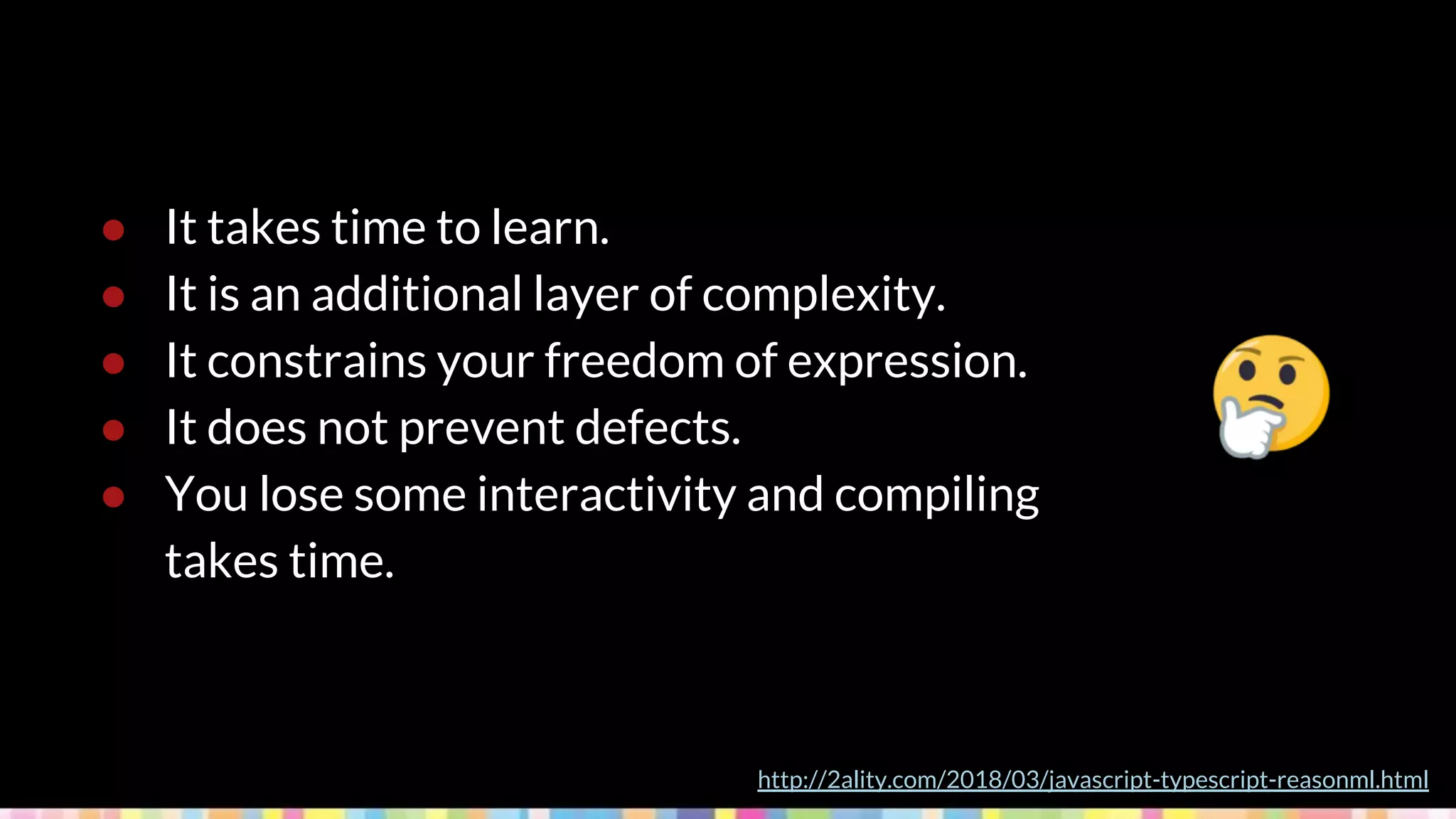
● It takes time to learn.
● It is an additional layer of complexity.
● It constrains your freedom of expression.
● It does not prevent defects.
● You lose some interactivity and compiling
takes time.
http://2ality.com/2018/03/javascript-typescript-reasonml.html
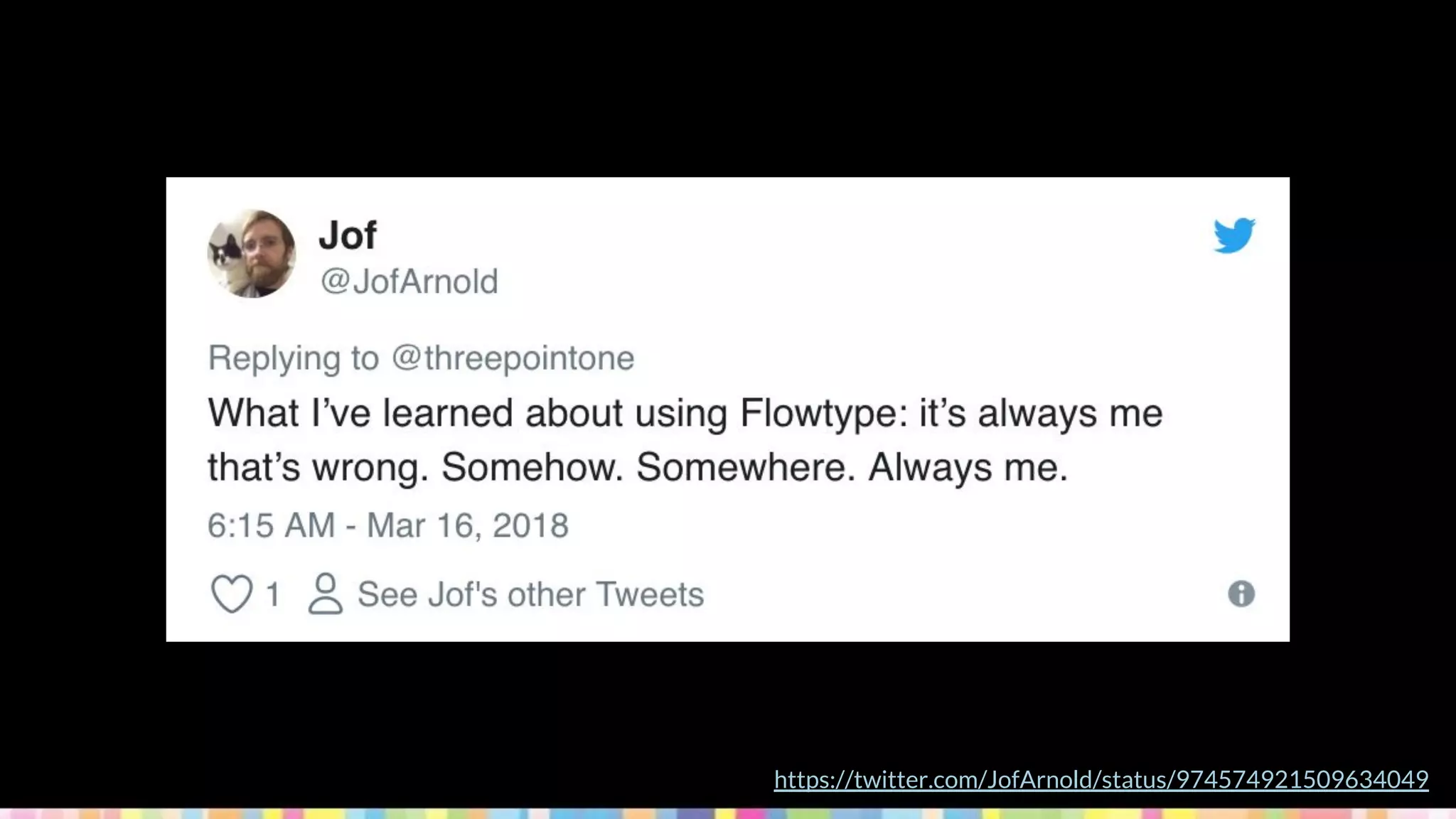
https://twitter.com/JofArnold/status/974574921509634049
Static Typing options
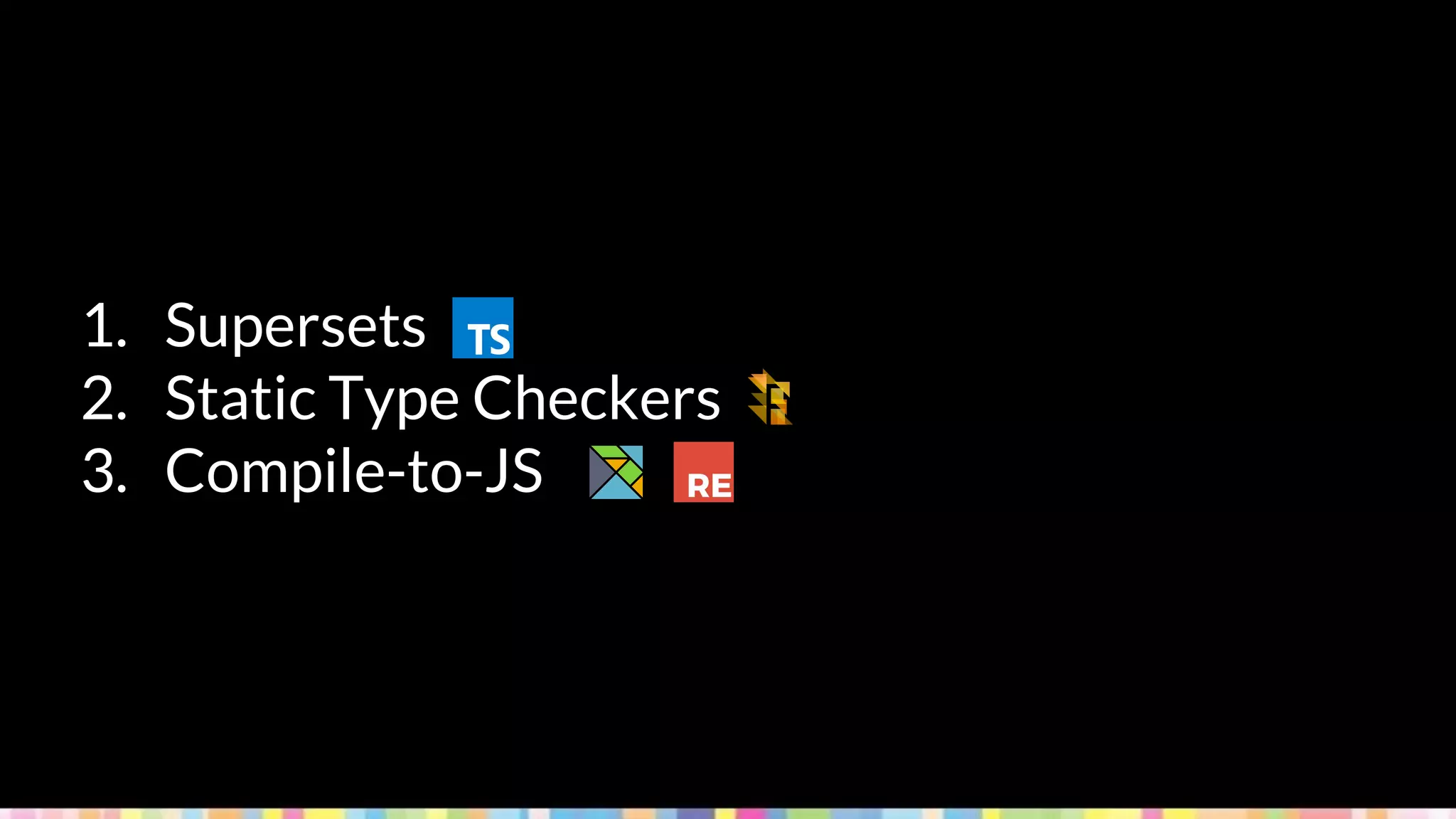
1. Supersets
2. Static Type Checkers
3. Compile-to-JS
http://www.typescriptlang.org/
Who's using it?
http://www.typescriptlang.org/community/friends.html
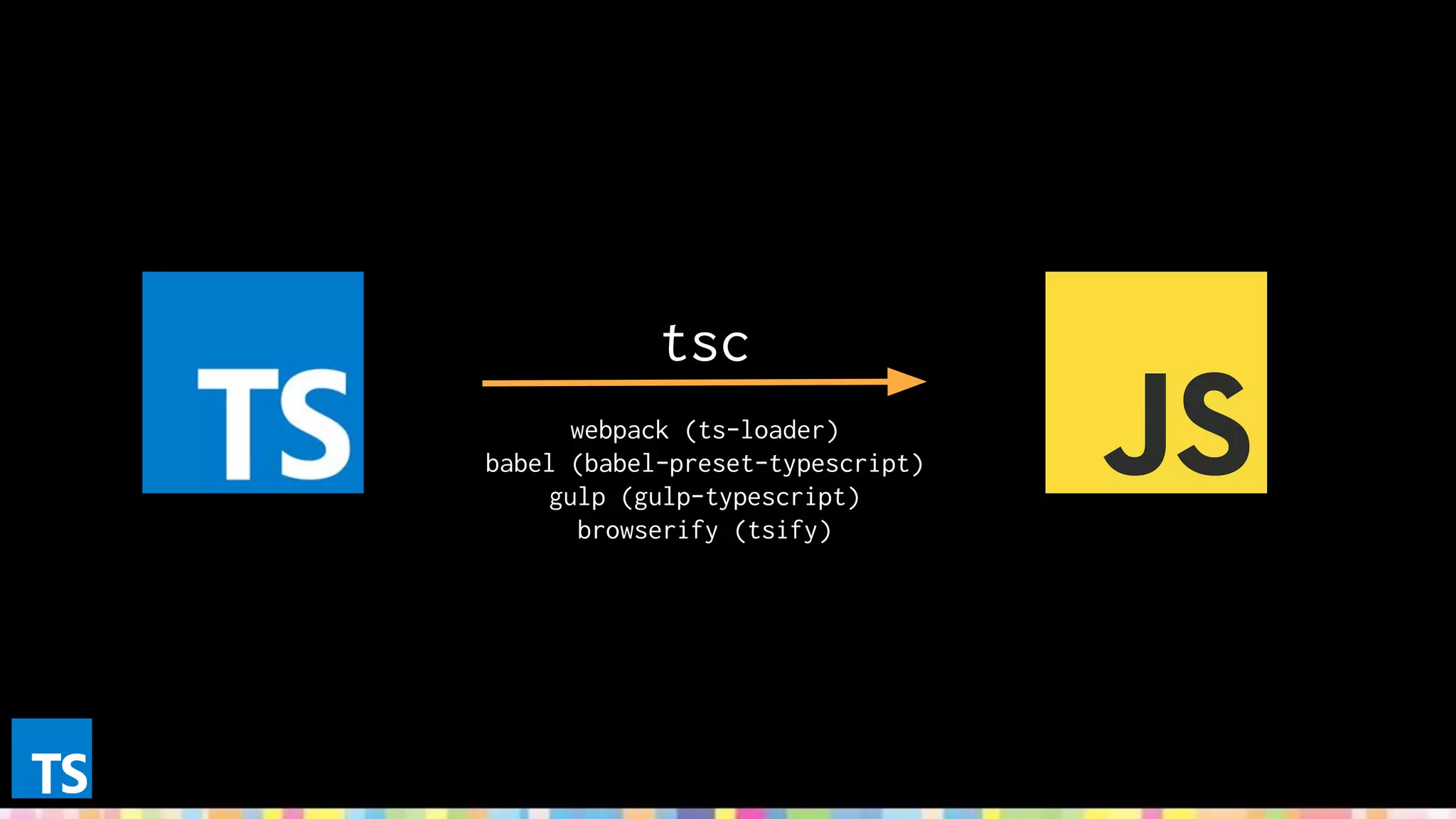
tsc
webpack (ts-loader)
babel (babel-preset-typescript)
gulp (gulp-typescript)
browserify (tsify)
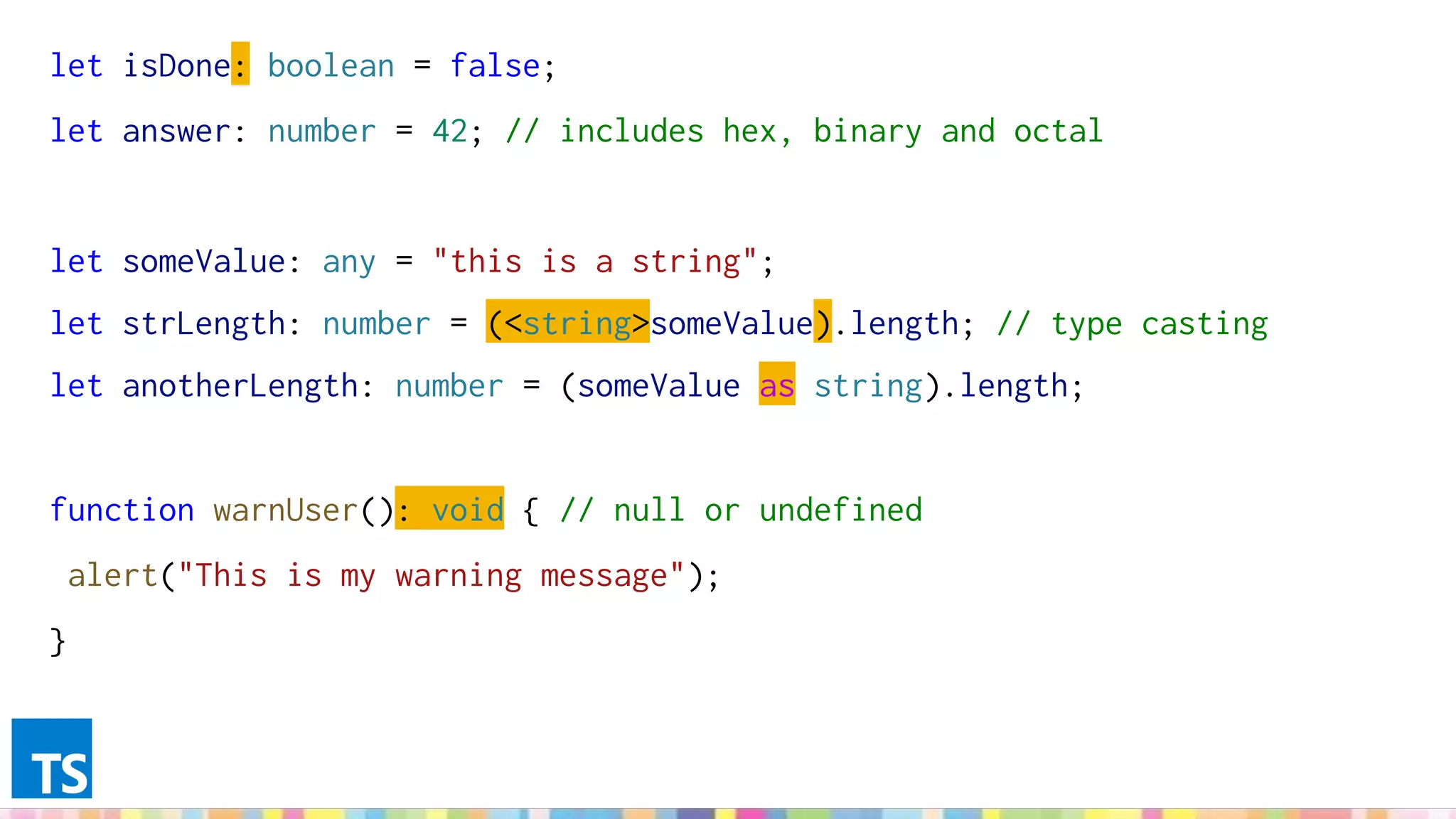
let isDone: boolean = false;
let answer: number = 42; // includes hex, binary and octal
let someValue: any = "this is a string";
let strLength: number = (<string>someValue).length; // type casting
let anotherLength: number = (someValue as string).length;
function warnUser(): void { // null or undefined
alert("This is my warning message");
}
let list1: number[] = [1, 2, 3];
let list2: Array<number> = [1, 2, 3];
let x: [string, number];
x = ["hello", 10]; // OK
x = [10, "hello"]; // Error
enum Color {Red, Green, Blue}
let c: Color = Color.Green; // 2
let colorName: string = Color[2]; // Blue
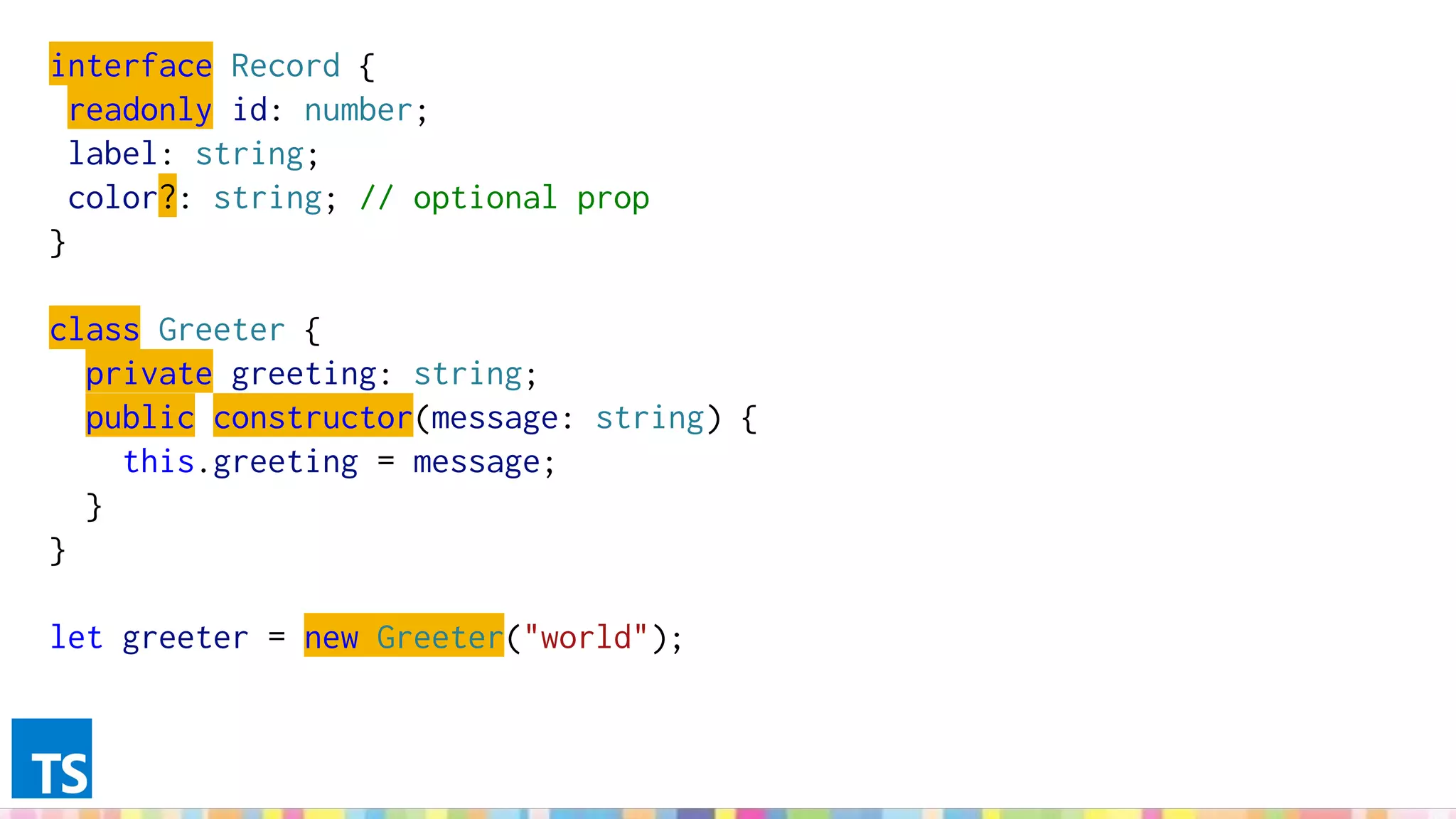
interface Record {
readonly id: number;
label: string;
color?: string; // optional prop
}
class Greeter {
private greeting: string;
public constructor(message: string) {
this.greeting = message;
}
}
let greeter = new Greeter("world");
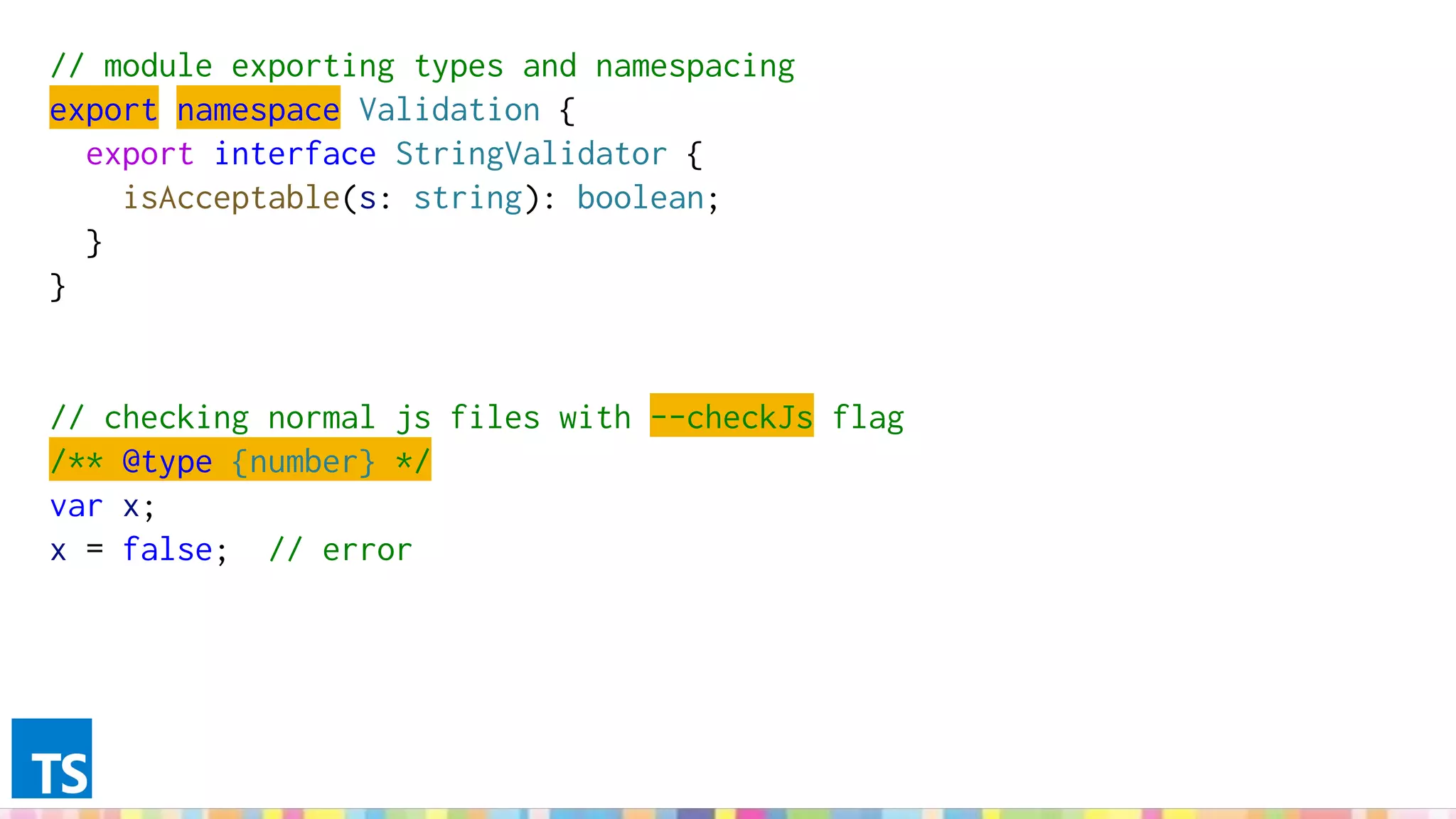
// module exporting types and namespacing
export namespace Validation {
export interface StringValidator {
isAcceptable(s: string): boolean;
}
}
// checking normal js files with --checkJs flag
/** @type {number} */
var x;
x = false; // error
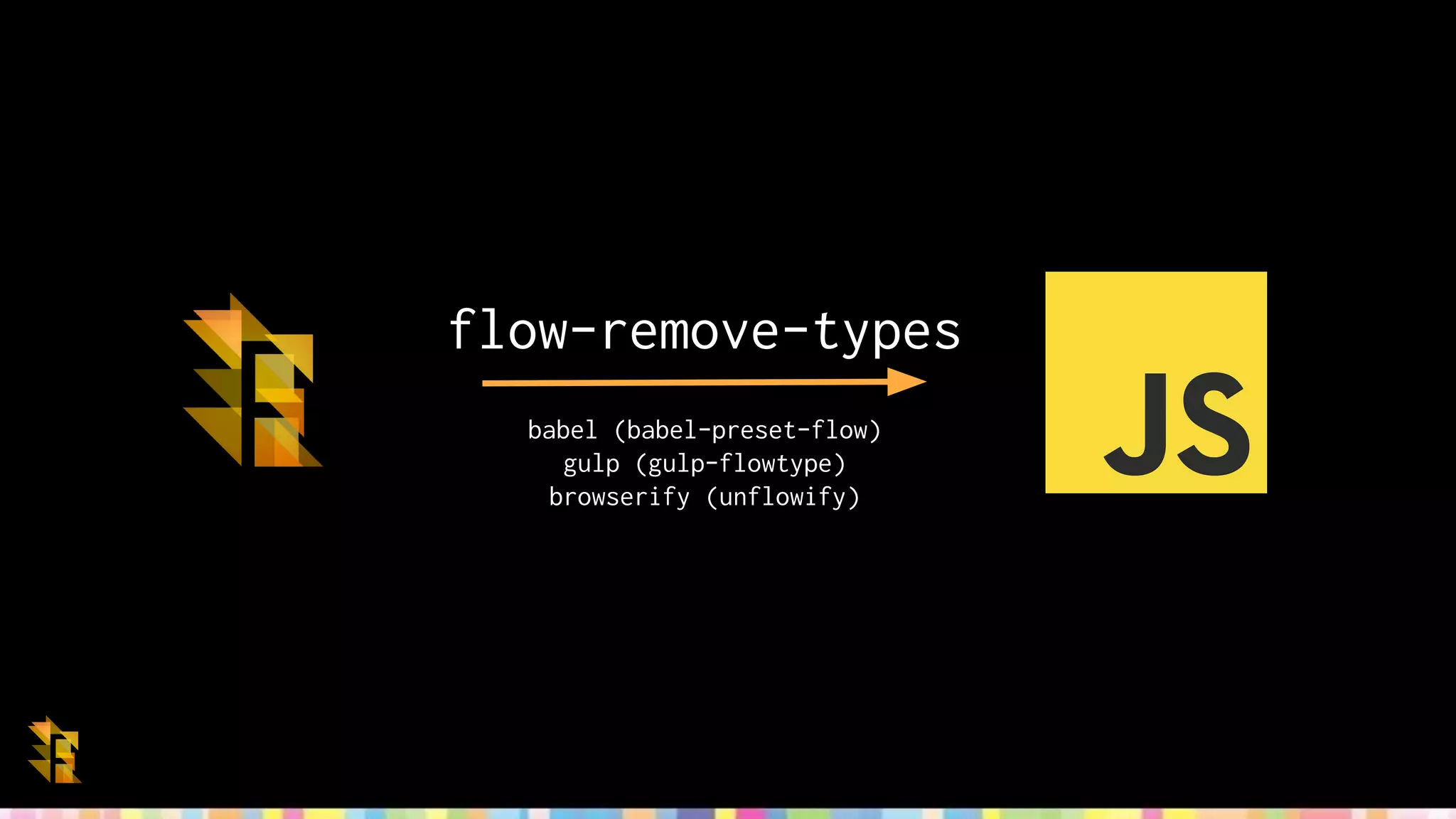
flow-remove-types
babel (babel-preset-flow)
gulp (gulp-flowtype)
browserify (unflowify)
// @flow
const answer: number = 42;
const indexes: Array<number> = [0, 1, 2]; // Array<T>
let whatever: any; // wildcard
whatever = 'string';
whatever = true;
const func = (arg: number): number => {/*...*/}; // return type, optional
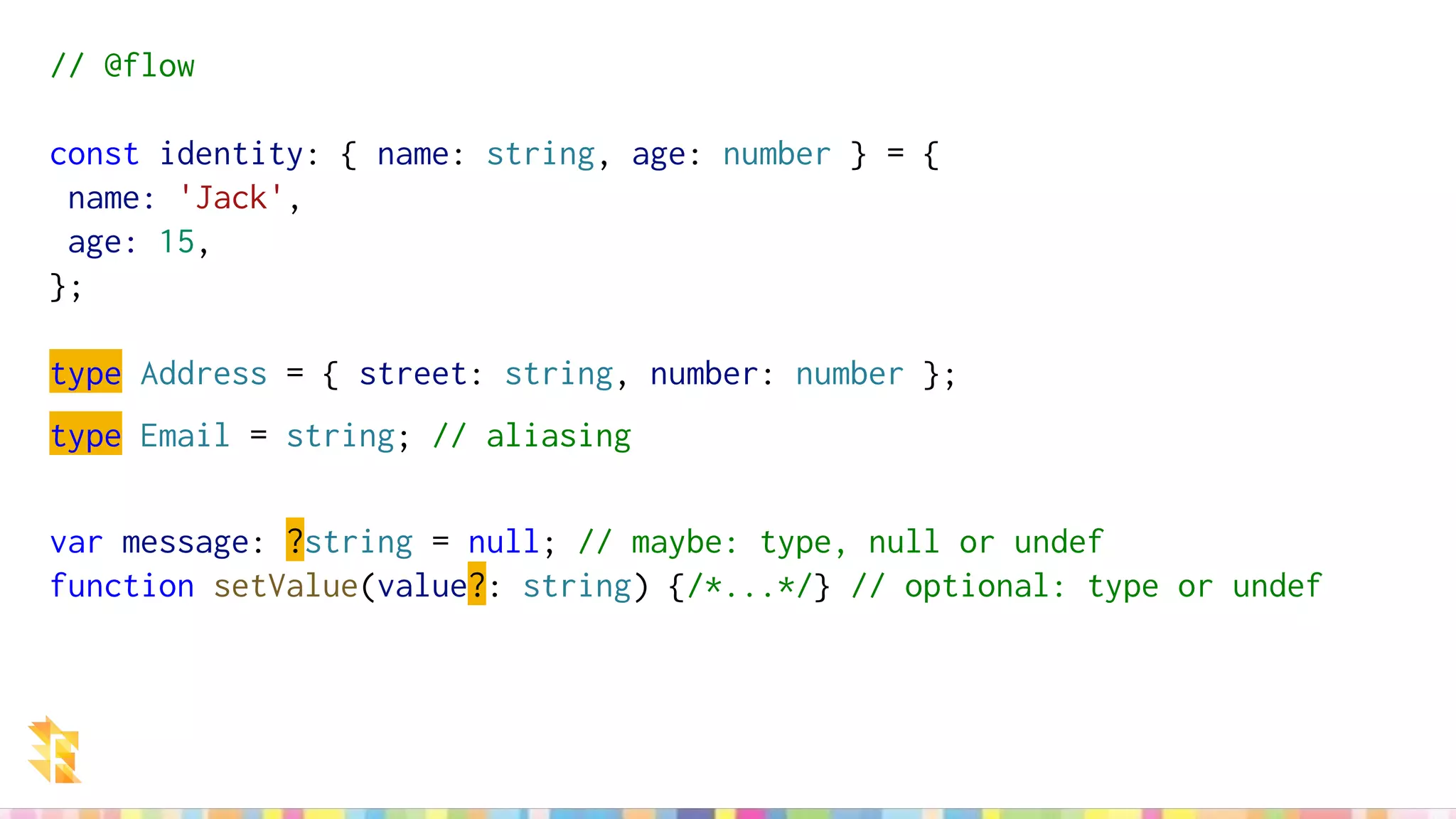
// @flow
const identity: { name: string, age: number } = {
name: 'Jack',
age: 15,
};
type Address = { street: string, number: number };
type Email = string; // aliasing
var message: ?string = null; // maybe: type, null or undef
function setValue(value?: string) {/*...*/} // optional: type or undef
// @flow
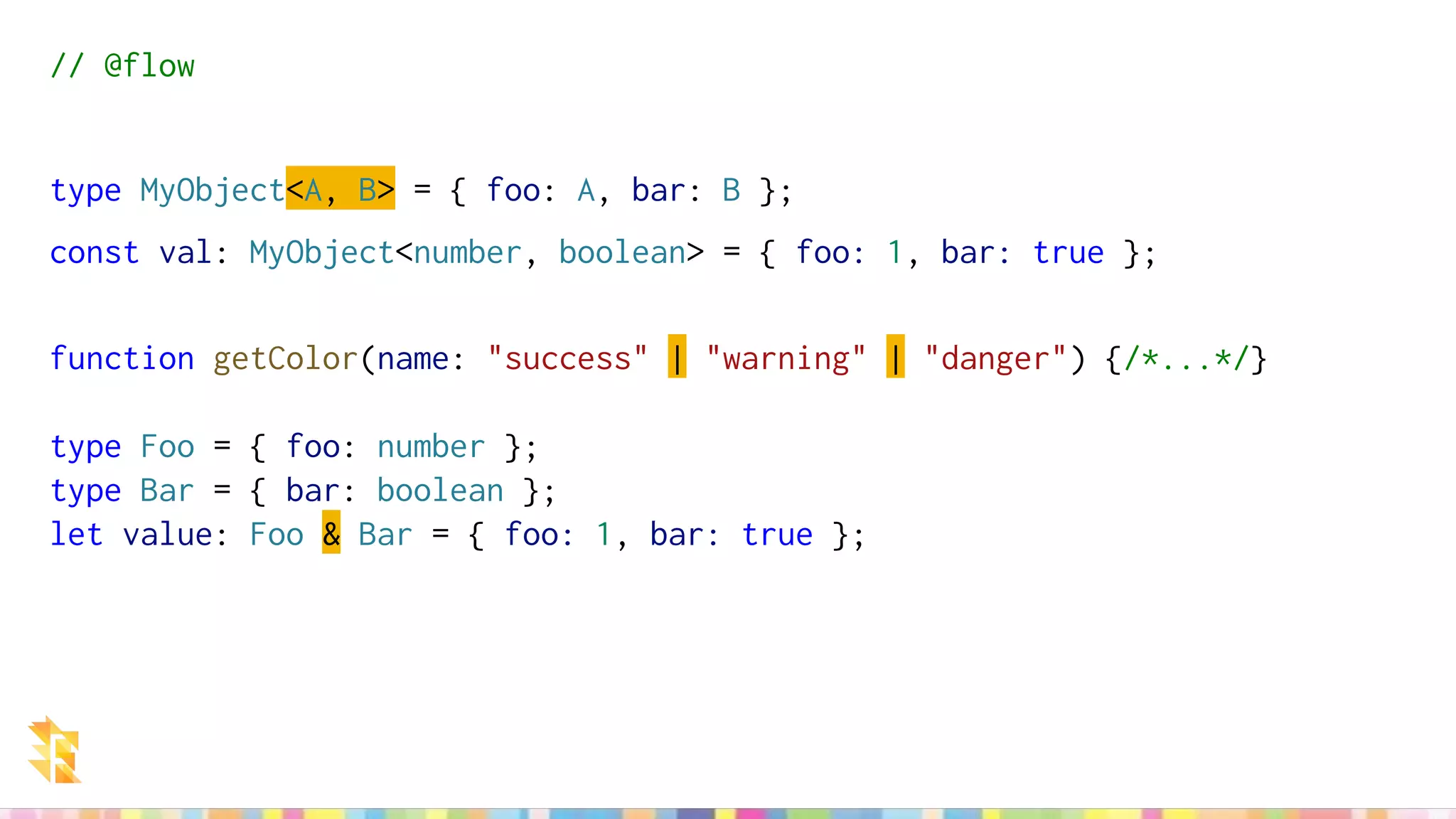
type MyObject<A, B> = { foo: A, bar: B };
const val: MyObject<number, boolean> = { foo: 1, bar: true };
function getColor(name: "success" | "warning" | "danger") {/*...*/}
type Foo = { foo: number };
type Bar = { bar: boolean };
let value: Foo & Bar = { foo: 1, bar: true };
http://elm-lang.org/
Who's using it?
http://elm-lang.org/
elm-make
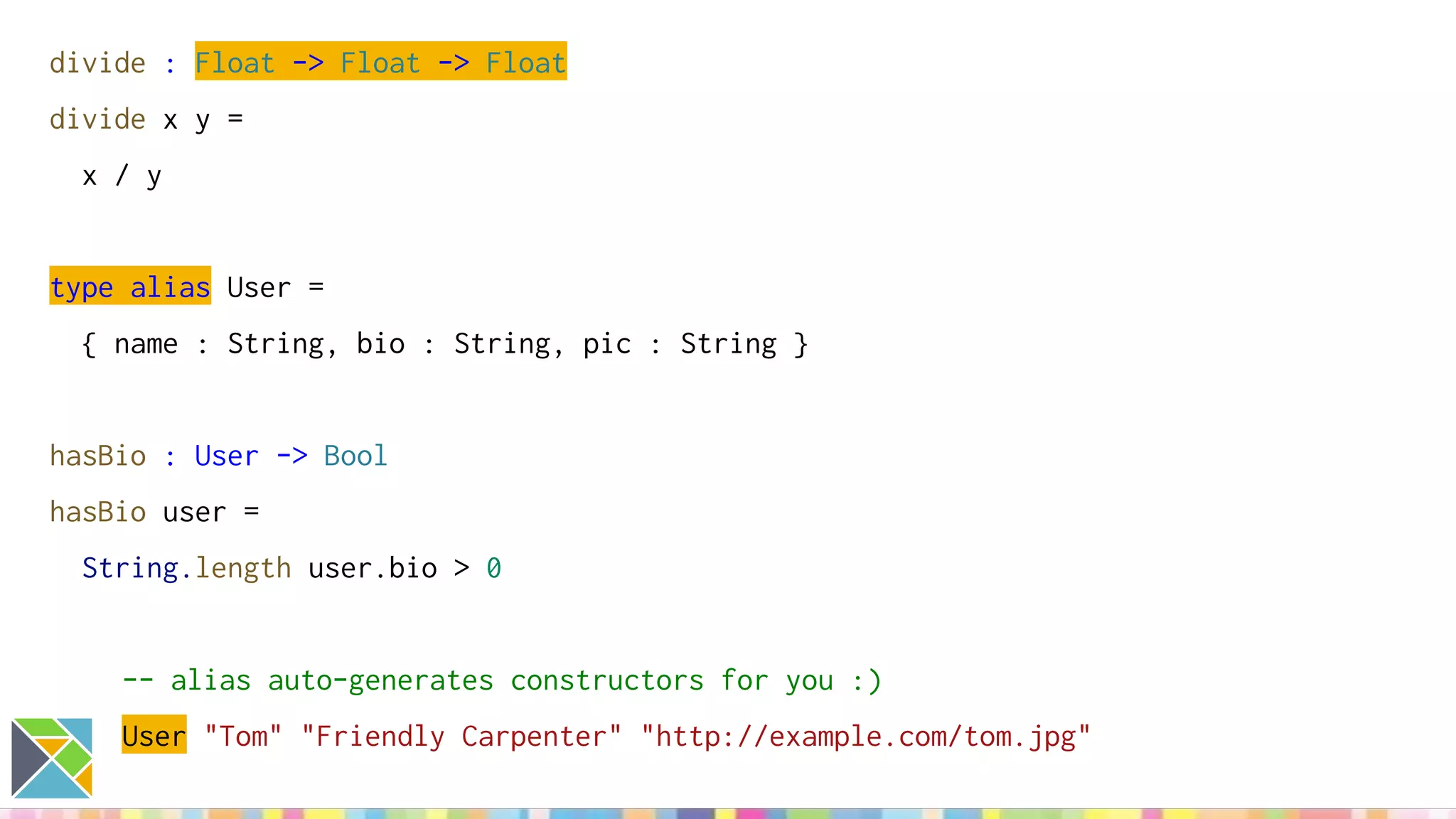
divide : Float -> Float -> Float
divide x y =
x / y
type alias User =
{ name : String, bio : String, pic : String }
hasBio : User -> Bool
hasBio user =
String.length user.bio > 0
-- alias auto-generates constructors for you :)
User "Tom" "Friendly Carpenter" "http://example.com/tom.jpg"
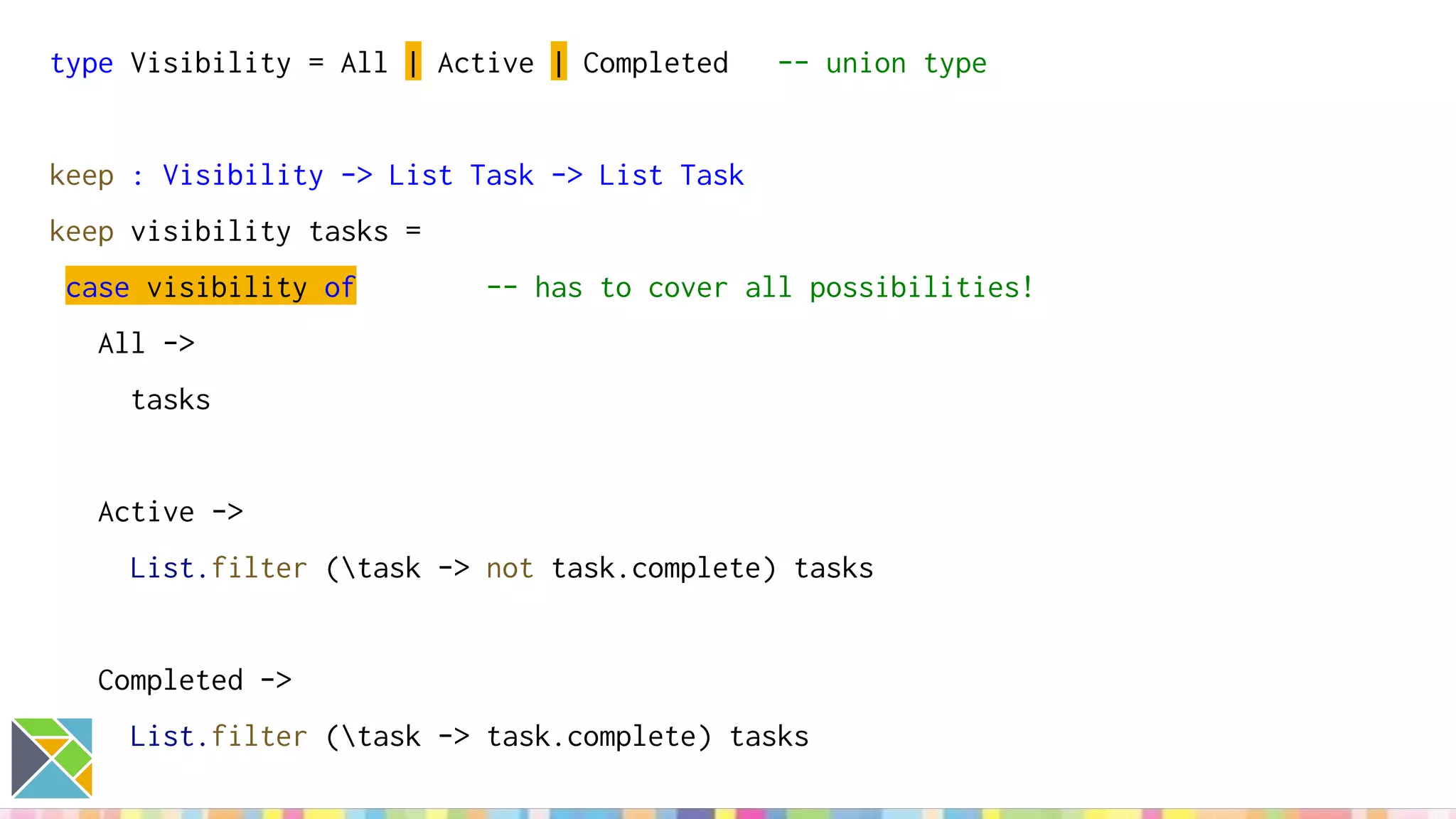
type Visibility = All | Active | Completed -- union type
keep : Visibility -> List Task -> List Task
keep visibility tasks =
case visibility of -- has to cover all possibilities!
All ->
tasks
Active ->
List.filter (task -> not task.complete) tasks
Completed ->
List.filter (task -> task.complete) tasks
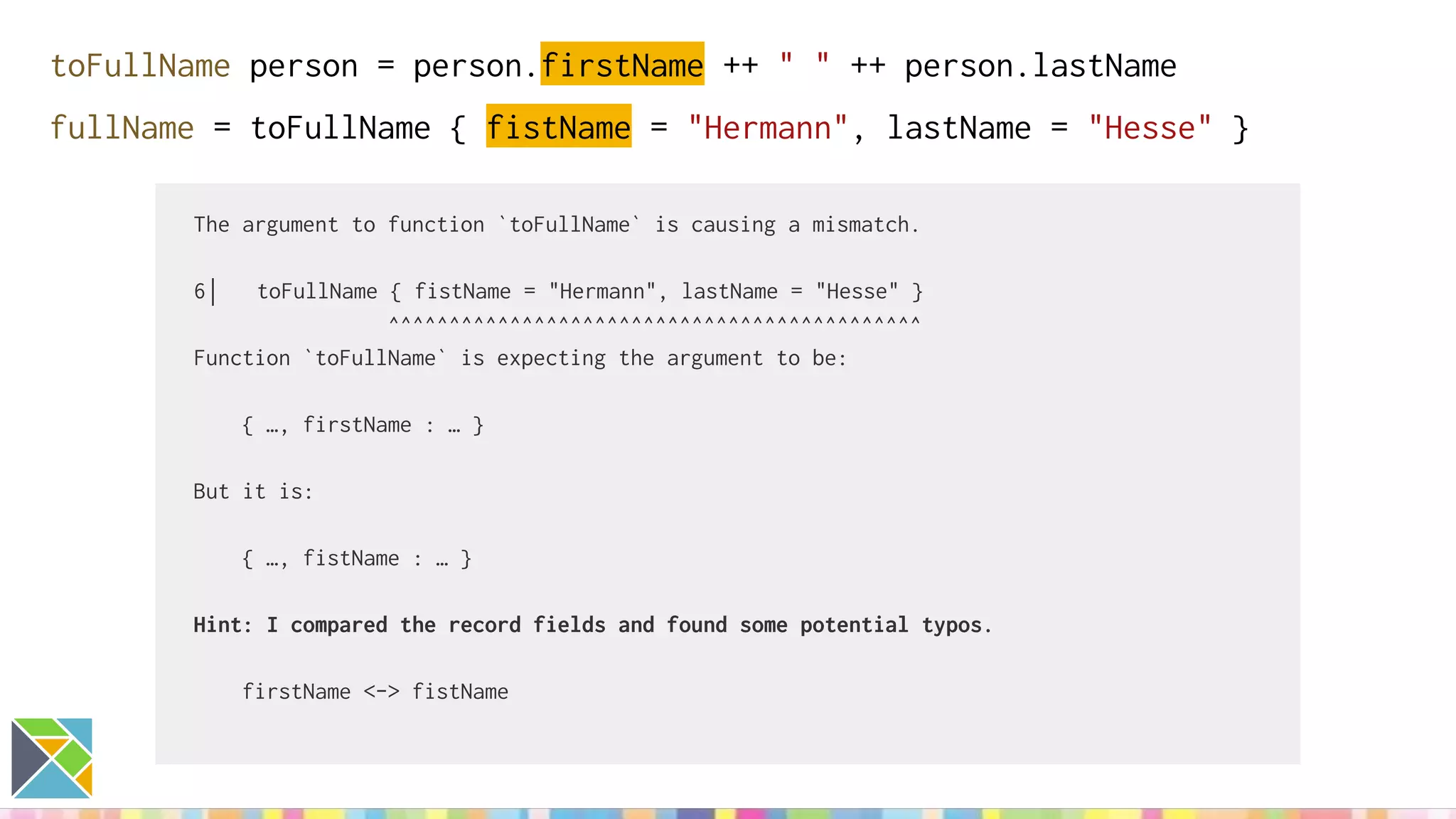
toFullName person = person.firstName ++ " " ++ person.lastName
fullName = toFullName { fistName = "Hermann", lastName = "Hesse" }
The argument to function `toFullName` is causing a mismatch.
6│ toFullName { fistName = "Hermann", lastName = "Hesse" }
^^^^^^^^^^^^^^^^^^^^^^^^^^^^^^^^^^^^^^^^^^^^
Function `toFullName` is expecting the argument to be:
{ …, firstName : … }
But it is:
{ …, fistName : … }
Hint: I compared the record fields and found some potential typos.
firstName <-> fistName
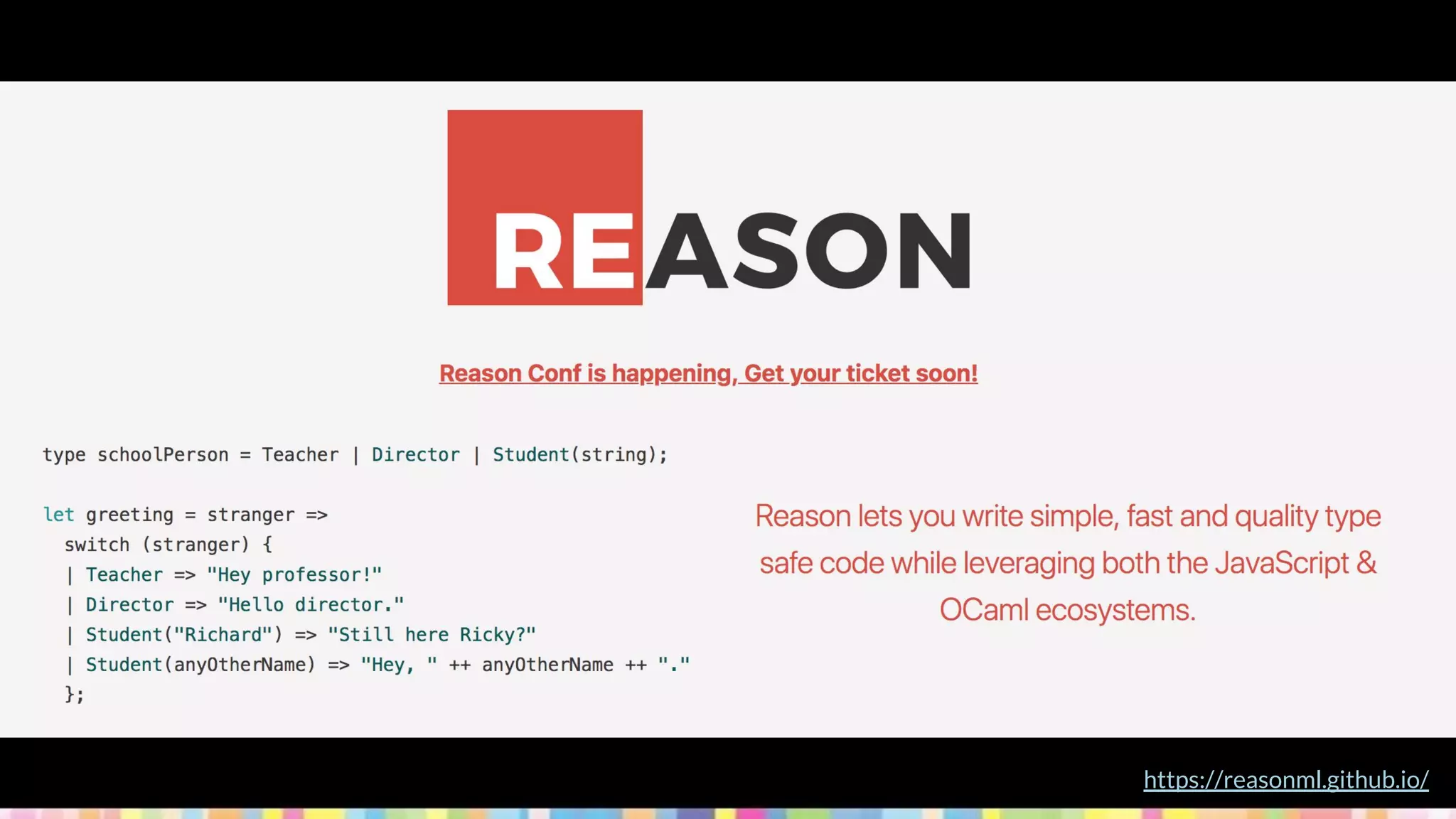
https://reasonml.github.io/
Who's using it?
https://reasonml.github.io/en/users-of-reason.html
bsb
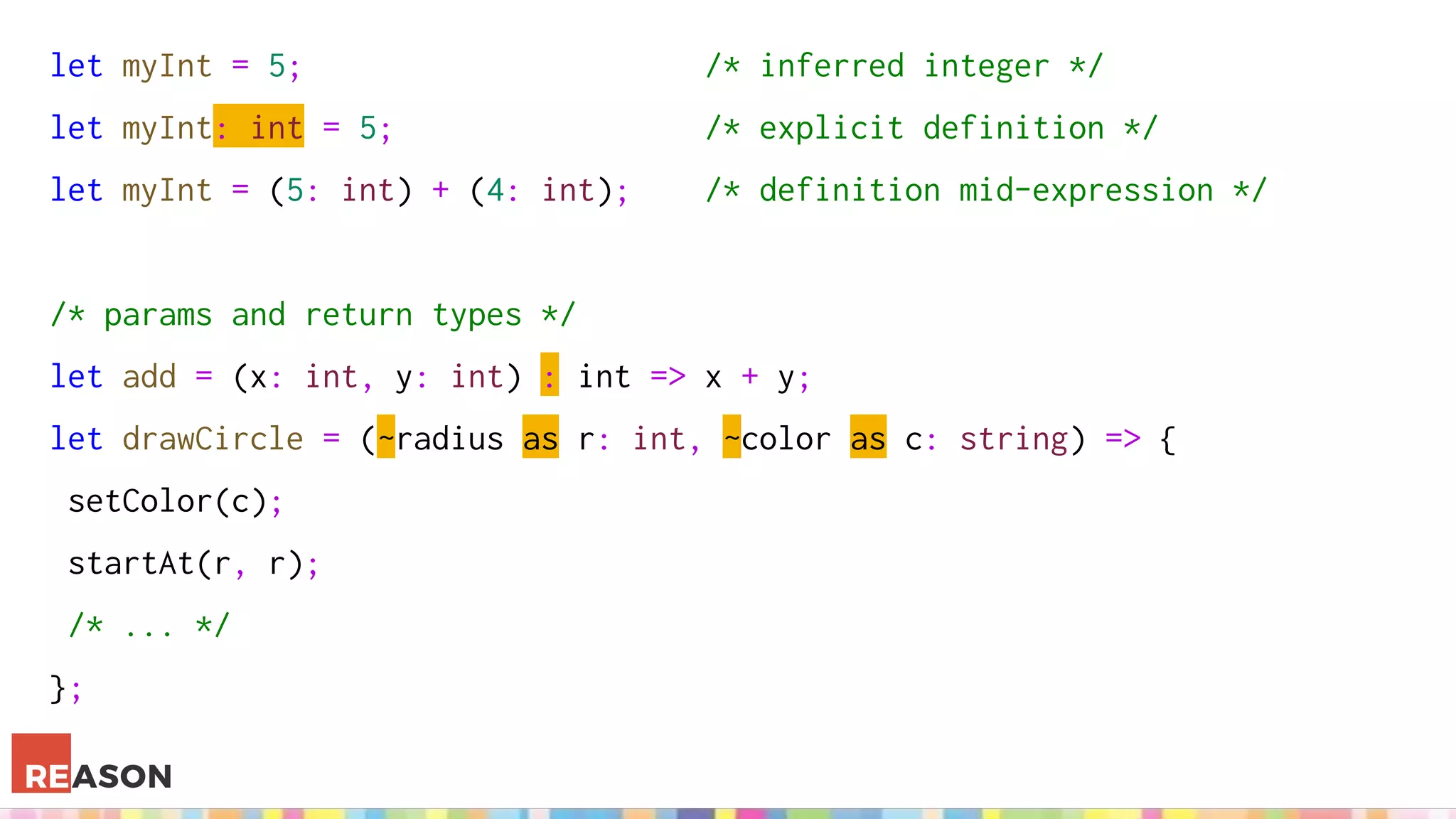
let myInt = 5; /* inferred integer */
let myInt: int = 5; /* explicit definition */
let myInt = (5: int) + (4: int); /* definition mid-expression */
/* params and return types */
let add = (x: int, y: int) : int => x + y;
let drawCircle = (~radius as r: int, ~color as c: string) => {
setColor(c);
startAt(r, r);
/* ... */
};
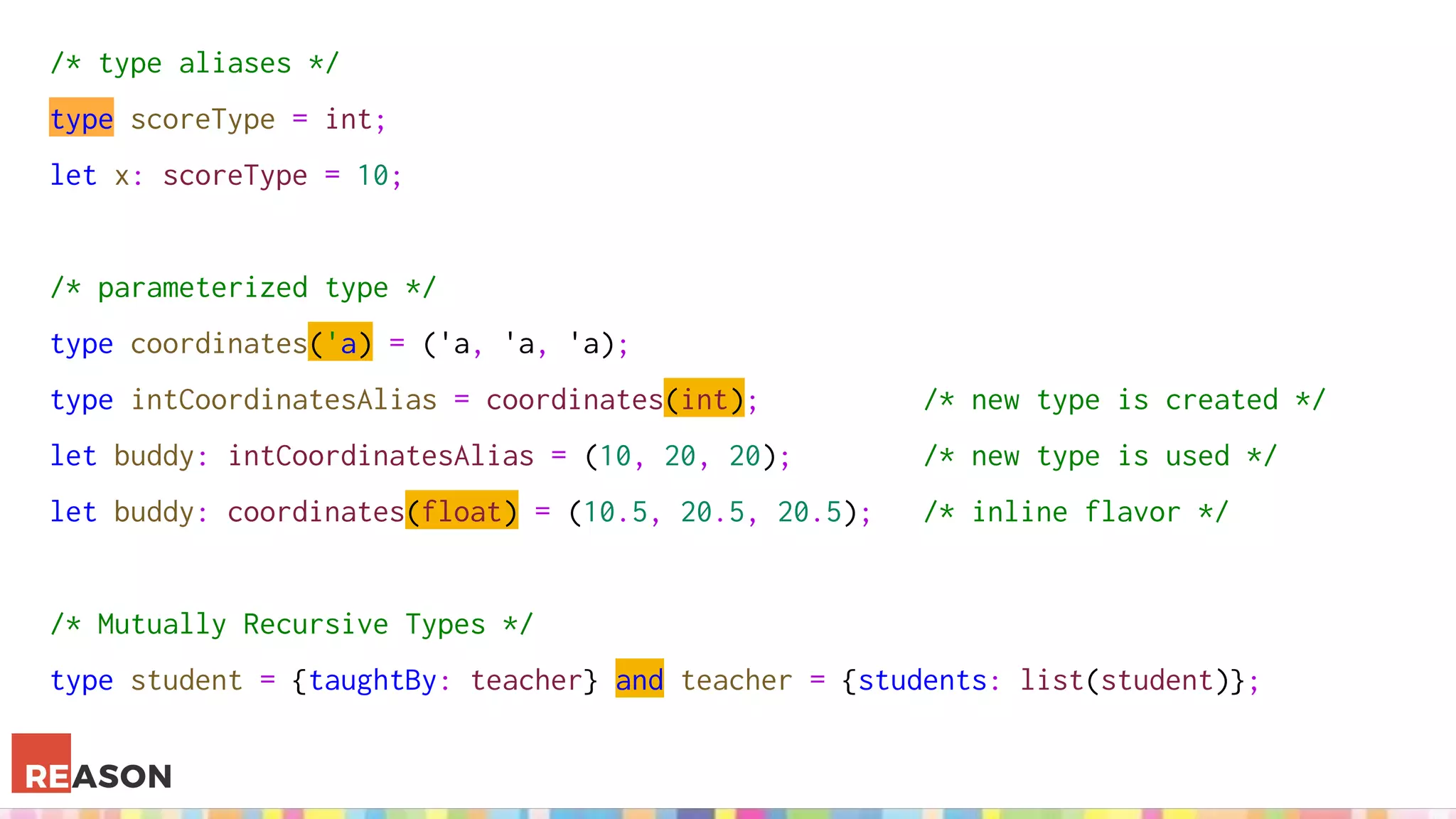
/* type aliases */
type scoreType = int;
let x: scoreType = 10;
/* parameterized type */
type coordinates('a) = ('a, 'a, 'a);
type intCoordinatesAlias = coordinates(int); /* new type is created */
let buddy: intCoordinatesAlias = (10, 20, 20); /* new type is used */
let buddy: coordinates(float) = (10.5, 20.5, 20.5); /* inline flavor */
/* Mutually Recursive Types */
type student = {taughtBy: teacher} and teacher = {students: list(student)};
Takeaways
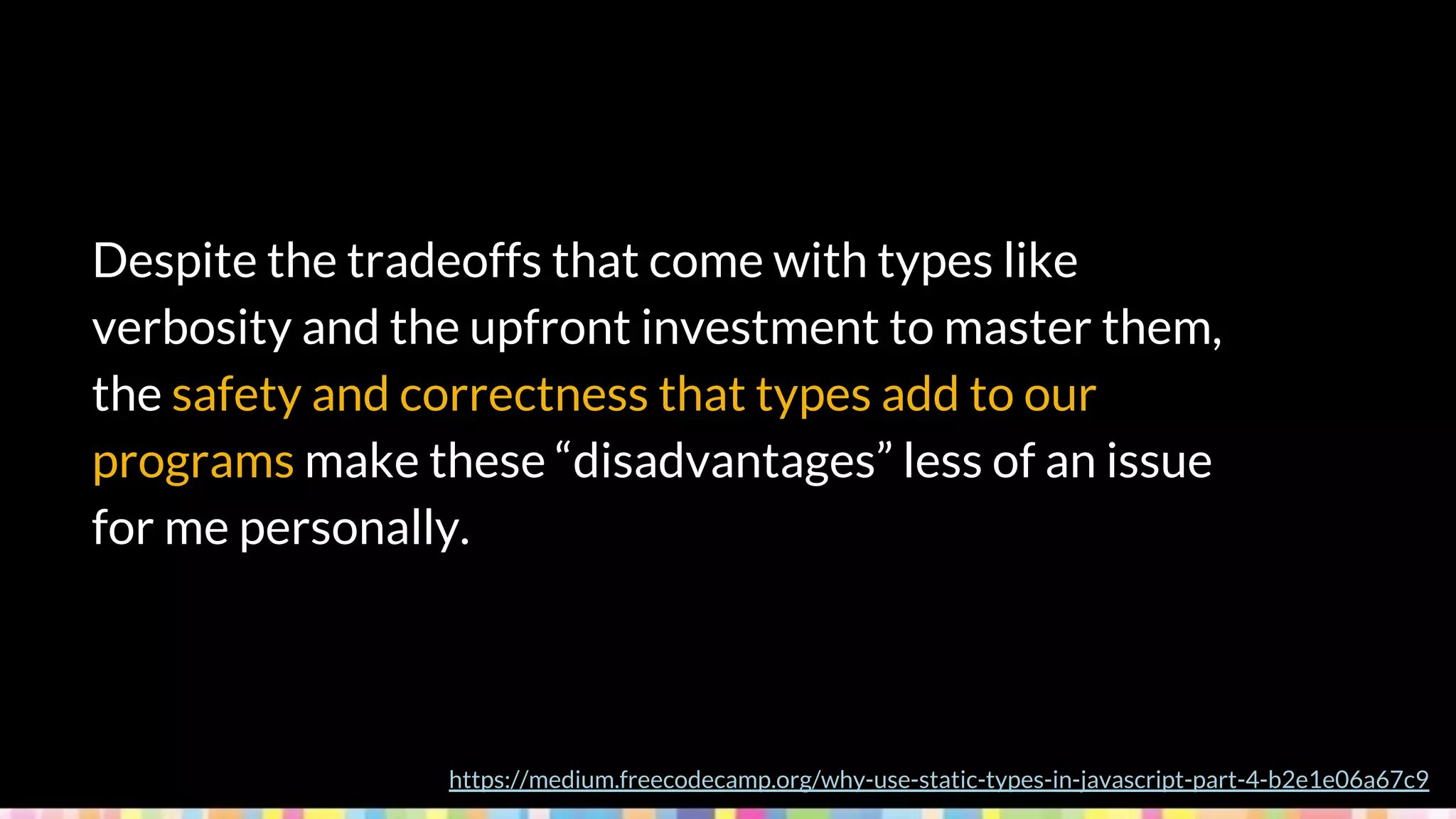
Despite the tradeoffs that come with types like
verbosity and the upfront investment to master them,
the safety and correctness that types add to our
programs make these “disadvantages” less of an issue
for me personally.
https://medium.freecodecamp.org/why-use-static-types-in-javascript-part-4-b2e1e06a67c9
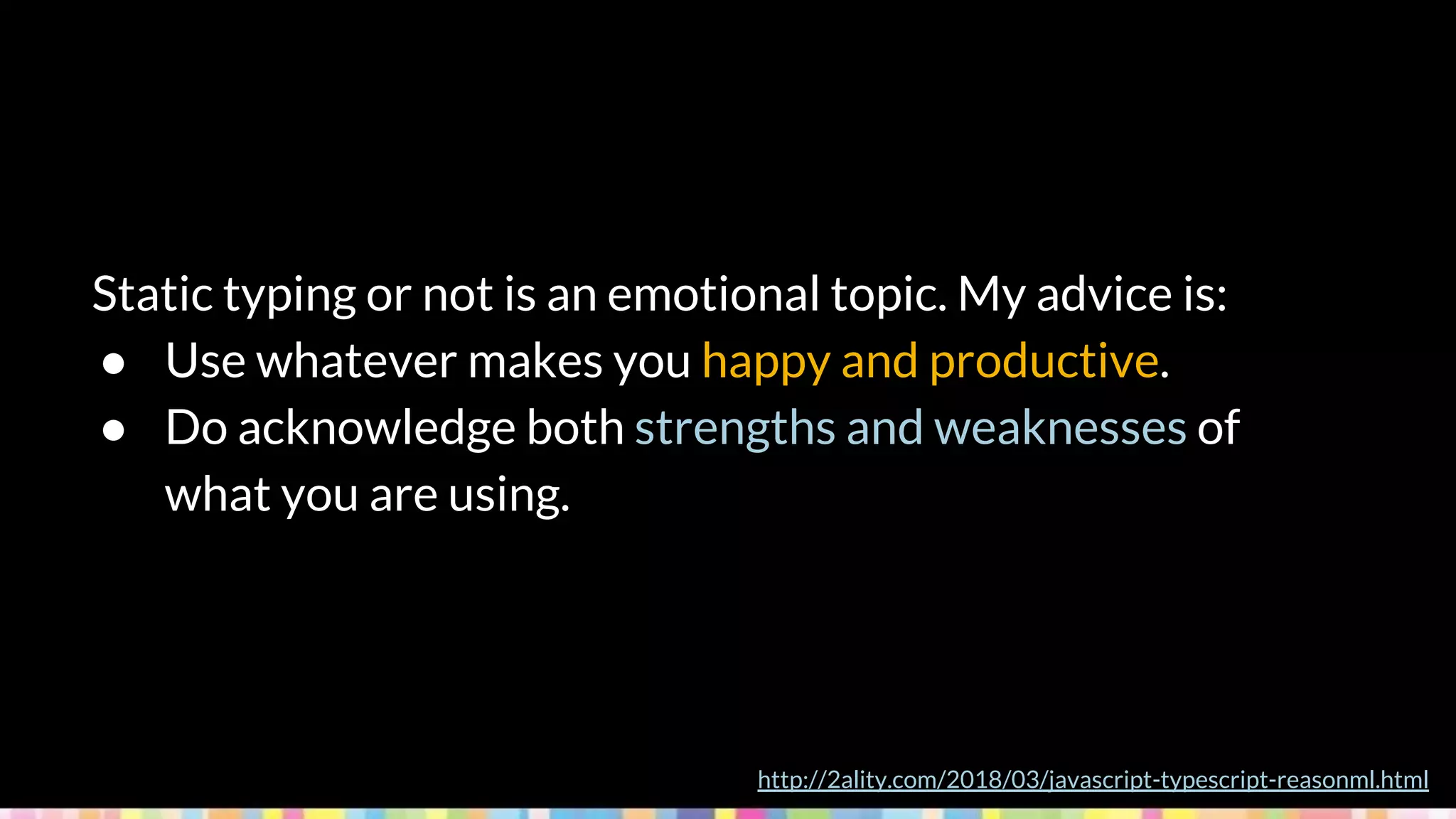
Static typing or not is an emotional topic. My advice is:
● Use whatever makes you happy and productive.
● Do acknowledge both strengths and weaknesses of
what you are using.
http://2ality.com/2018/03/javascript-typescript-reasonml.html
Try stuff out, understand how each
approach works and teach people
around you!
Thanks for your time!
@aputhin @aputhin_

Static types on javascript?! Type checking approaches to ensure healthy applications

  • 1.
    Static Types onJavascript!? Type-checking approaches to ensure healthy applications (Tipos estáticos em Javascript?! Abordagens de type-checking para garantir uma aplicação saudável) Arthur Puthin
  • 2.
    About me Developer atilegra (think beyond!) Mostly front-end stuff Undergraduate at Unisinos @aputhin @aputhin_
  • 3.
  • 4.
    So, what isthis all about?
  • 5.
    - Types - JSTypes - Why (or why not) Static Types - How to Static Types Agenda Actually, I just want to give you food for thought on Javascript typing, dynamic or static, and not champion any approach in particular
  • 6.
  • 7.
    Data types define,among other stuff: A set from which the data may take its' value The operations that can be performed on/with the data
  • 8.
    Values add, subtract, multiply,divide concat, substr and, or, xor, not Operations -∞ … -2, -1, 0, 1, 2, 3, 4 … +∞ abcdefghijklmnopqrstuvwxyz true, false
  • 9.
    Primitive types arebasic data types which are usually built-in for each language Composite or complex types are derived from more than one primitive, and can be user-defined
  • 10.
    Programming languages' typesystems may apply: Static type checking, which happens at compile time and validates variables' types Dynamic type checking, which happens at runtime and validates types for data itself
  • 11.
  • 12.
    In JavaScript, variables don'thave types -- values have types. [...] Another way to think about JS types is that JS doesn't have "type enforcement" [...]. https://github.com/getify/You-Dont-Know-JS/blob/master/types%20%26%20grammar/ch1.md let a = 42; typeof a; // "number" a = true; typeof a; // "boolean"
  • 13.
    Primitives - null - undefined -boolean - number - string - symbol (ES2015) IMMUTABLE ASSIGN BY COPY let a = 41; let b = a; b++; console.log(a); // 41 console.log(b); // 42
  • 14.
    Object Type - objectsof any shape - functions - arrays let a = [1, 2]; let b = a; b.push(3); console.log(a); // [1, 2, 3] console.log(b); // [1, 2, 3] b = [4, 5, 6]; console.log(a); // [1, 2, 3] console.log(b); // [4, 5, 6] MUTABLE ASSIGN BY REFERENCE let c = { isC: true }; let d = c; d.isC = false; console.log(c); // { isC: false } console.log(d); // { isC: false }
  • 15.
    Native Object Types -String() - Number() - Boolean() - Array() - Object() - Function() - RegExp() - Date() - Error() - ... const a = 'string'; const b = new String('string'); typeof a; // string typeof b; // object const c = a.split('', 3); // auto-boxing Primitive Wrappers
  • 16.
    Type coercion inJavascript can be: Implicit, when the runtime itself performs conversions, usually engaged to satisfy the surrounding context Explicit (a.k.a. type-casting), when the developer expresses the intention to convert between types by writing the appropriate code
  • 17.
    String conversion Boolean(2) //explicit if (2) { /**/ } // implicit !!2 // implicit 2 || 'hello' // implicit Boolean('') // false Boolean(0) // false Boolean(-0) // false Boolean(NaN) // false Boolean(null) // false Boolean(undefined) // false Boolean(false) // false // everything else is true! https://medium.freecodecamp.org/js-type-coercion-explained-27ba3d9a2839 Boolean conversion String(123) // explicit 123 + '' // implicit String(123) // '123' String(-12.3) // '-12.3' String(null) // 'null' String(undefined) // 'undefined' String(true) // 'true' String(false) // 'false'
  • 18.
    Number conversion https://medium.freecodecamp.org/js-type-coercion-explained-27ba3d9a2839 Number('123') //explicit +'123' // implicit (unary operator +) 123 != '456' // implicit (loose equality operator == !=) // except if both operands are strings! 4 > '5' // implicit (comparison operators > < <= >=) true | 0 // implicit (bitwise operators | & ^ ~) 5/null // implicit (arithmetic operators - + * / %) // except for + if either operand is a string!
  • 19.
    Object to PrimitiveConversion 1. If input is already a primitive, do nothing and return it. 2. Call input.toString(), if the result is primitive, return it. 3. Call input.valueOf(), if the result is primitive, return it. 4. If neither input.toString() nor input.valueOf() yields primitive, throw TypeError. https://medium.freecodecamp.org/js-type-coercion-explained-27ba3d9a2839
  • 20.
    Be a responsibleand mature developer. Learn how to use the power of coercion (both explicit and implicit) effectively and safely. And teach those around you to do the same. https://github.com/getify/You-Dont-Know-JS/blob/master/types%20%26%20grammar/ch4.md
  • 21.
  • 22.
    Why would wego static?
  • 23.
    "The most often-citedrationales for type systems are that they: 1. Catch errors early 2. Improve readability of code 3. Facilitate tooling 4. Improve runtime performance" http://www.hammerlab.org/2015/12/09/our-experiences-with-flow/
  • 24.
    ● It takestime to learn. ● It is an additional layer of complexity. ● It constrains your freedom of expression. ● It does not prevent defects. ● You lose some interactivity and compiling takes time. http://2ality.com/2018/03/javascript-typescript-reasonml.html
  • 25.
  • 26.
  • 27.
    1. Supersets 2. StaticType Checkers 3. Compile-to-JS
  • 28.
  • 29.
  • 30.
  • 31.
    let isDone: boolean= false; let answer: number = 42; // includes hex, binary and octal let someValue: any = "this is a string"; let strLength: number = (<string>someValue).length; // type casting let anotherLength: number = (someValue as string).length; function warnUser(): void { // null or undefined alert("This is my warning message"); }
  • 32.
    let list1: number[]= [1, 2, 3]; let list2: Array<number> = [1, 2, 3]; let x: [string, number]; x = ["hello", 10]; // OK x = [10, "hello"]; // Error enum Color {Red, Green, Blue} let c: Color = Color.Green; // 2 let colorName: string = Color[2]; // Blue
  • 33.
    interface Record { readonlyid: number; label: string; color?: string; // optional prop } class Greeter { private greeting: string; public constructor(message: string) { this.greeting = message; } } let greeter = new Greeter("world");
  • 34.
    // module exportingtypes and namespacing export namespace Validation { export interface StringValidator { isAcceptable(s: string): boolean; } } // checking normal js files with --checkJs flag /** @type {number} */ var x; x = false; // error
  • 36.
  • 37.
    // @flow const answer:number = 42; const indexes: Array<number> = [0, 1, 2]; // Array<T> let whatever: any; // wildcard whatever = 'string'; whatever = true; const func = (arg: number): number => {/*...*/}; // return type, optional
  • 38.
    // @flow const identity:{ name: string, age: number } = { name: 'Jack', age: 15, }; type Address = { street: string, number: number }; type Email = string; // aliasing var message: ?string = null; // maybe: type, null or undef function setValue(value?: string) {/*...*/} // optional: type or undef
  • 39.
    // @flow type MyObject<A,B> = { foo: A, bar: B }; const val: MyObject<number, boolean> = { foo: 1, bar: true }; function getColor(name: "success" | "warning" | "danger") {/*...*/} type Foo = { foo: number }; type Bar = { bar: boolean }; let value: Foo & Bar = { foo: 1, bar: true };
  • 40.
  • 41.
  • 42.
  • 43.
    divide : Float-> Float -> Float divide x y = x / y type alias User = { name : String, bio : String, pic : String } hasBio : User -> Bool hasBio user = String.length user.bio > 0 -- alias auto-generates constructors for you :) User "Tom" "Friendly Carpenter" "http://example.com/tom.jpg"
  • 44.
    type Visibility =All | Active | Completed -- union type keep : Visibility -> List Task -> List Task keep visibility tasks = case visibility of -- has to cover all possibilities! All -> tasks Active -> List.filter (task -> not task.complete) tasks Completed -> List.filter (task -> task.complete) tasks
  • 45.
    toFullName person =person.firstName ++ " " ++ person.lastName fullName = toFullName { fistName = "Hermann", lastName = "Hesse" } The argument to function `toFullName` is causing a mismatch. 6│ toFullName { fistName = "Hermann", lastName = "Hesse" } ^^^^^^^^^^^^^^^^^^^^^^^^^^^^^^^^^^^^^^^^^^^^ Function `toFullName` is expecting the argument to be: { …, firstName : … } But it is: { …, fistName : … } Hint: I compared the record fields and found some potential typos. firstName <-> fistName
  • 46.
  • 47.
  • 48.
  • 49.
    let myInt =5; /* inferred integer */ let myInt: int = 5; /* explicit definition */ let myInt = (5: int) + (4: int); /* definition mid-expression */ /* params and return types */ let add = (x: int, y: int) : int => x + y; let drawCircle = (~radius as r: int, ~color as c: string) => { setColor(c); startAt(r, r); /* ... */ };
  • 50.
    /* type aliases*/ type scoreType = int; let x: scoreType = 10; /* parameterized type */ type coordinates('a) = ('a, 'a, 'a); type intCoordinatesAlias = coordinates(int); /* new type is created */ let buddy: intCoordinatesAlias = (10, 20, 20); /* new type is used */ let buddy: coordinates(float) = (10.5, 20.5, 20.5); /* inline flavor */ /* Mutually Recursive Types */ type student = {taughtBy: teacher} and teacher = {students: list(student)};
  • 51.
  • 52.
    Despite the tradeoffsthat come with types like verbosity and the upfront investment to master them, the safety and correctness that types add to our programs make these “disadvantages” less of an issue for me personally. https://medium.freecodecamp.org/why-use-static-types-in-javascript-part-4-b2e1e06a67c9
  • 53.
    Static typing ornot is an emotional topic. My advice is: ● Use whatever makes you happy and productive. ● Do acknowledge both strengths and weaknesses of what you are using. http://2ality.com/2018/03/javascript-typescript-reasonml.html
  • 54.
    Try stuff out,understand how each approach works and teach people around you!
  • 55.
    Thanks for yourtime! @aputhin @aputhin_