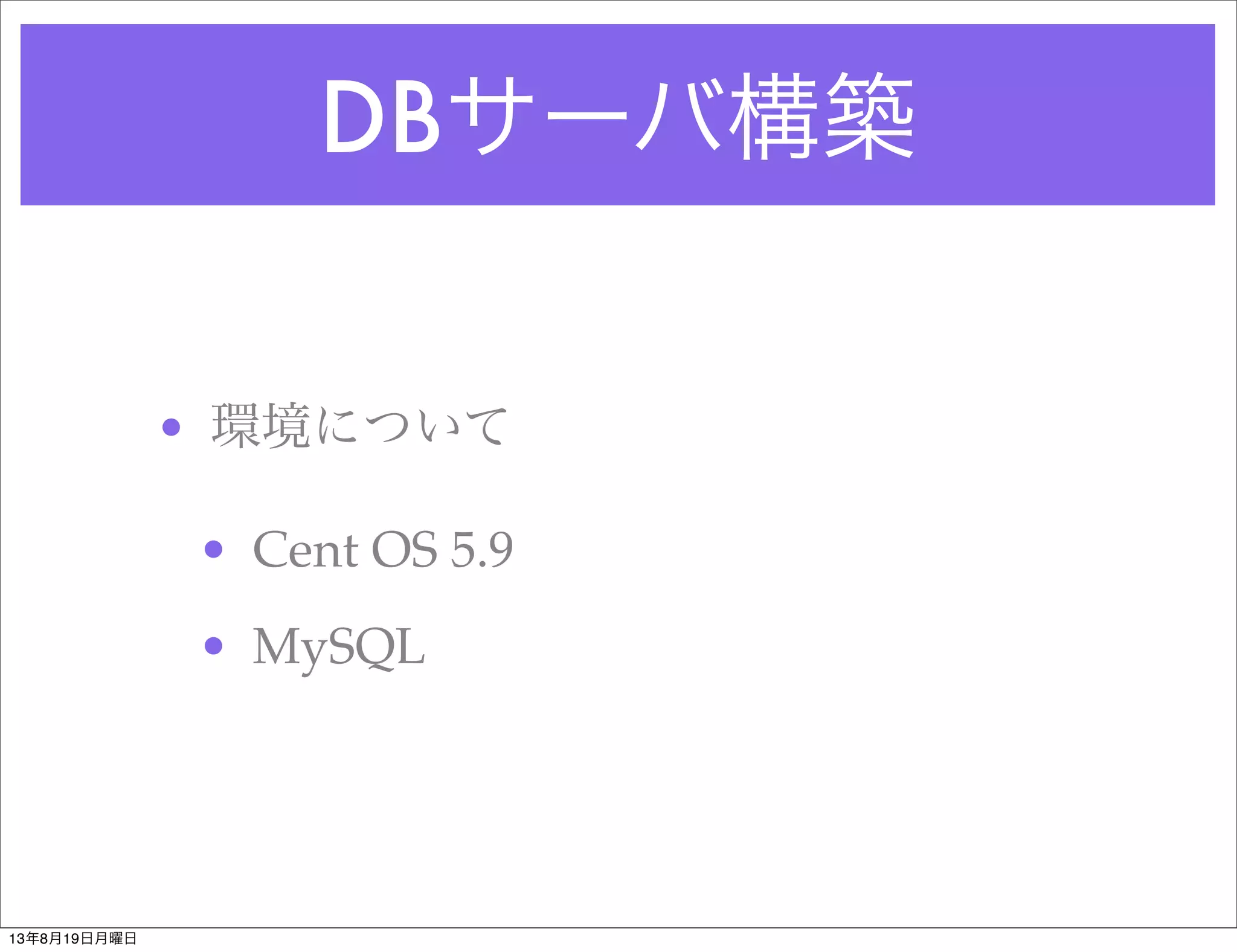
DBサーバ構築
[root@vagrant-c5-x86_64 vagrant]# yuminstall mysql-server
Loaded plugins: fastestmirror
Loading mirror speeds from cached hostf
# /etc/init.d/mysqld start
[root@vagrant-c5-x86_64 vagrant]# mysql -u root
Welcome to the MySQL monitor. Commands end with ; or g.
Your MySQL connection id is 2
Server version: 5.0.95 Source distribution
Copyright (c) 2000, 2011, Oracle and/or its affiliates. All rights reserved.
Oracle is a registered trademark of Oracle Corporation and/or its
affiliates. Other names may be trademarks of their respective
owners.
Type 'help;' or 'h' for help. Type 'c' to clear the current input statement.
mysql>
13年8月19日月曜日


![Webサーバ構築
# yum install httpd
# /etc/init.d/httpd start
httpd を起動中: [ OK ]
※ブラウザでアクセスしてapache起動チェック
# vi /var/www/html/index.htmlでためしにindex.htmlを作成
# yum install php
# /etc/init.d/httpd restart
httpd を停止中: [ OK ]
httpd を起動中: [ OK ]
[root@vagrant-c5-x86_64 vagrant]#
test用にphpinfo作成
<?php
phpinfo();
?>
13年8月19日月曜日](https://image.slidesharecdn.com/e3-82-b5-e3-83-bc-e3-83-90-e6-a7-8b-e7-af-89-e5-ae-9f-e8-b7-b5-130819175958-phpapp02/75/slide-5-2048.jpg)
![DBサーバ構築
[root@vagrant-c5-x86_64 vagrant]# yum install mysql-server
Loaded plugins: fastestmirror
Loading mirror speeds from cached hostf
# /etc/init.d/mysqld start
[root@vagrant-c5-x86_64 vagrant]# mysql -u root
Welcome to the MySQL monitor. Commands end with ; or g.
Your MySQL connection id is 2
Server version: 5.0.95 Source distribution
Copyright (c) 2000, 2011, Oracle and/or its affiliates. All rights reserved.
Oracle is a registered trademark of Oracle Corporation and/or its
affiliates. Other names may be trademarks of their respective
owners.
Type 'help;' or 'h' for help. Type 'c' to clear the current input statement.
mysql>
13年8月19日月曜日](https://image.slidesharecdn.com/e3-82-b5-e3-83-bc-e3-83-90-e6-a7-8b-e7-af-89-e5-ae-9f-e8-b7-b5-130819175958-phpapp02/75/slide-8-2048.jpg)


![Vagrant で作る PHP 開発環境 [実践編]](https://cdn.slidesharecdn.com/ss_thumbnails/ltup-130916233706-phpapp01-thumbnail.jpg?width=640&height=640&fit=bounds)


