
INTRODUCTION TO WEB Spider Web Weaving Course. Day 1 Harishankaran K
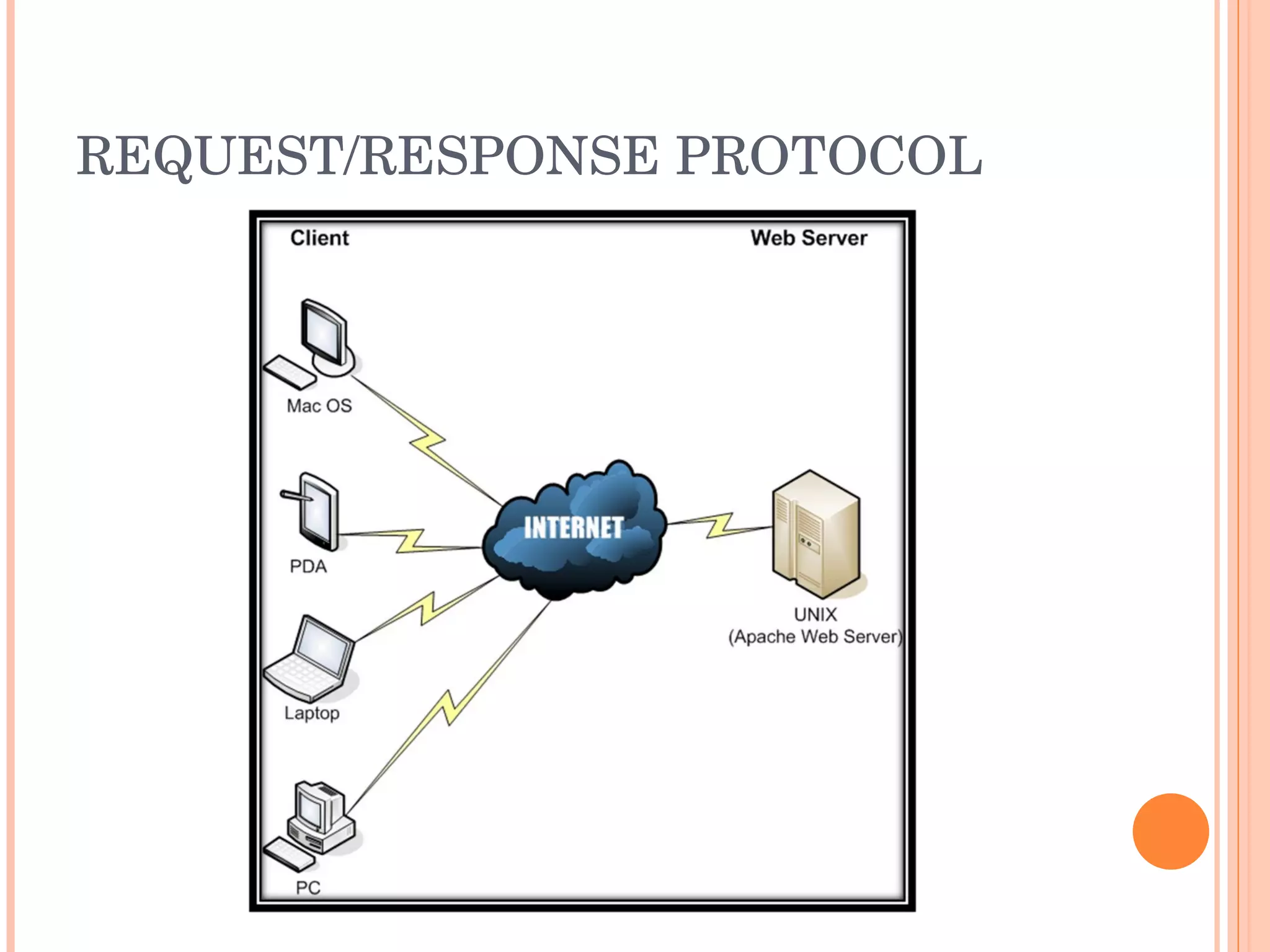
HTTP Hypertext Transfer Protocol HTTP is a request/response protocol between a client and a server. The client making an HTTP request—such as a  web browser ,  spider , or other end-user tool—is referred to as the  user agent .  The responding  server —which stores or creates  resources  such as  HTML  files and images—is called the  origin server .  In between the user agent and origin server may be several intermediaries, such as  proxies ,  gateways , and  tunnels .
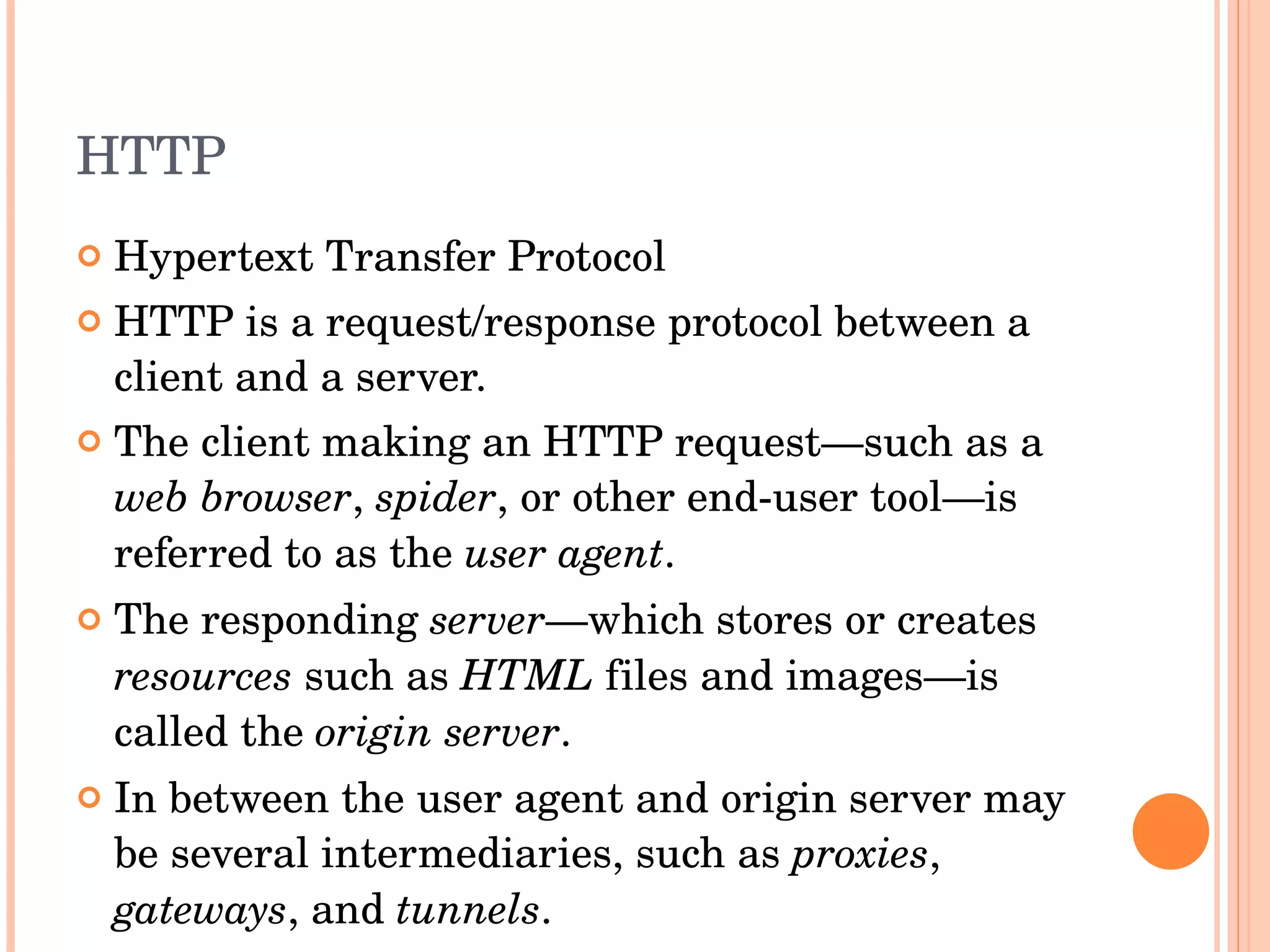
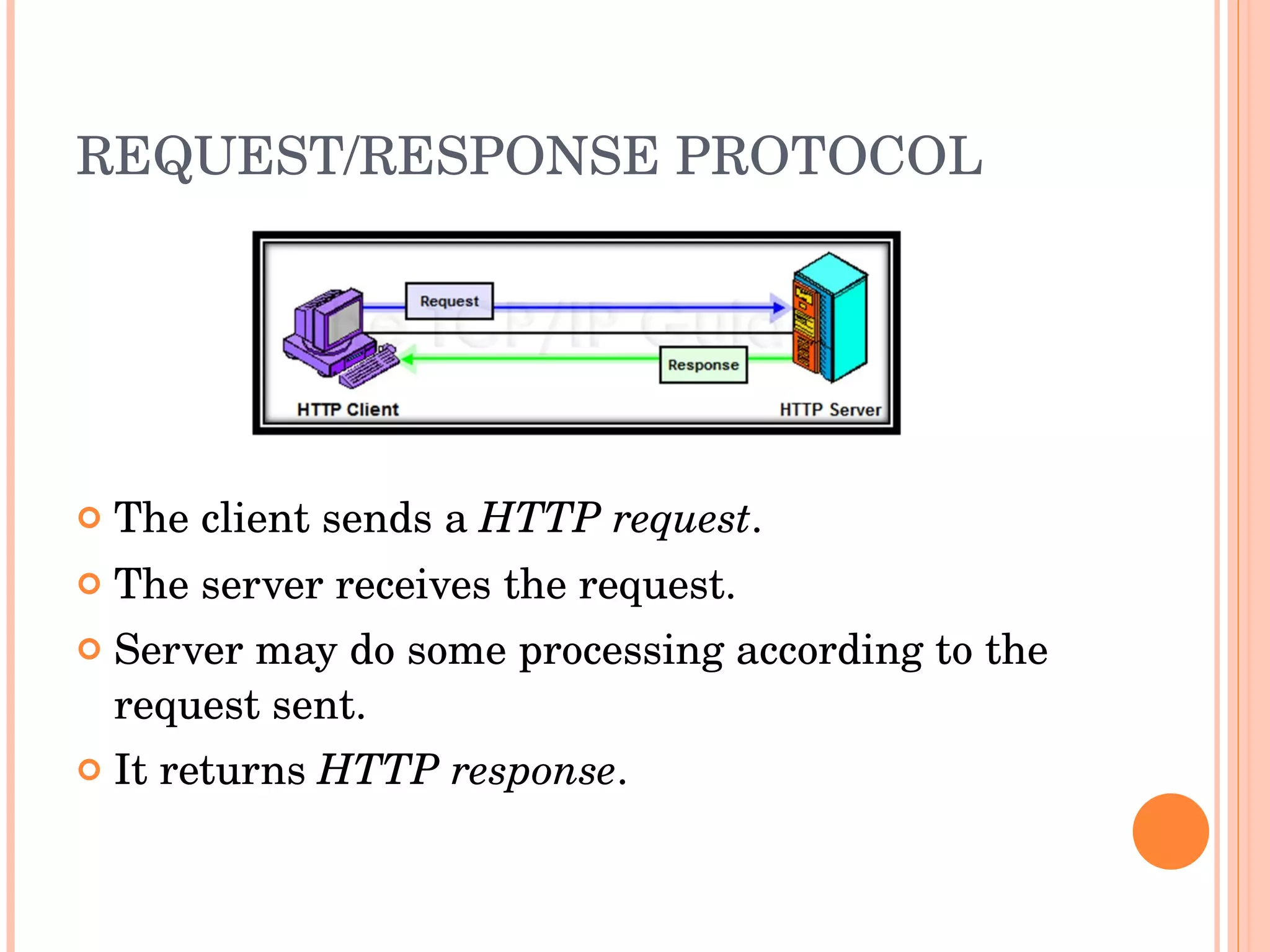
REQUEST/RESPONSE PROTOCOL The client sends the request. The server sends a response according to the request from the client.
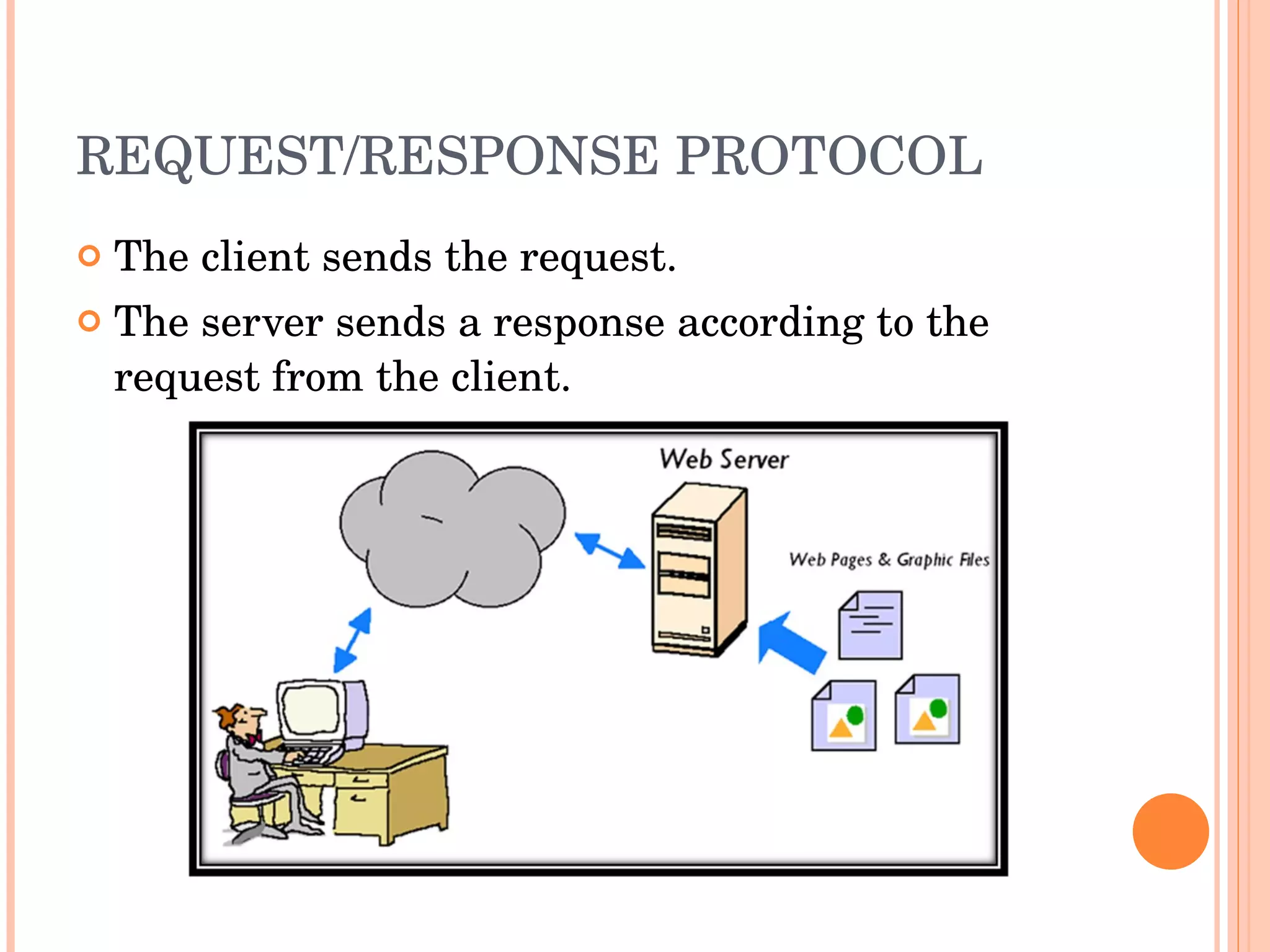
REQUEST/RESPONSE PROTOCOL The client sends a  HTTP request . The server receives the request. Server may do some processing according to the request sent. It returns  HTTP response .
REQUEST/RESPONSE PROTOCOL
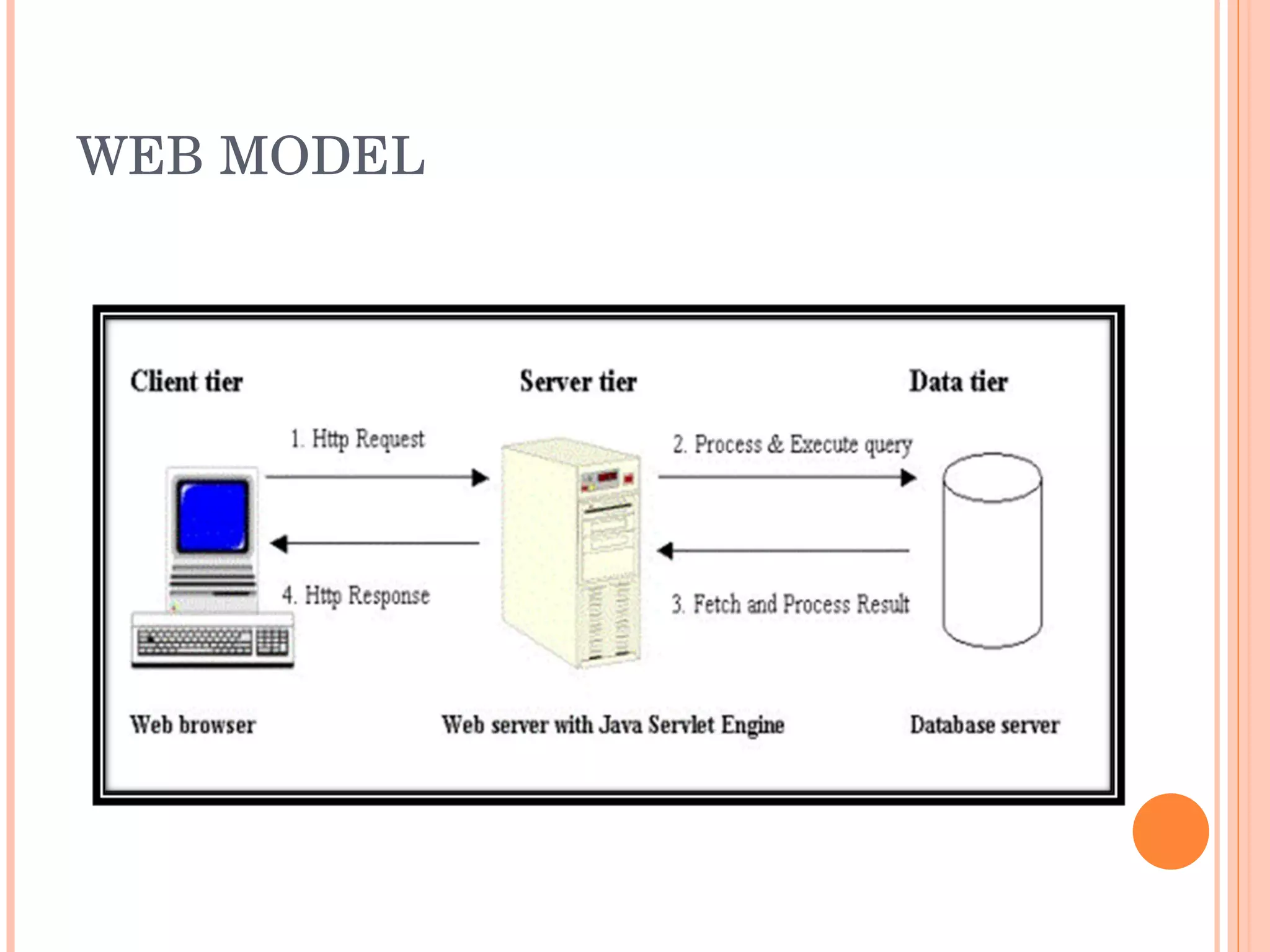
WEB SERVER Program that accepts HTTP requests from the client, and provides an HTTP response to the client.  The HTTP response usually consists of an HTML document, but can also be a raw file, an image, or some other type of document. Examples are Apache, Microsoft IIS, Google GFE, lighthttpd etc.
WEB BROWSER Web browsers communicate with Web servers primarily using HTTP to fetch web pages. Examples are Firefox, Opera, Internet Explorer, Elinks, Safari etc Web browsers format HTML information for display, so the appearance of a Web page may differ between browsers.
SPIDER A program or automated script which browses the World Wide Web in a methodical, automated manner. Other names are web crawler, ants, automatic indexers, bots, and worms. Web crawlers are mainly used to create a copy of all the visited pages for later processing by a search engine that will index the downloaded pages to provide fast searches.
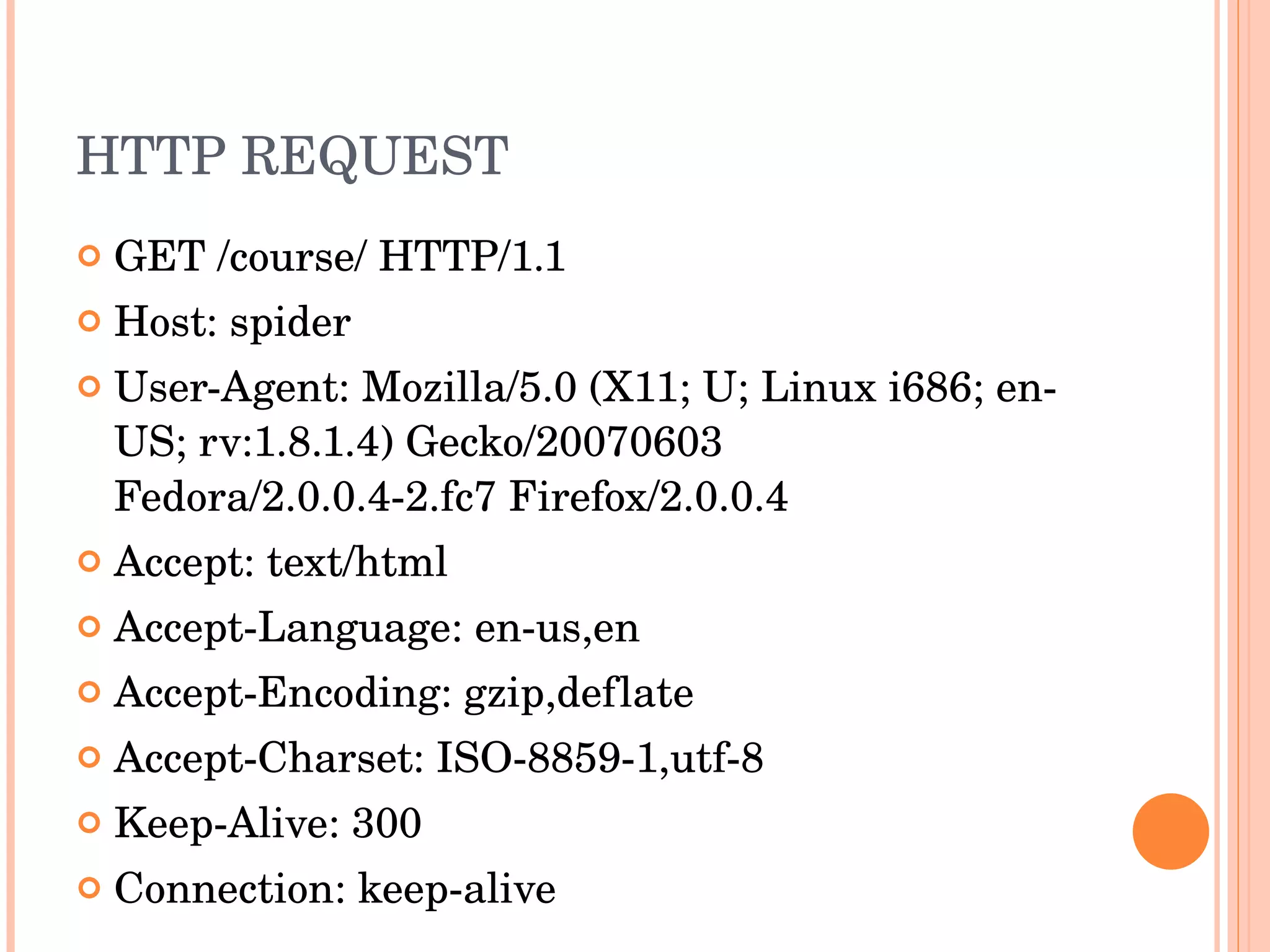
HTTP REQUEST GET /course/ HTTP/1.1 Host: spider User-Agent: Mozilla/5.0 (X11; U; Linux i686; en-US; rv:1.8.1.4) Gecko/20070603 Fedora/2.0.0.4-2.fc7 Firefox/2.0.0.4 Accept: text/html Accept-Language: en-us,en Accept-Encoding: gzip,deflate Accept-Charset: ISO-8859-1,utf-8 Keep-Alive: 300 Connection: keep-alive
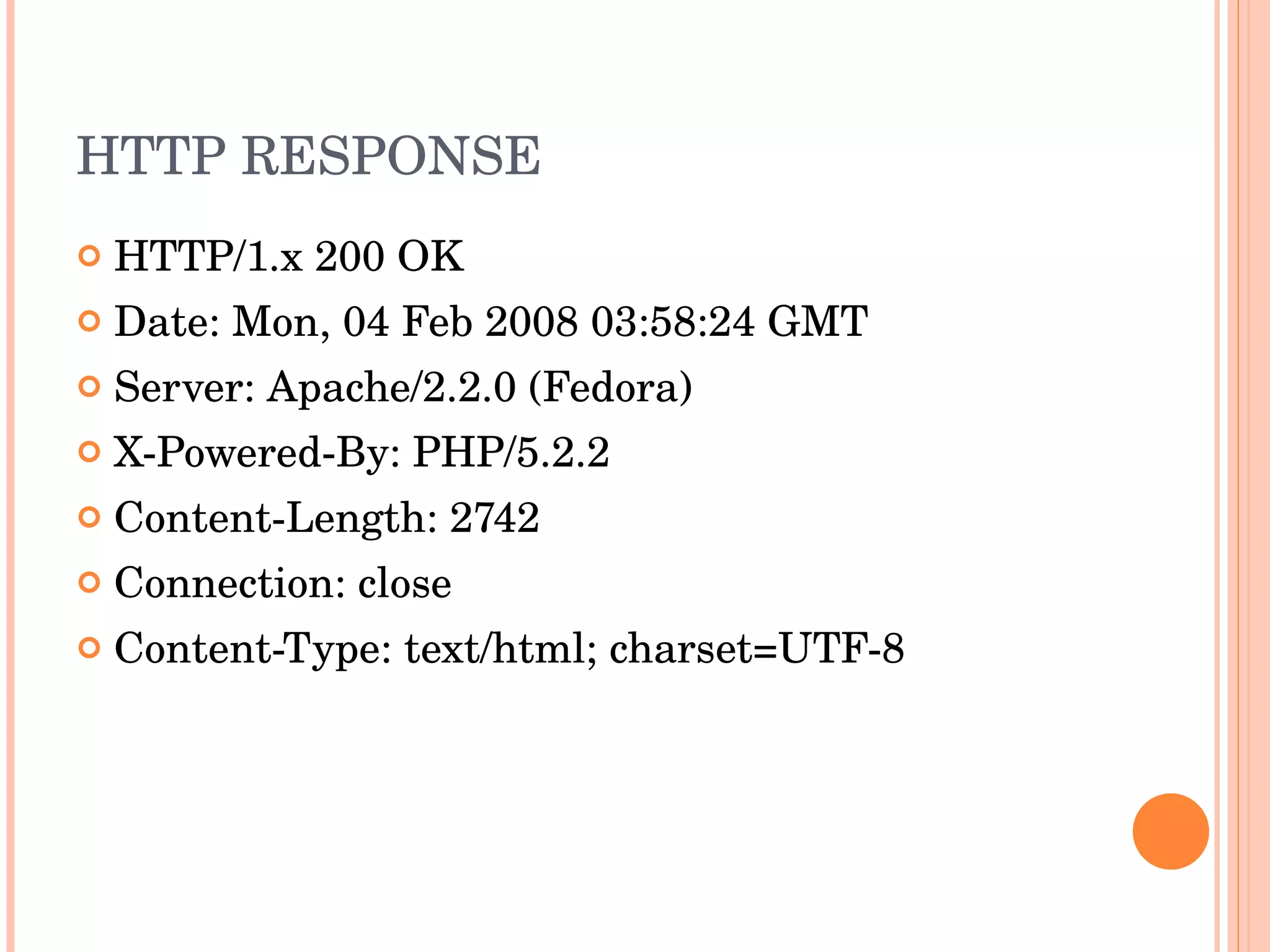
HTTP RESPONSE HTTP/1.x 200 OK Date: Mon, 04 Feb 2008 03:58:24 GMT Server: Apache/2.2.0 (Fedora) X-Powered-By: PHP/5.2.2 Content-Length: 2742 Connection: close Content-Type: text/html; charset=UTF-8
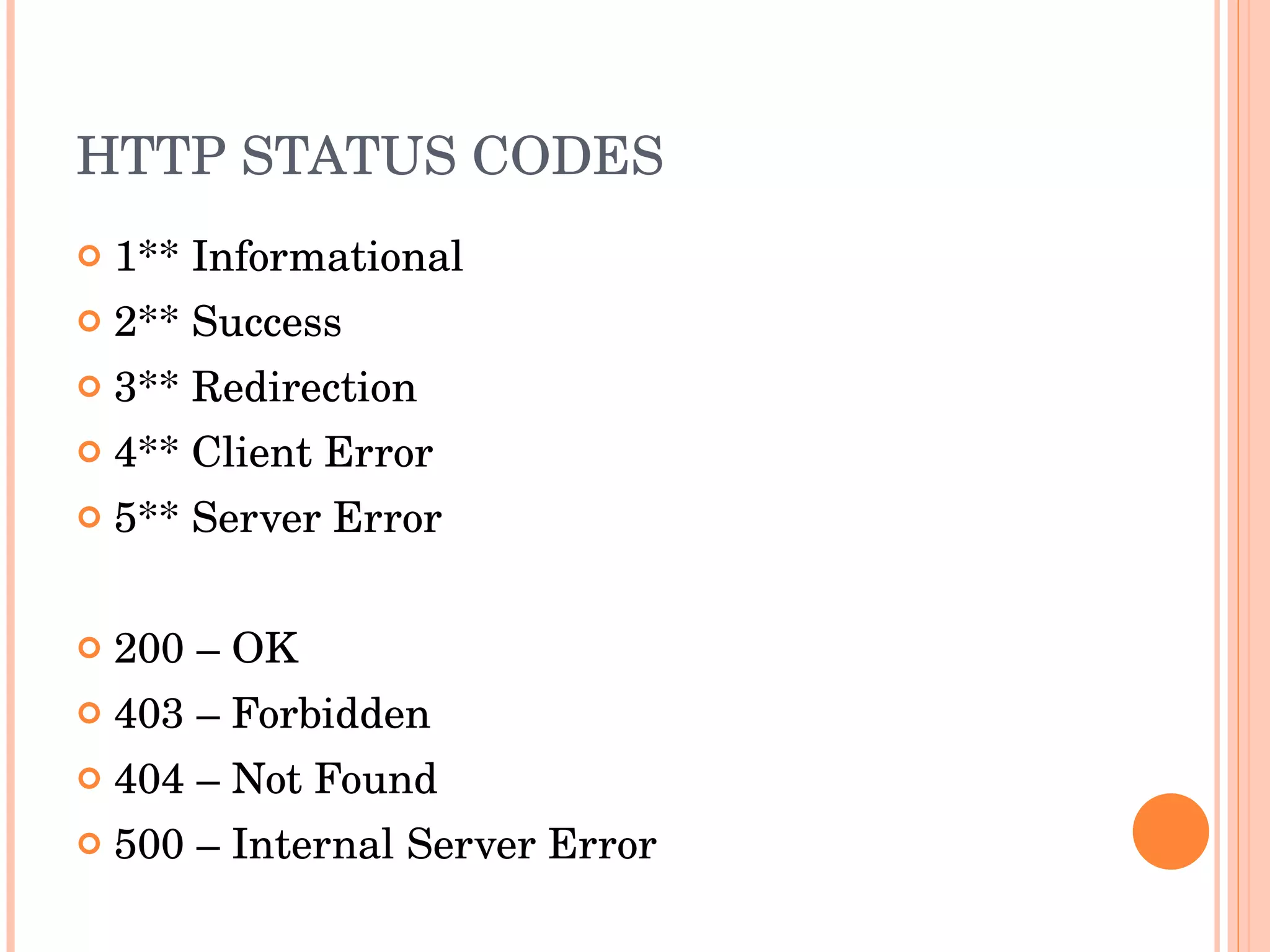
HTTP STATUS CODES 1** Informational  2** Success  3** Redirection  4** Client Error  5** Server Error 200 – OK 403 – Forbidden 404 – Not Found 500 – Internal Server Error
SCRIPTING LANGUAGES Web browser should support the scripting languages. Apache supports php, python, and many other languages. Web server executes the php file in the server to produce dynamic HTML content. Examples are PHP, Python, Ruby, Perl etc…
DATABASE SERVER Data Base Management System is used to store the data. Most scripting languages have inbuilt API support to connect to the database server and process the data. The database server can be a separate server or can run in the same server. Example are MySQL, MSSQL, PostgreSQL
WEB MODEL
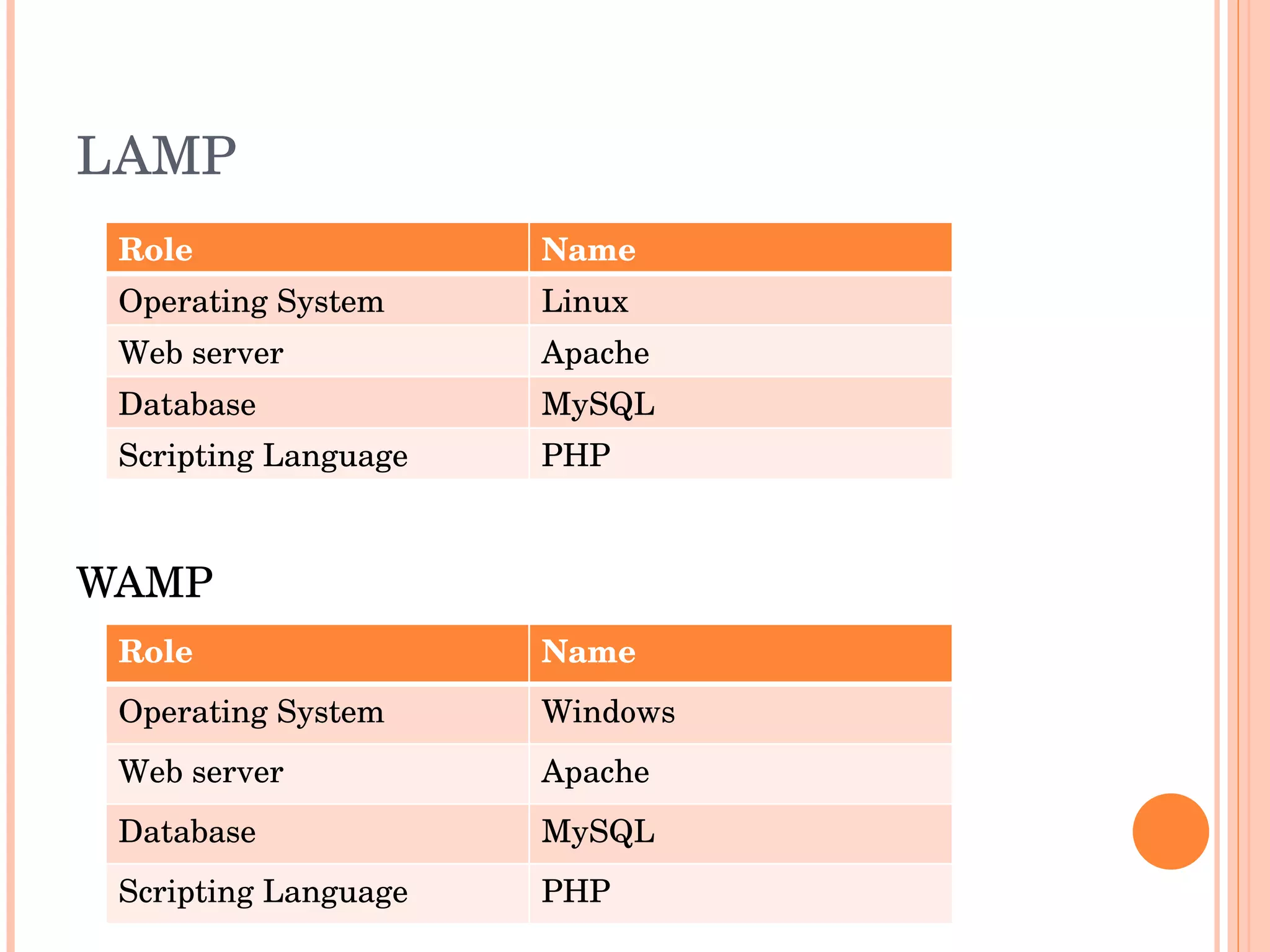
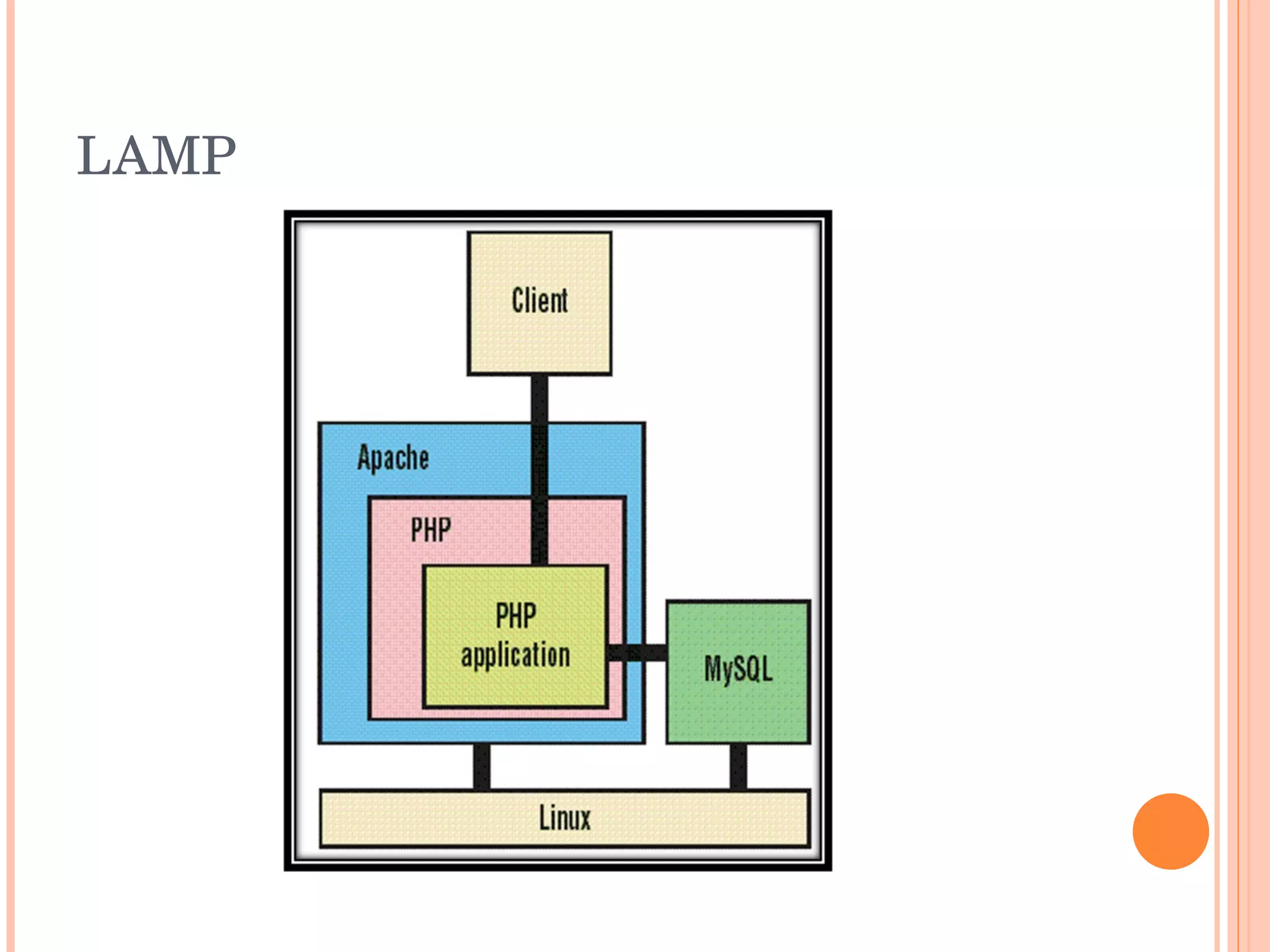
LAMP WAMP Role Name Operating System Linux Web server Apache Database MySQL Scripting Language PHP Role Name Operating System Windows Web server Apache Database MySQL Scripting Language PHP
LAMP
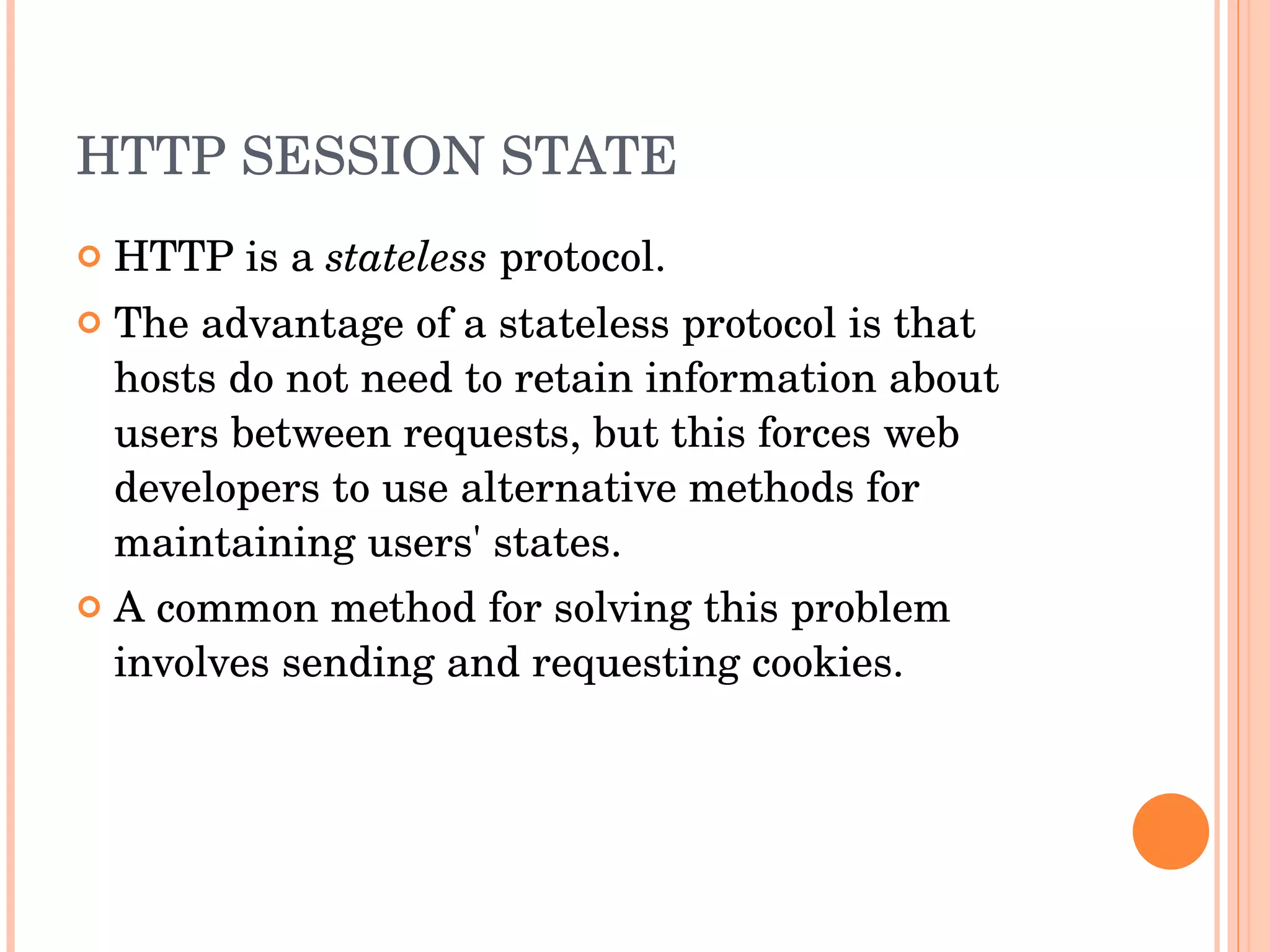
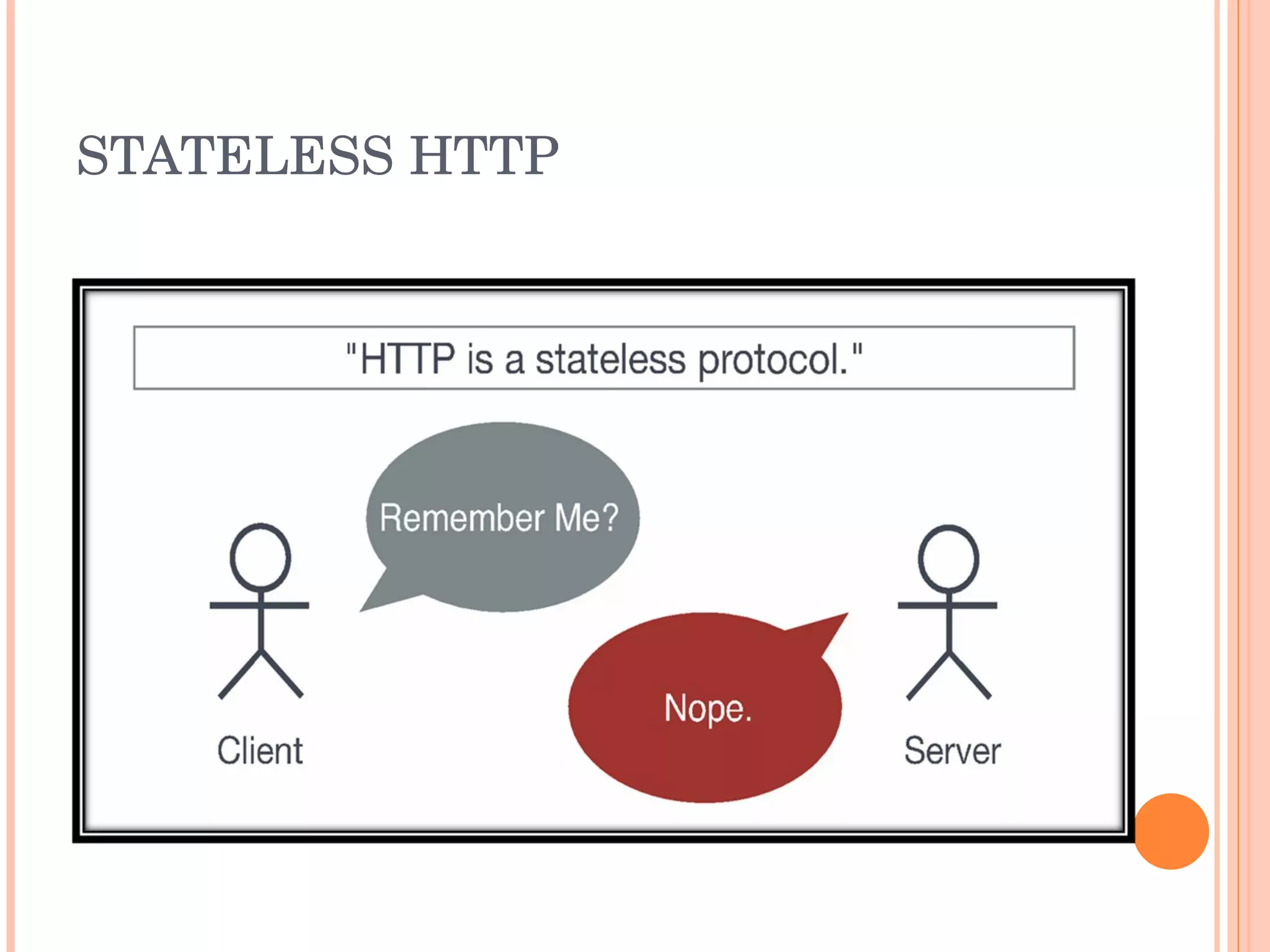
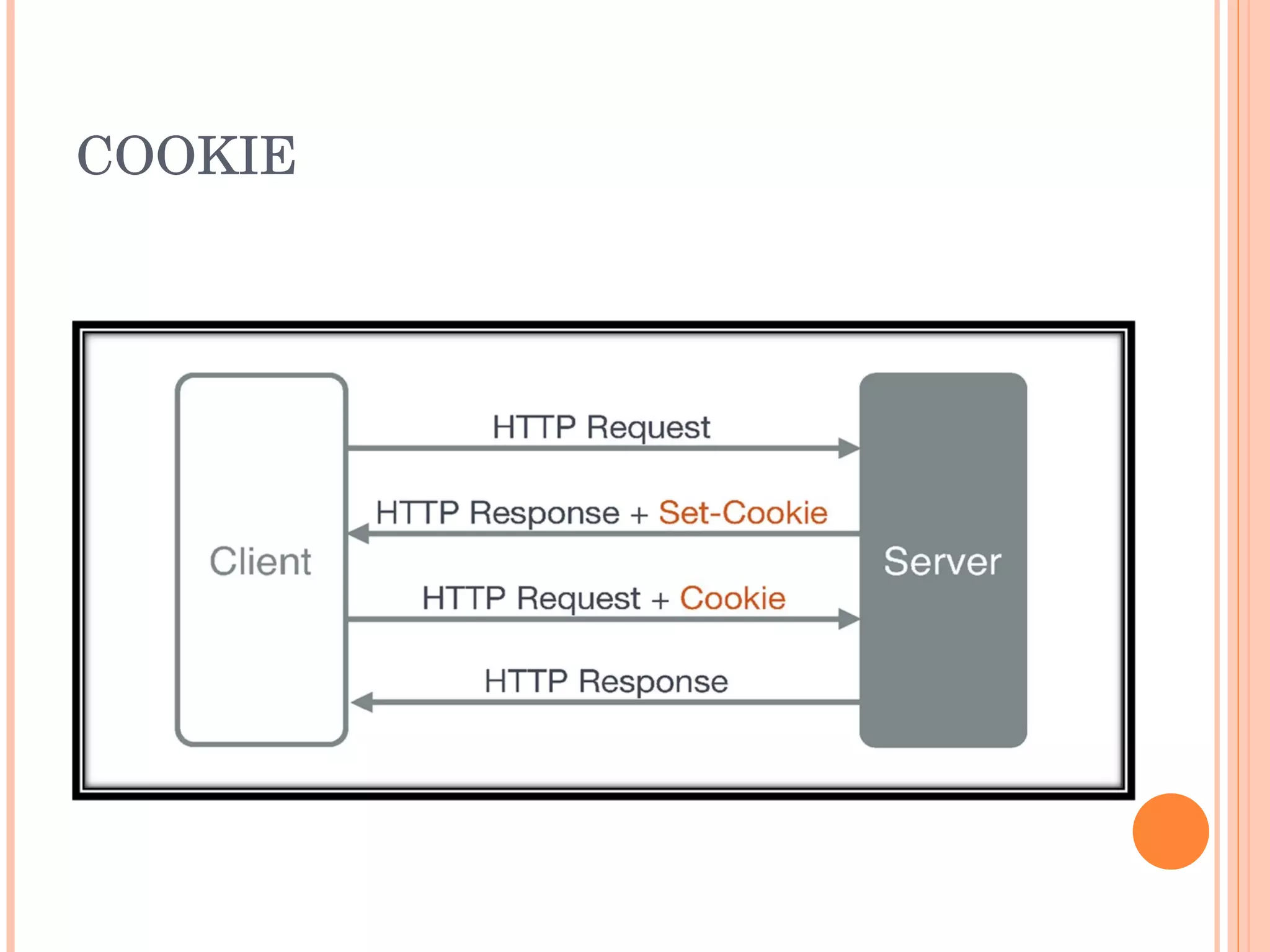
HTTP SESSION STATE HTTP is a  stateless  protocol. The advantage of a stateless protocol is that hosts do not need to retain information about users between requests, but this forces web developers to use alternative methods for maintaining users' states. A common method for solving this problem involves sending and requesting cookies.
STATELESS HTTP
COOKIE
INTRODUCTION TO UNIFORM SERVER Spider Web Weaving Course. Day 1 Harishankaran K
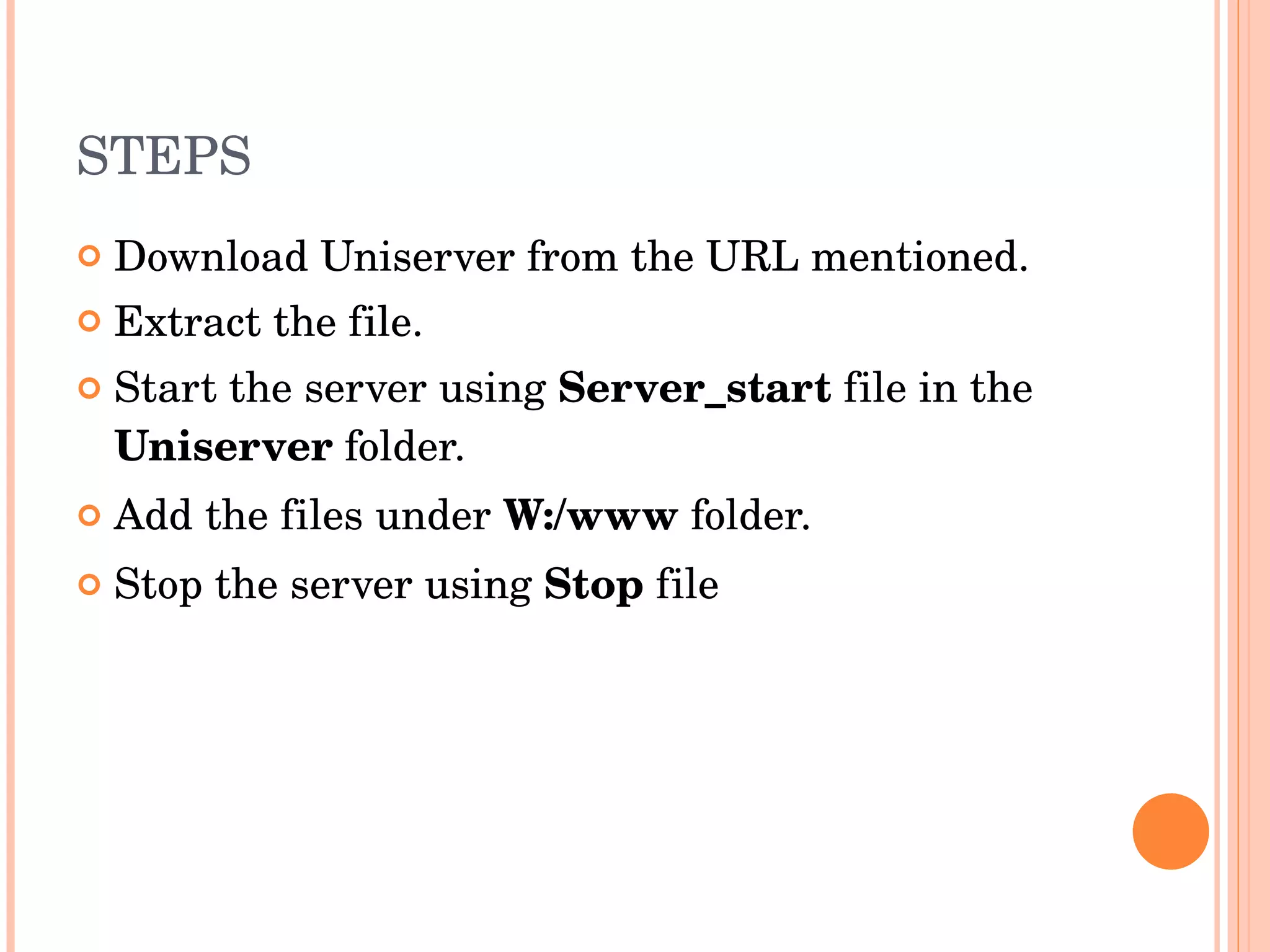
STEPS  Download Uniserver from the URL mentioned. Extract the file. Start the server using  Server_start  file in the  Uniserver  folder. Add the files under  W:/www  folder. Stop the server using  Stop  file
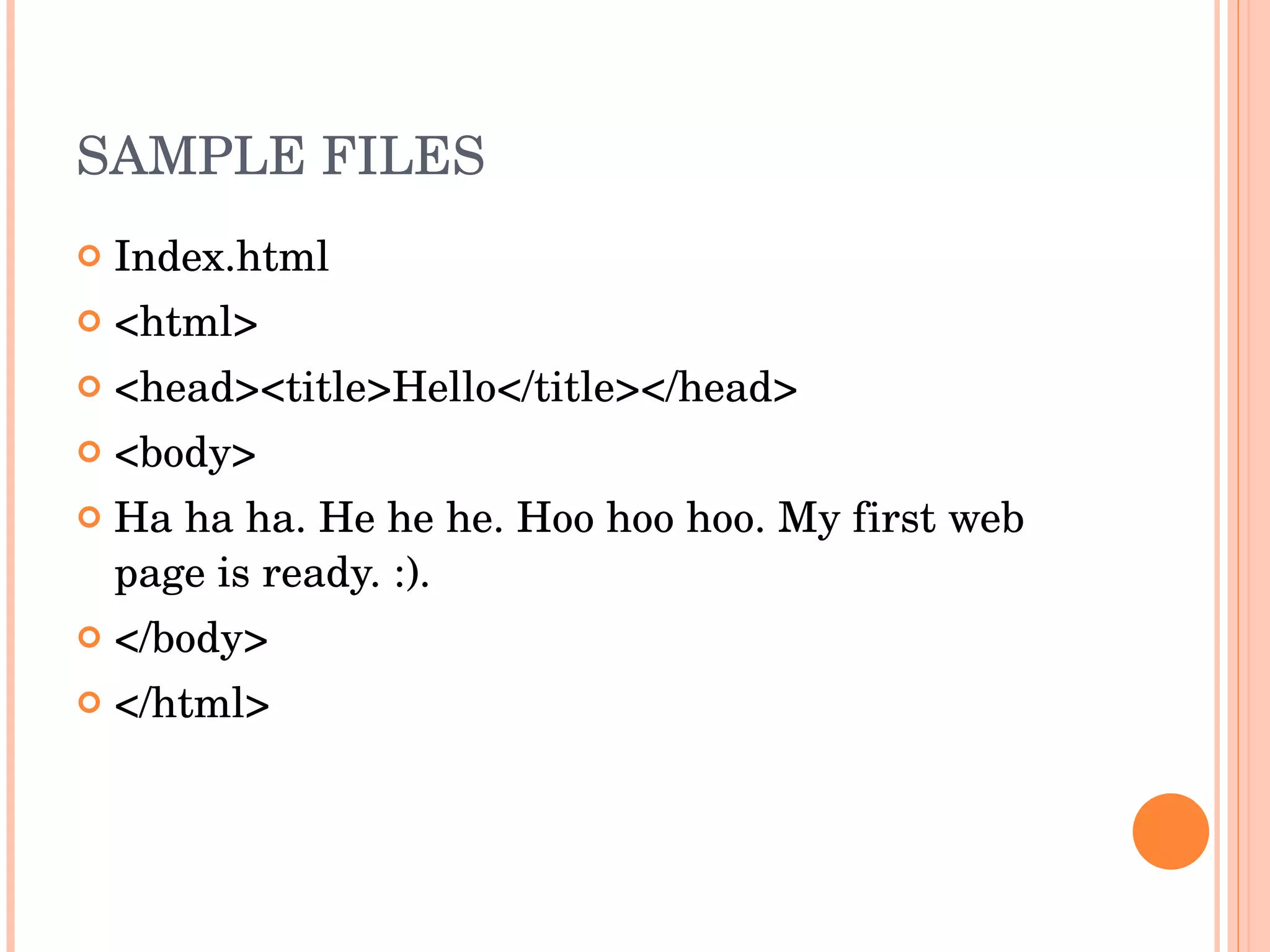
SAMPLE FILES Index.html <html> <head><title>Hello</title></head> <body> Ha ha ha. He he he. Hoo hoo hoo. My first web page is ready. :). </body> </html>
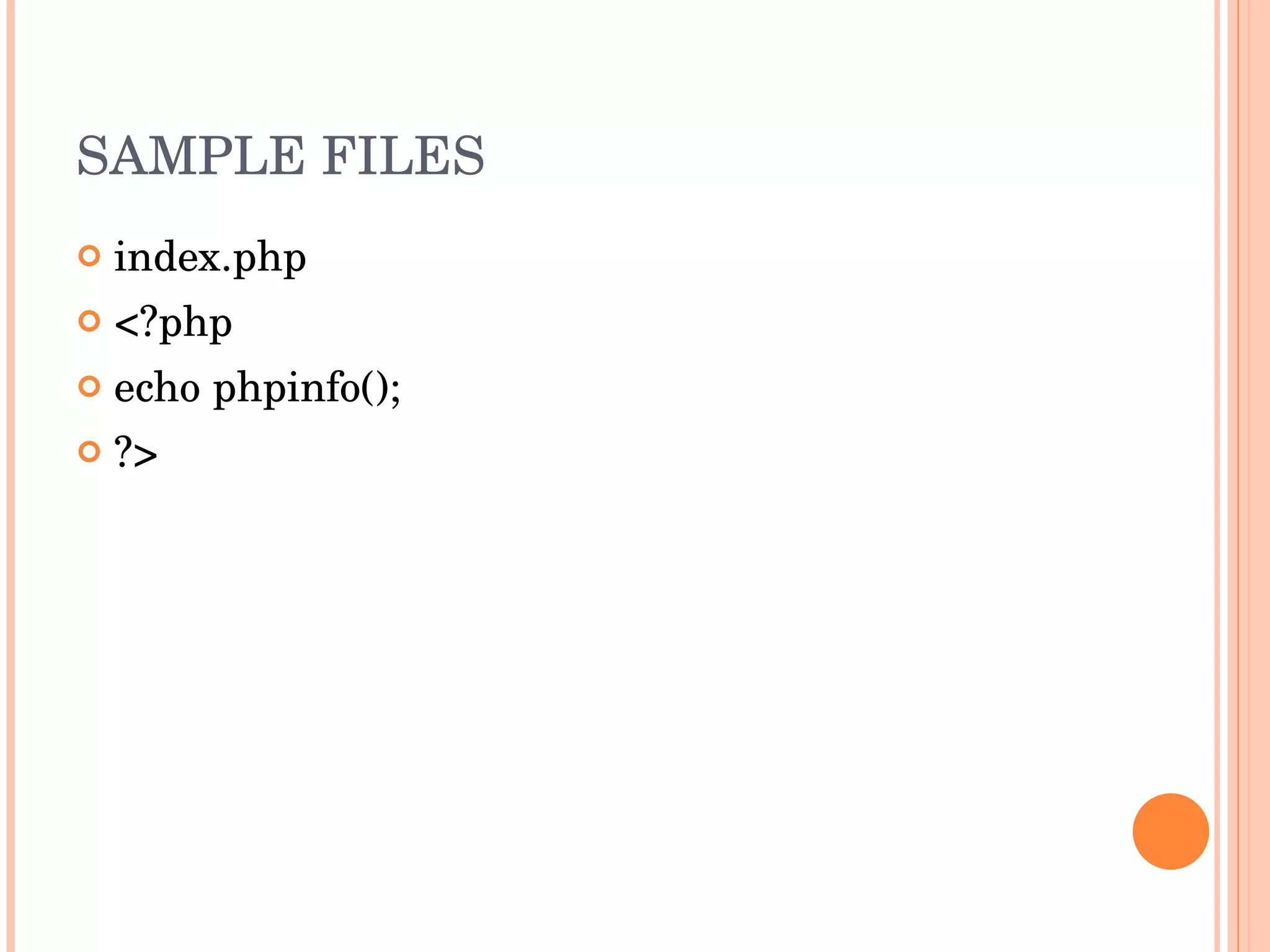
SAMPLE FILES index.php <?php echo phpinfo(); ?>
Thank you

Spider Course Day 1

  • 1.
    INTRODUCTION TO WEBSpider Web Weaving Course. Day 1 Harishankaran K
  • 2.
    HTTP Hypertext TransferProtocol HTTP is a request/response protocol between a client and a server. The client making an HTTP request—such as a web browser , spider , or other end-user tool—is referred to as the user agent . The responding server —which stores or creates resources such as HTML files and images—is called the origin server . In between the user agent and origin server may be several intermediaries, such as proxies , gateways , and tunnels .
  • 3.
    REQUEST/RESPONSE PROTOCOL Theclient sends the request. The server sends a response according to the request from the client.
  • 4.
    REQUEST/RESPONSE PROTOCOL Theclient sends a HTTP request . The server receives the request. Server may do some processing according to the request sent. It returns HTTP response .
  • 5.
  • 6.
    WEB SERVER Programthat accepts HTTP requests from the client, and provides an HTTP response to the client. The HTTP response usually consists of an HTML document, but can also be a raw file, an image, or some other type of document. Examples are Apache, Microsoft IIS, Google GFE, lighthttpd etc.
  • 7.
    WEB BROWSER Webbrowsers communicate with Web servers primarily using HTTP to fetch web pages. Examples are Firefox, Opera, Internet Explorer, Elinks, Safari etc Web browsers format HTML information for display, so the appearance of a Web page may differ between browsers.
  • 8.
    SPIDER A programor automated script which browses the World Wide Web in a methodical, automated manner. Other names are web crawler, ants, automatic indexers, bots, and worms. Web crawlers are mainly used to create a copy of all the visited pages for later processing by a search engine that will index the downloaded pages to provide fast searches.
  • 9.
    HTTP REQUEST GET/course/ HTTP/1.1 Host: spider User-Agent: Mozilla/5.0 (X11; U; Linux i686; en-US; rv:1.8.1.4) Gecko/20070603 Fedora/2.0.0.4-2.fc7 Firefox/2.0.0.4 Accept: text/html Accept-Language: en-us,en Accept-Encoding: gzip,deflate Accept-Charset: ISO-8859-1,utf-8 Keep-Alive: 300 Connection: keep-alive
  • 10.
    HTTP RESPONSE HTTP/1.x200 OK Date: Mon, 04 Feb 2008 03:58:24 GMT Server: Apache/2.2.0 (Fedora) X-Powered-By: PHP/5.2.2 Content-Length: 2742 Connection: close Content-Type: text/html; charset=UTF-8
  • 11.
    HTTP STATUS CODES1** Informational 2** Success 3** Redirection 4** Client Error 5** Server Error 200 – OK 403 – Forbidden 404 – Not Found 500 – Internal Server Error
  • 12.
    SCRIPTING LANGUAGES Webbrowser should support the scripting languages. Apache supports php, python, and many other languages. Web server executes the php file in the server to produce dynamic HTML content. Examples are PHP, Python, Ruby, Perl etc…
  • 13.
    DATABASE SERVER DataBase Management System is used to store the data. Most scripting languages have inbuilt API support to connect to the database server and process the data. The database server can be a separate server or can run in the same server. Example are MySQL, MSSQL, PostgreSQL
  • 14.
  • 15.
    LAMP WAMP RoleName Operating System Linux Web server Apache Database MySQL Scripting Language PHP Role Name Operating System Windows Web server Apache Database MySQL Scripting Language PHP
  • 16.
  • 17.
    HTTP SESSION STATEHTTP is a stateless protocol. The advantage of a stateless protocol is that hosts do not need to retain information about users between requests, but this forces web developers to use alternative methods for maintaining users' states. A common method for solving this problem involves sending and requesting cookies.
  • 18.
  • 19.
  • 20.
    INTRODUCTION TO UNIFORMSERVER Spider Web Weaving Course. Day 1 Harishankaran K
  • 21.
    STEPS DownloadUniserver from the URL mentioned. Extract the file. Start the server using Server_start file in the Uniserver folder. Add the files under W:/www folder. Stop the server using Stop file
  • 22.
    SAMPLE FILES Index.html<html> <head><title>Hello</title></head> <body> Ha ha ha. He he he. Hoo hoo hoo. My first web page is ready. :). </body> </html>
  • 23.
    SAMPLE FILES index.php<?php echo phpinfo(); ?>
  • 24.