APACHE SPARK NOTES
Demet Aksoy, Brane
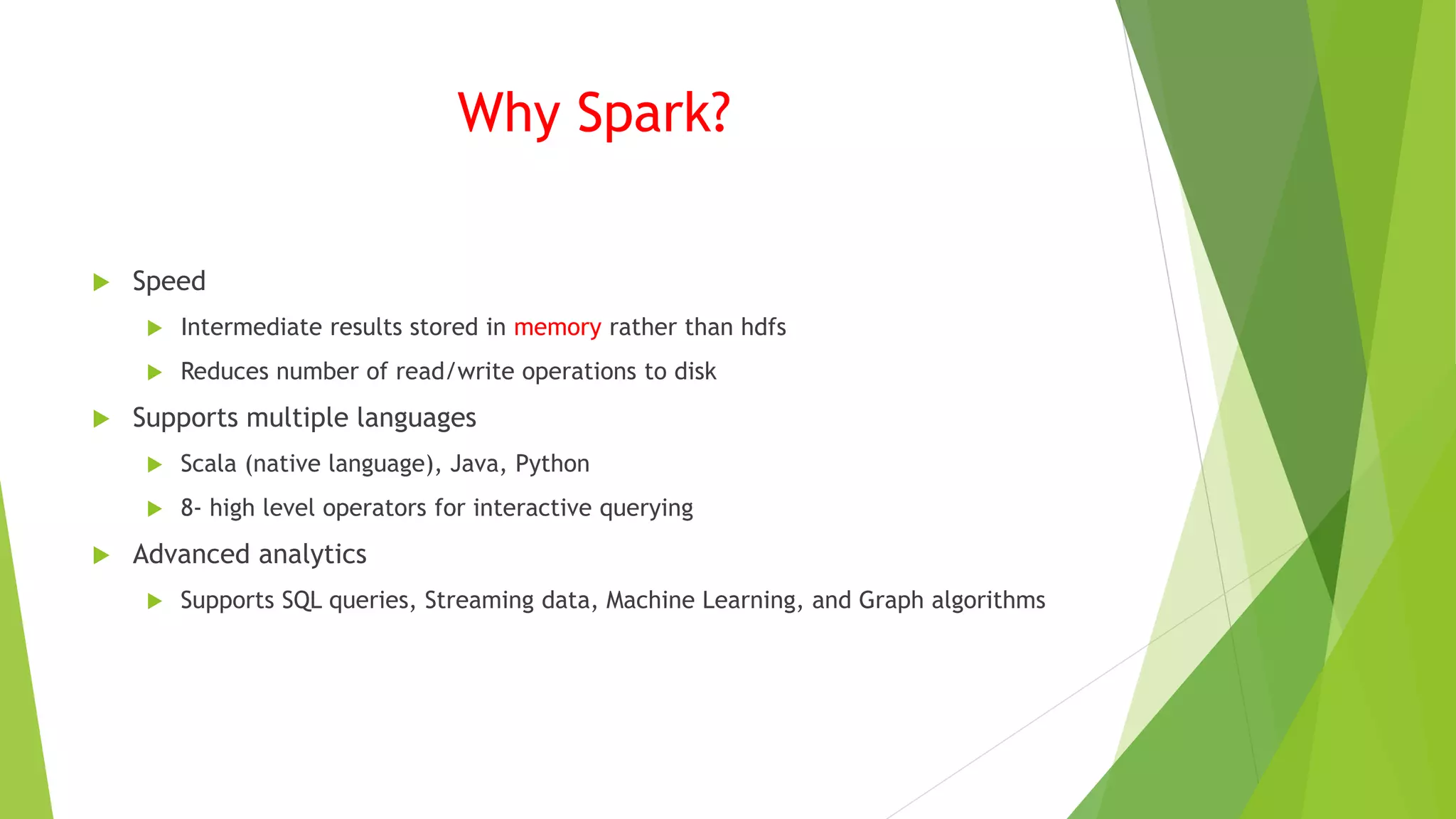
Why Spark?
 Speed
 Intermediate results stored in memory rather than hdfs
 Reduces number of read/write operations to disk
 Supports multiple languages
 Scala (native language), Java, Python
 8- high level operators for interactive querying
 Advanced analytics
 Supports SQL queries, Streaming data, Machine Learning, and Graph algorithms
How to Deploy Spark
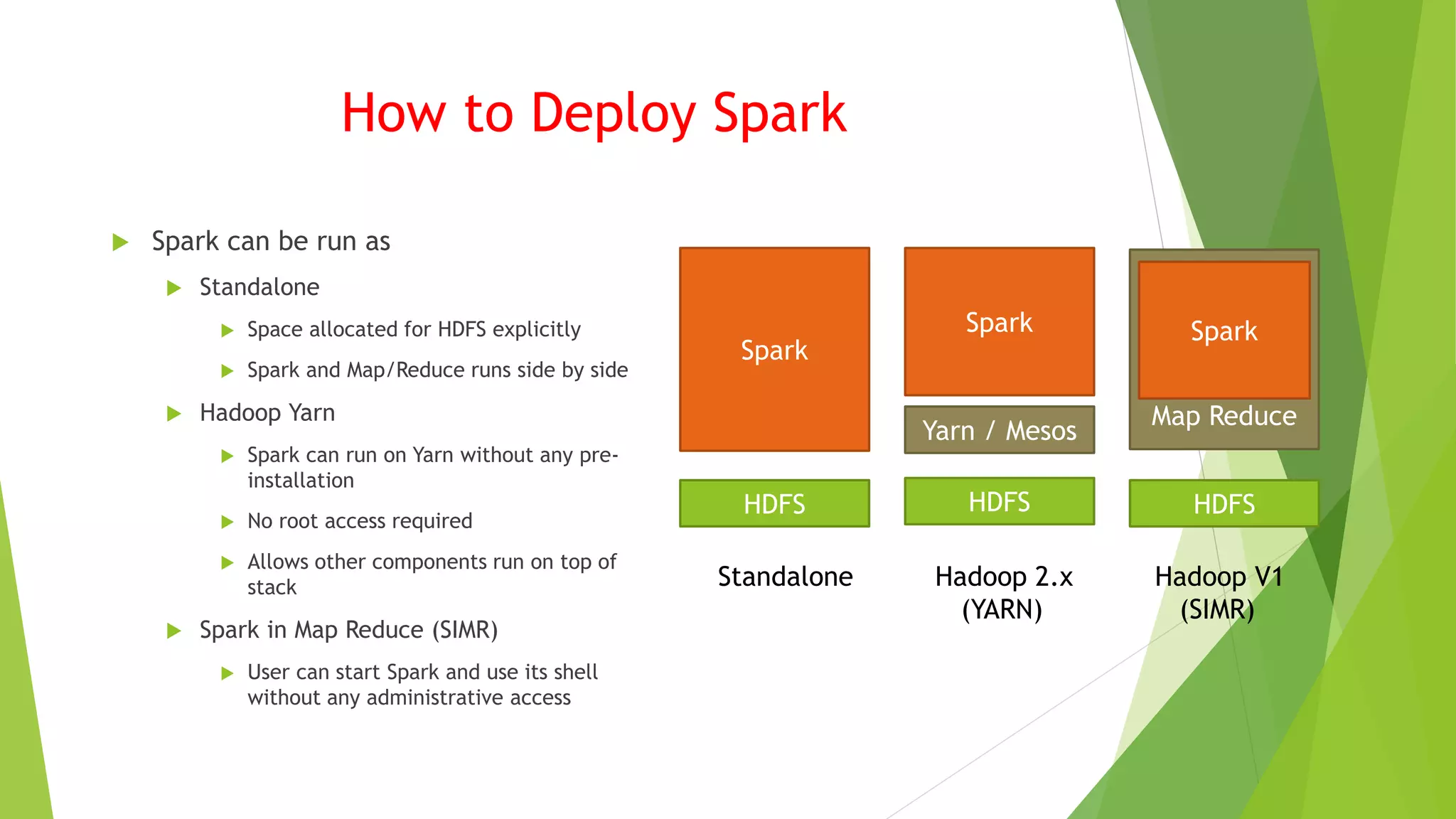
 Spark can be run as
 Standalone
 Space allocated for HDFS explicitly
 Spark and Map/Reduce runs side by side
 Hadoop Yarn
 Spark can run on Yarn without any pre-
installation
 No root access required
 Allows other components run on top of
stack
 Spark in Map Reduce (SIMR)
 User can start Spark and use its shell
without any administrative access
HDFS HDFSHDFS
Spark
Spark
Yarn / Mesos
Map Reduce
Spark
Standalone Hadoop 2.x Hadoop V1
(YARN) (SIMR)
Components
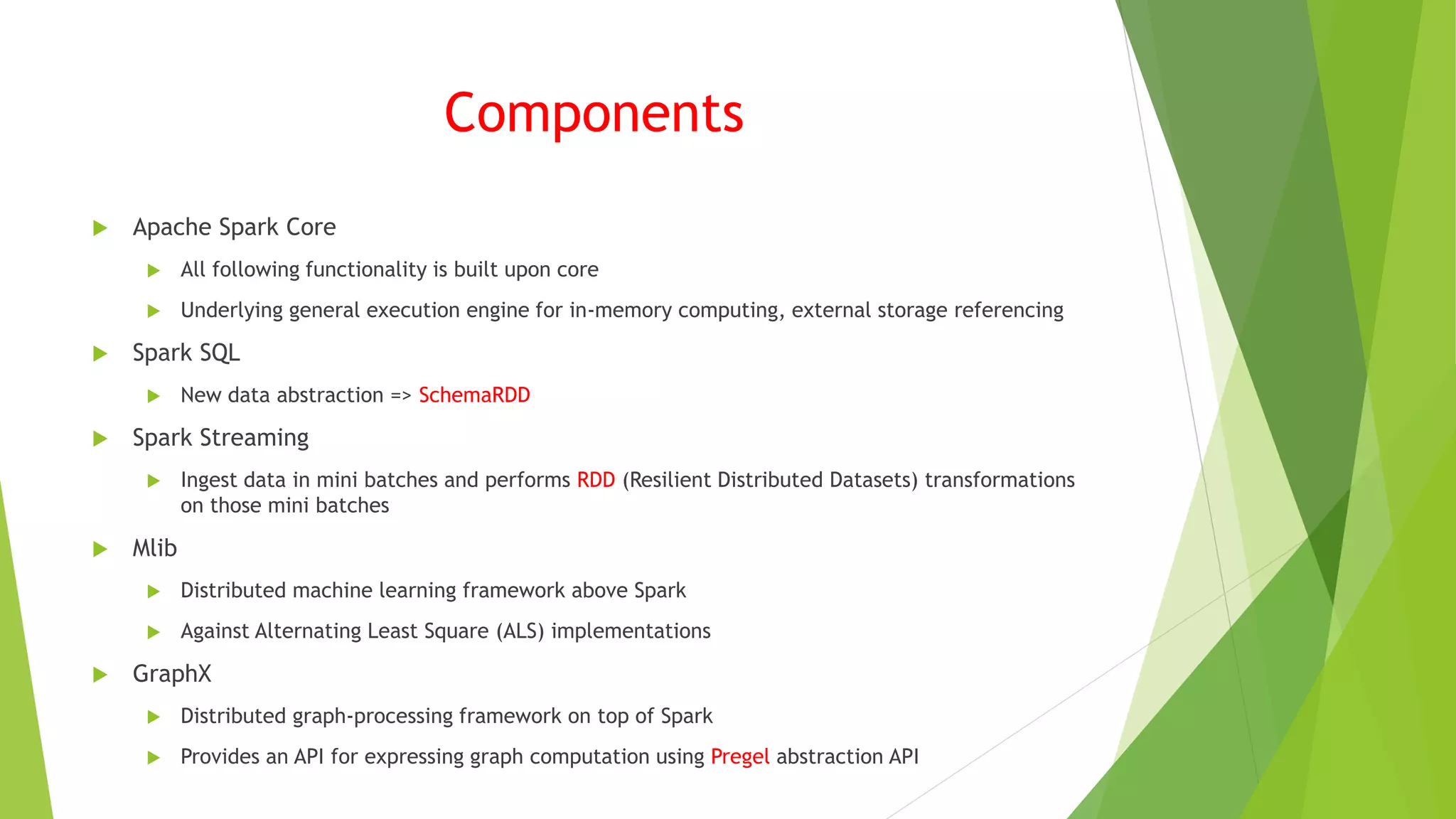
 Apache Spark Core
 All following functionality is built upon core
 Underlying general execution engine for in-memory computing, external storage referencing
 Spark SQL
 New data abstraction => SchemaRDD
 Spark Streaming
 Ingest data in mini batches and performs RDD (Resilient Distributed Datasets) transformations
on those mini batches
 Mlib
 Distributed machine learning framework above Spark
 Against Alternating Least Square (ALS) implementations
 GraphX
 Distributed graph-processing framework on top of Spark
 Provides an API for expressing graph computation using Pregel abstraction API
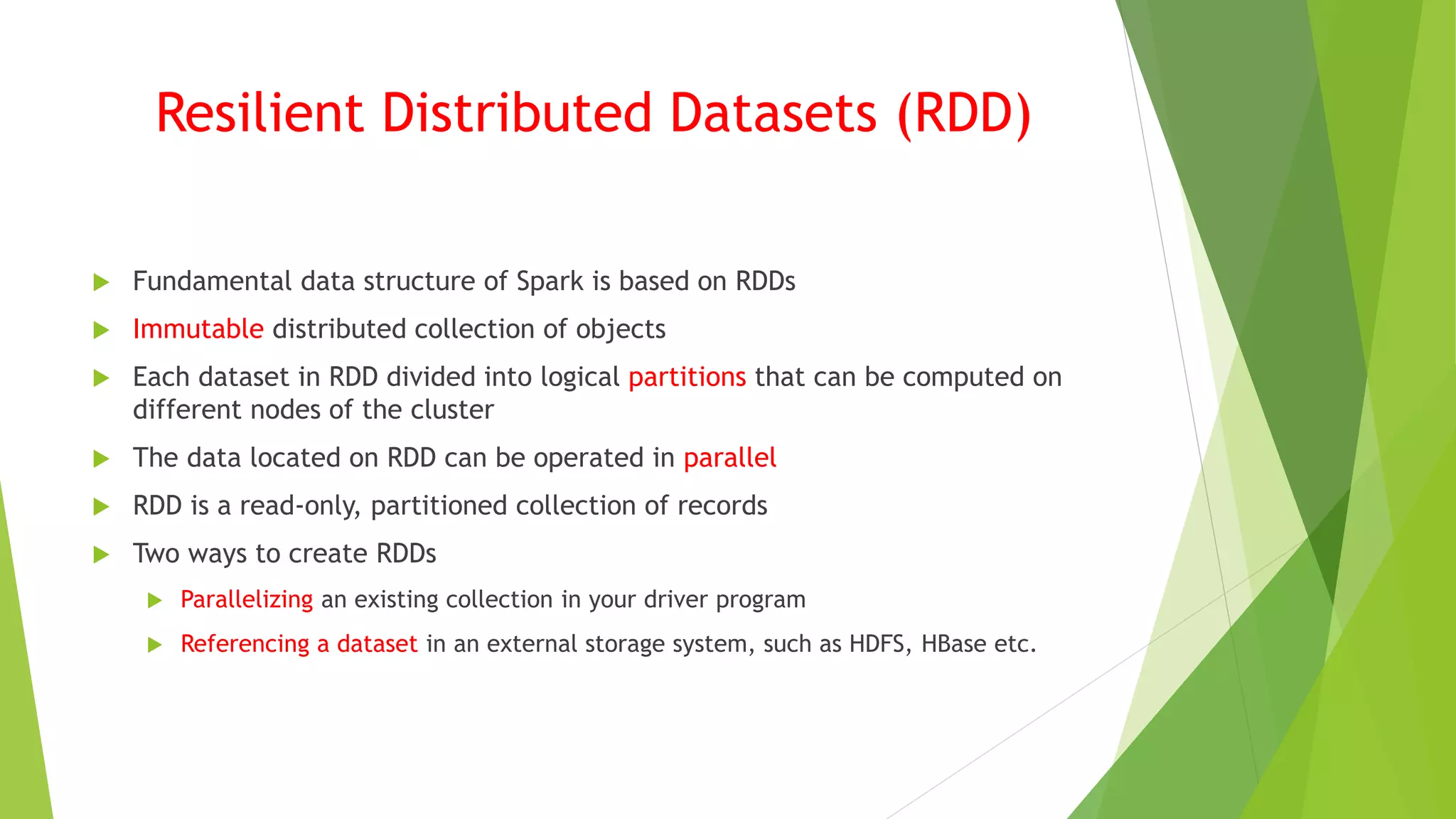
Resilient Distributed Datasets (RDD)
 Fundamental data structure of Spark is based on RDDs
 Immutable distributed collection of objects
 Each dataset in RDD divided into logical partitions that can be computed on
different nodes of the cluster
 The data located on RDD can be operated in parallel
 RDD is a read-only, partitioned collection of records
 Two ways to create RDDs
 Parallelizing an existing collection in your driver program
 Referencing a dataset in an external storage system, such as HDFS, HBase etc.
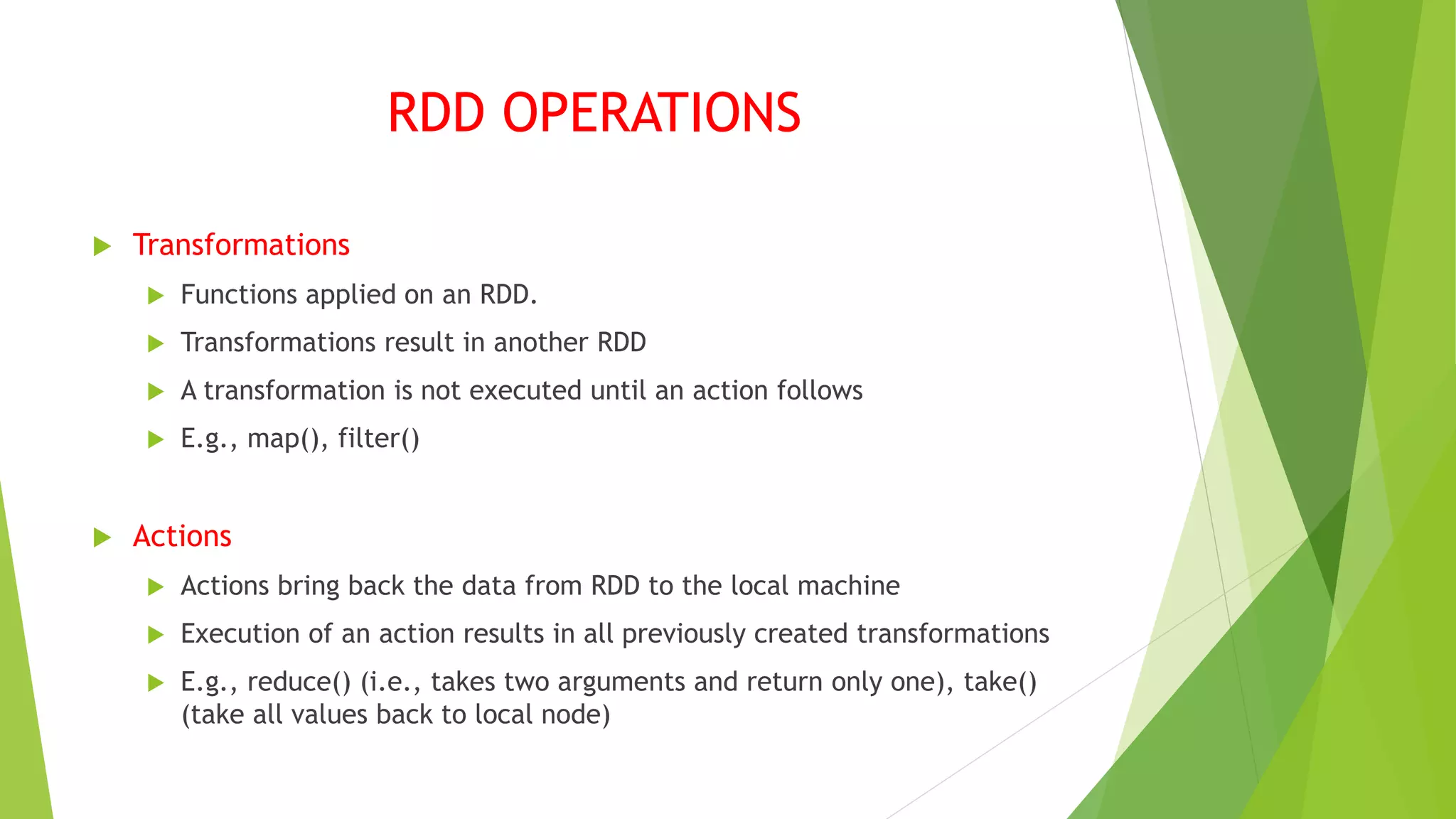
RDD OPERATIONS
 Transformations
 Functions applied on an RDD.
 Transformations result in another RDD
 A transformation is not executed until an action follows
 E.g., map(), filter()
 Actions
 Actions bring back the data from RDD to the local machine
 Execution of an action results in all previously created transformations
 E.g., reduce() (i.e., takes two arguments and return only one), take()
(take all values back to local node)
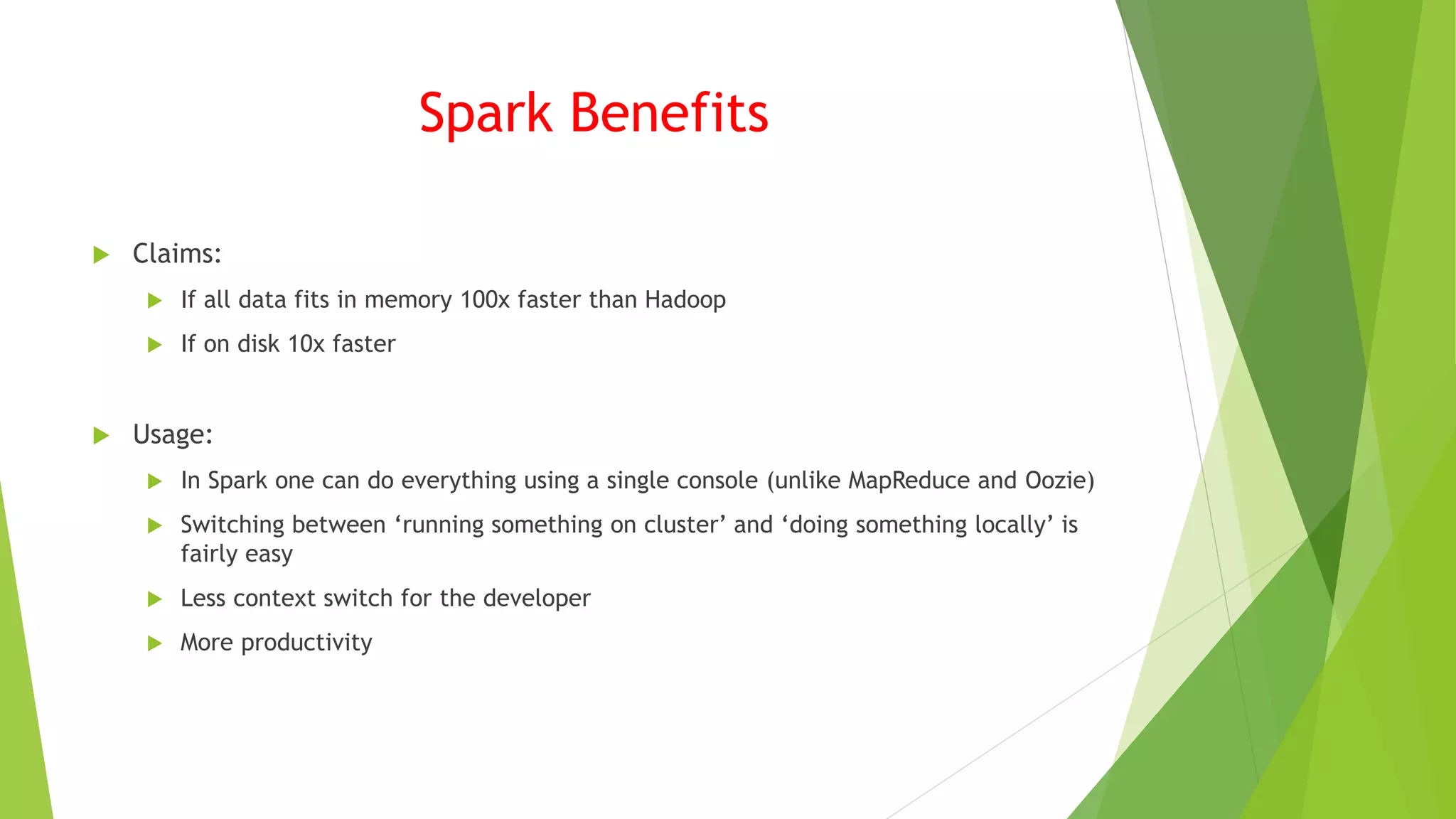
Spark Benefits
 Claims:
 If all data fits in memory 100x faster than Hadoop
 If on disk 10x faster
 Usage:
 In Spark one can do everything using a single console (unlike MapReduce and Oozie)
 Switching between ‘running something on cluster’ and ‘doing something locally’ is
fairly easy
 Less context switch for the developer
 More productivity
Example
 Let’s see how we use Spark for some basic data analysis
 ./bin/spark=shell
 scala> val tFile = sc.textFile(“c:/input/names.txt”)
 First RDD created:
 tFile : org.apache.spark.rdd.RDD[String] = MapPartitionsRDD[1] at textFile at <console>:
21
 scala> tFile.count()
 Res0: Long = 37
 scala> tFile.first()
 Res1: String = John
Transformation Example
 Now lets try a transformation to create a new RDD with filter() we will search for lines with a
specific name “Ted”
 val linesWithSpark = tFile.filter(line=> line.contains(“Ted”)
 linesWithSpark: org.apache.spark.rdd.RDD[String] = MapPartitions[2] at filter at <console>: 23
 Remember it is a lazy protocol before explicitly told no operations are performed
 linesWithSpark.count()
 Res2: Long=1
 Only 1 line has the name “Ted”
 linesWithSpark = tFile.filter(line => line.contains(“A”)).count();
 <Console>: 25: error reassignment to val // as RDDs are immutable
 tFile.filter(line => line.contains(“A”)).count();
 Res4: Long = 6
 car linesWithSpark2 = tFile.filter(line => line.contains(“A”)).count();
 linesWithSpark2: Long=6
* Note how we accumulate new RDDs in memory
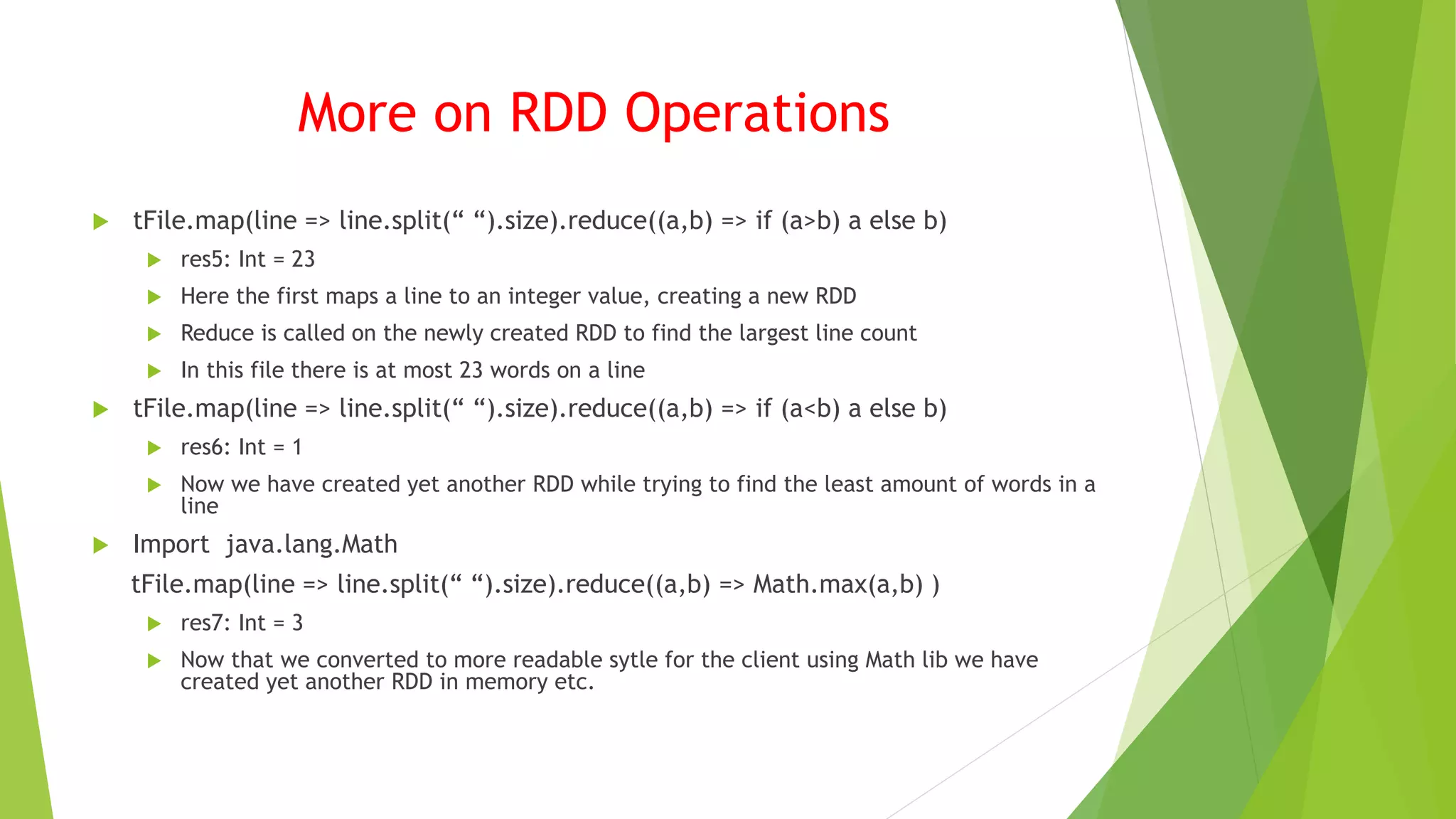
More on RDD Operations
 tFile.map(line => line.split(“ “).size).reduce((a,b) => if (a>b) a else b)
 res5: Int = 23
 Here the first maps a line to an integer value, creating a new RDD
 Reduce is called on the newly created RDD to find the largest line count
 In this file there is at most 23 words on a line
 tFile.map(line => line.split(“ “).size).reduce((a,b) => if (a<b) a else b)
 res6: Int = 1
 Now we have created yet another RDD while trying to find the least amount of words in a
line
 Import java.lang.Math
tFile.map(line => line.split(“ “).size).reduce((a,b) => Math.max(a,b) )
 res7: Int = 3
 Now that we converted to more readable sytle for the client using Math lib we have
created yet another RDD in memory etc.
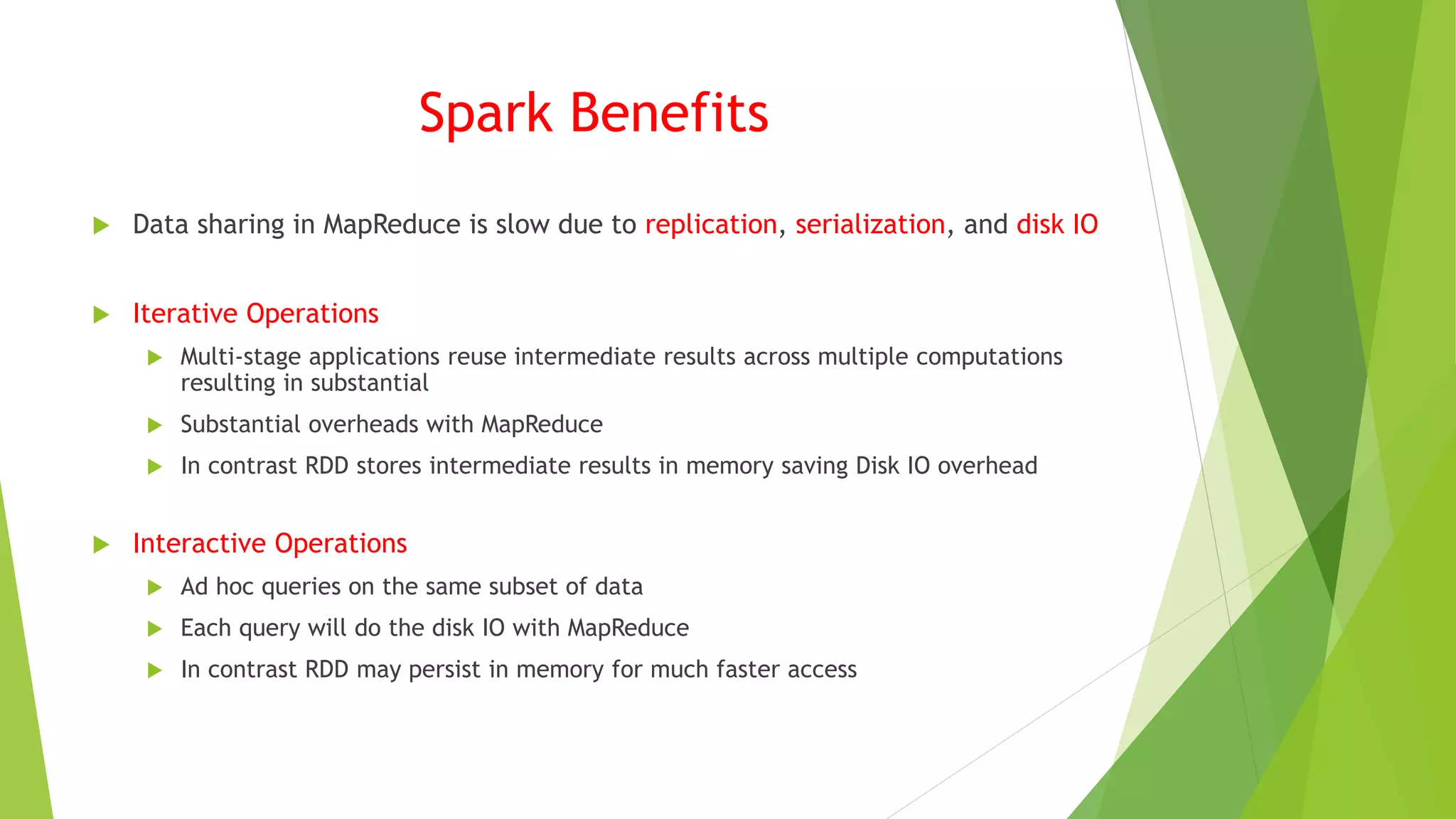
Spark Benefits
 Data sharing in MapReduce is slow due to replication, serialization, and disk IO
 Iterative Operations
 Multi-stage applications reuse intermediate results across multiple computations
resulting in substantial
 Substantial overheads with MapReduce
 In contrast RDD stores intermediate results in memory saving Disk IO overhead
 Interactive Operations
 Ad hoc queries on the same subset of data
 Each query will do the disk IO with MapReduce
 In contrast RDD may persist in memory for much faster access
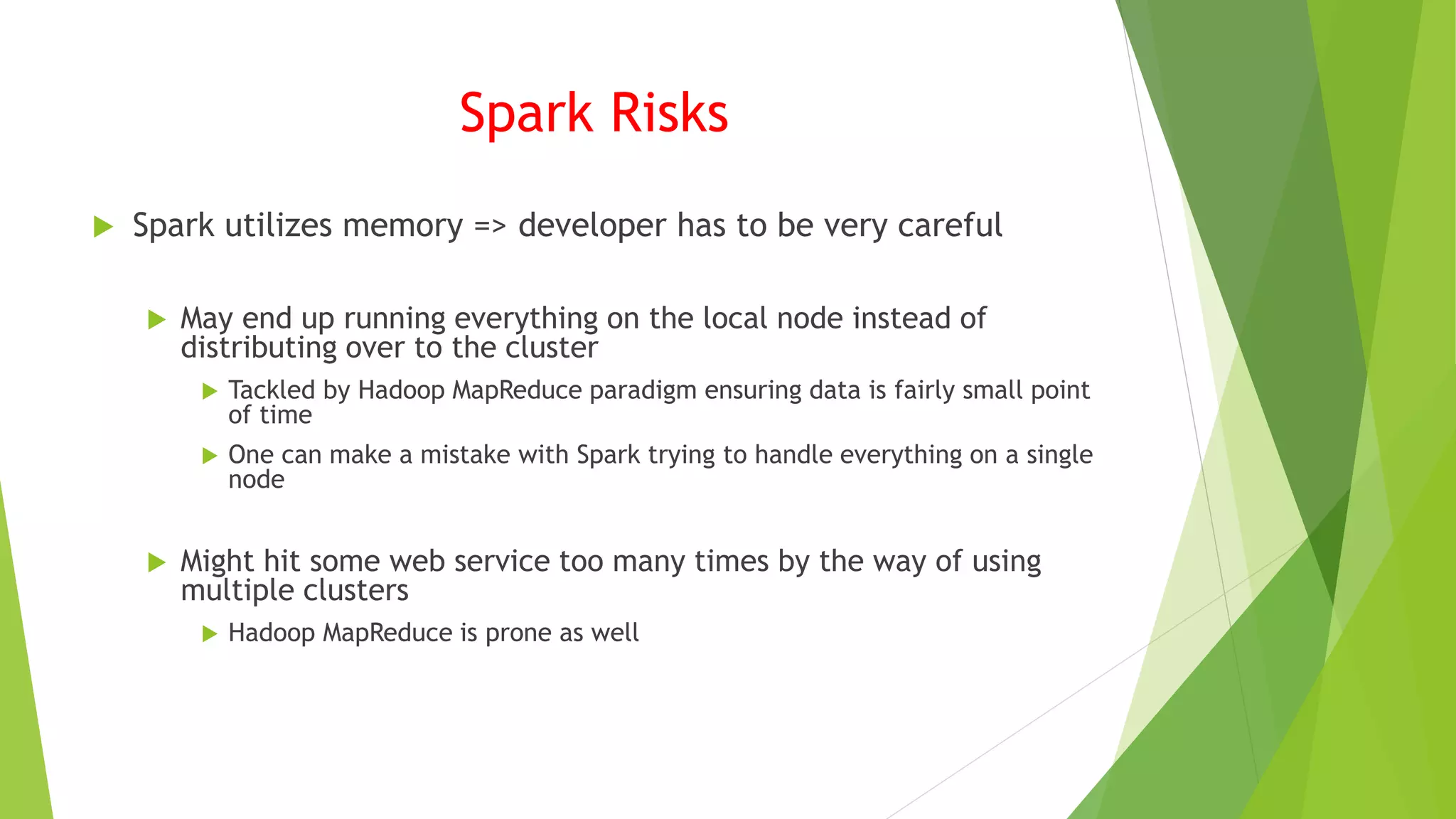
Spark Risks
 Spark utilizes memory => developer has to be very careful
 May end up running everything on the local node instead of
distributing over to the cluster
 Tackled by Hadoop MapReduce paradigm ensuring data is fairly small point
of time
 One can make a mistake with Spark trying to handle everything on a single
node
 Might hit some web service too many times by the way of using
multiple clusters
 Hadoop MapReduce is prone as well
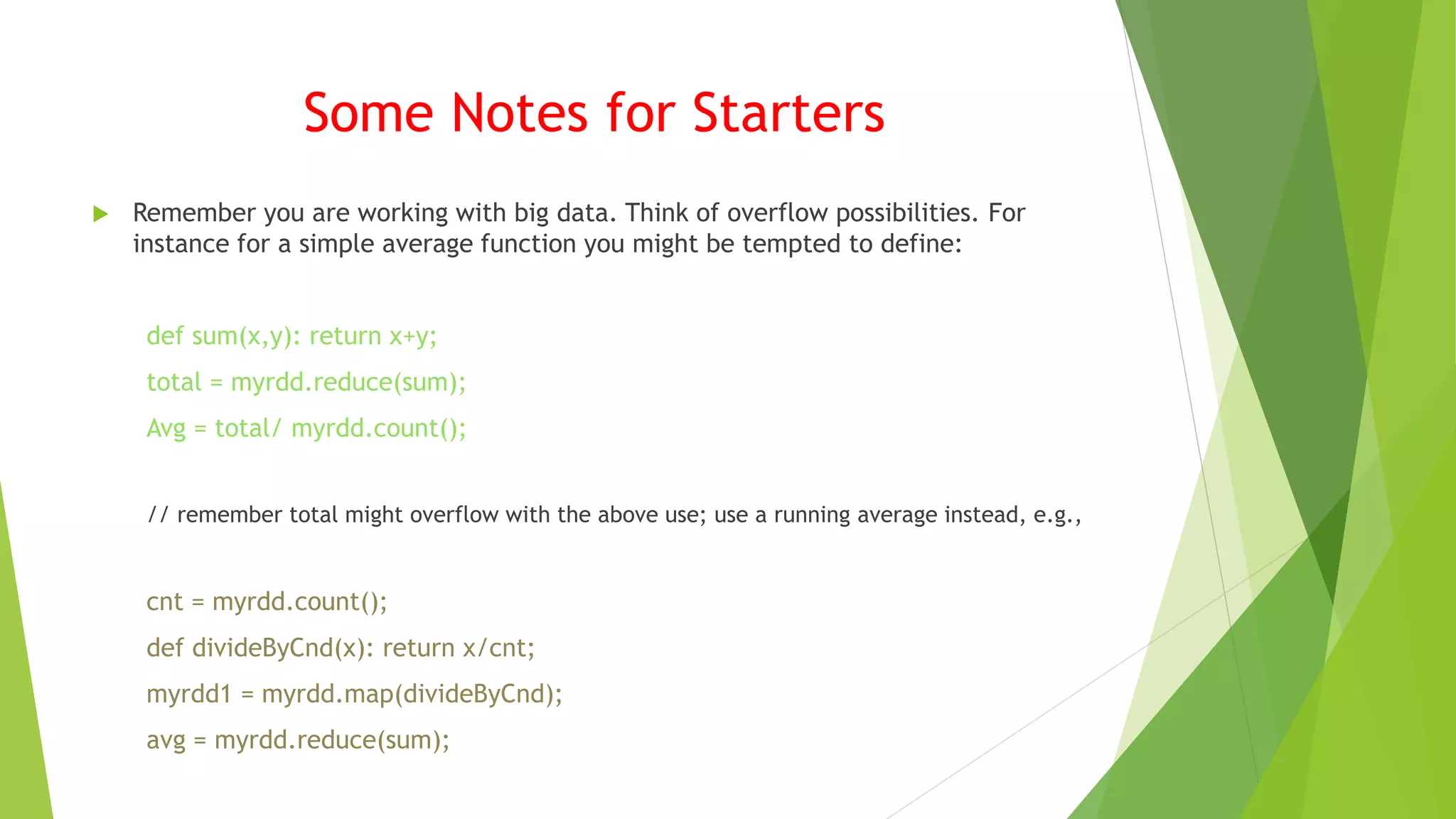
Some Notes for Starters
 Remember you are working with big data. Think of overflow possibilities. For
instance for a simple average function you might be tempted to define:
def sum(x,y): return x+y;
total = myrdd.reduce(sum);
Avg = total/ myrdd.count();
// remember total might overflow with the above use; use a running average instead, e.g.,
cnt = myrdd.count();
def divideByCnd(x): return x/cnt;
myrdd1 = myrdd.map(divideByCnd);
avg = myrdd.reduce(sum);
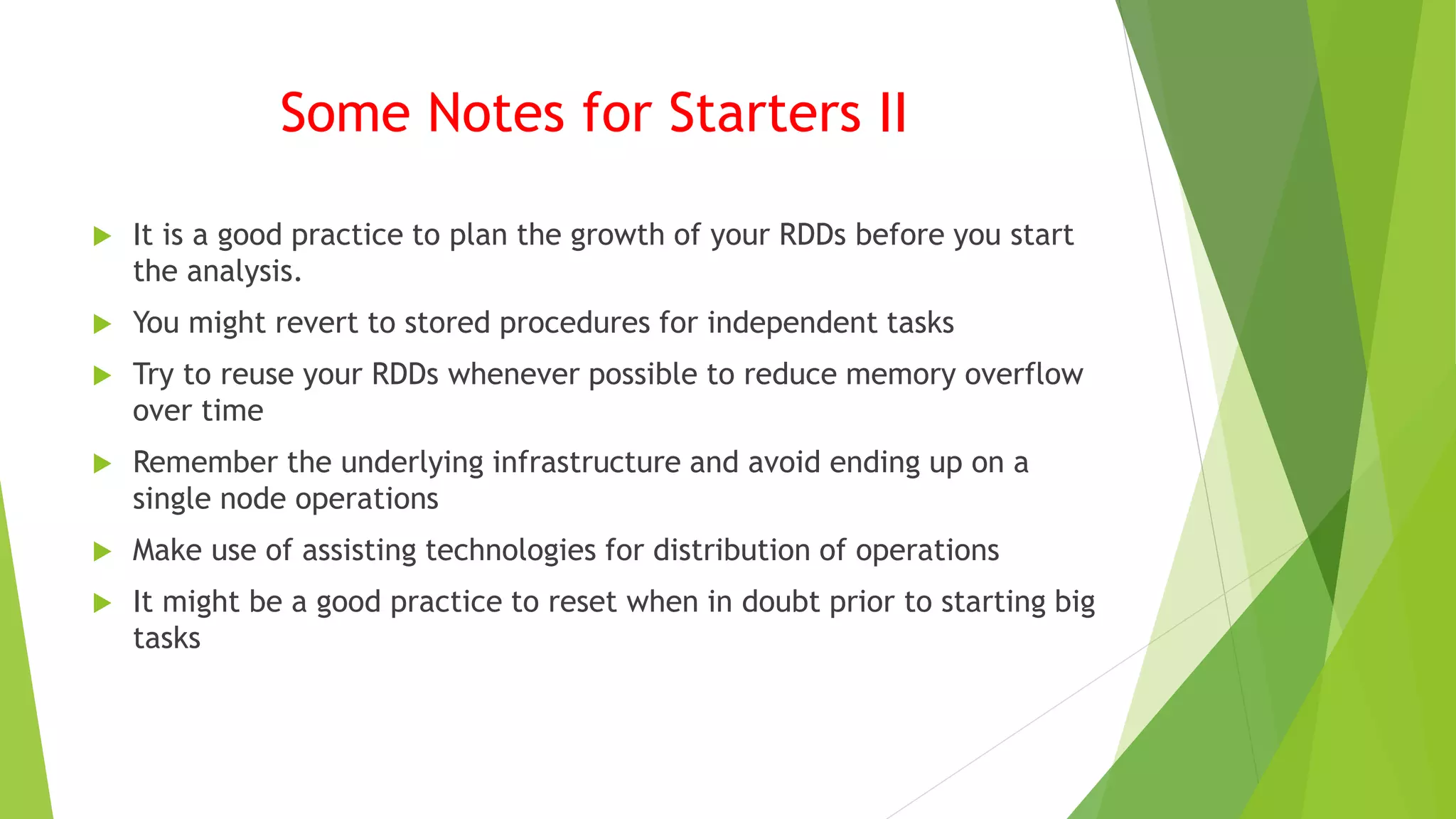
Some Notes for Starters II
 It is a good practice to plan the growth of your RDDs before you start
the analysis.
 You might revert to stored procedures for independent tasks
 Try to reuse your RDDs whenever possible to reduce memory overflow
over time
 Remember the underlying infrastructure and avoid ending up on a
single node operations
 Make use of assisting technologies for distribution of operations
 It might be a good practice to reset when in doubt prior to starting big
tasks
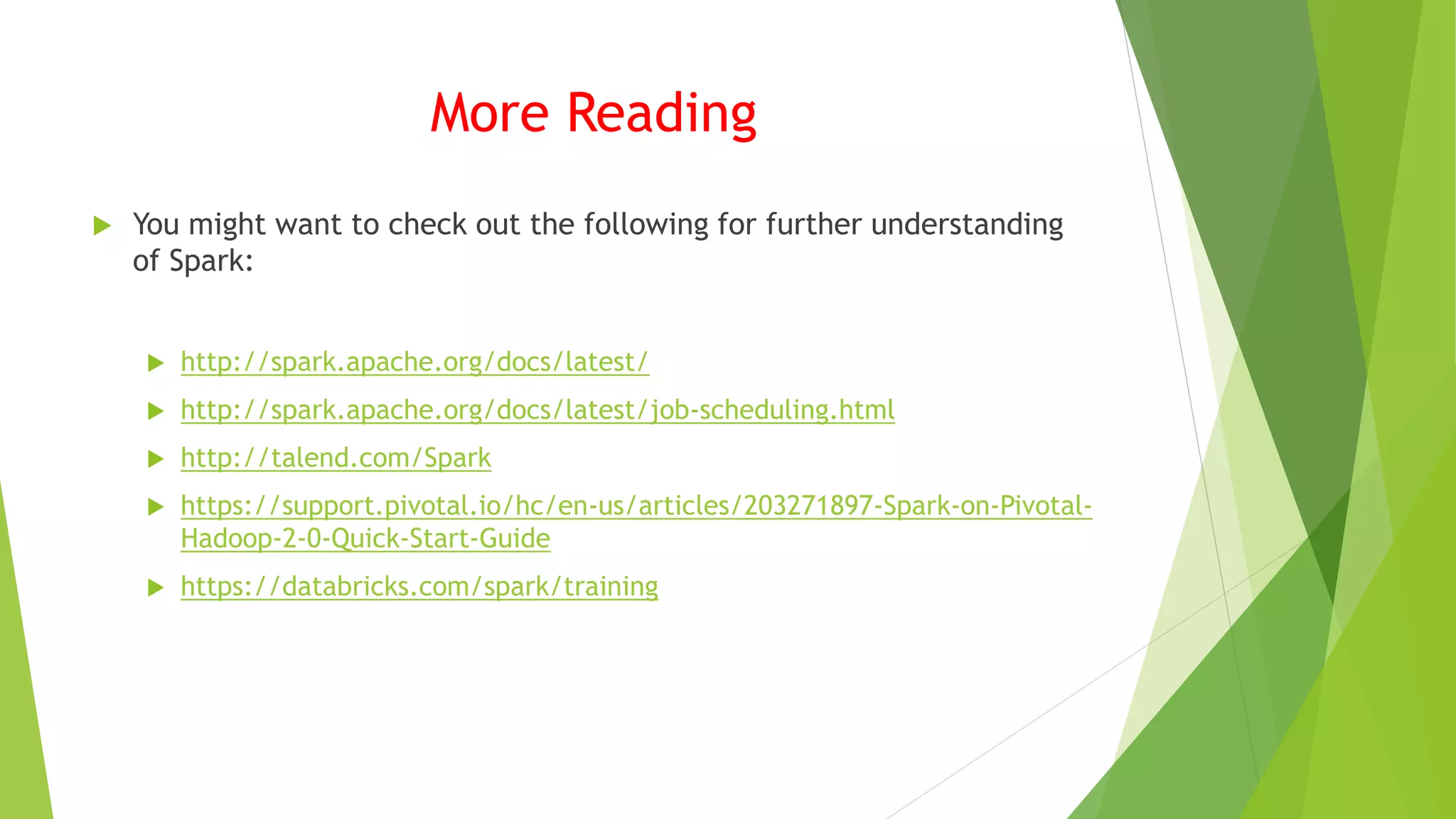
More Reading
 You might want to check out the following for further understanding
of Spark:
 http://spark.apache.org/docs/latest/
 http://spark.apache.org/docs/latest/job-scheduling.html
 http://talend.com/Spark
 https://support.pivotal.io/hc/en-us/articles/203271897-Spark-on-Pivotal-
Hadoop-2-0-Quick-Start-Guide
 https://databricks.com/spark/training

SparkNotes

  • 1.
  • 2.
    Why Spark?  Speed Intermediate results stored in memory rather than hdfs  Reduces number of read/write operations to disk  Supports multiple languages  Scala (native language), Java, Python  8- high level operators for interactive querying  Advanced analytics  Supports SQL queries, Streaming data, Machine Learning, and Graph algorithms
  • 3.
    How to DeploySpark  Spark can be run as  Standalone  Space allocated for HDFS explicitly  Spark and Map/Reduce runs side by side  Hadoop Yarn  Spark can run on Yarn without any pre- installation  No root access required  Allows other components run on top of stack  Spark in Map Reduce (SIMR)  User can start Spark and use its shell without any administrative access HDFS HDFSHDFS Spark Spark Yarn / Mesos Map Reduce Spark Standalone Hadoop 2.x Hadoop V1 (YARN) (SIMR)
  • 4.
    Components  Apache SparkCore  All following functionality is built upon core  Underlying general execution engine for in-memory computing, external storage referencing  Spark SQL  New data abstraction => SchemaRDD  Spark Streaming  Ingest data in mini batches and performs RDD (Resilient Distributed Datasets) transformations on those mini batches  Mlib  Distributed machine learning framework above Spark  Against Alternating Least Square (ALS) implementations  GraphX  Distributed graph-processing framework on top of Spark  Provides an API for expressing graph computation using Pregel abstraction API
  • 5.
    Resilient Distributed Datasets(RDD)  Fundamental data structure of Spark is based on RDDs  Immutable distributed collection of objects  Each dataset in RDD divided into logical partitions that can be computed on different nodes of the cluster  The data located on RDD can be operated in parallel  RDD is a read-only, partitioned collection of records  Two ways to create RDDs  Parallelizing an existing collection in your driver program  Referencing a dataset in an external storage system, such as HDFS, HBase etc.
  • 6.
    RDD OPERATIONS  Transformations Functions applied on an RDD.  Transformations result in another RDD  A transformation is not executed until an action follows  E.g., map(), filter()  Actions  Actions bring back the data from RDD to the local machine  Execution of an action results in all previously created transformations  E.g., reduce() (i.e., takes two arguments and return only one), take() (take all values back to local node)
  • 7.
    Spark Benefits  Claims: If all data fits in memory 100x faster than Hadoop  If on disk 10x faster  Usage:  In Spark one can do everything using a single console (unlike MapReduce and Oozie)  Switching between ‘running something on cluster’ and ‘doing something locally’ is fairly easy  Less context switch for the developer  More productivity
  • 8.
    Example  Let’s seehow we use Spark for some basic data analysis  ./bin/spark=shell  scala> val tFile = sc.textFile(“c:/input/names.txt”)  First RDD created:  tFile : org.apache.spark.rdd.RDD[String] = MapPartitionsRDD[1] at textFile at <console>: 21  scala> tFile.count()  Res0: Long = 37  scala> tFile.first()  Res1: String = John
  • 9.
    Transformation Example  Nowlets try a transformation to create a new RDD with filter() we will search for lines with a specific name “Ted”  val linesWithSpark = tFile.filter(line=> line.contains(“Ted”)  linesWithSpark: org.apache.spark.rdd.RDD[String] = MapPartitions[2] at filter at <console>: 23  Remember it is a lazy protocol before explicitly told no operations are performed  linesWithSpark.count()  Res2: Long=1  Only 1 line has the name “Ted”  linesWithSpark = tFile.filter(line => line.contains(“A”)).count();  <Console>: 25: error reassignment to val // as RDDs are immutable  tFile.filter(line => line.contains(“A”)).count();  Res4: Long = 6  car linesWithSpark2 = tFile.filter(line => line.contains(“A”)).count();  linesWithSpark2: Long=6 * Note how we accumulate new RDDs in memory
  • 10.
    More on RDDOperations  tFile.map(line => line.split(“ “).size).reduce((a,b) => if (a>b) a else b)  res5: Int = 23  Here the first maps a line to an integer value, creating a new RDD  Reduce is called on the newly created RDD to find the largest line count  In this file there is at most 23 words on a line  tFile.map(line => line.split(“ “).size).reduce((a,b) => if (a<b) a else b)  res6: Int = 1  Now we have created yet another RDD while trying to find the least amount of words in a line  Import java.lang.Math tFile.map(line => line.split(“ “).size).reduce((a,b) => Math.max(a,b) )  res7: Int = 3  Now that we converted to more readable sytle for the client using Math lib we have created yet another RDD in memory etc.
  • 11.
    Spark Benefits  Datasharing in MapReduce is slow due to replication, serialization, and disk IO  Iterative Operations  Multi-stage applications reuse intermediate results across multiple computations resulting in substantial  Substantial overheads with MapReduce  In contrast RDD stores intermediate results in memory saving Disk IO overhead  Interactive Operations  Ad hoc queries on the same subset of data  Each query will do the disk IO with MapReduce  In contrast RDD may persist in memory for much faster access
  • 12.
    Spark Risks  Sparkutilizes memory => developer has to be very careful  May end up running everything on the local node instead of distributing over to the cluster  Tackled by Hadoop MapReduce paradigm ensuring data is fairly small point of time  One can make a mistake with Spark trying to handle everything on a single node  Might hit some web service too many times by the way of using multiple clusters  Hadoop MapReduce is prone as well
  • 13.
    Some Notes forStarters  Remember you are working with big data. Think of overflow possibilities. For instance for a simple average function you might be tempted to define: def sum(x,y): return x+y; total = myrdd.reduce(sum); Avg = total/ myrdd.count(); // remember total might overflow with the above use; use a running average instead, e.g., cnt = myrdd.count(); def divideByCnd(x): return x/cnt; myrdd1 = myrdd.map(divideByCnd); avg = myrdd.reduce(sum);
  • 14.
    Some Notes forStarters II  It is a good practice to plan the growth of your RDDs before you start the analysis.  You might revert to stored procedures for independent tasks  Try to reuse your RDDs whenever possible to reduce memory overflow over time  Remember the underlying infrastructure and avoid ending up on a single node operations  Make use of assisting technologies for distribution of operations  It might be a good practice to reset when in doubt prior to starting big tasks
  • 15.
    More Reading  Youmight want to check out the following for further understanding of Spark:  http://spark.apache.org/docs/latest/  http://spark.apache.org/docs/latest/job-scheduling.html  http://talend.com/Spark  https://support.pivotal.io/hc/en-us/articles/203271897-Spark-on-Pivotal- Hadoop-2-0-Quick-Start-Guide  https://databricks.com/spark/training