SoftwareTesting
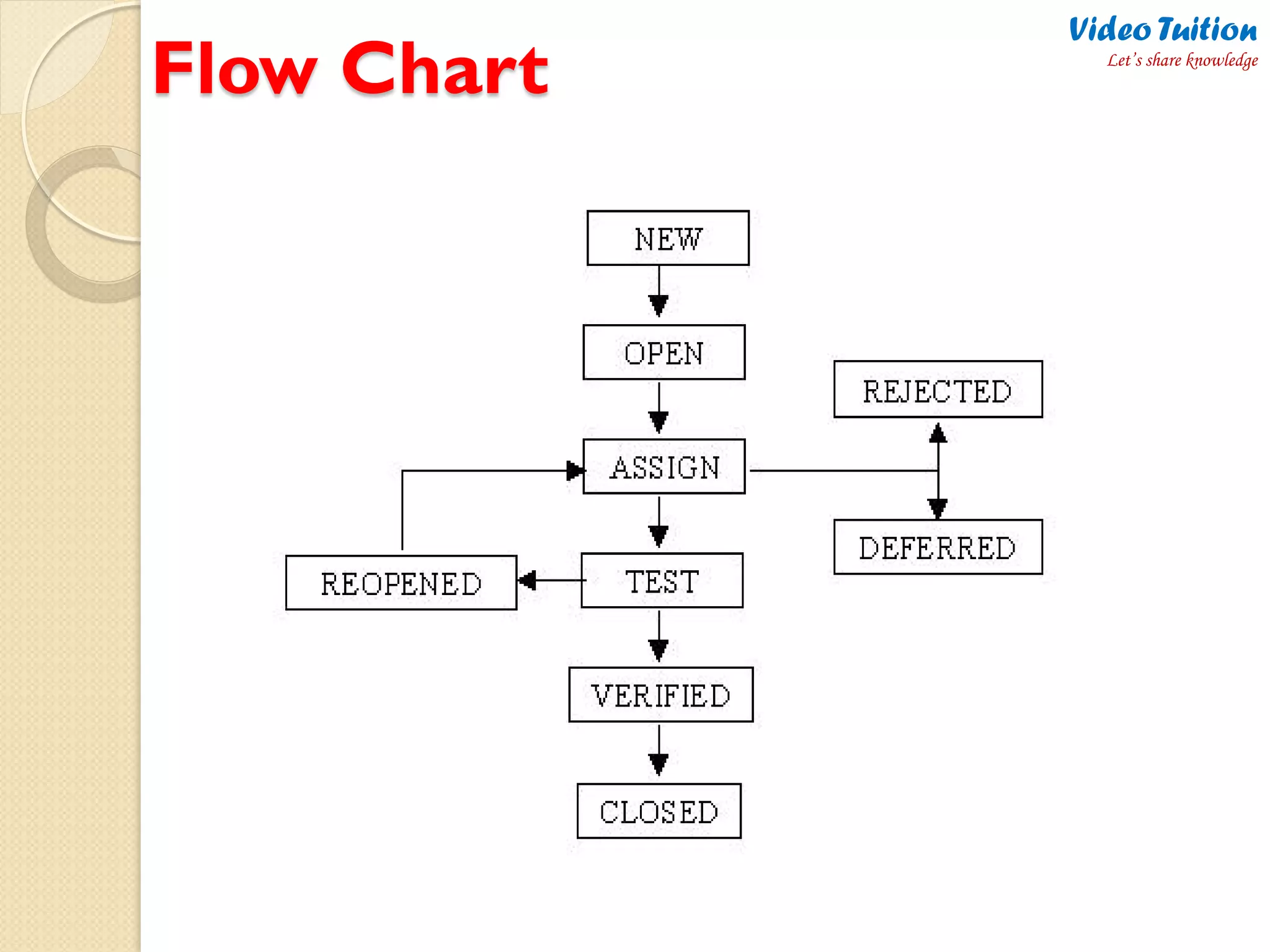
Defect/Bug Life Cycle – Flow Chart
Video Tuition
Let’s share knowledge
What is Bug ?
Bug can be defined as the abnormal behavior of
the software. A bug is a specific concern about the
quality of the Software. The elimination of bugs
from the software depends upon the efficiency of
testing done on the software.
Video Tuition
Let’s share knowledge
Bug Life Cycle
In software development process, the bug has a life
cycle. The bug should go through the life cycle to be
closed. A specific life cycle ensures that the process
is standardized. The bug attains different states in
the life cycle.
Video Tuition
Let’s share knowledge
States of a Bug
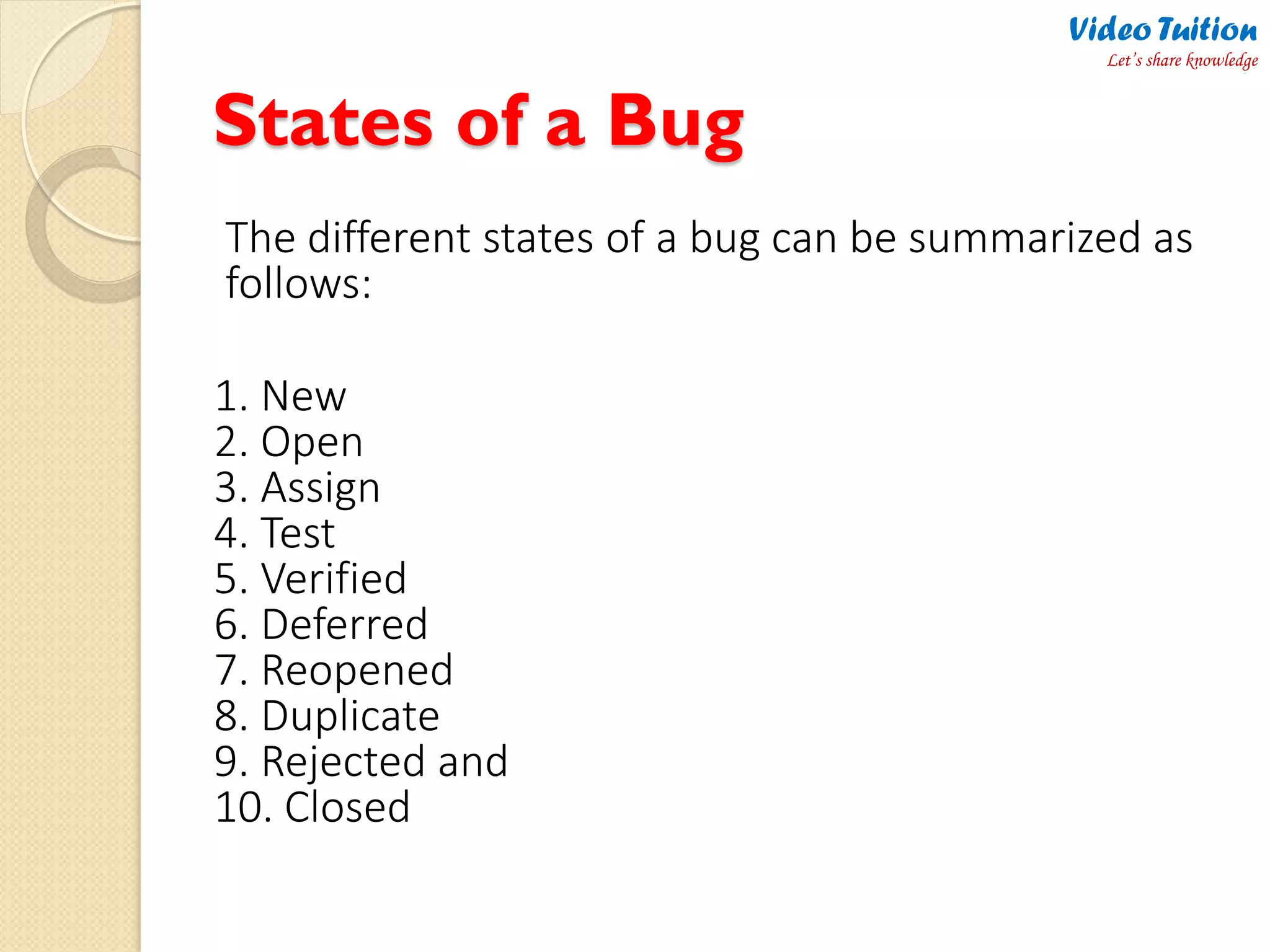
The different states of a bug can be summarized as
follows:
1. New
2. Open
3. Assign
4. Test
5. Verified
6. Deferred
7. Reopened
8. Duplicate
9. Rejected and
10. Closed
Video Tuition
Let’s share knowledge
Flow Chart
Video Tuition
Let’s share knowledge
Description of Various Stages
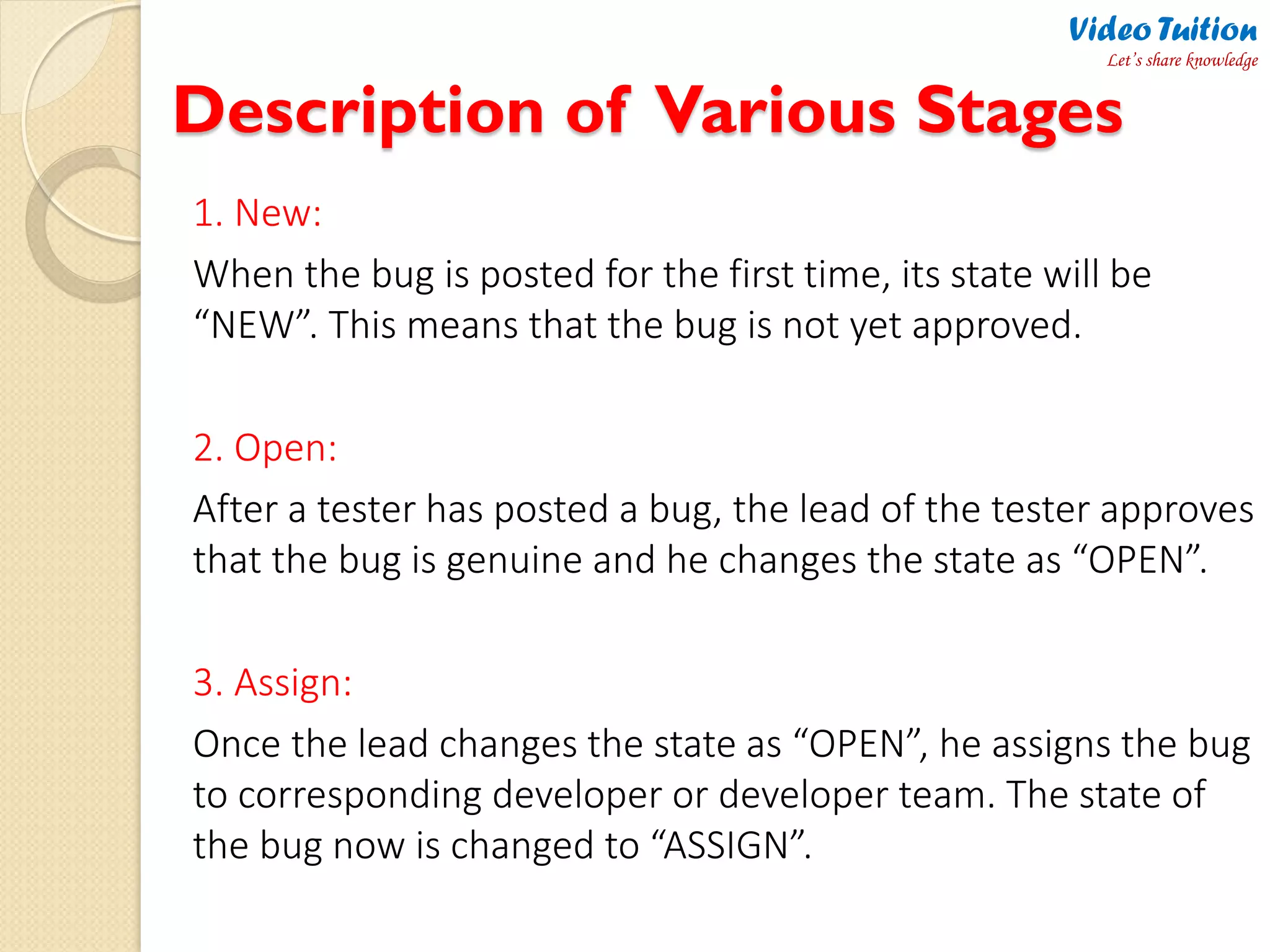
1. New:
When the bug is posted for the first time, its state will be
“NEW”. This means that the bug is not yet approved.
2. Open:
After a tester has posted a bug, the lead of the tester approves
that the bug is genuine and he changes the state as “OPEN”.
3. Assign:
Once the lead changes the state as “OPEN”, he assigns the bug
to corresponding developer or developer team. The state of
the bug now is changed to “ASSIGN”.
Video Tuition
Let’s share knowledge
Cont..
4. Test:
Once the developer fixes the bug, he has to assign the bug to
the testing team for next round of testing. Before he releases
the software with bug fixed, he changes the state of bug to
“TEST”. It specifies that the bug has been fixed and is
released to testing team.
5. Deferred:
The bug, changed to deferred state means the bug is
expected to be fixed in next releases. The reasons for
changing the bug to this state have many factors. Some of
them are priority of the bug may be low, lack of time for the
release or the bug may not have major effect on the
software.
Video Tuition
Let’s share knowledge
Cont..
6. Rejected:
If the developer feels that the bug is not genuine, he rejects the
bug. Then the state of the bug is changed to “REJECTED”.
7. Duplicate:
If the bug is repeated twice or the two bugs mention the same
concept of the bug, then one bug status is changed to
“DUPLICATE”.
8. Verified:
Once the bug is fixed and the status is changed to “TEST”, the
tester tests the bug. If the bug is not present in the software, he
approves that the bug is fixed and changes the status to
“VERIFIED”.
Video Tuition
Let’s share knowledge
Cont..
9. Reopened:
If the bug still exists even after the bug is fixed by the
developer, the tester changes the status to “REOPENED”.
The bug traverses the life cycle once again.
10. Closed:
Once the bug is fixed, it is tested by the tester. If the tester
feels that the bug no longer exists in the software, he
changes the status of the bug to “CLOSED”. This state
means that the bug is fixed, tested and approved.
Video Tuition
Let’s share knowledge
contact me:
Video Tuition
Let’s share knowledge
http://evideotuition.blogspot.com
VIDEO PARTNERS
NETWORKING PARTNERS

Software Testing - Defect/Bug Life Cycle - Complete Flow Chart of Defect States

  • 1.
    SoftwareTesting Defect/Bug Life Cycle– Flow Chart Video Tuition Let’s share knowledge
  • 2.
    What is Bug? Bug can be defined as the abnormal behavior of the software. A bug is a specific concern about the quality of the Software. The elimination of bugs from the software depends upon the efficiency of testing done on the software. Video Tuition Let’s share knowledge
  • 3.
    Bug Life Cycle Insoftware development process, the bug has a life cycle. The bug should go through the life cycle to be closed. A specific life cycle ensures that the process is standardized. The bug attains different states in the life cycle. Video Tuition Let’s share knowledge
  • 4.
    States of aBug The different states of a bug can be summarized as follows: 1. New 2. Open 3. Assign 4. Test 5. Verified 6. Deferred 7. Reopened 8. Duplicate 9. Rejected and 10. Closed Video Tuition Let’s share knowledge
  • 5.
  • 6.
    Description of VariousStages 1. New: When the bug is posted for the first time, its state will be “NEW”. This means that the bug is not yet approved. 2. Open: After a tester has posted a bug, the lead of the tester approves that the bug is genuine and he changes the state as “OPEN”. 3. Assign: Once the lead changes the state as “OPEN”, he assigns the bug to corresponding developer or developer team. The state of the bug now is changed to “ASSIGN”. Video Tuition Let’s share knowledge
  • 7.
    Cont.. 4. Test: Once thedeveloper fixes the bug, he has to assign the bug to the testing team for next round of testing. Before he releases the software with bug fixed, he changes the state of bug to “TEST”. It specifies that the bug has been fixed and is released to testing team. 5. Deferred: The bug, changed to deferred state means the bug is expected to be fixed in next releases. The reasons for changing the bug to this state have many factors. Some of them are priority of the bug may be low, lack of time for the release or the bug may not have major effect on the software. Video Tuition Let’s share knowledge
  • 8.
    Cont.. 6. Rejected: If thedeveloper feels that the bug is not genuine, he rejects the bug. Then the state of the bug is changed to “REJECTED”. 7. Duplicate: If the bug is repeated twice or the two bugs mention the same concept of the bug, then one bug status is changed to “DUPLICATE”. 8. Verified: Once the bug is fixed and the status is changed to “TEST”, the tester tests the bug. If the bug is not present in the software, he approves that the bug is fixed and changes the status to “VERIFIED”. Video Tuition Let’s share knowledge
  • 9.
    Cont.. 9. Reopened: If thebug still exists even after the bug is fixed by the developer, the tester changes the status to “REOPENED”. The bug traverses the life cycle once again. 10. Closed: Once the bug is fixed, it is tested by the tester. If the tester feels that the bug no longer exists in the software, he changes the status of the bug to “CLOSED”. This state means that the bug is fixed, tested and approved. Video Tuition Let’s share knowledge
  • 10.
    contact me: Video Tuition Let’sshare knowledge http://evideotuition.blogspot.com VIDEO PARTNERS NETWORKING PARTNERS