Software Testing: Bugs and Their
Classification
States, Criticality, and SDLC-based
Classification
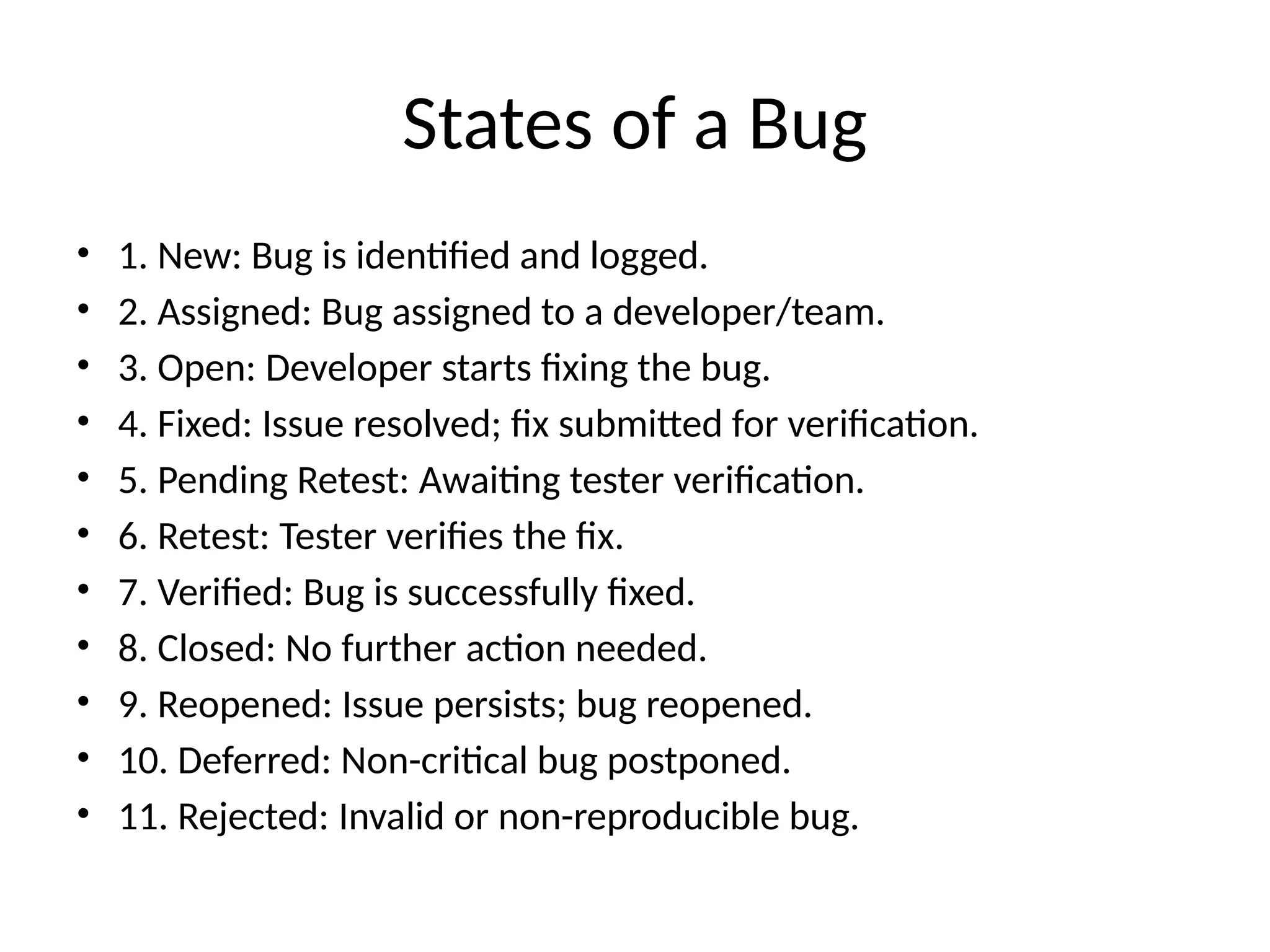
States of a Bug
• 1. New: Bug is identified and logged.
• 2. Assigned: Bug assigned to a developer/team.
• 3. Open: Developer starts fixing the bug.
• 4. Fixed: Issue resolved; fix submitted for verification.
• 5. Pending Retest: Awaiting tester verification.
• 6. Retest: Tester verifies the fix.
• 7. Verified: Bug is successfully fixed.
• 8. Closed: No further action needed.
• 9. Reopened: Issue persists; bug reopened.
• 10. Deferred: Non-critical bug postponed.
• 11. Rejected: Invalid or non-reproducible bug.
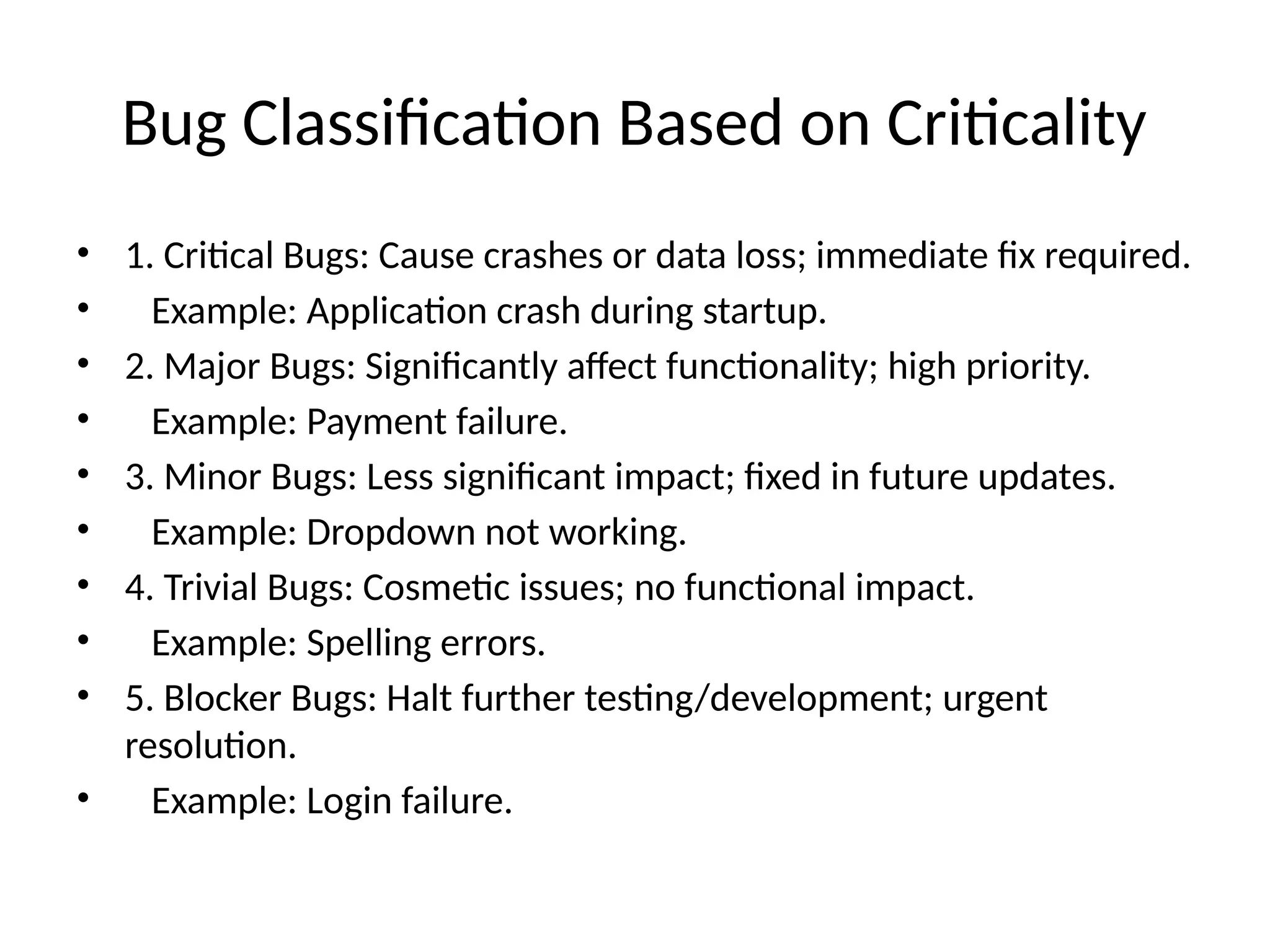
Bug Classification Based on Criticality
• 1. Critical Bugs: Cause crashes or data loss; immediate fix required.
• Example: Application crash during startup.
• 2. Major Bugs: Significantly affect functionality; high priority.
• Example: Payment failure.
• 3. Minor Bugs: Less significant impact; fixed in future updates.
• Example: Dropdown not working.
• 4. Trivial Bugs: Cosmetic issues; no functional impact.
• Example: Spelling errors.
• 5. Blocker Bugs: Halt further testing/development; urgent
resolution.
• Example: Login failure.
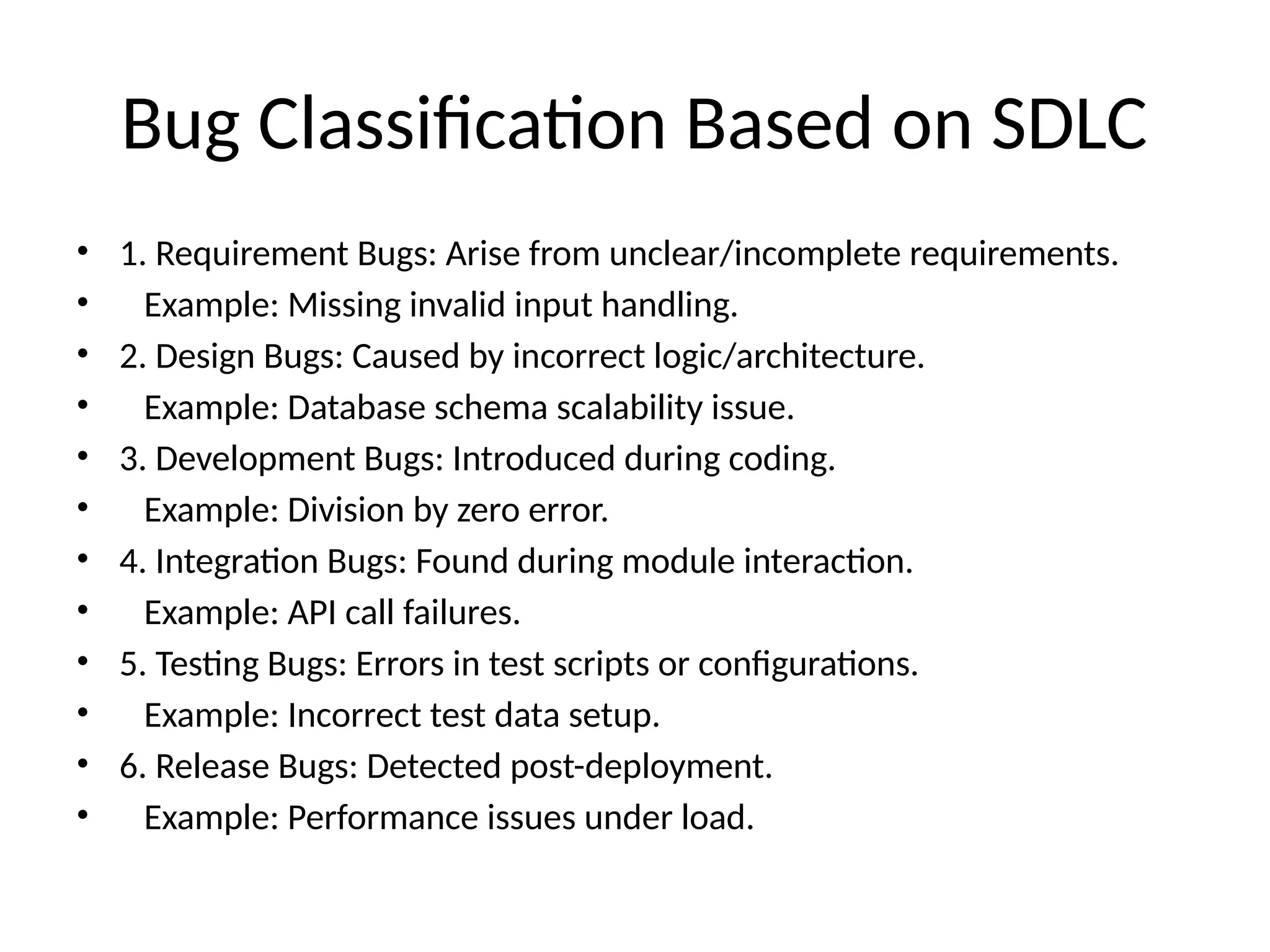
Bug Classification Based on SDLC
• 1. Requirement Bugs: Arise from unclear/incomplete requirements.
• Example: Missing invalid input handling.
• 2. Design Bugs: Caused by incorrect logic/architecture.
• Example: Database schema scalability issue.
• 3. Development Bugs: Introduced during coding.
• Example: Division by zero error.
• 4. Integration Bugs: Found during module interaction.
• Example: API call failures.
• 5. Testing Bugs: Errors in test scripts or configurations.
• Example: Incorrect test data setup.
• 6. Release Bugs: Detected post-deployment.
• Example: Performance issues under load.

Software_Testing_Bugs.life cycle and processing

  • 1.
    Software Testing: Bugsand Their Classification States, Criticality, and SDLC-based Classification
  • 2.
    States of aBug • 1. New: Bug is identified and logged. • 2. Assigned: Bug assigned to a developer/team. • 3. Open: Developer starts fixing the bug. • 4. Fixed: Issue resolved; fix submitted for verification. • 5. Pending Retest: Awaiting tester verification. • 6. Retest: Tester verifies the fix. • 7. Verified: Bug is successfully fixed. • 8. Closed: No further action needed. • 9. Reopened: Issue persists; bug reopened. • 10. Deferred: Non-critical bug postponed. • 11. Rejected: Invalid or non-reproducible bug.
  • 3.
    Bug Classification Basedon Criticality • 1. Critical Bugs: Cause crashes or data loss; immediate fix required. • Example: Application crash during startup. • 2. Major Bugs: Significantly affect functionality; high priority. • Example: Payment failure. • 3. Minor Bugs: Less significant impact; fixed in future updates. • Example: Dropdown not working. • 4. Trivial Bugs: Cosmetic issues; no functional impact. • Example: Spelling errors. • 5. Blocker Bugs: Halt further testing/development; urgent resolution. • Example: Login failure.
  • 4.
    Bug Classification Basedon SDLC • 1. Requirement Bugs: Arise from unclear/incomplete requirements. • Example: Missing invalid input handling. • 2. Design Bugs: Caused by incorrect logic/architecture. • Example: Database schema scalability issue. • 3. Development Bugs: Introduced during coding. • Example: Division by zero error. • 4. Integration Bugs: Found during module interaction. • Example: API call failures. • 5. Testing Bugs: Errors in test scripts or configurations. • Example: Incorrect test data setup. • 6. Release Bugs: Detected post-deployment. • Example: Performance issues under load.