SOCIAL NETWORKS FOR 
EDUCATORS 
P A T R I C I A B R O K E N S H I R E 
S UMME R 2 0 1 4
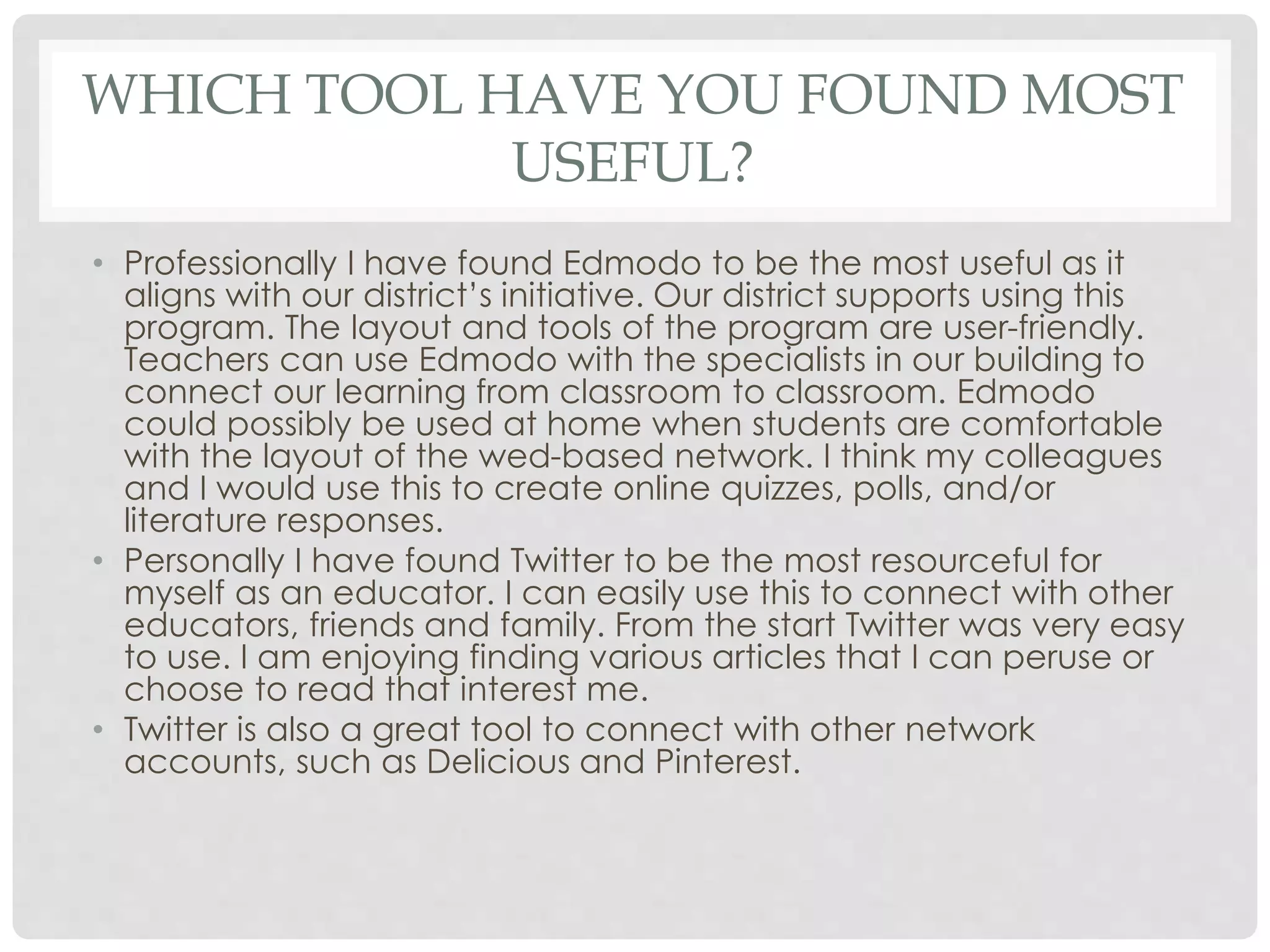
WHICH TOOL HAVE YOU FOUND MOST 
USEFUL? 
• Professionally I have found Edmodo to be the most useful as it 
aligns with our district’s initiative. Our district supports using this 
program. The layout and tools of the program are user-friendly. 
Teachers can use Edmodo with the specialists in our building to 
connect our learning from classroom to classroom. Edmodo 
could possibly be used at home when students are comfortable 
with the layout of the wed-based network. I think my colleagues 
and I would use this to create online quizzes, polls, and/or 
literature responses. 
• Personally I have found Twitter to be the most resourceful for 
myself as an educator. I can easily use this to connect with other 
educators, friends and family. From the start Twitter was very easy 
to use. I am enjoying finding various articles that I can peruse or 
choose to read that interest me. 
• Twitter is also a great tool to connect with other network 
accounts, such as Delicious and Pinterest.
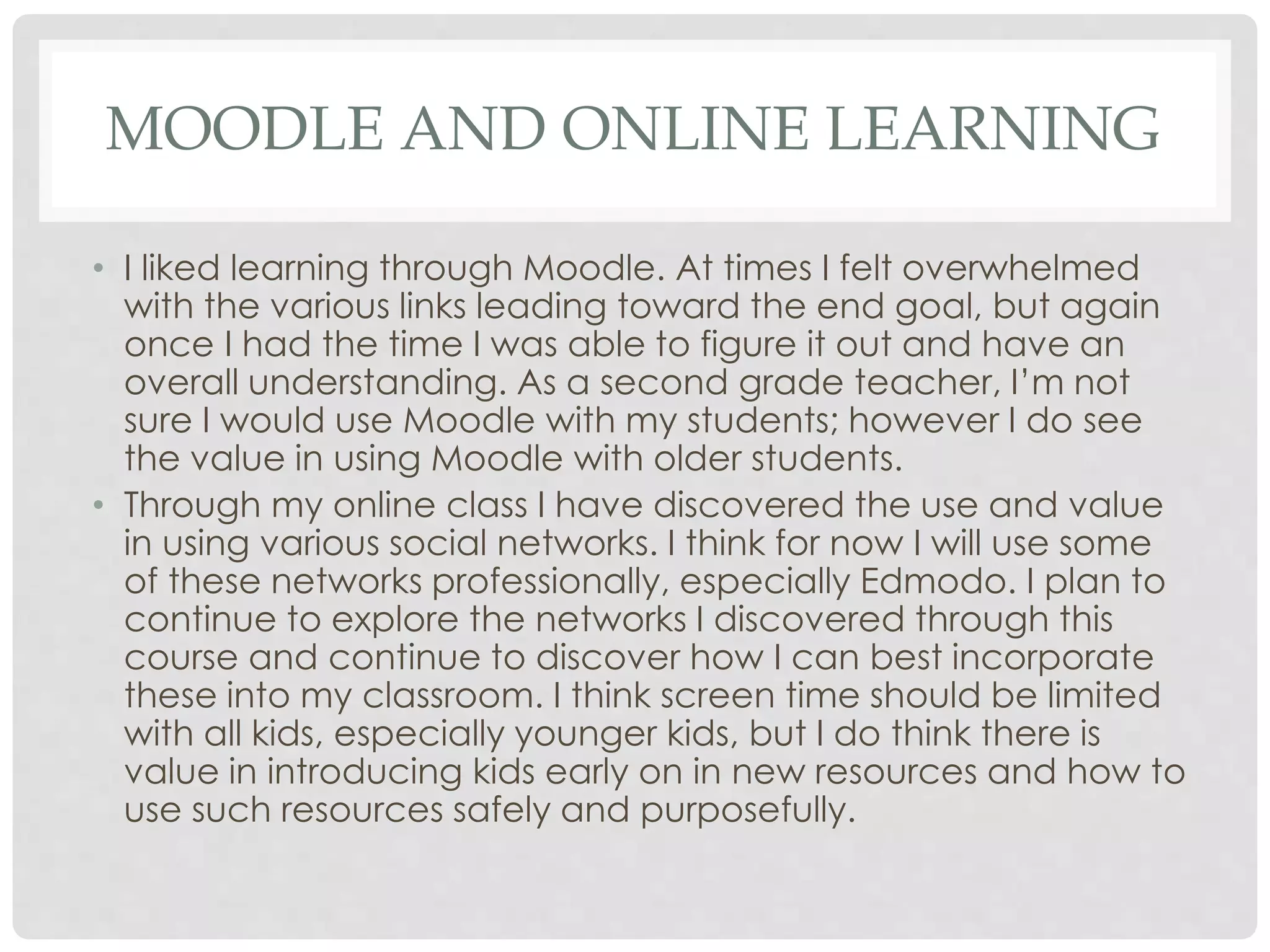
MOODLE AND ONLINE LEARNING 
• I liked learning through Moodle. At times I felt overwhelmed 
with the various links leading toward the end goal, but again 
once I had the time I was able to figure it out and have an 
overall understanding. As a second grade teacher, I’m not 
sure I would use Moodle with my students; however I do see 
the value in using Moodle with older students. 
• Through my online class I have discovered the use and value 
in using various social networks. I think for now I will use some 
of these networks professionally, especially Edmodo. I plan to 
continue to explore the networks I discovered through this 
course and continue to discover how I can best incorporate 
these into my classroom. I think screen time should be limited 
with all kids, especially younger kids, but I do think there is 
value in introducing kids early on in new resources and how to 
use such resources safely and purposefully.
MICROBLOGGING 
• The first social networking tool I used for this class 
was Twitter. I was able to use this to connect with 
my own colleagues, as well as other professionals. I 
continue to see the value in this tool to stay abreast 
of educational topics and tools. I think Twitter could 
also serve as a good resource for parents. 
https://twitter.com/broke2trish
SOCIAL BOOKMARKING 
• Delicious was a great social bookmarking site. I liked 
that I could save useful sites, articles, and ideas to 
be easily shared among colleagues and even for 
parents. It’s also very user-friendly in order to access 
sites of interest. I like that Delicious has easy and 
quick bookmarking features. 
https://delicious.com/broke2trish
CLASSROOM 2.0 AND PINTEREST 
• Classroom 2.0 was useful; however after using Twitter I liked the 
features and options a bit more with Twitter. Classroom 2.0 allows 
for longer blogs, but many of the features that I will realistically 
use seemed similar to Twitter. Classroom 2.0 allows for discussions 
amongst educational professionals and has many nice resources, 
but at this time I am not ready to blog on a regular basis. 
http://www.classroom20.com/profile/TrishBrokenshire 
• Pinterest is a great bookmarking site for ideas that I can use in the 
classroom and at home. I already have new ideas that I will use 
during the first days of school. Again, there is a lot of material on 
this site, but once navigating my way through I became more 
comfortable with what I was looking for. I think I will continue to 
use Pinterest as it is a great site to brainstorm ideas and share new 
ideas. 
http://www.pinterest.com/phdoyle9777/
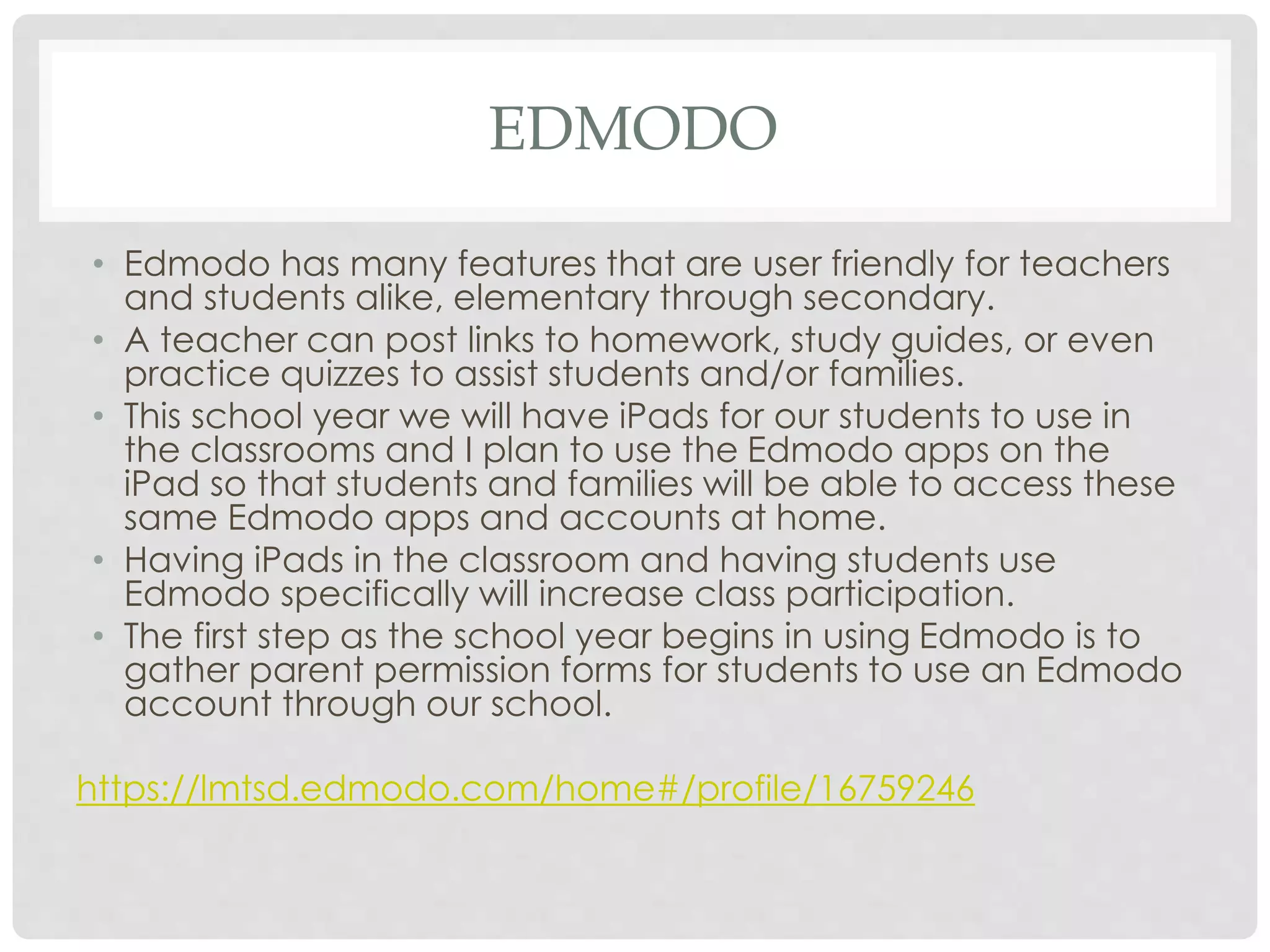
EDMODO 
• Edmodo has many features that are user friendly for teachers 
and students alike, elementary through secondary. 
• A teacher can post links to homework, study guides, or even 
practice quizzes to assist students and/or families. 
• This school year we will have iPads for our students to use in 
the classrooms and I plan to use the Edmodo apps on the 
iPad so that students and families will be able to access these 
same Edmodo apps and accounts at home. 
• Having iPads in the classroom and having students use 
Edmodo specifically will increase class participation. 
• The first step as the school year begins in using Edmodo is to 
gather parent permission forms for students to use an Edmodo 
account through our school. 
https://lmtsd.edmodo.com/home#/profile/16759246
SUCCESSES & CHALLENGES 
• One of the successes in learning and working with social networking was 
beginning with Twitter. Twitter made it easy to link and access other networks. 
• Edmodo was also a success. Many other colleagues have mentioned using 
Edmodo and I have and will connect with them. I’m looking forward to having 
a new tool to use with my class this year. I knew that I had seen this on my 
district page and this class pushed me to find out what exactly Edmodo can 
be used for. I’m looking forward to using this with my colleagues. 
• One challenge was navigating my way through Classroom 2.0. Initially I 
thought the network might be something that we could use with students. As it 
turns out I found the network to be geared specifically for educators and 
resources that we could use within our classroom. 
• One other challenge during this course was navigating my way through the 
networks in order to discover how each could be used. This was overwhelming 
at first, but once I had the time to take a more in depth look I saw that each 
network had its own purpose and for the most part were user friendly. 
• I gained a lot of useful information throughout this course. I am typically 
apprehensive to try social networking and am glad I took this course to try it 
out; it was worthwhile.

Social networks for educators

  • 1.
    SOCIAL NETWORKS FOR EDUCATORS P A T R I C I A B R O K E N S H I R E S UMME R 2 0 1 4
  • 2.
    WHICH TOOL HAVEYOU FOUND MOST USEFUL? • Professionally I have found Edmodo to be the most useful as it aligns with our district’s initiative. Our district supports using this program. The layout and tools of the program are user-friendly. Teachers can use Edmodo with the specialists in our building to connect our learning from classroom to classroom. Edmodo could possibly be used at home when students are comfortable with the layout of the wed-based network. I think my colleagues and I would use this to create online quizzes, polls, and/or literature responses. • Personally I have found Twitter to be the most resourceful for myself as an educator. I can easily use this to connect with other educators, friends and family. From the start Twitter was very easy to use. I am enjoying finding various articles that I can peruse or choose to read that interest me. • Twitter is also a great tool to connect with other network accounts, such as Delicious and Pinterest.
  • 3.
    MOODLE AND ONLINELEARNING • I liked learning through Moodle. At times I felt overwhelmed with the various links leading toward the end goal, but again once I had the time I was able to figure it out and have an overall understanding. As a second grade teacher, I’m not sure I would use Moodle with my students; however I do see the value in using Moodle with older students. • Through my online class I have discovered the use and value in using various social networks. I think for now I will use some of these networks professionally, especially Edmodo. I plan to continue to explore the networks I discovered through this course and continue to discover how I can best incorporate these into my classroom. I think screen time should be limited with all kids, especially younger kids, but I do think there is value in introducing kids early on in new resources and how to use such resources safely and purposefully.
  • 4.
    MICROBLOGGING • Thefirst social networking tool I used for this class was Twitter. I was able to use this to connect with my own colleagues, as well as other professionals. I continue to see the value in this tool to stay abreast of educational topics and tools. I think Twitter could also serve as a good resource for parents. https://twitter.com/broke2trish
  • 5.
    SOCIAL BOOKMARKING •Delicious was a great social bookmarking site. I liked that I could save useful sites, articles, and ideas to be easily shared among colleagues and even for parents. It’s also very user-friendly in order to access sites of interest. I like that Delicious has easy and quick bookmarking features. https://delicious.com/broke2trish
  • 6.
    CLASSROOM 2.0 ANDPINTEREST • Classroom 2.0 was useful; however after using Twitter I liked the features and options a bit more with Twitter. Classroom 2.0 allows for longer blogs, but many of the features that I will realistically use seemed similar to Twitter. Classroom 2.0 allows for discussions amongst educational professionals and has many nice resources, but at this time I am not ready to blog on a regular basis. http://www.classroom20.com/profile/TrishBrokenshire • Pinterest is a great bookmarking site for ideas that I can use in the classroom and at home. I already have new ideas that I will use during the first days of school. Again, there is a lot of material on this site, but once navigating my way through I became more comfortable with what I was looking for. I think I will continue to use Pinterest as it is a great site to brainstorm ideas and share new ideas. http://www.pinterest.com/phdoyle9777/
  • 7.
    EDMODO • Edmodohas many features that are user friendly for teachers and students alike, elementary through secondary. • A teacher can post links to homework, study guides, or even practice quizzes to assist students and/or families. • This school year we will have iPads for our students to use in the classrooms and I plan to use the Edmodo apps on the iPad so that students and families will be able to access these same Edmodo apps and accounts at home. • Having iPads in the classroom and having students use Edmodo specifically will increase class participation. • The first step as the school year begins in using Edmodo is to gather parent permission forms for students to use an Edmodo account through our school. https://lmtsd.edmodo.com/home#/profile/16759246
  • 8.
    SUCCESSES & CHALLENGES • One of the successes in learning and working with social networking was beginning with Twitter. Twitter made it easy to link and access other networks. • Edmodo was also a success. Many other colleagues have mentioned using Edmodo and I have and will connect with them. I’m looking forward to having a new tool to use with my class this year. I knew that I had seen this on my district page and this class pushed me to find out what exactly Edmodo can be used for. I’m looking forward to using this with my colleagues. • One challenge was navigating my way through Classroom 2.0. Initially I thought the network might be something that we could use with students. As it turns out I found the network to be geared specifically for educators and resources that we could use within our classroom. • One other challenge during this course was navigating my way through the networks in order to discover how each could be used. This was overwhelming at first, but once I had the time to take a more in depth look I saw that each network had its own purpose and for the most part were user friendly. • I gained a lot of useful information throughout this course. I am typically apprehensive to try social networking and am glad I took this course to try it out; it was worthwhile.