Jing
A great tool to use!
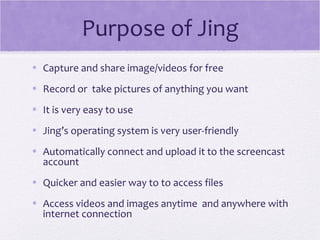
Purpose of Jing
• Capture and share image/videos for free
• Record or take pictures of anything you want
• It is very easy to use
• Jing’s operating system is very user-friendly
• Automatically connect and upload it to the screencast
  account
• Quicker and easier way to to access files
• Access videos and images anytime and anywhere with
  internet connection
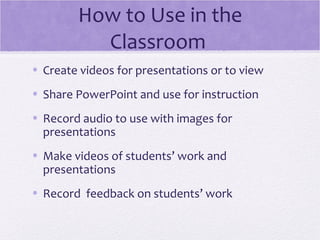
How to Use in the
          Classroom
• Create videos for presentations or to view
• Share PowerPoint and use for instruction
• Record audio to use with images for
  presentations
• Make videos of students’ work and
  presentations
• Record feedback on students’ work
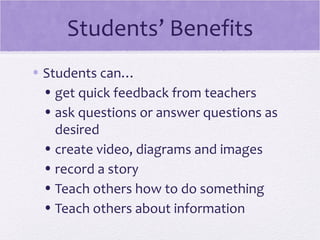
Students’ Benefits
• Students can…
  • get quick feedback from teachers
  • ask questions or answer questions as
    desired
  • create video, diagrams and images
  • record a story
  • Teach others how to do something
  • Teach others about information
Students can also…
• Share videos and images with other
  students
• Record themselves working on problems
• Record reflections or share their thoughts
• Upload documents and pictures
• Share what they learned

Slidesharejing

  • 1.
  • 2.
    Purpose of Jing •Capture and share image/videos for free • Record or take pictures of anything you want • It is very easy to use • Jing’s operating system is very user-friendly • Automatically connect and upload it to the screencast account • Quicker and easier way to to access files • Access videos and images anytime and anywhere with internet connection
  • 3.
    How to Usein the Classroom • Create videos for presentations or to view • Share PowerPoint and use for instruction • Record audio to use with images for presentations • Make videos of students’ work and presentations • Record feedback on students’ work
  • 4.
    Students’ Benefits • Studentscan… • get quick feedback from teachers • ask questions or answer questions as desired • create video, diagrams and images • record a story • Teach others how to do something • Teach others about information
  • 5.
    Students can also… •Share videos and images with other students • Record themselves working on problems • Record reflections or share their thoughts • Upload documents and pictures • Share what they learned