Speed up Interactive Analytic
Queries over Existing Big Data on
Hadoop with Presto	

Liang-Chi Hsieh
HadoopCon 2014 in Taiwan
1
In Today’s talk
• Introduction of Presto	

• Distributed architecture	

• Query model	

• Deployment and configuration	

• Data visualization with Presto - Demo
2
SQL on/over Hadoop
• Hive	

• Matured and proven solution (0.13.x)	

• Drawbacks: execution model based on MapReduce 	

• Better execution engines: Hive-Tez and Hive-Spark	

!
• Alternative and usually faster options including	

• Impala, Presto, Drill, ...
3
Presto
• Presto is a distributed SQL query engine optimized
for ad-hoc analysis at interactive speed	

• Data scale: GBs to PBs	

!
• Deployment at:	

• Facebook, Netflix, Dropbox,Treasure Data,Airbnb,
Qubole
4
History of Presto
• Fall 2012	

• The development on Presto started at Facebook	

• Spring 2013	

• It was rolled out to the entire company and became
major interactive data warehouse	

• Winter 2013	

• Open-sourced
5
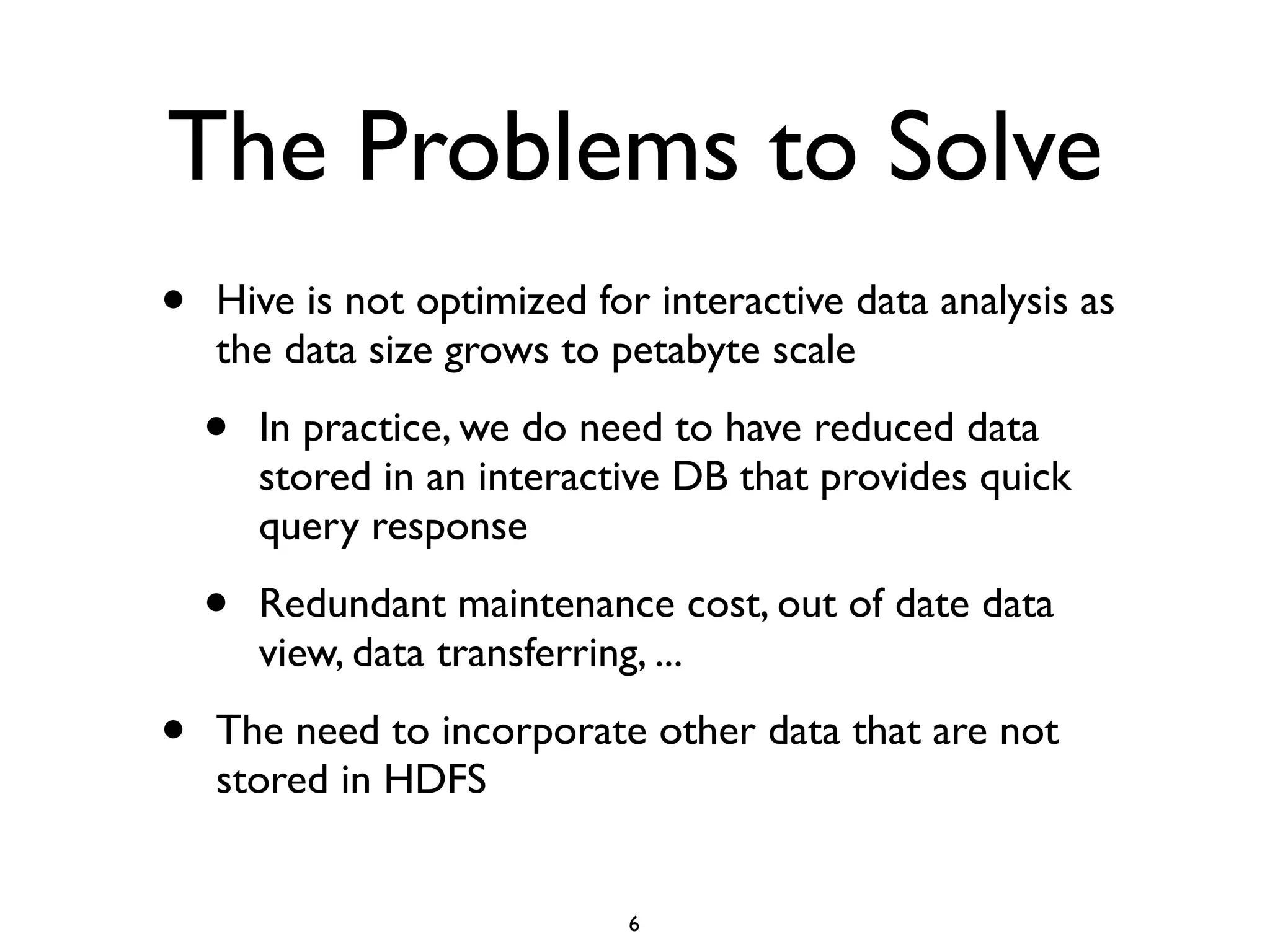
The Problems to Solve
• Hive is not optimized for interactive data analysis as
the data size grows to petabyte scale	

• In practice, we do need to have reduced data
stored in an interactive DB that provides quick
query response	

• Redundant maintenance cost, out of date data
view, data transferring, ...	

• The need to incorporate other data that are not
stored in HDFS
6
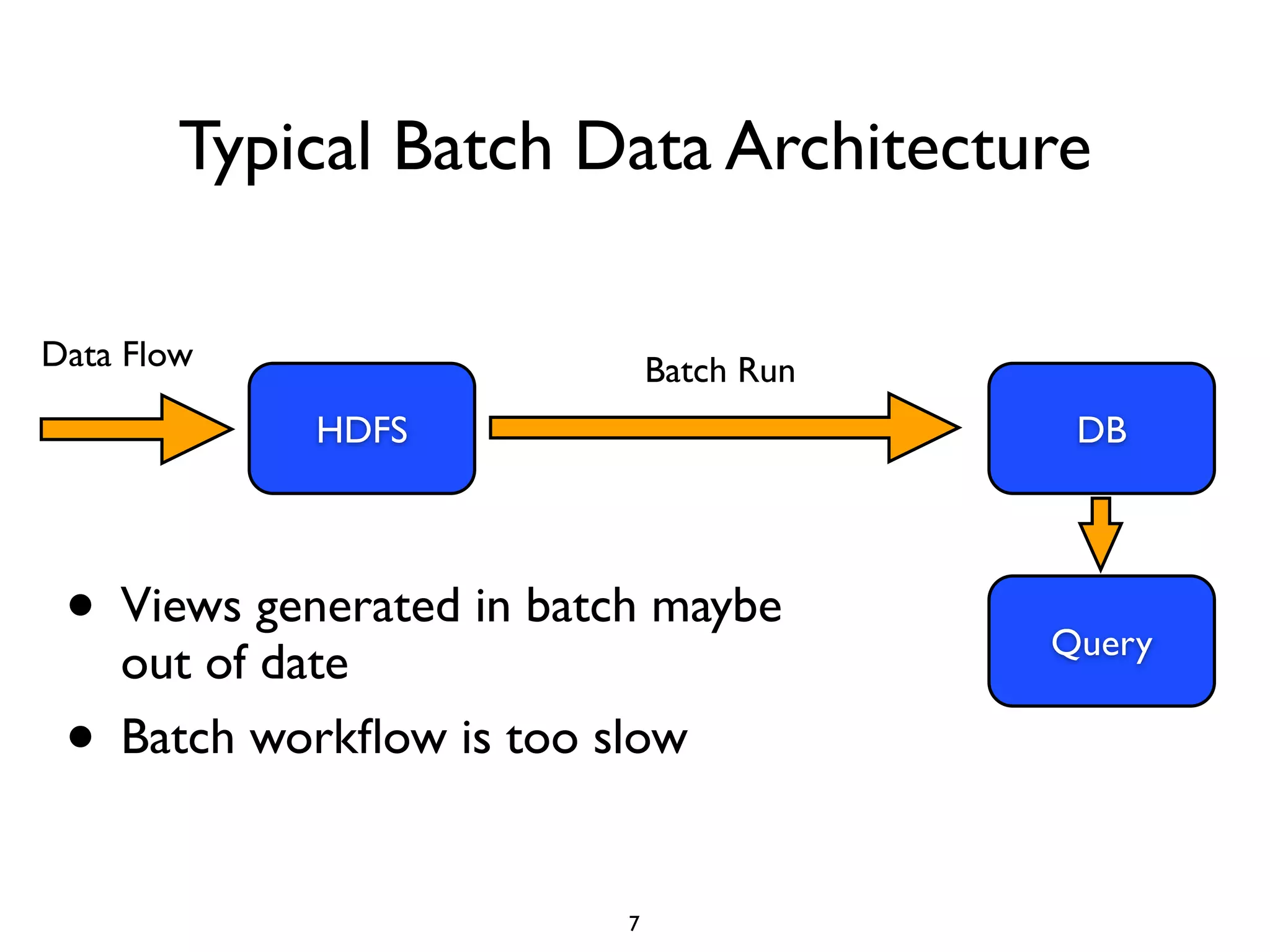
Typical Batch Data Architecture
7
HDFS
Data Flow Batch Run
DB
Query
• Views generated in batch maybe
out of date	

• Batch workflow is too slow
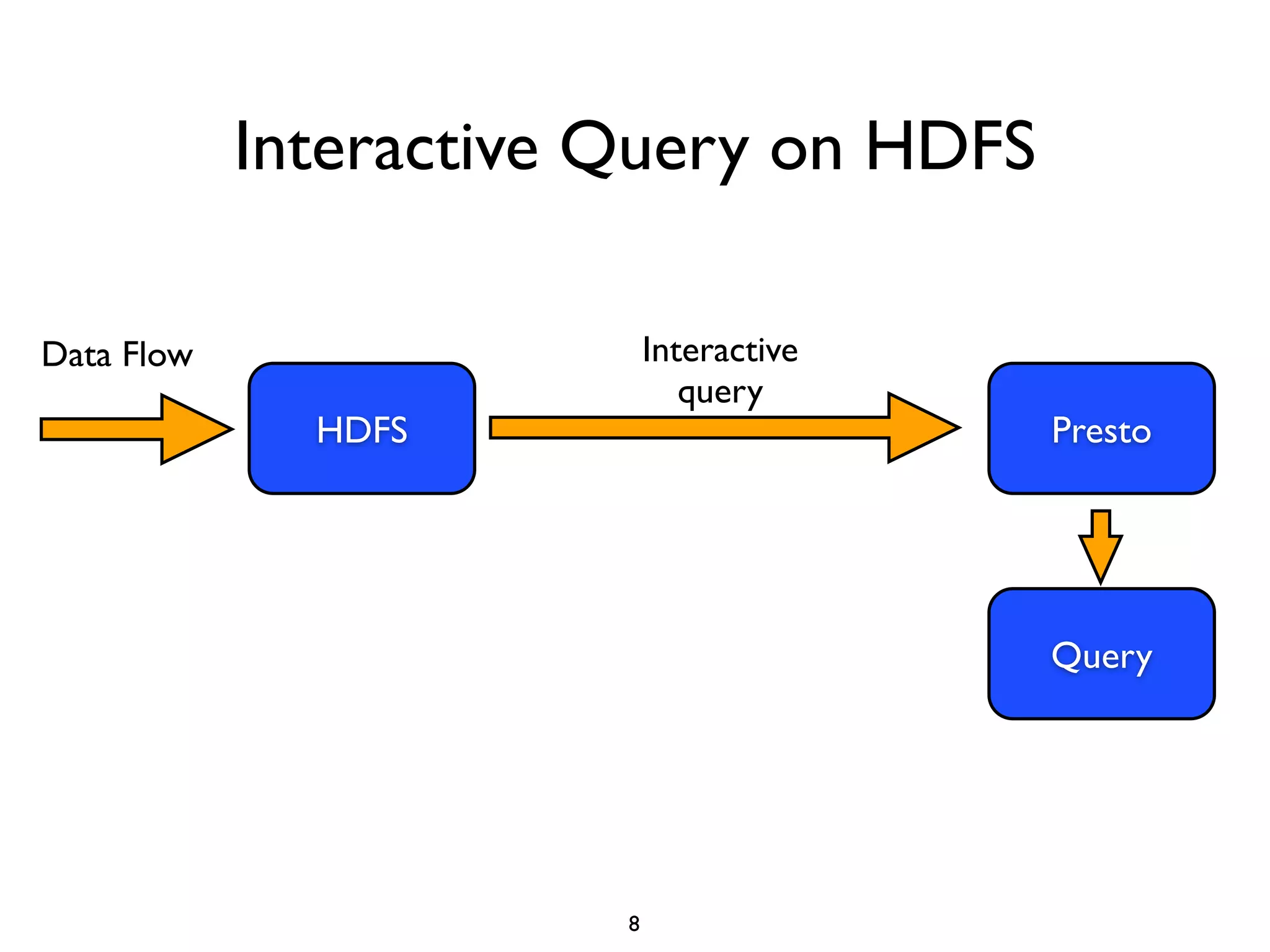
Interactive Query on HDFS
8
HDFS
Data Flow Interactive
query
Presto
Query
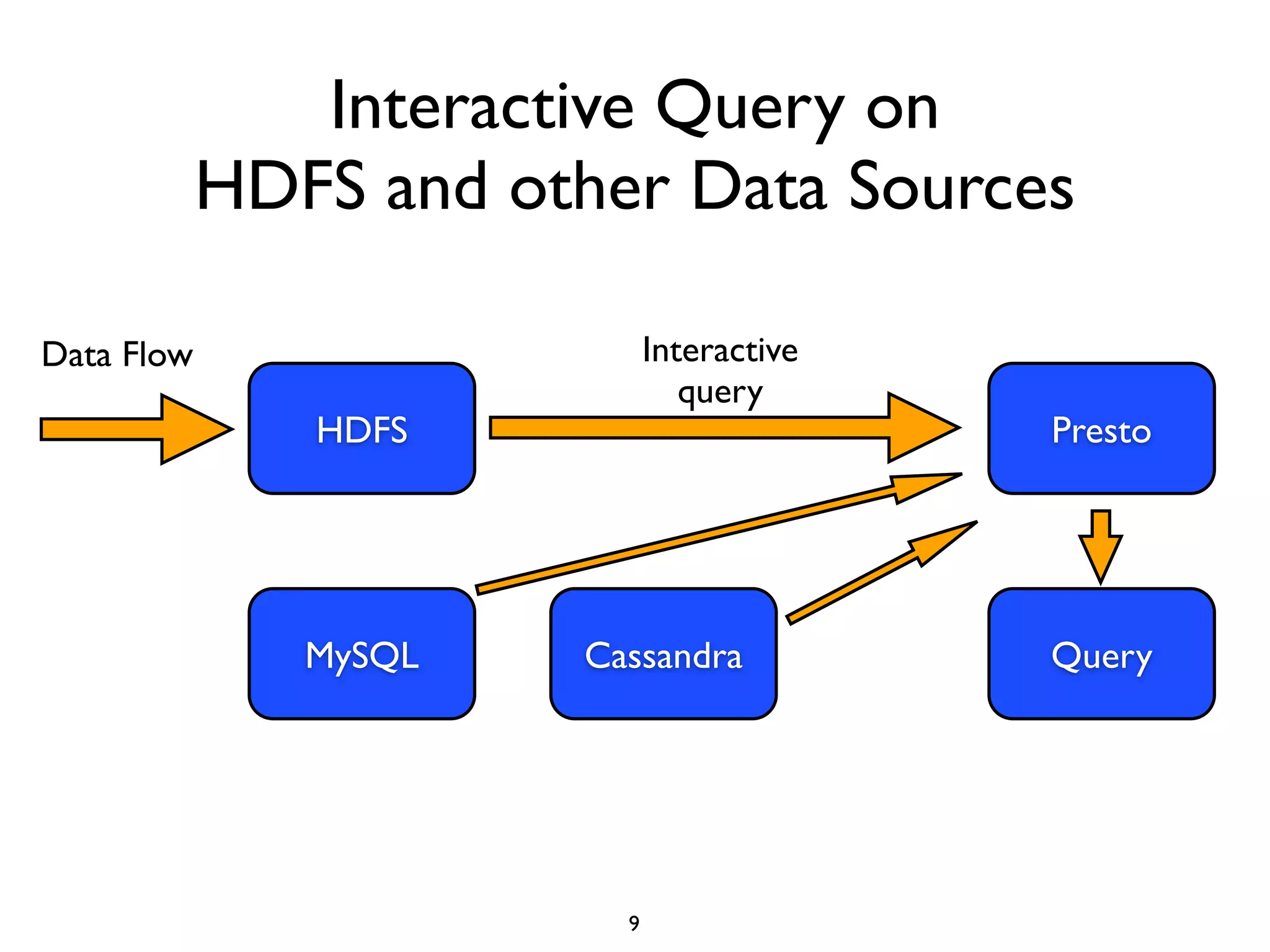
Interactive Query on
HDFS and other Data Sources
9
HDFS
Data Flow Interactive
query
Presto
QueryMySQL Cassandra
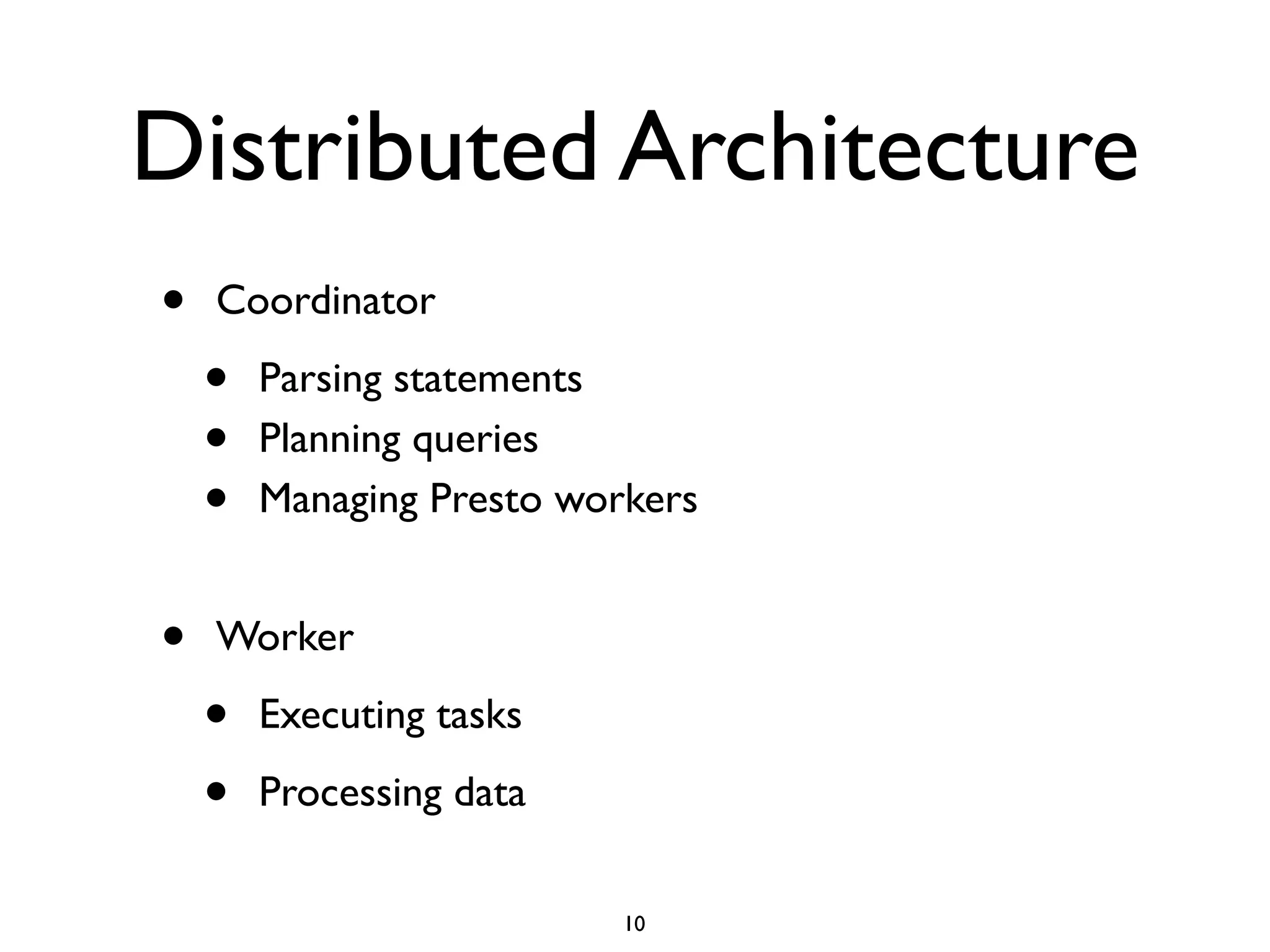
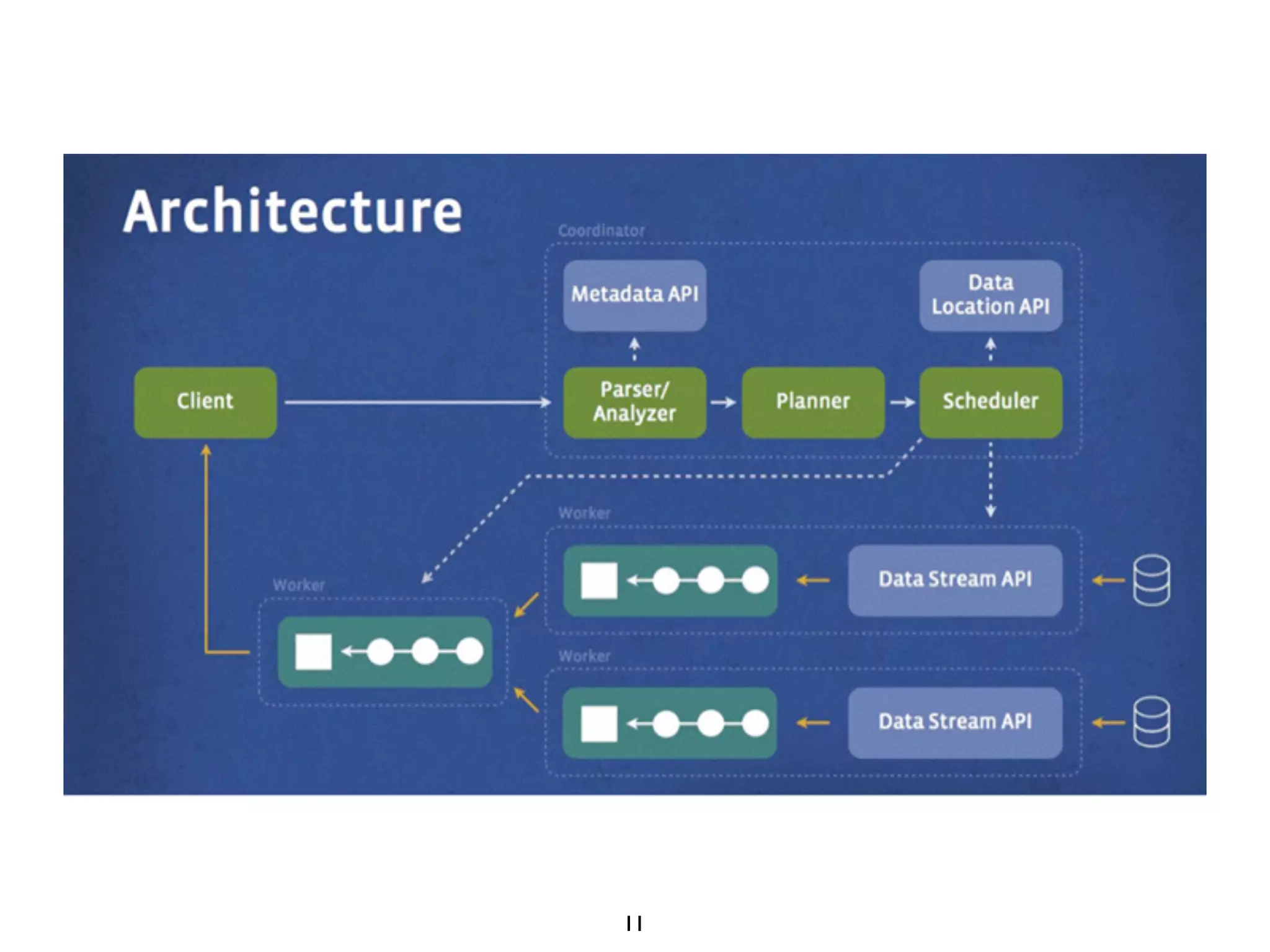
Distributed Architecture
• Coordinator	

• Parsing statements	

• Planning queries	

• Managing Presto workers	

!
• Worker	

• Executing tasks	

• Processing data
10
11
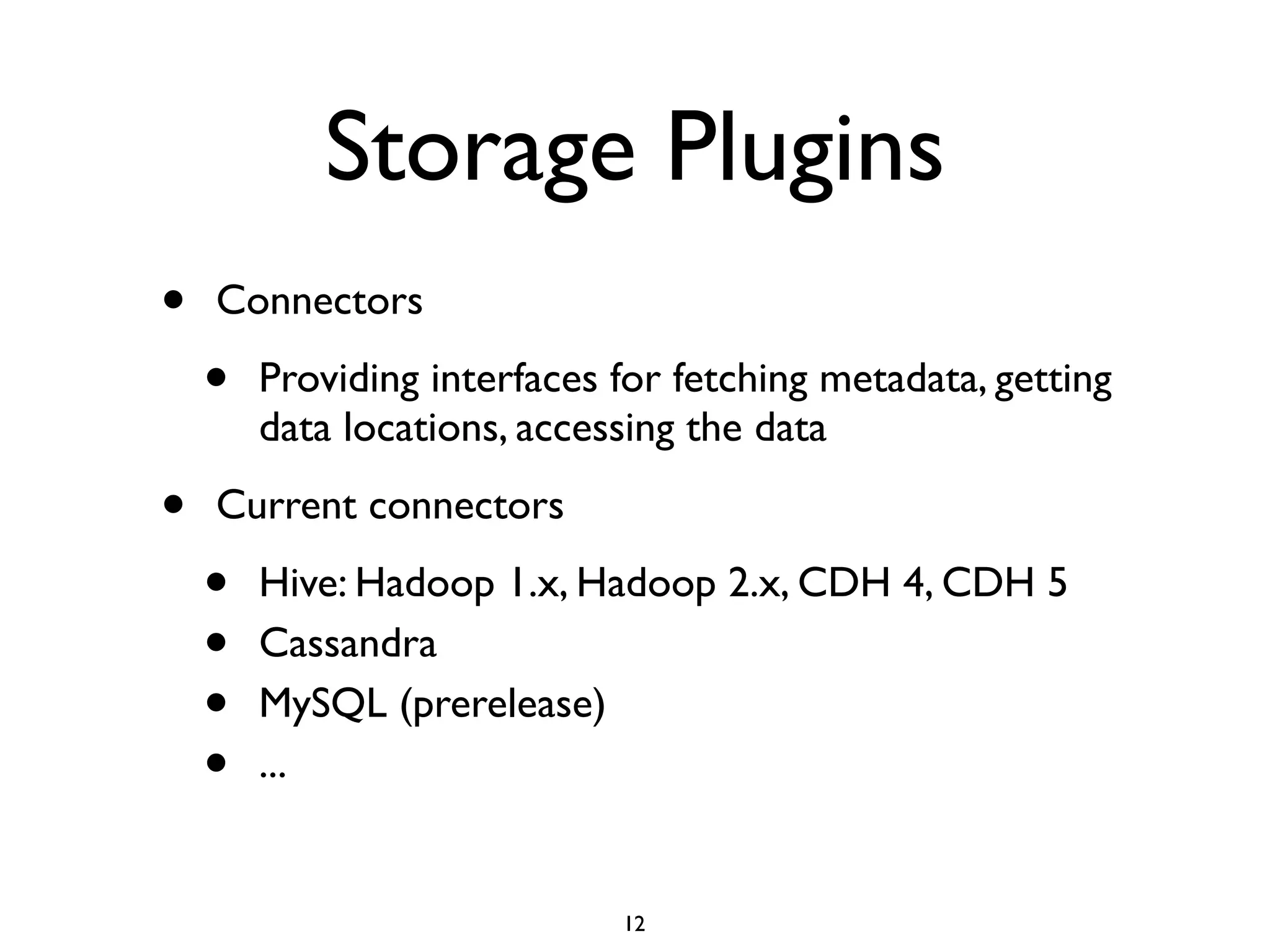
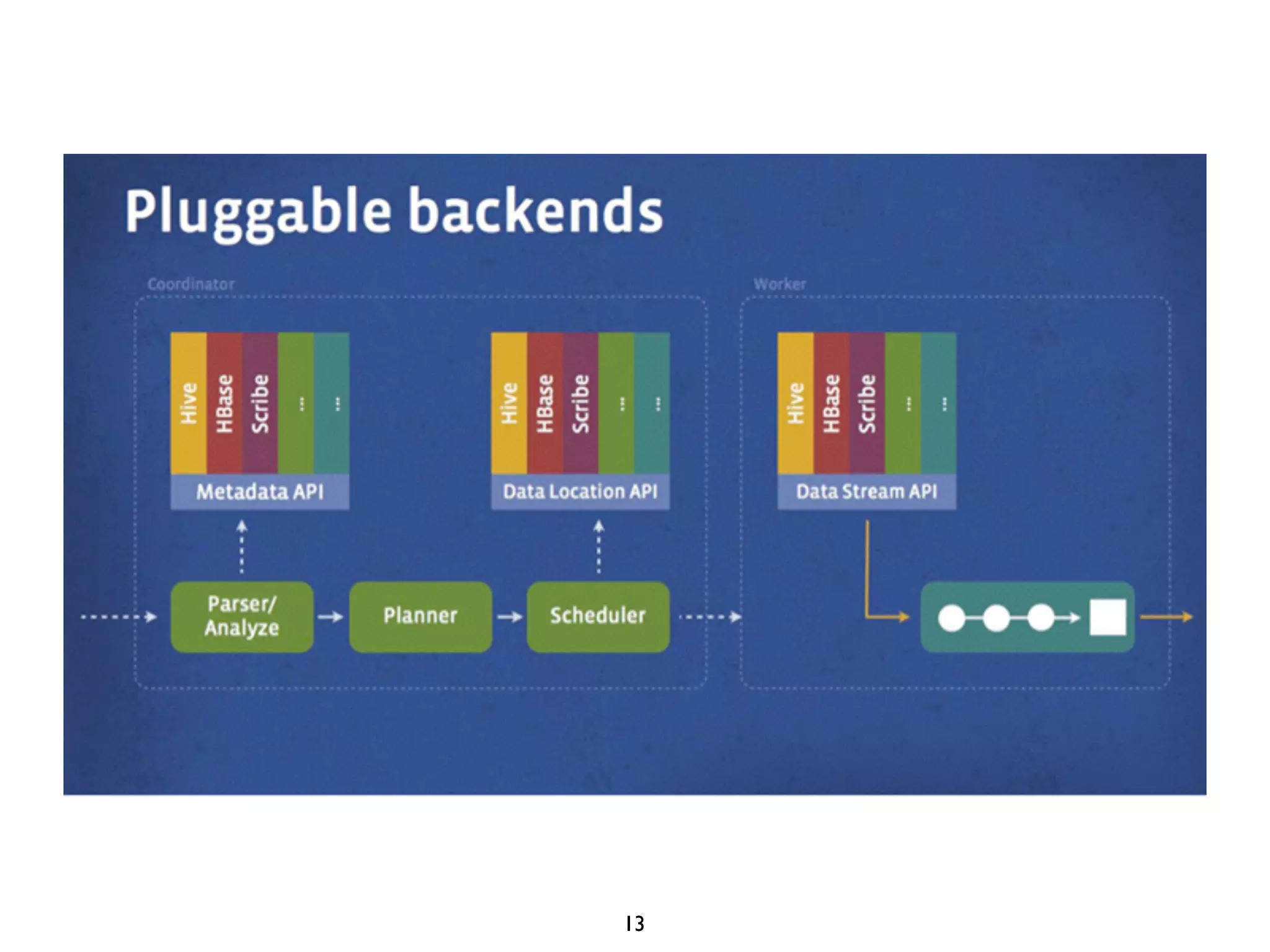
Storage Plugins
• Connectors	

• Providing interfaces for fetching metadata, getting data
locations, accessing the data	

• Current connectors (v0.76)	

• Hive: Hadoop 1.x, Hadoop 2.x, CDH 4, CDH 5	

• Cassandra	

• MySQL	

• Kafka	

• PostgreSQL
12
13
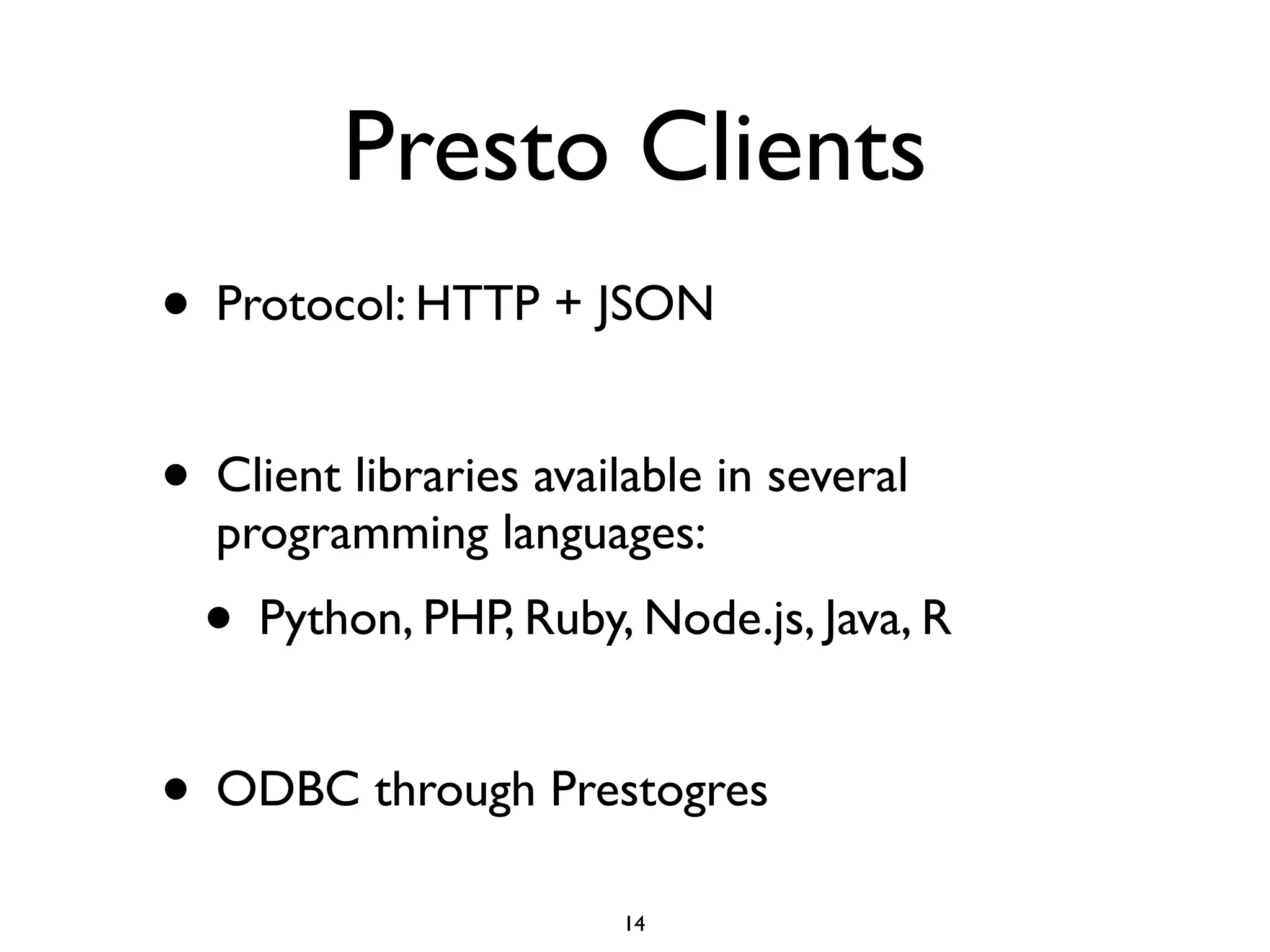
Presto Clients
• Protocol: HTTP + JSON	

!
• Client libraries available in several
programming languages:	

• Python, PHP, Ruby, Node.js, Java, R	

!
• ODBC through Prestogres
14
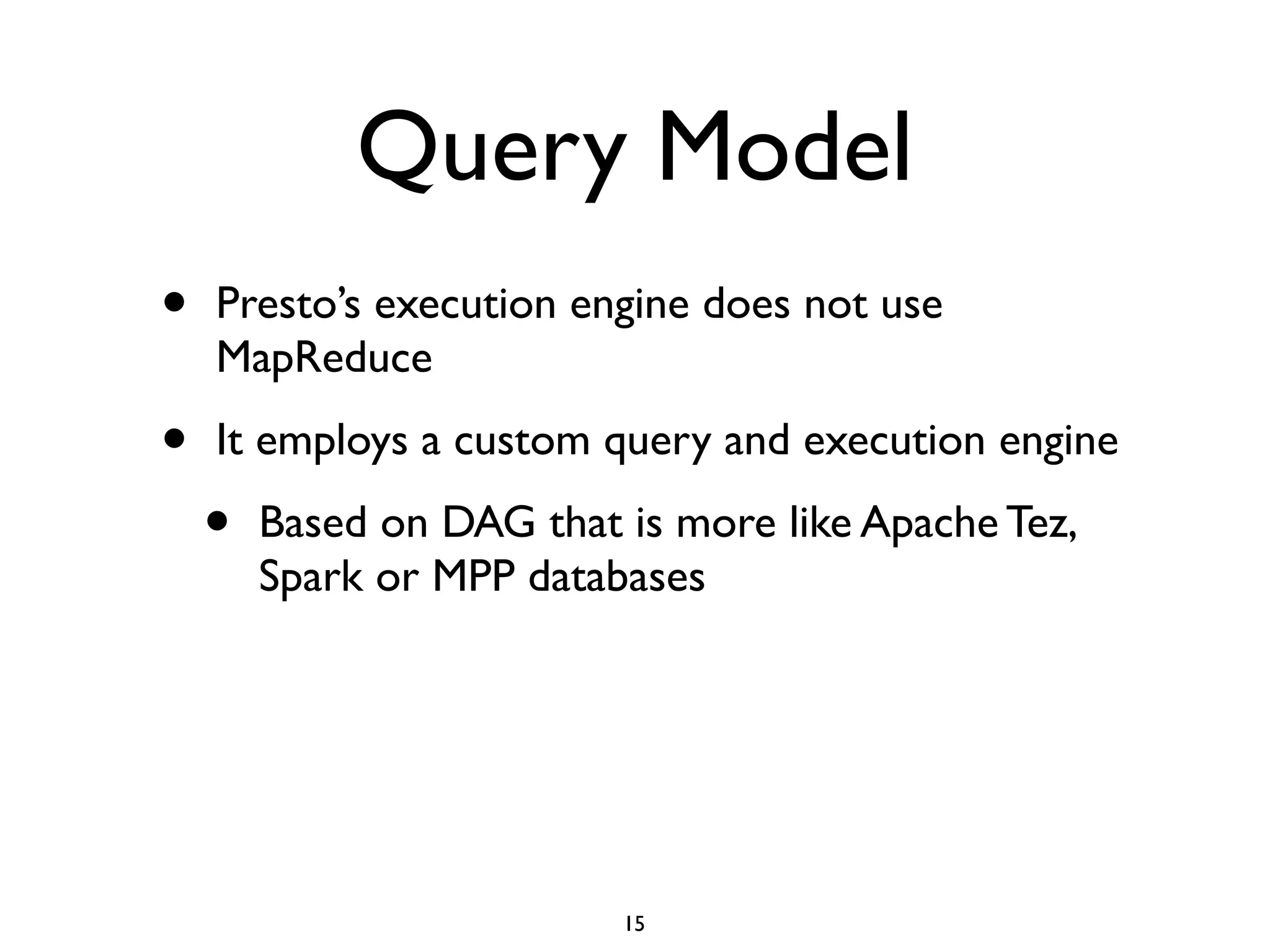
Query Model
• Presto’s execution engine does not use
MapReduce	

• It employs a custom query and execution engine	

• Based on DAG that is more like Apache Tez,
Spark or MPP databases
15
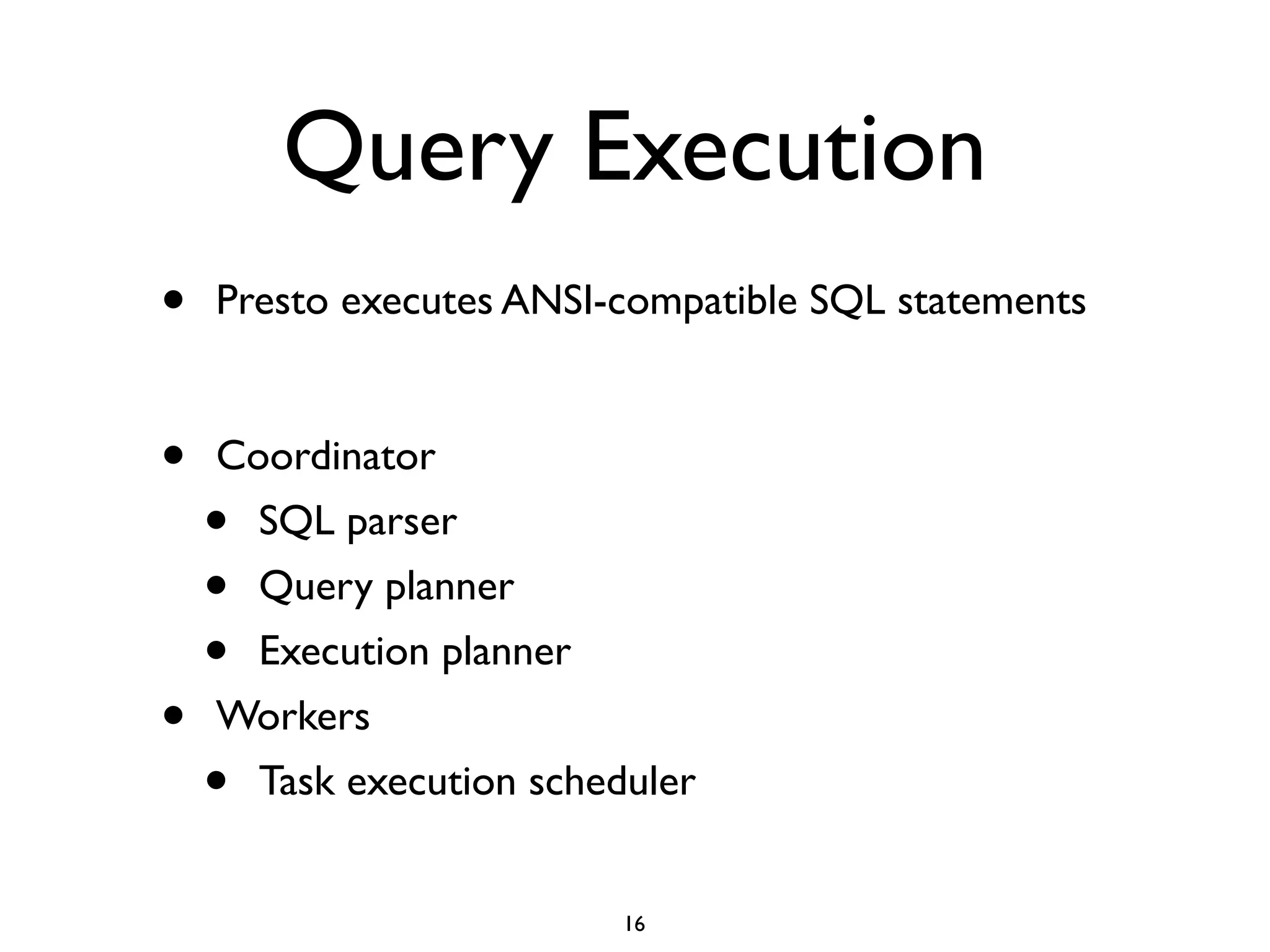
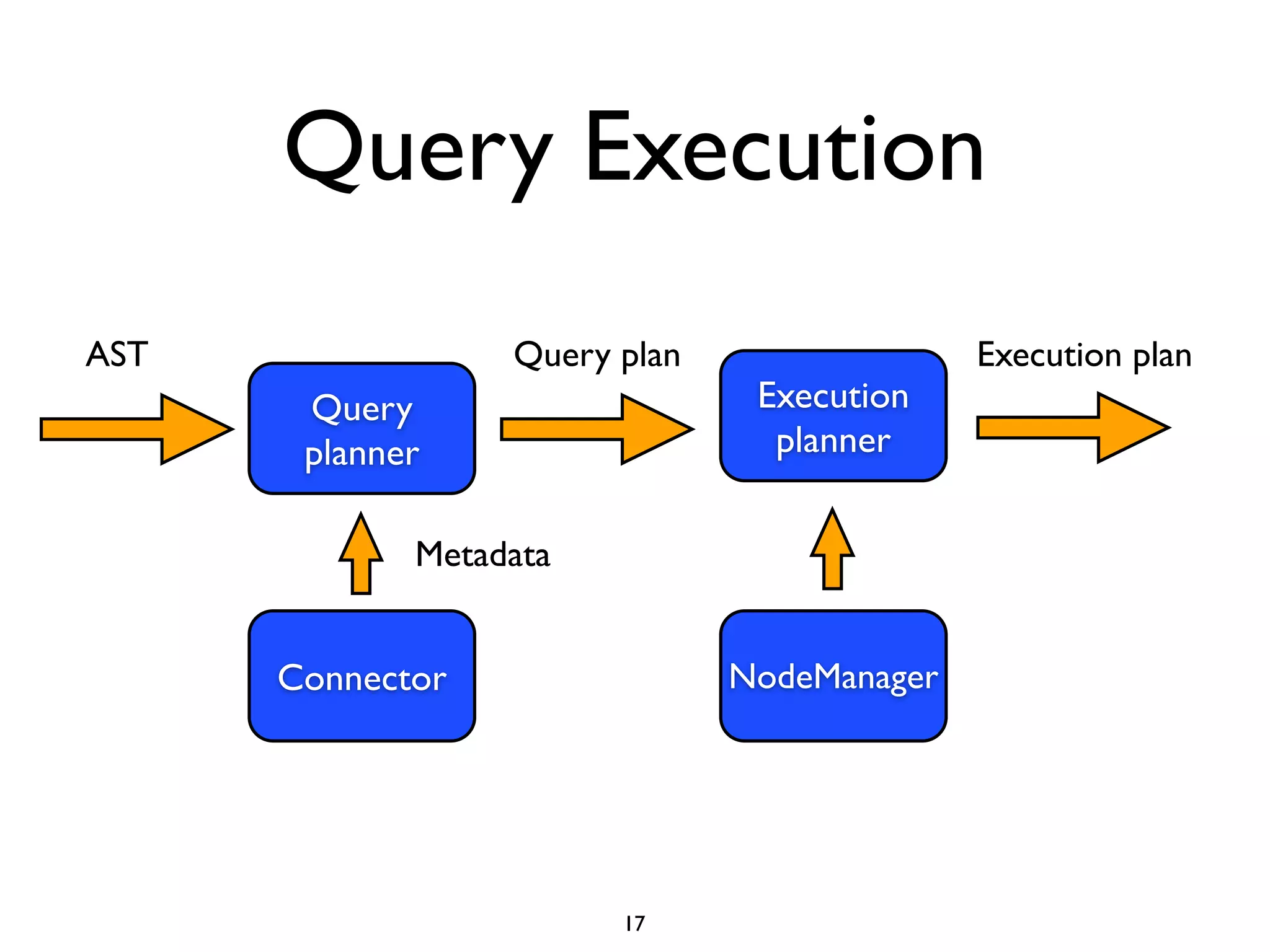
Query Execution
• Presto executes ANSI-compatible SQL statements	

!
• Coordinator	

• SQL parser	

• Query planner	

• Execution planner	

• Workers	

• Task execution scheduler
16
Query Execution
Query
planner
AST Query plan
Execution
planner
Connector
Metadata
Execution plan
NodeManager
17
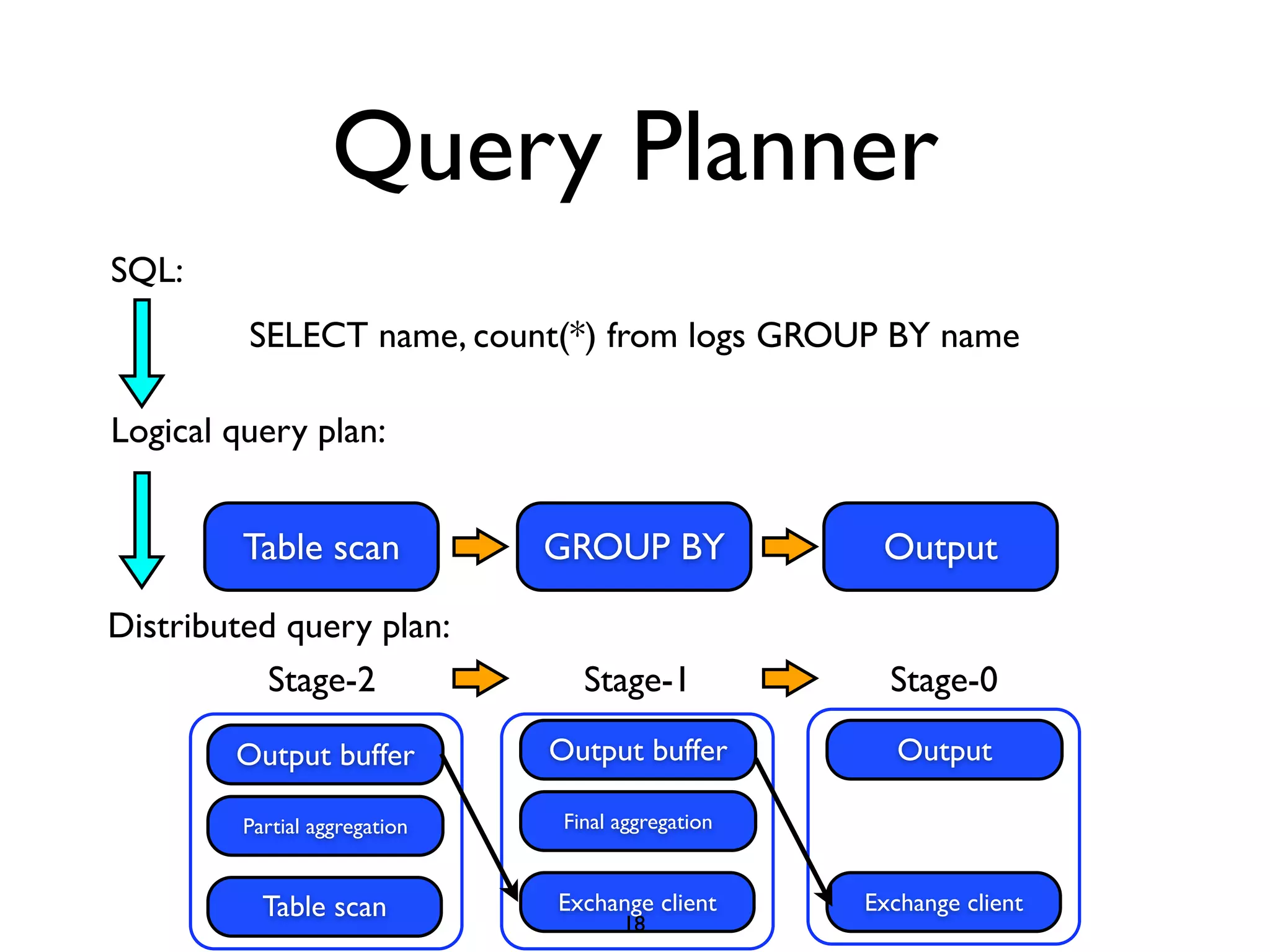
Query Planner
SELECT name, count(*) from logs GROUP BY name
Logical query plan:
Table scan GROUP BY Output
Distributed query plan:
SQL:
Table scan
Stage-2
Partial aggregation
Output buffer
Exchange client
Final aggregation
Output buffer
Exchange client
Output
Stage-1 Stage-0
18
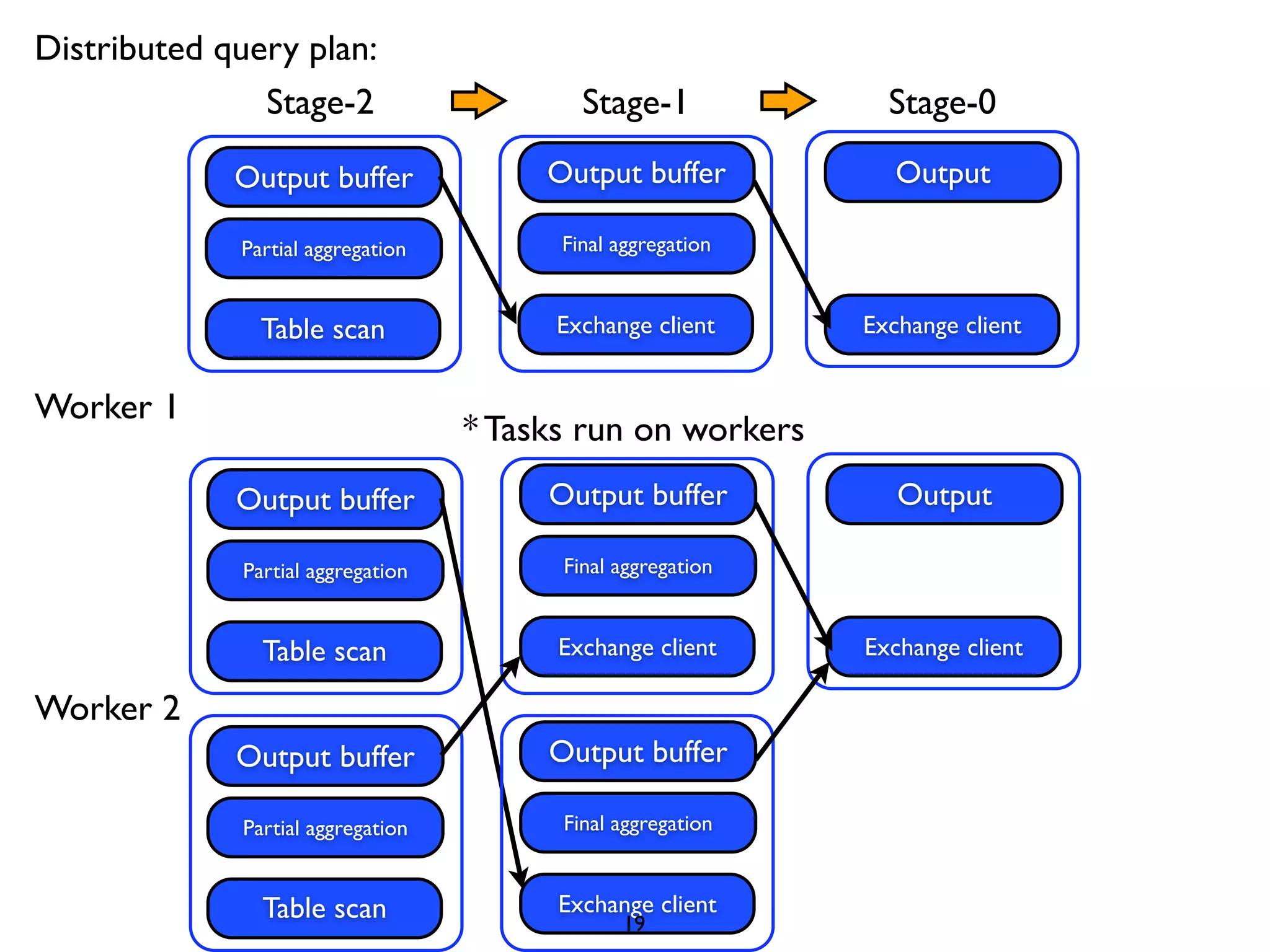
Distributed query plan:
Table scan
Stage-2
Partial aggregation
Output buffer
Exchange client
Final aggregation
Output buffer
Exchange client
Output
Stage-1 Stage-0
Worker 1
Worker 2
Table scan
Partial aggregation
Output buffer
Exchange client
Final aggregation
Output buffer
Exchange client
Output
Table scan
Partial aggregation
Output buffer
Exchange client
Final aggregation
Output buffer
* Tasks run on workers
19
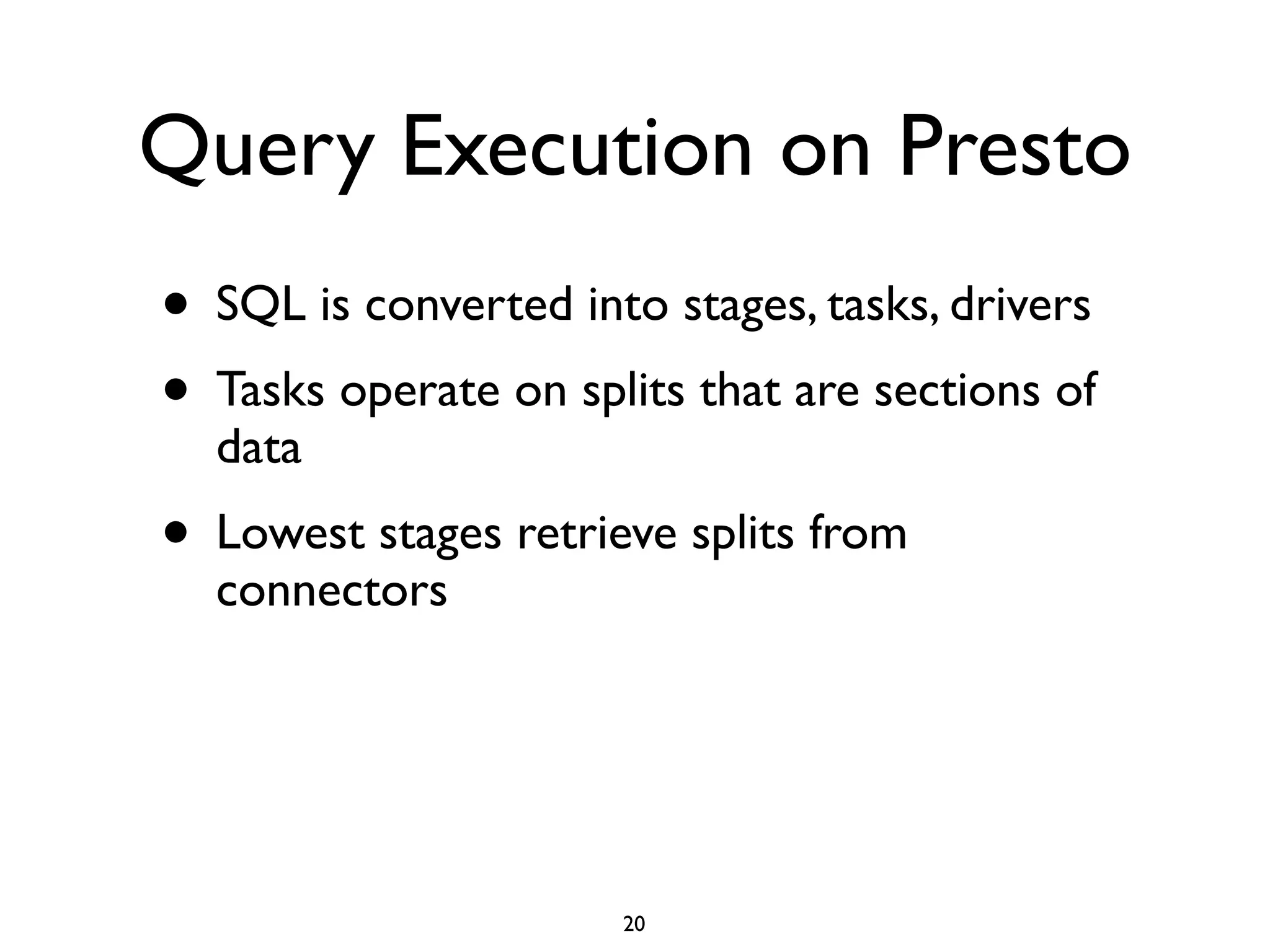
Query Execution on Presto
• SQL is converted into stages, tasks, drivers	

• Tasks operate on splits that are sections of
data	

• Lowest stages retrieve splits from
connectors
20
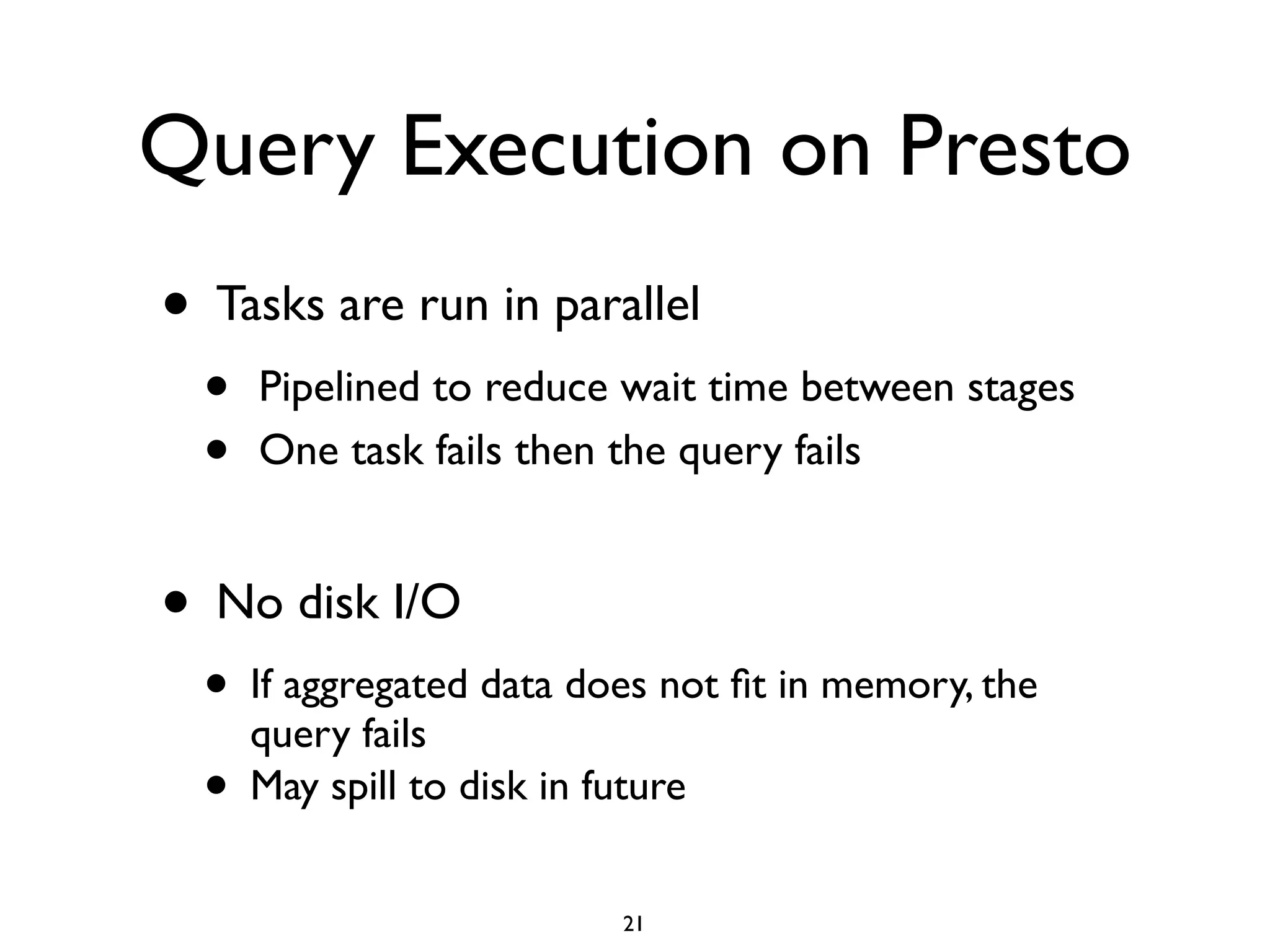
Query Execution on Presto
• Tasks are run in parallel	

• Pipelined to reduce wait time between stages	

• One task fails then the query fails	

!
• No disk I/O 	

• If aggregated data does not fit in memory, the
query fails	

• May spill to disk in future
21
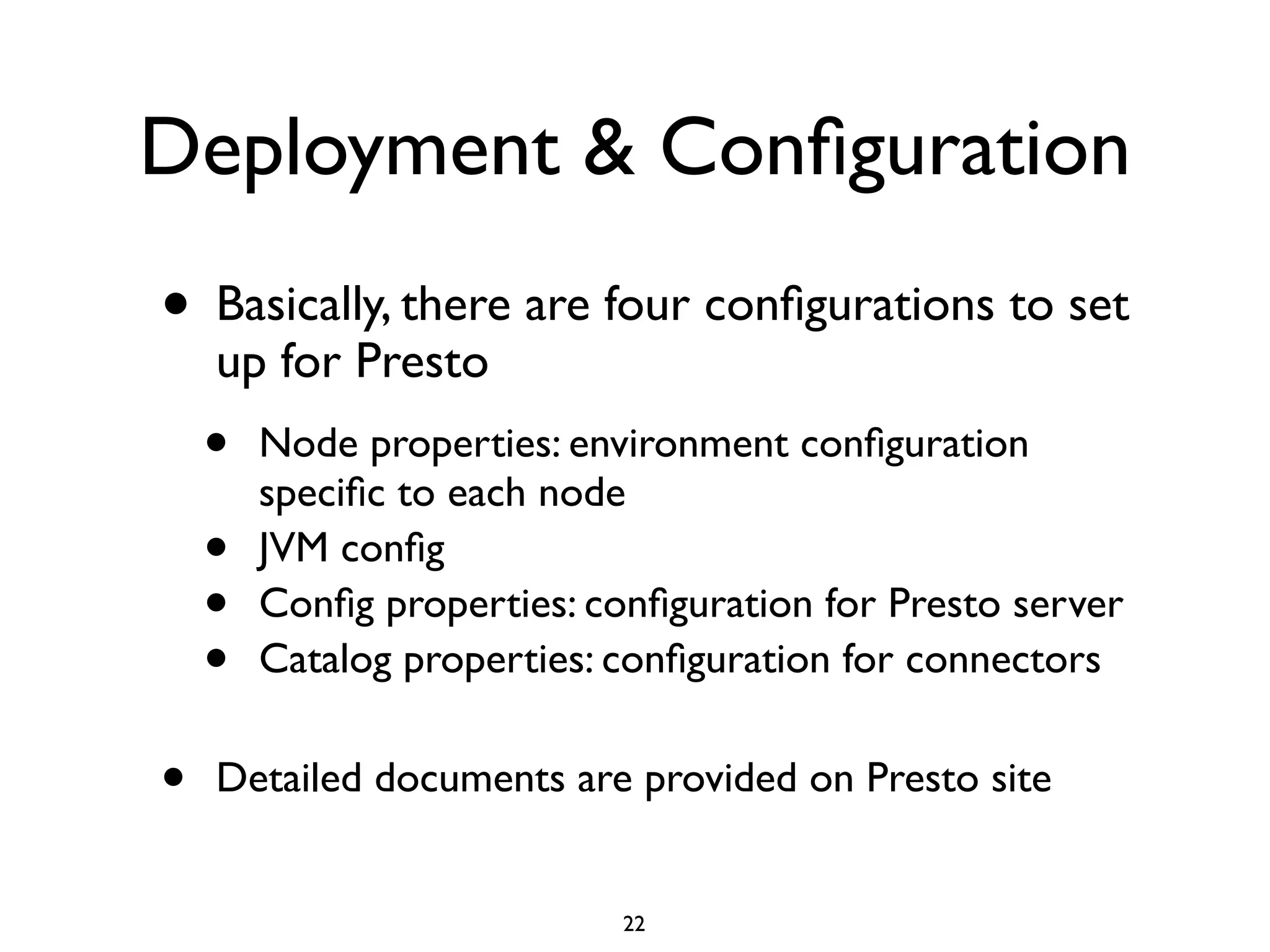
Deployment & Configuration
• Basically, there are four configurations to set
up for Presto	

• Node properties: environment configuration
specific to each node	

• JVM config	

• Config properties: configuration for Presto server	

• Catalog properties: configuration for connectors	

!
• Detailed documents are provided on Presto site
22
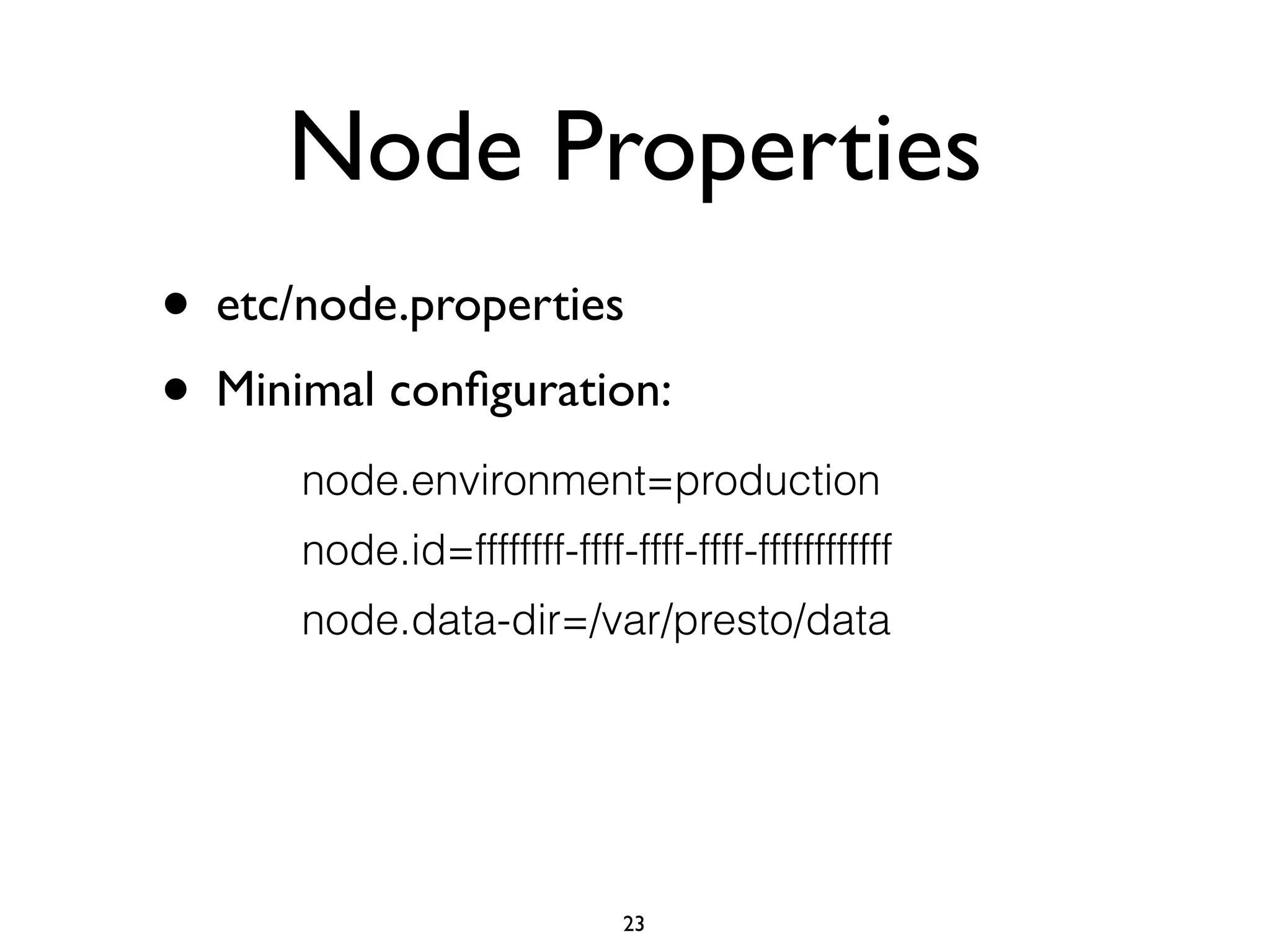
Node Properties
• etc/node.properties	

• Minimal configuration:
node.environment=production
node.id=ffffffff-ffff-ffff-ffff-ffffffffffff
node.data-dir=/var/presto/data
23
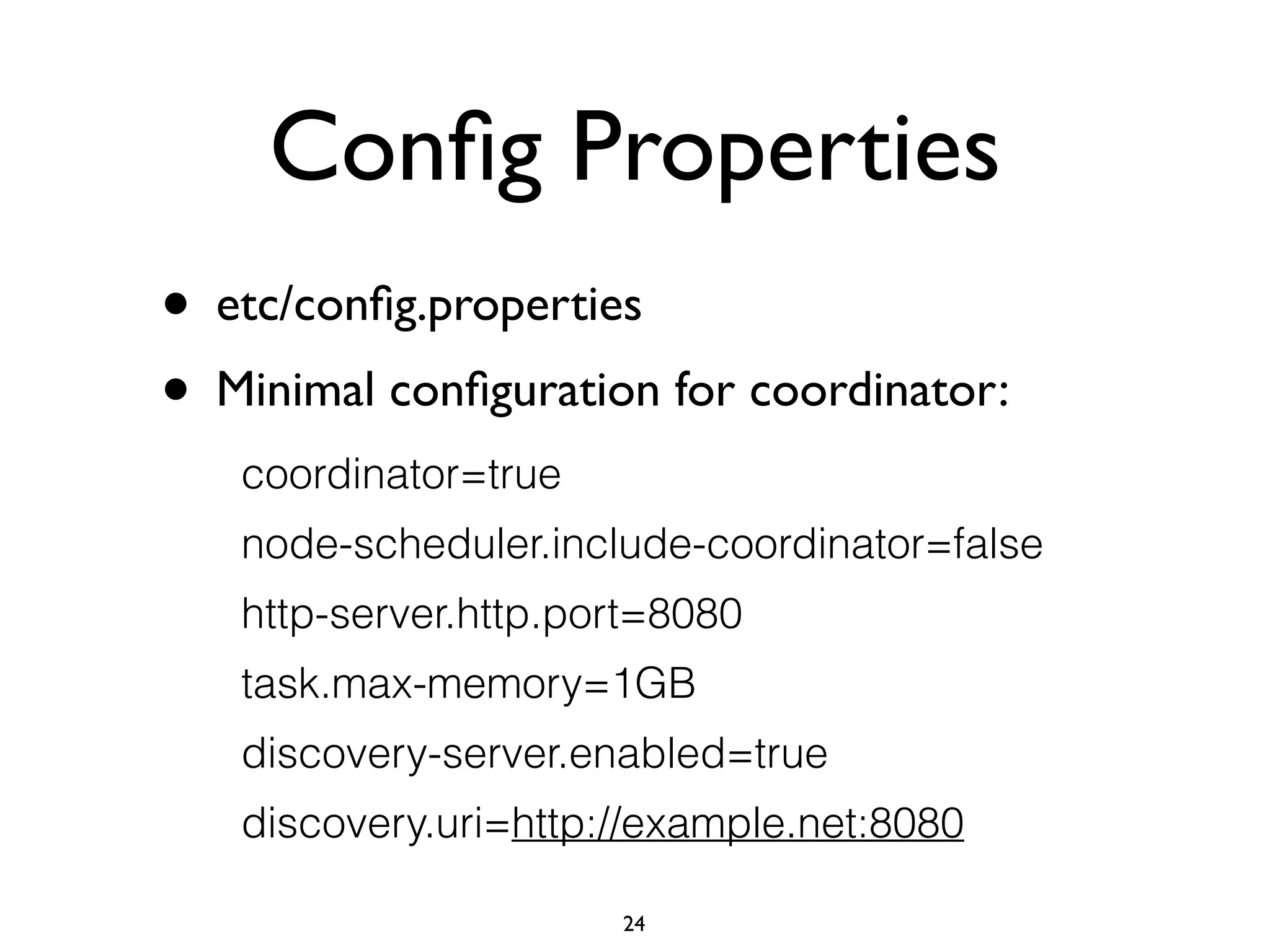
Config Properties
• etc/config.properties	

• Minimal configuration for coordinator:
coordinator=true
node-scheduler.include-coordinator=false
http-server.http.port=8080
task.max-memory=1GB
discovery-server.enabled=true
discovery.uri=http://example.net:8080
24
Config Properties
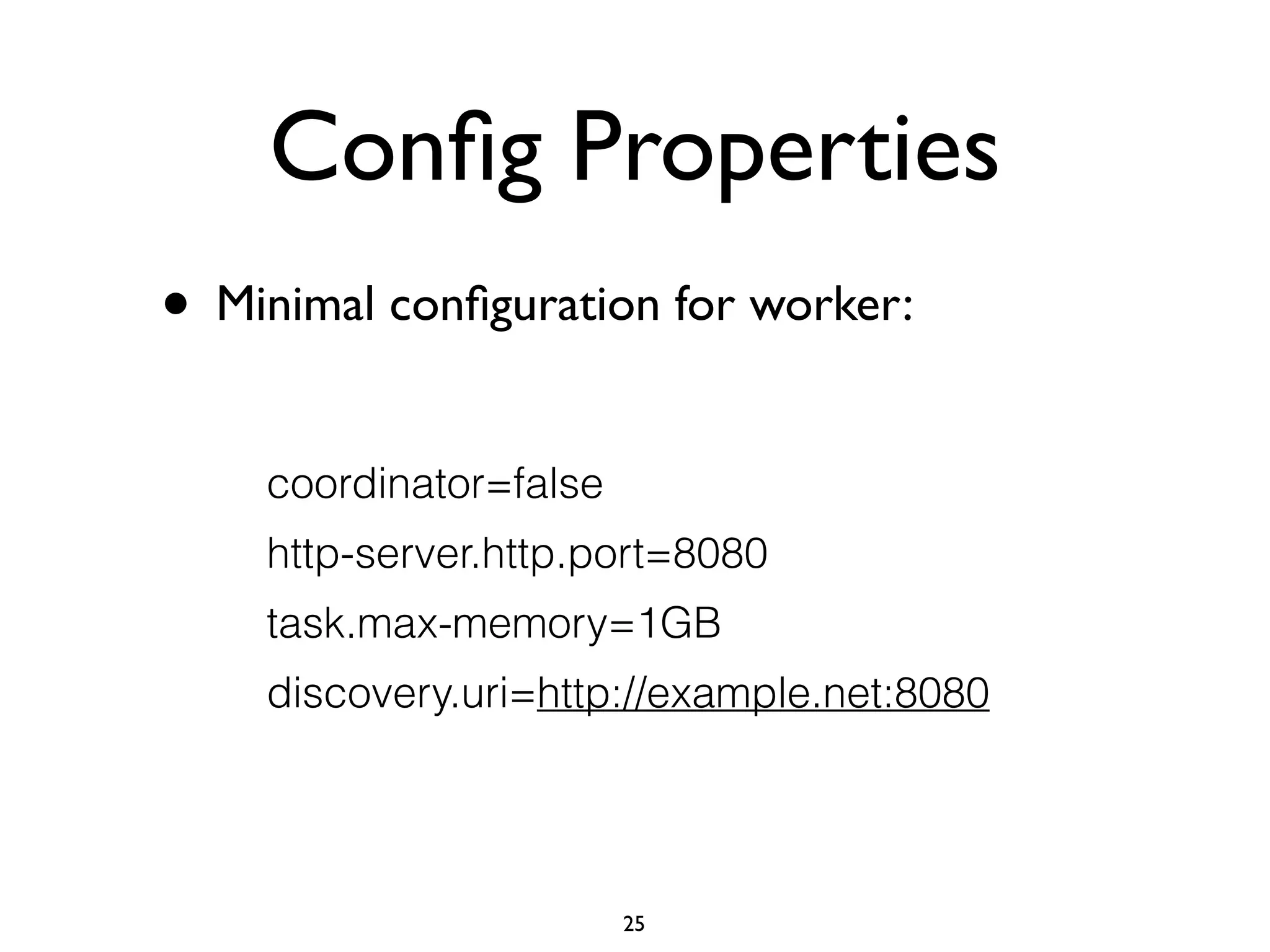
• Minimal configuration for worker:
coordinator=false
http-server.http.port=8080
task.max-memory=1GB
discovery.uri=http://example.net:8080
25
Catalog Properties
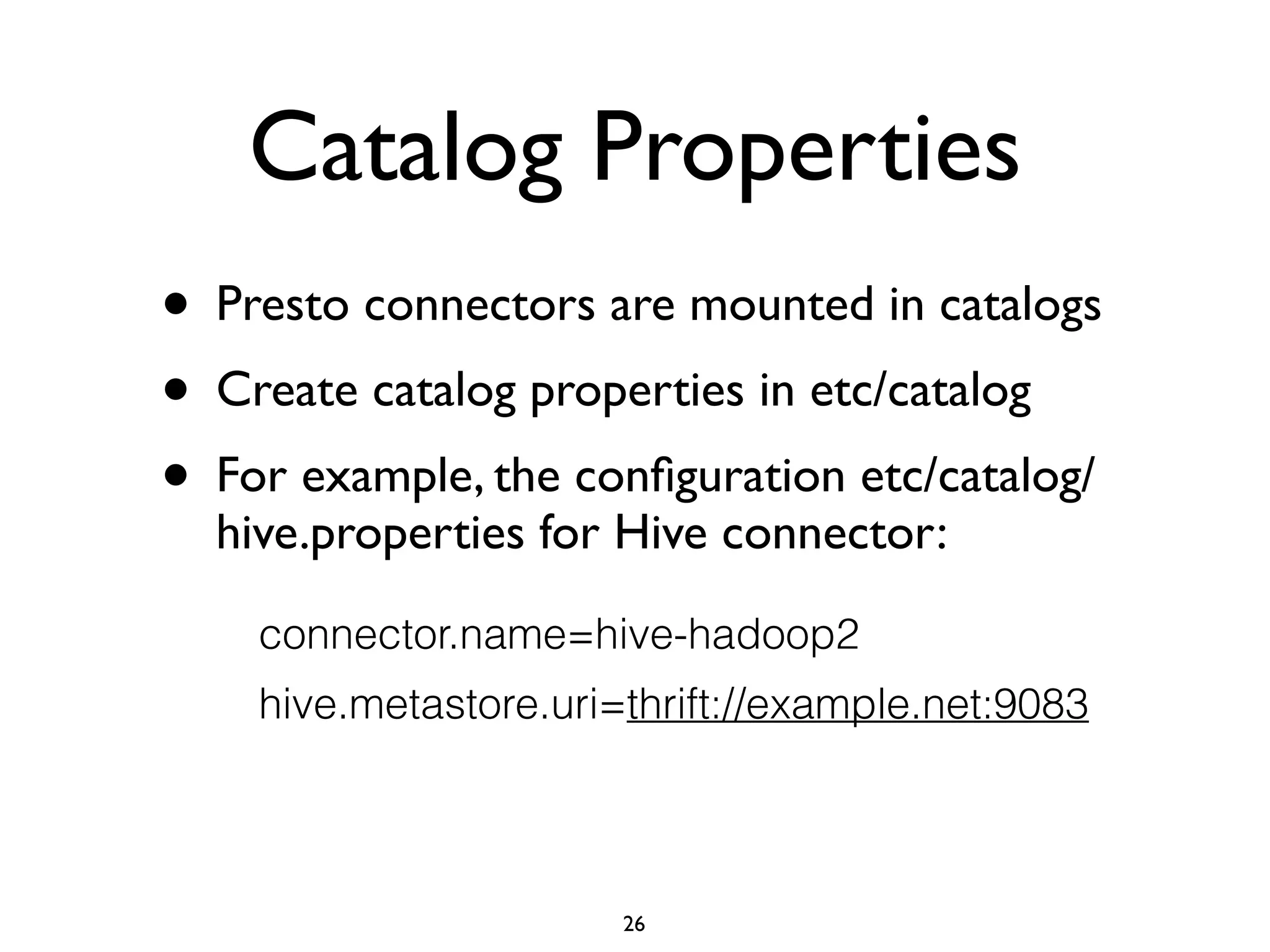
• Presto connectors are mounted in catalogs	

• Create catalog properties in etc/catalog	

• For example, the configuration etc/catalog/
hive.properties for Hive connector:
connector.name=hive-hadoop2
hive.metastore.uri=thrift://example.net:9083
26
Presto’s Roadmap
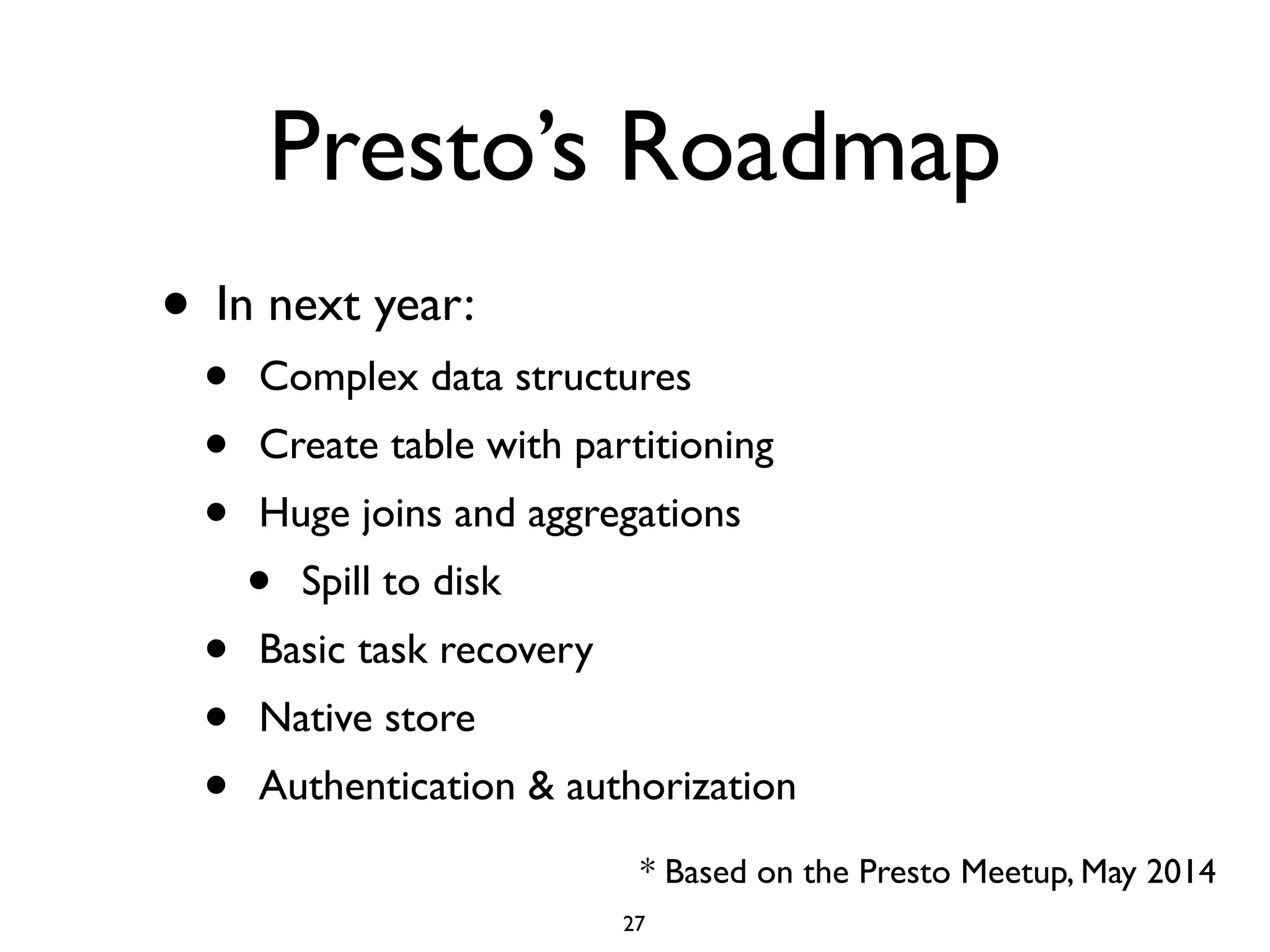
• In next year:	

• Complex data structures	

• Create table with partitioning	

• Huge joins and aggregations	

• Spill to disk	

• Basic task recovery	

• Native store	

• Authentication & authorization
* Based on the Presto Meetup, May 2014
27
DataVisualization with Presto - Demo
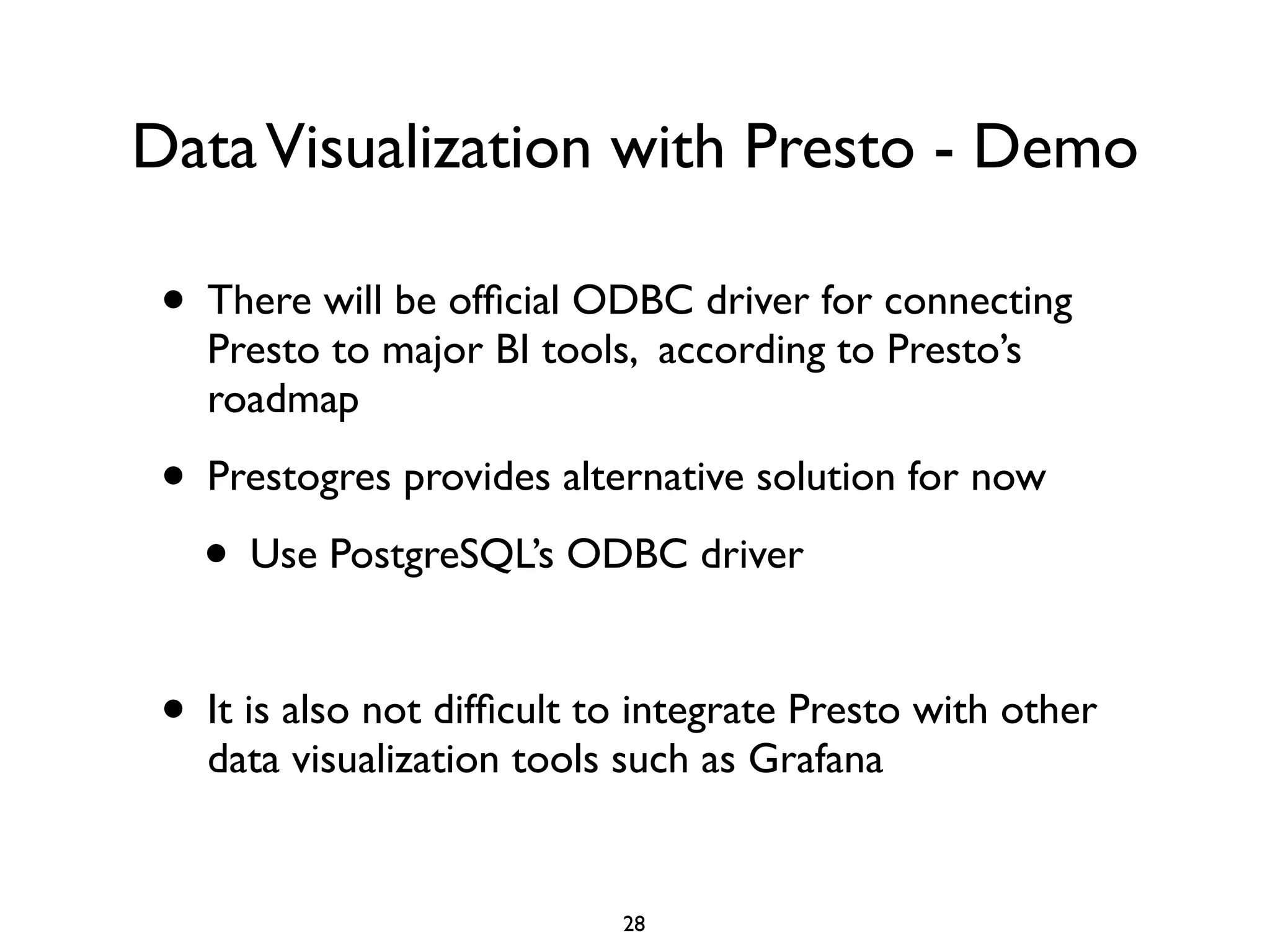
• There will be official ODBC driver for connecting
Presto to major BI tools, according to Presto’s
roadmap	

• Prestogres provides alternative solution for now	

• Use PostgreSQL’s ODBC driver	

!
• It is also not difficult to integrate Presto with other
data visualization tools such as Grafana
28
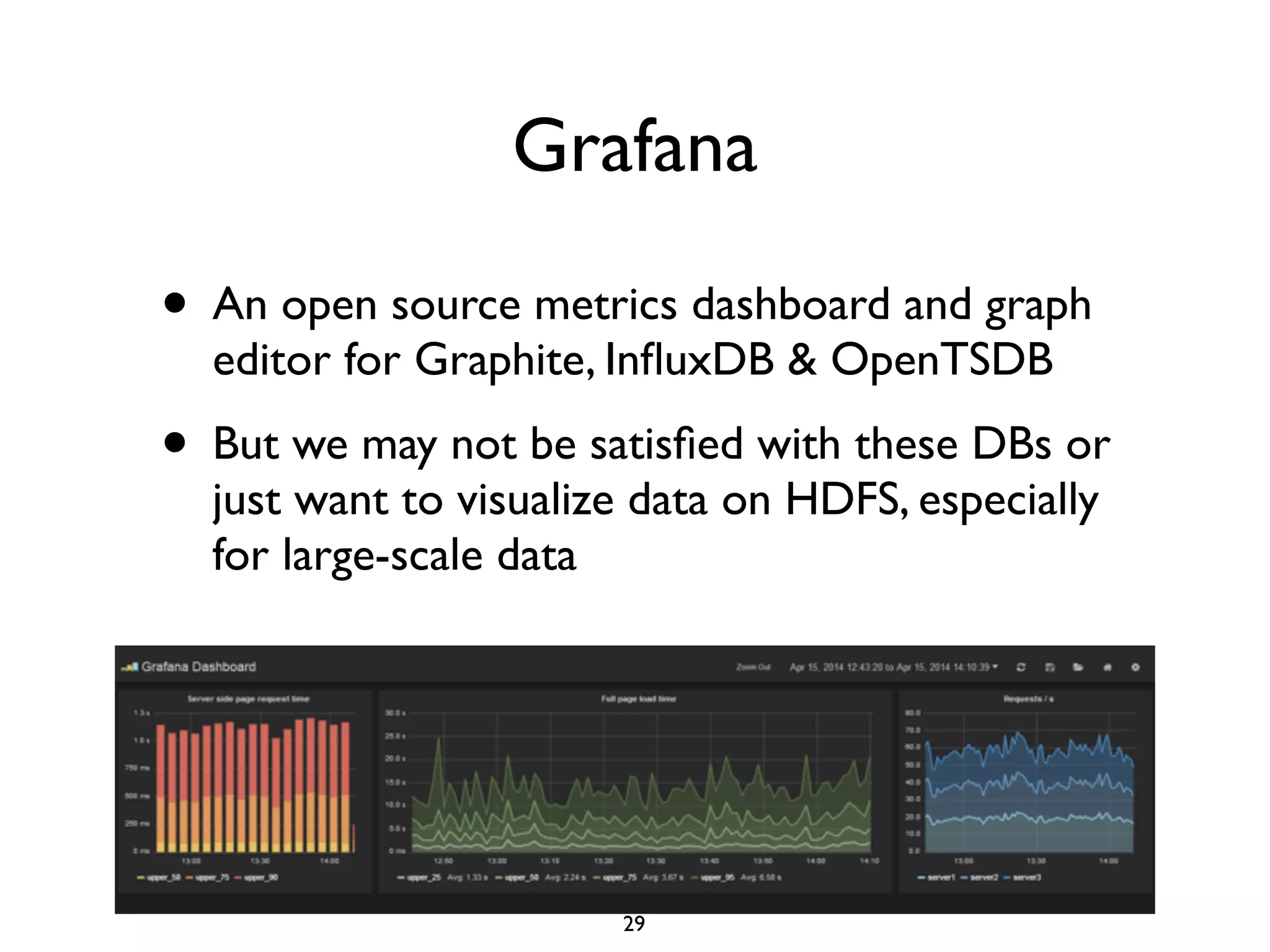
Grafana
• An open source metrics dashboard and graph
editor for Graphite, InfluxDB & OpenTSDB	

• But we may not be satisfied with these DBs or
just want to visualize data on HDFS, especially
for large-scale data
29
Integrating Presto with Grafana
• Presto provides many useful date & time
functions	

• current_date -> date	

• current_time -> time with time zone	

• current_timestamp -> timestamp with time zone	

• from_unixtime(unixtime) → timestamp	

• localtime -> time	

• now() → timestamp with time zone	

• to_unixtime(timestamp) → double
30
Integrating Presto with Grafana
• Presto also supports many common aggregation
functions	

• avg(x) → double	

• count(x) → bigint	

• max(x) → [same as input]	

• min(x) → [same as input]	

• sum(x) → [same as input]	

• …..
31
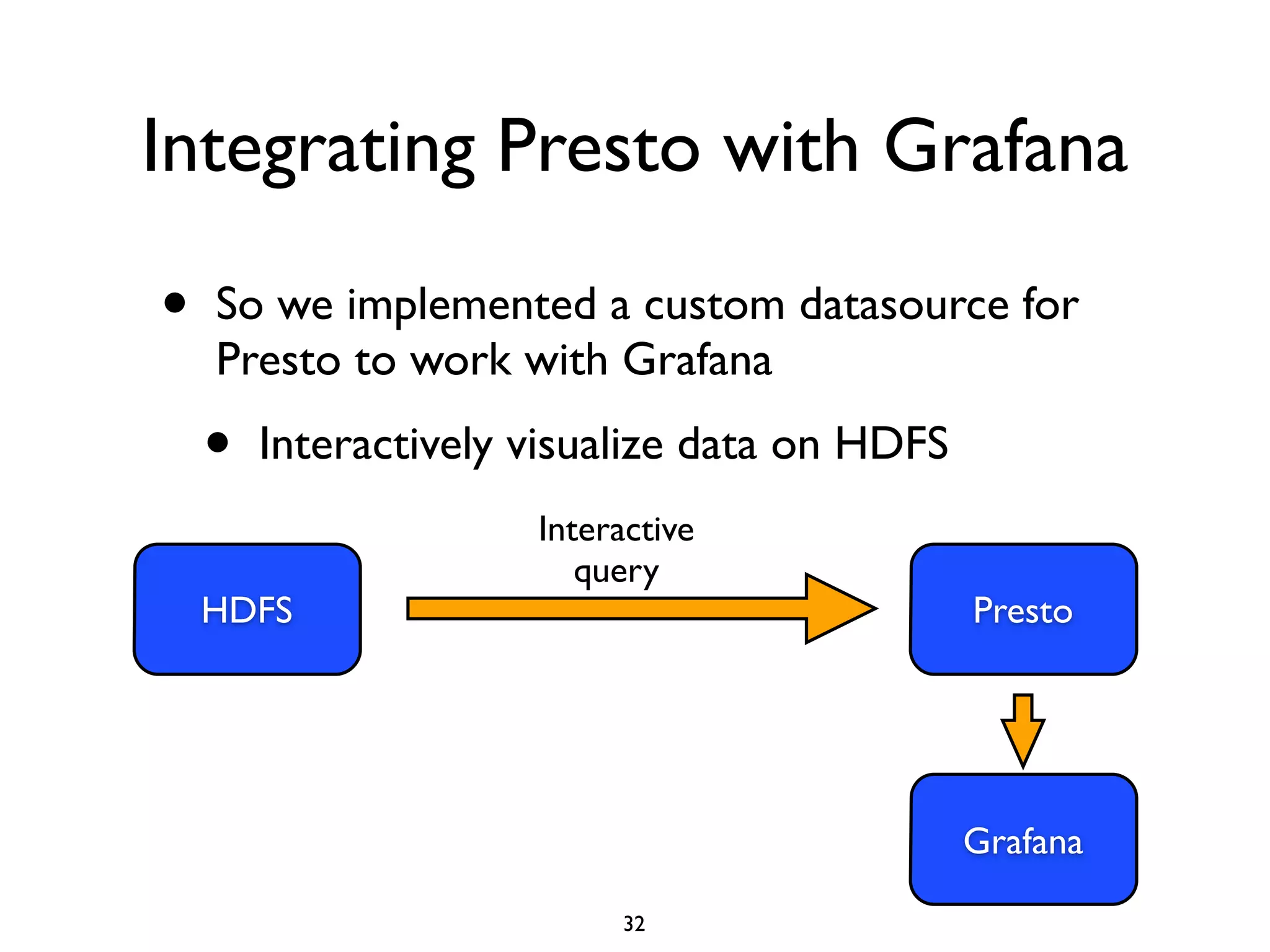
Integrating Presto with Grafana
• So we implemented a custom datasource for
Presto to work with Grafana	

• Interactively visualize data on HDFS
HDFS
Interactive
query
Presto
Grafana
32
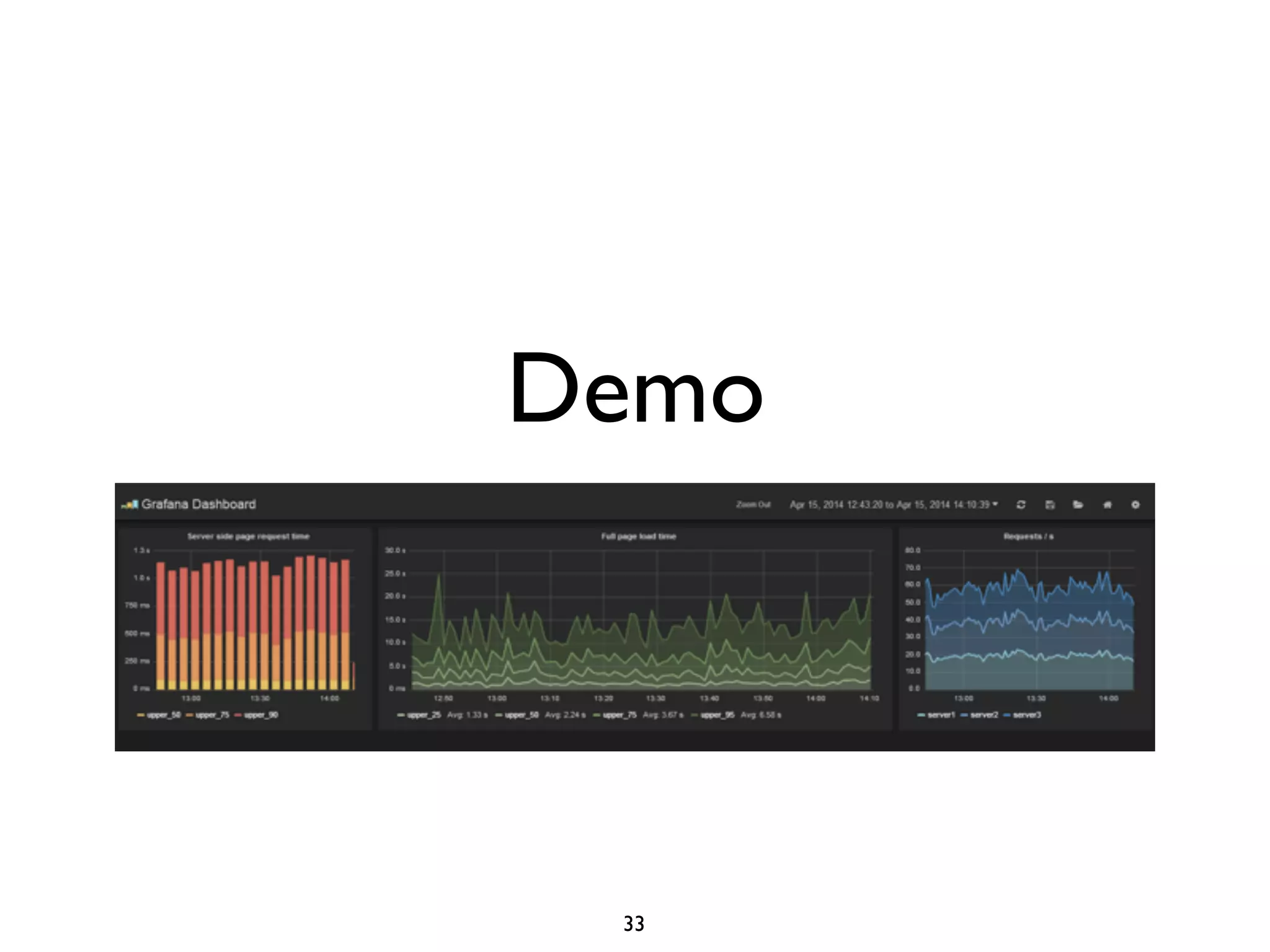
Demo
33
References
• Martin Traverso,“Presto: Interacting with petabytes of data at
Facebook”	

• Sadayuki Furuhashi,“Presto: Interactive SQL Query Engine
for Big Data”	

• Sundstrom,“Presto: Past, Present, and Future”	

• “Presto Concepts” on Presto’s documents
34

Speed up Interactive Analytic Queries over Existing Big Data on Hadoop with Presto

  • 1.
    Speed up InteractiveAnalytic Queries over Existing Big Data on Hadoop with Presto Liang-Chi Hsieh HadoopCon 2014 in Taiwan 1
  • 2.
    In Today’s talk •Introduction of Presto • Distributed architecture • Query model • Deployment and configuration • Data visualization with Presto - Demo 2
  • 3.
    SQL on/over Hadoop •Hive • Matured and proven solution (0.13.x) • Drawbacks: execution model based on MapReduce • Better execution engines: Hive-Tez and Hive-Spark ! • Alternative and usually faster options including • Impala, Presto, Drill, ... 3
  • 4.
    Presto • Presto isa distributed SQL query engine optimized for ad-hoc analysis at interactive speed • Data scale: GBs to PBs ! • Deployment at: • Facebook, Netflix, Dropbox,Treasure Data,Airbnb, Qubole 4
  • 5.
    History of Presto •Fall 2012 • The development on Presto started at Facebook • Spring 2013 • It was rolled out to the entire company and became major interactive data warehouse • Winter 2013 • Open-sourced 5
  • 6.
    The Problems toSolve • Hive is not optimized for interactive data analysis as the data size grows to petabyte scale • In practice, we do need to have reduced data stored in an interactive DB that provides quick query response • Redundant maintenance cost, out of date data view, data transferring, ... • The need to incorporate other data that are not stored in HDFS 6
  • 7.
    Typical Batch DataArchitecture 7 HDFS Data Flow Batch Run DB Query • Views generated in batch maybe out of date • Batch workflow is too slow
  • 8.
    Interactive Query onHDFS 8 HDFS Data Flow Interactive query Presto Query
  • 9.
    Interactive Query on HDFSand other Data Sources 9 HDFS Data Flow Interactive query Presto QueryMySQL Cassandra
  • 10.
    Distributed Architecture • Coordinator •Parsing statements • Planning queries • Managing Presto workers ! • Worker • Executing tasks • Processing data 10
  • 11.
  • 12.
    Storage Plugins • Connectors •Providing interfaces for fetching metadata, getting data locations, accessing the data • Current connectors (v0.76) • Hive: Hadoop 1.x, Hadoop 2.x, CDH 4, CDH 5 • Cassandra • MySQL • Kafka • PostgreSQL 12
  • 13.
  • 14.
    Presto Clients • Protocol:HTTP + JSON ! • Client libraries available in several programming languages: • Python, PHP, Ruby, Node.js, Java, R ! • ODBC through Prestogres 14
  • 15.
    Query Model • Presto’sexecution engine does not use MapReduce • It employs a custom query and execution engine • Based on DAG that is more like Apache Tez, Spark or MPP databases 15
  • 16.
    Query Execution • Prestoexecutes ANSI-compatible SQL statements ! • Coordinator • SQL parser • Query planner • Execution planner • Workers • Task execution scheduler 16
  • 17.
    Query Execution Query planner AST Queryplan Execution planner Connector Metadata Execution plan NodeManager 17
  • 18.
    Query Planner SELECT name,count(*) from logs GROUP BY name Logical query plan: Table scan GROUP BY Output Distributed query plan: SQL: Table scan Stage-2 Partial aggregation Output buffer Exchange client Final aggregation Output buffer Exchange client Output Stage-1 Stage-0 18
  • 19.
    Distributed query plan: Tablescan Stage-2 Partial aggregation Output buffer Exchange client Final aggregation Output buffer Exchange client Output Stage-1 Stage-0 Worker 1 Worker 2 Table scan Partial aggregation Output buffer Exchange client Final aggregation Output buffer Exchange client Output Table scan Partial aggregation Output buffer Exchange client Final aggregation Output buffer * Tasks run on workers 19
  • 20.
    Query Execution onPresto • SQL is converted into stages, tasks, drivers • Tasks operate on splits that are sections of data • Lowest stages retrieve splits from connectors 20
  • 21.
    Query Execution onPresto • Tasks are run in parallel • Pipelined to reduce wait time between stages • One task fails then the query fails ! • No disk I/O • If aggregated data does not fit in memory, the query fails • May spill to disk in future 21
  • 22.
    Deployment & Configuration •Basically, there are four configurations to set up for Presto • Node properties: environment configuration specific to each node • JVM config • Config properties: configuration for Presto server • Catalog properties: configuration for connectors ! • Detailed documents are provided on Presto site 22
  • 23.
    Node Properties • etc/node.properties •Minimal configuration: node.environment=production node.id=ffffffff-ffff-ffff-ffff-ffffffffffff node.data-dir=/var/presto/data 23
  • 24.
    Config Properties • etc/config.properties •Minimal configuration for coordinator: coordinator=true node-scheduler.include-coordinator=false http-server.http.port=8080 task.max-memory=1GB discovery-server.enabled=true discovery.uri=http://example.net:8080 24
  • 25.
    Config Properties • Minimalconfiguration for worker: coordinator=false http-server.http.port=8080 task.max-memory=1GB discovery.uri=http://example.net:8080 25
  • 26.
    Catalog Properties • Prestoconnectors are mounted in catalogs • Create catalog properties in etc/catalog • For example, the configuration etc/catalog/ hive.properties for Hive connector: connector.name=hive-hadoop2 hive.metastore.uri=thrift://example.net:9083 26
  • 27.
    Presto’s Roadmap • Innext year: • Complex data structures • Create table with partitioning • Huge joins and aggregations • Spill to disk • Basic task recovery • Native store • Authentication & authorization * Based on the Presto Meetup, May 2014 27
  • 28.
    DataVisualization with Presto- Demo • There will be official ODBC driver for connecting Presto to major BI tools, according to Presto’s roadmap • Prestogres provides alternative solution for now • Use PostgreSQL’s ODBC driver ! • It is also not difficult to integrate Presto with other data visualization tools such as Grafana 28
  • 29.
    Grafana • An opensource metrics dashboard and graph editor for Graphite, InfluxDB & OpenTSDB • But we may not be satisfied with these DBs or just want to visualize data on HDFS, especially for large-scale data 29
  • 30.
    Integrating Presto withGrafana • Presto provides many useful date & time functions • current_date -> date • current_time -> time with time zone • current_timestamp -> timestamp with time zone • from_unixtime(unixtime) → timestamp • localtime -> time • now() → timestamp with time zone • to_unixtime(timestamp) → double 30
  • 31.
    Integrating Presto withGrafana • Presto also supports many common aggregation functions • avg(x) → double • count(x) → bigint • max(x) → [same as input] • min(x) → [same as input] • sum(x) → [same as input] • ….. 31
  • 32.
    Integrating Presto withGrafana • So we implemented a custom datasource for Presto to work with Grafana • Interactively visualize data on HDFS HDFS Interactive query Presto Grafana 32
  • 33.
  • 34.
    References • Martin Traverso,“Presto:Interacting with petabytes of data at Facebook” • Sadayuki Furuhashi,“Presto: Interactive SQL Query Engine for Big Data” • Sundstrom,“Presto: Past, Present, and Future” • “Presto Concepts” on Presto’s documents 34