Simplifying the Web
Accessibility Test Lab
Mitchell Evan and Kevin Chao
JPMorgan Chase
#csun14 #ATtestlab
snipurl.com/ATtestlab
For details in
the slide notes,
download the
PowerPoint
With limited resources, how do we
support limitless diversity of AT
users?
• What we’re doing today
• What we can do better
Two requests
1. Challenge your own assumptions.
2. Challenge me. How can we keep improving?
Simplify.
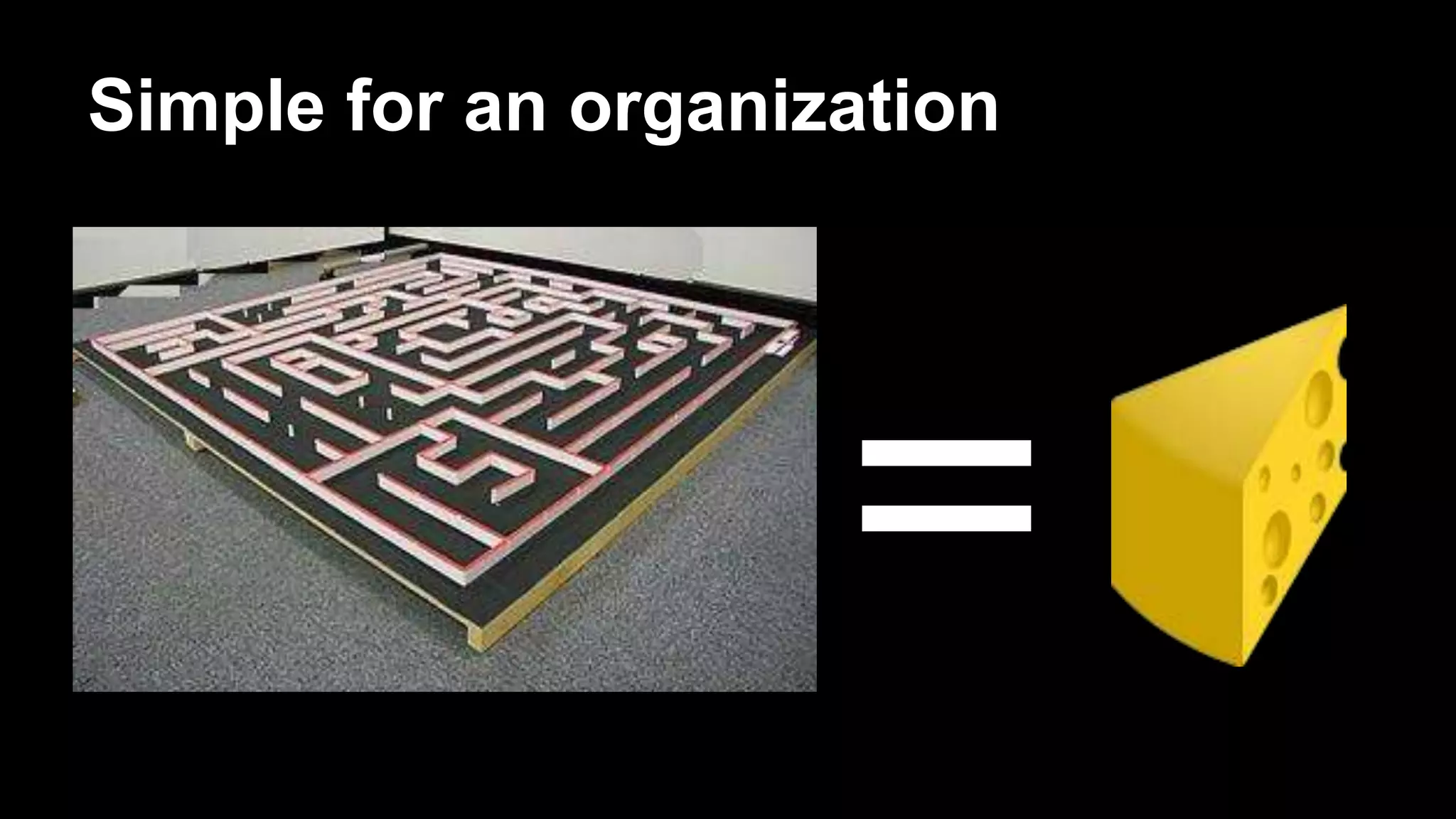
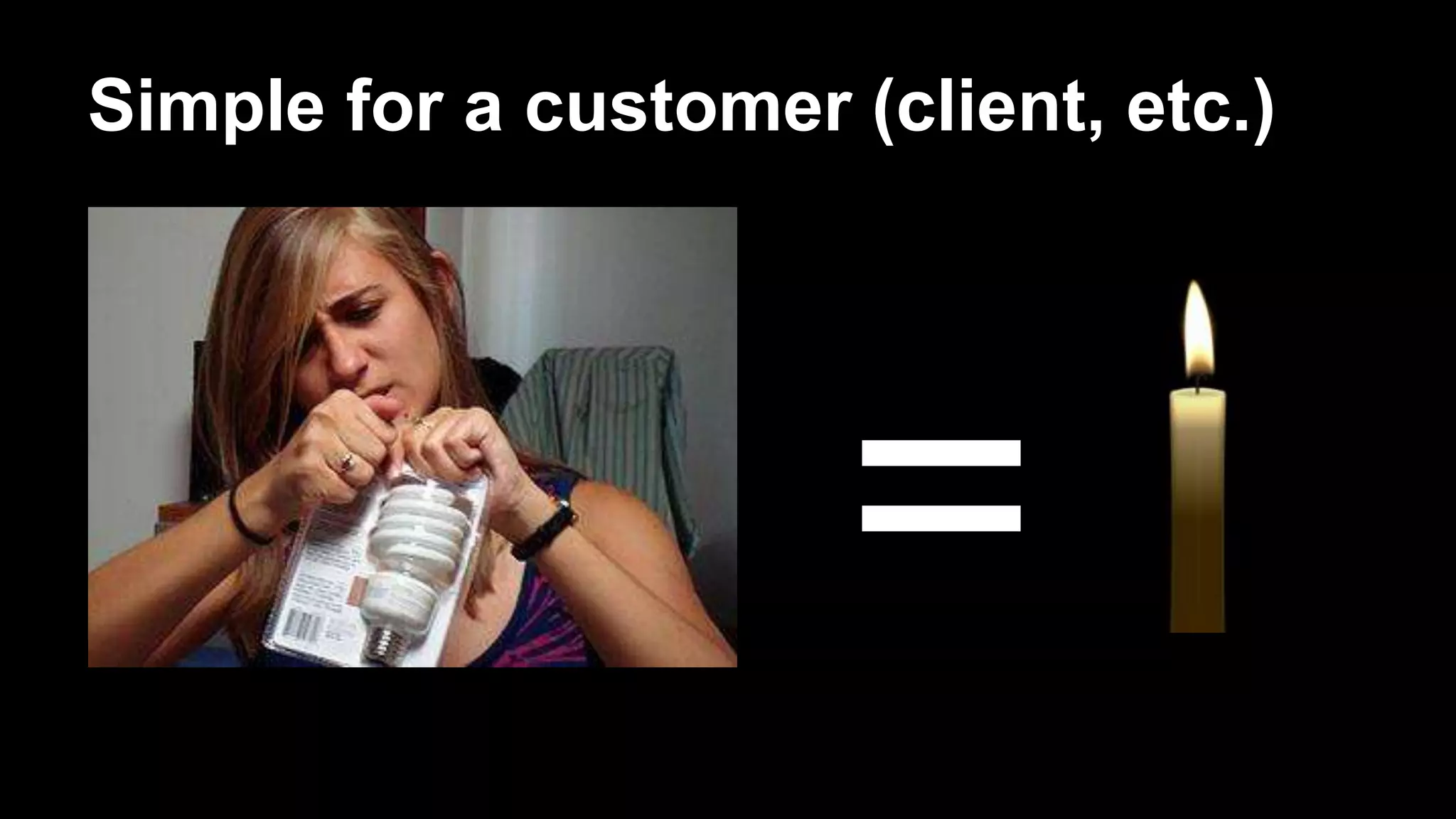
Simple for an organization
=
Simple for a customer (client, etc.)
=
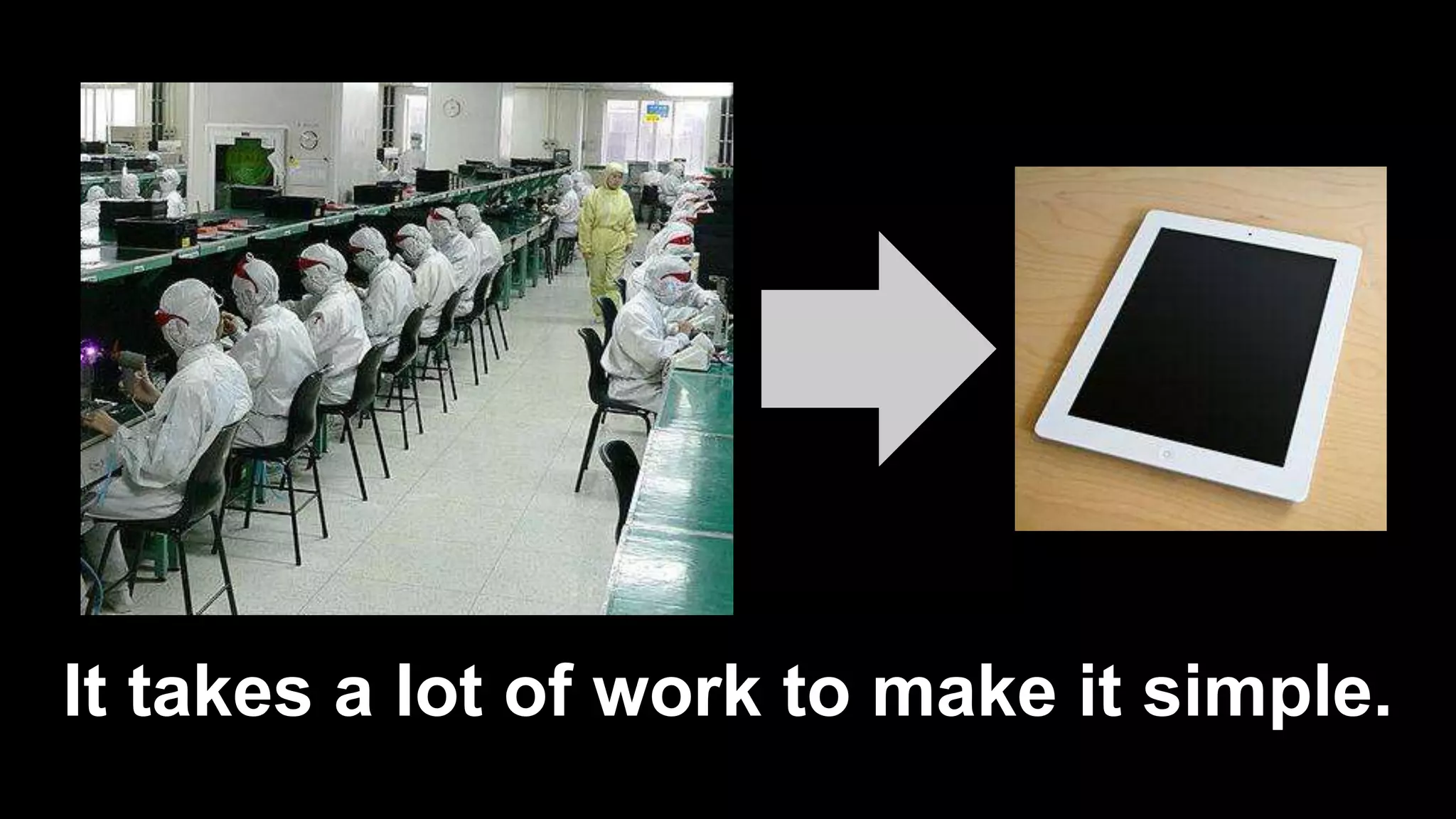
It takes a lot of work to make it simple.
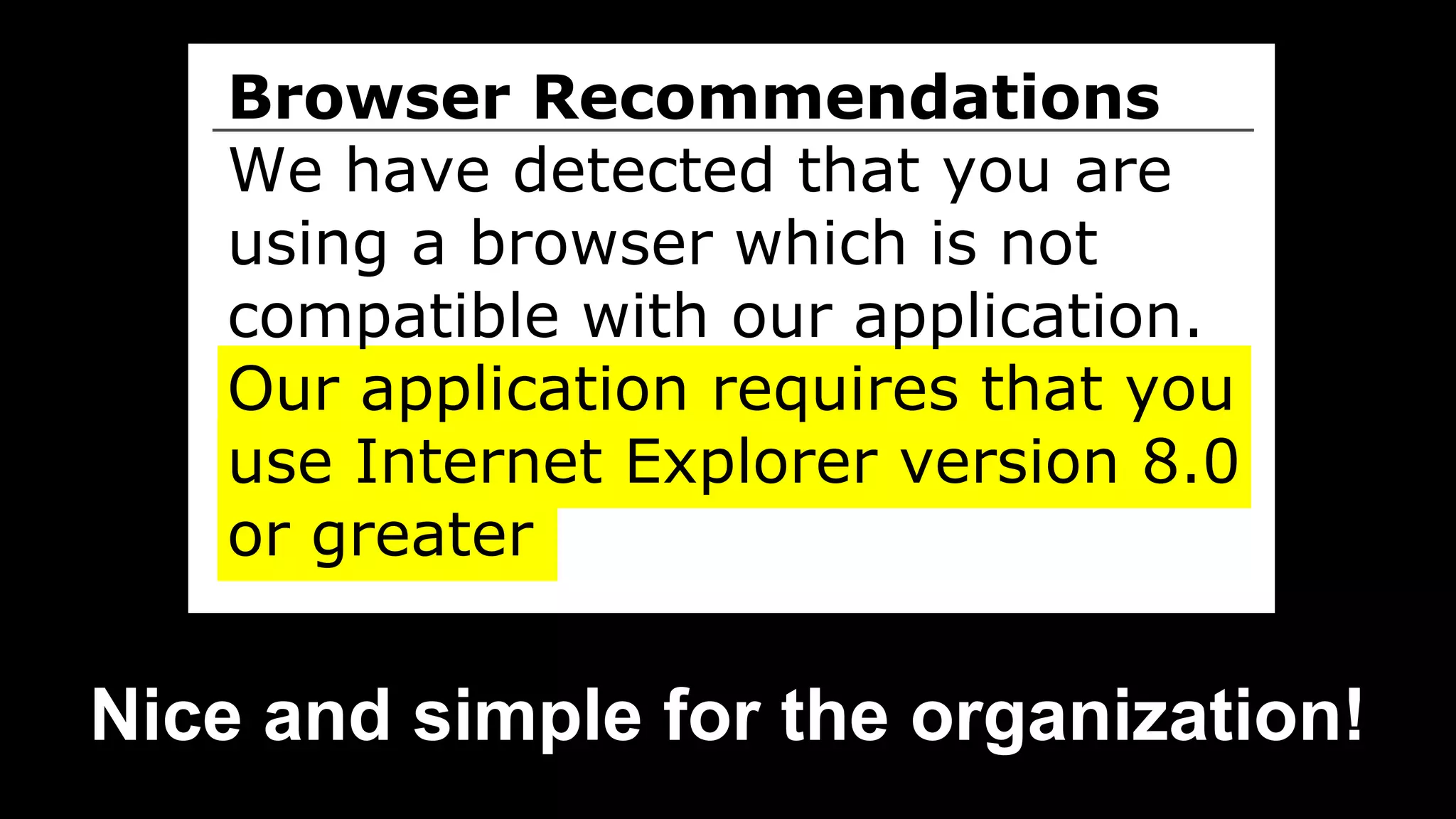
Browser Recommendations
We have detected that you are
using a browser which is not
compatible with our application.
Our application requires that you
use Internet Explorer version 8.0
or greater
Nice and simple for the organization!
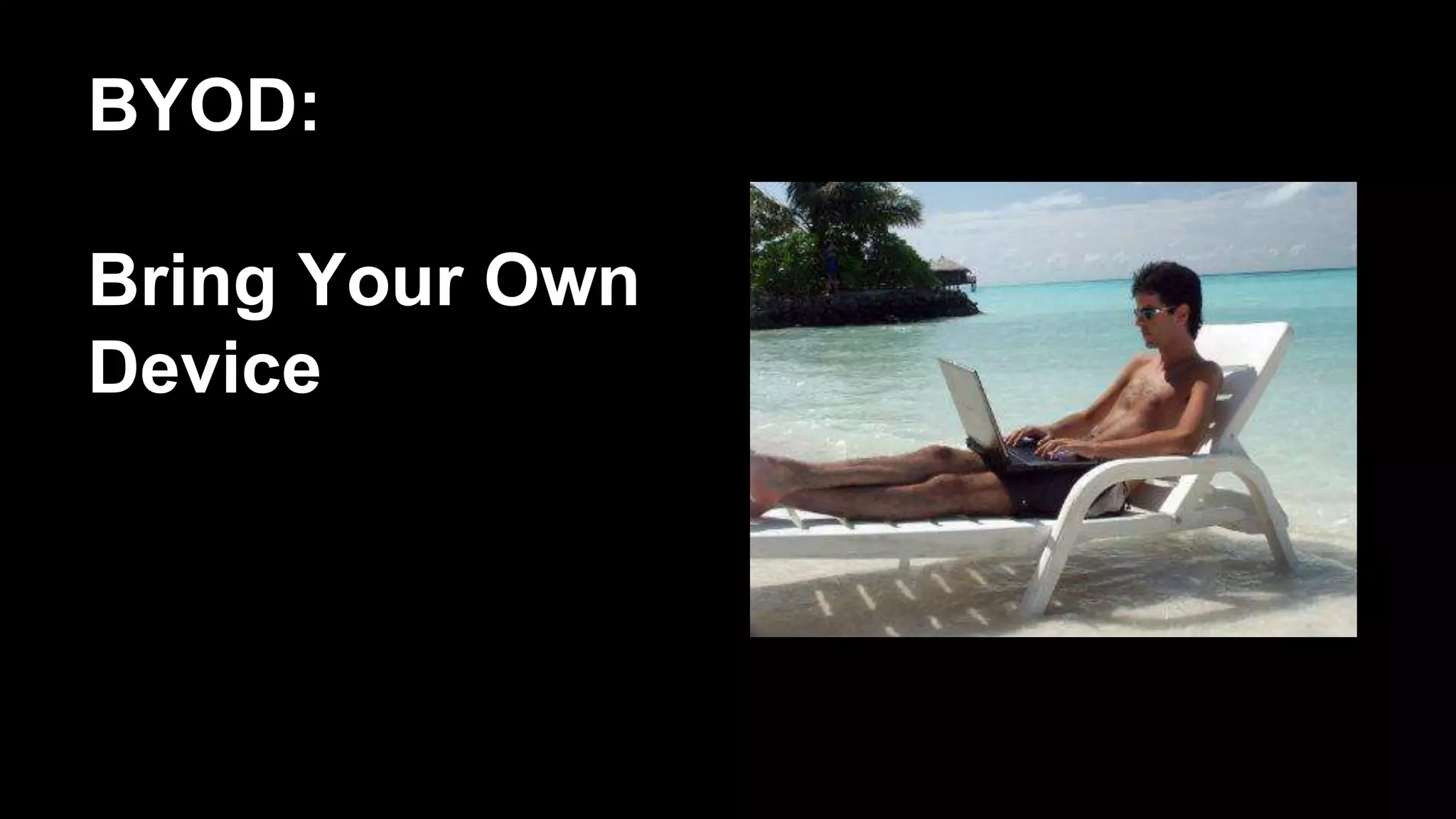
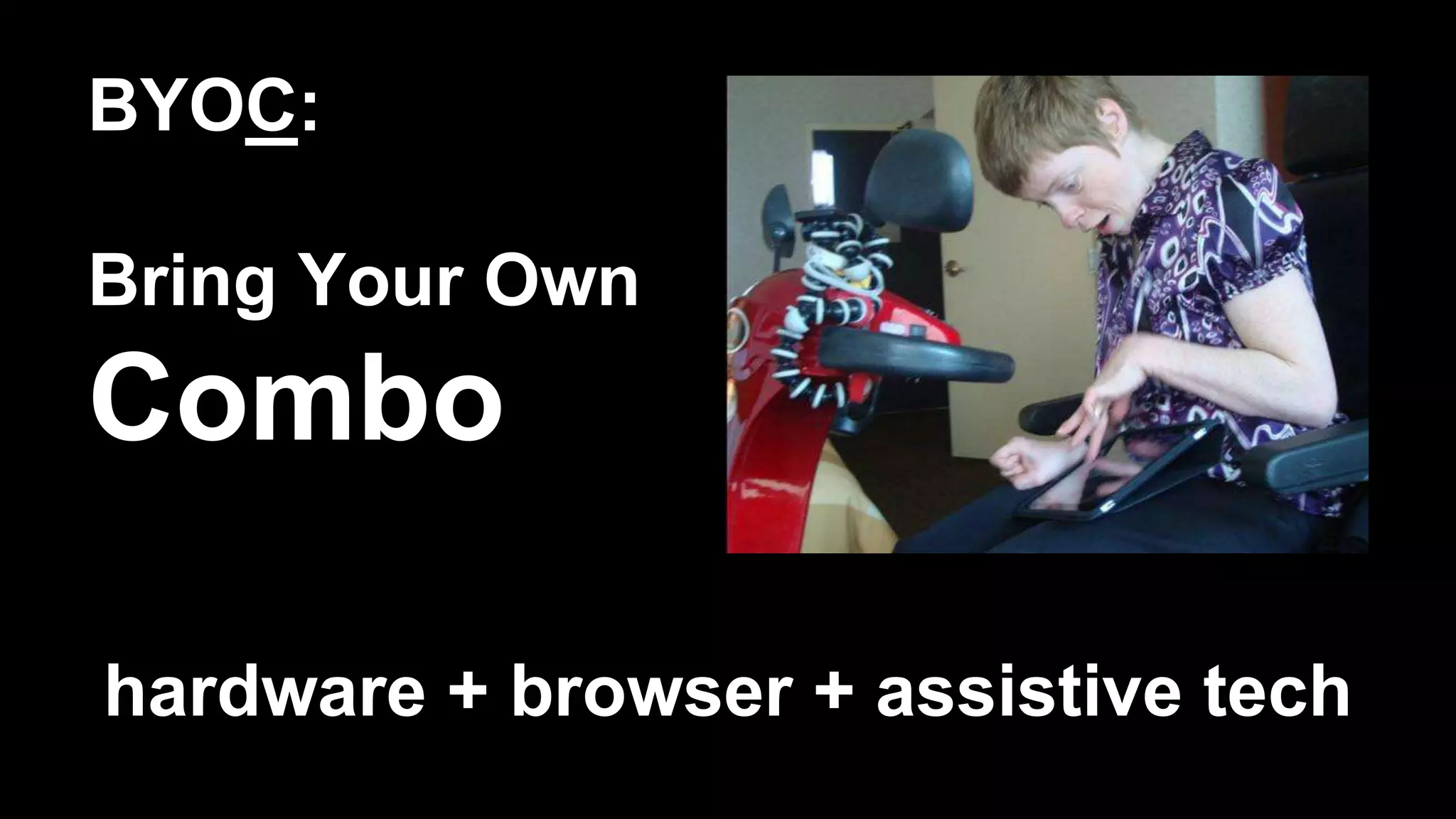
BYOD:
Bring Your Own
Device
BYOC:
Bring Your Own
Combo
hardware + browser + assistive tech
BYOB
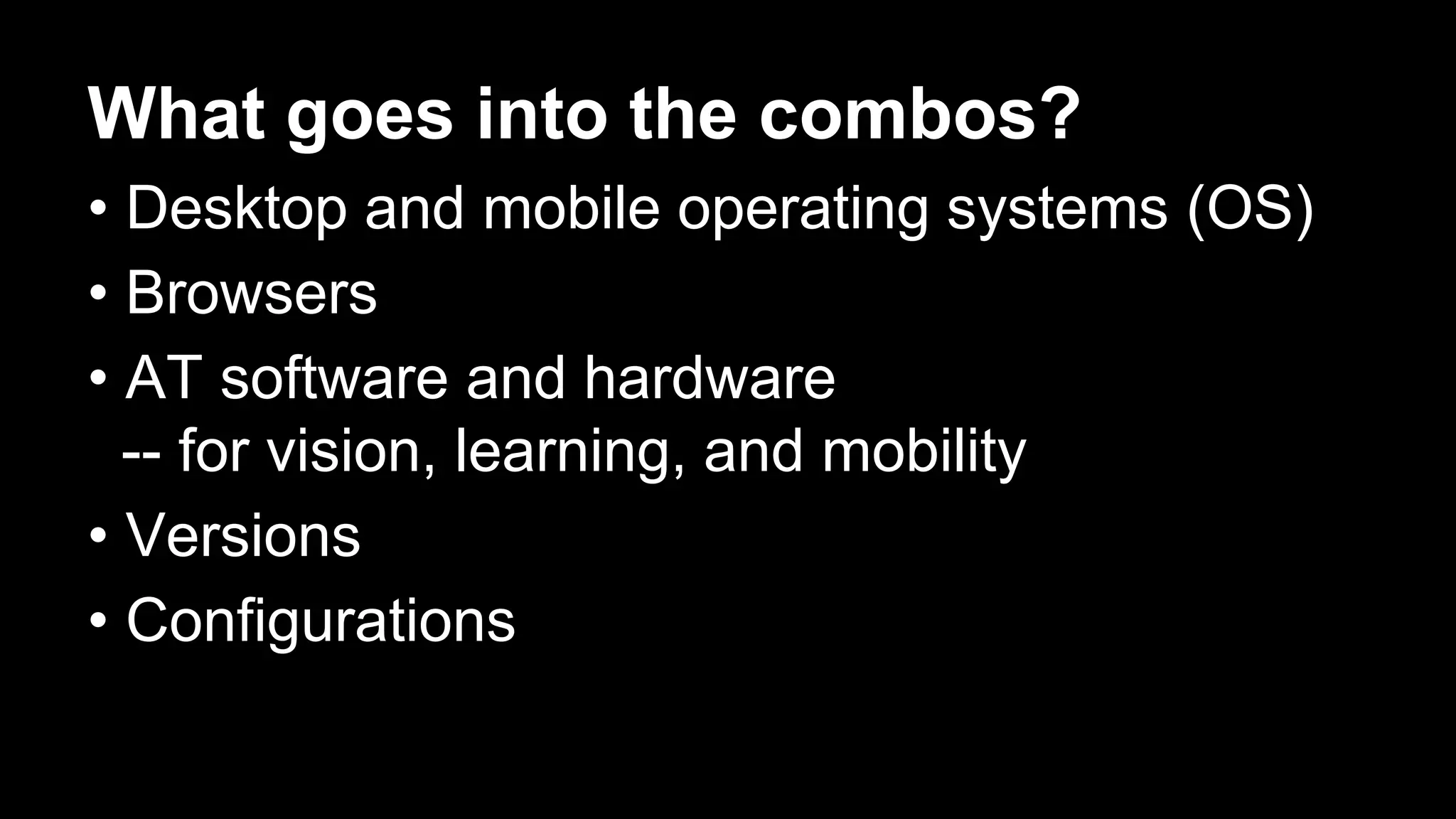
What goes into the combos?
• Desktop and mobile operating systems (OS)
• Browsers
• AT software and hardware
-- for vision, learning, and mobility
• Versions
• Configurations
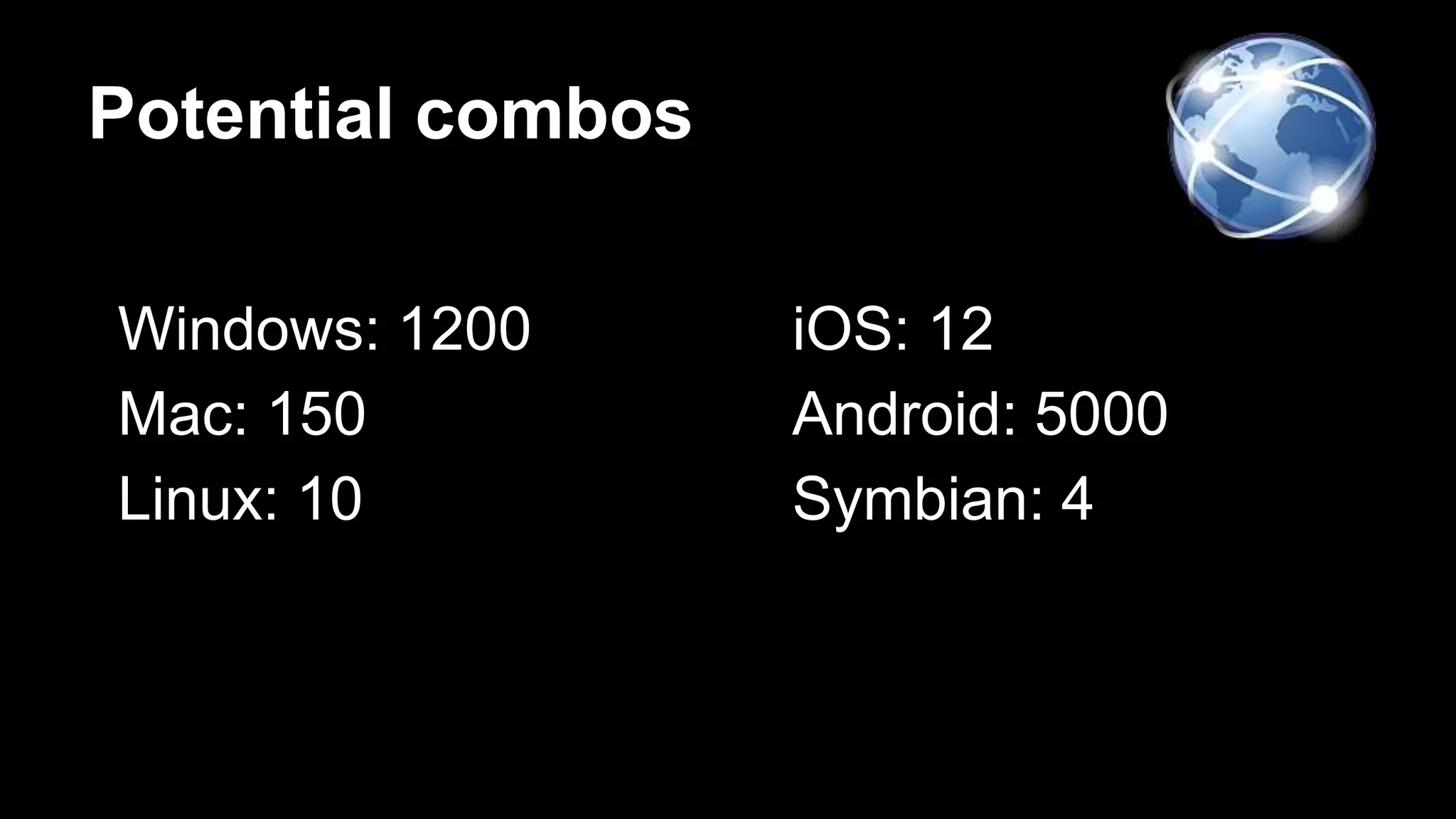
Potential combos
Windows: 1200
Mac: 150
Linux: 10
iOS: 12
Android: 5000
Symbian: 4
Conclusion: Give up.
Thank you.
Mitchell Evan @MitchellREvan
Kevin Chao @KevinChao89
Just kidding!
Diverse people use diverse technology
Diversity matters.
Simulate diversity
>
You can’t test all combos...
...but consider all of the potential combos,
when you plan your testing.
You get to choose.
The WCAG Working group and the W3C
do not specify which or how many
assistive technologies must support a
Web technology in order for it to be
classified as accessibility supported.
Web standards are essential…
…but you still have to test.
•Make sure it’s usable
•For WCAG conformance, it must work in AT.
Only accessibility-supported ways of
using technologies can be relied upon for
conformance. -- WCAG 2.0 (normative)
Principles
Quiz: What does “A 11 Y” stand for?
1) Accessibility
2) Affordability
Financial barriers
Support by just one assistive technology
(for a given disability) would not usually
be enough, especially if most users who
need it in order to access content do not
have and cannot afford that assistive
technology.
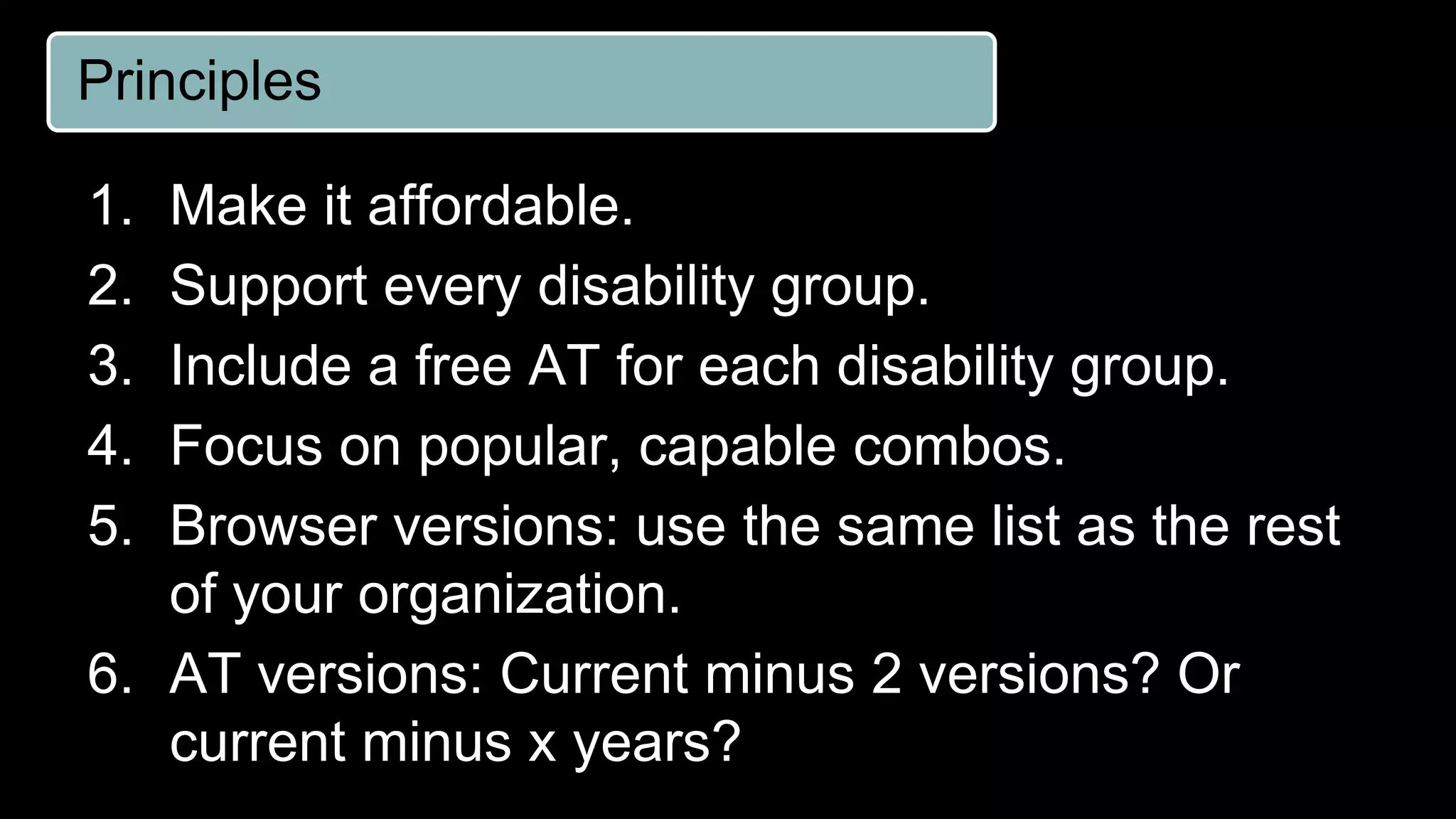
Principles
1. Make it affordable.
2. Support every disability group.
3. Include a free AT for each disability group.
4. Focus on popular, capable combos.
5. Browser versions: use the same list as the rest
of your organization.
6. AT versions: Current minus 2 versions? Or
current minus x years?
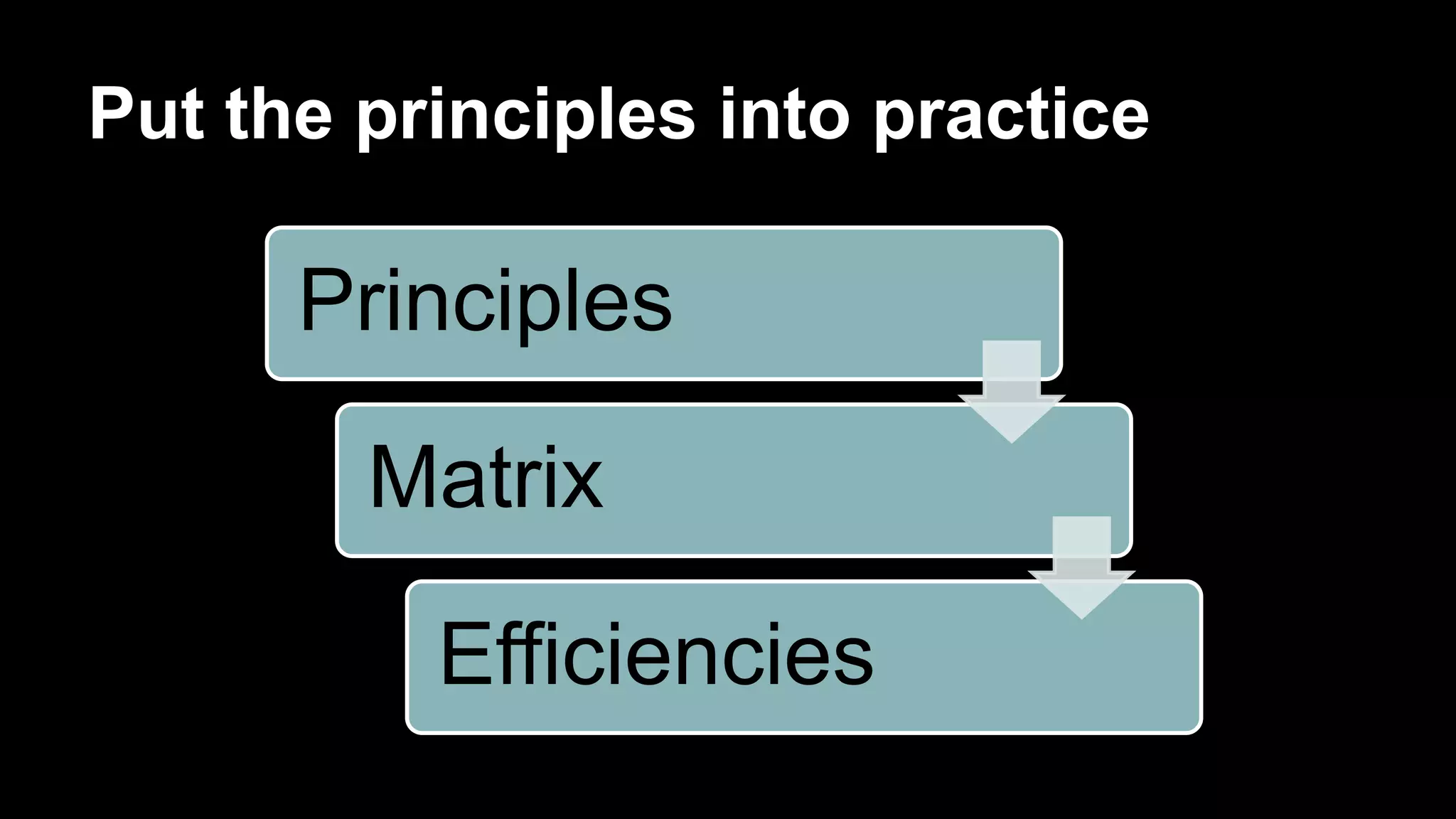
Put the principles into practice
Principles
Matrix
Efficiencies
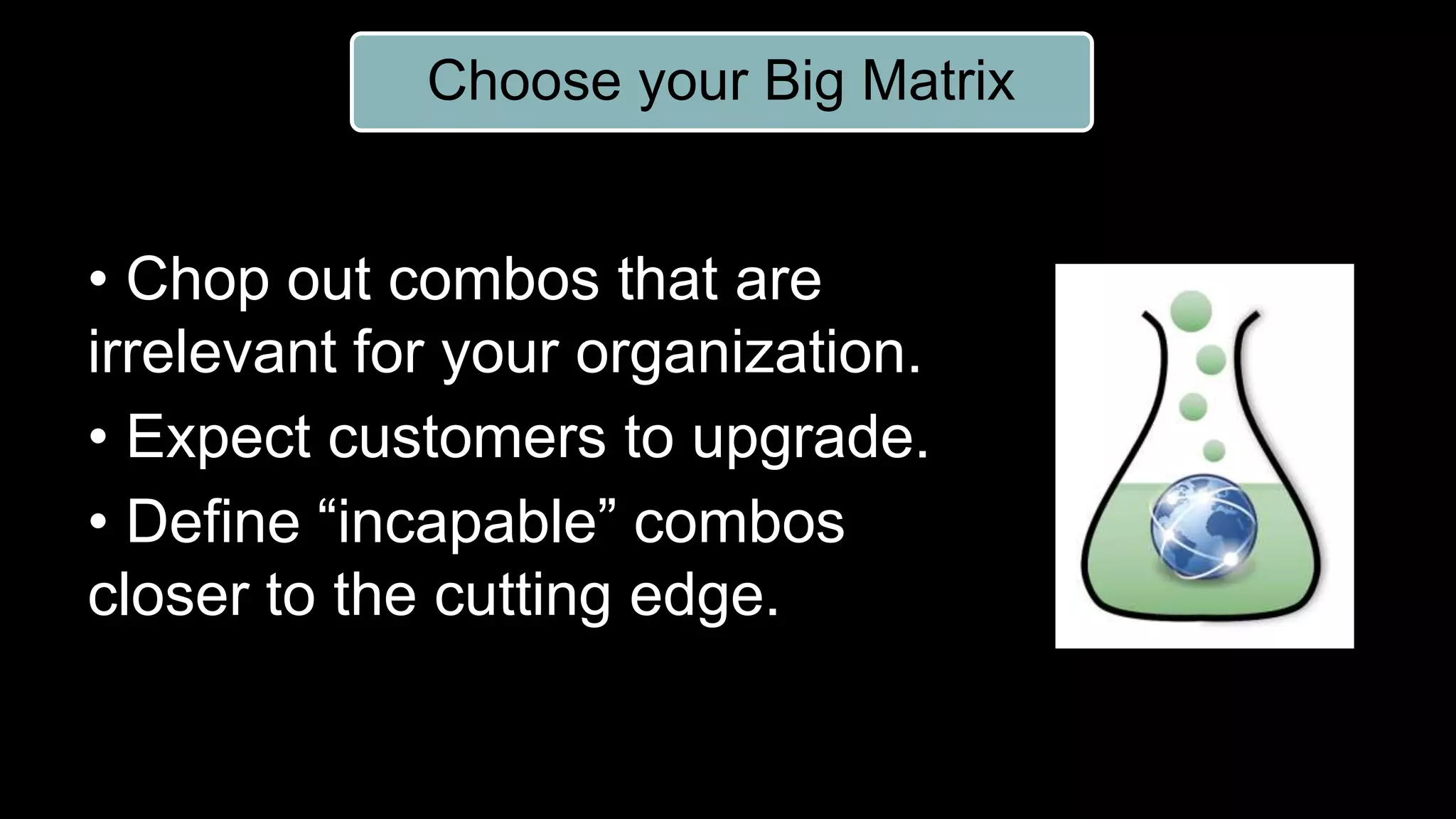
Choose your Big Matrix
• Chop out combos that are
irrelevant for your organization.
• Expect customers to upgrade.
• Define “incapable” combos
closer to the cutting edge.
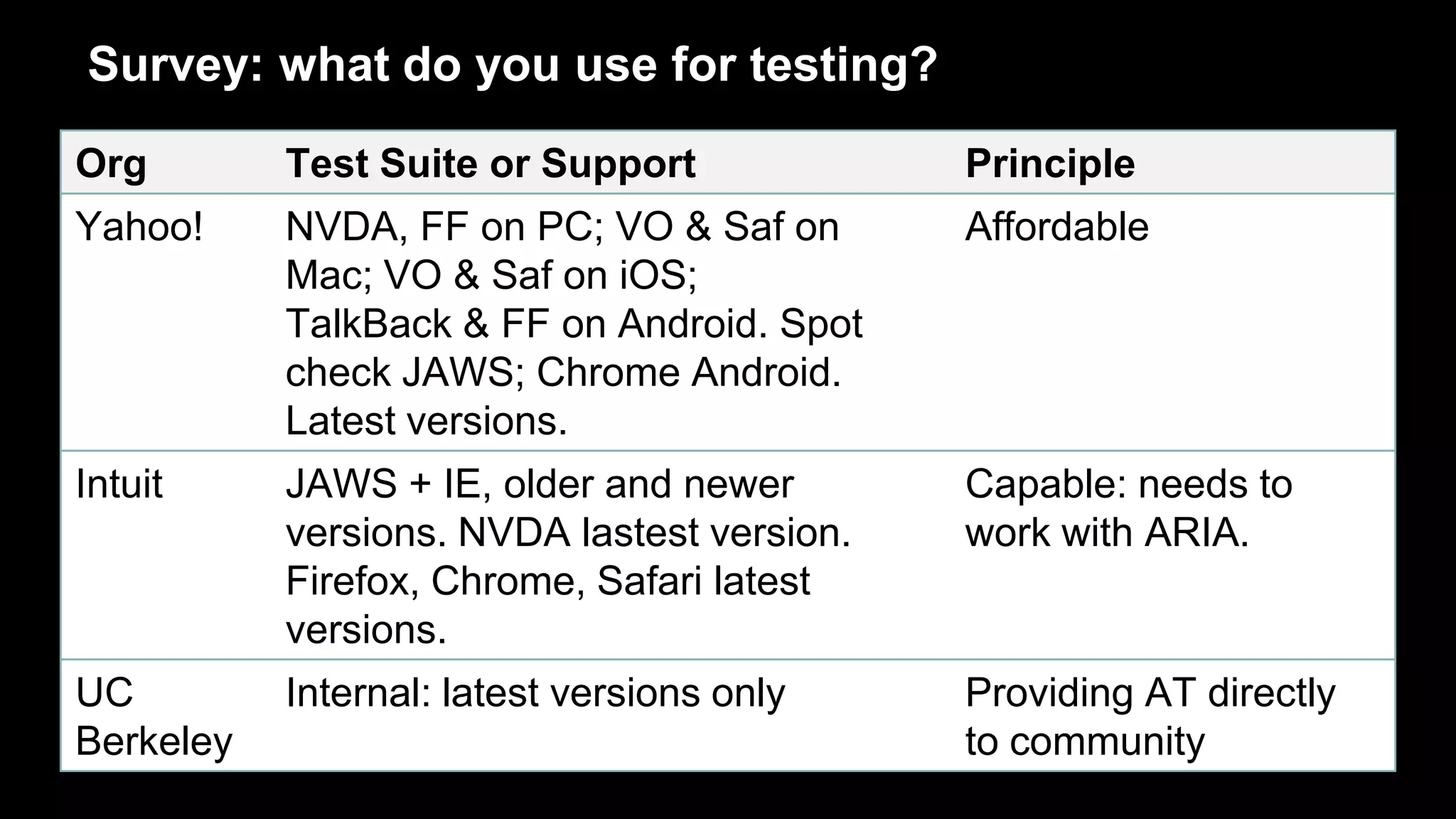
Survey: what do you use for testing?
Org Test Suite or Support Principle
Yahoo! NVDA, FF on PC; VO & Saf on
Mac; VO & Saf on iOS;
TalkBack & FF on Android. Spot
check JAWS; Chrome Android.
Latest versions.
Affordable
Intuit JAWS + IE, older and newer
versions. NVDA lastest version.
Firefox, Chrome, Safari latest
versions.
Capable: needs to
work with ARIA.
UC
Berkeley
Internal: latest versions only Providing AT directly
to community
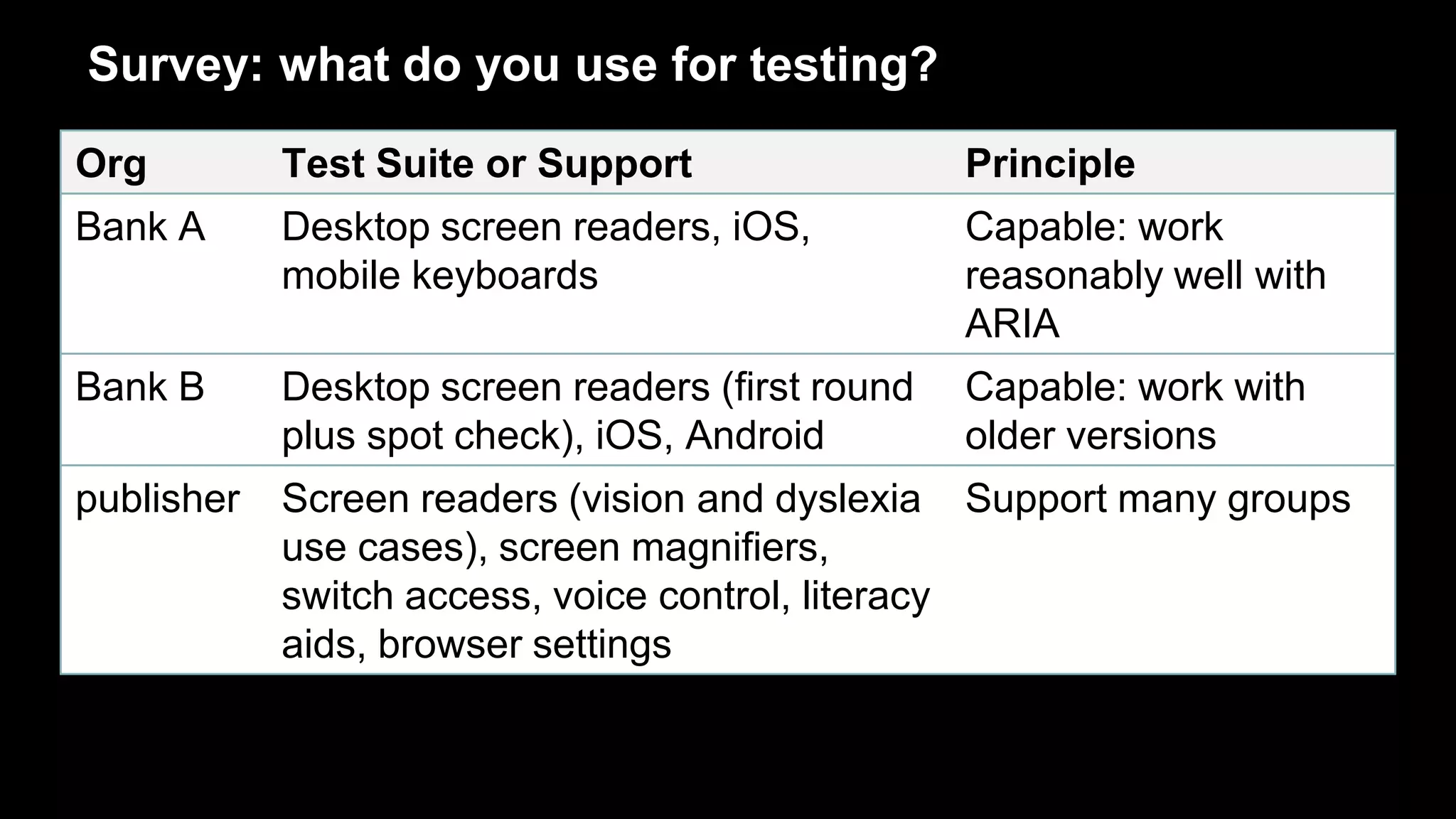
Survey: what do you use for testing?
Org Test Suite or Support Principle
Bank A Desktop screen readers, iOS,
mobile keyboards
Capable: work
reasonably well with
ARIA
Bank B Desktop screen readers (first round
plus spot check), iOS, Android
Capable: work with
older versions
publisher Screen readers (vision and dyslexia
use cases), screen magnifiers,
switch access, voice control, literacy
aids, browser settings
Support many groups
Which of these organizations did it
the right way?
Answer: All of the above
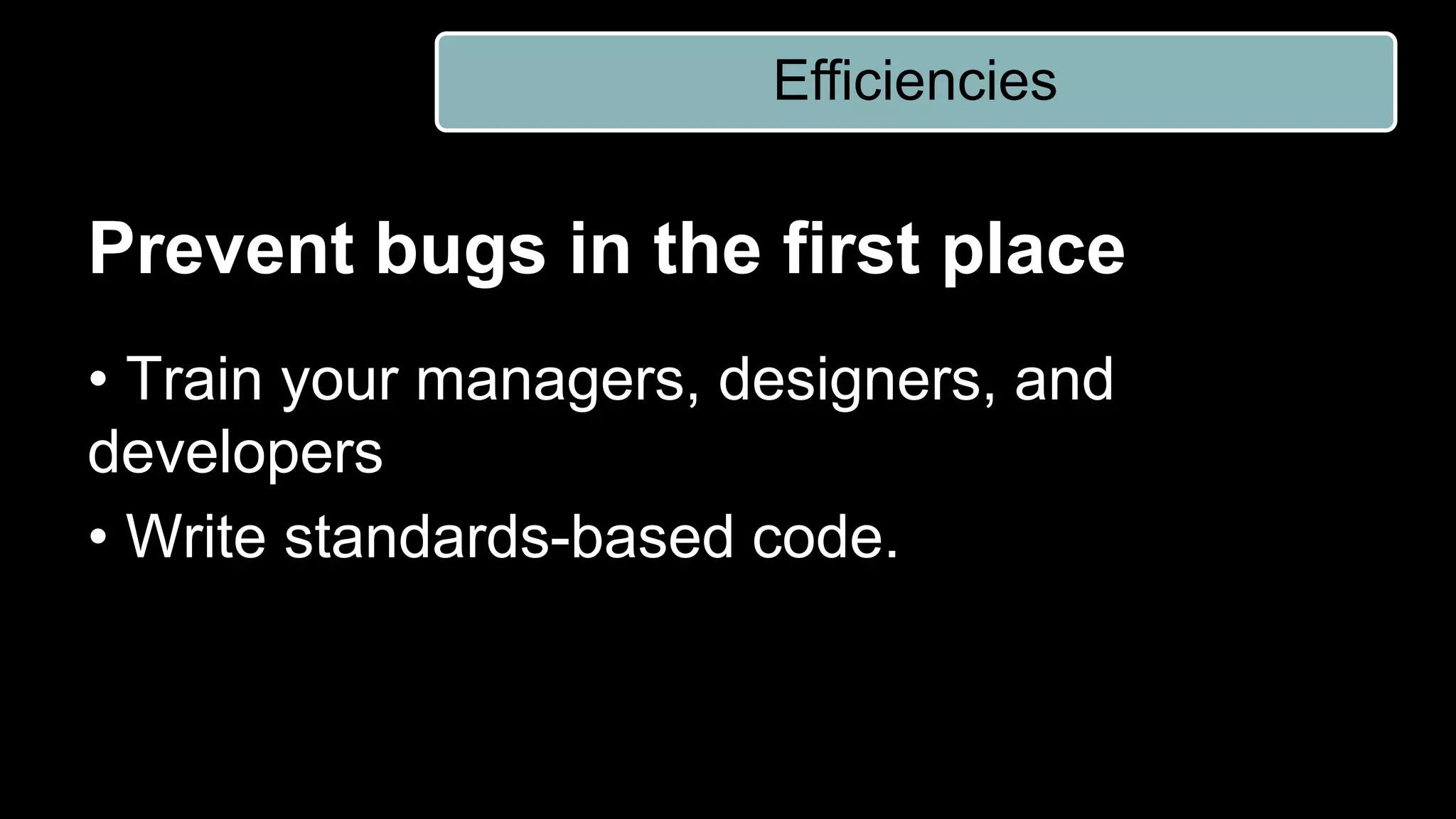
Prevent bugs in the first place
• Train your managers, designers, and
developers
• Write standards-based code.
Efficiencies
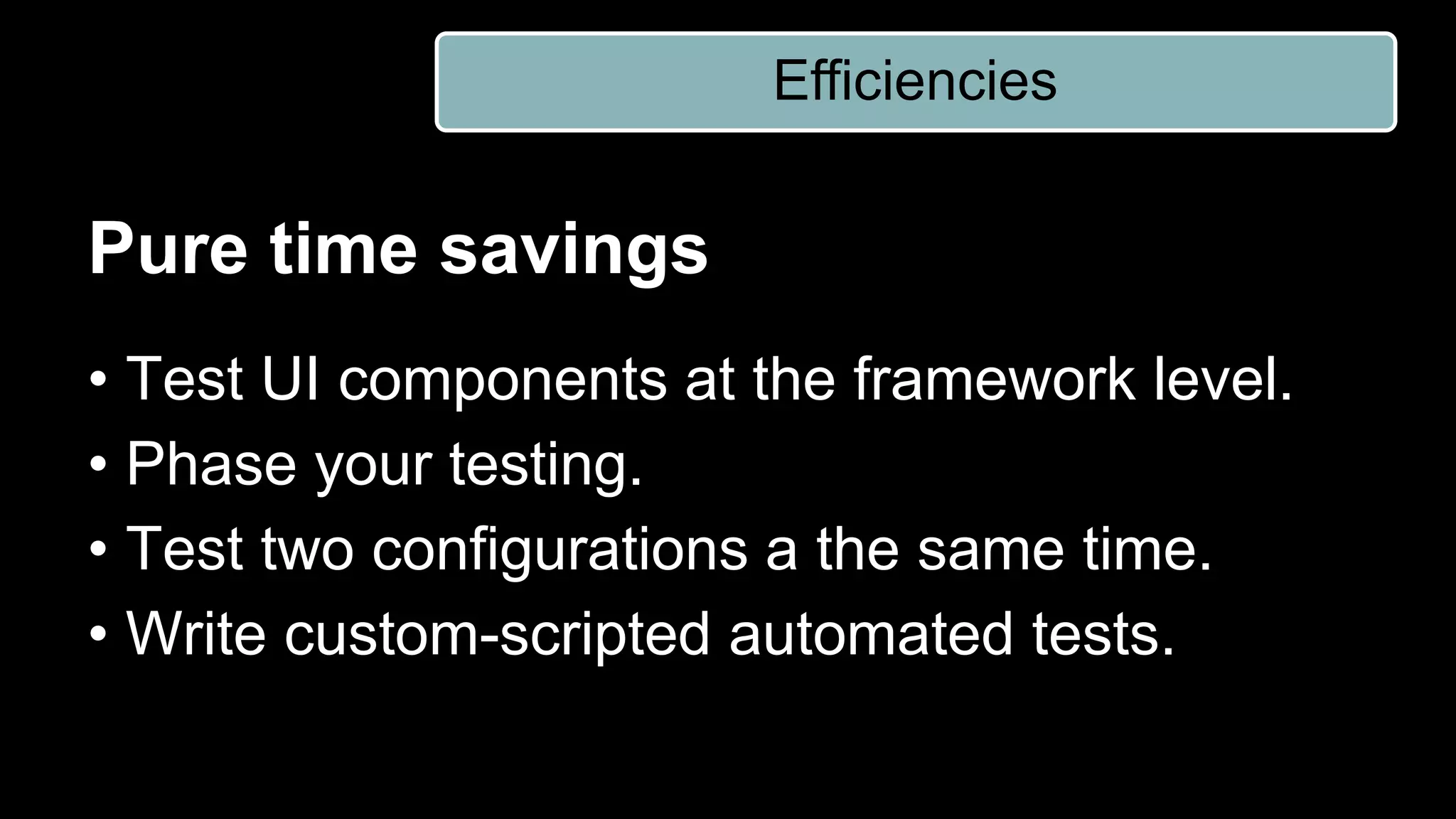
Pure time savings
• Test UI components at the framework level.
• Phase your testing.
• Test two configurations a the same time.
• Write custom-scripted automated tests.
Efficiencies
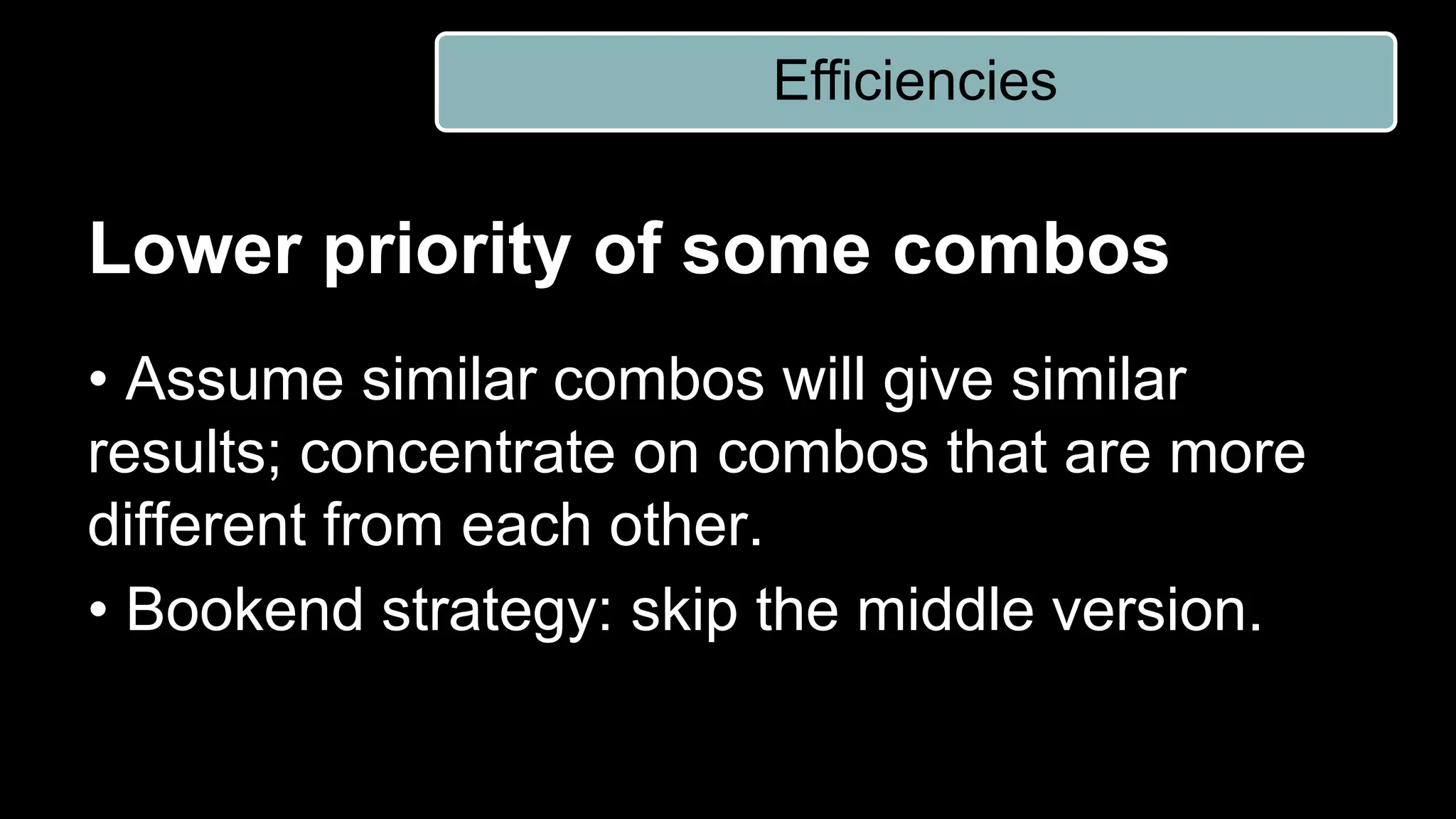
Lower priority of some combos
• Assume similar combos will give similar
results; concentrate on combos that are more
different from each other.
• Bookend strategy: skip the middle version.
Efficiencies
Accept some defects
• Embrace “graded AT support”
• If you write “good code” and it fails in one AT:
“not my problem”
Efficiencies
Reduce scope of testing
• Deep test your framework. Anything that’s not
framework, test more lightly.
• With each release, rotate which combos you
test with.
Efficiencies
Reduce more drastically
• Test the Accessibility API directly
• Heuristic evaluation
• Trust what you read on the web.
• Let your customers test for you
Efficiencies
Talk to your customers
• On your accessibility page, be straightforward
about what you do and don’t support.
• If you offer live customer support, make sure
they are trained.
Listen to your customers
• Online feedback form
• Customers submit issues directly to an issue
tracking system
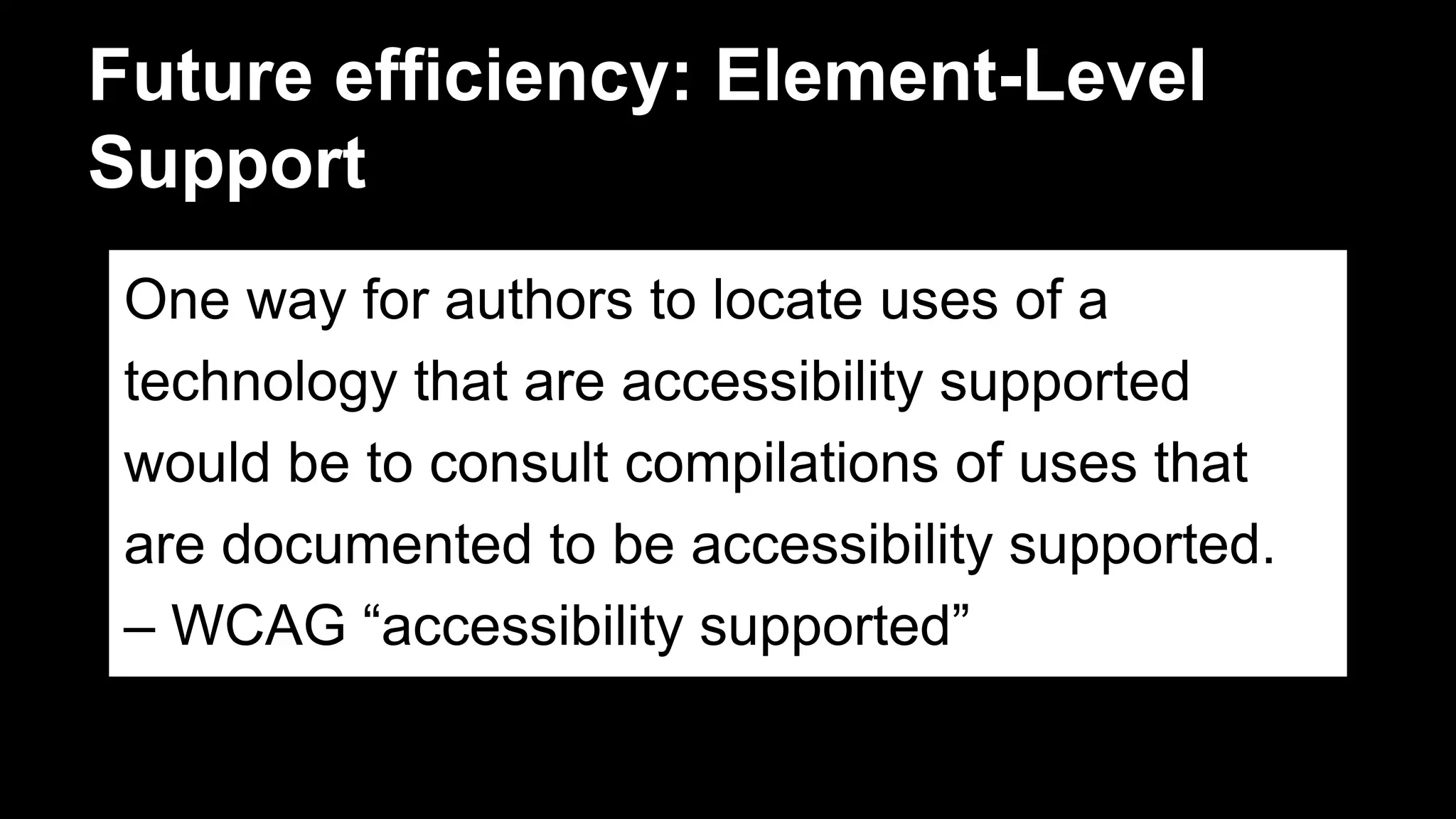
Future efficiency: Element-Level
Support
One way for authors to locate uses of a
technology that are accessibility supported
would be to consult compilations of uses that
are documented to be accessibility supported.
– WCAG “accessibility supported”
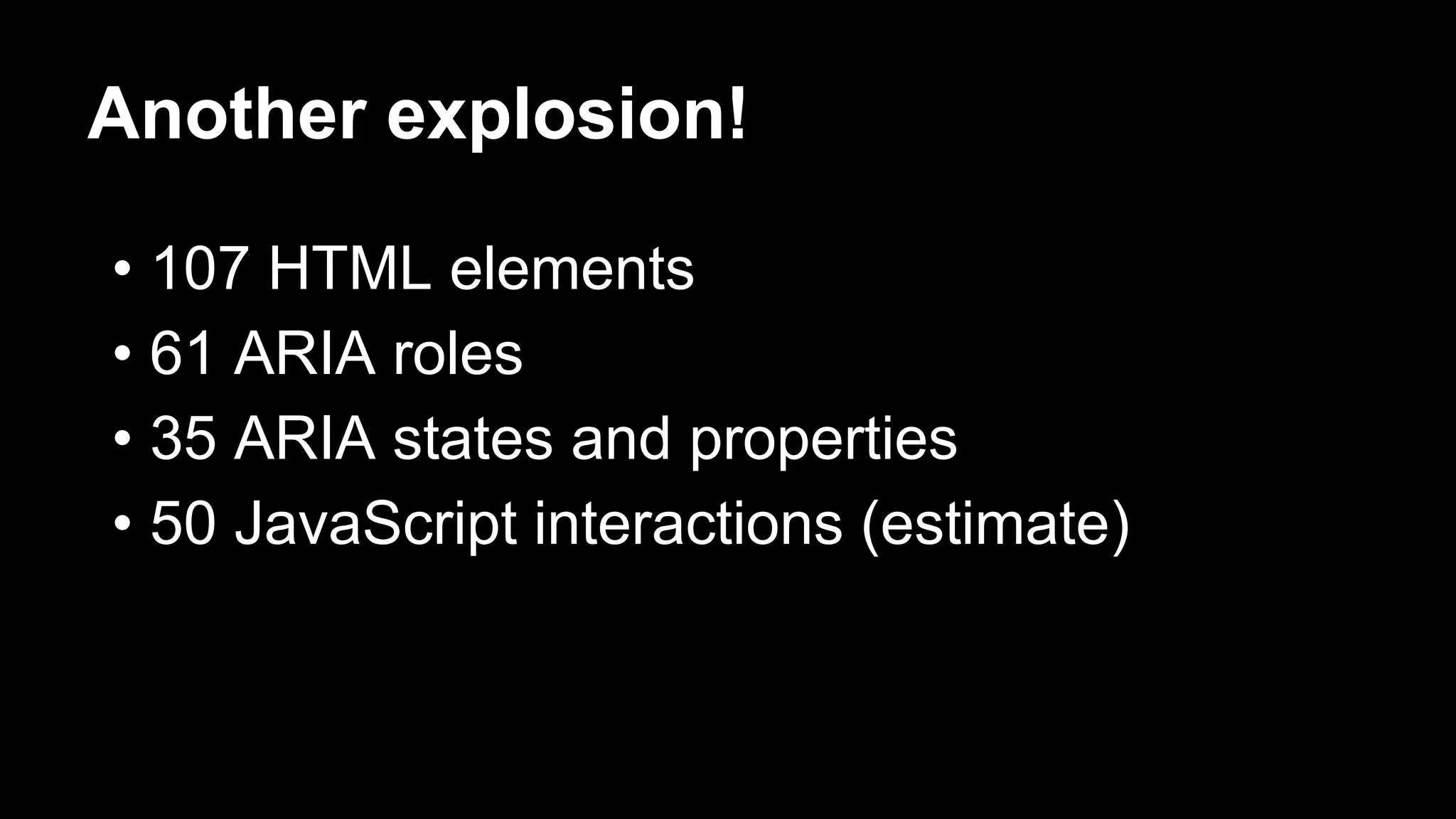
Another explosion!
• 107 HTML elements
• 61 ARIA roles
• 35 ARIA states and properties
• 50 JavaScript interactions (estimate)
Crowdsourced element testing
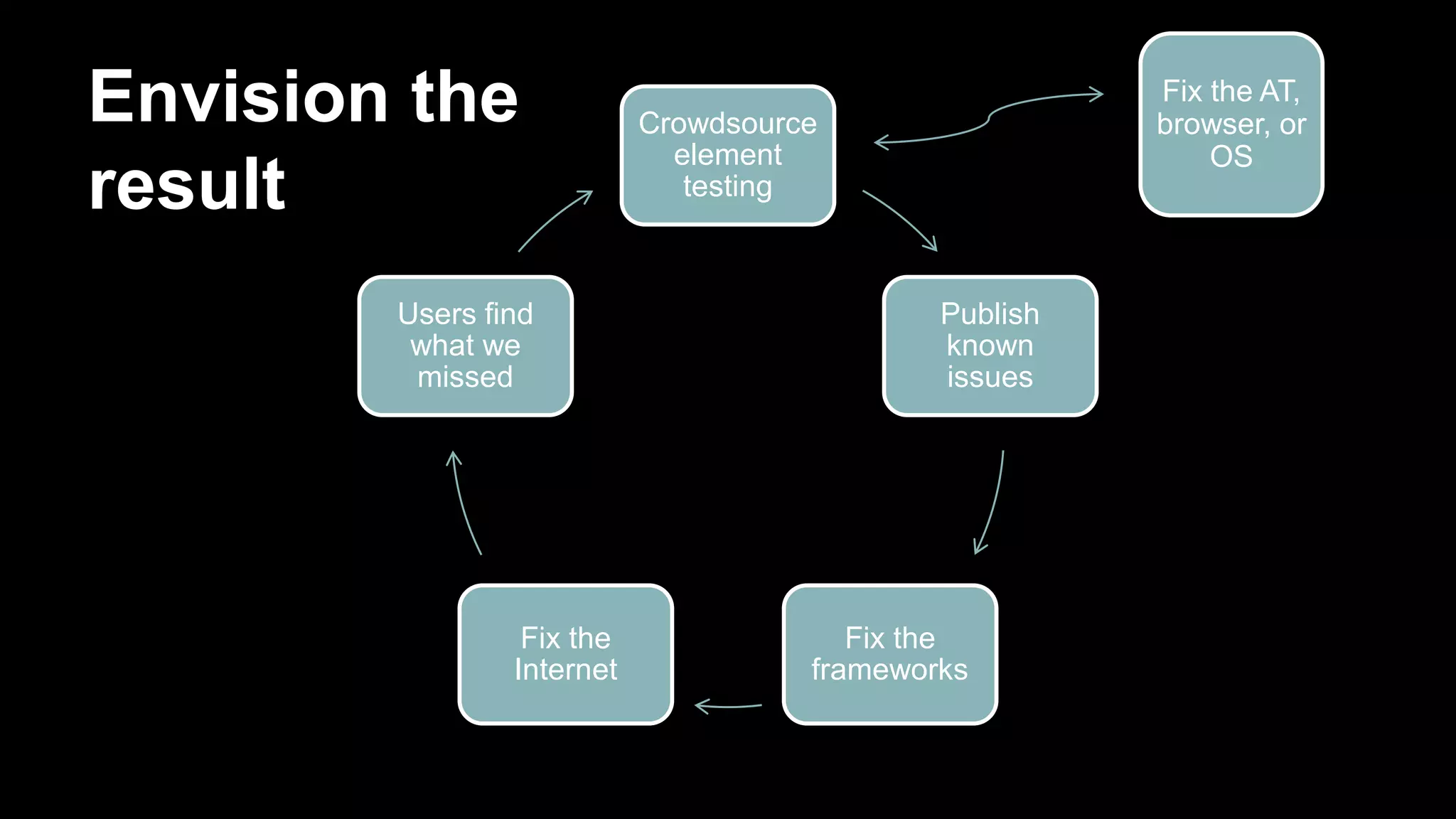
Envision the
result
Crowdsource
element
testing
Publish
known
issues
Fix the
frameworks
Fix the
Internet
Users find
what we
missed
Fix the AT,
browser, or
OS
It’s starting now
• TPG Bug Bash: Tonight 5:30-6:30, Suite 3233
Harbor Tower
• Saturday hack-a-thon: Launch the Open
Accessibility Testing initiative
Discussion
How can we simplify, yet test well?
How do we advance quality and
affordability?
#ATtestlab
snipurl.com/ATtestlab
Mitchell Evan @MitchellREvan
Kevin Chao @KevinChao89

Simplifying the Web Accessibility Test Lab

  • 1.
    Simplifying the Web AccessibilityTest Lab Mitchell Evan and Kevin Chao JPMorgan Chase #csun14 #ATtestlab snipurl.com/ATtestlab For details in the slide notes, download the PowerPoint
  • 2.
    With limited resources,how do we support limitless diversity of AT users? • What we’re doing today • What we can do better
  • 3.
    Two requests 1. Challengeyour own assumptions. 2. Challenge me. How can we keep improving?
  • 4.
  • 5.
    Simple for anorganization =
  • 6.
    Simple for acustomer (client, etc.) =
  • 7.
    It takes alot of work to make it simple.
  • 8.
    Browser Recommendations We havedetected that you are using a browser which is not compatible with our application. Our application requires that you use Internet Explorer version 8.0 or greater Nice and simple for the organization!
  • 9.
  • 10.
    BYOC: Bring Your Own Combo hardware+ browser + assistive tech
  • 11.
  • 12.
    What goes intothe combos? • Desktop and mobile operating systems (OS) • Browsers • AT software and hardware -- for vision, learning, and mobility • Versions • Configurations
  • 13.
    Potential combos Windows: 1200 Mac:150 Linux: 10 iOS: 12 Android: 5000 Symbian: 4
  • 14.
    Conclusion: Give up. Thankyou. Mitchell Evan @MitchellREvan Kevin Chao @KevinChao89
  • 15.
  • 16.
    Diverse people usediverse technology Diversity matters.
  • 17.
  • 18.
    You can’t testall combos... ...but consider all of the potential combos, when you plan your testing.
  • 19.
    You get tochoose. The WCAG Working group and the W3C do not specify which or how many assistive technologies must support a Web technology in order for it to be classified as accessibility supported.
  • 20.
    Web standards areessential… …but you still have to test. •Make sure it’s usable •For WCAG conformance, it must work in AT. Only accessibility-supported ways of using technologies can be relied upon for conformance. -- WCAG 2.0 (normative)
  • 21.
  • 22.
    Quiz: What does“A 11 Y” stand for? 1) Accessibility 2) Affordability
  • 23.
    Financial barriers Support byjust one assistive technology (for a given disability) would not usually be enough, especially if most users who need it in order to access content do not have and cannot afford that assistive technology.
  • 24.
    Principles 1. Make itaffordable. 2. Support every disability group. 3. Include a free AT for each disability group. 4. Focus on popular, capable combos. 5. Browser versions: use the same list as the rest of your organization. 6. AT versions: Current minus 2 versions? Or current minus x years?
  • 25.
    Put the principlesinto practice Principles Matrix Efficiencies
  • 26.
    Choose your BigMatrix • Chop out combos that are irrelevant for your organization. • Expect customers to upgrade. • Define “incapable” combos closer to the cutting edge.
  • 27.
    Survey: what doyou use for testing? Org Test Suite or Support Principle Yahoo! NVDA, FF on PC; VO & Saf on Mac; VO & Saf on iOS; TalkBack & FF on Android. Spot check JAWS; Chrome Android. Latest versions. Affordable Intuit JAWS + IE, older and newer versions. NVDA lastest version. Firefox, Chrome, Safari latest versions. Capable: needs to work with ARIA. UC Berkeley Internal: latest versions only Providing AT directly to community
  • 28.
    Survey: what doyou use for testing? Org Test Suite or Support Principle Bank A Desktop screen readers, iOS, mobile keyboards Capable: work reasonably well with ARIA Bank B Desktop screen readers (first round plus spot check), iOS, Android Capable: work with older versions publisher Screen readers (vision and dyslexia use cases), screen magnifiers, switch access, voice control, literacy aids, browser settings Support many groups
  • 29.
    Which of theseorganizations did it the right way? Answer: All of the above
  • 30.
    Prevent bugs inthe first place • Train your managers, designers, and developers • Write standards-based code. Efficiencies
  • 31.
    Pure time savings •Test UI components at the framework level. • Phase your testing. • Test two configurations a the same time. • Write custom-scripted automated tests. Efficiencies
  • 32.
    Lower priority ofsome combos • Assume similar combos will give similar results; concentrate on combos that are more different from each other. • Bookend strategy: skip the middle version. Efficiencies
  • 33.
    Accept some defects •Embrace “graded AT support” • If you write “good code” and it fails in one AT: “not my problem” Efficiencies
  • 34.
    Reduce scope oftesting • Deep test your framework. Anything that’s not framework, test more lightly. • With each release, rotate which combos you test with. Efficiencies
  • 35.
    Reduce more drastically •Test the Accessibility API directly • Heuristic evaluation • Trust what you read on the web. • Let your customers test for you Efficiencies
  • 36.
    Talk to yourcustomers • On your accessibility page, be straightforward about what you do and don’t support. • If you offer live customer support, make sure they are trained.
  • 37.
    Listen to yourcustomers • Online feedback form • Customers submit issues directly to an issue tracking system
  • 38.
    Future efficiency: Element-Level Support Oneway for authors to locate uses of a technology that are accessibility supported would be to consult compilations of uses that are documented to be accessibility supported. – WCAG “accessibility supported”
  • 39.
    Another explosion! • 107HTML elements • 61 ARIA roles • 35 ARIA states and properties • 50 JavaScript interactions (estimate)
  • 40.
  • 41.
    Envision the result Crowdsource element testing Publish known issues Fix the frameworks Fixthe Internet Users find what we missed Fix the AT, browser, or OS
  • 42.
    It’s starting now •TPG Bug Bash: Tonight 5:30-6:30, Suite 3233 Harbor Tower • Saturday hack-a-thon: Launch the Open Accessibility Testing initiative
  • 43.
    Discussion How can wesimplify, yet test well? How do we advance quality and affordability? #ATtestlab snipurl.com/ATtestlab Mitchell Evan @MitchellREvan Kevin Chao @KevinChao89