Choosing	
  an	
  LMS:	


What	
  ma1ers	
  most	
  to	
  you?	
  
Anthony	
  Al9eri	
  
S213-­‐Choosing_an_LMS-­‐al9eri	
  
Choosing	
  	
  
an	
  LMS:	


What	
  ma1ers	
  	
  
most	
  to	
  you?	
  
Legal	
  Mumbo	
  Jumbo	
  
•  All	
  opinions	
  and	
  sugges9ons	
  are	
  my	
  own	
  and	
  do	
  not	
  
reflect	
  those	
  of	
  my	
  employer,	
  this	
  conference,	
  or,	
  
really,	
  any	
  sane	
  human	
  being	
  who	
  has	
  ever	
  lived.	
  
•  I	
  do	
  not	
  in	
  any	
  way,	
  shape,	
  or	
  form	
  endorse	
  any	
  
par9cular	
  vendor	
  or	
  their	
  product.	
  	
  Any	
  men9on	
  is	
  
purely	
  for	
  illustra9ve	
  purposes	
  ONLY.	
  
–  Though	
  I	
  am	
  openly	
  biased	
  towards	
  Open	
  Source	
  
products	
  
What	
  will	
  you	
  learn? 	
  	
  
• A	
  basic	
  methodology	
  for	
  evalua9ng	
  and	
  
comparing	
  systems	
  
• Some	
  9ps,	
  tricks,	
  and	
  landmines	
  to	
  watch	
  out	
  
for	
  
• Considera9ons	
  for	
  ancillary	
  costs	
  and	
  efforts	
  
such	
  as	
  hos9ng.	
  	
   Where	
  will	
  it	
  live? 	
  
If	
  you	
  do	
  not	
  understand	
  a	
  thing,	
  then	
  it	
  
just	
  is.	
  
-­‐-­‐Zen	
  Koan	
  
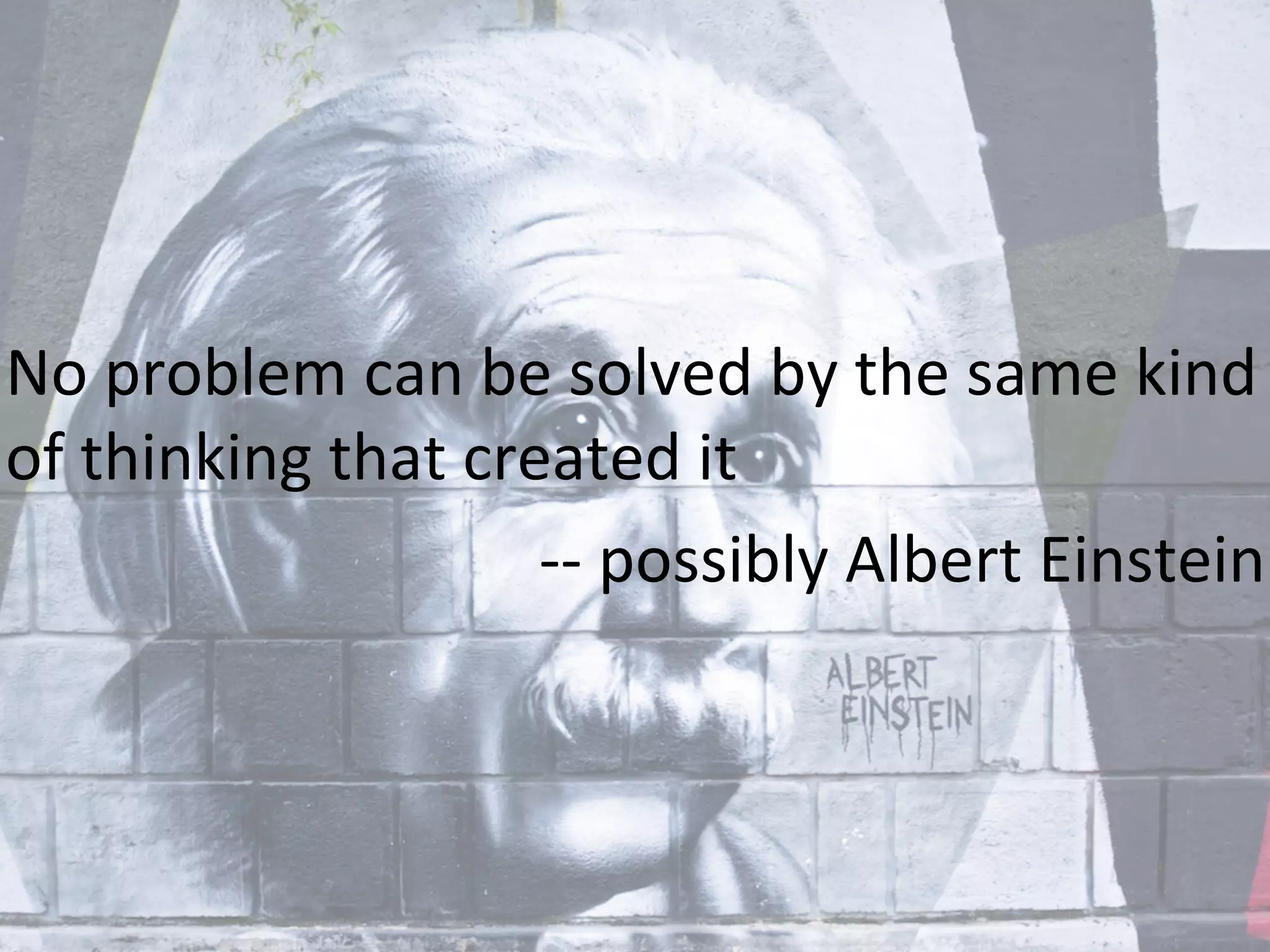
No	
  problem	
  can	
  be	
  solved	
  by	
  the	
  same	
  kind	
  
of	
  thinking	
  that	
  created	
  it	
  
-­‐-­‐	
  possibly	
  Albert	
  Einstein	
  
Remember,	
  you	
  may	
  have	
  to	
  grow	
  old…	
  	
  
But	
  you	
  don t	
  have	
  to	
  mature!	
  
-­‐-­‐Red	
  Green	
  
Basic	
  Student	
  func9ons	
  of	
  an	
  LMS	
  
•  Track	
  learning	
  
•  Assessments	
  
•  Deliver	
  learning	
  content	
  
•  Enrollment	
  
•  Consolidate	
  learning	
  
•  Process	
  payments/eCommerce	
  
Basic	
  Admin	
  func9ons	
  of	
  an	
  LMS	
  
•  Repor9ng	
  
•  Security	
  
•  Integra9on	
  
•  Learning	
  Management	
  
•  Student	
  Management	
  
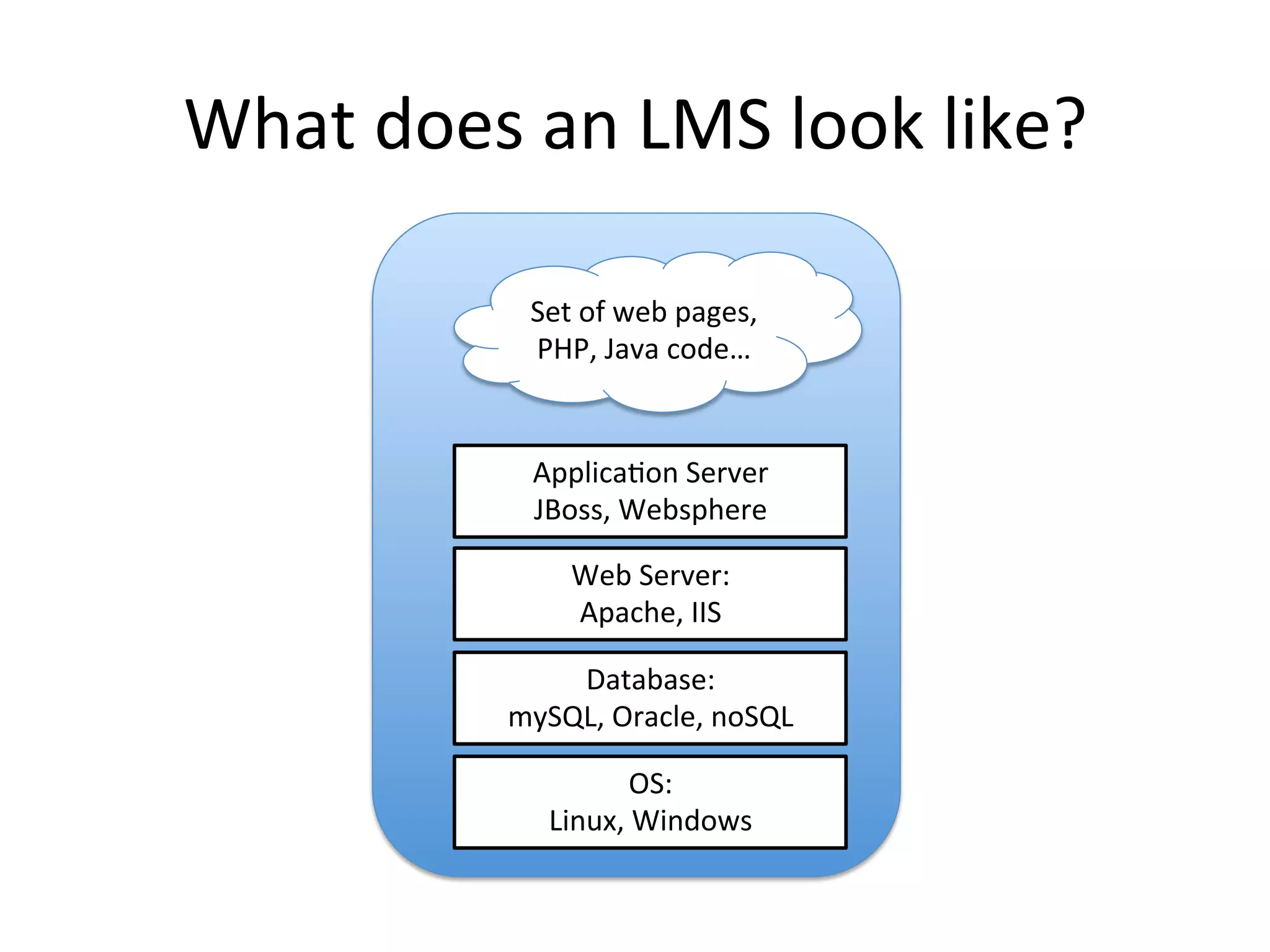
What	
  does	
  an	
  LMS	
  look	
  like?	
  
Database:	
  
mySQL,	
  Oracle,	
  noSQL	
  
Web	
  Server:	
  
Apache,	
  IIS	
  	
  
Applica9on	
  Server	
  
JBoss,	
  Websphere	
  
Set	
  of	
  web	
  pages,	
  
PHP,	
  Java	
  code…	
  
OS:	
  
Linux,	
  Windows	
  
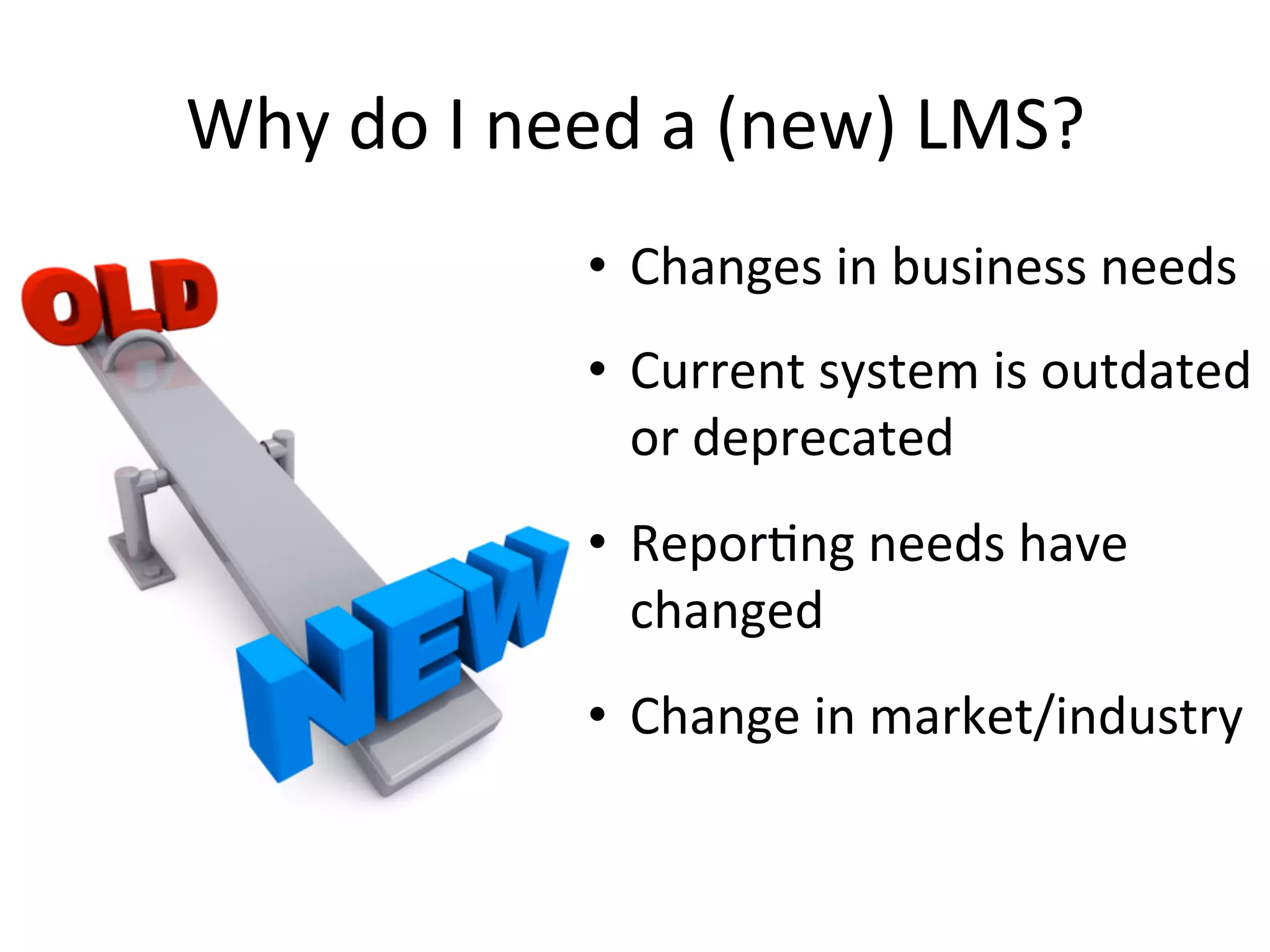
Why	
  do	
  I	
  need	
  a	
  (new)	
  LMS?	
  
•  Changes	
  in	
  business	
  needs	
  
•  Current	
  system	
  is	
  outdated	
  
or	
  deprecated	
  
•  Repor9ng	
  needs	
  have	
  
changed	
  
•  Change	
  in	
  market/industry	
  
The	
  rule	
  of	
   12	
  –	
  24	
  –	
  60 	
  
•  Remember	
  that	
  implementa9on	
  will	
  generally	
  take	
  
12	
  months	
  
•  Plan	
  to	
  have	
  your	
  LMS	
  for	
  five	
  years	
  
•  Do	
  NOT	
  base	
  your	
  requirements	
  on	
  your	
  needs	
  for	
  
today…	
  aim	
  for	
  the	
  future!	
  
•  Go	
  into	
  implementa9on	
  knowing	
  that	
  requirements	
  
WILL	
  CHANGE	
  en	
  route!!!!!	
  
Talking	
  the	
  talk…	
  
•  Course	
  
•  Class	
  
•  Offering	
  
•  Instance	
  
•  Scheduled	
  Instance	
  
•  Session	
  
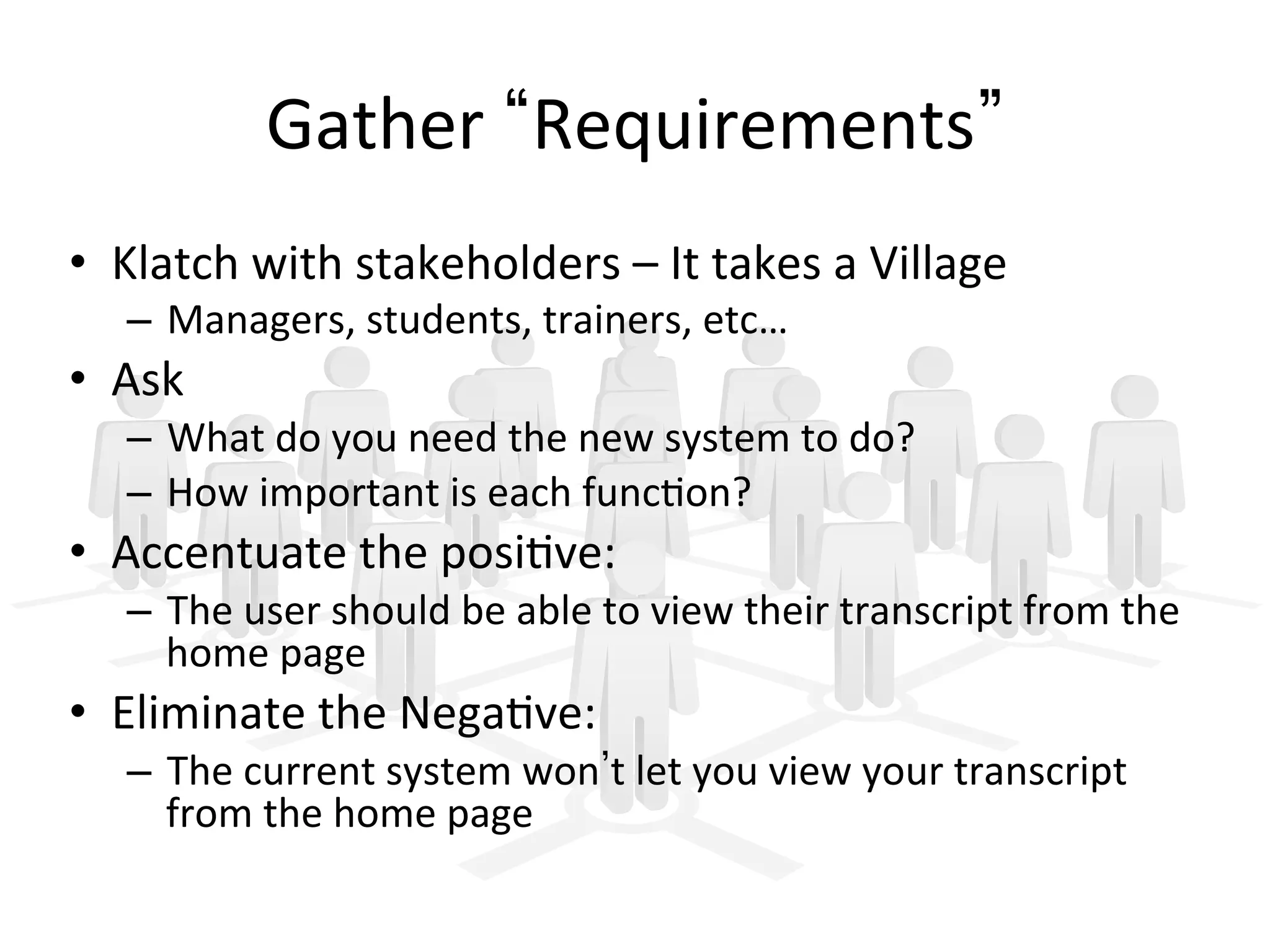
Gather	
   Requirements 	
  
•  Klatch	
  with	
  stakeholders	
  –	
  It	
  takes	
  a	
  Village	
  
–  Managers,	
  students,	
  trainers,	
  etc…	
  
•  Ask	
  	
  
–  What	
  do	
  you	
  need	
  the	
  new	
  system	
  to	
  do?	
  
–  How	
  important	
  is	
  each	
  func9on?	
  
•  Accentuate	
  the	
  posi9ve:	
  
–  The	
  user	
  should	
  be	
  able	
  to	
  view	
  their	
  transcript	
  from	
  the	
  
home	
  page	
  
•  Eliminate	
  the	
  Nega9ve:	
  
–  The	
  current	
  system	
  won t	
  let	
  you	
  view	
  your	
  transcript	
  
from	
  the	
  home	
  page	
  
Build	
  Requirements	
  
•  Klatch	
  with	
  SME s	
  
– Managers,	
  trainers,	
  etc…	
  
•  Put	
  all	
  of	
  the	
   Requirements 	
  from	
  your	
  
stakeholders	
  into	
  a	
  single	
  spreadsheet	
  
– Group	
  by	
  user	
  (student,	
  manager,	
  trainer,	
  admin)	
  
– Group	
  by	
  func9on	
  (enrollment,	
  cer9fica9on,	
  
content)	
  
•  Remove/re-­‐write	
  nega9ve	
  entries	
  
•  Send	
  back	
  to	
  stakeholders	
  for	
  full	
  evalua9on	
  
using	
  a	
  weighted	
  scale	
  
Evalua9ng	
  the	
  Need	
  
•  Use	
  a	
  weighted	
  scale	
  on	
  what	
  func9ons	
  are	
  
needed:	
  
– 0:	
  We	
  really	
  don t	
  need	
  it	
  –	
  Li1le	
  impact	
  
– 1:	
  Nice	
  to	
  have	
  –	
  More	
  pleasant	
  experience/Cool	
  
factor	
  
– 2:	
  Should	
  have	
  –	
  Can	
  work	
  without	
  it,	
  but	
  adds	
  
value	
  to	
  the	
  system	
  
– 3:	
  Required	
  –	
  Uhm…	
  Required	
  
Evalua9ng	
  the	
  Need	
  
•  Average	
  out	
  the	
  values	
  for	
  each	
  Requirement	
  
to	
  determine	
  and	
  build	
  requirements	
  
•  Remove	
  anything	
  below	
  a	
  set	
  value	
  (1.0,	
  for	
  
example)	
  
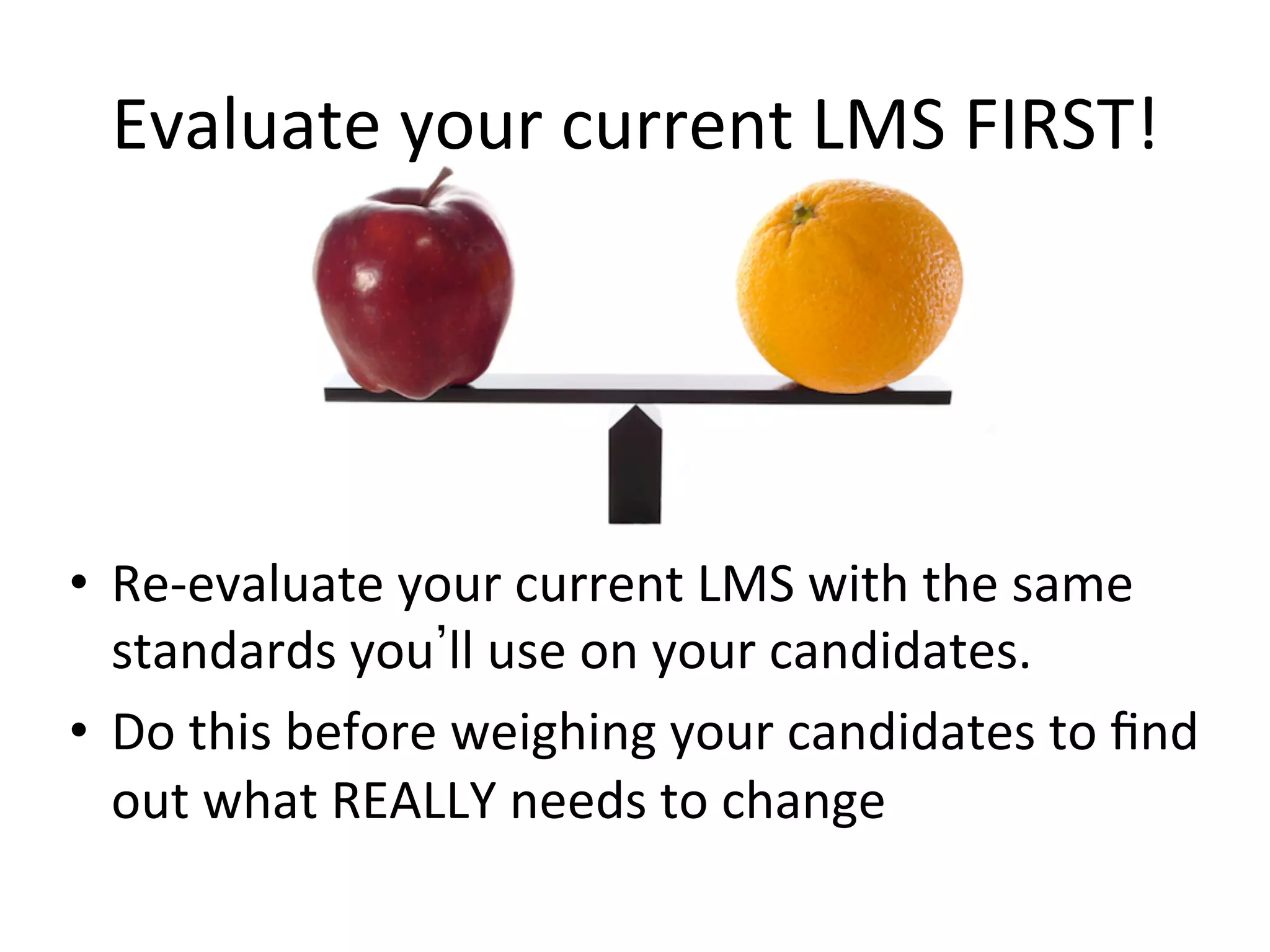
Evaluate	
  your	
  current	
  LMS	
  FIRST!	
  
•  Re-­‐evaluate	
  your	
  current	
  LMS	
  with	
  the	
  same	
  
standards	
  you ll	
  use	
  on	
  your	
  candidates.	


•  Do	
  this	
  before	
  weighing	
  your	
  candidates	
  to	
  find	
  
out	
  what	
  REALLY	
  needs	
  to	
  change	
  
Avoid	
  the	
  Dog	
  and	
  Pony	
  Shows!	
  
•  Eliminate	
  products	
  that	
  do	
  not	
  meet	
  your	
  requirements	
  or	
  are	
  
over	
  budget.	
  
•  Provide	
  vendors	
  with	
  your	
  weighted	
  requirements	
  
•  Focus	
  the	
  vendor	
  on	
  what	
  is	
  important	
  to	
  you	
  
•  Direct	
  how	
  they	
  present	
  their	
  products	
  
•  Push	
  for	
  a	
  Sandbox	
  so	
  you	
  can	
  test	
  yourself	
  
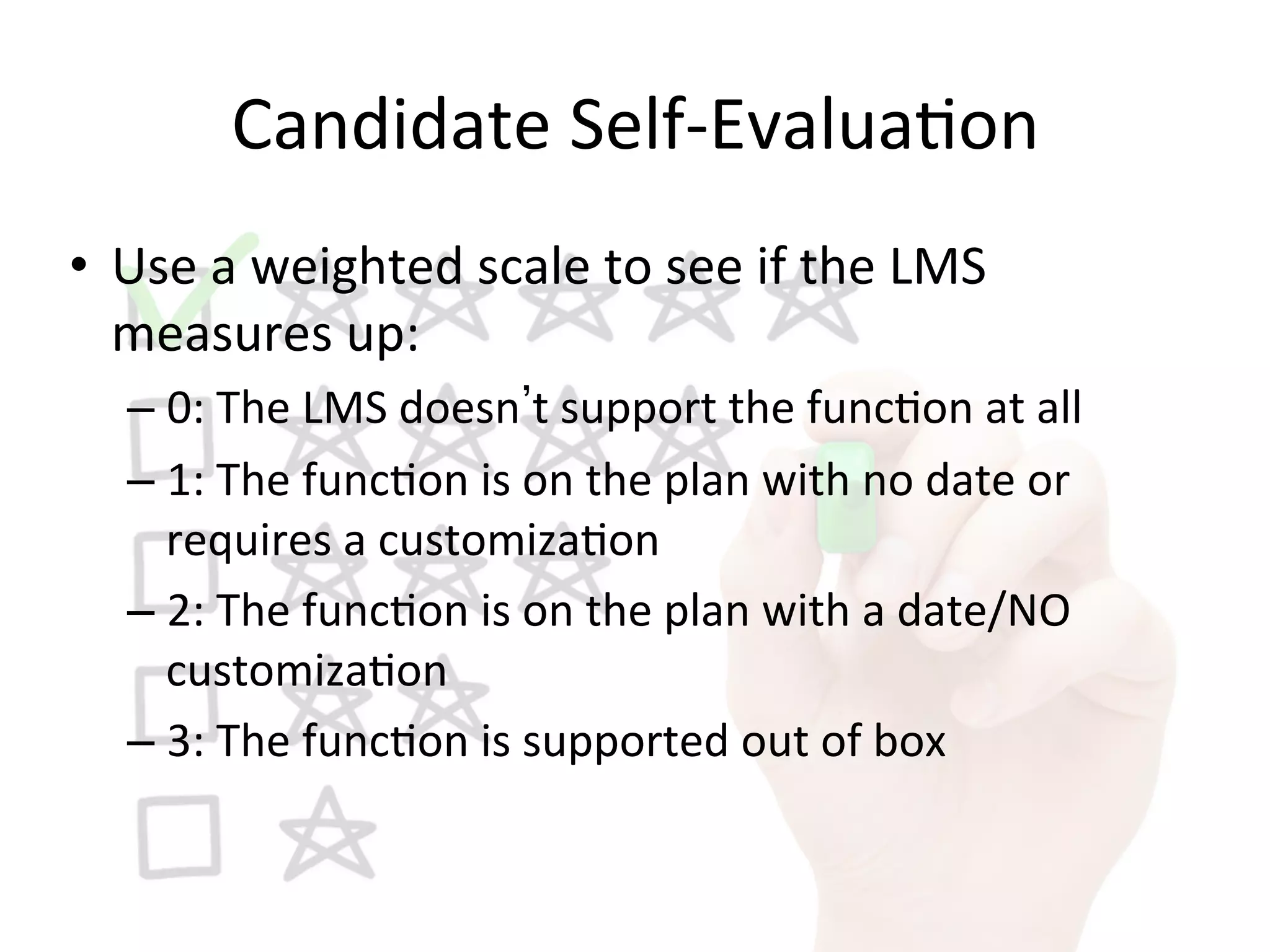
Candidate	
  Self-­‐Evalua9on	
  
•  Use	
  a	
  weighted	
  scale	
  to	
  see	
  if	
  the	
  LMS	
  
measures	
  up:	
  
– 0:	
  The	
  LMS	
  doesn t	
  support	
  the	
  func9on	
  at	
  all	
  
– 1:	
  The	
  func9on	
  is	
  on	
  the	
  plan	
  with	
  no	
  date	
  or	
  
requires	
  a	
  customiza9on	
  
– 2:	
  The	
  func9on	
  is	
  on	
  the	
  plan	
  with	
  a	
  date/NO	
  
customiza9on	
  
– 3:	
  The	
  func9on	
  is	
  supported	
  out	
  of	
  box	
  
Candidate	
  Self-­‐Evalua9on	
  
•  Send	
  the	
  candidates	
  your	
  list	
  of	
  weighted	
  
requirements	
  to	
  self-­‐assess	
  which	
  ones	
  they	
  
support	
  
•  Average	
  out	
  the	
  scores	
  and	
  remove	
  anyone	
  
scoring	
  below	
  a	
  given	
  threshold	
  (example	
  1.0)	
  
Evalua9ng	
  the	
  Evalua9ons	
  
•  Set	
  up	
  Demos	
  for	
  those	
  who	
  score	
  high	
  enough	
  
•  Get	
  access	
  to	
  a	
  Sandbox	
  for	
  your	
  own	
  tes9ng	
  
Evalua9ng	
  the	
  Evalua9ons	
  
•  Test	
  out	
  the	
  requirements	
  yourself	
  to	
  see	
  if	
  
you	
  would	
  score	
  the	
  product	
  the	
  same	
  as	
  the	
  
vendor	
  has	
  
•  Remove	
  candidates	
  whose	
  scores	
  are	
  suspect	
  
Using	
  a	
  Hosted	
  Product	
  (SaaS)	
  
•  Will	
  always	
  get	
  latest	
  updates	
  
•  Vendor	
  support	
  will	
  have	
  easy	
  access	
  for	
  any	
  
issues	
  
•  Lowers	
  staffing	
  costs	
  
Using	
  a	
  Hosted	
  Product	
  (SaaS)	
  
•  Lowers	
  effect	
  on	
  network/data	
  center	
  
resources	
  
•  Fastest	
  way	
  to	
  implement	
  
Using	
  a	
  Hosted	
  Product	
  (SaaS)	
  
•  Informa9on	
  Security	
  policies	
  may	
  not	
  allow	
  it	
  
•  It	
  may	
  NOT	
  lower	
  overall	
  hos9ng	
  cost	
  
Using	
  a	
  Hosted	
  Product	
  (SaaS)	
  
•  Limits	
  poten9al	
  customiza9on/localiza9on	
  
•  Updates	
  are	
  driven	
  by	
  outside	
  forces.	
  
– You	
  may	
  get	
  an	
  update	
  at	
  a	
  9me	
  when	
  you	
  can	
  not	
  
be	
  out	
  of	
  service	
  
Build	
  Systems,	
  not	
  STUFF!	
  
•  Abby	
  the	
  IA,	
  h1p://abbytheia.com/	
  
•  Know	
  the	
  difference	
  between	
  	
  
–  I	
  need	
  to	
  be	
  able	
  to	
  reach	
  my	
  students 	
  
–  I	
  want	
  a	
  link	
  to	
  MyFace	
  like	
   they 	
  have. 	
  
•  The	
  more	
  STUFF	
  you	
  add,	
  the	
  more	
  resources	
  are	
  
required	
  to	
  manage	
  it!	
  
•  h1p://www.slideshare.net/AbbyCovert/build-­‐
systems-­‐not-­‐stuff	
  
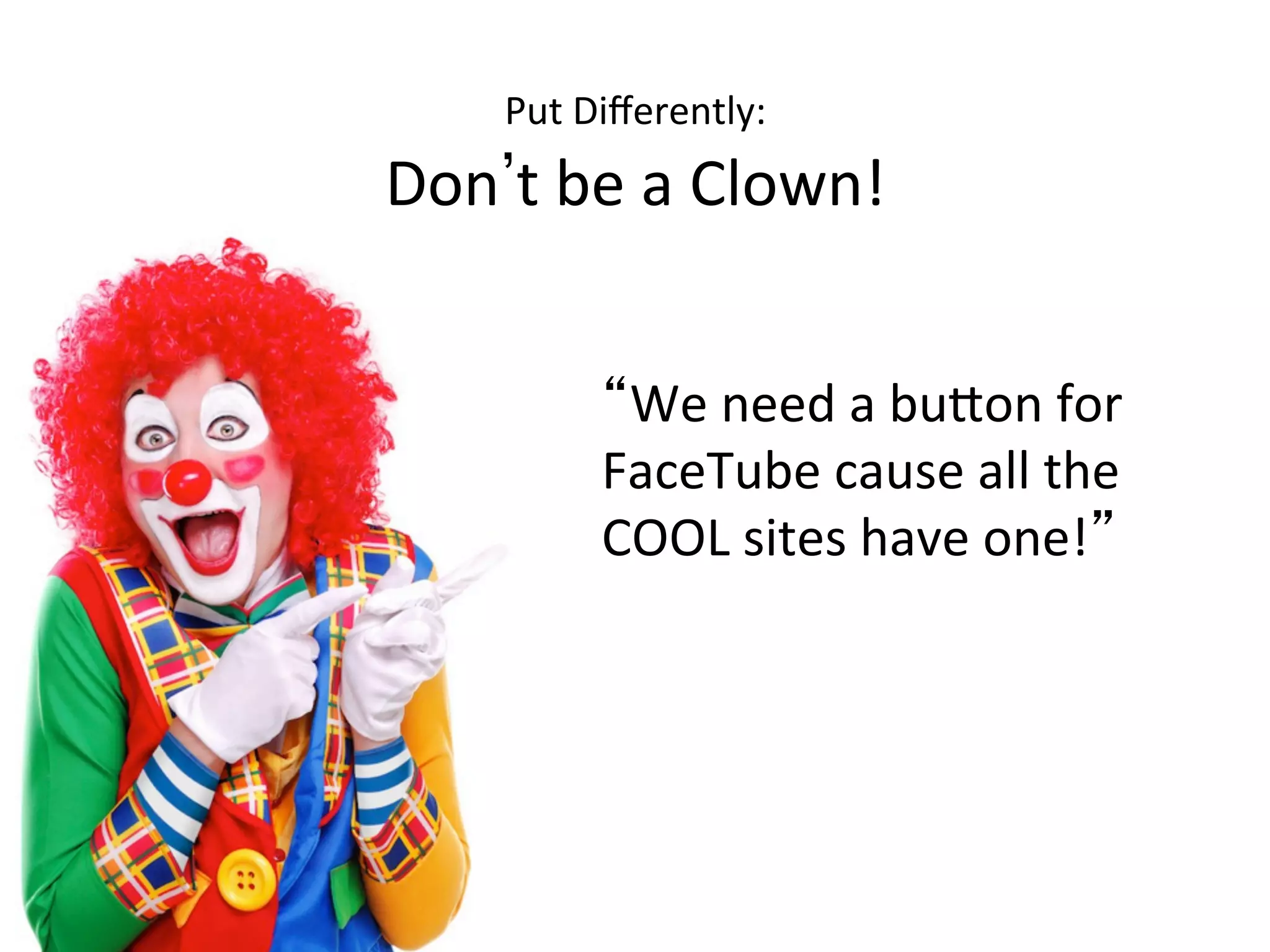
Put	
  Differently:	
  	
  
Don t	
  be	
  a	
  Clown!	
  
We	
  need	
  a	
  bu1on	
  for	
  
FaceTube	
  cause	
  all	
  the	
  
COOL	
  sites	
  have	
  one! 	
  
29	
  
We	
  should	
  have	
  a	
  link	
  to	
  
FaceTube	
  to	
  allow	
  us	
  greater	
  
reach	
  to	
  more	
  students	
  to	
  
bring	
  in	
  more	
  traffic	
  and	
  
revenue. 	
  
The	
  ballad	
  of…	
  
•  Avoid	
  bloated	
  products	
  that	
  promote	
  func9ons	
  you	
  don t	
  need	
  
–  Trying	
  to	
  replace	
  be1er	
  purpose-­‐built	
  op9ons	
  
–  May	
  not	
  add	
  any	
  value	
  to	
  your	
  implementa9on	
  
–  Creates	
  dependencies	
  that	
  may	
  make	
  upda9ng	
  or	
  replacing	
  more	
  difficult	
  
later	
  on	
  	
  
•  Some9mes,	
  less	
  is	
  more	
  
A	
  Word	
  on	
  Internal	
  Customiza9on	
  
DON T!	
  
•  Use	
  Skins	
  or	
  API s	
  to	
  add/change	
  func9onality	
  
•  NEVER	
  change	
  the	
  core	
  database!	
  
32	
  
Free 	
  isn t	
  always	
  Free*	
  
•  Free	
  sooware	
  is	
  not	
  always	
  open	
  Source	
  
•  Generally,	
  you ll	
  need	
  to	
  hire	
  more	
  staff	
  or	
  contract	
  out	
  
third	
  party	
  for	
  technical	
  support	
  
•  Updates	
  may	
  be	
  sporadic	
  and	
  may	
  not	
  meet	
  your	
  
needs	
  
•  Hos9ng	
  needs	
  may	
  be	
  complicated	
  by	
  dependencies	
  
(MySQL,	
  TomCat,	
  etc…)	
  
*	
  I m	
  s9ll	
  biased	
  towards	
  Open	
  Source	
  products	
  
33	
  
The	
  Process	
  Paradox	
  
•  If	
  you	
  can t	
  define	
  it	
  in	
  the	
  real	
  world,	
  it	
  will	
  
never	
  work	
  in	
  the	
  virtual	
  one	
  
– Remember	
   If	
  you	
  don t	
  understand	
  a	
  thing… 	
  
– Even	
  if	
  you	
  can,	
  do	
  you	
  really	
  want	
  to?	
  
34	
  
The	
  Process	
  Paradox	
  
•  What	
  works	
  in	
  the	
  real	
  world,	
  will	
  rarely	
  work	
  
in	
  the	
  virtual	
  one	
  	
  
– Things	
  may	
  happen	
  in	
  a	
  different	
  order	
  
– Things	
  will	
  happen	
  MUCH	
  faster!	
  
Thanks!	
  
•  Please	
  remember	
  to	
  complete	
  the	
  survey	
  
– S213:	
  Choosing	
  an	
  LMS	
  
Anthony	
  Al9eri	
  
al9erian@gmail.com	
  
@aa_al9eri	
  

Choosing an LMS

  • 1.
    Choosing  an  LMS:       What  ma1ers  most  to  you?   Anthony  Al9eri   S213-­‐Choosing_an_LMS-­‐al9eri   Choosing     an  LMS:       What  ma1ers     most  to  you?  
  • 2.
    Legal  Mumbo  Jumbo   •  All  opinions  and  sugges9ons  are  my  own  and  do  not   reflect  those  of  my  employer,  this  conference,  or,   really,  any  sane  human  being  who  has  ever  lived.   •  I  do  not  in  any  way,  shape,  or  form  endorse  any   par9cular  vendor  or  their  product.    Any  men9on  is   purely  for  illustra9ve  purposes  ONLY.   –  Though  I  am  openly  biased  towards  Open  Source   products  
  • 3.
    What  will  you  learn?     • A  basic  methodology  for  evalua9ng  and   comparing  systems   • Some  9ps,  tricks,  and  landmines  to  watch  out   for   • Considera9ons  for  ancillary  costs  and  efforts   such  as  hos9ng.     Where  will  it  live?  
  • 4.
    If  you  do  not  understand  a  thing,  then  it   just  is.   -­‐-­‐Zen  Koan  
  • 5.
    No  problem  can  be  solved  by  the  same  kind   of  thinking  that  created  it   -­‐-­‐  possibly  Albert  Einstein  
  • 6.
    Remember,  you  may  have  to  grow  old…     But  you  don t  have  to  mature!   -­‐-­‐Red  Green  
  • 7.
    Basic  Student  func9ons  of  an  LMS   •  Track  learning   •  Assessments   •  Deliver  learning  content   •  Enrollment   •  Consolidate  learning   •  Process  payments/eCommerce  
  • 8.
    Basic  Admin  func9ons  of  an  LMS   •  Repor9ng   •  Security   •  Integra9on   •  Learning  Management   •  Student  Management  
  • 9.
    What  does  an  LMS  look  like?   Database:   mySQL,  Oracle,  noSQL   Web  Server:   Apache,  IIS     Applica9on  Server   JBoss,  Websphere   Set  of  web  pages,   PHP,  Java  code…   OS:   Linux,  Windows  
  • 10.
    Why  do  I  need  a  (new)  LMS?   •  Changes  in  business  needs   •  Current  system  is  outdated   or  deprecated   •  Repor9ng  needs  have   changed   •  Change  in  market/industry  
  • 11.
    The  rule  of   12  –  24  –  60   •  Remember  that  implementa9on  will  generally  take   12  months   •  Plan  to  have  your  LMS  for  five  years   •  Do  NOT  base  your  requirements  on  your  needs  for   today…  aim  for  the  future!   •  Go  into  implementa9on  knowing  that  requirements   WILL  CHANGE  en  route!!!!!  
  • 12.
    Talking  the  talk…   •  Course   •  Class   •  Offering   •  Instance   •  Scheduled  Instance   •  Session  
  • 13.
    Gather   Requirements   •  Klatch  with  stakeholders  –  It  takes  a  Village   –  Managers,  students,  trainers,  etc…   •  Ask     –  What  do  you  need  the  new  system  to  do?   –  How  important  is  each  func9on?   •  Accentuate  the  posi9ve:   –  The  user  should  be  able  to  view  their  transcript  from  the   home  page   •  Eliminate  the  Nega9ve:   –  The  current  system  won t  let  you  view  your  transcript   from  the  home  page  
  • 14.
    Build  Requirements   • Klatch  with  SME s   – Managers,  trainers,  etc…   •  Put  all  of  the   Requirements  from  your   stakeholders  into  a  single  spreadsheet   – Group  by  user  (student,  manager,  trainer,  admin)   – Group  by  func9on  (enrollment,  cer9fica9on,   content)   •  Remove/re-­‐write  nega9ve  entries   •  Send  back  to  stakeholders  for  full  evalua9on   using  a  weighted  scale  
  • 15.
    Evalua9ng  the  Need   •  Use  a  weighted  scale  on  what  func9ons  are   needed:   – 0:  We  really  don t  need  it  –  Li1le  impact   – 1:  Nice  to  have  –  More  pleasant  experience/Cool   factor   – 2:  Should  have  –  Can  work  without  it,  but  adds   value  to  the  system   – 3:  Required  –  Uhm…  Required  
  • 16.
    Evalua9ng  the  Need   •  Average  out  the  values  for  each  Requirement   to  determine  and  build  requirements   •  Remove  anything  below  a  set  value  (1.0,  for   example)  
  • 17.
    Evaluate  your  current  LMS  FIRST!   •  Re-­‐evaluate  your  current  LMS  with  the  same   standards  you ll  use  on  your  candidates.       •  Do  this  before  weighing  your  candidates  to  find   out  what  REALLY  needs  to  change  
  • 18.
    Avoid  the  Dog  and  Pony  Shows!   •  Eliminate  products  that  do  not  meet  your  requirements  or  are   over  budget.   •  Provide  vendors  with  your  weighted  requirements   •  Focus  the  vendor  on  what  is  important  to  you   •  Direct  how  they  present  their  products   •  Push  for  a  Sandbox  so  you  can  test  yourself  
  • 19.
    Candidate  Self-­‐Evalua9on   • Use  a  weighted  scale  to  see  if  the  LMS   measures  up:   – 0:  The  LMS  doesn t  support  the  func9on  at  all   – 1:  The  func9on  is  on  the  plan  with  no  date  or   requires  a  customiza9on   – 2:  The  func9on  is  on  the  plan  with  a  date/NO   customiza9on   – 3:  The  func9on  is  supported  out  of  box  
  • 20.
    Candidate  Self-­‐Evalua9on   • Send  the  candidates  your  list  of  weighted   requirements  to  self-­‐assess  which  ones  they   support   •  Average  out  the  scores  and  remove  anyone   scoring  below  a  given  threshold  (example  1.0)  
  • 21.
    Evalua9ng  the  Evalua9ons   •  Set  up  Demos  for  those  who  score  high  enough   •  Get  access  to  a  Sandbox  for  your  own  tes9ng  
  • 22.
    Evalua9ng  the  Evalua9ons   •  Test  out  the  requirements  yourself  to  see  if   you  would  score  the  product  the  same  as  the   vendor  has   •  Remove  candidates  whose  scores  are  suspect  
  • 23.
    Using  a  Hosted  Product  (SaaS)   •  Will  always  get  latest  updates   •  Vendor  support  will  have  easy  access  for  any   issues   •  Lowers  staffing  costs  
  • 24.
    Using  a  Hosted  Product  (SaaS)   •  Lowers  effect  on  network/data  center   resources   •  Fastest  way  to  implement  
  • 25.
    Using  a  Hosted  Product  (SaaS)   •  Informa9on  Security  policies  may  not  allow  it   •  It  may  NOT  lower  overall  hos9ng  cost  
  • 26.
    Using  a  Hosted  Product  (SaaS)   •  Limits  poten9al  customiza9on/localiza9on   •  Updates  are  driven  by  outside  forces.   – You  may  get  an  update  at  a  9me  when  you  can  not   be  out  of  service  
  • 27.
    Build  Systems,  not  STUFF!   •  Abby  the  IA,  h1p://abbytheia.com/   •  Know  the  difference  between     –  I  need  to  be  able  to  reach  my  students   –  I  want  a  link  to  MyFace  like   they  have.   •  The  more  STUFF  you  add,  the  more  resources  are   required  to  manage  it!   •  h1p://www.slideshare.net/AbbyCovert/build-­‐ systems-­‐not-­‐stuff  
  • 28.
    Put  Differently:     Don t  be  a  Clown!   We  need  a  bu1on  for   FaceTube  cause  all  the   COOL  sites  have  one!  
  • 29.
    29   We  should  have  a  link  to   FaceTube  to  allow  us  greater   reach  to  more  students  to   bring  in  more  traffic  and   revenue.  
  • 30.
    The  ballad  of…   •  Avoid  bloated  products  that  promote  func9ons  you  don t  need   –  Trying  to  replace  be1er  purpose-­‐built  op9ons   –  May  not  add  any  value  to  your  implementa9on   –  Creates  dependencies  that  may  make  upda9ng  or  replacing  more  difficult   later  on     •  Some9mes,  less  is  more  
  • 31.
    A  Word  on  Internal  Customiza9on   DON T!   •  Use  Skins  or  API s  to  add/change  func9onality   •  NEVER  change  the  core  database!  
  • 32.
    32   Free  isn t  always  Free*   •  Free  sooware  is  not  always  open  Source   •  Generally,  you ll  need  to  hire  more  staff  or  contract  out   third  party  for  technical  support   •  Updates  may  be  sporadic  and  may  not  meet  your   needs   •  Hos9ng  needs  may  be  complicated  by  dependencies   (MySQL,  TomCat,  etc…)   *  I m  s9ll  biased  towards  Open  Source  products  
  • 33.
    33   The  Process  Paradox   •  If  you  can t  define  it  in  the  real  world,  it  will   never  work  in  the  virtual  one   – Remember   If  you  don t  understand  a  thing…   – Even  if  you  can,  do  you  really  want  to?  
  • 34.
    34   The  Process  Paradox   •  What  works  in  the  real  world,  will  rarely  work   in  the  virtual  one     – Things  may  happen  in  a  different  order   – Things  will  happen  MUCH  faster!  
  • 35.
    Thanks!   •  Please  remember  to  complete  the  survey   – S213:  Choosing  an  LMS   Anthony  Al9eri   al9erian@gmail.com   @aa_al9eri  

Editor's Notes

  • #5 If you don’t know how the LMS software works, you won’t know what it can do, or cannot do. You won’t know if there are gems that you’ve never discovered. And, possibly more importantly, If you don’t understand how your business works in the Real World, you will NEVER make the Virtual World line up the way you need it to.
  • #6 Example: You have an LMS that no one likes, so you build the next LMS as defined NOT but what you want, but what you don’t like about the first LMS, the second LMS will fail too! And if you use the same logic for the third… Guess what!!
  • #7 Even the most experienced people still make silly decisions. We’re drawn to the bright and shiny. Just because you CAN have a button, doesn’t mean you SHOULD have one! You MUST have the maturity to ensure that what you NEED is more important than what you WANT. But, at the same time, never get too “mature” that you forget what’s cool and fun.