Tracking and Recognition Presented by: Amir Rosenberger Instructor : Dr. Lior Wolf Support Vector Tracking, Shai Avidan, CVPR 2001 Ensemble Tracking, Shai Avidan, CVPR 2005 Shai Avidan is credited for most of this presentation’s slides
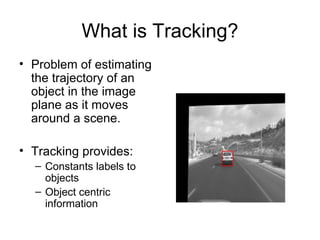
What is Tracking? Problem of estimating the trajectory of an object in the image plane as it moves around a scene. Tracking provides: Constants labels to objects Object centric information
Challenges Problems: Noise in images Complex object motion Camera Movements Partial and full occlusions Scene illuminations changes Real time processing requirements
Articles Support Vector Tracking (CVPR 2001) Ensemble Tracking  (CVPR 2005) Both works were done by Shai Avidan
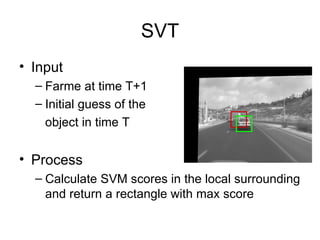
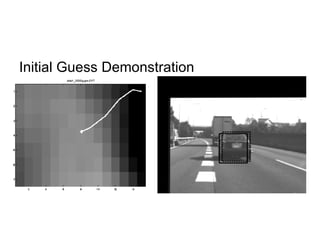
SVT Input Farme at time T+1 Initial guess of the  object in time T Process Calculate SVM scores in the local surrounding and return a rectangle with max score
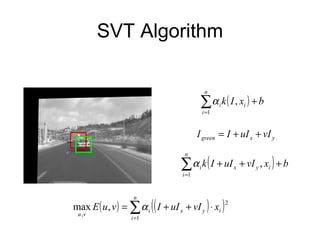
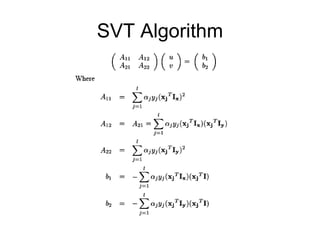
SVT Algorithm
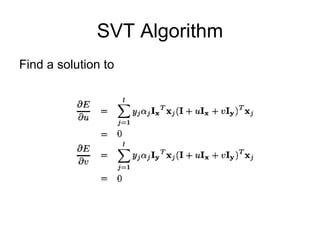
SVT Algorithm Find a solution to
SVT Algorithm
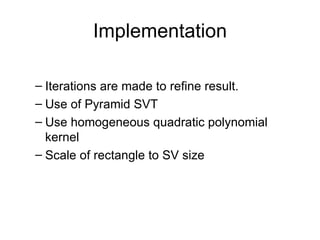
Implementation Iterations are made to refine result. Use of Pyramid SVT Use homogeneous quadratic polynomial kernel Scale of rectangle to SV size
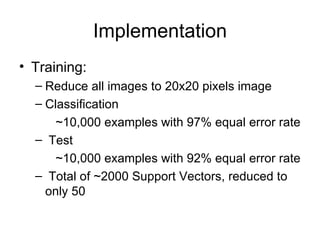
Implementation Training: Reduce all images to 20x20 pixels image Classification    ~10,000 examples with 97% equal error rate Test    ~10,000 examples with 92% equal error rate Total of ~2000 Support Vectors, reduced to only 50
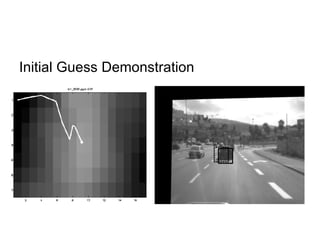
Initial Guess Demonstration
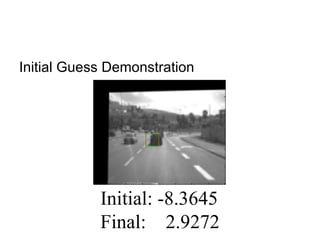
Initial Guess Demonstration Initial: -8.3645 Final:  2.9272
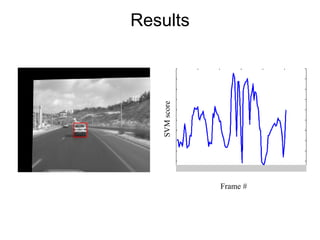
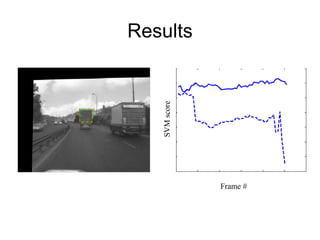
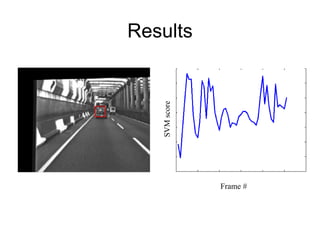
Results Frame # SVM score
SVT Questions?
Ensemble Tracking Use of classifiers to distinguish the object from the background.  Classifiers are used to create a confidence map Training of new weak classifiers and adding them to the ensemble of weak classifiers
Ensemble Tracking Advantages Breaks the time consuming training phase into a sequence of simple learning tasks that can be performed on-line Can integrate off-line and on-line learning seamlessly. Stability of tracker is improved in cases of partial occlusions or illumination changes.
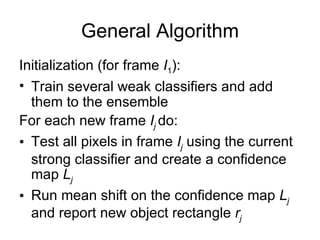
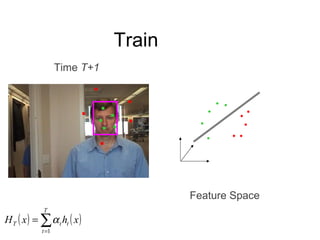
General Algorithm Initialization (for frame  I 1 ): Train several weak classifiers and add them to the ensemble For each new frame  I j   do: Test all pixels in frame  I j   using the current strong classifier and create a confidence map  L j Run mean shift on the confidence map  L j   and report new object rectangle  r j
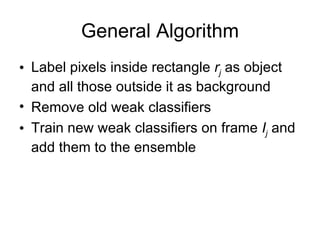
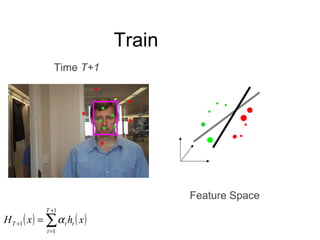
General Algorithm Label pixels inside rectangle  r j   as object and all those outside it as background Remove old weak classifiers Train new weak classifiers on frame  I j  and add them to the ensemble
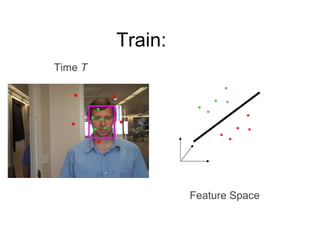
Train: Feature Space Time  T
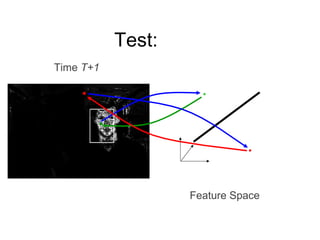
Test: Feature Space Time  T+1
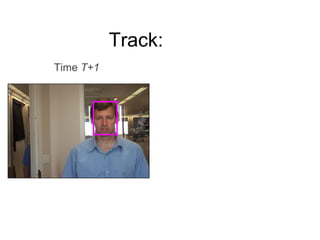
Track: Time  T+1
Train Feature Space Time  T+1
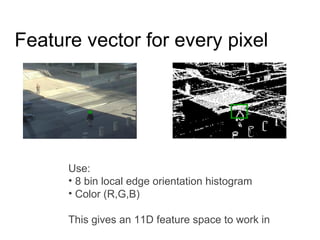
Feature vector for every pixel Use: 8 bin local edge orientation histogram Color (R,G,B) This gives an 11D feature space to work in
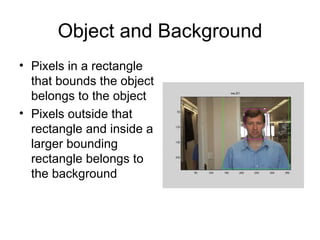
Object and Background Pixels in a rectangle that bounds the object belongs to the object Pixels outside that rectangle and inside a larger bounding rectangle belongs to the background
Confidence Measure weak classifier    confidence measure [-∞, +∞]    [0, 1] negative    0 positive    (0, 1]
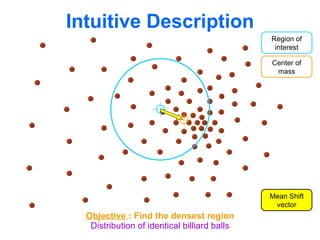
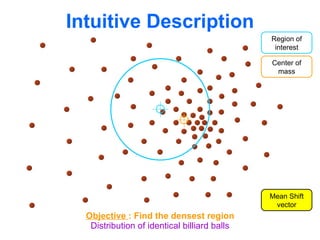
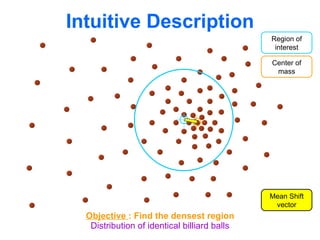
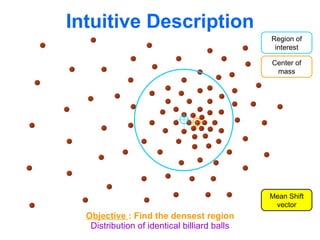
Mean Shift Mean shift procedure: 1.Choose the radius r for the search window 2.Initialize the location of the window xk, k=1 3.Compute the m.s.v. Mh,k(xk) 4.Translate the window by xk+1= Mh,k(xk)+xk, k=k+1 5.Repeat step 3 and 4 until convergence
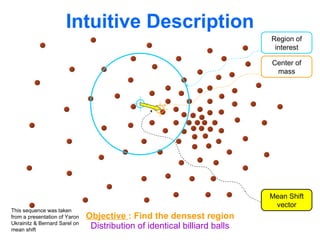
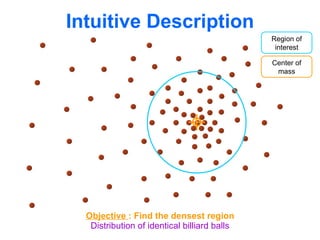
Intuitive Description Distribution of identical billiard balls Region of interest Center of mass Mean Shift vector Objective  : Find the densest region This sequence was taken from a presentation of Yaron Ukrainitz & Bernard Sarel on mean shift
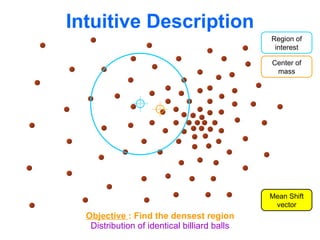
Intuitive Description Distribution of identical billiard balls Region of interest Center of mass Mean Shift vector Objective  : Find the densest region
Intuitive Description Distribution of identical billiard balls Region of interest Center of mass Objective  : Find the densest region
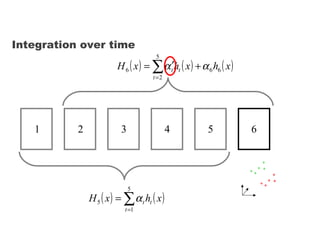
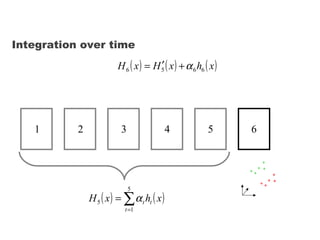
Integration over time 1 3 2 4 5 6
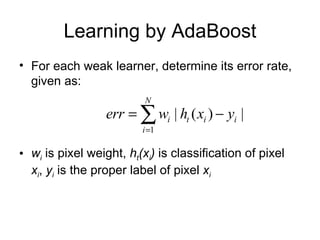
Learning by AdaBoost For each weak learner, determine its error rate, given as:  w i   is pixel weight,  h t (x i )  is classification of pixel  x i ,  y i  is the proper label of pixel  x i
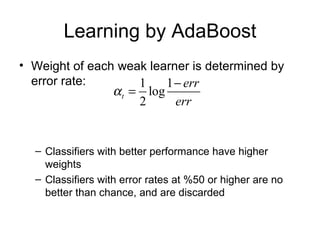
Learning by AdaBoost Weight of each weak learner is determined by error rate:  Classifiers with better performance have higher weights Classifiers with error rates at %50 or higher are no better than chance, and are discarded
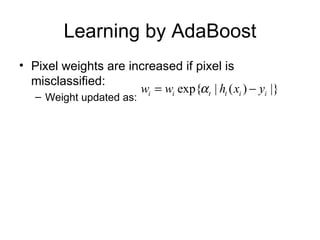
Learning by AdaBoost Pixel weights are increased if pixel is misclassified: Weight updated as:
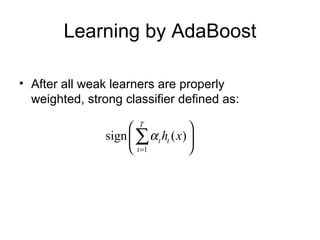
Learning by AdaBoost After all weak learners are properly weighted, strong classifier defined as:
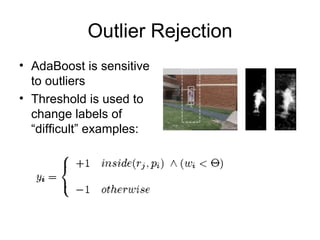
Outlier Rejection AdaBoost is sensitive to outliers Threshold is used to change labels of “difficult” examples:
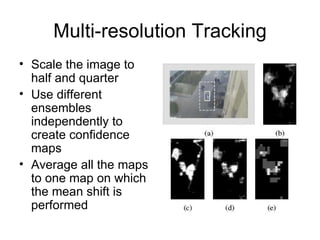
Multi-resolution Tracking Scale the image to half and quarter Use different ensembles independently to create confidence maps Average all the maps to one map on which the mean shift is performed
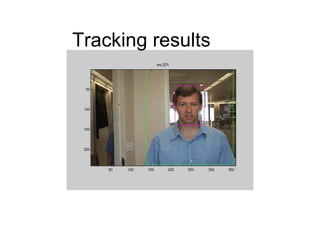
Tracking results
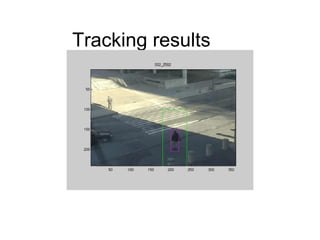
Tracking results
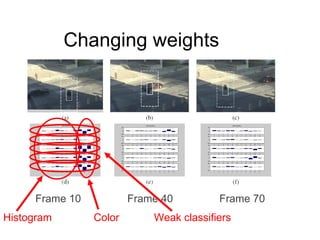
Changing weights Frame 10 Frame 40 Frame 70 Color Histogram Weak classifiers
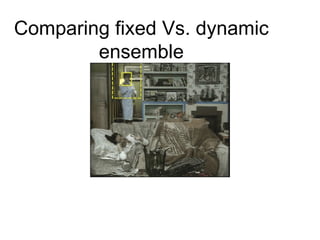
Comparing fixed Vs. dynamic ensemble
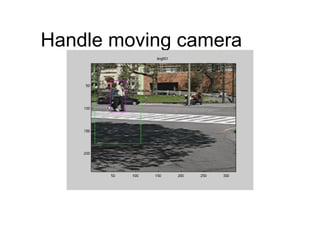
Handle moving camera
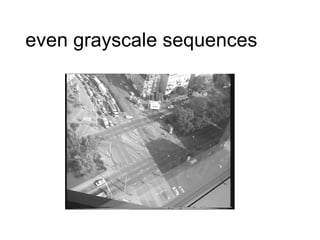
even grayscale sequences
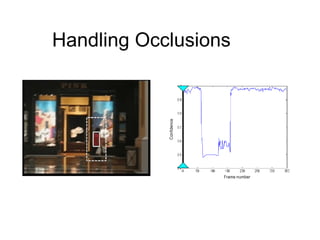
Handling Occlusions
Ensemble tracking Questions?
Summary Two algorithms: Offline learning vs. online learning Classifiers of SV vs. ensemble of weak classifiers Both use multi-resolution methods
The End

Shai Avidan's Support vector tracking and ensemble tracking