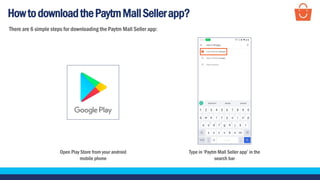
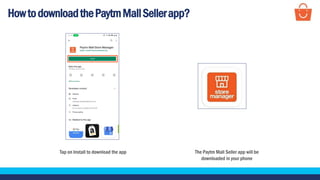
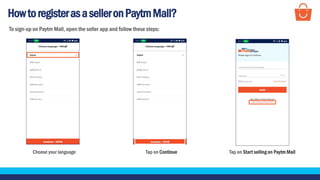
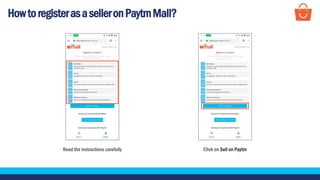
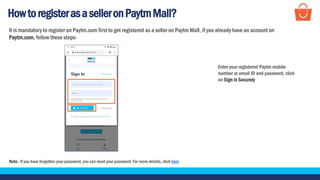
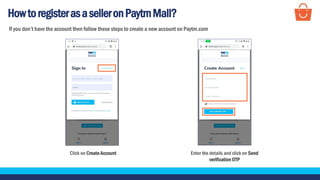
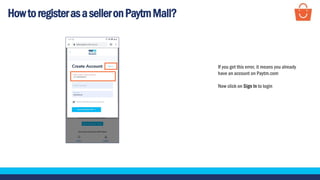
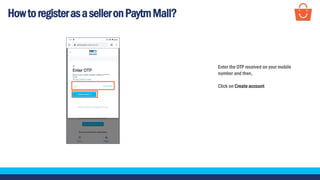
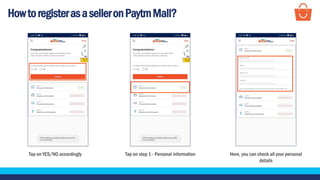
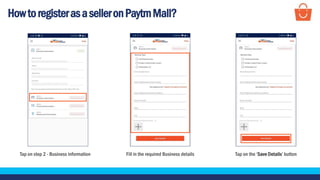
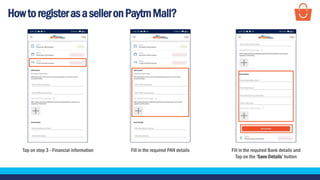
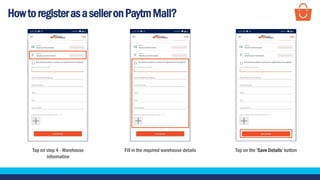
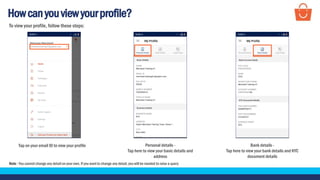
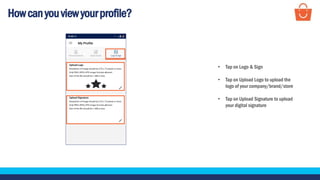
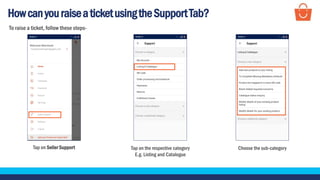
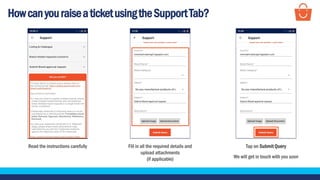
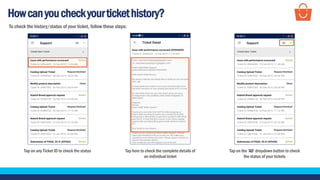
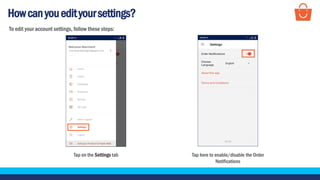
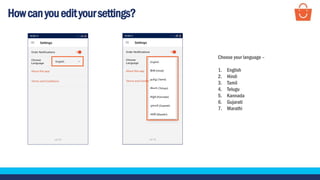
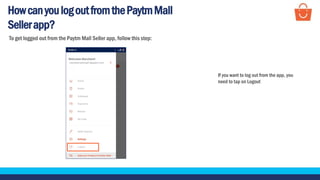
The document provides instructions for downloading the Paytm Mall Seller app, registering as a seller, viewing profiles, raising support tickets, checking ticket history, editing settings, and logging out. It describes the 6 step process for downloading the app and the steps for registering including linking an existing Paytm.com account or creating a new one and filling out personal, business, financial, and warehouse details. It also explains how to view profiles, submit support tickets, check past tickets, change settings like notifications and language, and logout of the app.