Selfish Accessibility 
Presented by Adrian Roselli for UX Singapore 2014 
#uxsg
About Adrian Roselli 
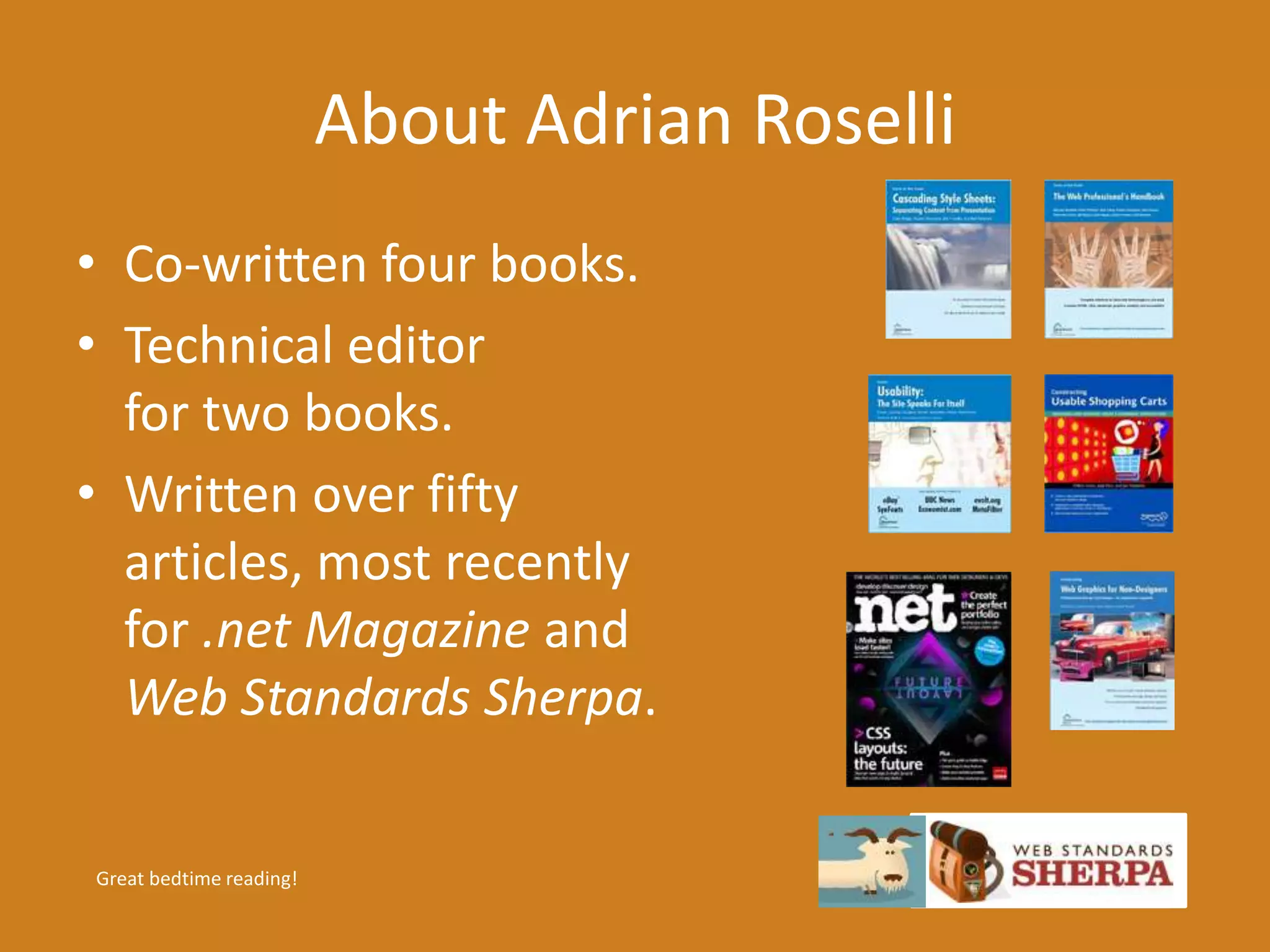
• Co-written four books. 
• Technical editor 
for two books. 
• Written over fifty 
articles, most recently 
for .net Magazine and 

Web Standards Sherpa. 
Great bedtime reading!
About Adrian Roselli 
• Member of W3C HTML Working Group, W3C 
Accessibility Task Force, five W3C Community 
Groups. 
• Building for the web since 1994. 
• Founder, owner at Algonquin Studios 
(AlgonquinStudios.com). 
• Learn more at AdrianRoselli.com. 
• Avoid on Twitter @aardrian. 
I warned you.
What is a11y? 
• A numeronym for “accessibility”: 
• The first and last letter, 
• The number of characters omitted. 
• Prominent on Twitter (character restrictions): 
• #a11y 
• Examples: 
• l10n → localization 
• i18n → internationalization 
Ain’t language funsies?
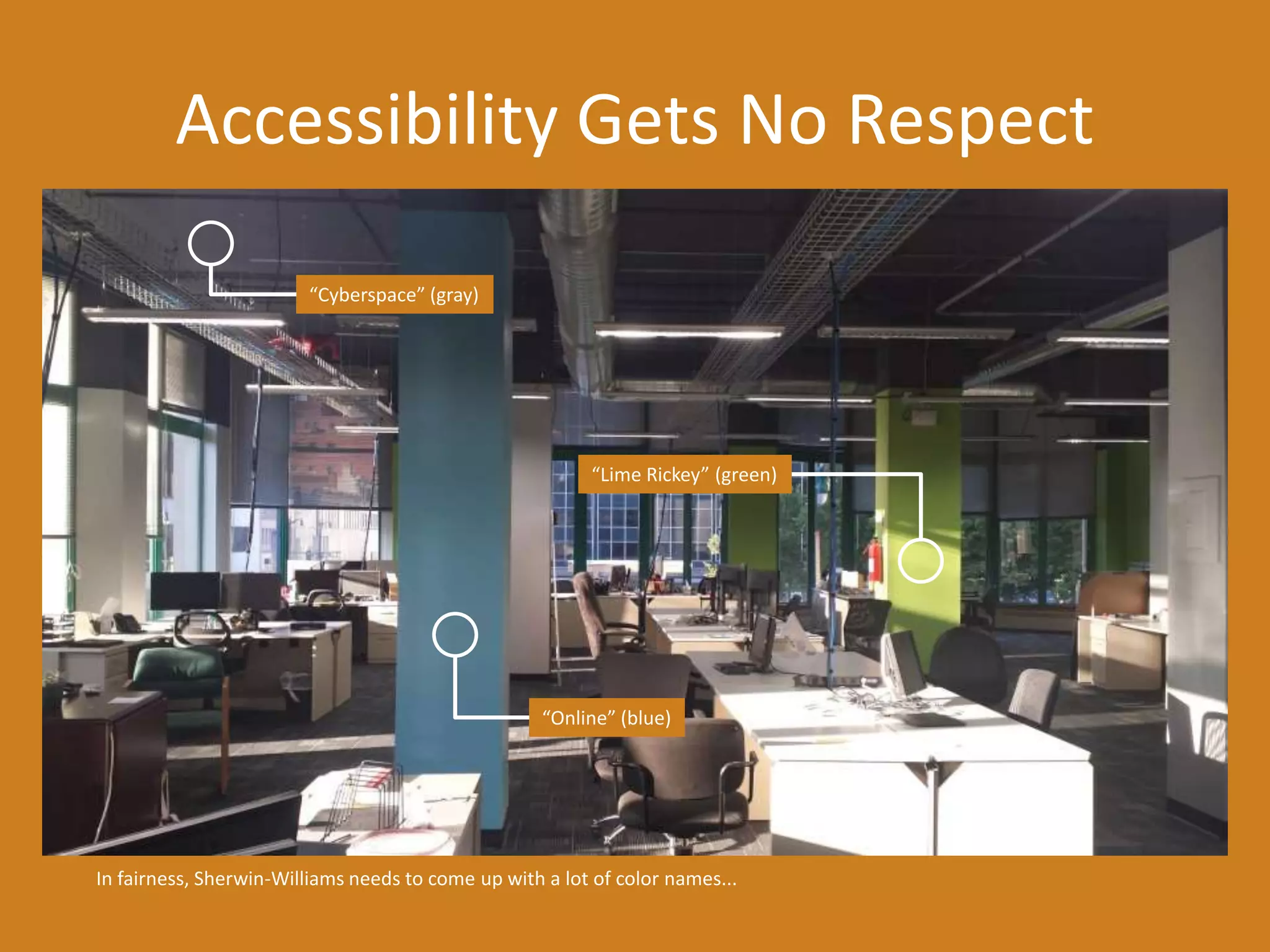
Accessibility Gets No Respect 
“Cyberspace” (gray) 
“Lime Rickey” (green) 
“Online” (blue) 
In fairness, Sherwin-Williams needs to come up with a lot of color names...
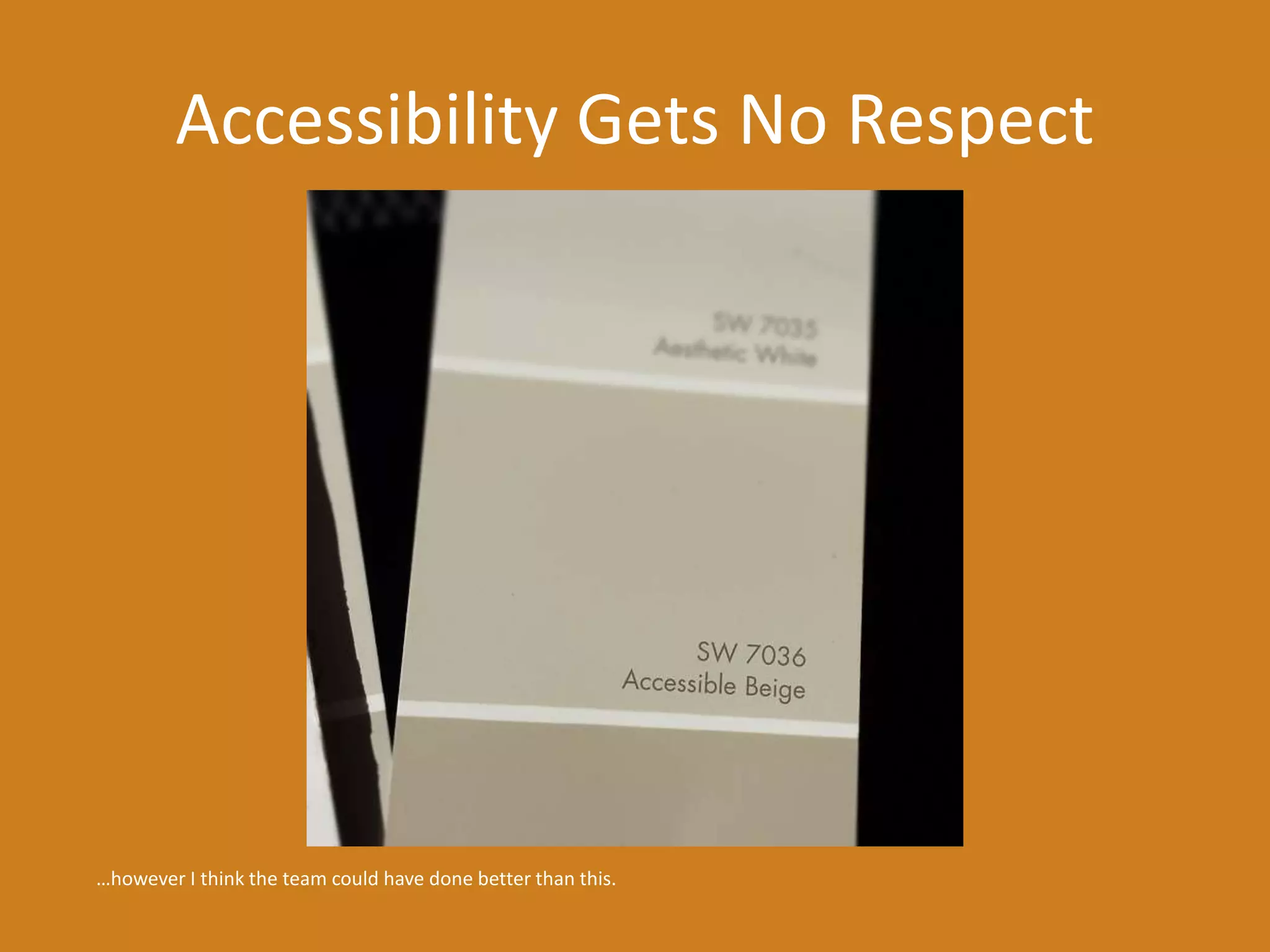
Accessibility Gets No Respect 
…however I think the team could have done better than this.
What We’ll Cover 
• Boring Statistics 
• How to Be Selfish 

• Some Techniques 
• Resources / Questions (ongoing!) 
Work with me, people.
Boring Statistics 
1 of 4 sections.
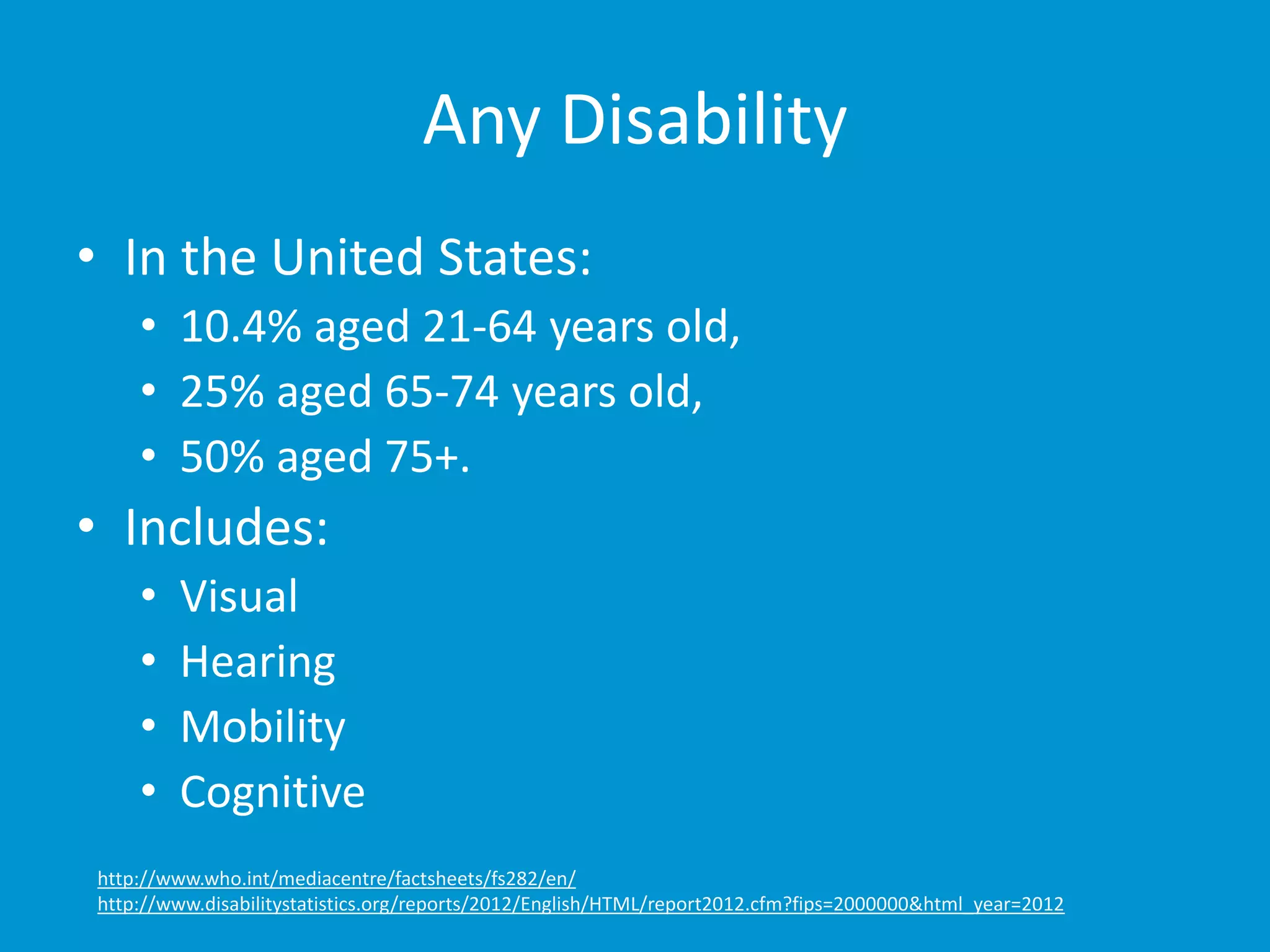
Any Disability 
• In the United States: 
• 10.4% aged 21-64 years old, 
• 25% aged 65-74 years old, 
• 50% aged 75+. 
• Includes: 
• Visual 
• Hearing 
• Mobility 
• Cognitive 
http://www.who.int/mediacentre/factsheets/fs282/en/ 
http://www.disabilitystatistics.org/reports/2012/English/HTML/report2012.cfm?fips=2000000&html_year=2012
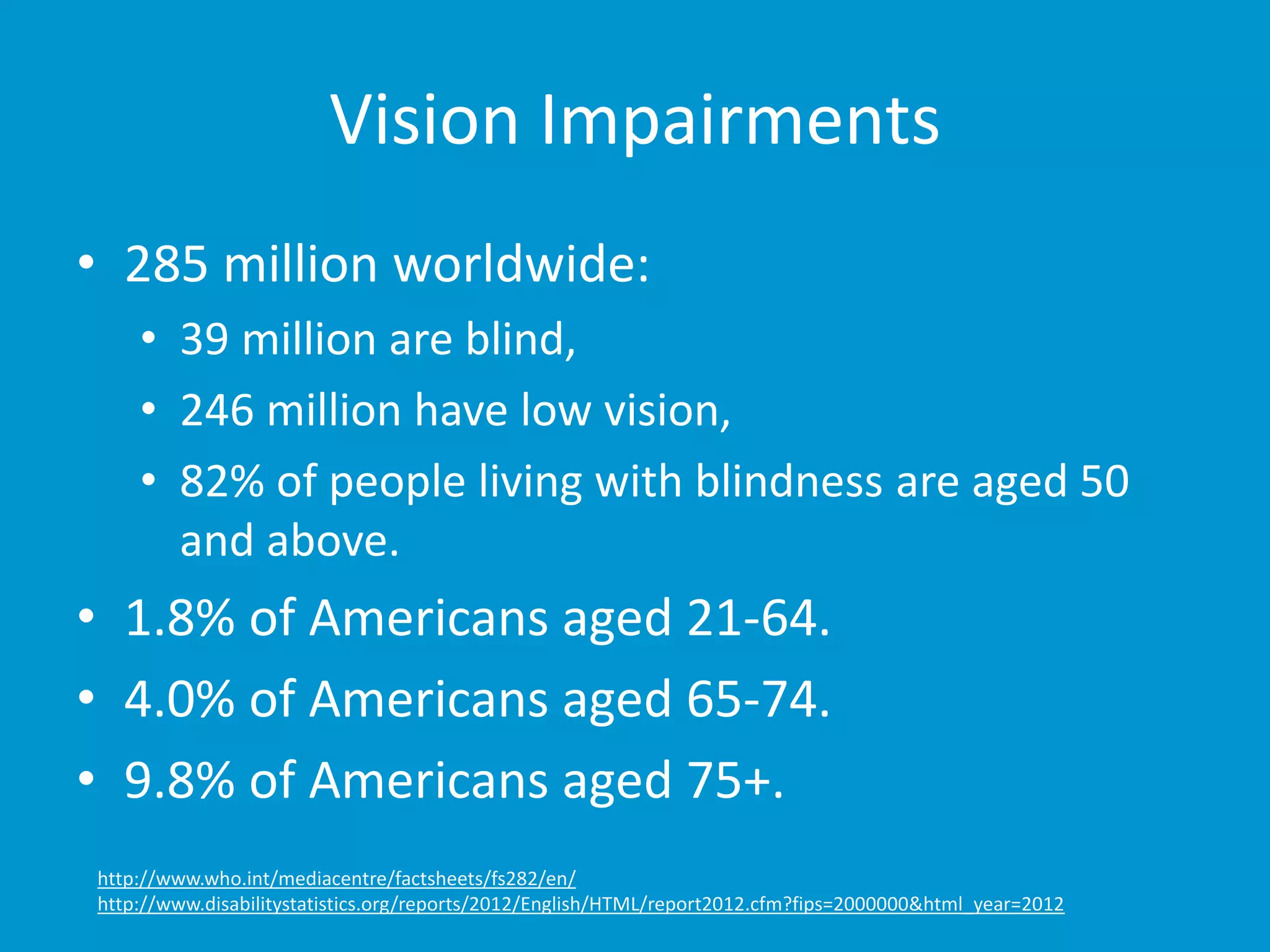
Vision Impairments 
• 285 million worldwide: 
• 39 million are blind, 
• 246 million have low vision, 
• 82% of people living with blindness are aged 50 
and above. 
• 1.8% of Americans aged 21-64. 
• 4.0% of Americans aged 65-74. 
• 9.8% of Americans aged 75+. 
http://www.who.int/mediacentre/factsheets/fs282/en/ 
http://www.disabilitystatistics.org/reports/2012/English/HTML/report2012.cfm?fips=2000000&html_year=2012
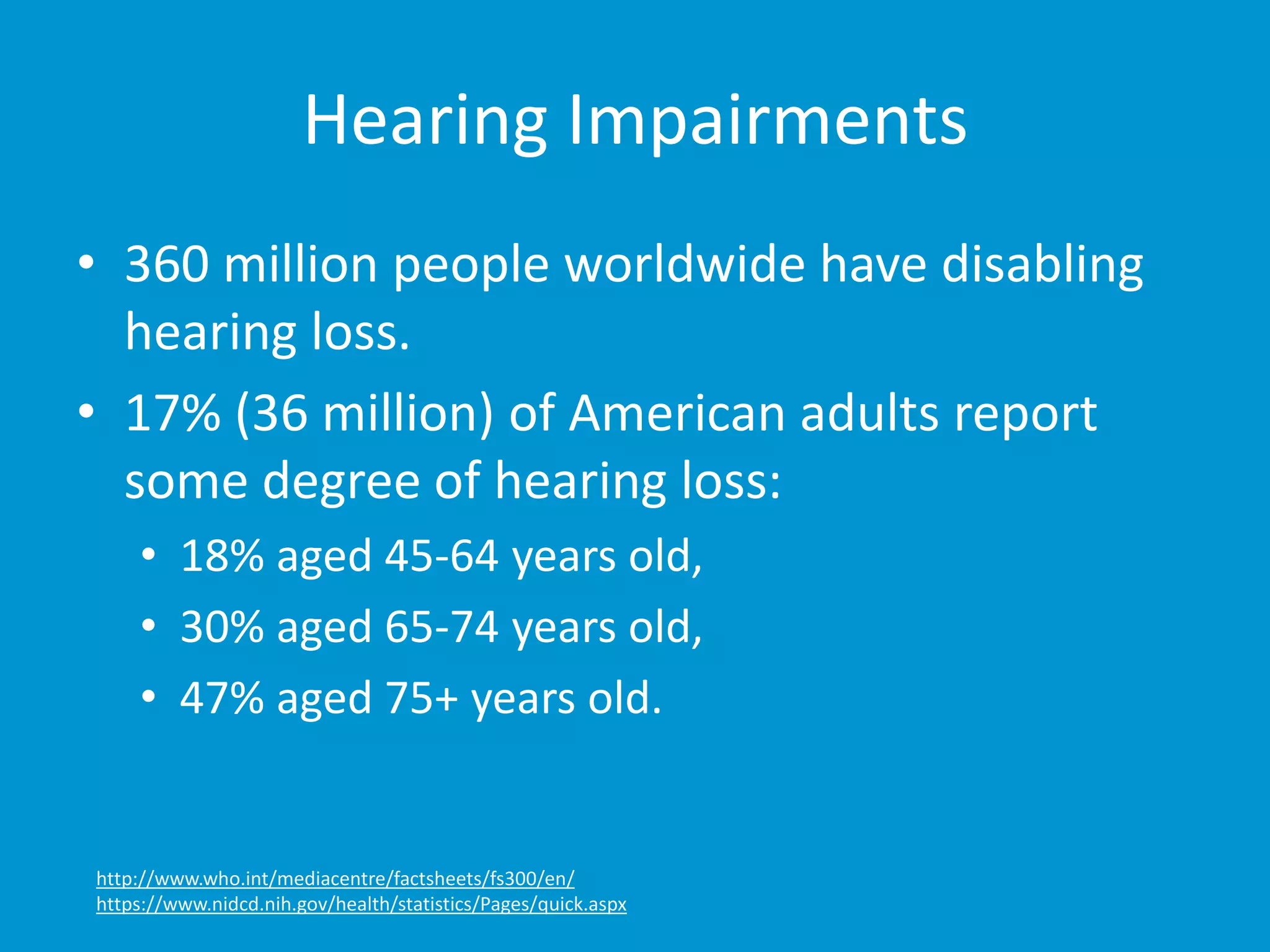
Hearing Impairments 
• 360 million people worldwide have disabling 
hearing loss. 
• 17% (36 million) of American adults report 
some degree of hearing loss: 
• 18% aged 45-64 years old, 
• 30% aged 65-74 years old, 
• 47% aged 75+ years old. 
http://www.who.int/mediacentre/factsheets/fs300/en/ 
https://www.nidcd.nih.gov/health/statistics/Pages/quick.aspx
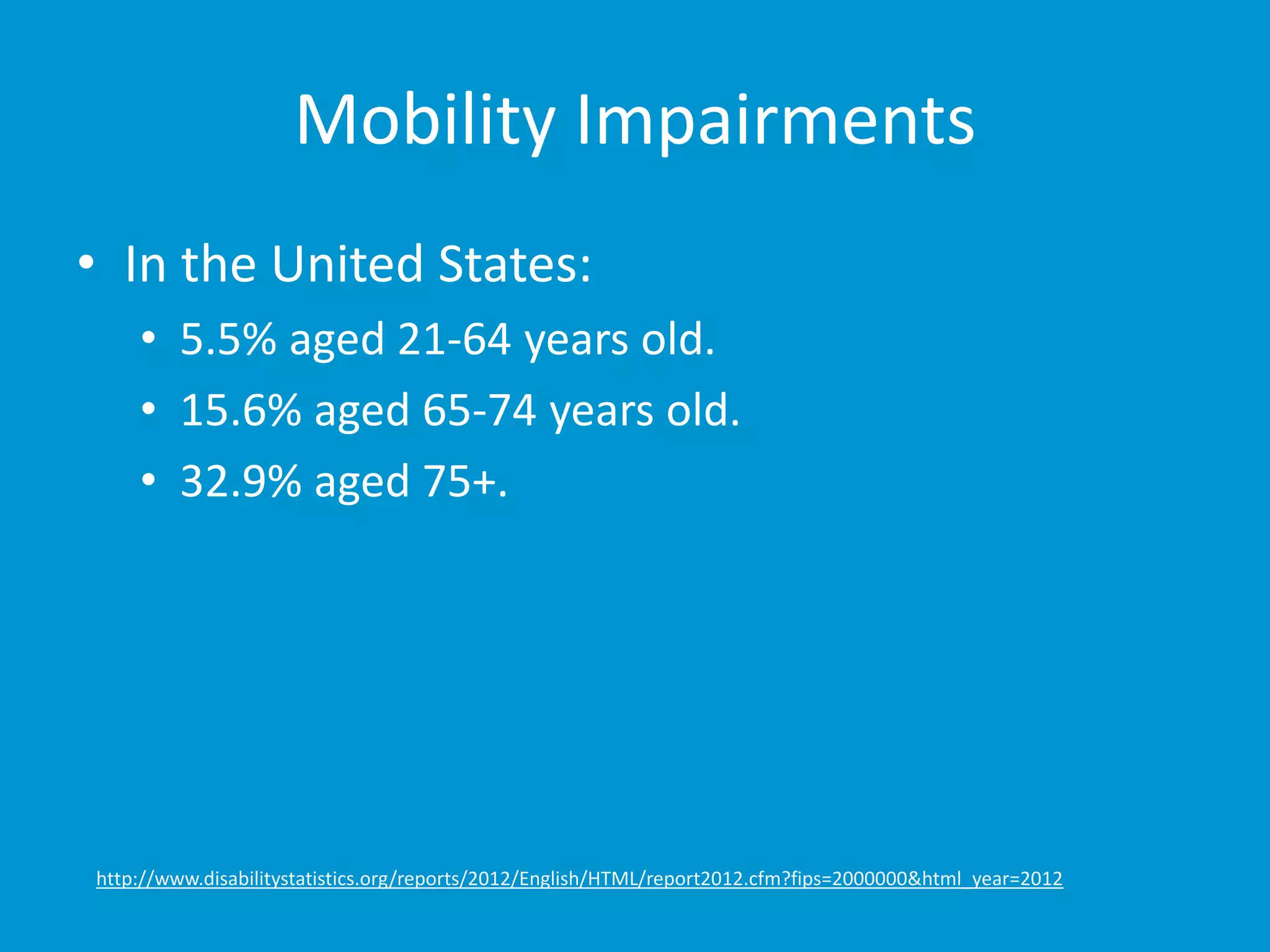
Mobility Impairments 
• In the United States: 
• 5.5% aged 21-64 years old. 
• 15.6% aged 65-74 years old. 
• 32.9% aged 75+. 
http://www.disabilitystatistics.org/reports/2012/English/HTML/report2012.cfm?fips=2000000&html_year=2012
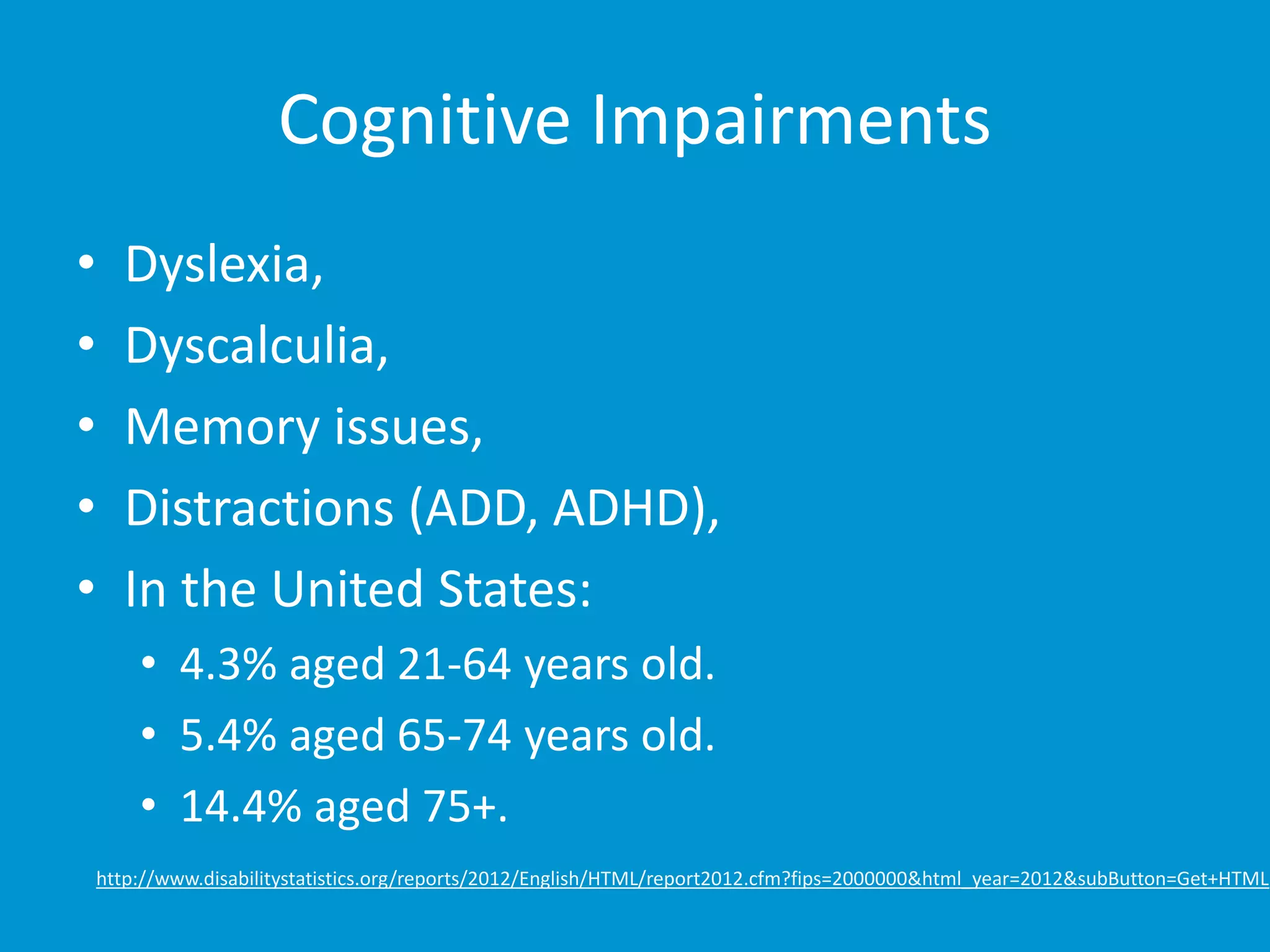
Cognitive Impairments 
• Dyslexia, 
• Dyscalculia, 
• Memory issues, 
• Distractions (ADD, ADHD), 
• In the United States: 
• 4.3% aged 21-64 years old. 
• 5.4% aged 65-74 years old. 
• 14.4% aged 75+. 
http://www.disabilitystatistics.org/reports/2012/English/HTML/report2012.cfm?fips=2000000&html_year=2012&subButton=Get+HTML
How to Be Selfish 
2 of 4 sections.
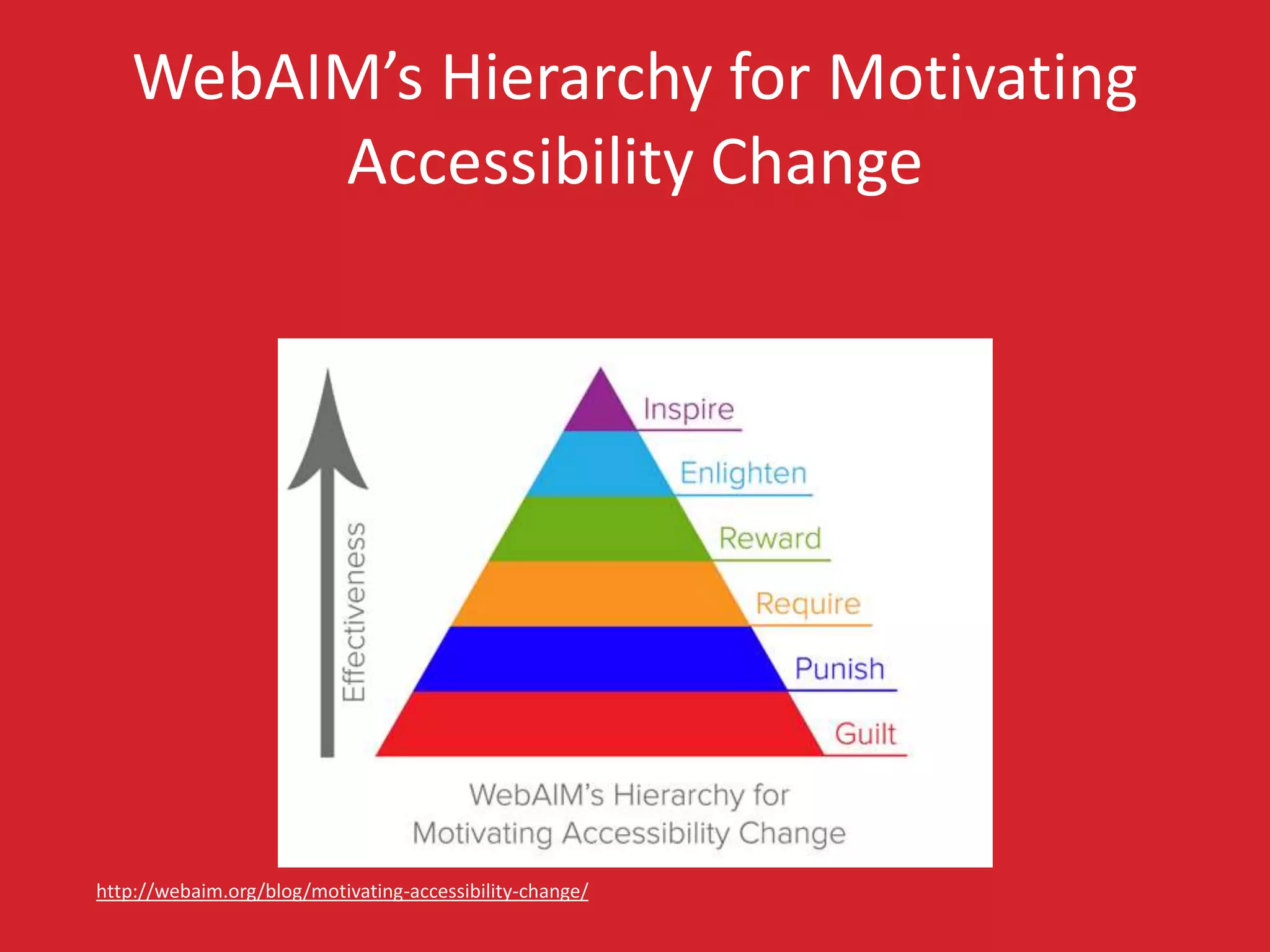
WebAIM’s Hierarchy for Motivating 
Accessibility Change 
http://webaim.org/blog/motivating-accessibility-change/
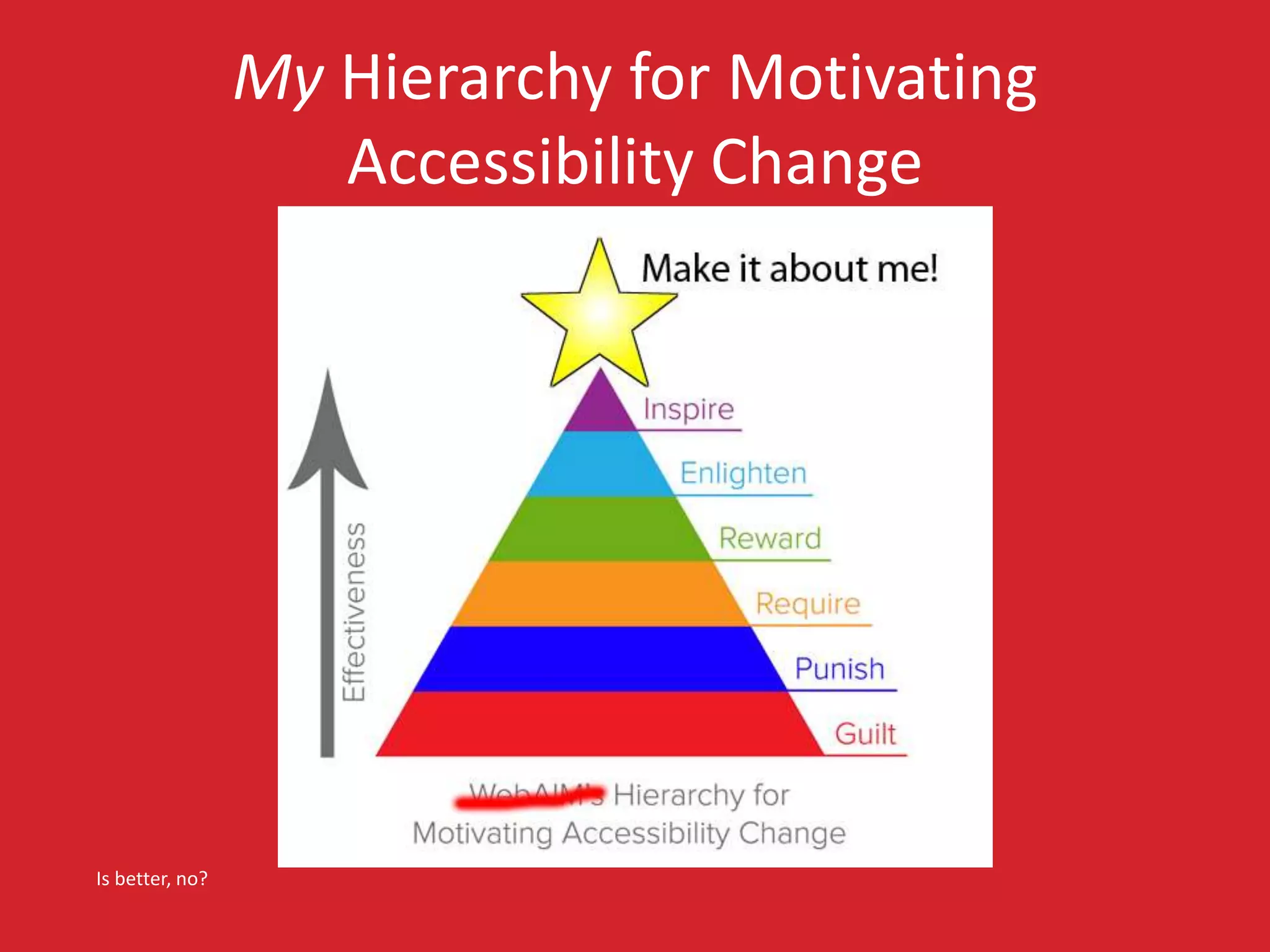
My Hierarchy for Motivating 
Accessibility Change 
Is better, no?
Getting Older 
• Affects (nearly) everyone, 
• Carries risks and side effects, 
• Is not for the young. 
I’m still experimenting with it.
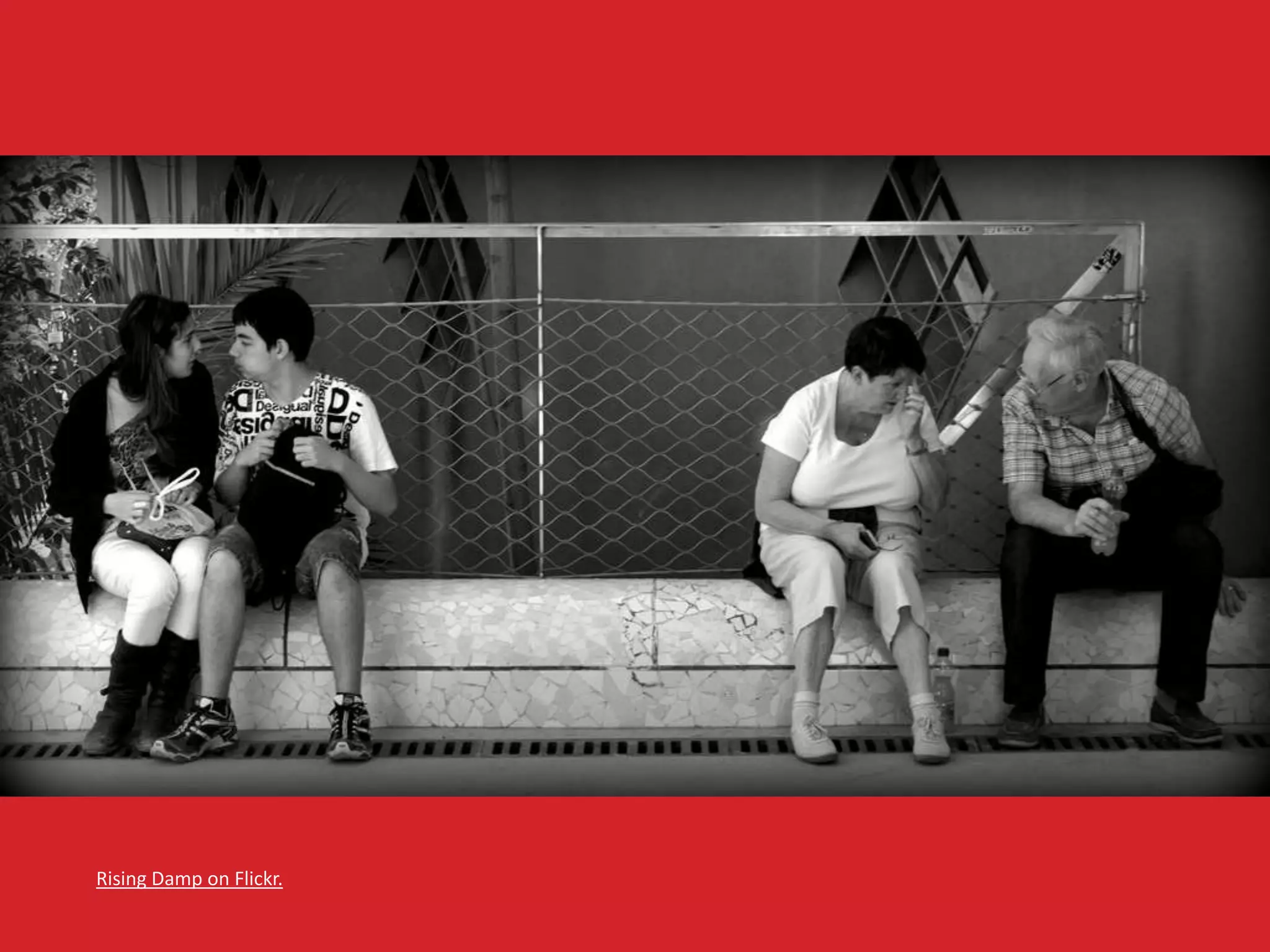
Rising Damp on Flickr.
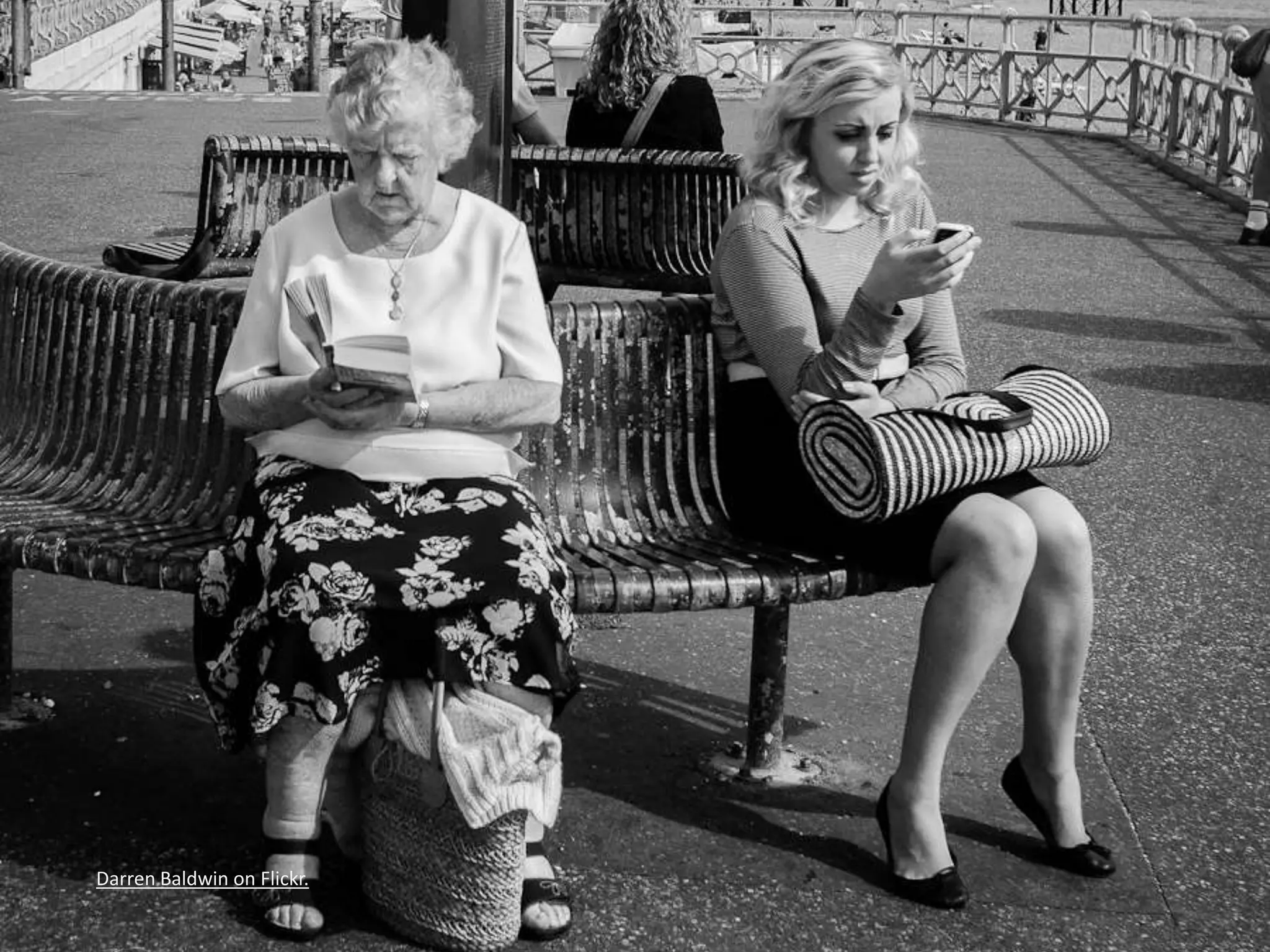
Darren Baldwin on Flickr.
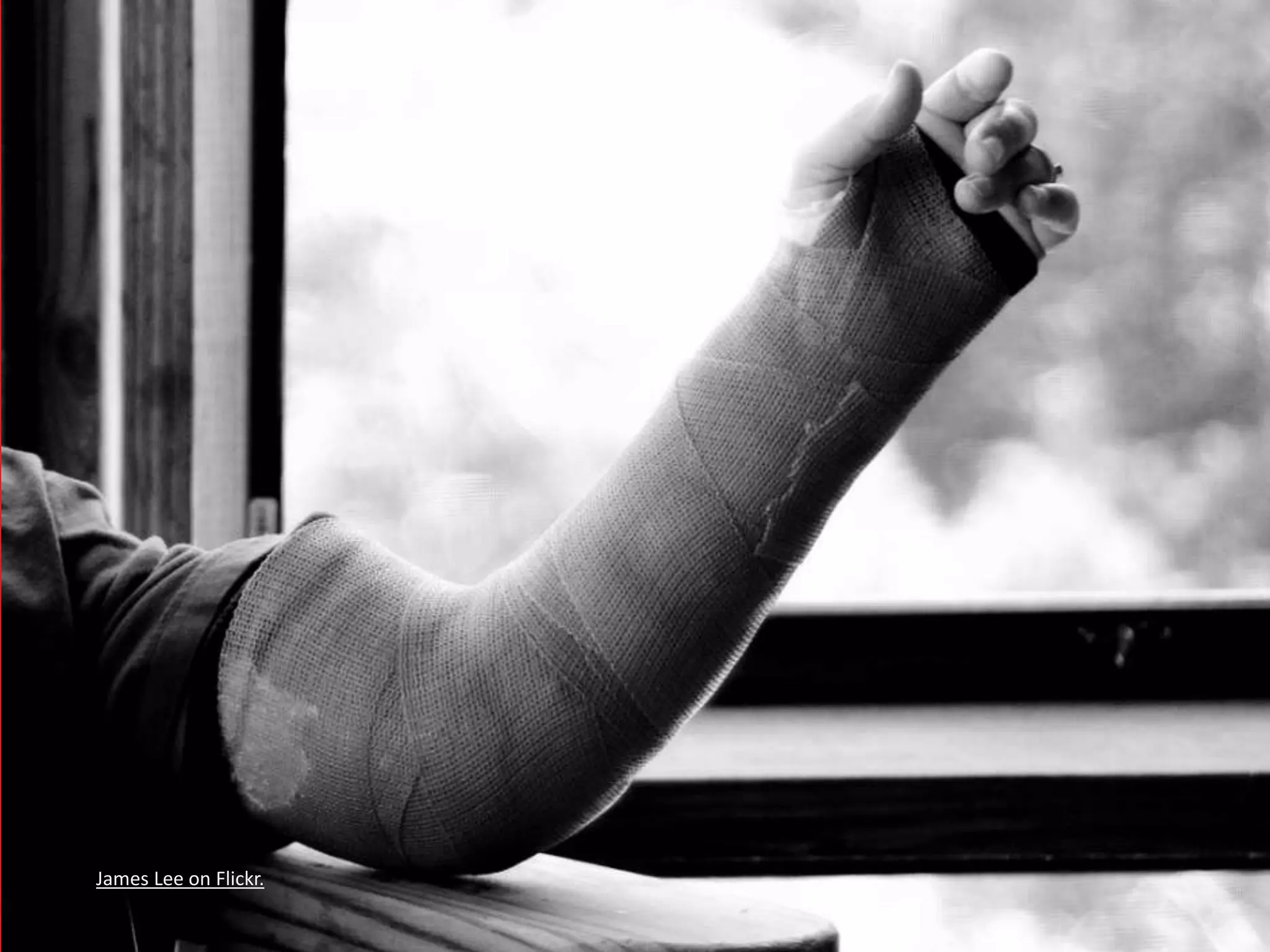
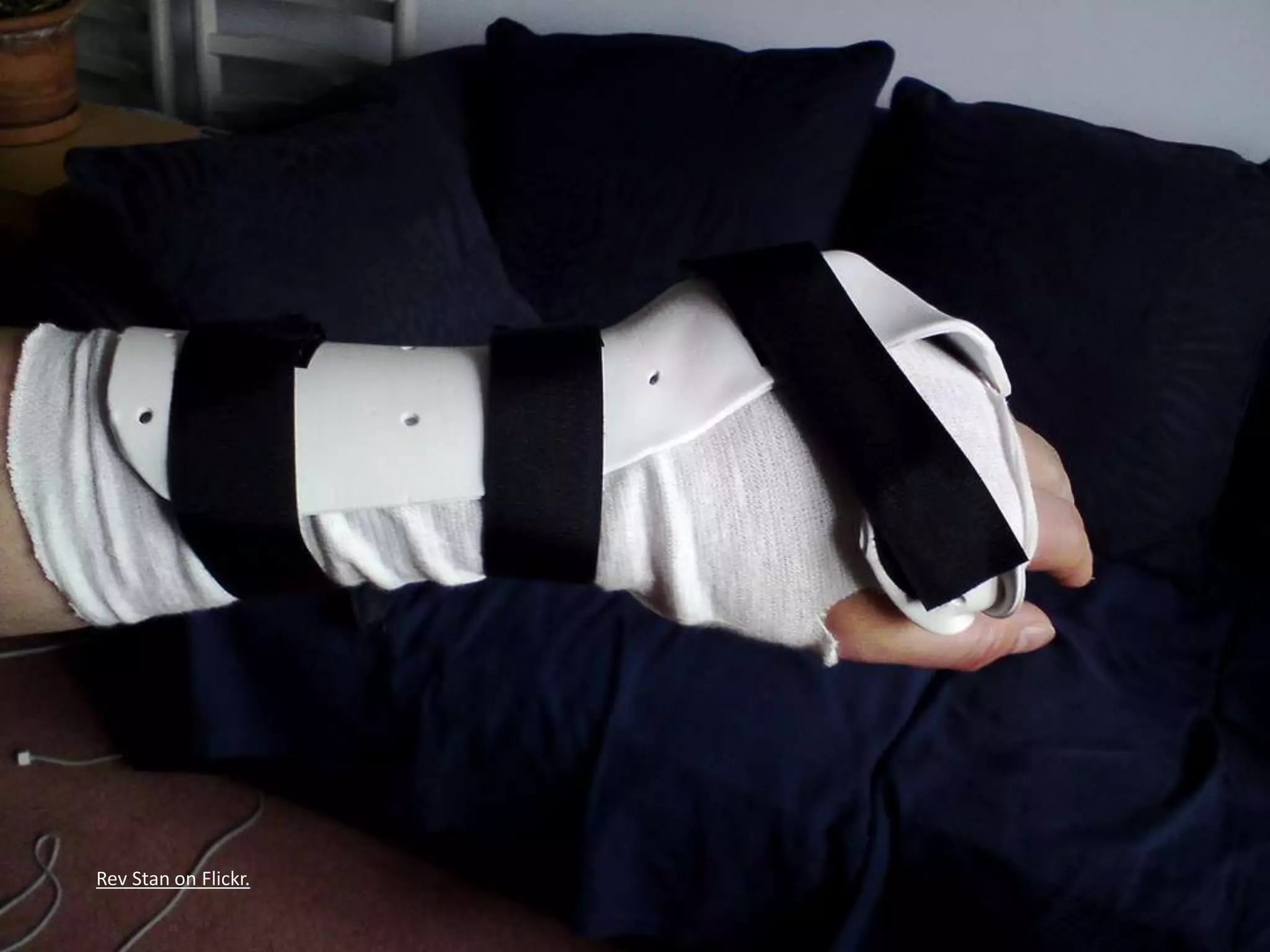
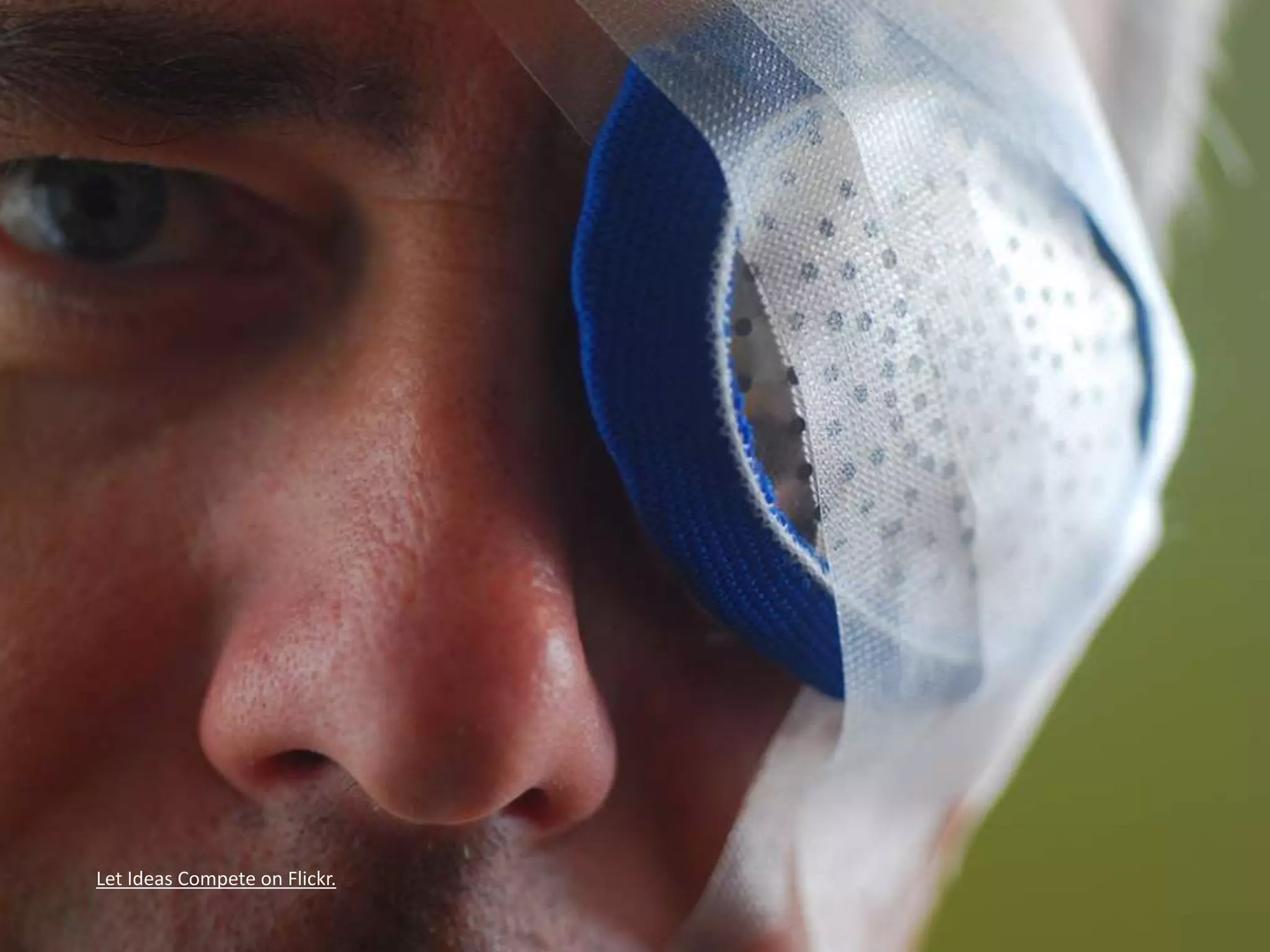
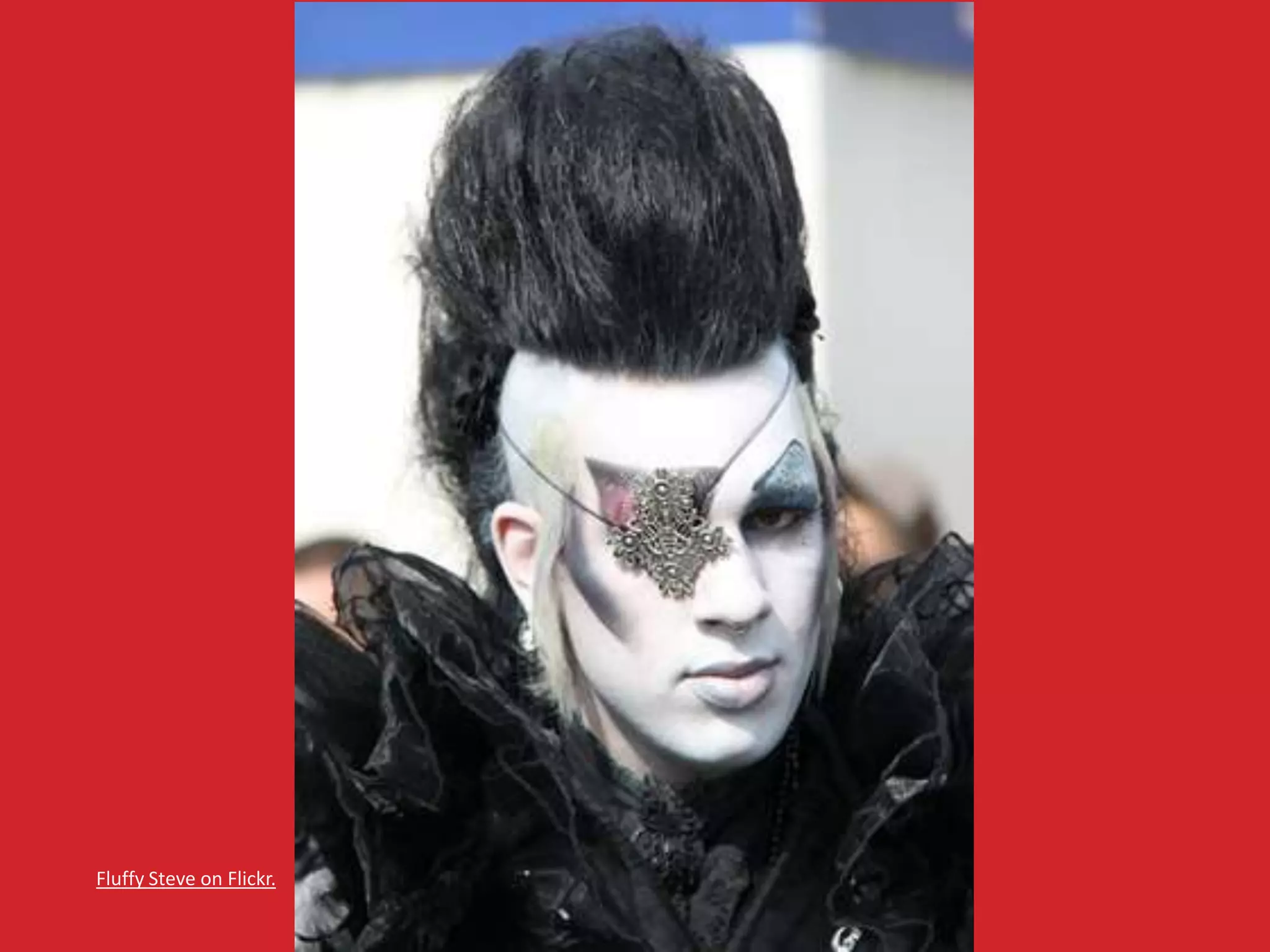
Accidents 
• Broken limbs, 
• Eye injuries, 
• Hearing injuries, 
• Head trauma. 
All of these have happened to me, multiple times.
James Lee on Flickr.
Rev Stan on Flickr.
Let Ideas Compete on Flickr.
Fluffy Steve on Flickr.
Paul Townsend on Flickr.
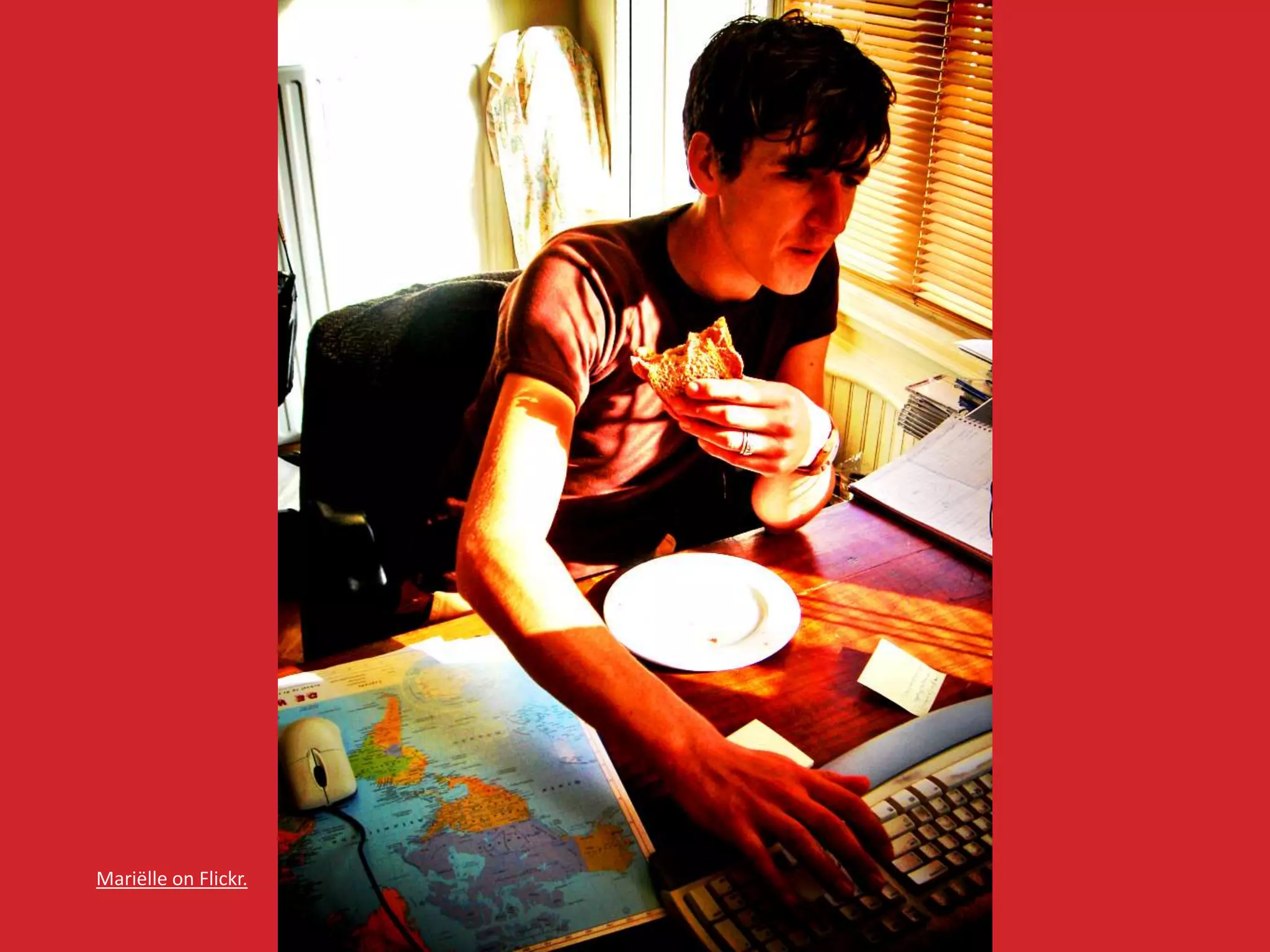
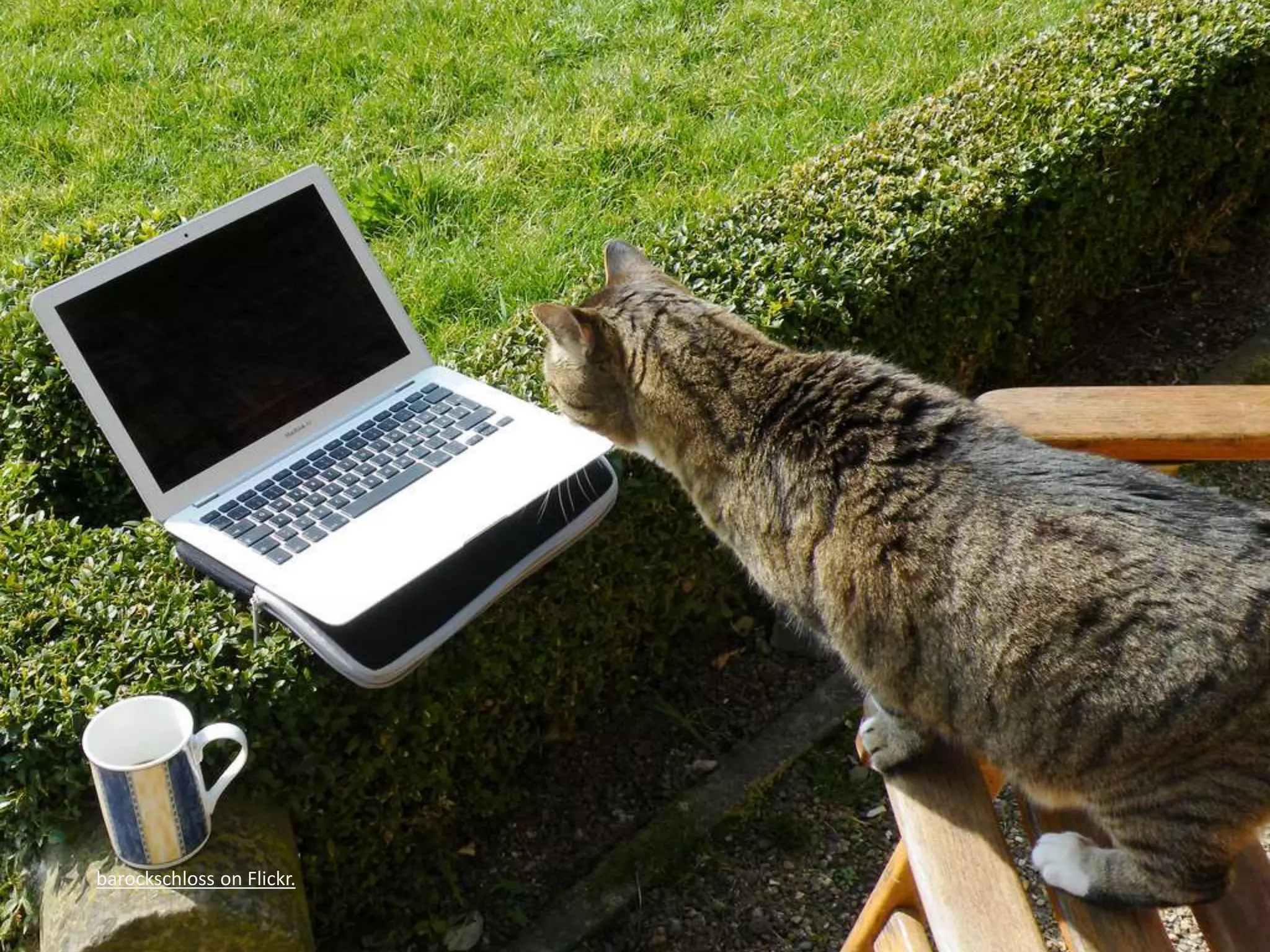
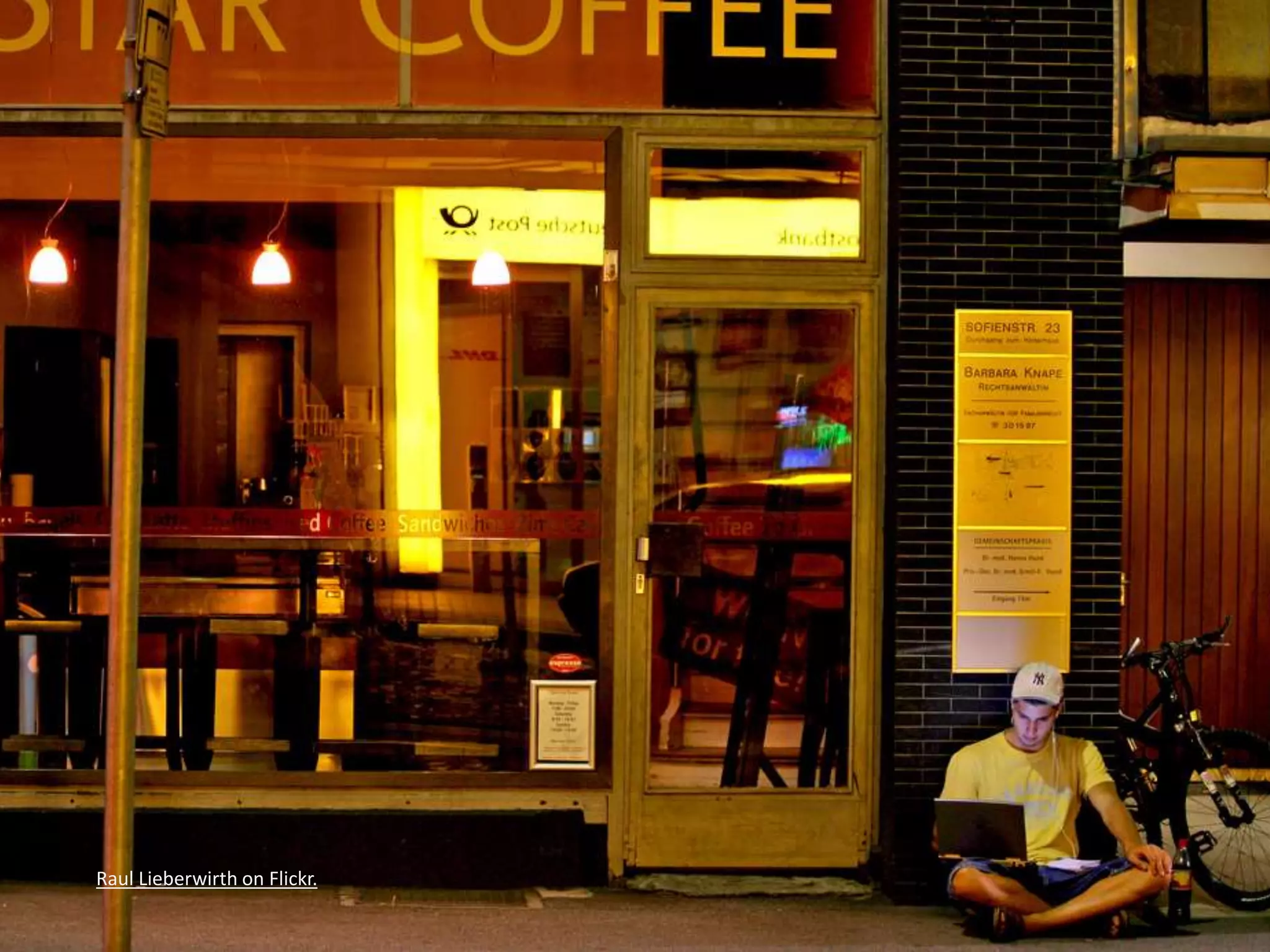
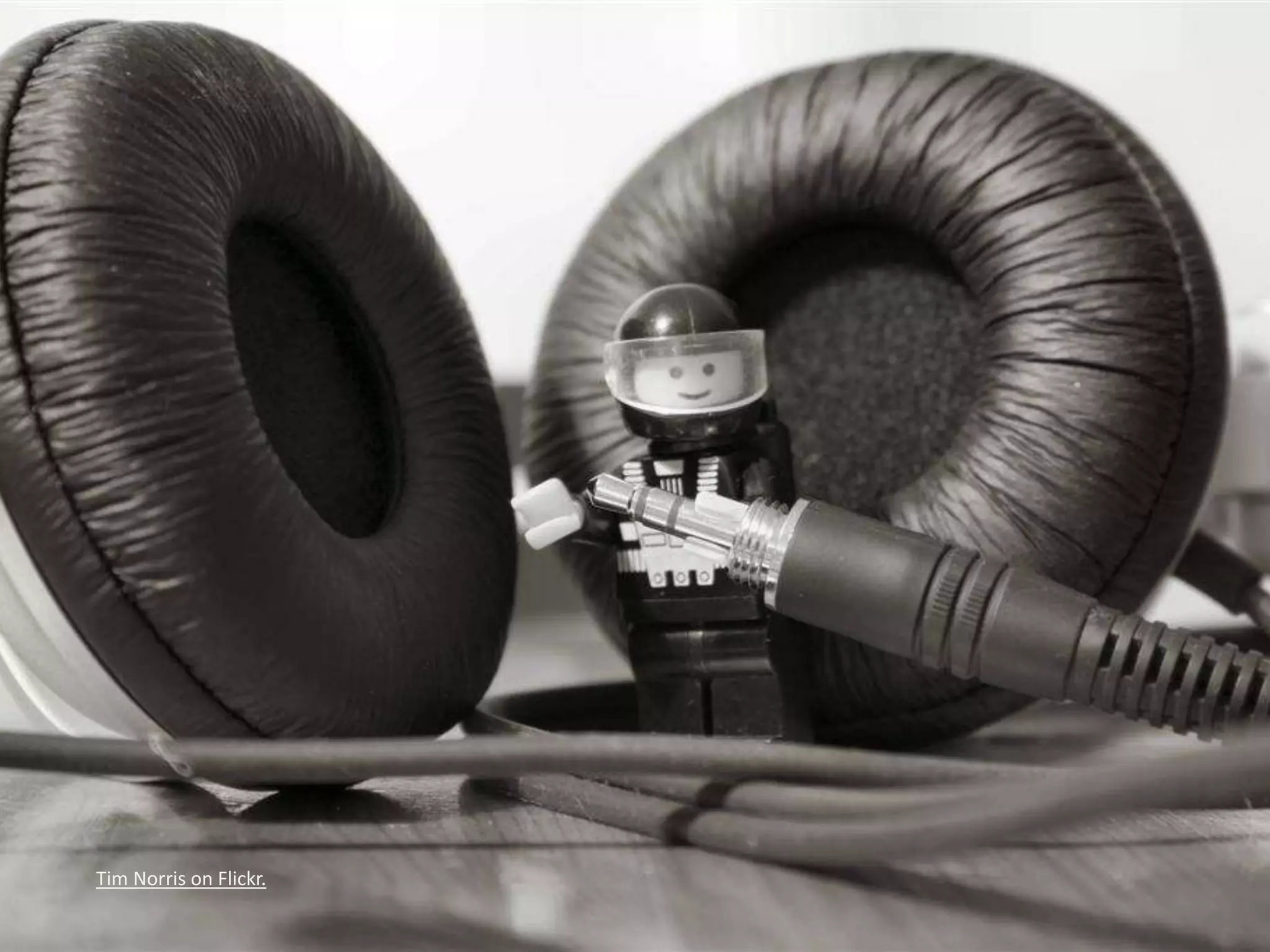
But I’m Invincible! 
• Multi-tasking, 
• Sunlight, 
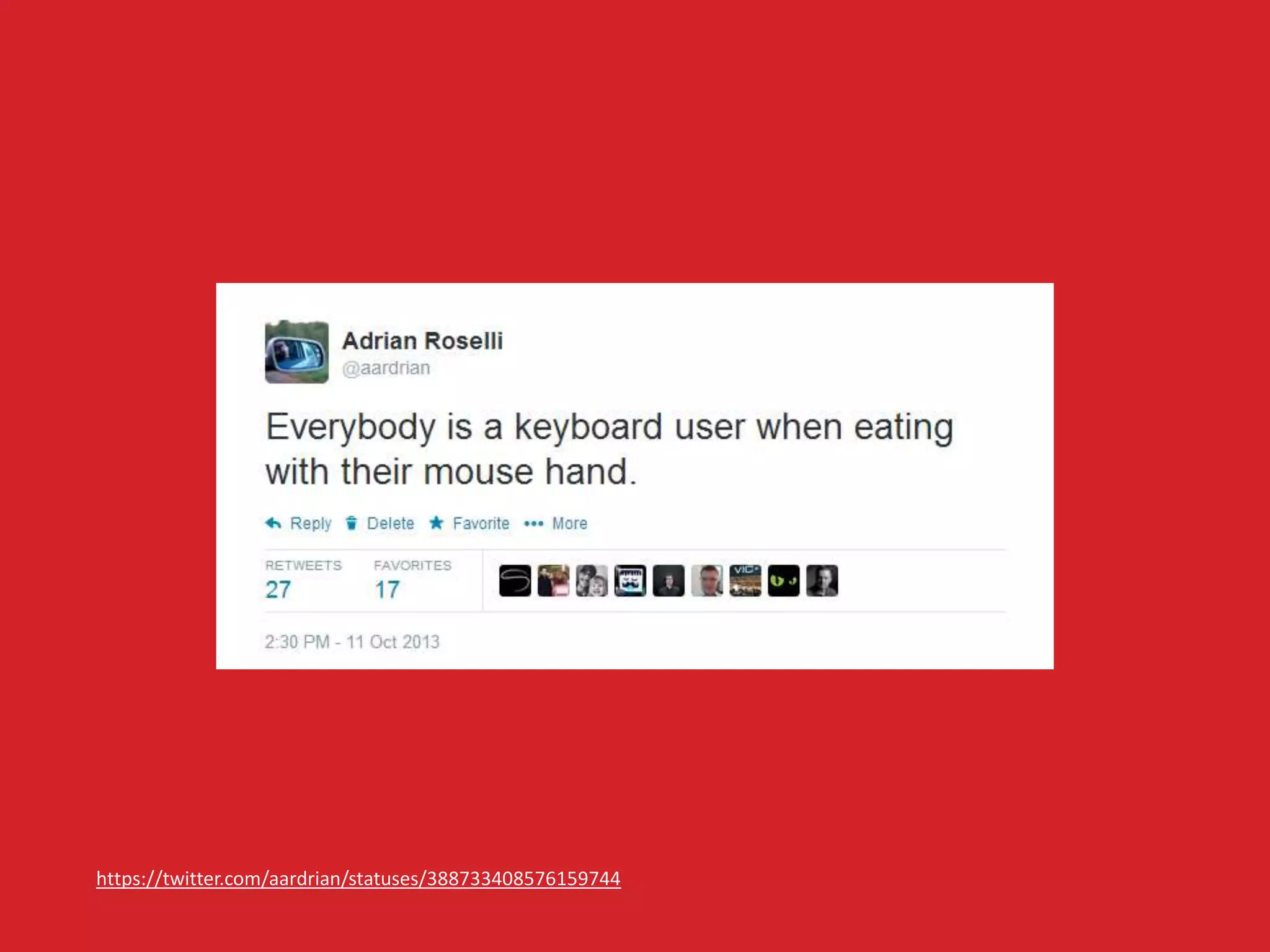
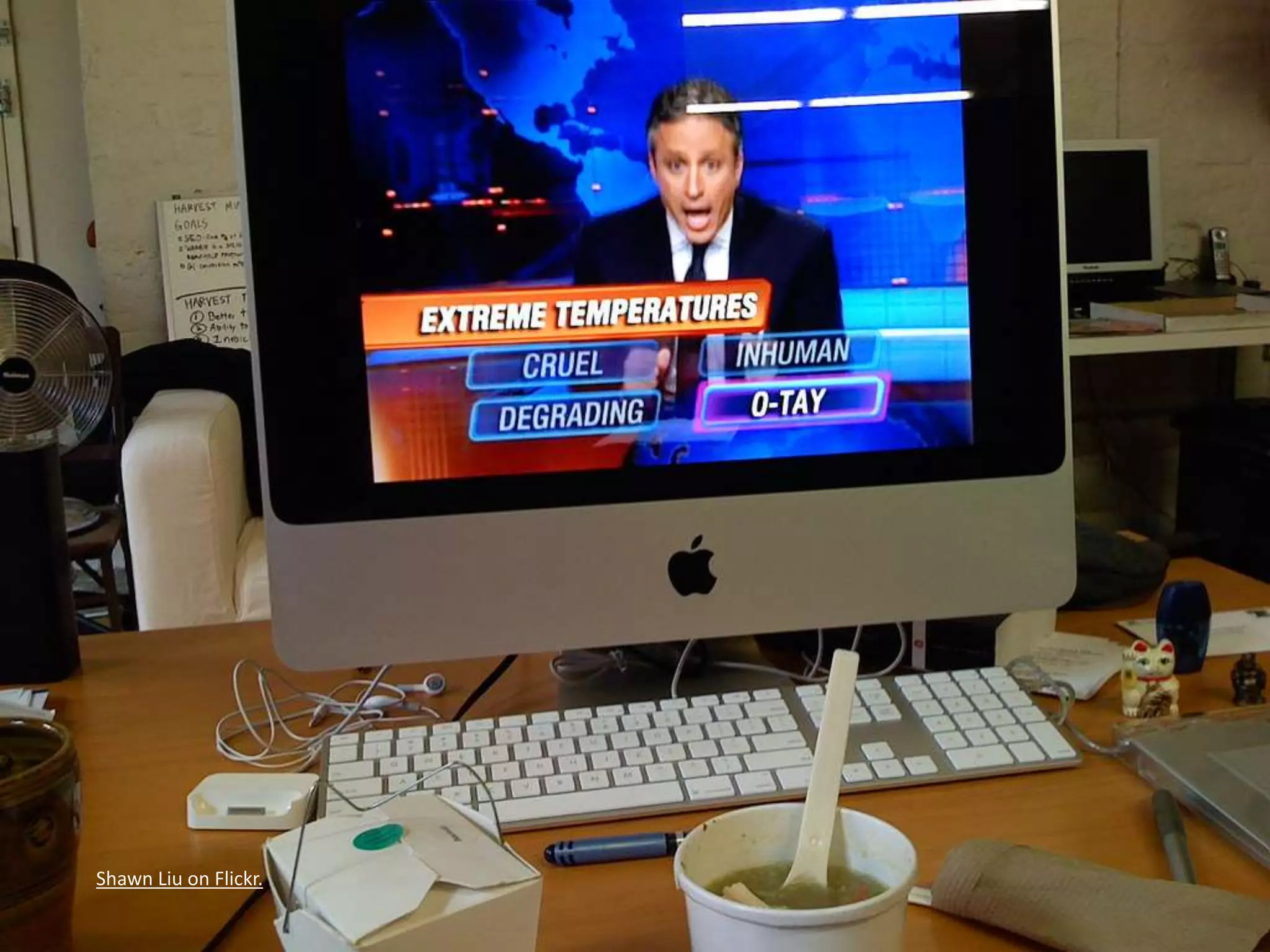
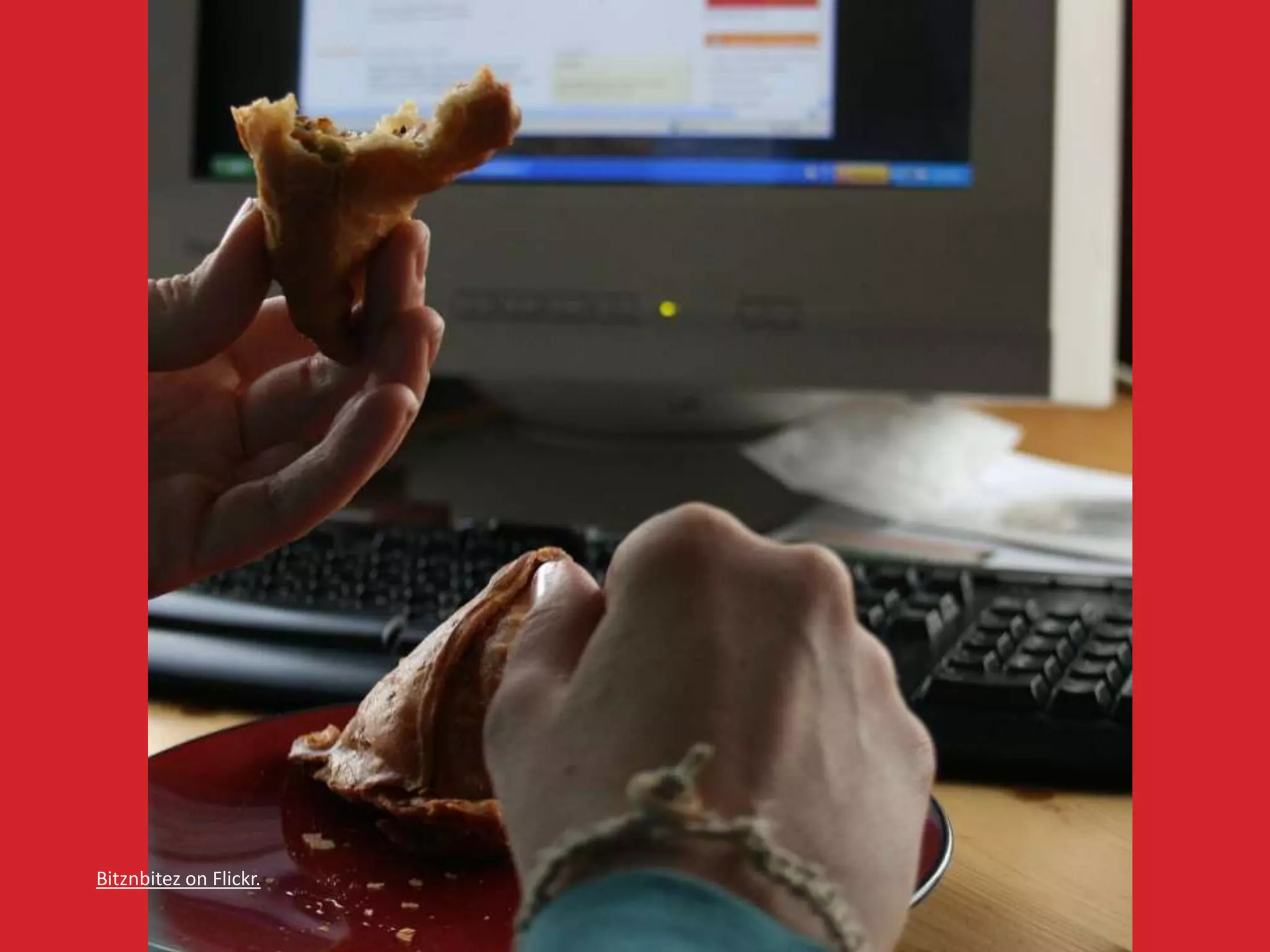
• Eating at your desk, 
• No headphones handy, 
• Content is not in your native language. 
The sun is trying to kill me.
https://twitter.com/aardrian/statuses/388733408576159744
Shawn Liu on Flickr.
Bitznbitez on Flickr.
Mariëlle on Flickr.
barockschloss on Flickr.
Seb on Flickr.
A.Davy on Flickr.
Raul Lieberwirth on Flickr.
Tim Norris on Flickr.
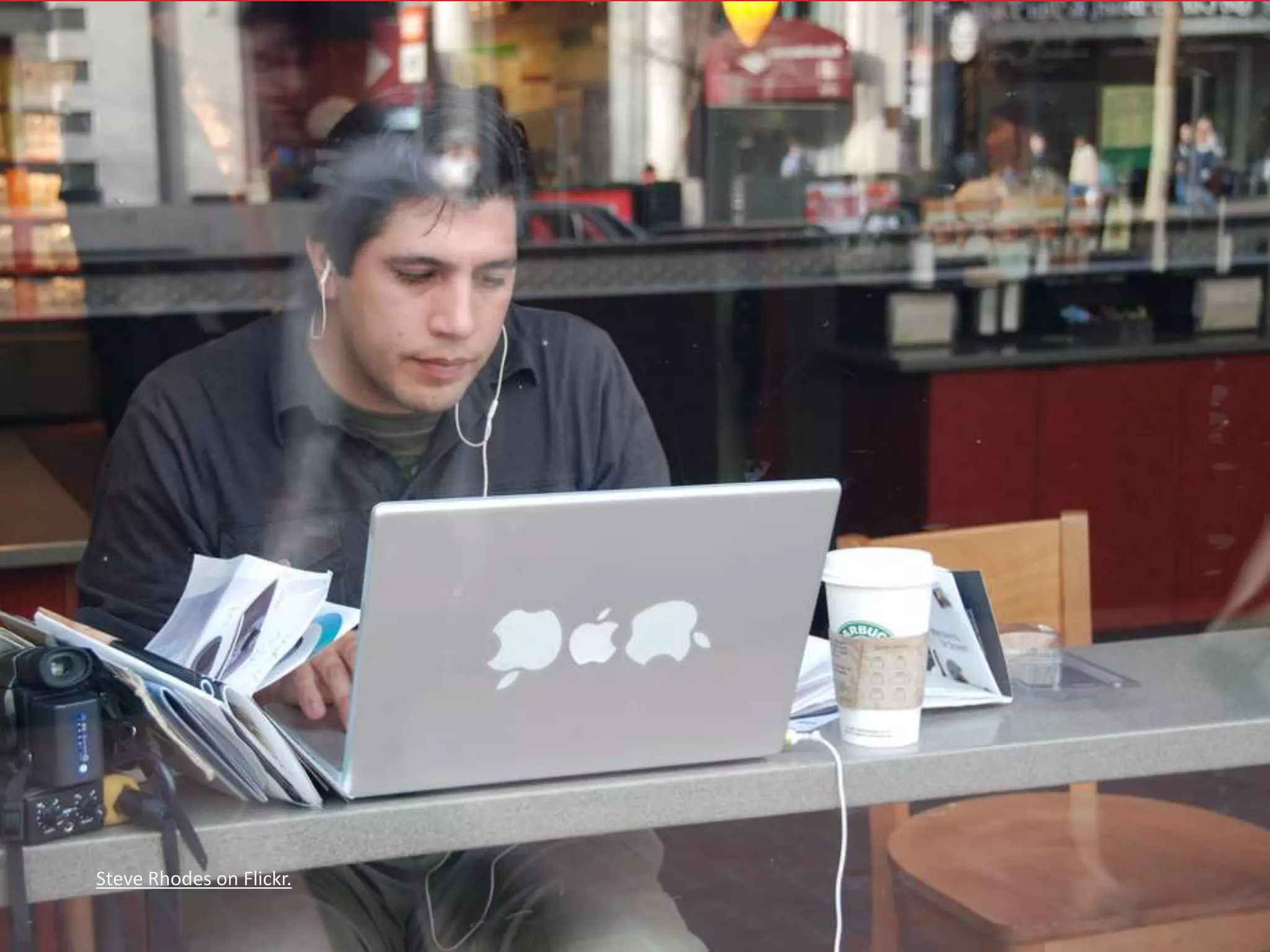
Steve Rhodes on Flickr.
SuperFantastic on Flickr.
Jacob Enos on Flickr.
World Bank Photo Collection on Flickr.
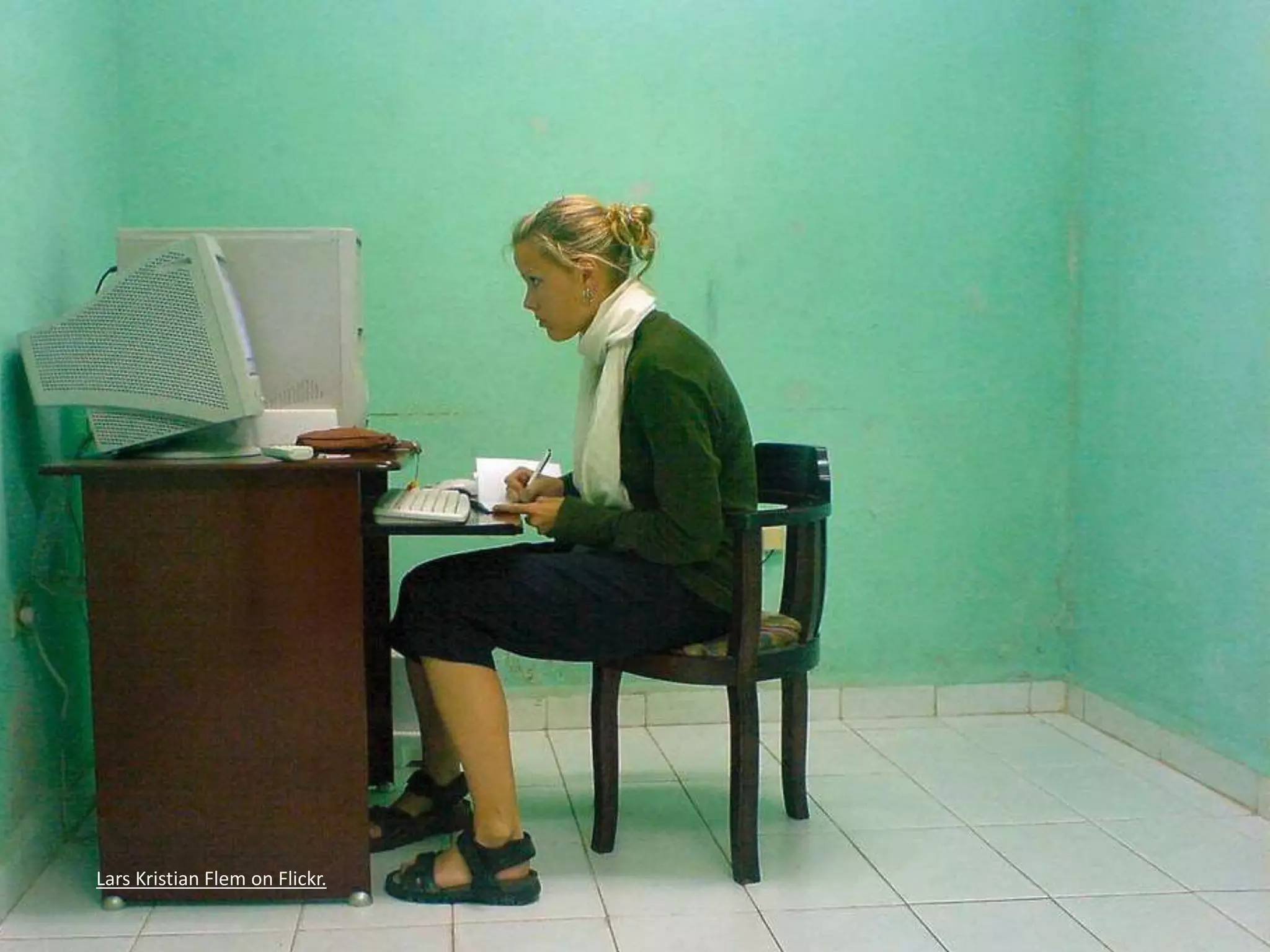
Lars Kristian Flem on Flickr.
Tech Support 
• Think of your family! 
• Think of your time spent helping them! 
• Think of the wasted holidays! 
This is why we hate the holidays.
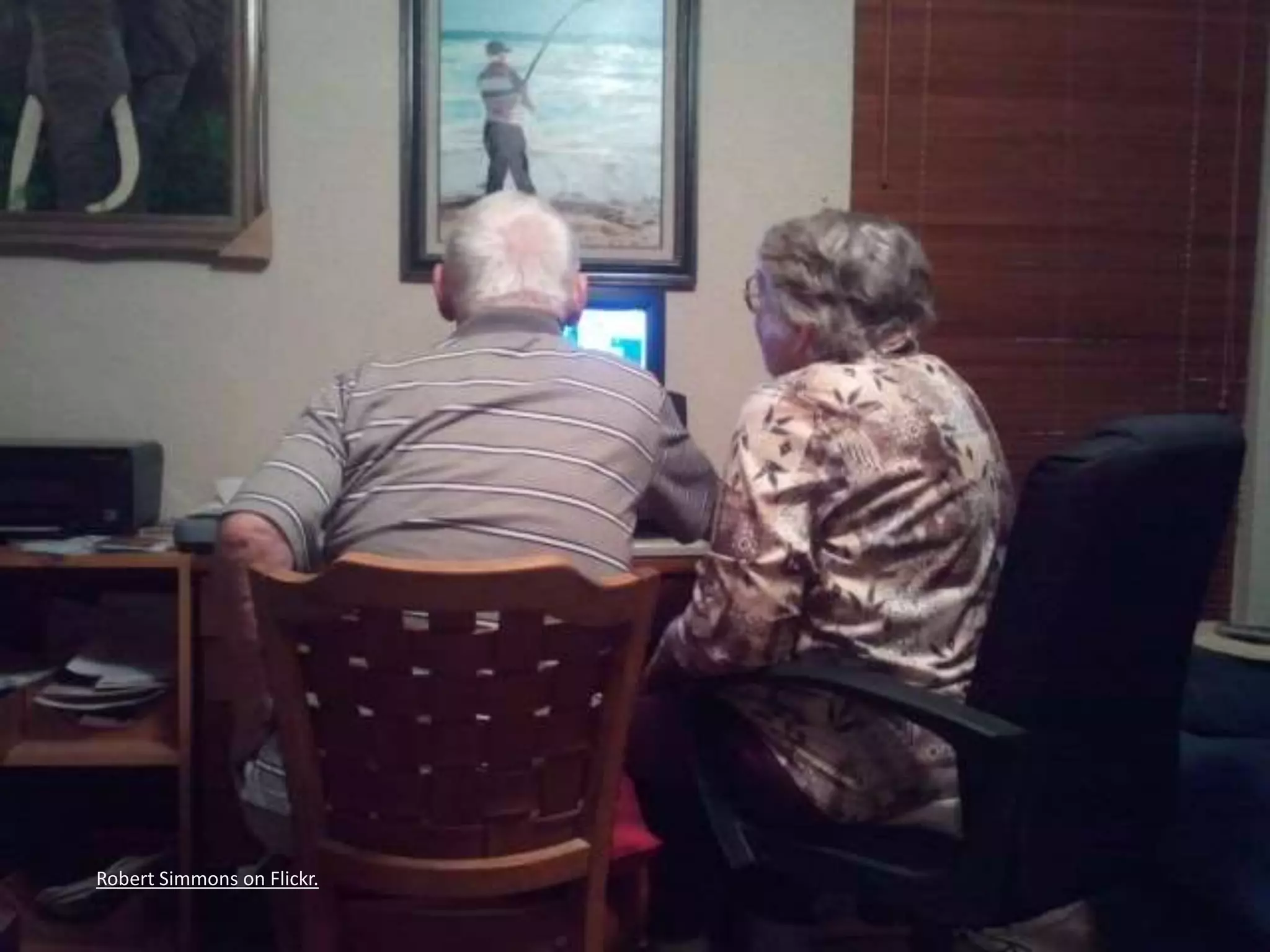
Robert Simmons on Flickr.
The Message 
• Supporting accessibility now helps to serve 
future you. 
There is no try.
The Message 
• Supporting accessibility now helps to serve 
future you. 
• Supporting accessibility now helps injured 
you, encumbered you. 
There is no try.
The Message 
• Supporting accessibility now helps to serve 
future you. 
• Supporting accessibility now helps injured 
you, encumbered you. 
• Getting younger developers to buy in helps 
future you – if you teach them well. 
There is no try.
Some Techniques 
4 of 4 sections.
Checklist 
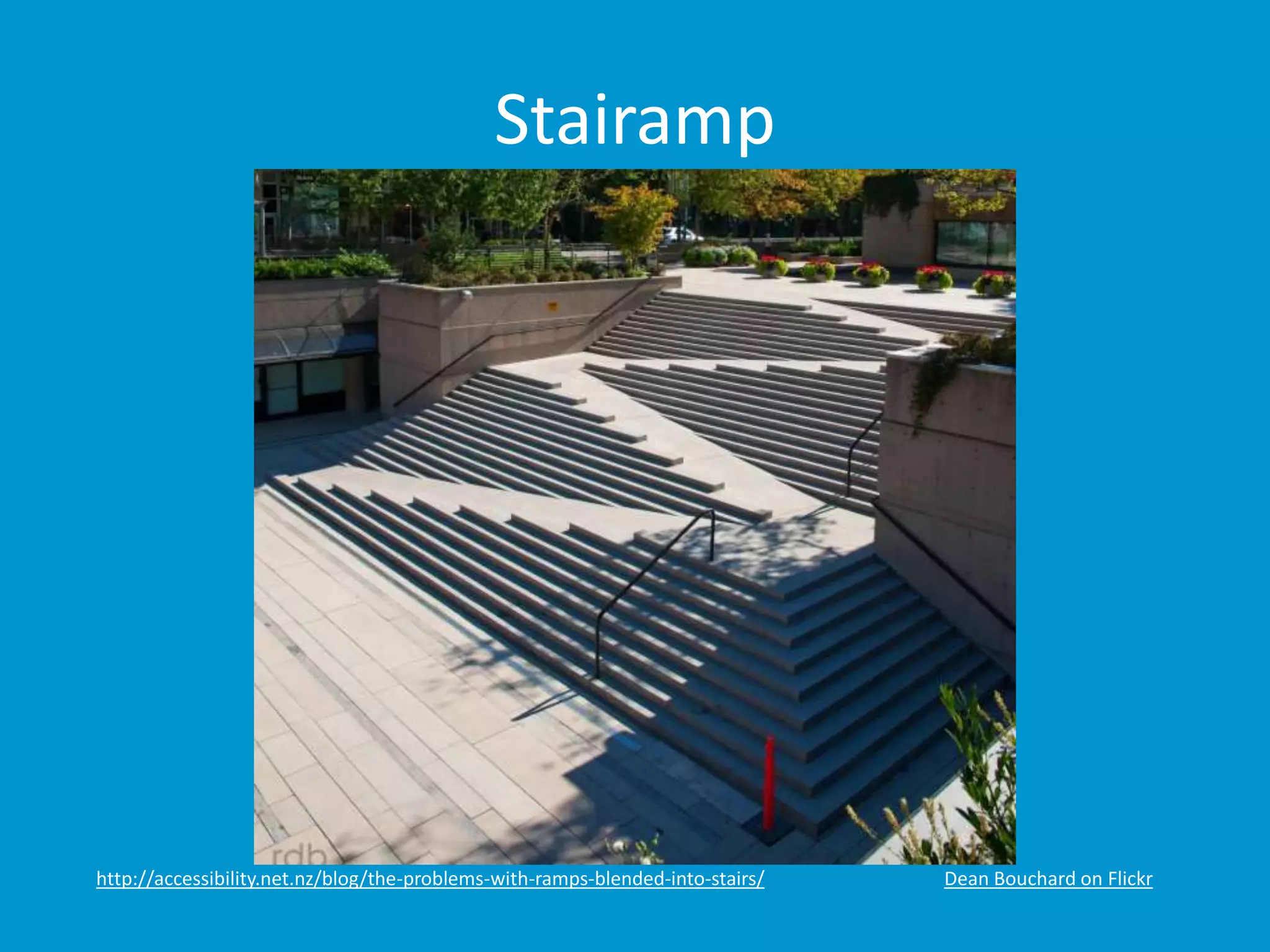
• Accessibility is not a checklist. 
http://accessibility.net.nz/blog/the-problems-with-ramps-blended-into-stairs/
Checklist 
• Accessibility is not a checklist. 
• Accessibility is an ongoing process. 
Some might call it a continuum. Some.
Stairamp 
http://accessibility.net.nz/blog/the-problems-with-ramps-blended-into-stairs/ Dean Bouchard on Flickr
User Stories 
• Components: 
• User, 
• Outcome, 
• Value. 
• Writing: 
• As user, I want outcome. 
• As user, I want outcome so that value. 
• In order to get value as user, I want outcome. 
How to Write User Stories for Web Accessibility
Selfish User Stories 
• As a user on a sun-lit patio, I want to be able 
to read the content and see the controls. 
Add beer and as a user I may have trouble focusing.
Selfish User Stories 
• As a user in bed with a sleeping spouse, I want 
to watch a training video in silence so that I 
can get caught up at work. 
As a user who doesn’t want to get punched for having slacked off at work.
Selfish User Stories 
• In order to click links as a user with no elbow 
room in coach class with a tiny trackpad, I 
want click areas to be large enough and 
adequately spaced. 
As a user in coach class who also paid too much for the drink he’s spilling on his keyboard.
Selfish User Stories 
• As a user distracted by the TV, I want clear 
headings and labels so that I don’t lose my 
place. 
As a user who really should be finishing his work in the office.
User Stories 
• Physical Impairment 
• As a keyboard-only user, I want to be able to use 
the entire application. 
This includes seeing what has focus and not getting lost in off-screen elements.
User Stories 
• Physical Impairment 
• As a keyboard-only user, I want to be able to use 
the entire application. 
• As a keyboard-only user, I want to navigate a 
product list with the tab key so that I can find the 
right option. 
Arrow keys are acceptable as well, making sure that it is clear to the user.
User Stories 
• Physical Impairment 
• As a keyboard-only user, I want to be able to use 
the entire application. 
• As a keyboard-only user, I want to navigate a 
product list with the tab key so that I can find the 
right option. 
• In order to click links as a limited-mobility user, I 
want click areas to be large enough and 
adequately spaced. 
Else I may click the wrong item and have to hit the back button, which can be time consuming.
User Stories 
• Visual Impairment 
• As a color blind user, I want to be able to see links 
in page content. 
Underlines are important, but users also like to know what they clicked already.
User Stories 
• Visual Impairment 
• As a color blind user, I want to be able to see links 
in page content. 
• As a low-vision user, I want to zoom the page so 
that I can read the content. 
Without the text overlapping itself or every other item on the page.
User Stories 
• Visual Impairment 
• As a color blind user, I want to be able to see links 
in page content. 
• As a low-vision user, I want to zoom the page so 
that I can read the content. 
• In order to use the site as a blind user, I want to 
use a screen reader to navigate. 
Good headings, clear structure, landmark roles to jump around the page.
User Stories 
• Hearing Impairment 
• As a low-hearing user, I want to be able to access 
transcripts. 
From a clear link, not through some acrobatics to find them.
User Stories 
• Hearing Impairment 
• As a low-hearing user, I want to be able to access 
transcripts. 
• As a low-hearing user, I want access to closed 
captions so that I can use training videos. 
Timed to match the video is important.
User Stories 
• Hearing Impairment 
• As a low-hearing user, I want to be able to access 
transcripts. 
• As a low-hearing user, I want access to closed 
captions so that I can use training videos. 
• In order to participate in a webinar as a deaf user, 
I want real-time captioning or transcripts. 
This can be tricky, since you’ll need to have a resource typing in real-time.
User Stories 
• Cognitive Impairment 
• As a user with a vestibular disorder, I want to be 
able to disable parallax scrolling. 
But you don’t just use it for no reason, right?
User Stories 
• Cognitive Impairment 
• As a user with a vestibular disorder, I want to be 
able to disable parallax scrolling. 
• As a user with dyscalculia, I want distinct number 
fields for each block of digits in a credit card 
number so that I can purchase a product. 
You can auto-detect card type. Do the same for expiration date.
User Stories 
• Cognitive Impairment 
• As a user with a vestibular disorder, I want to be 
able to disable parallax scrolling. 
• As a user with dyscalculia, I want distinct number 
fields for each block of digits in a credit card 
number so that I can purchase a product. 
• In order to not get confused on pages with long 
text passages as a user with dyslexia, I want 
control over text size, spacing, and/or alignment. 
At the very least, turn of justified text.
Personas 
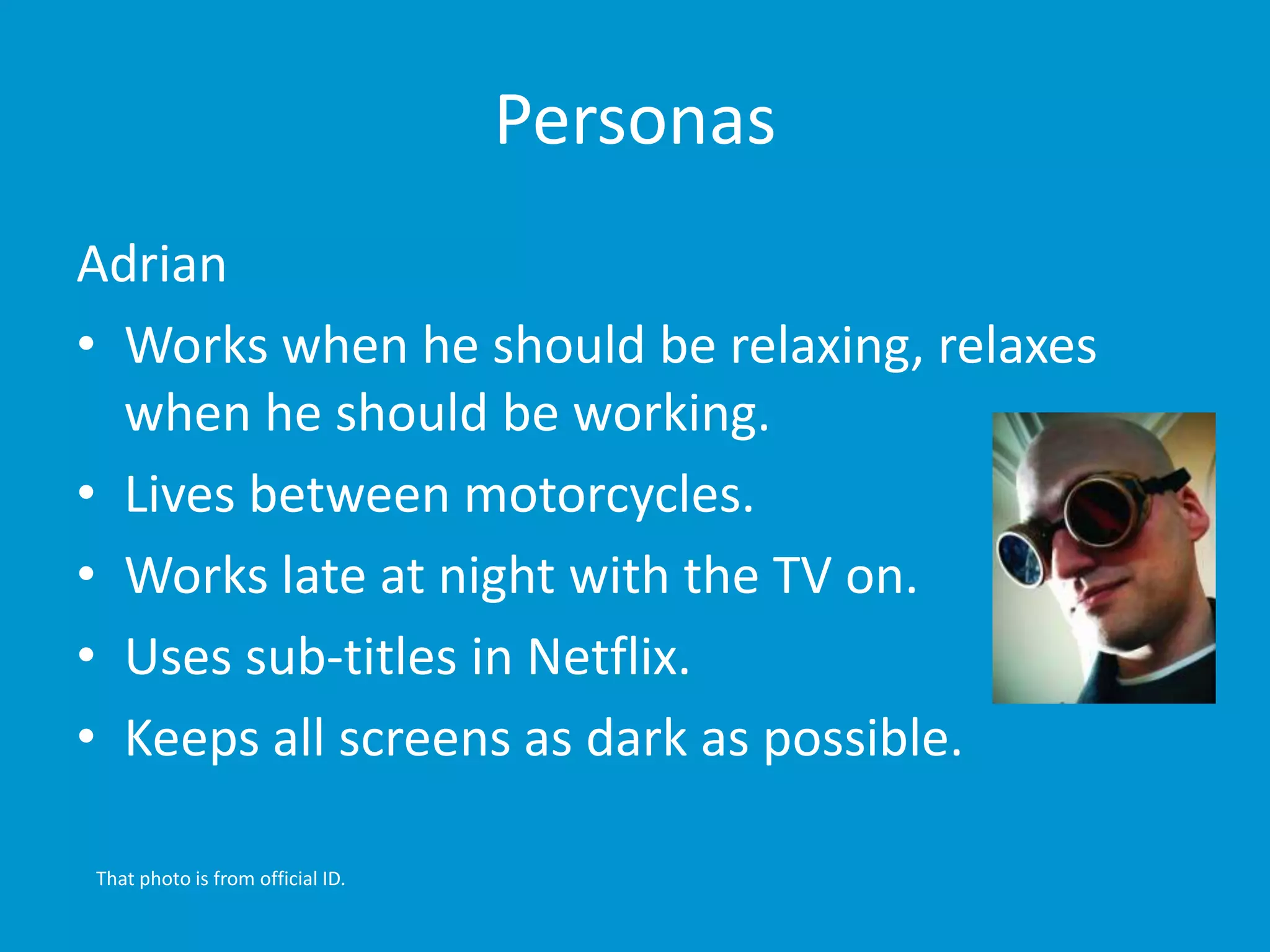
Adrian 
• Works when he should be relaxing, relaxes 
when he should be working. 
• Lives between motorcycles. 
• Works late at night with the TV on. 
• Uses sub-titles in Netflix. 
• Keeps all screens as dark as possible. 
That photo is from official ID.
Personas 
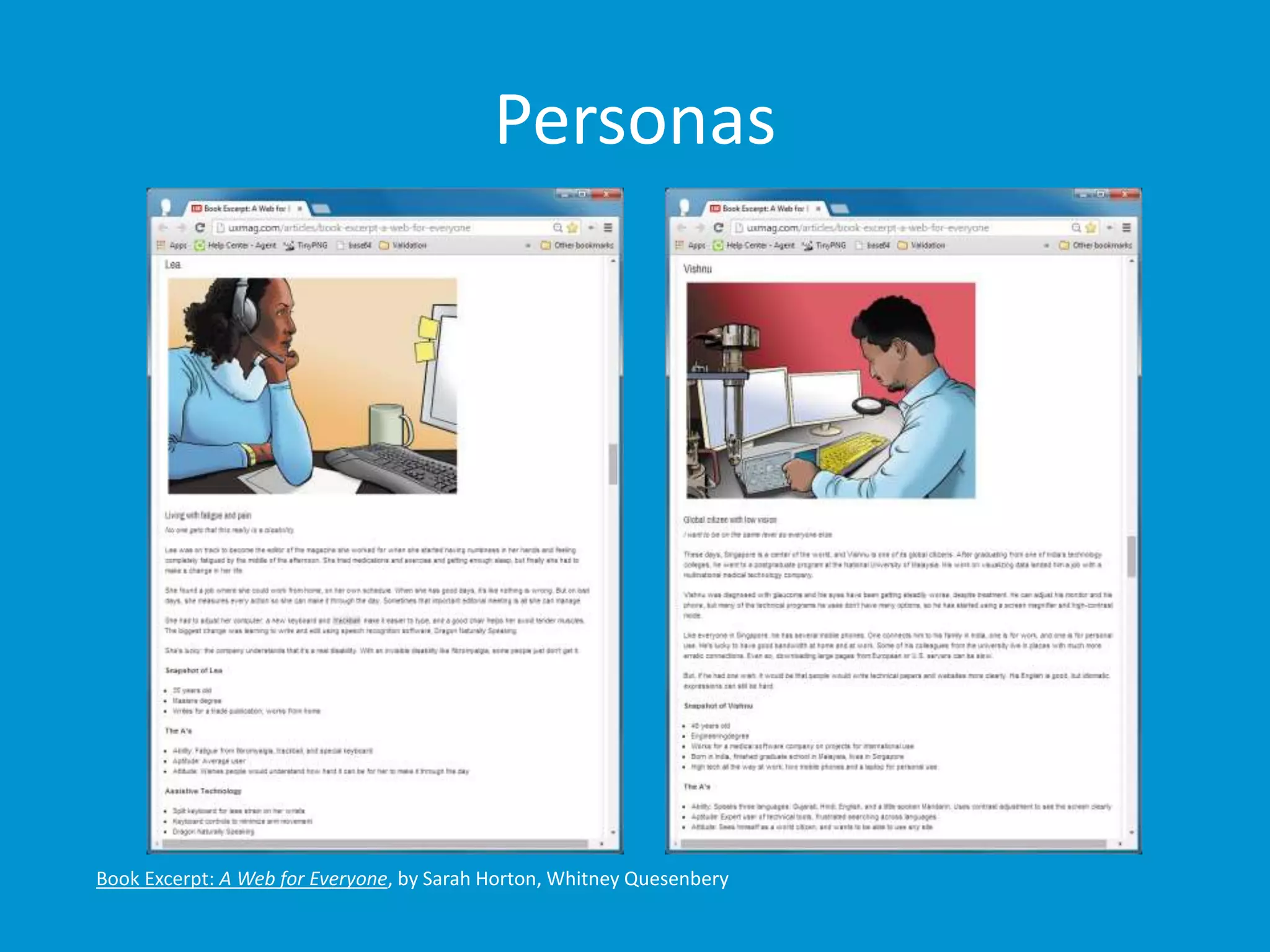
Book Excerpt: A Web for Everyone, by Sarah Horton, Whitney Quesenbery
Manifesto for Accessible UX 
• Coming Soon! (The Paciello Group) 
• Looking to these examples: 
• Lean UX Manifesto 
• Manifesto for Agile Software Development 
• UK Gov. Data Services Design Principles 
Watch this space: http://www.paciellogroup.com/blog/2014/08/developing-a-manifesto-for-accessible-ux/
Accessible Design Maturity Continuum 
• Coming Soon! (The Paciello Group) 
• Variation on Jess McMullin’s Rough Design 
Maturity Continuum: 
1. No Conscious Design, 
2. Style, 
3. Function and Form, 
4. Problem Solving, 
5. Framing. 
Watch this space: http://www.paciellogroup.com/blog/2014/06/accessibility-maturity-continuum/
Resources / Questions 
This isn’t a section, you should have been asking all along.
Resources 
• Web Accessibility and Older People: 
Meeting the Needs of Ageing Web Users 
http://www.w3.org/WAI/older-users/Overview.php 
• Easy Checks - A First Review of Web Accessibility 
http://www.w3.org/WAI/eval/preliminary 
• How People with Disabilities Use the Web: 
Overview 
http://www.w3.org/WAI/intro/people-use-web/ 
Overview.html 
In addition to the gems I’ve sprinkled throughout.
Resources 
• 2.11 ARIA Role, State, and Property Quick 
Reference 
http://www.w3.org/TR/aria-in-html/#aria-role-state- 
and-property-quick-reference 
• 2.12 Definitions of States and Properties (all 
aria-* attributes) 
http://www.w3.org/TR/aria-in-html/#definitions-of-states- 
and-properties-all-aria--attributes 
In addition to the gems I’ve sprinkled throughout.
Resources 
• a11yTips 
http://dboudreau.tumblr.com/ 
• How to Write User Stories for Web 
Accessibility 
http://www.interactiveaccessibility.com/blog/how-write- 
user-stories-accessibility-requirements 
• Book Excerpt: A Web for Everyone 
http://uxmag.com/articles/book-excerpt-a-web-for-everyone 
In addition to the gems I’ve sprinkled throughout.
Selfish Accessibility 
Presented by Adrian Roselli for UX Singapore 2014 
Slides from this talk will be available at http://rosel.li/uxsg 
My thanks and apologies.

Selfish Accessibility: UXSG 2014

  • 1.
    Selfish Accessibility Presentedby Adrian Roselli for UX Singapore 2014 #uxsg
  • 2.
    About Adrian Roselli • Co-written four books. • Technical editor for two books. • Written over fifty articles, most recently for .net Magazine and Web Standards Sherpa. Great bedtime reading!
  • 3.
    About Adrian Roselli • Member of W3C HTML Working Group, W3C Accessibility Task Force, five W3C Community Groups. • Building for the web since 1994. • Founder, owner at Algonquin Studios (AlgonquinStudios.com). • Learn more at AdrianRoselli.com. • Avoid on Twitter @aardrian. I warned you.
  • 4.
    What is a11y? • A numeronym for “accessibility”: • The first and last letter, • The number of characters omitted. • Prominent on Twitter (character restrictions): • #a11y • Examples: • l10n → localization • i18n → internationalization Ain’t language funsies?
  • 5.
    Accessibility Gets NoRespect “Cyberspace” (gray) “Lime Rickey” (green) “Online” (blue) In fairness, Sherwin-Williams needs to come up with a lot of color names...
  • 6.
    Accessibility Gets NoRespect …however I think the team could have done better than this.
  • 7.
    What We’ll Cover • Boring Statistics • How to Be Selfish • Some Techniques • Resources / Questions (ongoing!) Work with me, people.
  • 8.
    Boring Statistics 1of 4 sections.
  • 9.
    Any Disability •In the United States: • 10.4% aged 21-64 years old, • 25% aged 65-74 years old, • 50% aged 75+. • Includes: • Visual • Hearing • Mobility • Cognitive http://www.who.int/mediacentre/factsheets/fs282/en/ http://www.disabilitystatistics.org/reports/2012/English/HTML/report2012.cfm?fips=2000000&html_year=2012
  • 10.
    Vision Impairments •285 million worldwide: • 39 million are blind, • 246 million have low vision, • 82% of people living with blindness are aged 50 and above. • 1.8% of Americans aged 21-64. • 4.0% of Americans aged 65-74. • 9.8% of Americans aged 75+. http://www.who.int/mediacentre/factsheets/fs282/en/ http://www.disabilitystatistics.org/reports/2012/English/HTML/report2012.cfm?fips=2000000&html_year=2012
  • 11.
    Hearing Impairments •360 million people worldwide have disabling hearing loss. • 17% (36 million) of American adults report some degree of hearing loss: • 18% aged 45-64 years old, • 30% aged 65-74 years old, • 47% aged 75+ years old. http://www.who.int/mediacentre/factsheets/fs300/en/ https://www.nidcd.nih.gov/health/statistics/Pages/quick.aspx
  • 12.
    Mobility Impairments •In the United States: • 5.5% aged 21-64 years old. • 15.6% aged 65-74 years old. • 32.9% aged 75+. http://www.disabilitystatistics.org/reports/2012/English/HTML/report2012.cfm?fips=2000000&html_year=2012
  • 13.
    Cognitive Impairments •Dyslexia, • Dyscalculia, • Memory issues, • Distractions (ADD, ADHD), • In the United States: • 4.3% aged 21-64 years old. • 5.4% aged 65-74 years old. • 14.4% aged 75+. http://www.disabilitystatistics.org/reports/2012/English/HTML/report2012.cfm?fips=2000000&html_year=2012&subButton=Get+HTML
  • 14.
    How to BeSelfish 2 of 4 sections.
  • 15.
    WebAIM’s Hierarchy forMotivating Accessibility Change http://webaim.org/blog/motivating-accessibility-change/
  • 16.
    My Hierarchy forMotivating Accessibility Change Is better, no?
  • 17.
    Getting Older •Affects (nearly) everyone, • Carries risks and side effects, • Is not for the young. I’m still experimenting with it.
  • 18.
  • 19.
  • 20.
    Accidents • Brokenlimbs, • Eye injuries, • Hearing injuries, • Head trauma. All of these have happened to me, multiple times.
  • 21.
    James Lee onFlickr.
  • 22.
    Rev Stan onFlickr.
  • 23.
  • 24.
  • 25.
  • 26.
    But I’m Invincible! • Multi-tasking, • Sunlight, • Eating at your desk, • No headphones handy, • Content is not in your native language. The sun is trying to kill me.
  • 27.
  • 28.
    Shawn Liu onFlickr.
  • 29.
  • 30.
  • 31.
  • 32.
  • 33.
  • 34.
  • 35.
  • 36.
  • 37.
  • 38.
  • 39.
    World Bank PhotoCollection on Flickr.
  • 40.
  • 41.
    Tech Support •Think of your family! • Think of your time spent helping them! • Think of the wasted holidays! This is why we hate the holidays.
  • 42.
  • 43.
    The Message •Supporting accessibility now helps to serve future you. There is no try.
  • 44.
    The Message •Supporting accessibility now helps to serve future you. • Supporting accessibility now helps injured you, encumbered you. There is no try.
  • 45.
    The Message •Supporting accessibility now helps to serve future you. • Supporting accessibility now helps injured you, encumbered you. • Getting younger developers to buy in helps future you – if you teach them well. There is no try.
  • 46.
    Some Techniques 4of 4 sections.
  • 47.
    Checklist • Accessibilityis not a checklist. http://accessibility.net.nz/blog/the-problems-with-ramps-blended-into-stairs/
  • 48.
    Checklist • Accessibilityis not a checklist. • Accessibility is an ongoing process. Some might call it a continuum. Some.
  • 49.
  • 50.
    User Stories •Components: • User, • Outcome, • Value. • Writing: • As user, I want outcome. • As user, I want outcome so that value. • In order to get value as user, I want outcome. How to Write User Stories for Web Accessibility
  • 51.
    Selfish User Stories • As a user on a sun-lit patio, I want to be able to read the content and see the controls. Add beer and as a user I may have trouble focusing.
  • 52.
    Selfish User Stories • As a user in bed with a sleeping spouse, I want to watch a training video in silence so that I can get caught up at work. As a user who doesn’t want to get punched for having slacked off at work.
  • 53.
    Selfish User Stories • In order to click links as a user with no elbow room in coach class with a tiny trackpad, I want click areas to be large enough and adequately spaced. As a user in coach class who also paid too much for the drink he’s spilling on his keyboard.
  • 54.
    Selfish User Stories • As a user distracted by the TV, I want clear headings and labels so that I don’t lose my place. As a user who really should be finishing his work in the office.
  • 55.
    User Stories •Physical Impairment • As a keyboard-only user, I want to be able to use the entire application. This includes seeing what has focus and not getting lost in off-screen elements.
  • 56.
    User Stories •Physical Impairment • As a keyboard-only user, I want to be able to use the entire application. • As a keyboard-only user, I want to navigate a product list with the tab key so that I can find the right option. Arrow keys are acceptable as well, making sure that it is clear to the user.
  • 57.
    User Stories •Physical Impairment • As a keyboard-only user, I want to be able to use the entire application. • As a keyboard-only user, I want to navigate a product list with the tab key so that I can find the right option. • In order to click links as a limited-mobility user, I want click areas to be large enough and adequately spaced. Else I may click the wrong item and have to hit the back button, which can be time consuming.
  • 58.
    User Stories •Visual Impairment • As a color blind user, I want to be able to see links in page content. Underlines are important, but users also like to know what they clicked already.
  • 59.
    User Stories •Visual Impairment • As a color blind user, I want to be able to see links in page content. • As a low-vision user, I want to zoom the page so that I can read the content. Without the text overlapping itself or every other item on the page.
  • 60.
    User Stories •Visual Impairment • As a color blind user, I want to be able to see links in page content. • As a low-vision user, I want to zoom the page so that I can read the content. • In order to use the site as a blind user, I want to use a screen reader to navigate. Good headings, clear structure, landmark roles to jump around the page.
  • 61.
    User Stories •Hearing Impairment • As a low-hearing user, I want to be able to access transcripts. From a clear link, not through some acrobatics to find them.
  • 62.
    User Stories •Hearing Impairment • As a low-hearing user, I want to be able to access transcripts. • As a low-hearing user, I want access to closed captions so that I can use training videos. Timed to match the video is important.
  • 63.
    User Stories •Hearing Impairment • As a low-hearing user, I want to be able to access transcripts. • As a low-hearing user, I want access to closed captions so that I can use training videos. • In order to participate in a webinar as a deaf user, I want real-time captioning or transcripts. This can be tricky, since you’ll need to have a resource typing in real-time.
  • 64.
    User Stories •Cognitive Impairment • As a user with a vestibular disorder, I want to be able to disable parallax scrolling. But you don’t just use it for no reason, right?
  • 65.
    User Stories •Cognitive Impairment • As a user with a vestibular disorder, I want to be able to disable parallax scrolling. • As a user with dyscalculia, I want distinct number fields for each block of digits in a credit card number so that I can purchase a product. You can auto-detect card type. Do the same for expiration date.
  • 66.
    User Stories •Cognitive Impairment • As a user with a vestibular disorder, I want to be able to disable parallax scrolling. • As a user with dyscalculia, I want distinct number fields for each block of digits in a credit card number so that I can purchase a product. • In order to not get confused on pages with long text passages as a user with dyslexia, I want control over text size, spacing, and/or alignment. At the very least, turn of justified text.
  • 67.
    Personas Adrian •Works when he should be relaxing, relaxes when he should be working. • Lives between motorcycles. • Works late at night with the TV on. • Uses sub-titles in Netflix. • Keeps all screens as dark as possible. That photo is from official ID.
  • 68.
    Personas Book Excerpt:A Web for Everyone, by Sarah Horton, Whitney Quesenbery
  • 69.
    Manifesto for AccessibleUX • Coming Soon! (The Paciello Group) • Looking to these examples: • Lean UX Manifesto • Manifesto for Agile Software Development • UK Gov. Data Services Design Principles Watch this space: http://www.paciellogroup.com/blog/2014/08/developing-a-manifesto-for-accessible-ux/
  • 70.
    Accessible Design MaturityContinuum • Coming Soon! (The Paciello Group) • Variation on Jess McMullin’s Rough Design Maturity Continuum: 1. No Conscious Design, 2. Style, 3. Function and Form, 4. Problem Solving, 5. Framing. Watch this space: http://www.paciellogroup.com/blog/2014/06/accessibility-maturity-continuum/
  • 71.
    Resources / Questions This isn’t a section, you should have been asking all along.
  • 72.
    Resources • WebAccessibility and Older People: Meeting the Needs of Ageing Web Users http://www.w3.org/WAI/older-users/Overview.php • Easy Checks - A First Review of Web Accessibility http://www.w3.org/WAI/eval/preliminary • How People with Disabilities Use the Web: Overview http://www.w3.org/WAI/intro/people-use-web/ Overview.html In addition to the gems I’ve sprinkled throughout.
  • 73.
    Resources • 2.11ARIA Role, State, and Property Quick Reference http://www.w3.org/TR/aria-in-html/#aria-role-state- and-property-quick-reference • 2.12 Definitions of States and Properties (all aria-* attributes) http://www.w3.org/TR/aria-in-html/#definitions-of-states- and-properties-all-aria--attributes In addition to the gems I’ve sprinkled throughout.
  • 74.
    Resources • a11yTips http://dboudreau.tumblr.com/ • How to Write User Stories for Web Accessibility http://www.interactiveaccessibility.com/blog/how-write- user-stories-accessibility-requirements • Book Excerpt: A Web for Everyone http://uxmag.com/articles/book-excerpt-a-web-for-everyone In addition to the gems I’ve sprinkled throughout.
  • 75.
    Selfish Accessibility Presentedby Adrian Roselli for UX Singapore 2014 Slides from this talk will be available at http://rosel.li/uxsg My thanks and apologies.