NCCE Conference February 20,  2009 Implementing Educational Technology Standards in Secondary Classrooms
Develop Essential Academic Learning Requirements (EALRs) & Grade Level Expectations (GLEs) for educational technology literacy  and technology fluency. To identify the knowledge and skills all students need to know and be able to do. State Legislative Mandate 2SHB 1906, Section 16 – 2007  By December 1, 2008
What Can EdTech Standards Do? Create  context  for instruction. Initiate and support  21st century learning environments .  Inspire ideas for  technology integration  into all content areas.
What Can’t EdTech Standards Do? Guarantee consistent, adequate  funding .  Train teachers  to integrate technology. Ensure  network access  for appropriate educational use.
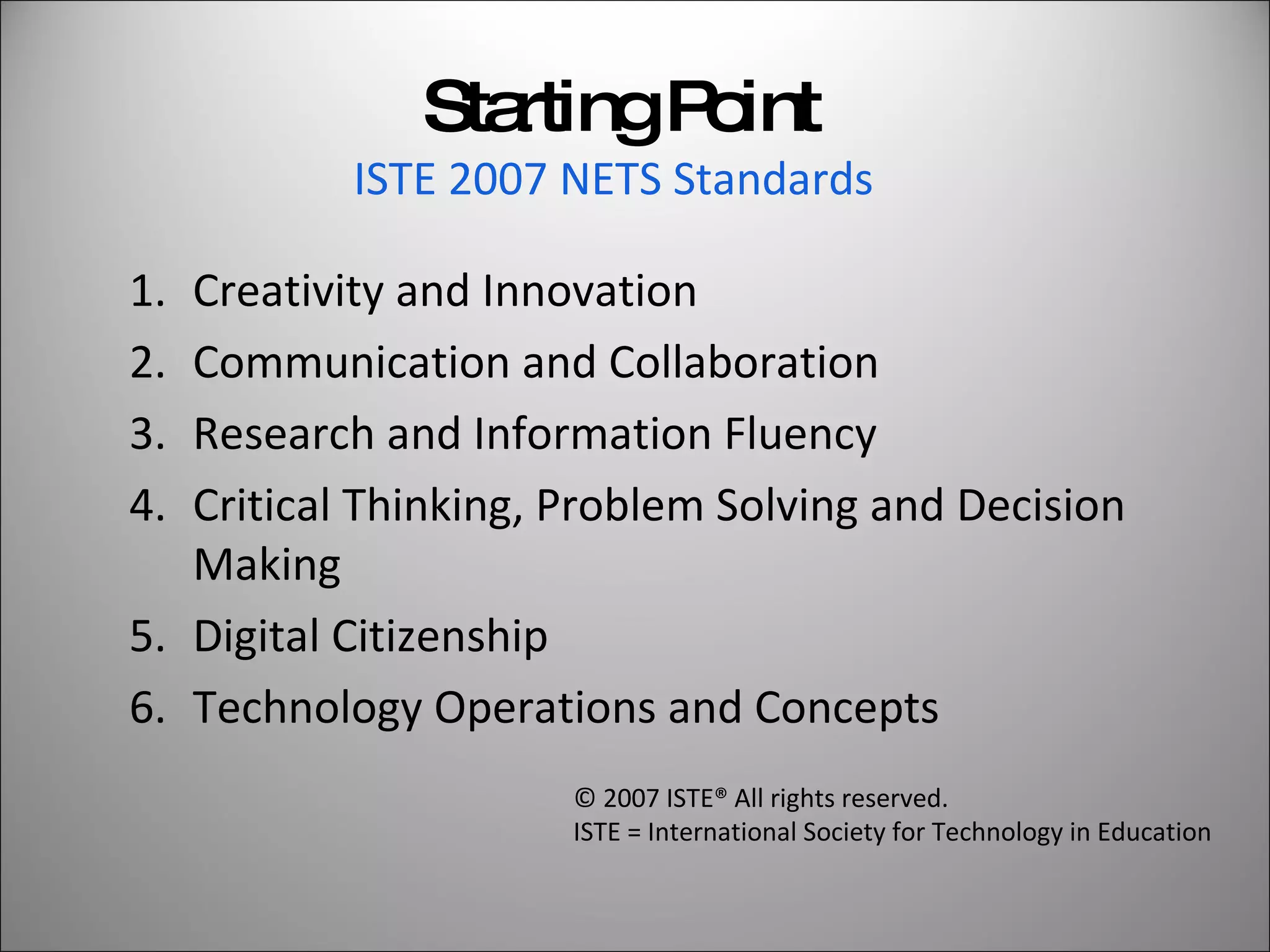
Starting Point ISTE 2007 NETS Standards   Creativity and Innovation Communication and Collaboration Research and Information Fluency Critical Thinking, Problem Solving and Decision Making Digital Citizenship Technology Operations and Concepts © 2007 ISTE® All rights reserved.  ISTE = International Society for Technology in Education
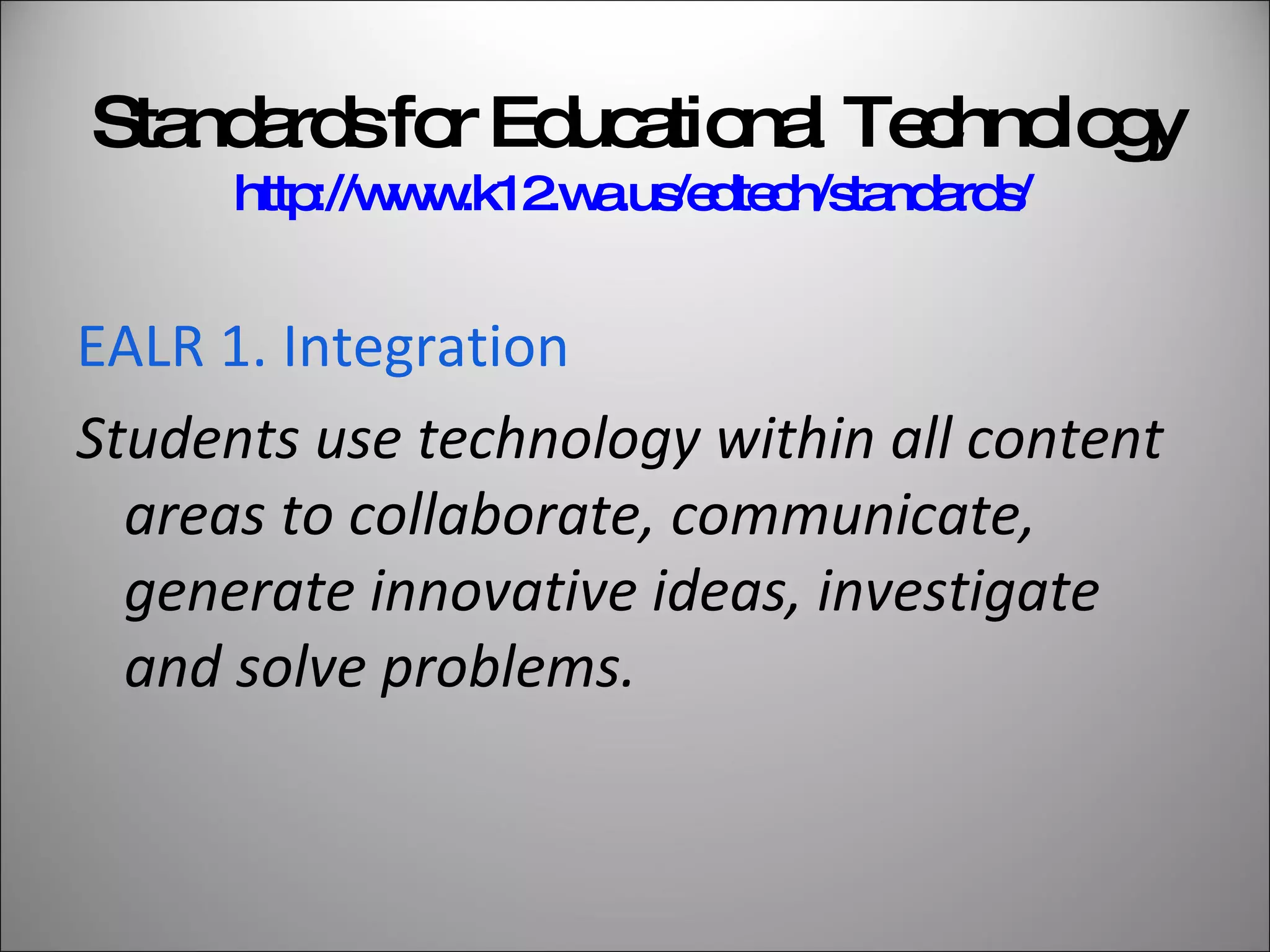
Standards for Educational Technology http://www.k12.wa.us/edtech/standards/   EALR 1. Integration Students use technology within all content areas to collaborate, communicate, generate innovative ideas, investigate and solve problems.
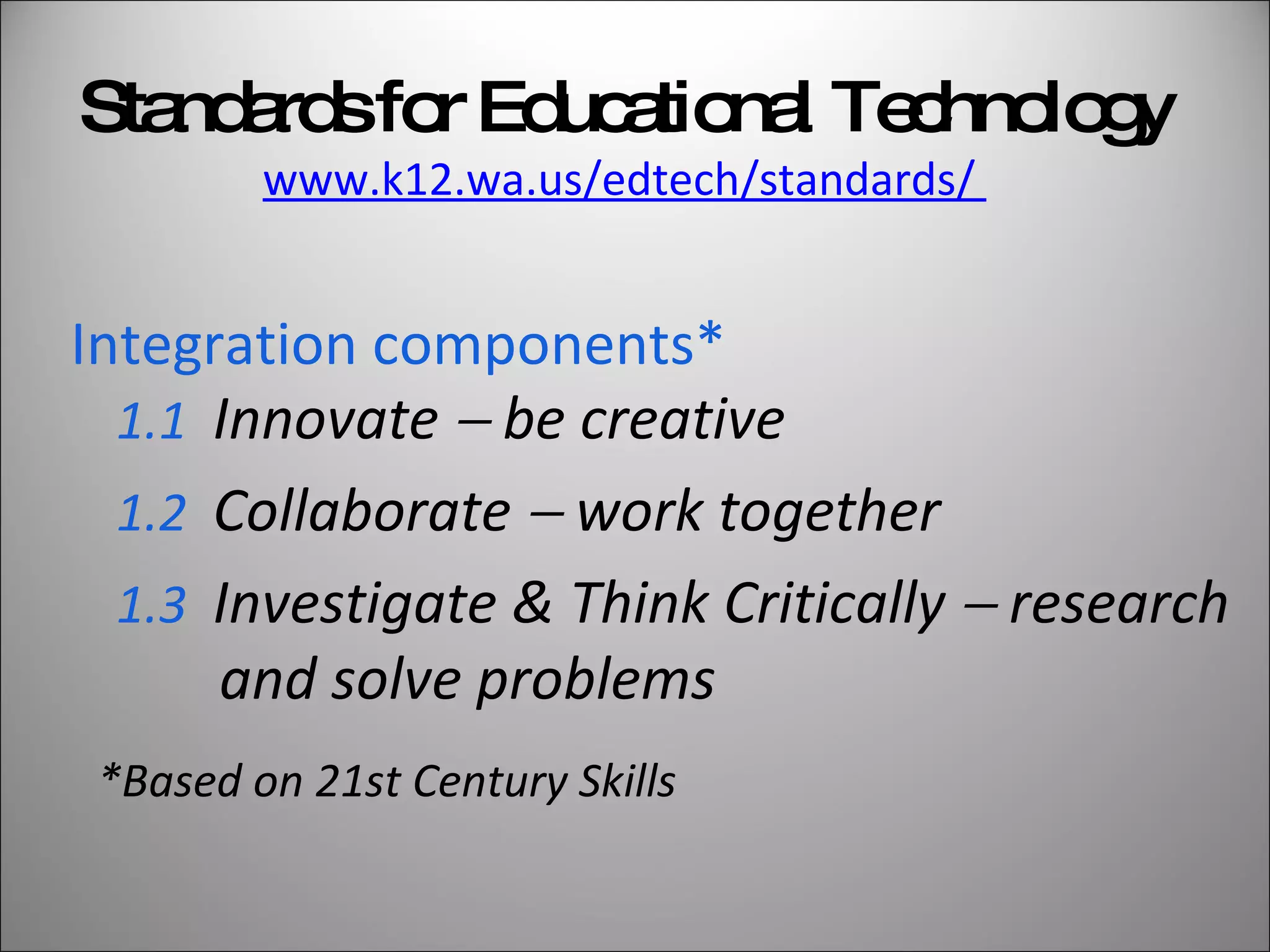
Integration components* 1.1  Innovate    be creative 1.2   Collaborate    work together 1.3   Investigate & Think Critically    research and solve problems Standards for Educational Technology www.k12.wa.us/edtech/standards/  *Based on 21st Century Skills
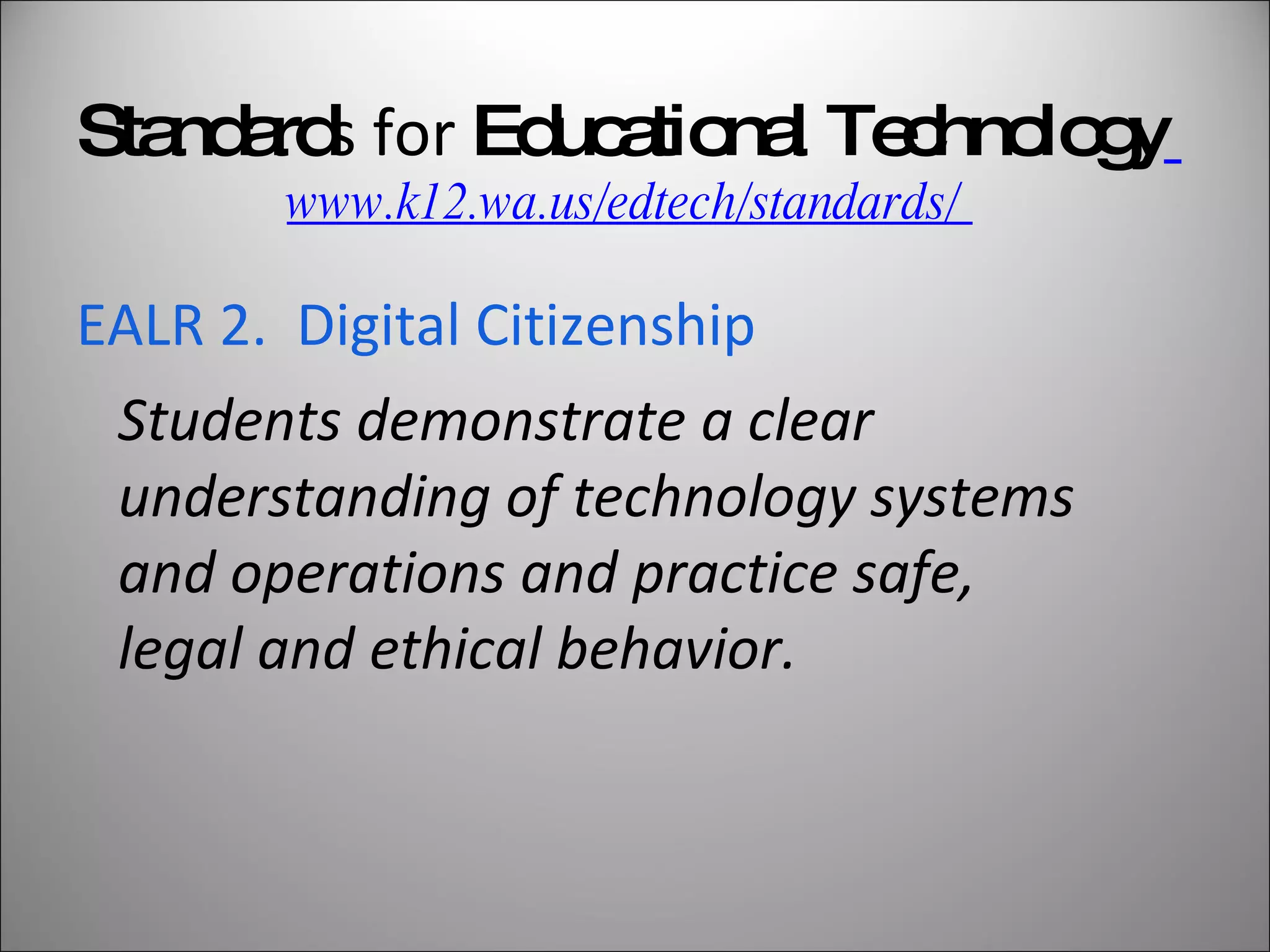
Standard s for  Educational Technology   www.k12.wa.us/edtech/standards/  EALR 2.  Digital Citizenship Students demonstrate a clear understanding of technology systems and operations and practice safe, legal and ethical behavior.
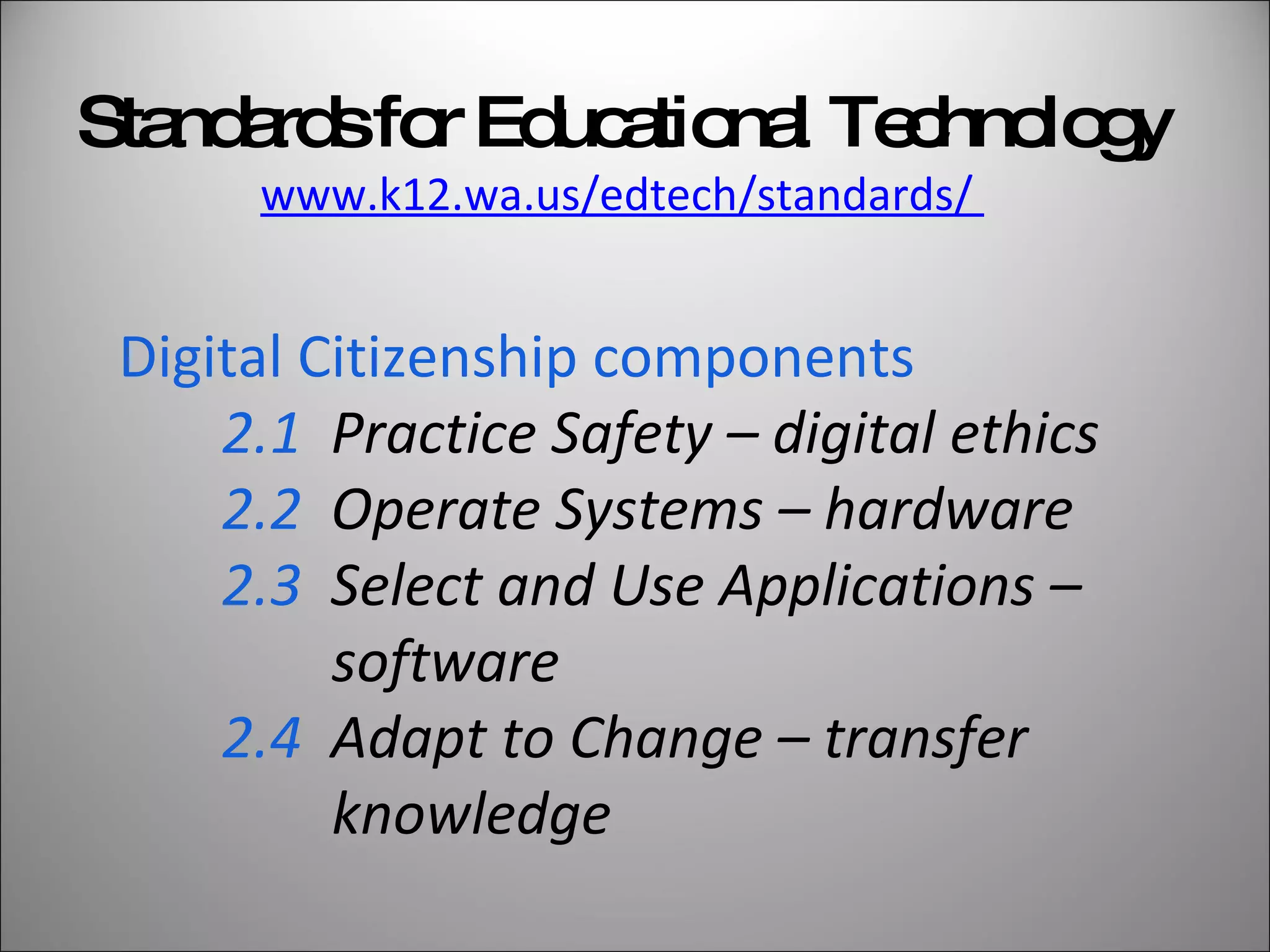
Digital Citizenship components  2.1   Practice Safety – digital ethics 2.2   Operate Systems – hardware 2.3   Select and Use Applications –    software  2.4   Adapt to Change – transfer    knowledge Standards for Educational Technology www.k12.wa.us/edtech/standards/
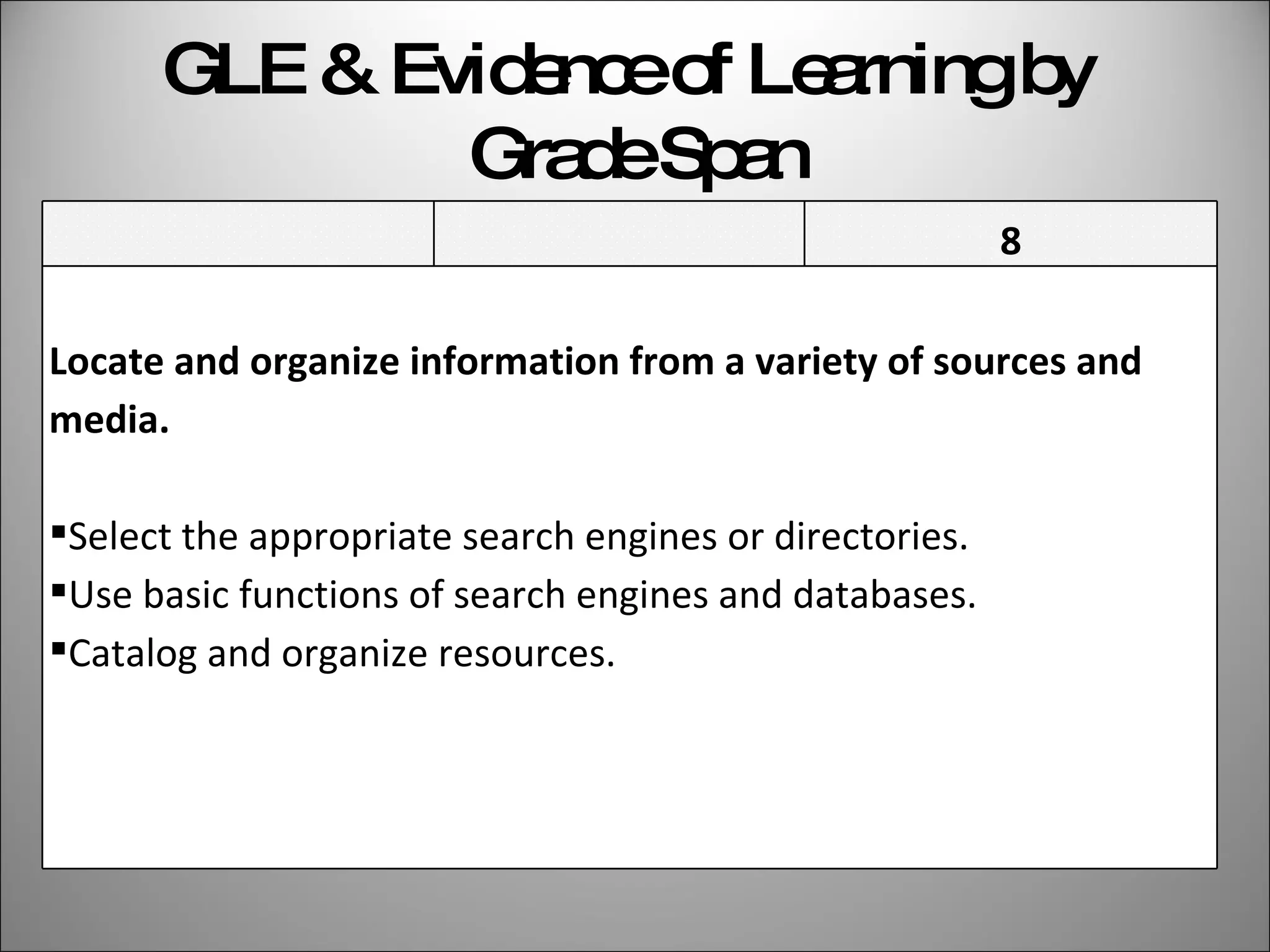
GLE & Evidence of Learning by  Grade Span 6 7 8 Locate and organize information from a variety of sources and media. Select the appropriate search engines or directories. Use basic functions of search engines and databases. Catalog and organize resources.
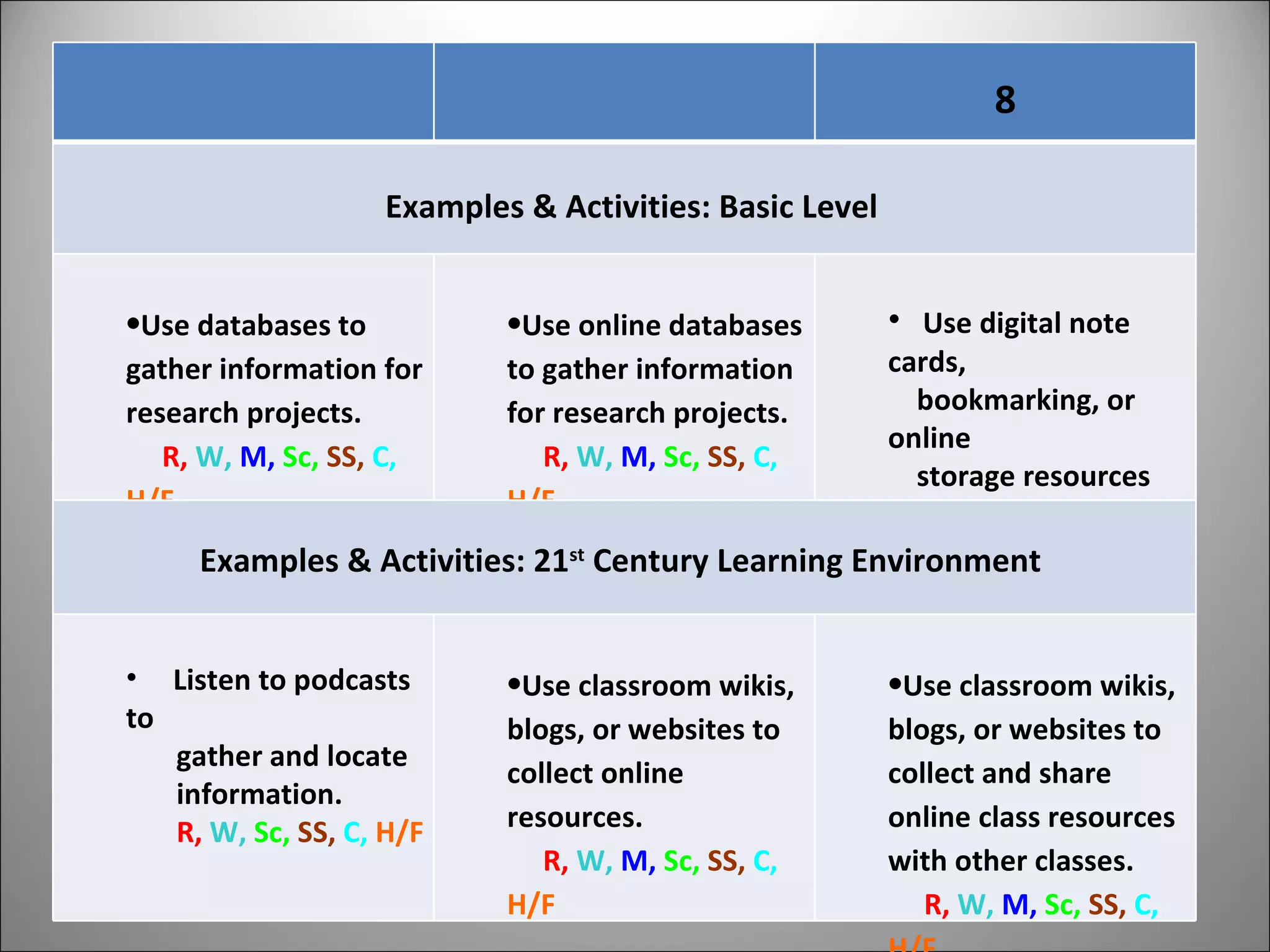
6 7 8 Examples & Activities: Basic Level Use databases to gather information for research projects.  R,  W,   M,   Sc,  SS,   C,   H/F Use online databases to gather information for research projects. R,  W,   M,   Sc,  SS,   C,   H/F   Use digital note cards,  bookmarking, or online  storage resources when  conducting research. R,  W,   Sc,  SS,   C,   H/F   Examples & Activities: 21 st  Century Learning Environment  Listen to podcasts to  gather and locate information. R,  W,   Sc,  SS,   C,   H/F   Use classroom wikis, blogs, or websites to collect online resources.  R,  W,   M,   Sc,  SS,   C,   H/F   Use classroom wikis, blogs, or websites to collect and share online class resources with other classes.  R,  W,   M,   Sc,  SS,   C,   H/F
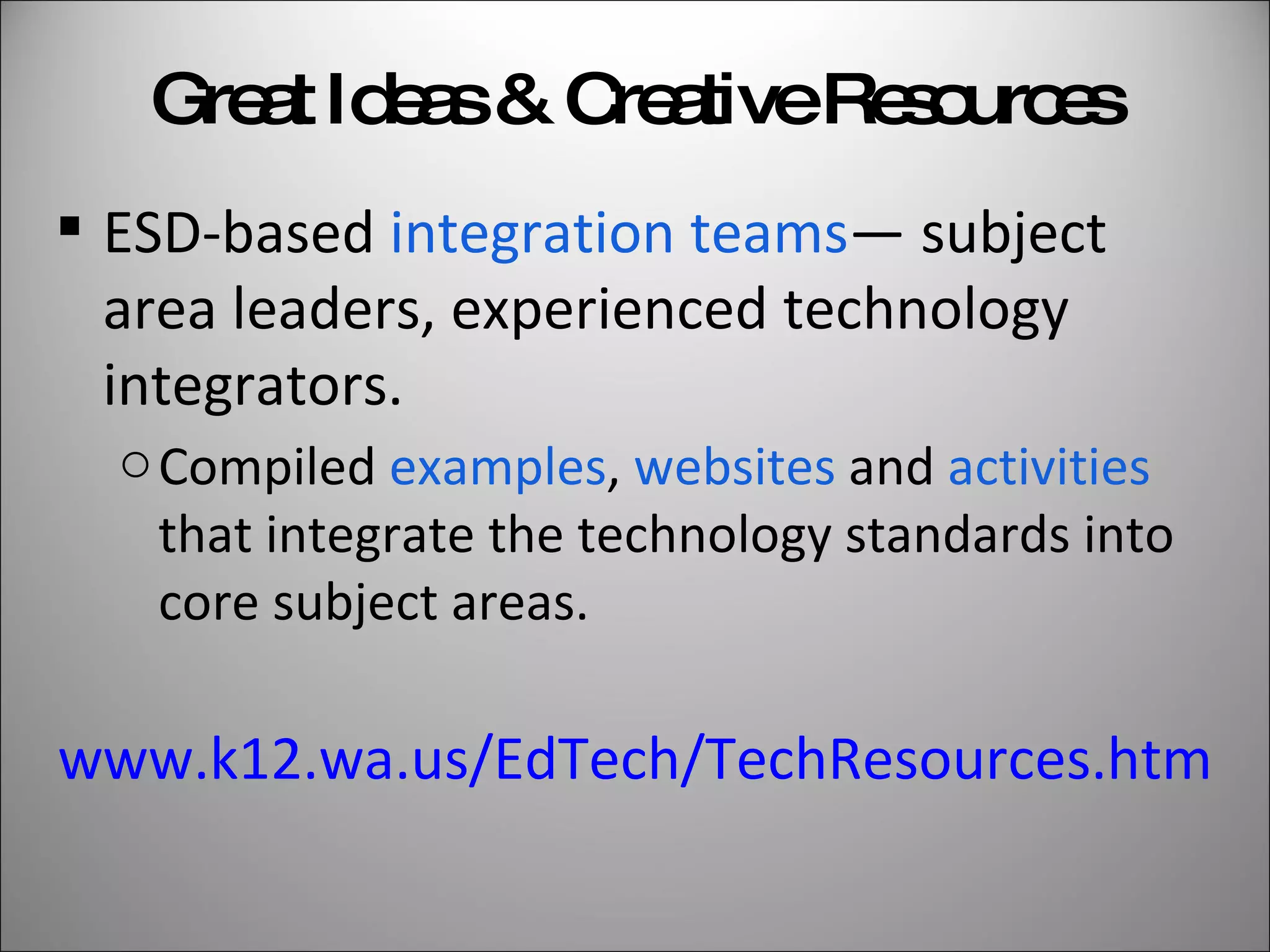
Great Ideas & Creative Resources ESD-based  integration teams — subject area leaders, experienced technology integrators. Compiled  examples ,  websites  and  activities  that integrate the technology standards into core subject areas. www.k12.wa.us/EdTech/TechResources.htm
EdTech Standards Online Technology standards are now on the Online Grade Level Standards site standards.ospi.k12.wa.us/
Secondary Educators Scott LeDuc,  Technology Coordinator and CTE Instructor,  Capital High School, Olympia SD Cyndi Wandling, Library-Media Specialist Park Middle School Kennewick SD
Contact Us Georgia Talbert,  [email_address] Scott LeDuc,  [email_address]   Cyndi Wandling,  [email_address]

Secondary Tech Standards 2009

  • 1.
    NCCE Conference February20, 2009 Implementing Educational Technology Standards in Secondary Classrooms
  • 2.
    Develop Essential AcademicLearning Requirements (EALRs) & Grade Level Expectations (GLEs) for educational technology literacy and technology fluency. To identify the knowledge and skills all students need to know and be able to do. State Legislative Mandate 2SHB 1906, Section 16 – 2007 By December 1, 2008
  • 3.
    What Can EdTechStandards Do? Create context for instruction. Initiate and support 21st century learning environments . Inspire ideas for technology integration into all content areas.
  • 4.
    What Can’t EdTechStandards Do? Guarantee consistent, adequate funding . Train teachers to integrate technology. Ensure network access for appropriate educational use.
  • 5.
    Starting Point ISTE2007 NETS Standards Creativity and Innovation Communication and Collaboration Research and Information Fluency Critical Thinking, Problem Solving and Decision Making Digital Citizenship Technology Operations and Concepts © 2007 ISTE® All rights reserved.  ISTE = International Society for Technology in Education
  • 6.
    Standards for EducationalTechnology http://www.k12.wa.us/edtech/standards/ EALR 1. Integration Students use technology within all content areas to collaborate, communicate, generate innovative ideas, investigate and solve problems.
  • 7.
    Integration components* 1.1 Innovate  be creative 1.2 Collaborate  work together 1.3 Investigate & Think Critically  research and solve problems Standards for Educational Technology www.k12.wa.us/edtech/standards/ *Based on 21st Century Skills
  • 8.
    Standard s for Educational Technology www.k12.wa.us/edtech/standards/ EALR 2. Digital Citizenship Students demonstrate a clear understanding of technology systems and operations and practice safe, legal and ethical behavior.
  • 9.
    Digital Citizenship components 2.1 Practice Safety – digital ethics 2.2 Operate Systems – hardware 2.3 Select and Use Applications – software 2.4 Adapt to Change – transfer knowledge Standards for Educational Technology www.k12.wa.us/edtech/standards/
  • 10.
    GLE & Evidenceof Learning by Grade Span 6 7 8 Locate and organize information from a variety of sources and media. Select the appropriate search engines or directories. Use basic functions of search engines and databases. Catalog and organize resources.
  • 11.
    6 7 8Examples & Activities: Basic Level Use databases to gather information for research projects. R, W, M, Sc, SS, C, H/F Use online databases to gather information for research projects. R, W, M, Sc, SS, C, H/F Use digital note cards, bookmarking, or online storage resources when conducting research. R, W, Sc, SS, C, H/F Examples & Activities: 21 st Century Learning Environment Listen to podcasts to gather and locate information. R, W, Sc, SS, C, H/F Use classroom wikis, blogs, or websites to collect online resources. R, W, M, Sc, SS, C, H/F Use classroom wikis, blogs, or websites to collect and share online class resources with other classes. R, W, M, Sc, SS, C, H/F
  • 12.
    Great Ideas &Creative Resources ESD-based integration teams — subject area leaders, experienced technology integrators. Compiled examples , websites and activities that integrate the technology standards into core subject areas. www.k12.wa.us/EdTech/TechResources.htm
  • 13.
    EdTech Standards OnlineTechnology standards are now on the Online Grade Level Standards site standards.ospi.k12.wa.us/
  • 14.
    Secondary Educators ScottLeDuc, Technology Coordinator and CTE Instructor, Capital High School, Olympia SD Cyndi Wandling, Library-Media Specialist Park Middle School Kennewick SD
  • 15.
    Contact Us GeorgiaTalbert, [email_address] Scott LeDuc, [email_address] Cyndi Wandling, [email_address]