Searching critically
            for ENFE602, 2012
Our mission...


 Google/Research/Find information
 Sift
 Put together evidence/data
 Draw conclusions
 Reference
Today


 Search for known articles in databases
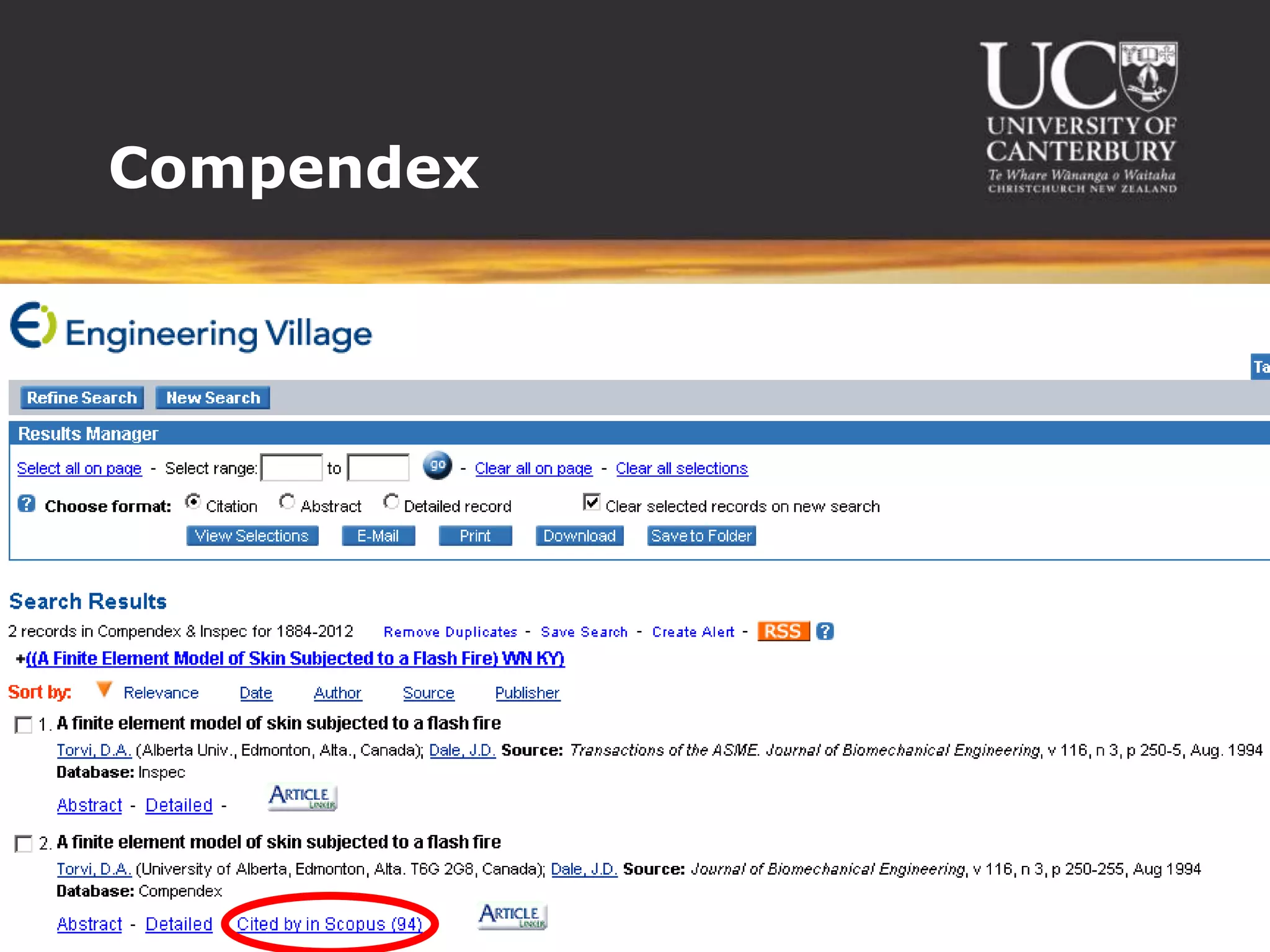
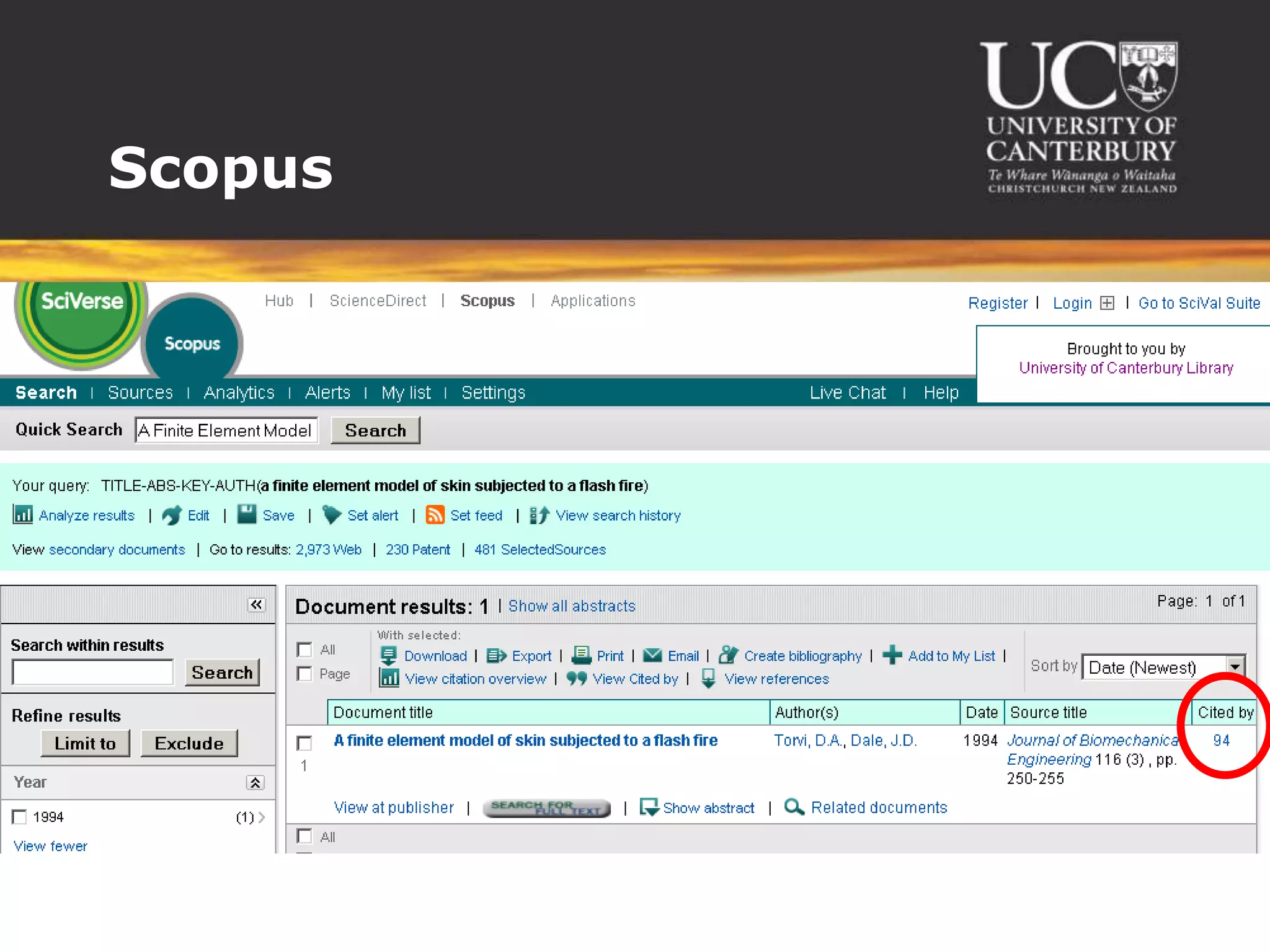
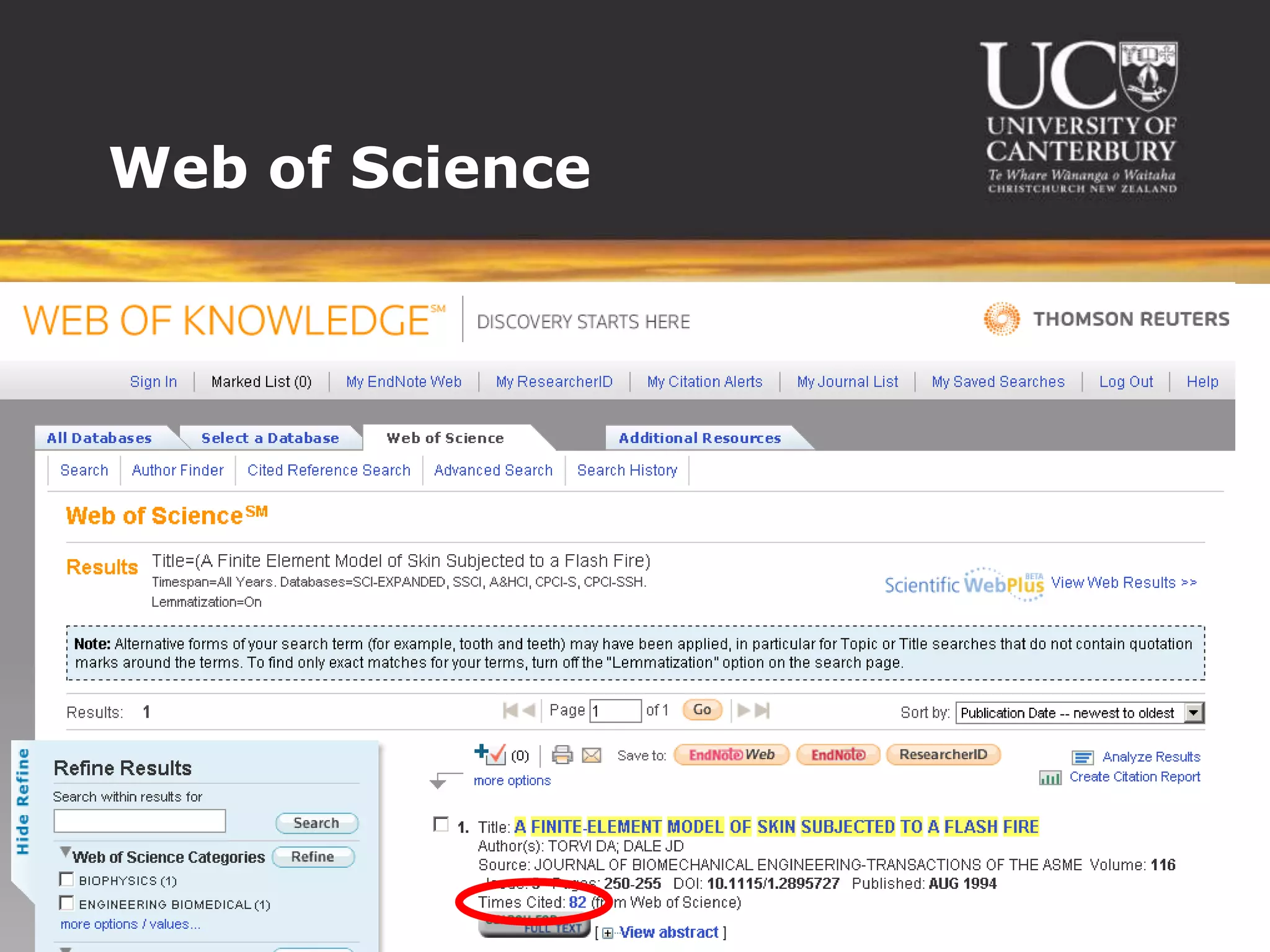
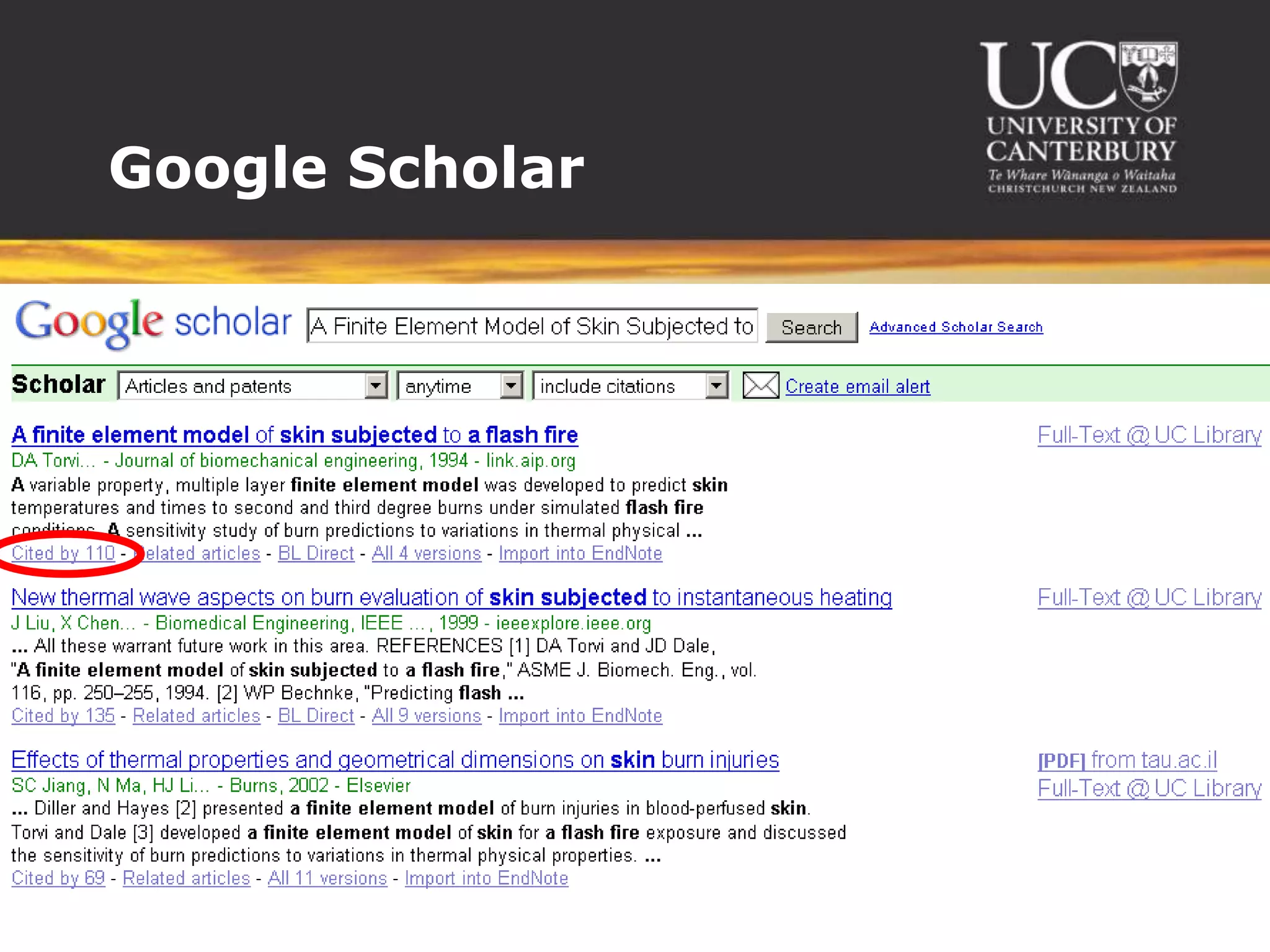
 Find articles citing a known article
 Find related articles by keywords
 Find review articles on a given topic
 Find relevant standards
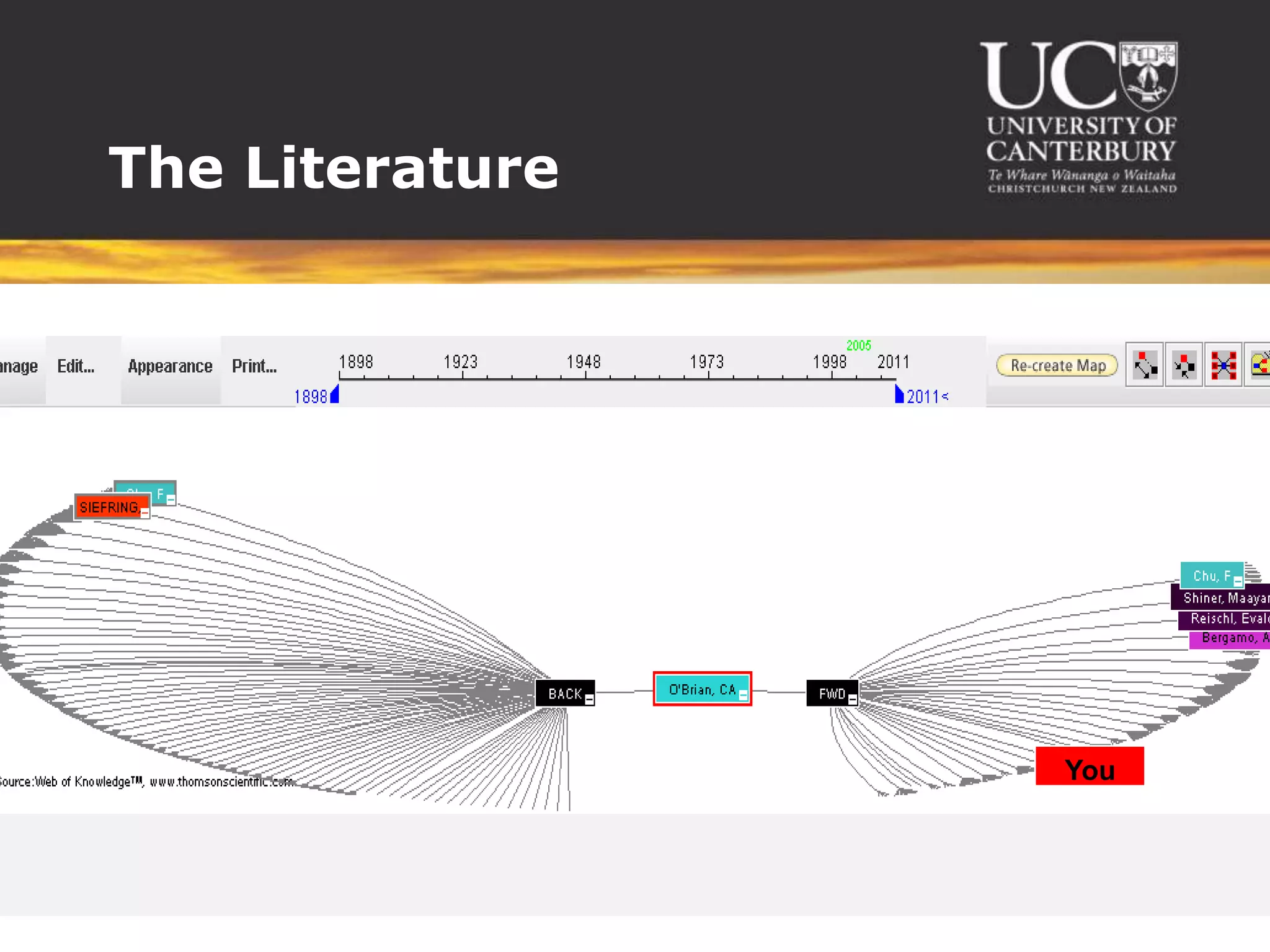
The Literature


                 You
Resources we’ve used...


 Google – not necessarily reliable
 Wikipedia – presearch
 Forums – work-internal, subscription forums –
  get people’s opinions
 Magazines – SFPE
 Websites – DBH, NIST
 Books – handbooks, textbooks
 Primary sources – conference papers, journal
  articles, theses
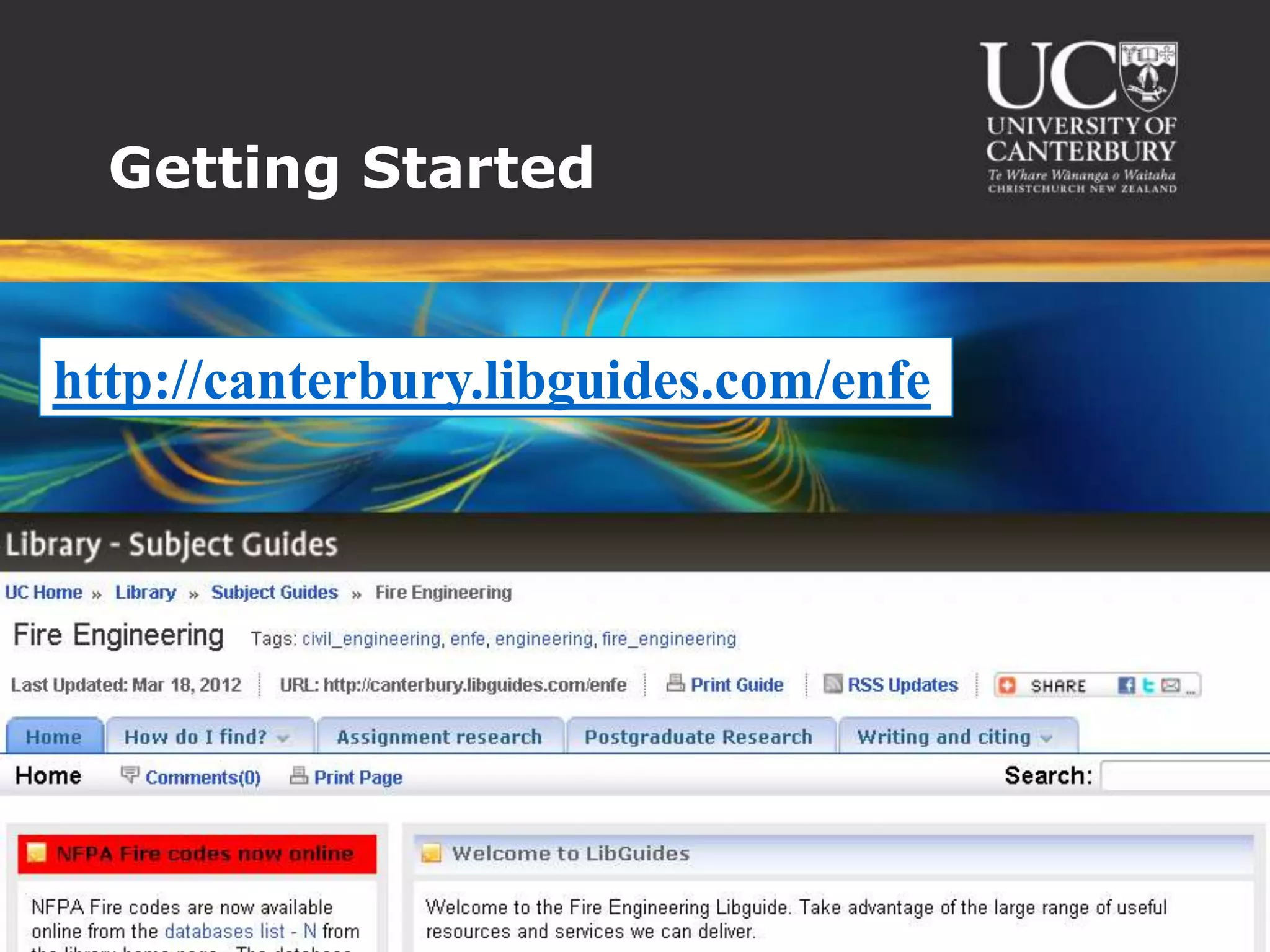
Getting Started


http://canterbury.libguides.com/enfe
Compendex
Scopus
Web of Science
Google Scholar
Finding similar articles


 Similar topics
 Keywords
 Same author
 Where published - eg same conference
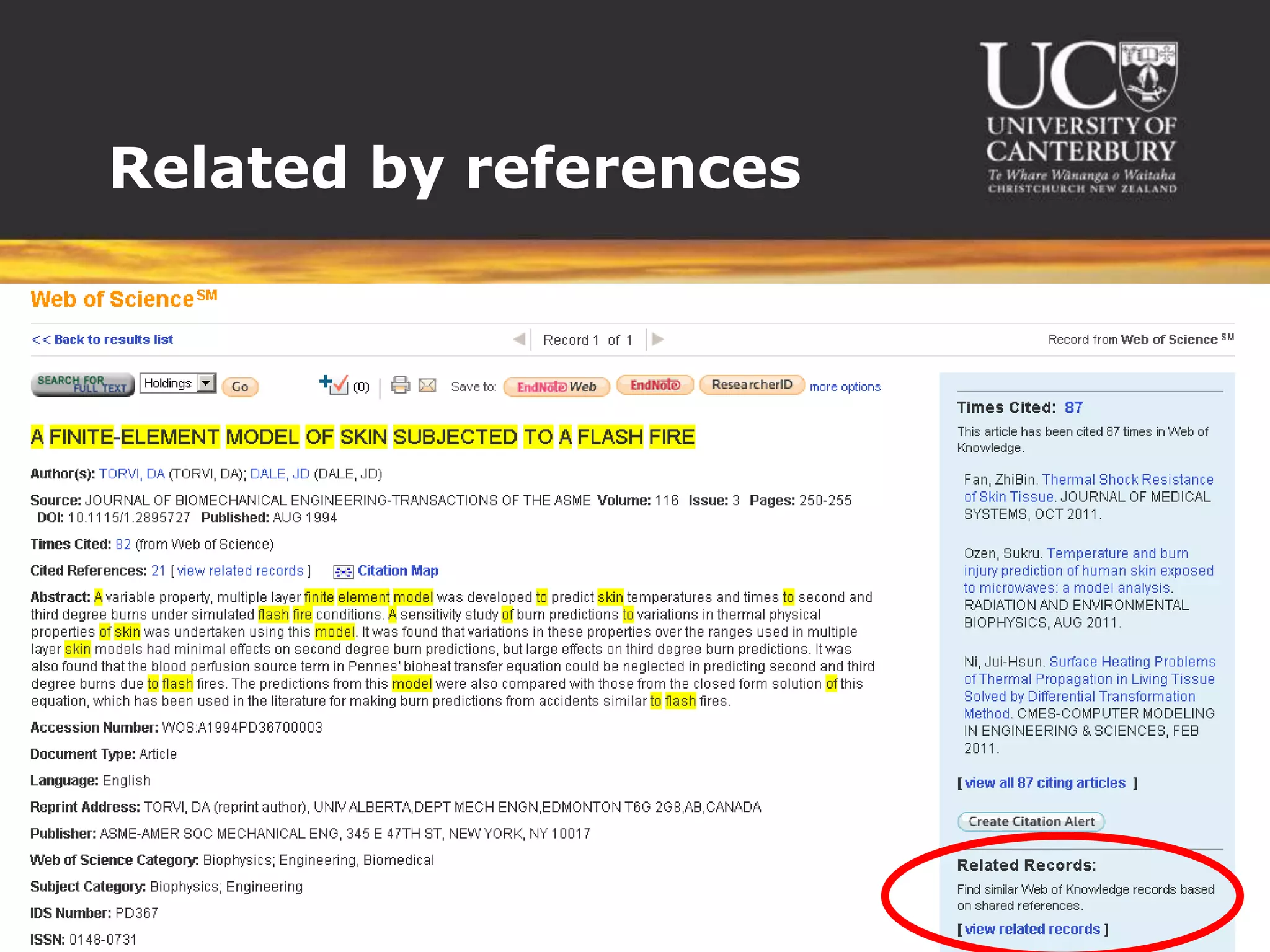
 Similar references
Related by references
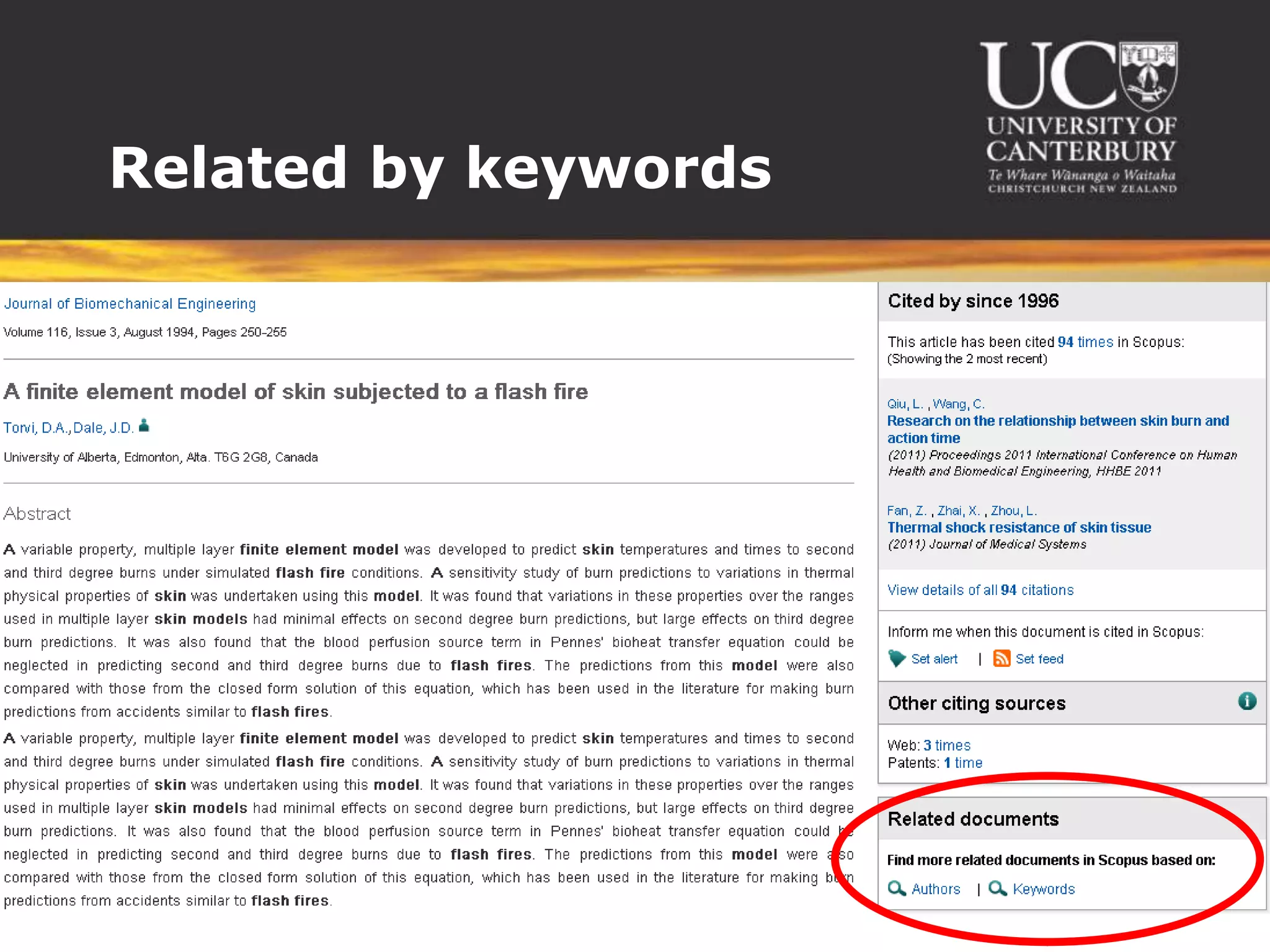
Related by keywords
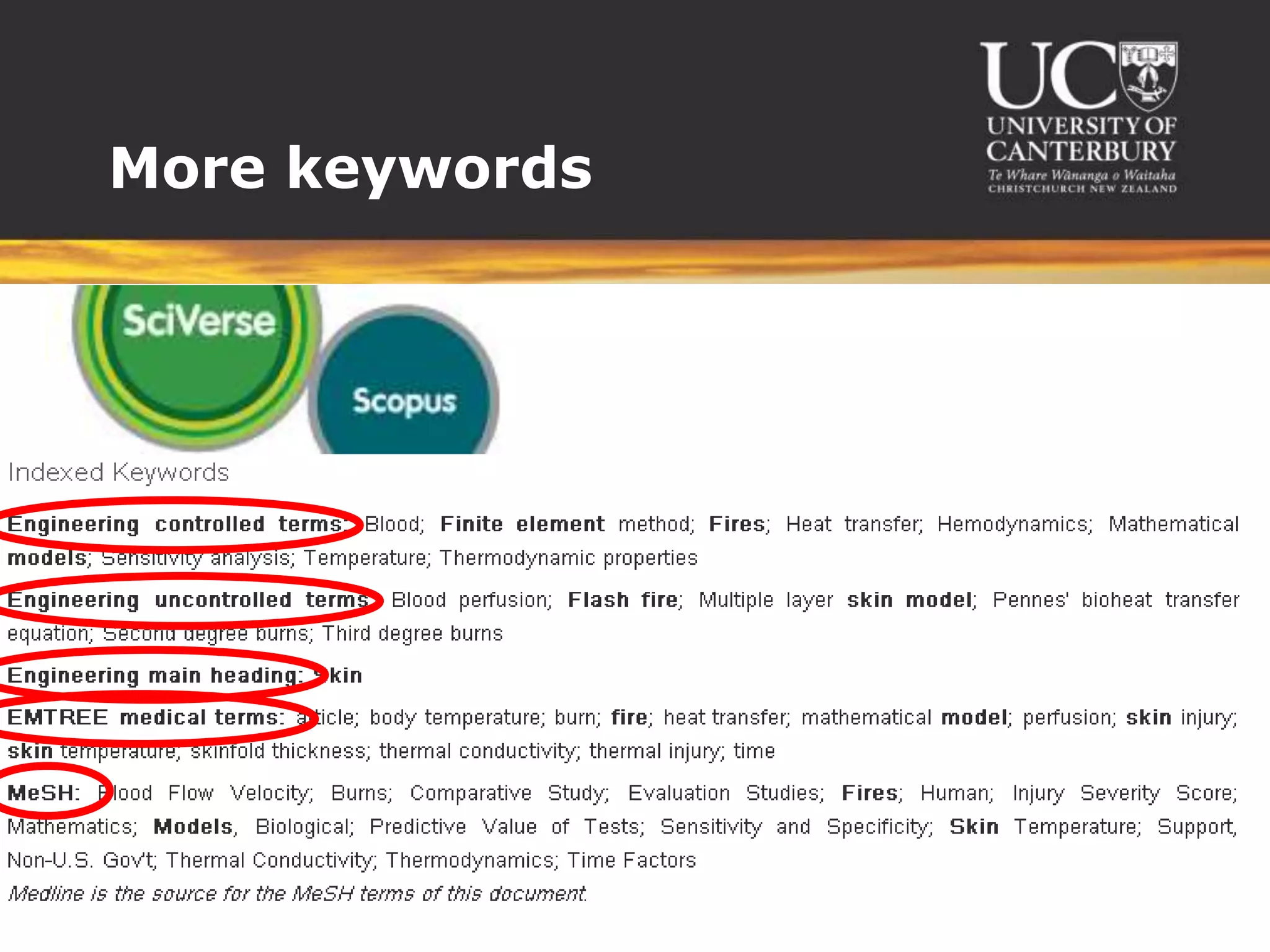
More keywords
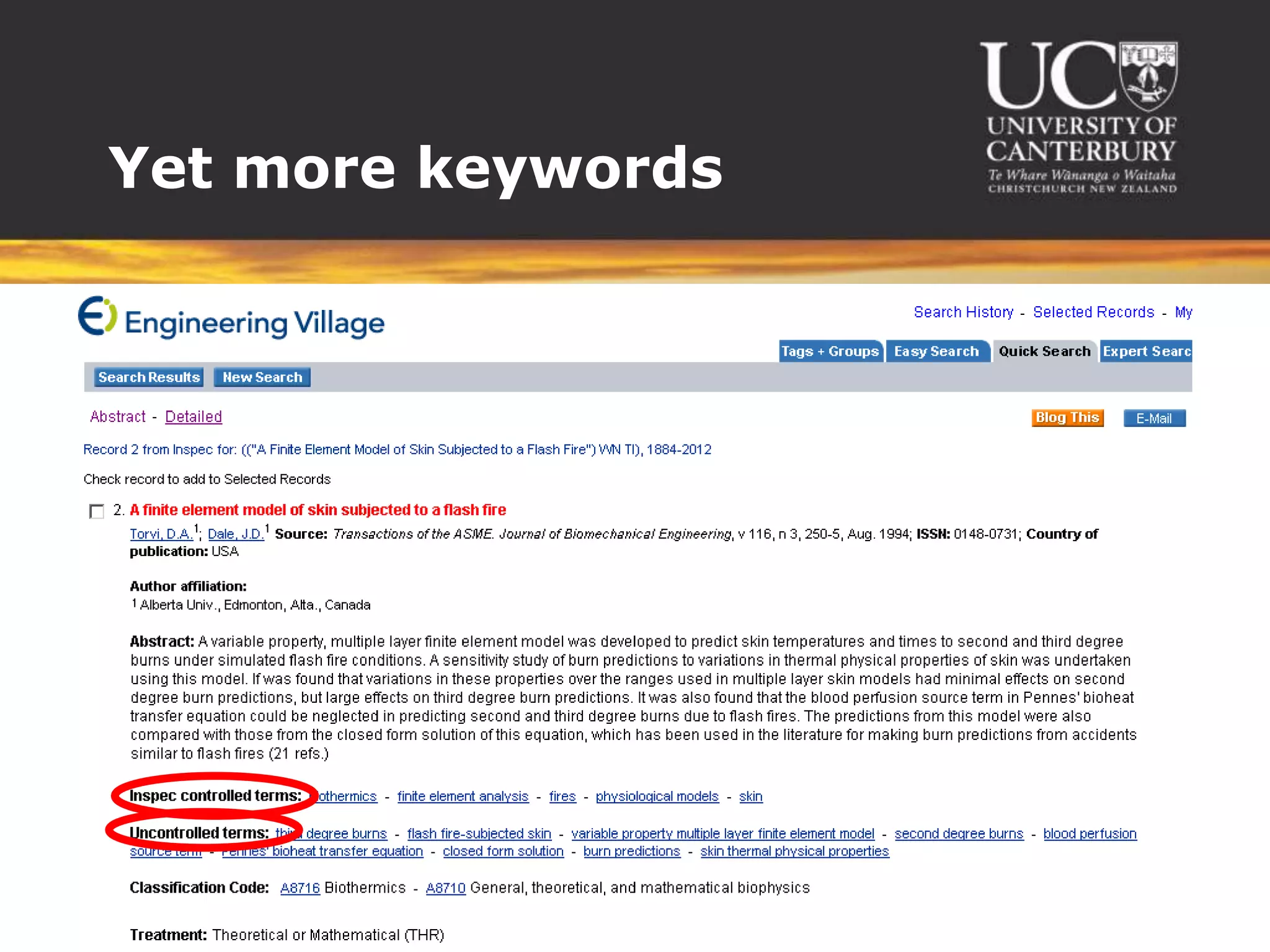
Yet more keywords
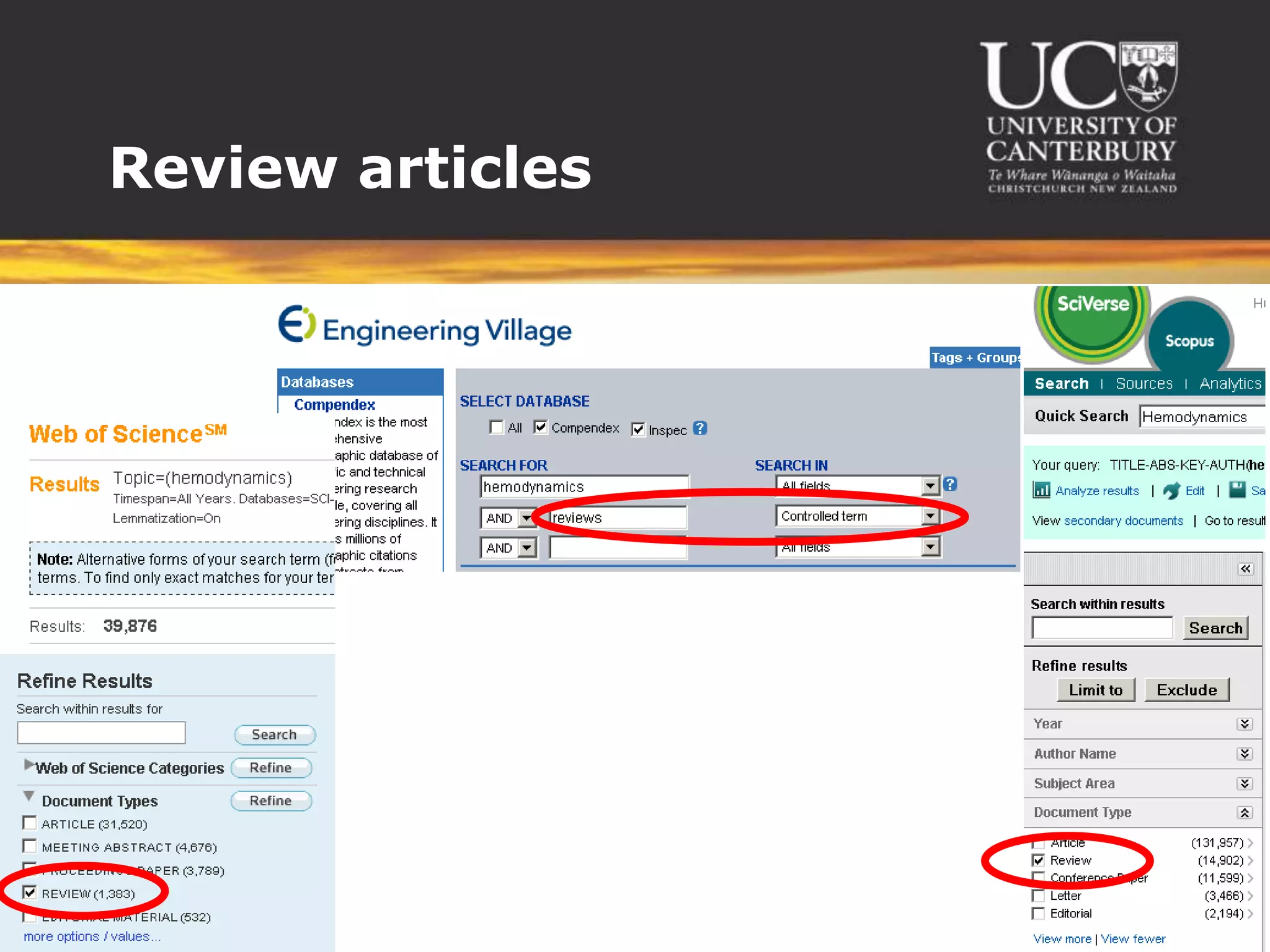
Review articles
We evaluate papers by...


 Which year published
 Author - well-known, professional
  standing
 Check calculations and models
 Check references
 Have they limited their scope – for what
  reasons
 Check their assumptions
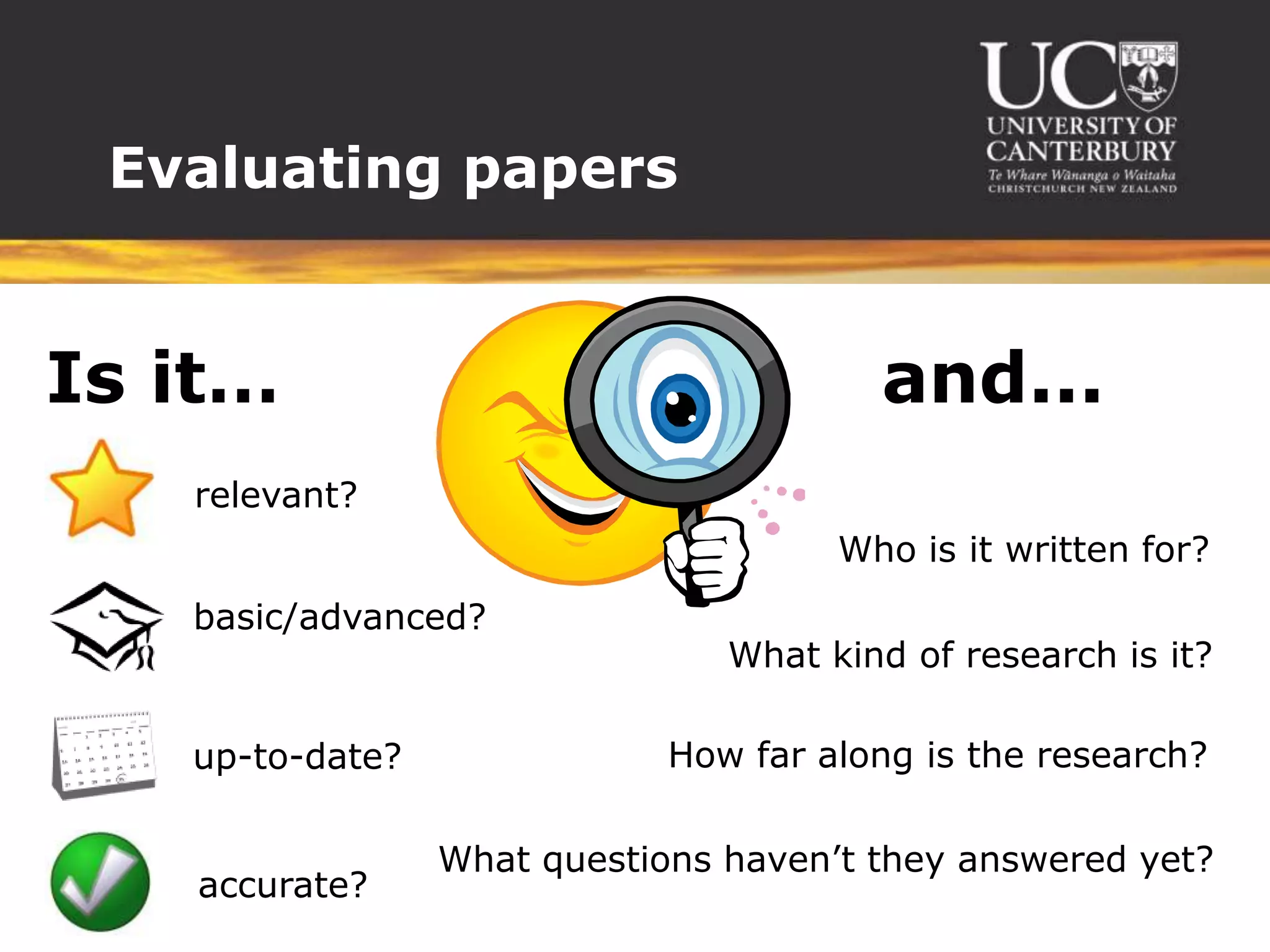
Evaluating papers


Is it…                                  and...
   relevant?
                                      Who is it written for?
   basic/advanced?
                                What kind of research is it?

   up-to-date?               How far along is the research?

                 What questions haven’t they answered yet?
   accurate?
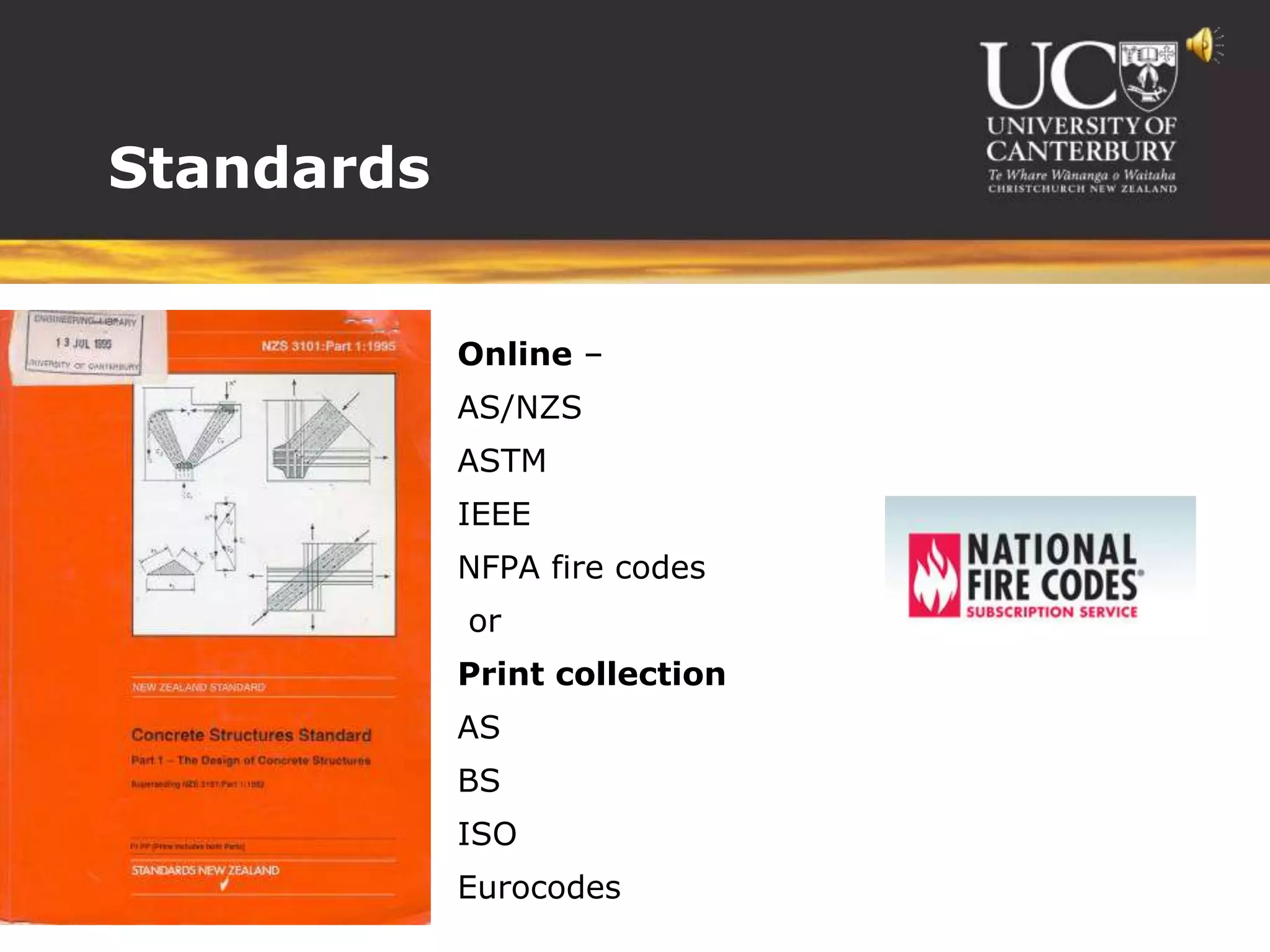
Standards


           Online –
           AS/NZS
           ASTM
           IEEE
           NFPA fire codes
           or
           Print collection
           AS
           BS
           ISO
           Eurocodes
Other resources


 Books
 Theses
 Patents
 Interloans
 Consultations
 Endnote
Citing
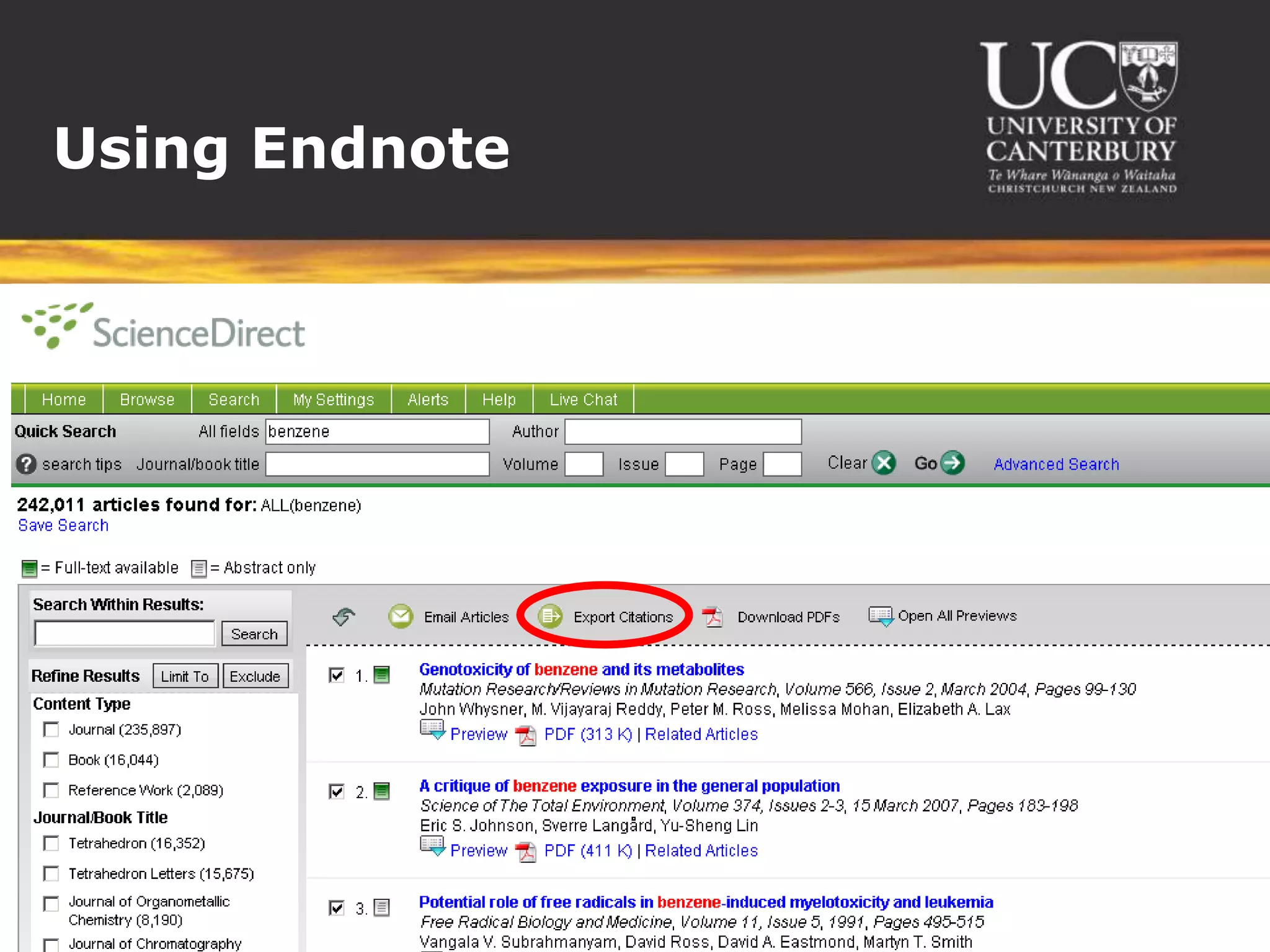
Using Endnote
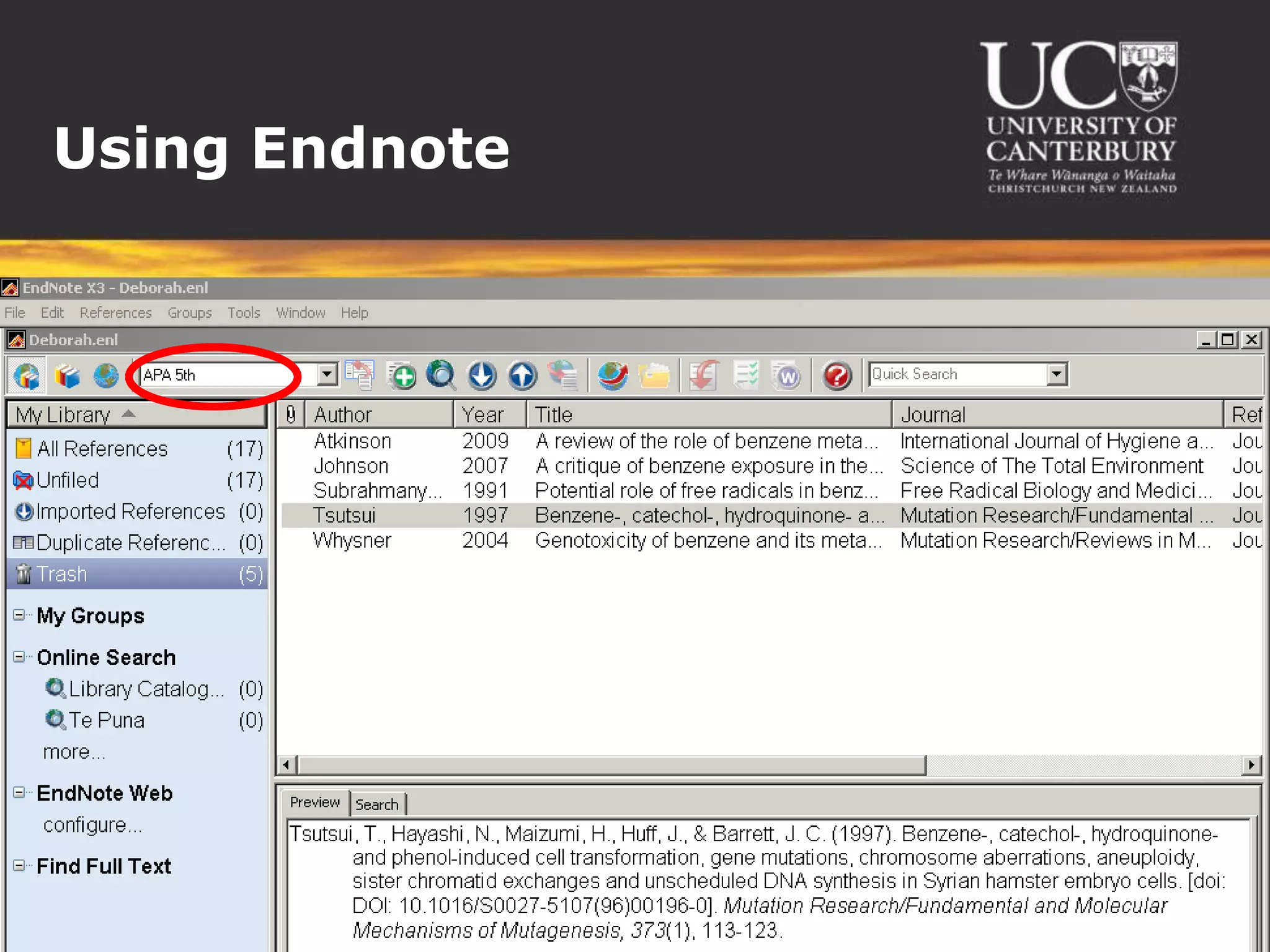
Using Endnote
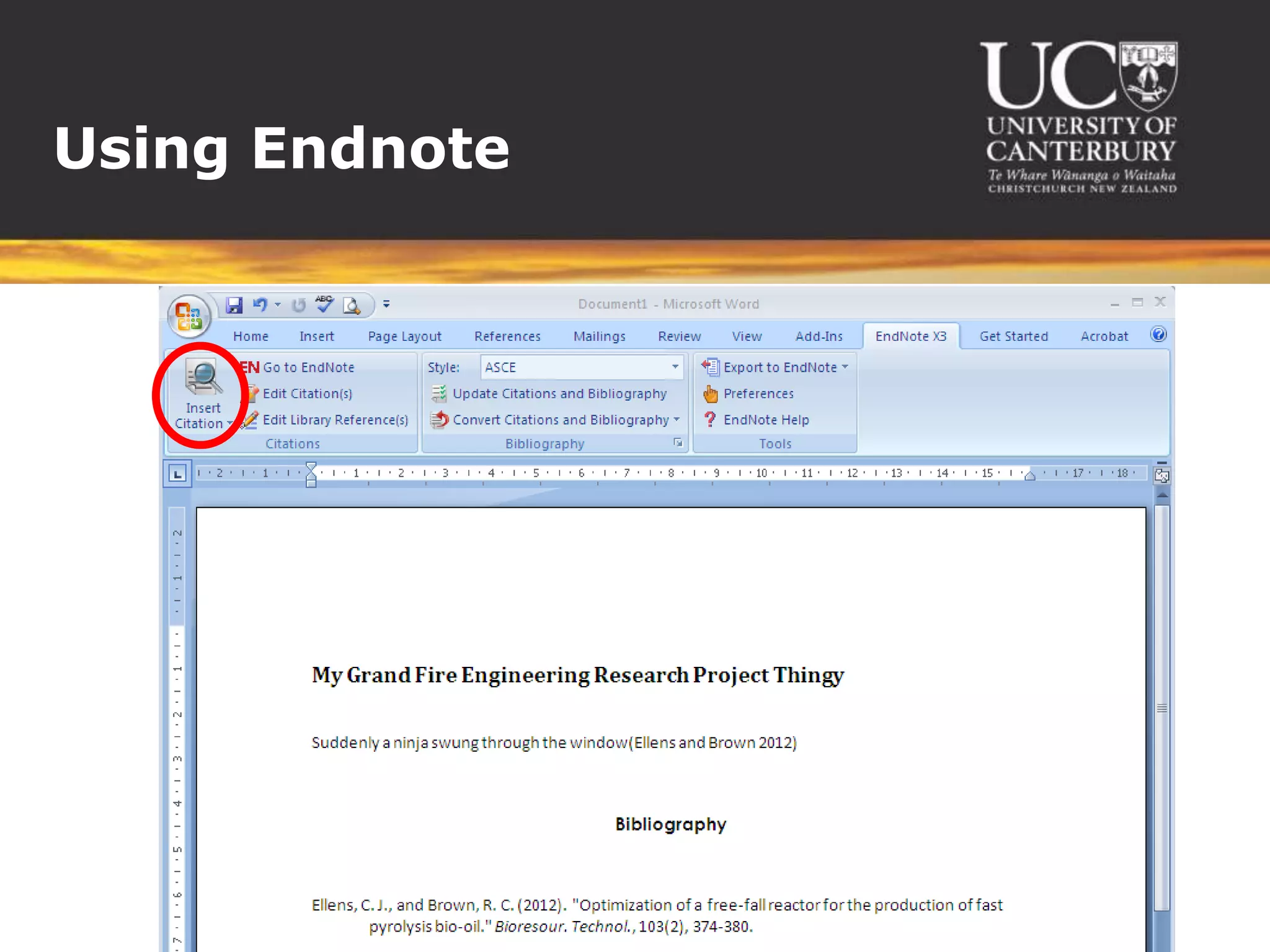
Using Endnote
We’ve learned…


  The Engineering databases (such as
   Compendex, Scopus) UoC can provide to assist our
   research
  Google Scholar might be useful
  In theory, how to search for documents in the on-line
   library – functions of databases and how to use them
  Online access to NFPA standards
  There are programs that assist with referencing
  Why Endnote is so useful
  Endnote vs free Zotero
We still want to learn…


Setting up preferences to access full texts online
    If you access databases via the library website or subject guide, you’ll
     automatically get access where we have it.
    If you come via Google Scholar:
       Go to Scholar Preferences (http://scholar.google.com/scholar_preferences)
       Under Library Links search for and select “University of Canterbury”
       Save your preferences
       When you search, look for the “Full-Text @ UC Library” link


How to troubleshoot searches eg if you’re not finding what you want...
    Hmm – try looking at the results you are getting – what’s wrong and what’s
     right? Can give you clues of different keywords/databases to try which may get
     you closer.
    Or just come and see me. 
We still want to learn…


How to search photos or tables
    General photos: http://images.google.com
    Reusable photos: http://www.google.com/advanced_image_search and select
     the appropriate option under “usage rights”. (Remember to give credit too.)
    Scientific/technical photos: http://www.springerimages.com/ - browse by
     subject then in the “Refine” options tick “Only accessible images”
    Searching within other databases – I don’t know of any way but will keep an
     eye out....


More about referencing
    Book a tutorial at:
     http://webapps.libr.canterbury.ac.nz/webdb/course.php?course=215
    Or teach yourself at: http://wiki.canterbury.ac.nz/display/LIBRARY/EndNote
    Or try Zotero: http://www.zotero.org/
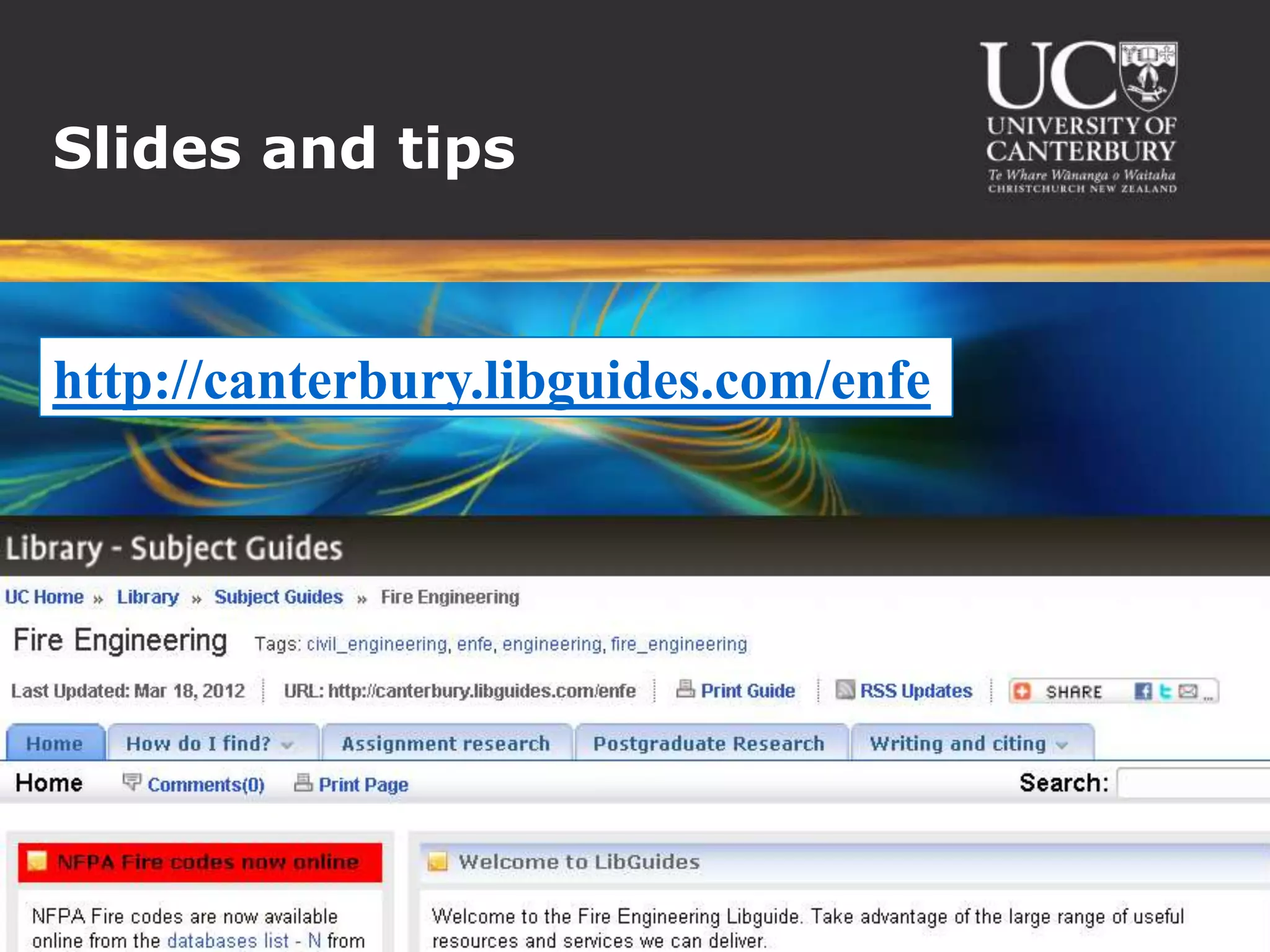
Slides and tips


http://canterbury.libguides.com/enfe
Contact me


 Chat


 Meet


 Email

Searching Critically for ENFE602 (2012)

  • 1.
    Searching critically for ENFE602, 2012
  • 2.
    Our mission...  Google/Research/Findinformation  Sift  Put together evidence/data  Draw conclusions  Reference
  • 3.
    Today  Search forknown articles in databases  Find articles citing a known article  Find related articles by keywords  Find review articles on a given topic  Find relevant standards
  • 4.
  • 5.
    Resources we’ve used... Google – not necessarily reliable  Wikipedia – presearch  Forums – work-internal, subscription forums – get people’s opinions  Magazines – SFPE  Websites – DBH, NIST  Books – handbooks, textbooks  Primary sources – conference papers, journal articles, theses
  • 6.
  • 7.
  • 8.
  • 9.
  • 10.
  • 11.
    Finding similar articles Similar topics  Keywords  Same author  Where published - eg same conference  Similar references
  • 12.
  • 13.
  • 14.
  • 15.
  • 16.
  • 17.
    We evaluate papersby...  Which year published  Author - well-known, professional standing  Check calculations and models  Check references  Have they limited their scope – for what reasons  Check their assumptions
  • 18.
    Evaluating papers Is it… and... relevant? Who is it written for? basic/advanced? What kind of research is it? up-to-date? How far along is the research? What questions haven’t they answered yet? accurate?
  • 19.
    Standards  Online –  AS/NZS  ASTM  IEEE  NFPA fire codes  or  Print collection  AS  BS  ISO  Eurocodes
  • 20.
    Other resources  Books Theses  Patents  Interloans  Consultations  Endnote
  • 21.
  • 22.
  • 23.
  • 24.
  • 25.
    We’ve learned… The Engineering databases (such as Compendex, Scopus) UoC can provide to assist our research  Google Scholar might be useful  In theory, how to search for documents in the on-line library – functions of databases and how to use them  Online access to NFPA standards  There are programs that assist with referencing  Why Endnote is so useful  Endnote vs free Zotero
  • 26.
    We still wantto learn… Setting up preferences to access full texts online  If you access databases via the library website or subject guide, you’ll automatically get access where we have it.  If you come via Google Scholar:  Go to Scholar Preferences (http://scholar.google.com/scholar_preferences)  Under Library Links search for and select “University of Canterbury”  Save your preferences  When you search, look for the “Full-Text @ UC Library” link How to troubleshoot searches eg if you’re not finding what you want...  Hmm – try looking at the results you are getting – what’s wrong and what’s right? Can give you clues of different keywords/databases to try which may get you closer.  Or just come and see me. 
  • 27.
    We still wantto learn… How to search photos or tables  General photos: http://images.google.com  Reusable photos: http://www.google.com/advanced_image_search and select the appropriate option under “usage rights”. (Remember to give credit too.)  Scientific/technical photos: http://www.springerimages.com/ - browse by subject then in the “Refine” options tick “Only accessible images”  Searching within other databases – I don’t know of any way but will keep an eye out.... More about referencing  Book a tutorial at: http://webapps.libr.canterbury.ac.nz/webdb/course.php?course=215  Or teach yourself at: http://wiki.canterbury.ac.nz/display/LIBRARY/EndNote  Or try Zotero: http://www.zotero.org/
  • 28.
  • 29.

Editor's Notes

  • #5 The “literature” is the written conversation between scientists about what they’ve found out (by reading or experimenting).Searching the literature is all about learning who the cool people are and where they hang out.May be literal conversations; conferences; journals; standards; patents; books; encyclopaedias; websites; social media....
  • #8 Subject guide -> databases -> CompendexCovers all aspects of Engineering.
  • #9 Subject guide -> databases -> ScopusGeneral science/engineering
  • #10 Subject guide -> databases -> Web of ScienceGeneral science/engineering
  • #11 http://scholar.google.comSet preferences before you search to get the “Full-text @ UC Library” link
  • #22 Instruction at http://wiki.canterbury.ac.nz/display/LIBRARY/EndNote
  • #23 Find citations in a databaseExport to Endnote
  • #24 Organise in EndnoteThousands of citation styles
  • #25 Write your paperCite as you go