Finding information
to back up your reports
for ENCH 395 (2012)
and beyond


Deborah Fitchett
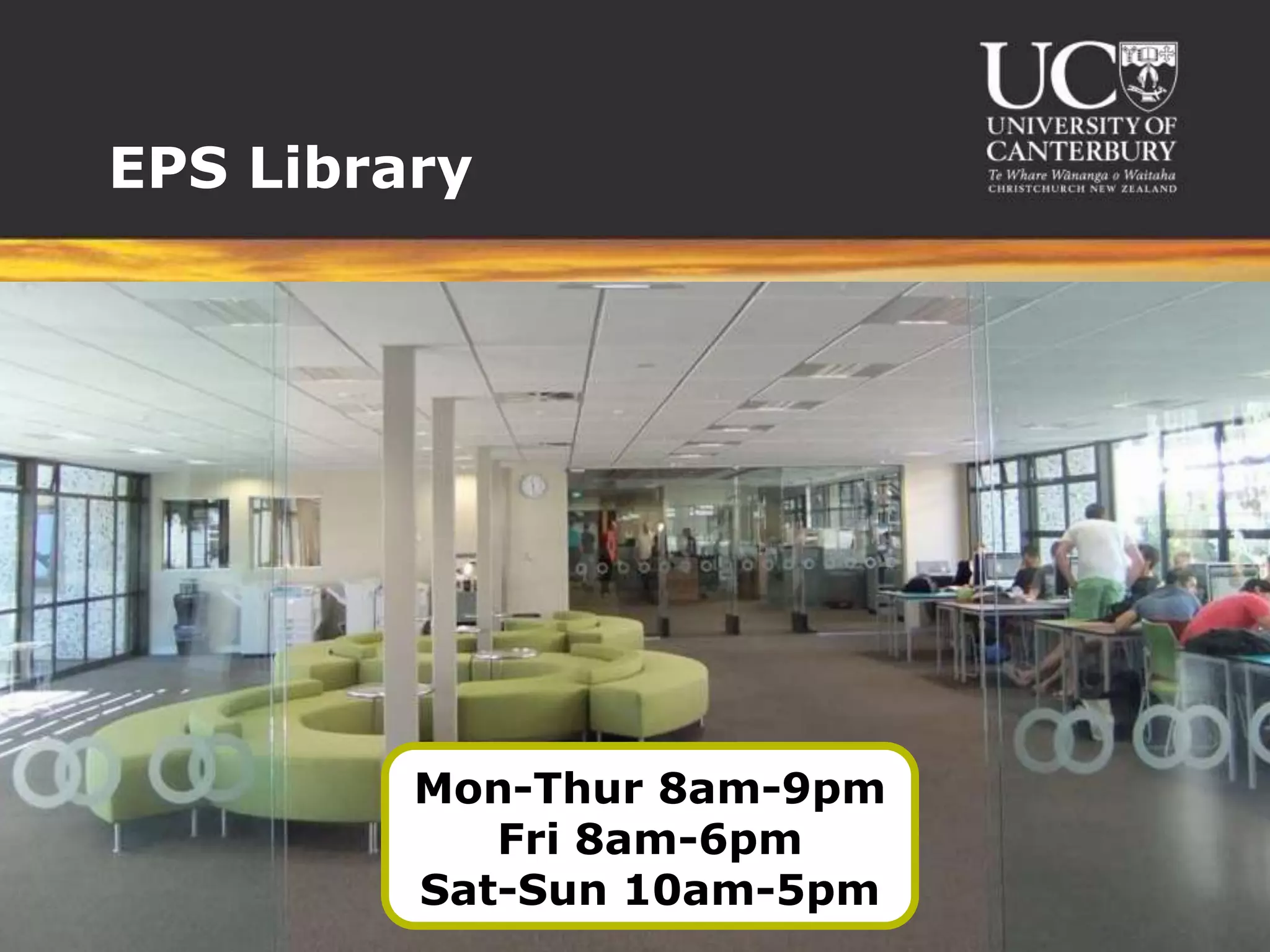
EPS Library


         Mon-Thur 8am-9pm
            Fri 8am-6pm
         Sat-Sun 10am-5pm
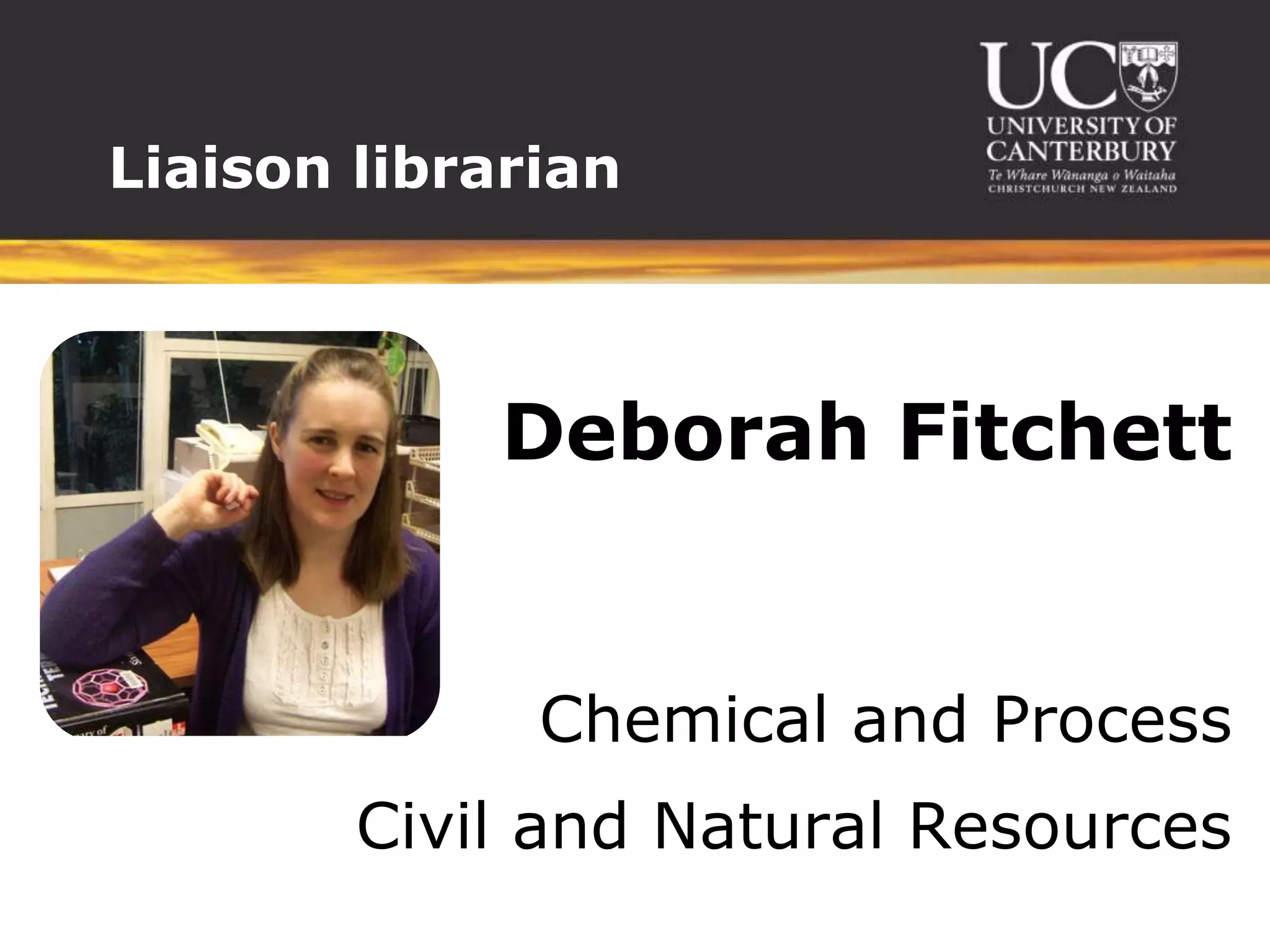
Liaison librarian


             Deborah Fitchett


              Chemical and Process
        Civil and Natural Resources
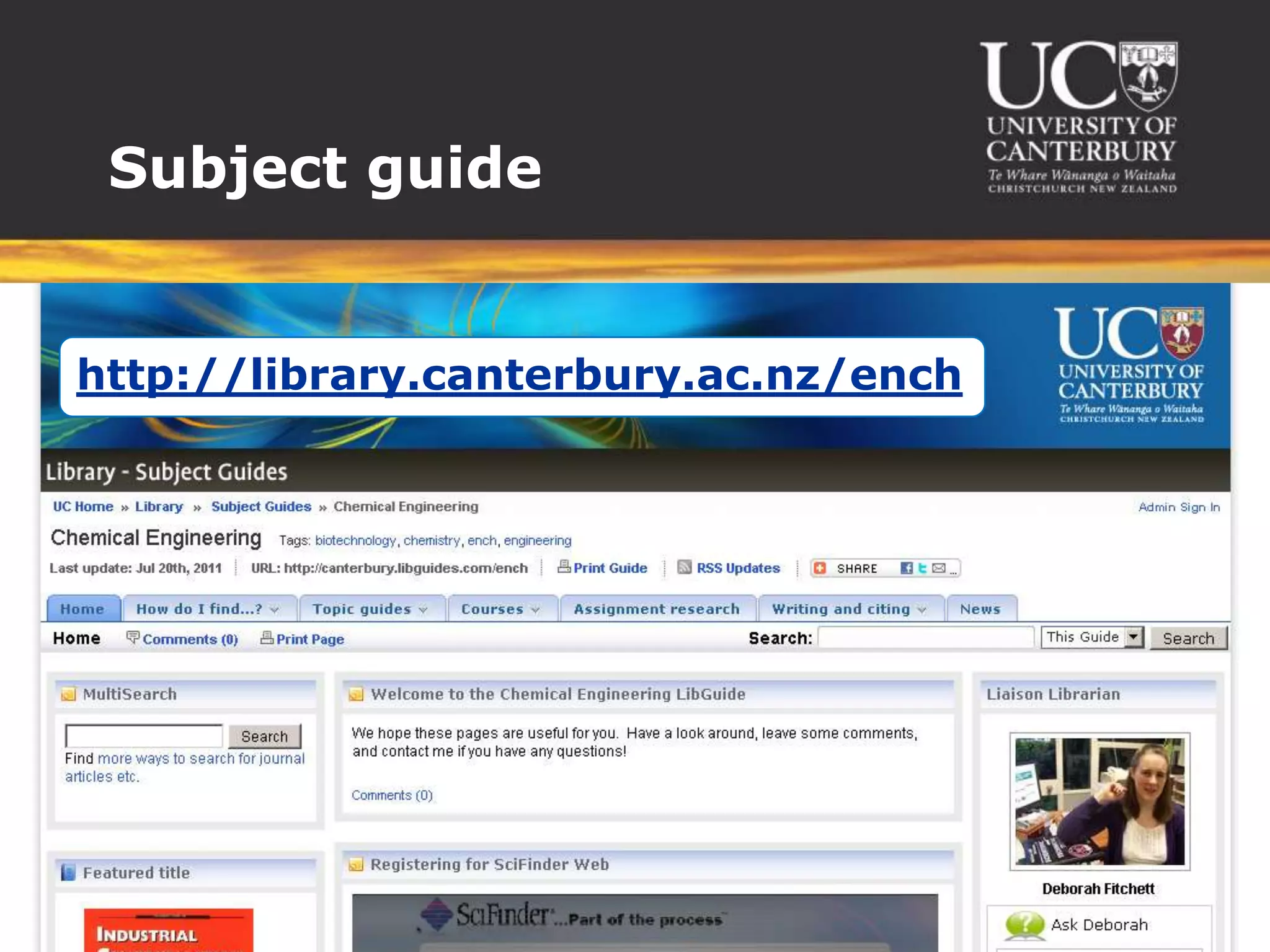
Subject guide


http://library.canterbury.ac.nz/ench
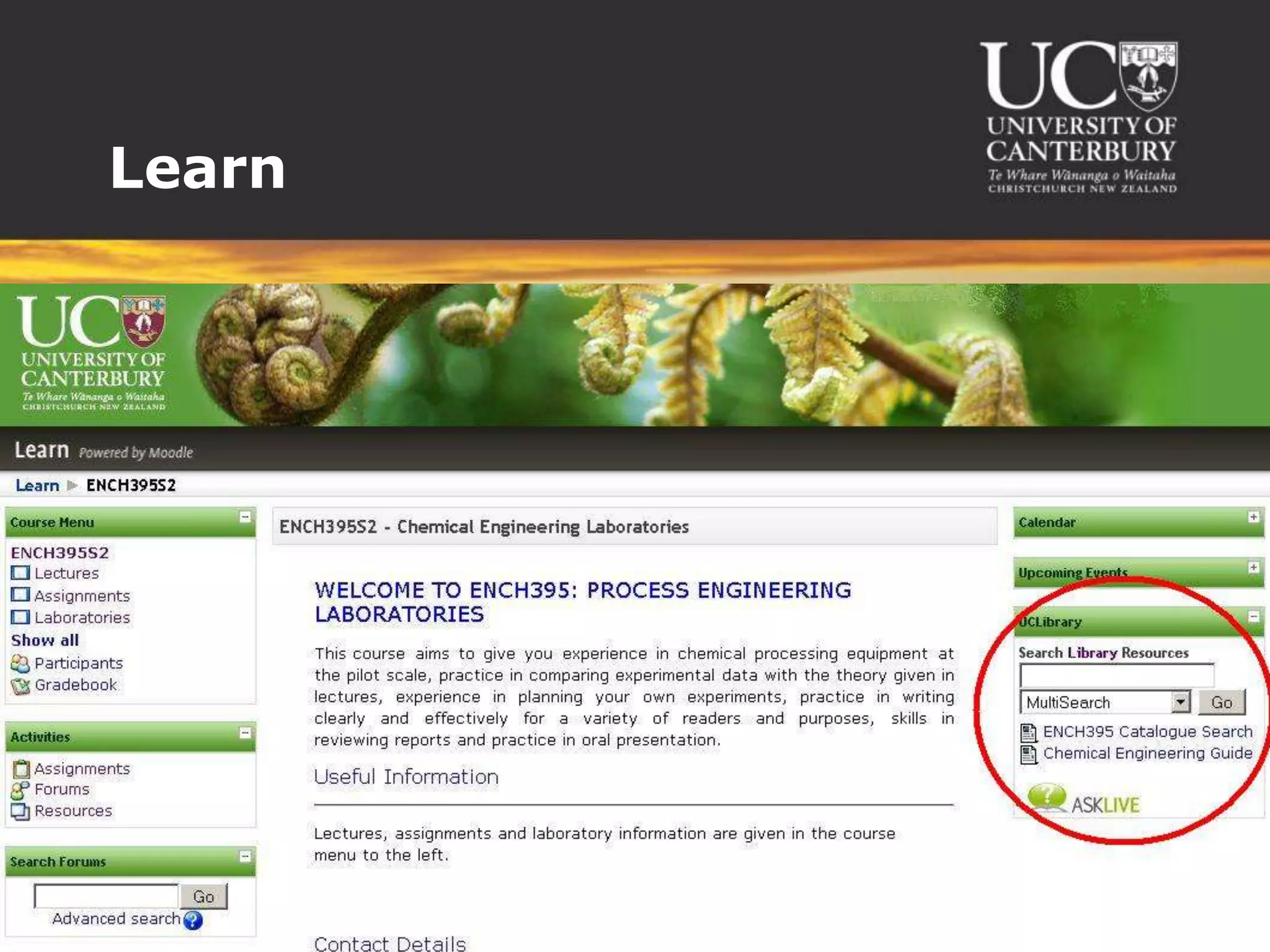
Learn
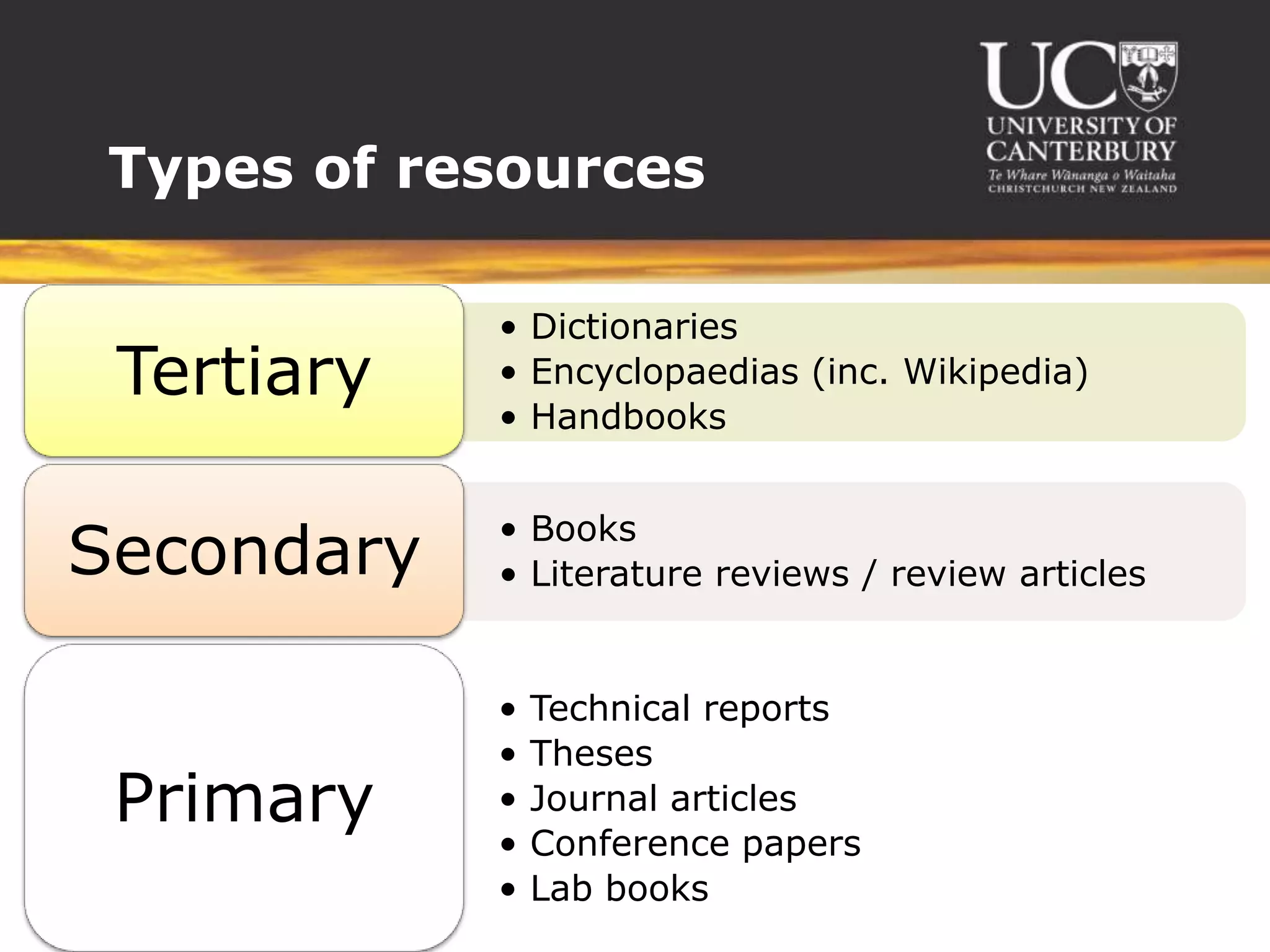
Types of resources

            • Dictionaries
 Tertiary   • Encyclopaedias (inc. Wikipedia)
            • Handbooks


            • Books
Secondary   • Literature reviews / review articles


            •   Technical reports
            •   Theses
 Primary    •   Journal articles
            •   Conference papers
            •   Lab books
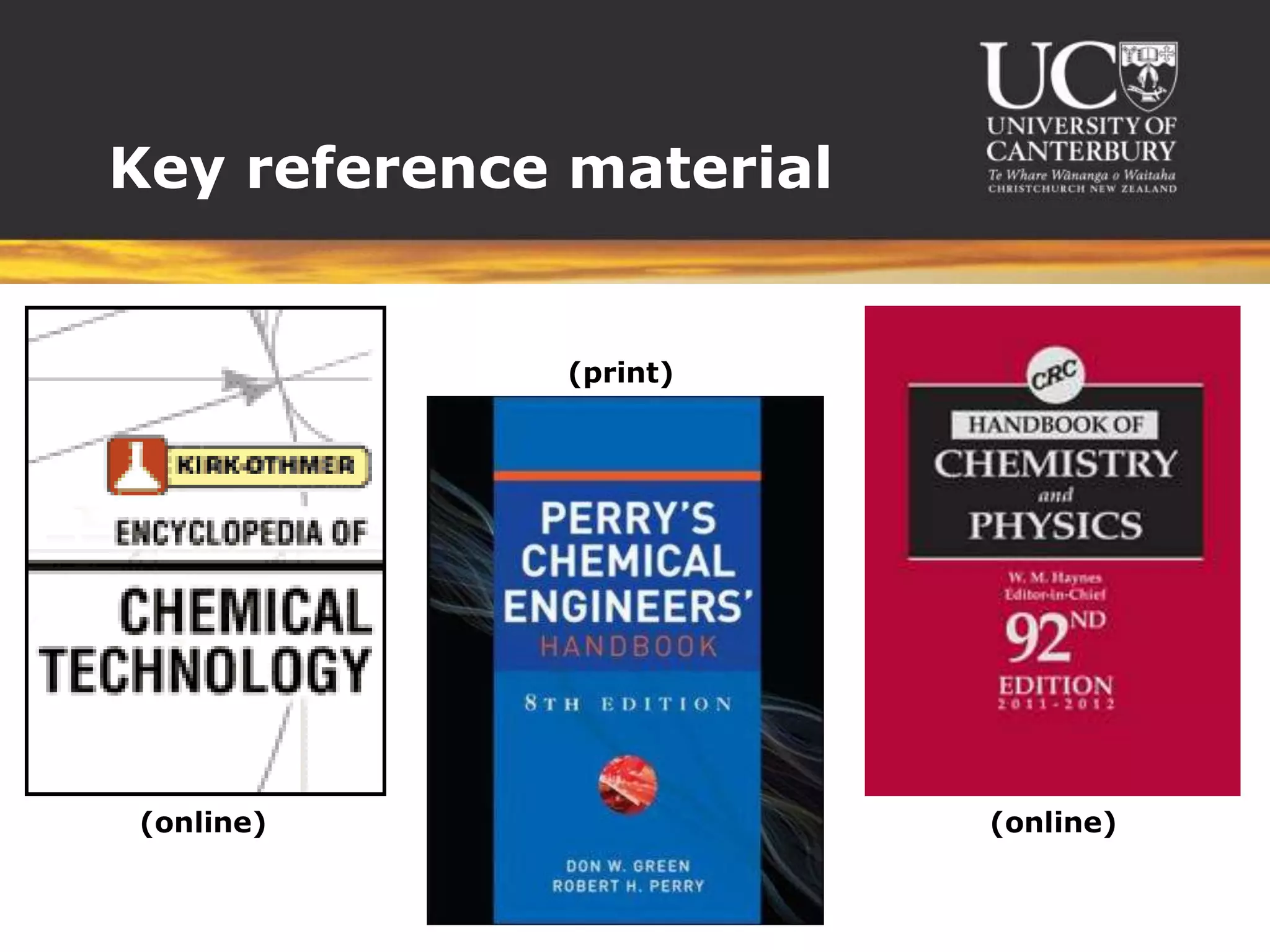
Key reference material


             (print)


(online)                 (online)
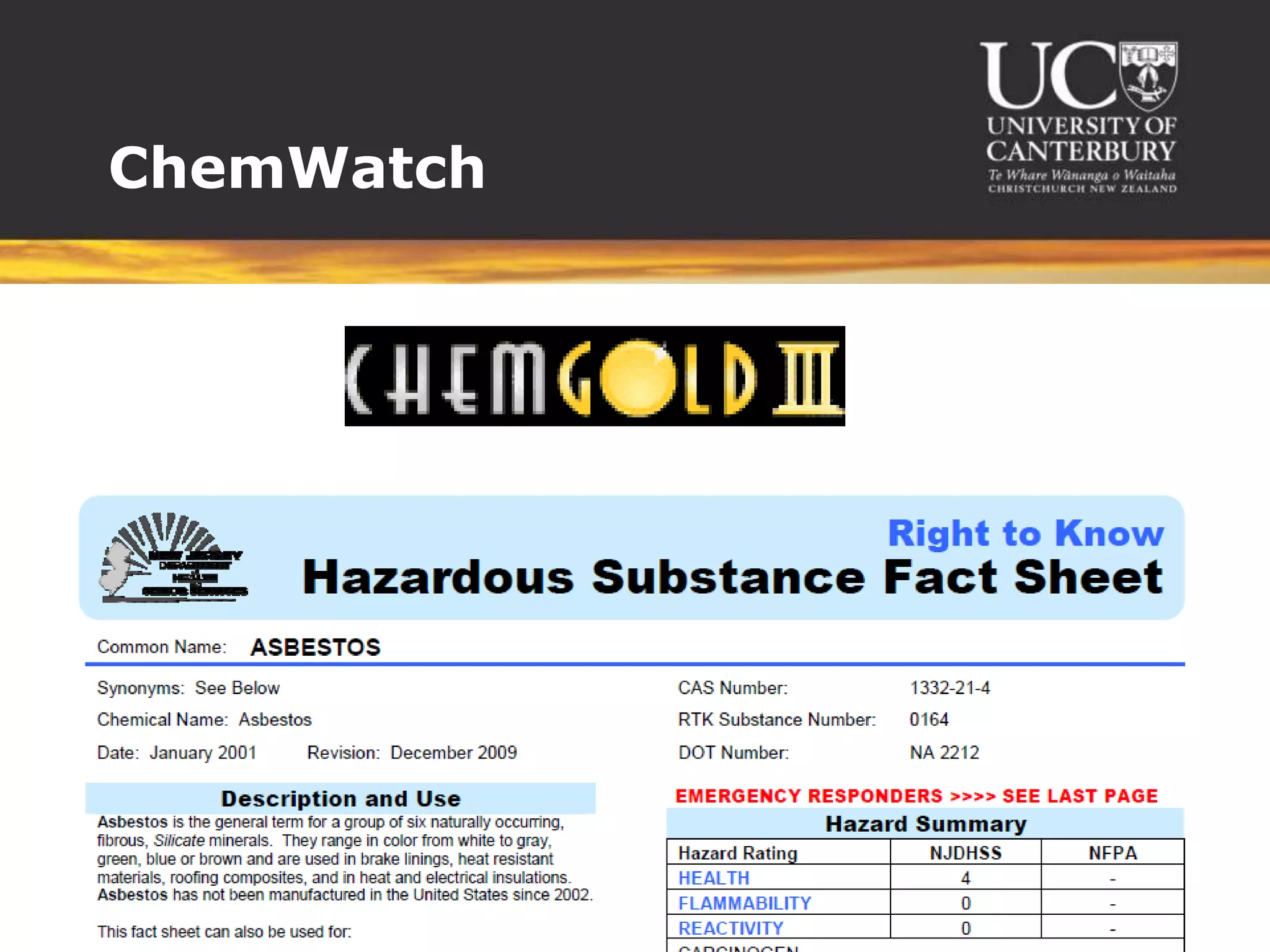
ChemWatch
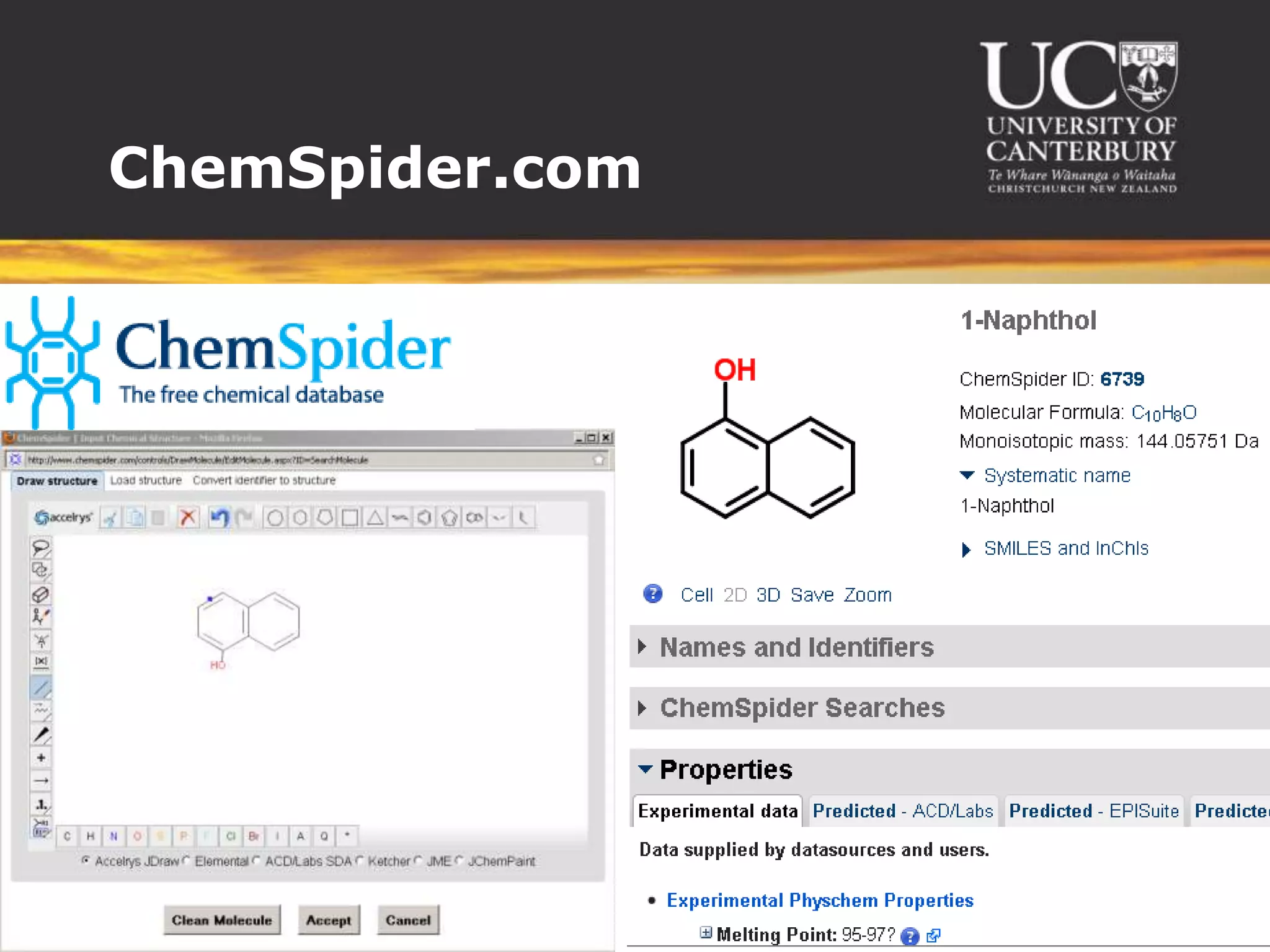
ChemSpider.com
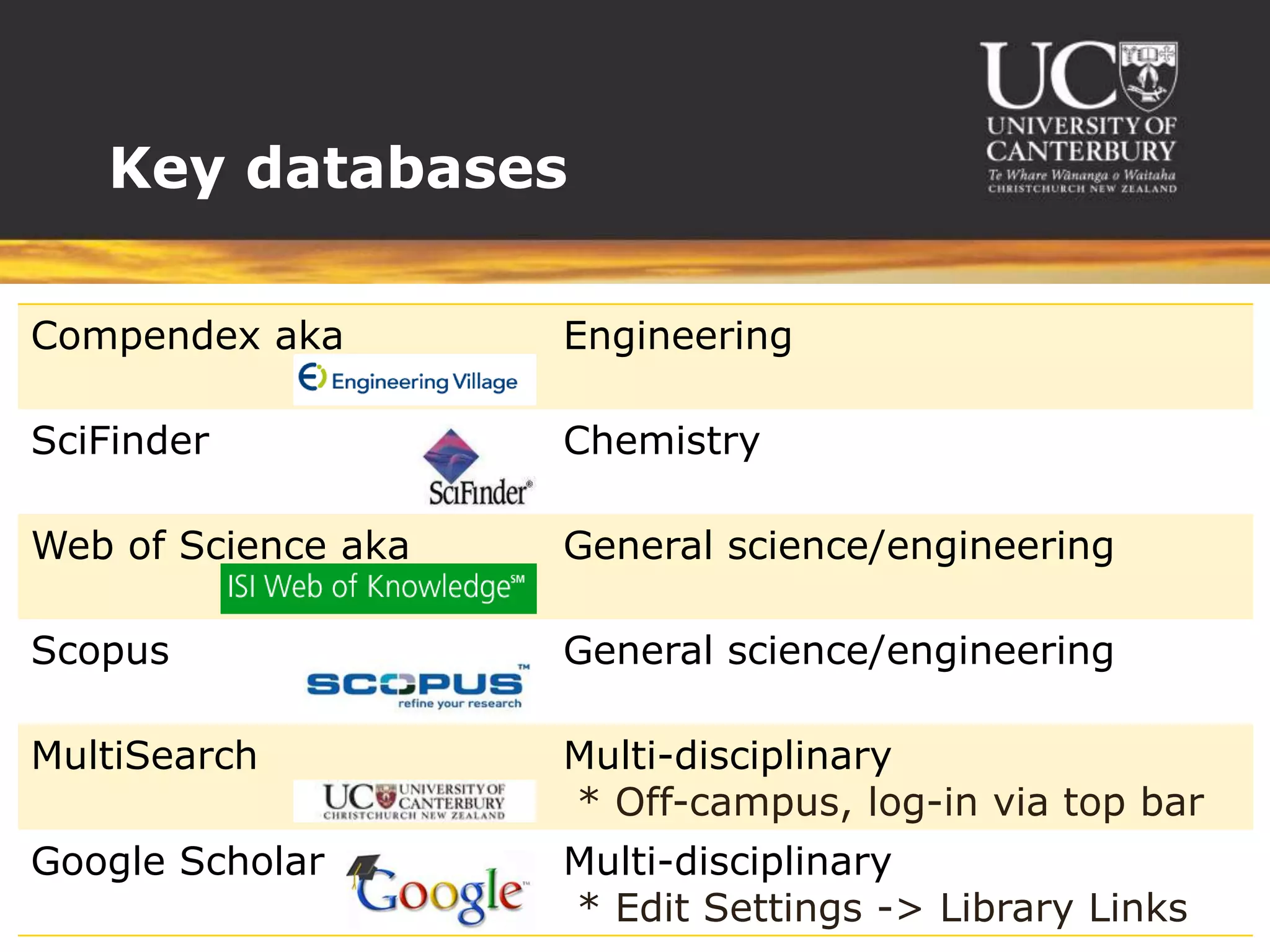
Key databases

Compendex aka        Engineering

SciFinder            Chemistry

Web of Science aka   General science/engineering

Scopus               General science/engineering

MultiSearch          Multi-disciplinary
                     * Off-campus, log-in via top bar
Google Scholar       Multi-disciplinary
                     * Edit Settings -> Library Links
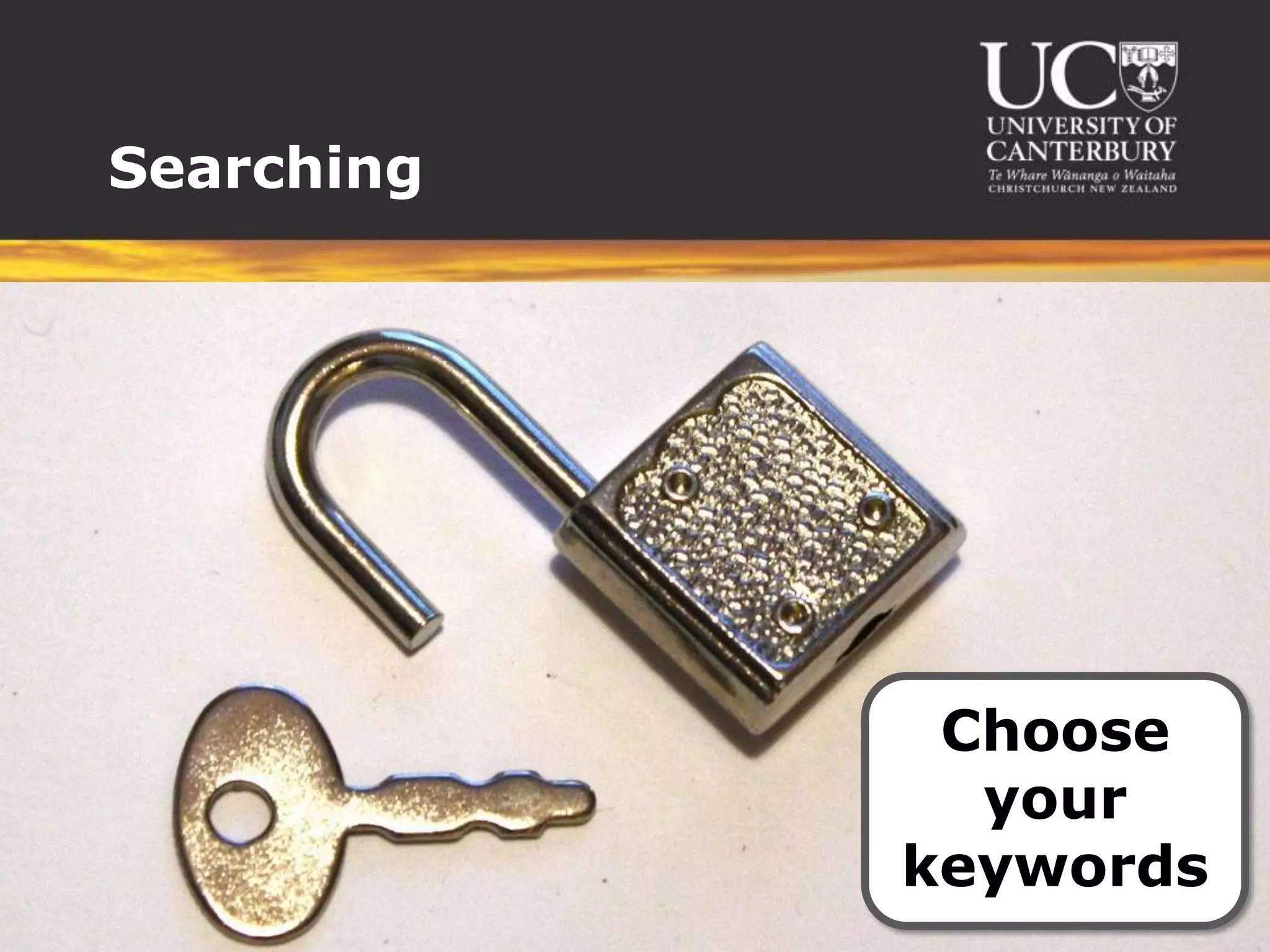
Searching


             Choose
              your
            keywords
Searching


              Set
             your
            limits
Searching


Evaluate
  your
 results
Read


 actively
    and
selectively
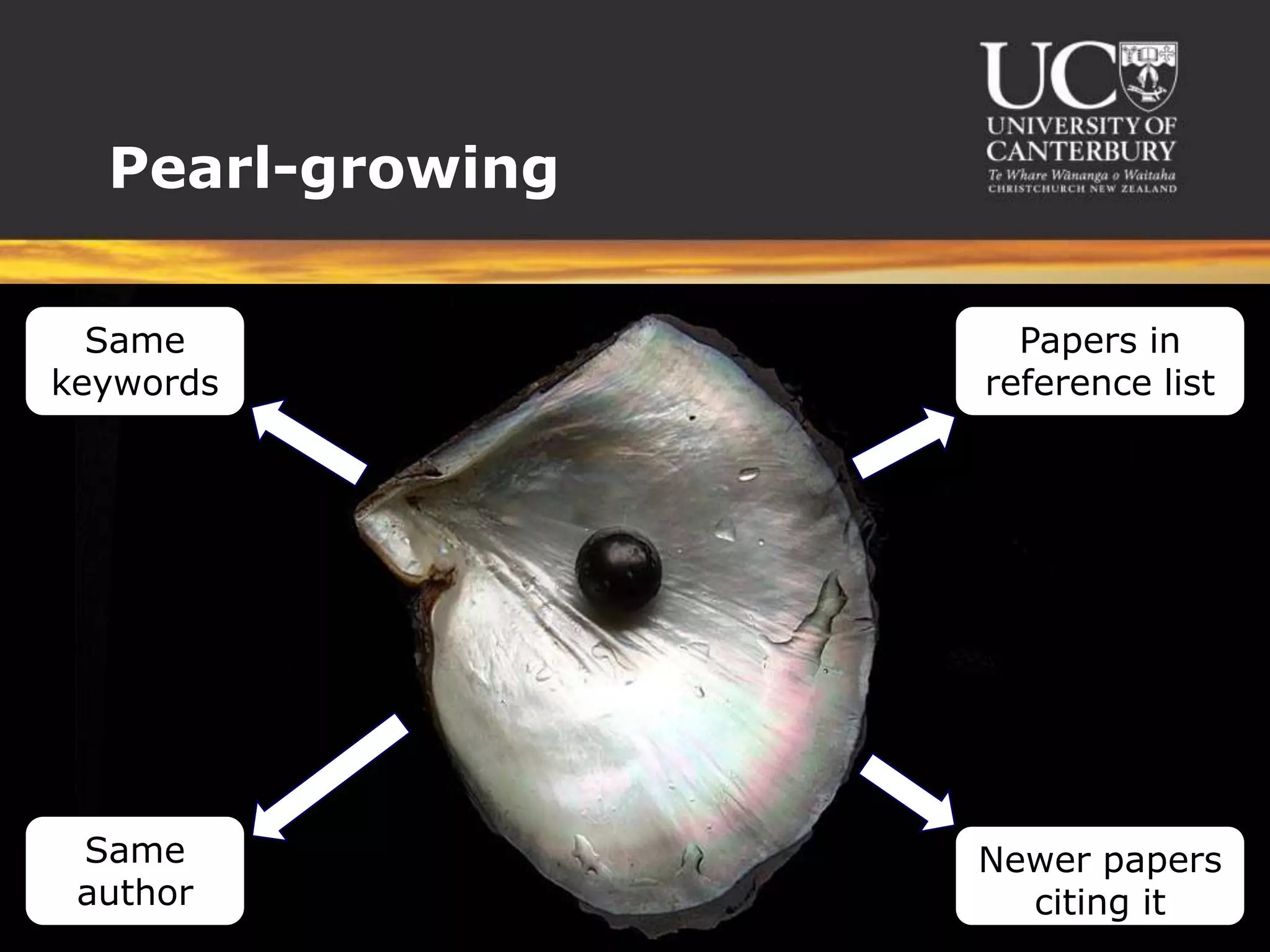
Pearl-growing

  Same              Papers in
keywords          reference list


 Same             Newer papers
 author             citing it
Stuck?


  Don’t
struggle
alone...
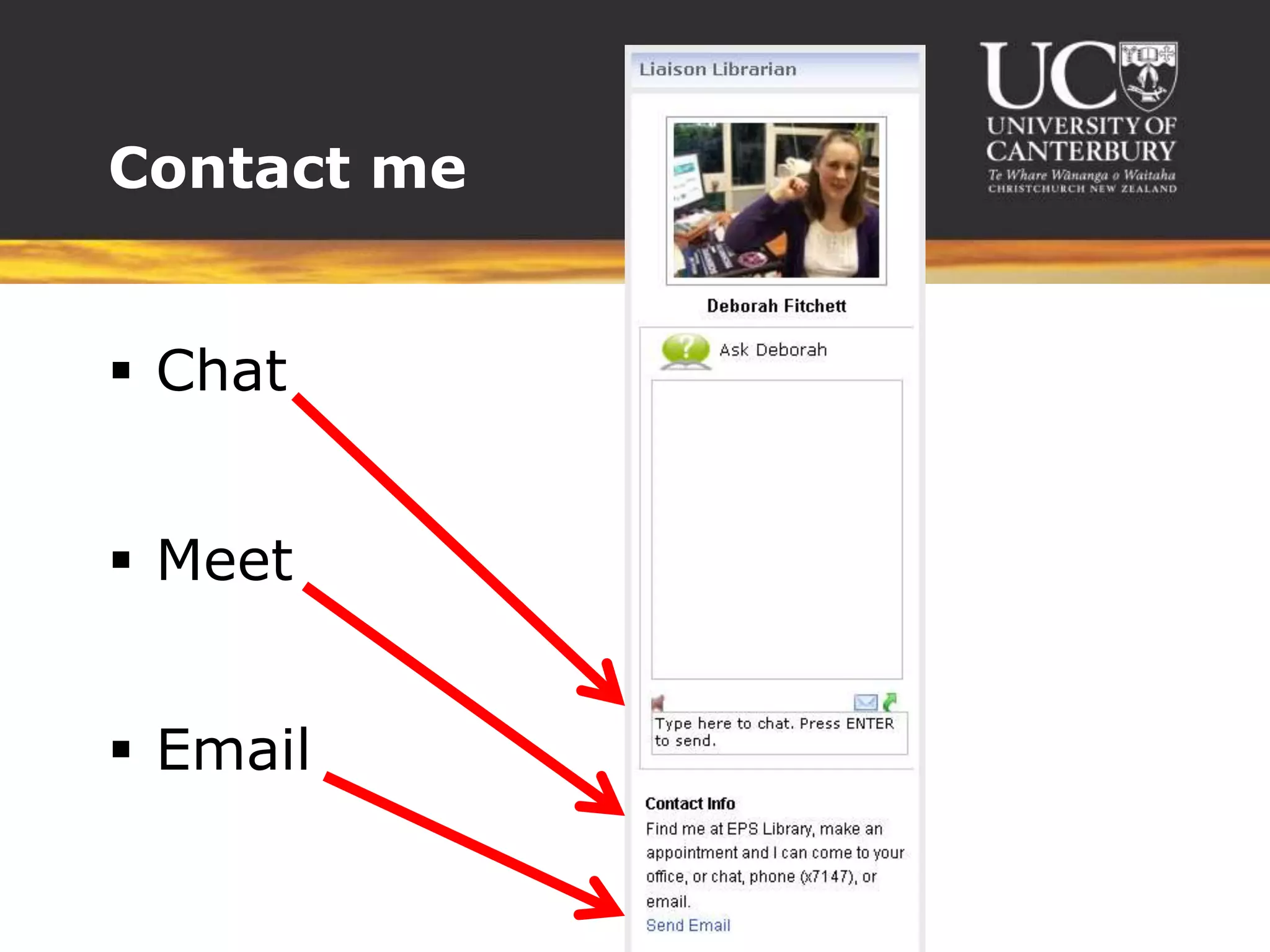
Contact me


 Chat


 Meet


 Email

Finding information to back up your reports

Editor's Notes

  • #4 I’m your personal librarian – contact me for any questions!
  • #5 This is your one-stop shop for all chem.eng. resources – and contacting me.
  • #6 Every Learn page has some similarities and some differences as depends how the lecturer uses it.But Library block is included in each Learn course page. Note (from bottom):AskLiveSubject guide (as we just talked about)Search (more in a moment)
  • #7 Defined by how close to the original research they are.
  • #8 Reference material gives you good background information when you’re just getting started, or when you want to check key data or formulae.
  • #11 Each database has its own special focus where it includes more material than others.None has everything – not even Google Scholar.Most of them (except Scholar) let you refine your search.
  • #12 Choose the key to fit the lock – you want words that:Will appear in the article you want to findWon’t appear in articles you don’t want to find
  • #13 You can’t use it all so narrow it down (either before or after your search) by:DateLanguageType of article (paper, patent, literature review...)Subject areaAuthor or research group
  • #14 Look at the title, keywords and abstract to see if it’s relevant before downloading/reading the whole thing.
  • #15 Read the:Abstract, introduction and conclusion for summariesIntroduction should also give you context about previous researchMethodology to find out more about the process – helpful if you want to replicate, also to be aware of limitationsResults for key findingsDiscussion for what these findings mean, especially in context of previous research and what research still needs to be done.
  • #16 Like pearls grow from a single grain of sand that builds up layers -If you can find just one useful article, you can use the information there to find more.
  • #17 For trouble with your course material you can talk to friends, mentors, tutors and lecturers –For trouble finding information, you can talk to me.