Chemistry Database Tipsfor CHEM381 & CHEM3242010
Last year we learnt…Searching different sources:ChemSpider – searching by drawing moleculesGoogle ScholarPubChemSciFinder – one vote for most useful, good layoutScopus – one vote for easiest to useAltering keywords with different searchesReferencing/citingUsing ACS styleEndnote software can help
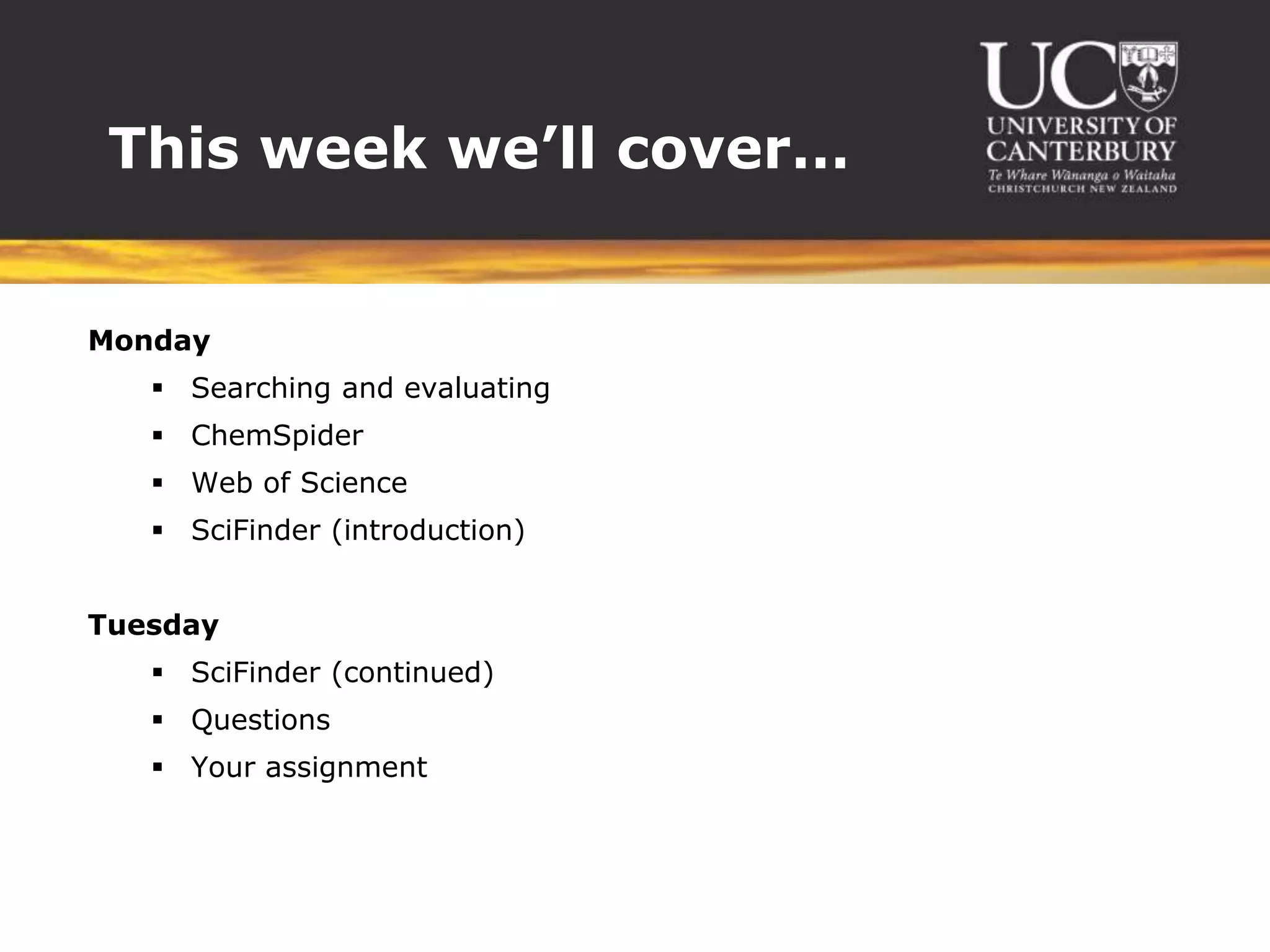
This week we’ll cover…MondaySearching and evaluatingChemSpiderWeb of ScienceSciFinder(introduction)TuesdaySciFinder(continued)QuestionsYour assignment
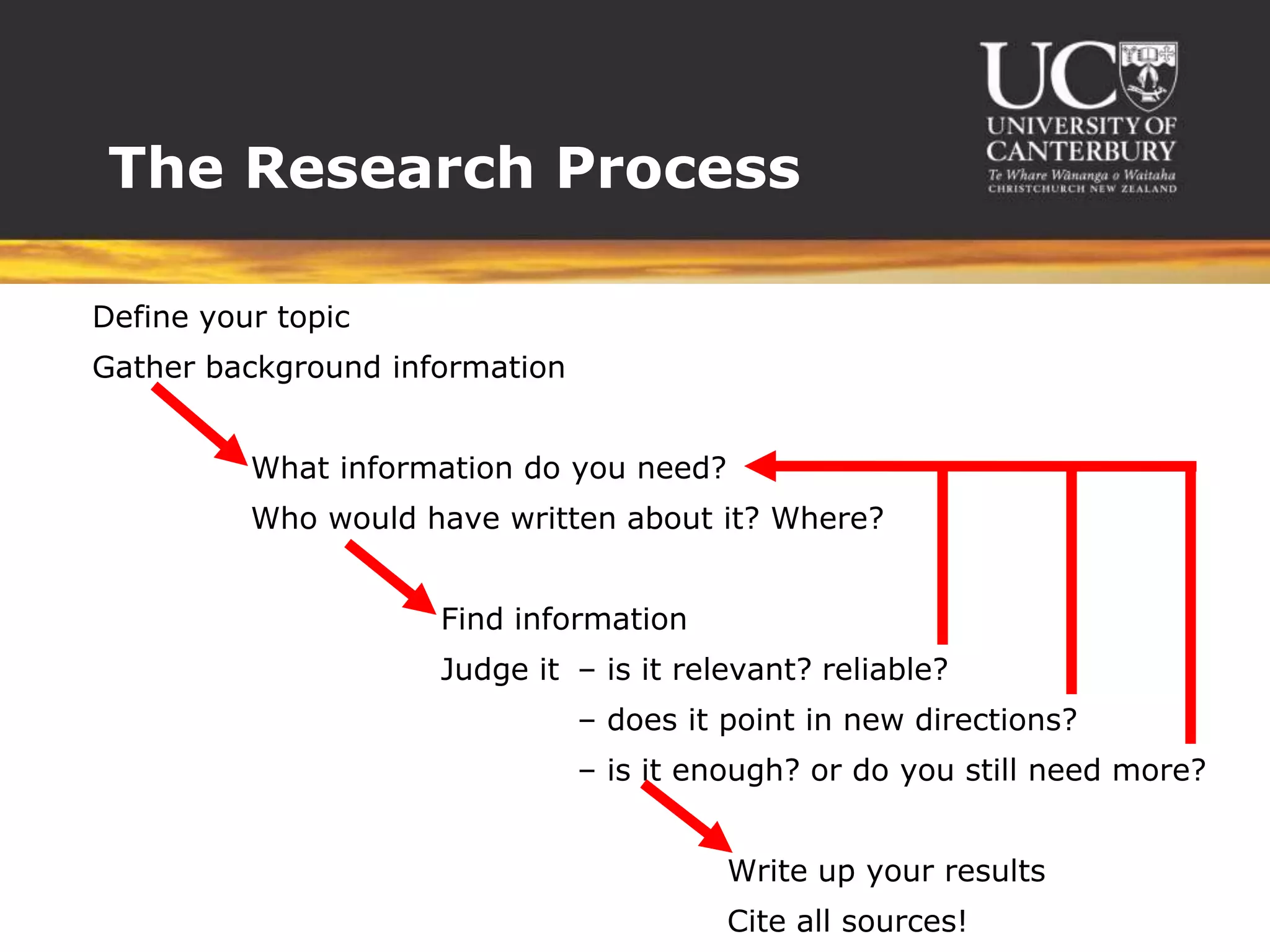
The Research ProcessDefine your topicGather background information		   What information do you need?		   Who would have written about it? Where?		Find information		Judge it	– is it relevant? reliable?			– does it point in new directions?			– is it enough? or do you still need more?						Write up your results						Cite all sources!
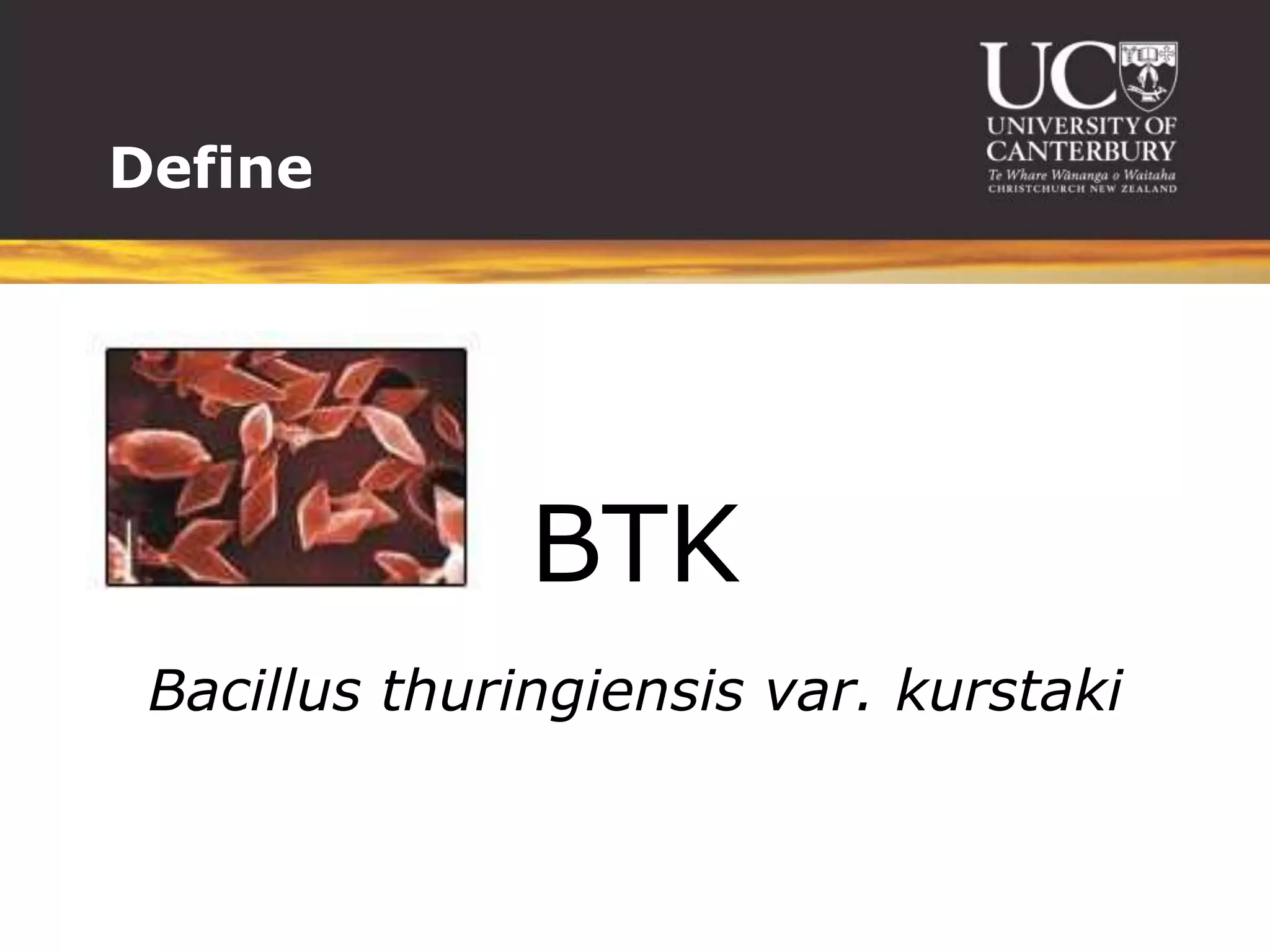
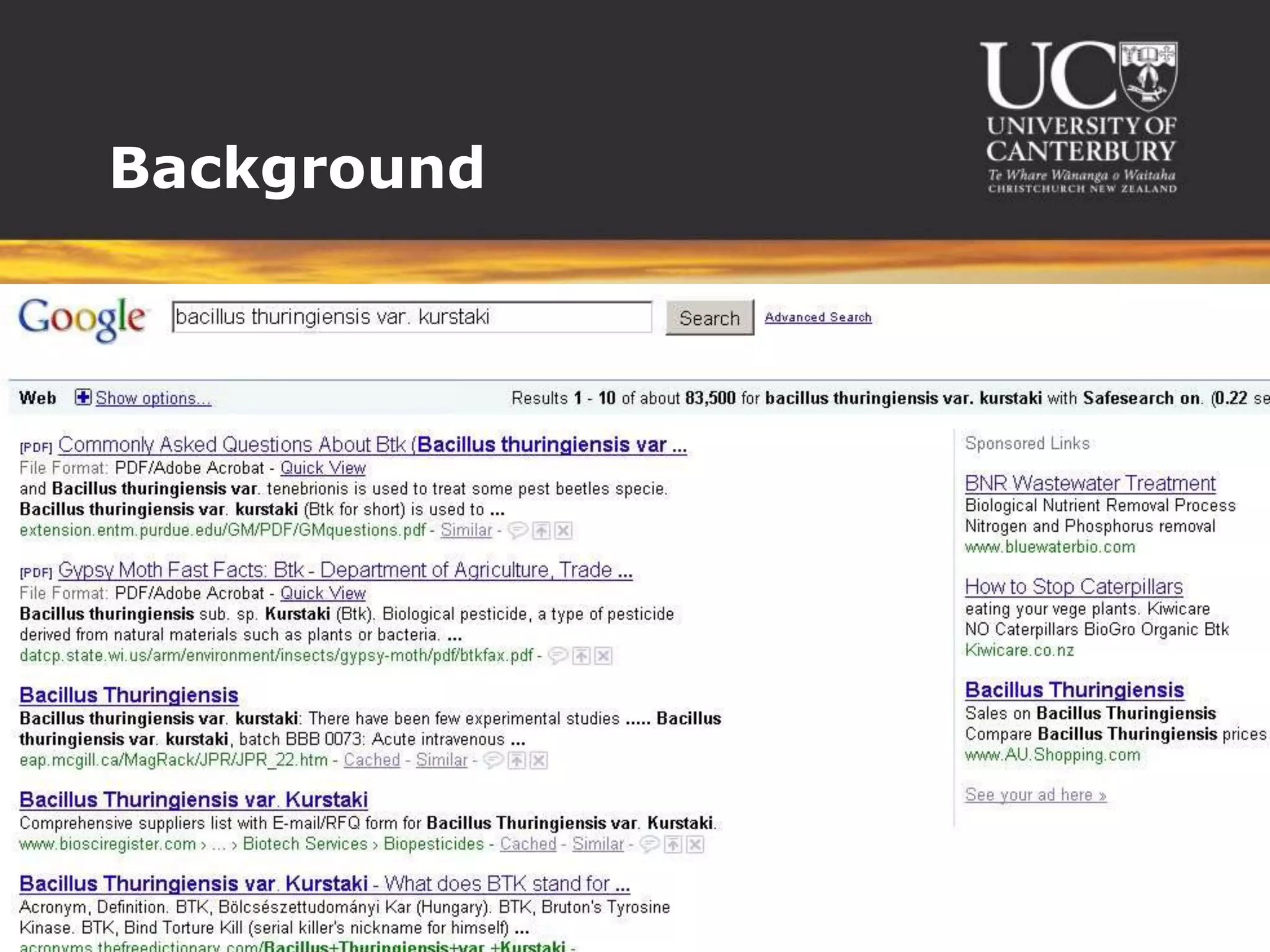
DefineBTKBacillus thuringiensis var. kurstaki
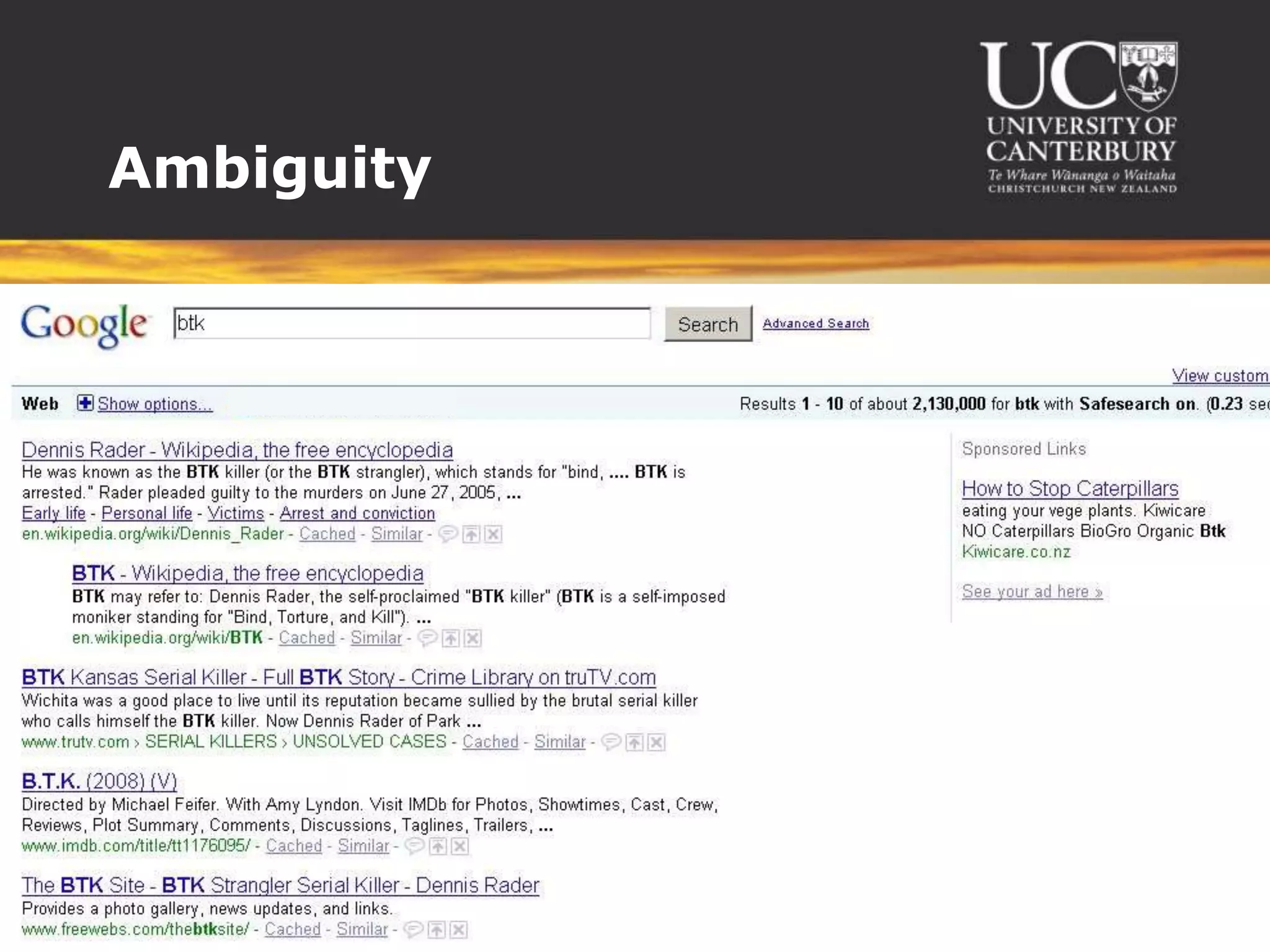
Ambiguity
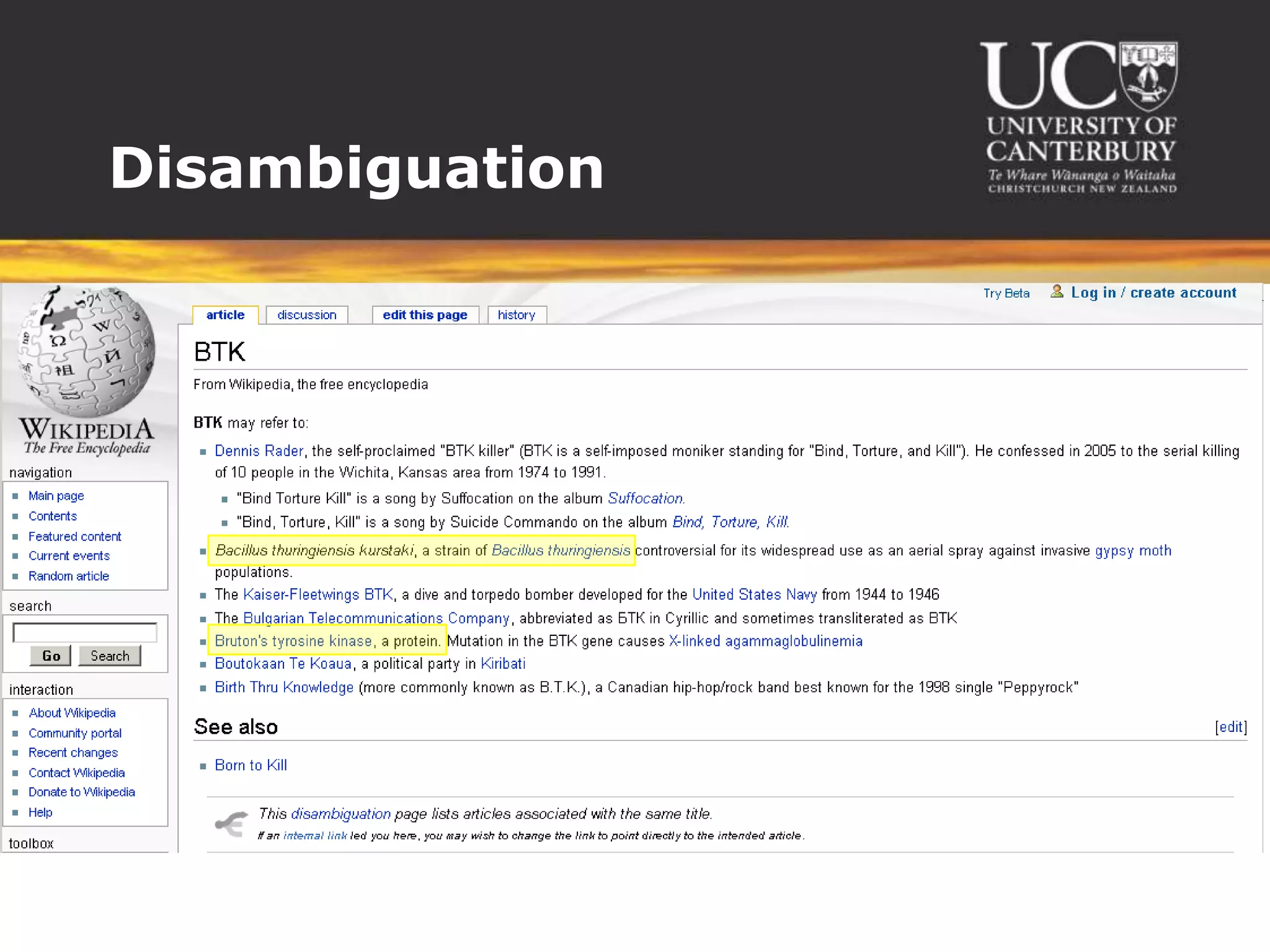
Disambiguation
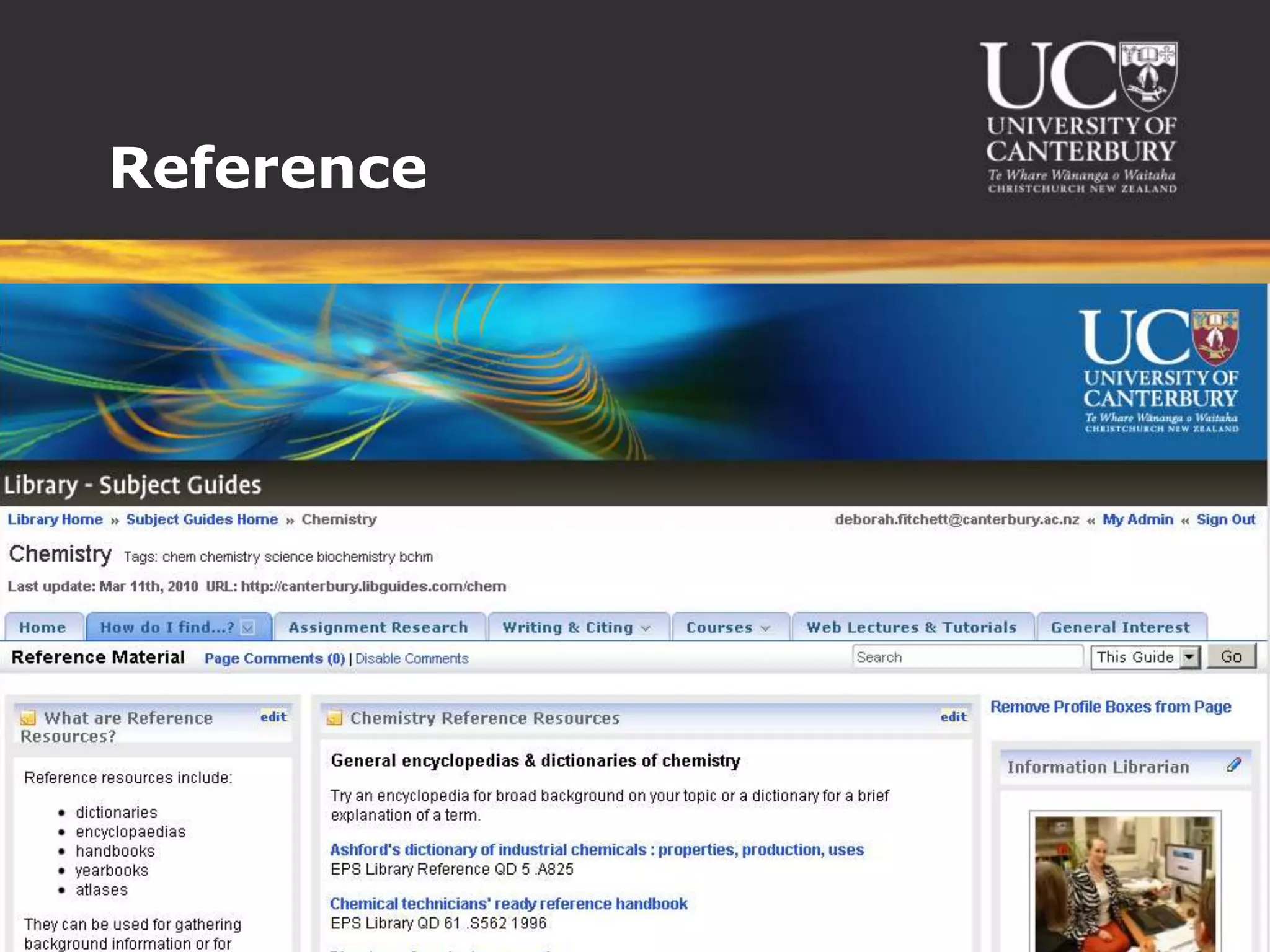
Reference
Background
More questions?How do the varieties differ? Is any resistance forming? What is the biological mechanism at work?Are there any health effects on humans?
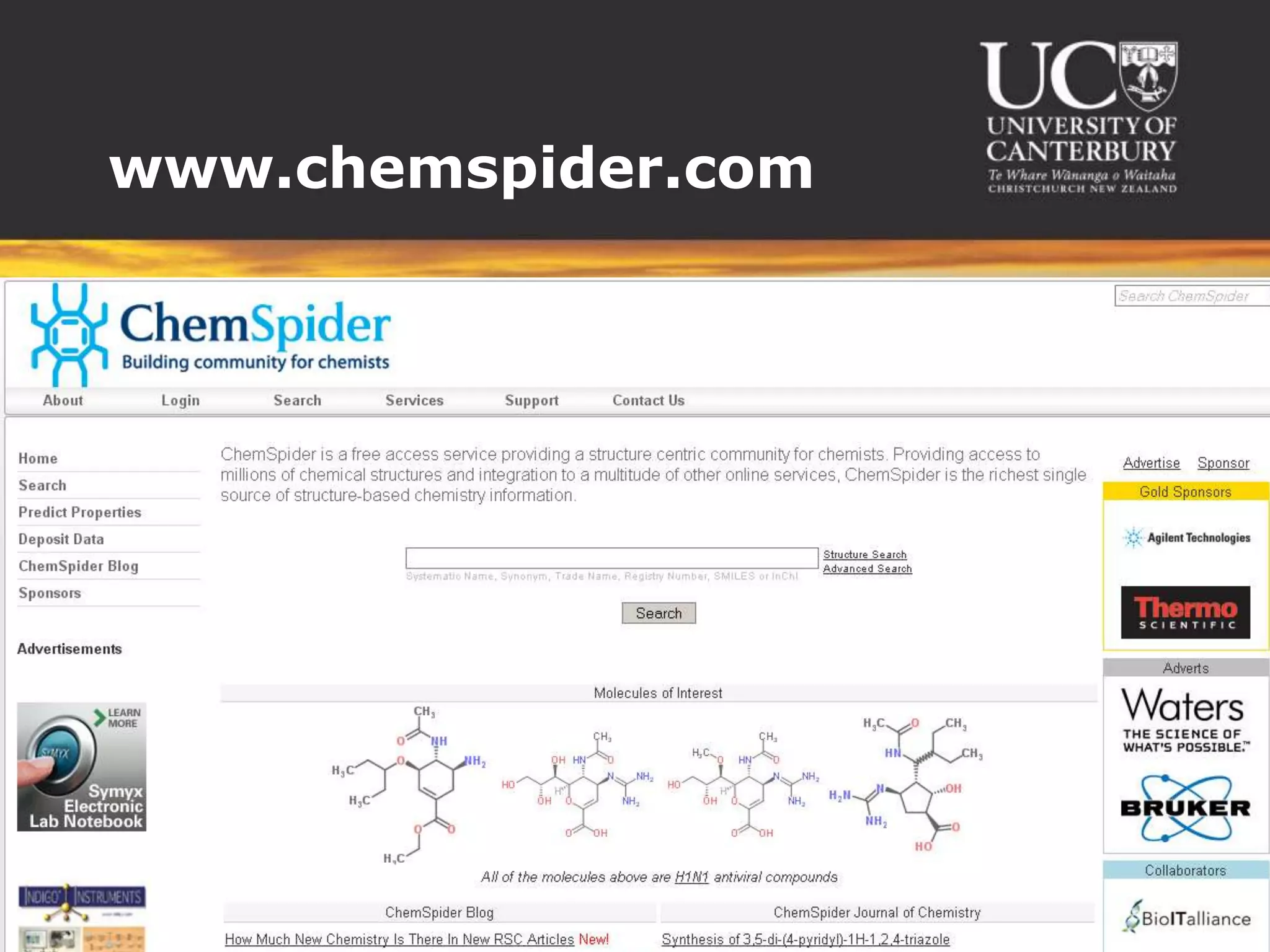
www.chemspider.com
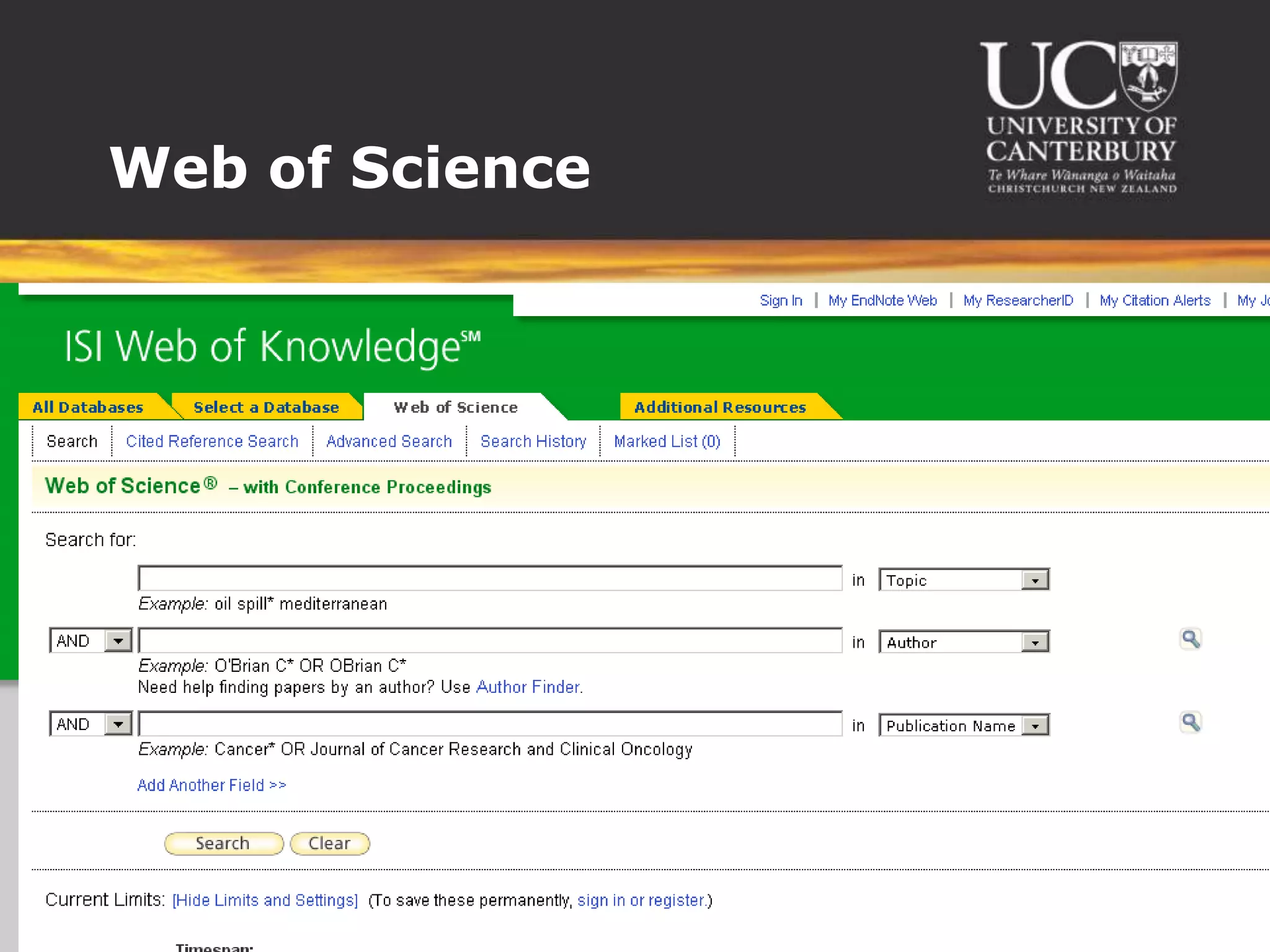
Web of Science
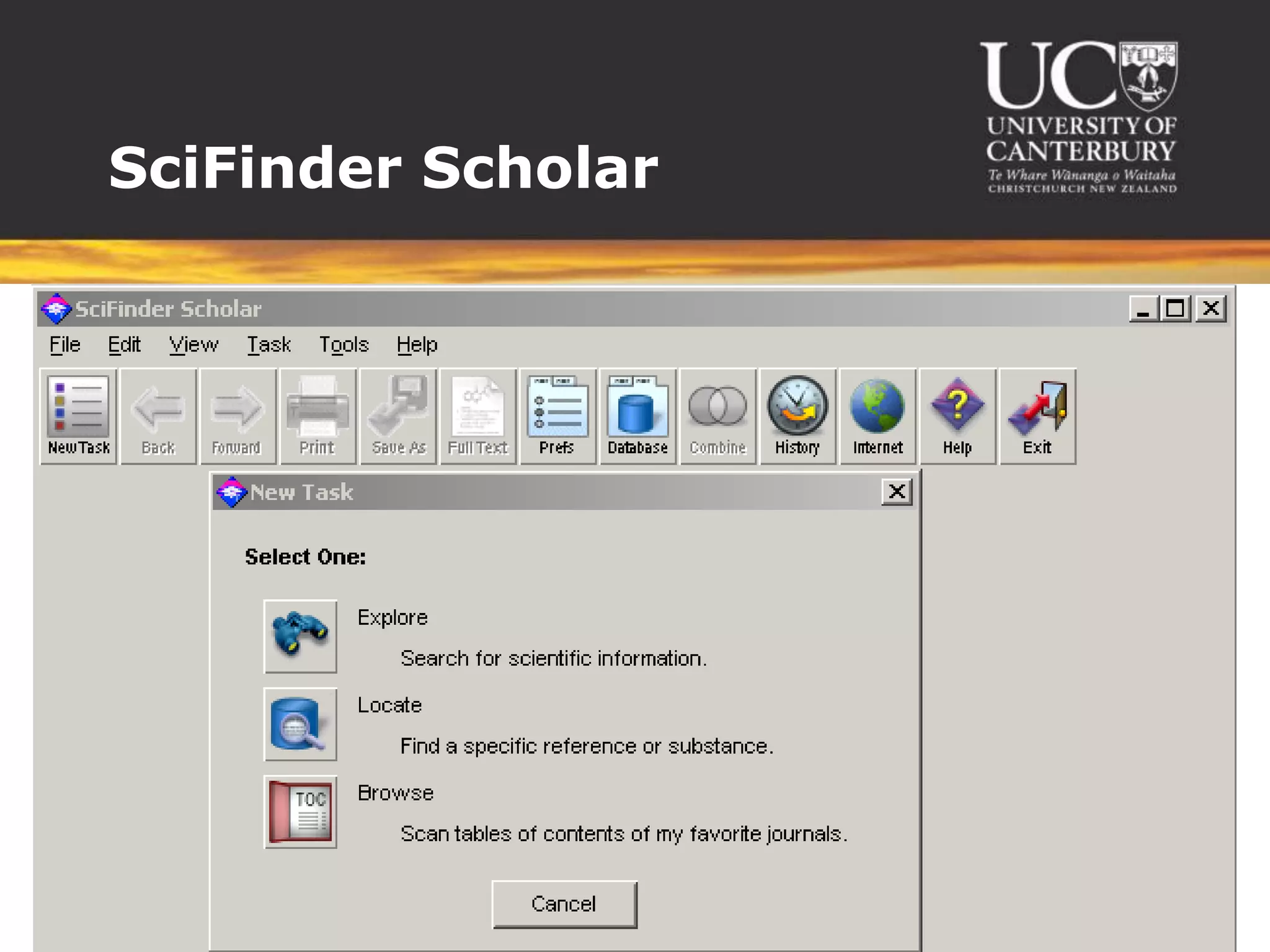
SciFinder Scholar
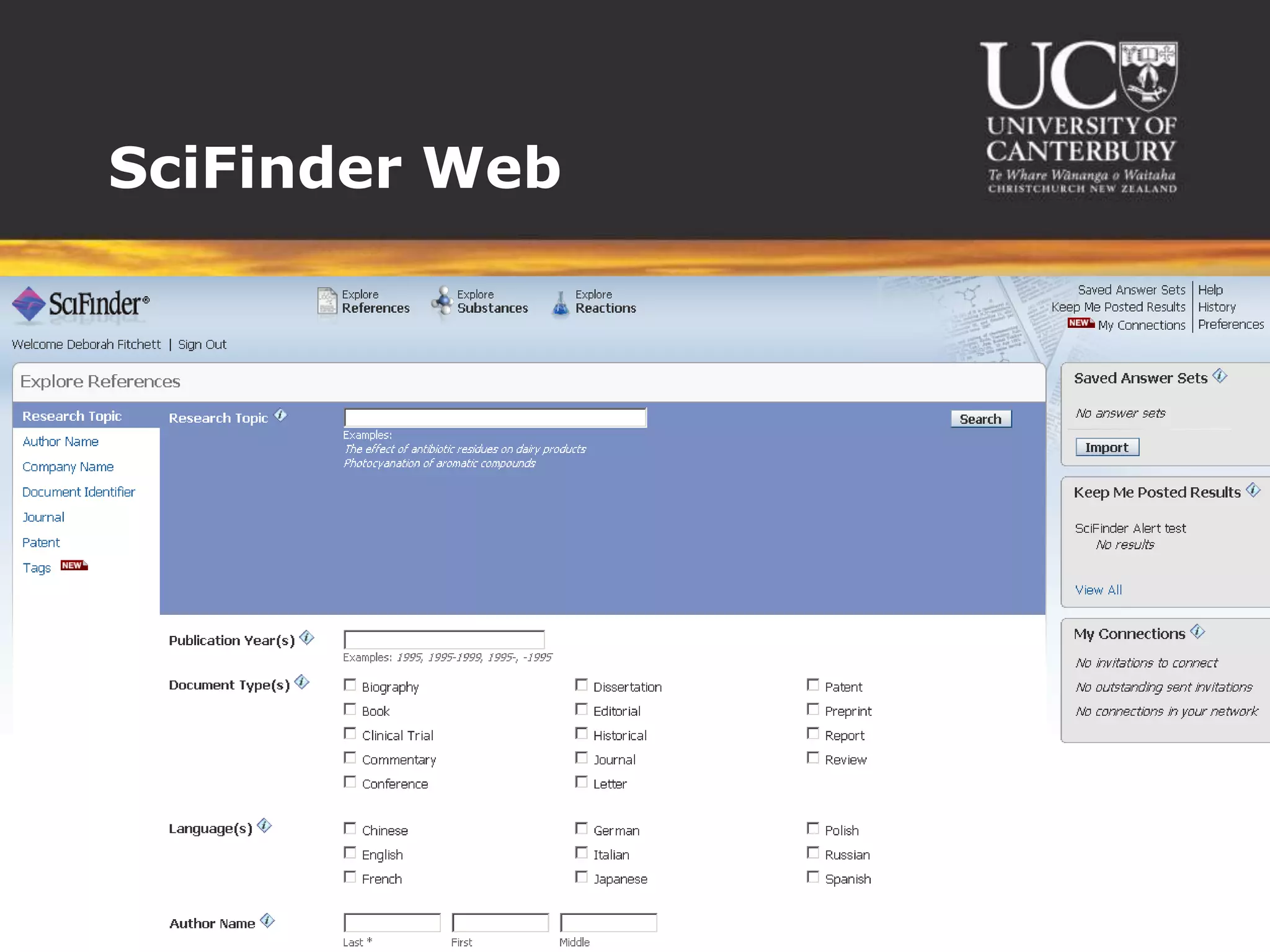
SciFinder Web
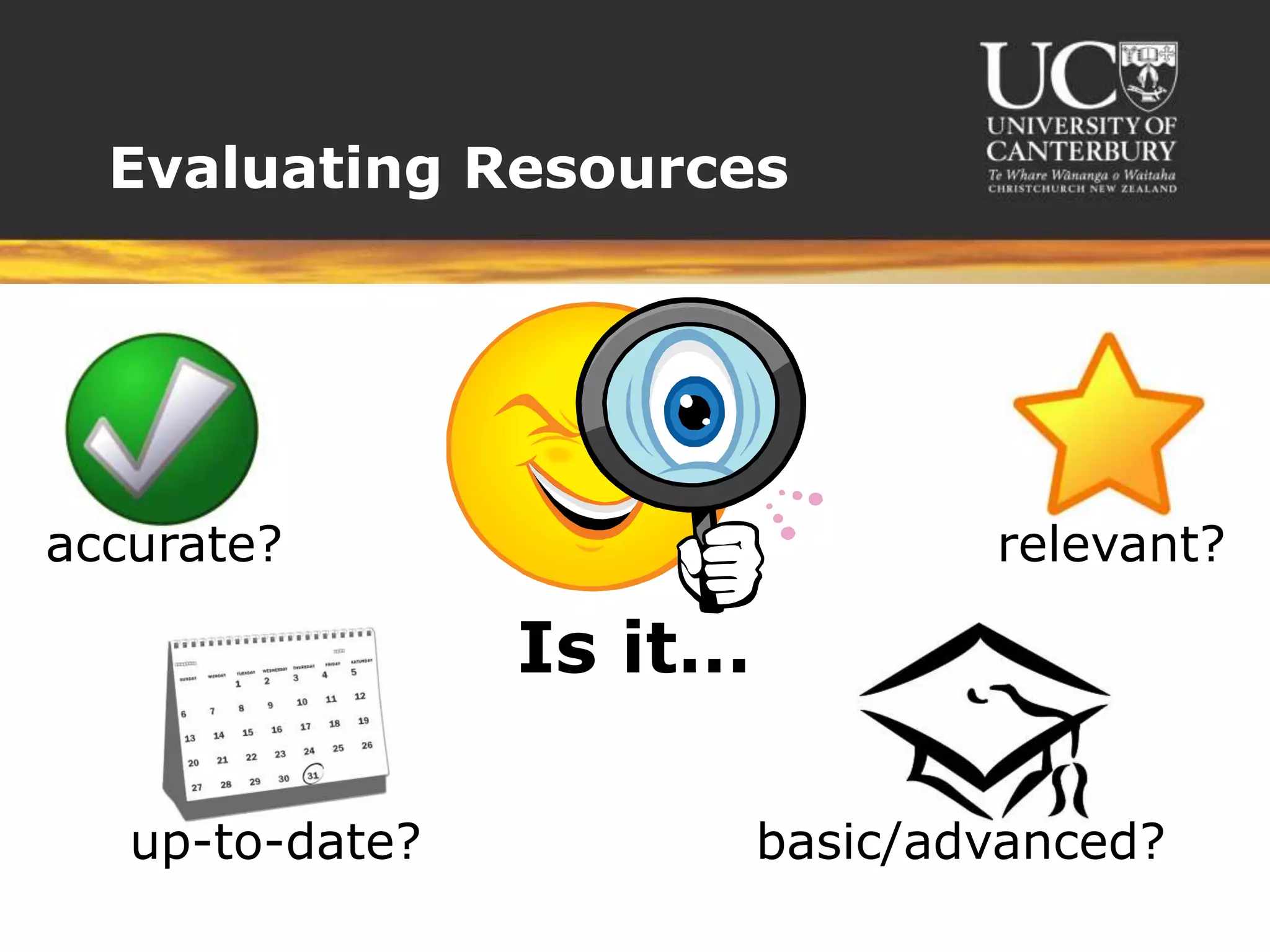
Evaluating Resourcesaccurate?relevant?Is it…up-to-date?basic/advanced?
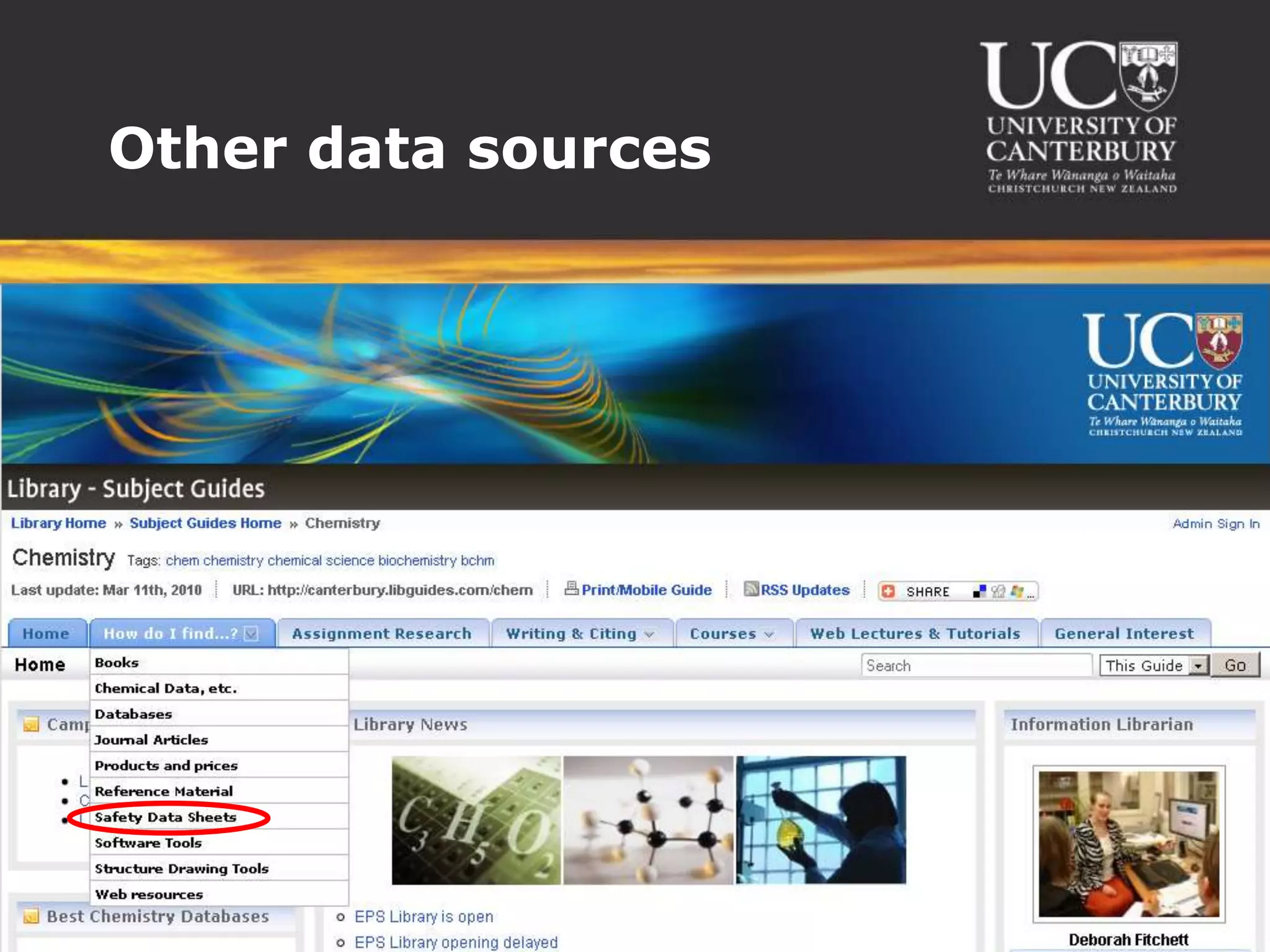
Other data sources
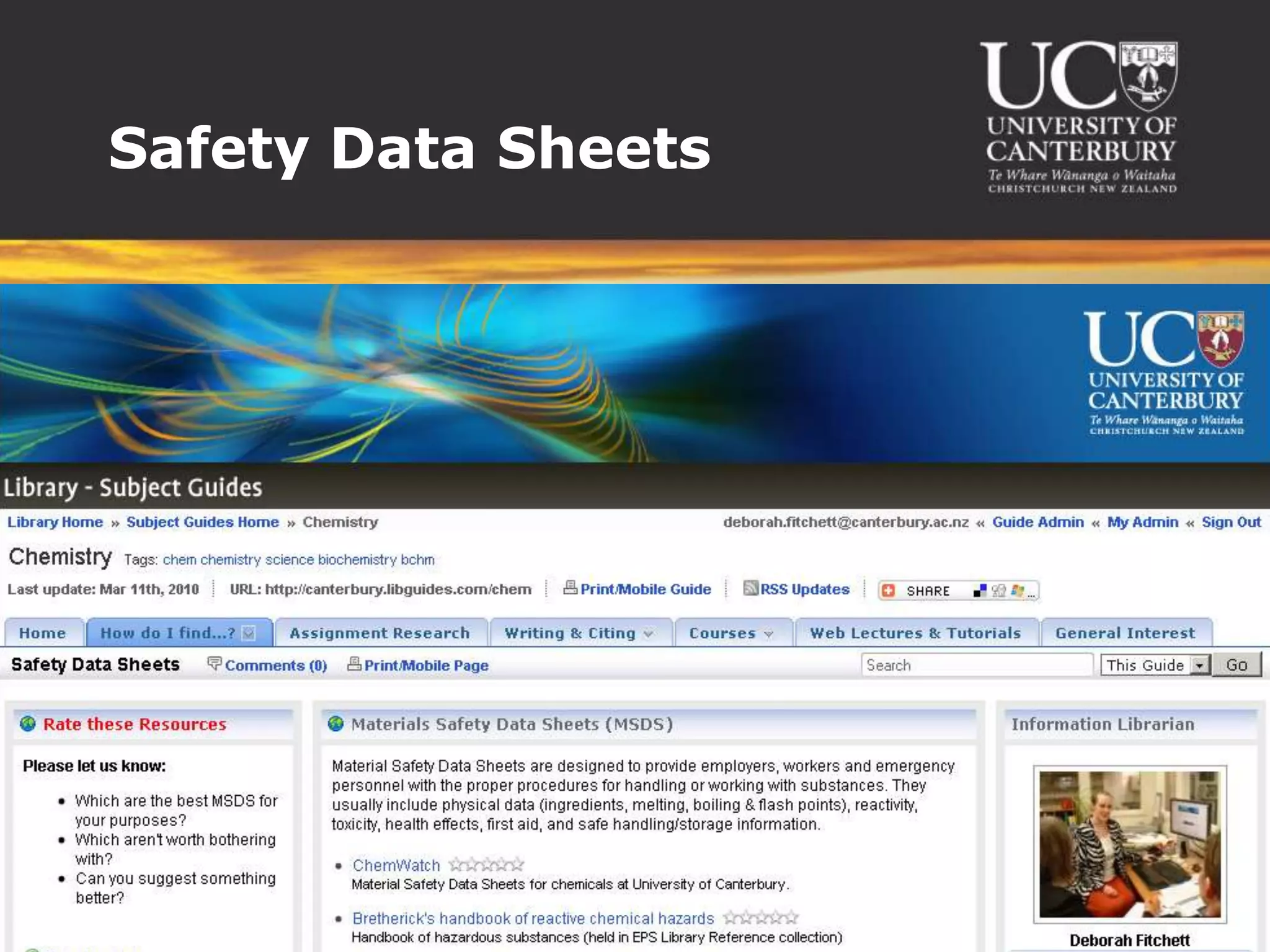
Safety Data SheetsSafety Data Sheets
SummaryDifferent ways to search each database:ChemSpider – use keywords or molecule structuresWeb of Science – use keywordsSciFinder – use phrases (eg “the effect of X on Y”)Using SciFinder - explore substances, reactions, etc“Get cited” = get the papers this article cited in its bibliography“Get citing” = get the papers that cite this articleRefine searches to find the most relevant informationWeb of Science = “Refine” on the leftSciFinder = “Analyse” on the right
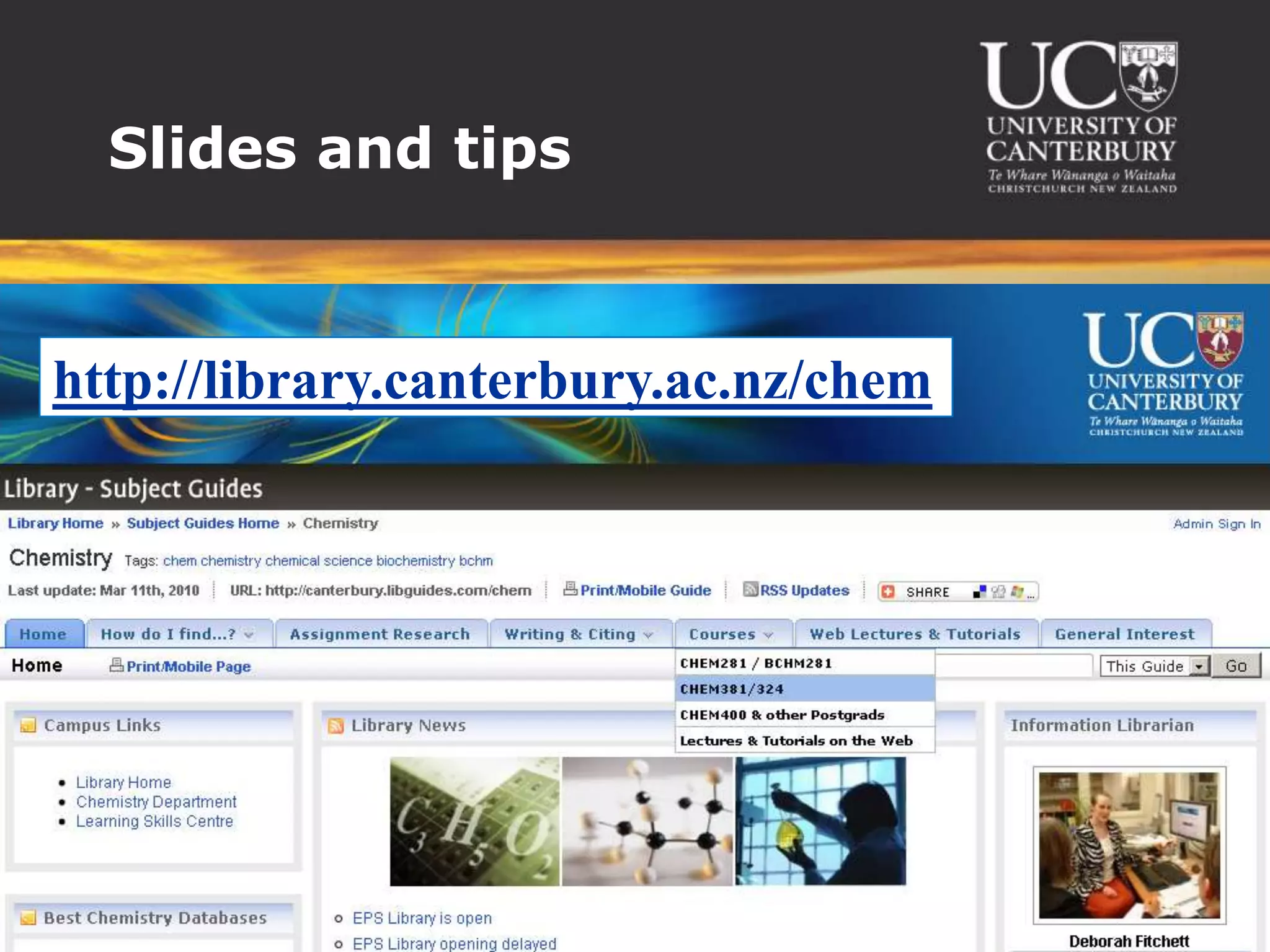
Slides and tipshttp://library.canterbury.ac.nz/chem
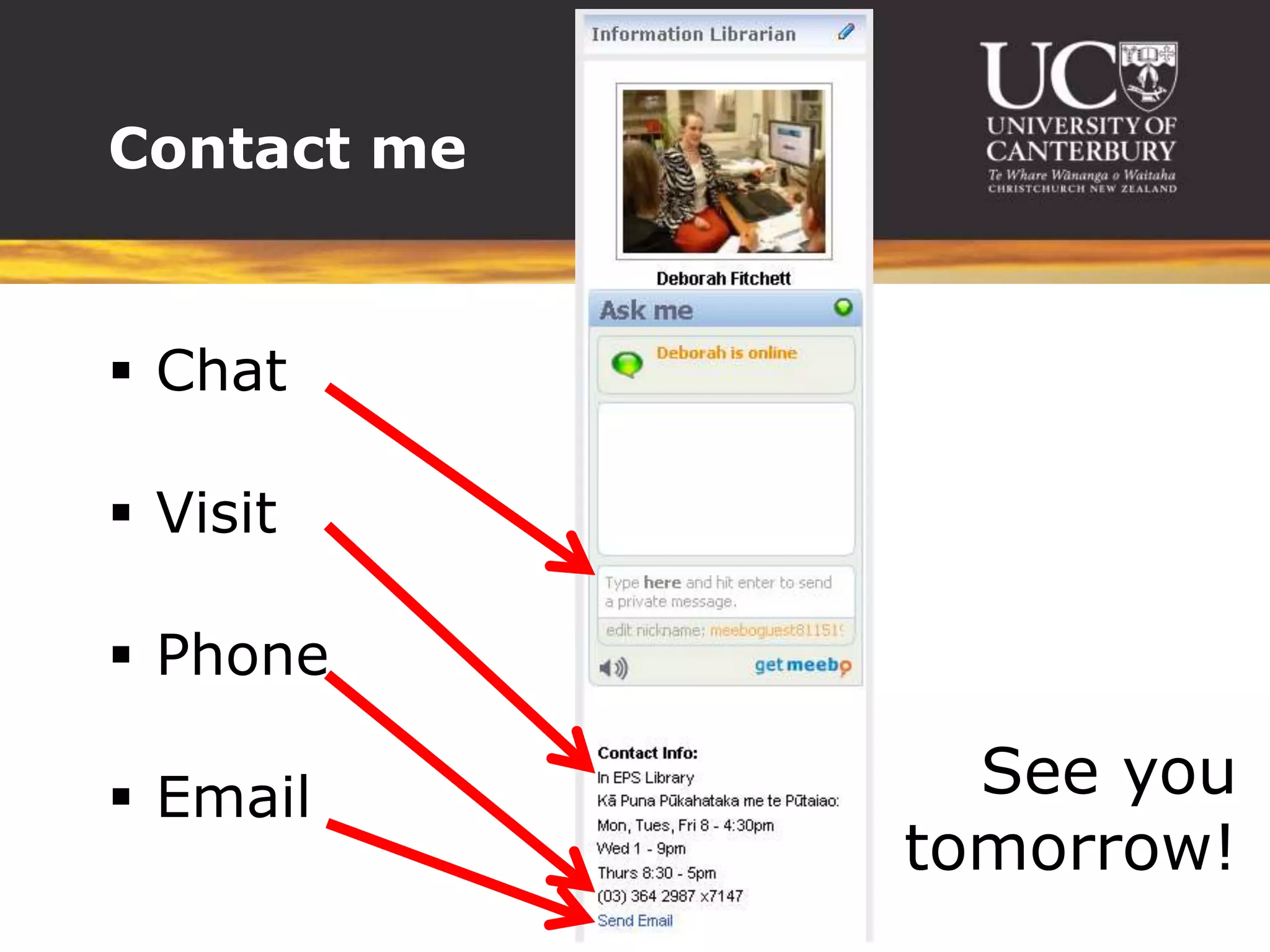
ChatVisitPhoneEmailContact meSee you tomorrow!

Chemistry Database Tips 2010