Searching and Copyright
      on the Web
      An Introduction to
    Searching the Web and
     adhering to copyright


         LUZ N. PINGOL
          ICT Coordinator
Activity

• What do you know of the
  following?


Searching & Copyright
     on the Web
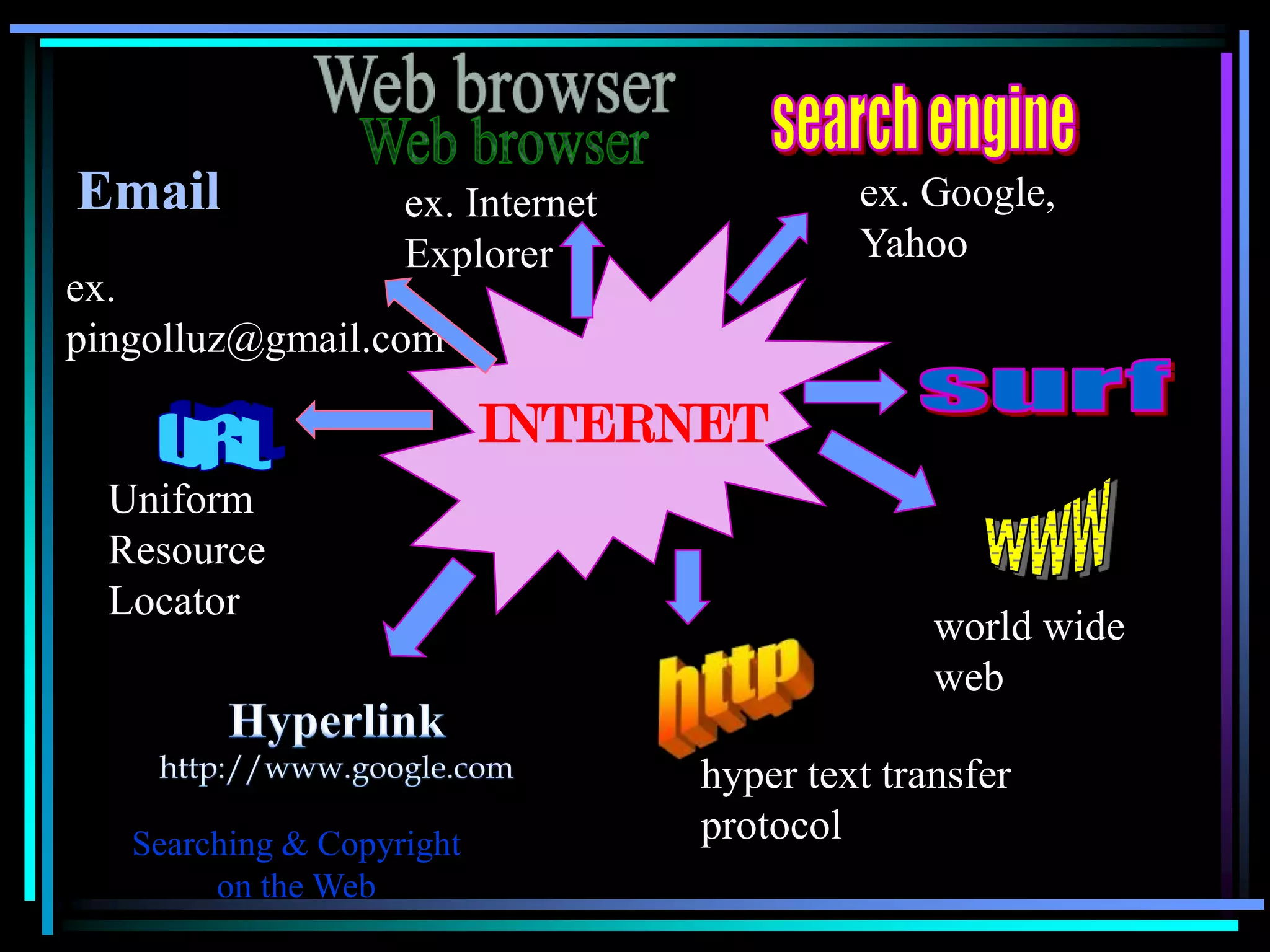
Email               ex. Internet            ex. Google,
                    Explorer                Yahoo
ex.
pingolluz@gmail.com

                           INTERNET
  Uniform
  Resource
  Locator
                                                 world wide
                                                 web

                                   hyper text transfer
   Searching & Copyright           protocol
        on the Web
As someone once said, the web is like
    one great big, wonderful library. You
    enter the front door, and there are all
    the books…piled in the middle of the
                     floor!

                        Quote from: Bush M. (1996) “Internet
                        Mania World Tech: What’s hot & what’s
                        not!” Multimedia Monitor Newsletter

Searching & Copyright
     on the Web
How do you search?
 • What do you typically search for?
 • What search engines do you use?
 • What search strategies have you
   experimented with?
 • What frustrations and successes have you
   had and why?


Searching & Copyright
     on the Web
Starting to search
• What things shouldn’t you search for?

• Is it easy to get audio/visual materials on the
  Web?

• What’s the most important thing to think
  about when beginning a search?

Searching & Copyright
     on the Web
How to use google search?

1. Display current local time anywhere

   ex. time in paris

2. Currency Converter

  ex. 8.99 usd in gbp
      currency of china in american money


Searching & Copyright
     on the Web
3. Find documents of the specified file.

   ex. ms word tutorial filetype:pdf

 4. Site Specific Search

   ex. pingolluz multiply.com
       space travel site:edu
       space travel site:org


Searching & Copyright
     on the Web
5. Days Weather Forecast

  ex. weather london

6. Use Google to Calculator & Unit Conversion

  ex. 3* (3+3)
      3ft in meter
      2^10+7*98+500% 13


Searching & Copyright
     on the Web
7. Phrases Searches

  ex. “actionscript lessons”
      “actionscript lessons” for beginners


8. Music and Lyrics


  ex. holy night mp3


Searching & Copyright
     on the Web
9. Images/Pictures

  ex. (click the images menu) Christmas

10. Books

  ex. (type) books google


Searching & Copyright
     on the Web
11. News

  ex. (click news menu) philippines news


12. Maps
  ex. (click map menu) ayala cebu city


Searching & Copyright
     on the Web
Boolean Searching
         Three Boolean Logic Operators
                     • OR
                    • AND
                    • NOT


Searching & Copyright
     on the Web
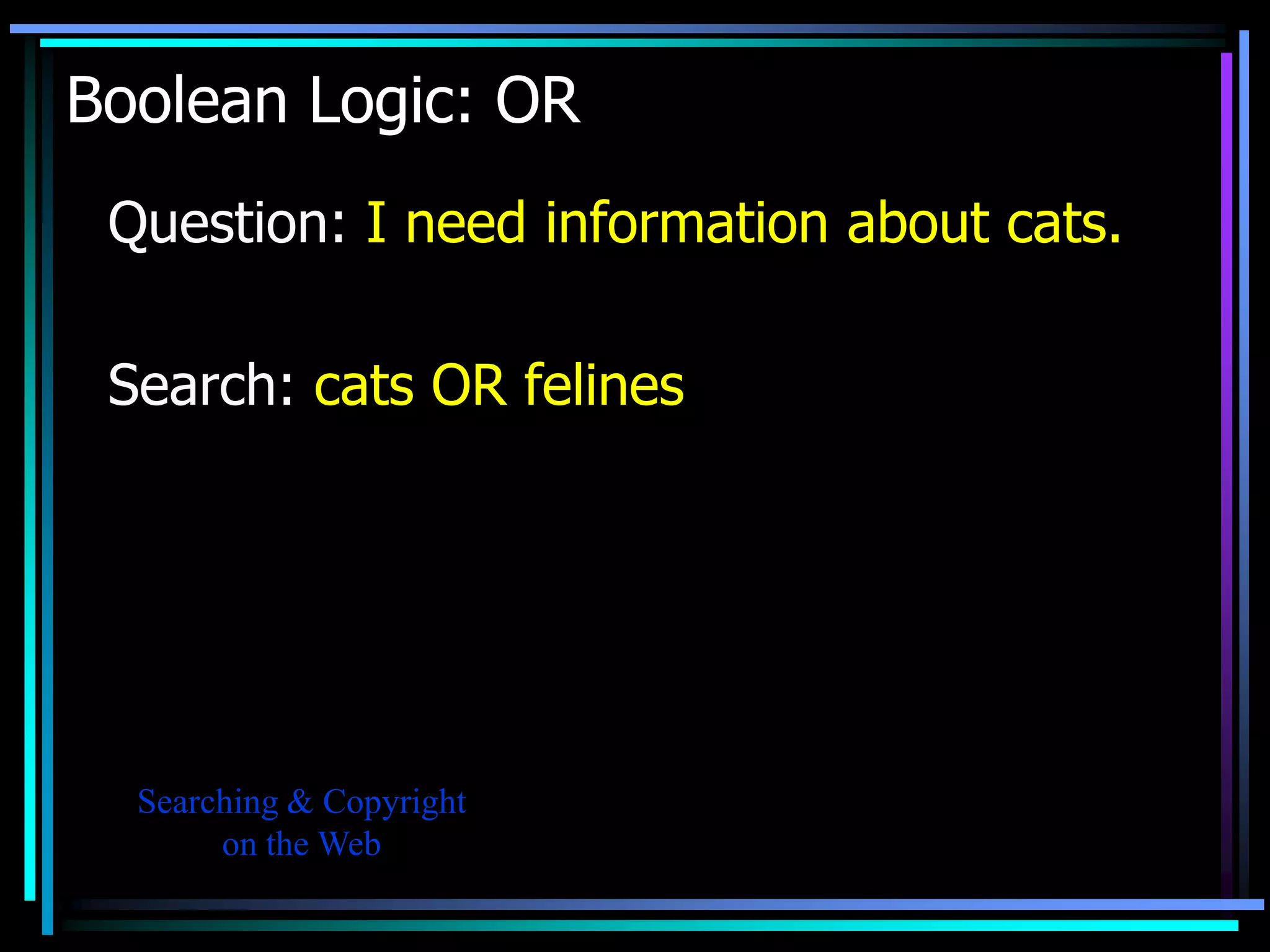
Boolean Logic: OR
 Question: I need information about cats.

 Search: cats OR felines


  Searching & Copyright
       on the Web
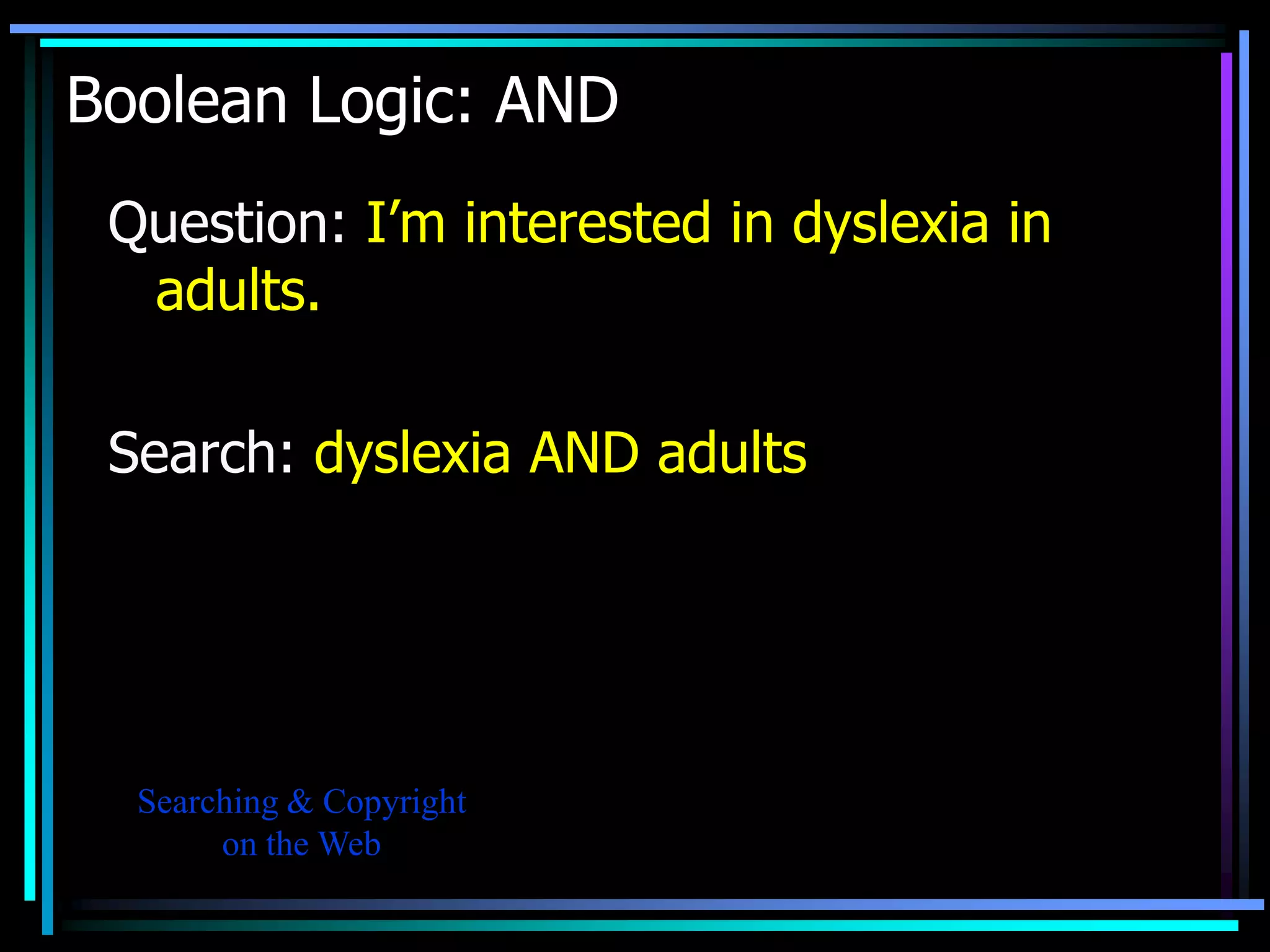
Boolean Logic: AND
 Question: I’m interested in dyslexia in
  adults.

 Search: dyslexia AND adults


  Searching & Copyright
       on the Web
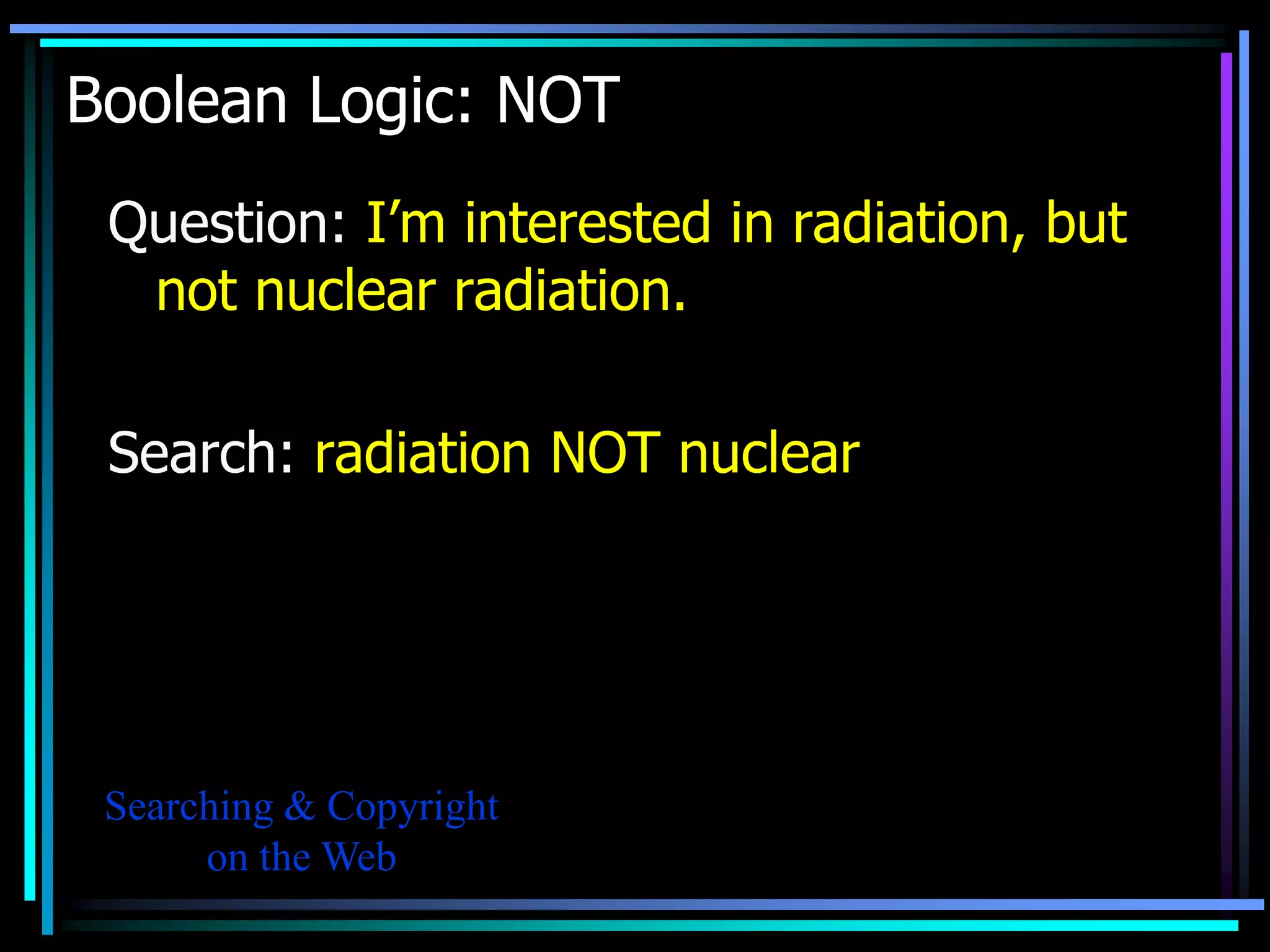
Boolean Logic: NOT
 Question: I’m interested in radiation, but
  not nuclear radiation.

 Search: radiation NOT nuclear


 Searching & Copyright
      on the Web
More search engines
• Yahoo!
  This is quite nice as there is also a safe search option
  for kids. There are also many regional versions:
  www.yahoo.com
• Ask
  This search allows you to ask questions in “real”
  English, e.g. How can I improve my English?
  www.ask.com

 Searching & Copyright
      on the Web
Meta-search engines
These simultaneously search multiple search engines.

These are useful when:
• You have an obscure topic
• You are not having luck finding anything when you
  search
• You want to retrieve a relatively small number of
  relevant results
Examples:
Dogpile      http://www.dogpile.com
Metacrawler http://www.metacrawler.com
 Searching & Copyright
      on the Web
Other good places to search
http://en.wikipedia.org/wiki.Main_Page
For a quick introduction to a topic


http://video.google.com/ and
http://youtube.com
For video search

http://www.searchenginecolosus.com/
For list of search engine in our region
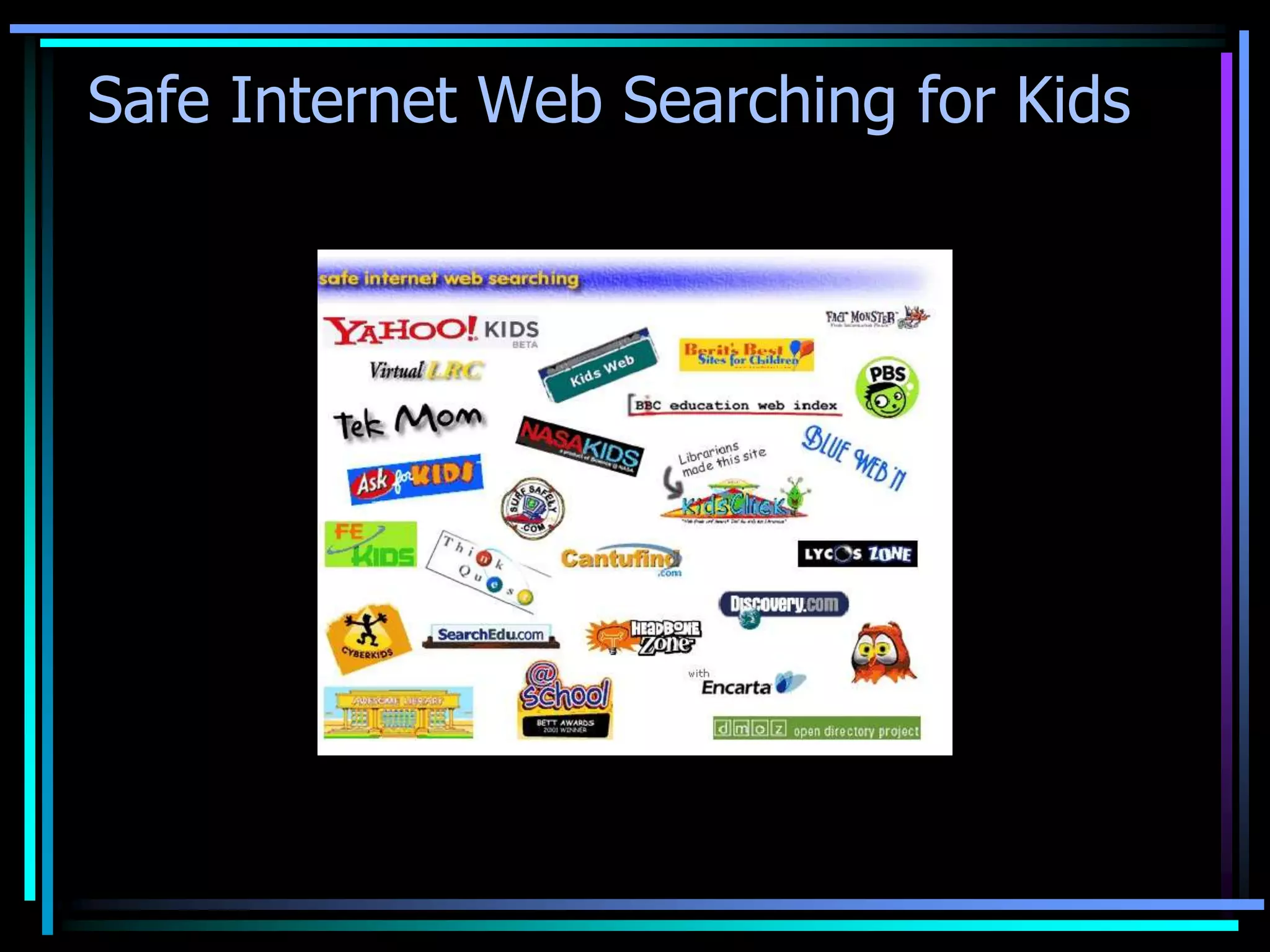
Safe Internet Web Searching for Kids
Searching with Students
 • Should we allow students to search
   freely?
 • How much control should we take of
   student searching?
 • How do we deal with students
   accessing pornography?
 • How do we deal with students who are
   more proficient at searching than
   teachers?
                         (Answer activity No. 2-3)
Searching & Copyright
     on the Web
What is the connection of the
 internet, research and as a
 school teacher?


Searching & Copyright
     on the Web
As a school teacher, it’s a big part of our duty
 to challenge answers or solutions searched
 the needs or problems related to teaching and
 learning.


Searching & Copyright
     on the Web
Thank you and have a nice day!

searching & copyright

  • 1.
    Searching and Copyright on the Web An Introduction to Searching the Web and adhering to copyright LUZ N. PINGOL ICT Coordinator
  • 2.
    Activity • What doyou know of the following? Searching & Copyright on the Web
  • 3.
    Email ex. Internet ex. Google, Explorer Yahoo ex. pingolluz@gmail.com INTERNET Uniform Resource Locator world wide web hyper text transfer Searching & Copyright protocol on the Web
  • 4.
    As someone oncesaid, the web is like one great big, wonderful library. You enter the front door, and there are all the books…piled in the middle of the floor! Quote from: Bush M. (1996) “Internet Mania World Tech: What’s hot & what’s not!” Multimedia Monitor Newsletter Searching & Copyright on the Web
  • 5.
    How do yousearch? • What do you typically search for? • What search engines do you use? • What search strategies have you experimented with? • What frustrations and successes have you had and why? Searching & Copyright on the Web
  • 6.
    Starting to search •What things shouldn’t you search for? • Is it easy to get audio/visual materials on the Web? • What’s the most important thing to think about when beginning a search? Searching & Copyright on the Web
  • 7.
    How to usegoogle search? 1. Display current local time anywhere ex. time in paris 2. Currency Converter ex. 8.99 usd in gbp currency of china in american money Searching & Copyright on the Web
  • 8.
    3. Find documentsof the specified file. ex. ms word tutorial filetype:pdf 4. Site Specific Search ex. pingolluz multiply.com space travel site:edu space travel site:org Searching & Copyright on the Web
  • 9.
    5. Days WeatherForecast ex. weather london 6. Use Google to Calculator & Unit Conversion ex. 3* (3+3) 3ft in meter 2^10+7*98+500% 13 Searching & Copyright on the Web
  • 10.
    7. Phrases Searches ex. “actionscript lessons” “actionscript lessons” for beginners 8. Music and Lyrics ex. holy night mp3 Searching & Copyright on the Web
  • 11.
    9. Images/Pictures ex. (click the images menu) Christmas 10. Books ex. (type) books google Searching & Copyright on the Web
  • 12.
    11. News ex. (click news menu) philippines news 12. Maps ex. (click map menu) ayala cebu city Searching & Copyright on the Web
  • 13.
    Boolean Searching Three Boolean Logic Operators • OR • AND • NOT Searching & Copyright on the Web
  • 14.
    Boolean Logic: OR Question: I need information about cats. Search: cats OR felines Searching & Copyright on the Web
  • 15.
    Boolean Logic: AND Question: I’m interested in dyslexia in adults. Search: dyslexia AND adults Searching & Copyright on the Web
  • 16.
    Boolean Logic: NOT Question: I’m interested in radiation, but not nuclear radiation. Search: radiation NOT nuclear Searching & Copyright on the Web
  • 17.
    More search engines •Yahoo! This is quite nice as there is also a safe search option for kids. There are also many regional versions: www.yahoo.com • Ask This search allows you to ask questions in “real” English, e.g. How can I improve my English? www.ask.com Searching & Copyright on the Web
  • 18.
    Meta-search engines These simultaneouslysearch multiple search engines. These are useful when: • You have an obscure topic • You are not having luck finding anything when you search • You want to retrieve a relatively small number of relevant results Examples: Dogpile http://www.dogpile.com Metacrawler http://www.metacrawler.com Searching & Copyright on the Web
  • 19.
    Other good placesto search http://en.wikipedia.org/wiki.Main_Page For a quick introduction to a topic http://video.google.com/ and http://youtube.com For video search http://www.searchenginecolosus.com/ For list of search engine in our region
  • 20.
    Safe Internet WebSearching for Kids
  • 21.
    Searching with Students • Should we allow students to search freely? • How much control should we take of student searching? • How do we deal with students accessing pornography? • How do we deal with students who are more proficient at searching than teachers? (Answer activity No. 2-3) Searching & Copyright on the Web
  • 22.
    What is theconnection of the internet, research and as a school teacher? Searching & Copyright on the Web
  • 23.
    As a schoolteacher, it’s a big part of our duty to challenge answers or solutions searched the needs or problems related to teaching and learning. Searching & Copyright on the Web
  • 24.
    Thank you andhave a nice day!