Objectives
• By theend of the lesson, the learners should be able to
• Define a computer
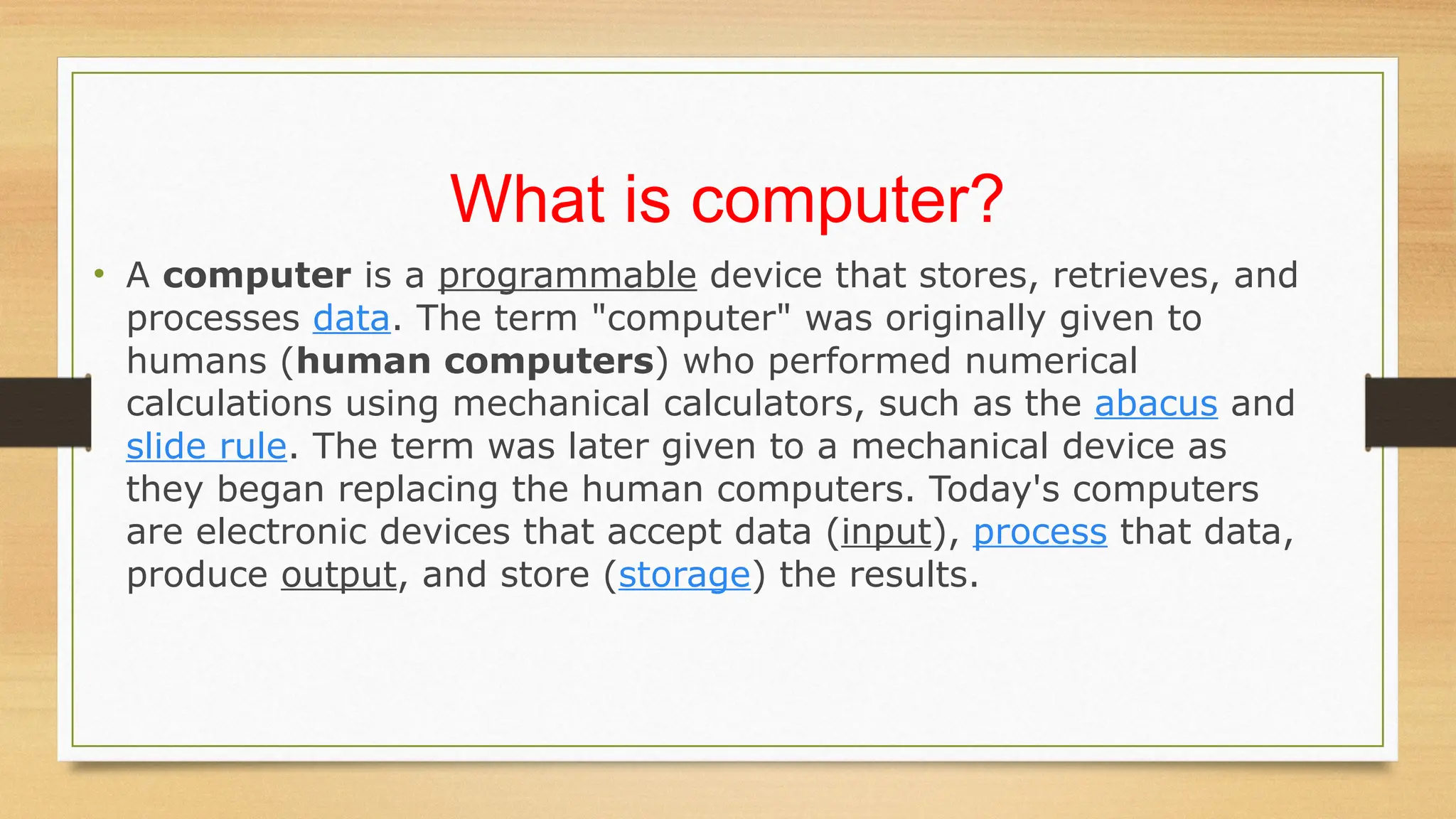
• State the difference parts of a computer
• Development of computers (History of computer)
3.
What is computer?
•A computer is a programmable device that stores, retrieves, and
processes data. The term "computer" was originally given to
humans (human computers) who performed numerical
calculations using mechanical calculators, such as the abacus and
slide rule. The term was later given to a mechanical device as
they began replacing the human computers. Today's computers
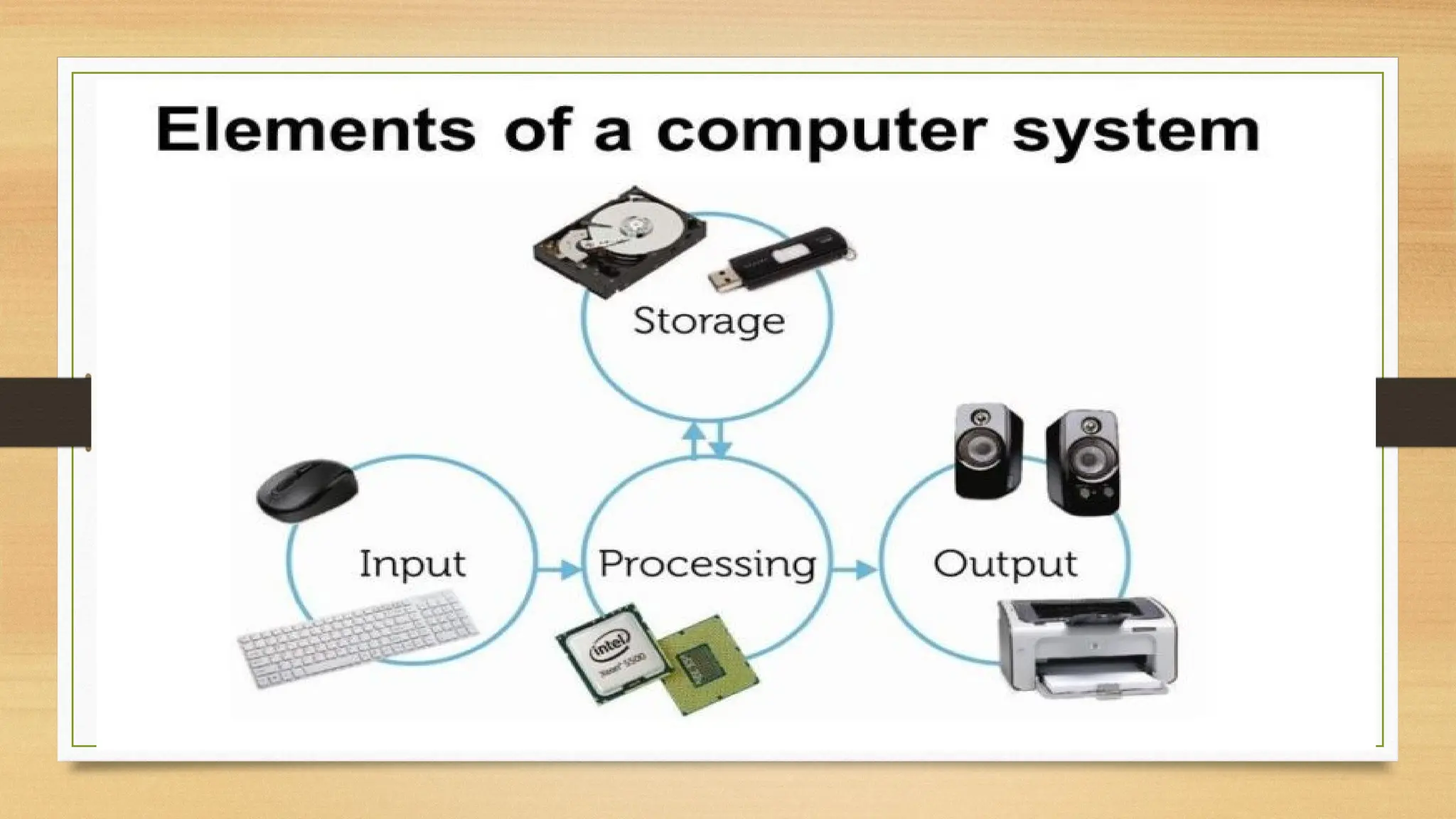
are electronic devices that accept data (input), process that data,
produce output, and store (storage) the results.
4.
What is computer?
❖A Computer is an electronic device that operates (works) under the control of
programs stored in its own memory unit.
•
❖ A computer is an electronic machine that processes raw data to give information
as output.
•
❖ An electronic device that accepts data as input, and transforms it under the
influence of a set of special instructions called Programs, to produce the
desired output (referred to as Information).
5.
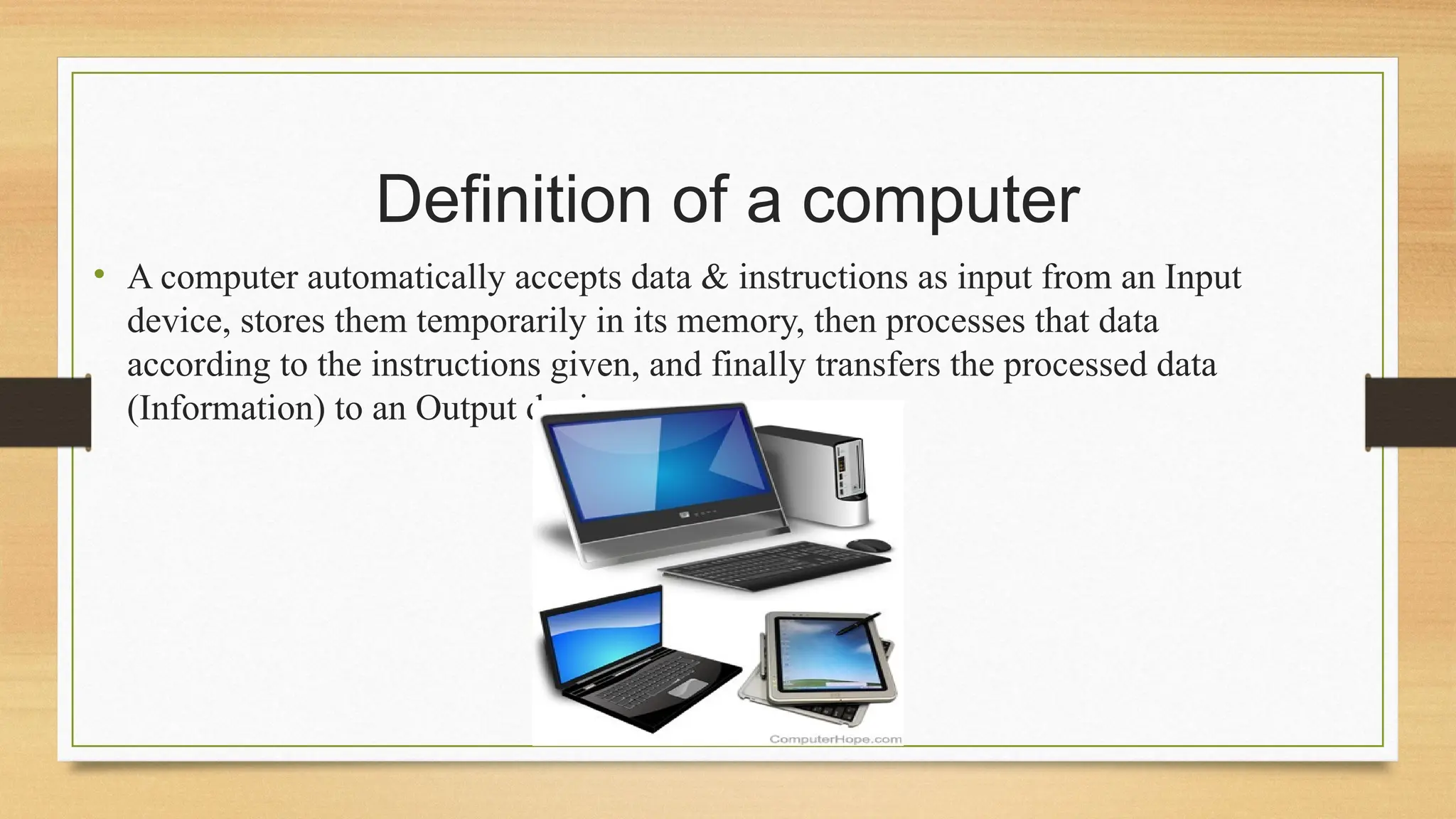
Definition of acomputer
• A computer automatically accepts data & instructions as input from an Input
device, stores them temporarily in its memory, then processes that data
according to the instructions given, and finally transfers the processed data
(Information) to an Output device.
6.
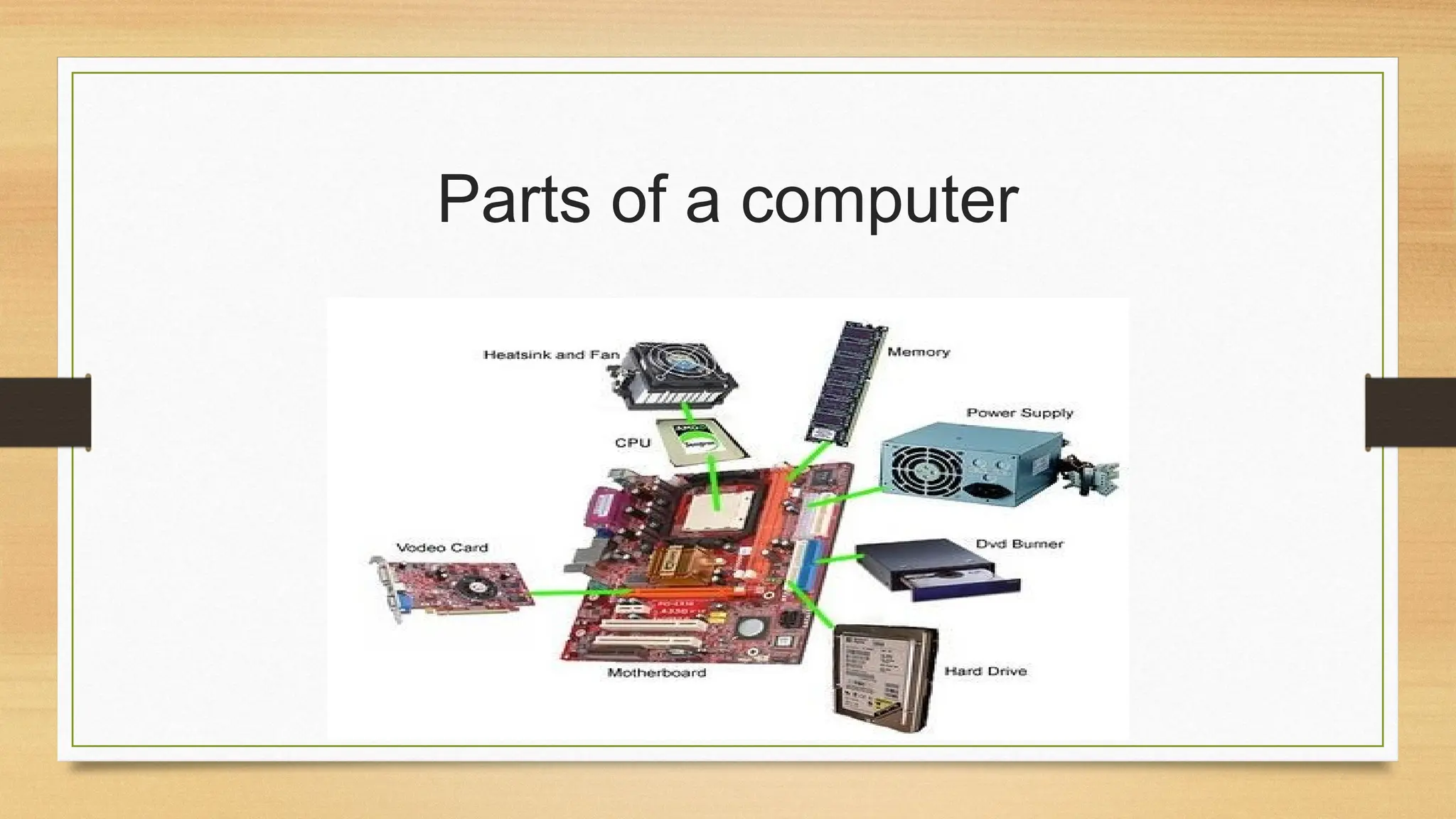
What parts areneeded for a computer to work?
• A computer does not require all the components mentioned above. However, a
computer cannot function without having at the very minimum the parts listed
below.
• Processor - Component that executes instructions from the software and
hardware.
• Memory - Temporary primary storage for data traveling between the storage
and CPU.
• Motherboard (with onboard video) - Component that connects all components.
• Storage device (e.g., hard drive) - Slower secondary storage that permanently
stores data.
7.
MAIN COMPONENTS OFA COMPUTER
• Every computer system has the following three basic components:
1.Input unit
2.Central processing unit
3.Output unit
4.Storage unit
•Explanations;
•
A computer isdescribed as an electronic device because; it is made up of electronic
components and uses electric energy (such as electricity) to operate.
•
A computer has an internal memory, which stores data & instructions temporarily
awaiting processing, and even holds the intermediate result (information) before it
is communicated to the recipients through the Output devices.
•
It works on the data using the instructions issued, means that, the computer cannot
do any useful job on its own. It can only work as per the set of instructions issued.
•
•A computer will accept data in one form and produce it in another form. The data is
normally held within the computer as it is being processed.
11.
Program
❖A computer Programis a set of related instructions
written in the language of the computer & is used to
make the computer perform a specific task (or, to direct
the computer on what to do).
• A set of related instructions which specify how the data
is to be processed.
• A set of instructions used to guide a computer through a
process
12.
Data
•
•Data is acollection of raw facts, figures or
instructions that do not have much meaning to
the user.
•
Data may be in form of numbers,
alphabets/letters or symbols, and can be
processed to produce information.
13.
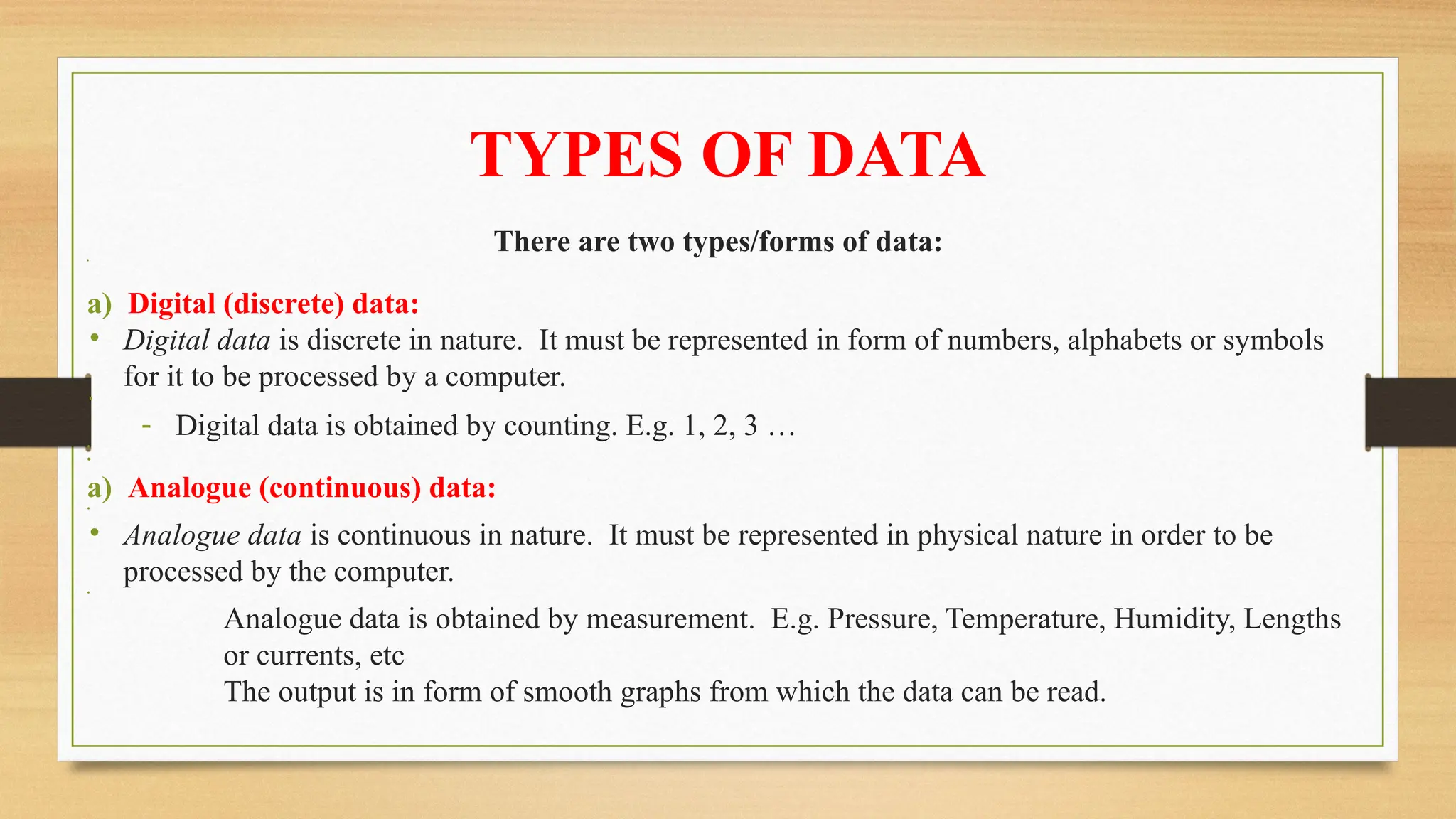
TYPES OF DATA
Thereare two types/forms of data:
•
a) Digital (discrete) data:
• Digital data is discrete in nature. It must be represented in form of numbers, alphabets or symbols
for it to be processed by a computer.
•
- Digital data is obtained by counting. E.g. 1, 2, 3 …
•
•
a) Analogue (continuous) data:
•
• Analogue data is continuous in nature. It must be represented in physical nature in order to be
processed by the computer.
•
Analogue data is obtained by measurement. E.g. Pressure, Temperature, Humidity, Lengths
or currents, etc
The output is in form of smooth graphs from which the data can be read.
14.
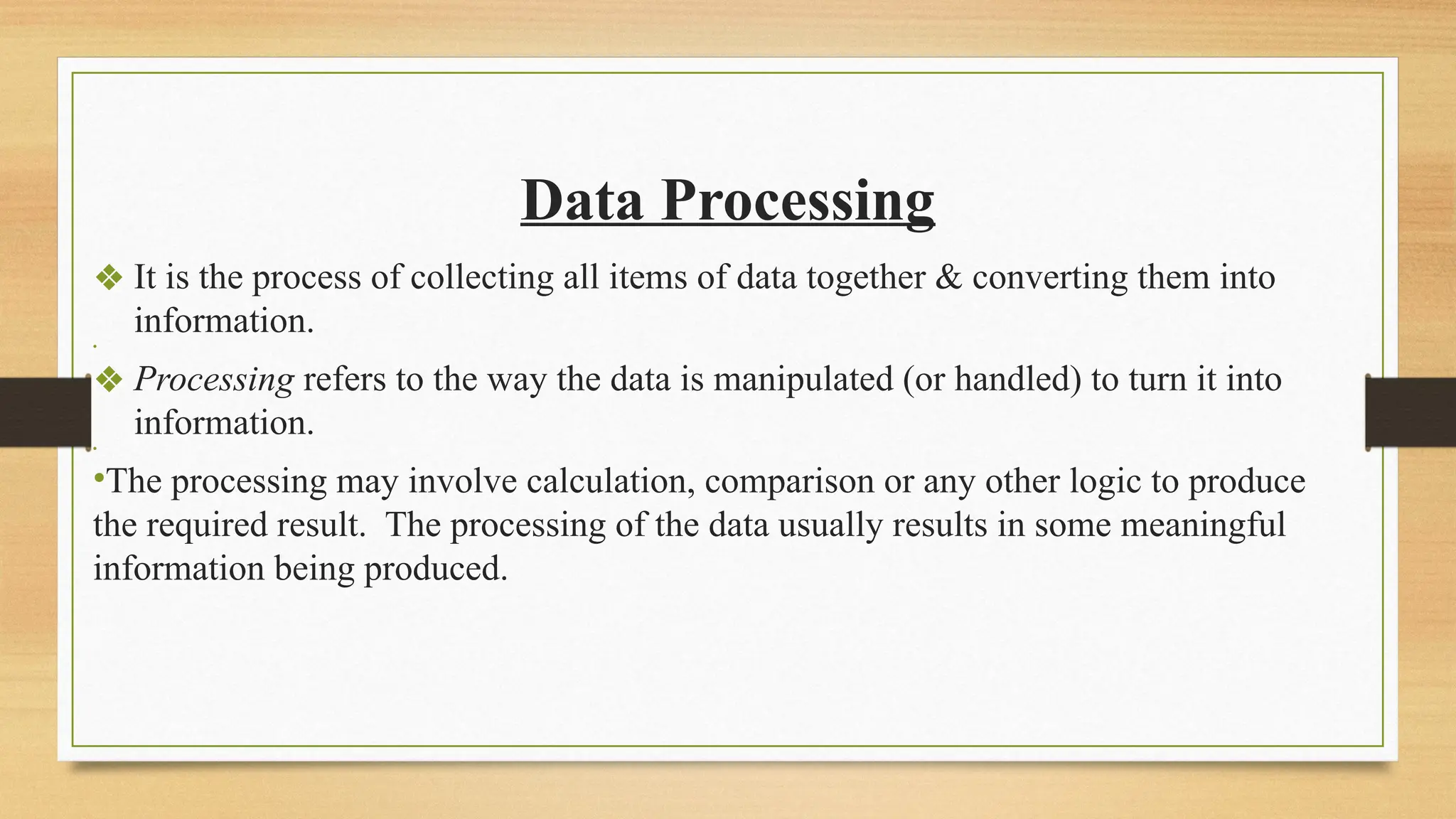
Data Processing
❖ Itis the process of collecting all items of data together & converting them into
information.
•
❖ Processing refers to the way the data is manipulated (or handled) to turn it into
information.
•
•The processing may involve calculation, comparison or any other logic to produce
the required result. The processing of the data usually results in some meaningful
information being produced.
15.
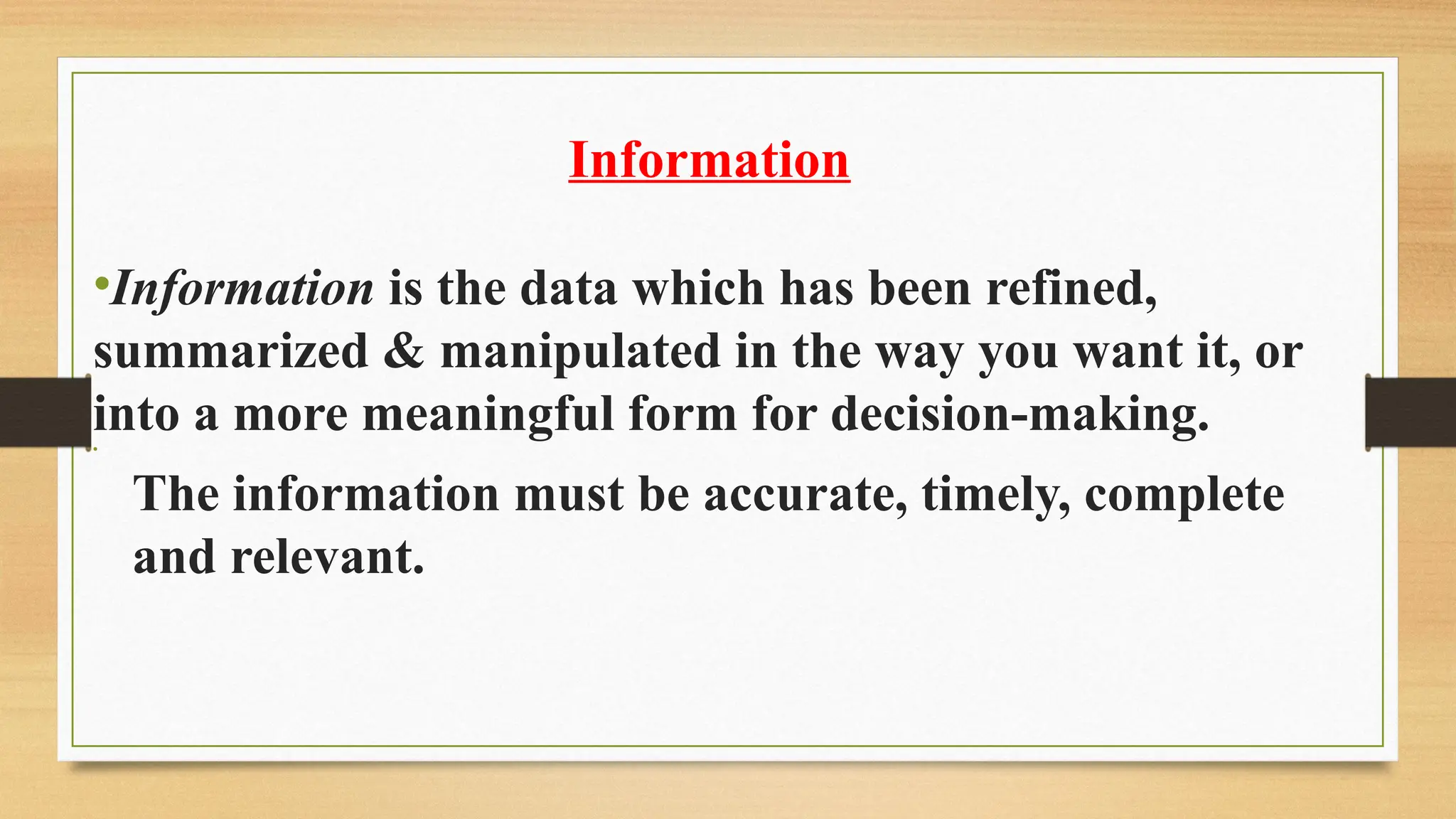
Information
•Information is thedata which has been refined,
summarized & manipulated in the way you want it, or
into a more meaningful form for decision-making.
•
The information must be accurate, timely, complete
and relevant.
16.
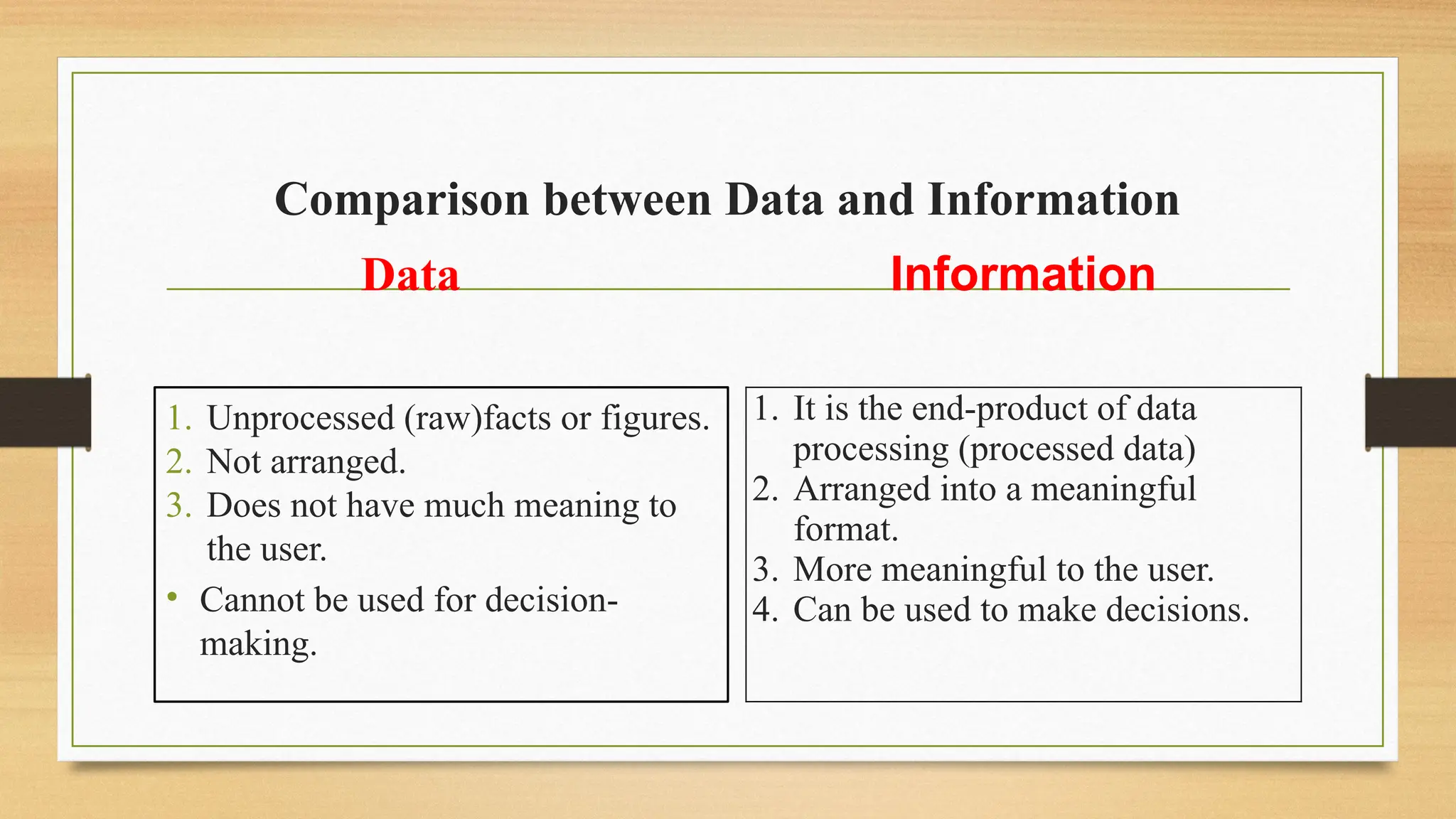
Comparison between Dataand Information
Data
1. Unprocessed (raw)facts or figures.
2. Not arranged.
3. Does not have much meaning to
the user.
• Cannot be used for decision-
making.
Information
1. It is the end-product of data
processing (processed data)
2. Arranged into a meaningful
format.
3. More meaningful to the user.
4. Can be used to make decisions.
17.
•Characteristics / Featuresof a Computer.
•
•Before 20th
century, most information was processed manually or by use of simple
machines. Today, millions of people are using computers in offices and at home to
produce and store all types of information
18.
The following aresome of the attributes that make computers widely accepted &
used in the day-to-day activities in our society:
1. Speed.
Computers operate at very high speeds, and can perform very many functions within a very short time.
They can perform a much complicated task much faster than a human being.
The speed of a computer is measured in Fractions of seconds.
19.
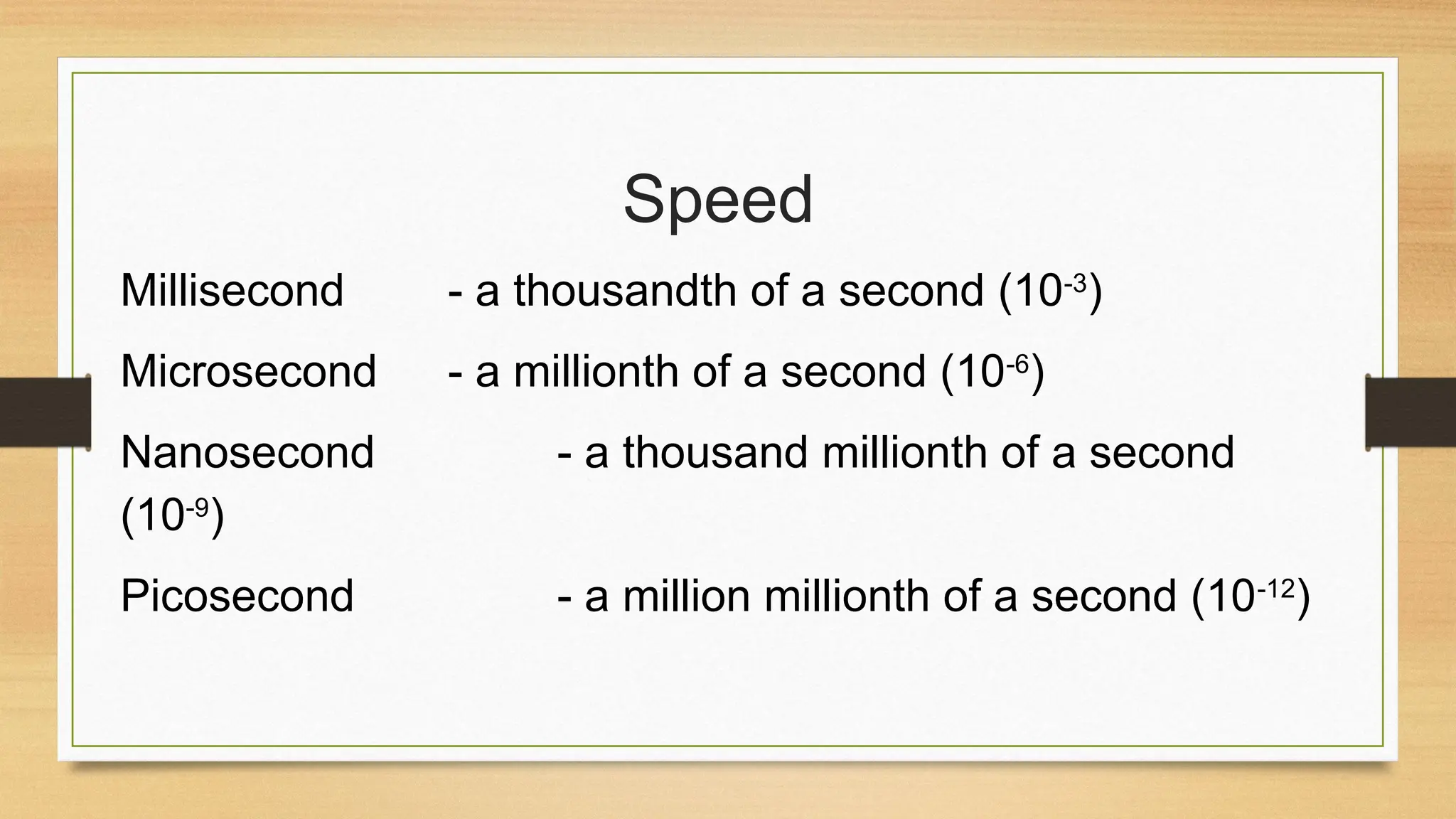
Speed
Millisecond - athousandth of a second (10-3
)
Microsecond - a millionth of a second (10-6
)
Nanosecond - a thousand millionth of a second
(10-9
)
Picosecond - a million millionth of a second (10-12
)
20.
The speed ofa computer is usually linked to the technology used to
build it.
a). 1st
Generation computers (1940s & early 1950s).
The computers were built using Vacuum tubes, and the speed was
measured in Milliseconds. E.g., a computer could perform 5,000
additions & 300 multiplications per second.
21.
b). 2nd
Generation computers(1950s & early 1960s).
Were built using Transistors. Their operation speeds
increased & were measured in Microseconds. E.g., a
computer could perform 1 million additions per second.
22.
c). Mid 1960s.
IntegratedCircuit (IC), which combined a no. of transistors
& diodes together on a silicon chip, was developed.
The speed increased to tens of millions of operations per
second.
23.
d). In 1971,Intel Corporation produced a very
small, single chip called a Microprocessor, which
could perform all the operations on the computer’s
processor. The chip contained about 1,600
transistors.
24.
e). Today’s microprocessorsare very powerful, cheaper &
more reliable due to the use of the Large Scale Integration (LSI)
& Very Large scale Integration (VLSI) technologies, which
combines hundreds of thousands of components onto a single
chip.
The computer speeds are now measured in Nanoseconds &
Picoseconds.
Homework
1. What isa Computer?
2. Why is a computer referred to as an electronic device?
3. Define the following terms as used in computer science.
a). Data.
b). Programs.
c). Data processing.
d). Information.
4. (a) Briefly explain the two forms of data.
(b) Give THREE differences between Data and Information.
5. The speed of a computer is measured in ___________.
27.
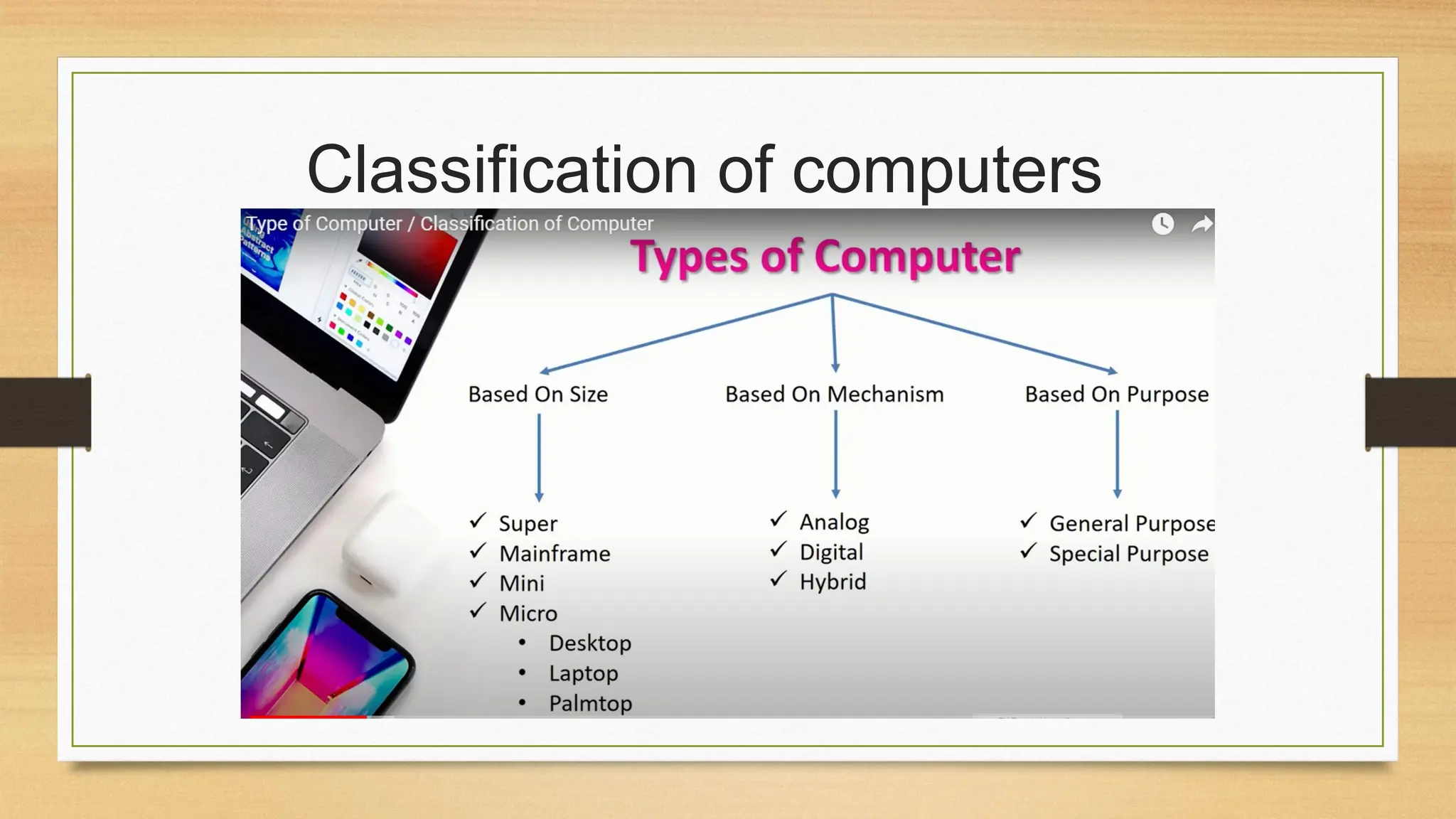
Objectives
• By theend of the lesson, the learners should be able to
• Types of computers
• According to size
• According to mechanic
• According to purpose of usage