Responsive Design
and Development
“Gotchas”
@malekontheweb
X
X
X
X
Do Frameworks Solve Everything?
Andrew Malek
UI/UX Developer
NCR Corporation, Retail Solutions
Division
@malekontheweb
http://www.malektips.com/
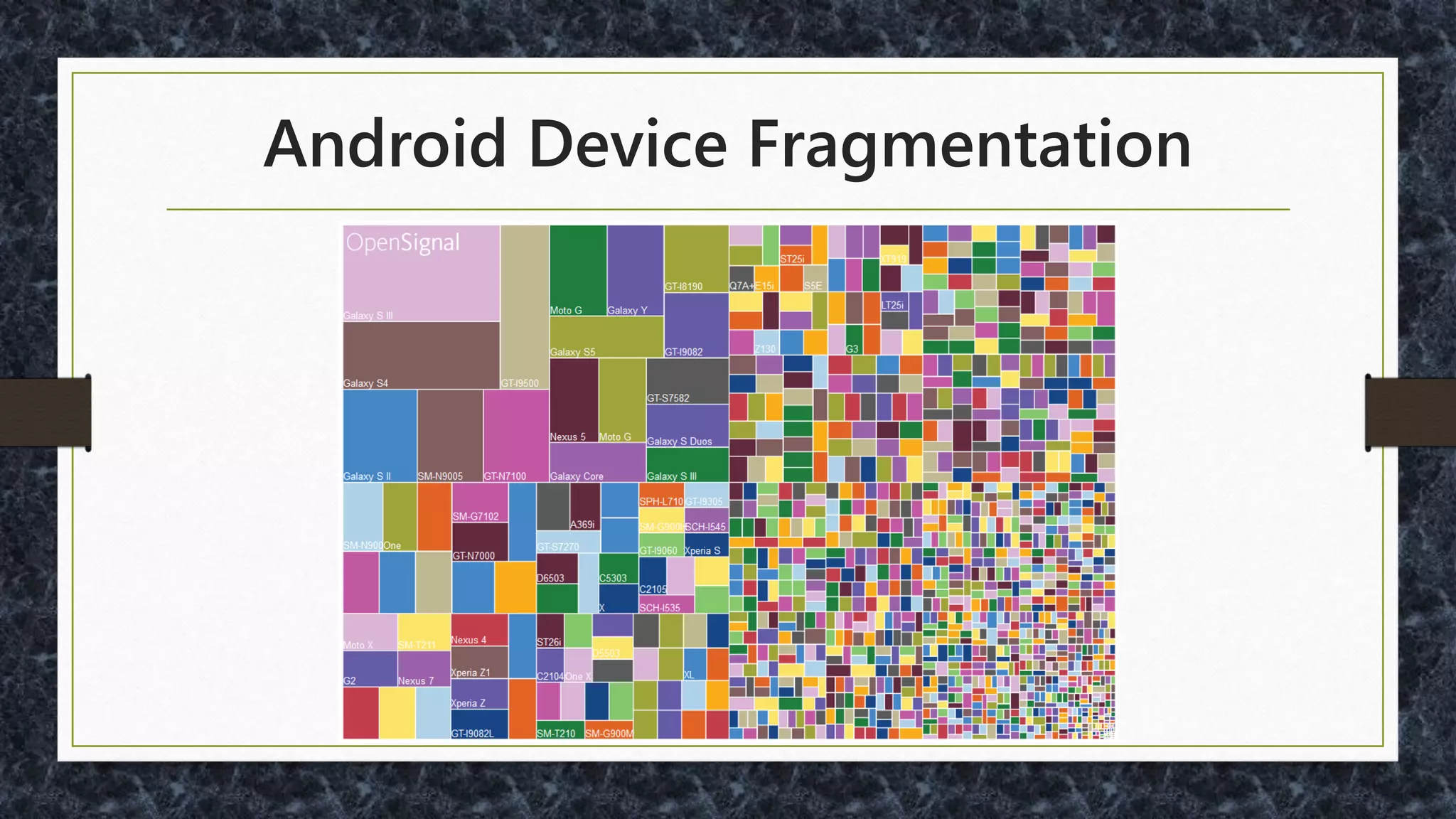
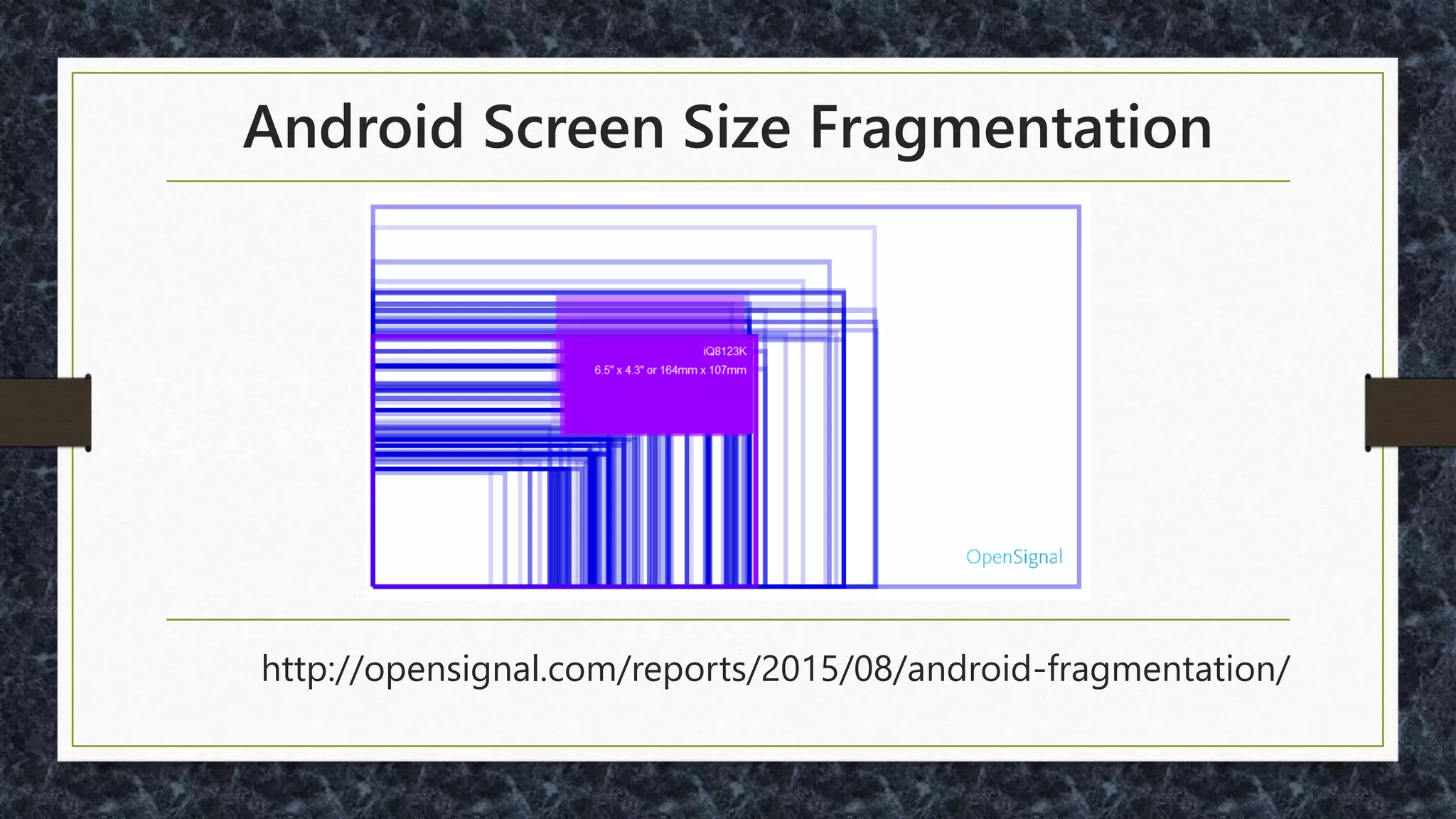
Android Device Fragmentation
Android Screen Size Fragmentation
http://opensignal.com/reports/2015/08/android-fragmentation/
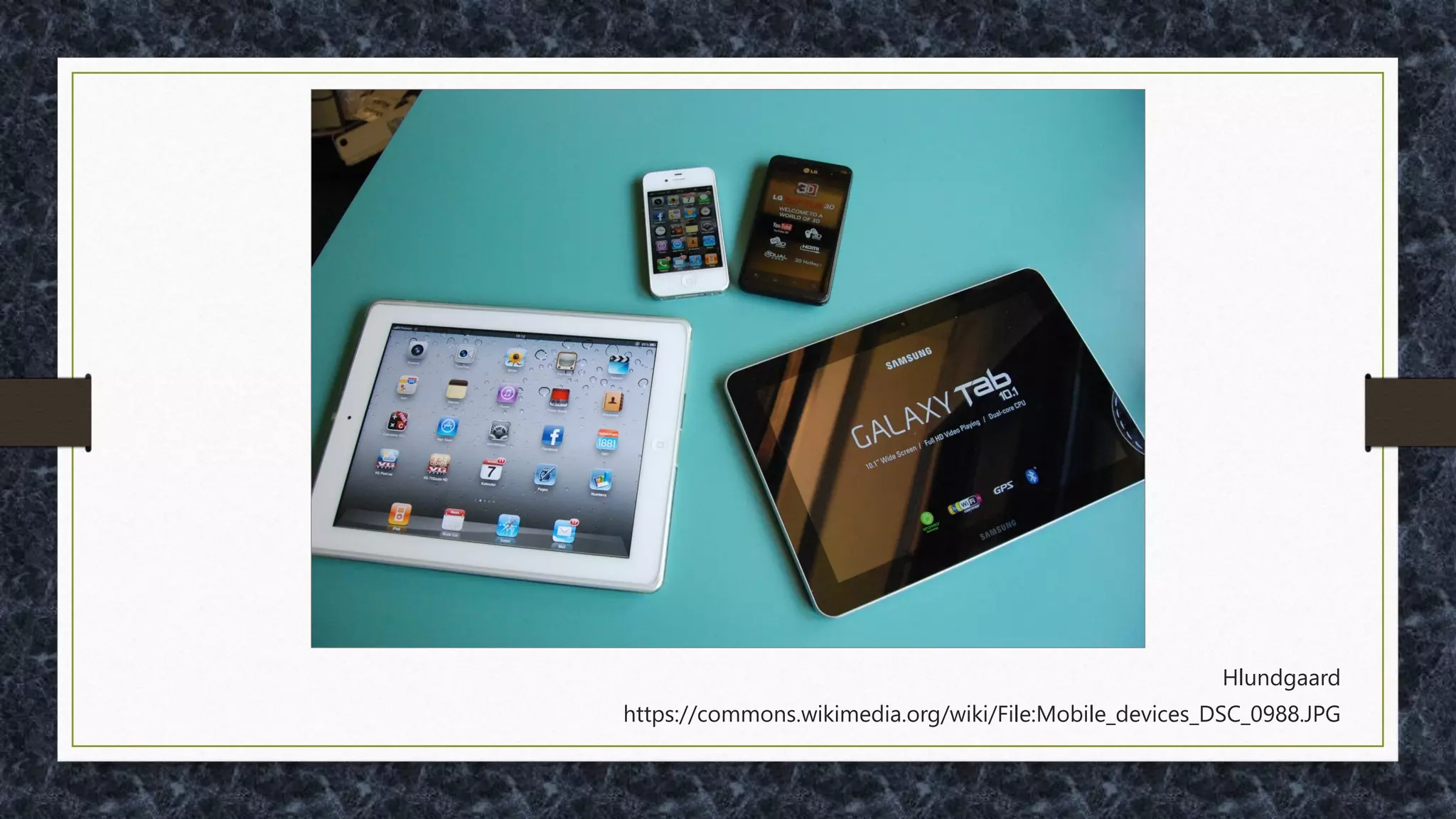
And iOS Devices… (Air, Pro, Plus, …)
http://iosres.com/
“Common Sense is
Not So Common”
- Voltaire
You Won’t Believe This About Cell Phones!
What is Important to Them?
? Content ?
•WHO is using my site?
•WHAT are their main goals?
•WHEN to use timely information?
•WHERE are users going?
•WHY?
For More on Content Strategy
• http://www.usability.gov/what-and-why/content-
strategy.html
• http://alistapart.com/article/audiences-outcomes-
and-determining-user-needs
• https://uxmag.com/articles/content-strategy-and-
ux-a-modern-love-story
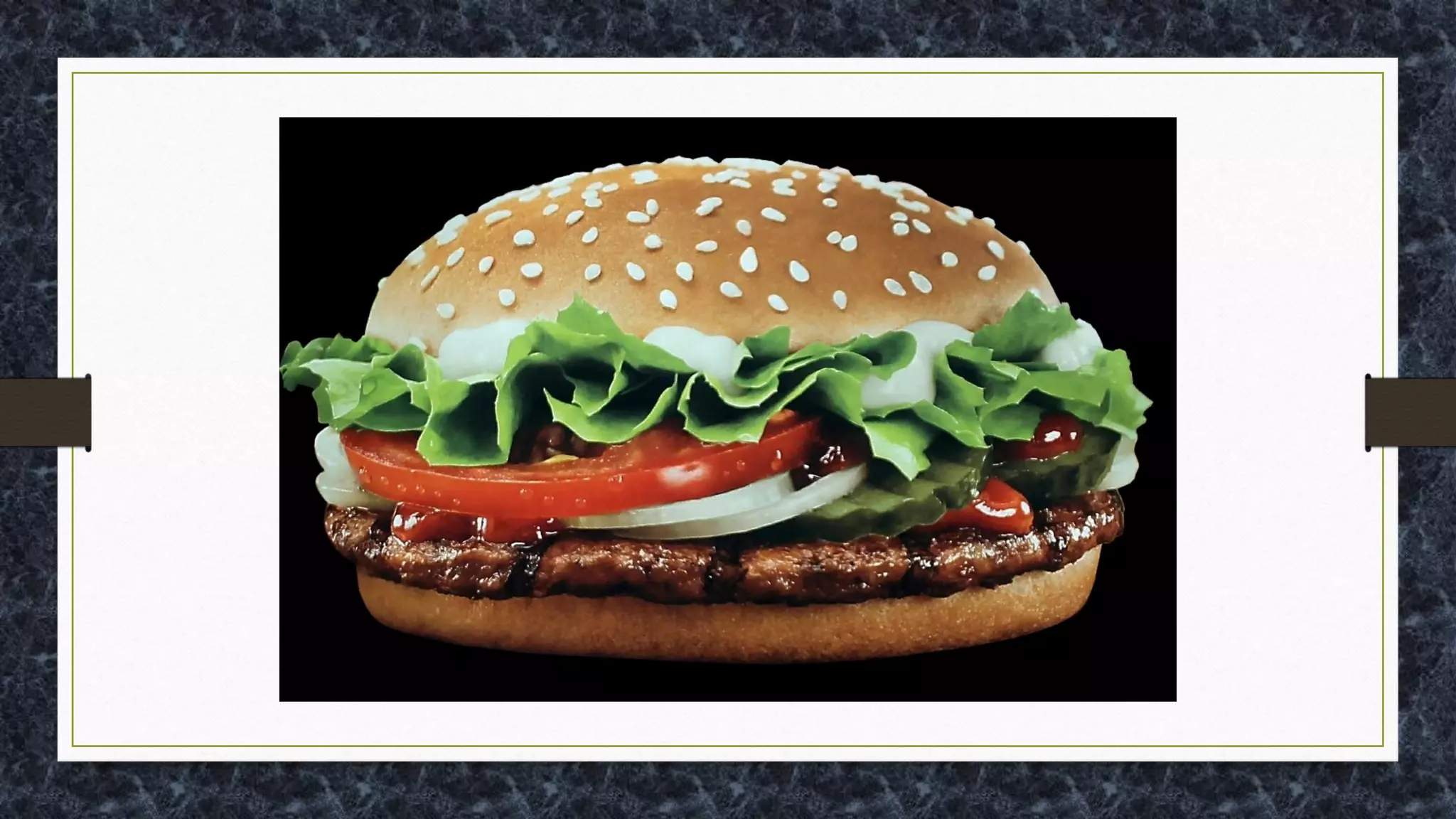
"The hamburger icon, used most
egregiously, allows you to put 500
options into a mobile app without doing
the hard work of actually figuring out
what belongs there“
- Luke Wroblewski
- http://www.bbc.com/news/magazine-31602745
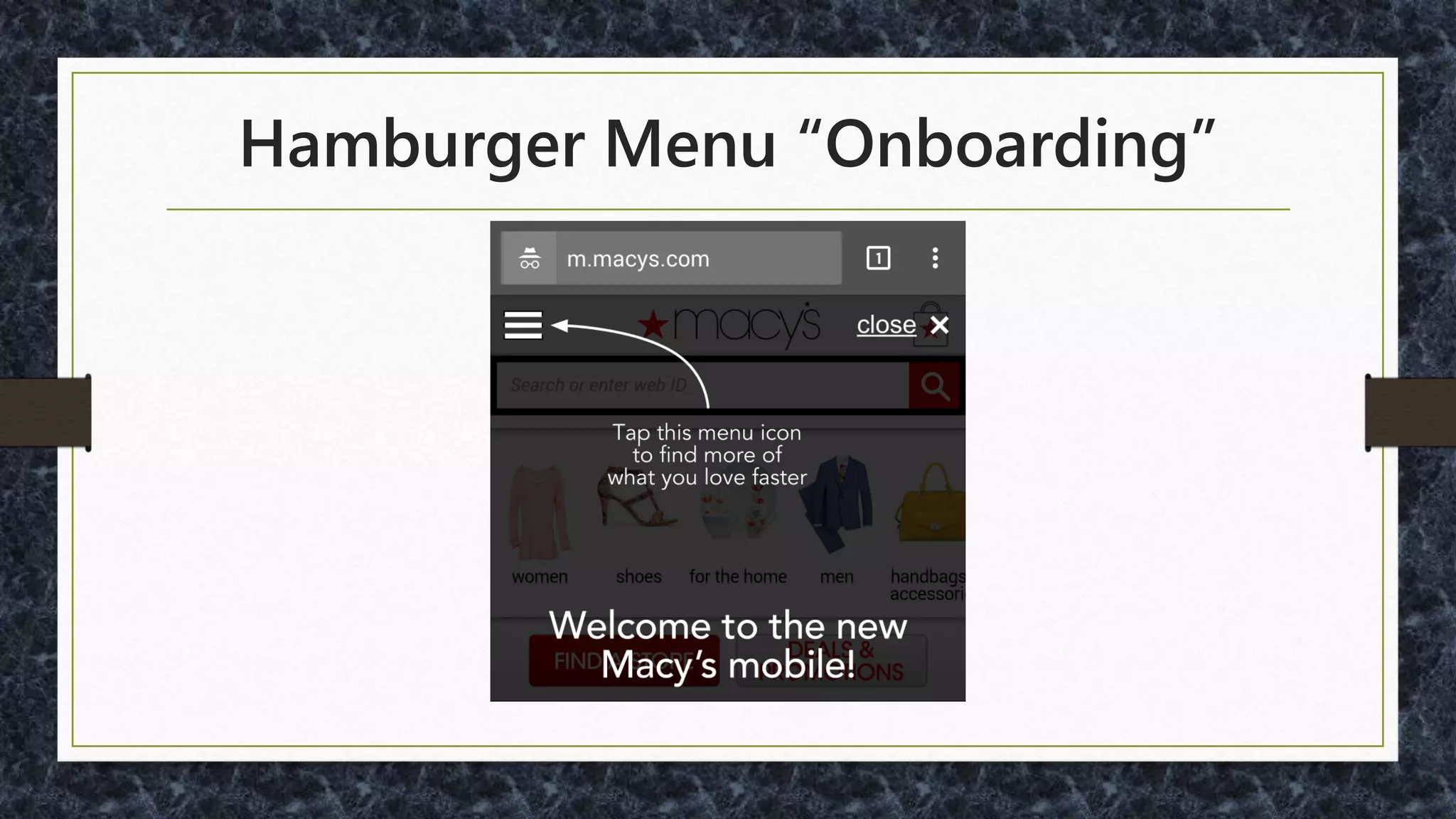
Hamburger Menu “Onboarding”
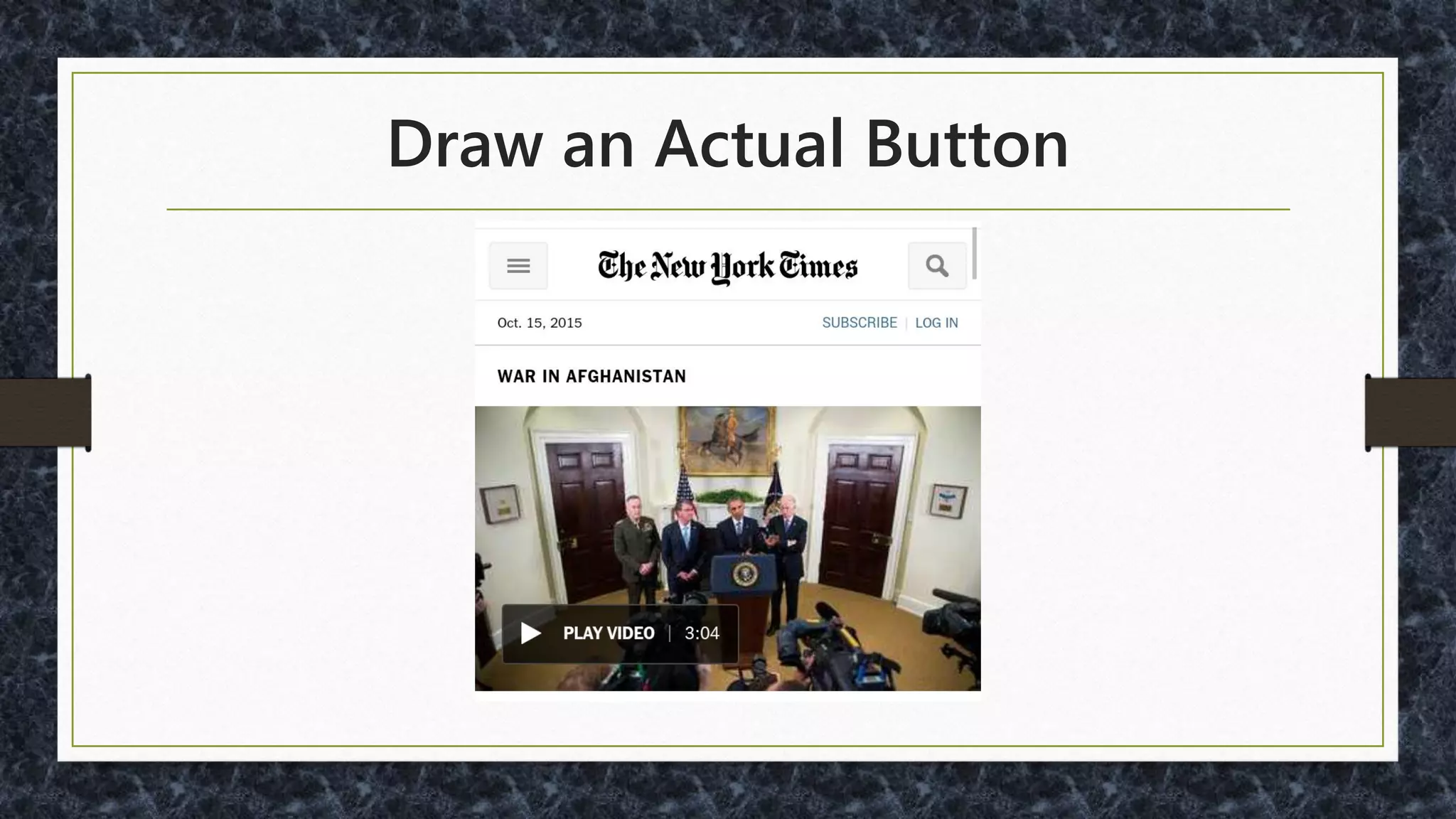
Draw an Actual Button
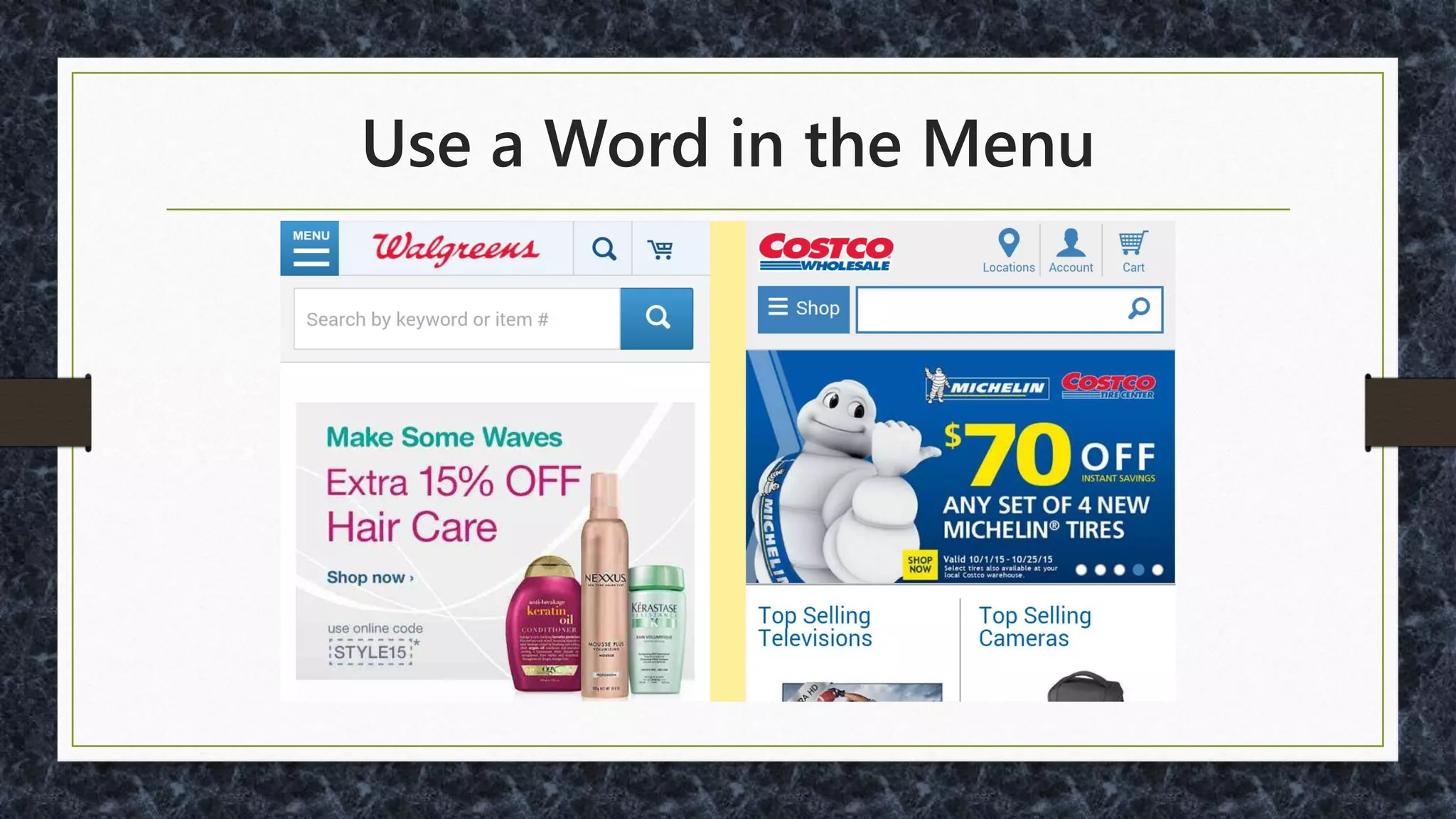
Use a Word in the Menu
Menu Word Studies:
• http://www.catalystnyc.com/2015/02/navigating-
mobile-hamburger-menu-anyone-get/
• http://moovweb.com/blog/hamburger-menu-handy-
tool-or-useless-icon/
• http://conversionxl.com/testing-hamburger-icon-
revenue/
• http://www.peakusability.com.au/articles/mobile-ux-
part-1-menu-burgers-and-navicons
Other
Options?
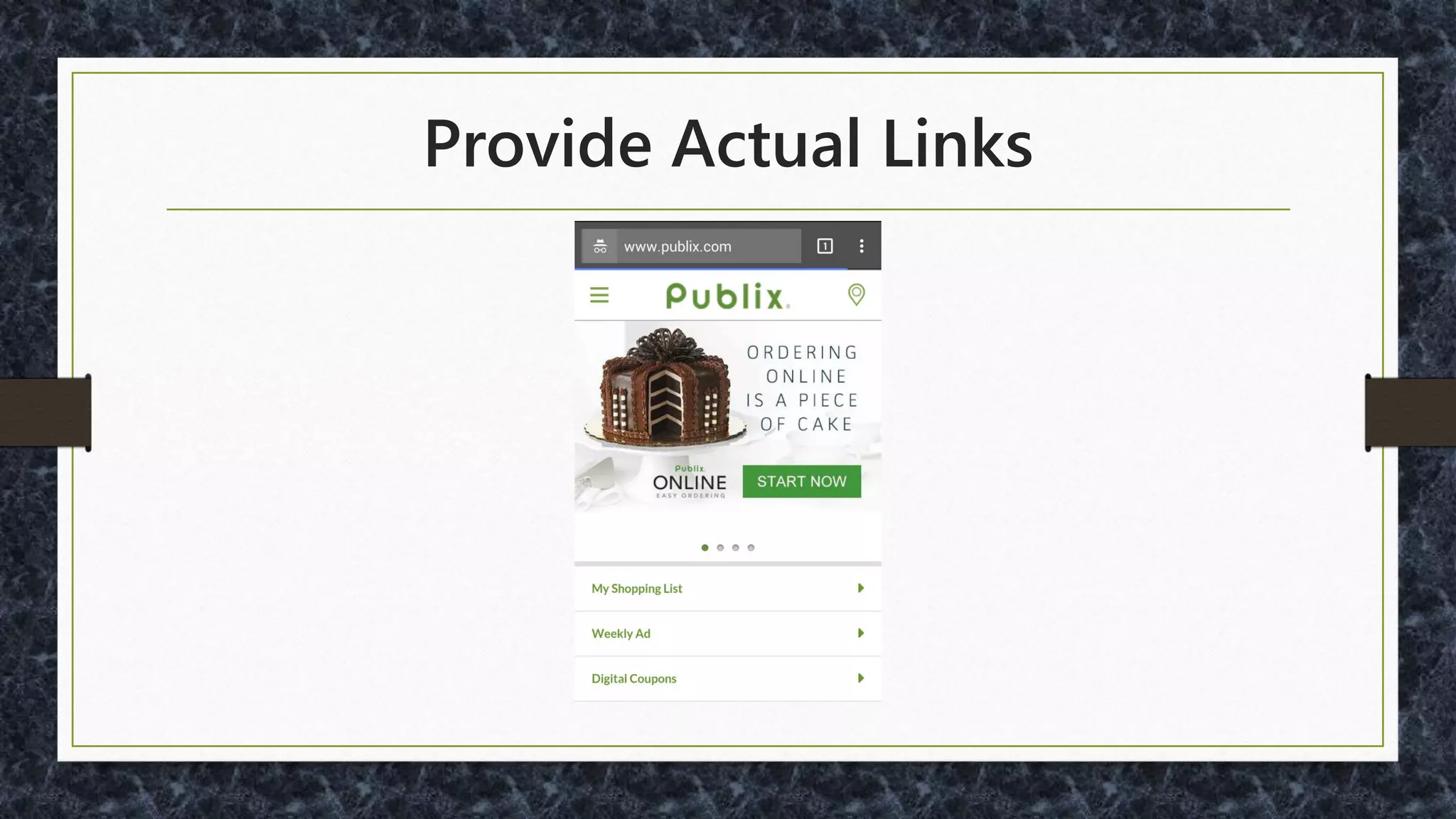
Provide Actual Links
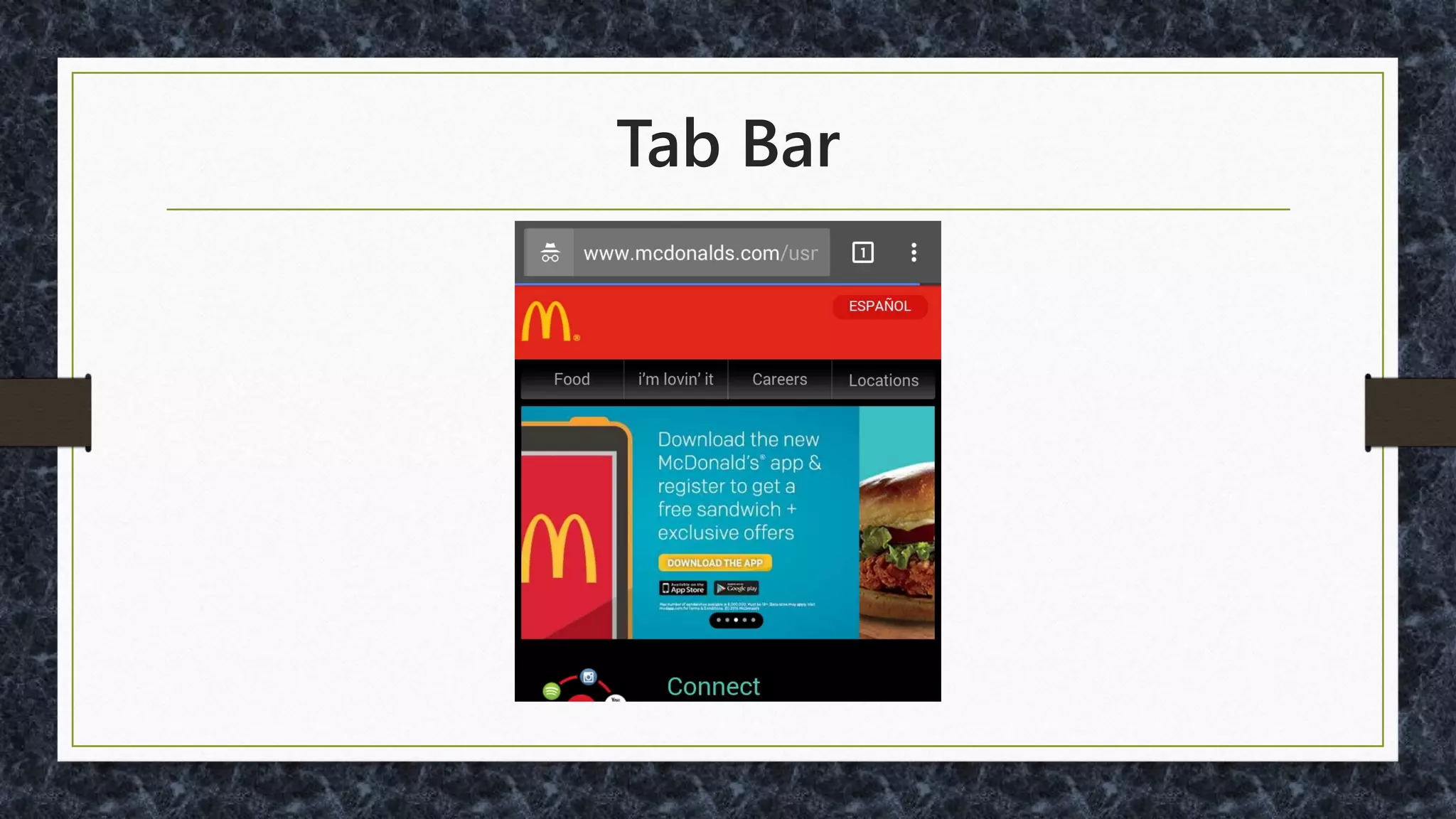
Tab Bar
Forms Sample Uses
•Signup / Login
•Shopping Cart Checkout
•Survey
•Advanced Search / Filtering
•Post / Reply to Messages
Some Frameworks
Typing, Swiping, Reading…
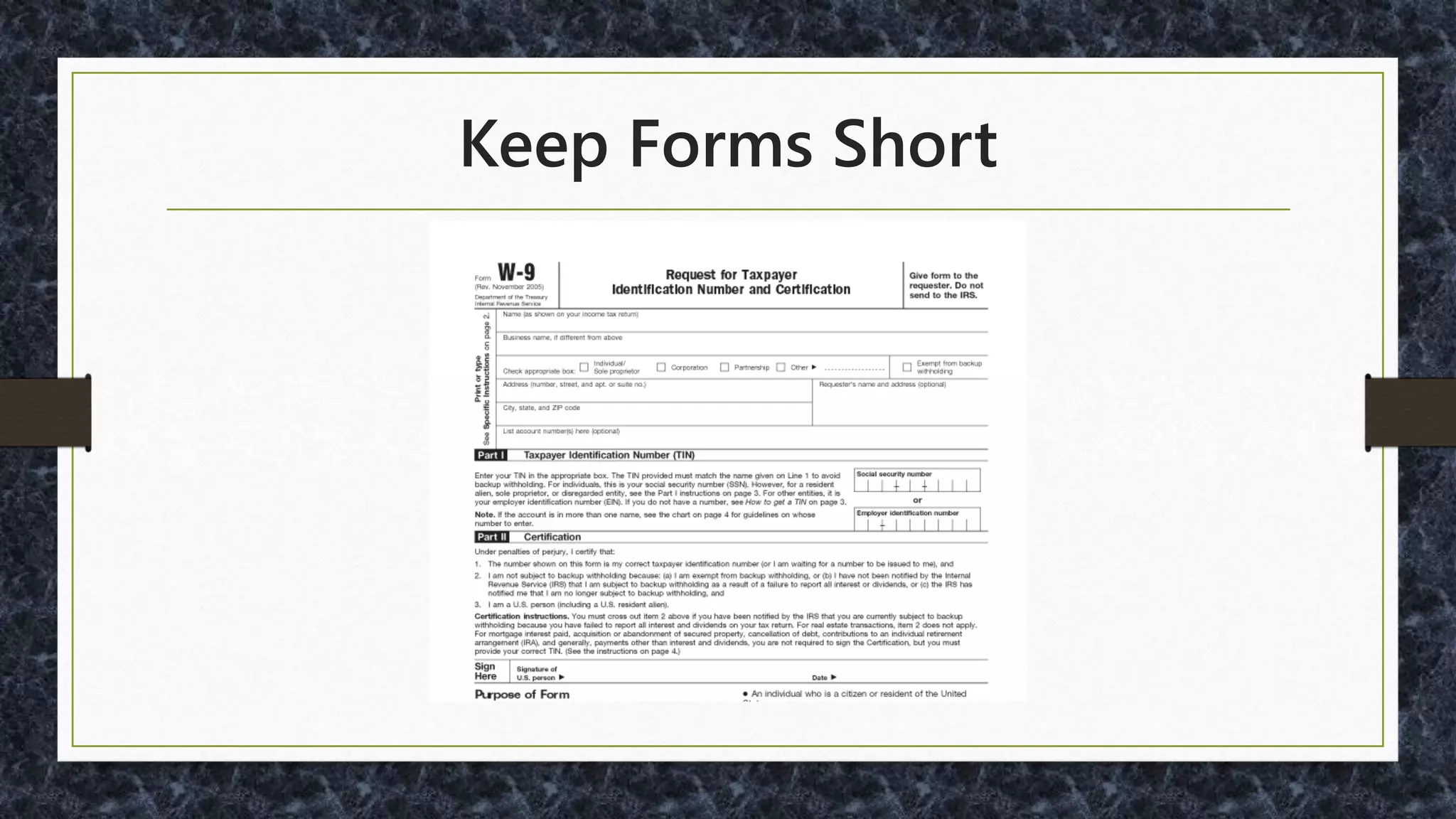
Keep Forms Short
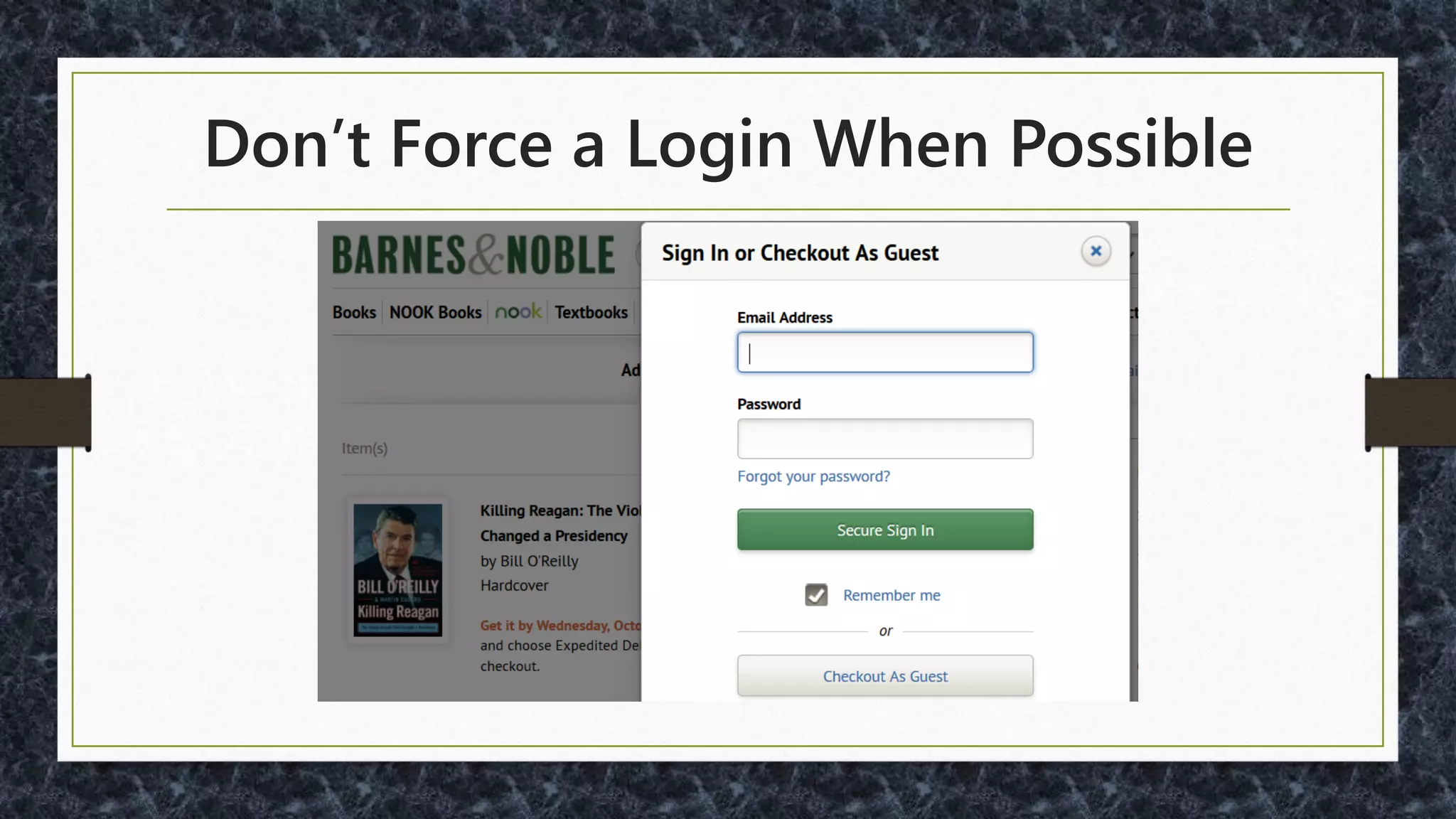
Don’t Force a Login When Possible
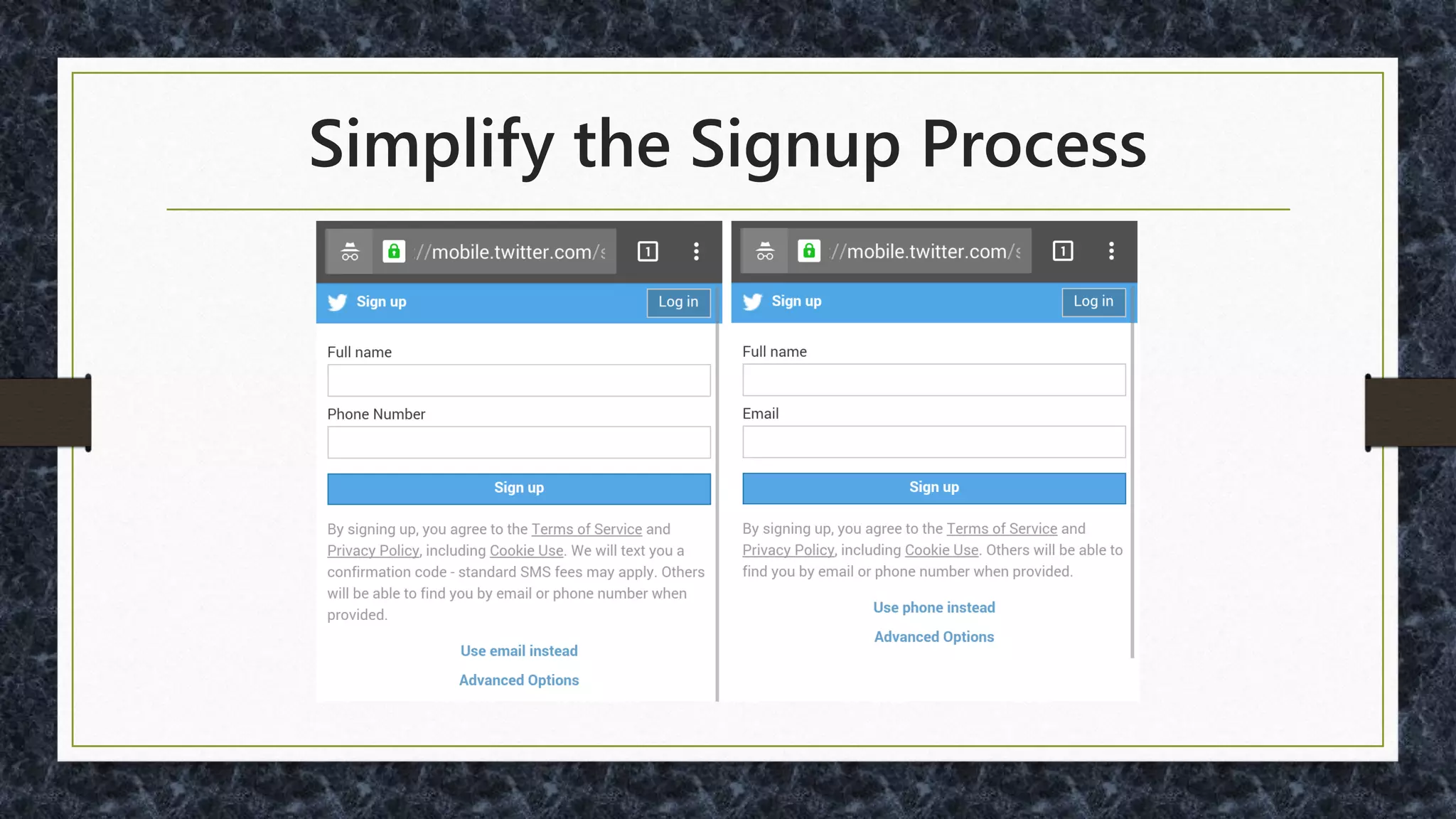
Simplify the Signup Process
Phone Number Signup
One option: Digits SDK (from Twitter)
- SMS and Confirmation Code
•https://fabric.io/kits/ios/digits
•https://fabric.io/kits/android/digits
Must You Ask Other Questions?
• Need the real name?
• Need age?
• Need to ask the gender?
• If so, consider to reduce chance of being offensive:
http://ux.stackexchange.com/questions/19923/
Social Network Signup / Login
• Reduce Typing
• Google: https://developers.google.com/identity/
• Facebook:
https://developers.facebook.com/docs/facebook-login
• Yahoo!: https://developer.yahoo.com/openid/
• OpenID: http://openid.net/
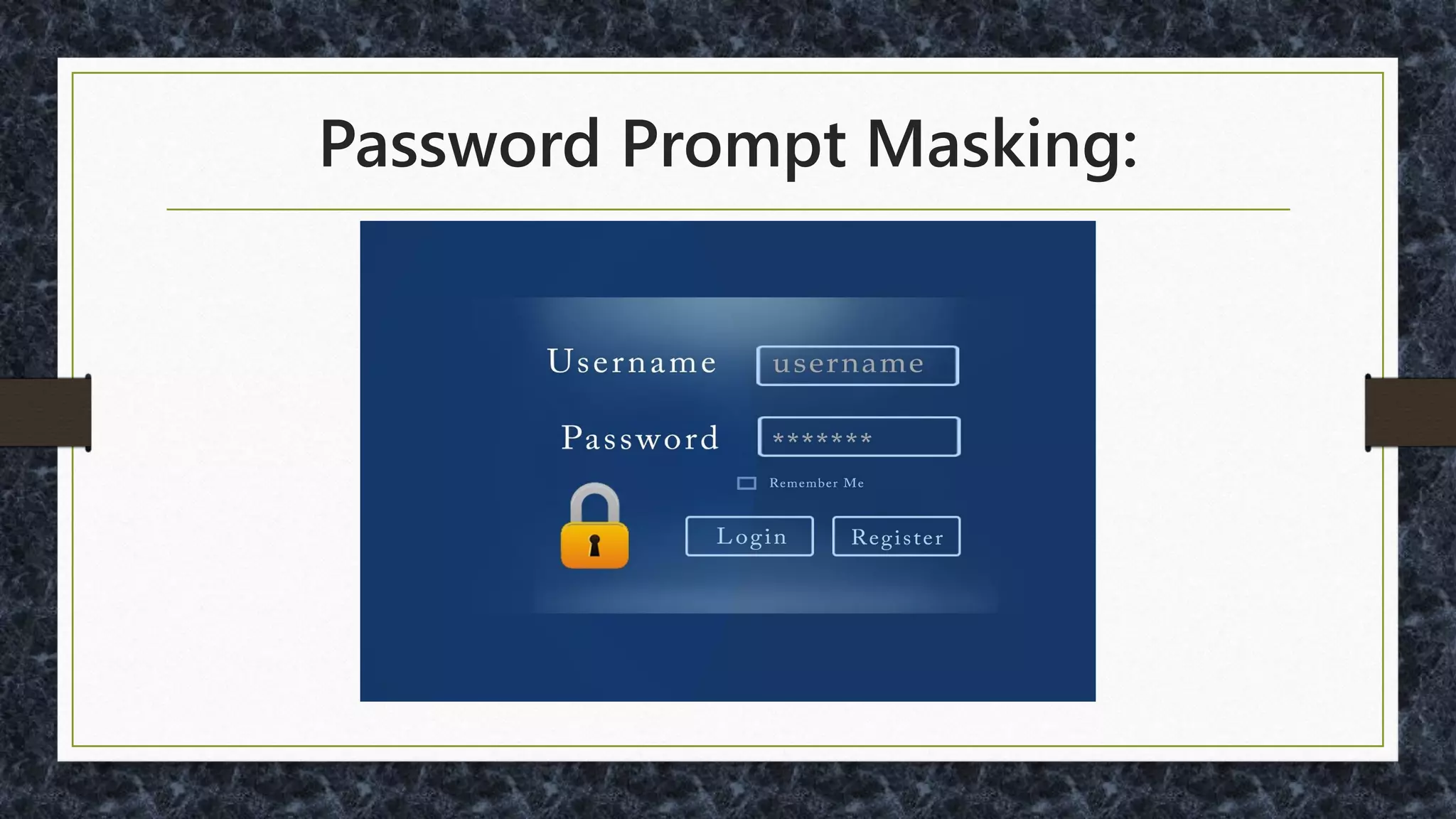
Password Prompt Masking:
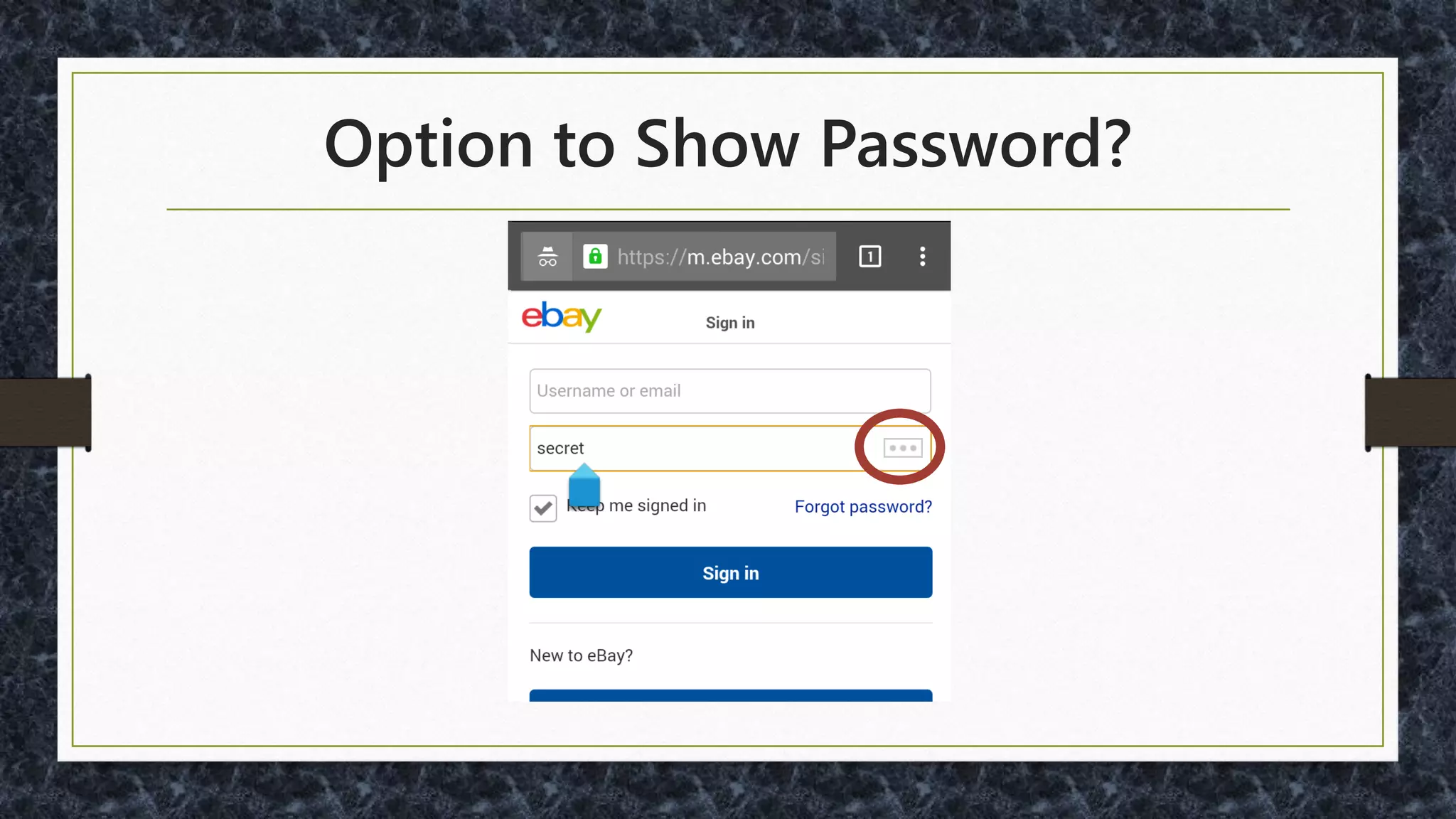
Option to Show Password?
JavaScript to Show Password:
• Bootstrap:
https://github.com/wenzhixin/bootstrap-show-
password
• jQuery:
https://github.com/cloudfour/hideShowPassword
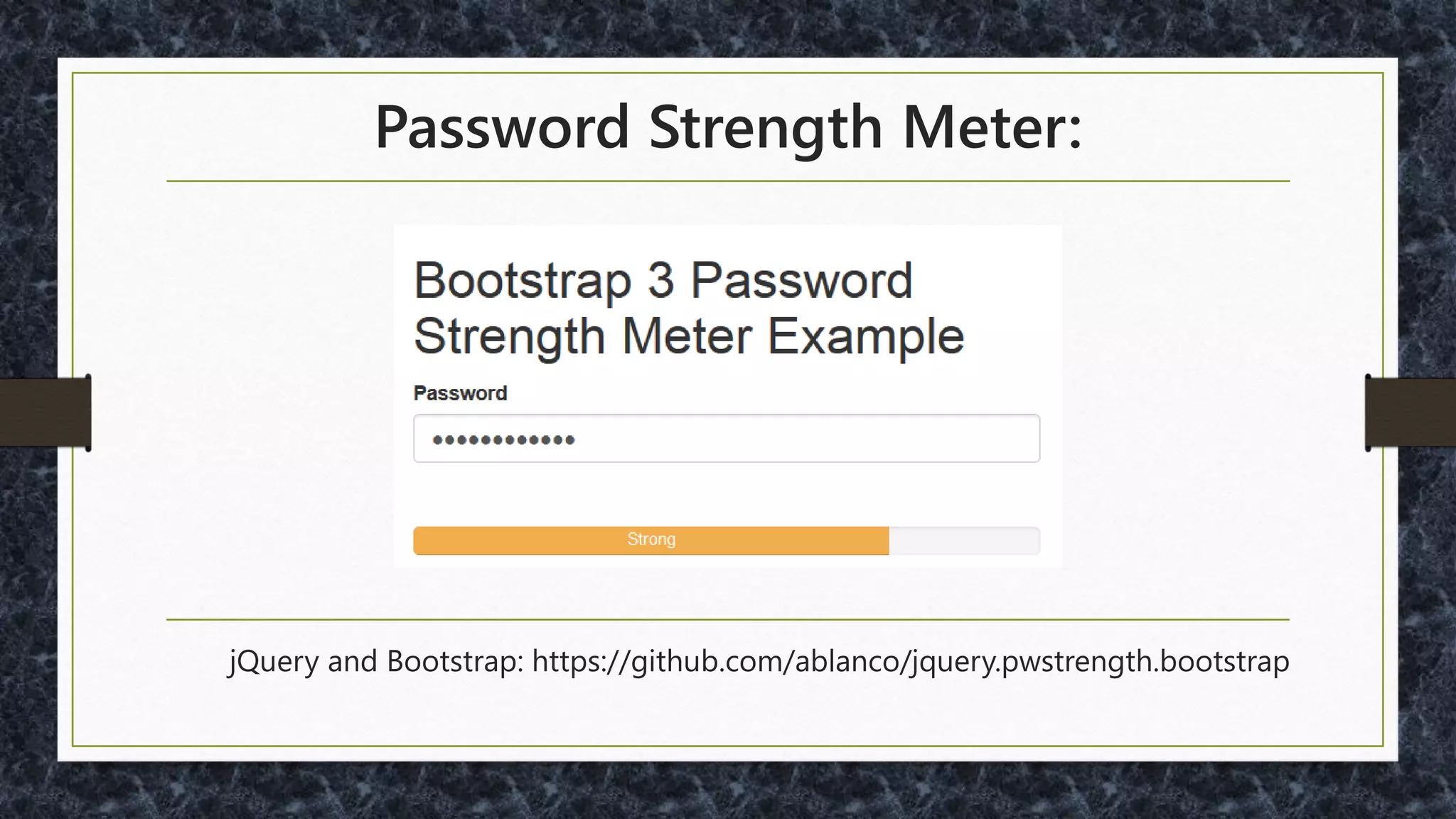
Password Strength Meter:
jQuery and Bootstrap: https://github.com/ablanco/jquery.pwstrength.bootstrap
Are Password Strength Meters Best?
Google “Correct Horse
Battery Staple” for an
alternate opinion…
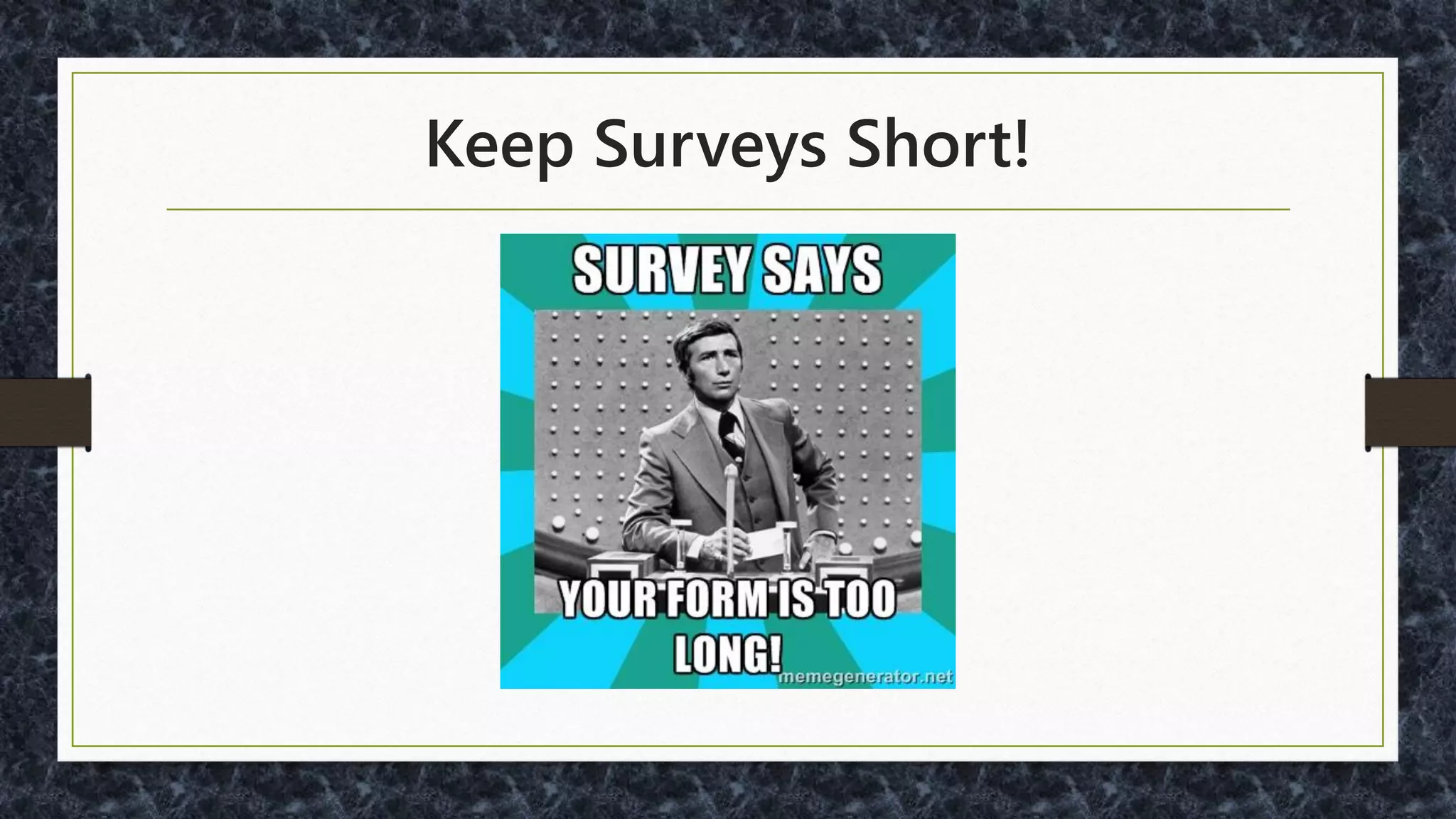
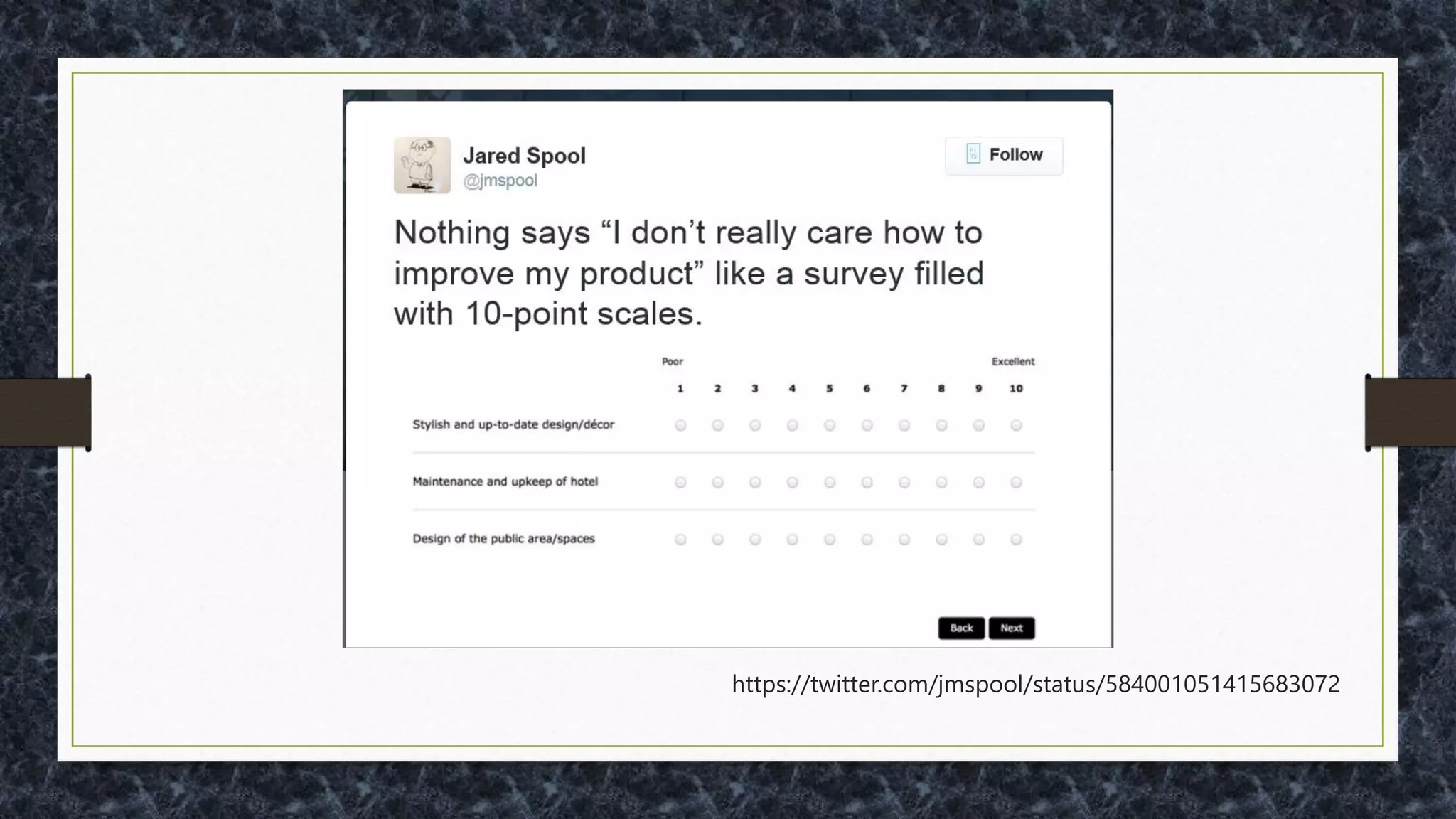
Keep Surveys Short!
https://twitter.com/jmspool/status/584001051415683072
For More on Surveys:
• https://www.uie.com/brainsparks/2015/09/24/stop
-doing-survey-research/
• https://www.uie.com/brainsparks/2010/12/26/19-
lessons-from-united-airlines-on-how-to-build-a-
crappy-survey/
• http://www.nngroup.com/articles/keep-online-
surveys-short/
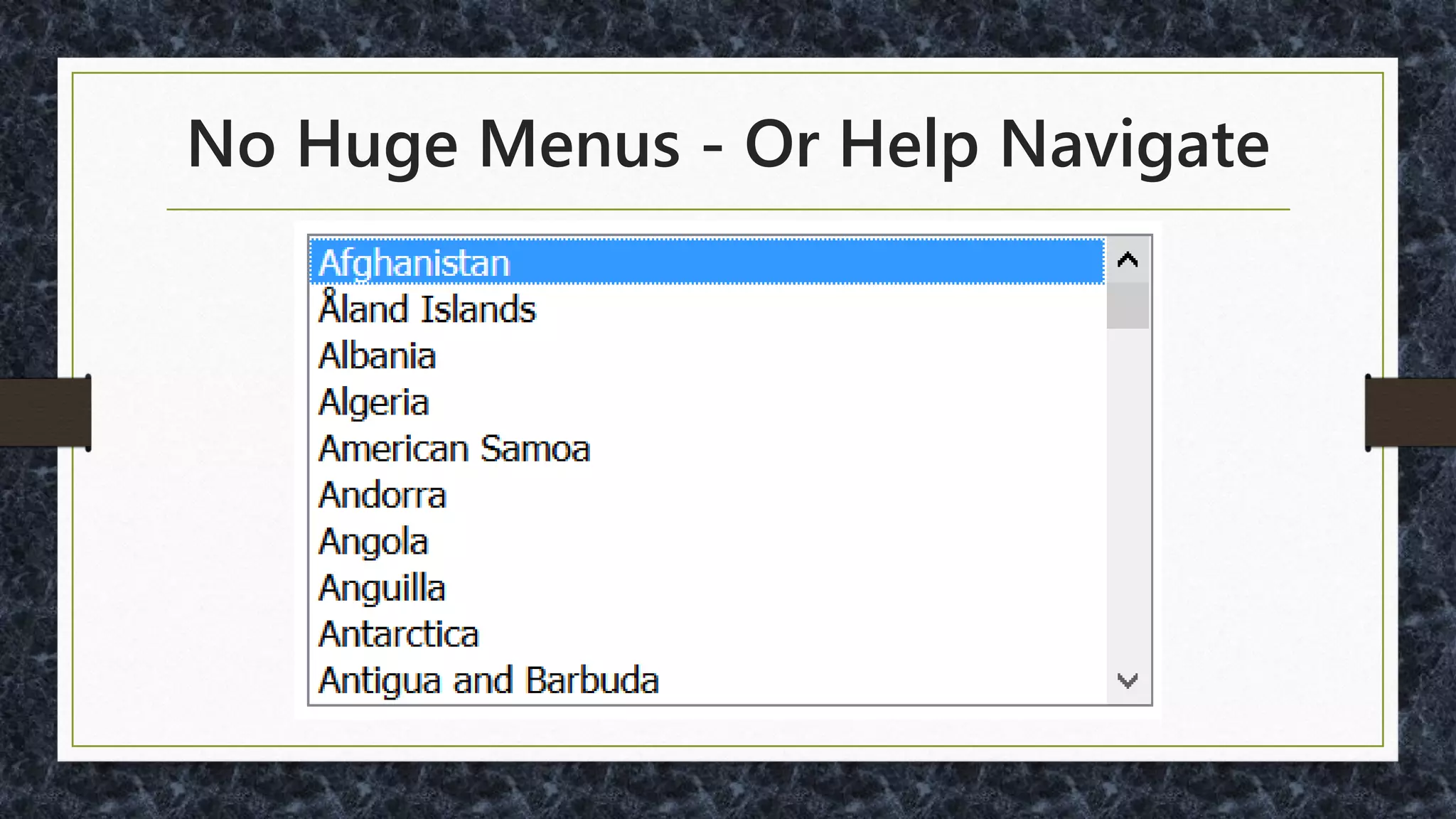
No Huge Menus - Or Help Navigate
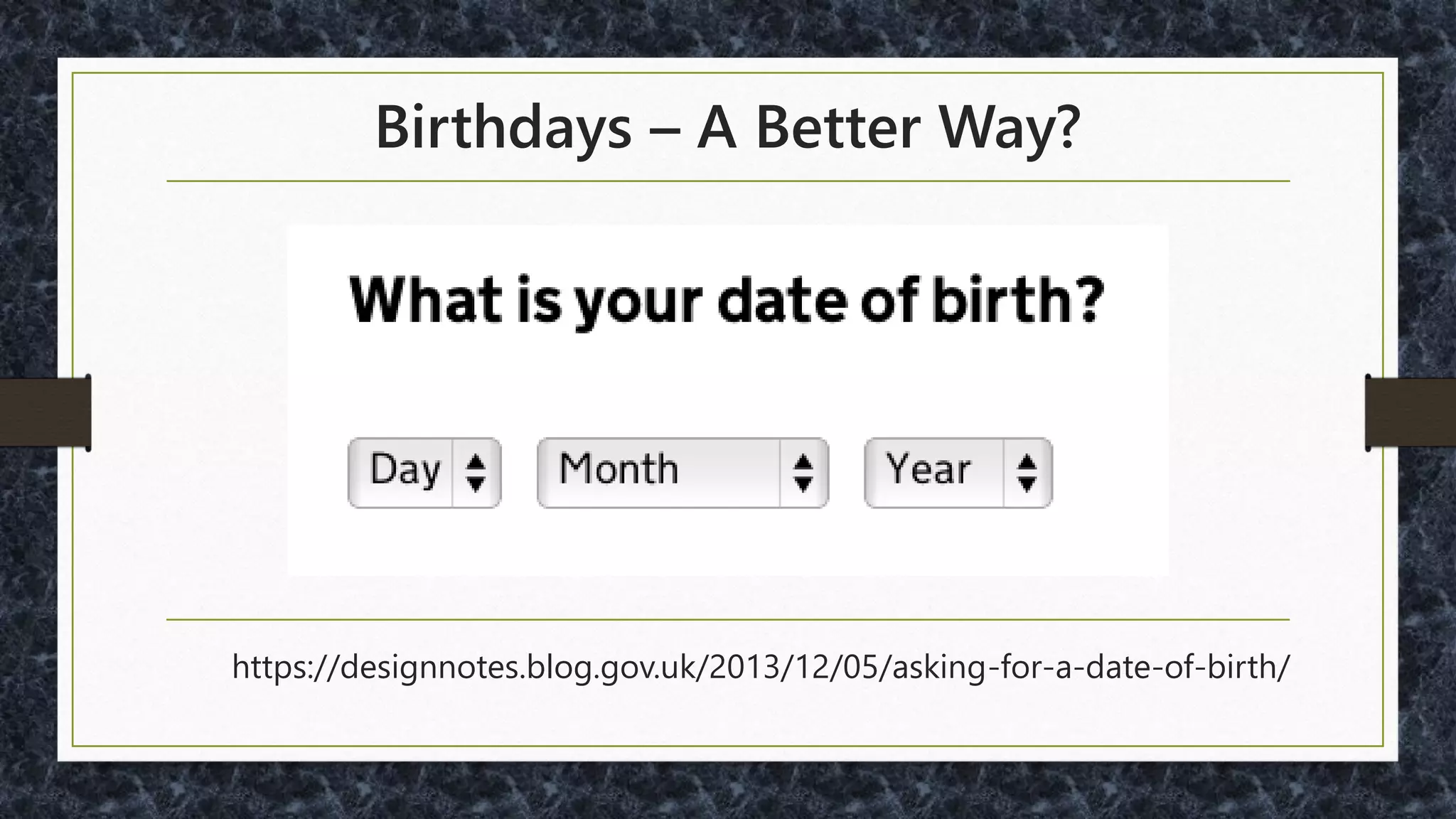
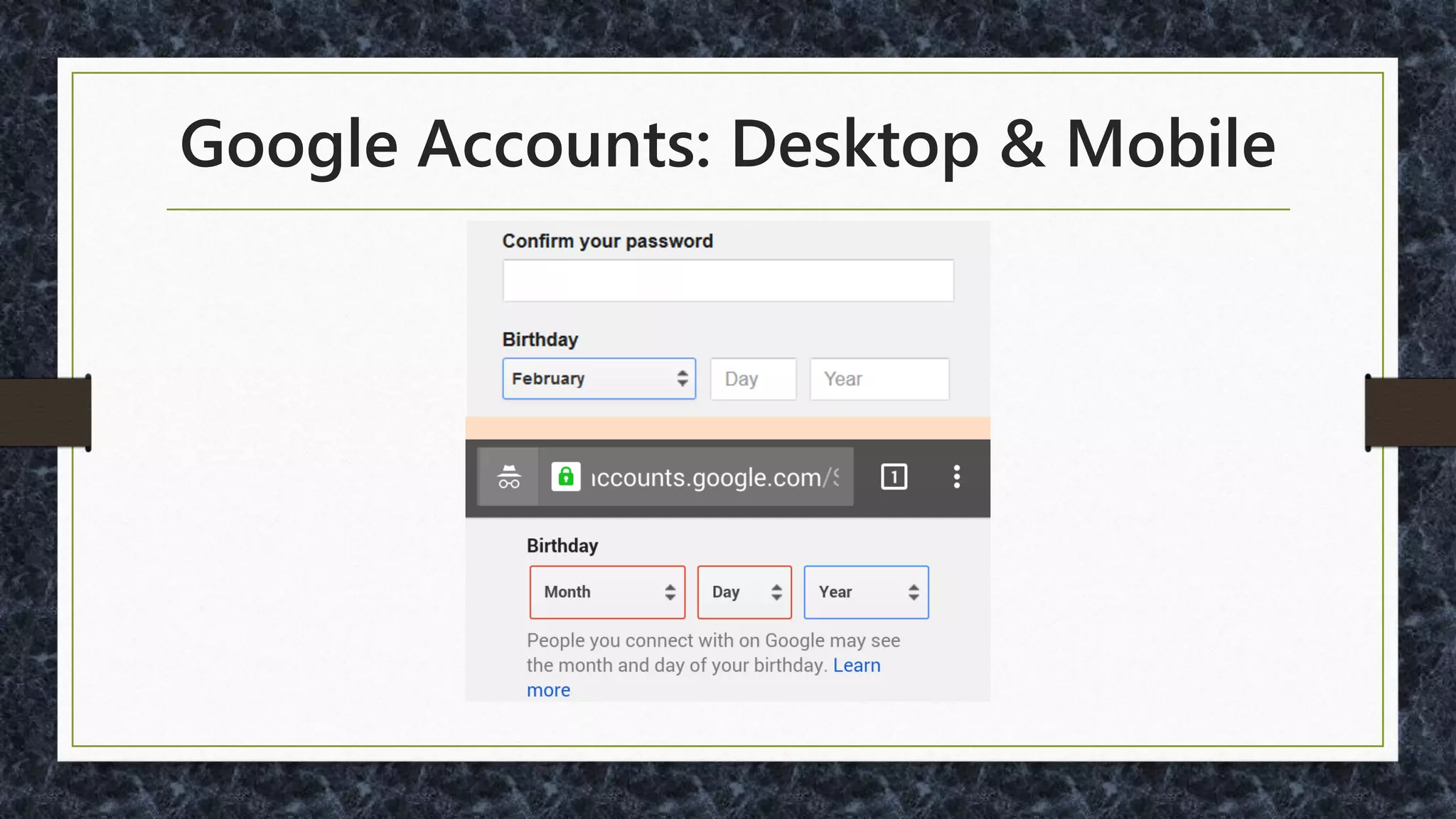
Birthdays – A Better Way?
https://designnotes.blog.gov.uk/2013/12/05/asking-for-a-date-of-birth/
Some Debate on Birthday UI
• Numeric text only?
• Pulldowns?
• Calendar Popup
• http://ux.stackexchange.com/questions/5119/
• http://ux.stackexchange.com/questions/41059/
Google Accounts: Desktop & Mobile
Automate!
Autodetect Location: IP or Geolocation
• http://ip2location.com
• http://dev.maxmind.com/geoip/geoip2/geolite2/
• http://dev.w3.org/geo/api/spec-source.html
• https://developers.google.com/maps/documentati
on/javascript/examples/geocoding-reverse
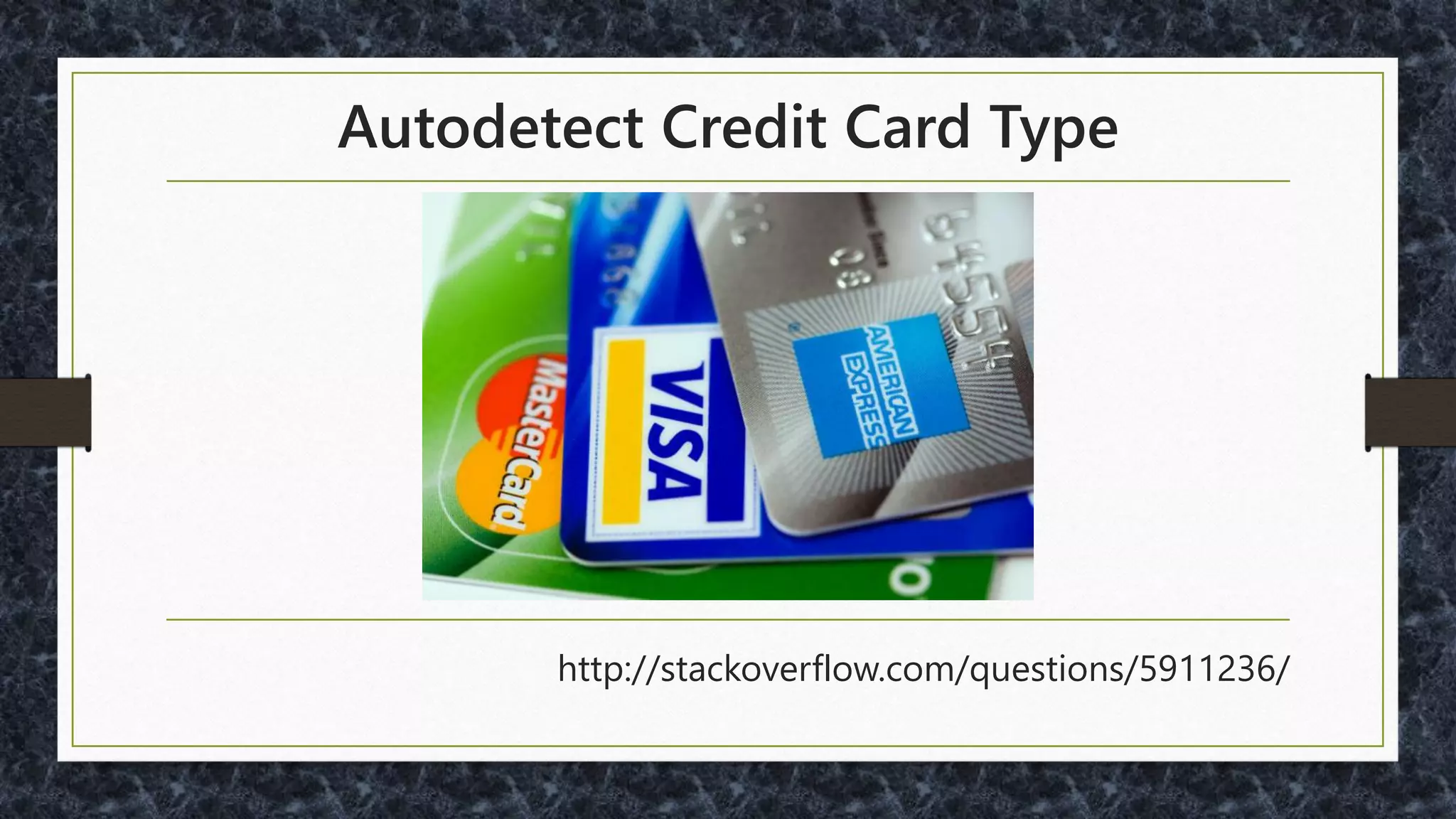
Autodetect Credit Card Type
http://stackoverflow.com/questions/5911236/
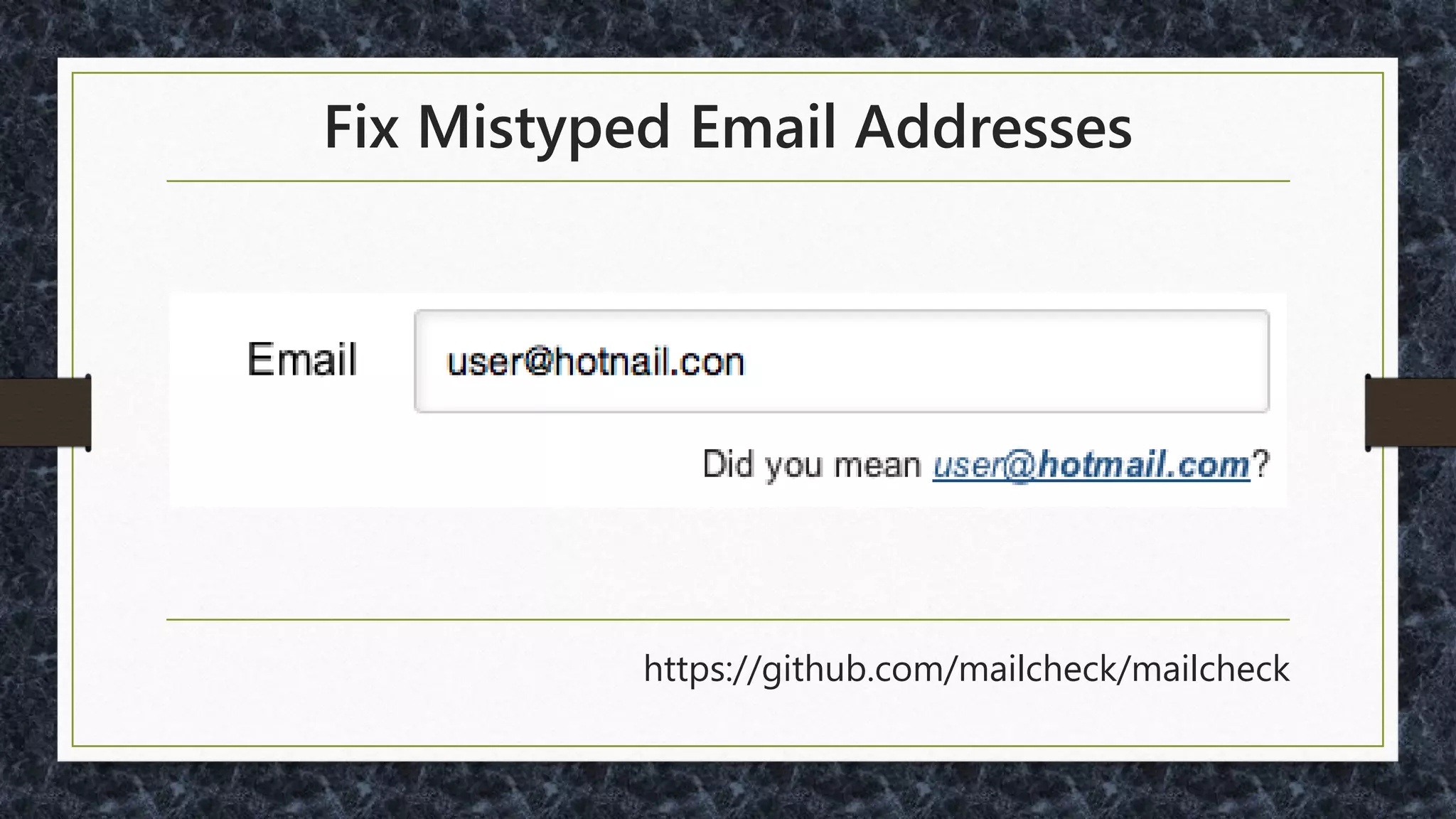
Fix Mistyped Email Addresses
https://github.com/mailcheck/mailcheck
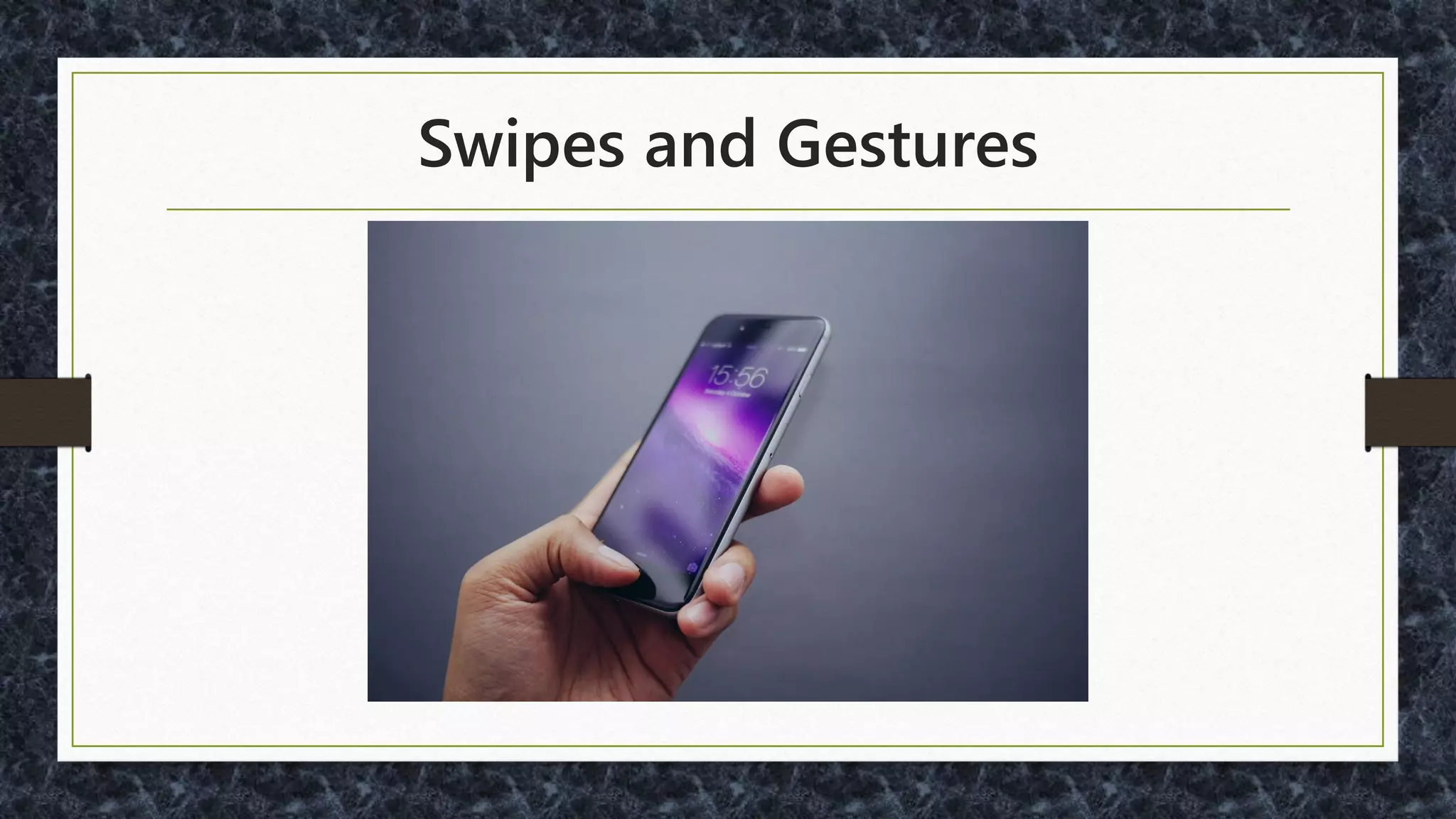
Swipes and Gestures
•Pull to Refresh
•Zoom
•Rotate
•OS/specific (five-finger pinch on iOS)
"What used to be a simple app turned into a
MESS with the last update. I used to be able
to pull up the app and view all the info I
wanted to see QUICKLY and effortlessly on
default page... NOW I have to flip between 3-
4 screens or scroll around to find this info. I
don't have time to play these hide and
seek games… "
Donald A. Norman and Jakob Nielsen:
"In Apple Mail, to delete an unread item, swipe right
across the unopened mail and a dialog appears,
allowing you to delete the item. Open the email and the
same operation has no result. In the Apple calendar, the
operation does not work. How is anyone to know,
first, that this magical gesture exists, and second,
whether it operates in any particular setting?"
http://www.jnd.org/dn.mss/gestural_interfaces_a_step_backwards_in_usability_6.html
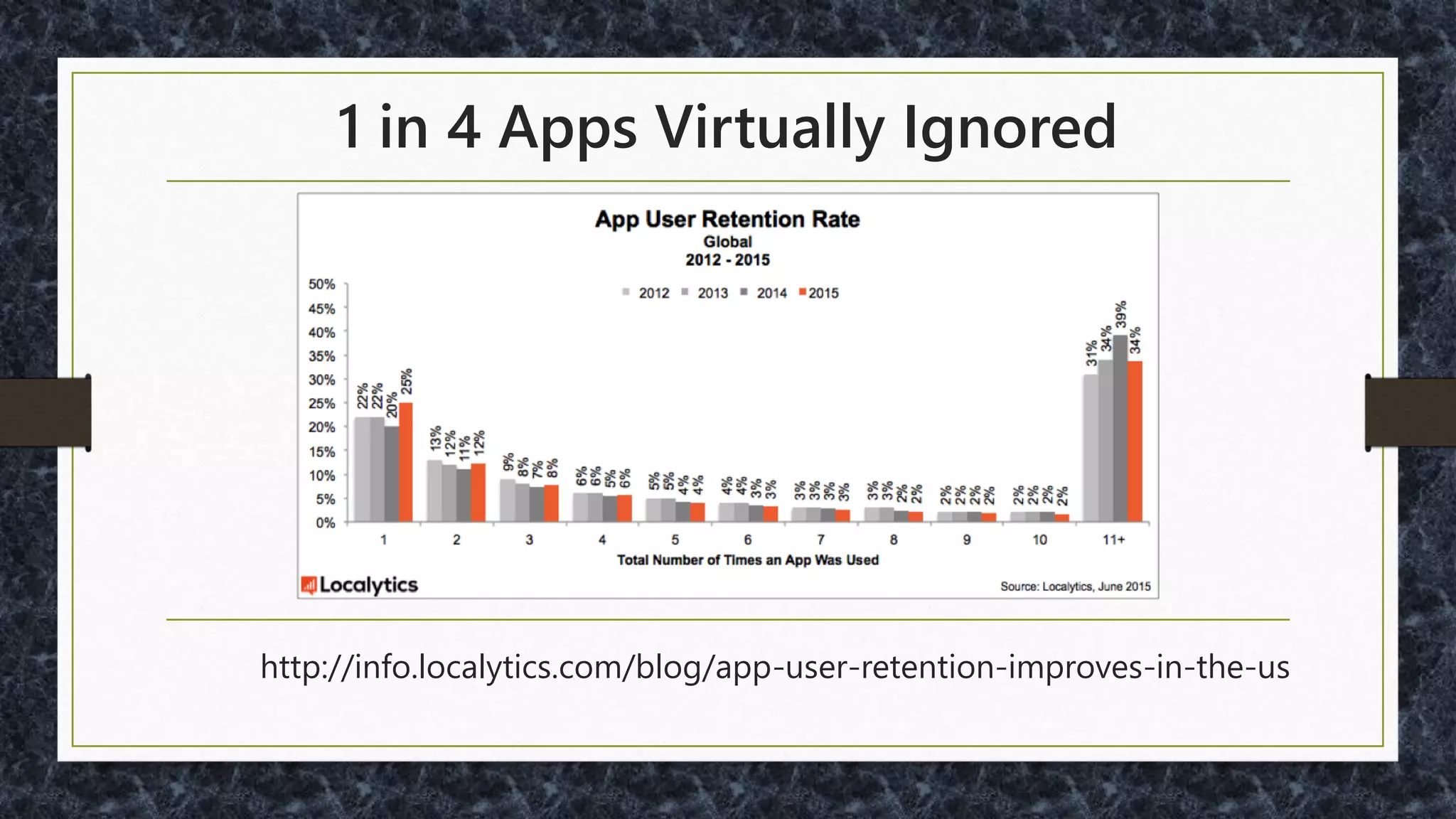
1 in 4 Apps Virtually Ignored
http://info.localytics.com/blog/app-user-retention-improves-in-the-us
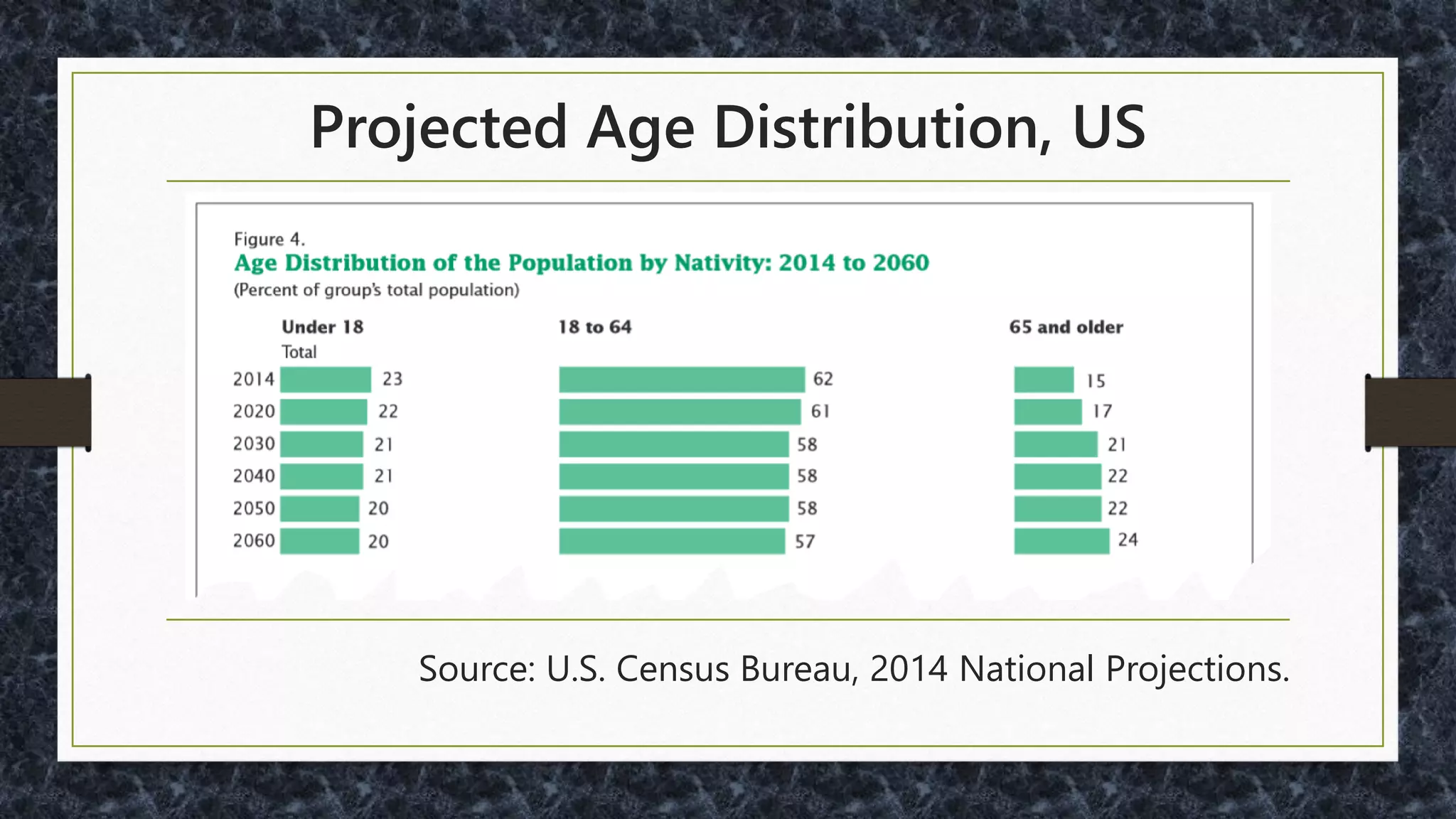
Your UI vs. Projected Age Distribution, US
Source: U.S. Census Bureau, 2014 National Projections.
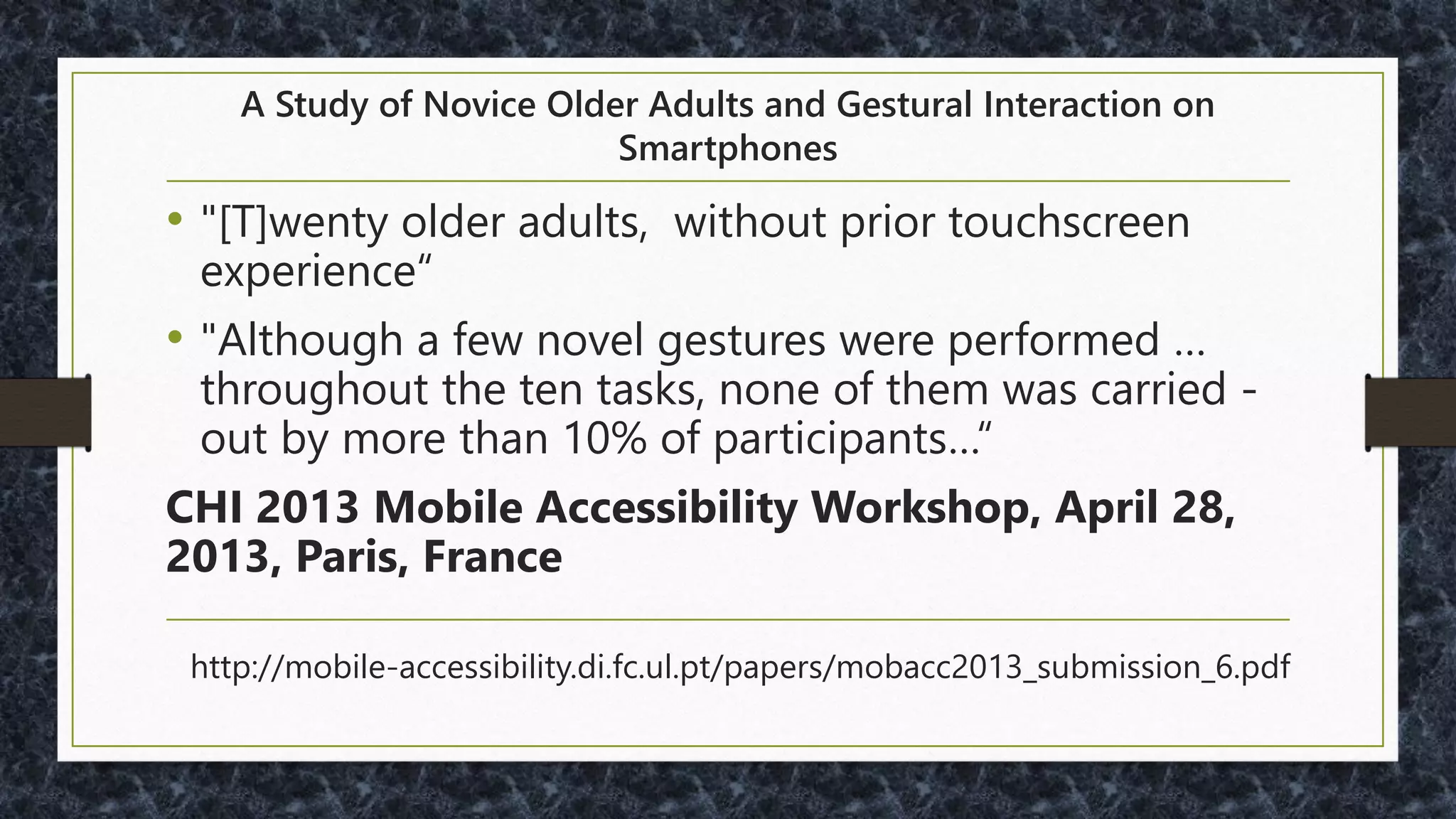
A Study of Novice Older Adults and Gestural Interaction on Smartphones
• "[T]wenty older adults, without prior touchscreen
experience“
• "Although a few novel gestures were performed …
throughout the ten tasks, none of them was carried -
out by more than 10% of participants…“
CHI 2013 Mobile Accessibility Workshop, April 28,
2013, Paris, France
http://mobile-accessibility.di.fc.ul.pt/papers/mobacc2013_submission_6.pdf
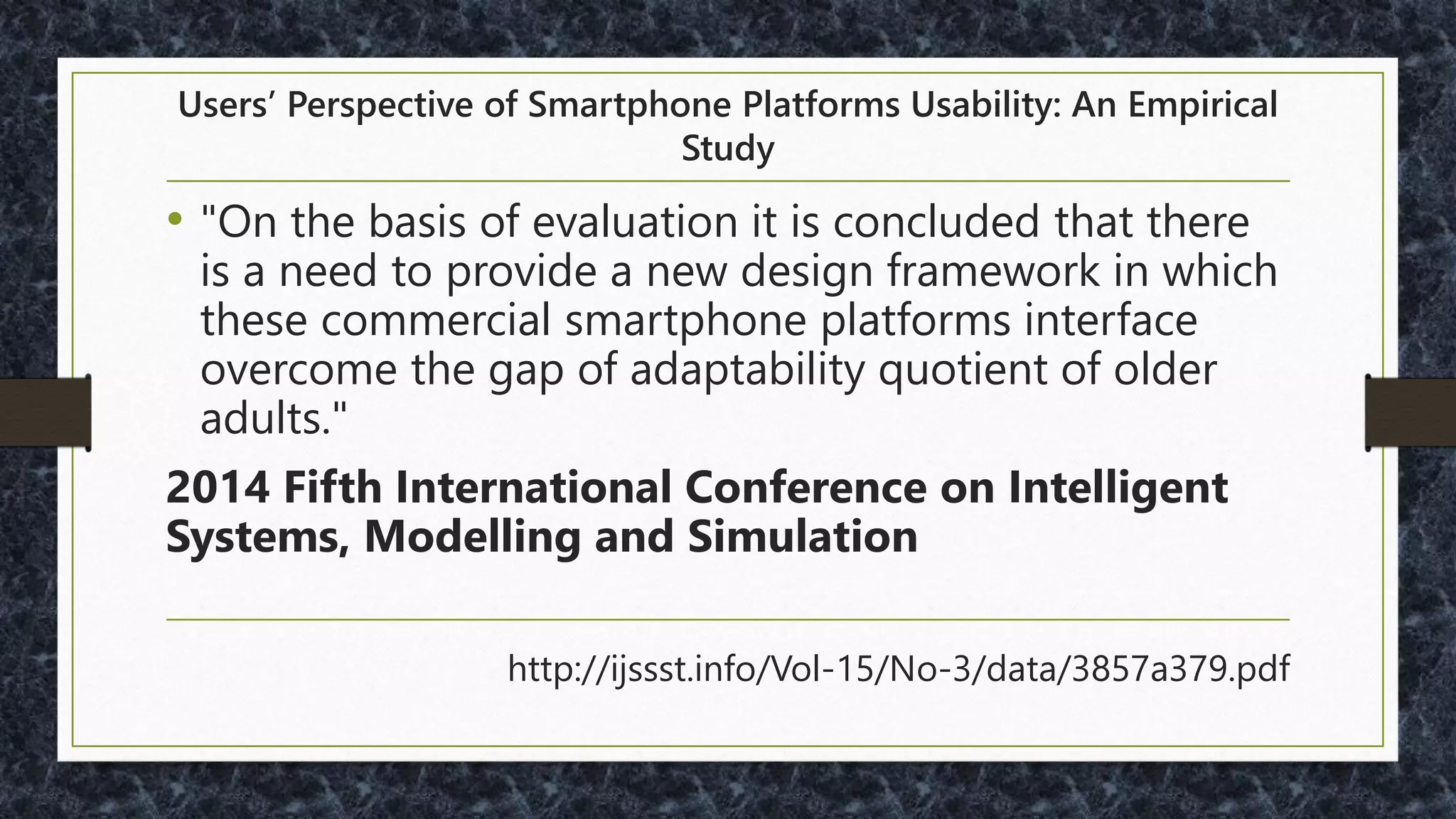
Users’ Perspective of Smartphone Platforms Usability: An Empirical Study
• "On the basis of evaluation it is concluded that there
is a need to provide a new design framework in which
these commercial smartphone platforms interface
overcome the gap of adaptability quotient of older
adults."
2014 Fifth International Conference on Intelligent
Systems, Modelling and Simulation
http://ijssst.info/Vol-15/No-3/data/3857a379.pdf
PointClear - Optimizing mHealth Apps for Older Adults: 8 Strategies
• "Most older adults don’t use advanced gestures such
as double-tap, flick, tap and hold, pinch or spread.
Strive to limit your gestures to tap and swipe. If your
app needs to include these advanced gestures, make
sure the actions that are activated are also available
through menus or UI buttons that can be accessed by
tapping or swiping.“
http://blog.pointclearsolutions.com/2014/06/optimizing-mhealth-apps-older-adults-8-strategies/
Perceived Affordance
• "Does the user perceive that clicking on that
location is a meaningful, useful action to
perform?"
http://www.jnd.org/dn.mss/affordances_and.html
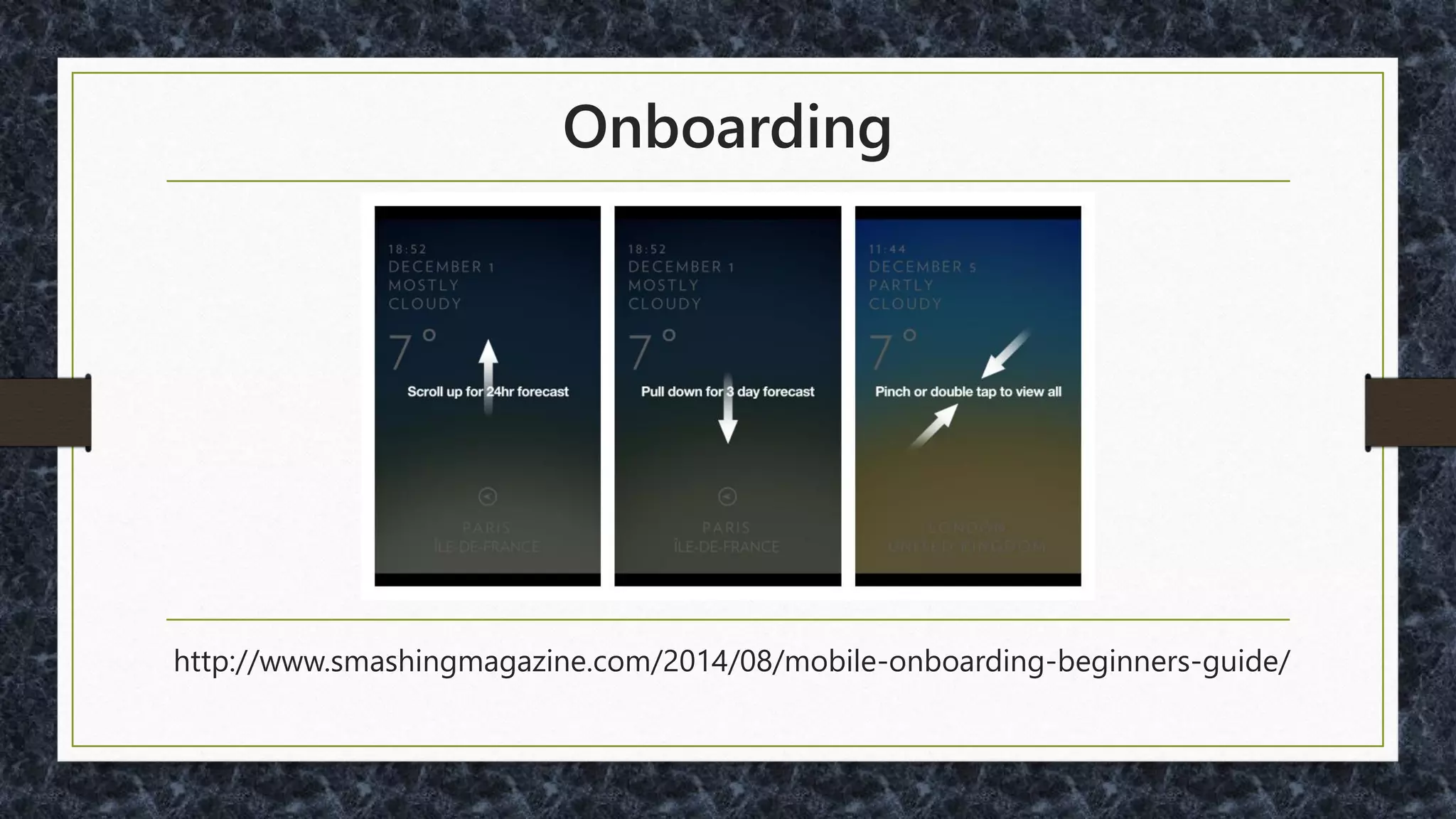
Onboarding
http://www.smashingmagazine.com/2014/08/mobile-onboarding-beginners-guide/
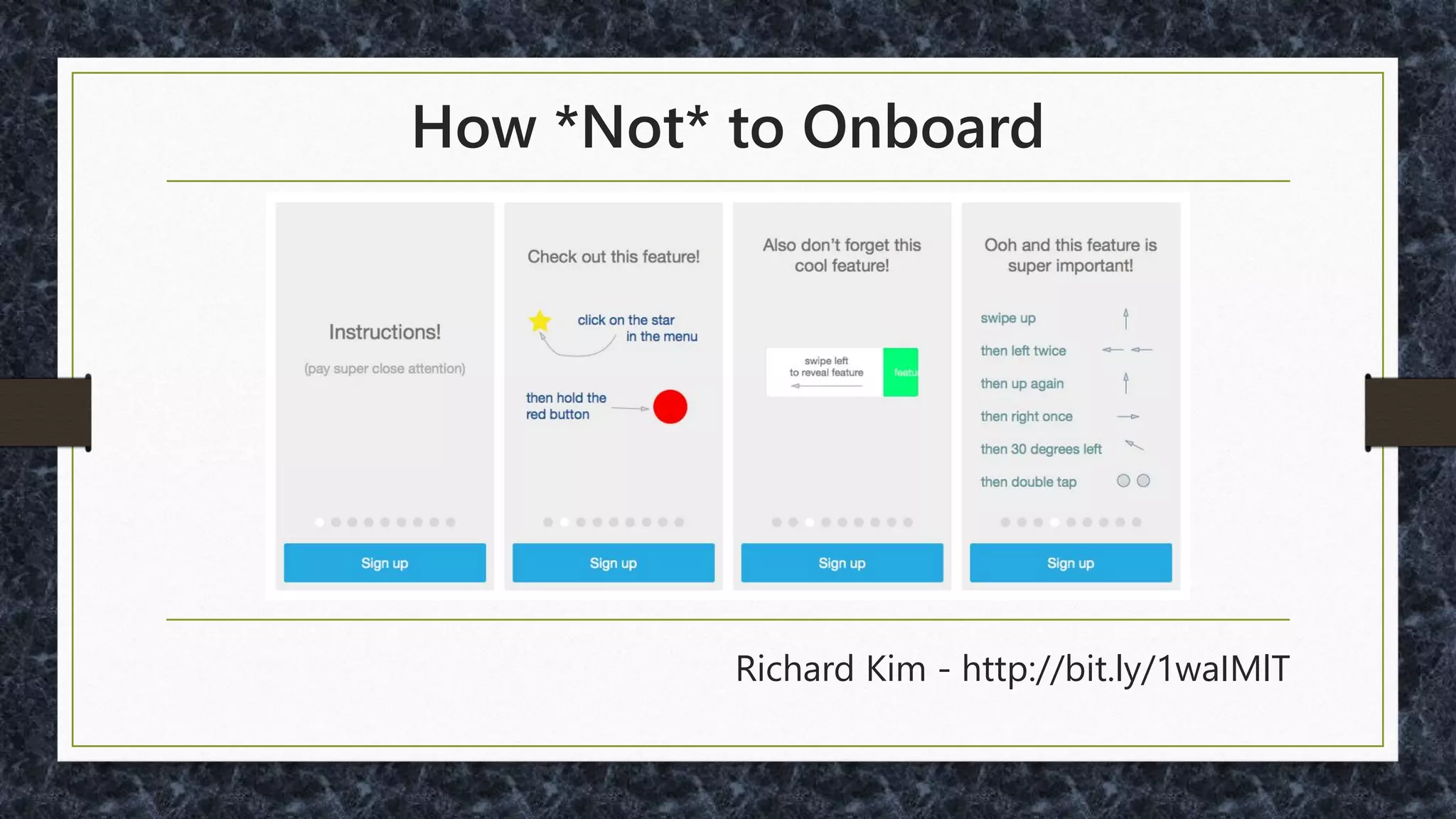
How *Not* to Onboard
Richard Kim - http://bit.ly/1waIMlT
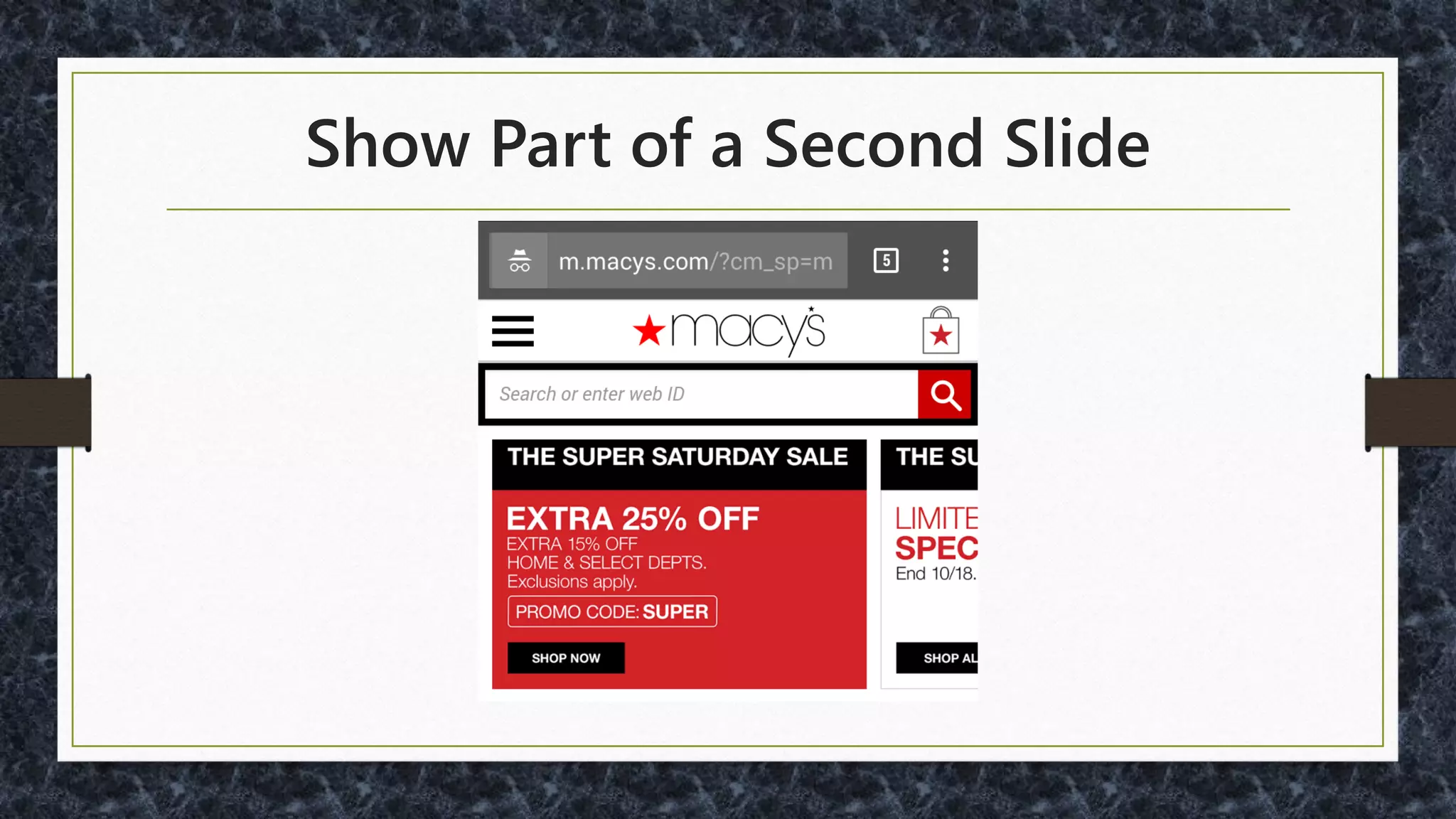
Show Part of a Second Slide
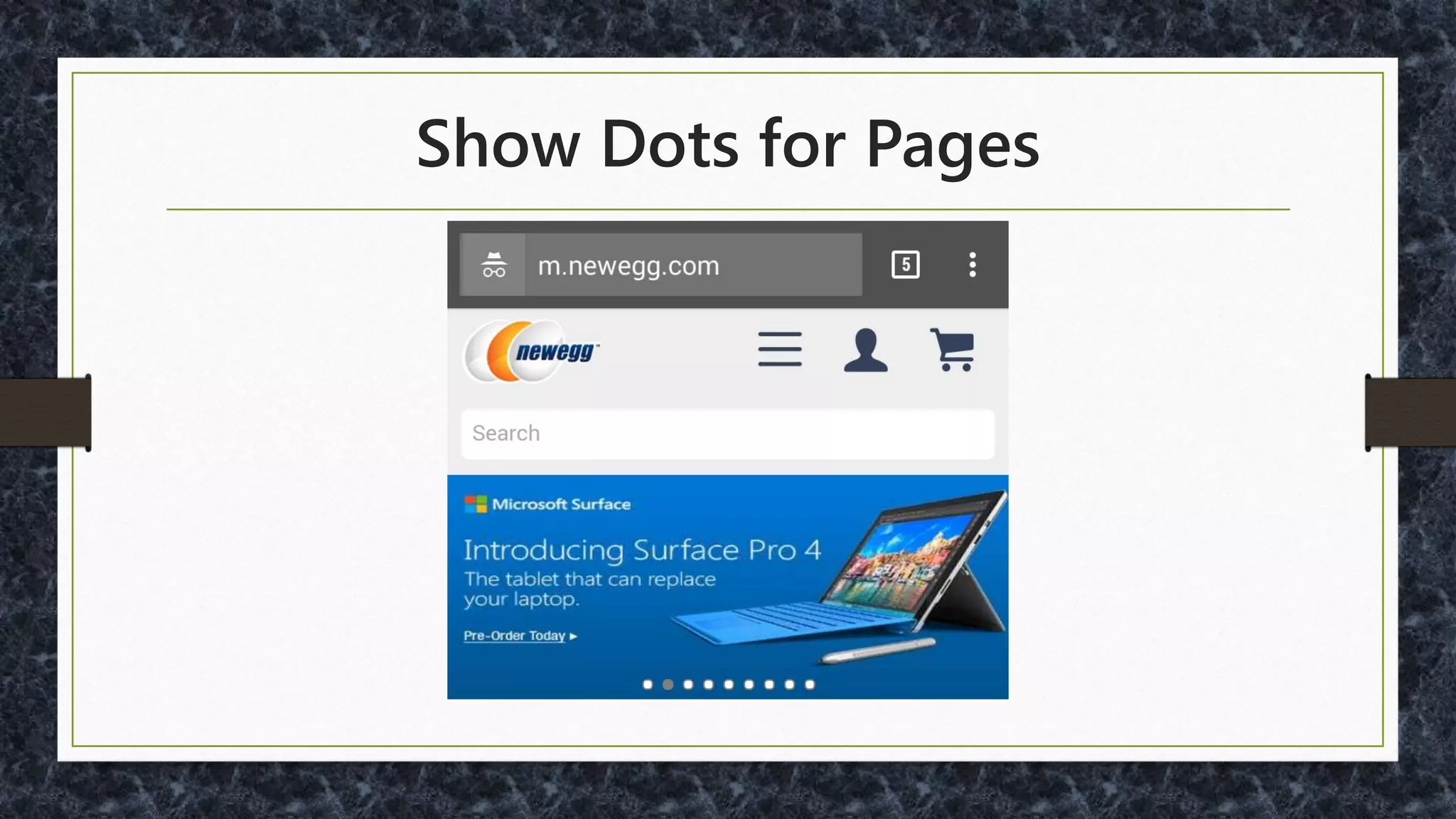
Show Dots for Pages
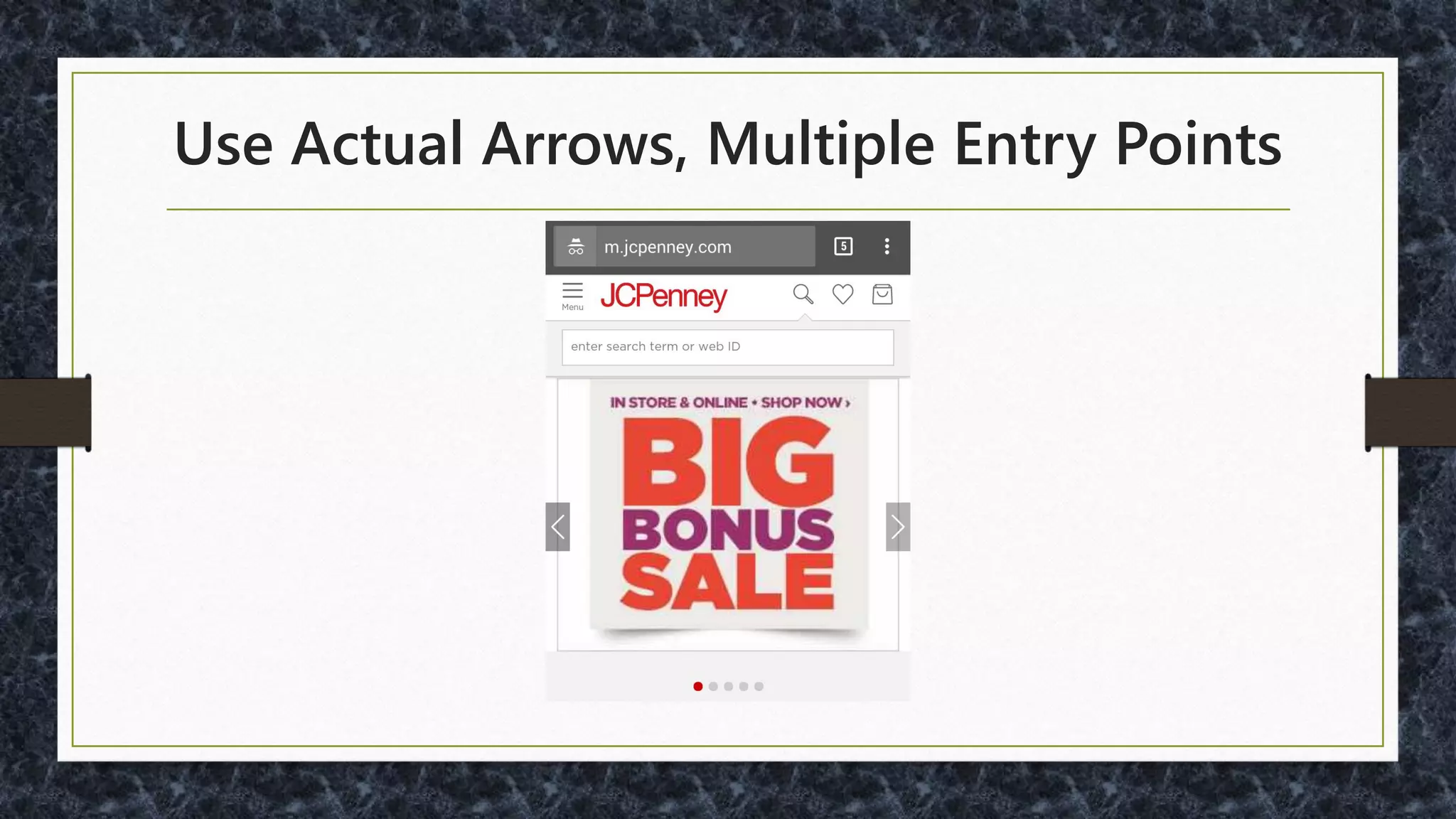
Use Actual Arrows, Multiple Entry Points
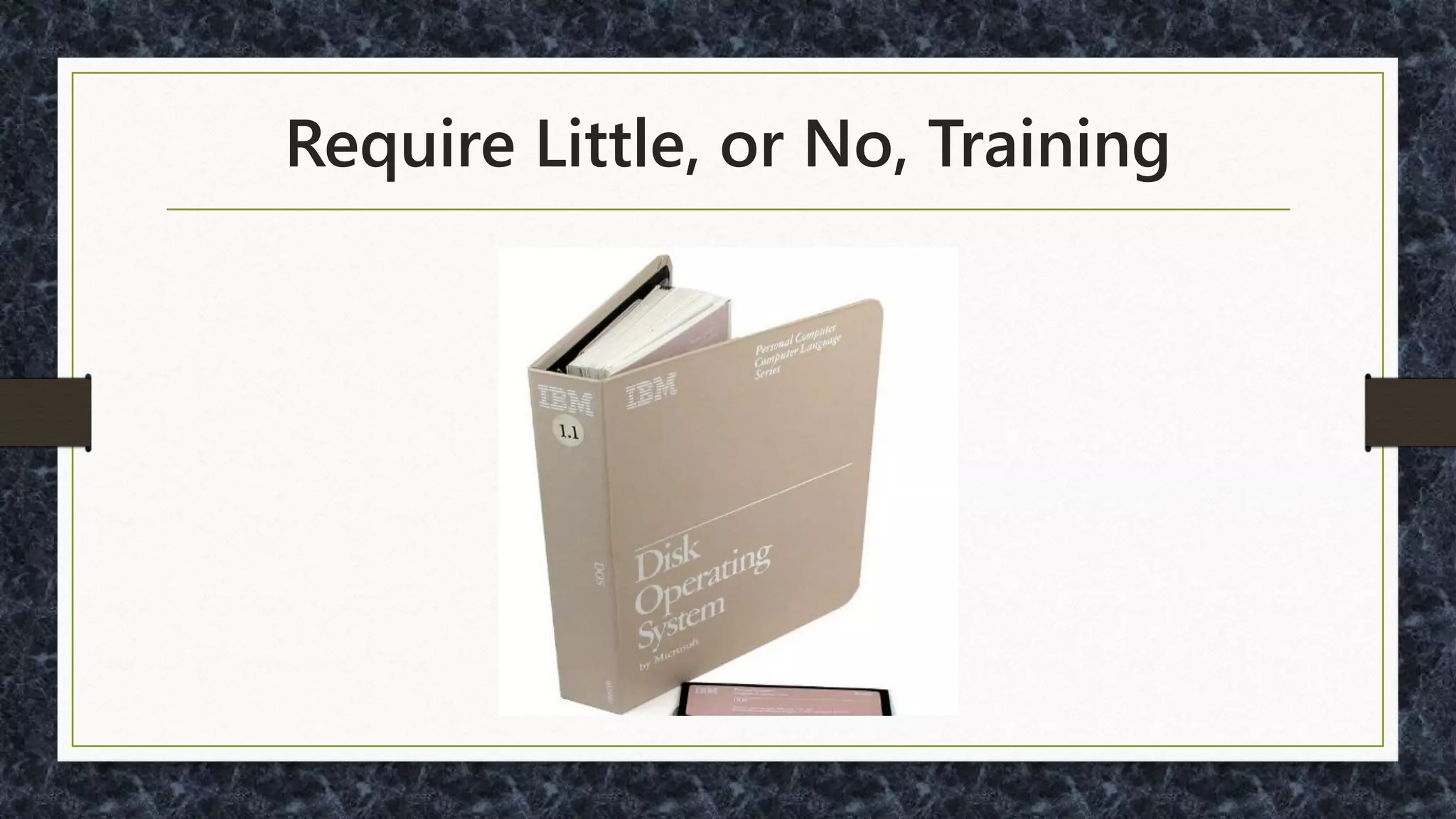
Require Little - or No - Training
Make Navigation Easier
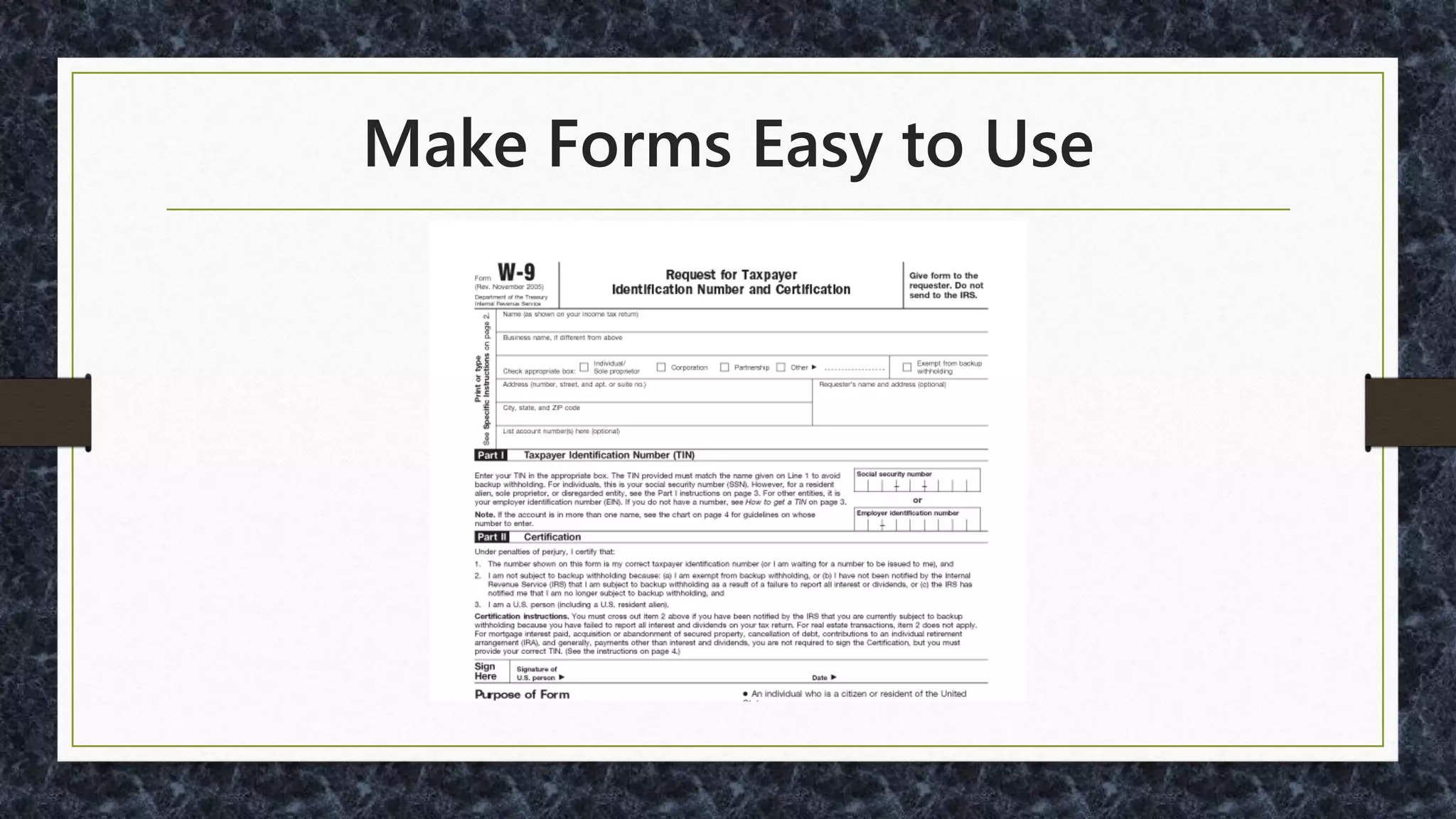
Make Forms Easier to Use
Swipe / Gesture Alternatives and/or Affordances
Make People Happy
Thanks for coming!
@malekontheweb
http://www.malektips.com/
• Company webpage screenshots are used for
illustrative purposes only and do not represent
endorsement of any kind.
• JavaScript framework logos are used for illustrative
purposes only and do not represent endorsement of
any kind.
• Some photos are from stock library sites such as
https://pixabay.com as well as public domain photos
on https://commons.wikimedia.org where
attribution is not requested.
• © 2015-2016 Andrew Malek.

Responsive Design and Development "Gotchas"

  • 1.
  • 2.
  • 3.
  • 4.
    Andrew Malek UI/UX Developer NCRCorporation, Retail Solutions Division @malekontheweb http://www.malektips.com/
  • 5.
  • 6.
    Android Screen SizeFragmentation http://opensignal.com/reports/2015/08/android-fragmentation/
  • 7.
    And iOS Devices…(Air, Pro, Plus, …) http://iosres.com/
  • 8.
    “Common Sense is NotSo Common” - Voltaire
  • 9.
    You Won’t BelieveThis About Cell Phones!
  • 10.
  • 11.
  • 12.
    •WHO is usingmy site? •WHAT are their main goals? •WHEN to use timely information? •WHERE are users going? •WHY?
  • 14.
    For More onContent Strategy • http://www.usability.gov/what-and-why/content- strategy.html • http://alistapart.com/article/audiences-outcomes- and-determining-user-needs • https://uxmag.com/articles/content-strategy-and- ux-a-modern-love-story
  • 16.
    "The hamburger icon,used most egregiously, allows you to put 500 options into a mobile app without doing the hard work of actually figuring out what belongs there“ - Luke Wroblewski - http://www.bbc.com/news/magazine-31602745
  • 17.
  • 18.
  • 19.
    Use a Wordin the Menu
  • 20.
    Menu Word Studies: •http://www.catalystnyc.com/2015/02/navigating- mobile-hamburger-menu-anyone-get/ • http://moovweb.com/blog/hamburger-menu-handy- tool-or-useless-icon/ • http://conversionxl.com/testing-hamburger-icon- revenue/ • http://www.peakusability.com.au/articles/mobile-ux- part-1-menu-burgers-and-navicons
  • 21.
  • 22.
  • 23.
  • 24.
    Forms Sample Uses •Signup/ Login •Shopping Cart Checkout •Survey •Advanced Search / Filtering •Post / Reply to Messages
  • 25.
  • 26.
  • 28.
  • 29.
    Don’t Force aLogin When Possible
  • 30.
  • 31.
    Phone Number Signup Oneoption: Digits SDK (from Twitter) - SMS and Confirmation Code •https://fabric.io/kits/ios/digits •https://fabric.io/kits/android/digits
  • 32.
    Must You AskOther Questions? • Need the real name? • Need age? • Need to ask the gender? • If so, consider to reduce chance of being offensive: http://ux.stackexchange.com/questions/19923/
  • 33.
    Social Network Signup/ Login • Reduce Typing • Google: https://developers.google.com/identity/ • Facebook: https://developers.facebook.com/docs/facebook-login • Yahoo!: https://developer.yahoo.com/openid/ • OpenID: http://openid.net/
  • 34.
  • 35.
    Option to ShowPassword?
  • 36.
    JavaScript to ShowPassword: • Bootstrap: https://github.com/wenzhixin/bootstrap-show- password • jQuery: https://github.com/cloudfour/hideShowPassword
  • 37.
    Password Strength Meter: jQueryand Bootstrap: https://github.com/ablanco/jquery.pwstrength.bootstrap
  • 38.
    Are Password StrengthMeters Best? Google “Correct Horse Battery Staple” for an alternate opinion…
  • 39.
  • 40.
  • 41.
    For More onSurveys: • https://www.uie.com/brainsparks/2015/09/24/stop -doing-survey-research/ • https://www.uie.com/brainsparks/2010/12/26/19- lessons-from-united-airlines-on-how-to-build-a- crappy-survey/ • http://www.nngroup.com/articles/keep-online- surveys-short/
  • 42.
    No Huge Menus- Or Help Navigate
  • 43.
    Birthdays – ABetter Way? https://designnotes.blog.gov.uk/2013/12/05/asking-for-a-date-of-birth/
  • 44.
    Some Debate onBirthday UI • Numeric text only? • Pulldowns? • Calendar Popup • http://ux.stackexchange.com/questions/5119/ • http://ux.stackexchange.com/questions/41059/
  • 45.
  • 46.
  • 47.
    Autodetect Location: IPor Geolocation • http://ip2location.com • http://dev.maxmind.com/geoip/geoip2/geolite2/ • http://dev.w3.org/geo/api/spec-source.html • https://developers.google.com/maps/documentati on/javascript/examples/geocoding-reverse
  • 48.
    Autodetect Credit CardType http://stackoverflow.com/questions/5911236/
  • 49.
    Fix Mistyped EmailAddresses https://github.com/mailcheck/mailcheck
  • 50.
    Swipes and Gestures •Pullto Refresh •Zoom •Rotate •OS/specific (five-finger pinch on iOS)
  • 52.
    "What used tobe a simple app turned into a MESS with the last update. I used to be able to pull up the app and view all the info I wanted to see QUICKLY and effortlessly on default page... NOW I have to flip between 3- 4 screens or scroll around to find this info. I don't have time to play these hide and seek games… "
  • 53.
    Donald A. Normanand Jakob Nielsen: "In Apple Mail, to delete an unread item, swipe right across the unopened mail and a dialog appears, allowing you to delete the item. Open the email and the same operation has no result. In the Apple calendar, the operation does not work. How is anyone to know, first, that this magical gesture exists, and second, whether it operates in any particular setting?" http://www.jnd.org/dn.mss/gestural_interfaces_a_step_backwards_in_usability_6.html
  • 54.
    1 in 4Apps Virtually Ignored http://info.localytics.com/blog/app-user-retention-improves-in-the-us
  • 55.
    Your UI vs.Projected Age Distribution, US Source: U.S. Census Bureau, 2014 National Projections.
  • 56.
    A Study ofNovice Older Adults and Gestural Interaction on Smartphones • "[T]wenty older adults, without prior touchscreen experience“ • "Although a few novel gestures were performed … throughout the ten tasks, none of them was carried - out by more than 10% of participants…“ CHI 2013 Mobile Accessibility Workshop, April 28, 2013, Paris, France http://mobile-accessibility.di.fc.ul.pt/papers/mobacc2013_submission_6.pdf
  • 57.
    Users’ Perspective ofSmartphone Platforms Usability: An Empirical Study • "On the basis of evaluation it is concluded that there is a need to provide a new design framework in which these commercial smartphone platforms interface overcome the gap of adaptability quotient of older adults." 2014 Fifth International Conference on Intelligent Systems, Modelling and Simulation http://ijssst.info/Vol-15/No-3/data/3857a379.pdf
  • 58.
    PointClear - OptimizingmHealth Apps for Older Adults: 8 Strategies • "Most older adults don’t use advanced gestures such as double-tap, flick, tap and hold, pinch or spread. Strive to limit your gestures to tap and swipe. If your app needs to include these advanced gestures, make sure the actions that are activated are also available through menus or UI buttons that can be accessed by tapping or swiping.“ http://blog.pointclearsolutions.com/2014/06/optimizing-mhealth-apps-older-adults-8-strategies/
  • 59.
    Perceived Affordance • "Doesthe user perceive that clicking on that location is a meaningful, useful action to perform?" http://www.jnd.org/dn.mss/affordances_and.html
  • 60.
  • 61.
    How *Not* toOnboard Richard Kim - http://bit.ly/1waIMlT
  • 62.
    Show Part ofa Second Slide
  • 63.
  • 64.
    Use Actual Arrows,Multiple Entry Points
  • 66.
    Require Little -or No - Training
  • 67.
  • 68.
  • 69.
    Swipe / GestureAlternatives and/or Affordances
  • 70.
  • 71.
  • 72.
    • Company webpagescreenshots are used for illustrative purposes only and do not represent endorsement of any kind. • JavaScript framework logos are used for illustrative purposes only and do not represent endorsement of any kind. • Some photos are from stock library sites such as https://pixabay.com as well as public domain photos on https://commons.wikimedia.org where attribution is not requested. • © 2015-2016 Andrew Malek.