
FR106 - UI/UX Design Patterns for Emergent Learning
Technologies
Fri, Jan 26 | 8:30 AM - 9:30 AM | LL20A
Chad Udell
Managing Partner
Evan Scronce
Director of Experience
● Managing Partner at Float
● Faculty for over 10 years at Bradley University in
Interactive Media
● Awarded eLearning Guild Guild Master,
recognition for contributions to the industry
● Author of Learning Everywhere: How Mobile
Content Strategies are Transforming Training
● Editor and Author of Mastering Mobile Learning:
Tips and Techniques for Success - Chad Udell
and Gary Woodil, Dr. Ed.D. (contributing authors
from the Float team)
● Director of Experience Design at Float
● Faculty at General Assembly in Chicago where I
teach Design Thinking
● I specialized in Experience Design. I’ve designed
for some of the most influential companies such
as Google, Ford, Motorola and American Express
● Designed experiences for ergonomic
environments, customer ecosystems, AR, VR,
and mobile apps
Introductions
Chad Evan
2
What are
Emergent
Technologies?
Some clarifications
Something that is new?
Yes, of course.
More Importantly...
Something that is
changing the way that
previous things got done
3
Establishing
Emergence
Who’s tracking this stuff
anyway?
● Government funded research
programs (SBIR, STTR)
● University conferences and
symposiums
● Granting and Charity organizations
● Futurists
● Wired and other publications like
the The Verge, Vox, Gizmodo,
ARS Technica
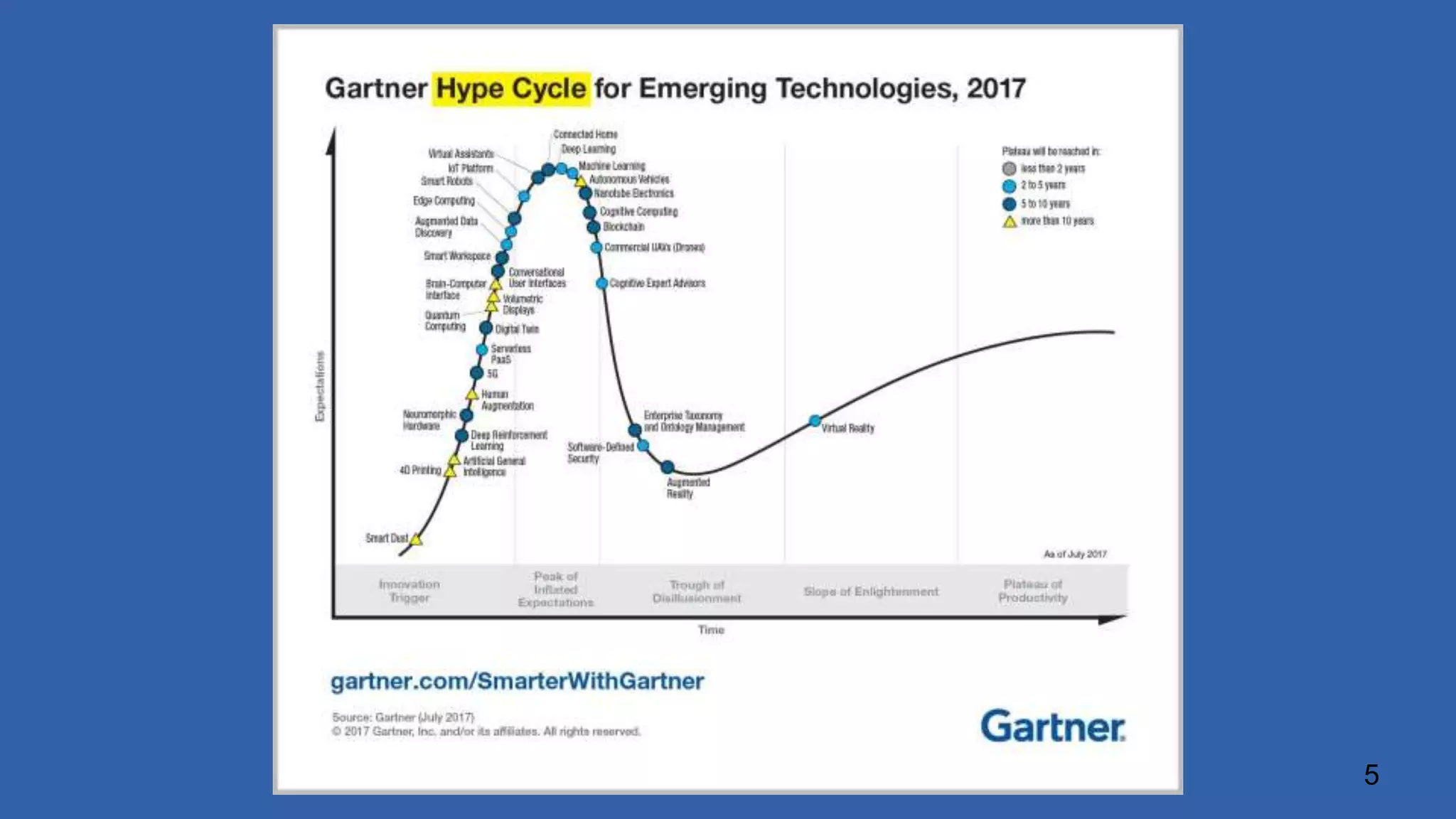
● Gartner Hypecycle
4
5
What are
Design
Patterns?
Think of them as recipes
● re-usable form of a solution to a design
problem
● first used in architecture by Christopher
Alexander
● used consciously and subconsciously
everywhere
● an excellent tool for acclimating yourself in
a new discipline
● respects and embraces the context
● easily shared and learned
6
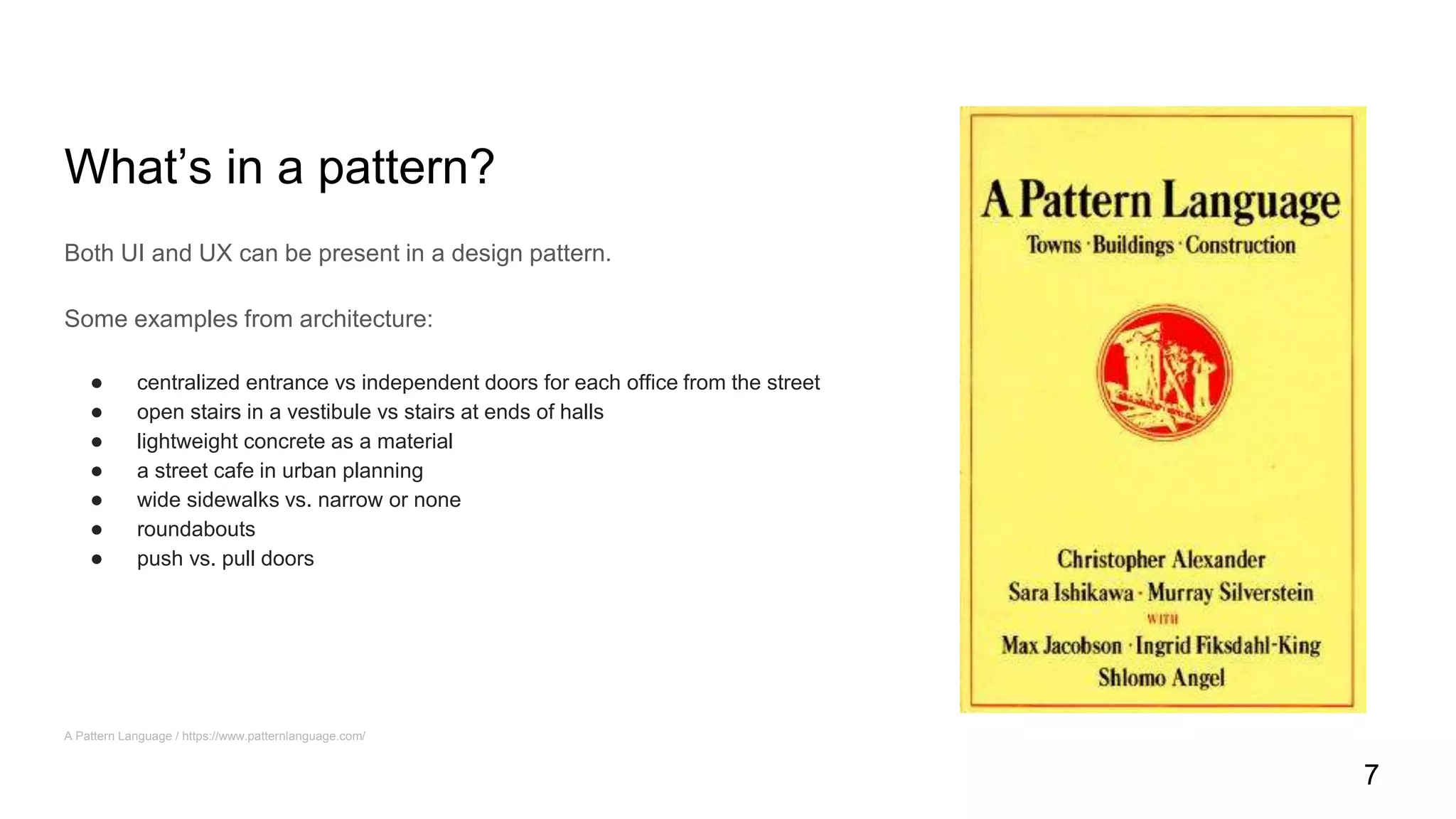
What’s in a pattern?
Both UI and UX can be present in a design pattern.
Some examples from architecture:
● centralized entrance vs independent doors for each office from the street
● open stairs in a vestibule vs stairs at ends of halls
● lightweight concrete as a material
● a street cafe in urban planning
● wide sidewalks vs. narrow or none
● roundabouts
● push vs. pull doors
A Pattern Language / https://www.patternlanguage.com/
7
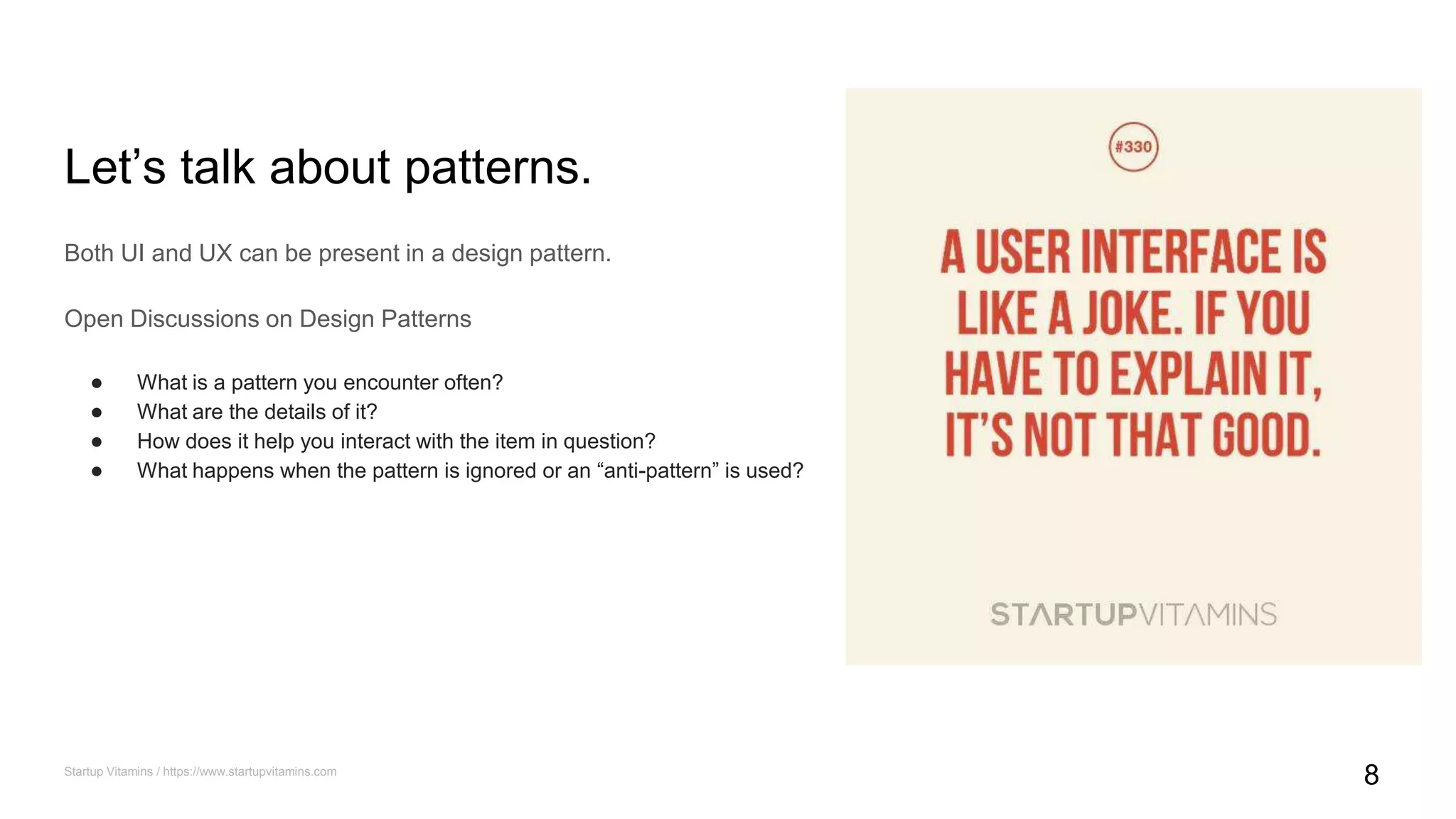
Let’s talk about patterns.
Both UI and UX can be present in a design pattern.
Open Discussions on Design Patterns
● What is a pattern you encounter often?
● What are the details of it?
● How does it help you interact with the item in question?
● What happens when the pattern is ignored or an “anti-pattern” is used?
Startup Vitamins / https://www.startupvitamins.com
8
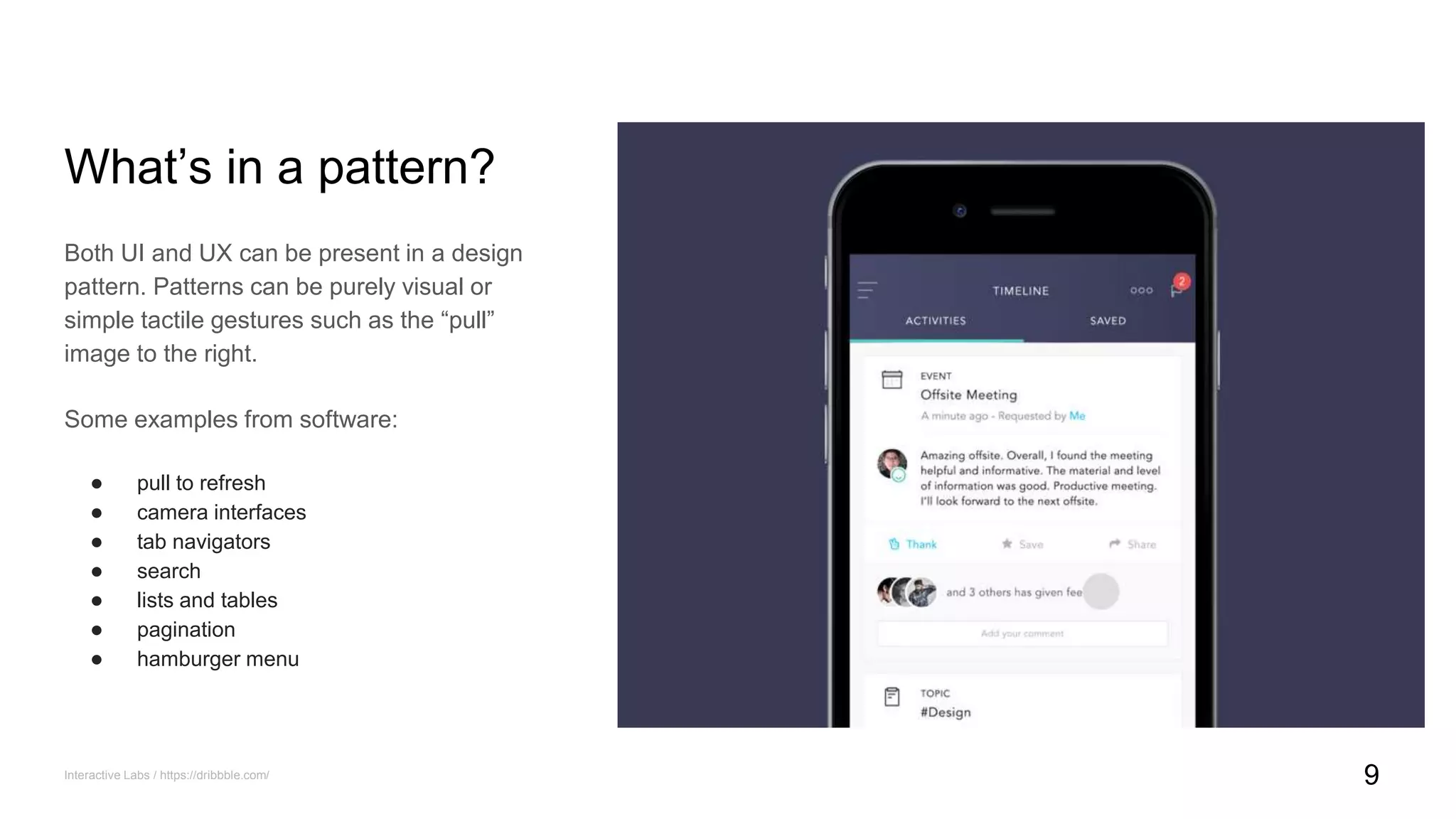
What’s in a pattern?
Both UI and UX can be present in a design
pattern. Patterns can be purely visual or
simple tactile gestures such as the “pull”
image to the right.
Some examples from software:
● pull to refresh
● camera interfaces
● tab navigators
● search
● lists and tables
● pagination
● hamburger menu
Interactive Labs / https://dribbble.com/ 9
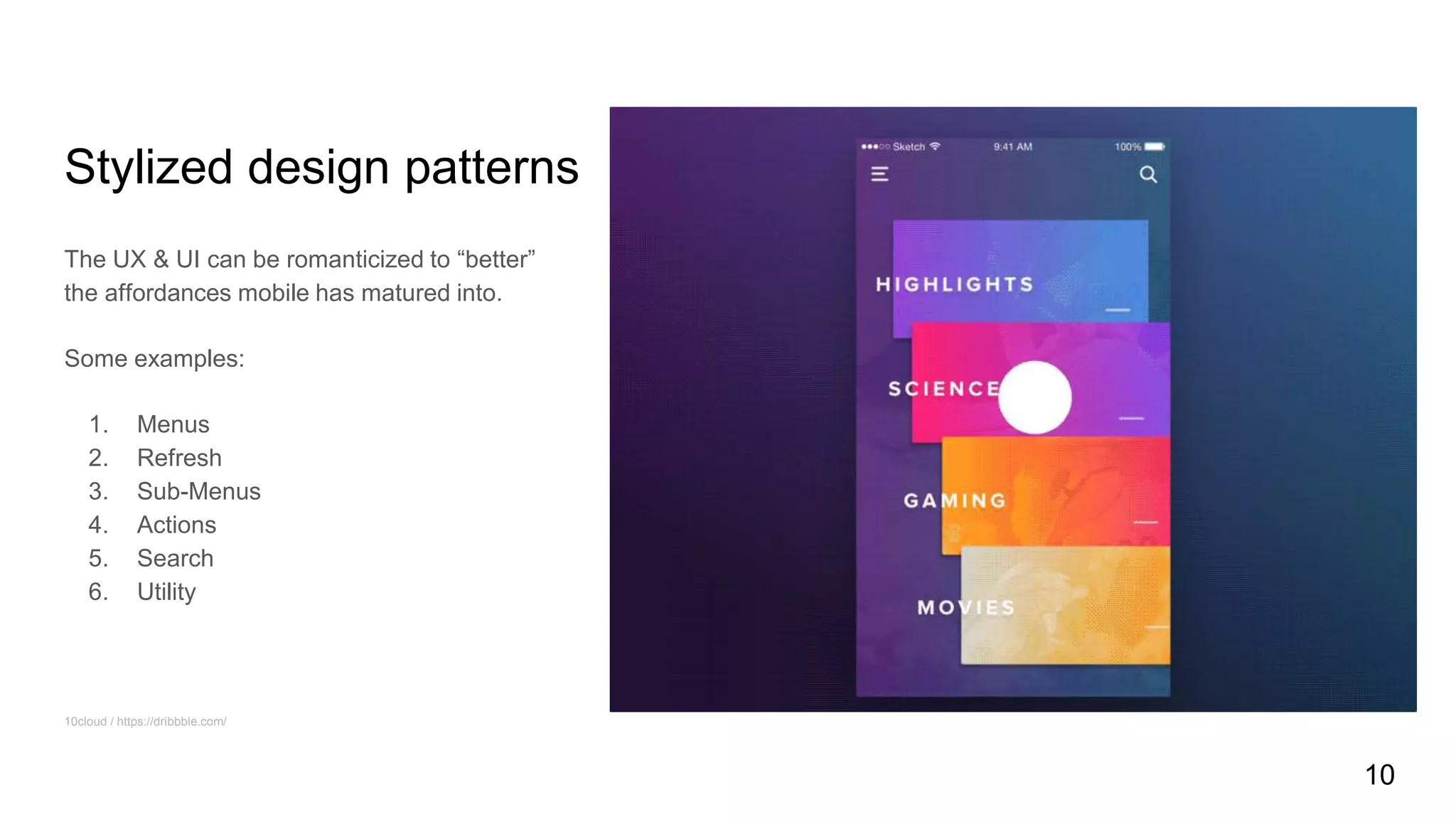
Stylized design patterns
The UX & UI can be romanticized to “better”
the affordances mobile has matured into.
Some examples:
1. Menus
2. Refresh
3. Sub-Menus
4. Actions
5. Search
6. Utility
10cloud / https://dribbble.com/
10
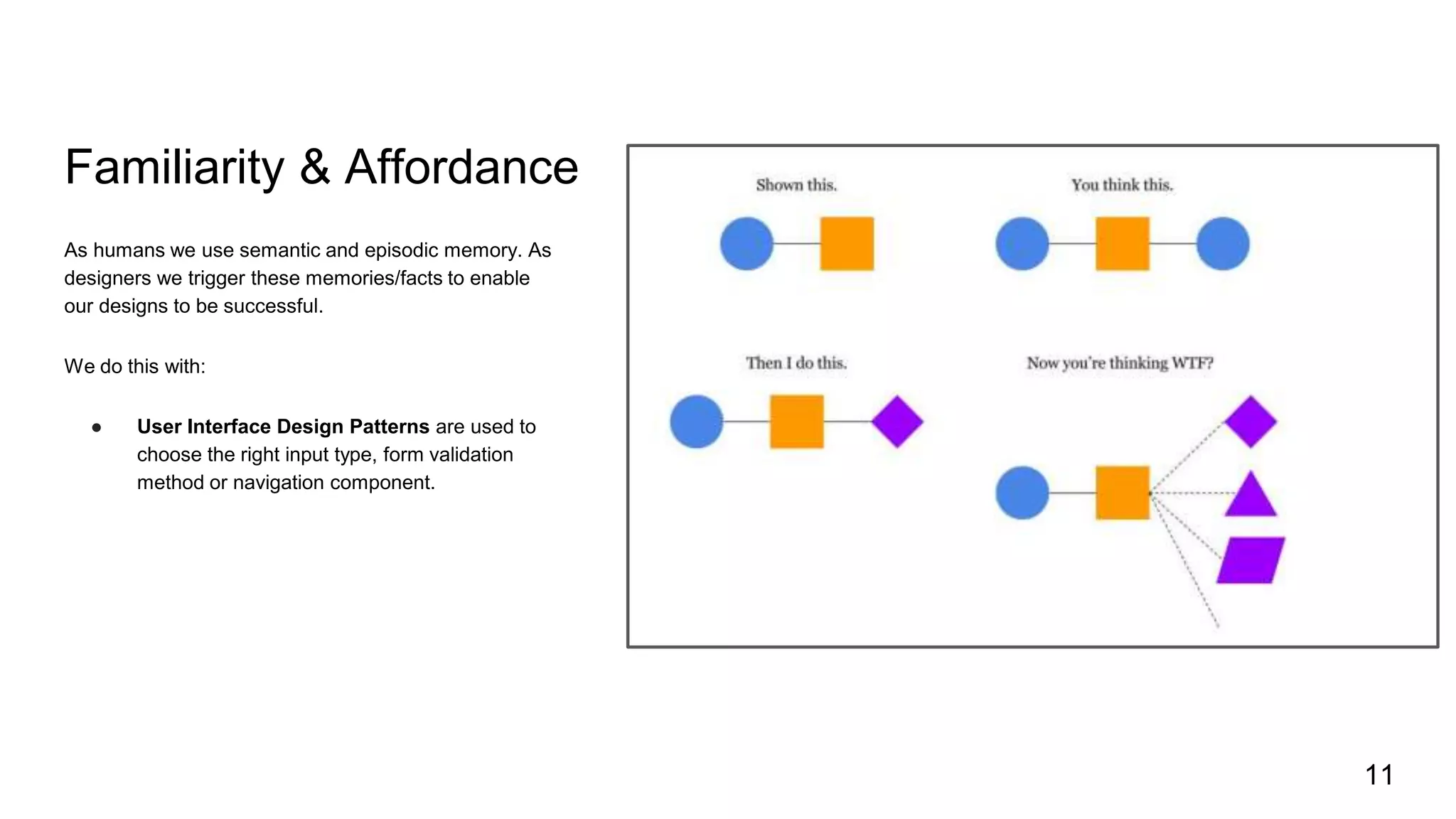
Familiarity & Affordance
As humans we use semantic and episodic memory. As
designers we trigger these memories/facts to enable
our designs to be successful.
We do this with:
● User Interface Design Patterns are used to
choose the right input type, form validation
method or navigation component.
11
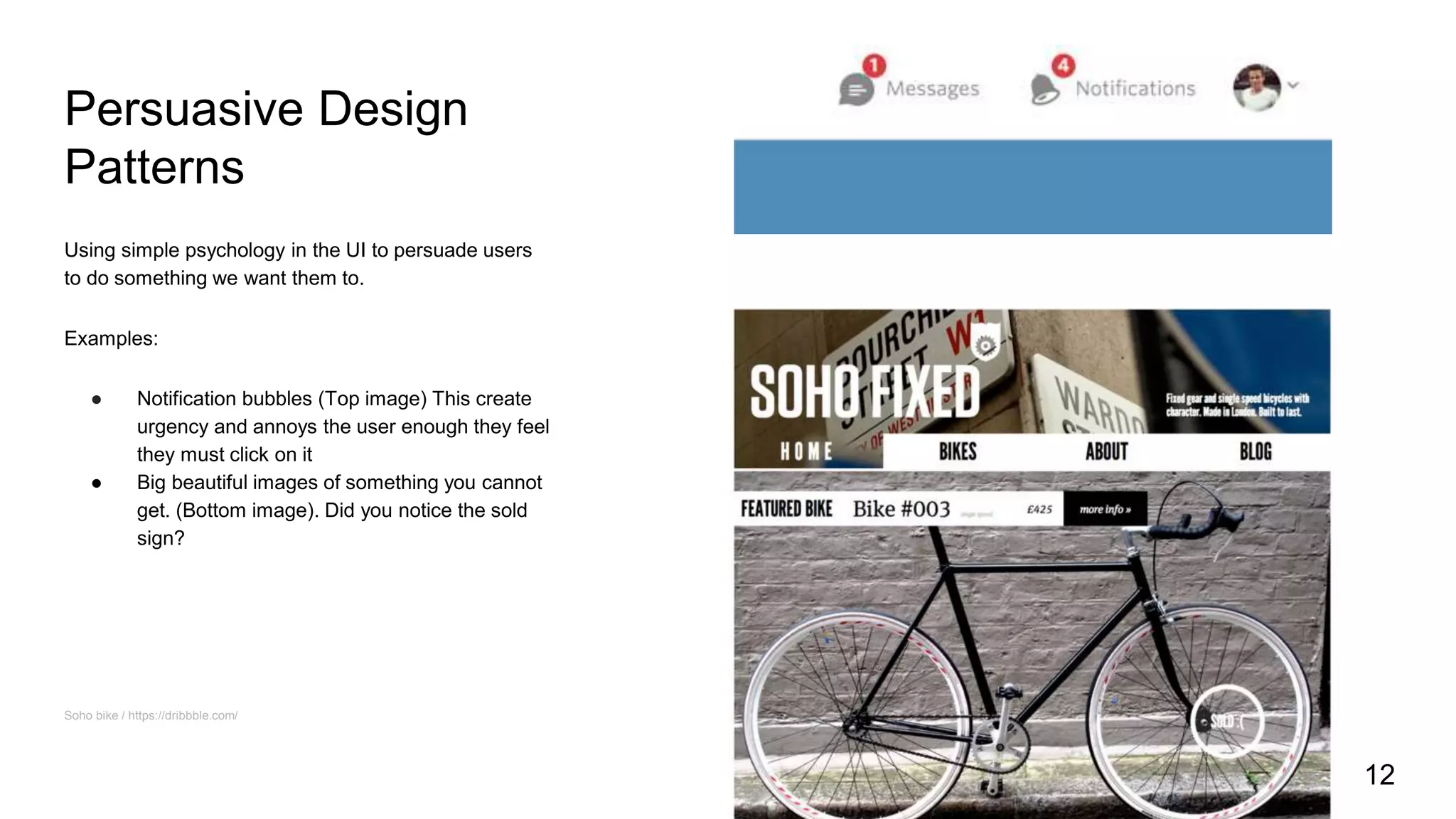
Persuasive Design
Patterns
Using simple psychology in the UI to persuade users
to do something we want them to.
Examples:
● Notification bubbles (Top image) This create
urgency and annoys the user enough they feel
they must click on it
● Big beautiful images of something you cannot
get. (Bottom image). Did you notice the sold
sign?
Soho bike / https://dribbble.com/
12
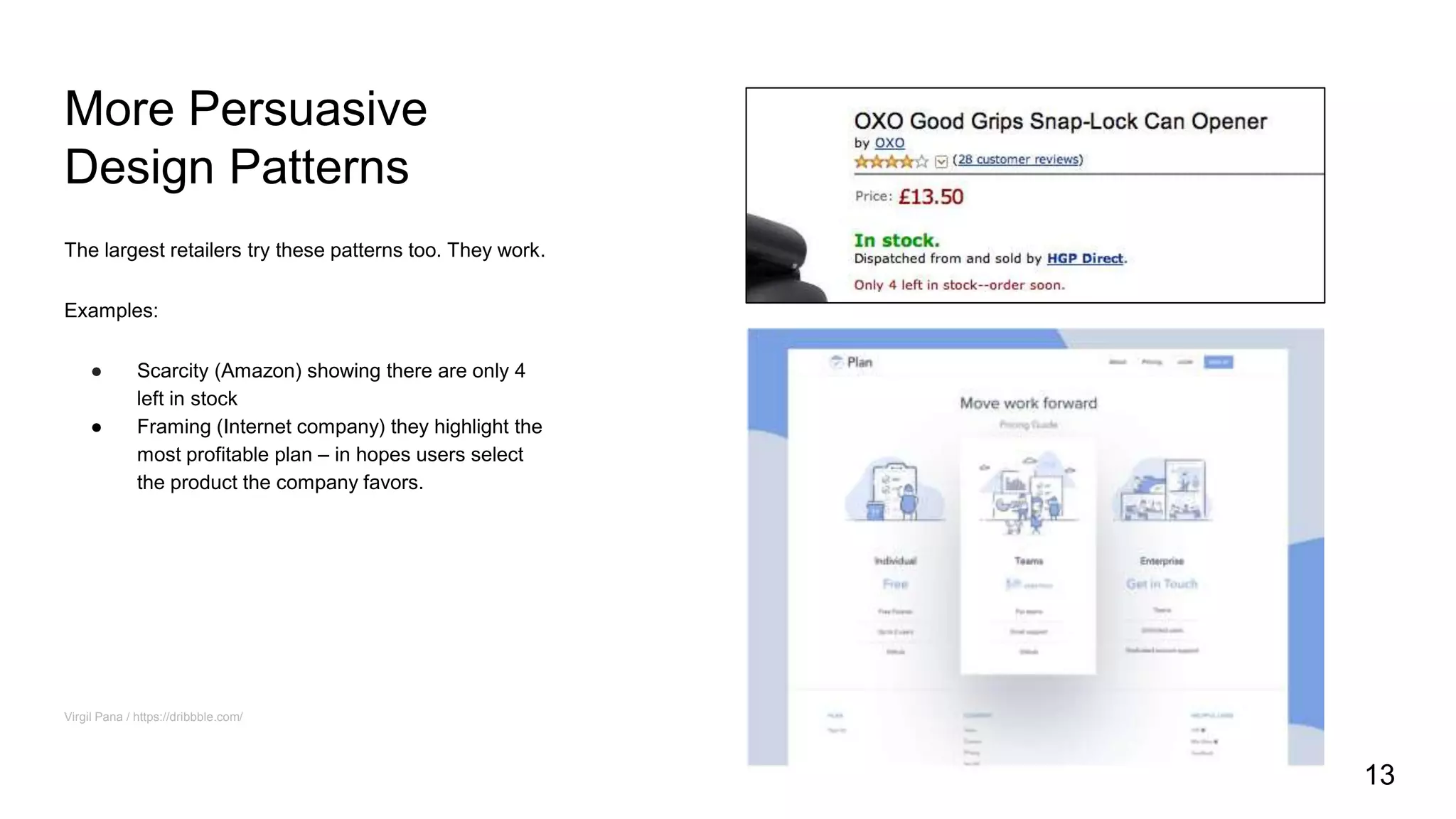
More Persuasive
Design Patterns
The largest retailers try these patterns too. They work.
Examples:
● Scarcity (Amazon) showing there are only 4
left in stock
● Framing (Internet company) they highlight the
most profitable plan – in hopes users select
the product the company favors.
Virgil Pana / https://dribbble.com/
13
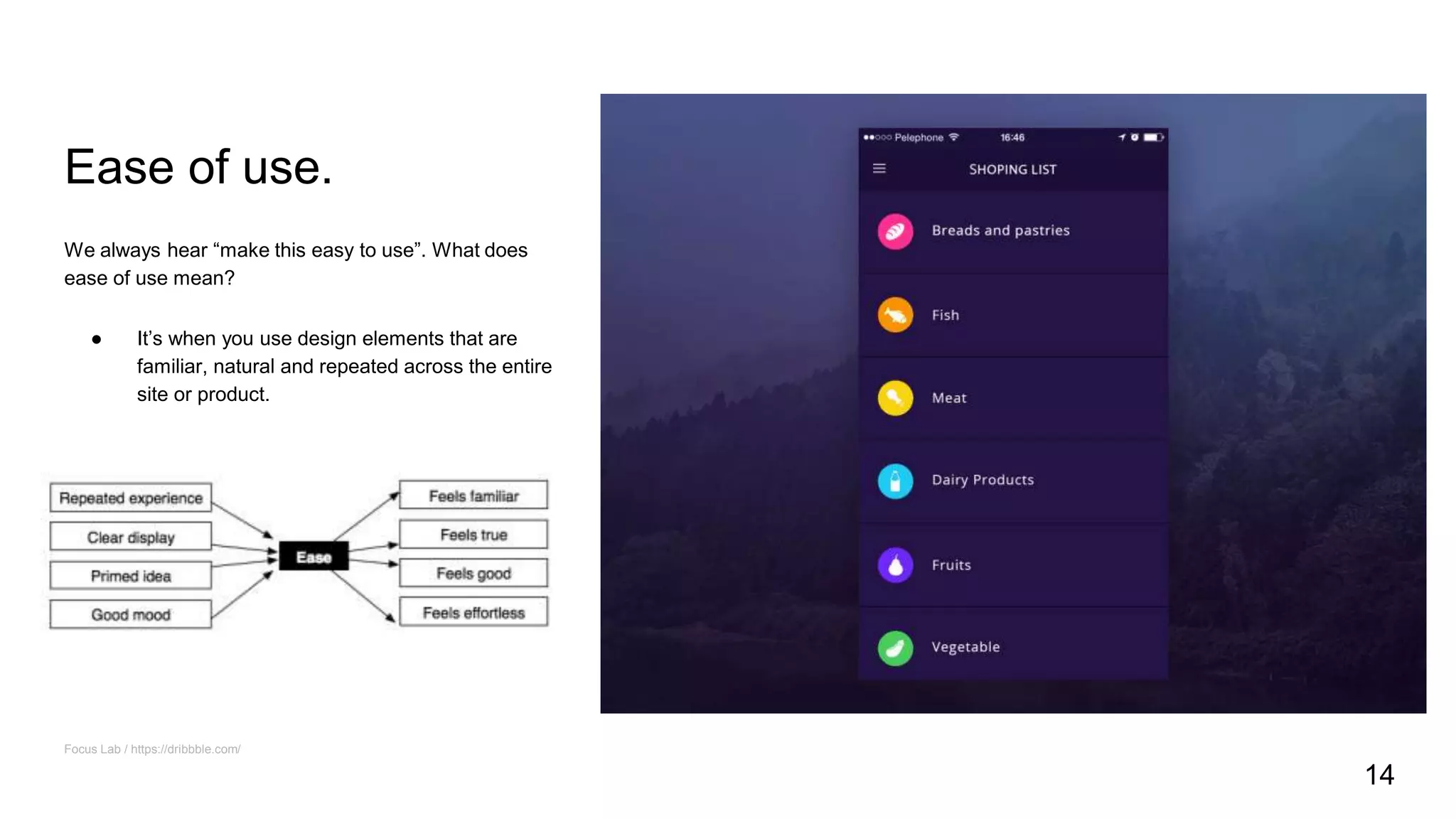
Ease of use.
We always hear “make this easy to use”. What does
ease of use mean?
● It’s when you use design elements that are
familiar, natural and repeated across the entire
site or product.
Focus Lab / https://dribbble.com/
14
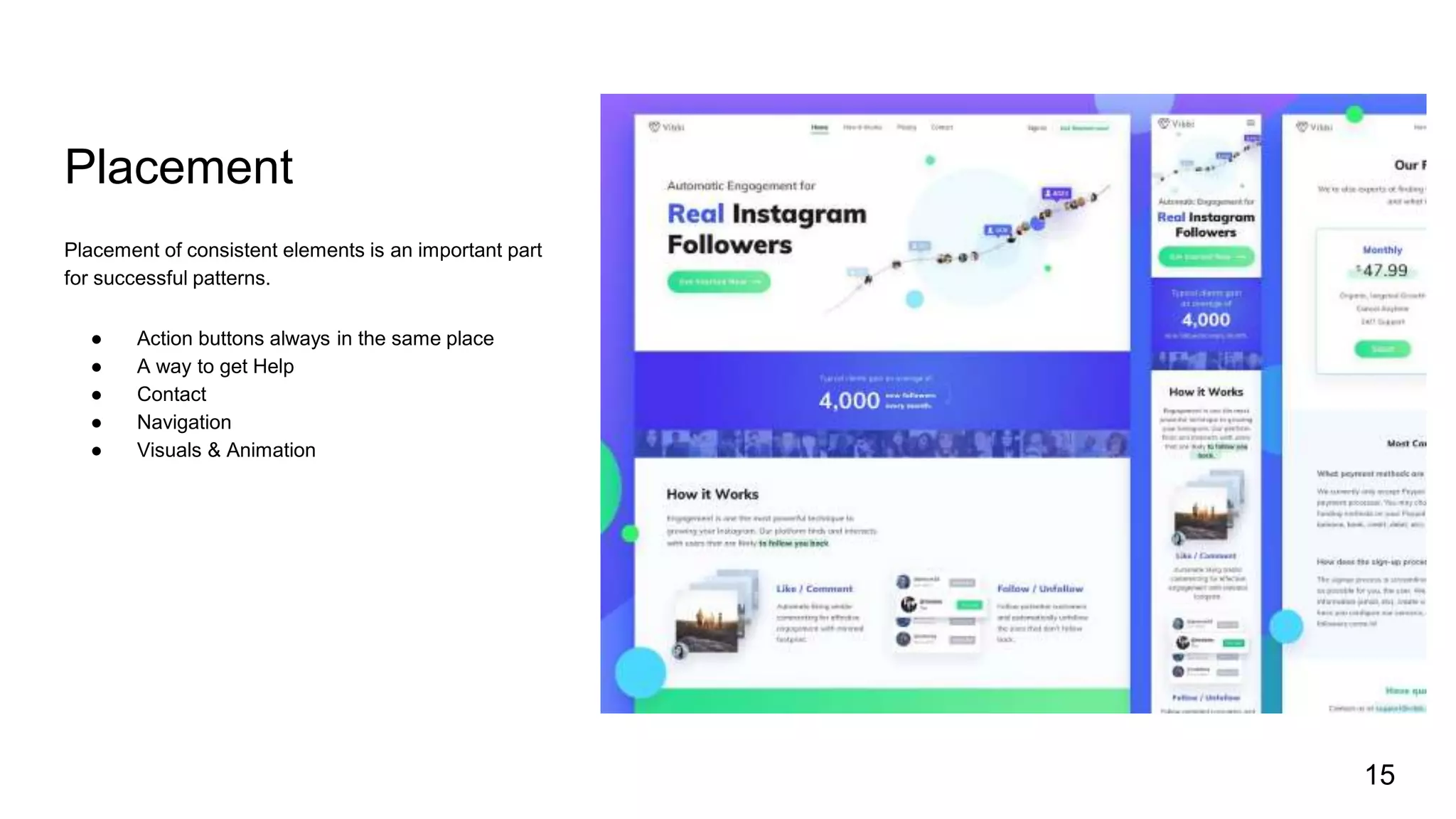
Placement
Placement of consistent elements is an important part
for successful patterns.
● Action buttons always in the same place
● A way to get Help
● Contact
● Navigation
● Visuals & Animation
15
16
Emergent
Technologies
Things starting to make waves...
1. 3D printing and scanning
2. Affective computing
3. Artificial Intelligence and Machine Learning
4. Augmented and Virtual Reality
5. Big Data and Analytics
6. Blockchain
7. Haptics
8. Internet of Things
9. Location-based computing
10. Personalization
11. Robotics
12. Wearable and Embodied computing
17
Emergent
Technologies
Things starting to make waves...
1. 3D printing and scanning
2. Affective computing
3. Artificial Intelligence and Machine
Learning
4. Augmented and Virtual Reality
5. Big Data and Analytics
6. Blockchain
7. Haptics
8. Internet of Things
9. Location-based computing
10. Personalization
11. Robotics
12. Wearable and Embodied computing
18
AI/Bots
Some patterns to consider.
1. Human language
2. Personality
3. Discovery
4. Ambience
Isil Uzum / https://dribbble.com/
19
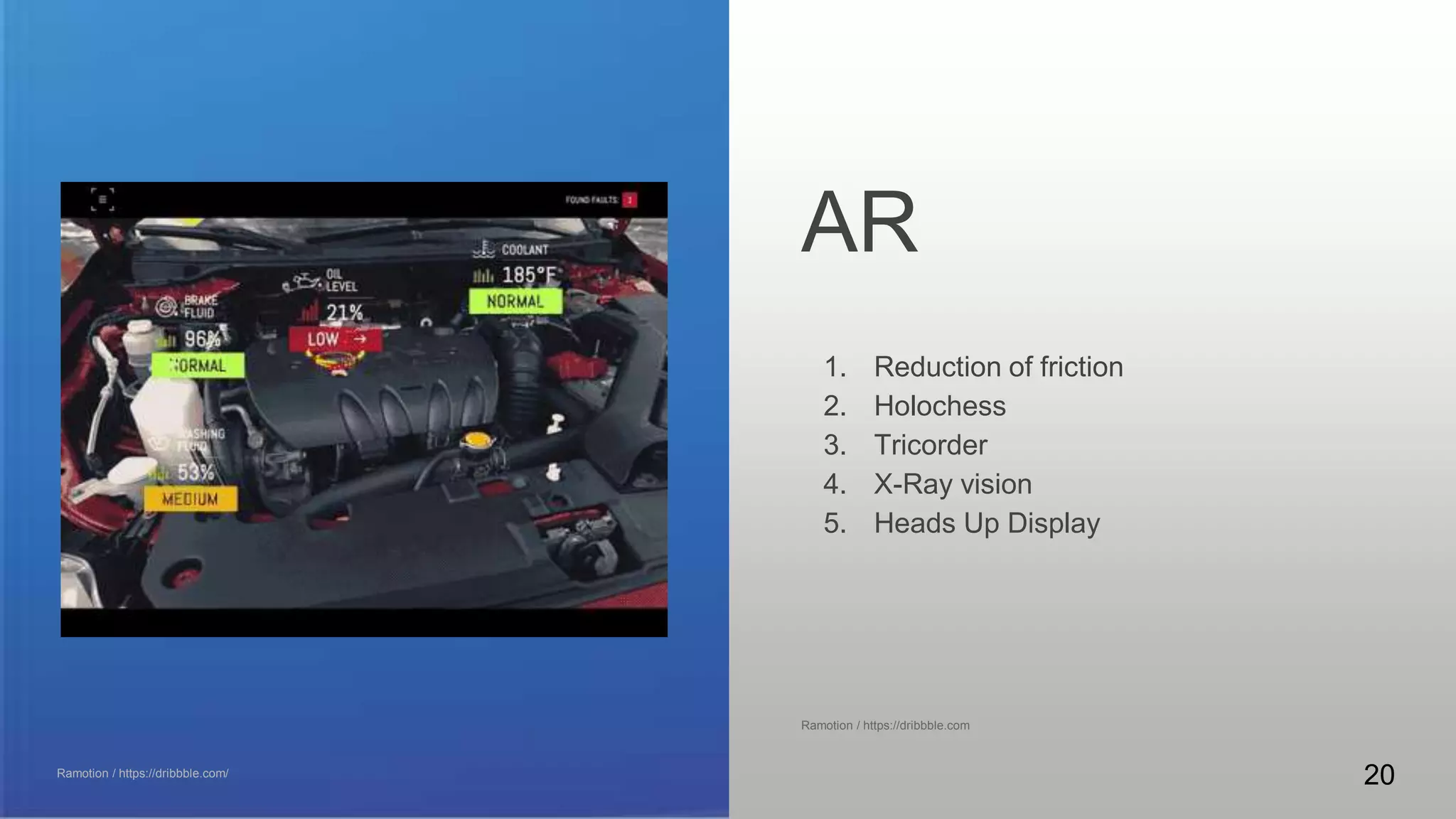
Some patterns to consider.
1. Reduction of friction
2. Holochess
3. Tricorder
4. X-Ray vision
5. Heads Up Display
Ramotion / https://dribbble.com
AR
Ramotion / https://dribbble.com/
20
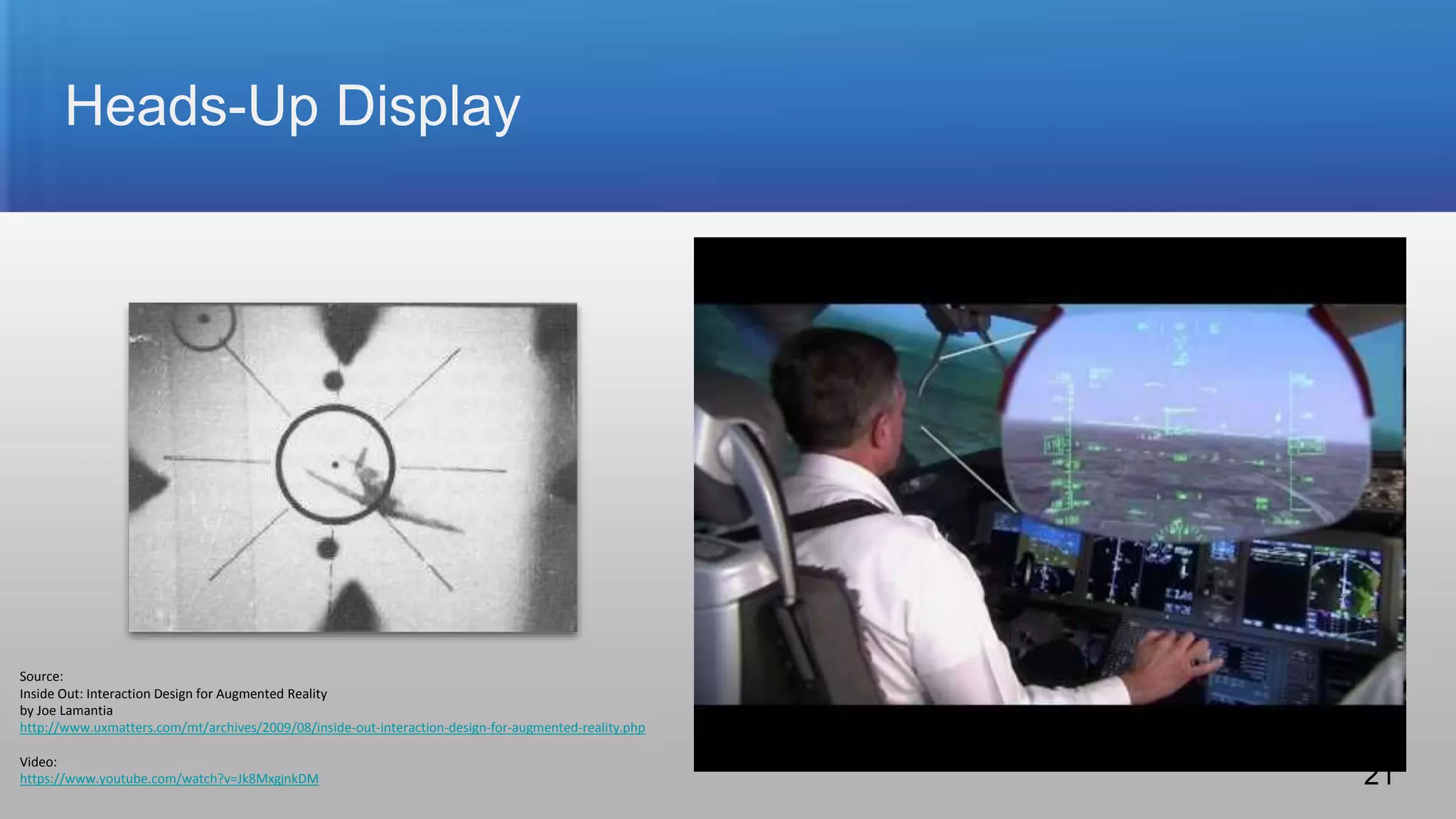
Heads-Up Display
Source:
Inside Out: Interaction Design for Augmented Reality
by Joe Lamantia
http://www.uxmatters.com/mt/archives/2009/08/inside-out-interaction-design-for-augmented-reality.php
Video:
https://www.youtube.com/watch?v=Jk8MxgjnkDM 21
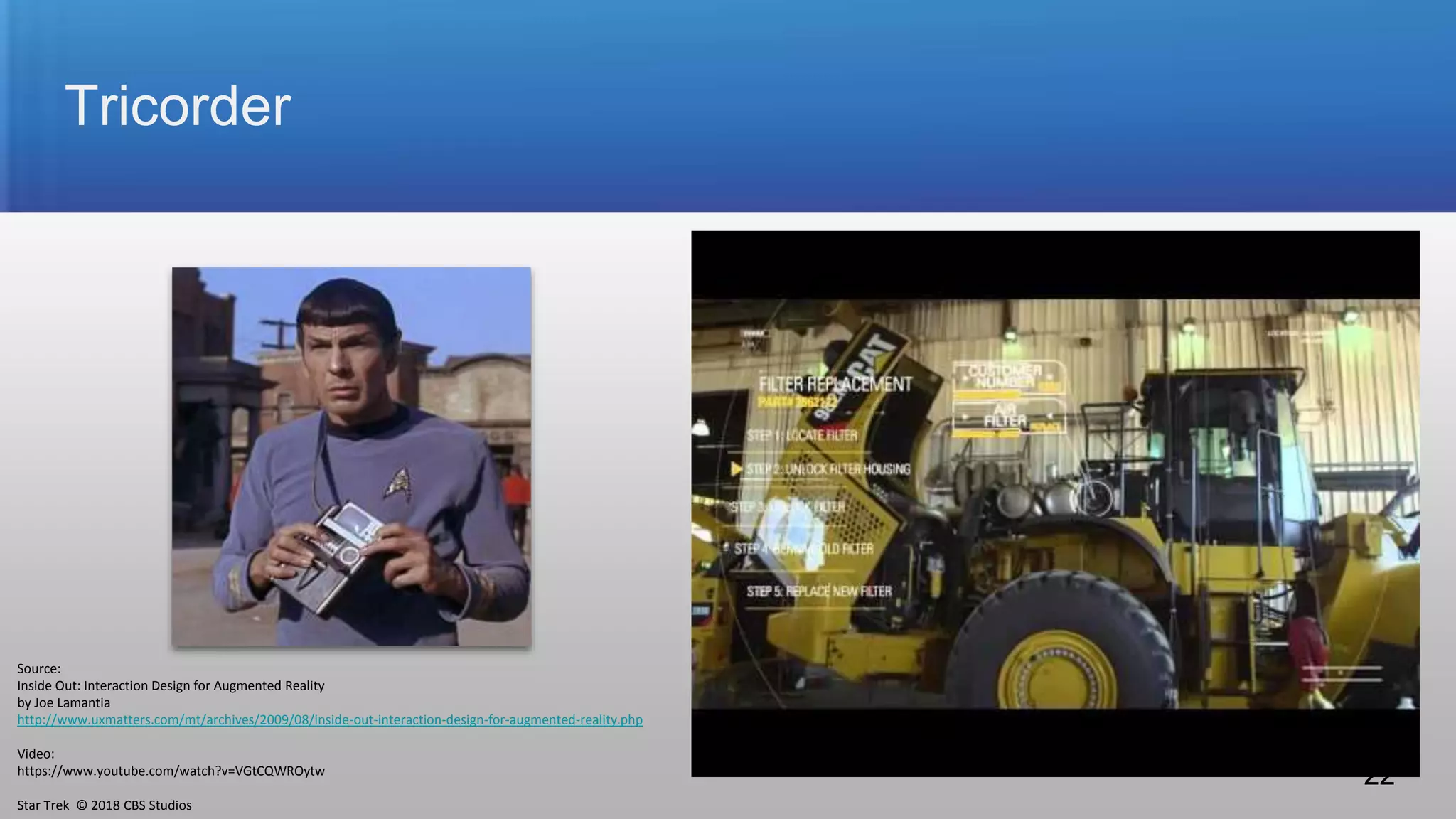
Tricorder
Source:
Inside Out: Interaction Design for Augmented Reality
by Joe Lamantia
http://www.uxmatters.com/mt/archives/2009/08/inside-out-interaction-design-for-augmented-reality.php
Video:
https://www.youtube.com/watch?v=VGtCQWROytw
Star Trek © 2018 CBS Studios
22
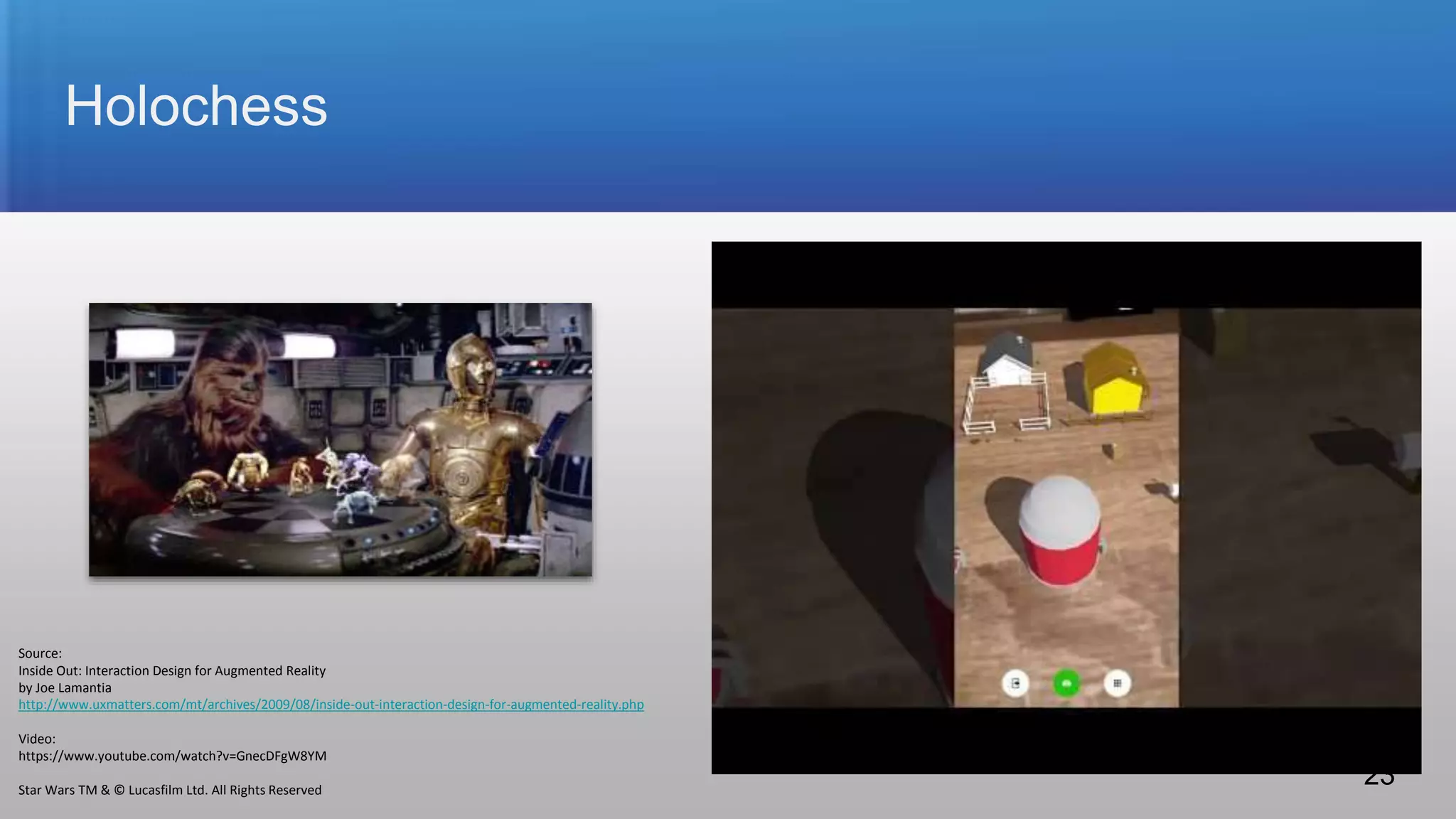
Holochess
Source:
Inside Out: Interaction Design for Augmented Reality
by Joe Lamantia
http://www.uxmatters.com/mt/archives/2009/08/inside-out-interaction-design-for-augmented-reality.php
Video:
https://www.youtube.com/watch?v=GnecDFgW8YM
Star Wars TM & © Lucasfilm Ltd. All Rights Reserved
23
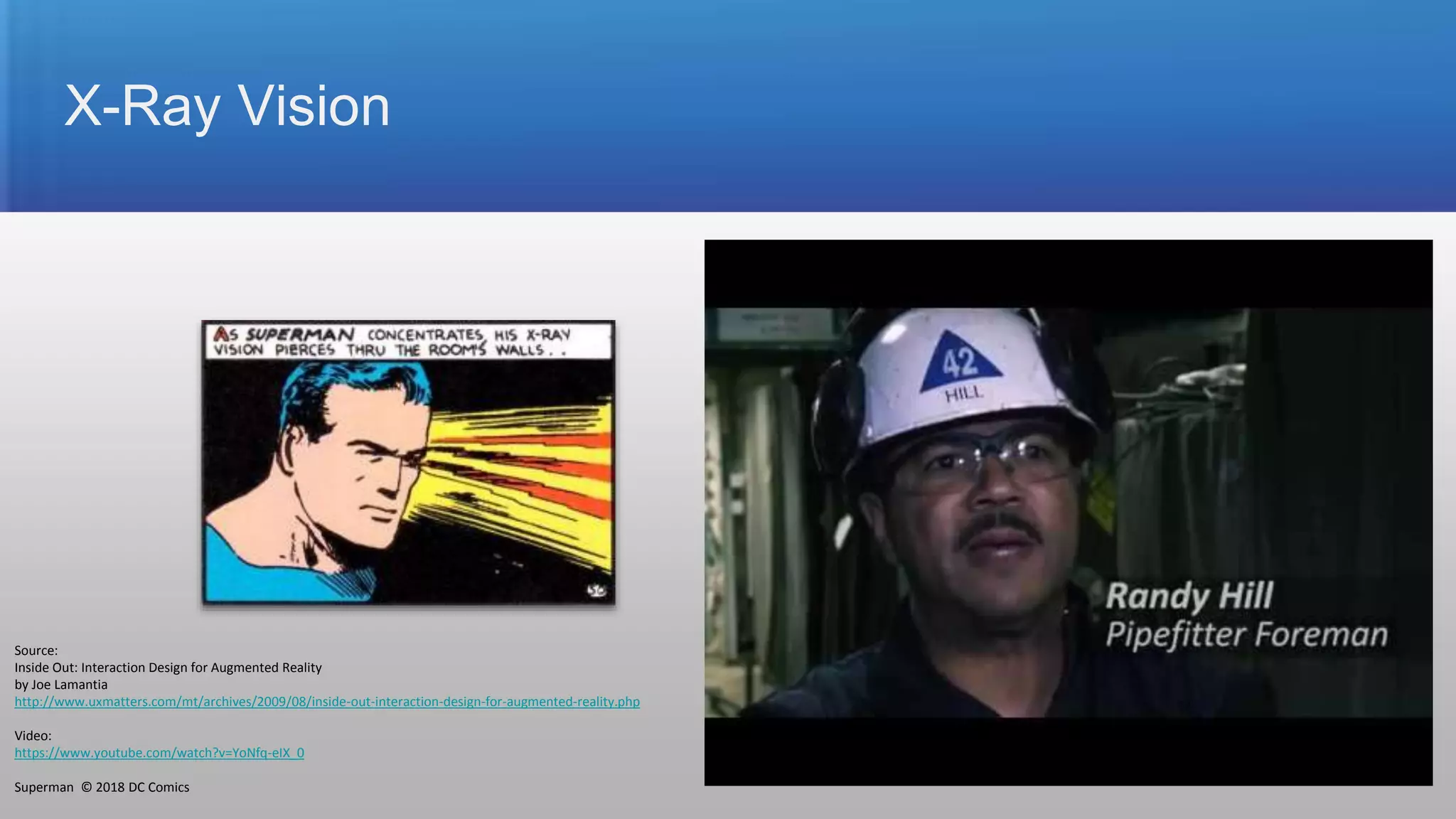
X-Ray Vision
Source:
Inside Out: Interaction Design for Augmented Reality
by Joe Lamantia
http://www.uxmatters.com/mt/archives/2009/08/inside-out-interaction-design-for-augmented-reality.php
Video:
https://www.youtube.com/watch?v=YoNfq-eIX_0
Superman © 2018 DC Comics 24
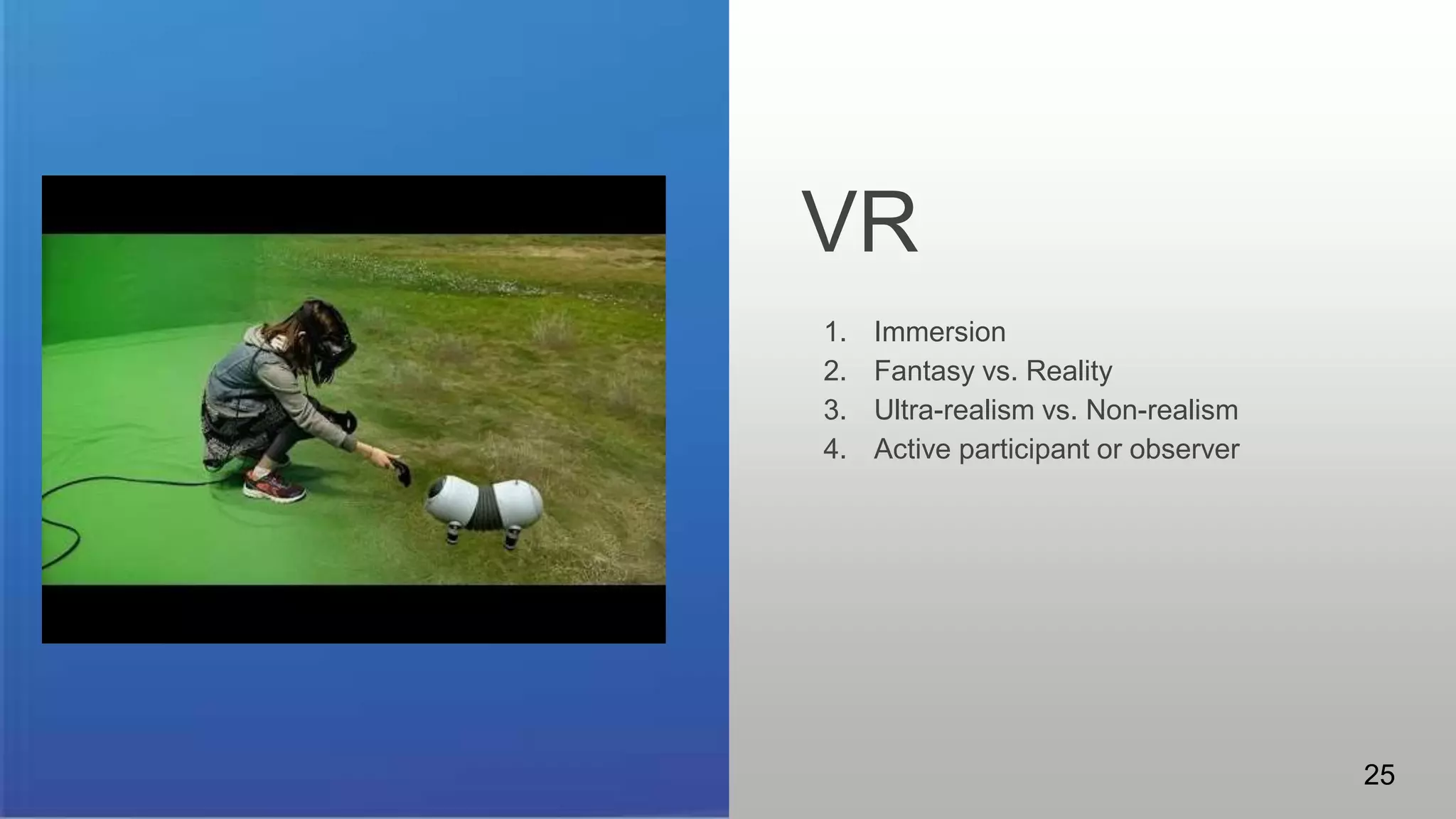
VR
Some patterns to consider.
1. Immersion
2. Fantasy vs. Reality
3. Ultra-realism vs. Non-realism
4. Active participant or observer
25
VR
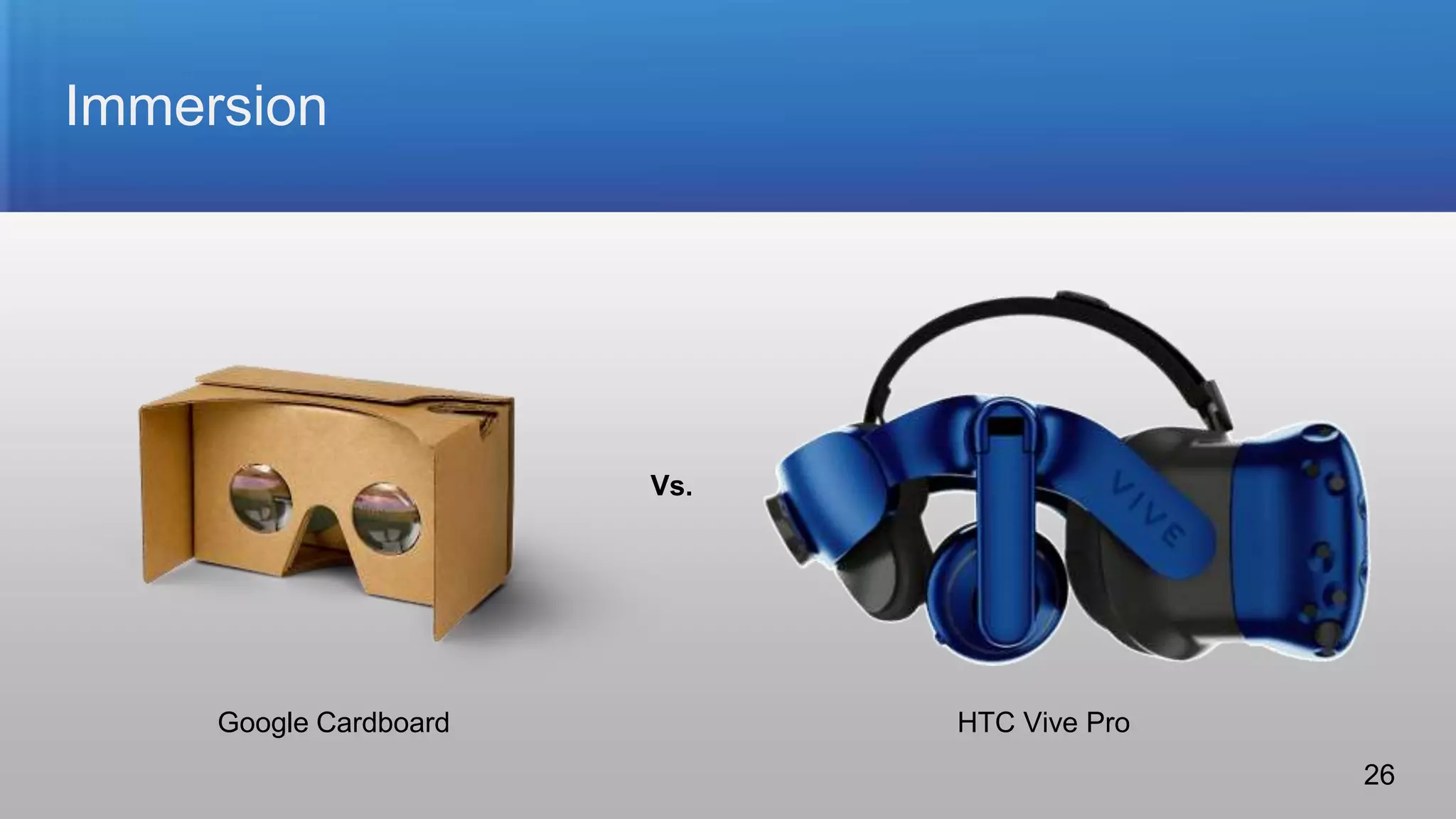
Immersion
Vs.
Google Cardboard HTC Vive Pro
26
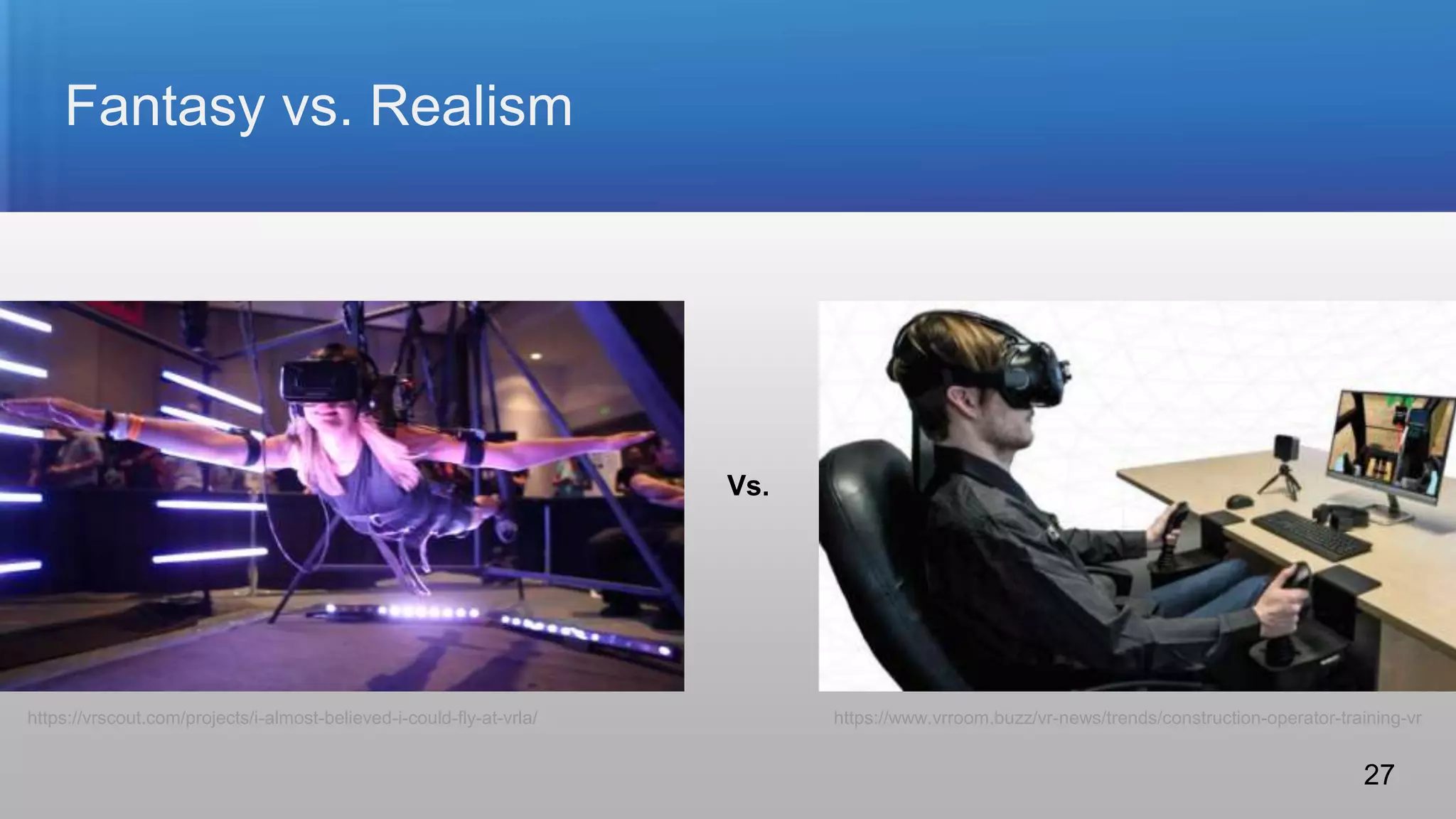
Fantasy vs. Realism
Vs.
https://vrscout.com/projects/i-almost-believed-i-could-fly-at-vrla/ https://www.vrroom.buzz/vr-news/trends/construction-operator-training-vr
27
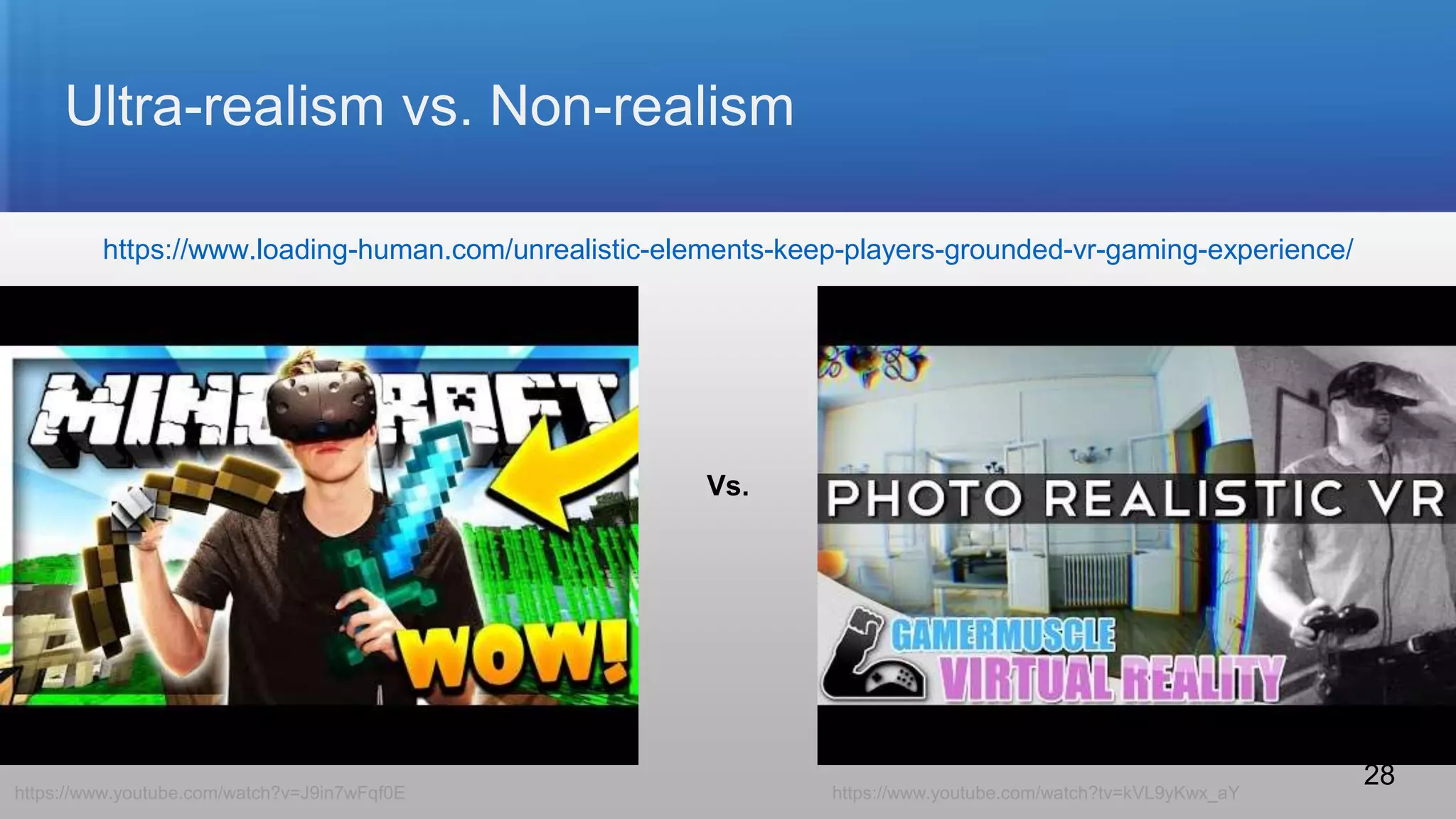
Ultra-realism vs. Non-realism
Vs.
https://www.youtube.com/watch?v=J9in7wFqf0E https://www.youtube.com/watch?tv=kVL9yKwx_aY
https://www.loading-human.com/unrealistic-elements-keep-players-grounded-vr-gaming-experience/
28
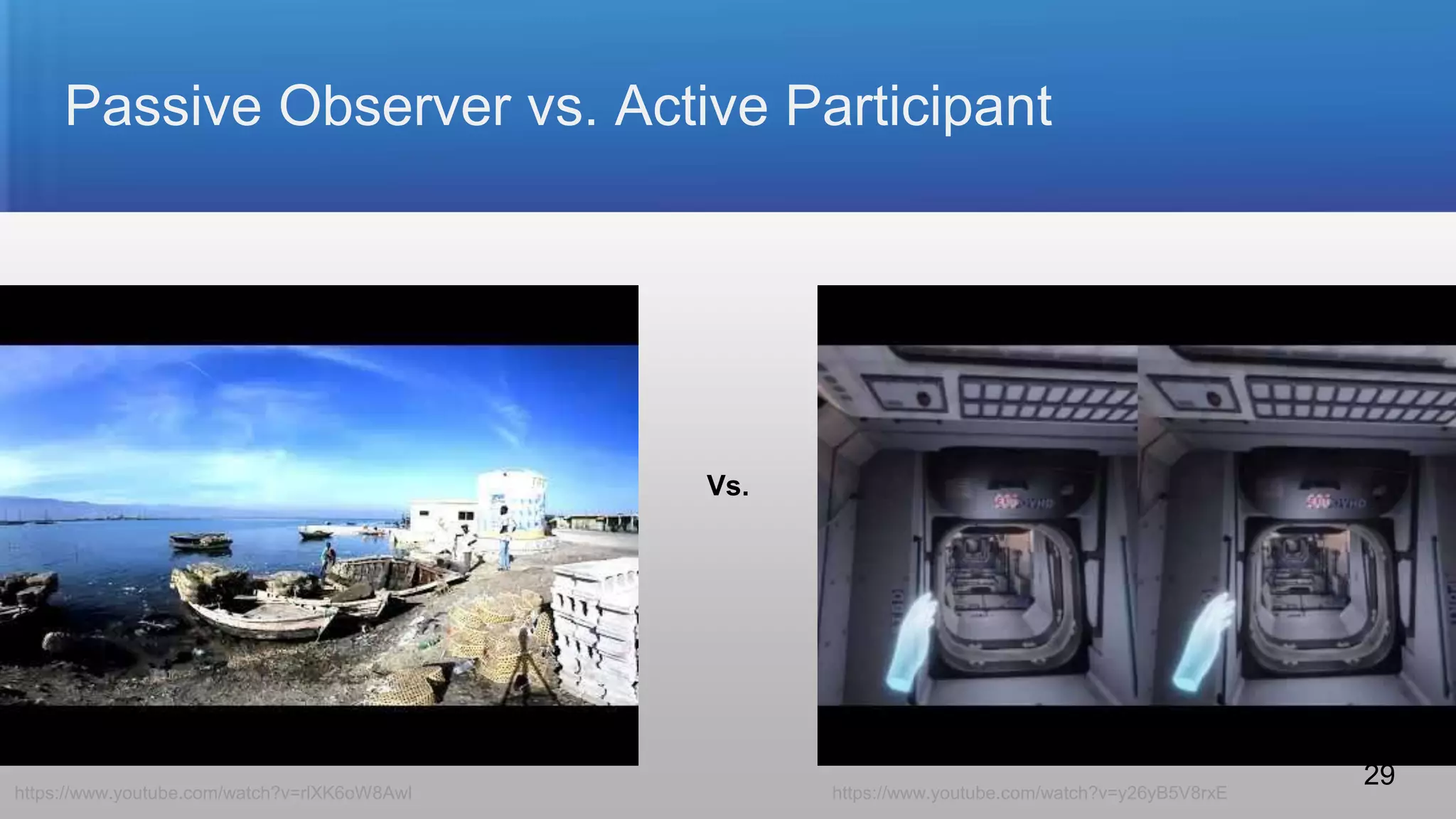
Passive Observer vs. Active Participant
Vs.
https://www.youtube.com/watch?v=rlXK6oW8AwI https://www.youtube.com/watch?v=y26yB5V8rxE
29
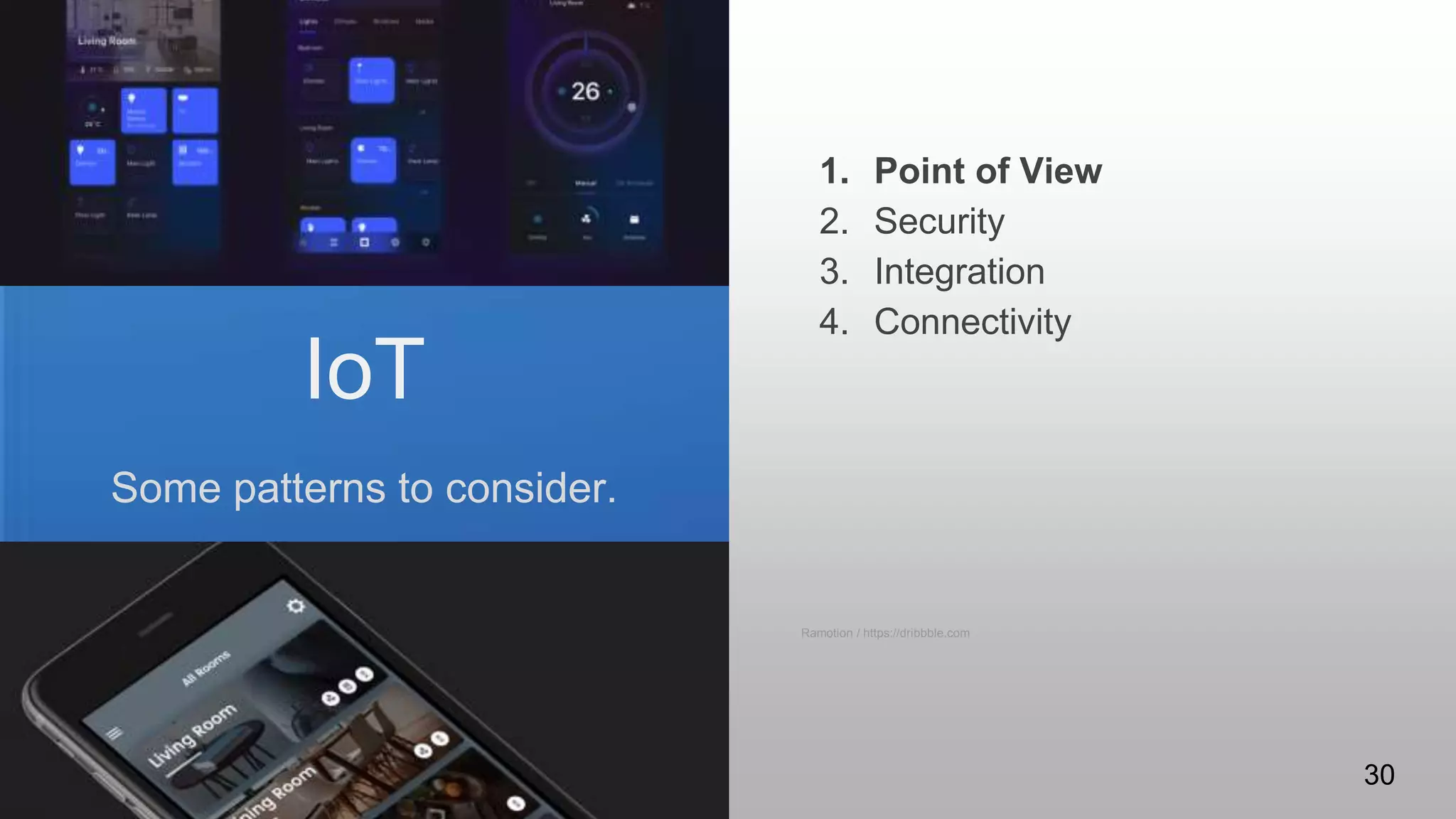
IoT
Some patterns to consider.
1. Point of View
2. Security
3. Integration
4. Connectivity
Ramotion / https://dribbble.com
30
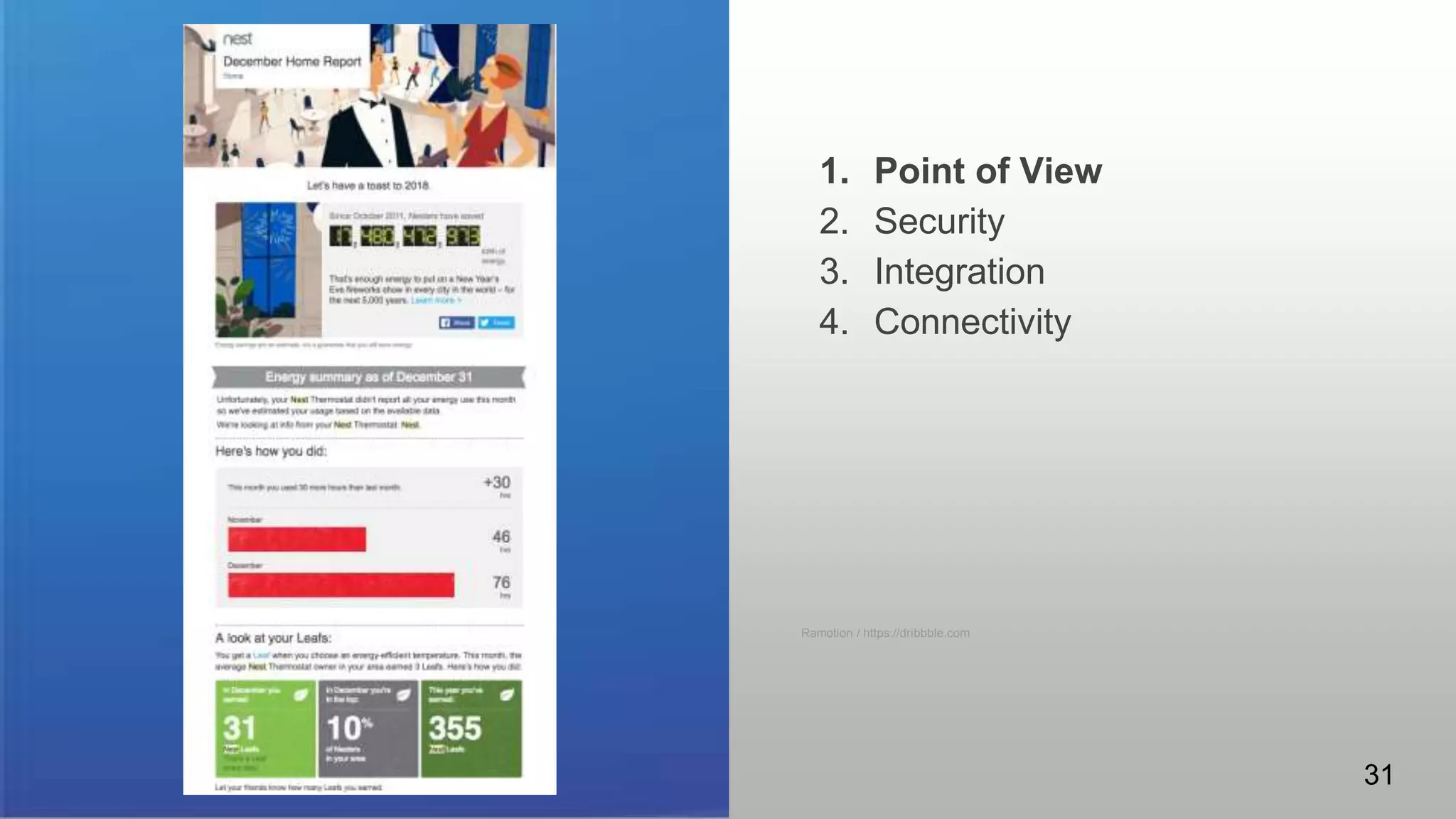
1. Point of View
2. Security
3. Integration
4. Connectivity
Ramotion / https://dribbble.com
31
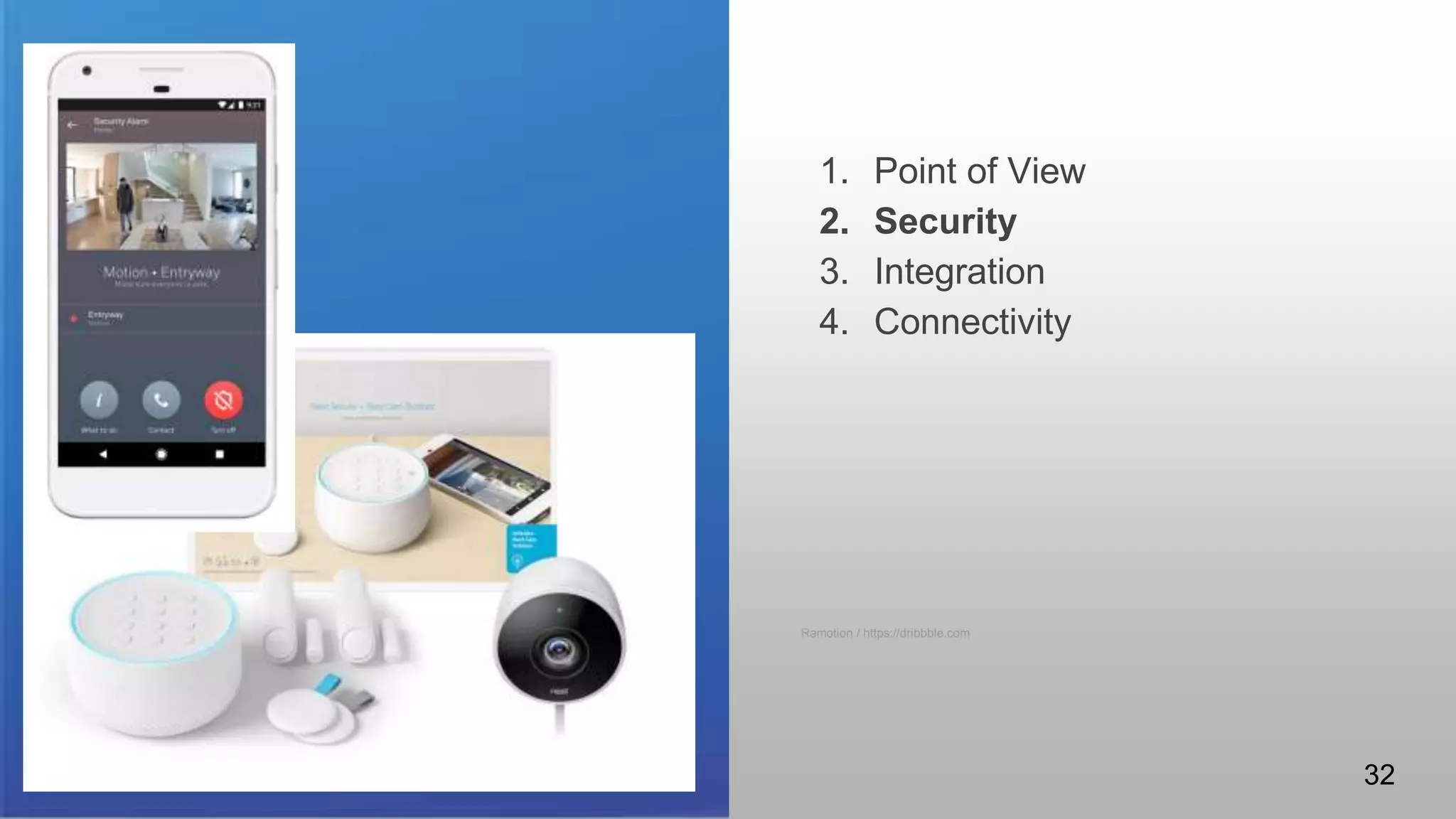
IoT
Some patterns to consider.
1. Point of View
2. Security
3. Integration
4. Connectivity
Ramotion / https://dribbble.com
32
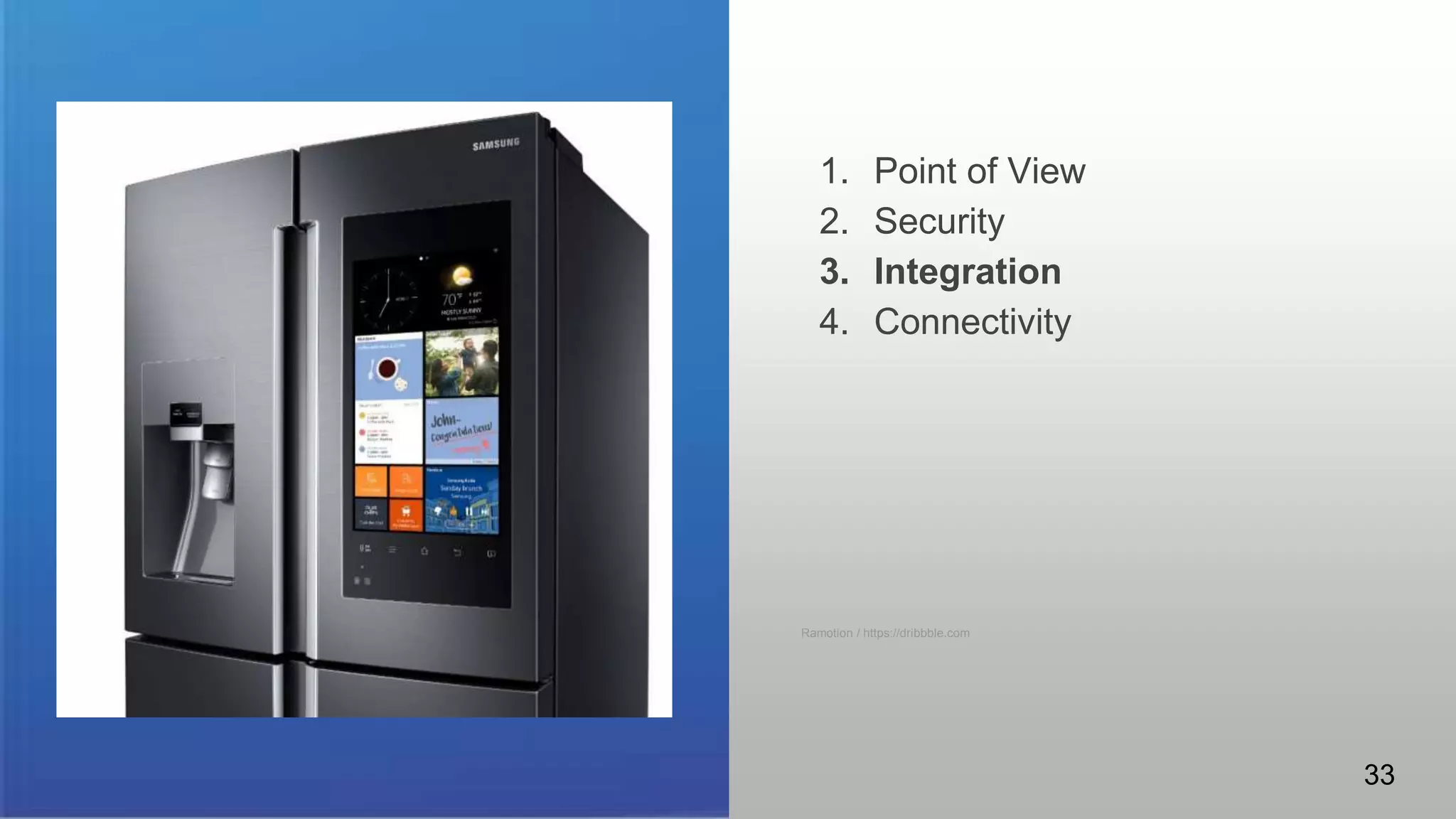
IoT
Some patterns to consider.
1. Point of View
2. Security
3. Integration
4. Connectivity
Ramotion / https://dribbble.com
33
IoT
Some patterns to consider.
1. Points of View
2. Security
3. Integration
4. Connectivity
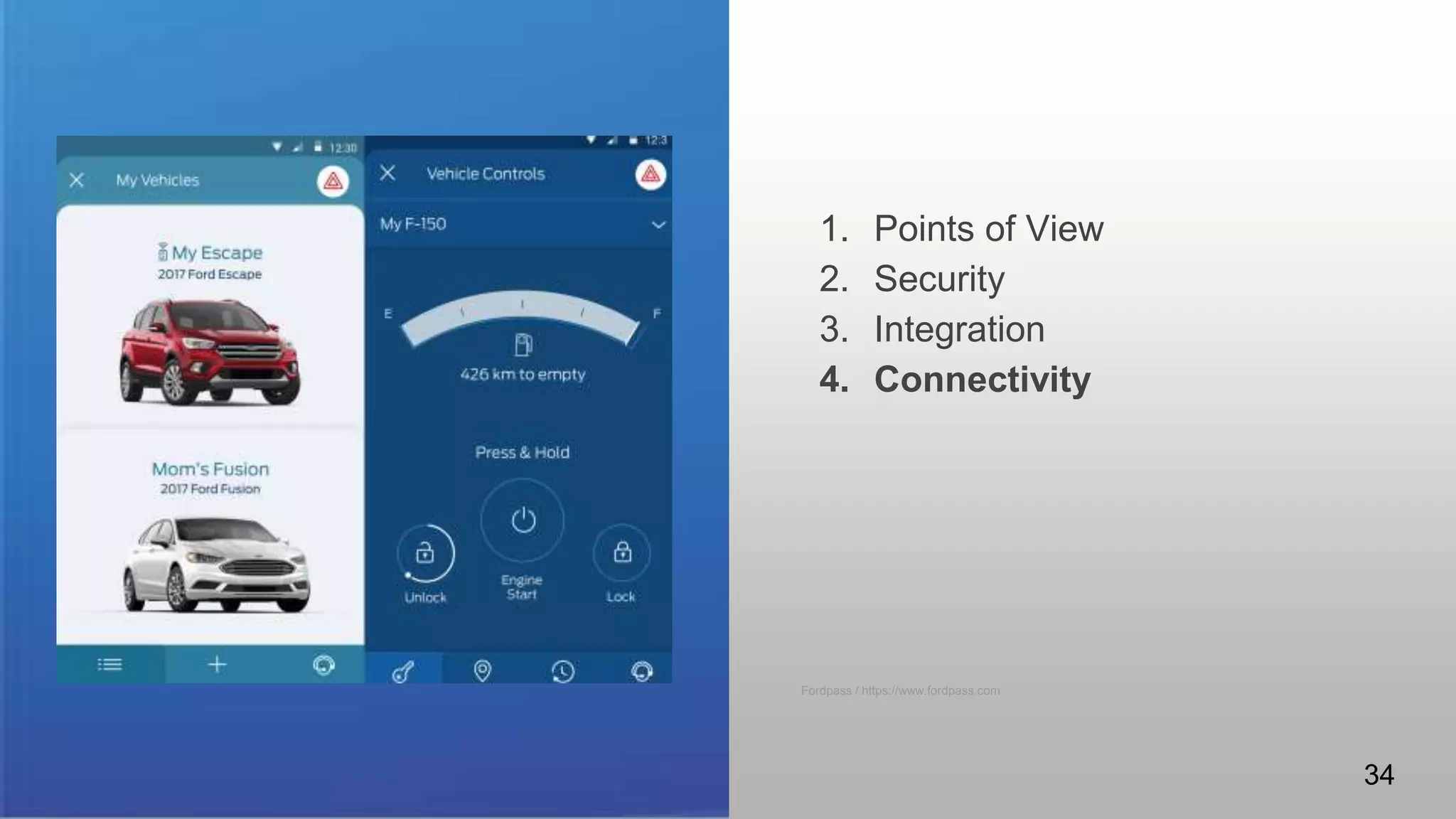
Fordpass / https://www.fordpass.com
34
@visualrinse - @gowithfloat - @designdiversi
35
In Closing - Q&A/Discussion
gowithfloat.com

ATDTK18 - design patterns for emergent learning technologies

  • 1.
    FR106 - UI/UXDesign Patterns for Emergent Learning Technologies Fri, Jan 26 | 8:30 AM - 9:30 AM | LL20A Chad Udell Managing Partner Evan Scronce Director of Experience
  • 2.
    ● Managing Partnerat Float ● Faculty for over 10 years at Bradley University in Interactive Media ● Awarded eLearning Guild Guild Master, recognition for contributions to the industry ● Author of Learning Everywhere: How Mobile Content Strategies are Transforming Training ● Editor and Author of Mastering Mobile Learning: Tips and Techniques for Success - Chad Udell and Gary Woodil, Dr. Ed.D. (contributing authors from the Float team) ● Director of Experience Design at Float ● Faculty at General Assembly in Chicago where I teach Design Thinking ● I specialized in Experience Design. I’ve designed for some of the most influential companies such as Google, Ford, Motorola and American Express ● Designed experiences for ergonomic environments, customer ecosystems, AR, VR, and mobile apps Introductions Chad Evan 2
  • 3.
    What are Emergent Technologies? Some clarifications Somethingthat is new? Yes, of course. More Importantly... Something that is changing the way that previous things got done 3
  • 4.
    Establishing Emergence Who’s tracking thisstuff anyway? ● Government funded research programs (SBIR, STTR) ● University conferences and symposiums ● Granting and Charity organizations ● Futurists ● Wired and other publications like the The Verge, Vox, Gizmodo, ARS Technica ● Gartner Hypecycle 4
  • 5.
  • 6.
    What are Design Patterns? Think ofthem as recipes ● re-usable form of a solution to a design problem ● first used in architecture by Christopher Alexander ● used consciously and subconsciously everywhere ● an excellent tool for acclimating yourself in a new discipline ● respects and embraces the context ● easily shared and learned 6
  • 7.
    What’s in apattern? Both UI and UX can be present in a design pattern. Some examples from architecture: ● centralized entrance vs independent doors for each office from the street ● open stairs in a vestibule vs stairs at ends of halls ● lightweight concrete as a material ● a street cafe in urban planning ● wide sidewalks vs. narrow or none ● roundabouts ● push vs. pull doors A Pattern Language / https://www.patternlanguage.com/ 7
  • 8.
    Let’s talk aboutpatterns. Both UI and UX can be present in a design pattern. Open Discussions on Design Patterns ● What is a pattern you encounter often? ● What are the details of it? ● How does it help you interact with the item in question? ● What happens when the pattern is ignored or an “anti-pattern” is used? Startup Vitamins / https://www.startupvitamins.com 8
  • 9.
    What’s in apattern? Both UI and UX can be present in a design pattern. Patterns can be purely visual or simple tactile gestures such as the “pull” image to the right. Some examples from software: ● pull to refresh ● camera interfaces ● tab navigators ● search ● lists and tables ● pagination ● hamburger menu Interactive Labs / https://dribbble.com/ 9
  • 10.
    Stylized design patterns TheUX & UI can be romanticized to “better” the affordances mobile has matured into. Some examples: 1. Menus 2. Refresh 3. Sub-Menus 4. Actions 5. Search 6. Utility 10cloud / https://dribbble.com/ 10
  • 11.
    Familiarity & Affordance Ashumans we use semantic and episodic memory. As designers we trigger these memories/facts to enable our designs to be successful. We do this with: ● User Interface Design Patterns are used to choose the right input type, form validation method or navigation component. 11
  • 12.
    Persuasive Design Patterns Using simplepsychology in the UI to persuade users to do something we want them to. Examples: ● Notification bubbles (Top image) This create urgency and annoys the user enough they feel they must click on it ● Big beautiful images of something you cannot get. (Bottom image). Did you notice the sold sign? Soho bike / https://dribbble.com/ 12
  • 13.
    More Persuasive Design Patterns Thelargest retailers try these patterns too. They work. Examples: ● Scarcity (Amazon) showing there are only 4 left in stock ● Framing (Internet company) they highlight the most profitable plan – in hopes users select the product the company favors. Virgil Pana / https://dribbble.com/ 13
  • 14.
    Ease of use. Wealways hear “make this easy to use”. What does ease of use mean? ● It’s when you use design elements that are familiar, natural and repeated across the entire site or product. Focus Lab / https://dribbble.com/ 14
  • 15.
    Placement Placement of consistentelements is an important part for successful patterns. ● Action buttons always in the same place ● A way to get Help ● Contact ● Navigation ● Visuals & Animation 15
  • 16.
  • 17.
    Emergent Technologies Things starting tomake waves... 1. 3D printing and scanning 2. Affective computing 3. Artificial Intelligence and Machine Learning 4. Augmented and Virtual Reality 5. Big Data and Analytics 6. Blockchain 7. Haptics 8. Internet of Things 9. Location-based computing 10. Personalization 11. Robotics 12. Wearable and Embodied computing 17
  • 18.
    Emergent Technologies Things starting tomake waves... 1. 3D printing and scanning 2. Affective computing 3. Artificial Intelligence and Machine Learning 4. Augmented and Virtual Reality 5. Big Data and Analytics 6. Blockchain 7. Haptics 8. Internet of Things 9. Location-based computing 10. Personalization 11. Robotics 12. Wearable and Embodied computing 18
  • 19.
    AI/Bots Some patterns toconsider. 1. Human language 2. Personality 3. Discovery 4. Ambience Isil Uzum / https://dribbble.com/ 19
  • 20.
    Some patterns toconsider. 1. Reduction of friction 2. Holochess 3. Tricorder 4. X-Ray vision 5. Heads Up Display Ramotion / https://dribbble.com AR Ramotion / https://dribbble.com/ 20
  • 21.
    Heads-Up Display Source: Inside Out:Interaction Design for Augmented Reality by Joe Lamantia http://www.uxmatters.com/mt/archives/2009/08/inside-out-interaction-design-for-augmented-reality.php Video: https://www.youtube.com/watch?v=Jk8MxgjnkDM 21
  • 22.
    Tricorder Source: Inside Out: InteractionDesign for Augmented Reality by Joe Lamantia http://www.uxmatters.com/mt/archives/2009/08/inside-out-interaction-design-for-augmented-reality.php Video: https://www.youtube.com/watch?v=VGtCQWROytw Star Trek © 2018 CBS Studios 22
  • 23.
    Holochess Source: Inside Out: InteractionDesign for Augmented Reality by Joe Lamantia http://www.uxmatters.com/mt/archives/2009/08/inside-out-interaction-design-for-augmented-reality.php Video: https://www.youtube.com/watch?v=GnecDFgW8YM Star Wars TM & © Lucasfilm Ltd. All Rights Reserved 23
  • 24.
    X-Ray Vision Source: Inside Out:Interaction Design for Augmented Reality by Joe Lamantia http://www.uxmatters.com/mt/archives/2009/08/inside-out-interaction-design-for-augmented-reality.php Video: https://www.youtube.com/watch?v=YoNfq-eIX_0 Superman © 2018 DC Comics 24
  • 25.
    VR Some patterns toconsider. 1. Immersion 2. Fantasy vs. Reality 3. Ultra-realism vs. Non-realism 4. Active participant or observer 25 VR
  • 26.
  • 27.
    Fantasy vs. Realism Vs. https://vrscout.com/projects/i-almost-believed-i-could-fly-at-vrla/https://www.vrroom.buzz/vr-news/trends/construction-operator-training-vr 27
  • 28.
    Ultra-realism vs. Non-realism Vs. https://www.youtube.com/watch?v=J9in7wFqf0Ehttps://www.youtube.com/watch?tv=kVL9yKwx_aY https://www.loading-human.com/unrealistic-elements-keep-players-grounded-vr-gaming-experience/ 28
  • 29.
    Passive Observer vs.Active Participant Vs. https://www.youtube.com/watch?v=rlXK6oW8AwI https://www.youtube.com/watch?v=y26yB5V8rxE 29
  • 30.
    IoT Some patterns toconsider. 1. Point of View 2. Security 3. Integration 4. Connectivity Ramotion / https://dribbble.com 30
  • 31.
    1. Point ofView 2. Security 3. Integration 4. Connectivity Ramotion / https://dribbble.com 31
  • 32.
    IoT Some patterns toconsider. 1. Point of View 2. Security 3. Integration 4. Connectivity Ramotion / https://dribbble.com 32
  • 33.
    IoT Some patterns toconsider. 1. Point of View 2. Security 3. Integration 4. Connectivity Ramotion / https://dribbble.com 33
  • 34.
    IoT Some patterns toconsider. 1. Points of View 2. Security 3. Integration 4. Connectivity Fordpass / https://www.fordpass.com 34
  • 35.
    @visualrinse - @gowithfloat- @designdiversi 35 In Closing - Q&A/Discussion gowithfloat.com

Editor's Notes

  • #2 chad
  • #3 Both
  • #4 Chad
  • #5 chad
  • #6 chad
  • #7 Chad hands to evan
  • #8 Evan When everyone is using wood, christopher introduces lightweight concrete (same weight as wood but stronger) this becomes the normalcy The importance of street cafes provides a unique setting, special to cities: a place where people can sit lazily and watch the world go by
  • #9 Evan Ask the crowd. Does anyone know what a design pattern is?
  • #10 Evan Point out which is the UX (The pull) and the UI (The informative design “Pull down to refresh & the arrow”)
  • #11 Evan - 30 seconds, maybe 45
  • #12 Evan - 1 minute
  • #13 Evan - 1 minute The sold sign is giving the user the feeling of urgency. (They’re almost gone).
  • #14 Evan 1 minute
  • #15 Evan - 1 minute
  • #16 Evan 1 minute
  • #17 Evan 30 seconds
  • #18 Chad
  • #19 Chad
  • #20 Chad and Evan - 2 minutes
  • #21 Chad 1 minute
  • #22 Chad 1 minute
  • #23 Chad 1 minute
  • #24 Chad 1 minute
  • #25 Chad 1 minute
  • #26 Chad and Evan IEEE: An experiment with forty participants did not reveal any significant differences between both graphical versions. This first result represents an interesting finding since non realistic avatar and environment representations are faster and more economical to produce while requiring less computational resources.
  • #27 Chad More immersion doesn’t alway = better. Consider ease of use and audience familiarity with VR. Cardboard is VERY easy to get started with.
  • #28 Chad Consider why you choose one, over the other. Grandeur and Awe, or reality and practicality.
  • #29 Chad IEEE: An experiment with forty participants did not reveal any significant differences between both graphical versions. This first result represents an interesting finding since non realistic avatar and environment representations are faster and more economical to produce while requiring less computational resources.
  • #30 Chad Show the havalina and woman at 1 minute in. Are you telling a story/showing the environment or letting the user create the story/live the environment
  • #31 Evan
  • #32 Evan
  • #33 Evan
  • #34 Evan
  • #35 Evan
  • #36 Both