Research on Other Websites


To get a better understanding on how my website shall look I will have to see how different
companies create their websites – this will provide as a reference for inspiration when I have started
creating my website.

                                                                     http://www.ozintro.com/

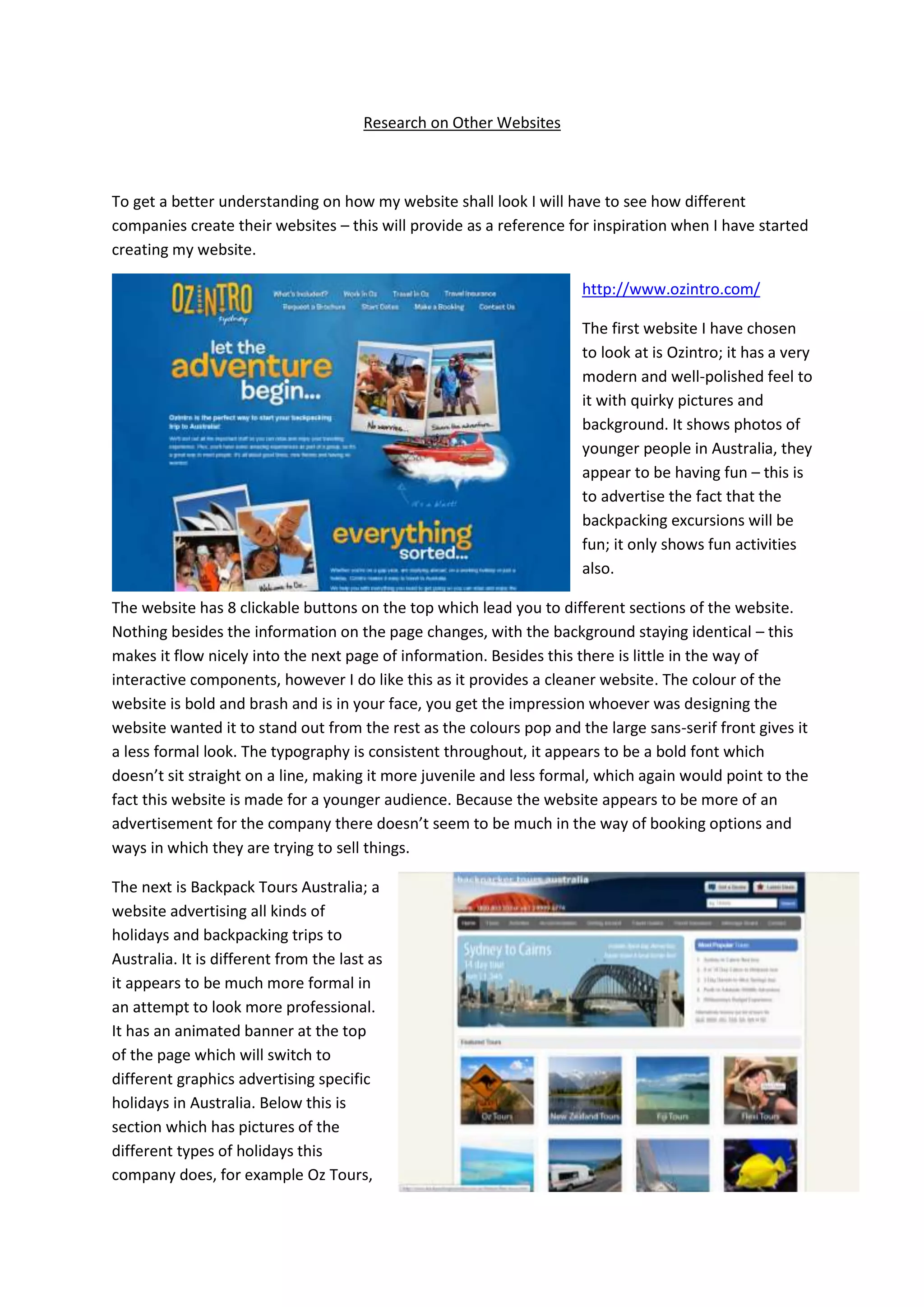
                                                                     The first website I have chosen
                                                                     to look at is Ozintro; it has a very
                                                                     modern and well-polished feel to
                                                                     it with quirky pictures and
                                                                     background. It shows photos of
                                                                     younger people in Australia, they
                                                                     appear to be having fun – this is
                                                                     to advertise the fact that the
                                                                     backpacking excursions will be
                                                                     fun; it only shows fun activities
                                                                     also.

The website has 8 clickable buttons on the top which lead you to different sections of the website.
Nothing besides the information on the page changes, with the background staying identical – this
makes it flow nicely into the next page of information. Besides this there is little in the way of
interactive components, however I do like this as it provides a cleaner website. The colour of the
website is bold and brash and is in your face, you get the impression whoever was designing the
website wanted it to stand out from the rest as the colours pop and the large sans-serif front gives it
a less formal look. The typography is consistent throughout, it appears to be a bold font which
doesn’t sit straight on a line, making it more juvenile and less formal, which again would point to the
fact this website is made for a younger audience. Because the website appears to be more of an
advertisement for the company there doesn’t seem to be much in the way of booking options and
ways in which they are trying to sell things.

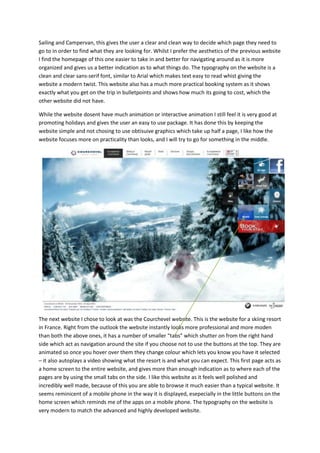
The next is Backpack Tours Australia; a
website advertising all kinds of
holidays and backpacking trips to
Australia. It is different from the last as
it appears to be much more formal in
an attempt to look more professional.
It has an animated banner at the top
of the page which will switch to
different graphics advertising specific
holidays in Australia. Below this is
section which has pictures of the
different types of holidays this
company does, for example Oz Tours,
Sailing and Campervan, this gives the user a clear and clean way to decide which page they need to
go to in order to find what they are looking for. Whilst I prefer the aesthetics of the previous website
I find the homepage of this one easier to take in and better for navigating around as it is more
organized and gives us a better indication as to what things do. The typography on the website is a
clean and clear sans-serif font, similar to Arial which makes text easy to read whist giving the
website a modern twist. This website also has a much more practical booking system as it shows
exactly what you get on the trip in bulletpoints and shows how much its going to cost, which the
other website did not have.

While the website dosent have much animation or interactive animation I still feel it is very good at
promoting holidays and gives the user an easy to use package. It has done this by keeping the
website simple and not chosing to use obtisuive graphics which take up half a page, I like how the
website focuses more on practicality than looks, and I will try to go for something in the middle.


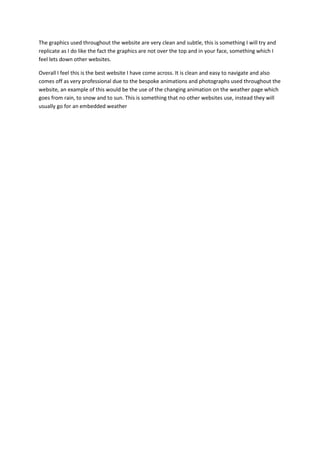
The next website I chose to look at was the Courchevel website. This is the website for a skiing resort
in France. Right from the outlook the website instantly looks more professional and more moden
than both the above ones, it has a number of smaller “tabs” which shutter on from the right hand
side which act as navigation around the site if you choose not to use the buttons at the top. They are
animated so once you hover over them they change colour which lets you know you have it selected
– it also autoplays a video showing what the resort is and what you can expect. This first page acts as
a home screen to the entire website, and gives more than enough indication as to where each of the
pages are by using the small tabs on the side. I like this website as it feels well polished and
incredibly well made, because of this you are able to browse it much easier than a typical website. It
seems reminicent of a mobile phone in the way it is displayed, esepecially in the little buttons on the
home screen which reminds me of the apps on a mobile phone. The typography on the website is
very modern to match the advanced and highly developed website.
The graphics used throughout the website are very clean and subtle, this is something I will try and
replicate as I do like the fact the graphics are not over the top and in your face, something which I
feel lets down other websites.

Overall I feel this is the best website I have come across. It is clean and easy to navigate and also
comes off as very professional due to the bespoke animations and photographs used throughout the
website, an example of this would be the use of the changing animation on the weather page which
goes from rain, to snow and to sun. This is something that no other websites use, instead they will
usually go for an embedded weather

Research on other websites

  • 1.
    Research on OtherWebsites To get a better understanding on how my website shall look I will have to see how different companies create their websites – this will provide as a reference for inspiration when I have started creating my website. http://www.ozintro.com/ The first website I have chosen to look at is Ozintro; it has a very modern and well-polished feel to it with quirky pictures and background. It shows photos of younger people in Australia, they appear to be having fun – this is to advertise the fact that the backpacking excursions will be fun; it only shows fun activities also. The website has 8 clickable buttons on the top which lead you to different sections of the website. Nothing besides the information on the page changes, with the background staying identical – this makes it flow nicely into the next page of information. Besides this there is little in the way of interactive components, however I do like this as it provides a cleaner website. The colour of the website is bold and brash and is in your face, you get the impression whoever was designing the website wanted it to stand out from the rest as the colours pop and the large sans-serif front gives it a less formal look. The typography is consistent throughout, it appears to be a bold font which doesn’t sit straight on a line, making it more juvenile and less formal, which again would point to the fact this website is made for a younger audience. Because the website appears to be more of an advertisement for the company there doesn’t seem to be much in the way of booking options and ways in which they are trying to sell things. The next is Backpack Tours Australia; a website advertising all kinds of holidays and backpacking trips to Australia. It is different from the last as it appears to be much more formal in an attempt to look more professional. It has an animated banner at the top of the page which will switch to different graphics advertising specific holidays in Australia. Below this is section which has pictures of the different types of holidays this company does, for example Oz Tours,
  • 2.
    Sailing and Campervan,this gives the user a clear and clean way to decide which page they need to go to in order to find what they are looking for. Whilst I prefer the aesthetics of the previous website I find the homepage of this one easier to take in and better for navigating around as it is more organized and gives us a better indication as to what things do. The typography on the website is a clean and clear sans-serif font, similar to Arial which makes text easy to read whist giving the website a modern twist. This website also has a much more practical booking system as it shows exactly what you get on the trip in bulletpoints and shows how much its going to cost, which the other website did not have. While the website dosent have much animation or interactive animation I still feel it is very good at promoting holidays and gives the user an easy to use package. It has done this by keeping the website simple and not chosing to use obtisuive graphics which take up half a page, I like how the website focuses more on practicality than looks, and I will try to go for something in the middle. The next website I chose to look at was the Courchevel website. This is the website for a skiing resort in France. Right from the outlook the website instantly looks more professional and more moden than both the above ones, it has a number of smaller “tabs” which shutter on from the right hand side which act as navigation around the site if you choose not to use the buttons at the top. They are animated so once you hover over them they change colour which lets you know you have it selected – it also autoplays a video showing what the resort is and what you can expect. This first page acts as a home screen to the entire website, and gives more than enough indication as to where each of the pages are by using the small tabs on the side. I like this website as it feels well polished and incredibly well made, because of this you are able to browse it much easier than a typical website. It seems reminicent of a mobile phone in the way it is displayed, esepecially in the little buttons on the home screen which reminds me of the apps on a mobile phone. The typography on the website is very modern to match the advanced and highly developed website.
  • 3.
    The graphics usedthroughout the website are very clean and subtle, this is something I will try and replicate as I do like the fact the graphics are not over the top and in your face, something which I feel lets down other websites. Overall I feel this is the best website I have come across. It is clean and easy to navigate and also comes off as very professional due to the bespoke animations and photographs used throughout the website, an example of this would be the use of the changing animation on the weather page which goes from rain, to snow and to sun. This is something that no other websites use, instead they will usually go for an embedded weather