10 Tips for Facilitating
Requirements Review
Sessions
For all Business Analysts & You

Business Analyst Learnings
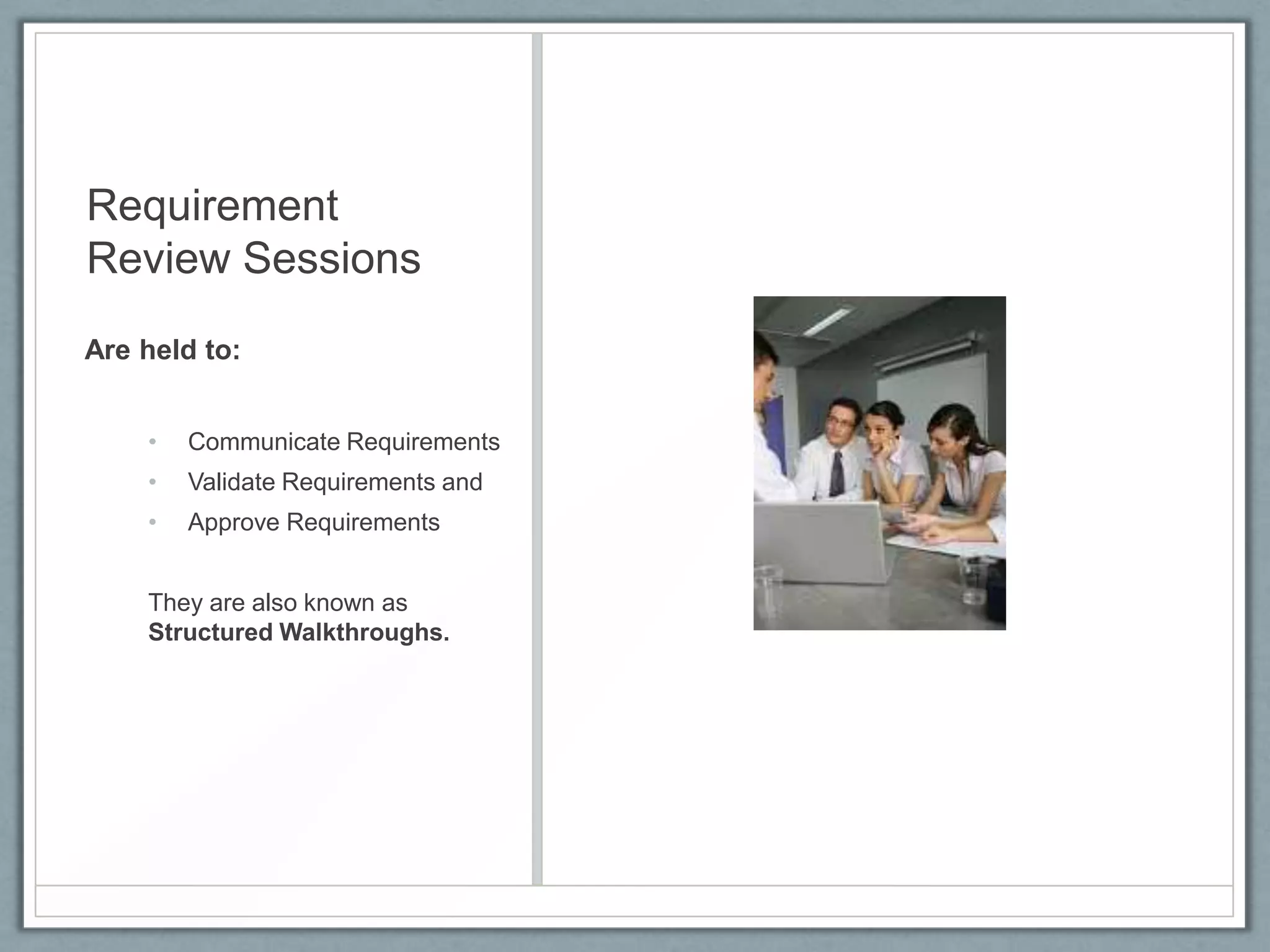
Requirement
Review Sessions
Are held to:
•

Communicate Requirements

•

Validate Requirements and

•

Approve Requirements

They are also known as
Structured Walkthroughs.
Tip 1
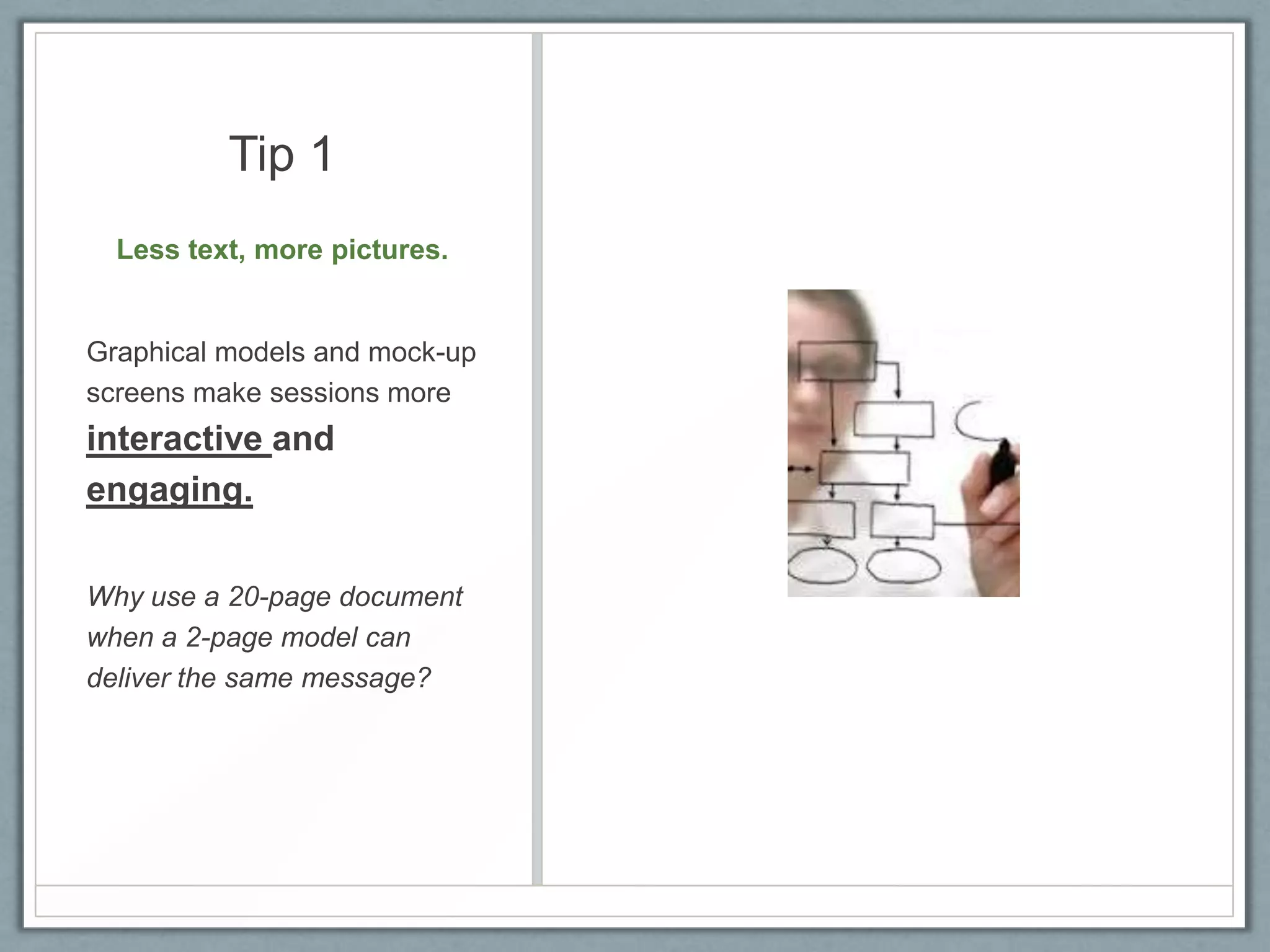
Less text, more pictures.

Graphical models and mock-up
screens make sessions more

interactive and
engaging.
Why use a 20-page document
when a 2-page model can
deliver the same message?
Tip 2
Requirements review
sessions are about

detecting errors, not
correcting them on the
spot.
•

Take note of corrections

•

Save time by correcting
them later.
Tip 3
Prioritize the issues to be
discussed.

•

Don’t spend too much time
focusing on exceptions or
rare scenarios.

•

Prioritize requirements

beforehand and discuss
them in order.
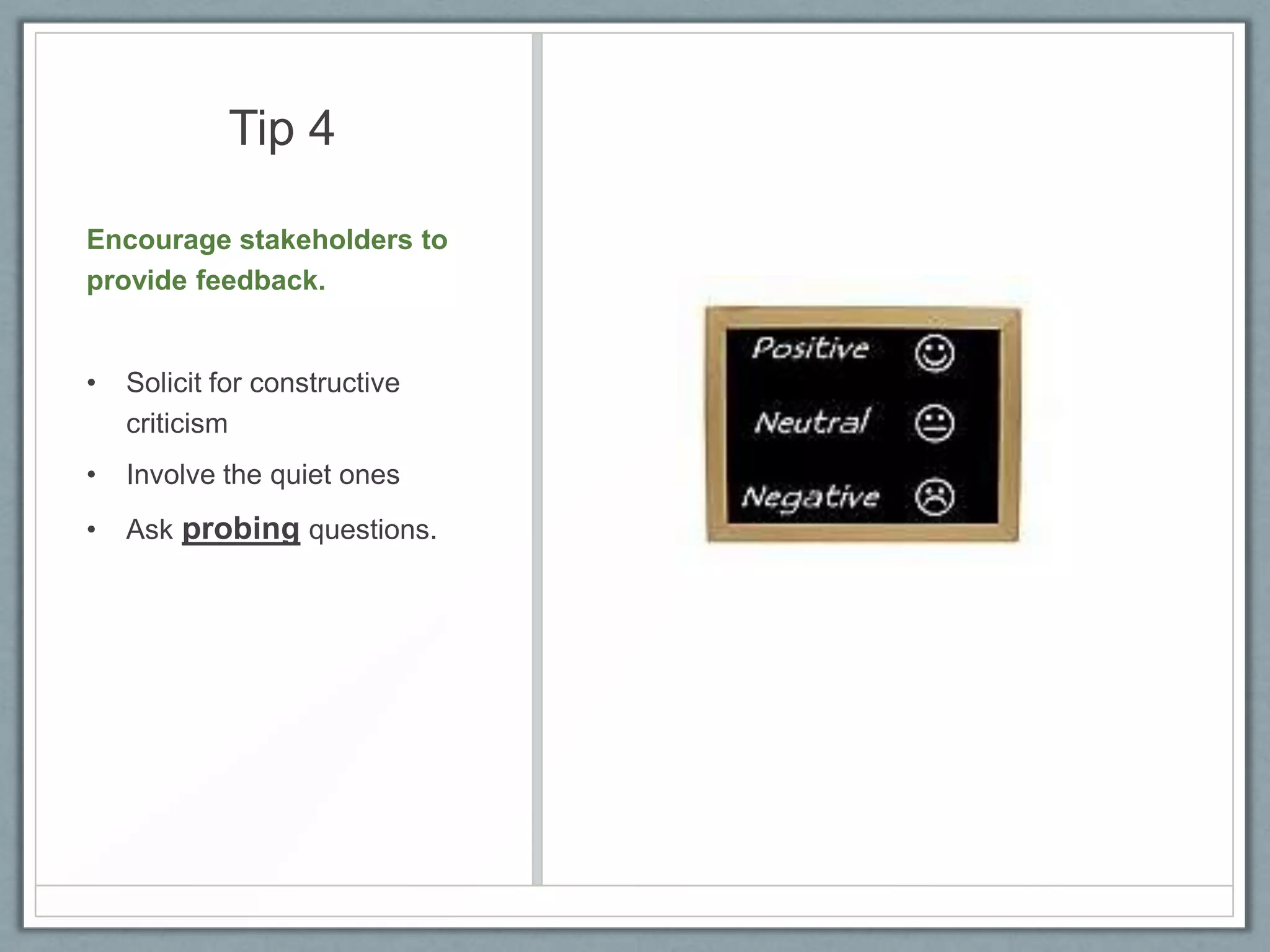
Tip 4
Encourage stakeholders to
provide feedback.

•

Solicit for constructive
criticism

•

Involve the quiet ones

•

Ask probing questions.
Tip 5
Send the Requirements
Package in advance.
This will ensure that:
•

Stakeholders can prepare
in advance

•

Stakeholders do

not
have to start from
scratch.
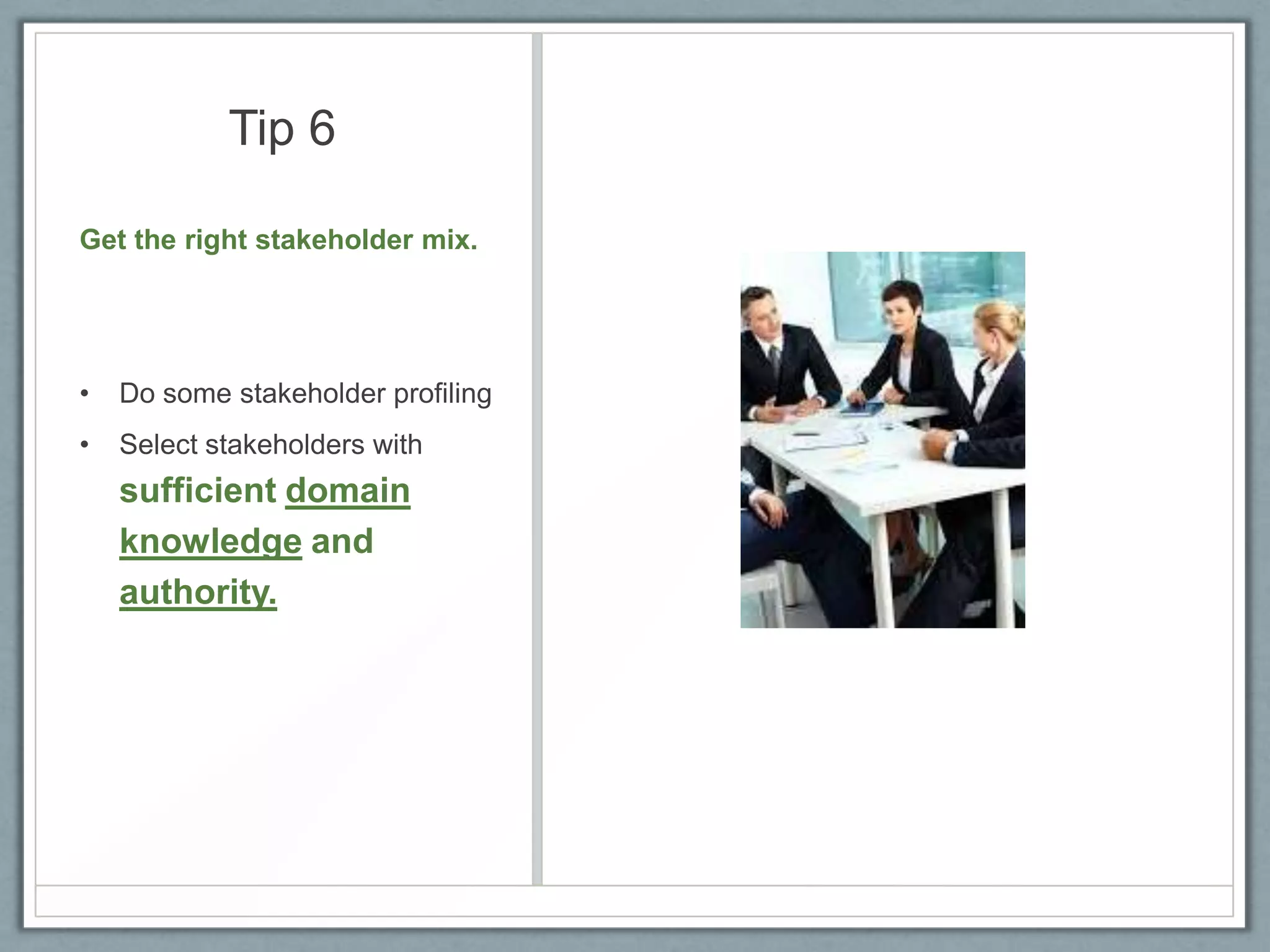
Tip 6
Get the right stakeholder mix.

•

Do some stakeholder profiling

•

Select stakeholders with

sufficient domain
knowledge and
authority.
Tip 7
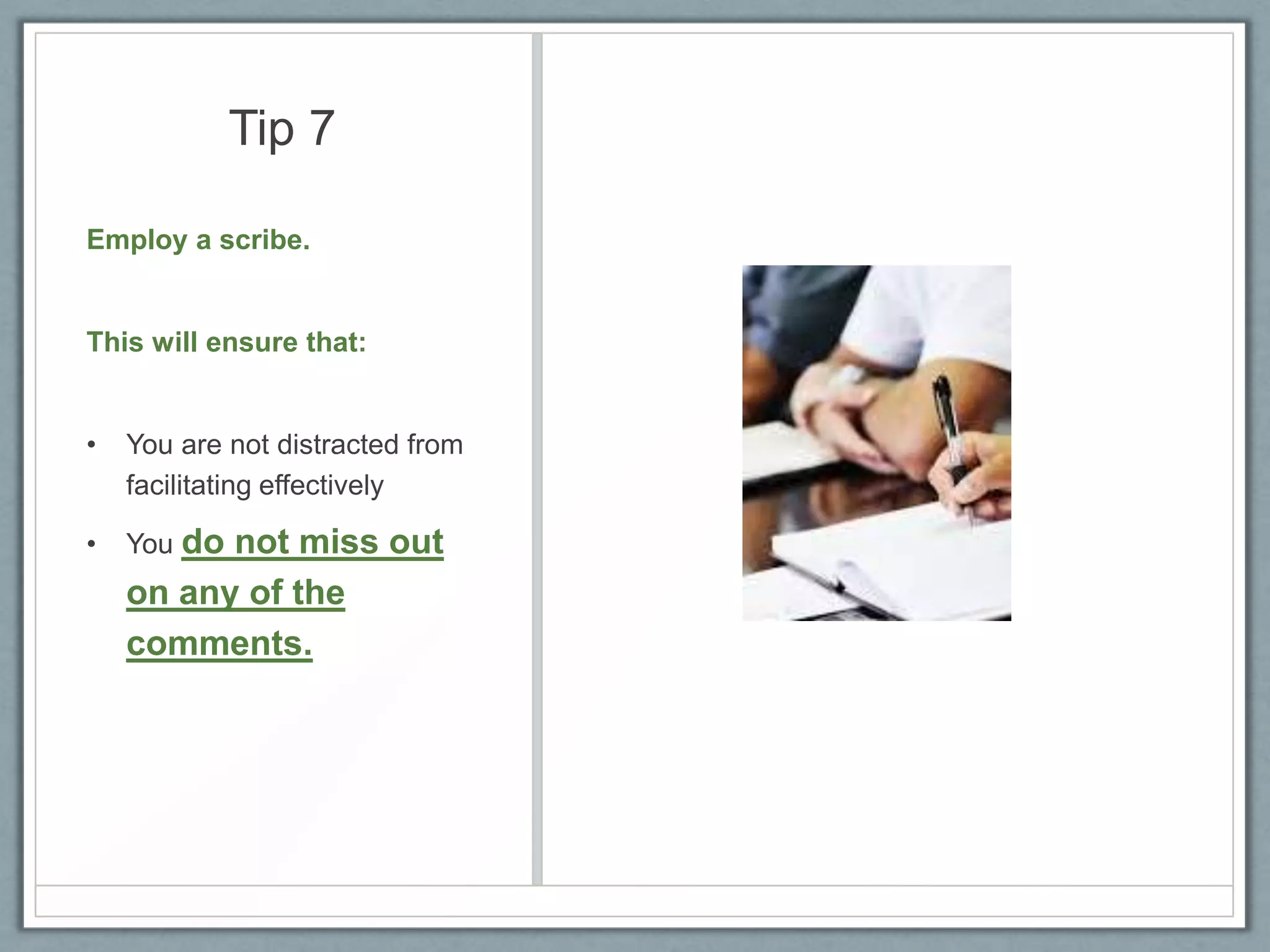
Employ a scribe.

This will ensure that:

•

You are not distracted from
facilitating effectively

•

You do

not miss out
on any of the
comments.
Tip 8
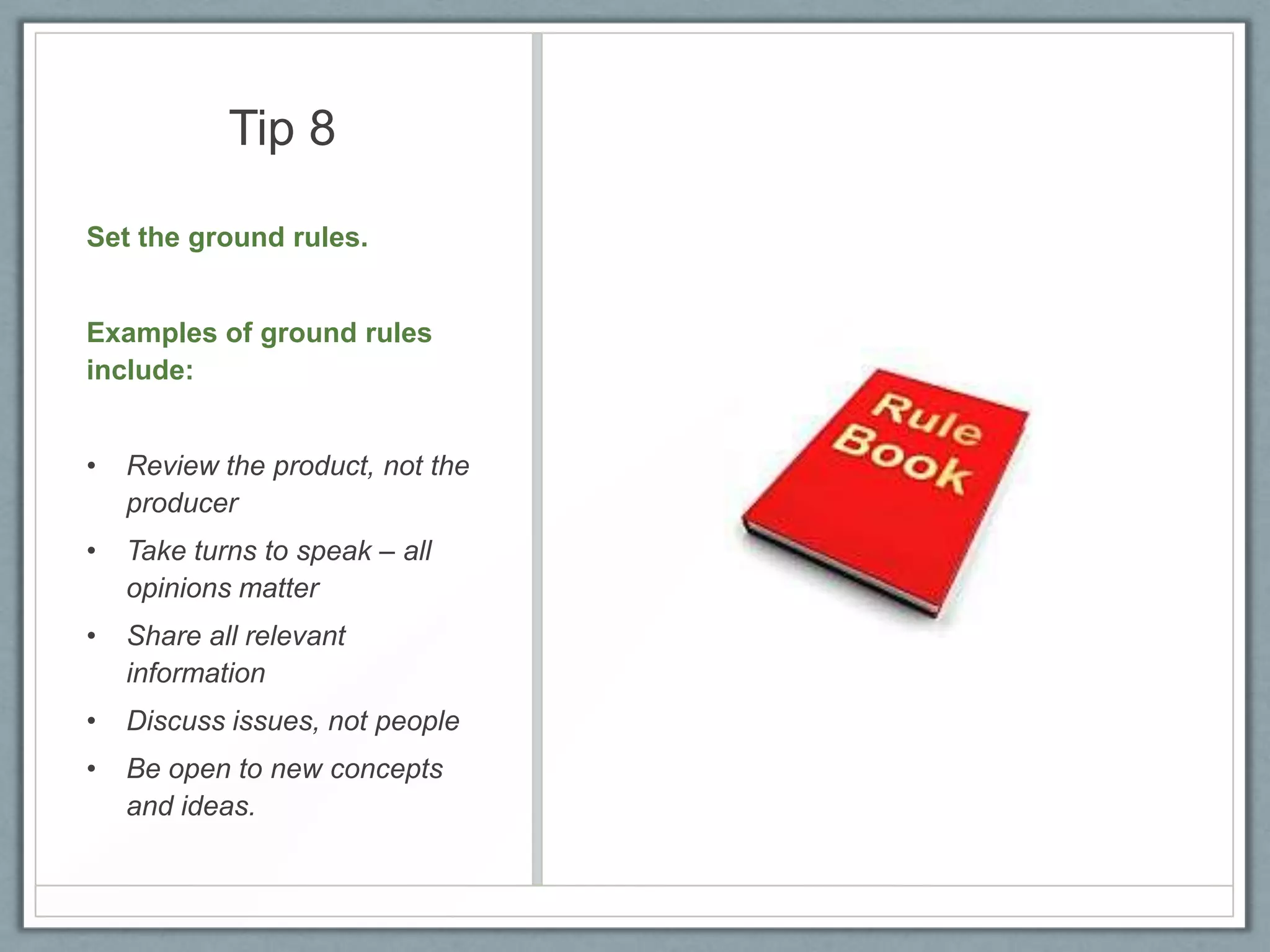
Set the ground rules.
Examples of ground rules
include:
•

Review the product, not the
producer

•

Take turns to speak – all
opinions matter

•

Share all relevant
information

•

Discuss issues, not people

•

Be open to new concepts
and ideas.
Tip 9
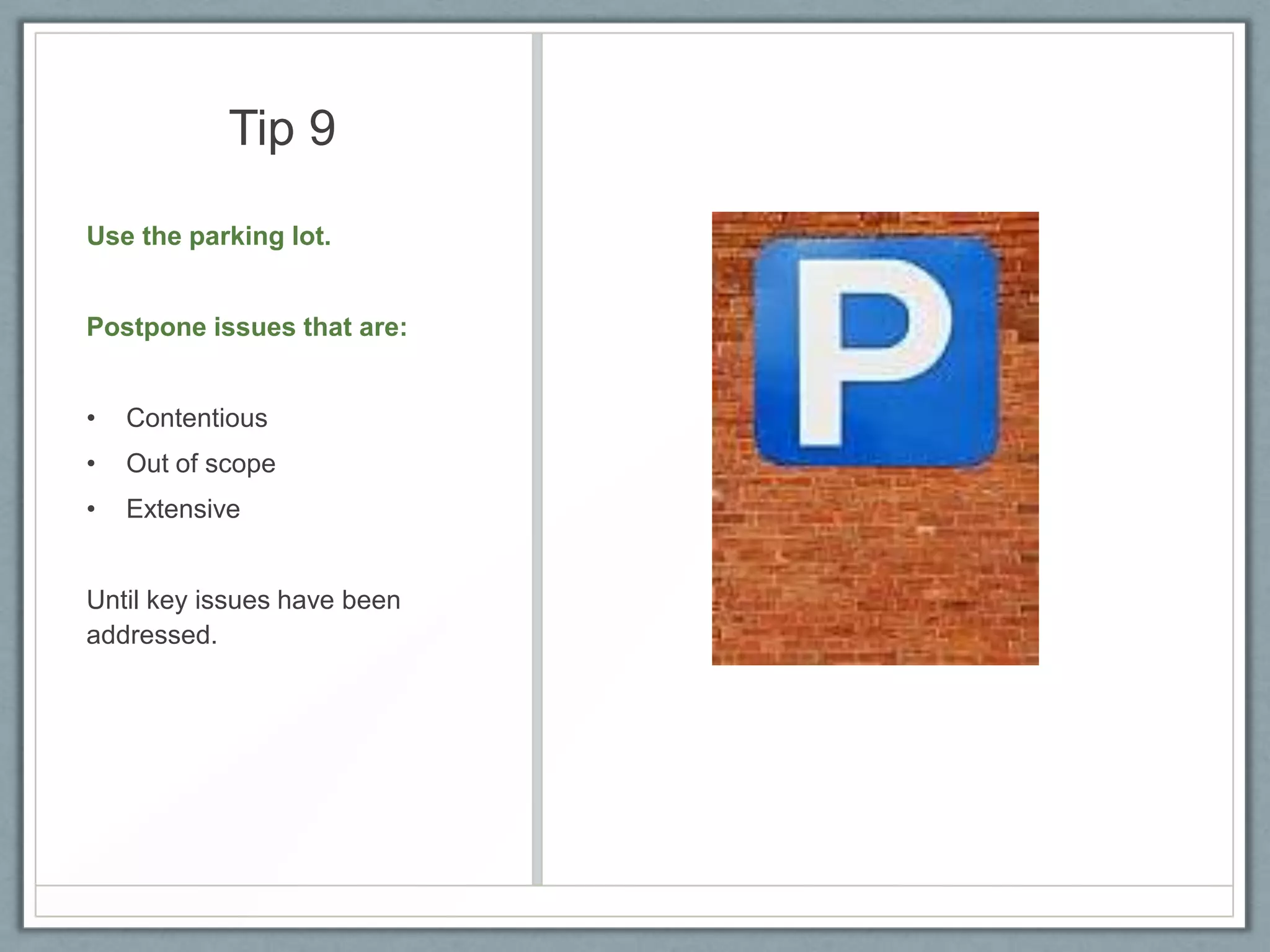
Use the parking lot.

Postpone issues that are:
•

Contentious

•

Out of scope

•

Extensive

Until key issues have been
addressed.
Tip 10
Ask if stakeholders will be
willing to sign off on the
requirements.
Sign-off indicates a readiness
to approve requirements.
After the session:

•

Make the necessary
corrections and

•

Send the documents out for a
formal sign-off.
Read more on how to conduct
Requirements Review Sessions

Requirements review session tips

  • 1.
    10 Tips forFacilitating Requirements Review Sessions For all Business Analysts & You Business Analyst Learnings
  • 2.
    Requirement Review Sessions Are heldto: • Communicate Requirements • Validate Requirements and • Approve Requirements They are also known as Structured Walkthroughs.
  • 3.
    Tip 1 Less text,more pictures. Graphical models and mock-up screens make sessions more interactive and engaging. Why use a 20-page document when a 2-page model can deliver the same message?
  • 4.
    Tip 2 Requirements review sessionsare about detecting errors, not correcting them on the spot. • Take note of corrections • Save time by correcting them later.
  • 5.
    Tip 3 Prioritize theissues to be discussed. • Don’t spend too much time focusing on exceptions or rare scenarios. • Prioritize requirements beforehand and discuss them in order.
  • 6.
    Tip 4 Encourage stakeholdersto provide feedback. • Solicit for constructive criticism • Involve the quiet ones • Ask probing questions.
  • 7.
    Tip 5 Send theRequirements Package in advance. This will ensure that: • Stakeholders can prepare in advance • Stakeholders do not have to start from scratch.
  • 8.
    Tip 6 Get theright stakeholder mix. • Do some stakeholder profiling • Select stakeholders with sufficient domain knowledge and authority.
  • 9.
    Tip 7 Employ ascribe. This will ensure that: • You are not distracted from facilitating effectively • You do not miss out on any of the comments.
  • 10.
    Tip 8 Set theground rules. Examples of ground rules include: • Review the product, not the producer • Take turns to speak – all opinions matter • Share all relevant information • Discuss issues, not people • Be open to new concepts and ideas.
  • 11.
    Tip 9 Use theparking lot. Postpone issues that are: • Contentious • Out of scope • Extensive Until key issues have been addressed.
  • 12.
    Tip 10 Ask ifstakeholders will be willing to sign off on the requirements. Sign-off indicates a readiness to approve requirements. After the session: • Make the necessary corrections and • Send the documents out for a formal sign-off.
  • 13.
    Read more onhow to conduct Requirements Review Sessions