Rack Middleware
Rack Middleware
Rack Middleware
Rack Middleware
Rack Middleware
Rack Middleware
Rack Middleware
Rack Middleware
Rack Middleware
Rack Middleware
Rack Middleware
Rack Middleware
Rack Middleware
Rack Middleware
Rack Middleware
Rack Middleware
Rack Middleware
Rack Middleware
Rack Middleware
Rack Middleware
Rack Middleware
Rack Middleware
Rack Middleware
Rack Middleware
Rack Middleware
Rack Middleware
Rack Middleware
Rack Middleware
Rack Middleware
Rack Middleware
Rack Middleware
Rack Middleware
Rack Middleware
Rack Middleware
Rack Middleware
Rack Middleware
Rack Middleware
Rack Middleware
Rack Middleware
Rack Middleware
Rack Middleware
Rack Middleware
Rack Middleware
Rack Middleware
Rack Middleware
Rack Middleware
Rack Middleware
Rack Middleware
Rack Middleware
Rack Middleware
Rack Middleware
Rack Middleware
Rack Middleware
Rack Middleware
Rack Middleware
Rack Middleware
Rack Middleware
Rack Middleware
Rack Middleware
Rack Middleware
Rack Middleware
Rack Middleware
Rack Middleware
Rack Middleware
Rack Middleware
Rack Middleware
Rack Middleware
Rack Middleware
Rack Middleware

Editor's Notes

  • #3 To start off, we should take a brief look at Rack itself.
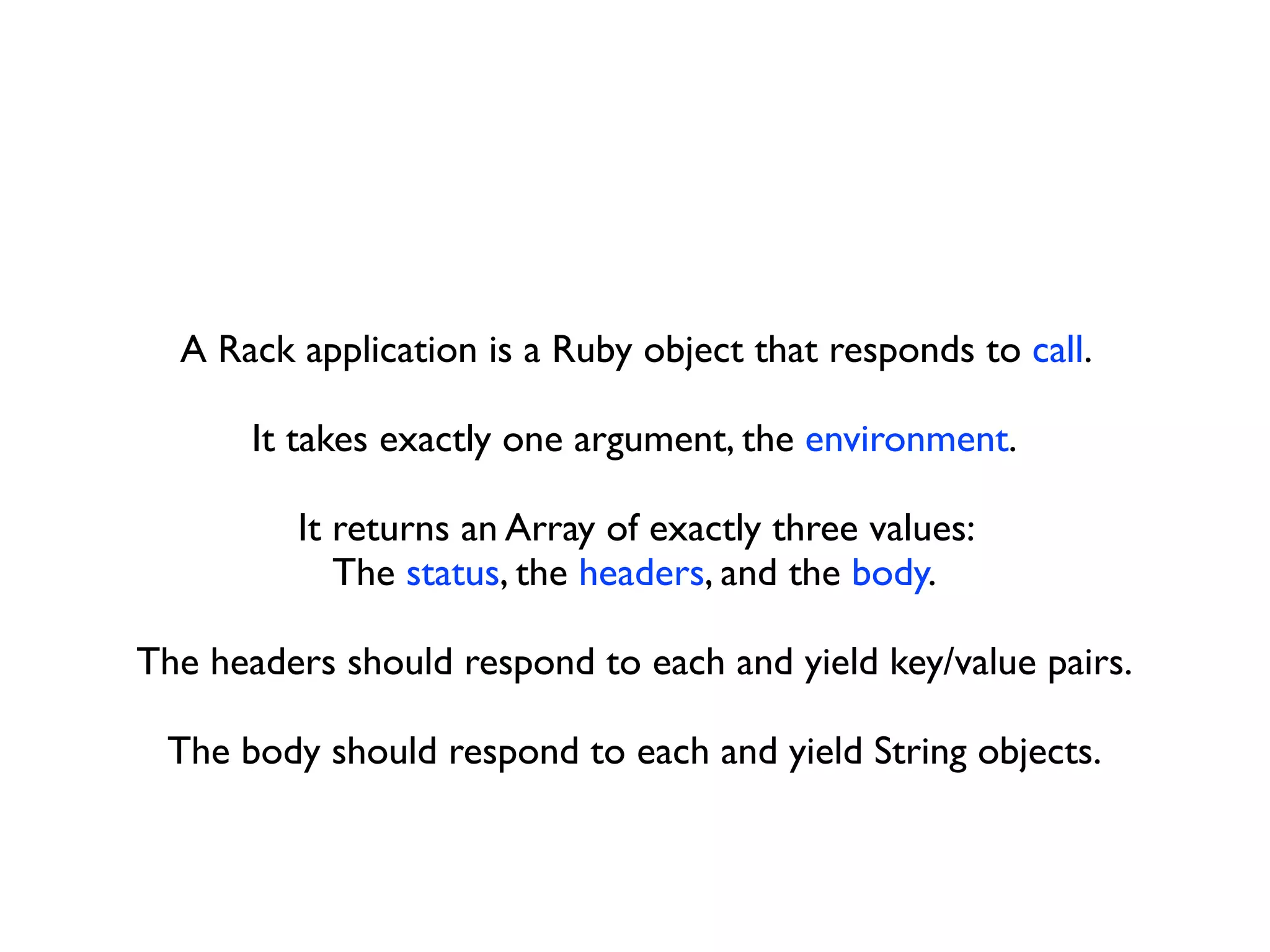
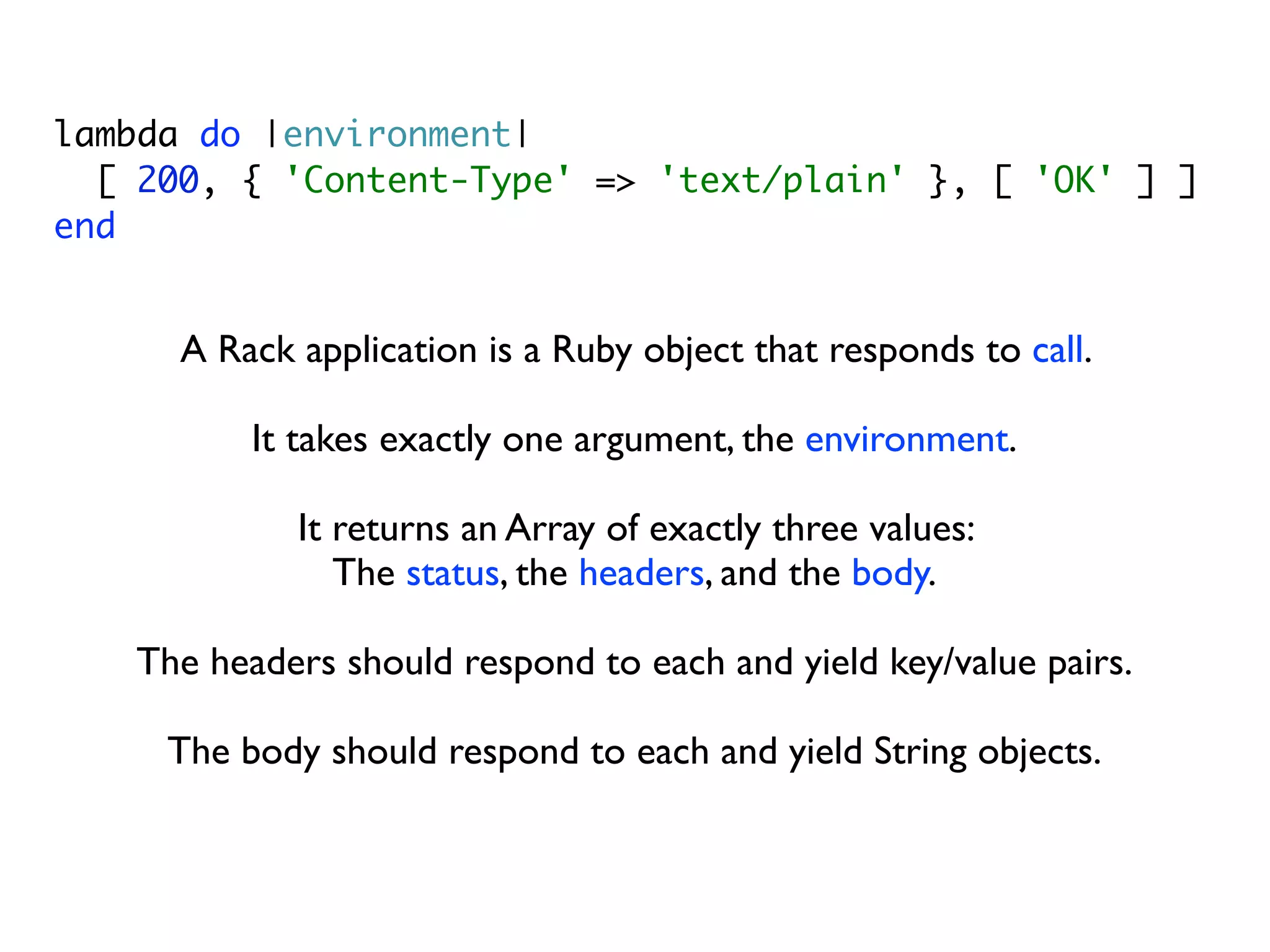
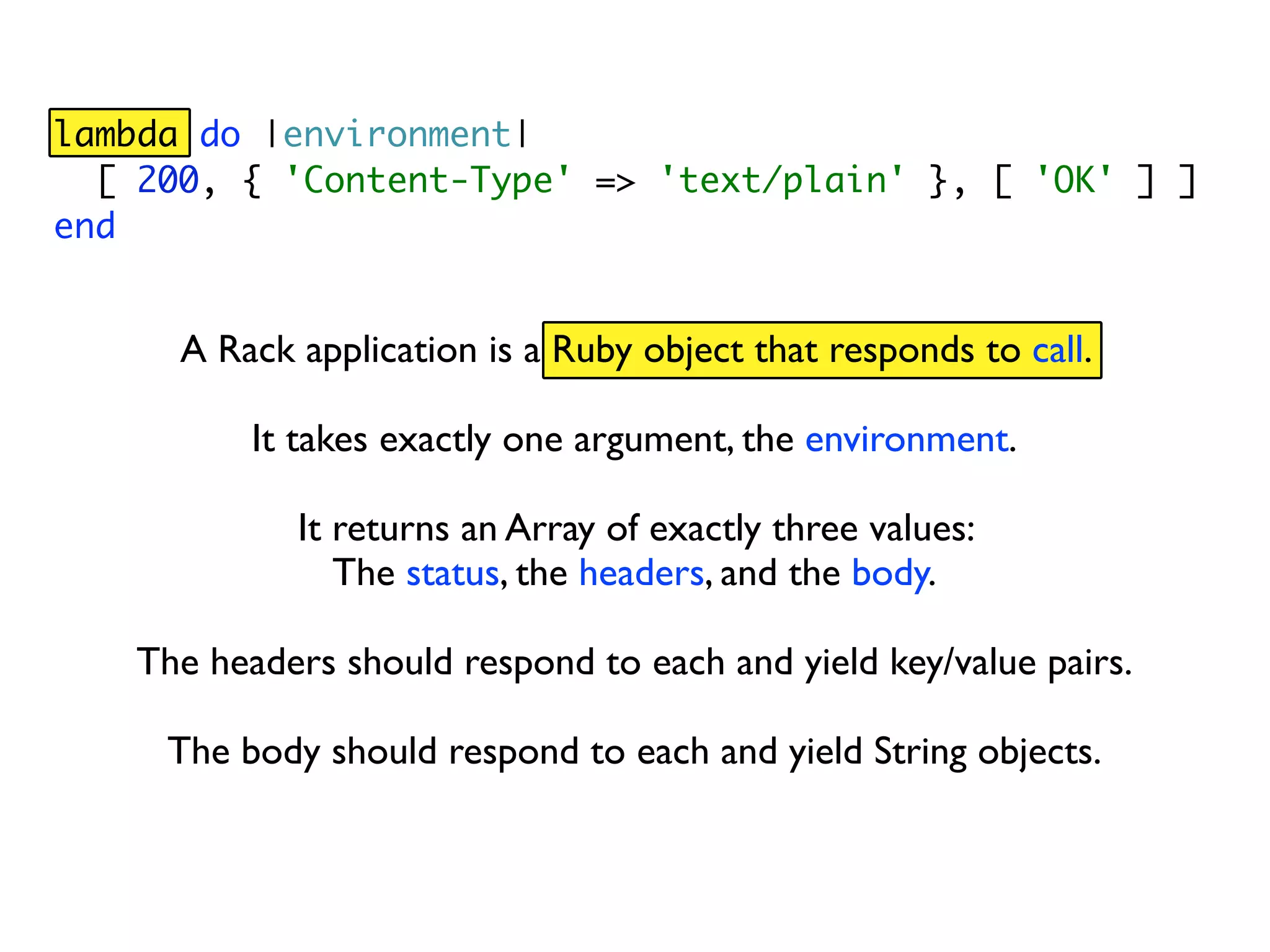
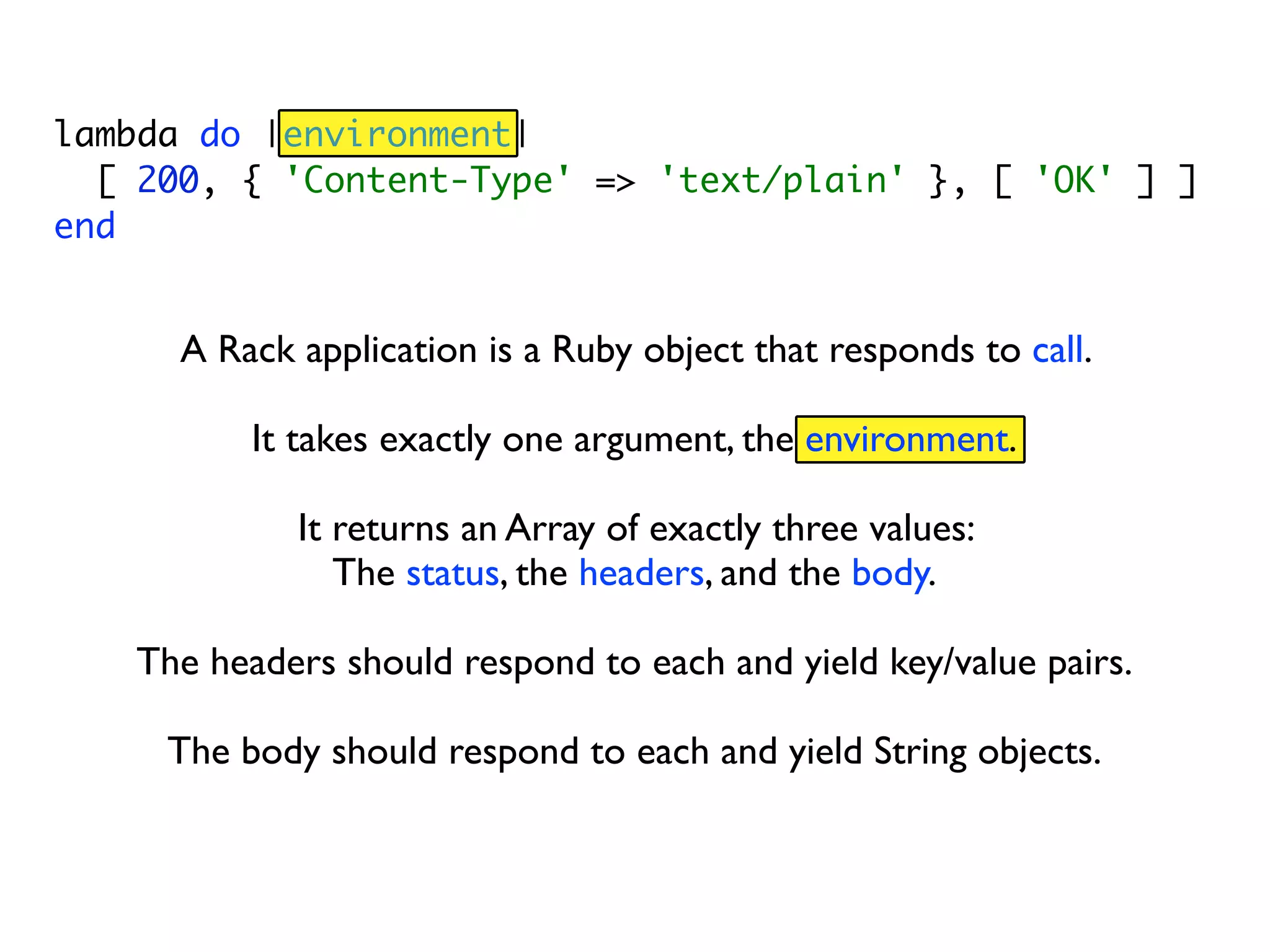
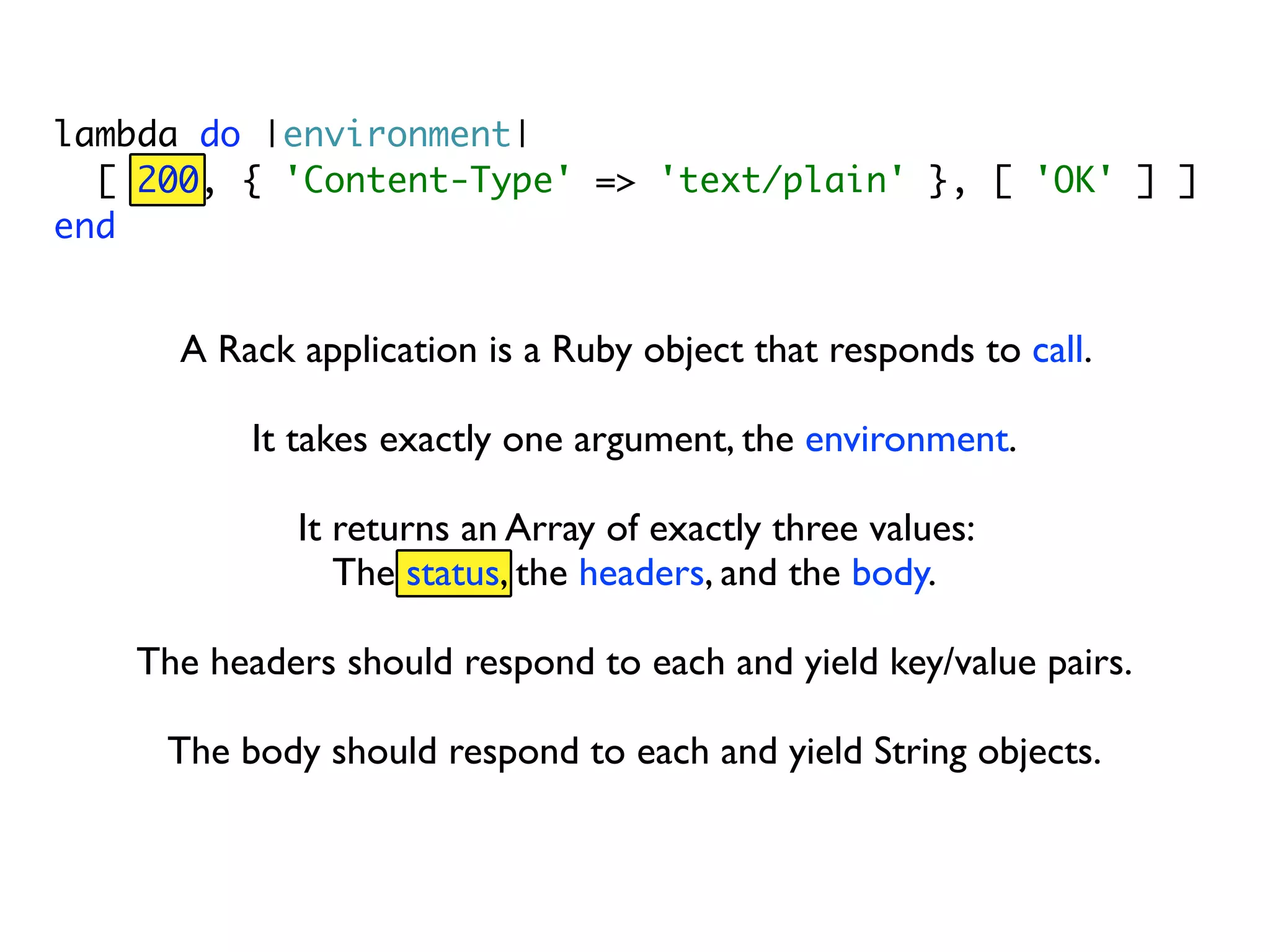
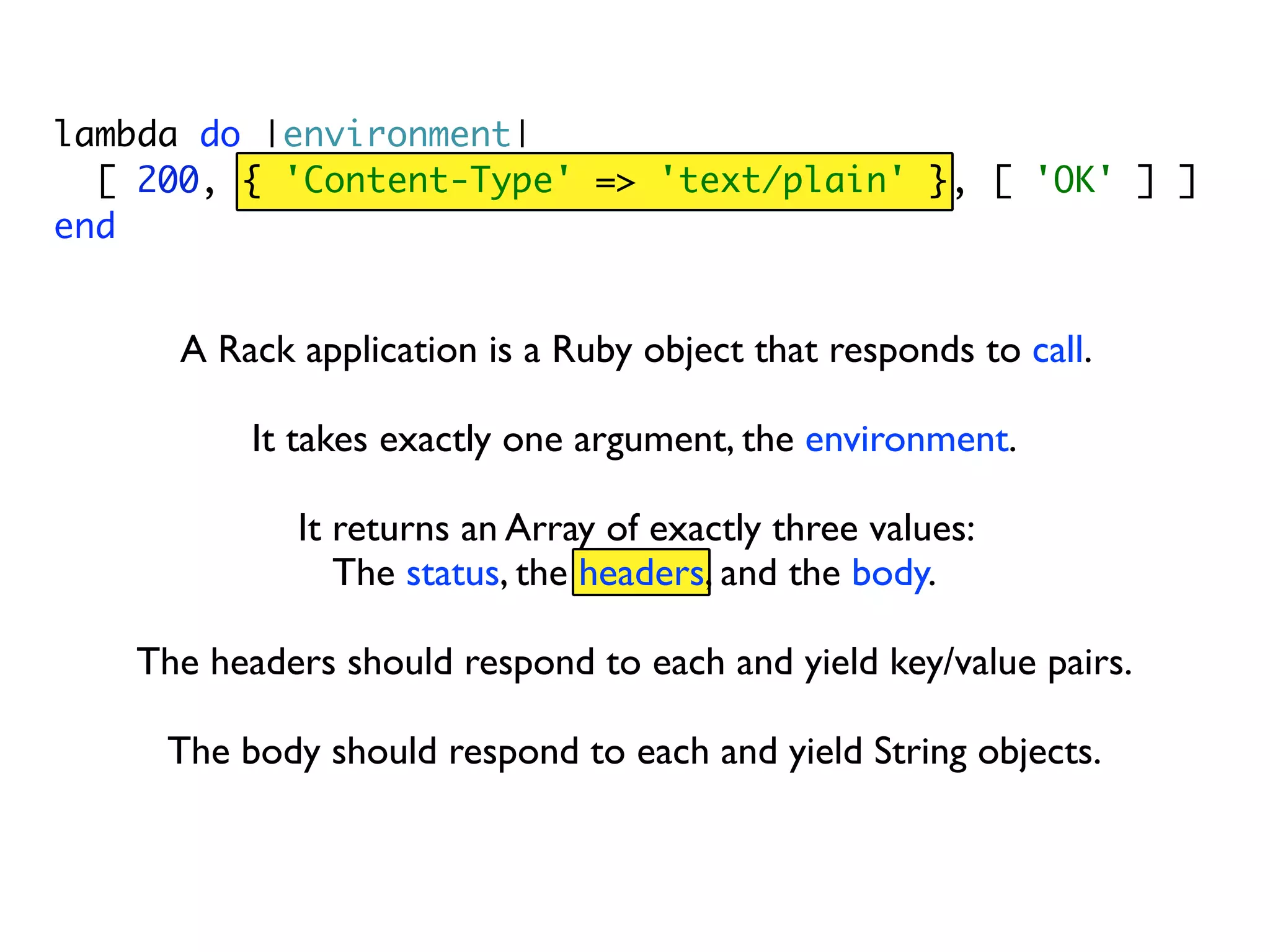
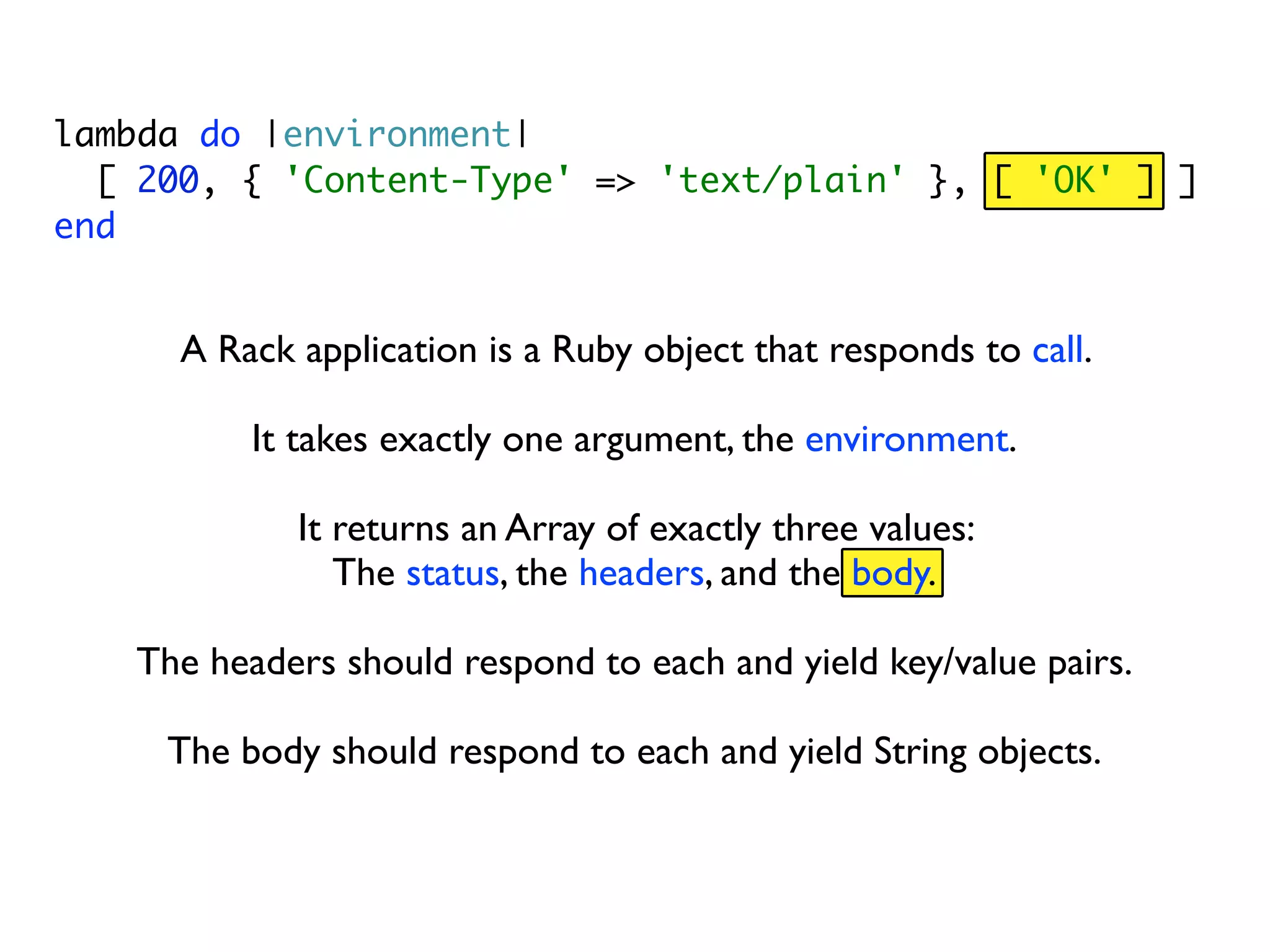
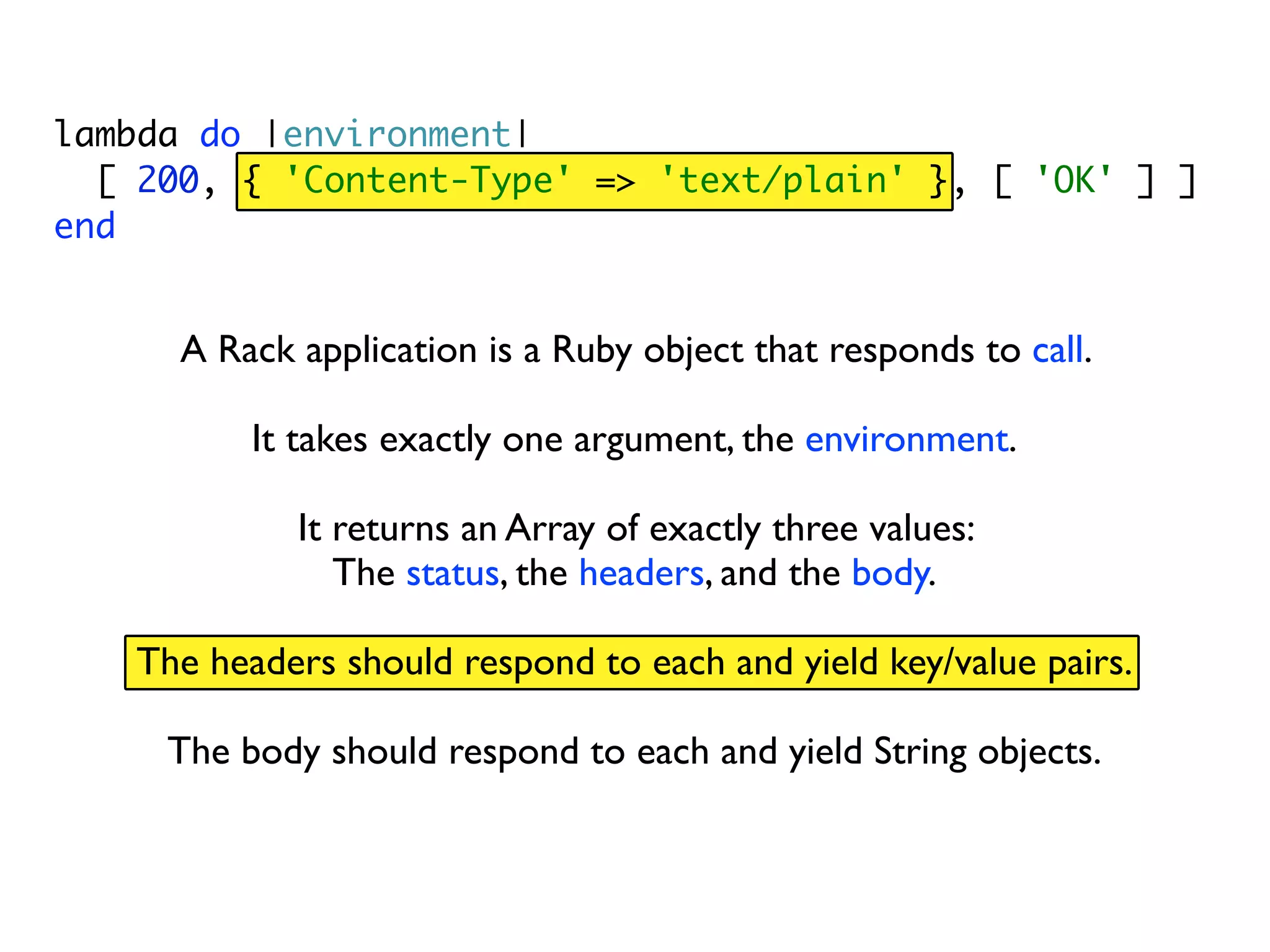
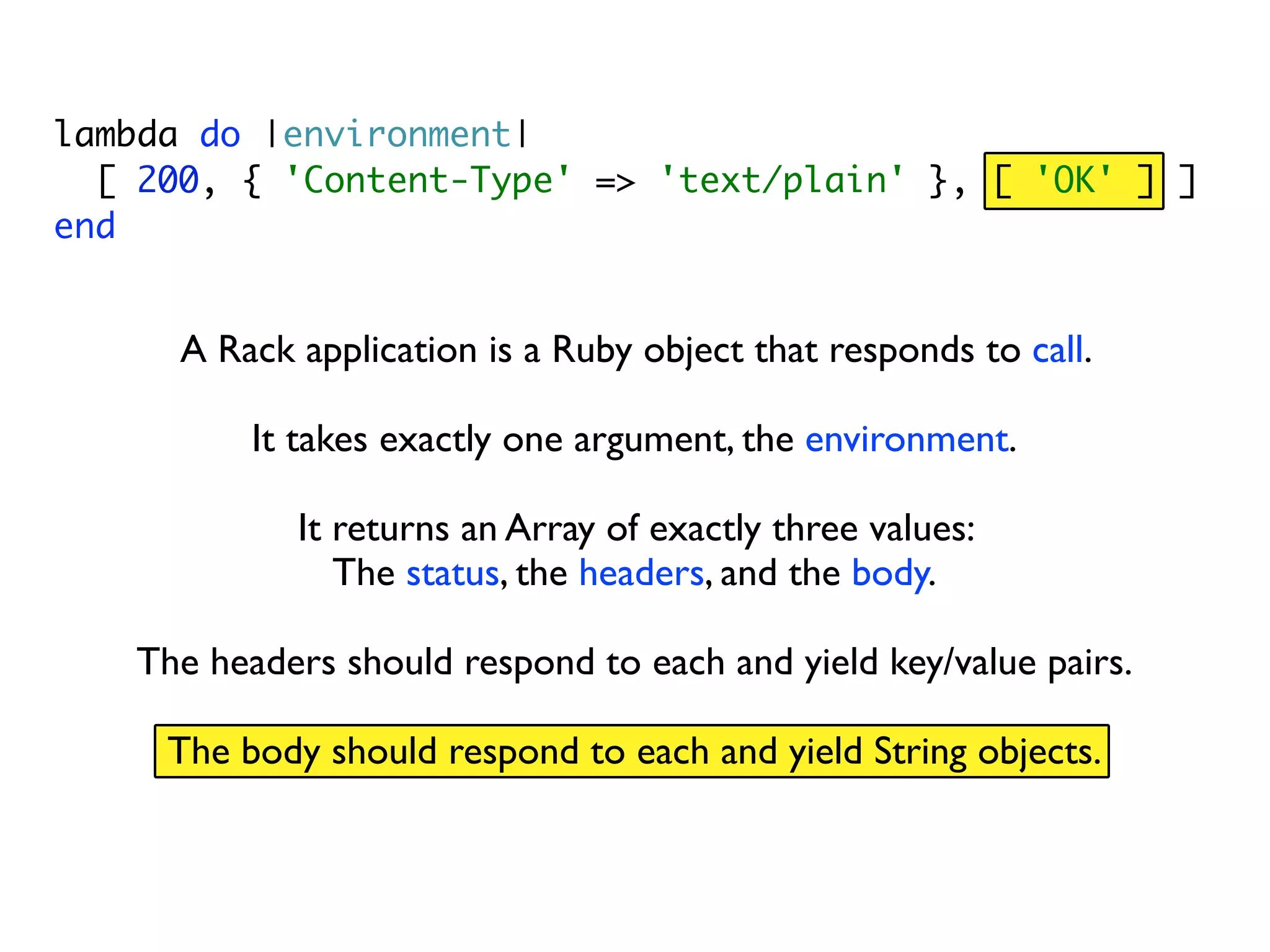
  • #5 This is a valid Rack application.
  • #6 lambda takes a block and creates a Proc object. Proc objects are invoked using the call method.
  • #7 This proc object takes one argument, the environment.
  • #8 And returns three values, the status code...
  • #9 The response headers (here we’re setting the Content Type to text/plain) ...
  • #10 and the response body (here the string “OK”)
  • #11 A Ruby Hash responds to each and returns key/value pairs
  • #12 This array responds to each and returns Strings
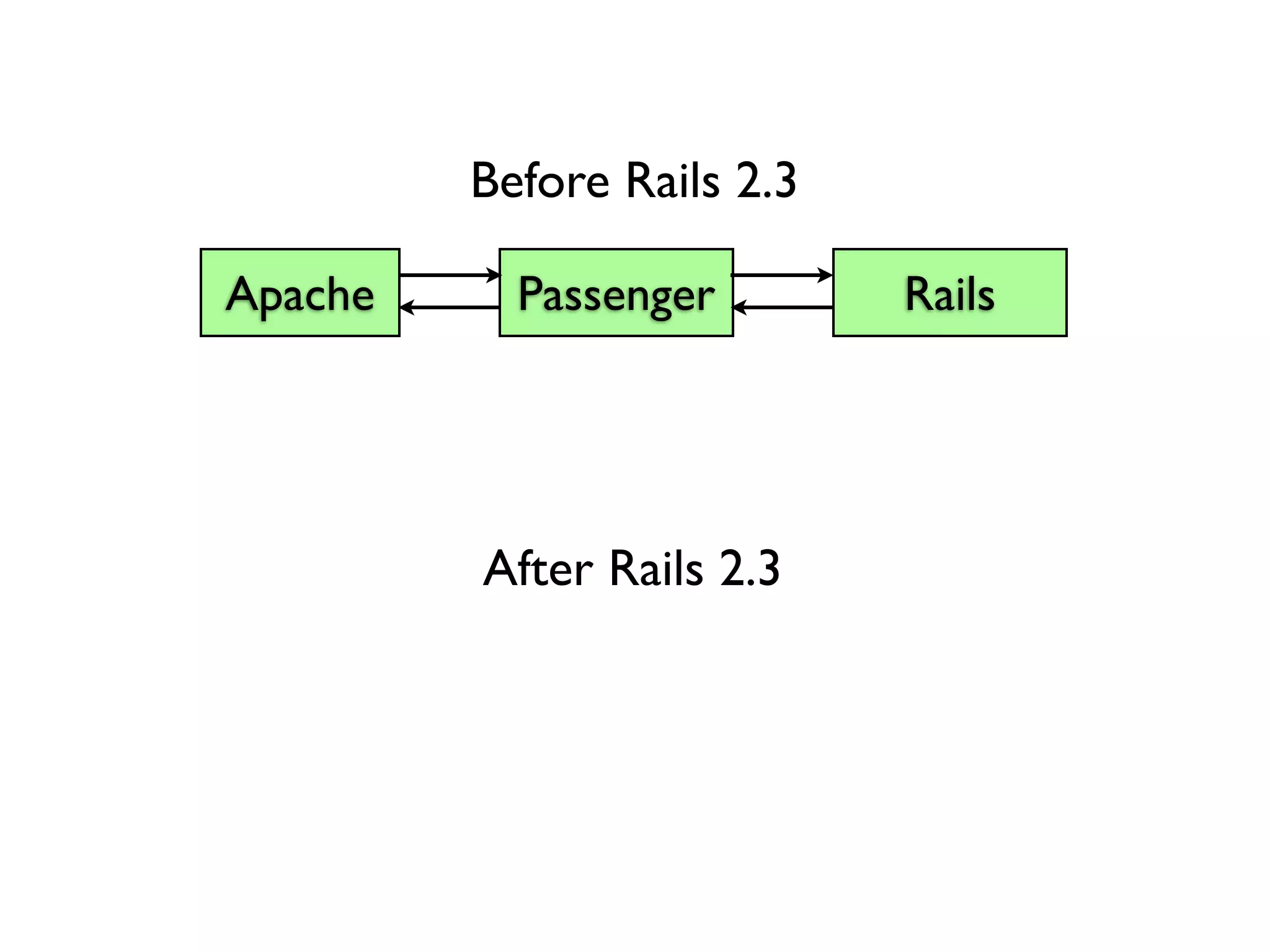
  • #13 Rack was introduced to Rails in version 2.3.
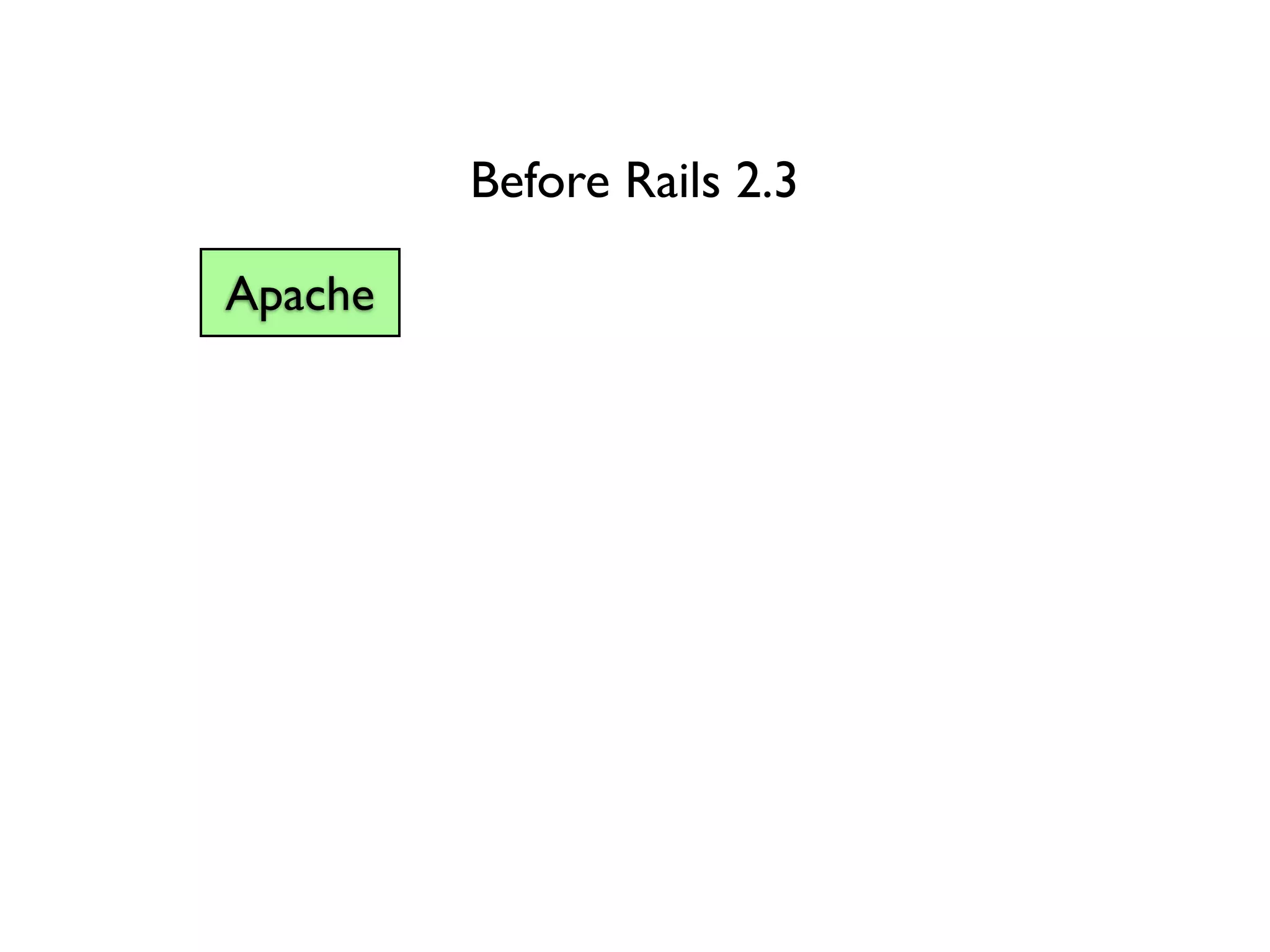
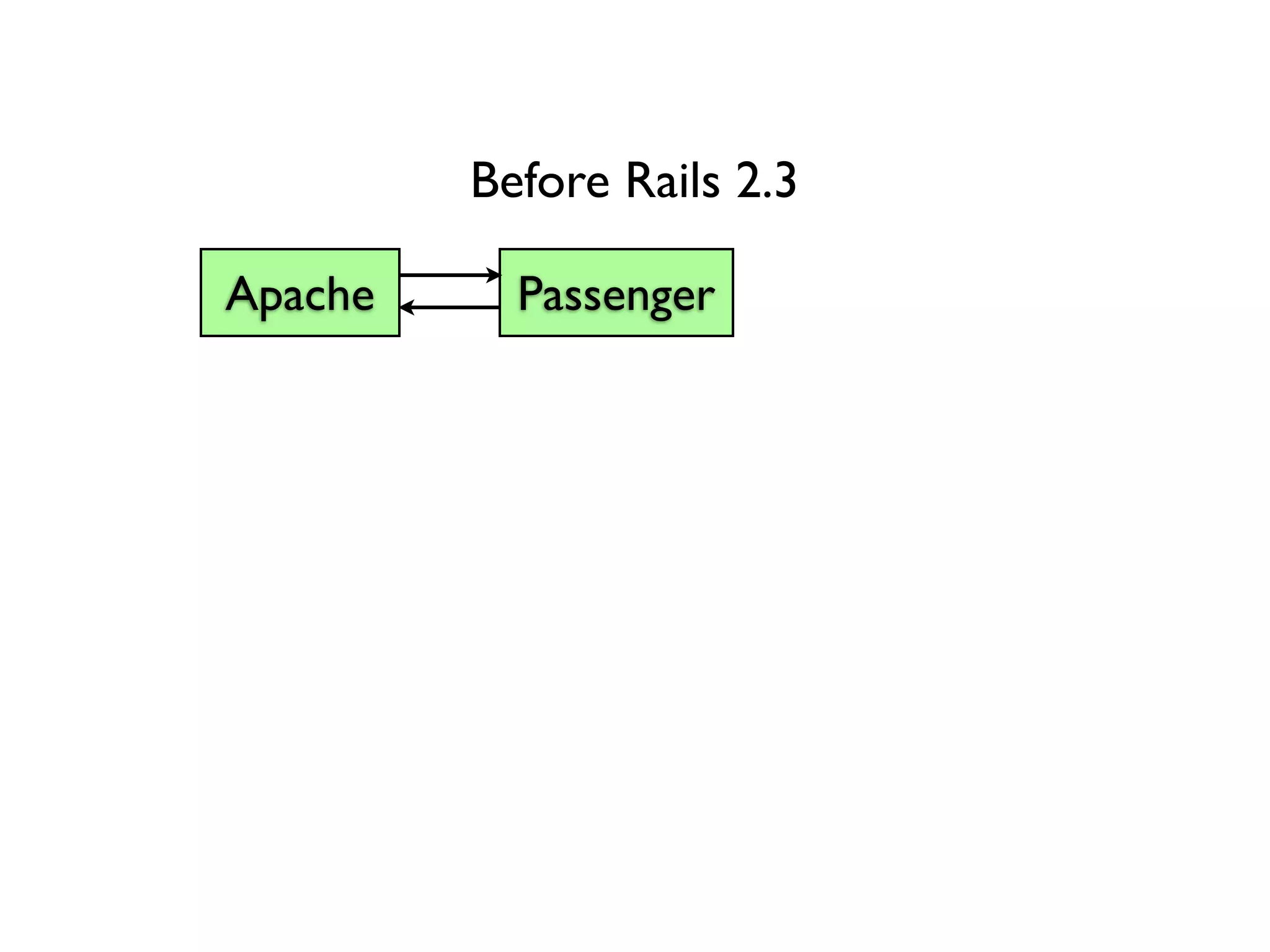
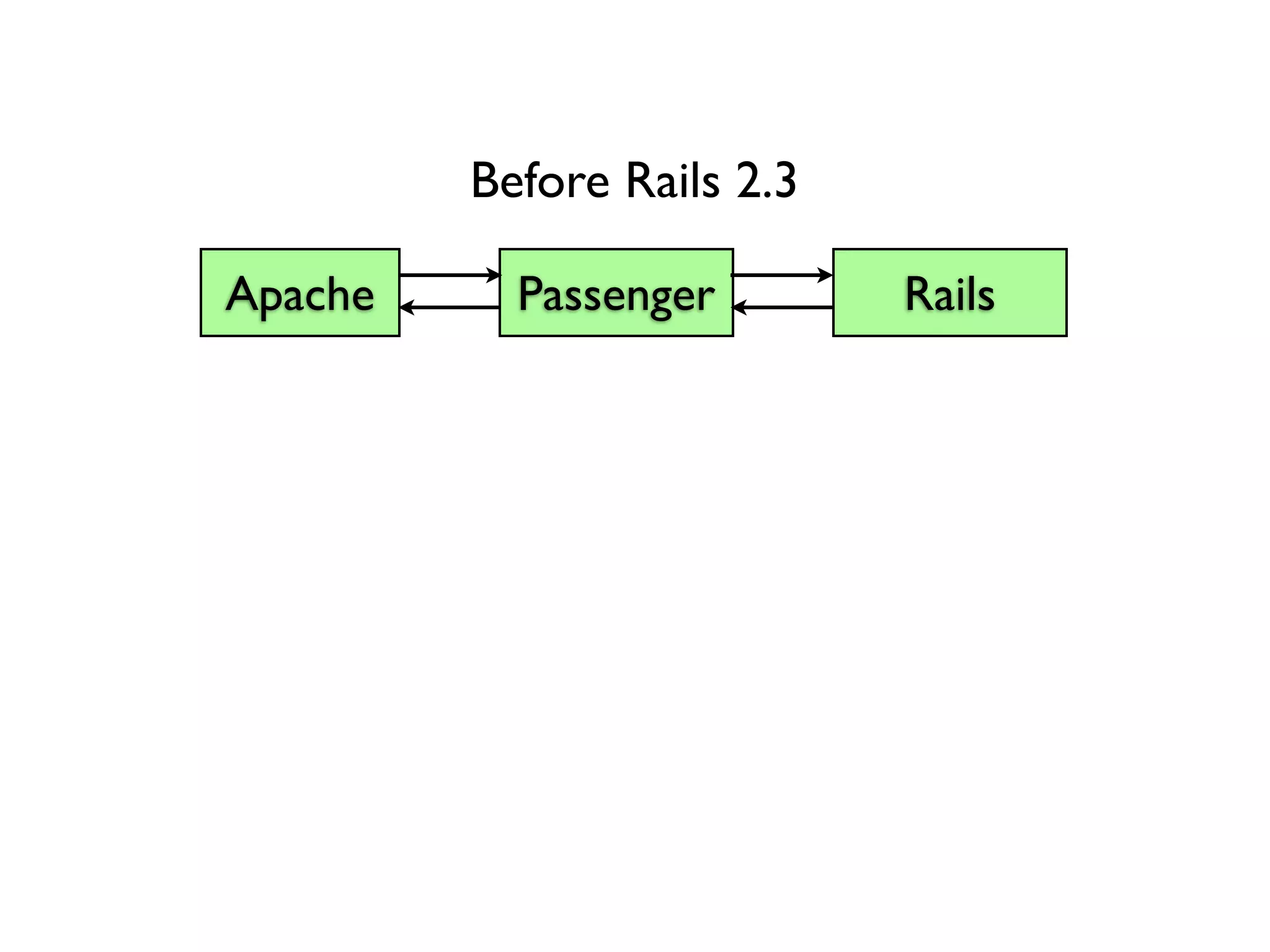
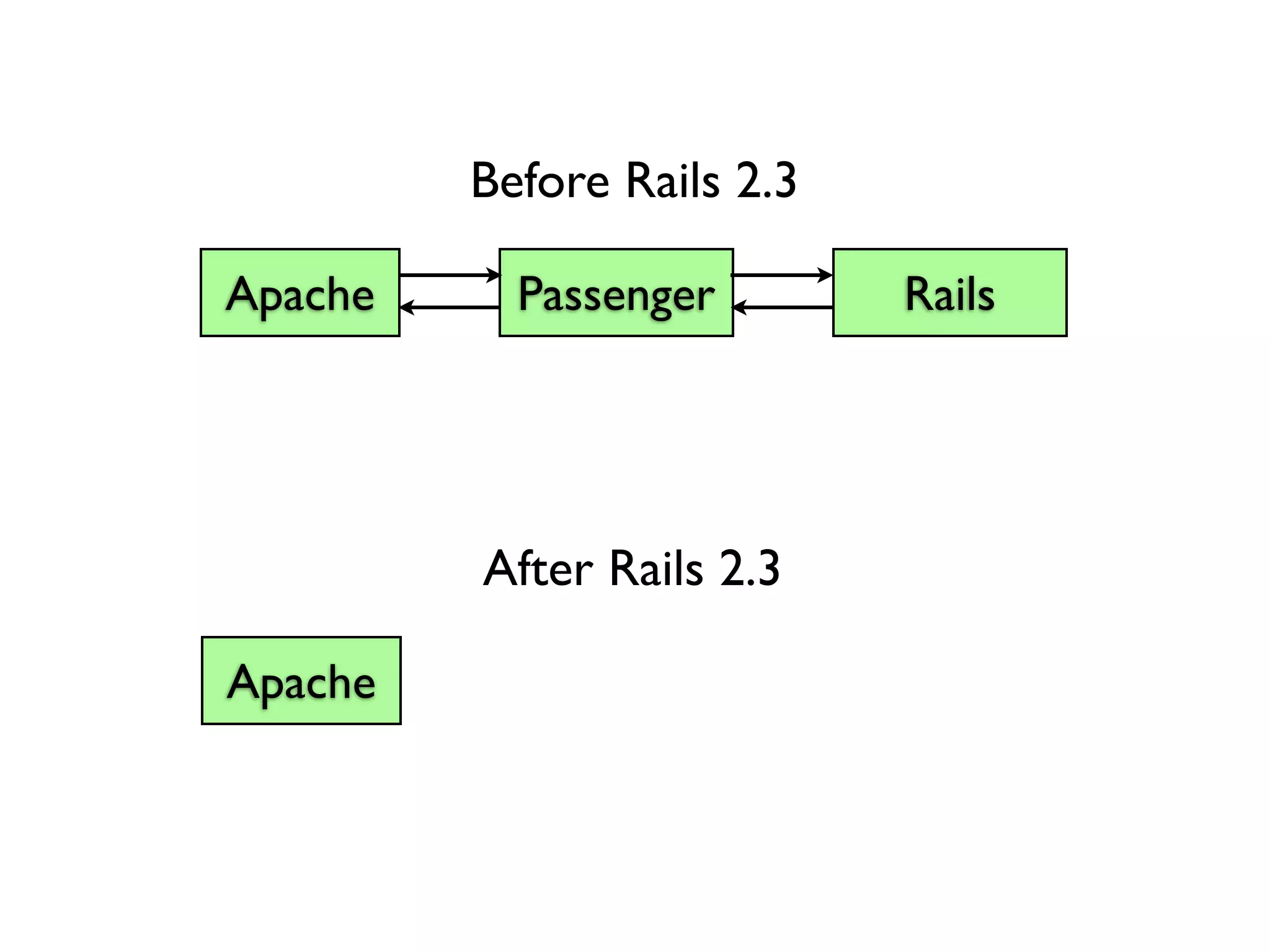
  • #14 Before Rack, a typical Rails stack in production would look like...
  • #15 A Web Server
  • #16 Some kind of application server (Mongrel, Thin, etc)..
  • #17 Your application.
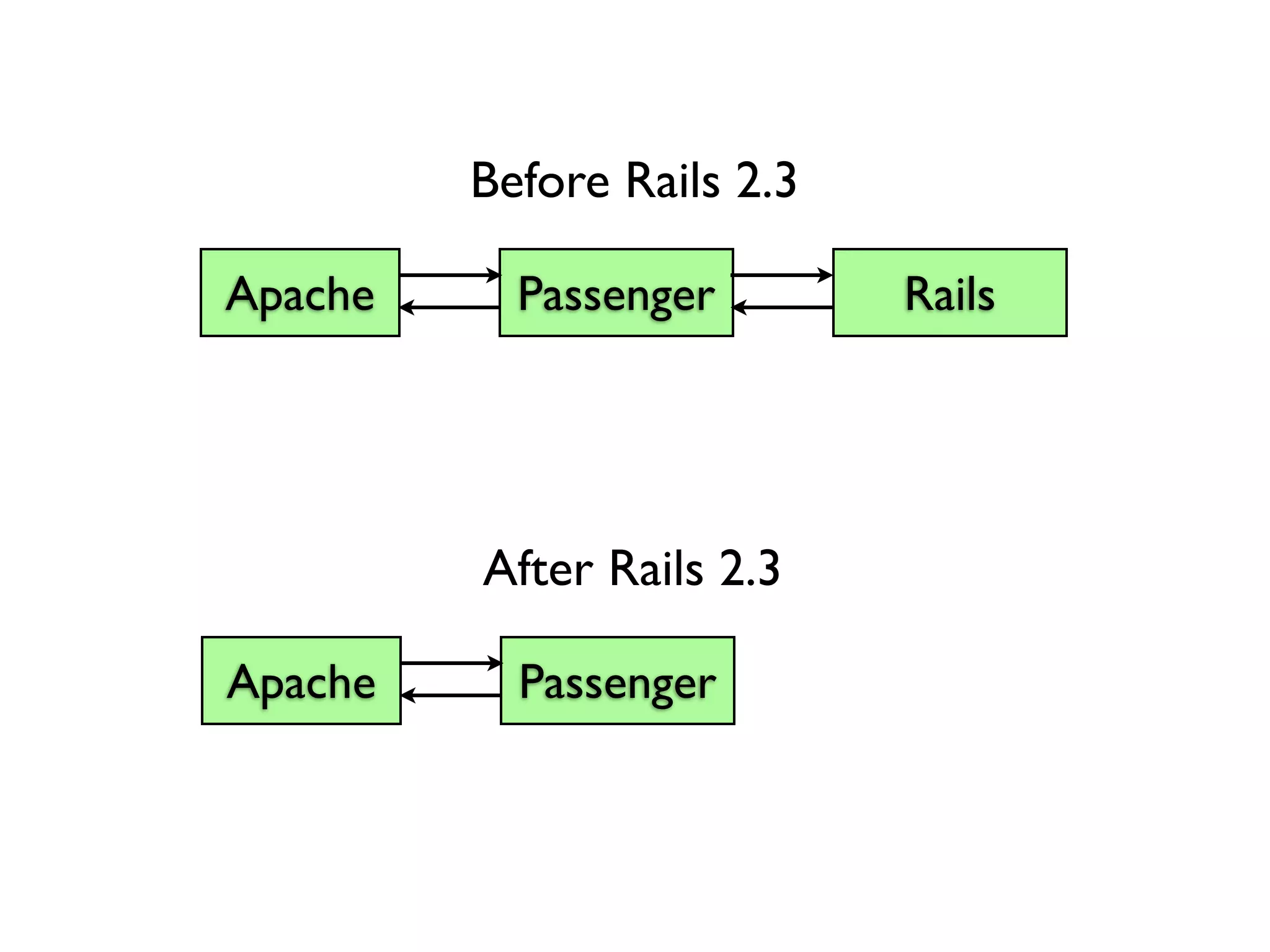
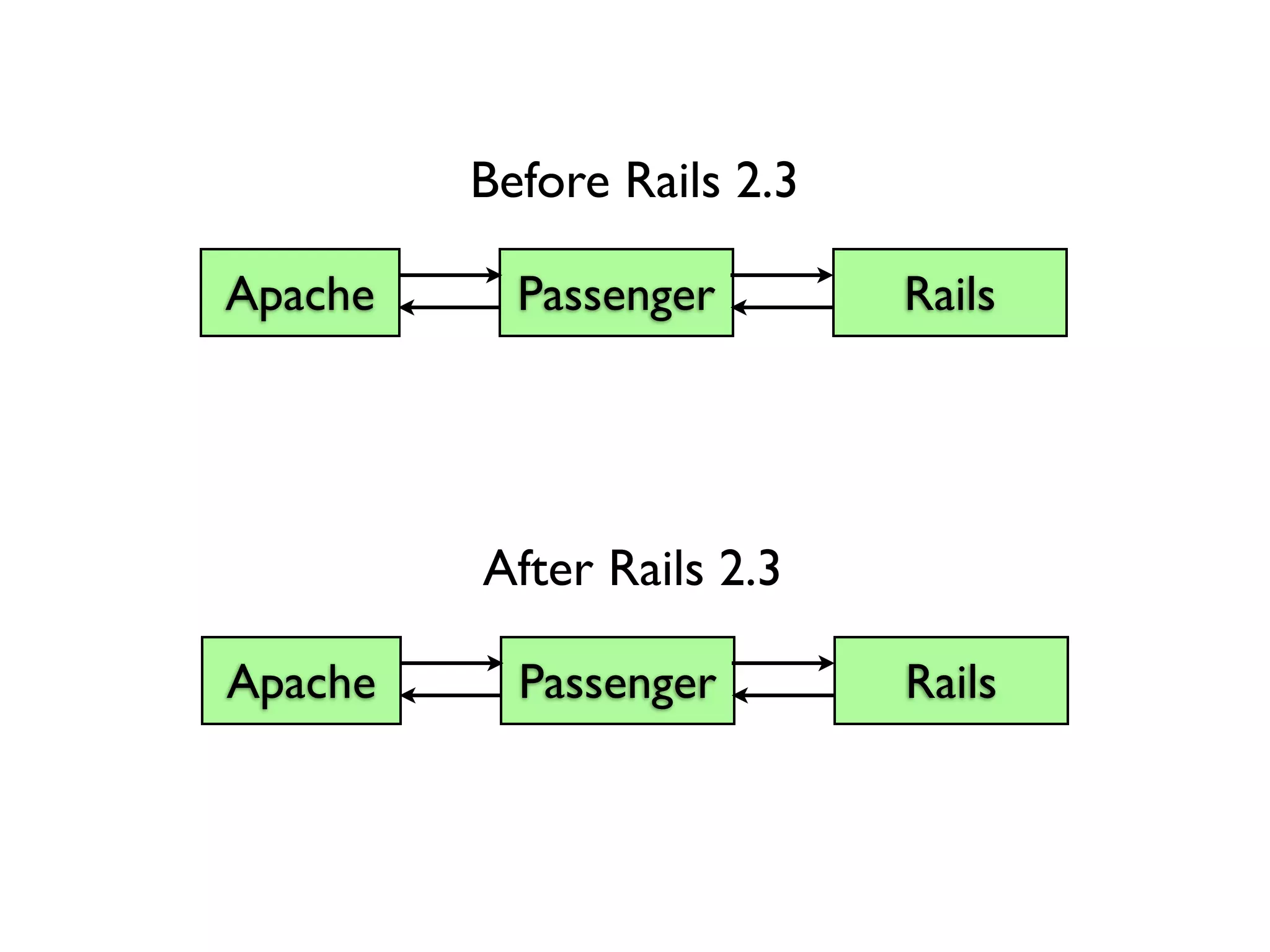
  • #18 Now that we have Rack, this stack looks like...
  • #19 A web server...
  • #20 An application server...
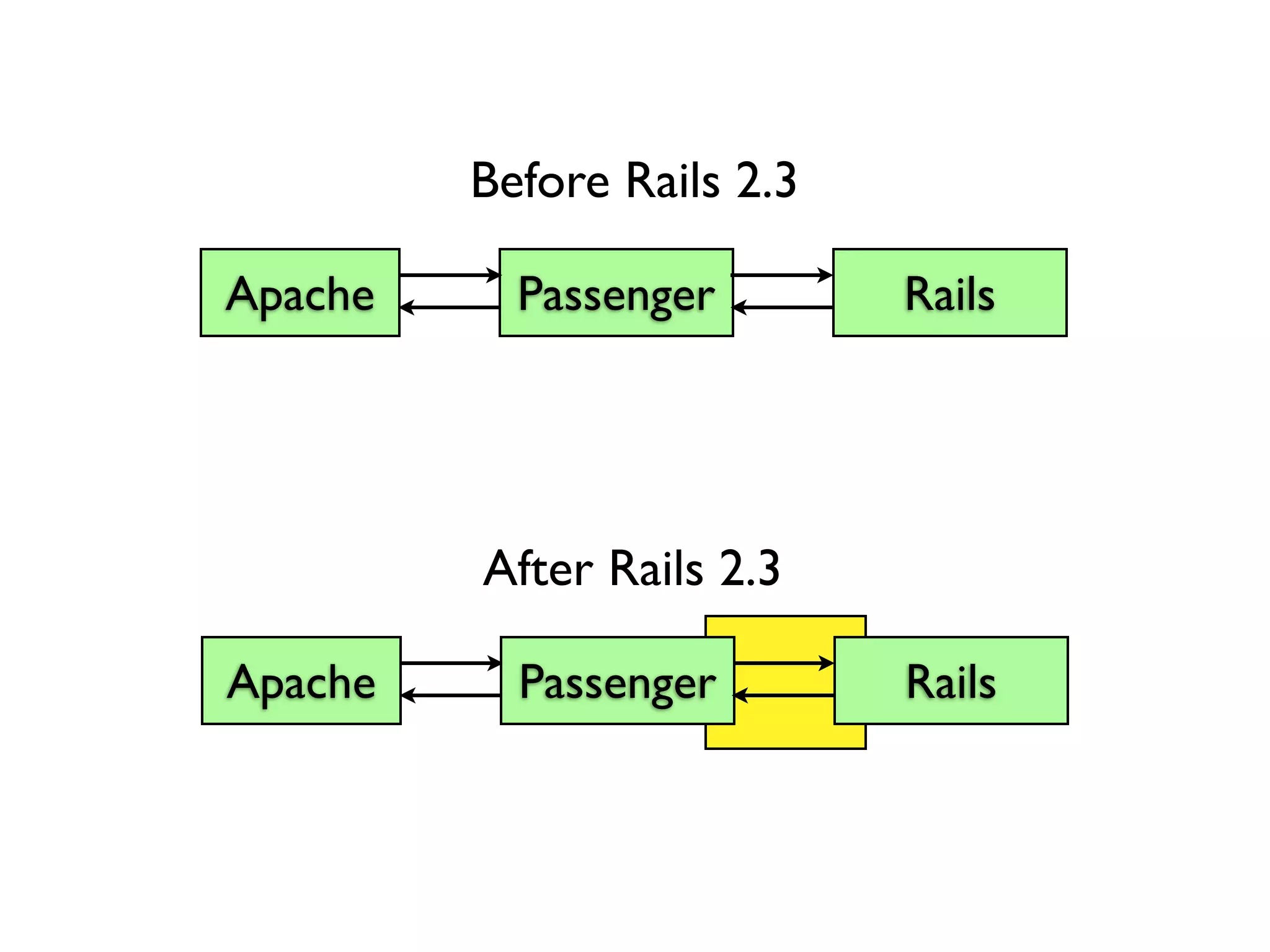
  • #21 And your application. No difference. From a Rails developer’s perspective, not much has changed at first glance.
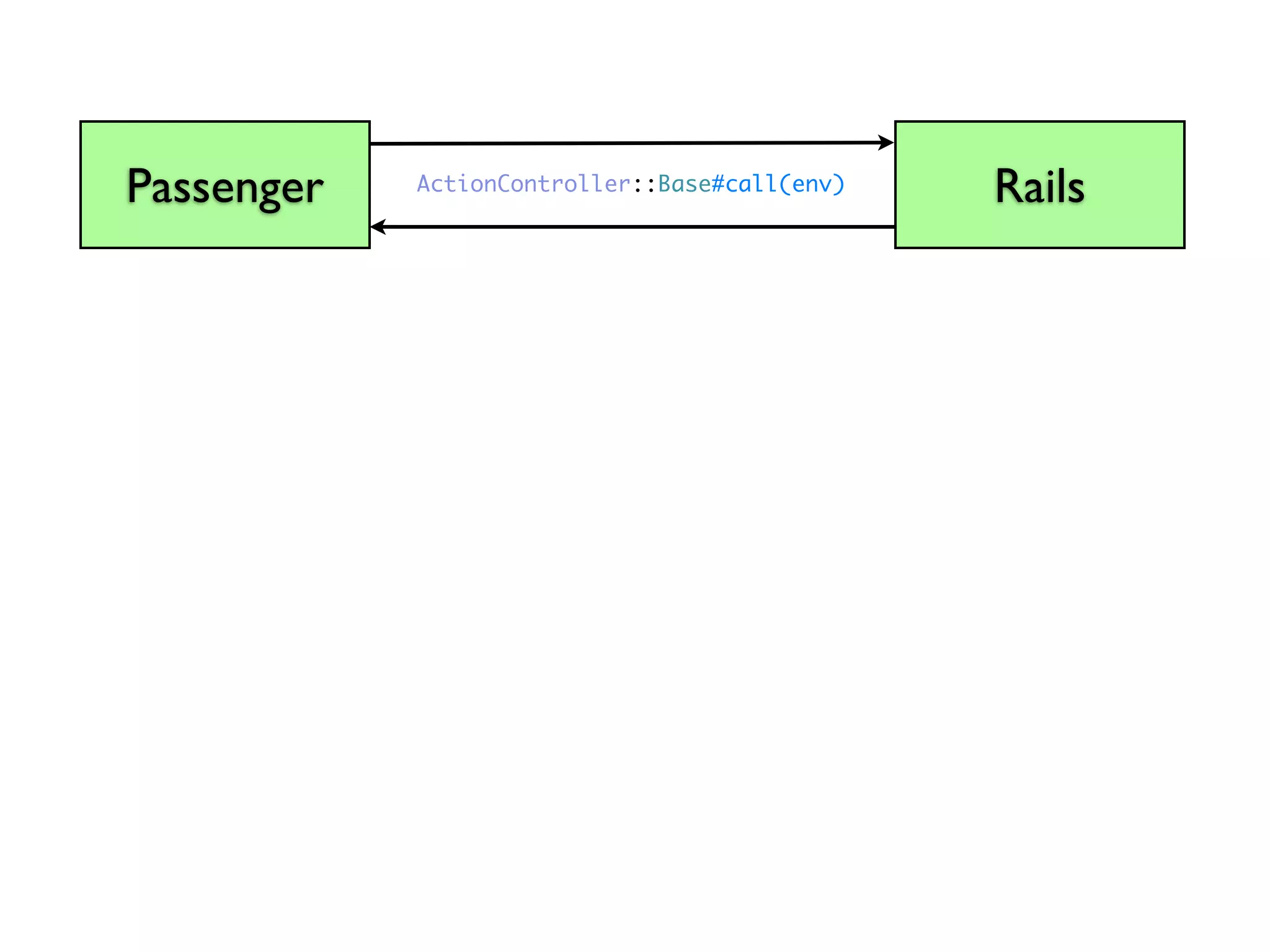
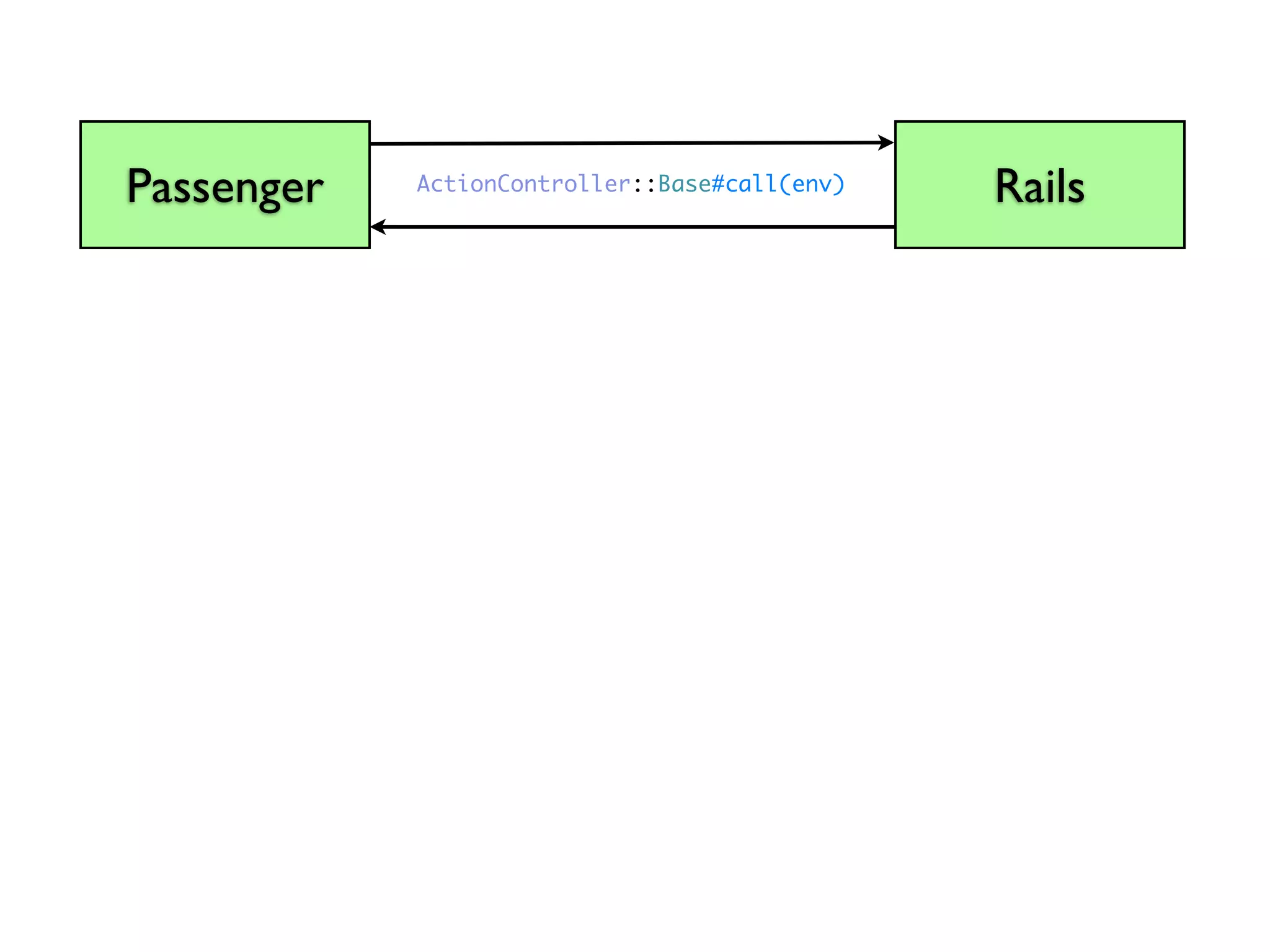
  • #22 The magic happens here. Rails is now Rack compatible, and this interconnect now takes the form of the Rack API.
  • #23 The Rack API is encapsulated in Rails by ActionController::Base...
  • #24 Which has a call method...
  • #25 That takes the environment as a parameter...
  • #26 And returns a status code...
  • #27 The response headers...
  • #28 And the response body.
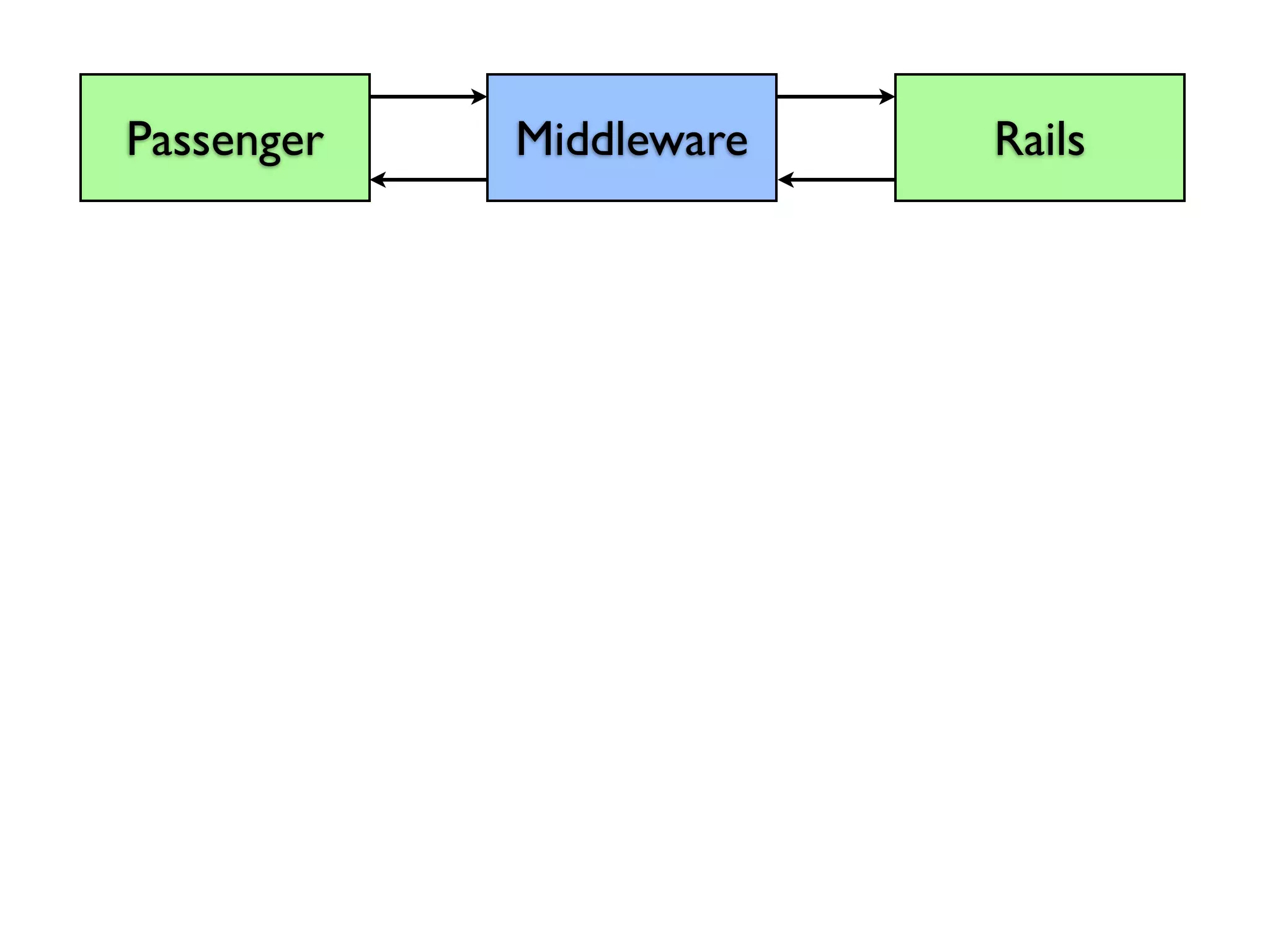
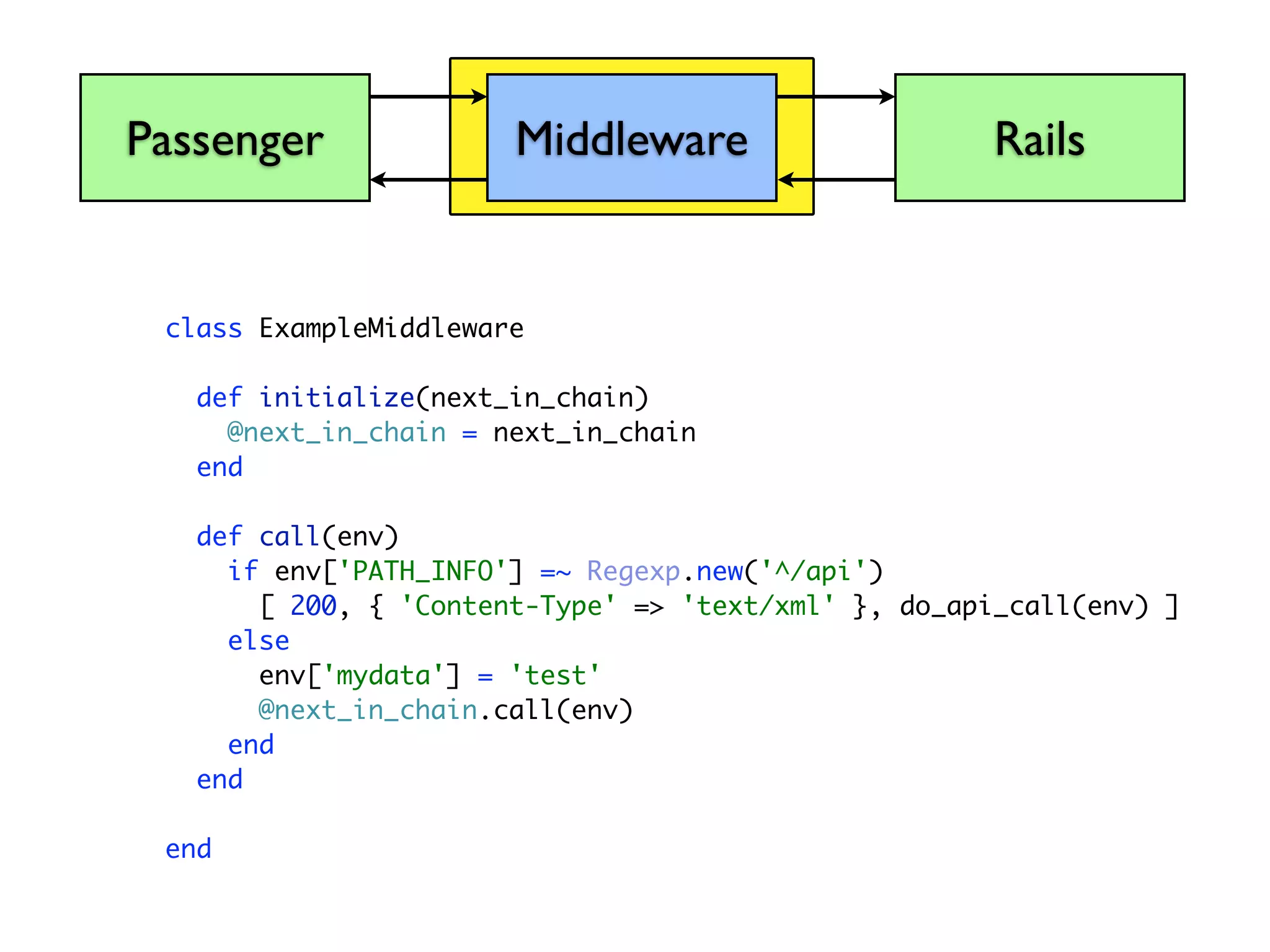
  • #29 There are many reasons this change is important, but the one I’m going to talk about is Middleware. What is Rack Middleware?
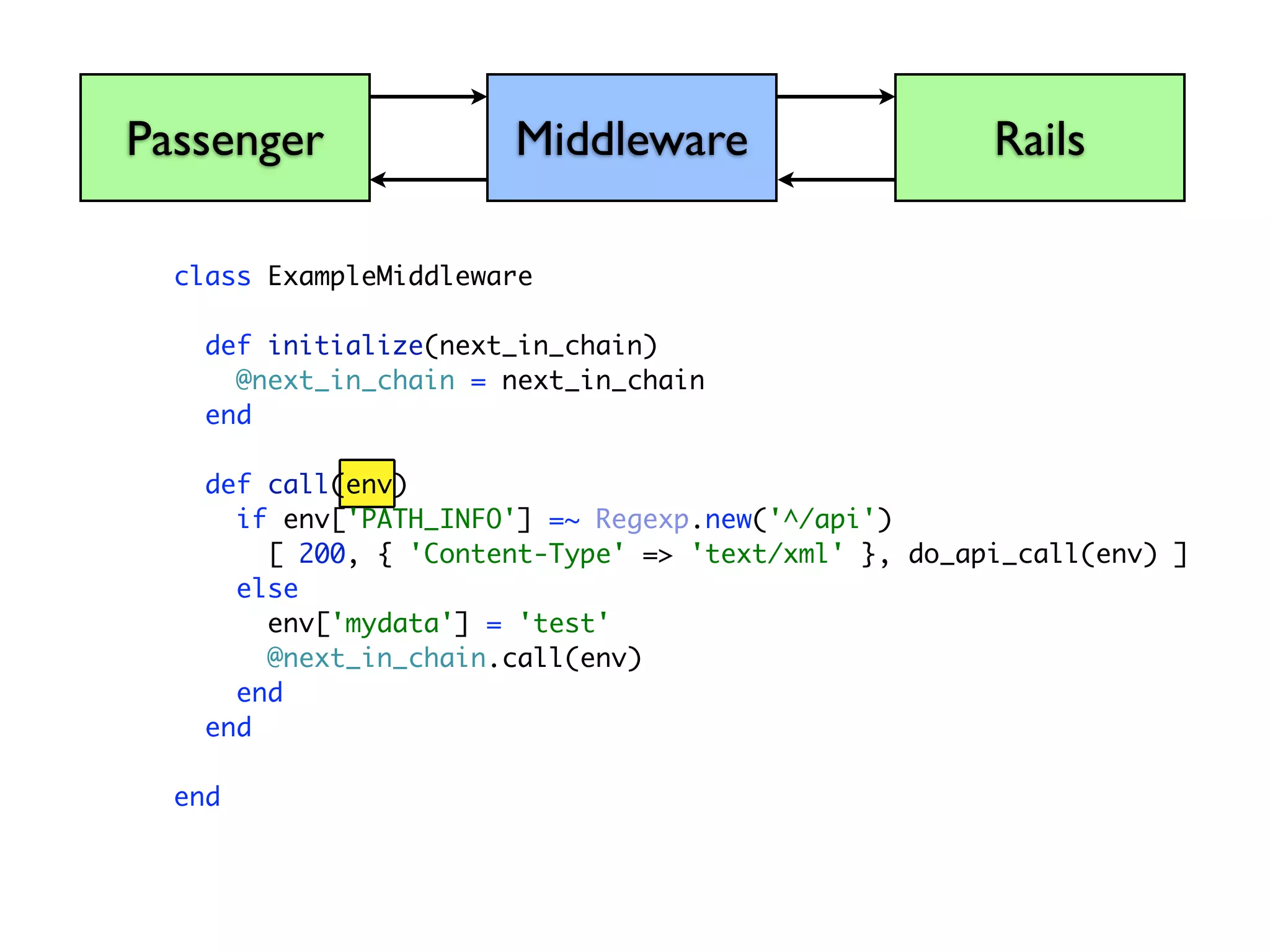
  • #30 Because we know what the API between the app server and the Rails stack looks like now. And Because we know what inputs it is expecting. And because we know what the return will look like.
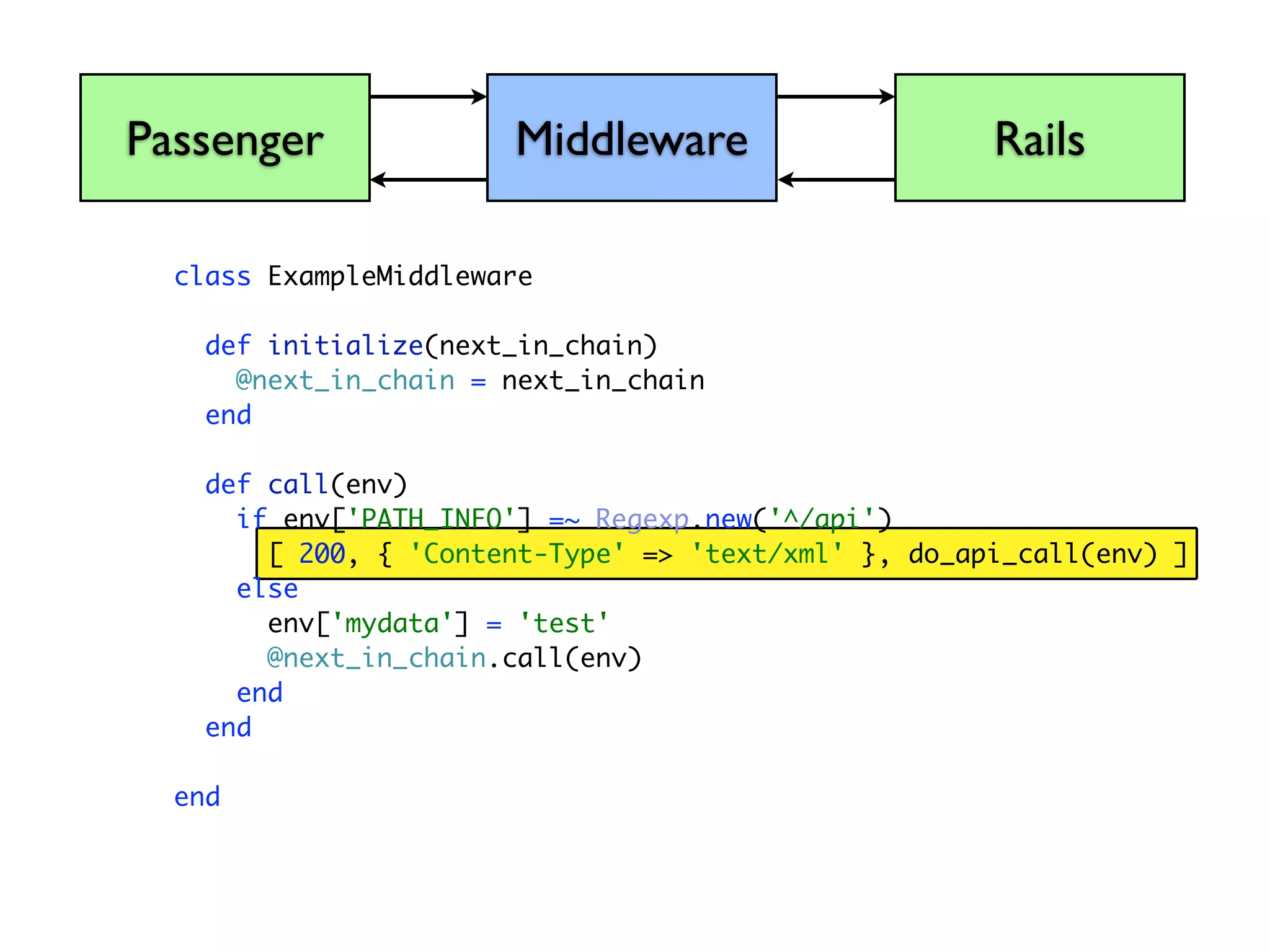
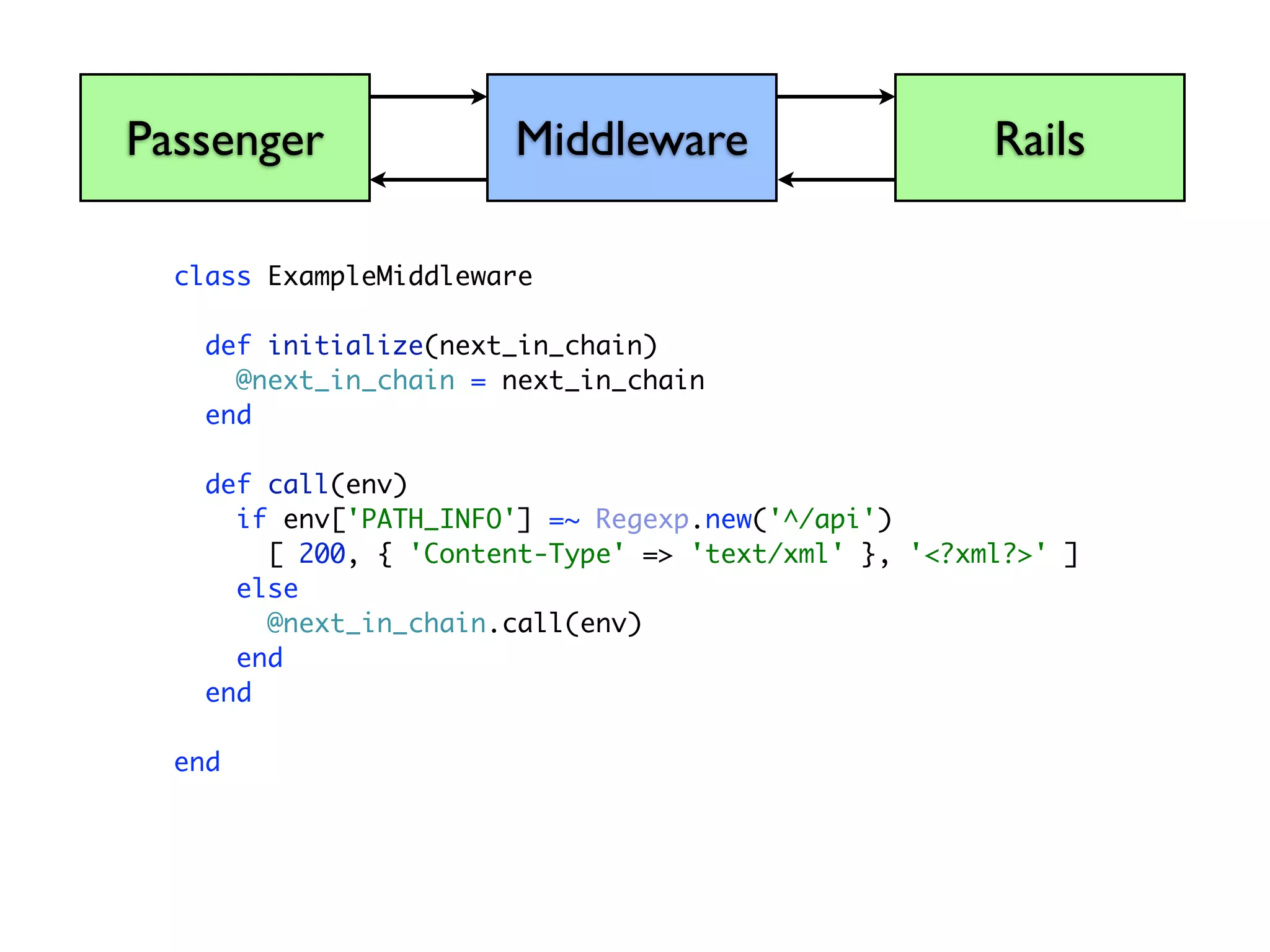
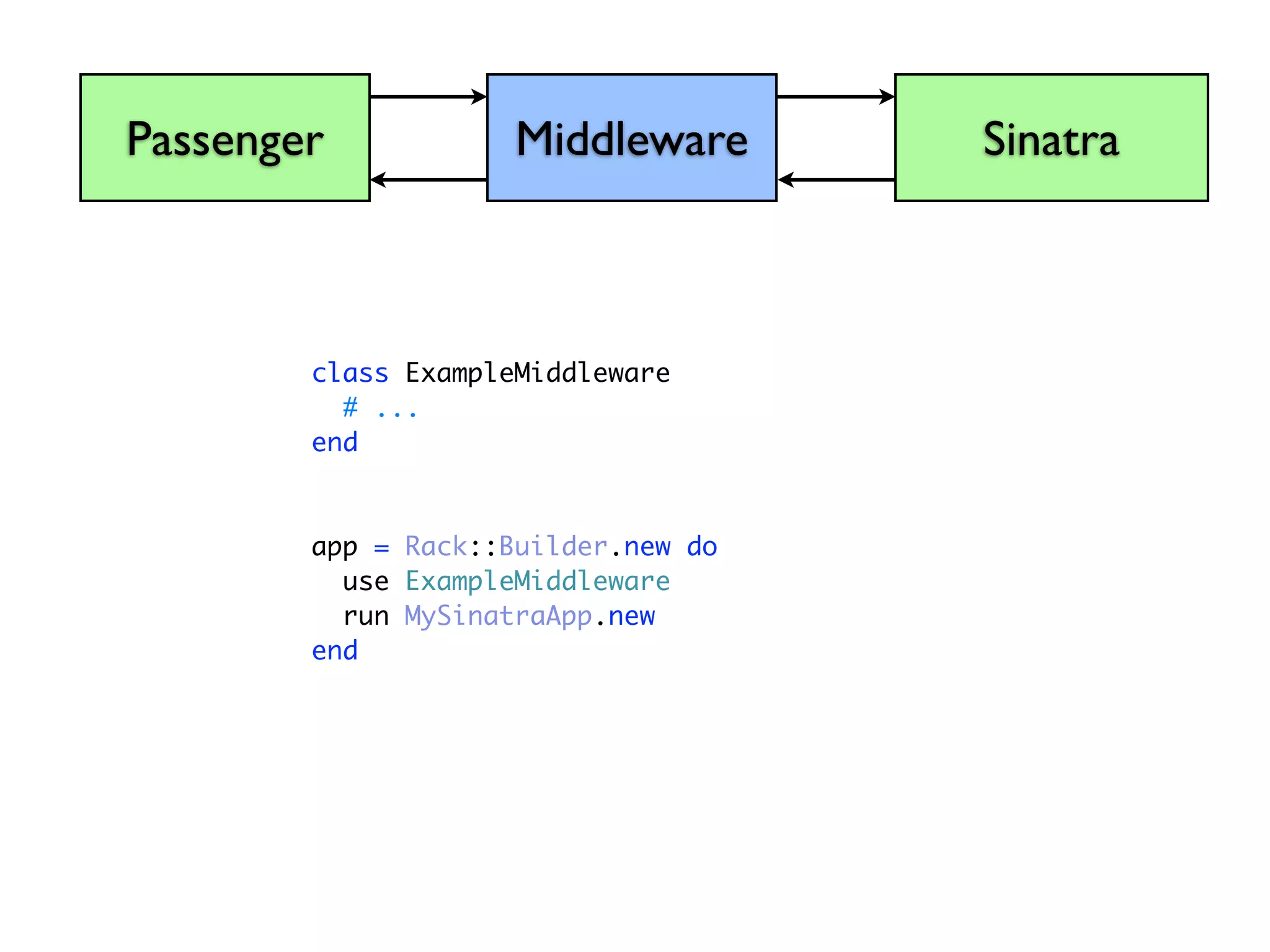
  • #31 We can now insert code in between the app server and the application, that can speak this Rack API. We call this code Middleware.
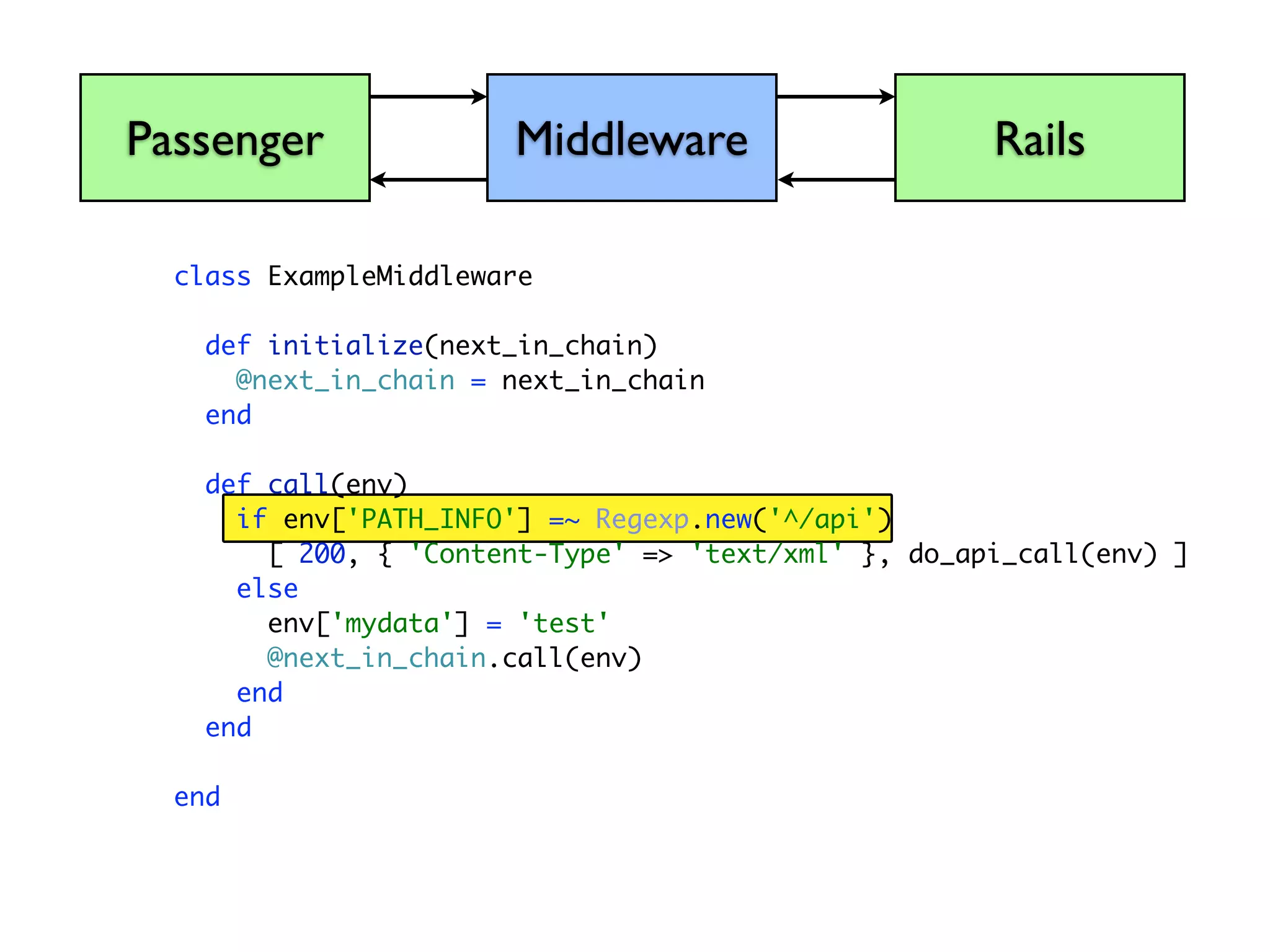
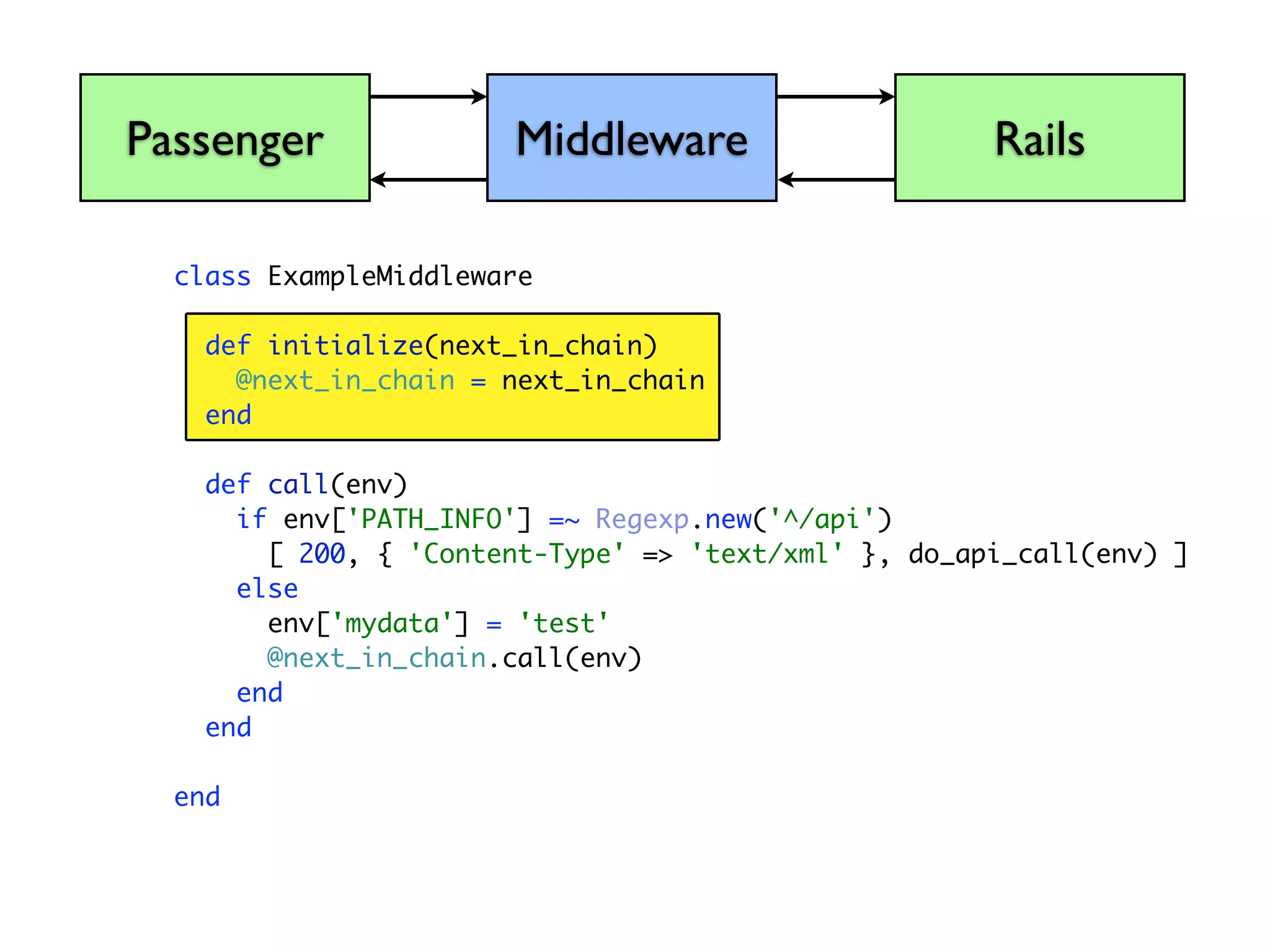
  • #32 A middleware application takes the form of a class...
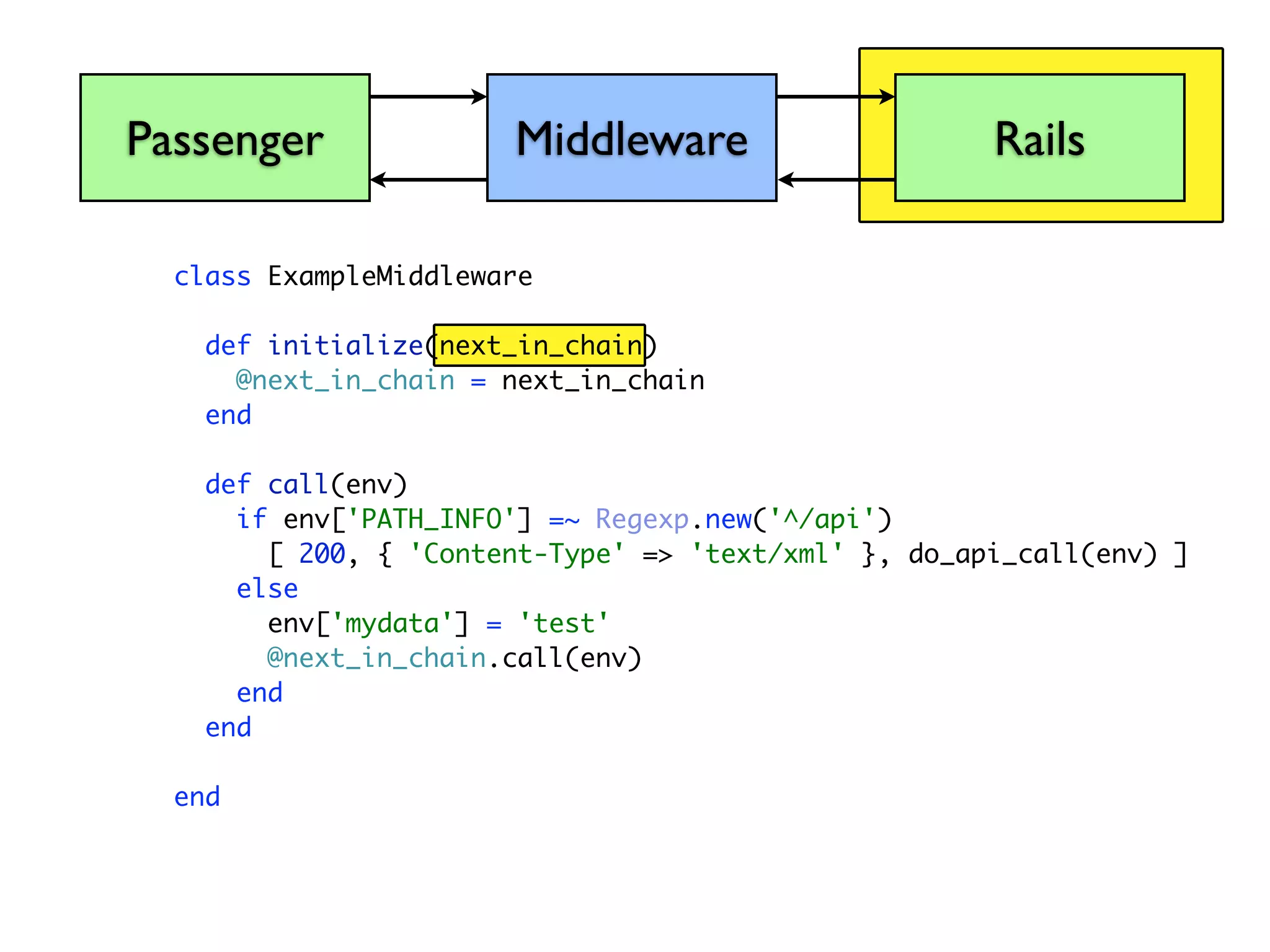
  • #33 Its constructor...
  • #34 ...takes the next piece of the chain as a parameter, which allows you to keep the chain going.
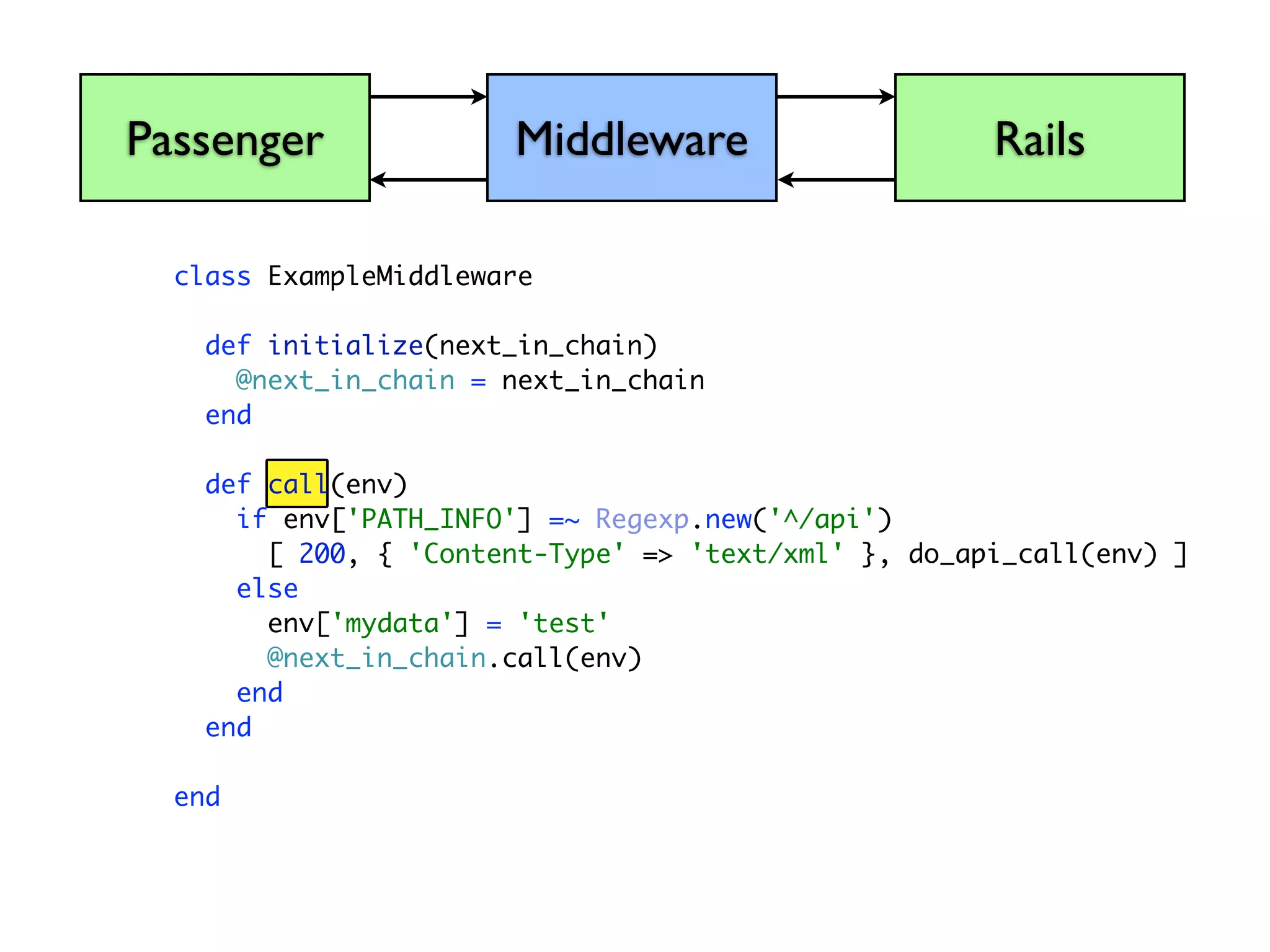
  • #35 In this middleware, which has a call method...
  • #36 ...and takes the environment as a parameter...
  • #37 We’re going to check a value in the environment, the requested path, and see if it starts with /api
  • #38 If it does, we’re going to return an array of three values, A status code, the headers, and the body
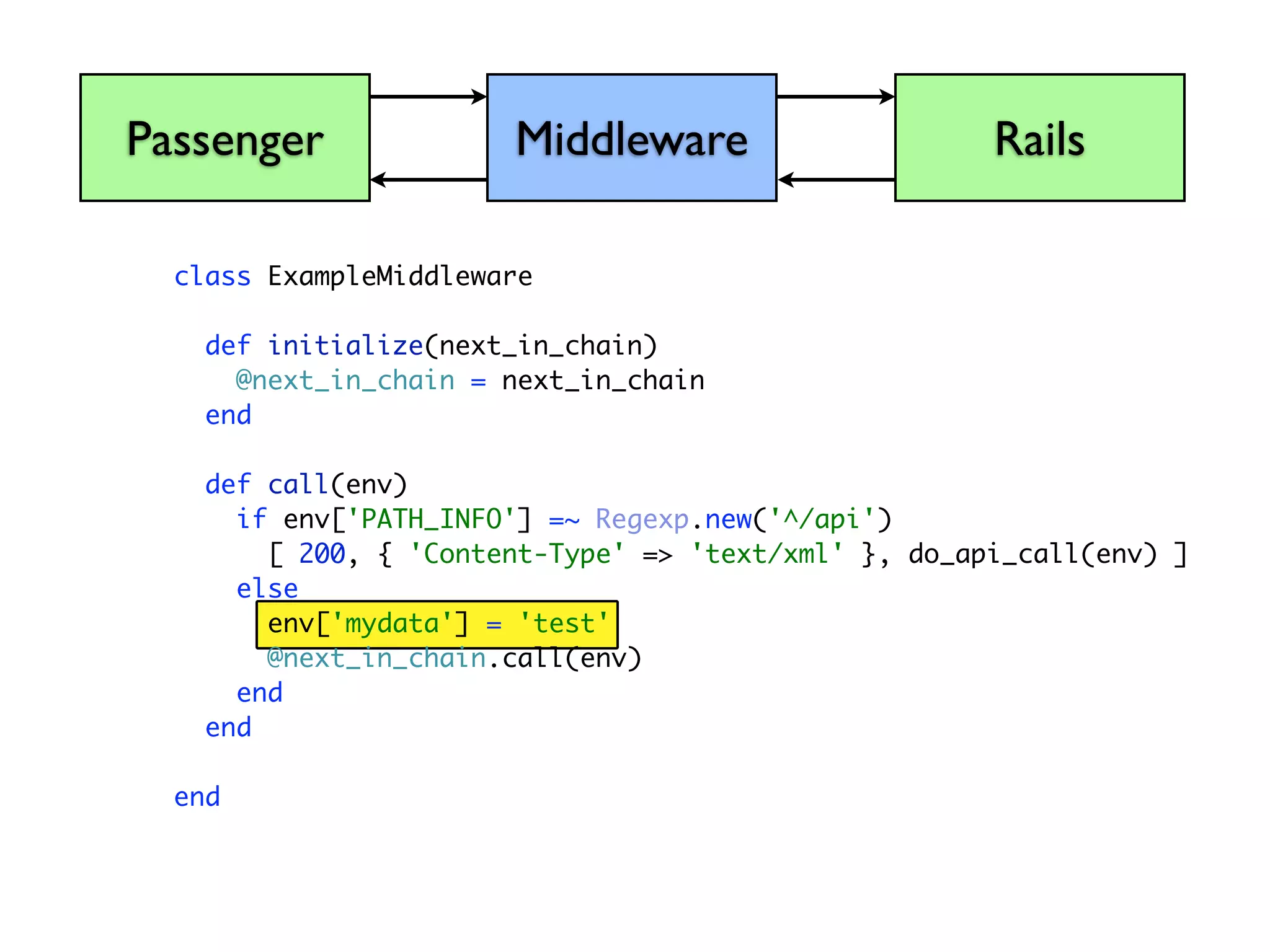
  • #39 Otherwise, we’re going to add some data to the environment. We can put any ruby objects we like in here for the benefit of applications further down the chain.
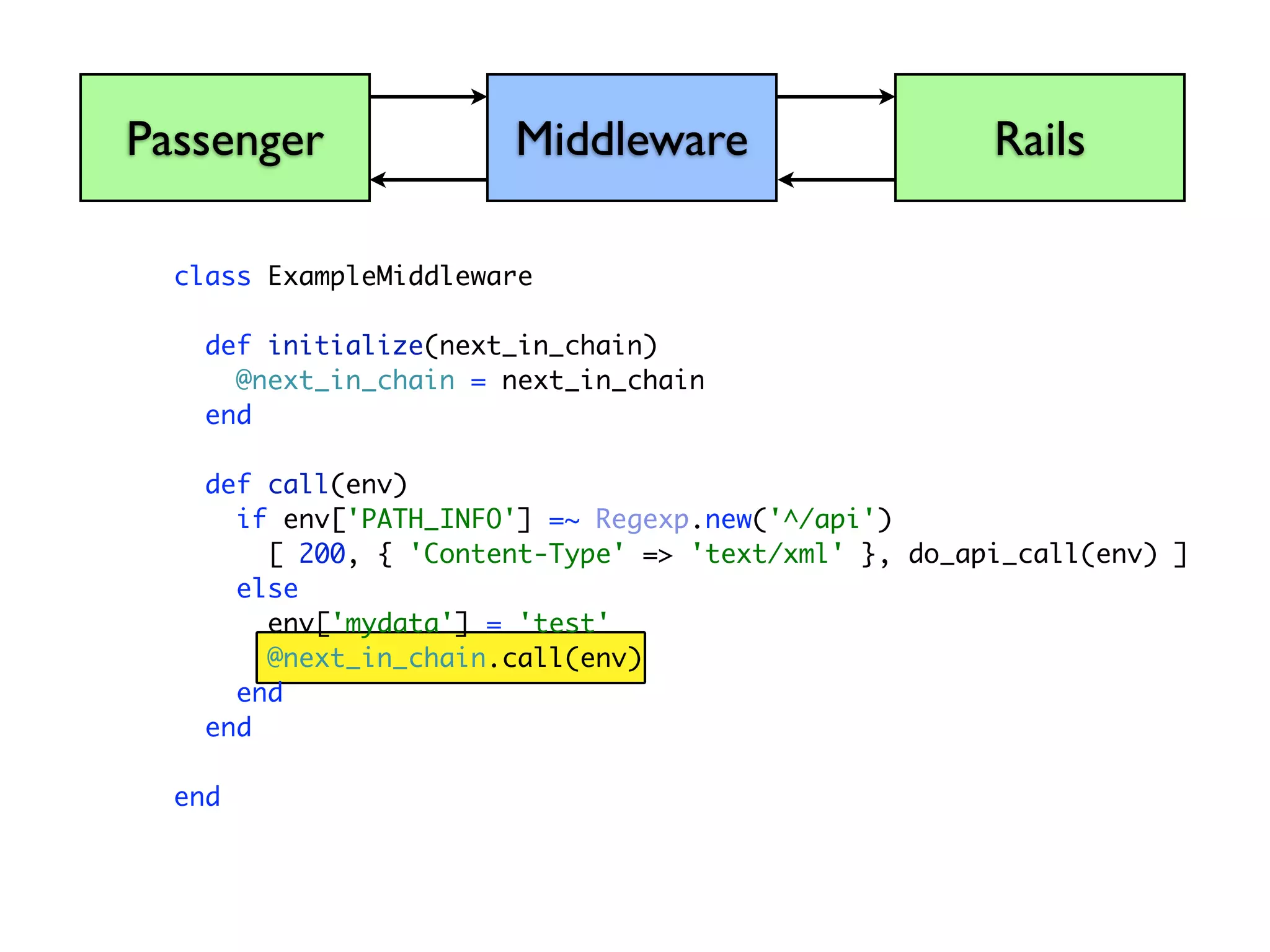
  • #40 And we’re going to pass the call through to the next item in the chain.
  • #44 Rack::Cache sits in the middle of your application stack and monitors requests. It understands HTTP standards for both freshness (Expires, Cache-Control headers) and validation (Last-Modified, ETag headers)
  • #45 It can intercept requests and serve them from its own storage. (Disk, memcached, memory) Cache expiration and invalidation is handled automatically.
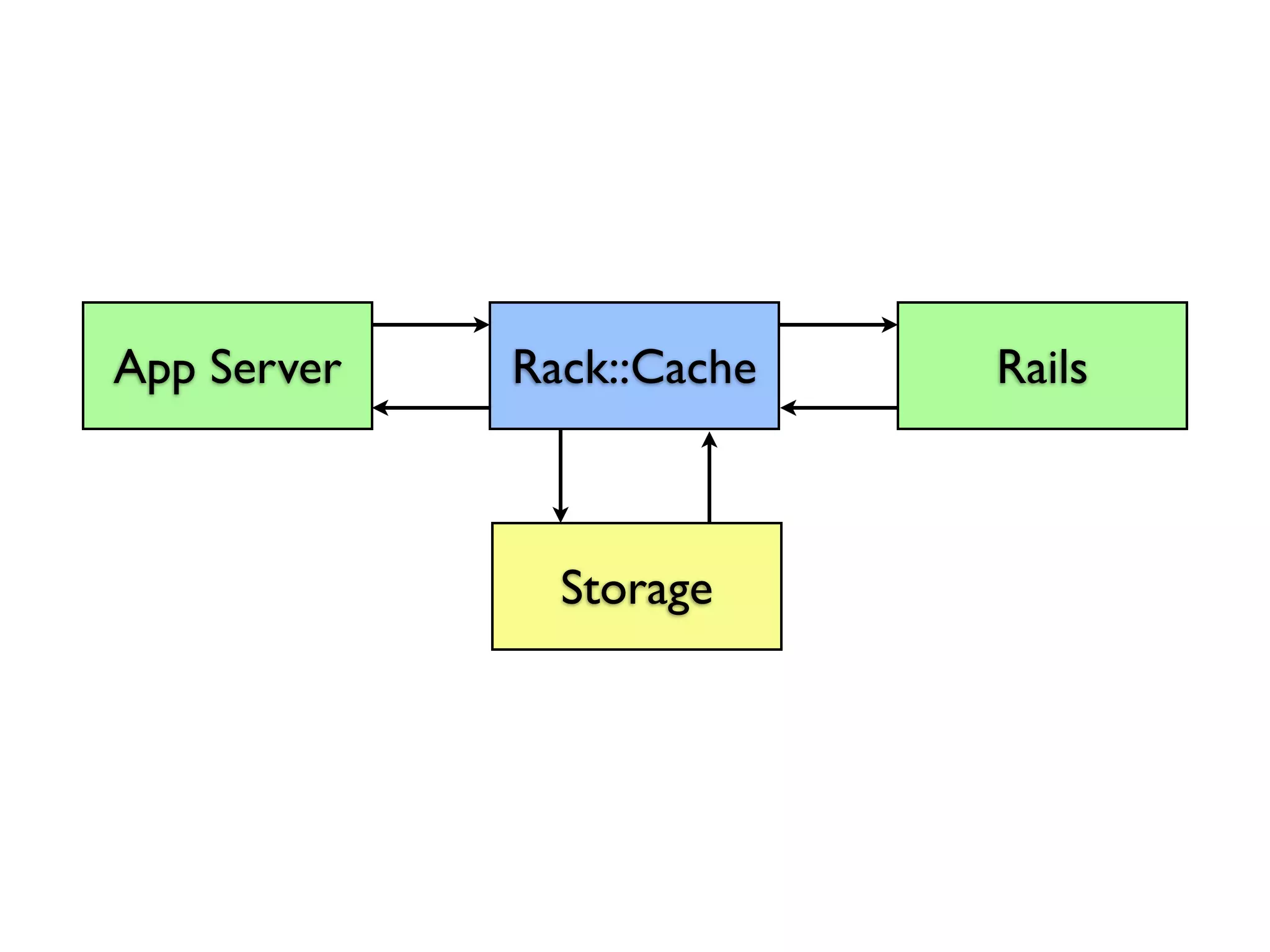
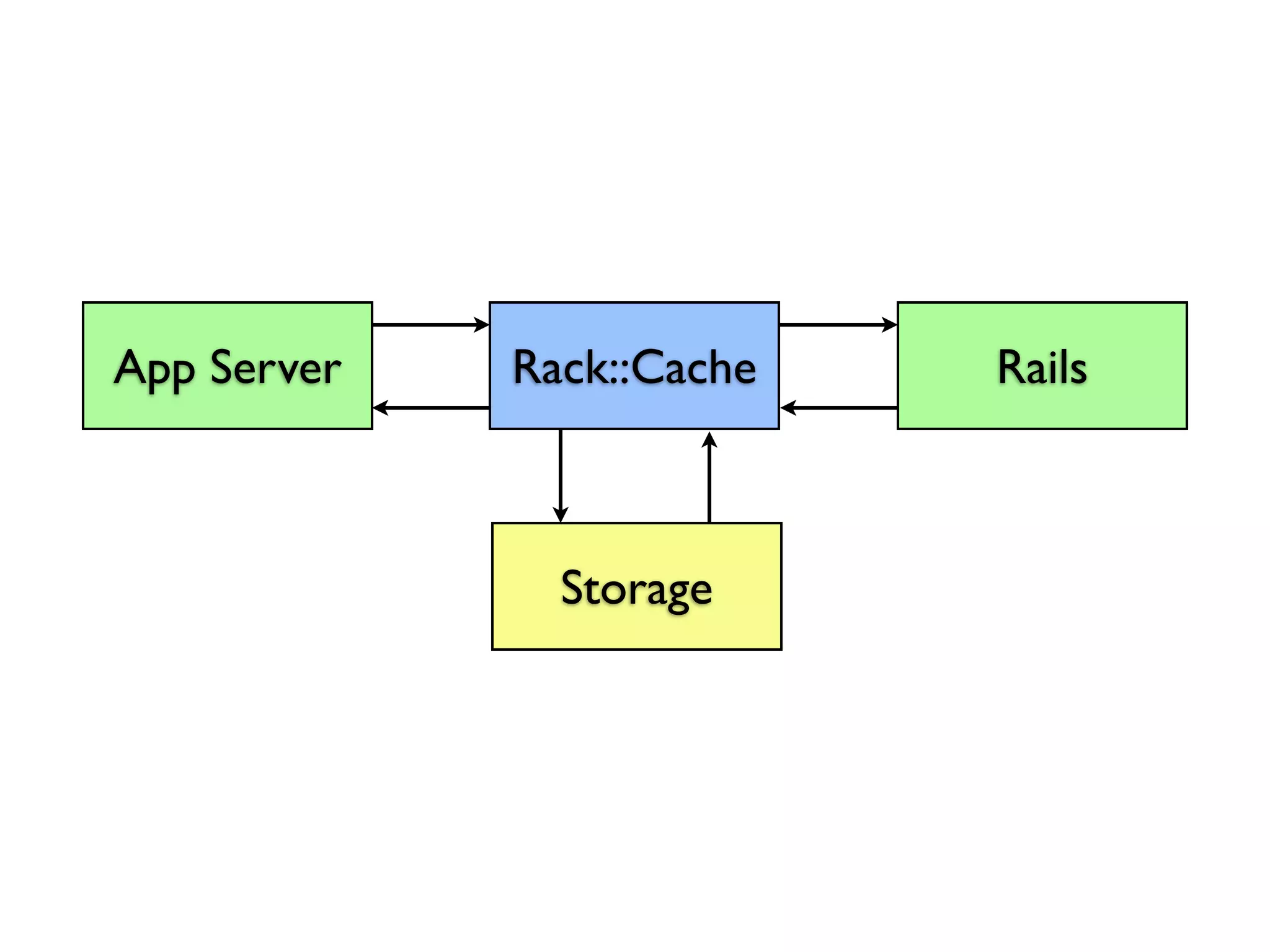
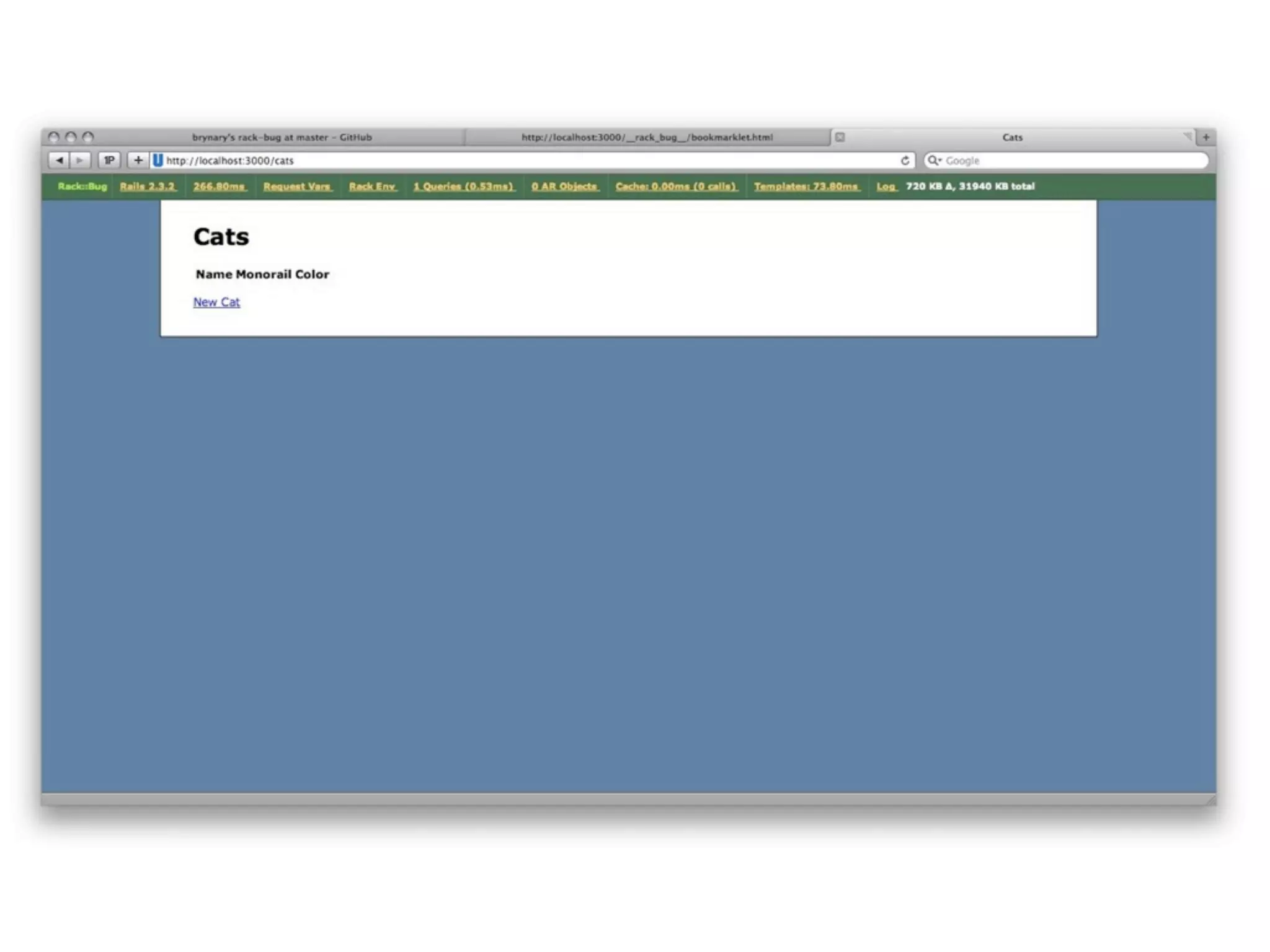
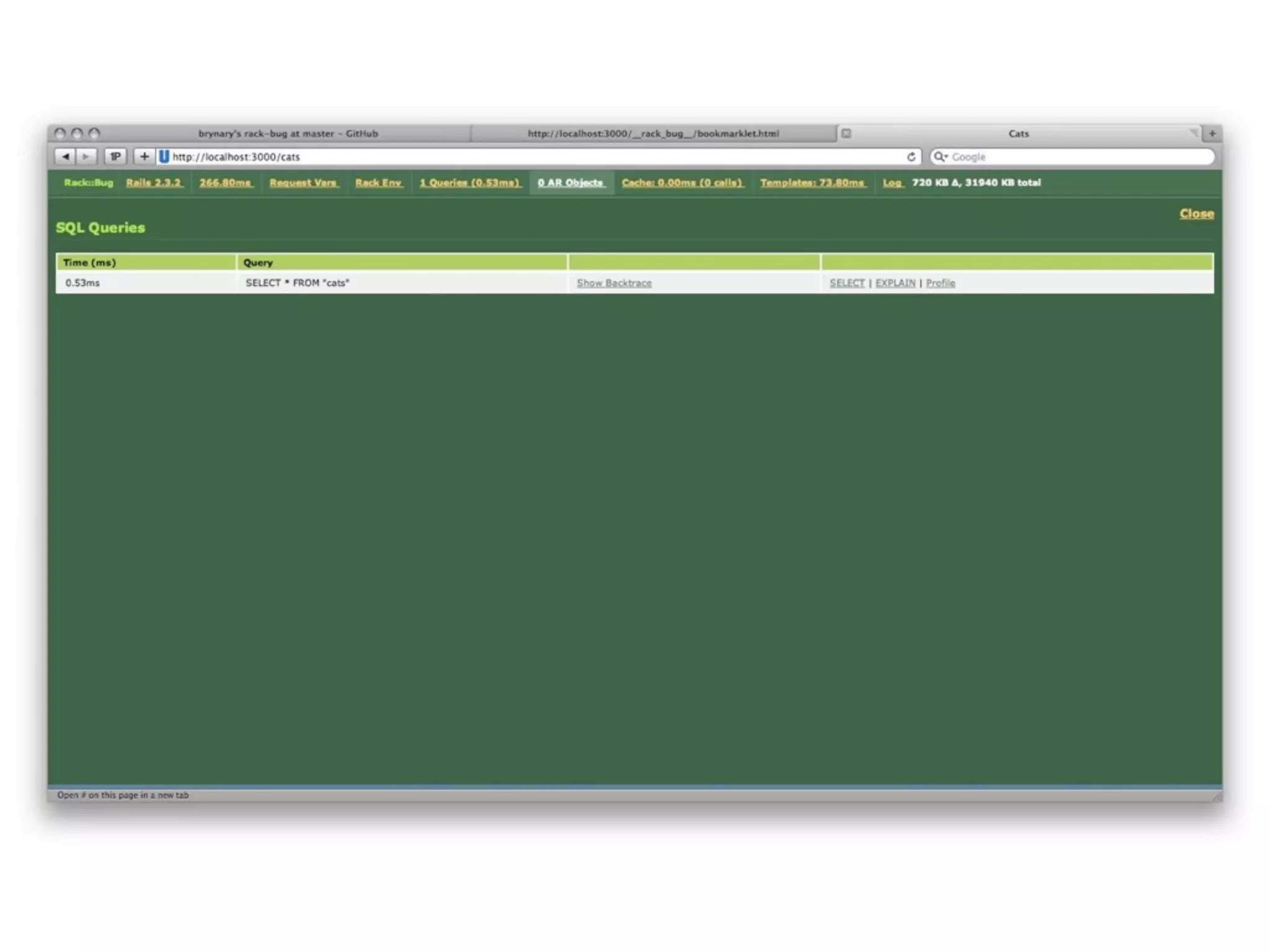
  • #47 Rack::Bug adds a toolbar to the top of your app to give you some insight into the internals.
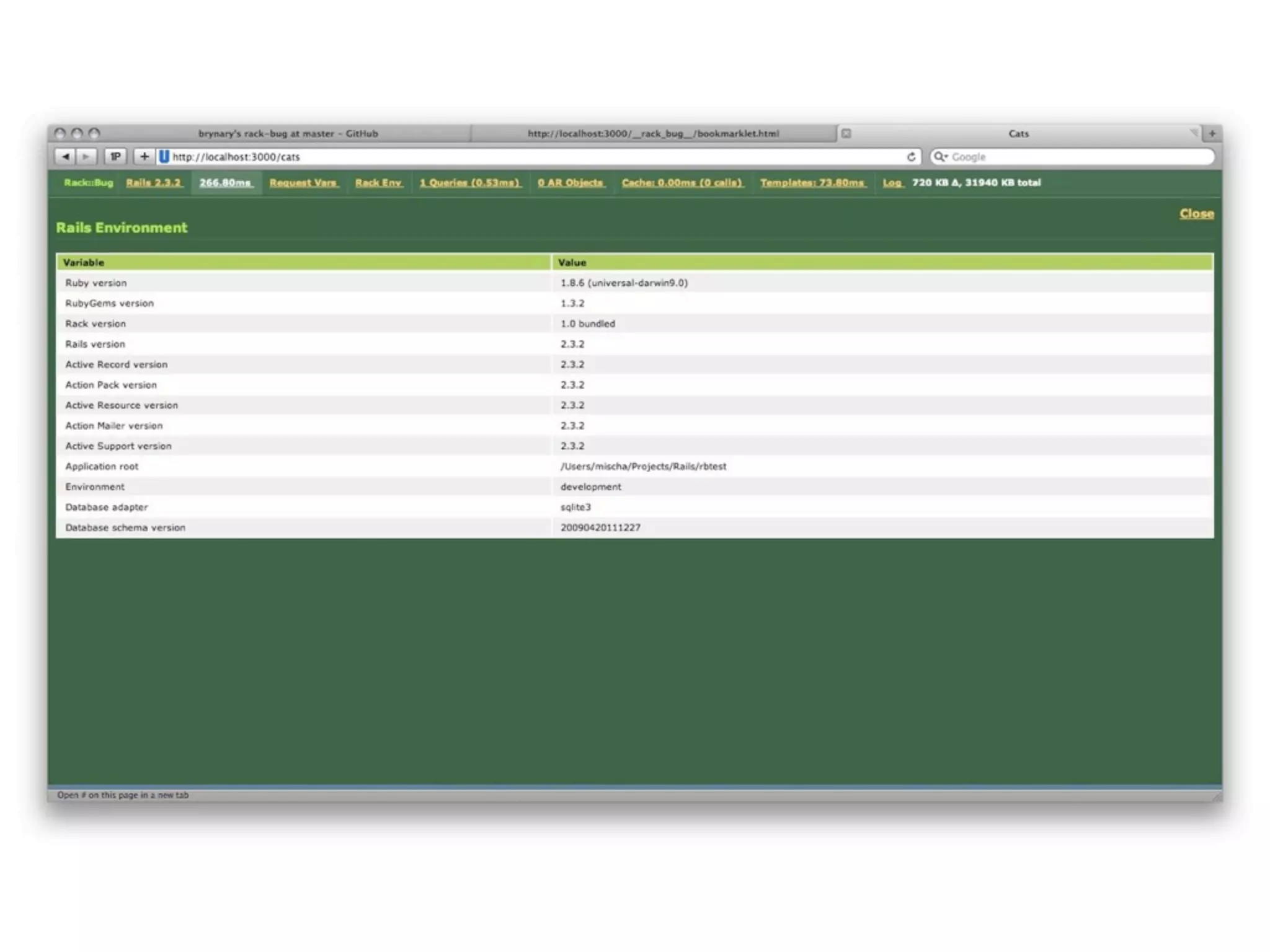
  • #48 You can look at things like the Rails Environment
  • #49 You can look at which queries ran on the page and how long they took. You can run an EXPLAIN on them right from the page.
  • #50 Rack::OpenID takes care of OpenID authentication for you
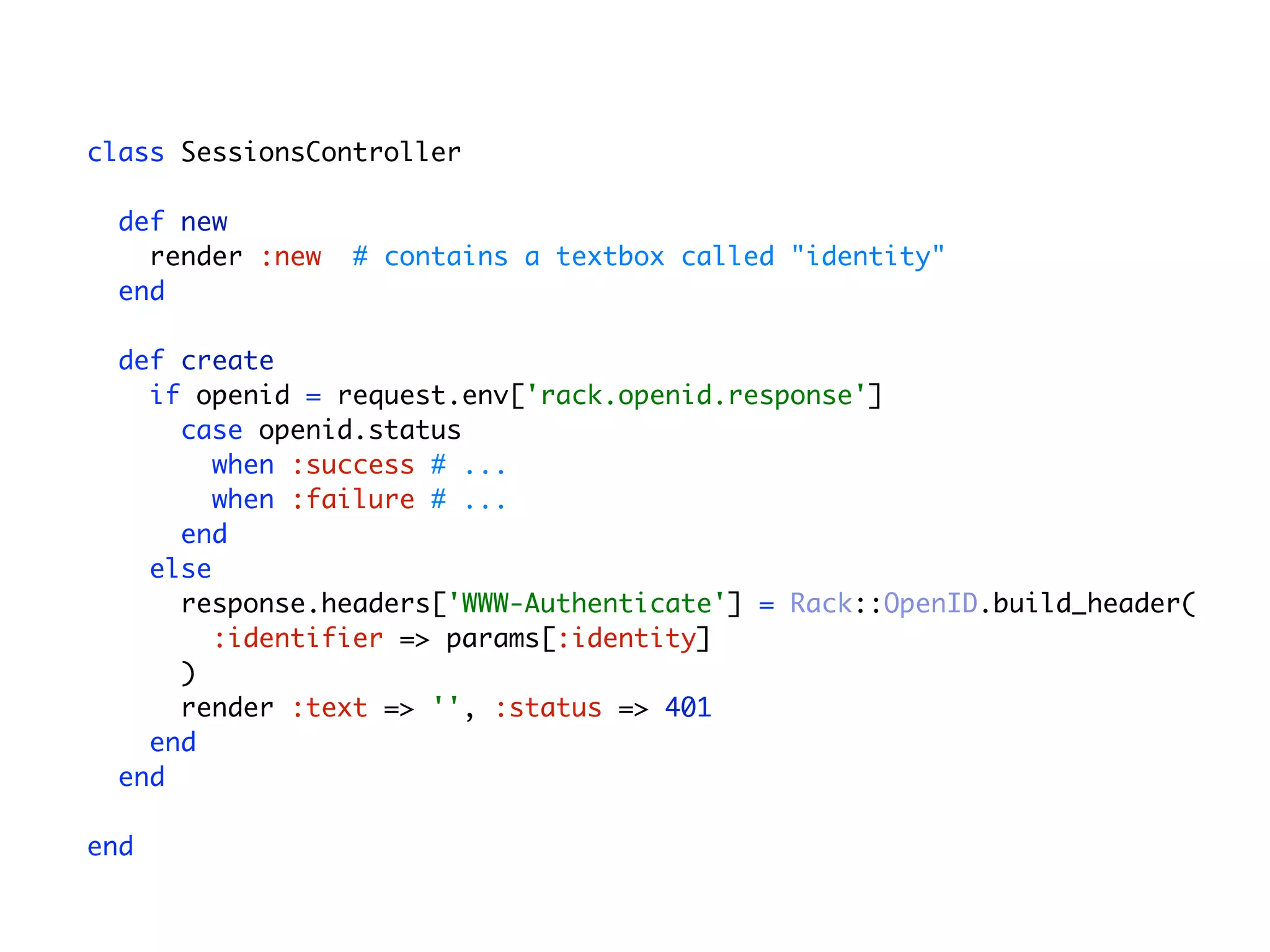
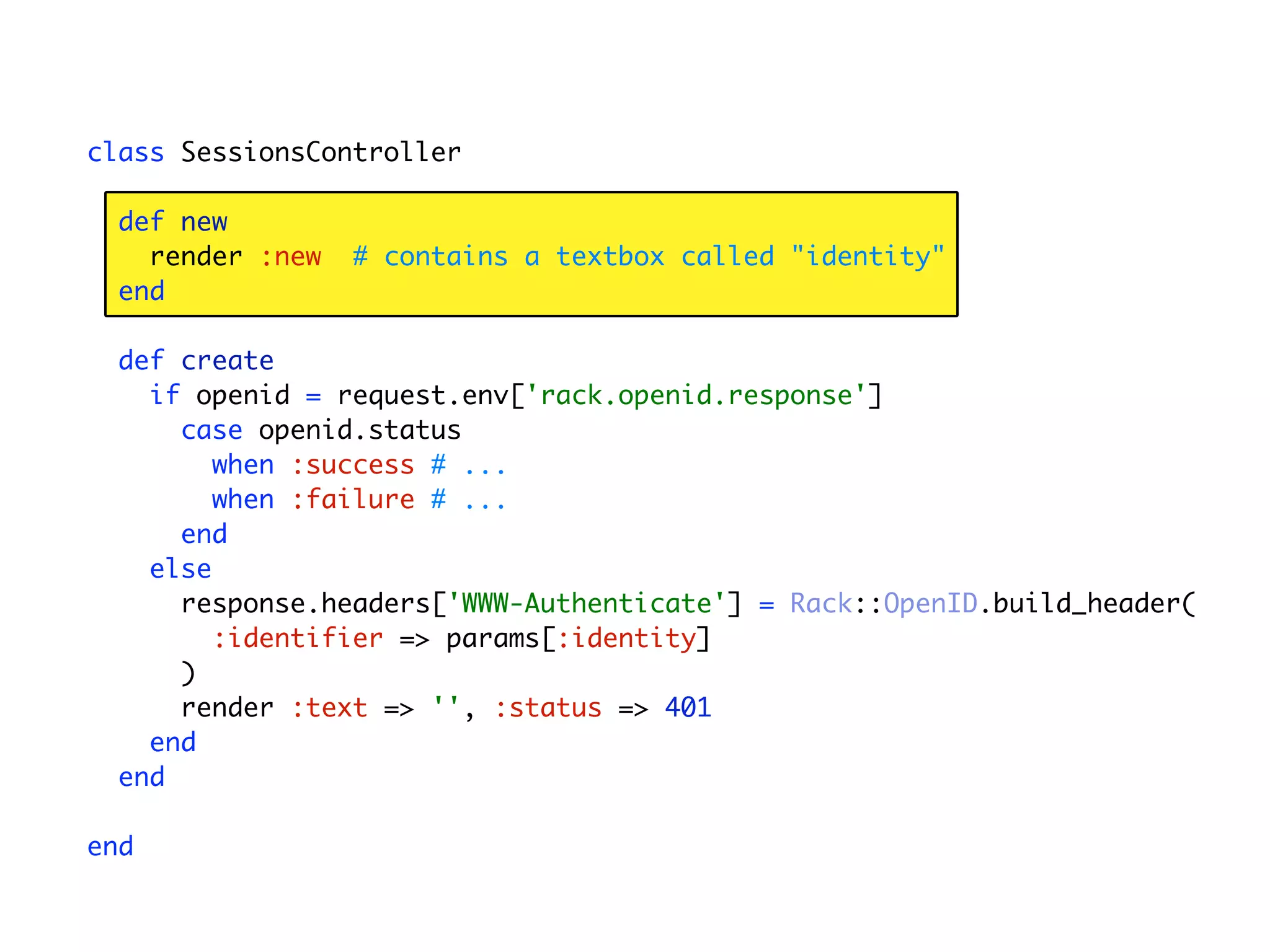
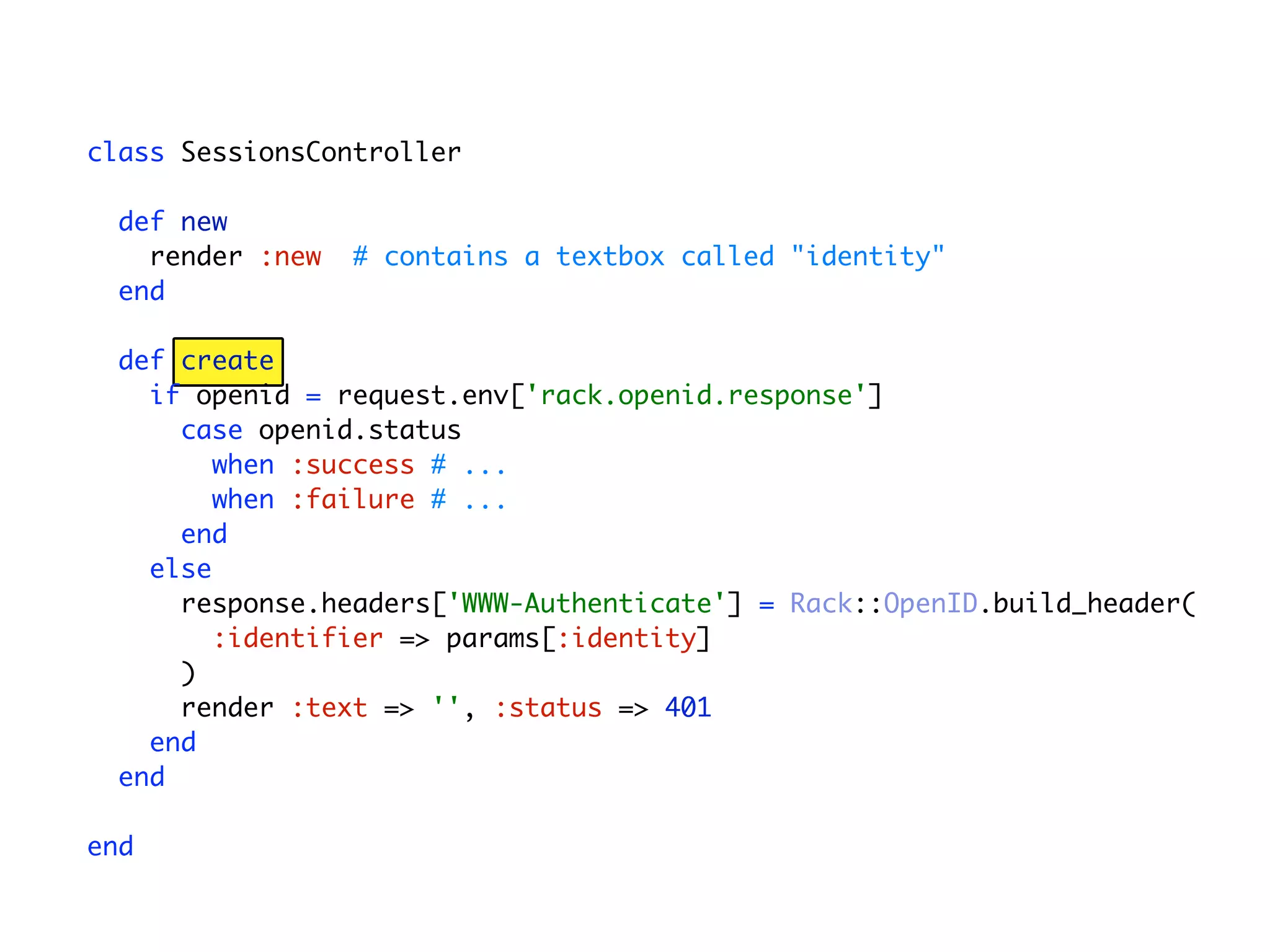
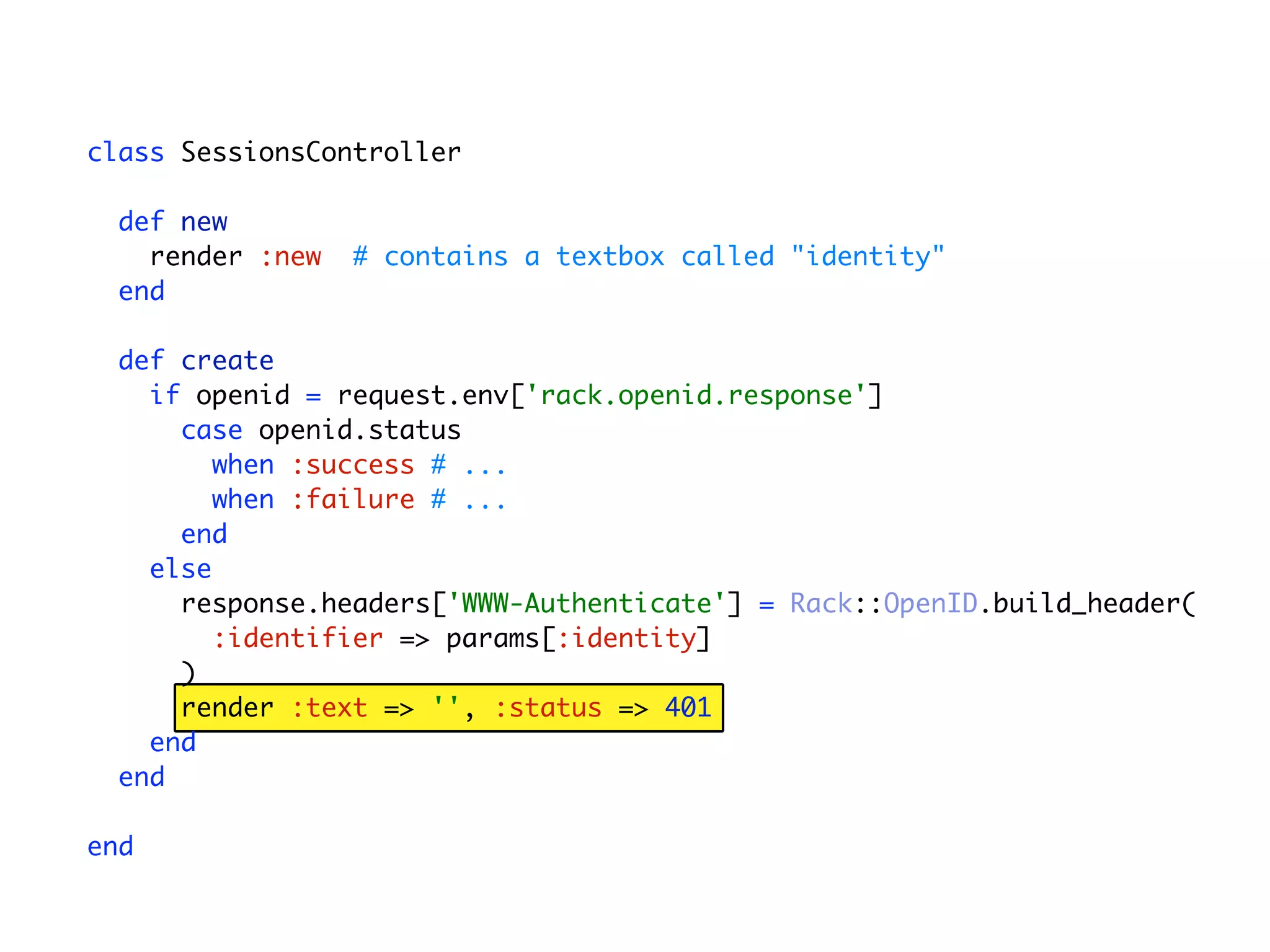
  • #51 In your SessionsController which controls user authentication...
  • #52 ...you have a “new” method which renders a form that contains an identity textbox for the user to type their OpenID URL
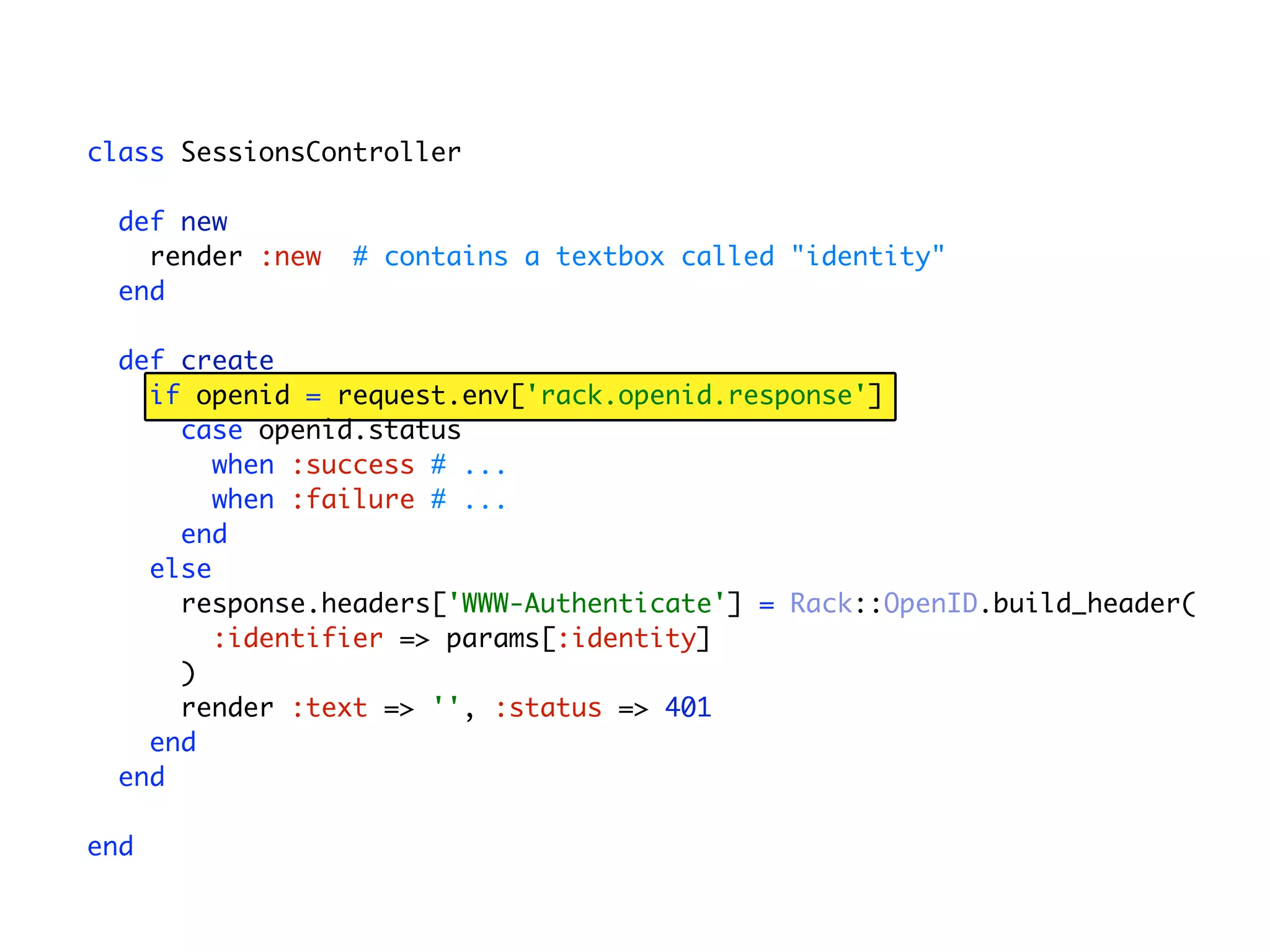
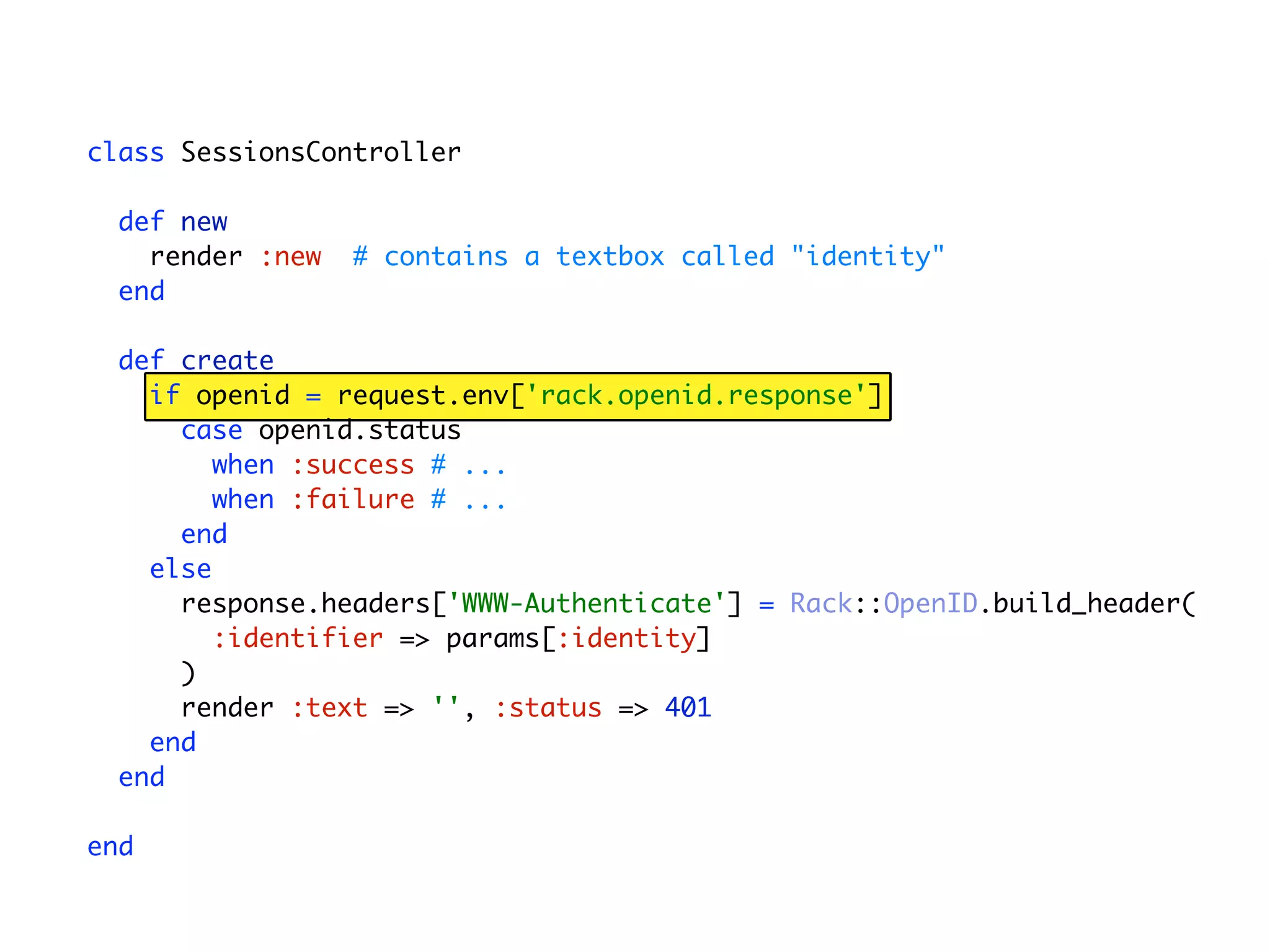
  • #53 In the create action, which processes the form
  • #54 We check the environment to see if Rack::OpenID has injected credentials On the first pass through this will be missing, so...
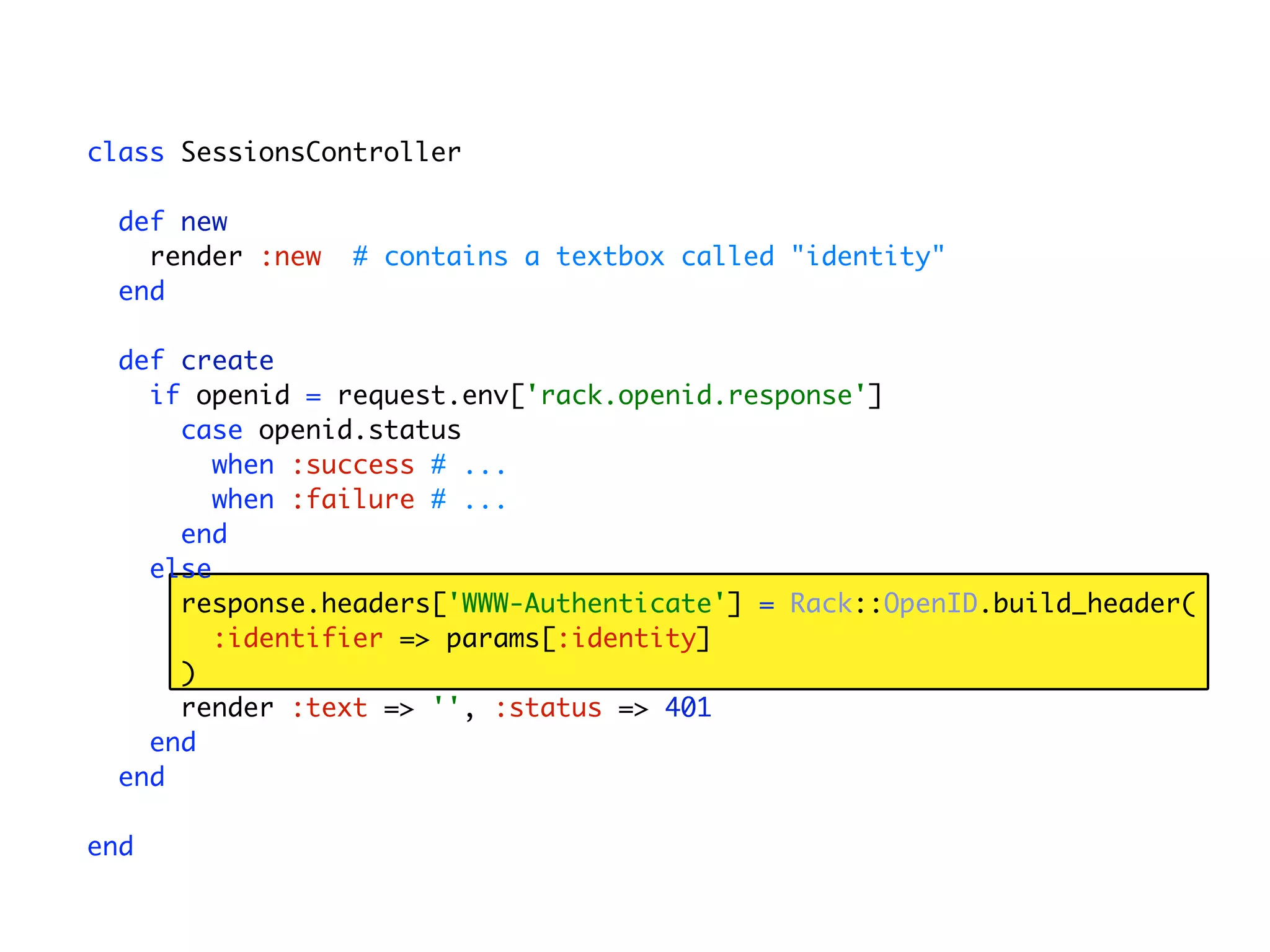
  • #55 We build a header that Rack::OpenID will be able to process...
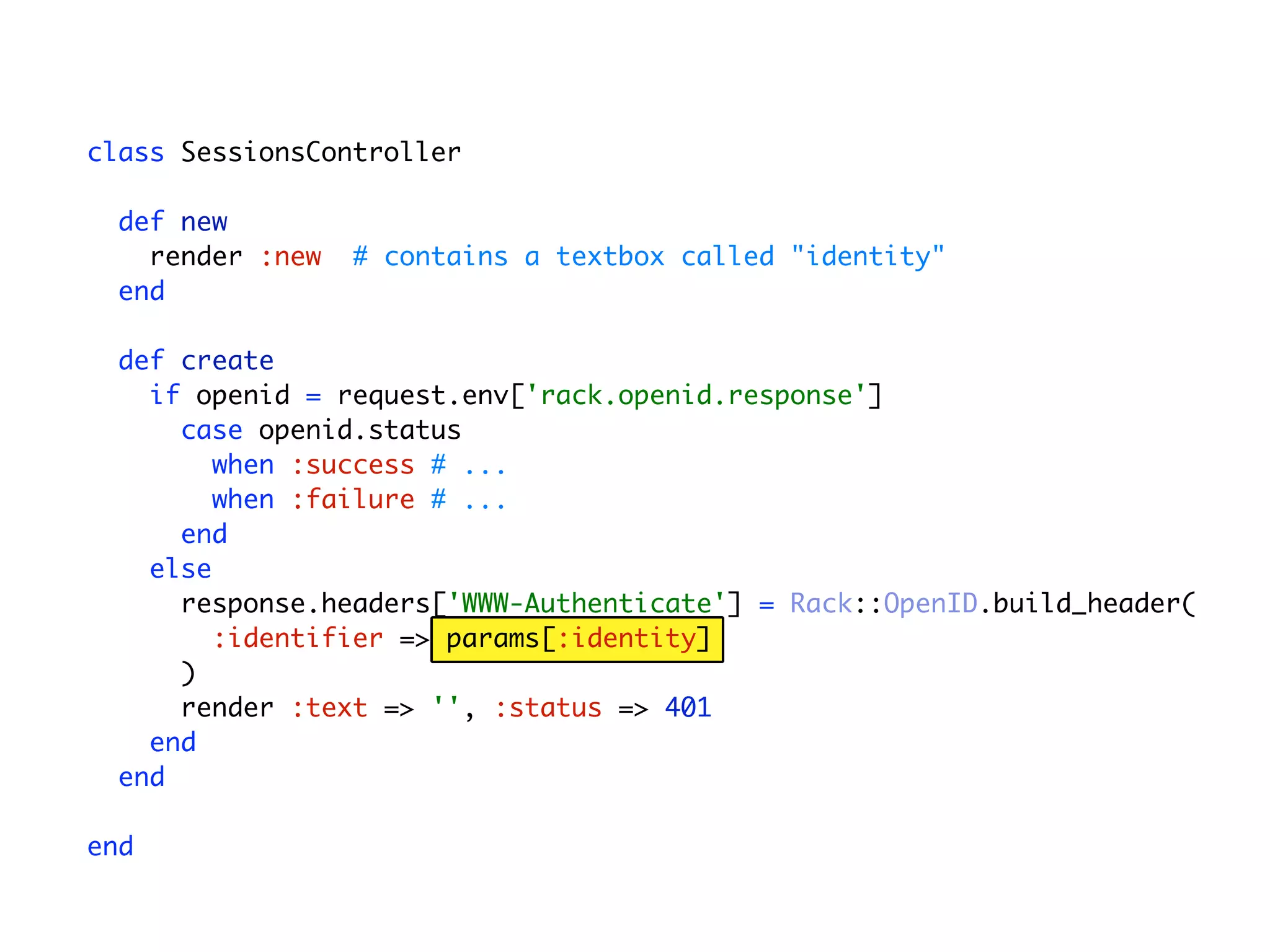
  • #56 ...that includes the OpenID identity provided by the user
  • #57 which in combination with a 401 status code lets Rack::OpenID know to take over
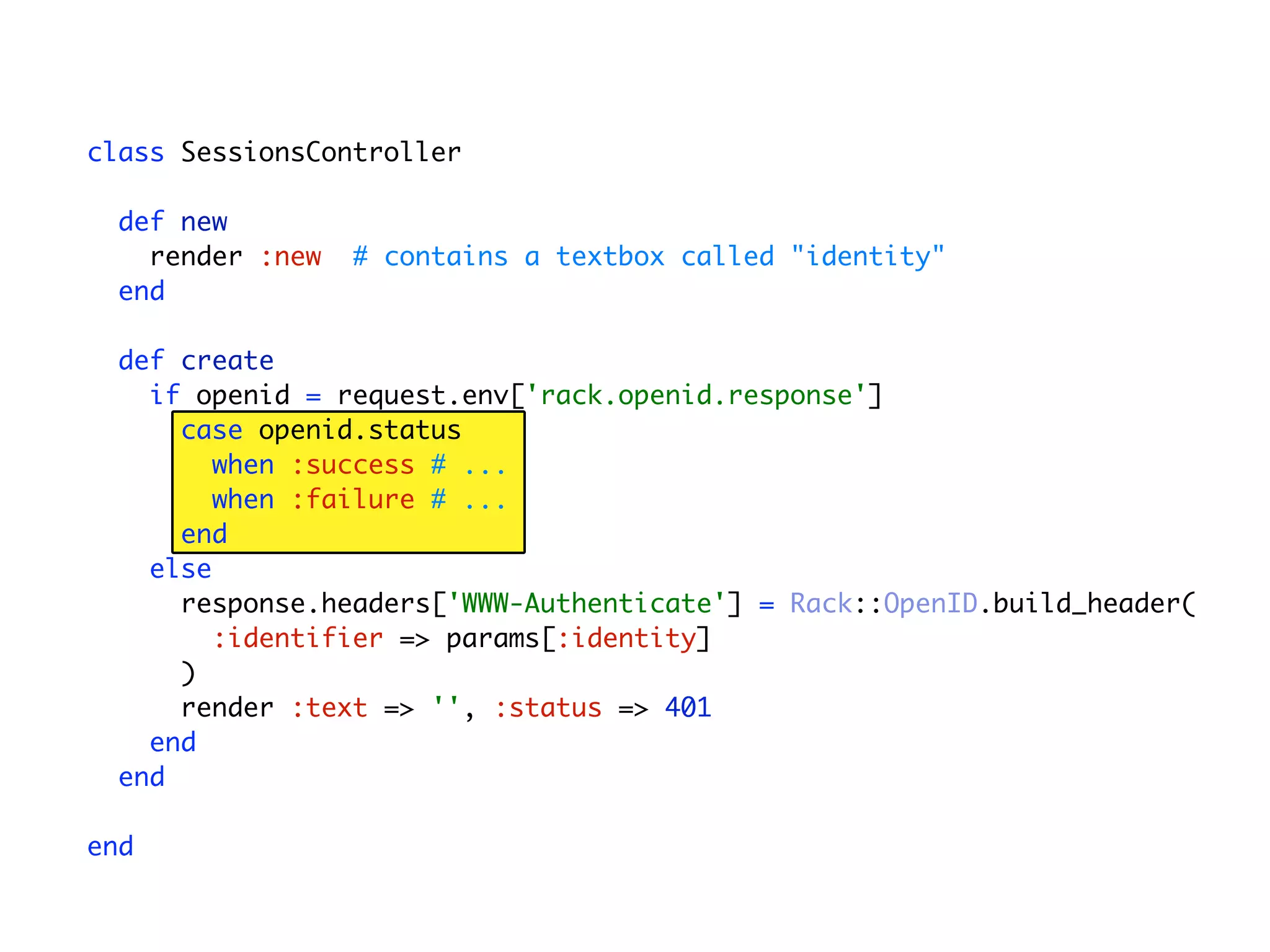
  • #58 After Rack::OpenID does its thing it injects ‘rack.openid.response’ into the environment. So when we come back into the controller and the OpenID credentials are present in the environment...
  • #59 We can check the status of the OpenID response and take the appropriate action.
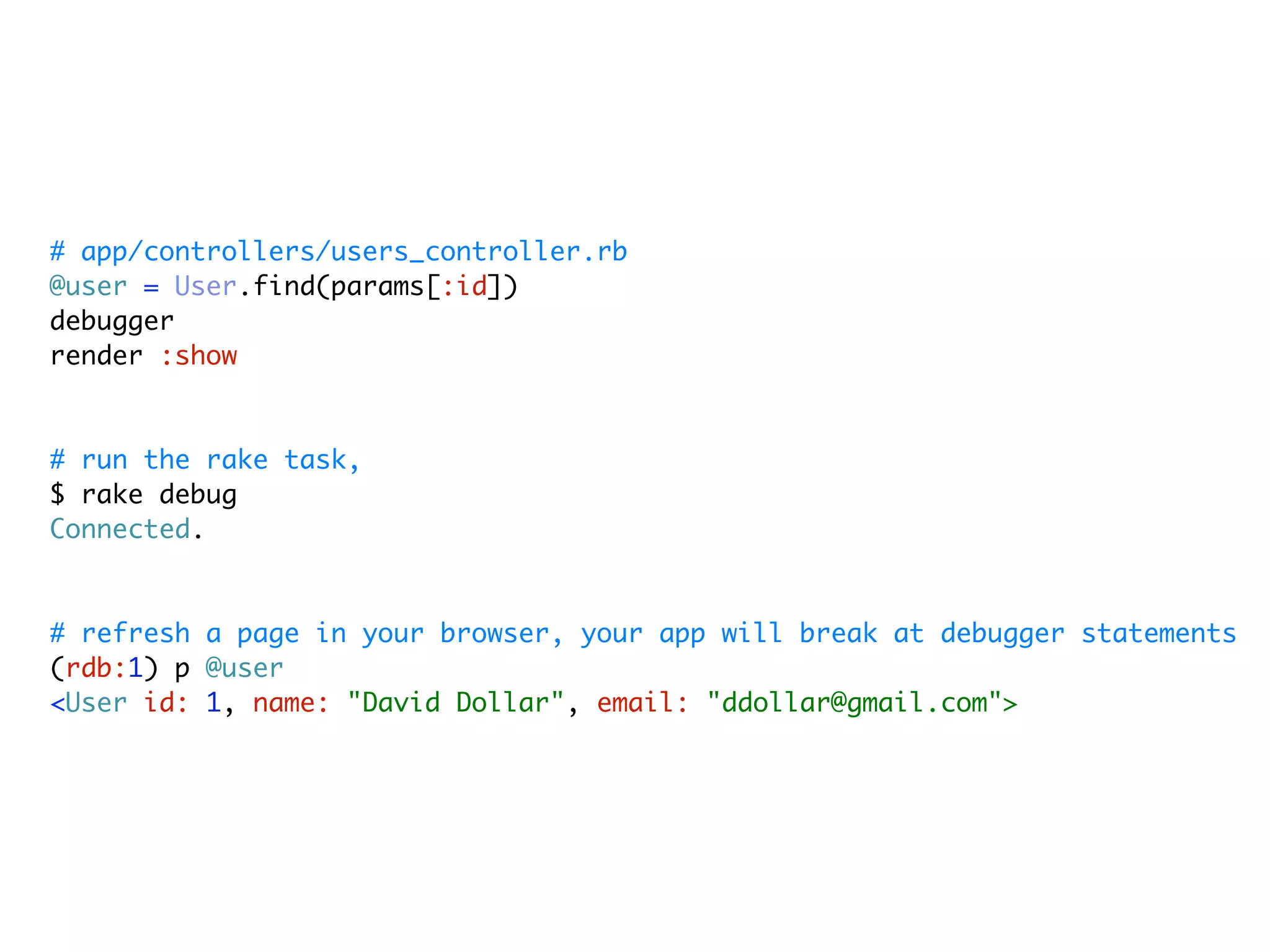
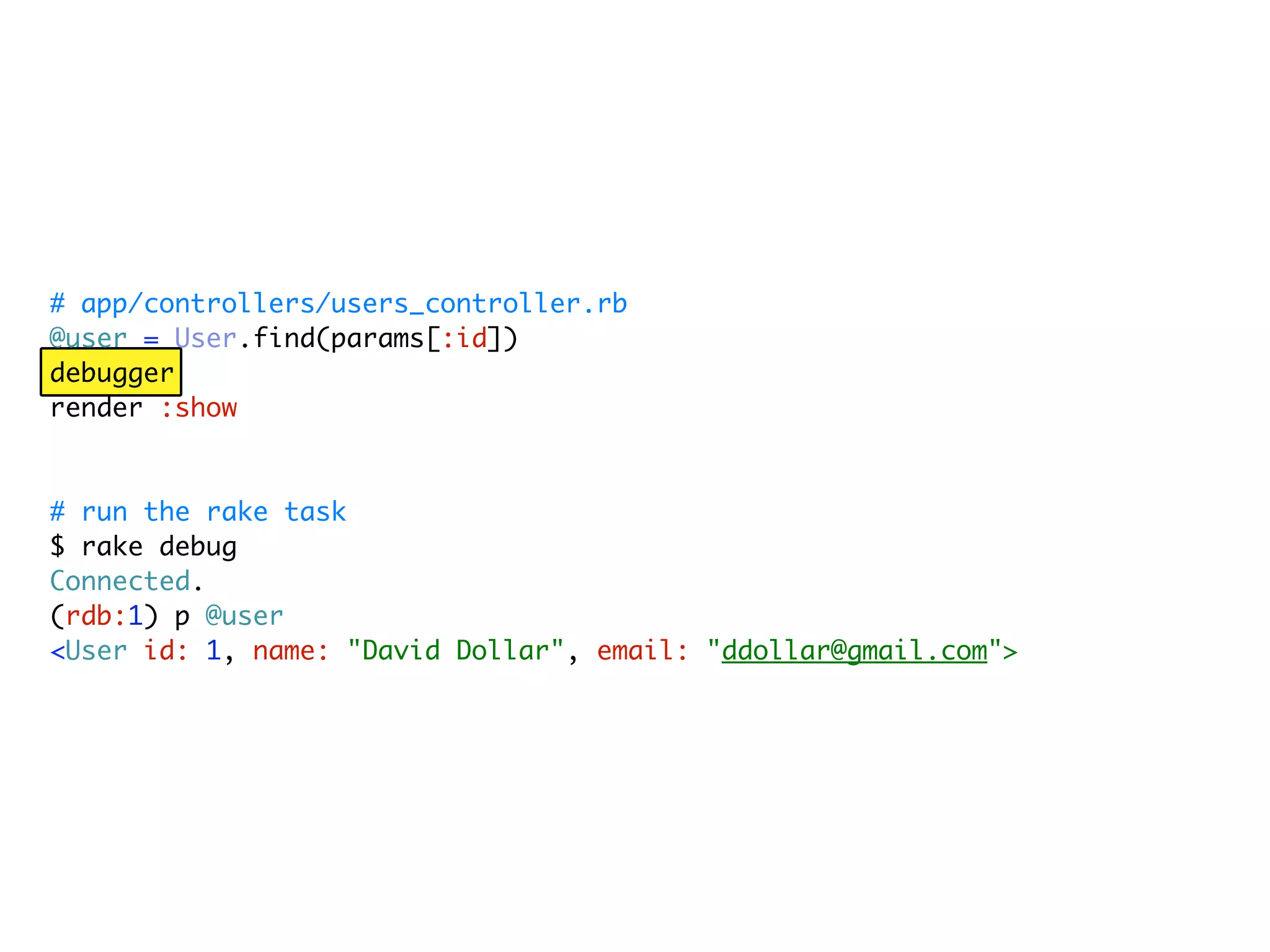
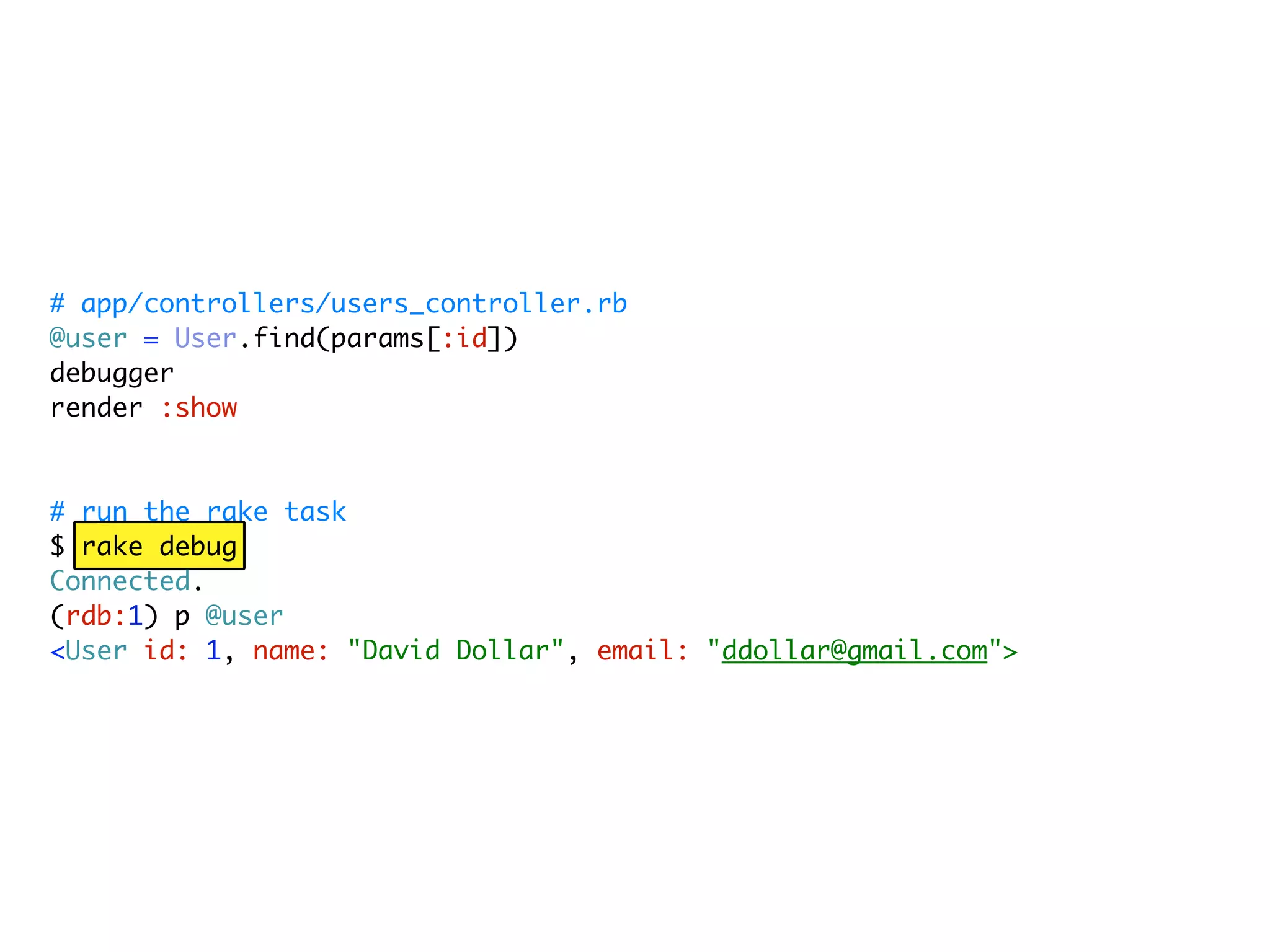
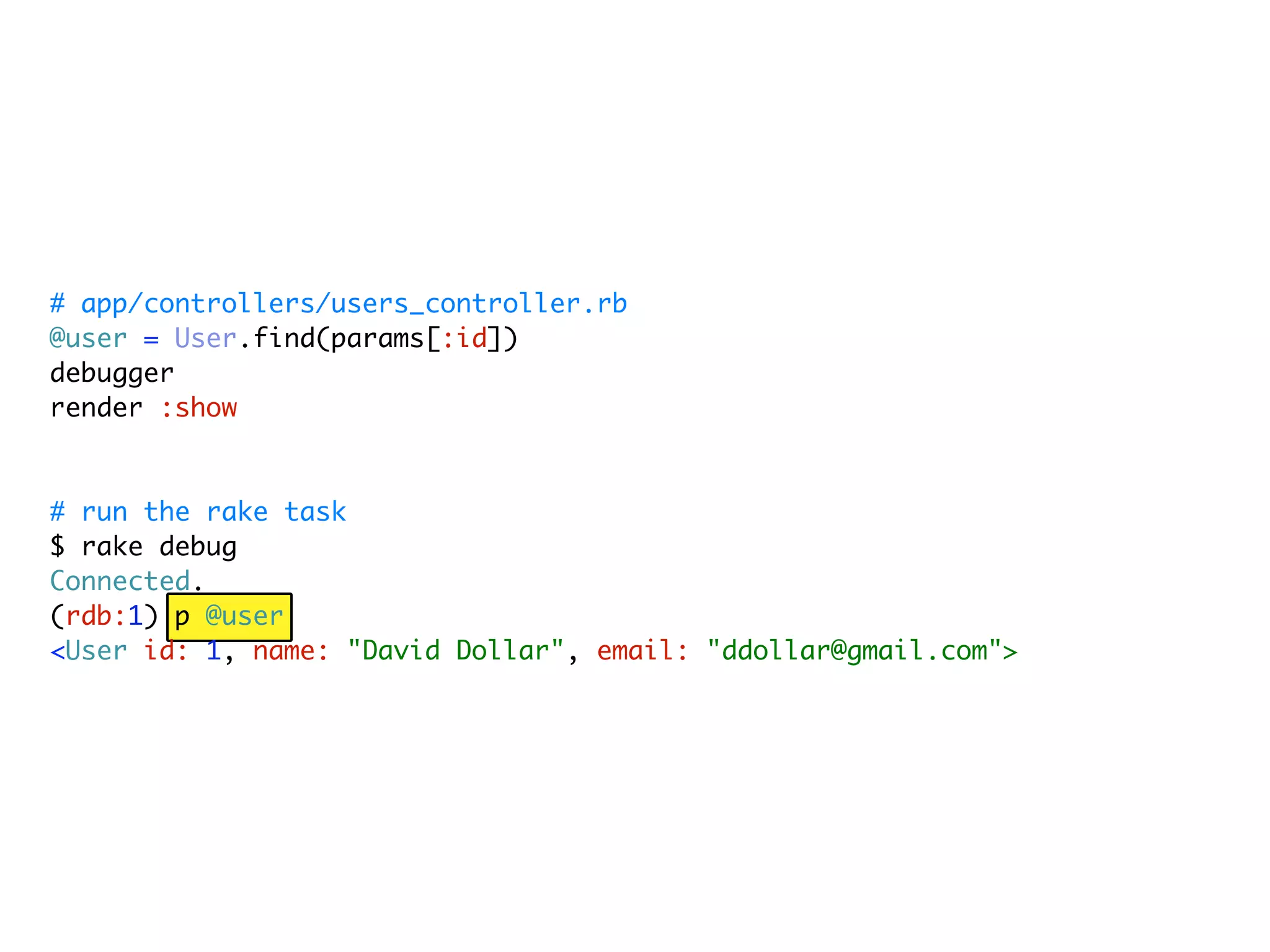
  • #61 Rack::Debug gives an easy interface to ruby-debug inside your application
  • #62 Add debugger statements to your code
  • #63 At the console, run the debug rake task
  • #64 The next time you refresh a page in your browser, your app stops at debugger statements and drops you into an interactive shell.
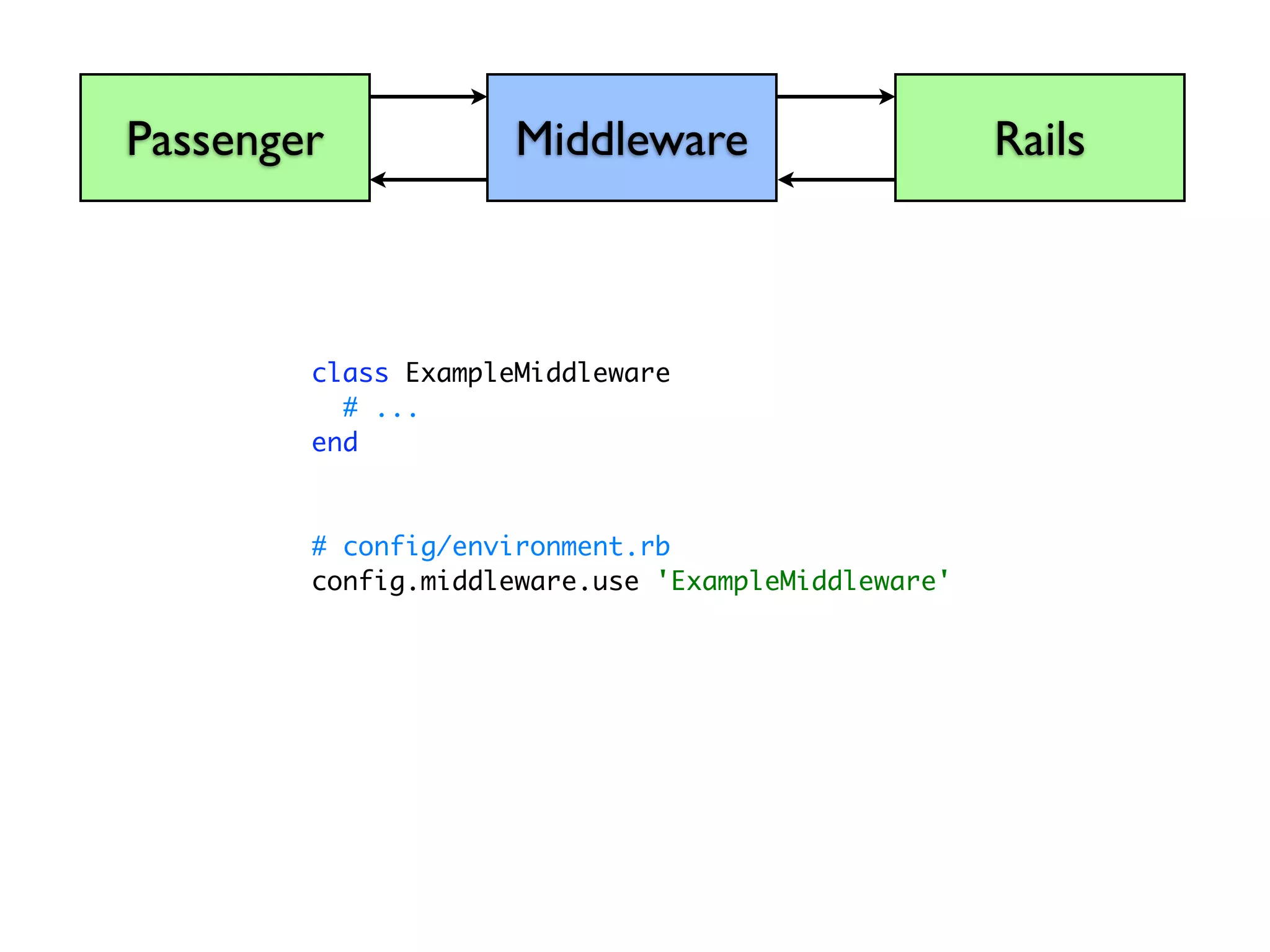
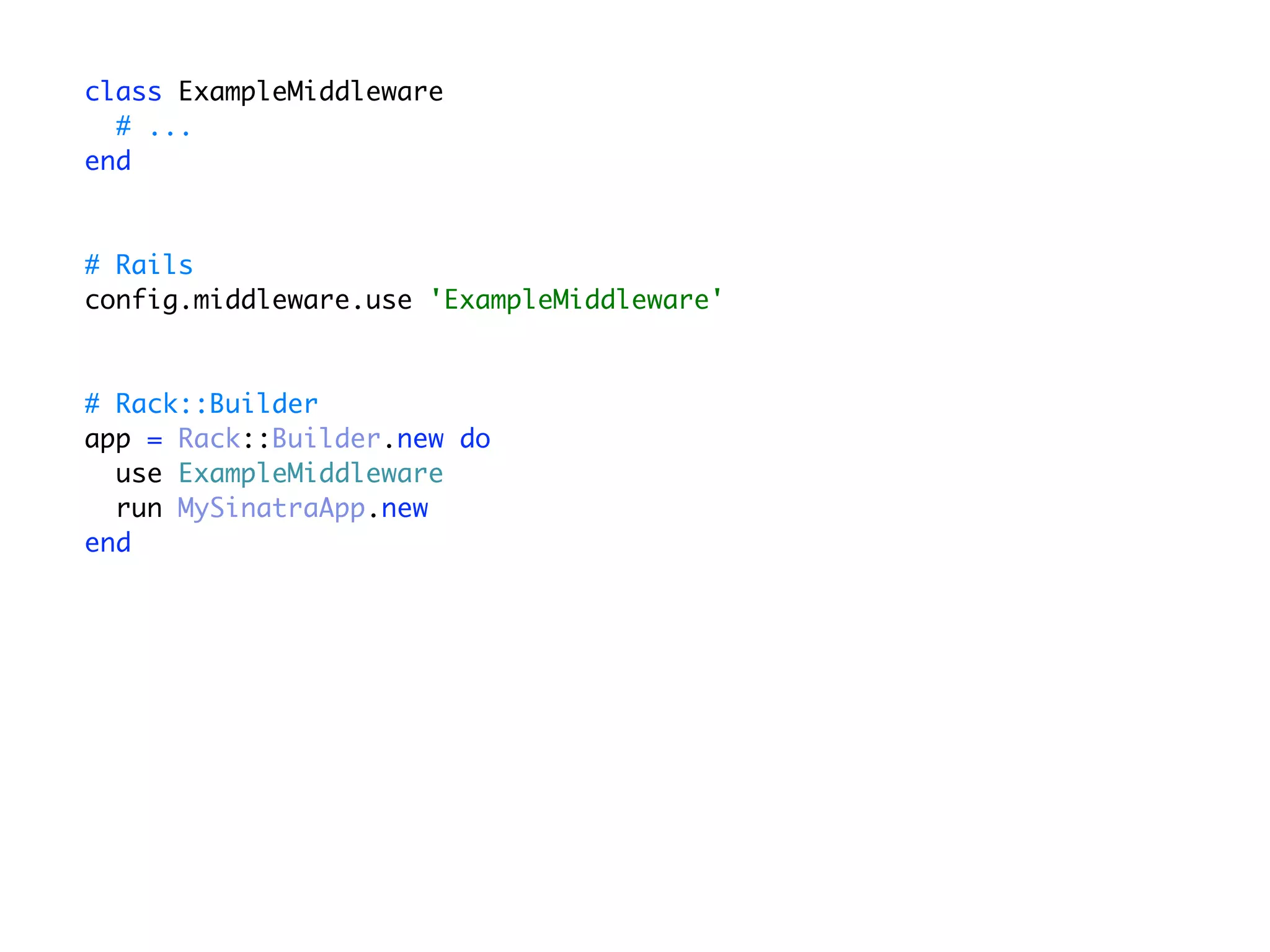
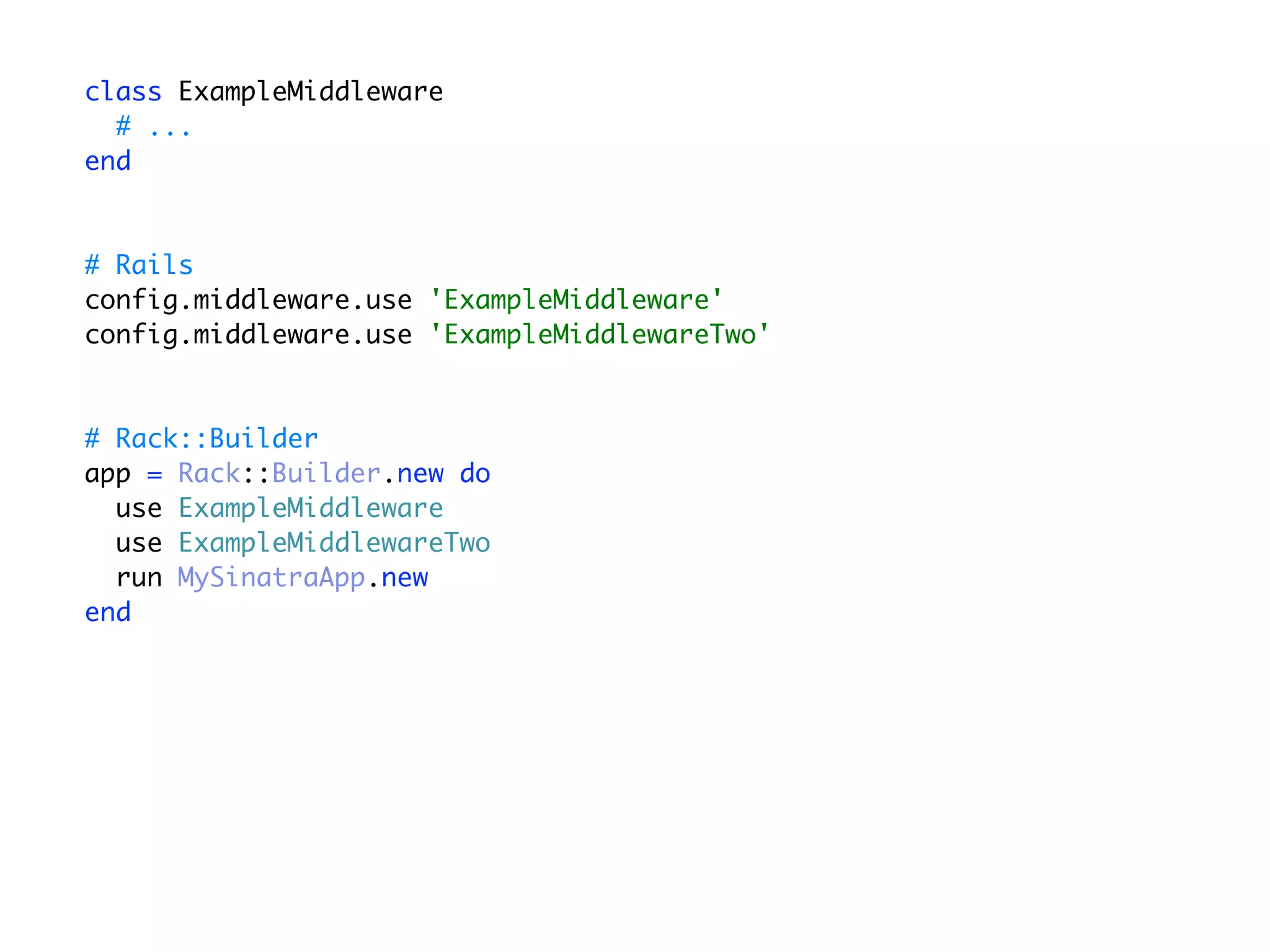
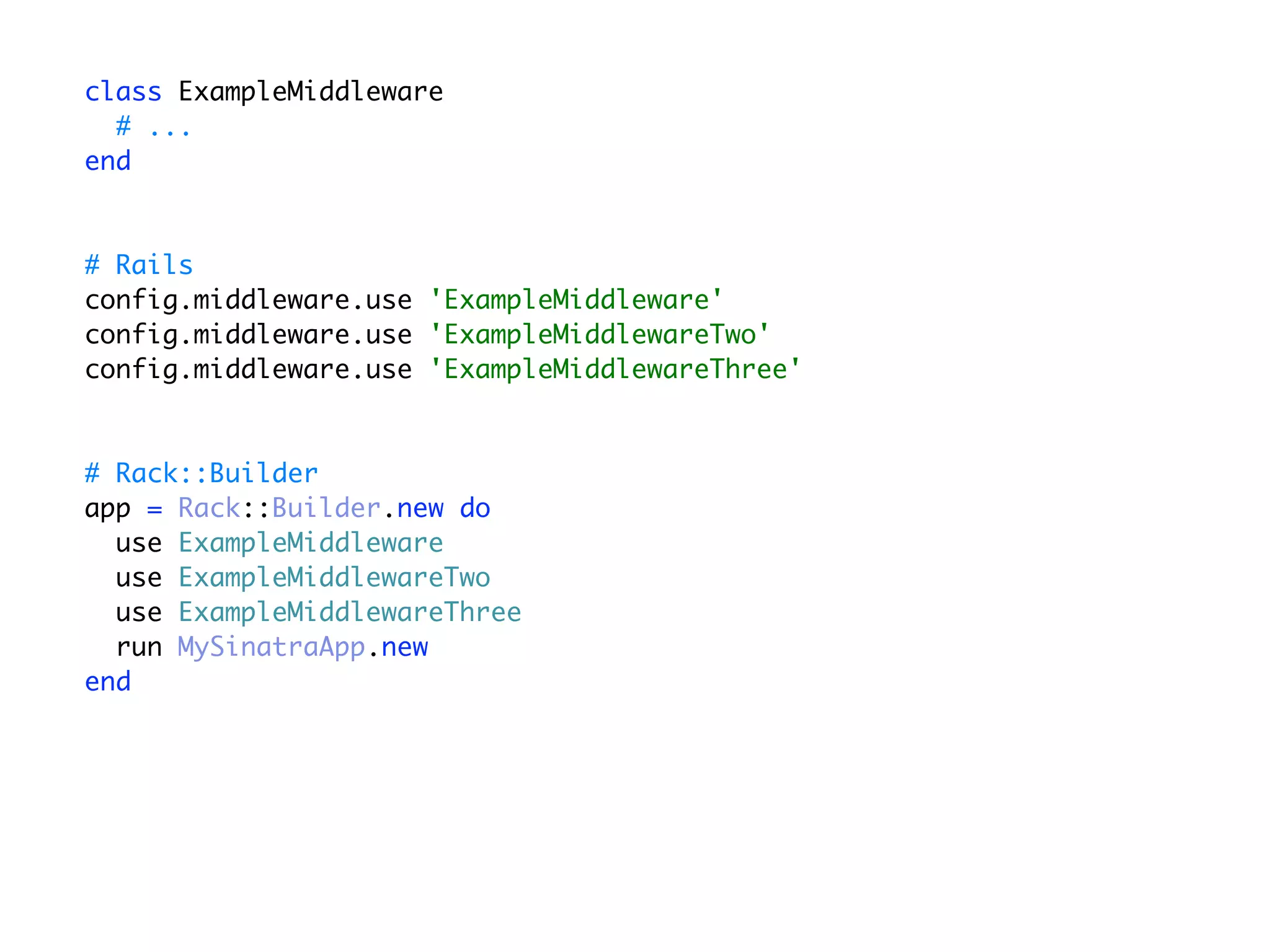
  • #65 How do I use Middleware in my applications.
  • #66 If I have a middleware called ExampleMiddleware
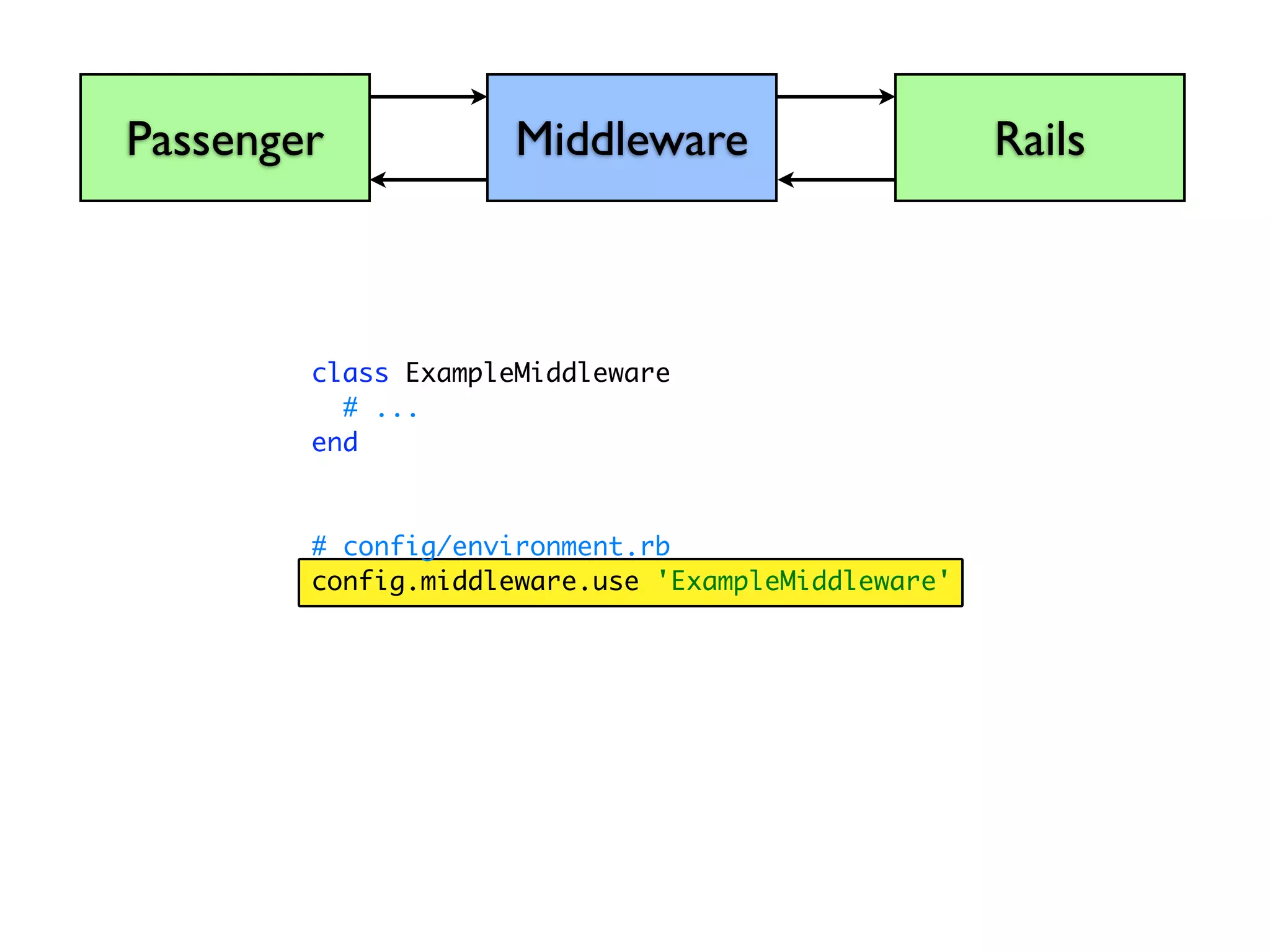
  • #67 In Rails, I’m going to go to my config/environment.rb
  • #68 And add a line, config.middleware.use ‘ExampleMiddleware’
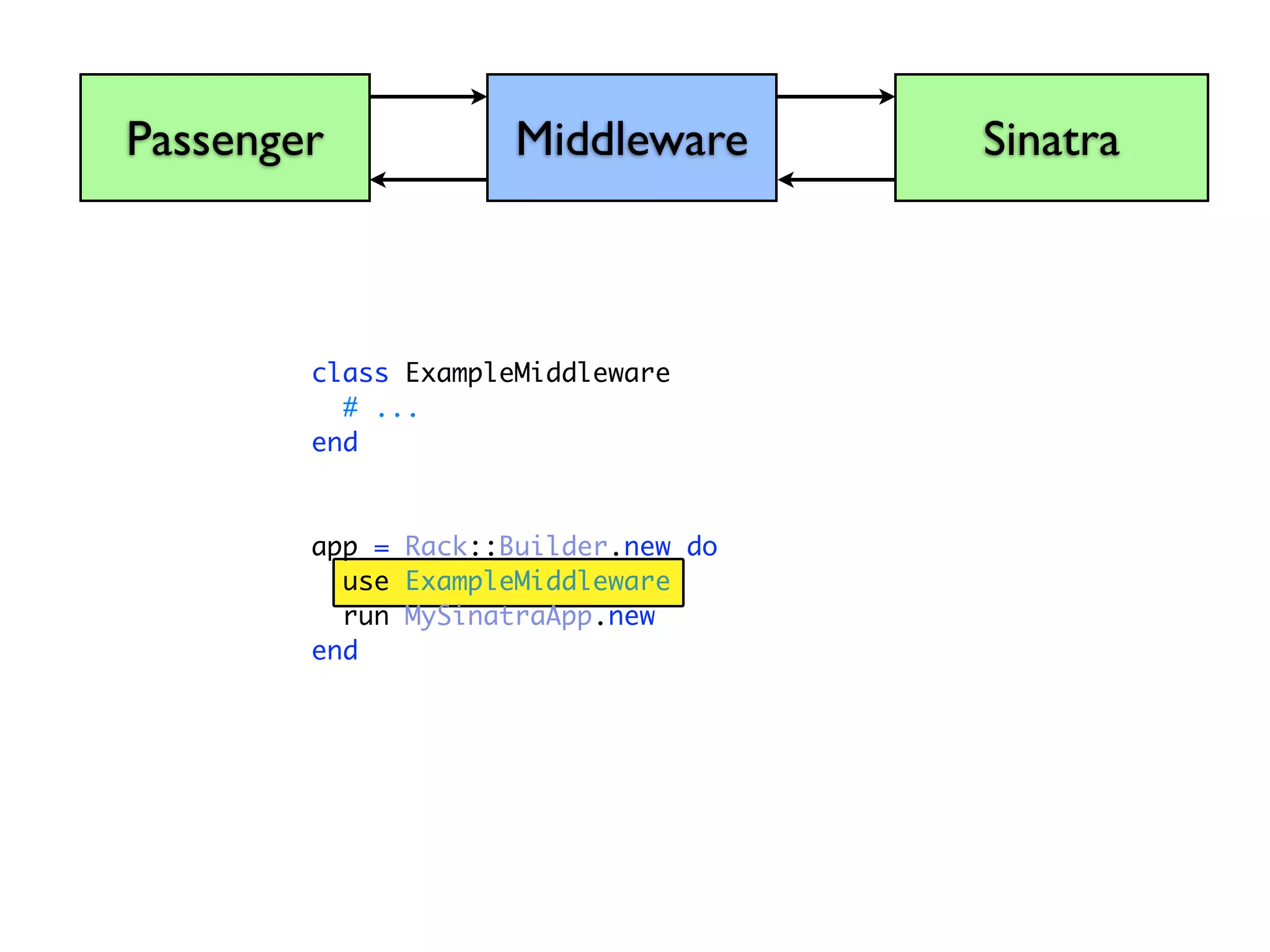
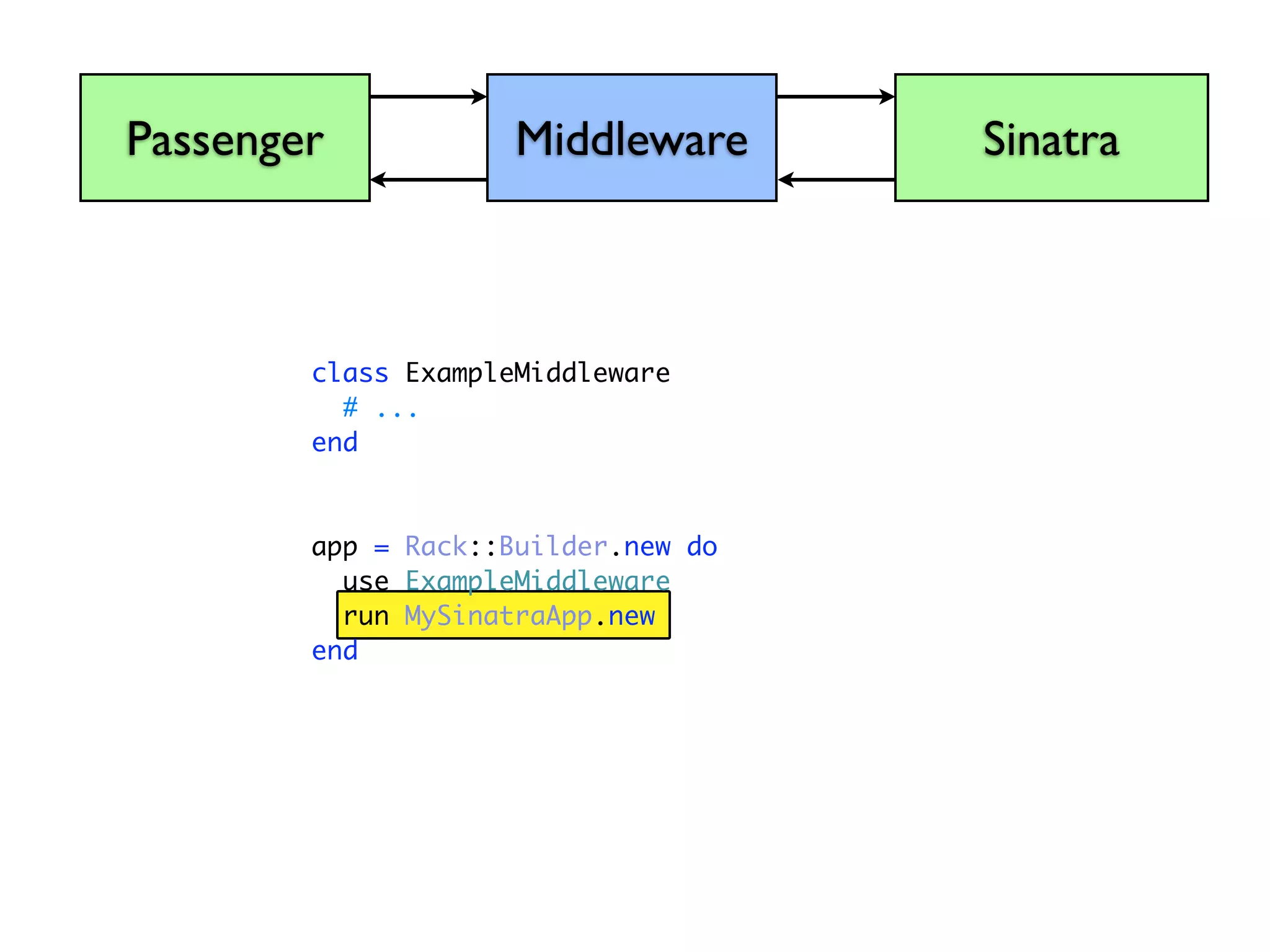
  • #69 Rack also gives us a class called Rack::Builder
  • #70 We tell it to use our Middleware