Advanced Perl Techniques A One Day Perl Tutorial Dave Cross Magnum Solutions Ltd [email_address]
Advanced Perl Techniques Advanced level training for Perl programmers
Turn intermediate programmers into advanced programmers
“ Modern” Perl
Perl is not dying
Advanced Perl Techniques One day isn't enough time
We'll be moving fairly fast
Lots of pointers to other information
Feel free to ask questions
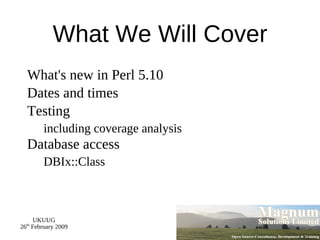
What We Will Cover What's new in Perl 5.10
Dates and times
Testing including coverage analysis Database access DBIx::Class
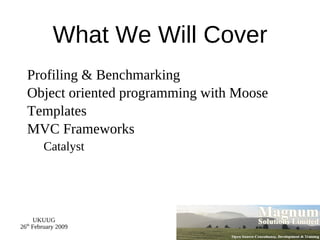
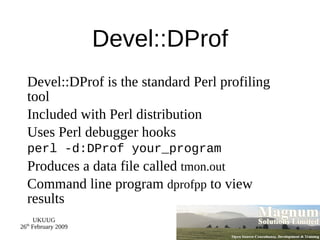
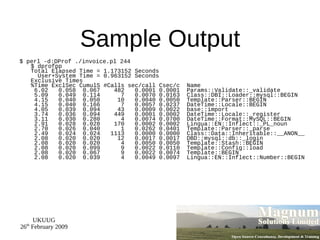
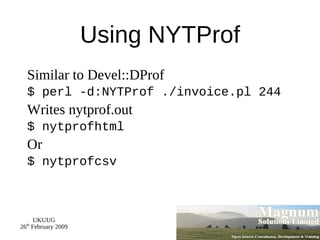
What We Will Cover Profiling & Benchmarking
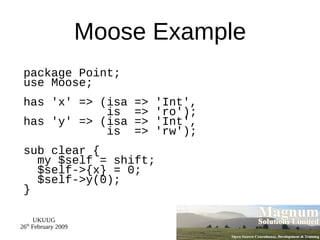
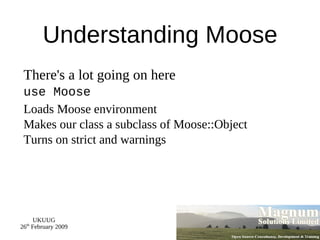
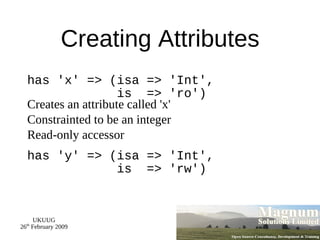
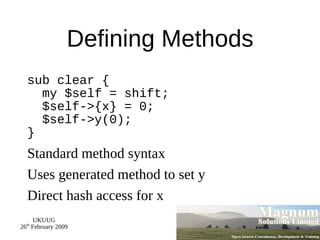
Object oriented programming with Moose
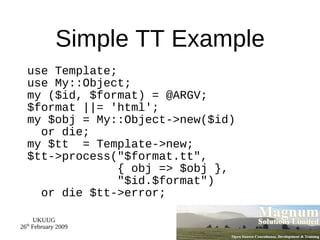
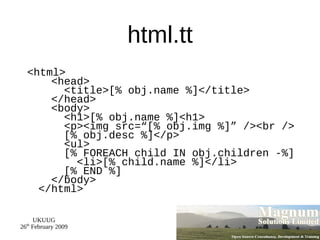
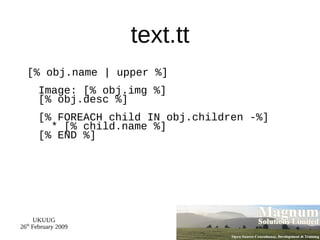
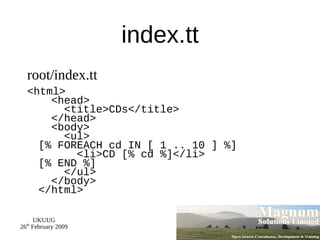
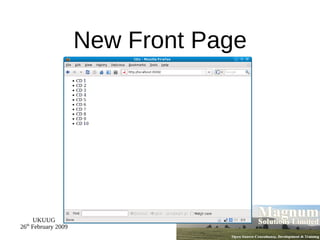
Templates
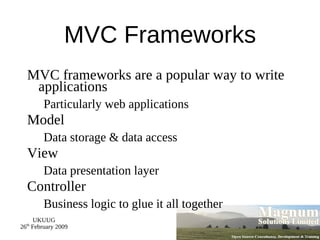
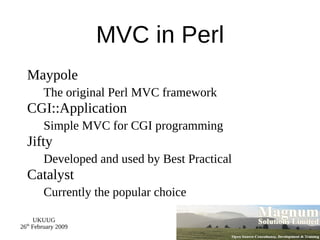
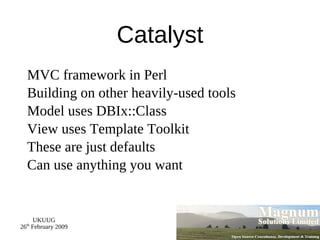
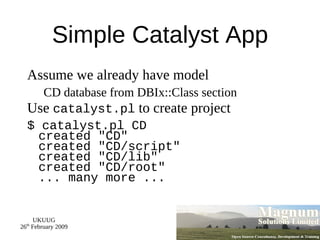
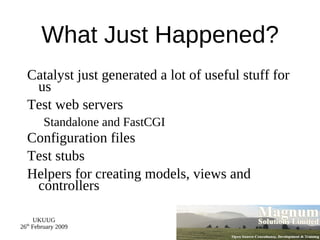
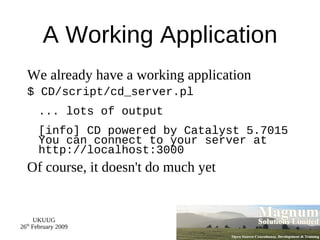
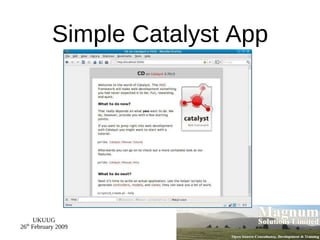
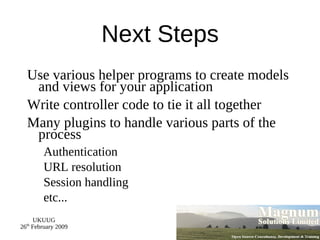
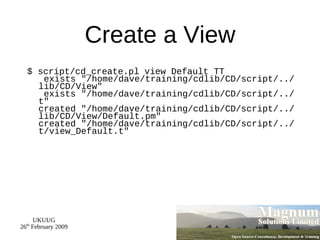
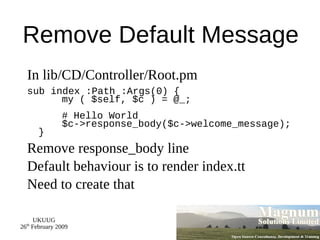
MVC Frameworks Catalyst
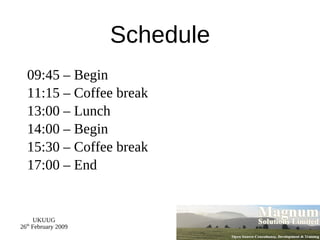
Schedule 09:45 – Begin
11:15 – Coffee break
13:00 – Lunch
14:00 – Begin
15:30 – Coffee break
17:00 – End
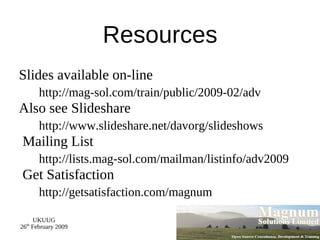
Resources Slides available on-line http://mag-sol.com/train/public/2009-02/adv Also see Slideshare http://www.slideshare.net/davorg/slideshows Mailing List http://lists.mag-sol.com/mailman/listinfo/adv2009 Get Satisfaction http://getsatisfaction.com/magnum
Perl 5.10
Perl 5.10 Released 18 th  Dec 2007 Perl's 20 th  birthday Many new features
Well worth upgrading
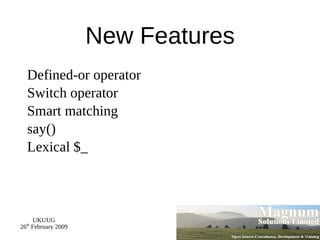
New Features Defined-or operator
Switch operator
Smart matching
say()
Lexical $_
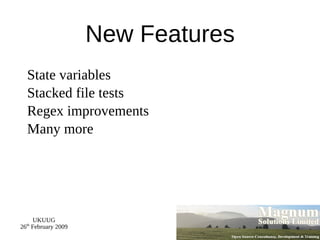
New Features State variables
Stacked file tests
Regex improvements
Many more
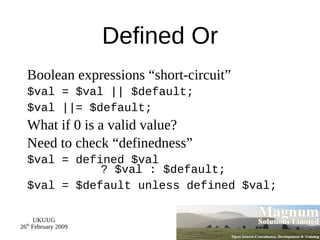
Defined Or Boolean expressions “short-circuit”
$val = $val || $default;
$val ||= $default;
What if 0 is a valid value?
Need to check “definedness”
$val = defined $val   ? $val : $default;
$val = $default unless defined $val;
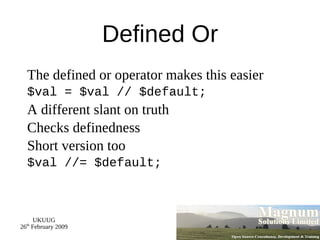
Defined Or The defined or operator makes this easier
$val = $val // $default;
A different slant on truth
Checks definedness
Short version too
$val //= $default;
Switch Statement Switch.pm was added with Perl 5.8
Source filter
Parser limitations Regular expressions
eval 5.10 introduces a build-in switch statement
Given ... When Switch is spelled “given”
Case is spelled “when”
Powerful matching syntax
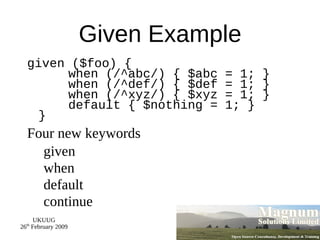
Given Example given ($foo) {   when (/^abc/) { $abc = 1; }   when (/^def/) { $def = 1; }   when (/^xyz/) { $xyz = 1; }   default { $nothing = 1; } }
Four new keywords given
when
default
continue
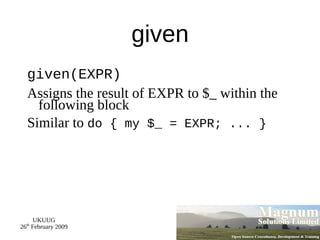
given given(EXPR)
Assigns the result of EXPR to $_ within the following block
Similar to  do { my $_ = EXPR; ... }
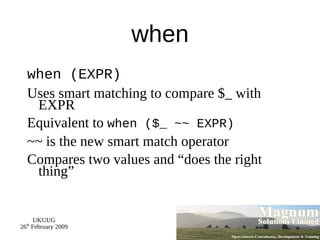
when when (EXPR)
Uses smart matching to compare $_ with EXPR
Equivalent to  when ($_ ~~ EXPR)
~~ is the new smart match operator
Compares two values and “does the right thing”
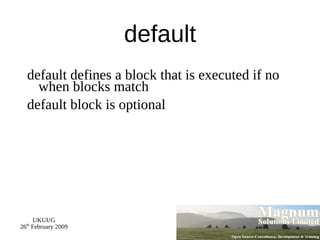
default default defines a block that is executed if no when blocks match
default block is optional
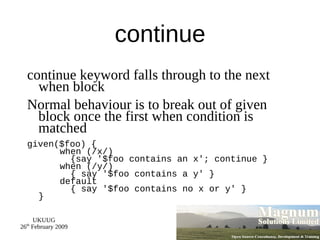
continue continue keyword falls through to the next when block
Normal behaviour is to break out of given block once the first when condition is matched
given($foo) {   when (/x/)   {say '$foo contains an x'; continue }   when (/y/)   { say '$foo contains a y' }   default   { say '$foo contains no x or y' } }
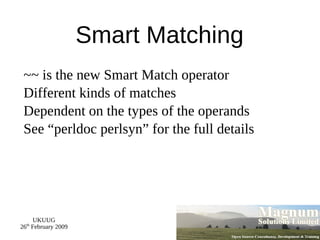
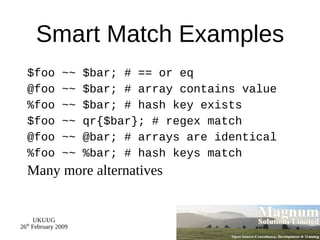
Smart Matching ~~ is the new Smart Match operator
Different kinds of matches
Dependent on the types of the operands
See “perldoc perlsyn” for the full details
Smart Match Examples $foo ~~ $bar; # == or eq
@foo ~~ $bar; # array contains value
%foo ~~ $bar; # hash key exists
$foo ~~ qr{$bar}; # regex match
@foo ~~ @bar; # arrays are identical
%foo ~~ %bar; # hash keys match
Many more alternatives
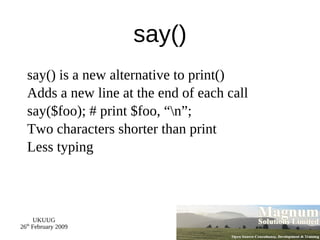
say() say() is a new alternative to print()
Adds a new line at the end of each call
say($foo); # print $foo, “\n”;
Two characters shorter than print
Less typing
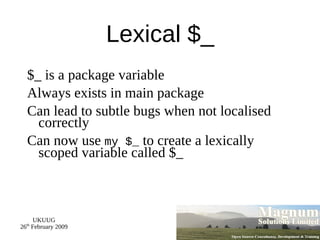
Lexical $_ $_ is a package variable
Always exists in main package
Can lead to subtle bugs when not localised correctly
Can now use  my $_  to create a lexically scoped variable called $_
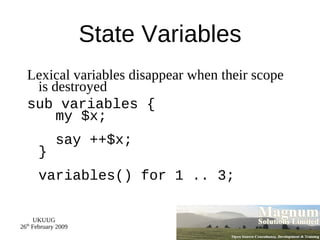
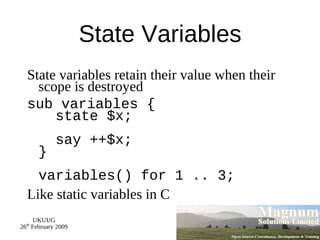
State Variables Lexical variables disappear when their scope is destroyed
sub variables {   my $x;   say ++$x; } variables() for 1 .. 3;
State Variables State variables retain their value when their scope is destroyed
sub variables {   state $x;   say ++$x; } variables() for 1 .. 3;
Like static variables in C
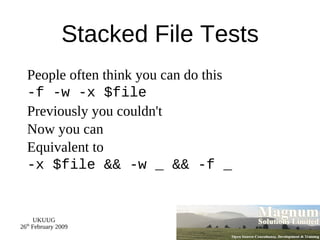
Stacked File Tests People often think you can do this
-f -w -x $file
Previously you couldn't
Now you can
Equivalent to
-x $file && -w _ && -f _
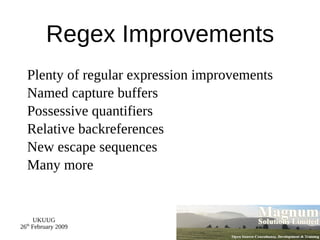
Regex Improvements Plenty of regular expression improvements
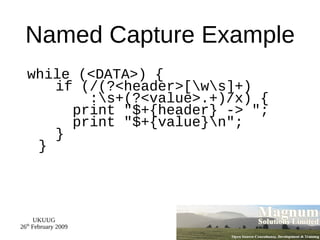
Named capture buffers
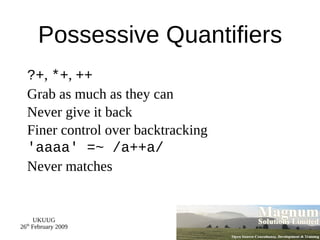
Possessive quantifiers
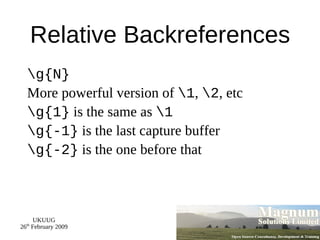
Relative backreferences
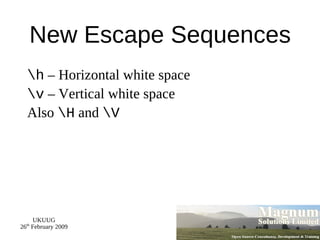
New escape sequences
Many more
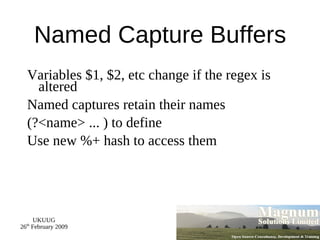
Named Capture Buffers Variables $1, $2, etc change if the regex is altered
Named captures retain their names
(?<name> ... ) to define
Use new %+ hash to access them
Named Capture Example while (<DATA>) {   if (/(?<header>[\w\s]+)   :\s+(?<value>.+)/x) {   print &quot;$+{header} -> &quot;;   print &quot;$+{value}\n&quot;;   } }
Possessive Quantifiers ?+ ,  *+ ,  ++
Grab as much as they can
Never give it back
Finer control over backtracking
'aaaa' =~ /a++a/
Never matches
Relative Backreferences \g{N}
More powerful version of  \1 ,  \2 , etc
\g{1}  is the same as  \1
\g{-1}  is the last capture buffer
\g{-2}  is the one before that
New Escape Sequences \h  – Horizontal white space
\v  – Vertical white space
Also  \H  and  \V
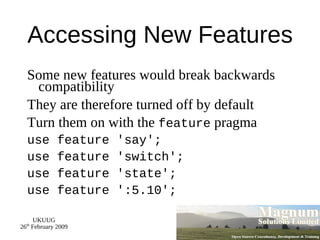
Accessing New Features Some new features would break backwards compatibility
They are therefore turned off by default
Turn them on with the  feature  pragma
use feature 'say';
use feature 'switch';
use feature 'state';
use feature ':5.10';
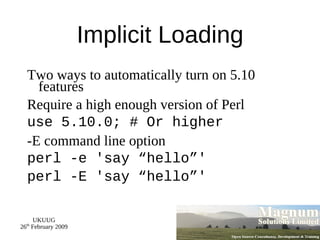
Implicit Loading Two ways to automatically turn on 5.10 features
Require a high enough version of Perl
use 5.10.0; # Or higher
-E command line option
perl -e 'say “hello”'
perl -E 'say “hello”'
Dates and Times
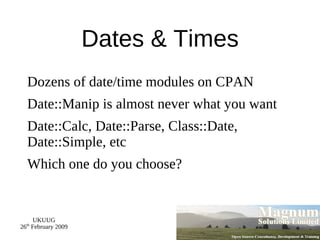
Dates & Times Dozens of date/time modules on CPAN
Date::Manip is almost never what you want
Date::Calc, Date::Parse, Class::Date, Date::Simple, etc
Which one do you choose?
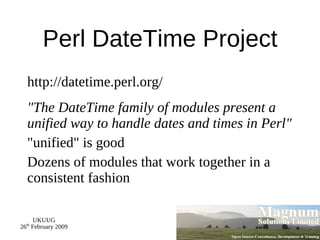
Perl DateTime Project http://datetime.perl.org/
&quot;The DateTime family of modules present a unified way to handle dates and times in Perl&quot;
&quot;unified&quot; is good
Dozens of modules that work together in a consistent fashion
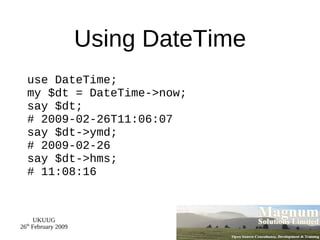
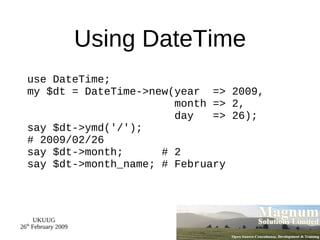
Using DateTime use DateTime; my $dt = DateTime->now; say $dt; # 2009-02-26T11:06:07 say $dt->ymd; # 2009-02-26 say $dt->hms; # 11:08:16
Using DateTime use DateTime; my $dt = DateTime->new(year  => 2009,   month => 2,   day  => 26); say $dt->ymd('/'); # 2009/02/26 say $dt->month;  # 2 say $dt->month_name; # February
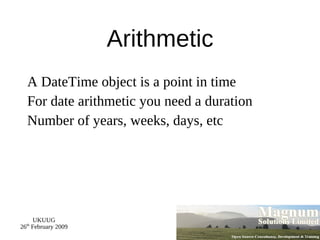
Arithmetic A DateTime object is a point in time
For date arithmetic you need a duration
Number of years, weeks, days, etc
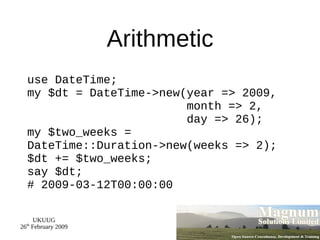
Arithmetic use DateTime; my $dt = DateTime->new(year => 2009,   month => 2,   day => 26); my $two_weeks = DateTime::Duration->new(weeks => 2); $dt += $two_weeks; say $dt; # 2009-03-12T00:00:00
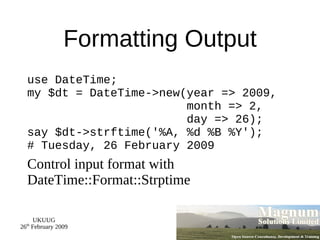
Formatting Output use DateTime; my $dt = DateTime->new(year => 2009,   month => 2,   day => 26); say $dt->strftime('%A, %d %B %Y'); # Tuesday, 26 February 2009
Control input format with DateTime::Format::Strptime
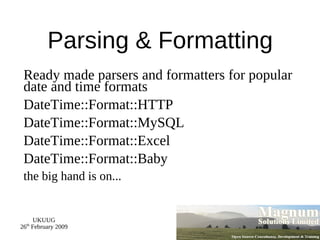
Parsing & Formatting Ready made parsers and formatters for popular date and time formats
DateTime::Format::HTTP
DateTime::Format::MySQL
DateTime::Format::Excel
DateTime::Format::Baby the big hand is on...
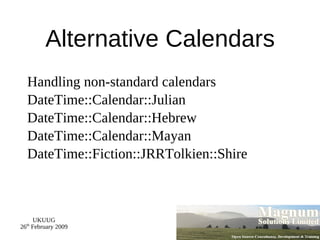
Alternative Calendars Handling non-standard calendars
DateTime::Calendar::Julian
DateTime::Calendar::Hebrew
DateTime::Calendar::Mayan
DateTime::Fiction::JRRTolkien::Shire
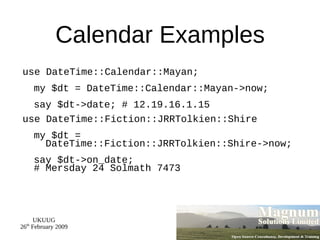
Calendar Examples use DateTime::Calendar::Mayan; my $dt = DateTime::Calendar::Mayan->now; say $dt->date; # 12.19.16.1.15
use DateTime::Fiction::JRRTolkien::Shire my $dt =    DateTime::Fiction::JRRTolkien::Shire->now; say $dt->on_date; # Mersday 24 Solmath 7473
Testing
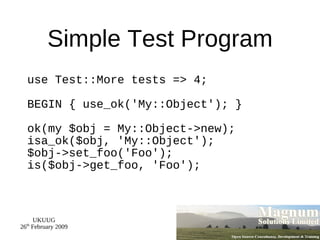
Testing Never program without a safety net
Does your code do what it is supposed to do?
Will your code continue to do what it is supposed to do?
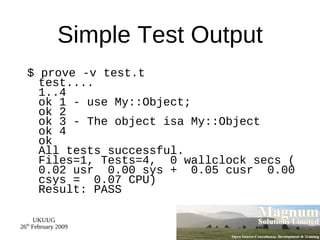
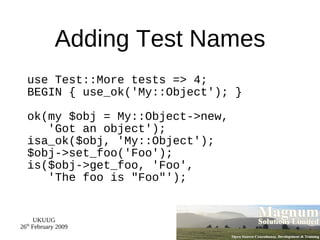
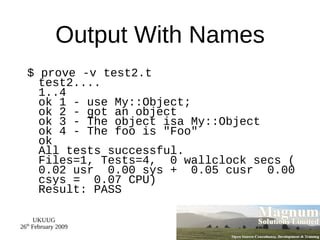
Write unit tests
Run those tests all the time
When to Run Tests As often as possible
Before you add a feature
After you have added a feature
Before checking in code
Before releasing code

Advanced Perl Techniques