THE TECHNOLOGY I HAVE USED
MOST THROUGHOUT THE
PRODUCTION OF MY MAGAZINE.
Q6. WHAT HAVE YOU
LEARNT ABOUT
TECHNOLOGIES
FROM THE PROCESS
OF CONSTRUCTION
THIS PROCESS?
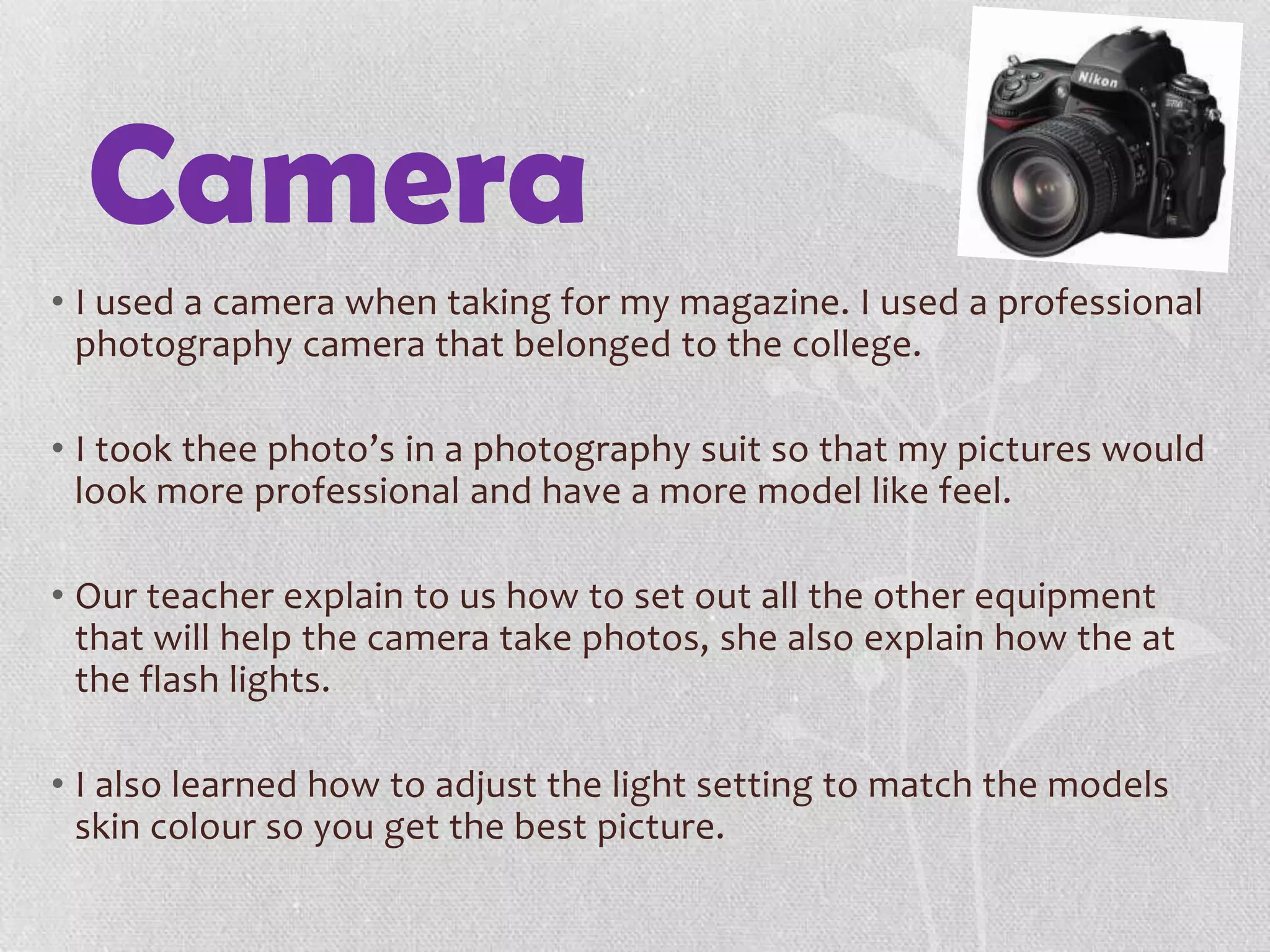
Camera
• I used a camera when taking for my magazine. I used a professional
photography camera that belonged to the college.
• I took thee photo’s in a photography suit so that my pictures would
look more professional and have a more model like feel.
• Our teacher explain to us how to set out all the other equipment
that will help the camera take photos, she also explain how the at
the flash lights.
• I also learned how to adjust the light setting to match the models
skin colour so you get the best picture.
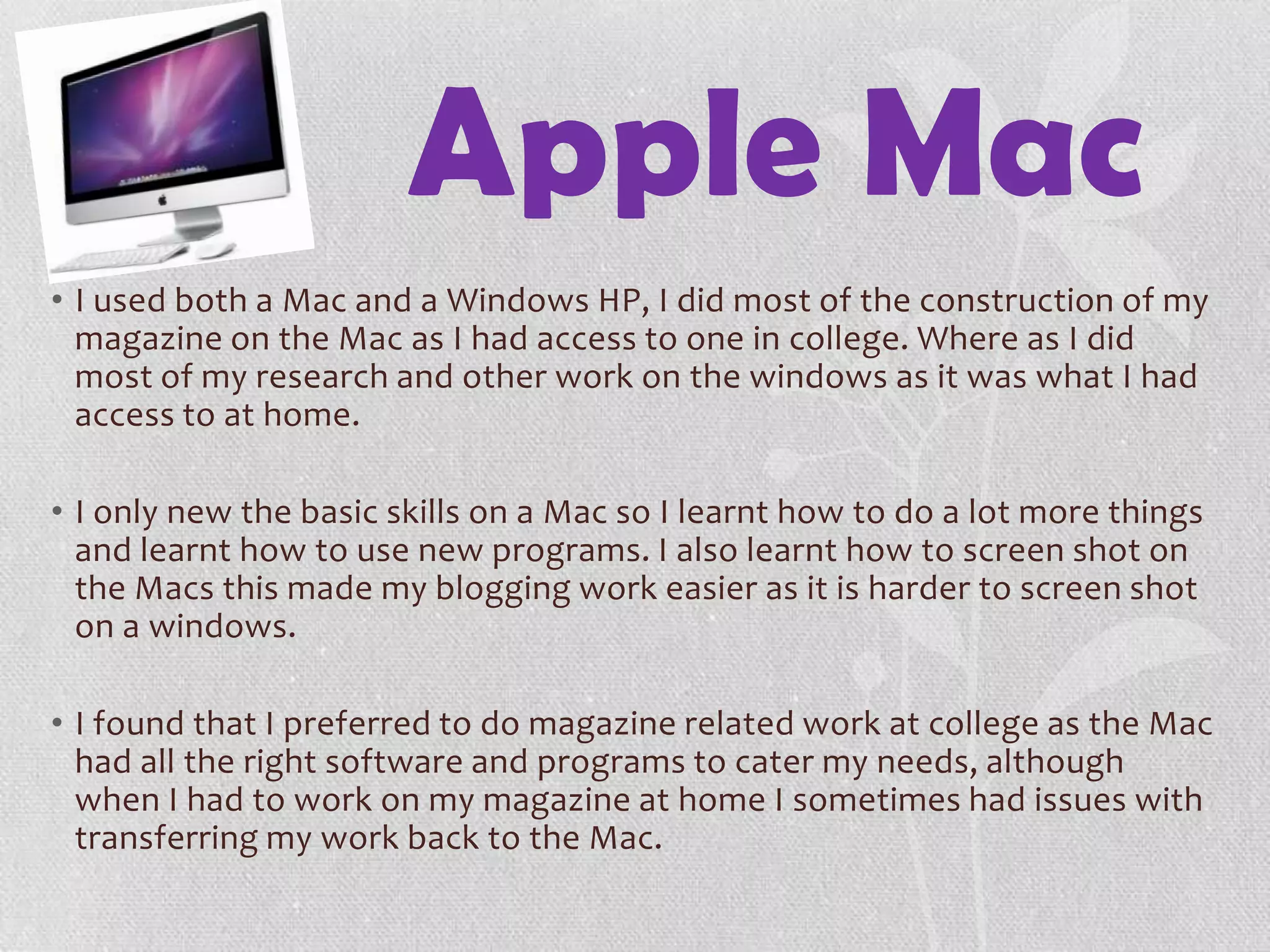
Apple Mac
• I used both a Mac and a Windows HP, I did most of the construction of my
magazine on the Mac as I had access to one in college. Where as I did
most of my research and other work on the windows as it was what I had
access to at home.
• I only new the basic skills on a Mac so I learnt how to do a lot more things
and learnt how to use new programs. I also learnt how to screen shot on
the Macs this made my blogging work easier as it is harder to screen shot
on a windows.
• I found that I preferred to do magazine related work at college as the Mac
had all the right software and programs to cater my needs, although
when I had to work on my magazine at home I sometimes had issues with
transferring my work back to the Mac.
Software
Microsoft
PowerPoint/
Word
• I used Microsoft Word for quite a few different tasks but it was all mainly
for my blog, for example I used word to back my work, for questionnaires
and to make drafts before I added colour and other things. I also used it
to check my spelling and punctuation for my blog.
• I used Microsoft PowerPoint mainly to make slides that would later go on
my blog as well, I did this as to add another way of reading on my blog so
that it looked more visually interesting.. I used slide share to convert my
PowerPoint’s.
• I found it easy to use PowerPoint and Word, so I used it for a lot of things.
Photoshop
• Photoshop was the first new software I had to use and that made it very
difficult.
• After a while of using Photoshop I became more confident in using it and
it meant I was apply to try all new different things to further my skills and
you could also see that the quality of my work improved.
• I used Photoshop to design my front cover, contents page and the
background of my article. Some of the skills I learnt to use were.
• Using layers to edit photos and when adding new things to the page.
• Using the magnetic lasso to help cut out the background of the model.
• How to edit photos such as adjusting colours and removing imperfections in the picture.
• The effect I used the most was layering as I did not only use it for editing I also used it to help back up photos I was editing encase I
messed up.
• I really enjoyed using Photoshop, I found looking and working out how to
use all different types of techniques was very fascinating. Also since it was
my first time using Photoshop I found it all very exciting.
InDesign
• InDesign was most probably the hardest software for me to use. I
found it very hard and couldn’t get the hang of it for quite a while.
• As it was my first time using InDesign and I didn’t understand it like
Photoshop this meant it took me longer to do things with my
article.
• A skill I learnt in InDesign is how to link pages from Photoshop to
InDesign. I used this skilled for the background of my article.
• Also another skill I learnt was to colour code my layers so I new
exactly what was what.
• In the end as I used InDesign I got better at it and I started enjoy
using it.
Internet
Word press
• Word press is a free blogging site. I used this site to blog all my media.
• I found it very easy from the start so it made blogging easy.
• The thing I found most helpful was that you could go back an edit posts if
you needed to.
• I found that I could re-read old post that I did to help me remember
things.
• Also I learnt how to embed YouTube videos into my blog. This meant I
could show what tutorials I used to help with Photoshop and it also meant
I could also add things my teach had shown us.
Slide share
• I used slide share to convert all my PowerPoint's so that I can use them on
my blog.
• After my photo-shoot I converted all my photos into a slide share so that I
could explain why I didn’t use certain pictures and why I used others.
• I also used slide share to do quite a bit of my evaluation. It made my
evaluation look better visually and it was easier because all the
information could be in one area.
• This was the first time I used slide share so it took a bit of time for me to
get the hang of it but also learnt some new skills that helped improve my
media blog.
Overall
• Overall I would say that I learnt the most skills in
InDesign and Photoshop. I also spent extra time
on these things so that I could help increase the
stand of my work.

Q6.the technology i have used most

  • 1.
    THE TECHNOLOGY IHAVE USED MOST THROUGHOUT THE PRODUCTION OF MY MAGAZINE. Q6. WHAT HAVE YOU LEARNT ABOUT TECHNOLOGIES FROM THE PROCESS OF CONSTRUCTION THIS PROCESS?
  • 2.
    Camera • I useda camera when taking for my magazine. I used a professional photography camera that belonged to the college. • I took thee photo’s in a photography suit so that my pictures would look more professional and have a more model like feel. • Our teacher explain to us how to set out all the other equipment that will help the camera take photos, she also explain how the at the flash lights. • I also learned how to adjust the light setting to match the models skin colour so you get the best picture.
  • 3.
    Apple Mac • Iused both a Mac and a Windows HP, I did most of the construction of my magazine on the Mac as I had access to one in college. Where as I did most of my research and other work on the windows as it was what I had access to at home. • I only new the basic skills on a Mac so I learnt how to do a lot more things and learnt how to use new programs. I also learnt how to screen shot on the Macs this made my blogging work easier as it is harder to screen shot on a windows. • I found that I preferred to do magazine related work at college as the Mac had all the right software and programs to cater my needs, although when I had to work on my magazine at home I sometimes had issues with transferring my work back to the Mac.
  • 4.
  • 5.
    Microsoft PowerPoint/ Word • I usedMicrosoft Word for quite a few different tasks but it was all mainly for my blog, for example I used word to back my work, for questionnaires and to make drafts before I added colour and other things. I also used it to check my spelling and punctuation for my blog. • I used Microsoft PowerPoint mainly to make slides that would later go on my blog as well, I did this as to add another way of reading on my blog so that it looked more visually interesting.. I used slide share to convert my PowerPoint’s. • I found it easy to use PowerPoint and Word, so I used it for a lot of things.
  • 6.
    Photoshop • Photoshop wasthe first new software I had to use and that made it very difficult. • After a while of using Photoshop I became more confident in using it and it meant I was apply to try all new different things to further my skills and you could also see that the quality of my work improved. • I used Photoshop to design my front cover, contents page and the background of my article. Some of the skills I learnt to use were. • Using layers to edit photos and when adding new things to the page. • Using the magnetic lasso to help cut out the background of the model. • How to edit photos such as adjusting colours and removing imperfections in the picture. • The effect I used the most was layering as I did not only use it for editing I also used it to help back up photos I was editing encase I messed up. • I really enjoyed using Photoshop, I found looking and working out how to use all different types of techniques was very fascinating. Also since it was my first time using Photoshop I found it all very exciting.
  • 7.
    InDesign • InDesign wasmost probably the hardest software for me to use. I found it very hard and couldn’t get the hang of it for quite a while. • As it was my first time using InDesign and I didn’t understand it like Photoshop this meant it took me longer to do things with my article. • A skill I learnt in InDesign is how to link pages from Photoshop to InDesign. I used this skilled for the background of my article. • Also another skill I learnt was to colour code my layers so I new exactly what was what. • In the end as I used InDesign I got better at it and I started enjoy using it.
  • 8.
  • 9.
    Word press • Wordpress is a free blogging site. I used this site to blog all my media. • I found it very easy from the start so it made blogging easy. • The thing I found most helpful was that you could go back an edit posts if you needed to. • I found that I could re-read old post that I did to help me remember things. • Also I learnt how to embed YouTube videos into my blog. This meant I could show what tutorials I used to help with Photoshop and it also meant I could also add things my teach had shown us.
  • 10.
    Slide share • Iused slide share to convert all my PowerPoint's so that I can use them on my blog. • After my photo-shoot I converted all my photos into a slide share so that I could explain why I didn’t use certain pictures and why I used others. • I also used slide share to do quite a bit of my evaluation. It made my evaluation look better visually and it was easier because all the information could be in one area. • This was the first time I used slide share so it took a bit of time for me to get the hang of it but also learnt some new skills that helped improve my media blog.
  • 11.
    Overall • Overall Iwould say that I learnt the most skills in InDesign and Photoshop. I also spent extra time on these things so that I could help increase the stand of my work.