Presented by Austin Stroud
Name: Austin Stroud
Hometown: Mitchell, IN
Current Town: Bloomington, IN
Current Job Titles:
 ◦ Instructional Designer at the Monroe County Public Library
 ◦ Adjunct Faculty at Ivy Tech Community College
    Instructor/Course Developer for LIBR105 – Library Technology
    Instructor for IVYT101 – First Year Seminar
    Quality Matters Peer Reviewer for Computer Information
     Systems and Library Technical Assistant courses to review the
     quality of these online courses
Indiana University, Bloomington, IN:
 Bachelor of Science, Labor Studies

 Master of Science in Education, Instructional
  Systems Technology
IUPUI, Indianapolis, IN:
 Master of Library Science
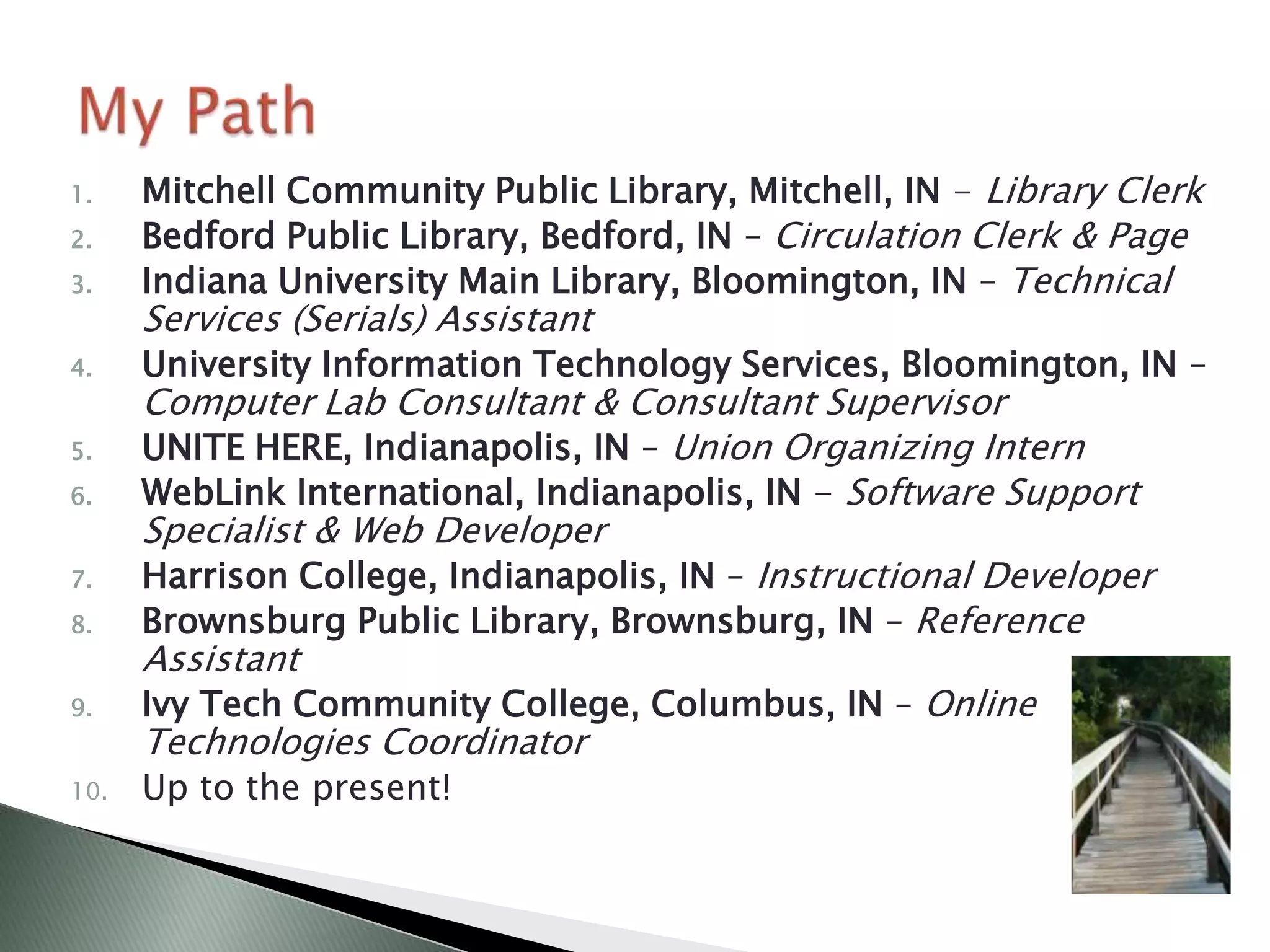
1.    Mitchell Community Public Library, Mitchell, IN - Library Clerk
2.    Bedford Public Library, Bedford, IN – Circulation Clerk & Page
3.    Indiana University Main Library, Bloomington, IN – Technical
      Services (Serials) Assistant
4.    University Information Technology Services, Bloomington, IN –
      Computer Lab Consultant & Consultant Supervisor
5.    UNITE HERE, Indianapolis, IN – Union Organizing Intern
6.    WebLink International, Indianapolis, IN - Software Support
      Specialist & Web Developer
7.    Harrison College, Indianapolis, IN – Instructional Developer
8.    Brownsburg Public Library, Brownsburg, IN – Reference
      Assistant
9.    Ivy Tech Community College, Columbus, IN – Online
      Technologies Coordinator
10.   Up to the present!
Main Duties:
 ◦ Designing/Developing technology classes and training
   for the general public and library staff members
 ◦ One on one training sessions with library staff members
   and the general public
 ◦ Getting library staff training approved for Library
   Education Unit (LEU) credit from the State Library
 ◦ Training library staff members on new technologies
 ◦ Documentation for the general public on new offerings
   (databases, equipment, etc.)
 ◦ Committee meetings within the library (Staff
   Development, External Communications, Facebook,
   Serving Patrons with Disabilities, Digital Creativity)
 ◦ See full job description (handout)
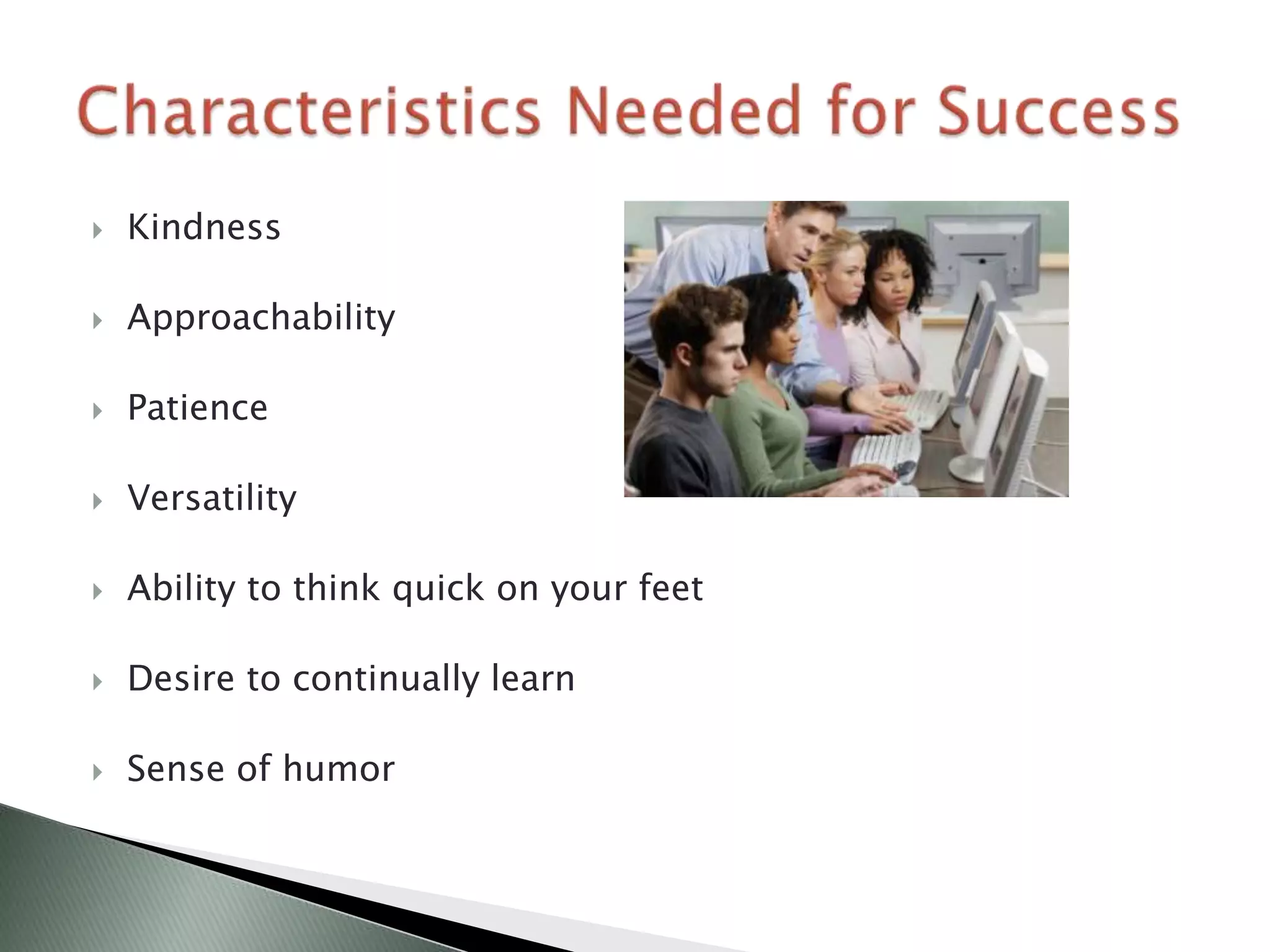
   Kindness

   Approachability

   Patience

   Versatility

   Ability to think quick on your feet

   Desire to continually learn

   Sense of humor
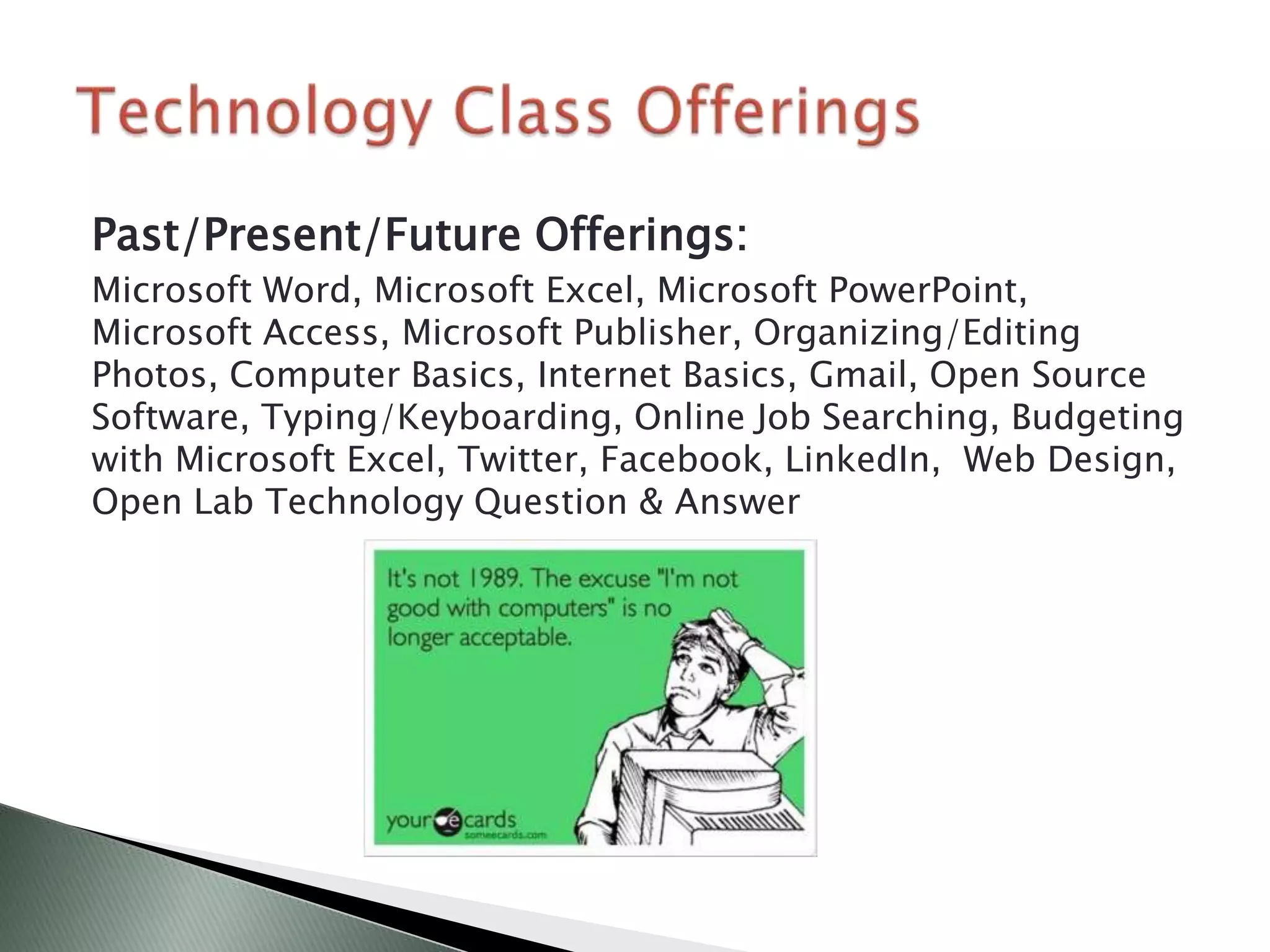
Past/Present/Future Offerings:
Microsoft Word, Microsoft Excel, Microsoft PowerPoint,
Microsoft Access, Microsoft Publisher, Organizing/Editing
Photos, Computer Basics, Internet Basics, Gmail, Open Source
Software, Typing/Keyboarding, Online Job Searching, Budgeting
with Microsoft Excel, Twitter, Facebook, LinkedIn, Web Design,
Open Lab Technology Question & Answer
   Survey staff and patrons to identify specific needs
   Some class topics are a given for having an interest, such as
    Microsoft Word – basic computer classes are always needed
   Some things to consider when building a class/training:
    ◦ How long should the training be?
    ◦ What time of day and day of week should the training be offered?
    ◦ Where should the training be held (think of equipment needs)?
    ◦ Who is the target audience for the training (what skills are necessary)?
    ◦ What instructional methods should be used (video, lecture, books,
      PowerPoint, handouts, etc.)?
    ◦ Should the training be online only, face-to-face, or both?
    ◦ Should the topic be broken up into multiple sessions?
   These questions and more can ALL be answered through
    surveying the staff and patrons you are serving
   Different branches have different training needs – survey each
    separately
   Some classes you try, will not work
   If registration is low, there probably is not much need
    for that class (or the timing is off)
   Be open to trying new things and experimenting to find
    what works best in instructing a given topic
   Use a variety of instructional methods, as not everyone
    learns the same way
   Be mindful of staff and patrons with disabilities – create
    classes that anyone could take
   If you show it in the class, have it in a handout for the
    staff or patrons to take with them (or a link to a
    resource at the very least)
   Have a backup plan in case the technology fails – don’t
    put all of your eggs in one basket
   Many patrons taking my classes from the general public are
    seniors

   Patrons taking more advanced computer classes generally
    have a better understanding of how to use a computer

   Patrons in the basic computer classes (computer basics,
    email, Microsoft Word, etc.) generally need more one on one
    attention

   On the library staff member side, each department has its
    own unique training needs and desires
The ideal training environment depends on the
audience you are serving:

 ◦   Projector
 ◦   Windows PC’s (personal computers)
 ◦   Macintosh computers
 ◦   Desktop computers or a mobile laptop setup
 ◦   Lighting adjustable
 ◦   Speakers or headphones (if not built into computer)
 ◦   Small class sizes for basics (one on one may be
     necessary), bigger class sizes possible for advanced
Where possible, utilize some free training
materials available on the Internet (be mindful
of copyright)
 ◦   http://www.gcflearnfree.org
 ◦   http://office.microsoft.com
 ◦   http://www.customguide.com
 ◦   http://www.digitalliteracyassessment.org/
 ◦   Ask colleagues in other libraries for ideas, or if they
     would be willing to share materials
   Indiana Library Federation: http://www.ilfonline.org/
    ◦ $40/year membership for full-time students
    ◦ 2013 ILF Conference October 21-23 Indiana Convention Center
      (Indianapolis)
   Indiana Online Users Group: http://www.iolug.org/
    ◦ $10/year membership for students
    ◦ Conferences in the fall and spring – Spring 2013 conference is May 3rd at
      Indiana Wesleyan University North in Indianapolis
   American Library Association: http://www.ala.org
    ◦ $33/year membership for students
    ◦ Annual Conference is in Chicago this summer June 27-July 2
   Indiana Librarian List-servs:
    http://www.in.gov/library/listservs.htm
    ◦ Free
   ALA Think Tank:
    https://www.facebook.com/groups/ALAthinkTANK/

   LibraryAware Lab: https://www.facebook.com/groups/lalab/

   LinkedIn Groups:
    ◦   American Library Association
    ◦   Bloomington Technology Partnership
    ◦   WebJunction
    ◦   Training&Development
   Free technology classes at the Monroe County Public Library:
    http://mcpl.info/page/technology-calendar

   Free software downloads for Indiana University
    students/staff: http://iuware.iu.edu/

   Free, self-paced training on computer programming/web
    design: http://www.codecademy.com

   Free IT-training for Indiana University students/staff:
    http://ittraining.iu.edu/

   If you still have time, take some information science IT-
    oriented courses through SLIS
   Volunteer opportunities at the Monroe County Public Library:
    http://mcpl.info/geninfo/volunteer-openings

   Take S605 for completing an internship (if you have time)

   Check with SLIS for more volunteer opportunities
   WebJunction’s Jobs in Indiana Libraries:
    http://www.webjunction.org/partners/indiana/jobs-in-indiana-libraries.html


   I Need a Library Job: http://inalj.com/

   SLIS: http://ils.indiana.edu/careers/job_links.php
   Questions/Comments?
   Contact Information:
      Austin Stroud
      303 East Kirkwood Avenue
      Bloomington, IN 47408
      Phone: (812) 349-3050 ext. 1666
      Email: astroud@mcpl.info
      Facebook: https://www.facebook.com/austintstroud
      Twitter: https://twitter.com/austroud
      LinkedIn: http://www.linkedin.com/in/austinstroud/

Public Library Services: My Path & Experiences

  • 1.
  • 2.
    Name: Austin Stroud Hometown:Mitchell, IN Current Town: Bloomington, IN Current Job Titles: ◦ Instructional Designer at the Monroe County Public Library ◦ Adjunct Faculty at Ivy Tech Community College  Instructor/Course Developer for LIBR105 – Library Technology  Instructor for IVYT101 – First Year Seminar  Quality Matters Peer Reviewer for Computer Information Systems and Library Technical Assistant courses to review the quality of these online courses
  • 3.
    Indiana University, Bloomington,IN:  Bachelor of Science, Labor Studies  Master of Science in Education, Instructional Systems Technology IUPUI, Indianapolis, IN:  Master of Library Science
  • 4.
    1. Mitchell Community Public Library, Mitchell, IN - Library Clerk 2. Bedford Public Library, Bedford, IN – Circulation Clerk & Page 3. Indiana University Main Library, Bloomington, IN – Technical Services (Serials) Assistant 4. University Information Technology Services, Bloomington, IN – Computer Lab Consultant & Consultant Supervisor 5. UNITE HERE, Indianapolis, IN – Union Organizing Intern 6. WebLink International, Indianapolis, IN - Software Support Specialist & Web Developer 7. Harrison College, Indianapolis, IN – Instructional Developer 8. Brownsburg Public Library, Brownsburg, IN – Reference Assistant 9. Ivy Tech Community College, Columbus, IN – Online Technologies Coordinator 10. Up to the present!
  • 5.
    Main Duties: ◦Designing/Developing technology classes and training for the general public and library staff members ◦ One on one training sessions with library staff members and the general public ◦ Getting library staff training approved for Library Education Unit (LEU) credit from the State Library ◦ Training library staff members on new technologies ◦ Documentation for the general public on new offerings (databases, equipment, etc.) ◦ Committee meetings within the library (Staff Development, External Communications, Facebook, Serving Patrons with Disabilities, Digital Creativity) ◦ See full job description (handout)
  • 6.
    Kindness  Approachability  Patience  Versatility  Ability to think quick on your feet  Desire to continually learn  Sense of humor
  • 7.
    Past/Present/Future Offerings: Microsoft Word,Microsoft Excel, Microsoft PowerPoint, Microsoft Access, Microsoft Publisher, Organizing/Editing Photos, Computer Basics, Internet Basics, Gmail, Open Source Software, Typing/Keyboarding, Online Job Searching, Budgeting with Microsoft Excel, Twitter, Facebook, LinkedIn, Web Design, Open Lab Technology Question & Answer
  • 8.
    Survey staff and patrons to identify specific needs  Some class topics are a given for having an interest, such as Microsoft Word – basic computer classes are always needed  Some things to consider when building a class/training: ◦ How long should the training be? ◦ What time of day and day of week should the training be offered? ◦ Where should the training be held (think of equipment needs)? ◦ Who is the target audience for the training (what skills are necessary)? ◦ What instructional methods should be used (video, lecture, books, PowerPoint, handouts, etc.)? ◦ Should the training be online only, face-to-face, or both? ◦ Should the topic be broken up into multiple sessions?  These questions and more can ALL be answered through surveying the staff and patrons you are serving  Different branches have different training needs – survey each separately
  • 9.
    Some classes you try, will not work  If registration is low, there probably is not much need for that class (or the timing is off)  Be open to trying new things and experimenting to find what works best in instructing a given topic  Use a variety of instructional methods, as not everyone learns the same way  Be mindful of staff and patrons with disabilities – create classes that anyone could take  If you show it in the class, have it in a handout for the staff or patrons to take with them (or a link to a resource at the very least)  Have a backup plan in case the technology fails – don’t put all of your eggs in one basket
  • 10.
    Many patrons taking my classes from the general public are seniors  Patrons taking more advanced computer classes generally have a better understanding of how to use a computer  Patrons in the basic computer classes (computer basics, email, Microsoft Word, etc.) generally need more one on one attention  On the library staff member side, each department has its own unique training needs and desires
  • 11.
    The ideal trainingenvironment depends on the audience you are serving: ◦ Projector ◦ Windows PC’s (personal computers) ◦ Macintosh computers ◦ Desktop computers or a mobile laptop setup ◦ Lighting adjustable ◦ Speakers or headphones (if not built into computer) ◦ Small class sizes for basics (one on one may be necessary), bigger class sizes possible for advanced
  • 12.
    Where possible, utilizesome free training materials available on the Internet (be mindful of copyright) ◦ http://www.gcflearnfree.org ◦ http://office.microsoft.com ◦ http://www.customguide.com ◦ http://www.digitalliteracyassessment.org/ ◦ Ask colleagues in other libraries for ideas, or if they would be willing to share materials
  • 13.
    Indiana Library Federation: http://www.ilfonline.org/ ◦ $40/year membership for full-time students ◦ 2013 ILF Conference October 21-23 Indiana Convention Center (Indianapolis)  Indiana Online Users Group: http://www.iolug.org/ ◦ $10/year membership for students ◦ Conferences in the fall and spring – Spring 2013 conference is May 3rd at Indiana Wesleyan University North in Indianapolis  American Library Association: http://www.ala.org ◦ $33/year membership for students ◦ Annual Conference is in Chicago this summer June 27-July 2  Indiana Librarian List-servs: http://www.in.gov/library/listservs.htm ◦ Free
  • 14.
    ALA Think Tank: https://www.facebook.com/groups/ALAthinkTANK/  LibraryAware Lab: https://www.facebook.com/groups/lalab/  LinkedIn Groups: ◦ American Library Association ◦ Bloomington Technology Partnership ◦ WebJunction ◦ Training&Development
  • 15.
    Free technology classes at the Monroe County Public Library: http://mcpl.info/page/technology-calendar  Free software downloads for Indiana University students/staff: http://iuware.iu.edu/  Free, self-paced training on computer programming/web design: http://www.codecademy.com  Free IT-training for Indiana University students/staff: http://ittraining.iu.edu/  If you still have time, take some information science IT- oriented courses through SLIS
  • 16.
    Volunteer opportunities at the Monroe County Public Library: http://mcpl.info/geninfo/volunteer-openings  Take S605 for completing an internship (if you have time)  Check with SLIS for more volunteer opportunities
  • 17.
    WebJunction’s Jobs in Indiana Libraries: http://www.webjunction.org/partners/indiana/jobs-in-indiana-libraries.html  I Need a Library Job: http://inalj.com/  SLIS: http://ils.indiana.edu/careers/job_links.php
  • 18.
    Questions/Comments?  Contact Information: Austin Stroud 303 East Kirkwood Avenue Bloomington, IN 47408 Phone: (812) 349-3050 ext. 1666 Email: astroud@mcpl.info Facebook: https://www.facebook.com/austintstroud Twitter: https://twitter.com/austroud LinkedIn: http://www.linkedin.com/in/austinstroud/