Download to read offline
![Forms of Pseudolocalization
NOTE: You can combine multiple of these forms and in different orders to generate a few standard
pseudo locales for testing your application.
● Adding accents. Replace every English word with an accented version. You could pick the
same kind of accent all the time or choose different kinds. e.g "The quick brown fox
jumped over the lazy dog" becomes "T̈ḧë q̈üïc̈k̈ b̈r̈öẅn̈ f̈öẍ j̈üm̈p̈ëd̈ öv̈ër̈ ẗḧë l̈äz̈ÿ d̈ög̈".
● Increasing the word length. You could repeat words to double them. You can also combine
it with adding accents or by capitalizing the added word. e.g "Hello, World" could become
"Hello HELLO, World WORLD" or "Ḧël̈l̈ö HELLO, Ẅör̈l̈d̈ WORLD". Another method would be
to replace specific known problematic words that translate into long phrases in some
locales with appropriately sized ones.
● Add brackets around word. e.g. "Hello" → "[Hello]".
● Add colorful emoji's to make them stick out even more. e.g. "Hello" to "Ḧël̈l̈ö " when
combined with repeating the word. This can more easily highlight areas where the text is
not highlighted. (If your browser can’t display emoji, this may not work for you.
screenshot: )
● Replace original text with pseudo text in a directionally flipped language. e.g. Use an RTL
language when the original text is in a LTR language.
NOTE: While pseudolocalization strictly works at the translation layer (producing translations for
original messages) for testing, you can combine it with different styles when viewing in a testing mode
(you can generate special test builds) that apply different style such as a border or background color
to highlight translated messages, etc.
See also: code.google.com/pseudolocalizationtool](https://image.slidesharecdn.com/pseudolocalization-160721114256/85/Pseudolocalization-2-320.jpg)
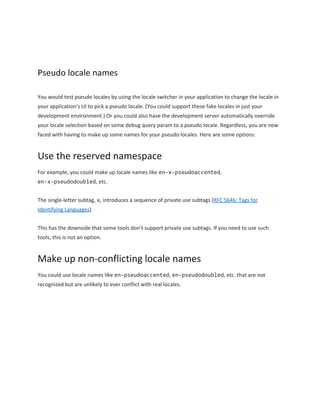

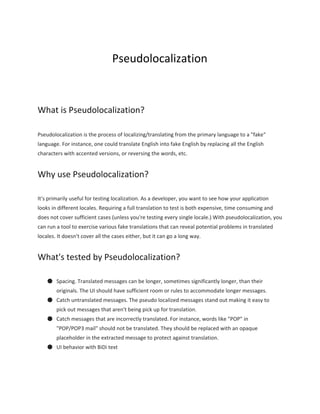
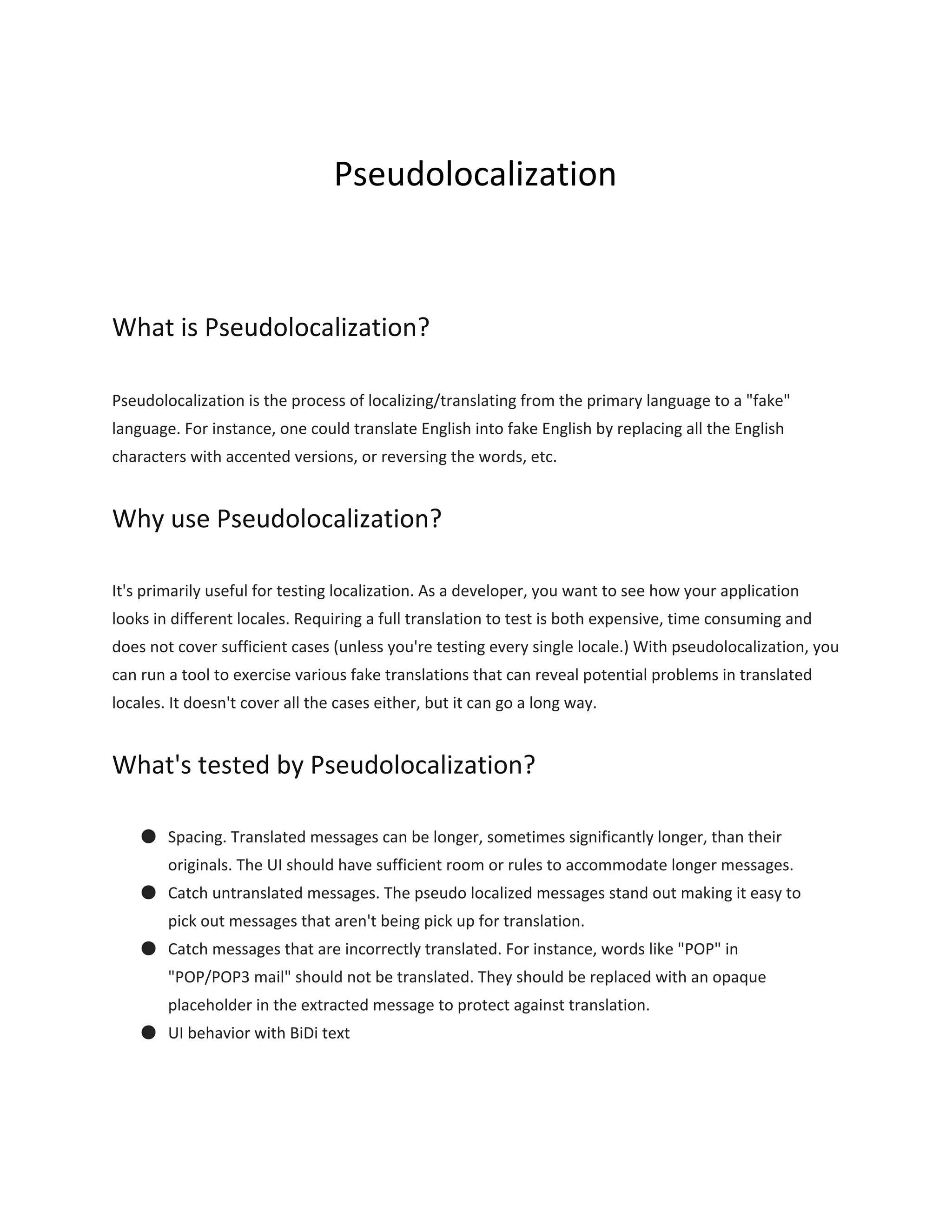
Pseudolocalization is a process of localizing text to fake languages to test how applications handle localization. It helps test spacing for longer translated text, catch untranslated text, and test user interface behavior with bidirectional text like Arabic. Some common pseudolocalization techniques include adding accents to words, increasing word lengths, adding brackets around words, and using emojis. Pseudolocalization works at the translation layer but can be combined with styling when viewing in test mode. Fake locale names can use reserved namespaces like en-x-pseudoaccented or made up names like en-pseudoaccented that are unlikely to conflict with real locales.


