Download to read offline
![presented by Deborah Rudenko d [email_address] Learning Support Teacher South Side School District/ 30 Years SMART Certified Trainer/2005](https://image.slidesharecdn.com/propelpresentation41-090803221236-phpapp01/75/Propel-Presentation-2-2048.jpg)
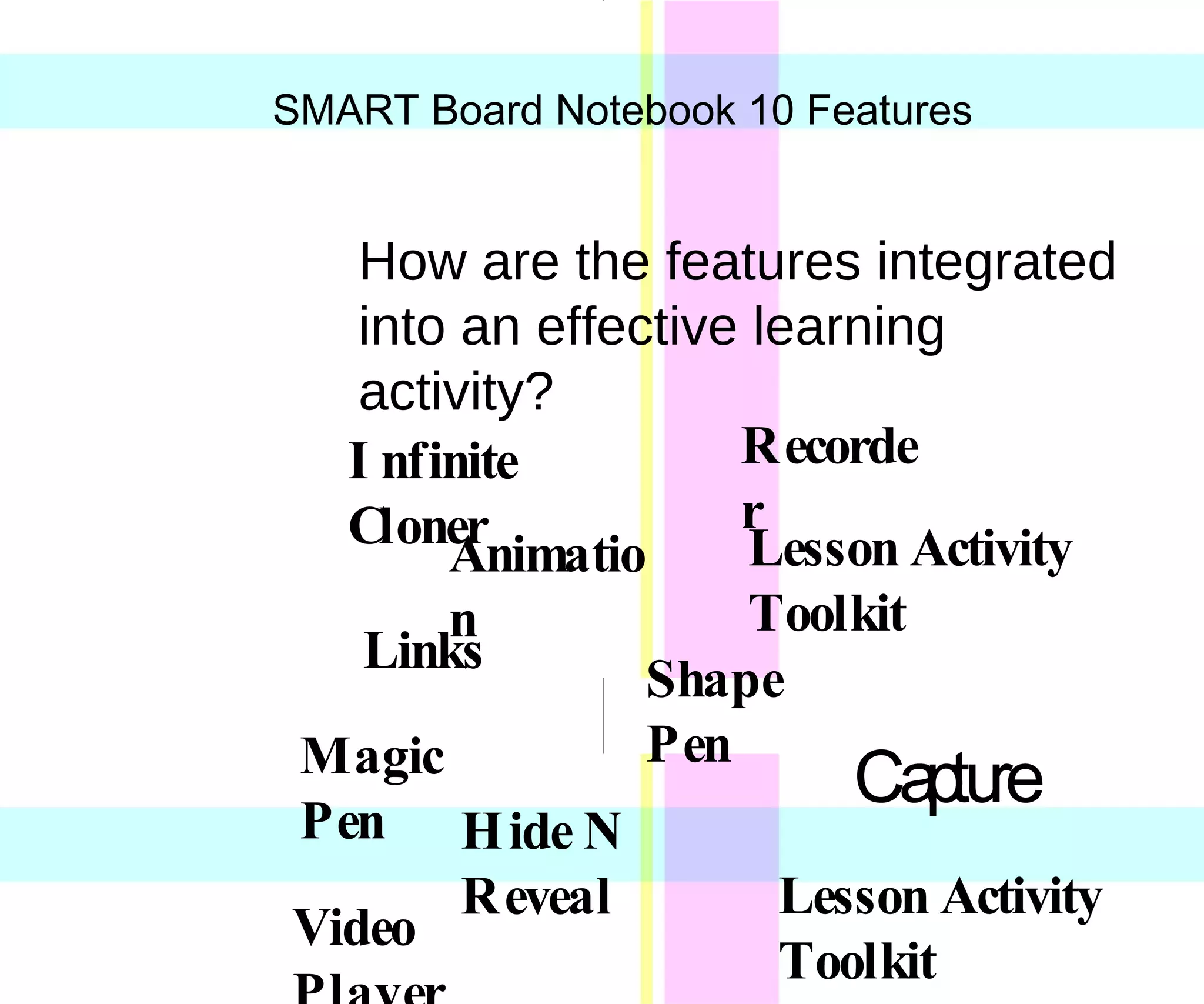
This document summarizes a presentation about using new features in SMART Notebook 10 in classroom lessons and activities. The presentation will demonstrate features like Infinite Cloner, Animation Links, Lesson Activity Toolkit, Hide N Reveal, Capture, Shape Pen, Magic Pen, and Video Player. It will provide examples of integrating these features into effective learning activities across various subjects. Attendees of varying experience levels in using SMART Boards are welcome. Additional resources can be found on the SMART Technologies website.


![Bhhs atl college tour power point[1]](https://cdn.slidesharecdn.com/ss_thumbnails/bhhsatlcollegetourpowerpoint1-120205221308-phpapp02-thumbnail.jpg?width=640&height=640&fit=bounds)


