Business Intelligence SSIS Development Terry Thompson Introduction:For phase I of the Business Intelligence project I was responsible for the design and build of a SQL server 2005 database to track employee, client, division, timesheet, employee labor rate data as well as job order information.  In the project scenario the data is currently stored and maintained in Excel spreadsheets and CSV files.SQL Server 2005 Integration Services (SSIS) was used to integrate these external data sources into the SQL Server database.  Project Goals:Understand the current data source data and how the business maintains the information.
Develop a methodology using SSIS ETL processes to integrate the source data into a SQL 2005 database.
Standard use of comments, annotations and SSIS component naming.
Use of best practices when designing ETL packages – cognizant of the system overhead needed to run each package.
Provide adequate error handling.
The final SQL 2005 database will be used to source a  Analysis Services  (SSAS) solution that will support the development of custom data views of the database, and setup of a series of cubes, dimensions and key point indicators(KPIs) to analyze measures.  Source Data DescriptionsC:\SetFocusBISourceData\Employees.XLS
First sheet (employees) roster of Employees
Second sheet (employee rates) Hourly Rates , along with an effective date
C:\SetFocusBISourceData\ClientGeographies.XLS
First sheet (Client Listing) contains each client, along with a CountyKey
Second sheet (County Definitions) contains the list of counties

SSIS Project Profile

  • 1.
    Business Intelligence SSISDevelopment Terry Thompson Introduction:For phase I of the Business Intelligence project I was responsible for the design and build of a SQL server 2005 database to track employee, client, division, timesheet, employee labor rate data as well as job order information. In the project scenario the data is currently stored and maintained in Excel spreadsheets and CSV files.SQL Server 2005 Integration Services (SSIS) was used to integrate these external data sources into the SQL Server database. Project Goals:Understand the current data source data and how the business maintains the information.
  • 2.
    Develop a methodologyusing SSIS ETL processes to integrate the source data into a SQL 2005 database.
  • 3.
    Standard use ofcomments, annotations and SSIS component naming.
  • 4.
    Use of bestpractices when designing ETL packages – cognizant of the system overhead needed to run each package.
  • 5.
  • 6.
    The final SQL2005 database will be used to source a Analysis Services (SSAS) solution that will support the development of custom data views of the database, and setup of a series of cubes, dimensions and key point indicators(KPIs) to analyze measures. Source Data DescriptionsC:\SetFocusBISourceData\Employees.XLS
  • 7.
    First sheet (employees)roster of Employees
  • 8.
    Second sheet (employeerates) Hourly Rates , along with an effective date
  • 9.
  • 10.
    First sheet (ClientListing) contains each client, along with a CountyKey
  • 11.
    Second sheet (CountyDefinitions) contains the list of counties
  • 12.
    Third sheet (DivisionDefinitions) contains the list of Divisions, and the county association
  • 13.
    Fourth sheet (SpecialGroupings) groupings for clients. This is to provide another dimension for client aggregation.
  • 14.
  • 15.
    First sheet (ProjectMaster) contains one row for each Job work order. It contains a reference to the client, job closed status, and the creation date.
  • 16.
  • 17.
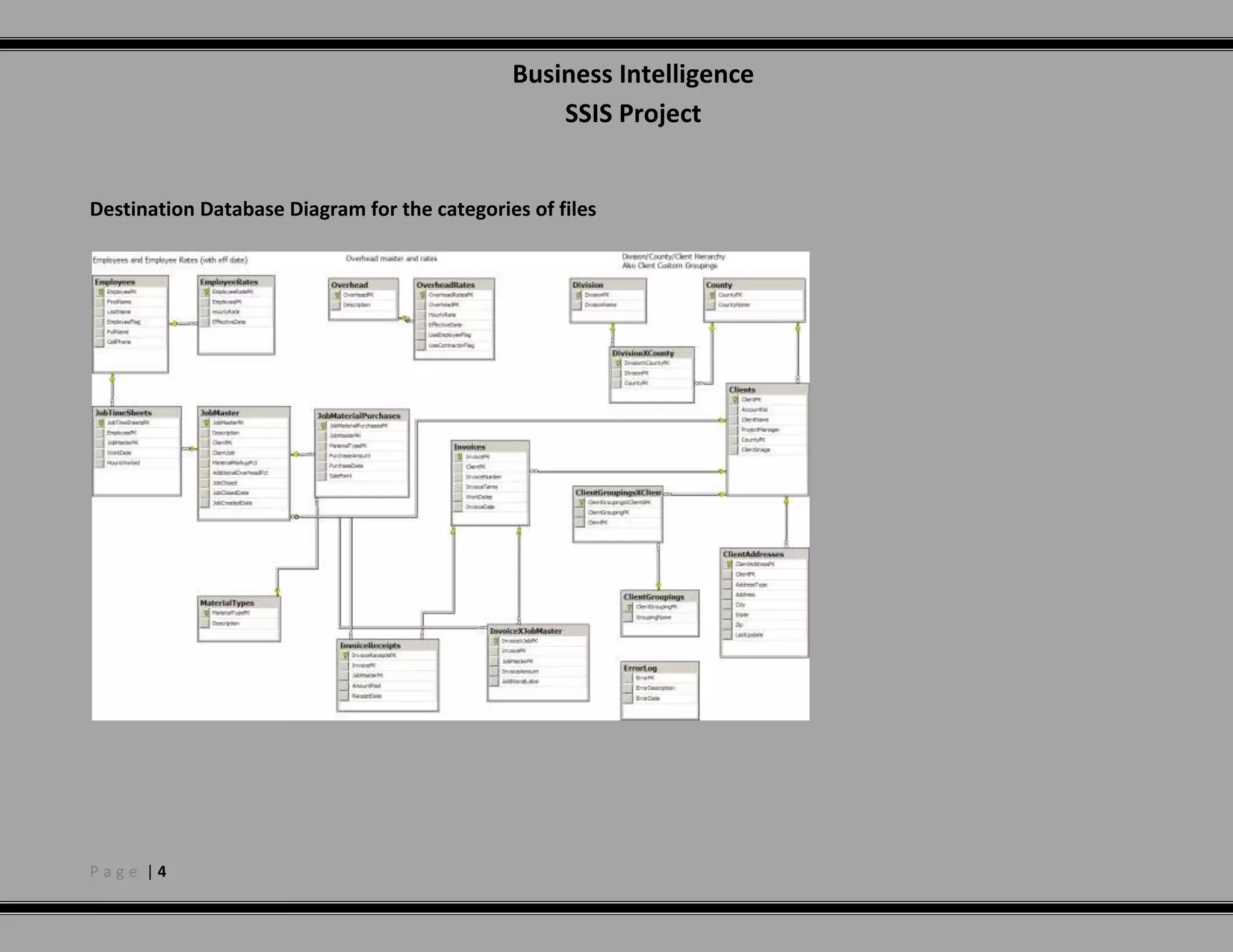
    CSV files that contains all the labor data transactions – the employee id, the work date, number of work hours, and the job numberDestination Database Diagram for the categories of files Overview of SQL Server Integration Services 2005 (SSIS) Package DesignUse of Data Flow Task to define data source type
  • 18.
    Use of DataConversion, to ensure the incoming source data columns use the same data type as the corresponding target database columns.
  • 19.
    Use of Aggregatetransformation for packages that need to “collapse” repetitive data into unique values based on source columns that uniquely identify a row.
  • 20.
    Use of Lookupagainst other table to validate the source data rows before insert or update to make sure that incoming foreign keys are valid.
  • 21.
    Use of Conditionalsplits to evaluate the target key column(s) for NULL values. If so, this means the incoming row should be inserted (using the OLE DB Destination), or updated (using the OLE DB command).
  • 22.
    Generate appropriate emailsincluding rows inserted and any errors generated.
  • 23.
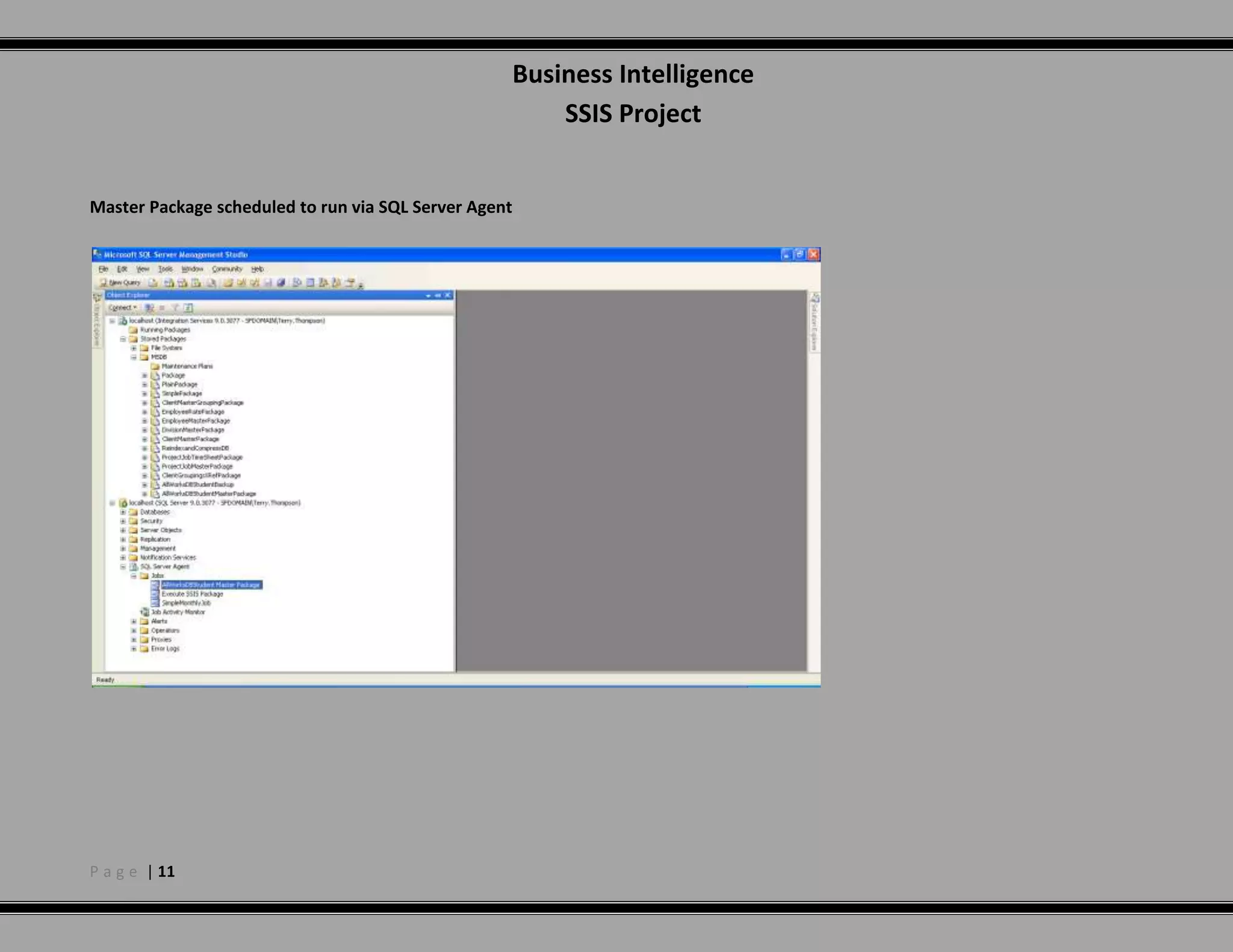
    Develop master packageto execute all ETL packages and scheduled to run nightly at midnight.
  • 24.
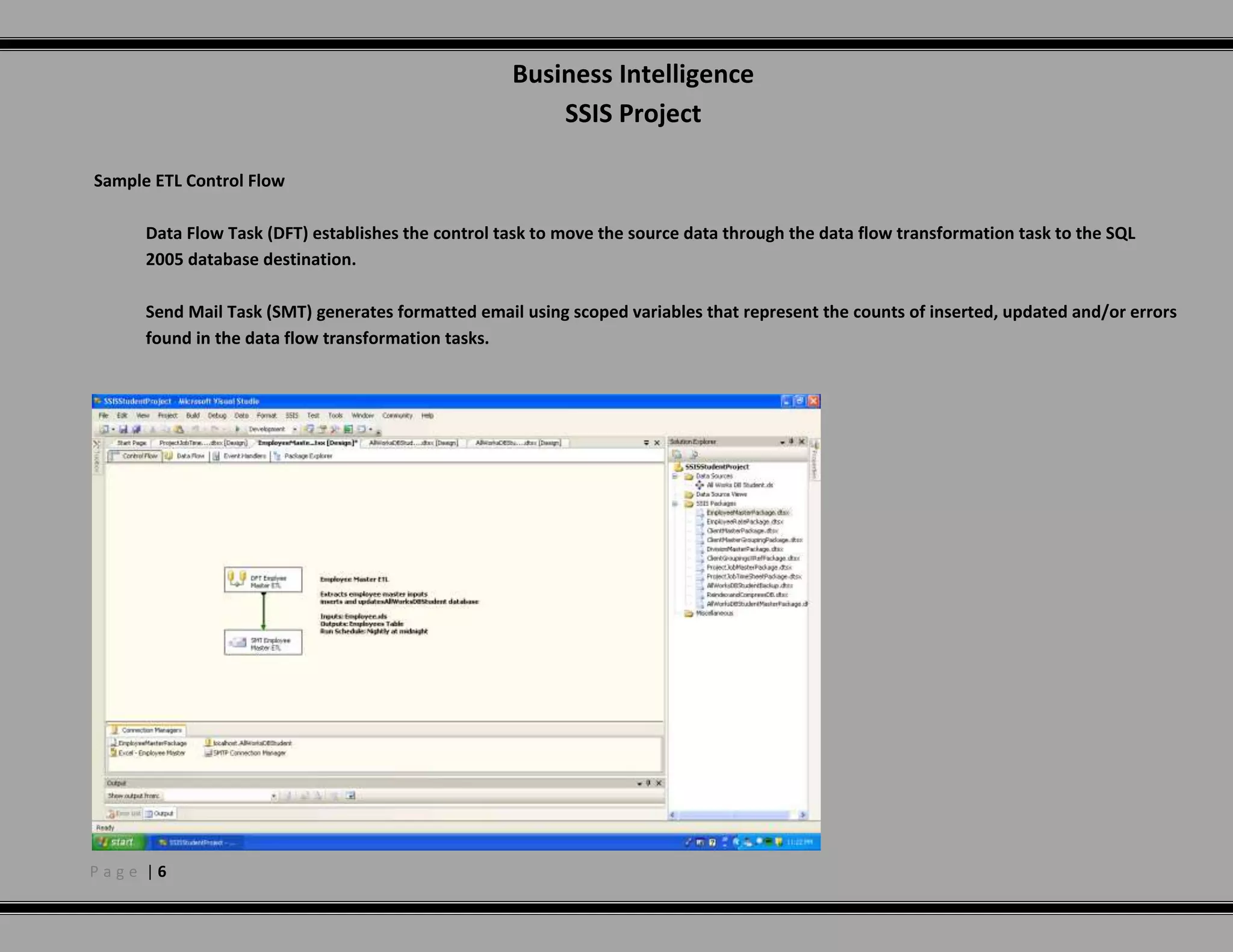
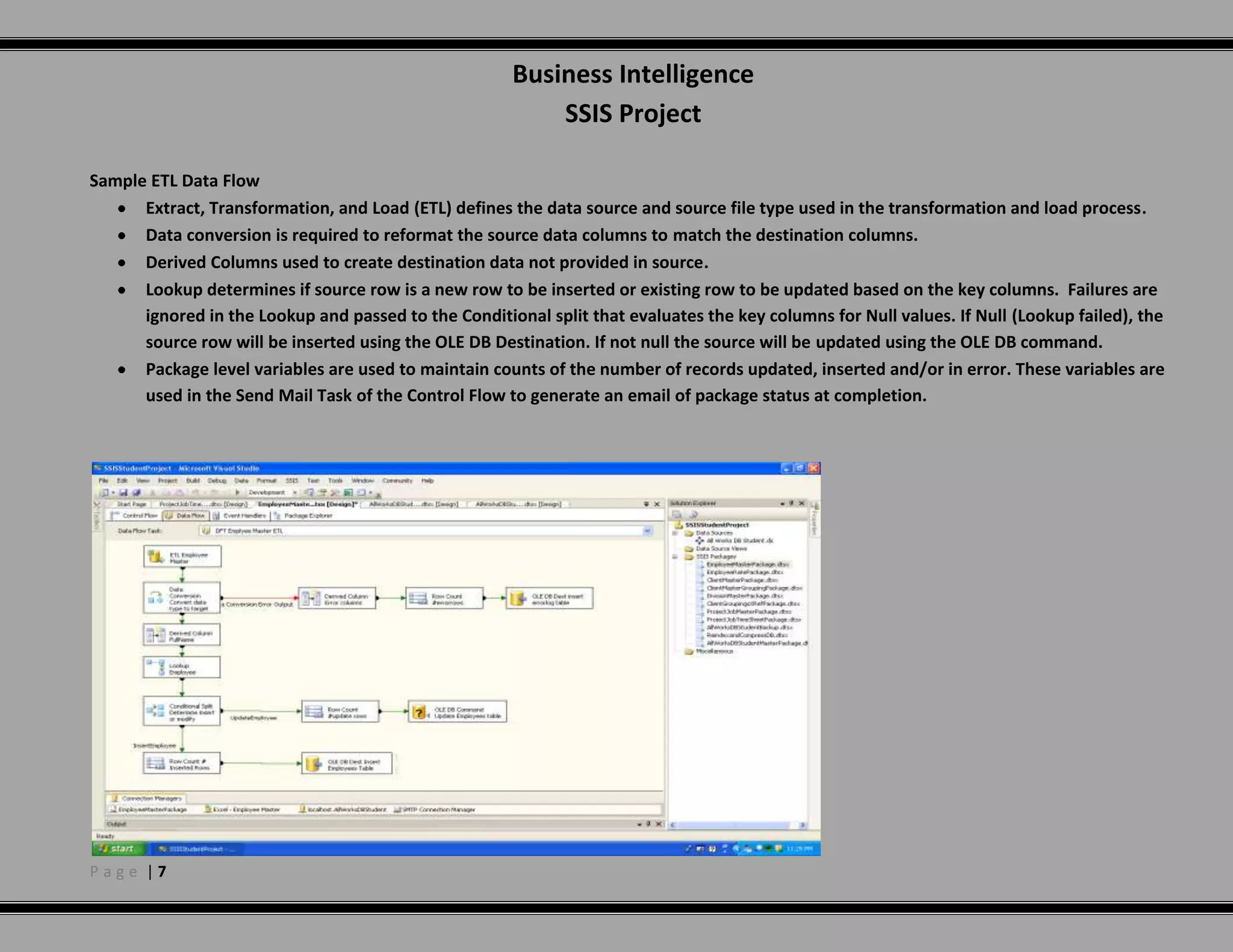
    Create separate packagesto handle nightly database backups and re-index all files and shrink the database. Sample ETL Control FlowData Flow Task (DFT) establishes the control task to move the source data through the data flow transformation task to the SQL 2005 database destination.Send Mail Task (SMT) generates formatted email using scoped variables that represent the counts of inserted, updated and/or errors found in the data flow transformation tasks. Sample ETL Data FlowExtract, Transformation, and Load (ETL) defines the data source and source file type used in the transformation and load process.
  • 25.
    Data conversion isrequired to reformat the source data columns to match the destination columns.
  • 26.
    Derived Columns usedto create destination data not provided in source.
  • 27.
    Lookup determines ifsource row is a new row to be inserted or existing row to be updated based on the key columns. Failures are ignored in the Lookup and passed to the Conditional split that evaluates the key columns for Null values. If Null (Lookup failed), the source row will be inserted using the OLE DB Destination. If not null the source will be updated using the OLE DB command.
  • 28.
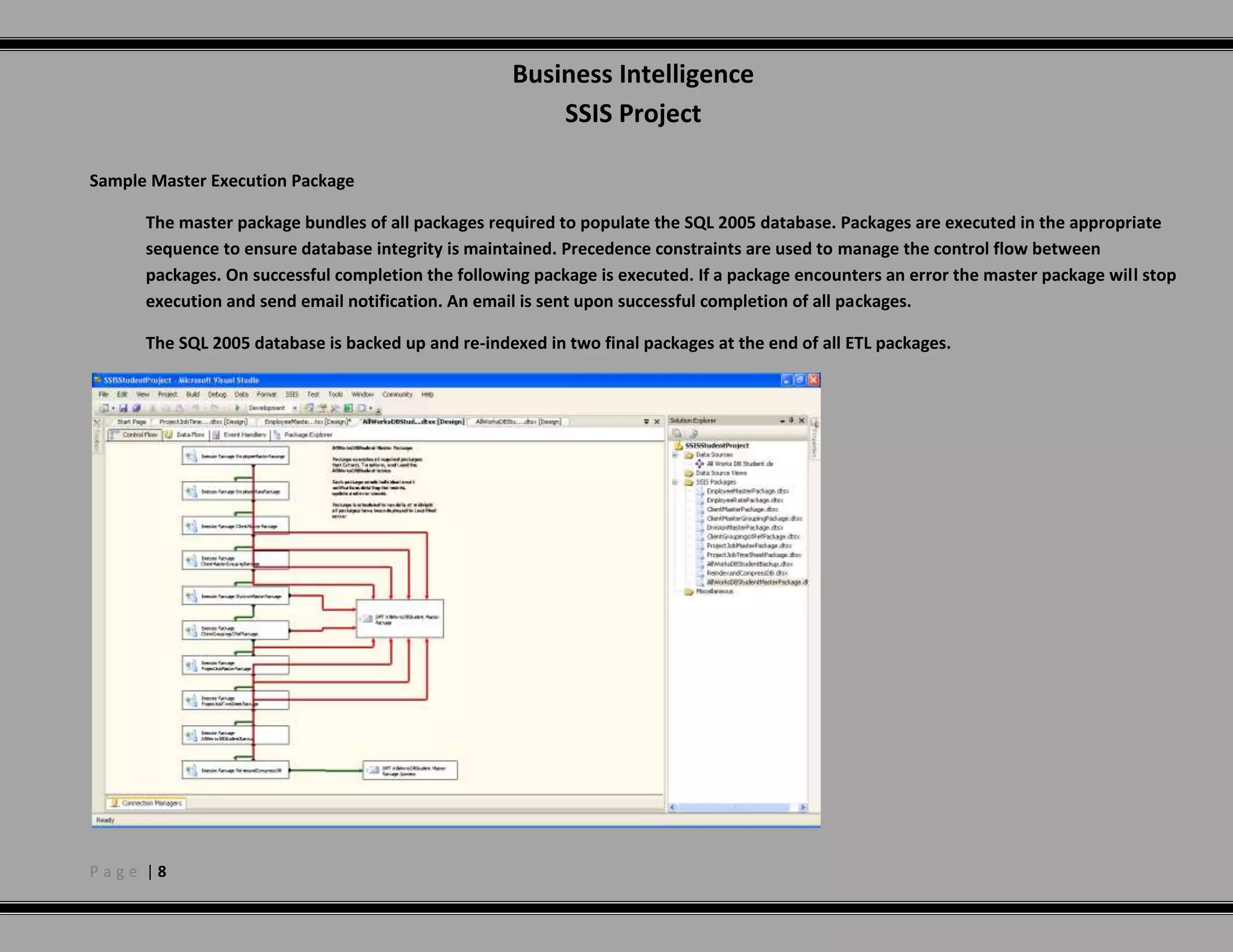
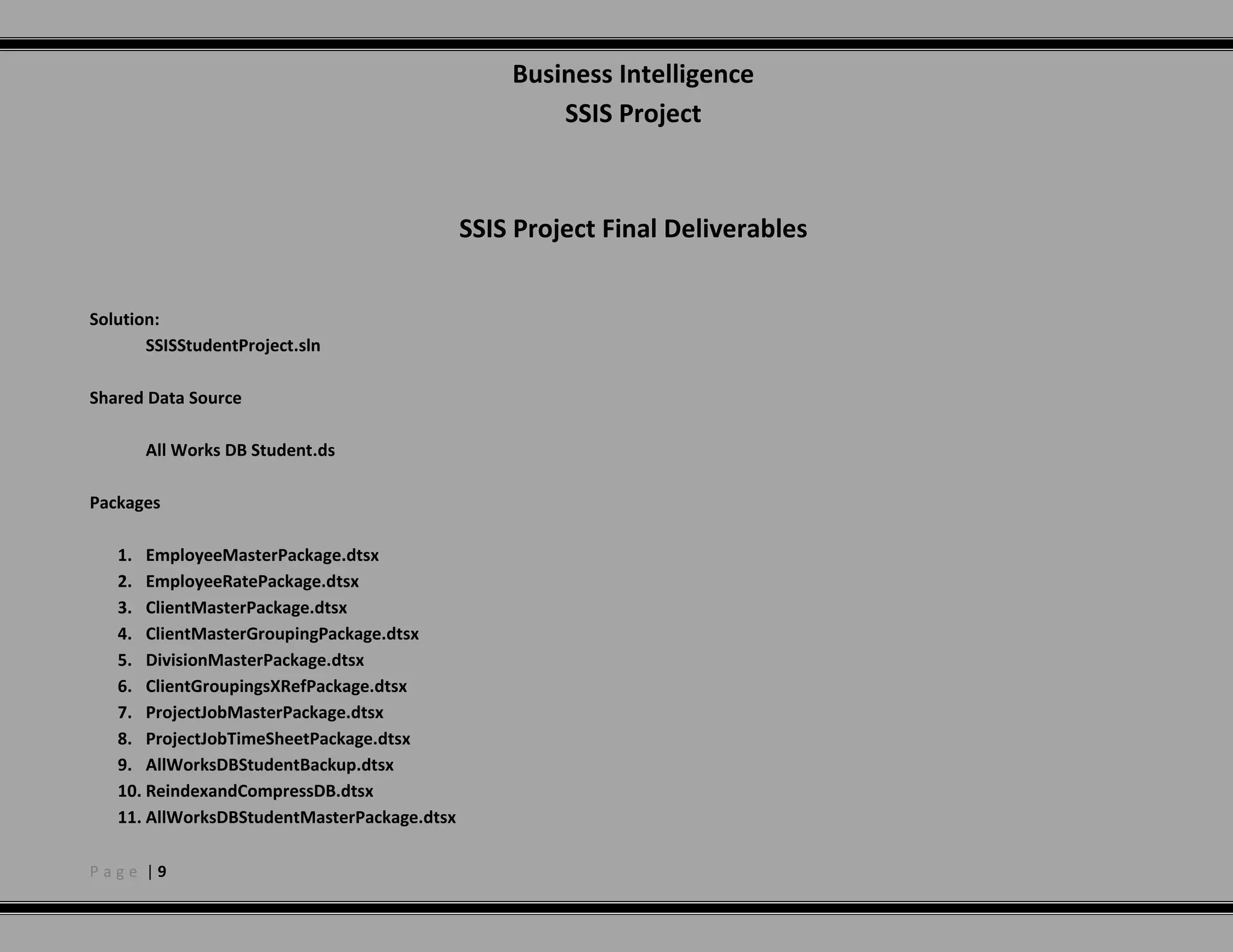
    Package level variablesare used to maintain counts of the number of records updated, inserted and/or in error. These variables are used in the Send Mail Task of the Control Flow to generate an email of package status at completion.Sample Master Execution PackageThe master package bundles of all packages required to populate the SQL 2005 database. Packages are executed in the appropriate sequence to ensure database integrity is maintained. Precedence constraints are used to manage the control flow between packages. On successful completion the following package is executed. If a package encounters an error the master package will stop execution and send email notification. An email is sent upon successful completion of all packages. The SQL 2005 database is backed up and re-indexed in two final packages at the end of all ETL packages. SSIS Project Final DeliverablesSolution:SSISStudentProject.slnShared Data SourceAll Works DB Student.dsPackagesEmployeeMasterPackage.dtsx
  • 29.
  • 30.
  • 31.
  • 32.
  • 33.
  • 34.
  • 35.
  • 36.
  • 37.
  • 38.
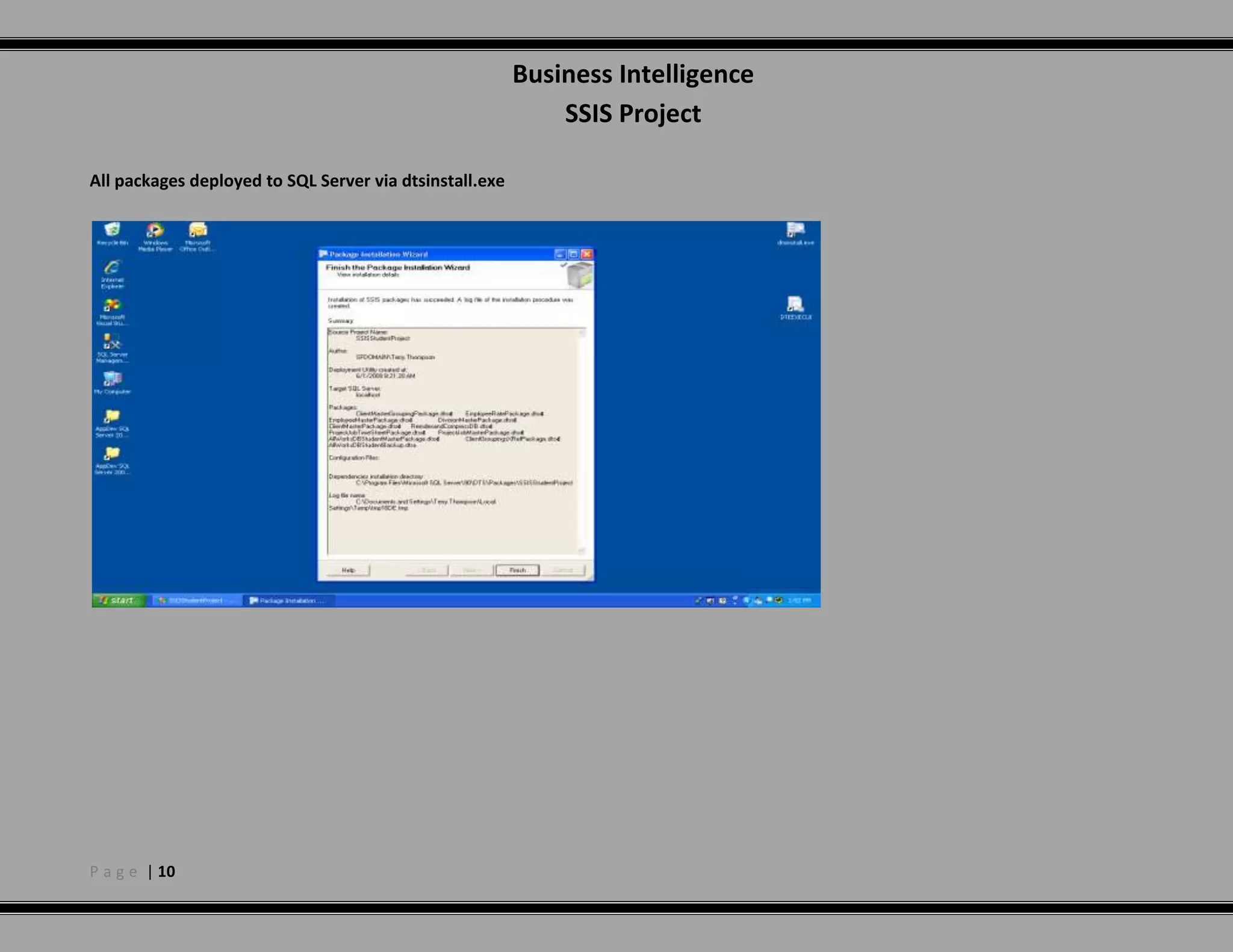
    AllWorksDBStudentMasterPackage.dtsxAll packages deployedto SQL Server via dtsinstall.exeMaster Package scheduled to run via SQL Server Agent