1
Privacy: The New Software
Development Dilemma
2
Thank You!Designing Software for Privacy
3
Consider Privacy Throughout App’s Lifecycle
• At Design Stage
• Throughout User’s engagement with your application
• After the user’s engagement has ended
• After the app is sunsetted
4
At the Design Stage
• Before your application code is written
• Go through the data, compliance, regulation
checklists we discussed earlier
• Don’t require unnecessary app permissions
• Don’t collect unnecessary data
5
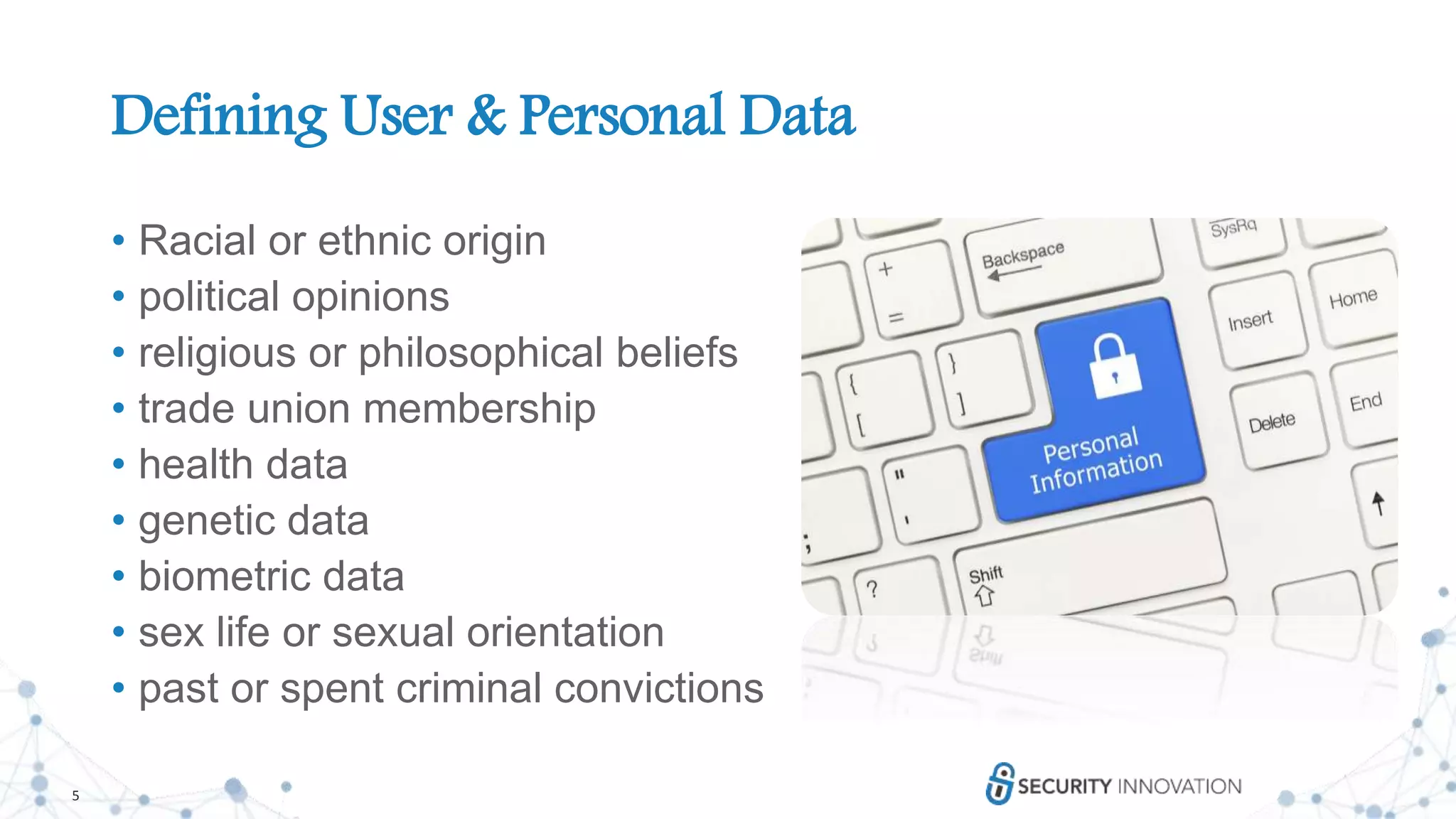
Defining User & Personal Data
• Racial or ethnic origin
• political opinions
• religious or philosophical beliefs
• trade union membership
• health data
• genetic data
• biometric data
• sex life or sexual orientation
• past or spent criminal convictions
6
Limited Data Collection and Retention
• The less data you collect the less you have to protect
• “Collect all the data, it might be useful later”
• “Do we really need this data? What will it be used for?”
• Let’s keep it in case we need it later
• What is the minimum amount of time we need this data for the
business?
7
Implement the Principle of Least Privilege
• Principle of Least Privilege
• Grant users minimal set of system and object privileges to accomplish
a given task
• Elevate privileges only when needed
• Revoke privileges when no longer required
• This principle assumes that all software may be compromised at some
point and that it is important to minimize the impact of a compromise
7
8
Implement the Principle of Least Privilege
• It is easier and faster to develop applications which run under
maximum system privileges
• Developers are pressured into getting applications running as soon as
possible
• The good practice of managing permissions properly can delay deployment
• Developers may say, “Let's just give users all the permissions. The application
seems to work with these settings.”
• Then the application gets moved into production
• Managing privileges can be difficult
• Users can gain access by way of a role that is granted another role that is granted
another role
8
9
Implement the Principle of Least Privilege
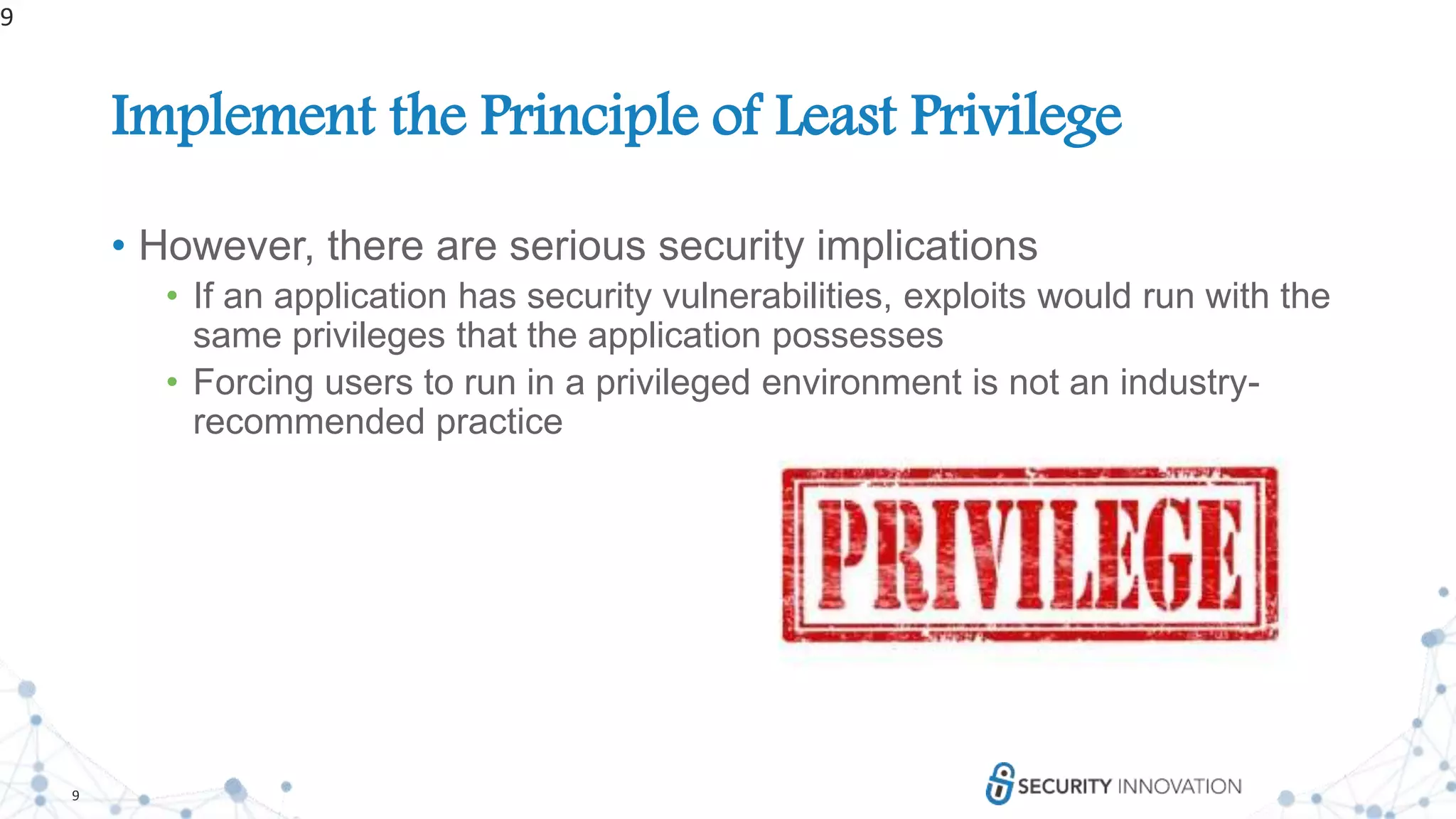
• However, there are serious security implications
• If an application has security vulnerabilities, exploits would run with the
same privileges that the application possesses
• Forcing users to run in a privileged environment is not an industry-
recommended practice
9
10
Implement the Principle of Least Privilege
• Guidance
• To protect applications, design them so that they operate on least
privilege
• The principle of least privilege dictates very careful assignment of
privileges to the users
• The process of assigning privileges can be simplified by using ROLES
• Understand APIs to avoid requesting too many privileges (over-privileging)
• Least privilege for code
• Least privilege for data
10
11
Thank You!OWASP Top 10 Privacy Risks
12
P1: Web Application Vulnerabilities
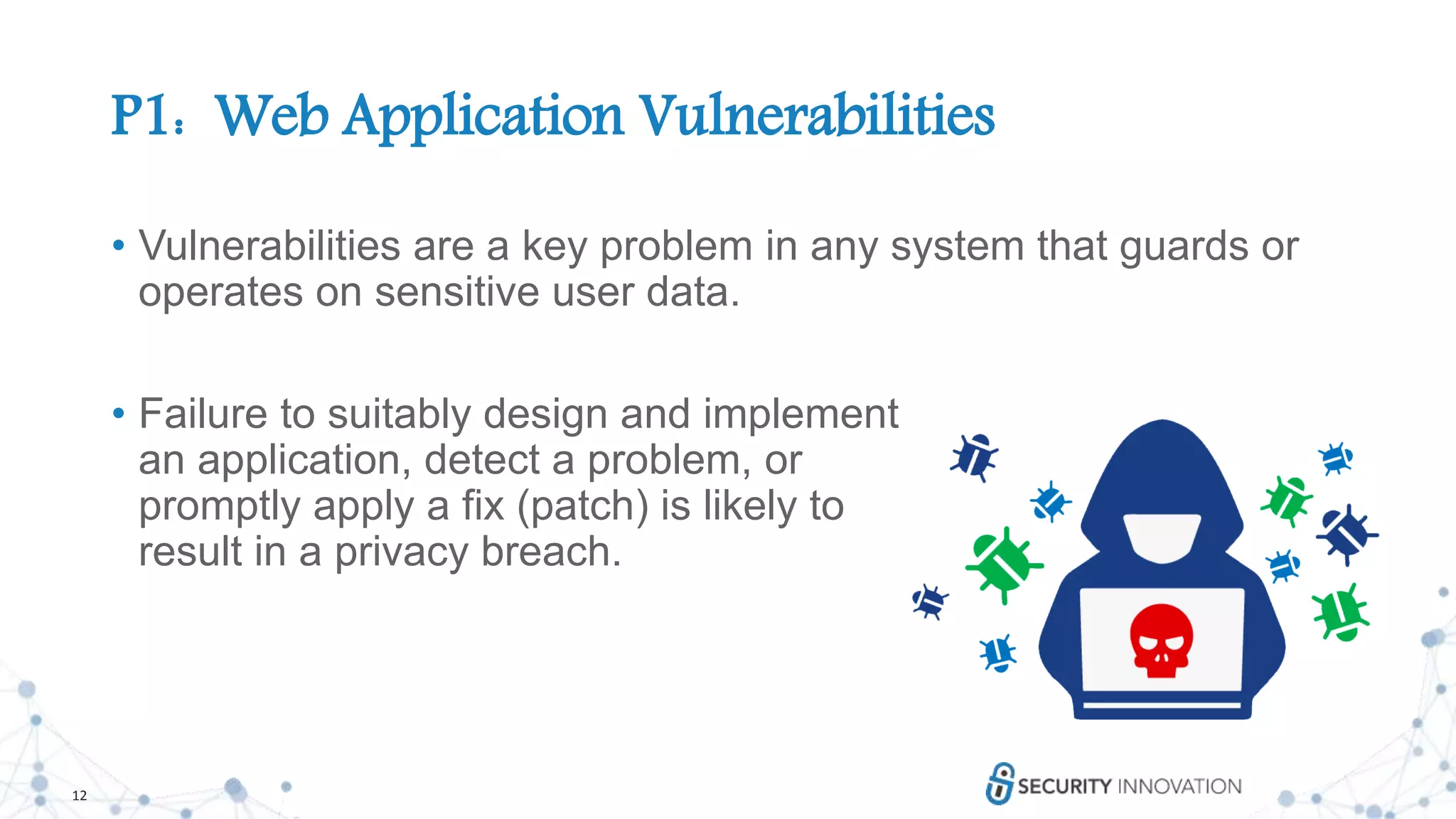
• Vulnerabilities are a key problem in any system that guards or
operates on sensitive user data.
• Failure to suitably design and implement
an application, detect a problem, or
promptly apply a fix (patch) is likely to
result in a privacy breach.
13
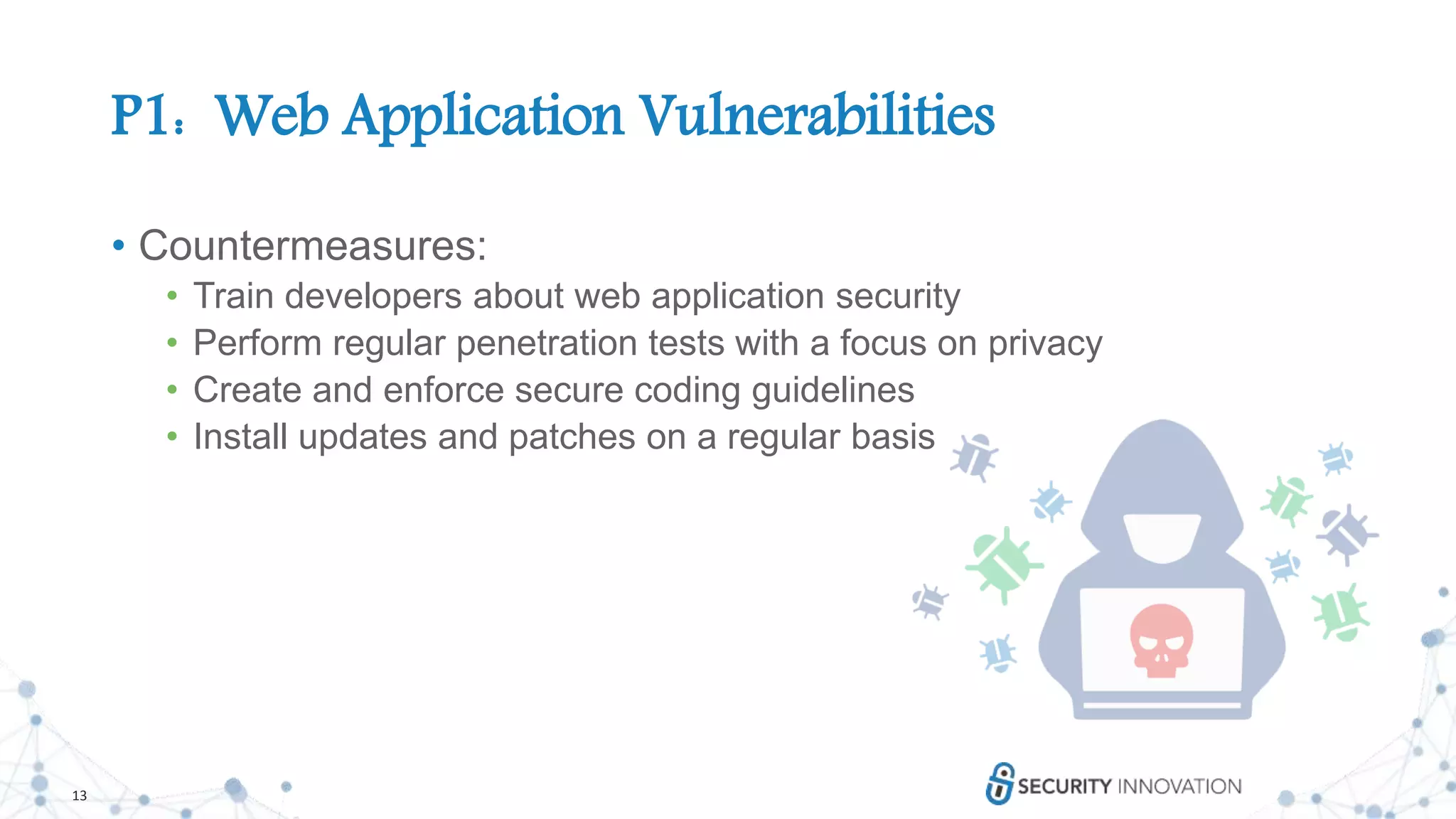
P1: Web Application Vulnerabilities
• Countermeasures:
• Train developers about web application security
• Perform regular penetration tests with a focus on privacy
• Create and enforce secure coding guidelines
• Install updates and patches on a regular basis
14
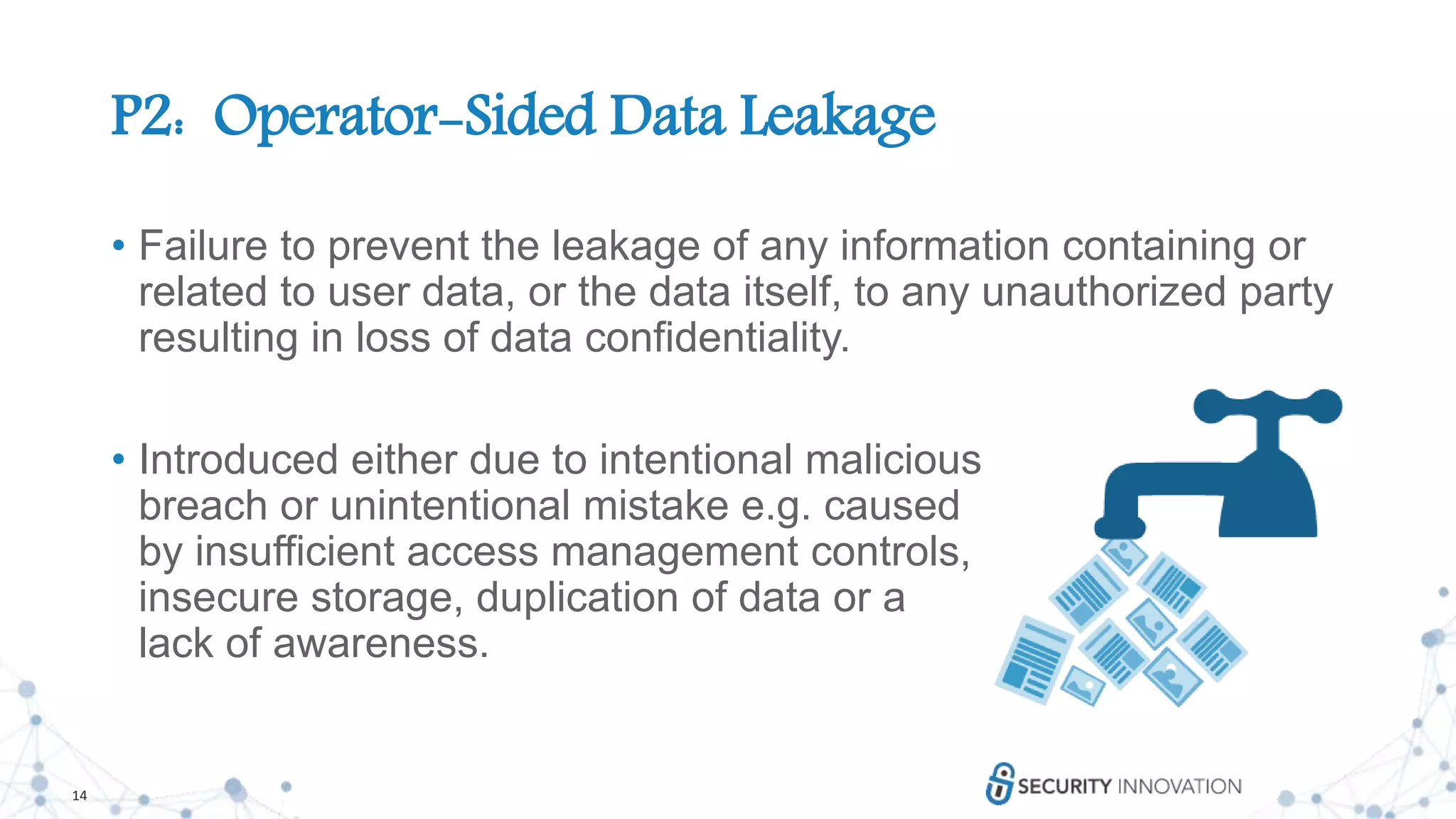
P2: Operator-Sided Data Leakage
• Failure to prevent the leakage of any information containing or
related to user data, or the data itself, to any unauthorized party
resulting in loss of data confidentiality.
• Introduced either due to intentional malicious
breach or unintentional mistake e.g. caused
by insufficient access management controls,
insecure storage, duplication of data or a
lack of awareness.
15
P2: Operator-Sided Data Leakage
• Countermeasures:
• Use the Principle of Least Privilege wherever appropriate
• Use strong encryption for all personal data stored (data at
rest) especially on mobile media (e.g. USB memory sticks,
laptop hard disks, tablet and phone local storage, backup
tapes, portable hard disk drives)
• Implementation of a data classification and
information handling policy
• Anonymization of personal data
16
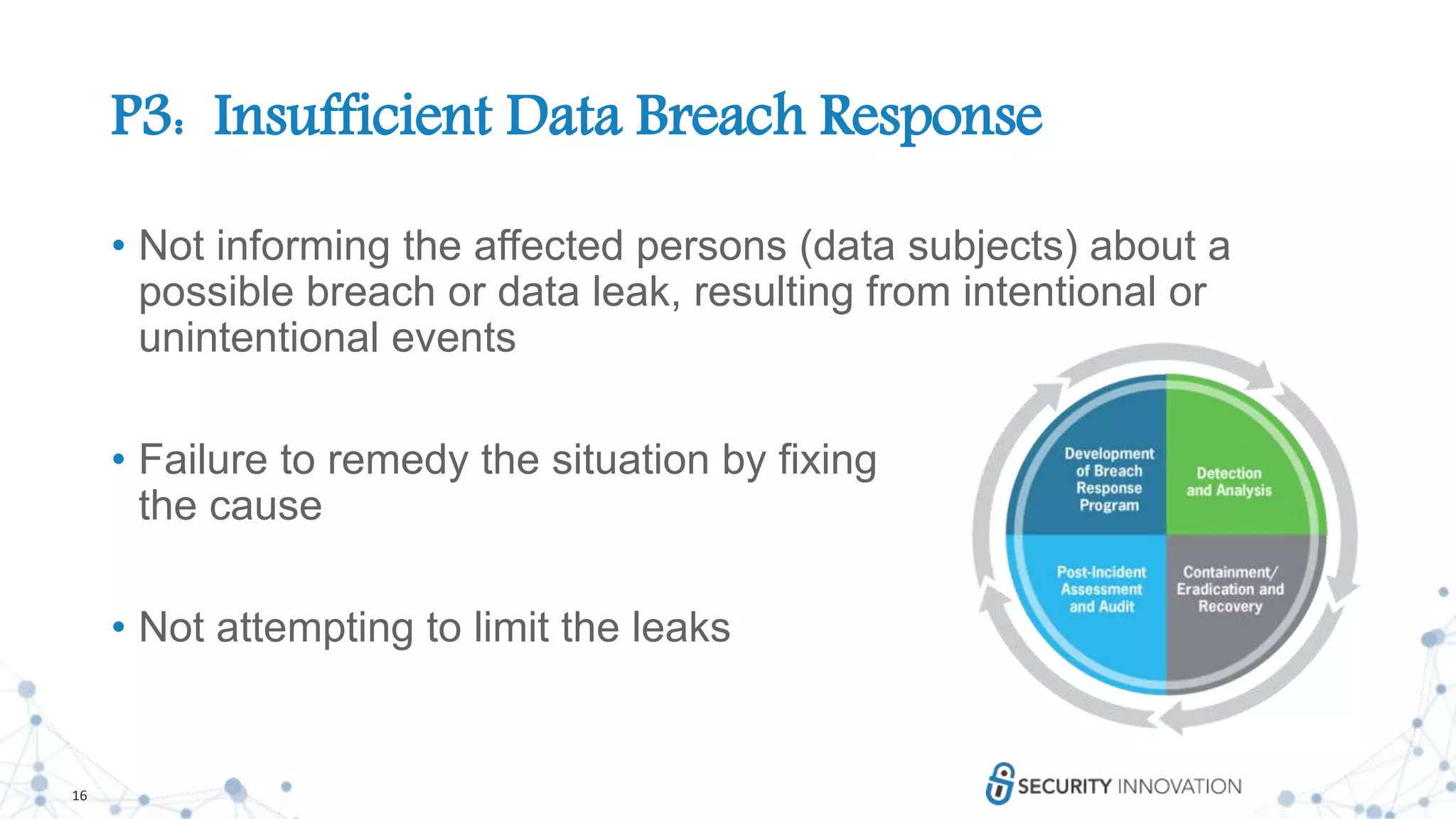
P3: Insufficient Data Breach Response
• Not informing the affected persons (data subjects) about a
possible breach or data leak, resulting from intentional or
unintentional events
• Failure to remedy the situation by fixing
the cause
• Not attempting to limit the leaks
17
P3: Insufficient Data Breach Response
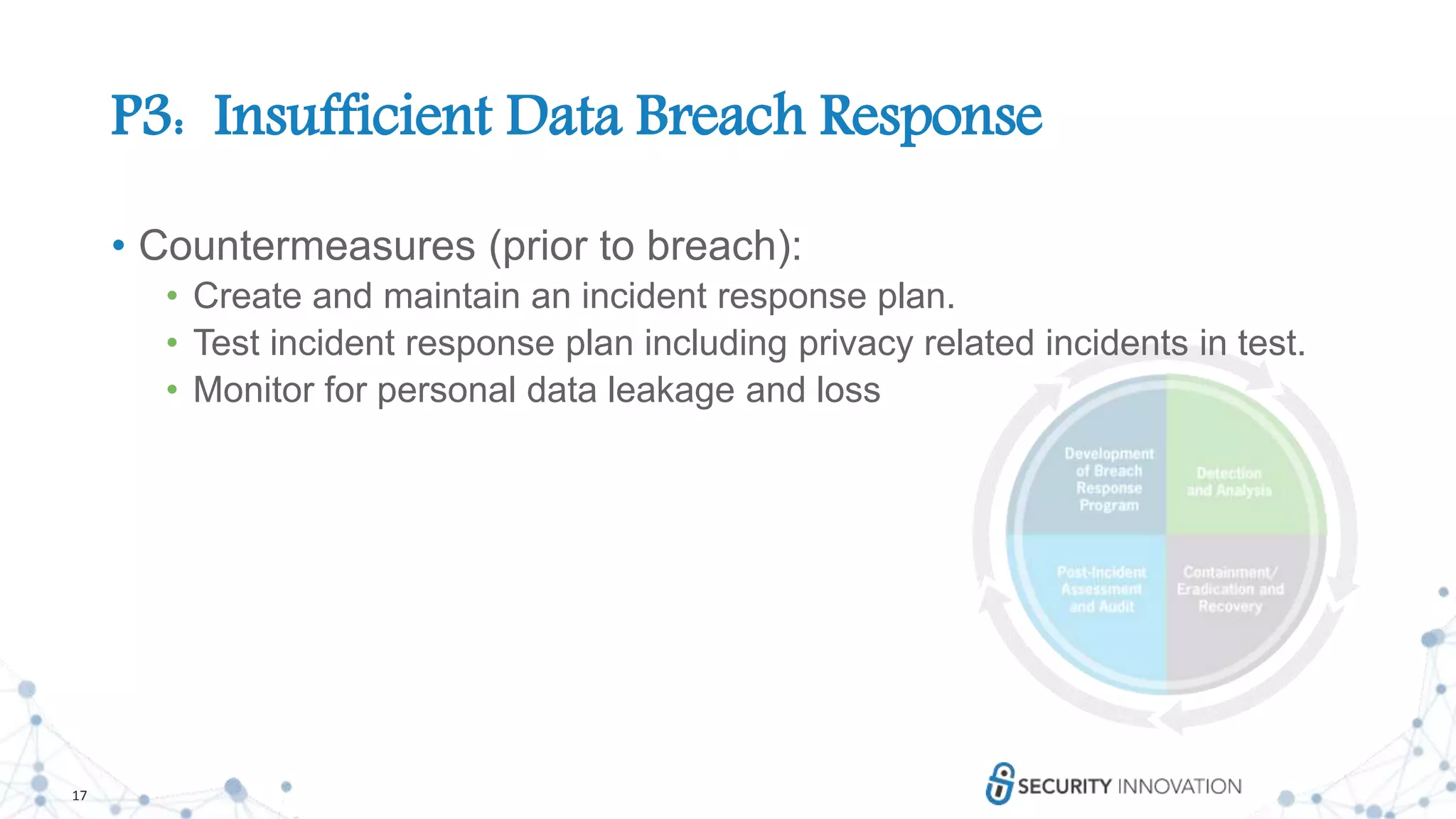
• Countermeasures (prior to breach):
• Create and maintain an incident response plan.
• Test incident response plan including privacy related incidents in test.
• Monitor for personal data leakage and loss
18
P3: Insufficient Data Breach Response
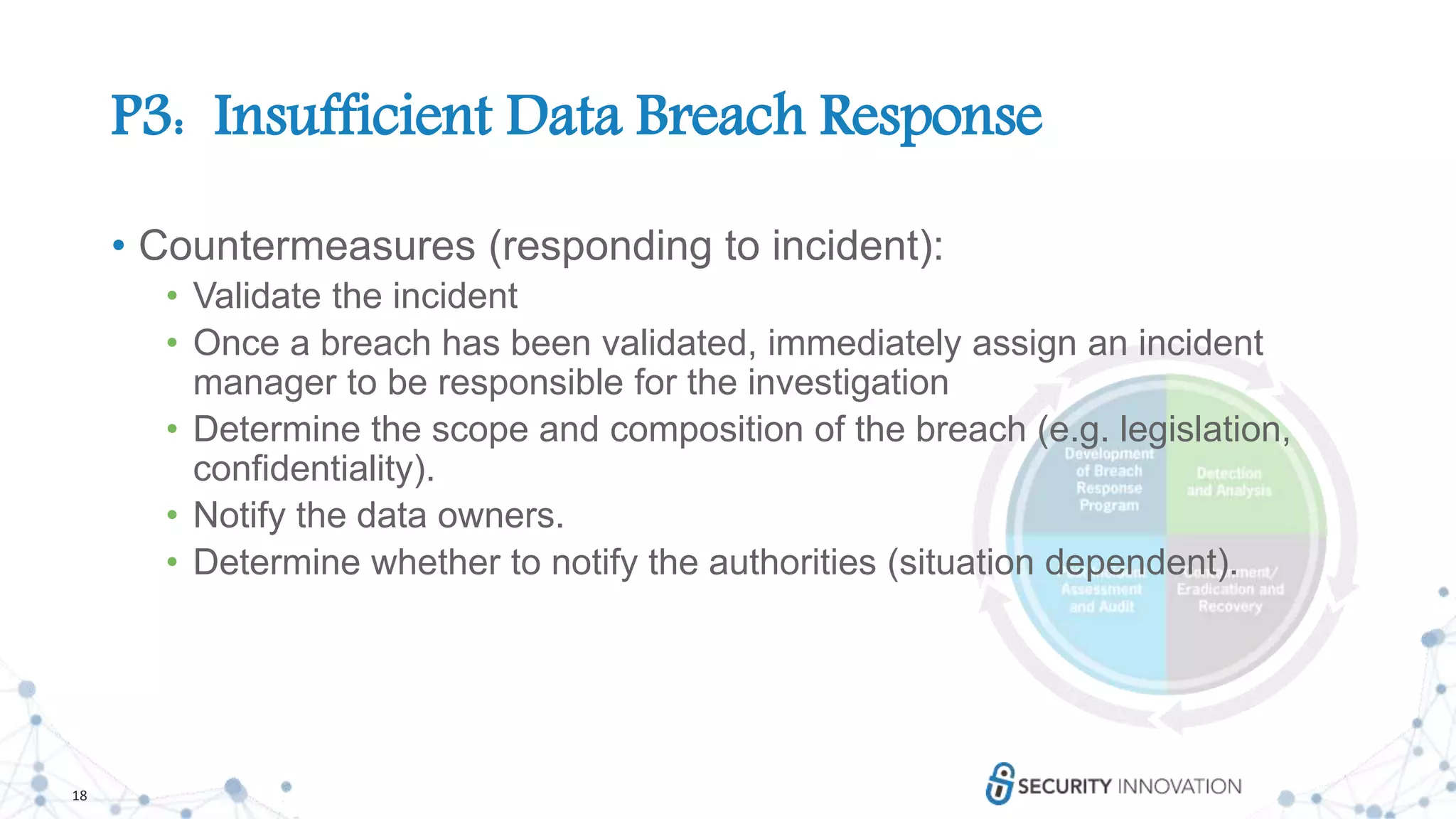
• Countermeasures (responding to incident):
• Validate the incident
• Once a breach has been validated, immediately assign an incident
manager to be responsible for the investigation
• Determine the scope and composition of the breach (e.g. legislation,
confidentiality).
• Notify the data owners.
• Determine whether to notify the authorities (situation dependent).
19
P4: Insufficient Deletion of Personal Data
• Failure to effectively and / or timely deletion of personal data
after termination of the specified purpose or upon request.
20
P4: Insufficient Deletion of Personal Data
• Countermeasures:
• Personal data should be deleted after termination of the specified
purpose and after an appropriate timeframe (e.g. one month).
• Personal data should be deleted upon user request.
• Data retention, archival, and deletion policies and processes have to
be documented and followed.
• Any data in backups, other copies, or shared with third parties has to
be considered.
• When deleting data in cloud, take note of historical data stored in older
snapshots
21
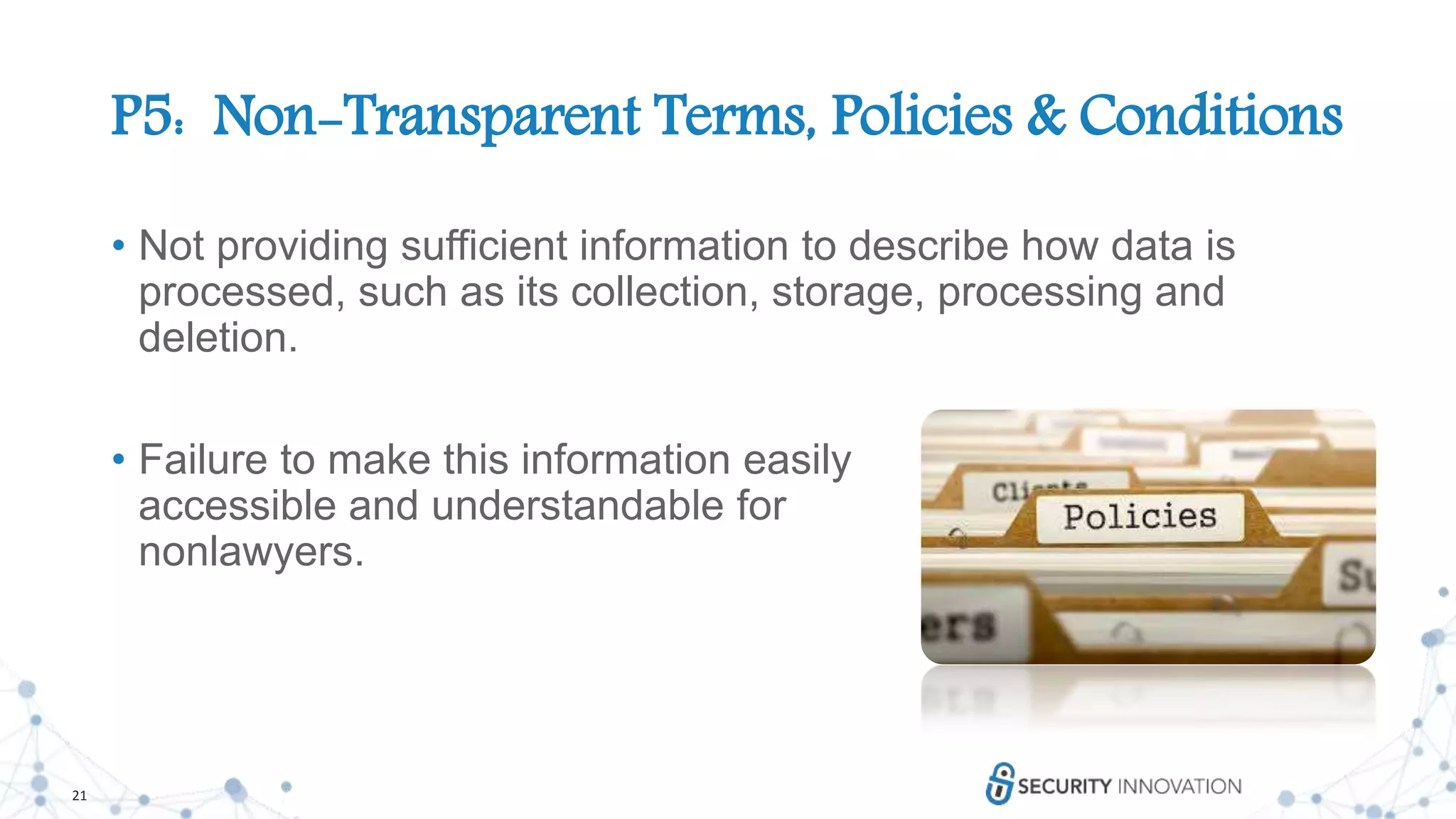
P5: Non-Transparent Terms, Policies & Conditions
• Not providing sufficient information to describe how data is
processed, such as its collection, storage, processing and
deletion.
• Failure to make this information easily
accessible and understandable for
nonlawyers.
22
P5: Non-Transparent Terms, Policies & Conditions
• Countermeasures:
• Provide an easily readable summary of the terms and conditions as
well as a long version.
• Summary should be easy to understand for nonlawyers and not too
long
• Use release notes to identify change history
of terms, conditions, and policies/notices over time
• Keep track of which users consented to which
version and any other time at which they may
opt in to newer versions
• When collecting information it should be clear
why it is needed
23
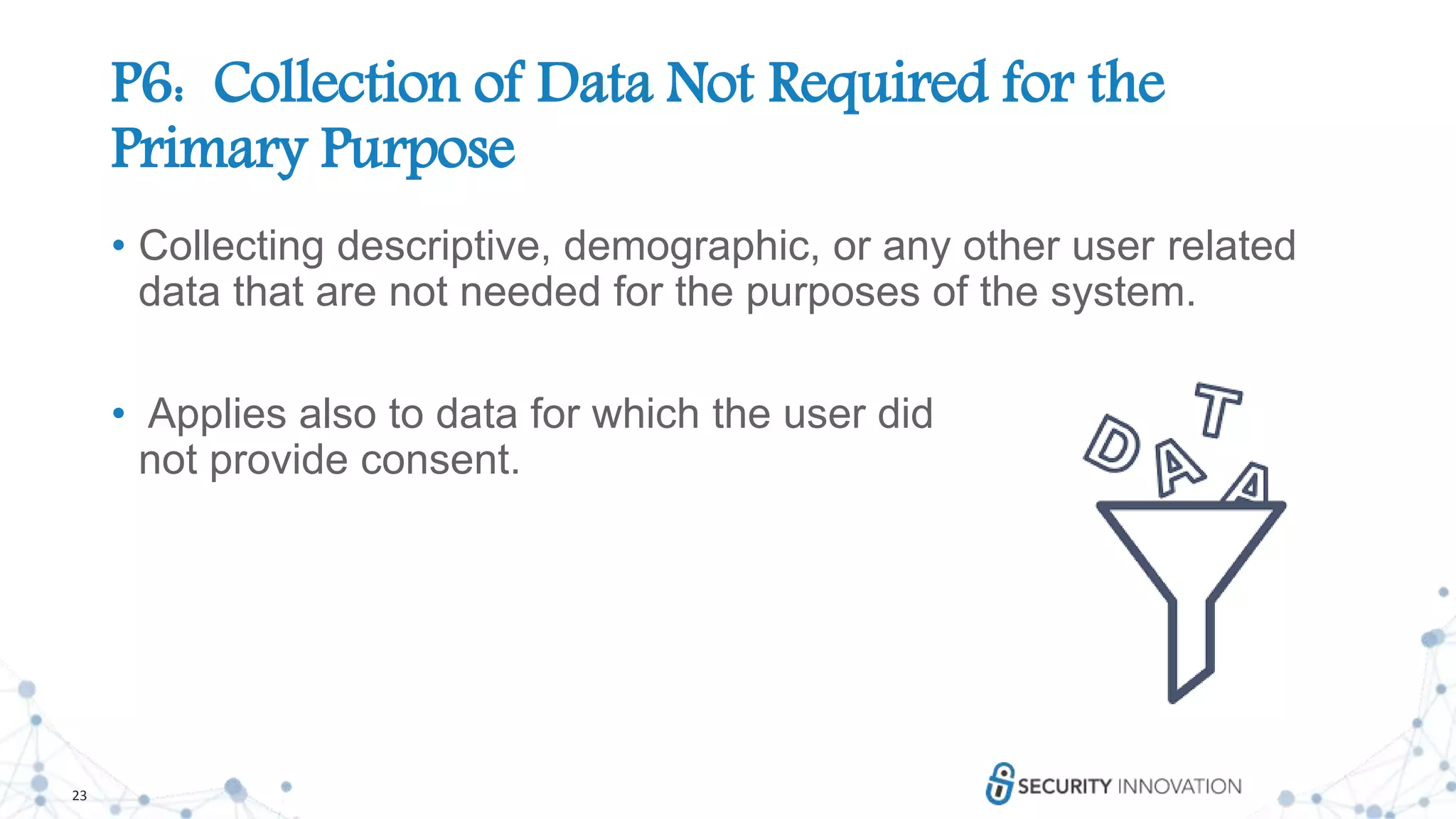
P6: Collection of Data Not Required for the
Primary Purpose
• Collecting descriptive, demographic, or any other user related
data that are not needed for the purposes of the system.
• Applies also to data for which the user did
not provide consent.
24
P6: Collection of Data Not Required for the
Primary Purpose
• Countermeasures:
• Define the purpose of the collection of personal data.
• Only collect personal data required to fulfill the purpose.
• Default is to collect as little data as possible unless the
user chooses otherwise (data reduction / minimization).
• Conditioned collection: Collect personal data only if
they are really required for a feature.
25
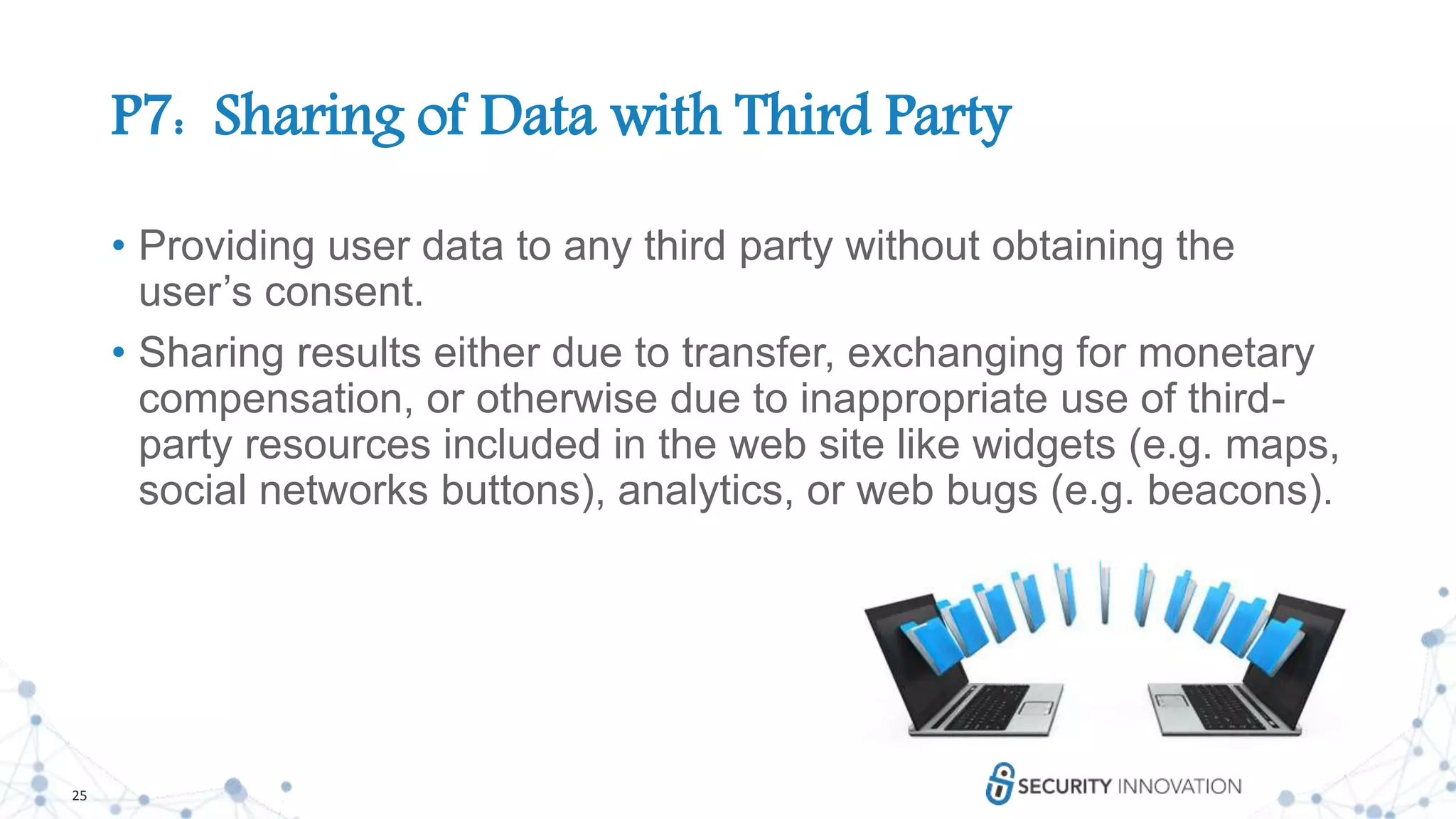
P7: Sharing of Data with Third Party
• Providing user data to any third party without obtaining the
user’s consent.
• Sharing results either due to transfer, exchanging for monetary
compensation, or otherwise due to inappropriate use of third-
party resources included in the web site like widgets (e.g. maps,
social networks buttons), analytics, or web bugs (e.g. beacons).
26
P7: Sharing of Data with Third Party
• Countermeasures:
• Use third party content only where it is required, not by default.
• Deploy full Do Not Track, to the latest W3C standard.
• Tokenisation or anonymisation (data masking) should be considered for
use before sharing of data with a third party
• Develop a Third Party Monitoring Strategy
• Monitoring of user complaints.
27
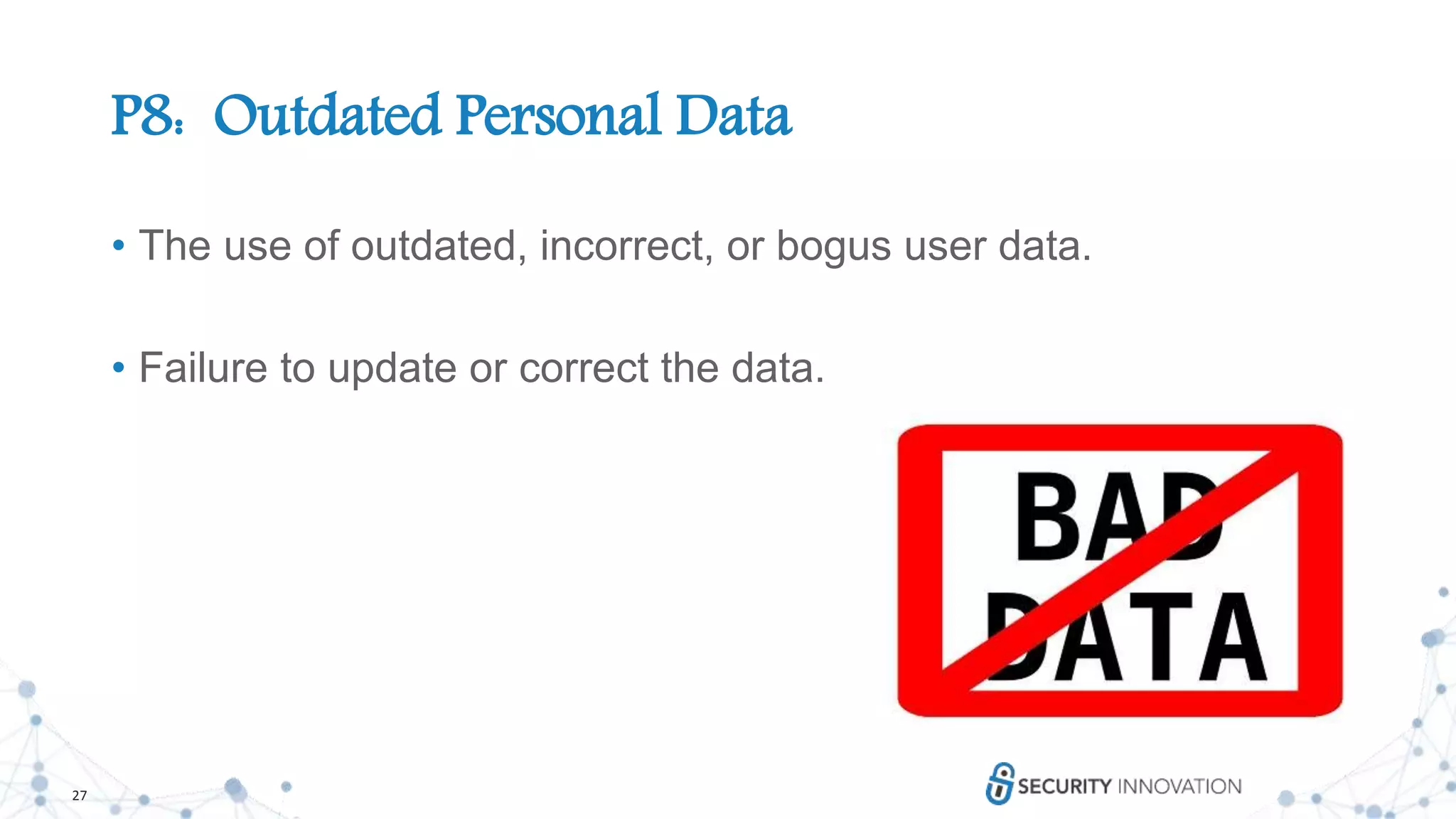
P8: Outdated Personal Data
• The use of outdated, incorrect, or bogus user data.
• Failure to update or correct the data.
28
P8: Outdated Personal Data
• Countermeasures:
• Implement a procedure to update the user’s personal data by obtaining
inputs from them after a certain time period.
• The user should approve data if he or she is triggering a “critical”
action.
• Provide a form to enable users to update
their data.
• In case of an update, make sure to forward
the information to any third parties /
subsystems that received the user’s data
before (if there are any)
29
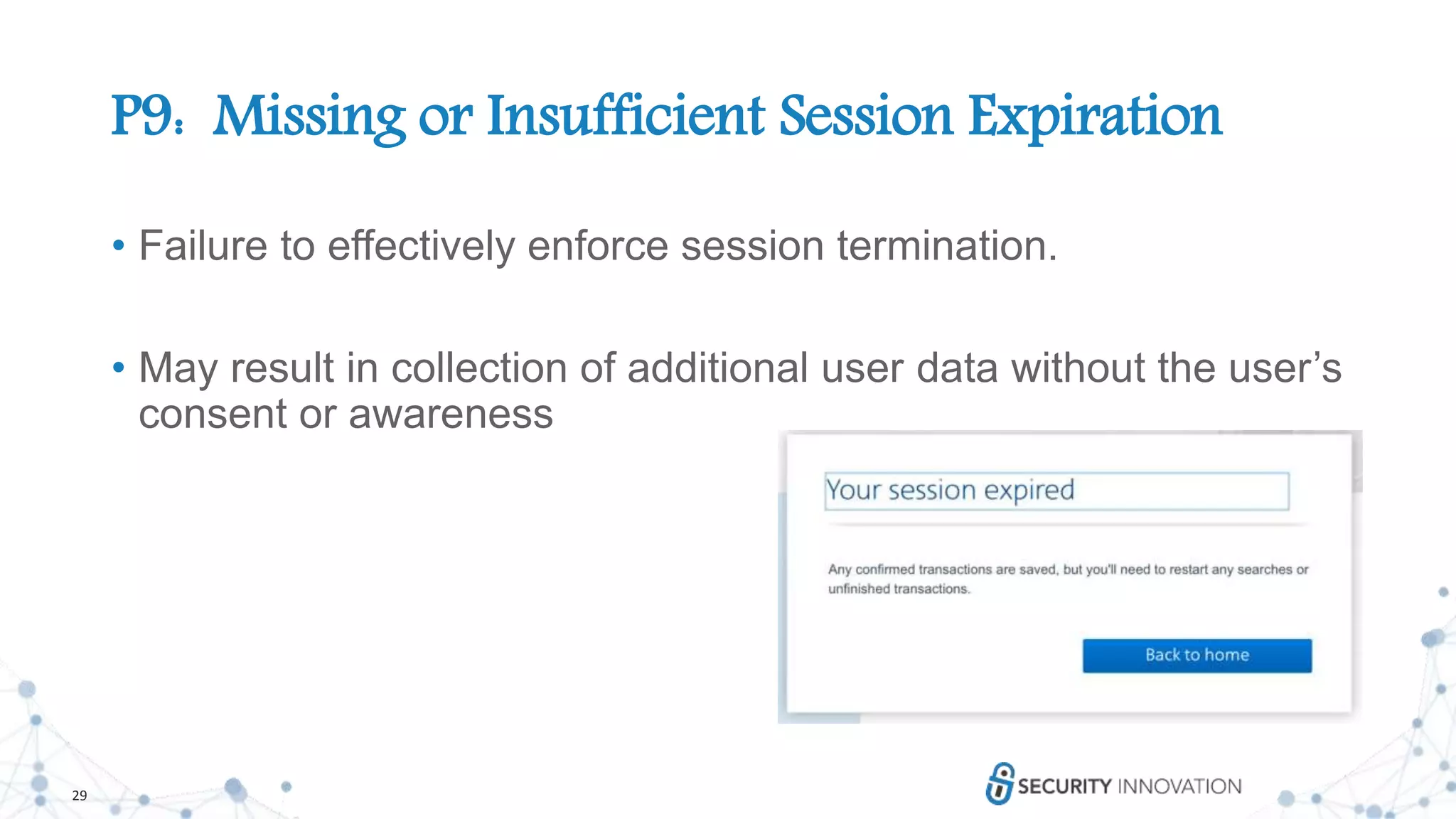
P9: Missing or Insufficient Session Expiration
• Failure to effectively enforce session termination.
• May result in collection of additional user data without the user’s
consent or awareness
30
P9: Missing or Insufficient Session Expiration
• Countermeasures:
• Automatic session expiration should be set. Expiration time could differ
widely depending on the criticality of the application and data.
• Session timeout should be no longer than a week and much shorter for
critical use cases.
• Session timeout should be configurable by the user according to his or
her needs (I have NEVER seen this! But it sounds great…or terrible.)
31
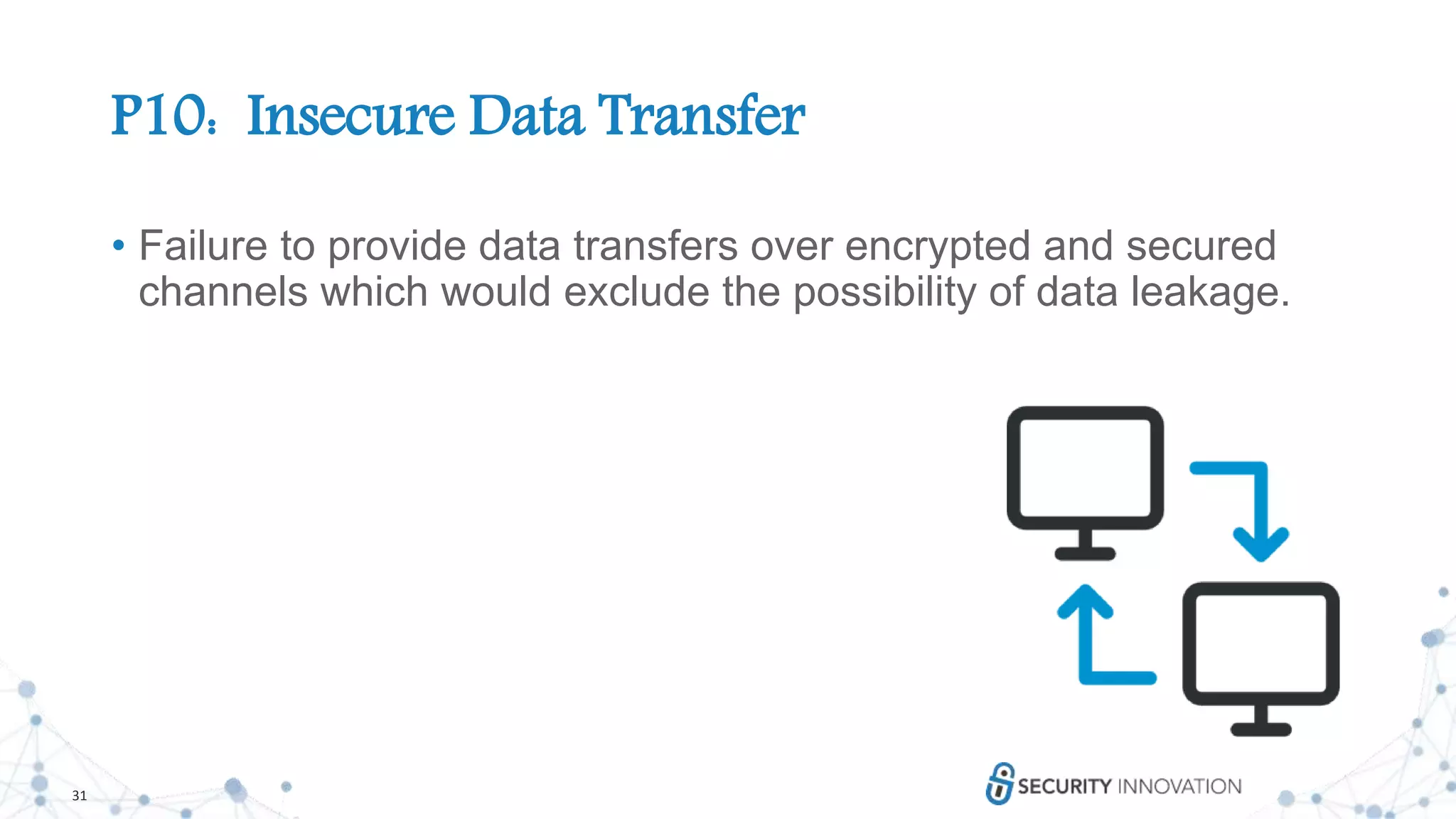
P10: Insecure Data Transfer
• Failure to provide data transfers over encrypted and secured
channels which would exclude the possibility of data leakage.
32
P10: Insecure Data Transfer
• Countermeasures:
• Always send personal data by secure protocols i.e. not ordinary email,
many instant messaging clients, or FTP.
• Allow connections using the best available secure protocols, where
possible.
• Disallow weak protocols for sensitive information.
• Avoid personal information appearing in the URL,
especially if the data transfer is unencrypted.
• Disable vulnerable file transfer services such as
Telnet and FTP on file servers.
33
Questions?
34
Thank You!
www.securityinnovation.com
Everyone who attended today’s session will receive:
• Webinar recording
• Copy of the presentation
• Free 14-Day Trial of our Data Privacy Courses
Join us February 12th for the next webinar in this Privacy in the
SDL series: Creating an Effective Application Privacy Policy

Privacy: The New Software Development Dilemma

  • 1.
    1 Privacy: The NewSoftware Development Dilemma
  • 2.
  • 3.
    3 Consider Privacy ThroughoutApp’s Lifecycle • At Design Stage • Throughout User’s engagement with your application • After the user’s engagement has ended • After the app is sunsetted
  • 4.
    4 At the DesignStage • Before your application code is written • Go through the data, compliance, regulation checklists we discussed earlier • Don’t require unnecessary app permissions • Don’t collect unnecessary data
  • 5.
    5 Defining User &Personal Data • Racial or ethnic origin • political opinions • religious or philosophical beliefs • trade union membership • health data • genetic data • biometric data • sex life or sexual orientation • past or spent criminal convictions
  • 6.
    6 Limited Data Collectionand Retention • The less data you collect the less you have to protect • “Collect all the data, it might be useful later” • “Do we really need this data? What will it be used for?” • Let’s keep it in case we need it later • What is the minimum amount of time we need this data for the business?
  • 7.
    7 Implement the Principleof Least Privilege • Principle of Least Privilege • Grant users minimal set of system and object privileges to accomplish a given task • Elevate privileges only when needed • Revoke privileges when no longer required • This principle assumes that all software may be compromised at some point and that it is important to minimize the impact of a compromise 7
  • 8.
    8 Implement the Principleof Least Privilege • It is easier and faster to develop applications which run under maximum system privileges • Developers are pressured into getting applications running as soon as possible • The good practice of managing permissions properly can delay deployment • Developers may say, “Let's just give users all the permissions. The application seems to work with these settings.” • Then the application gets moved into production • Managing privileges can be difficult • Users can gain access by way of a role that is granted another role that is granted another role 8
  • 9.
    9 Implement the Principleof Least Privilege • However, there are serious security implications • If an application has security vulnerabilities, exploits would run with the same privileges that the application possesses • Forcing users to run in a privileged environment is not an industry- recommended practice 9
  • 10.
    10 Implement the Principleof Least Privilege • Guidance • To protect applications, design them so that they operate on least privilege • The principle of least privilege dictates very careful assignment of privileges to the users • The process of assigning privileges can be simplified by using ROLES • Understand APIs to avoid requesting too many privileges (over-privileging) • Least privilege for code • Least privilege for data 10
  • 11.
    11 Thank You!OWASP Top10 Privacy Risks
  • 12.
    12 P1: Web ApplicationVulnerabilities • Vulnerabilities are a key problem in any system that guards or operates on sensitive user data. • Failure to suitably design and implement an application, detect a problem, or promptly apply a fix (patch) is likely to result in a privacy breach.
  • 13.
    13 P1: Web ApplicationVulnerabilities • Countermeasures: • Train developers about web application security • Perform regular penetration tests with a focus on privacy • Create and enforce secure coding guidelines • Install updates and patches on a regular basis
  • 14.
    14 P2: Operator-Sided DataLeakage • Failure to prevent the leakage of any information containing or related to user data, or the data itself, to any unauthorized party resulting in loss of data confidentiality. • Introduced either due to intentional malicious breach or unintentional mistake e.g. caused by insufficient access management controls, insecure storage, duplication of data or a lack of awareness.
  • 15.
    15 P2: Operator-Sided DataLeakage • Countermeasures: • Use the Principle of Least Privilege wherever appropriate • Use strong encryption for all personal data stored (data at rest) especially on mobile media (e.g. USB memory sticks, laptop hard disks, tablet and phone local storage, backup tapes, portable hard disk drives) • Implementation of a data classification and information handling policy • Anonymization of personal data
  • 16.
    16 P3: Insufficient DataBreach Response • Not informing the affected persons (data subjects) about a possible breach or data leak, resulting from intentional or unintentional events • Failure to remedy the situation by fixing the cause • Not attempting to limit the leaks
  • 17.
    17 P3: Insufficient DataBreach Response • Countermeasures (prior to breach): • Create and maintain an incident response plan. • Test incident response plan including privacy related incidents in test. • Monitor for personal data leakage and loss
  • 18.
    18 P3: Insufficient DataBreach Response • Countermeasures (responding to incident): • Validate the incident • Once a breach has been validated, immediately assign an incident manager to be responsible for the investigation • Determine the scope and composition of the breach (e.g. legislation, confidentiality). • Notify the data owners. • Determine whether to notify the authorities (situation dependent).
  • 19.
    19 P4: Insufficient Deletionof Personal Data • Failure to effectively and / or timely deletion of personal data after termination of the specified purpose or upon request.
  • 20.
    20 P4: Insufficient Deletionof Personal Data • Countermeasures: • Personal data should be deleted after termination of the specified purpose and after an appropriate timeframe (e.g. one month). • Personal data should be deleted upon user request. • Data retention, archival, and deletion policies and processes have to be documented and followed. • Any data in backups, other copies, or shared with third parties has to be considered. • When deleting data in cloud, take note of historical data stored in older snapshots
  • 21.
    21 P5: Non-Transparent Terms,Policies & Conditions • Not providing sufficient information to describe how data is processed, such as its collection, storage, processing and deletion. • Failure to make this information easily accessible and understandable for nonlawyers.
  • 22.
    22 P5: Non-Transparent Terms,Policies & Conditions • Countermeasures: • Provide an easily readable summary of the terms and conditions as well as a long version. • Summary should be easy to understand for nonlawyers and not too long • Use release notes to identify change history of terms, conditions, and policies/notices over time • Keep track of which users consented to which version and any other time at which they may opt in to newer versions • When collecting information it should be clear why it is needed
  • 23.
    23 P6: Collection ofData Not Required for the Primary Purpose • Collecting descriptive, demographic, or any other user related data that are not needed for the purposes of the system. • Applies also to data for which the user did not provide consent.
  • 24.
    24 P6: Collection ofData Not Required for the Primary Purpose • Countermeasures: • Define the purpose of the collection of personal data. • Only collect personal data required to fulfill the purpose. • Default is to collect as little data as possible unless the user chooses otherwise (data reduction / minimization). • Conditioned collection: Collect personal data only if they are really required for a feature.
  • 25.
    25 P7: Sharing ofData with Third Party • Providing user data to any third party without obtaining the user’s consent. • Sharing results either due to transfer, exchanging for monetary compensation, or otherwise due to inappropriate use of third- party resources included in the web site like widgets (e.g. maps, social networks buttons), analytics, or web bugs (e.g. beacons).
  • 26.
    26 P7: Sharing ofData with Third Party • Countermeasures: • Use third party content only where it is required, not by default. • Deploy full Do Not Track, to the latest W3C standard. • Tokenisation or anonymisation (data masking) should be considered for use before sharing of data with a third party • Develop a Third Party Monitoring Strategy • Monitoring of user complaints.
  • 27.
    27 P8: Outdated PersonalData • The use of outdated, incorrect, or bogus user data. • Failure to update or correct the data.
  • 28.
    28 P8: Outdated PersonalData • Countermeasures: • Implement a procedure to update the user’s personal data by obtaining inputs from them after a certain time period. • The user should approve data if he or she is triggering a “critical” action. • Provide a form to enable users to update their data. • In case of an update, make sure to forward the information to any third parties / subsystems that received the user’s data before (if there are any)
  • 29.
    29 P9: Missing orInsufficient Session Expiration • Failure to effectively enforce session termination. • May result in collection of additional user data without the user’s consent or awareness
  • 30.
    30 P9: Missing orInsufficient Session Expiration • Countermeasures: • Automatic session expiration should be set. Expiration time could differ widely depending on the criticality of the application and data. • Session timeout should be no longer than a week and much shorter for critical use cases. • Session timeout should be configurable by the user according to his or her needs (I have NEVER seen this! But it sounds great…or terrible.)
  • 31.
    31 P10: Insecure DataTransfer • Failure to provide data transfers over encrypted and secured channels which would exclude the possibility of data leakage.
  • 32.
    32 P10: Insecure DataTransfer • Countermeasures: • Always send personal data by secure protocols i.e. not ordinary email, many instant messaging clients, or FTP. • Allow connections using the best available secure protocols, where possible. • Disallow weak protocols for sensitive information. • Avoid personal information appearing in the URL, especially if the data transfer is unencrypted. • Disable vulnerable file transfer services such as Telnet and FTP on file servers.
  • 33.
  • 34.
    34 Thank You! www.securityinnovation.com Everyone whoattended today’s session will receive: • Webinar recording • Copy of the presentation • Free 14-Day Trial of our Data Privacy Courses Join us February 12th for the next webinar in this Privacy in the SDL series: Creating an Effective Application Privacy Policy

Editor's Notes

  • #3 https://www.smashingmagazine.com/2017/07/privacy-by-design-framework/
  • #6 https://www.ipc.on.ca/privacy/protecting-personal-information/privacy-by-design/
  • #7 Tell story of how we destroy all pen test data immediately after an assessment (code, design docs, binaries, etc.) If we need it later we have to request it later.
  • #8 Collecting data is a privilege, only collect what is necessary
  • #11 Collecting data is a privilege, only collect what is necessary
  • #12 https://www.smashingmagazine.com/2017/07/privacy-by-design-framework/
  • #14 http://www.smallbiztechnology.com/archive/2013/09/7-items-you-should-always-include-in-your-privacy-policy.html/
  • #16 https://termsfeed.com/blog/privacy-policy-mobile-apps/ https://termly.io/resources/templates/privacy-policy-for-mobile-apps/#do-you-need-a-privacy-policy-for-your-mobile-app
  • #27 The World Wide Web Consortium (W3C) is an international community that develops open standards to ensure the long-term growth of the Web. W3C operates under a Code of Ethics and Professional Conduct.
  • #28 The World Wide Web Consortium (W3C) is an international community that develops open standards to ensure the long-term growth of the Web. W3C operates under a Code of Ethics and Professional Conduct.
  • #29 The World Wide Web Consortium (W3C) is an international community that develops open standards to ensure the long-term growth of the Web. W3C operates under a Code of Ethics and Professional Conduct.
  • #30 The World Wide Web Consortium (W3C) is an international community that develops open standards to ensure the long-term growth of the Web. W3C operates under a Code of Ethics and Professional Conduct.
  • #31 The World Wide Web Consortium (W3C) is an international community that develops open standards to ensure the long-term growth of the Web. W3C operates under a Code of Ethics and Professional Conduct.
  • #32 The World Wide Web Consortium (W3C) is an international community that develops open standards to ensure the long-term growth of the Web. W3C operates under a Code of Ethics and Professional Conduct.
  • #33 The World Wide Web Consortium (W3C) is an international community that develops open standards to ensure the long-term growth of the Web. W3C operates under a Code of Ethics and Professional Conduct.