Module 3:
Creation of Quality Digital
Technology-Based Language Teaching Sources
2. How to create simple e-learning based teaching
and learning resources using free software
beginner and intermediate levels
When I was young...
Now...
Now...
My first tool...
Smartphone
Now...
My first job...
My second job...
Our students are learning
together while keeping apart.
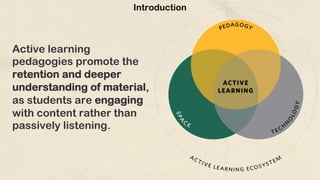
Active learning
pedagogies promote the
retention and deeper
understanding of material,
as students are engaging
with content rather than
passively listening.
Introduction
Introduction
Active learning is a process whereby learners engage in activities, such as
reading, writing, discussion, or problem-solving, instead of sitting quietly and
listening.
• Active learning promotes active participation.
• Students are involved in the analysis, synthesis, and evaluation of class content.
• Students and Teachers have to understand which methods they are most
challenged by.
• Teachers can mould their teaching to be more effective for the student.
How to create simple e-learning based teaching
and learning resources
using free software?
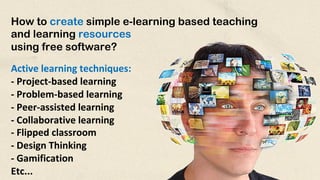
Active learning techniques:
- Project-based learning
- Problem-based learning
- Peer-assisted learning
- Collaborative learning
- Flipped classroom
- Design Thinking
- Gamification
Etc...
Creation of Quality Digital Technology-Based Language
Teaching Sources...
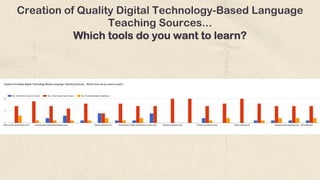
Which tools do you want to learn?
Creation of Quality Digital Technology-Based Language
Teaching Sources...
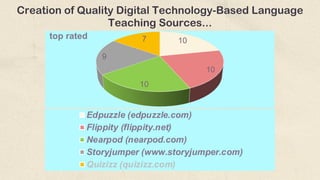
Which tools do you want to learn?
10
10
10
9
7
top rated
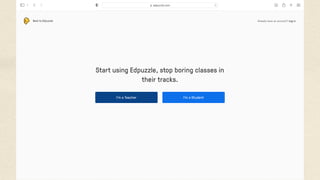
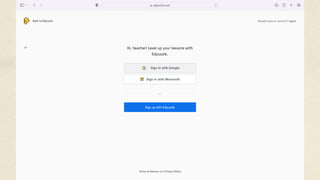
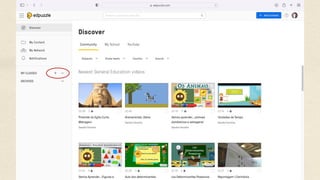
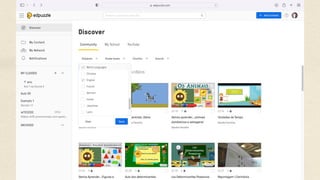
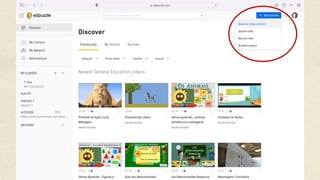
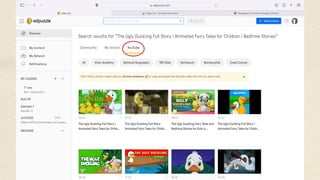
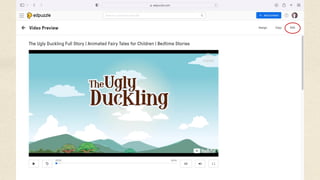
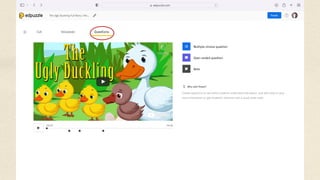
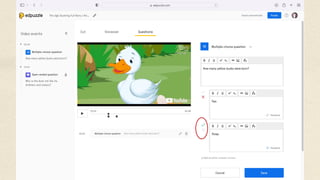
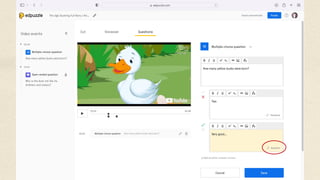
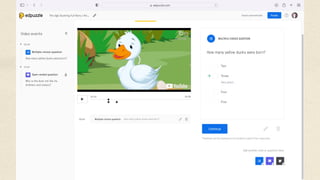
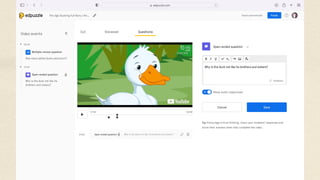
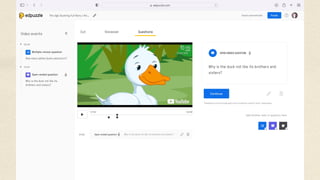
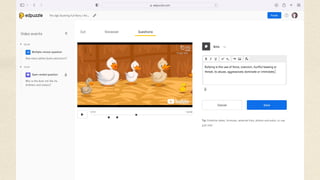
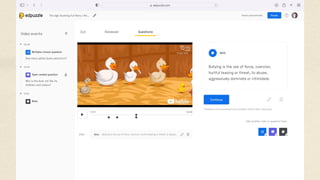
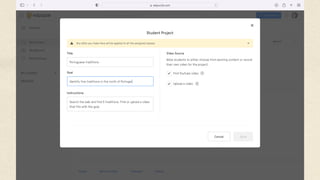
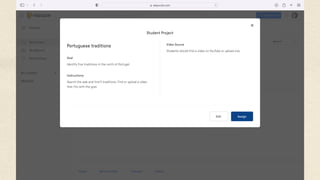
Edpuzzle (edpuzzle.com)
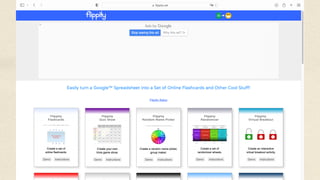
Flippity (flippity.net)
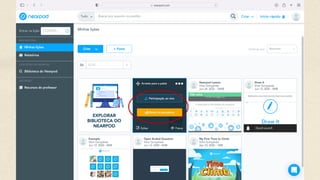
Nearpod (nearpod.com)
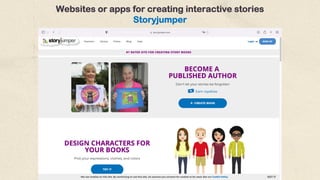
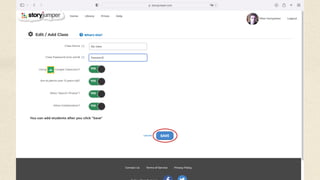
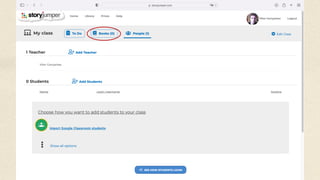
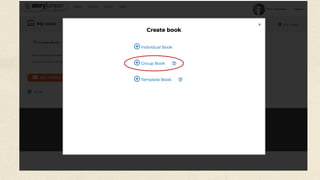
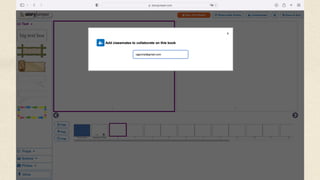
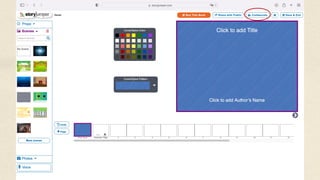
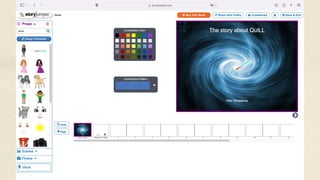
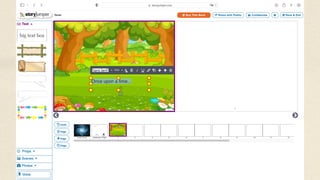
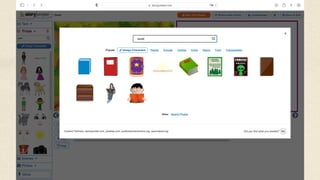
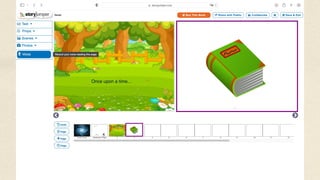
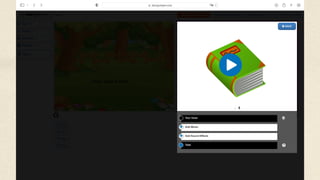
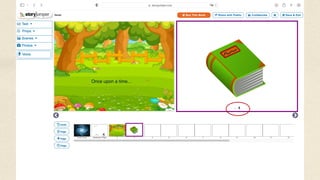
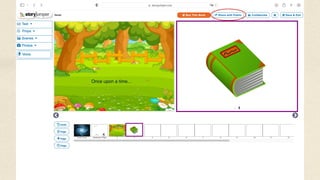
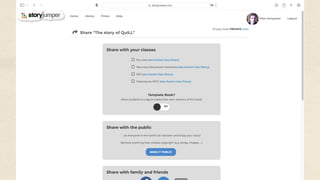
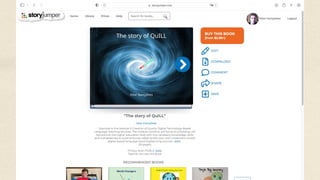
Storyjumper (www.storyjumper.com)
Quizizz (quizizz.com)
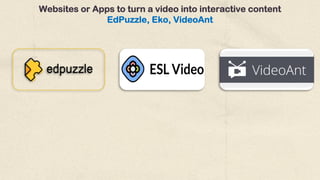
Websites or Apps to turn a video into interactive content
EdPuzzle, Eko, VideoAnt
Websites or Apps to turn a video into interactive content
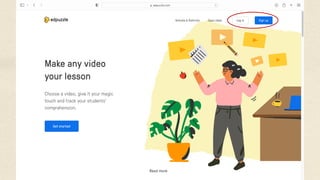
EdPuzzle
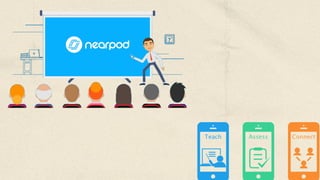
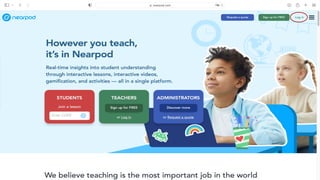
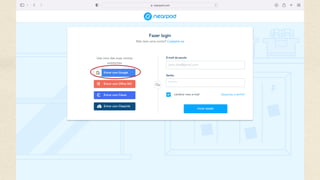
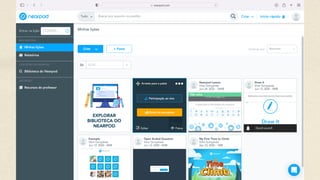
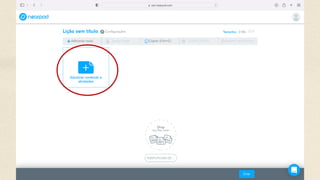
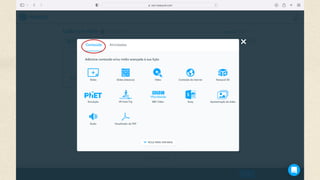
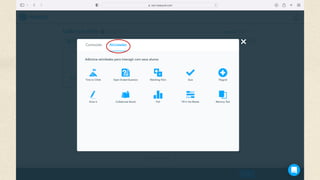
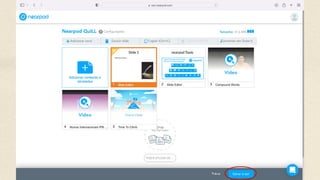
nearpod
Nearpod is a student engagement platform
that can be used to amazing effect in the
classroom. It's as useful as it is simple to use.
Websites or apps for creating interactive stories
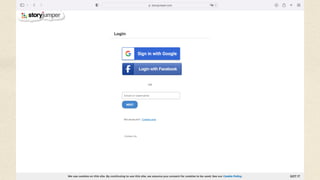
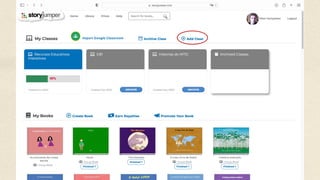
Storyjumper
Quizizz
Kahoot!
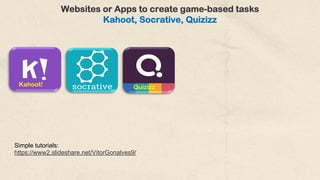
Simple tutorials:
https://www2.slideshare.net/VitorGonalves9/
Websites or Apps to create game-based tasks
Kahoot, Socrative, Quizizz
Quizizz
Kahoot!
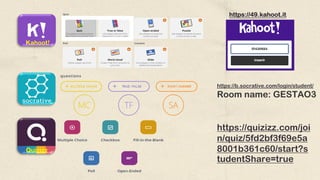
https://49.kahoot.it
https://b.socrative.com/login/student/
Room name: GESTAO3
https://quizizz.com/joi
n/quiz/5fd2bf3f69e5a
8001b361c60/start?s
tudentShare=true
Websites or Apps to create collaborative murals
Google jamboard, Lino or Padlet
Integrated e-learning/b-learning environments or Learning platforms
Microsoft Teams – Google Classroom – Moodle - Edmodo
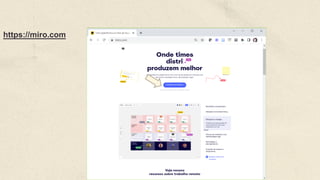
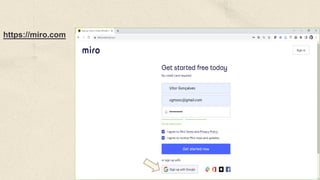
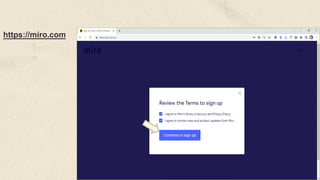
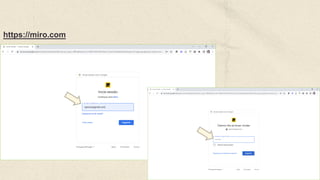
https://miro.com
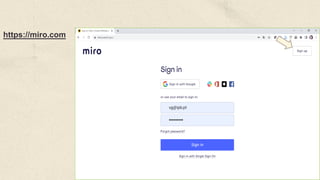
https://miro.com
https://miro.com
https://miro.com
https://miro.com
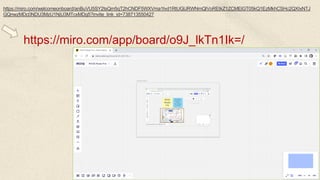
https://miro.com/app/board/o9J_lkTn1Ik=/
https://miro.com/welcomeonboard/anBuVU5SY2tsQm5qT2hCNDF5WXVma1lvd1RtUGlJRWNmQlVoREtkZ1ZCMElGT05kQ1EzMkhCSHc2QXIxNTJ
GQnwzMDc0NDU3MzU1NjU3MTcxMDg5?invite_link_id=738713550427
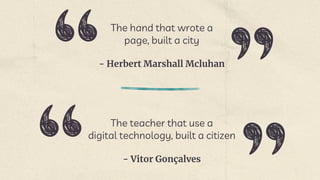
- Herbert Marshall Mcluhan
The hand that wrote a
page, built a city
- Vitor Gonçalves
The teacher that use a
digital technology, built a citizen
Alternative Resources Soon

Presentation-M3-2-QuILL-IPB