Welcome to our Presentation
on
Windows Operating
System
1
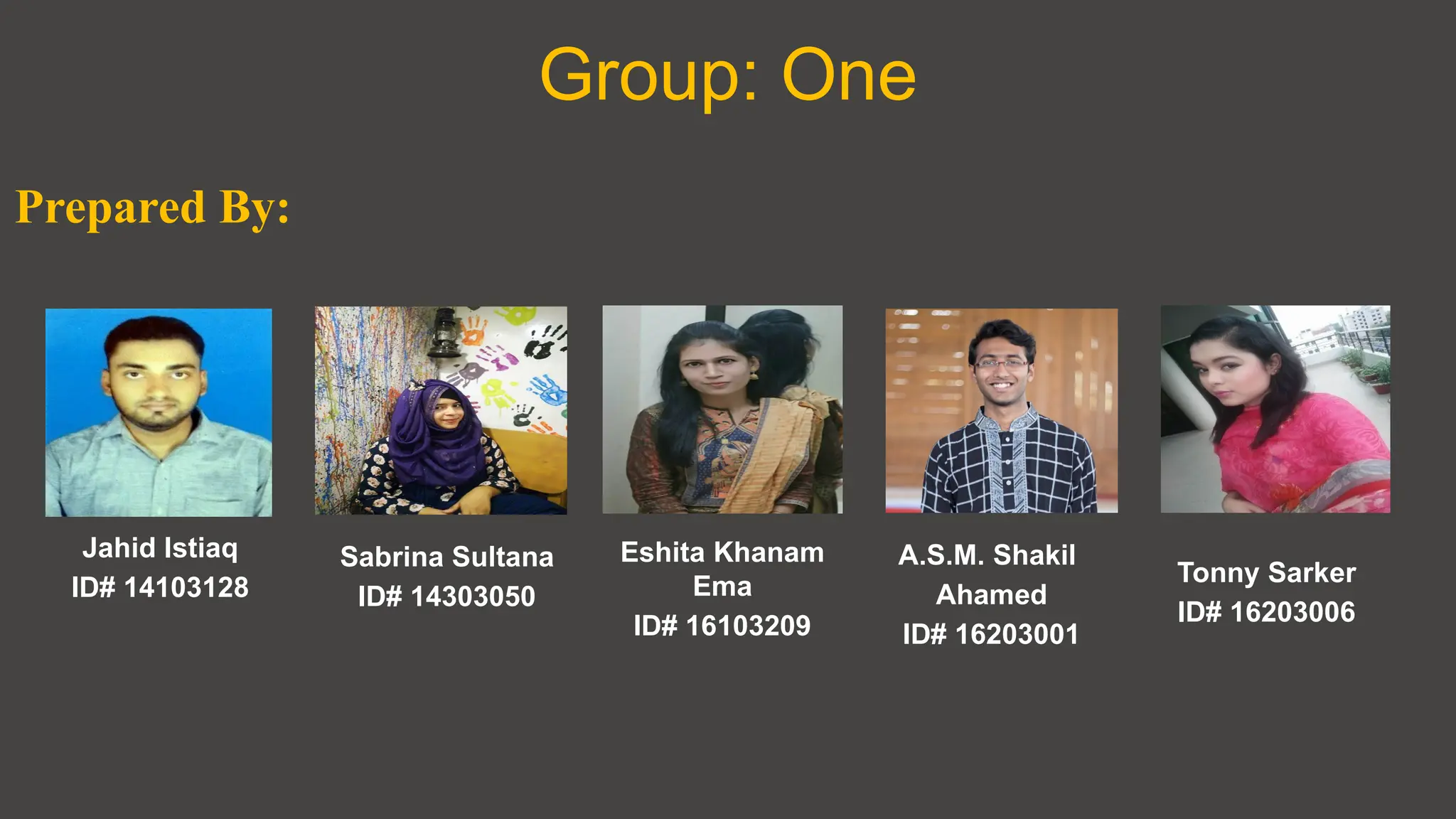
Group: One
Eshita Khanam
Ema
ID# 16103209
Jahid Istiaq
ID# 14103128
Sabrina Sultana
ID# 14303050
Prepared By:
A.S.M. Shakil
Ahamed
ID# 16203001
Tonny Sarker
ID# 16203006
Contents
01
02
03
04
Introduction
History & Development
Versions of Windows
Application in Windows
Contents
05
06
07
08
Features
Functions of an
Windows Operating System
Compatibility
Security
Contents
09
10
11
Price
Popularity
Conclusion
Introduction
 Developer: Microsoft
 Initial release: 20th
November, 1985;
(32 years ago, as version 1.0)
 Marketing target: Personal computing
 Available in 138 languages
 Default user interface: Windows shell
 License: Proprietary commercial software
 Official website:
windows.microsoft.com
What is meant by
Windows Operating System?
 A group of several graphical operating system families, all
of which are developed, marketed, and sold by Microsoft.
 As a graphical operating system shell for MS-DOS in
response to the growing interest in graphical user
interfaces
(GUIs).
 As of December 2017, the most recent version of Windows
for PCs, tablets, smartphones and embedded devices is
Windows 10.
 The most recent versions for server computers is Windows
Server 2016.
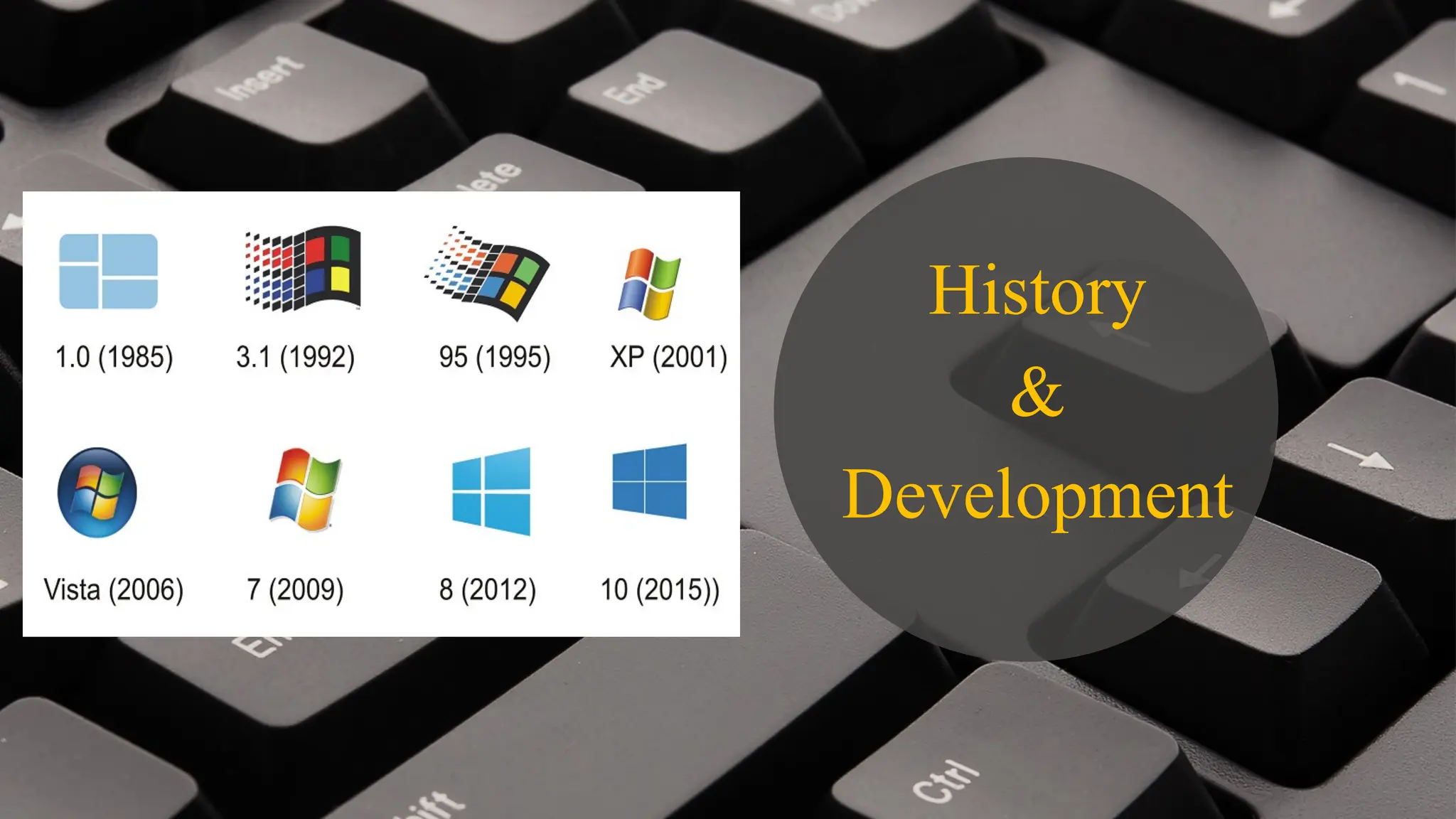
History
&
Development
• Earlier, there were no operating systems
• Each user used the machine for a scheduled
period of time
• Often on punched paper cards and magnetic
• The program would be loaded into the machine,
and the machine would be set to work until the
program completed or crashed
• Then Windows introduced
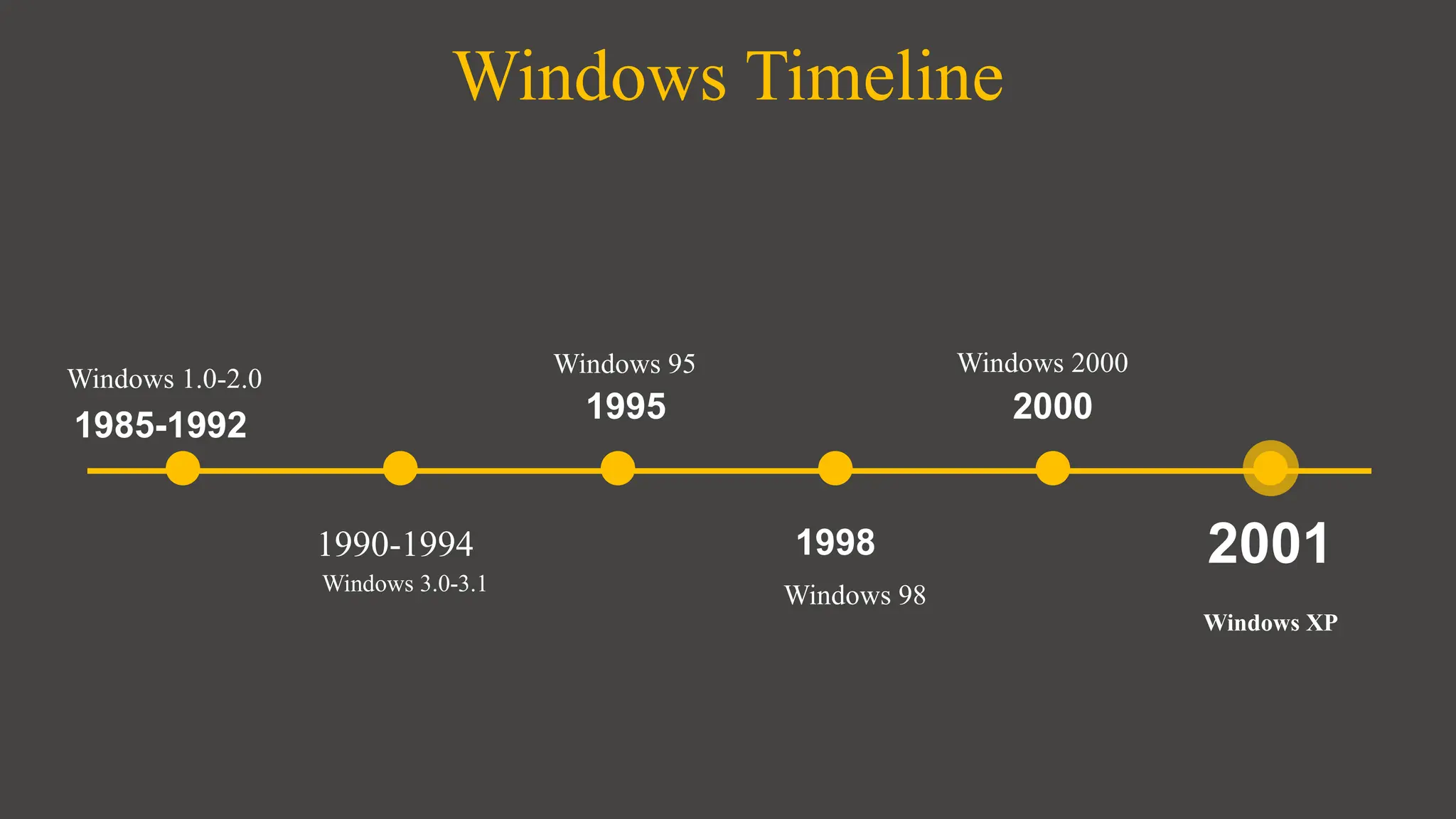
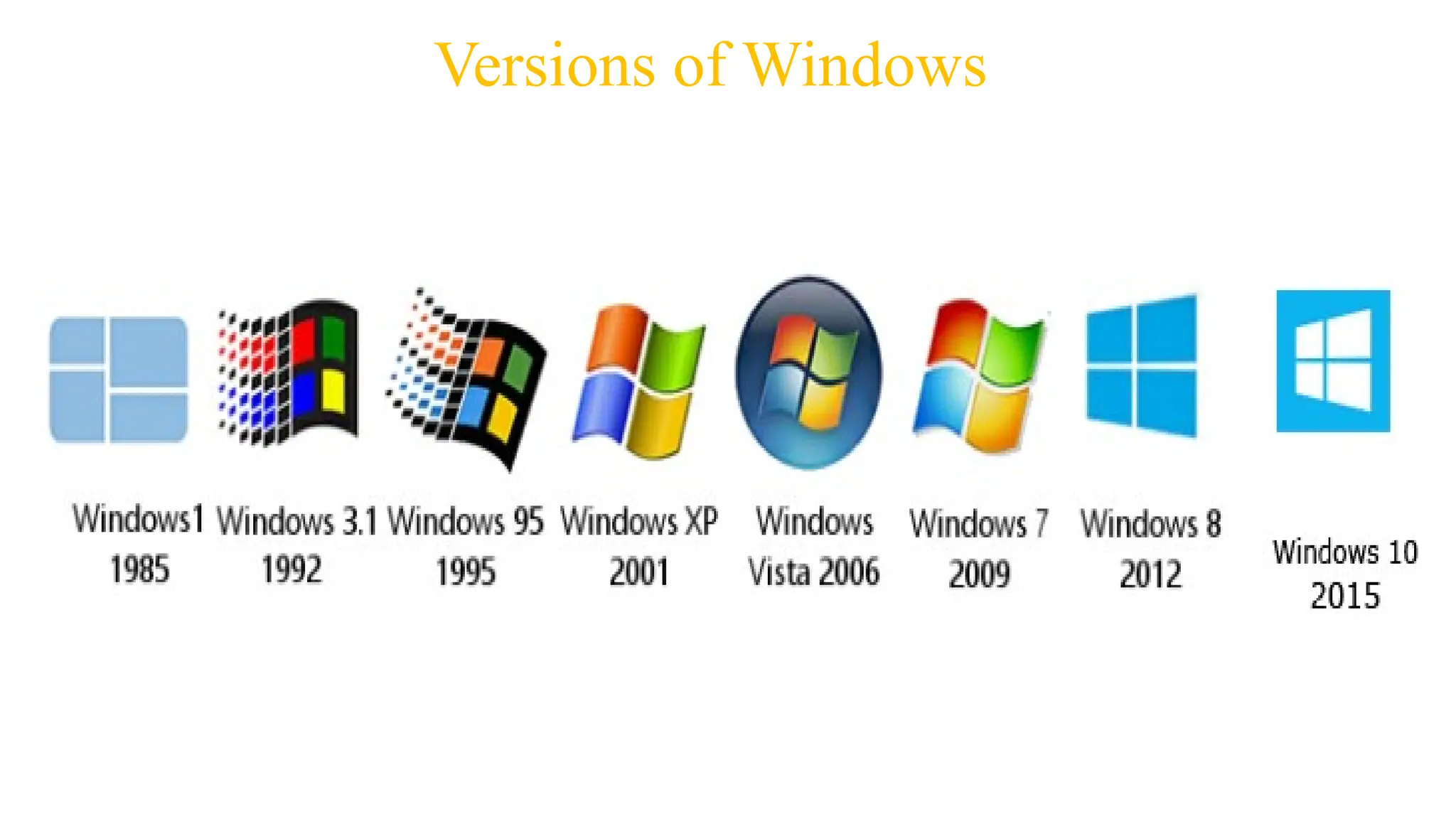
Windows Timeline
1990-1994
1995
1998
2000
2001
1985-1992
Windows 3.0-3.1
Windows 95
Windows 98
Windows 2000
Windows XP
Windows 1.0-2.0
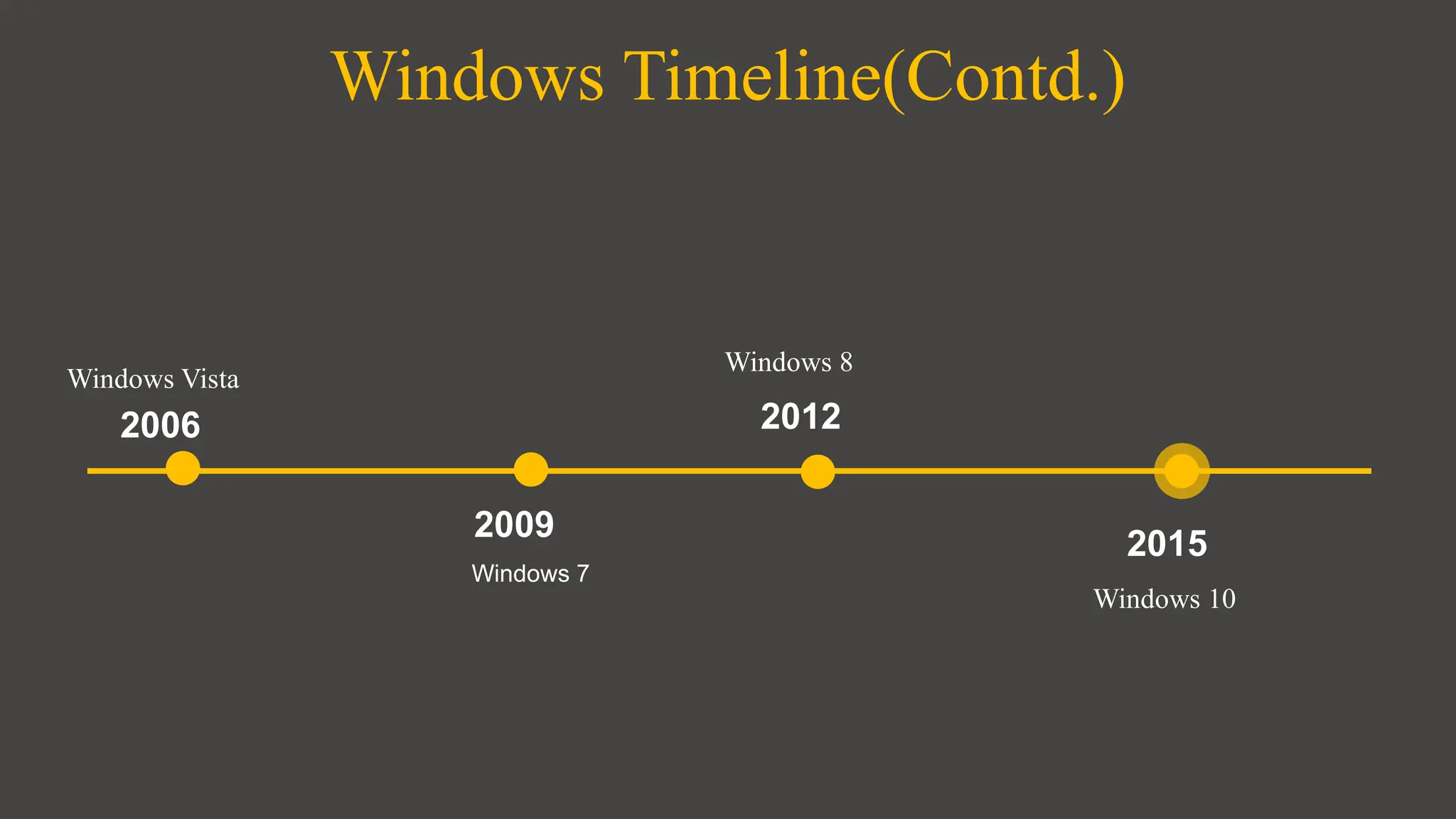
Windows Timeline(Contd.)
2009
2012
2015
2006
Windows 7
Windows 8
Windows 10
Windows Vista
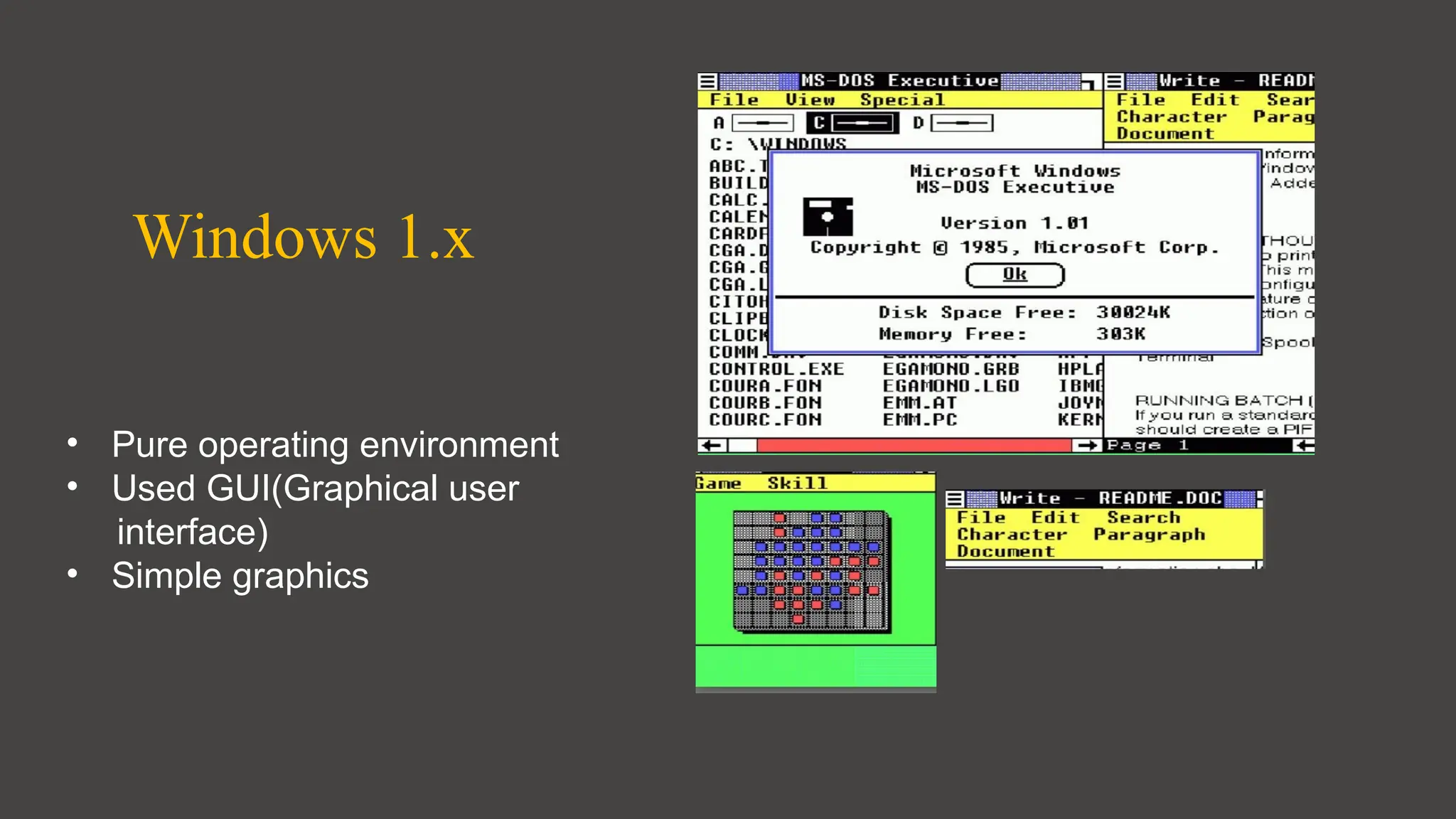
Windows 1.x
• Pure operating environment
• Used GUI(Graphical user
interface)
• Simple graphics
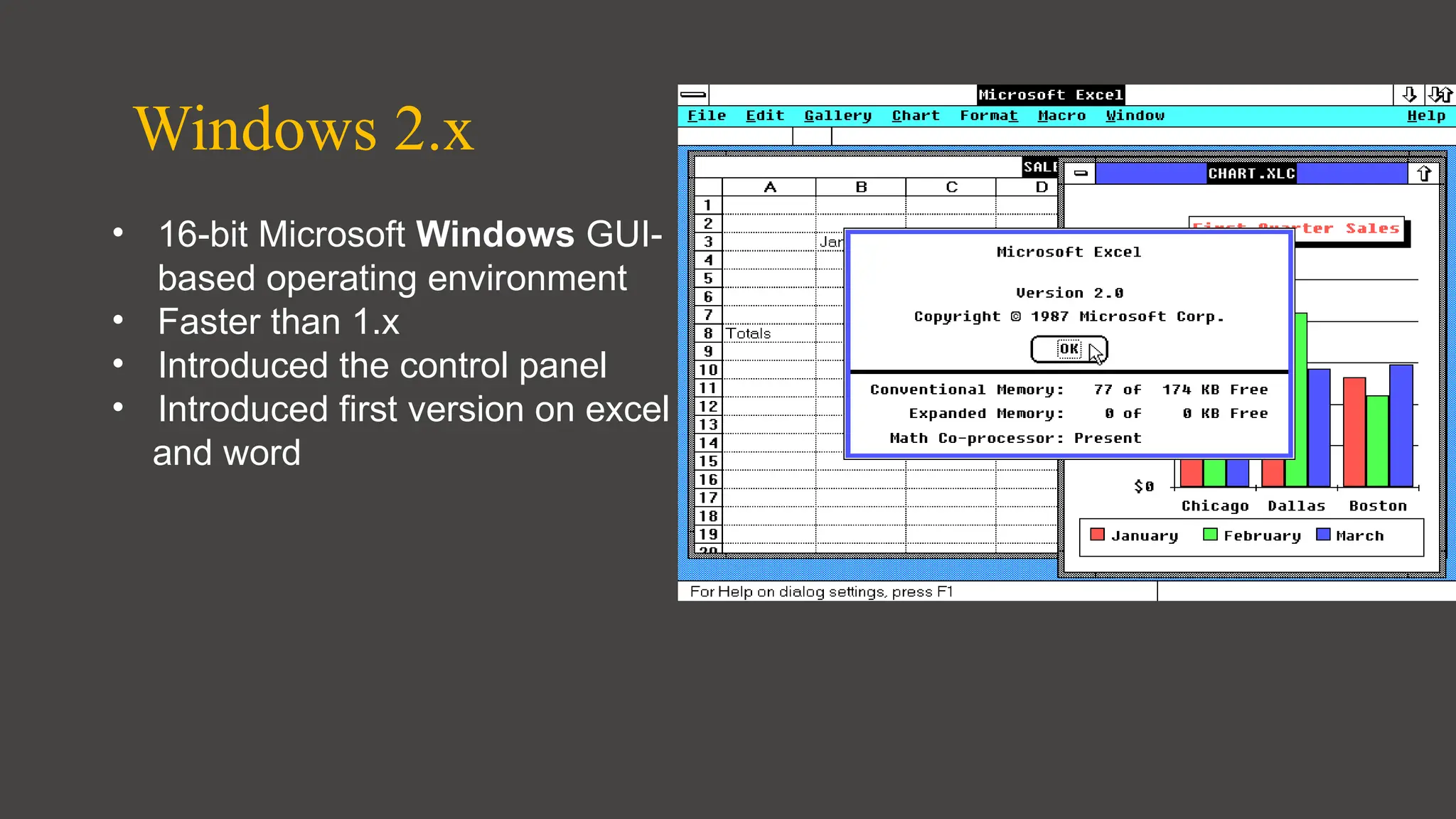
Windows 2.x
• 16-bit Microsoft Windows GUI-
based operating environment
• Faster than 1.x
• Introduced the control panel
• Introduced first version on excel
and word
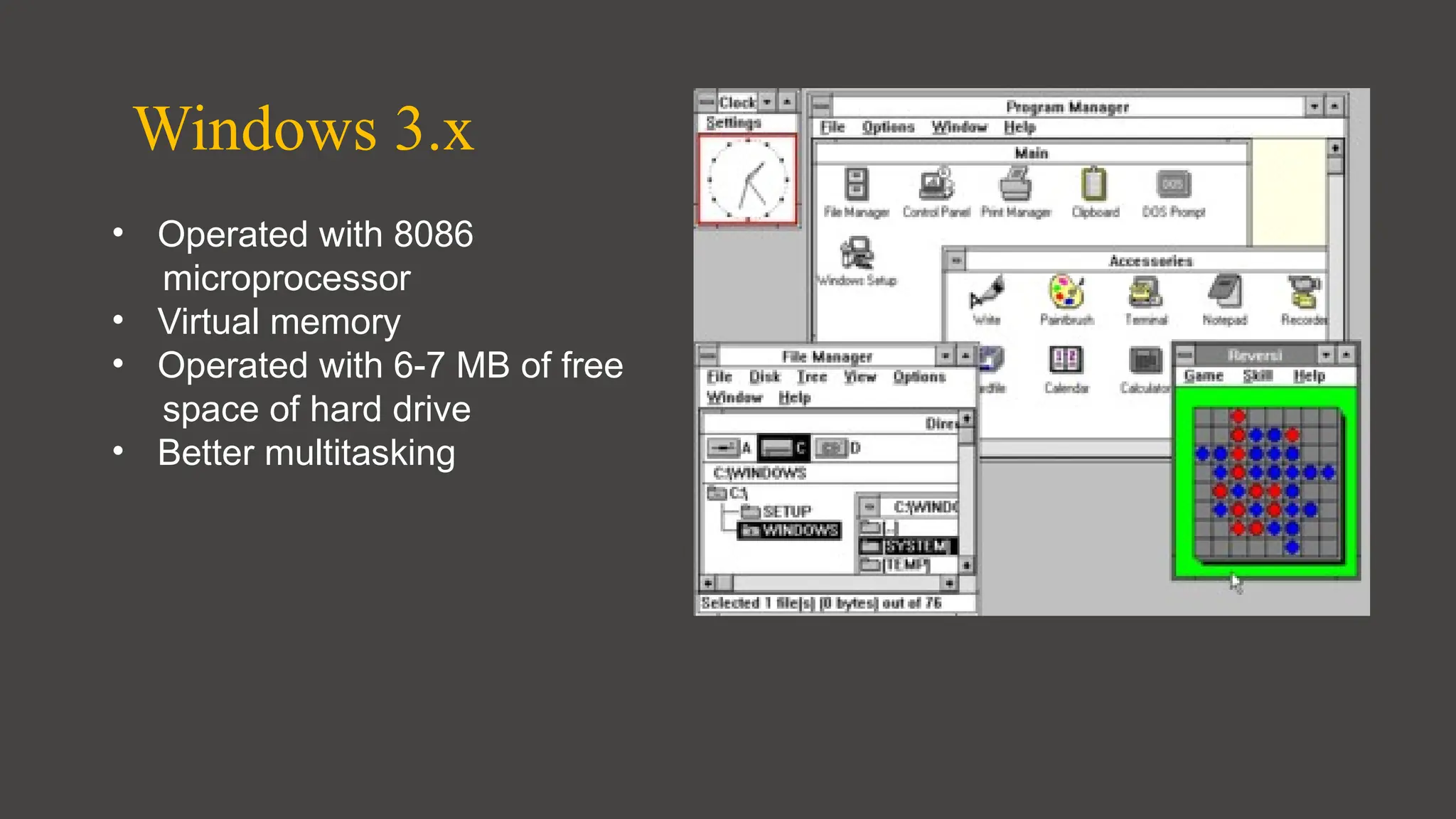
Windows 3.x
• Operated with 8086
microprocessor
• Virtual memory
• Operated with 6-7 MB of free
space of hard drive
• Better multitasking
Windows 95
• A complete operating system
• Improved windows control and
appearance
• Right button menu
• Task bar and start menu
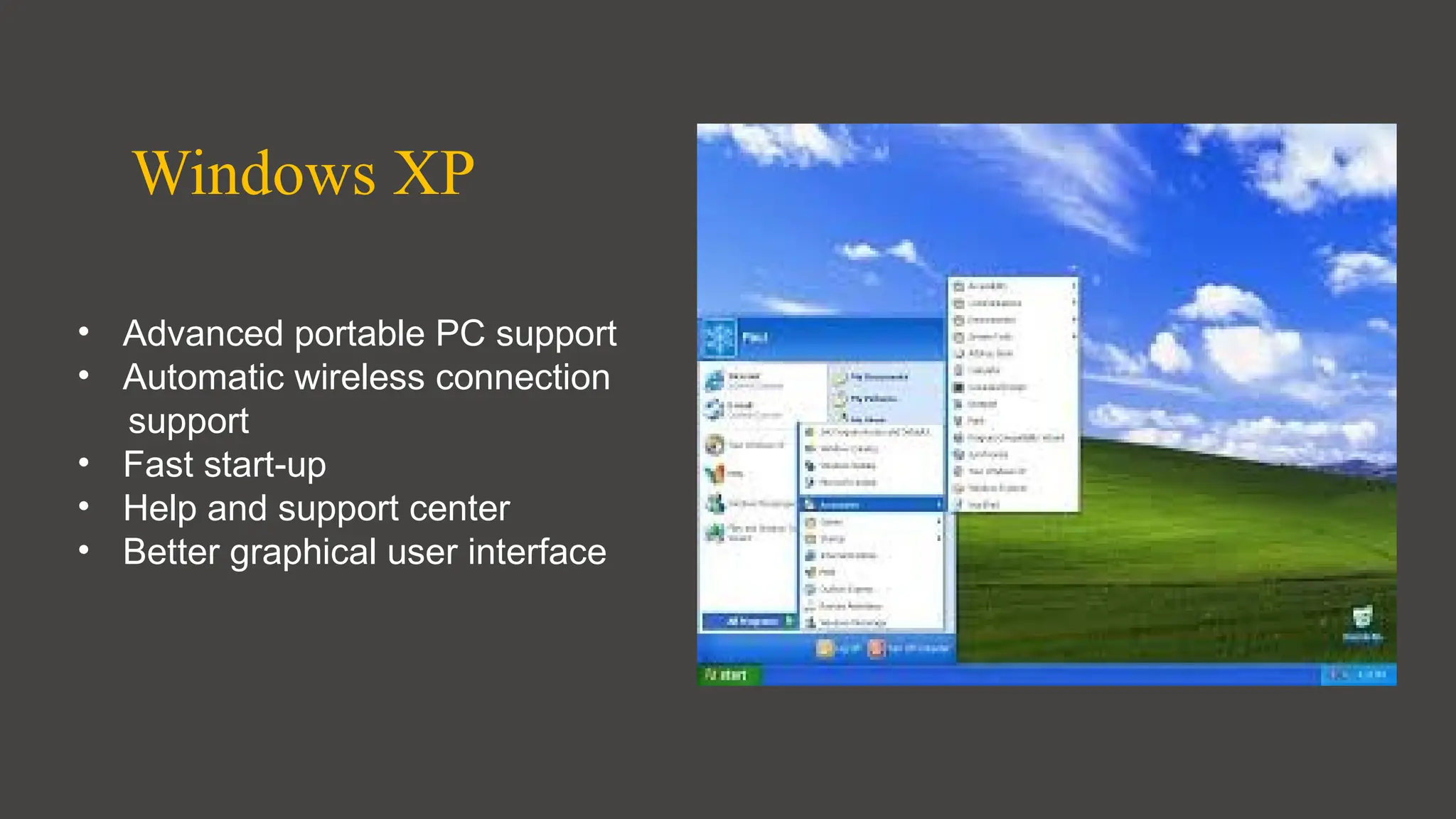
Windows XP
• Advanced portable PC support
• Automatic wireless connection
support
• Fast start-up
• Help and support center
• Better graphical user interface
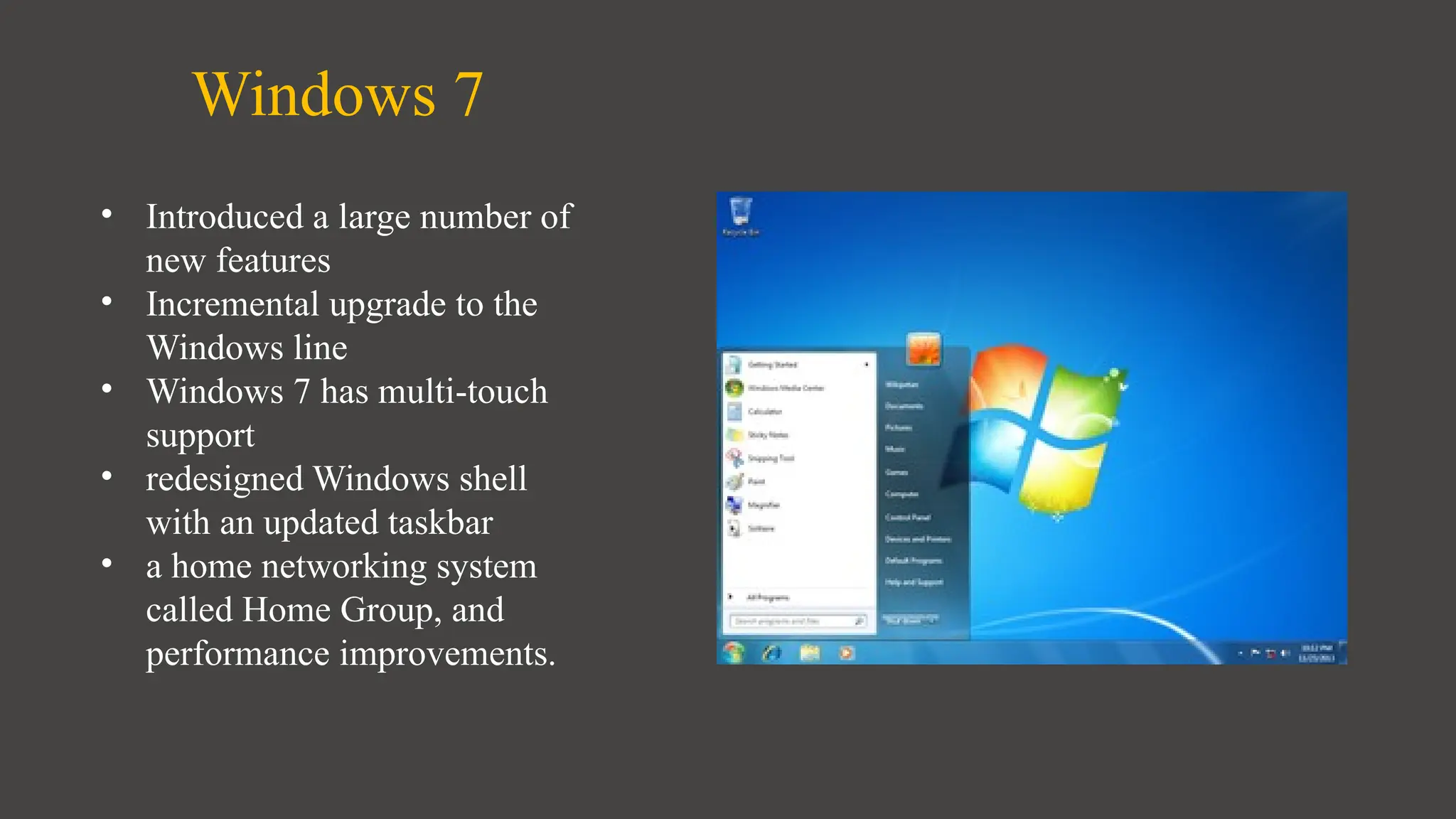
Windows 7
• Introduced a large number of
new features
• Incremental upgrade to the
Windows line
• Windows 7 has multi-touch
support
• redesigned Windows shell
with an updated taskbar
• a home networking system
called Home Group, and
performance improvements.
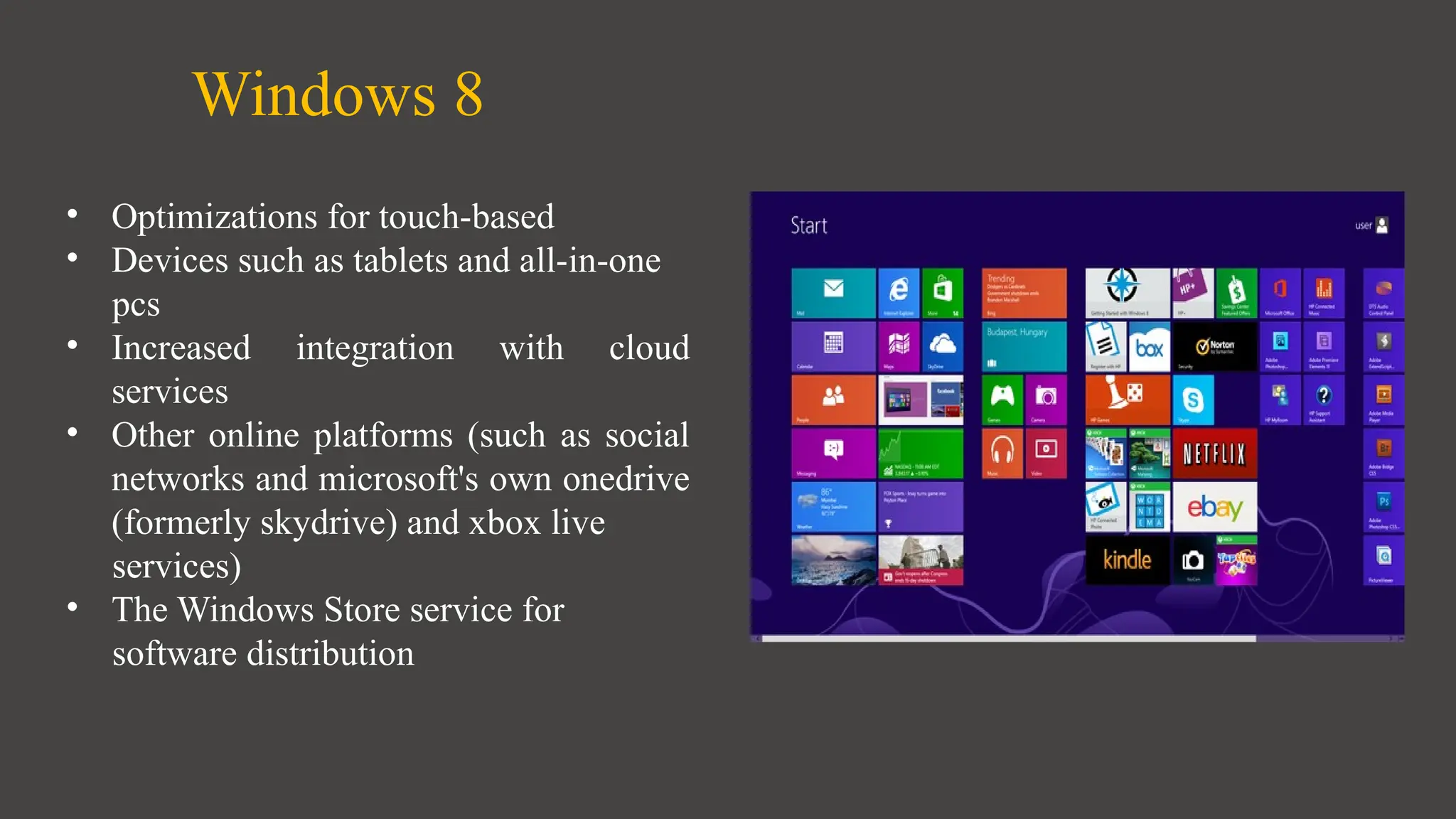
Windows 8
• Optimizations for touch-based
• Devices such as tablets and all-in-one
pcs
• Increased integration with cloud
services
• Other online platforms (such as social
networks and microsoft's own onedrive
(formerly skydrive) and xbox live
services)
• The Windows Store service for
software distribution
Windows 10
• Addresses shortcomings in the user
interface first introduced with
windows 8
• The return of the start menu
• A virtual desktop system
• The ability to run windows store apps
within windows on the desktop rather
than in full-screen mode
• Includes new icons and right-click
context menus, default printer
management, four times as many tiles
allowed in the start menu, find My
Device, and Edge updates.
Versions of Windows
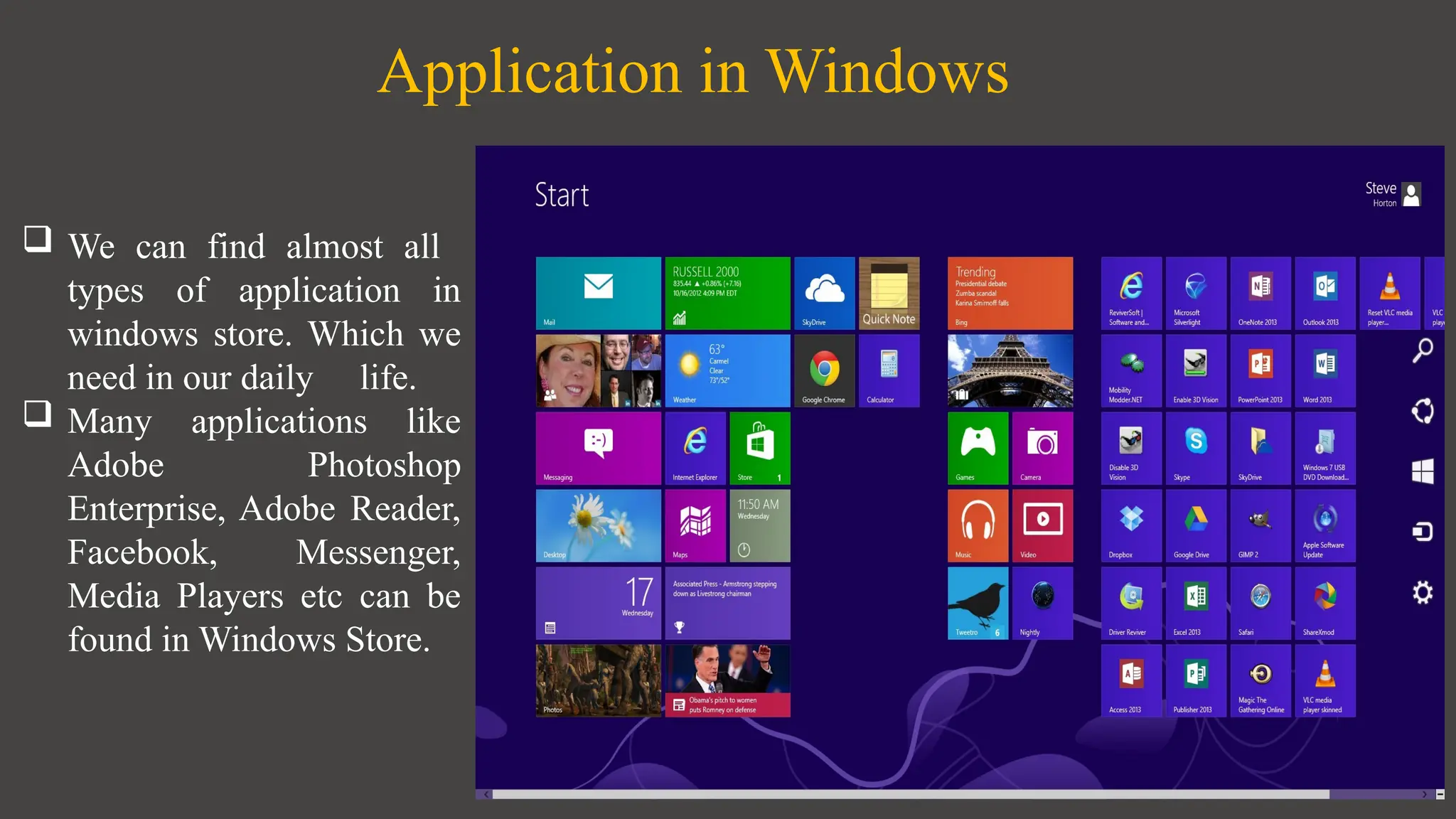
Application in Windows
 We can find almost all
types of application in
windows store. Which we
need in our daily life.
 Many applications like
Adobe Photoshop
Enterprise, Adobe Reader,
Facebook, Messenger,
Media Players etc can be
found in Windows Store.
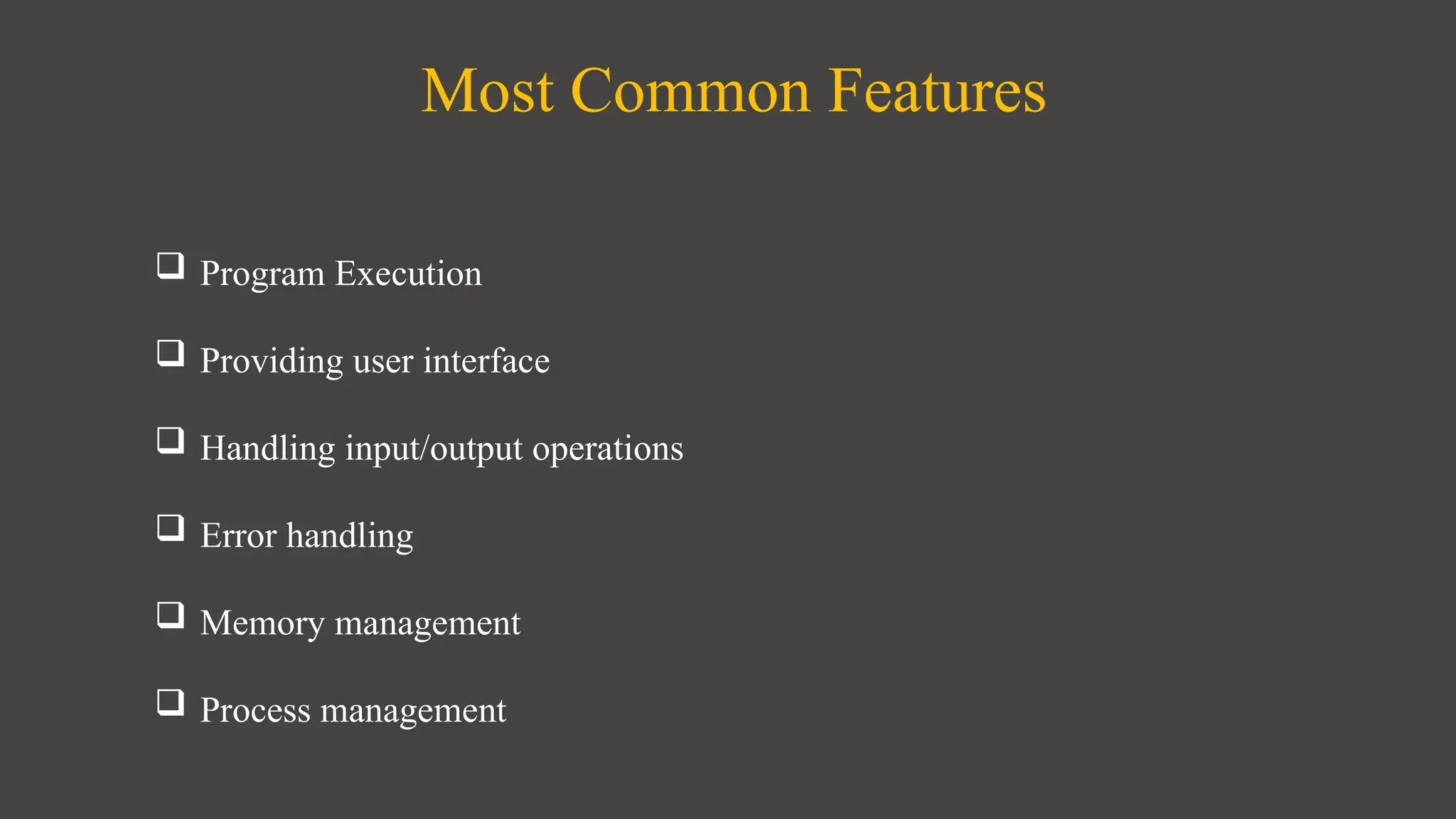
Most Common Features
 Program Execution
 Providing user interface
 Handling input/output operations
 Error handling
 Memory management
 Process management
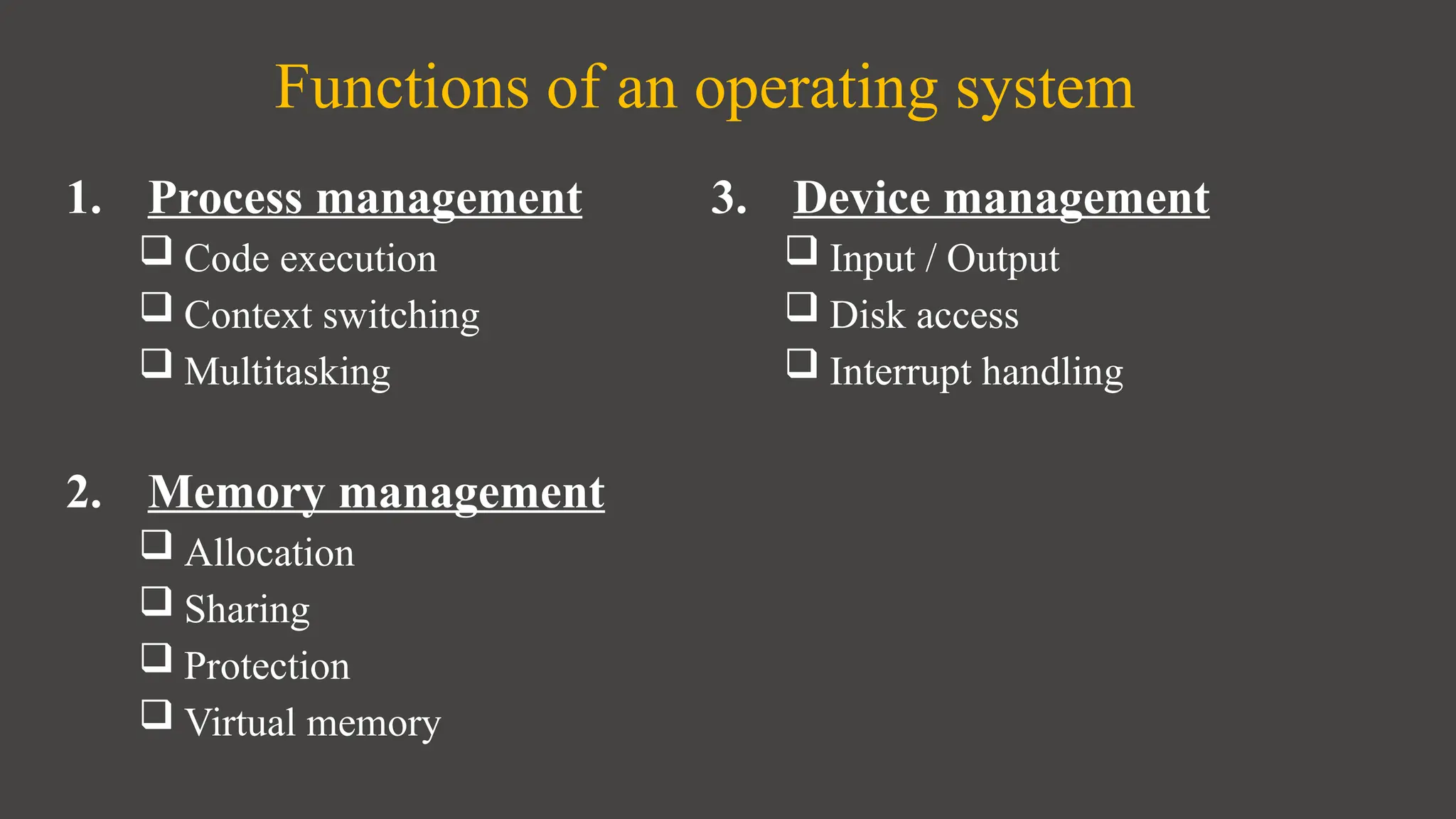
Functions of an operating system
1. Process management
 Code execution
 Context switching
 Multitasking
2. Memory management
 Allocation
 Sharing
 Protection
 Virtual memory
3. Device management
 Input / Output
 Disk access
 Interrupt handling
Any one can install any
types of software & games
into windows.
It is compatible of all
types of software &
games.
Compatibility
Security
• It is less secured than
other Operating System
due to its popularity.
• There are about 60,000
viruses known for
Windows.
• There are numerous anti
virus program in
windows.
Popularity
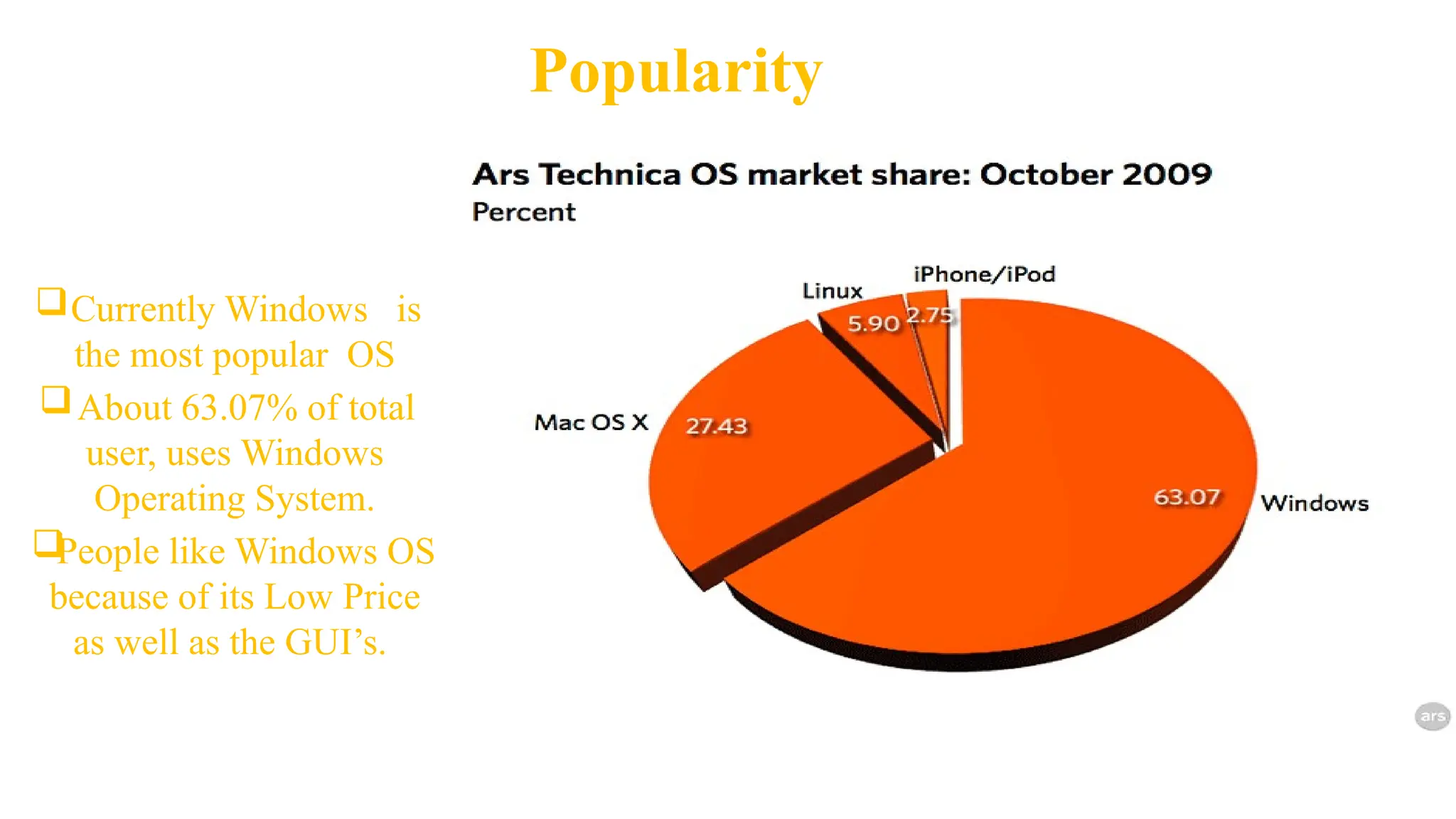
Currently Windows is
the most popular OS
About 63.07% of total
user, uses Windows
Operating System.

People like Windows OS
because of its Low Price
as well as the GUI’s.
Popularity (Cont.)
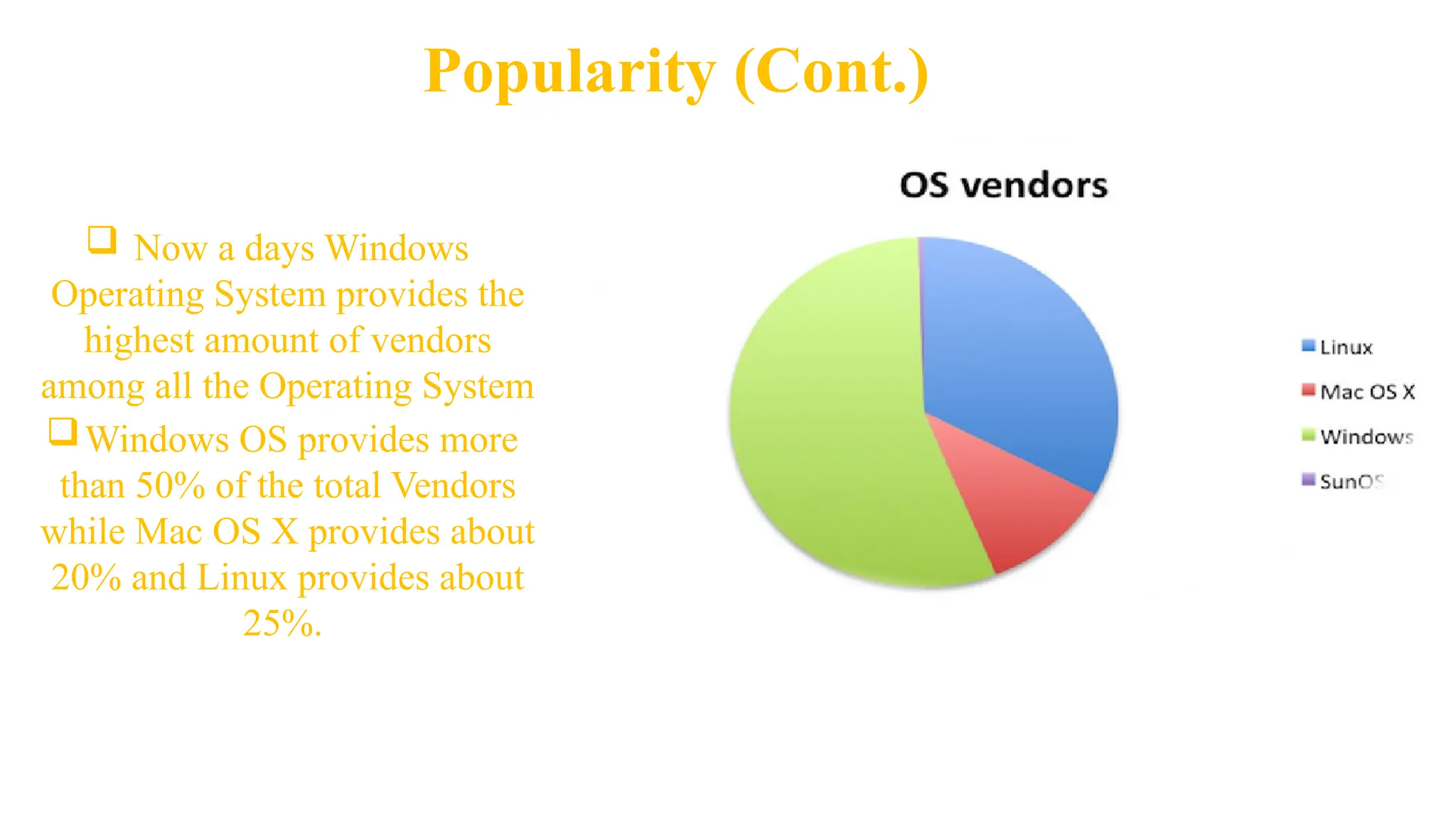
 Now a days Windows
Operating System provides the
highest amount of vendors
among all the Operating System
Windows OS provides more
than 50% of the total Vendors
while Mac OS X provides about
20% and Linux provides about
25%.
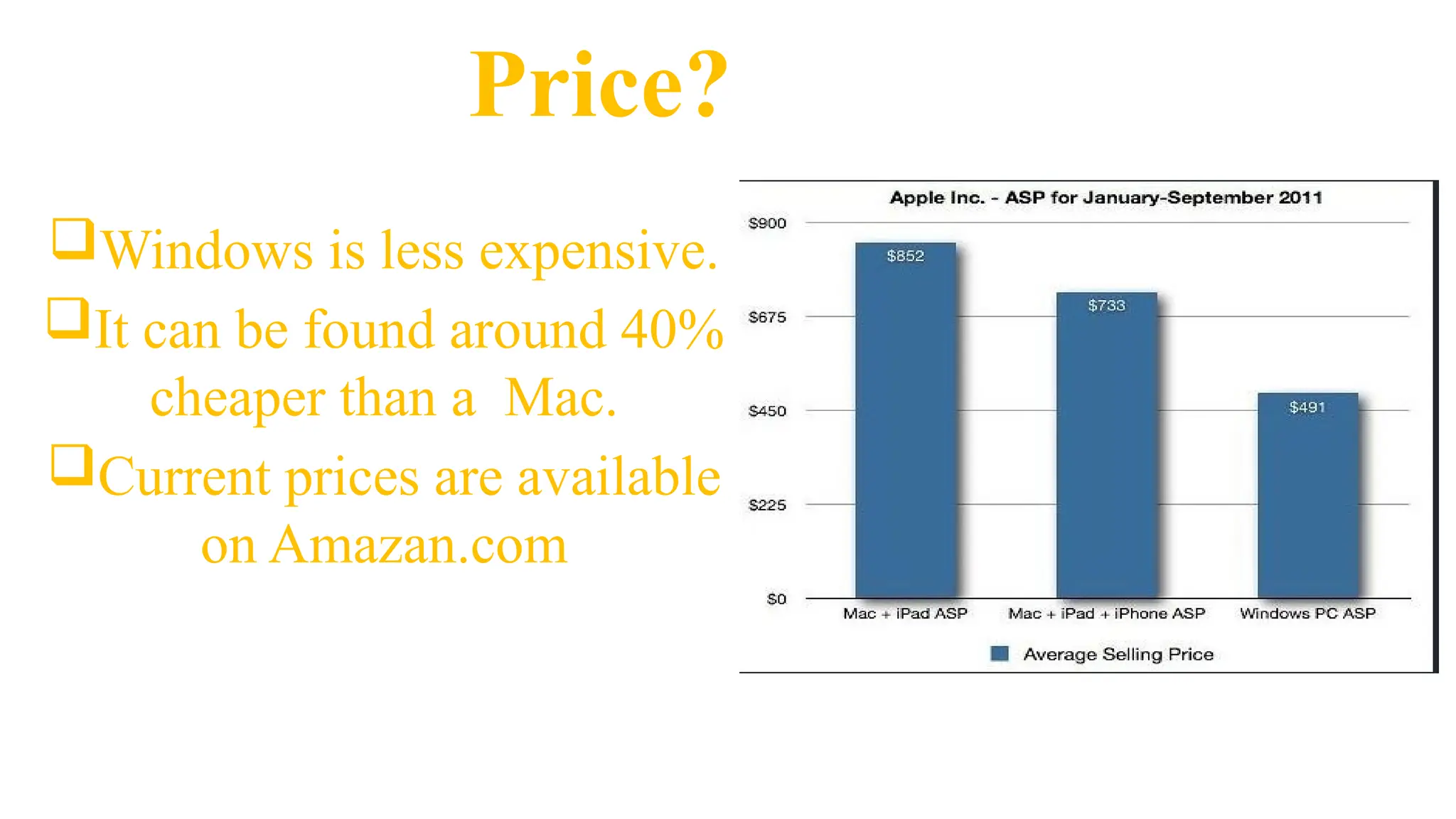
Price?
Windows is less expensive.
It can be found around 40%
cheaper than a Mac.
Current prices are available
on Amazan.com
Even after having some limitations Windows is now the
most used Operating System in the world. It has increased
GUI which attracts the user most.
Also it’s cost is cheap.
The main limitation is it not much secured like Mac OS.
Conclusion
Any Question
?
Thank you
Insert the title of your subtitle Here

Presentation_on_Windows_Operating_System.pptx

  • 1.
    Welcome to ourPresentation on Windows Operating System 1
  • 2.
    Group: One Eshita Khanam Ema ID#16103209 Jahid Istiaq ID# 14103128 Sabrina Sultana ID# 14303050 Prepared By: A.S.M. Shakil Ahamed ID# 16203001 Tonny Sarker ID# 16203006
  • 3.
  • 4.
    Contents 05 06 07 08 Features Functions of an WindowsOperating System Compatibility Security
  • 5.
  • 6.
    Introduction  Developer: Microsoft Initial release: 20th November, 1985; (32 years ago, as version 1.0)  Marketing target: Personal computing  Available in 138 languages  Default user interface: Windows shell  License: Proprietary commercial software  Official website: windows.microsoft.com
  • 7.
    What is meantby Windows Operating System?  A group of several graphical operating system families, all of which are developed, marketed, and sold by Microsoft.  As a graphical operating system shell for MS-DOS in response to the growing interest in graphical user interfaces (GUIs).
  • 8.
     As ofDecember 2017, the most recent version of Windows for PCs, tablets, smartphones and embedded devices is Windows 10.  The most recent versions for server computers is Windows Server 2016.
  • 9.
  • 10.
    • Earlier, therewere no operating systems • Each user used the machine for a scheduled period of time • Often on punched paper cards and magnetic • The program would be loaded into the machine, and the machine would be set to work until the program completed or crashed • Then Windows introduced
  • 11.
    Windows Timeline 1990-1994 1995 1998 2000 2001 1985-1992 Windows 3.0-3.1 Windows95 Windows 98 Windows 2000 Windows XP Windows 1.0-2.0
  • 12.
  • 13.
    Windows 1.x • Pureoperating environment • Used GUI(Graphical user interface) • Simple graphics
  • 14.
    Windows 2.x • 16-bitMicrosoft Windows GUI- based operating environment • Faster than 1.x • Introduced the control panel • Introduced first version on excel and word
  • 15.
    Windows 3.x • Operatedwith 8086 microprocessor • Virtual memory • Operated with 6-7 MB of free space of hard drive • Better multitasking
  • 16.
    Windows 95 • Acomplete operating system • Improved windows control and appearance • Right button menu • Task bar and start menu
  • 17.
    Windows XP • Advancedportable PC support • Automatic wireless connection support • Fast start-up • Help and support center • Better graphical user interface
  • 18.
    Windows 7 • Introduceda large number of new features • Incremental upgrade to the Windows line • Windows 7 has multi-touch support • redesigned Windows shell with an updated taskbar • a home networking system called Home Group, and performance improvements.
  • 19.
    Windows 8 • Optimizationsfor touch-based • Devices such as tablets and all-in-one pcs • Increased integration with cloud services • Other online platforms (such as social networks and microsoft's own onedrive (formerly skydrive) and xbox live services) • The Windows Store service for software distribution
  • 20.
    Windows 10 • Addressesshortcomings in the user interface first introduced with windows 8 • The return of the start menu • A virtual desktop system • The ability to run windows store apps within windows on the desktop rather than in full-screen mode • Includes new icons and right-click context menus, default printer management, four times as many tiles allowed in the start menu, find My Device, and Edge updates.
  • 21.
  • 22.
    Application in Windows We can find almost all types of application in windows store. Which we need in our daily life.  Many applications like Adobe Photoshop Enterprise, Adobe Reader, Facebook, Messenger, Media Players etc can be found in Windows Store.
  • 23.
    Most Common Features Program Execution  Providing user interface  Handling input/output operations  Error handling  Memory management  Process management
  • 24.
    Functions of anoperating system 1. Process management  Code execution  Context switching  Multitasking 2. Memory management  Allocation  Sharing  Protection  Virtual memory 3. Device management  Input / Output  Disk access  Interrupt handling
  • 25.
    Any one caninstall any types of software & games into windows. It is compatible of all types of software & games. Compatibility
  • 26.
    Security • It isless secured than other Operating System due to its popularity. • There are about 60,000 viruses known for Windows. • There are numerous anti virus program in windows.
  • 27.
    Popularity Currently Windows is themost popular OS About 63.07% of total user, uses Windows Operating System.  People like Windows OS because of its Low Price as well as the GUI’s.
  • 28.
    Popularity (Cont.)  Nowa days Windows Operating System provides the highest amount of vendors among all the Operating System Windows OS provides more than 50% of the total Vendors while Mac OS X provides about 20% and Linux provides about 25%.
  • 29.
    Price? Windows is lessexpensive. It can be found around 40% cheaper than a Mac. Current prices are available on Amazan.com
  • 30.
    Even after havingsome limitations Windows is now the most used Operating System in the world. It has increased GUI which attracts the user most. Also it’s cost is cheap. The main limitation is it not much secured like Mac OS. Conclusion
  • 31.
  • 32.
    Thank you Insert thetitle of your subtitle Here