Types of operating Systems
by Dr. Mamoona Anam
1.Stand alone Operating Systems
• An operating system that works on a desktop is called
standalone operating system
• Some standalone operating systems can work with a server
operating system and are client operating system
• A client server can work with or without a network
1.DOS
• Sisk operating system
• It was developed by Microsoft in early 1980 for personal
computer
• It is single user operating system
2.Windows
• Windows refers to an operating system developed by
Microsoft that is used on personal computers, laptops, and
other devices.
• It provides a graphical user interface (GUI) and a set of
services and tools that allow users to interact with the
hardware and software of their computers.
• Over the years, Microsoft has released many versions of
Windows, making it one of the most widely used operating
systems in the world.
Key Features of Windows Operating System:
1.Graphical User Interface (GUI):
1. Windows provides a visual interface with icons, windows, and buttons that make it easier for
users to interact with their computers. It is designed to be intuitive, allowing users to navigate
files, open applications, and interact with the system through a mouse and keyboard.
2.File System:
1. Windows uses a file system to organize and manage data on storage devices like hard drives
and SSDs. The most commonly used file system in Windows is NTFS (New Technology File
System), which supports features like file security, large file sizes, and disk encryption.
3.Multitasking:
1. Windows allows users to run multiple programs at the same time, switching between them
easily. This is achieved through efficient memory and processor management.
4.Control Panel / Settings:
1. Windows includes tools for adjusting system settings, such as network connections, hardware
configuration, user accounts, and privacy options. In newer versions, the Settings app has
become more central, replacing some features of the traditional Control Panel.
Key Features of Windows Operating System:
5. Start Menu:
The Start Menu is a central feature of Windows that provides
access to programs, settings, and files. It was first introduced
in Windows 95 and has evolved with each version of Windows.
6. Taskbar:
The Taskbar at the bottom of the screen provides quick
access to open applications, notifications, and system icons. It
also includes the Start Menu button, allowing users to easily
open apps and switch between tasks.
Key Features of Windows Operating System:
7.File Explorer:
File Explorer is a file management tool that allows users to
navigate folders, manage files, and perform operations like
copying, pasting, and moving files across the system.
8. Microsoft Store:
The Microsoft Store provides access to a variety of
applications and digital content, including games, utilities,
and productivity tools. It enables users to download apps and
updates directly from Microsoft’s ecosystem.
Key Features of Windows Operating
System
9. Security Features:
1. Windows includes built-in security tools like Windows Defender Antivirus,
Windows Firewall, and BitLocker (for disk encryption). These help protect
users from malware, cyberattacks, and unauthorized access.
10. Virtual Desktops:
• Windows allows users to create multiple virtual desktops, enabling
better organization of tasks and apps, which is particularly useful for
multitasking.
11.Windows Update:
• Windows includes an automatic update system that ensures users get
the latest security patches, bug fixes, and new features regularly.
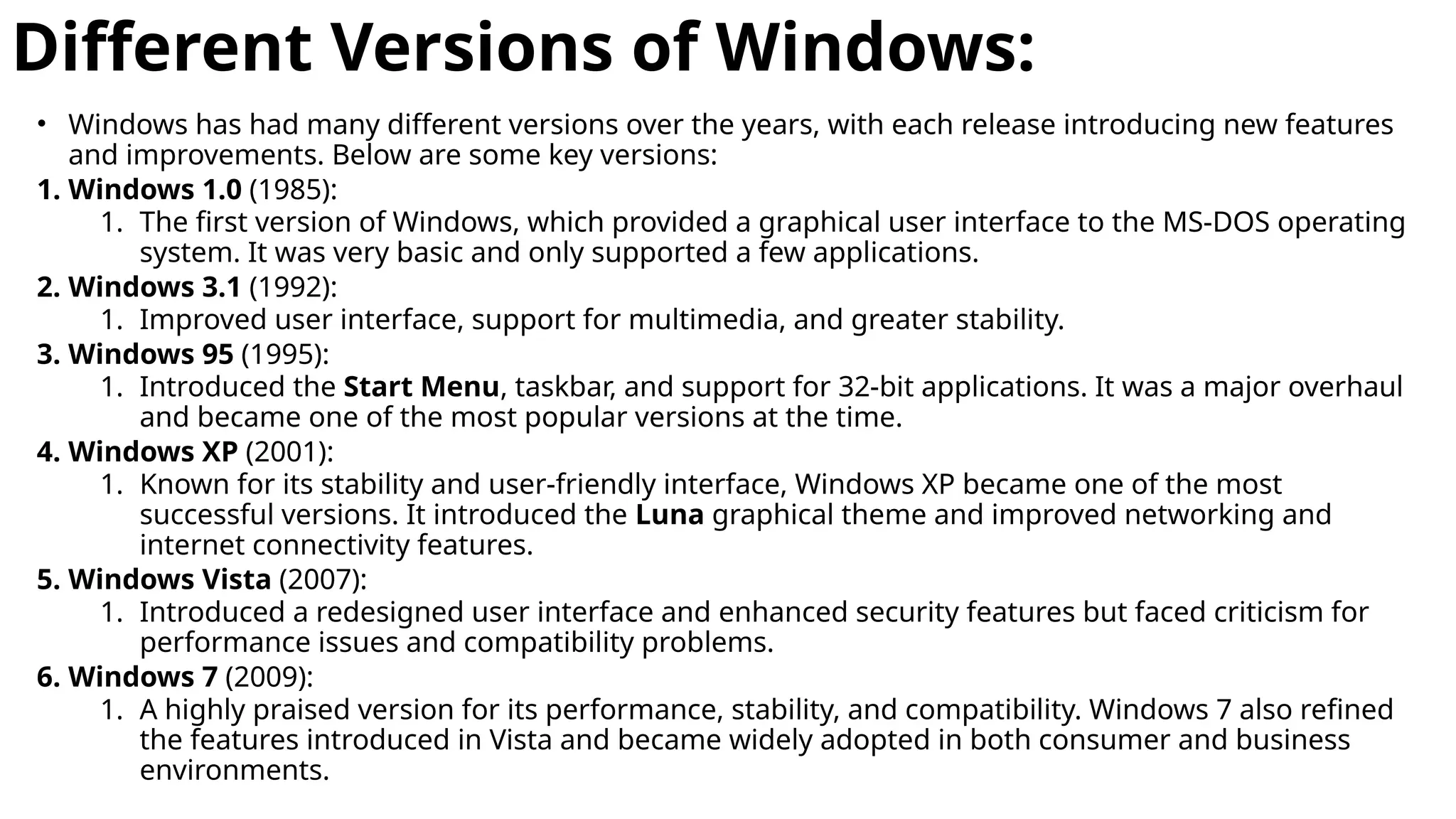
Different Versions of Windows:
• Windows has had many different versions over the years, with each release introducing new features
and improvements. Below are some key versions:
1. Windows 1.0 (1985):
1. The first version of Windows, which provided a graphical user interface to the MS-DOS operating
system. It was very basic and only supported a few applications.
2. Windows 3.1 (1992):
1. Improved user interface, support for multimedia, and greater stability.
3. Windows 95 (1995):
1. Introduced the Start Menu, taskbar, and support for 32-bit applications. It was a major overhaul
and became one of the most popular versions at the time.
4. Windows XP (2001):
1. Known for its stability and user-friendly interface, Windows XP became one of the most
successful versions. It introduced the Luna graphical theme and improved networking and
internet connectivity features.
5. Windows Vista (2007):
1. Introduced a redesigned user interface and enhanced security features but faced criticism for
performance issues and compatibility problems.
6. Windows 7 (2009):
1. A highly praised version for its performance, stability, and compatibility. Windows 7 also refined
the features introduced in Vista and became widely adopted in both consumer and business
environments.
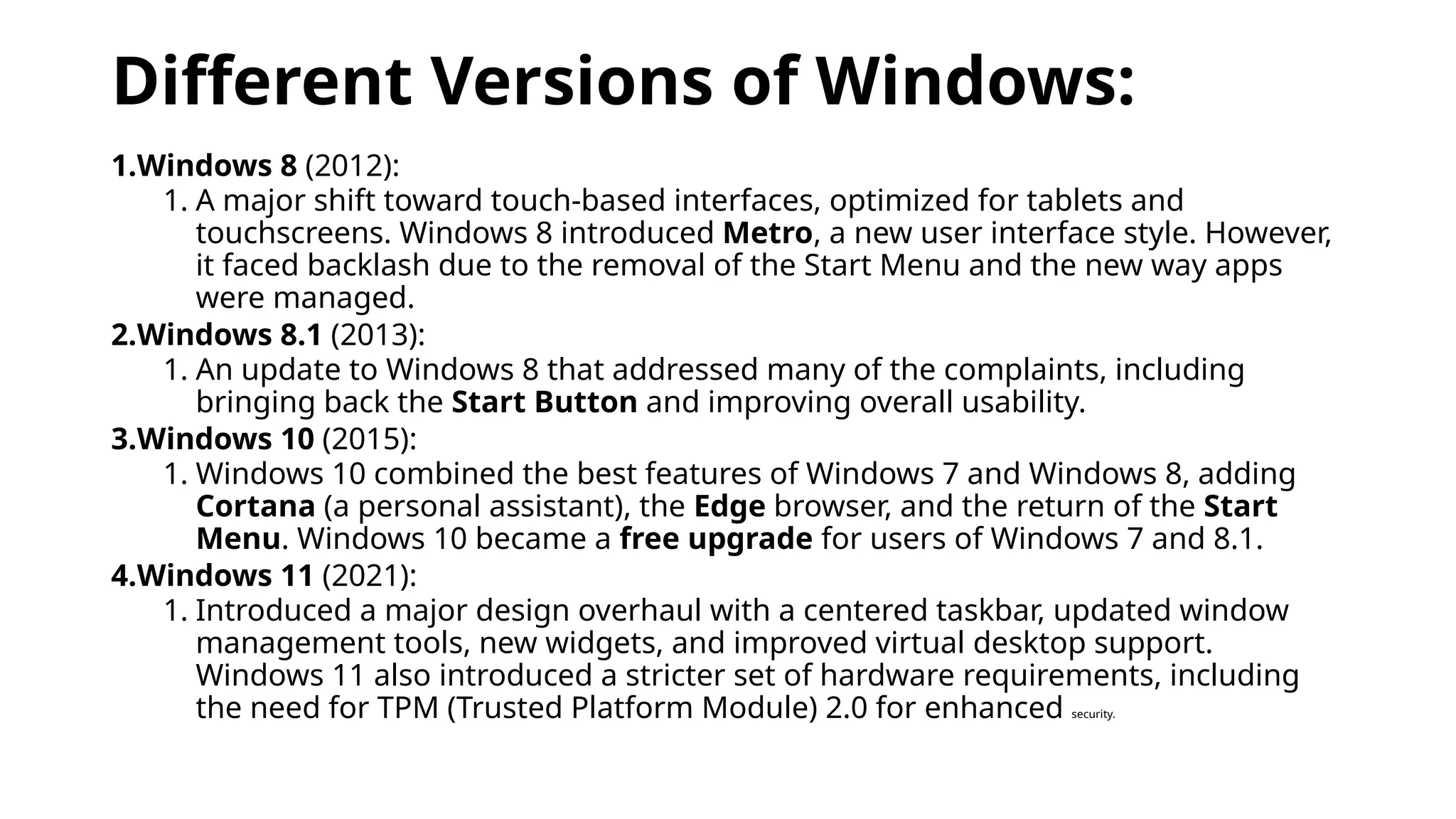
Different Versions of Windows:
1.Windows 8 (2012):
1. A major shift toward touch-based interfaces, optimized for tablets and
touchscreens. Windows 8 introduced Metro, a new user interface style. However,
it faced backlash due to the removal of the Start Menu and the new way apps
were managed.
2.Windows 8.1 (2013):
1. An update to Windows 8 that addressed many of the complaints, including
bringing back the Start Button and improving overall usability.
3.Windows 10 (2015):
1. Windows 10 combined the best features of Windows 7 and Windows 8, adding
Cortana (a personal assistant), the Edge browser, and the return of the Start
Menu. Windows 10 became a free upgrade for users of Windows 7 and 8.1.
4.Windows 11 (2021):
1. Introduced a major design overhaul with a centered taskbar, updated window
management tools, new widgets, and improved virtual desktop support.
Windows 11 also introduced a stricter set of hardware requirements, including
the need for TPM (Trusted Platform Module) 2.0 for enhanced security.
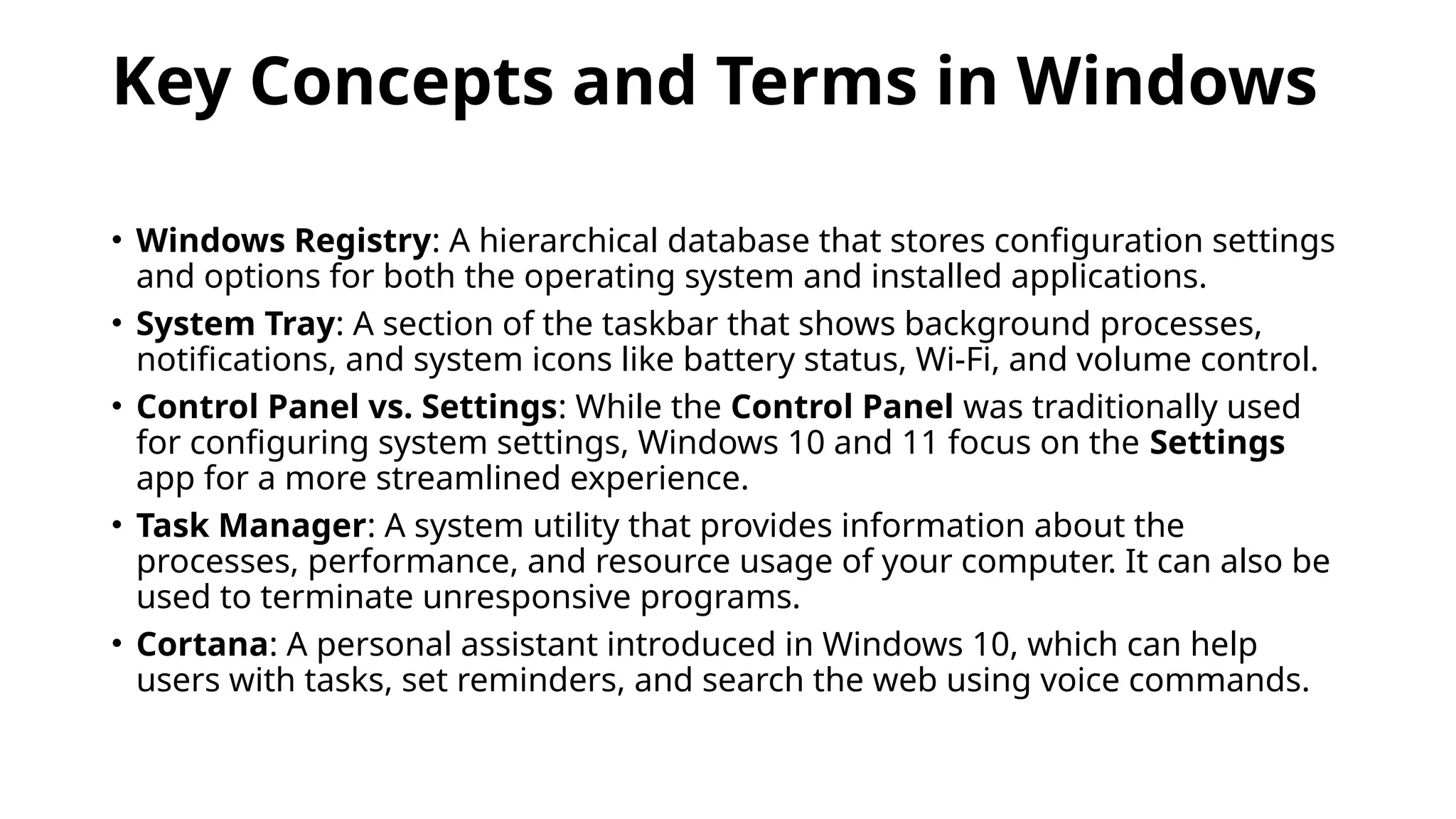
Key Concepts and Terms in Windows
• Windows Registry: A hierarchical database that stores configuration settings
and options for both the operating system and installed applications.
• System Tray: A section of the taskbar that shows background processes,
notifications, and system icons like battery status, Wi-Fi, and volume control.
• Control Panel vs. Settings: While the Control Panel was traditionally used
for configuring system settings, Windows 10 and 11 focus on the Settings
app for a more streamlined experience.
• Task Manager: A system utility that provides information about the
processes, performance, and resource usage of your computer. It can also be
used to terminate unresponsive programs.
• Cortana: A personal assistant introduced in Windows 10, which can help
users with tasks, set reminders, and search the web using voice commands.
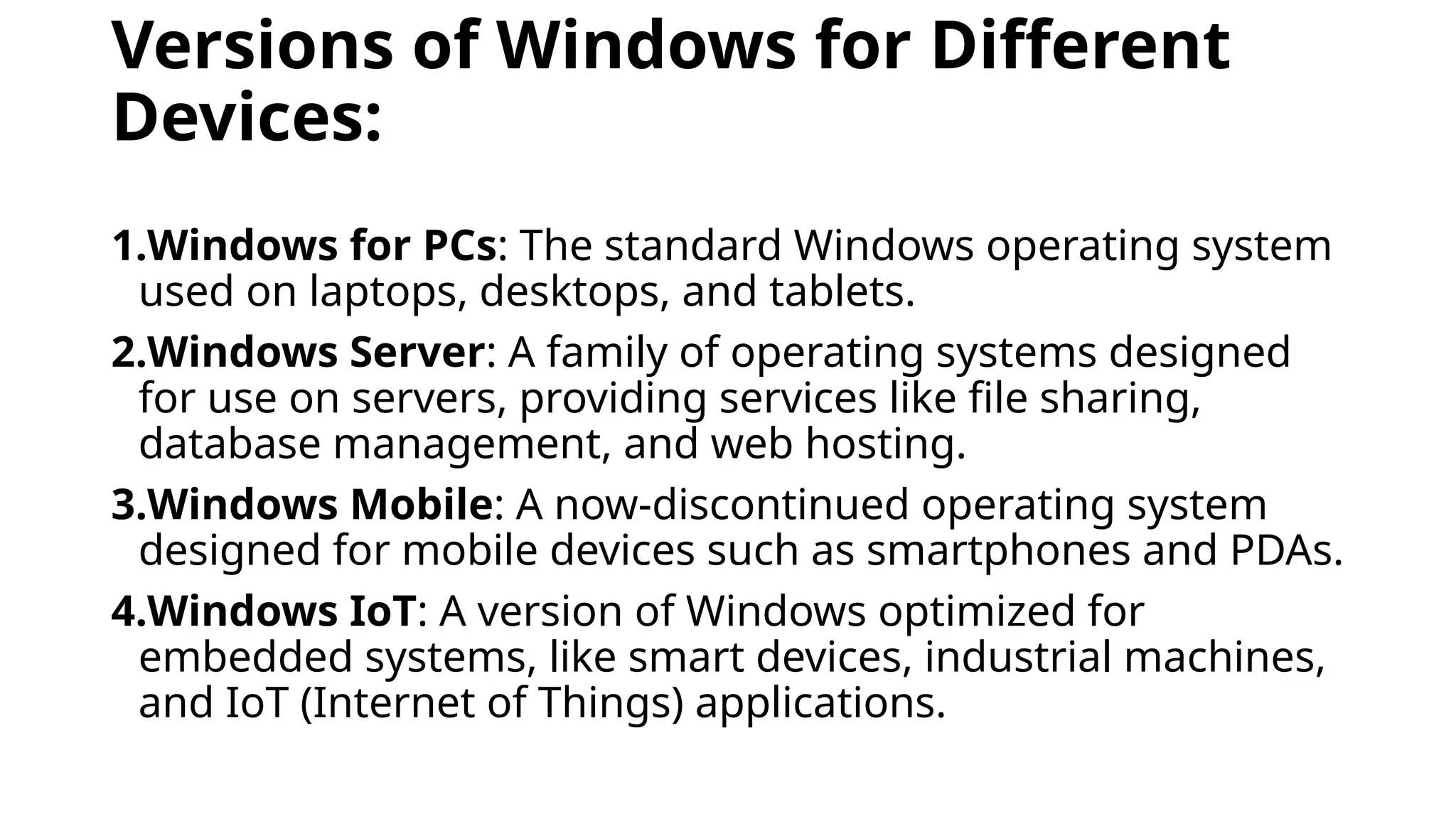
Versions of Windows for Different
Devices:
1.Windows for PCs: The standard Windows operating system
used on laptops, desktops, and tablets.
2.Windows Server: A family of operating systems designed
for use on servers, providing services like file sharing,
database management, and web hosting.
3.Windows Mobile: A now-discontinued operating system
designed for mobile devices such as smartphones and PDAs.
4.Windows IoT: A version of Windows optimized for
embedded systems, like smart devices, industrial machines,
and IoT (Internet of Things) applications.
Advantages of Windows:
1.Compatibility: Windows supports a wide range of hardware and
software, including third-party applications.
2.User Interface: Windows offers an intuitive GUI, making it user-friendly
for beginners and advanced users alike.
3.Software Availability: Most commercial and professional software (e.g.,
Microsoft Office, Adobe Creative Cloud) is designed to run on Windows.
4.Support for Gaming: Windows is the dominant platform for PC gaming,
offering support for a wide variety of games and gaming hardware.
5.Enterprise Features: Windows offers extensive tools for businesses,
such as group policies, remote desktop access, and advanced security
features.
Disadvantages of Windows:
1.Cost: Windows typically requires a paid license, which can be
expensive, especially for businesses or large installations.
2.Security Risks: Due to its popularity, Windows is a frequent
target for malware, viruses, and cyberattacks.
3.Performance Overhead: Windows tends to require more
system resources (CPU, RAM, storage) compared to some other
operating systems like Linux, especially for newer versions.
4.Frequent Updates: While updates are essential for security
and performance, they can sometimes be intrusive or cause
compatibility issues.
3.Mac OS
• macOS (formerly Mac OS X and OS X) is Apple’s proprietary
operating system designed for its Mac computers.
• Known for its user-friendly interface, integration with Apple’s
ecosystem, and robust performance, macOS is popular
among creative professionals, developers, and everyday
users who value a seamless and stable user experience.
Key Features of macOS
1.User Interface (Aqua)
1.macOS is known for its intuitive, clean, and visually appealing
interface, with refined elements and smooth animations.
2.The Dock provides quick access to frequently used applications,
and Mission Control offers an overview of open windows and
desktops, allowing users to navigate easily.
Key Features of macOS
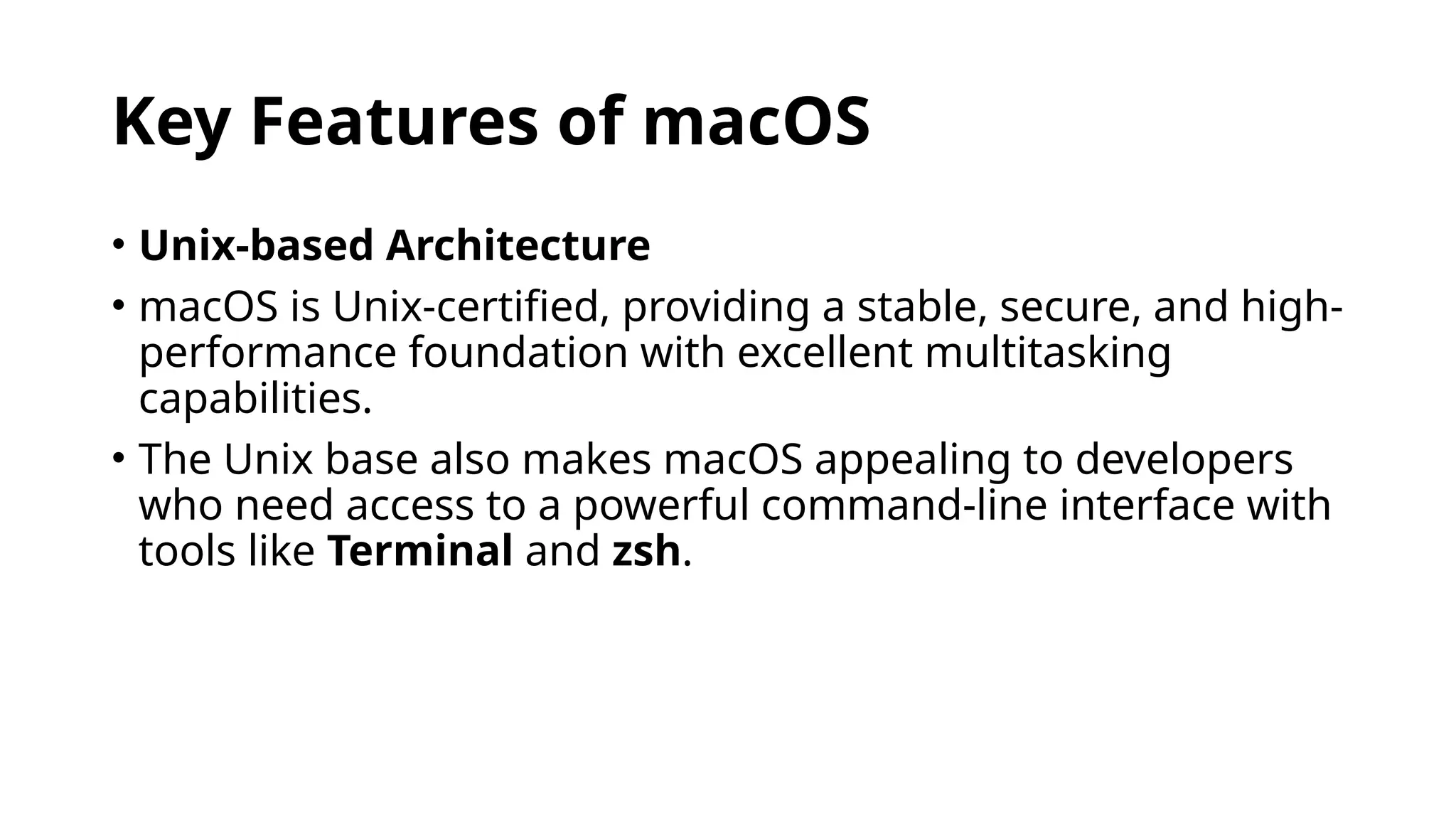
• Unix-based Architecture
• macOS is Unix-certified, providing a stable, secure, and high-
performance foundation with excellent multitasking
capabilities.
• The Unix base also makes macOS appealing to developers
who need access to a powerful command-line interface with
tools like Terminal and zsh.
Key Features of macOS
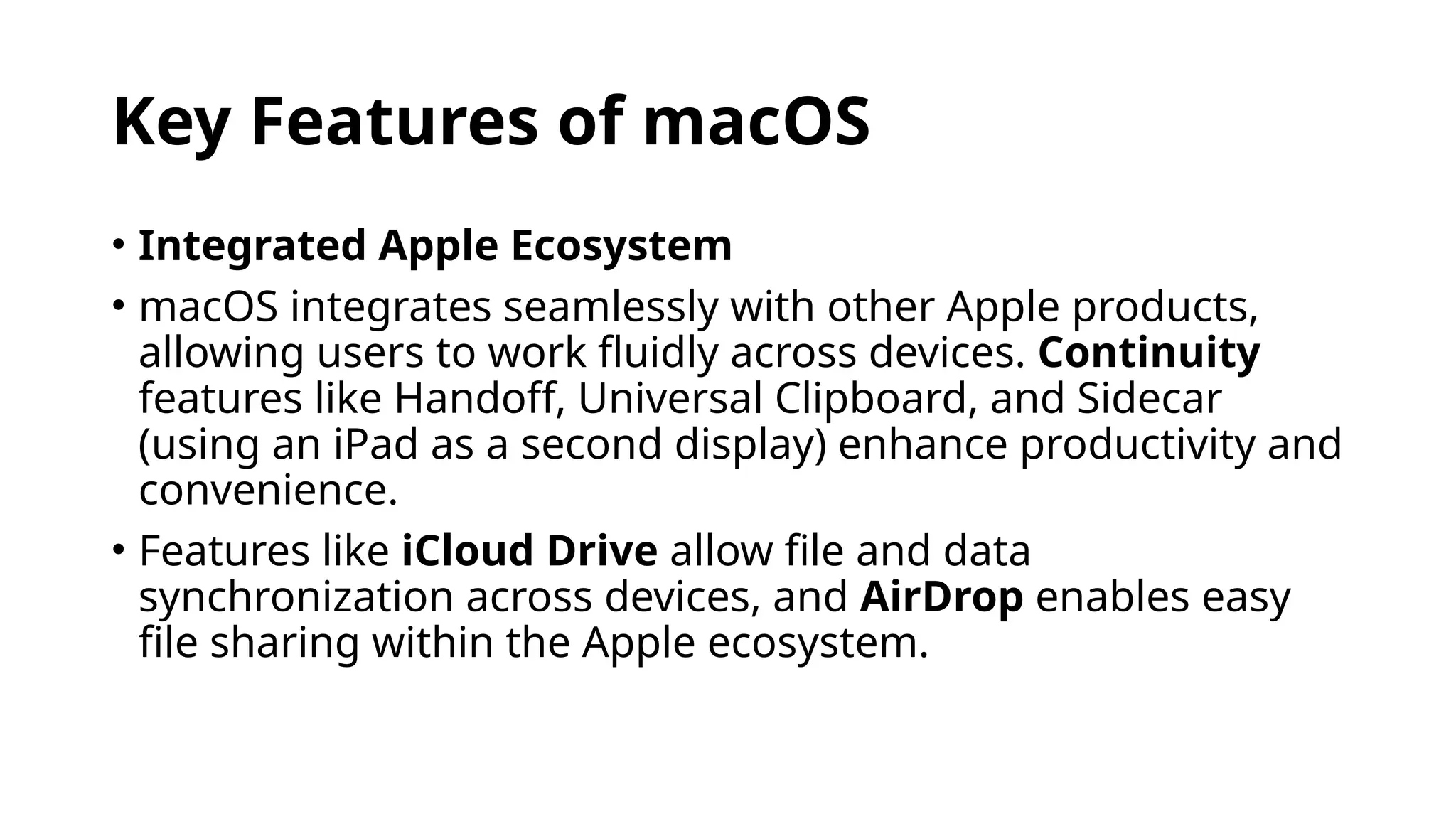
• Integrated Apple Ecosystem
• macOS integrates seamlessly with other Apple products,
allowing users to work fluidly across devices. Continuity
features like Handoff, Universal Clipboard, and Sidecar
(using an iPad as a second display) enhance productivity and
convenience.
• Features like iCloud Drive allow file and data
synchronization across devices, and AirDrop enables easy
file sharing within the Apple ecosystem.
Key Features of macOS
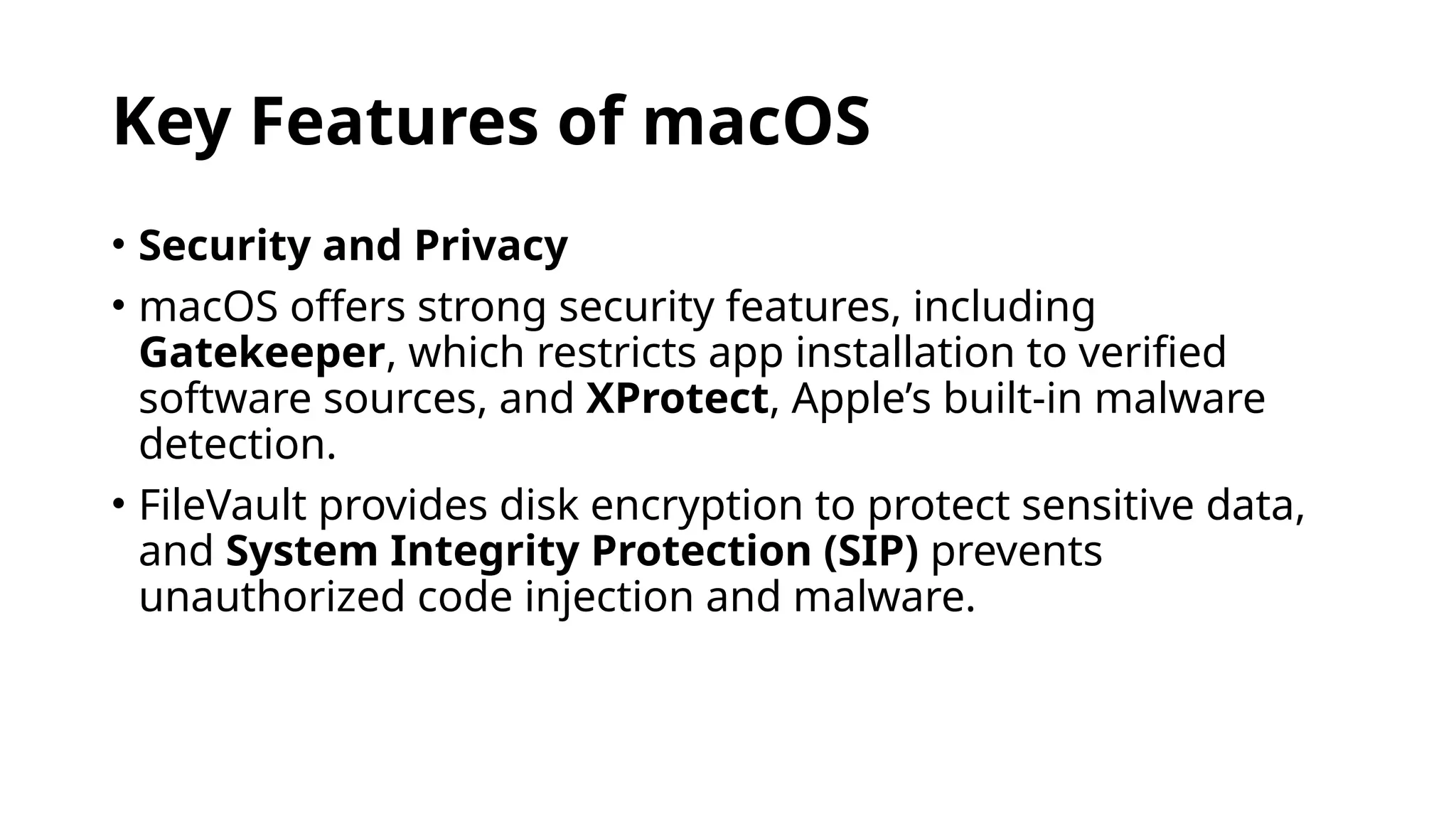
• Security and Privacy
• macOS offers strong security features, including
Gatekeeper, which restricts app installation to verified
software sources, and XProtect, Apple’s built-in malware
detection.
• FileVault provides disk encryption to protect sensitive data,
and System Integrity Protection (SIP) prevents
unauthorized code injection and malware.
Key Features of macOS
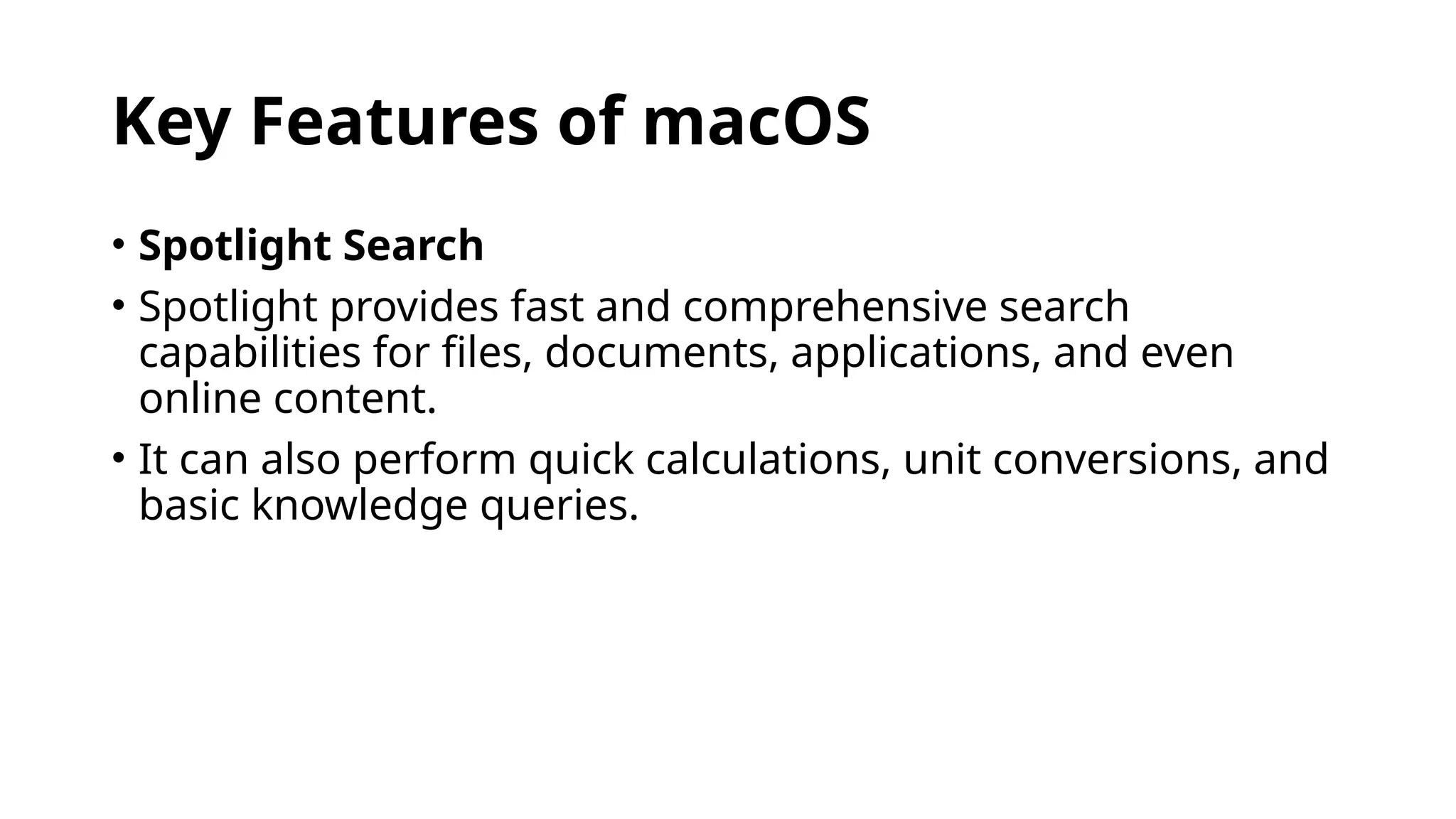
• Spotlight Search
• Spotlight provides fast and comprehensive search
capabilities for files, documents, applications, and even
online content.
• It can also perform quick calculations, unit conversions, and
basic knowledge queries.
Key Features of macOS
• Finder and File Management
• Finder is the macOS file manager, offering a straightforward
interface for organizing and browsing files.
• Tags and Smart Folders allow for efficient file organization,
while Quick Look provides previews without needing to
open files.
Key Features of macOS
• Applications and Productivity Tools
• macOS includes a suite of productivity apps like Safari (web
browser), Mail, Calendar, Notes, and Photos.
• Creative and productivity software, such as iMovie,
GarageBand, Pages, Numbers, and Keynote, come
preinstalled, providing users with a comprehensive toolkit.
Key Features of macOS
• Development Environment
• macOS is popular among developers, especially those
building applications for iOS, macOS, watchOS, and tvOS,
due to Xcode, Apple’s IDE for app development.
• It also supports virtualization tools like Docker and is
compatible with a wide range of programming languages.
4.UNIX
• Unix is a powerful, multiuser, multitasking operating system
originally developed in the late 1960s and early 1970s at Bell
Labs by Ken Thompson, Dennis Ritchie, and others.
• Known for its modularity, stability, and security, Unix
became the foundation of many modern operating systems,
including Linux, macOS, and BSD variants.
Key Concepts and Features of Unix
1.Modularity and Simplicity
1.Unix follows the "small, simple programs" philosophy, where
each program does one thing well.
2.These programs can be combined to perform complex tasks using
pipes and redirection.
3.The modular design allows users to create complex workflows by
chaining commands together, promoting flexibility and efficiency.
Multiuser and Multitasking
• Unix was designed to support multiple users
simultaneously, each with their own session and
permissions.
• Multitasking capabilities allow the OS to run multiple
programs concurrently, which is essential for servers and
shared systems.
• Shell and Command-Line Interface
• The Unix shell is a command-line interface that allows users
to interact directly with the OS, execute commands, and
automate tasks.
• Shell scripting enables powerful automation by combining
shell commands into executable scripts, which is widely
used in Unix environments for system administration and
automation.
•
• Security and Permissions
• Unix is built around a strict permissions model, with read,
write, and execute permissions for files and directories
assigned to the owner, group, and others.
• This model helps to ensure data security and process
isolation, which is essential for multiuser environments.
• Networking and TCP/IP
• Unix was one of the first operating systems to implement
the TCP/IP stack, making it a natural choice for internet
infrastructure.
• Its robust networking capabilities have made it a popular
choice for servers, as well as the backbone of the internet.
• Portability
• One of Unix’s design goals was to be portable, allowing it to
be adapted to different hardware architectures with minimal
changes.
• Unix’s portability influenced the development of POSIX
(Portable Operating System Interface), a set of standards
ensuring compatibility among Unix-like operating systems.
5.LINUX
• Linux is an open-source, Unix-like operating system kernel
developed by Linus Torvalds in 1991, which has since grown
into a comprehensive ecosystem of operating systems
based on the Linux kernel.
• Linux has become one of the most widely used OS families
globally, powering everything from personal computers and
mobile devices to servers, supercomputers, and embedded
systems.
• It is known for its flexibility, stability, security, and extensive
customization capabilities.
Key Features of Linux
1.Open Source
1.Linux is licensed under the GNU General Public License (GPL),
which allows anyone to view, modify, and distribute the source
code.
2.This open-source nature has led to a vast community of
developers and a broad array of Linux distributions tailored for
different purposes.
Key Features of Linux
• Kernel-Based System
• The Linux kernel is the core part of the operating system,
managing hardware resources, memory, and system
processes. It interacts with the hardware and provides
essential services to applications.
• The modularity of the Linux kernel allows for custom kernel
configurations to suit specific needs, from minimal
configurations for embedded systems to fully-featured
builds for desktops and servers.
Key Features of Linux
• Multiuser and Multitasking
• Linux, like Unix, supports multiple users working on the
same machine concurrently, each with specific permissions
and isolated environments.
• It can manage multiple processes efficiently, allowing
applications to run concurrently, which is particularly useful
in server environments.
Key Features of Linux
• Security and Permissions
• Linux enforces strict file permissions (read, write, execute)
for users, groups, and others, which helps maintain system
security.
• SELinux (Security-Enhanced Linux) and AppArmor provide
additional security layers, allowing fine-grained control over
application access and system resources.
Key Features of Linux
• Package Management and Software Repositories
• Linux distributions typically use package managers (such
as APT for Debian-based systems or YUM/DNF for Red Hat-
based systems) to install, update, and manage software.
• Repositories are centralized locations where applications are
stored, ensuring software is secure, tested, and updated
regularly.
Key Features of Linux
• Customizability and Flexibility
• Linux offers unparalleled customization options, from the
kernel level to the user interface, which is particularly useful
for embedded systems, servers, and desktops.
• Users can choose from various desktop environments like
GNOME, KDE, and XFCE, each offering a unique look and
functionality.
6.Chrome OS
• Chrome OS is a lightweight, Linux-based operating system
developed by Google.
• It’s designed primarily for web-based applications and
cloud computing, making it highly optimized for speed,
simplicity, and security.
• Originally released in 2011, Chrome OS has become a
popular choice in educational institutions and for users who
prefer a streamlined computing experience focused on
online work.
Key Features of Chrome OS
1.Browser-Centric Design
1.Chrome OS revolves around the Chrome browser, where most
applications run as web apps or progressive web apps (PWAs).
2.This design makes it very lightweight and fast, with a minimal
footprint on system resources.
3.Although it is browser-focused, Chrome OS can also run Android
apps from the Google Play Store and, more recently, Linux
applications, expanding its capabilities beyond web-based apps.
Cloud Storage Integration
• Chrome OS is deeply integrated with Google Drive and
other cloud storage options, encouraging users to store
their data online.
• This allows for easy access to files from any device and
reduces reliance on local storage.
• Automatic sync across devices ensures that data, settings,
and apps remain consistent and accessible wherever users
log in with their Google account.
Security Features
• Chrome OS is known for its robust security framework,
featuring sandboxing to isolate each application and
prevent potential threats from affecting other parts of the
system.
• Verified Boot checks for malware or unauthorized system
modifications at startup, ensuring the OS remains secure.
Additionally, Chrome OS updates automatically, minimizing
vulnerabilities without disrupting the user experience.
Lightweight and Fast
• Chrome OS is designed to run smoothly on modest
hardware, making it ideal for Chromebooks, which are often
affordable devices with less powerful specs.
• Its minimalistic design and optimization for web-based
applications contribute to quick boot times, efficient power
usage, and overall responsiveness.
Android and Linux App Support
• Chrome OS supports Android apps, providing access to the
vast Google Play Store.
• This compatibility significantly enhances productivity and
usability, bringing a wide range of mobile apps to the
desktop environment.
• It also supports Linux applications through a built-in Linux
(Beta) environment, which opens up opportunities for
development, programming, and a broader array of
software.
• This makes Chrome OS viable for developers needing a
Linux environment.
Google Assistant Integration
• Chrome OS includes Google Assistant, allowing users to
control the device, search for information, and manage their
schedule using voice commands.
• This integration with Google’s ecosystem allows for
seamless productivity features and quick access to Google
services.

Types of operating Systems.pptx By Dr.Mamoona Anam

  • 1.
    Types of operatingSystems by Dr. Mamoona Anam
  • 2.
    1.Stand alone OperatingSystems • An operating system that works on a desktop is called standalone operating system • Some standalone operating systems can work with a server operating system and are client operating system • A client server can work with or without a network
  • 3.
    1.DOS • Sisk operatingsystem • It was developed by Microsoft in early 1980 for personal computer • It is single user operating system
  • 4.
    2.Windows • Windows refersto an operating system developed by Microsoft that is used on personal computers, laptops, and other devices. • It provides a graphical user interface (GUI) and a set of services and tools that allow users to interact with the hardware and software of their computers. • Over the years, Microsoft has released many versions of Windows, making it one of the most widely used operating systems in the world.
  • 5.
    Key Features ofWindows Operating System: 1.Graphical User Interface (GUI): 1. Windows provides a visual interface with icons, windows, and buttons that make it easier for users to interact with their computers. It is designed to be intuitive, allowing users to navigate files, open applications, and interact with the system through a mouse and keyboard. 2.File System: 1. Windows uses a file system to organize and manage data on storage devices like hard drives and SSDs. The most commonly used file system in Windows is NTFS (New Technology File System), which supports features like file security, large file sizes, and disk encryption. 3.Multitasking: 1. Windows allows users to run multiple programs at the same time, switching between them easily. This is achieved through efficient memory and processor management. 4.Control Panel / Settings: 1. Windows includes tools for adjusting system settings, such as network connections, hardware configuration, user accounts, and privacy options. In newer versions, the Settings app has become more central, replacing some features of the traditional Control Panel.
  • 6.
    Key Features ofWindows Operating System: 5. Start Menu: The Start Menu is a central feature of Windows that provides access to programs, settings, and files. It was first introduced in Windows 95 and has evolved with each version of Windows. 6. Taskbar: The Taskbar at the bottom of the screen provides quick access to open applications, notifications, and system icons. It also includes the Start Menu button, allowing users to easily open apps and switch between tasks.
  • 7.
    Key Features ofWindows Operating System: 7.File Explorer: File Explorer is a file management tool that allows users to navigate folders, manage files, and perform operations like copying, pasting, and moving files across the system. 8. Microsoft Store: The Microsoft Store provides access to a variety of applications and digital content, including games, utilities, and productivity tools. It enables users to download apps and updates directly from Microsoft’s ecosystem.
  • 8.
    Key Features ofWindows Operating System 9. Security Features: 1. Windows includes built-in security tools like Windows Defender Antivirus, Windows Firewall, and BitLocker (for disk encryption). These help protect users from malware, cyberattacks, and unauthorized access. 10. Virtual Desktops: • Windows allows users to create multiple virtual desktops, enabling better organization of tasks and apps, which is particularly useful for multitasking. 11.Windows Update: • Windows includes an automatic update system that ensures users get the latest security patches, bug fixes, and new features regularly.
  • 9.
    Different Versions ofWindows: • Windows has had many different versions over the years, with each release introducing new features and improvements. Below are some key versions: 1. Windows 1.0 (1985): 1. The first version of Windows, which provided a graphical user interface to the MS-DOS operating system. It was very basic and only supported a few applications. 2. Windows 3.1 (1992): 1. Improved user interface, support for multimedia, and greater stability. 3. Windows 95 (1995): 1. Introduced the Start Menu, taskbar, and support for 32-bit applications. It was a major overhaul and became one of the most popular versions at the time. 4. Windows XP (2001): 1. Known for its stability and user-friendly interface, Windows XP became one of the most successful versions. It introduced the Luna graphical theme and improved networking and internet connectivity features. 5. Windows Vista (2007): 1. Introduced a redesigned user interface and enhanced security features but faced criticism for performance issues and compatibility problems. 6. Windows 7 (2009): 1. A highly praised version for its performance, stability, and compatibility. Windows 7 also refined the features introduced in Vista and became widely adopted in both consumer and business environments.
  • 10.
    Different Versions ofWindows: 1.Windows 8 (2012): 1. A major shift toward touch-based interfaces, optimized for tablets and touchscreens. Windows 8 introduced Metro, a new user interface style. However, it faced backlash due to the removal of the Start Menu and the new way apps were managed. 2.Windows 8.1 (2013): 1. An update to Windows 8 that addressed many of the complaints, including bringing back the Start Button and improving overall usability. 3.Windows 10 (2015): 1. Windows 10 combined the best features of Windows 7 and Windows 8, adding Cortana (a personal assistant), the Edge browser, and the return of the Start Menu. Windows 10 became a free upgrade for users of Windows 7 and 8.1. 4.Windows 11 (2021): 1. Introduced a major design overhaul with a centered taskbar, updated window management tools, new widgets, and improved virtual desktop support. Windows 11 also introduced a stricter set of hardware requirements, including the need for TPM (Trusted Platform Module) 2.0 for enhanced security.
  • 11.
    Key Concepts andTerms in Windows • Windows Registry: A hierarchical database that stores configuration settings and options for both the operating system and installed applications. • System Tray: A section of the taskbar that shows background processes, notifications, and system icons like battery status, Wi-Fi, and volume control. • Control Panel vs. Settings: While the Control Panel was traditionally used for configuring system settings, Windows 10 and 11 focus on the Settings app for a more streamlined experience. • Task Manager: A system utility that provides information about the processes, performance, and resource usage of your computer. It can also be used to terminate unresponsive programs. • Cortana: A personal assistant introduced in Windows 10, which can help users with tasks, set reminders, and search the web using voice commands.
  • 12.
    Versions of Windowsfor Different Devices: 1.Windows for PCs: The standard Windows operating system used on laptops, desktops, and tablets. 2.Windows Server: A family of operating systems designed for use on servers, providing services like file sharing, database management, and web hosting. 3.Windows Mobile: A now-discontinued operating system designed for mobile devices such as smartphones and PDAs. 4.Windows IoT: A version of Windows optimized for embedded systems, like smart devices, industrial machines, and IoT (Internet of Things) applications.
  • 13.
    Advantages of Windows: 1.Compatibility:Windows supports a wide range of hardware and software, including third-party applications. 2.User Interface: Windows offers an intuitive GUI, making it user-friendly for beginners and advanced users alike. 3.Software Availability: Most commercial and professional software (e.g., Microsoft Office, Adobe Creative Cloud) is designed to run on Windows. 4.Support for Gaming: Windows is the dominant platform for PC gaming, offering support for a wide variety of games and gaming hardware. 5.Enterprise Features: Windows offers extensive tools for businesses, such as group policies, remote desktop access, and advanced security features.
  • 14.
    Disadvantages of Windows: 1.Cost:Windows typically requires a paid license, which can be expensive, especially for businesses or large installations. 2.Security Risks: Due to its popularity, Windows is a frequent target for malware, viruses, and cyberattacks. 3.Performance Overhead: Windows tends to require more system resources (CPU, RAM, storage) compared to some other operating systems like Linux, especially for newer versions. 4.Frequent Updates: While updates are essential for security and performance, they can sometimes be intrusive or cause compatibility issues.
  • 15.
    3.Mac OS • macOS(formerly Mac OS X and OS X) is Apple’s proprietary operating system designed for its Mac computers. • Known for its user-friendly interface, integration with Apple’s ecosystem, and robust performance, macOS is popular among creative professionals, developers, and everyday users who value a seamless and stable user experience.
  • 16.
    Key Features ofmacOS 1.User Interface (Aqua) 1.macOS is known for its intuitive, clean, and visually appealing interface, with refined elements and smooth animations. 2.The Dock provides quick access to frequently used applications, and Mission Control offers an overview of open windows and desktops, allowing users to navigate easily.
  • 17.
    Key Features ofmacOS • Unix-based Architecture • macOS is Unix-certified, providing a stable, secure, and high- performance foundation with excellent multitasking capabilities. • The Unix base also makes macOS appealing to developers who need access to a powerful command-line interface with tools like Terminal and zsh.
  • 18.
    Key Features ofmacOS • Integrated Apple Ecosystem • macOS integrates seamlessly with other Apple products, allowing users to work fluidly across devices. Continuity features like Handoff, Universal Clipboard, and Sidecar (using an iPad as a second display) enhance productivity and convenience. • Features like iCloud Drive allow file and data synchronization across devices, and AirDrop enables easy file sharing within the Apple ecosystem.
  • 19.
    Key Features ofmacOS • Security and Privacy • macOS offers strong security features, including Gatekeeper, which restricts app installation to verified software sources, and XProtect, Apple’s built-in malware detection. • FileVault provides disk encryption to protect sensitive data, and System Integrity Protection (SIP) prevents unauthorized code injection and malware.
  • 20.
    Key Features ofmacOS • Spotlight Search • Spotlight provides fast and comprehensive search capabilities for files, documents, applications, and even online content. • It can also perform quick calculations, unit conversions, and basic knowledge queries.
  • 21.
    Key Features ofmacOS • Finder and File Management • Finder is the macOS file manager, offering a straightforward interface for organizing and browsing files. • Tags and Smart Folders allow for efficient file organization, while Quick Look provides previews without needing to open files.
  • 22.
    Key Features ofmacOS • Applications and Productivity Tools • macOS includes a suite of productivity apps like Safari (web browser), Mail, Calendar, Notes, and Photos. • Creative and productivity software, such as iMovie, GarageBand, Pages, Numbers, and Keynote, come preinstalled, providing users with a comprehensive toolkit.
  • 23.
    Key Features ofmacOS • Development Environment • macOS is popular among developers, especially those building applications for iOS, macOS, watchOS, and tvOS, due to Xcode, Apple’s IDE for app development. • It also supports virtualization tools like Docker and is compatible with a wide range of programming languages.
  • 24.
    4.UNIX • Unix isa powerful, multiuser, multitasking operating system originally developed in the late 1960s and early 1970s at Bell Labs by Ken Thompson, Dennis Ritchie, and others. • Known for its modularity, stability, and security, Unix became the foundation of many modern operating systems, including Linux, macOS, and BSD variants.
  • 25.
    Key Concepts andFeatures of Unix 1.Modularity and Simplicity 1.Unix follows the "small, simple programs" philosophy, where each program does one thing well. 2.These programs can be combined to perform complex tasks using pipes and redirection. 3.The modular design allows users to create complex workflows by chaining commands together, promoting flexibility and efficiency.
  • 26.
    Multiuser and Multitasking •Unix was designed to support multiple users simultaneously, each with their own session and permissions. • Multitasking capabilities allow the OS to run multiple programs concurrently, which is essential for servers and shared systems.
  • 27.
    • Shell andCommand-Line Interface • The Unix shell is a command-line interface that allows users to interact directly with the OS, execute commands, and automate tasks. • Shell scripting enables powerful automation by combining shell commands into executable scripts, which is widely used in Unix environments for system administration and automation. •
  • 28.
    • Security andPermissions • Unix is built around a strict permissions model, with read, write, and execute permissions for files and directories assigned to the owner, group, and others. • This model helps to ensure data security and process isolation, which is essential for multiuser environments.
  • 29.
    • Networking andTCP/IP • Unix was one of the first operating systems to implement the TCP/IP stack, making it a natural choice for internet infrastructure. • Its robust networking capabilities have made it a popular choice for servers, as well as the backbone of the internet.
  • 30.
    • Portability • Oneof Unix’s design goals was to be portable, allowing it to be adapted to different hardware architectures with minimal changes. • Unix’s portability influenced the development of POSIX (Portable Operating System Interface), a set of standards ensuring compatibility among Unix-like operating systems.
  • 31.
    5.LINUX • Linux isan open-source, Unix-like operating system kernel developed by Linus Torvalds in 1991, which has since grown into a comprehensive ecosystem of operating systems based on the Linux kernel. • Linux has become one of the most widely used OS families globally, powering everything from personal computers and mobile devices to servers, supercomputers, and embedded systems. • It is known for its flexibility, stability, security, and extensive customization capabilities.
  • 32.
    Key Features ofLinux 1.Open Source 1.Linux is licensed under the GNU General Public License (GPL), which allows anyone to view, modify, and distribute the source code. 2.This open-source nature has led to a vast community of developers and a broad array of Linux distributions tailored for different purposes.
  • 33.
    Key Features ofLinux • Kernel-Based System • The Linux kernel is the core part of the operating system, managing hardware resources, memory, and system processes. It interacts with the hardware and provides essential services to applications. • The modularity of the Linux kernel allows for custom kernel configurations to suit specific needs, from minimal configurations for embedded systems to fully-featured builds for desktops and servers.
  • 34.
    Key Features ofLinux • Multiuser and Multitasking • Linux, like Unix, supports multiple users working on the same machine concurrently, each with specific permissions and isolated environments. • It can manage multiple processes efficiently, allowing applications to run concurrently, which is particularly useful in server environments.
  • 35.
    Key Features ofLinux • Security and Permissions • Linux enforces strict file permissions (read, write, execute) for users, groups, and others, which helps maintain system security. • SELinux (Security-Enhanced Linux) and AppArmor provide additional security layers, allowing fine-grained control over application access and system resources.
  • 36.
    Key Features ofLinux • Package Management and Software Repositories • Linux distributions typically use package managers (such as APT for Debian-based systems or YUM/DNF for Red Hat- based systems) to install, update, and manage software. • Repositories are centralized locations where applications are stored, ensuring software is secure, tested, and updated regularly.
  • 37.
    Key Features ofLinux • Customizability and Flexibility • Linux offers unparalleled customization options, from the kernel level to the user interface, which is particularly useful for embedded systems, servers, and desktops. • Users can choose from various desktop environments like GNOME, KDE, and XFCE, each offering a unique look and functionality.
  • 38.
    6.Chrome OS • ChromeOS is a lightweight, Linux-based operating system developed by Google. • It’s designed primarily for web-based applications and cloud computing, making it highly optimized for speed, simplicity, and security. • Originally released in 2011, Chrome OS has become a popular choice in educational institutions and for users who prefer a streamlined computing experience focused on online work.
  • 39.
    Key Features ofChrome OS 1.Browser-Centric Design 1.Chrome OS revolves around the Chrome browser, where most applications run as web apps or progressive web apps (PWAs). 2.This design makes it very lightweight and fast, with a minimal footprint on system resources. 3.Although it is browser-focused, Chrome OS can also run Android apps from the Google Play Store and, more recently, Linux applications, expanding its capabilities beyond web-based apps.
  • 40.
    Cloud Storage Integration •Chrome OS is deeply integrated with Google Drive and other cloud storage options, encouraging users to store their data online. • This allows for easy access to files from any device and reduces reliance on local storage. • Automatic sync across devices ensures that data, settings, and apps remain consistent and accessible wherever users log in with their Google account.
  • 41.
    Security Features • ChromeOS is known for its robust security framework, featuring sandboxing to isolate each application and prevent potential threats from affecting other parts of the system. • Verified Boot checks for malware or unauthorized system modifications at startup, ensuring the OS remains secure. Additionally, Chrome OS updates automatically, minimizing vulnerabilities without disrupting the user experience.
  • 42.
    Lightweight and Fast •Chrome OS is designed to run smoothly on modest hardware, making it ideal for Chromebooks, which are often affordable devices with less powerful specs. • Its minimalistic design and optimization for web-based applications contribute to quick boot times, efficient power usage, and overall responsiveness.
  • 43.
    Android and LinuxApp Support • Chrome OS supports Android apps, providing access to the vast Google Play Store. • This compatibility significantly enhances productivity and usability, bringing a wide range of mobile apps to the desktop environment. • It also supports Linux applications through a built-in Linux (Beta) environment, which opens up opportunities for development, programming, and a broader array of software. • This makes Chrome OS viable for developers needing a Linux environment.
  • 44.
    Google Assistant Integration •Chrome OS includes Google Assistant, allowing users to control the device, search for information, and manage their schedule using voice commands. • This integration with Google’s ecosystem allows for seamless productivity features and quick access to Google services.