Skills
Development -
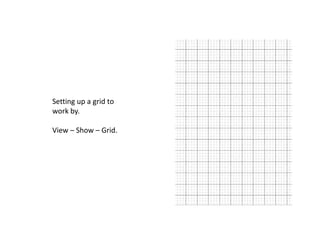
Setting up a grid to
work by.

View – Show – Grid.
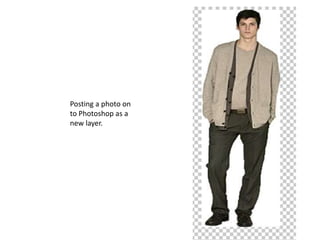
Posting a photo on
to Photoshop as a
new layer.
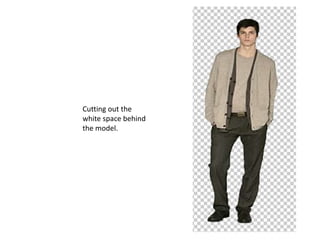
Cutting out the
white space behind
the model.
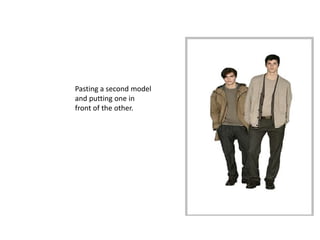
Pasting a second model
and putting one in
front of the other.
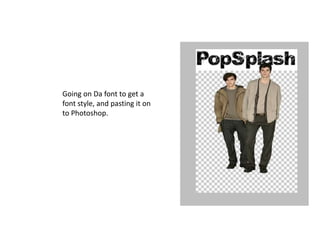
Going on Da font to get a
font style, and pasting it on
to Photoshop.
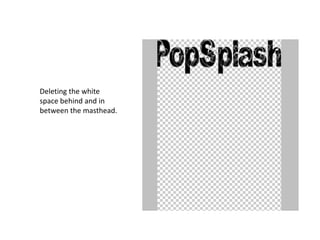
Deleting the white
space behind and in
between the masthead.
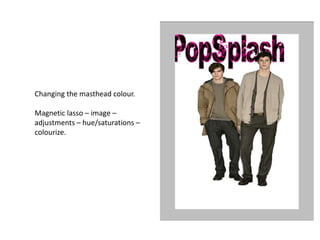
Changing the masthead colour.

Magnetic lasso – image –
adjustments – hue/saturations –
colourize.
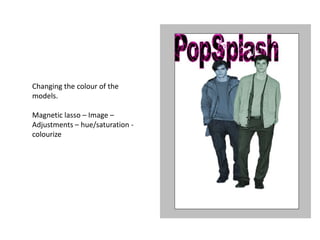
Changing the colour of the
models.

Magnetic lasso – Image –
Adjustments – hue/saturation -
colourize
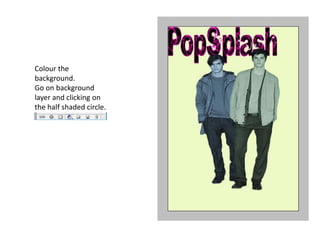
Colour the
background.
Go on background
layer and clicking on
the half shaded circle.
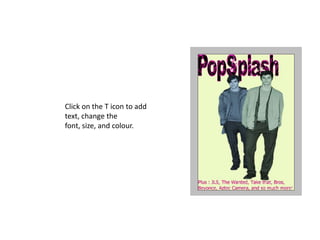
Click on the T icon to add
text, change the
font, size, and colour.
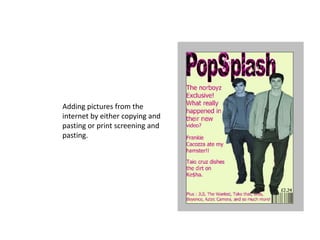
Adding pictures from the
internet by either copying and
pasting or print screening and
pasting.

Presentation popsplash