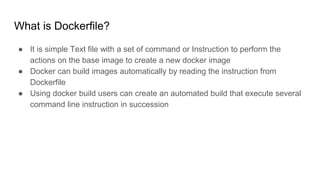
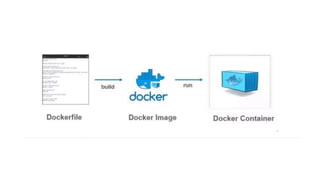
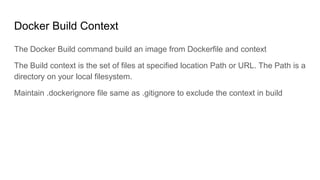
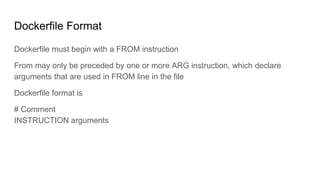
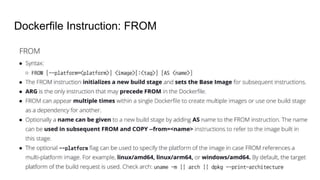
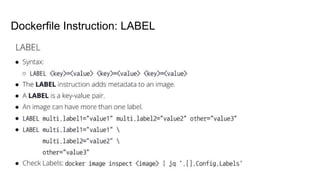
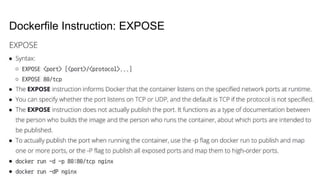
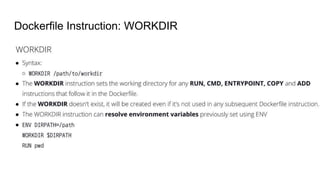
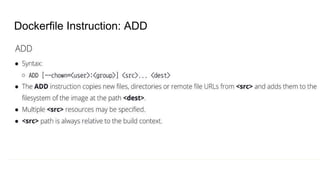
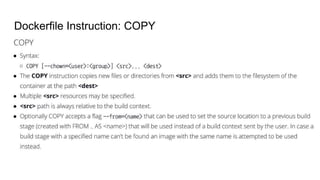
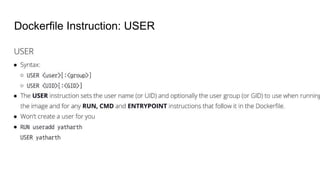
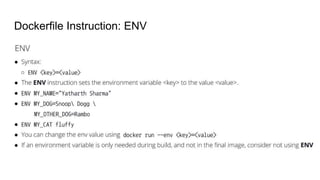
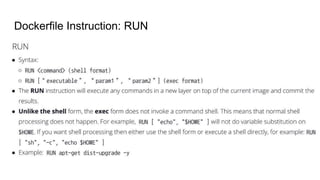
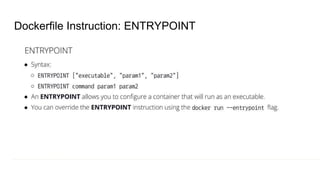
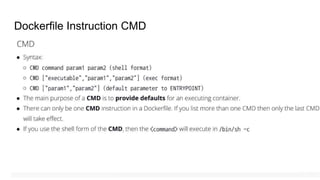
Dockerfile is a text file that contains instructions to automate the creation of a Docker image. It allows users to build images automatically by specifying commands in a Dockerfile. The build context refers to the files at the specified file path or URL used during the build process. A Dockerfile begins with a FROM instruction and can include instructions like LABEL, EXPOSE, WORKDIR, ADD, COPY, USER, ENV, RUN, ENTRYPOINT and CMD to customize the image.

![Create Image using Dockerfile and Run the container
# cd $Project_folder
# docker build -t myreact-app .
[-t = Create tag on image]
[myreact-app = Tagname]
# docker run -td --name node -p 80:80 myreact-app:latest](https://image.slidesharecdn.com/dockerfile-240210124319-ece6cc36/85/Presentation-on-the-Dockerfile-by-Techserver-19-320.jpg)


![[@NaukriEngineering] Docker 101](https://cdn.slidesharecdn.com/ss_thumbnails/dockerbasics1-161109085245-thumbnail.jpg?width=640&height=640&fit=bounds)


