PowerPoint Tips andPowerPoint Tips and
TricksTricks
Waking Up FromWaking Up From
““PowerPoint-Induced Sleep:”PowerPoint-Induced Sleep:”
Effective Use of PowerPointEffective Use of PowerPoint
for Teachingfor Teaching
Adapted from a workshop provided at USC,
Columbia, by DEIS Instructional Developer, Vera
Polyakova-Norwood
 Format/ GeneralFormat/ General
 Format/ ColorsFormat/ Colors
 Format/ TextFormat/ Text
 Type SizesType Sizes
 FontsFonts
 EmphasisEmphasis
 EffectsEffects
 Graphics/ VisualsGraphics/ Visuals
Table of Contents:
Format/ GeneralFormat/ General
• Avoid overused templatesAvoid overused templates
Format/ GeneralFormat/ General
 Place content in the middle of slidesPlace content in the middle of slides
Format/ GeneralFormat/ General
 Use bullet points: no complete sentencesUse bullet points: no complete sentences
-Start each bullet point with the same-Start each bullet point with the same
grammatical pattern to convey a sense ofgrammatical pattern to convey a sense of
style and to establish a dynamicstyle and to establish a dynamic
Format/ GeneralFormat/ General
 Use external and internal linksUse external and internal links
 To demonstrate the content of yourTo demonstrate the content of your
presentationpresentation
 To break the linearity of PowerPointTo break the linearity of PowerPoint
Format/ GeneralFormat/ General
 Include a conclusions slideInclude a conclusions slide
 To provide reinforcement through summaryTo provide reinforcement through summary
Format/ ColorsFormat/ Colors
 Select colors with high contrastSelect colors with high contrast
 Consider people with color blindness andConsider people with color blindness and
low-visionlow-vision
 No red on black or vice versaNo red on black or vice versa
Format/ ColorsFormat/ Colors
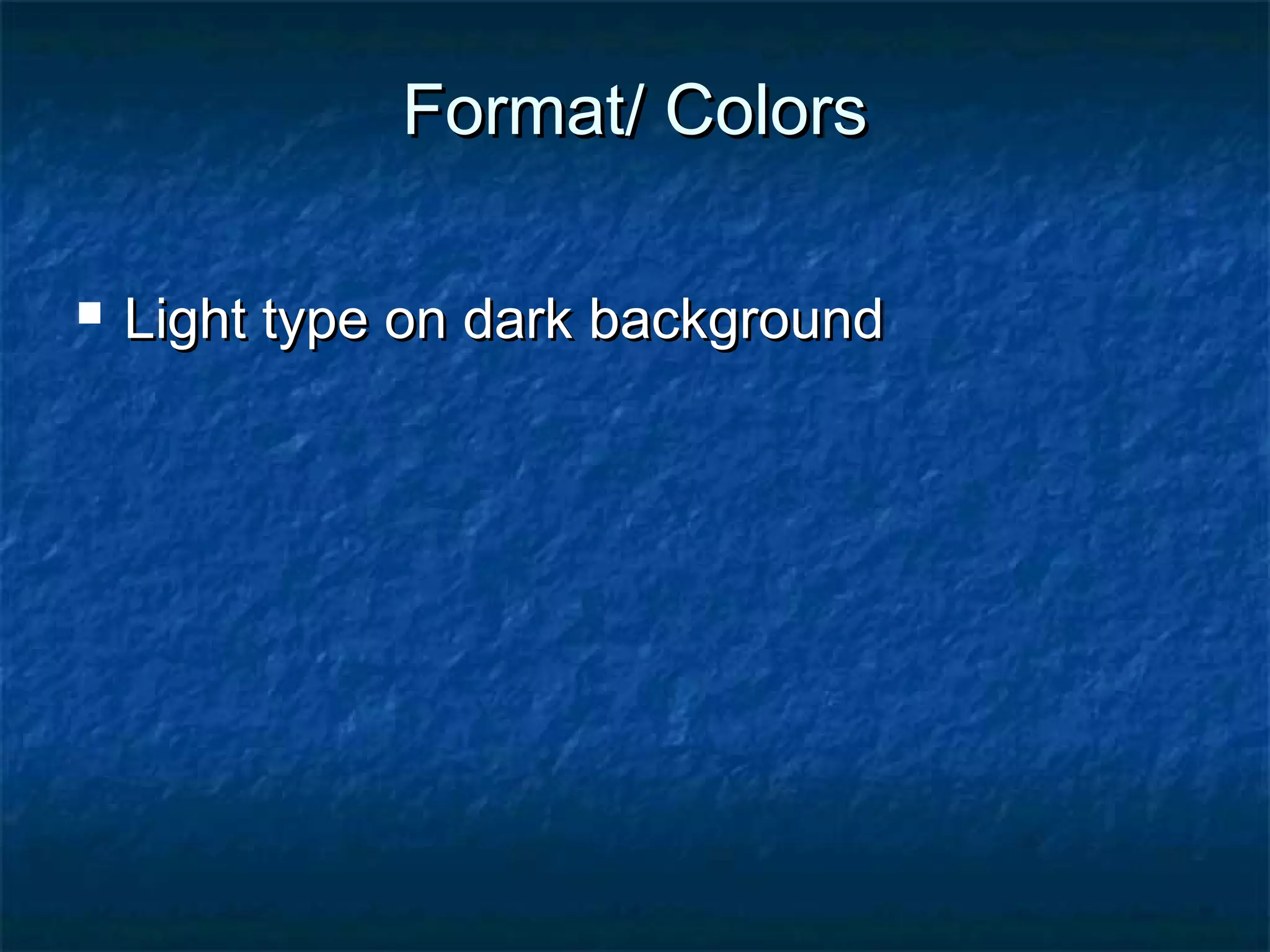
 Light type on dark backgroundLight type on dark background
Format/ ColorsFormat/ Colors
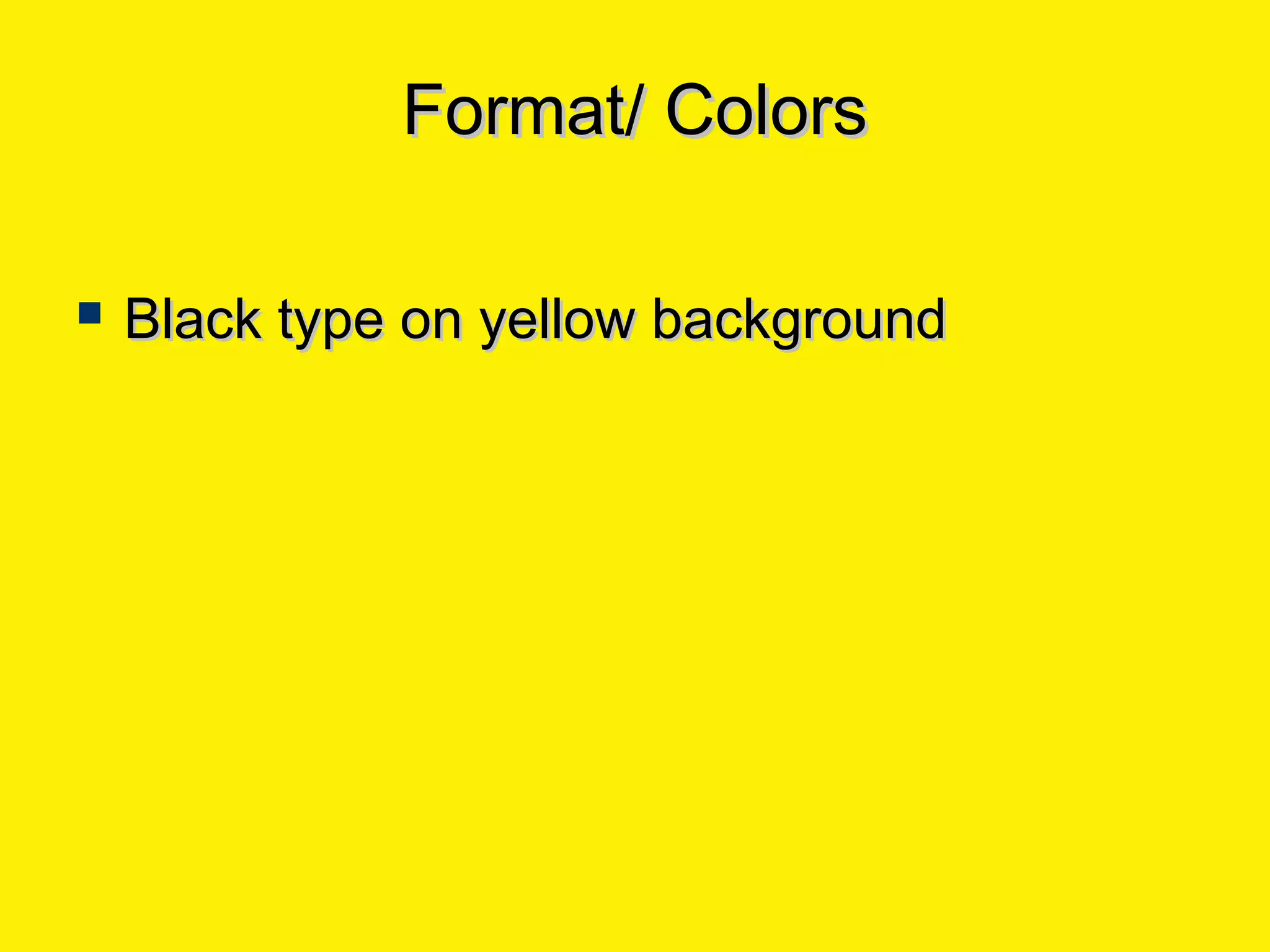
 Black type on yellow backgroundBlack type on yellow background
Format/ ColorsFormat/ Colors
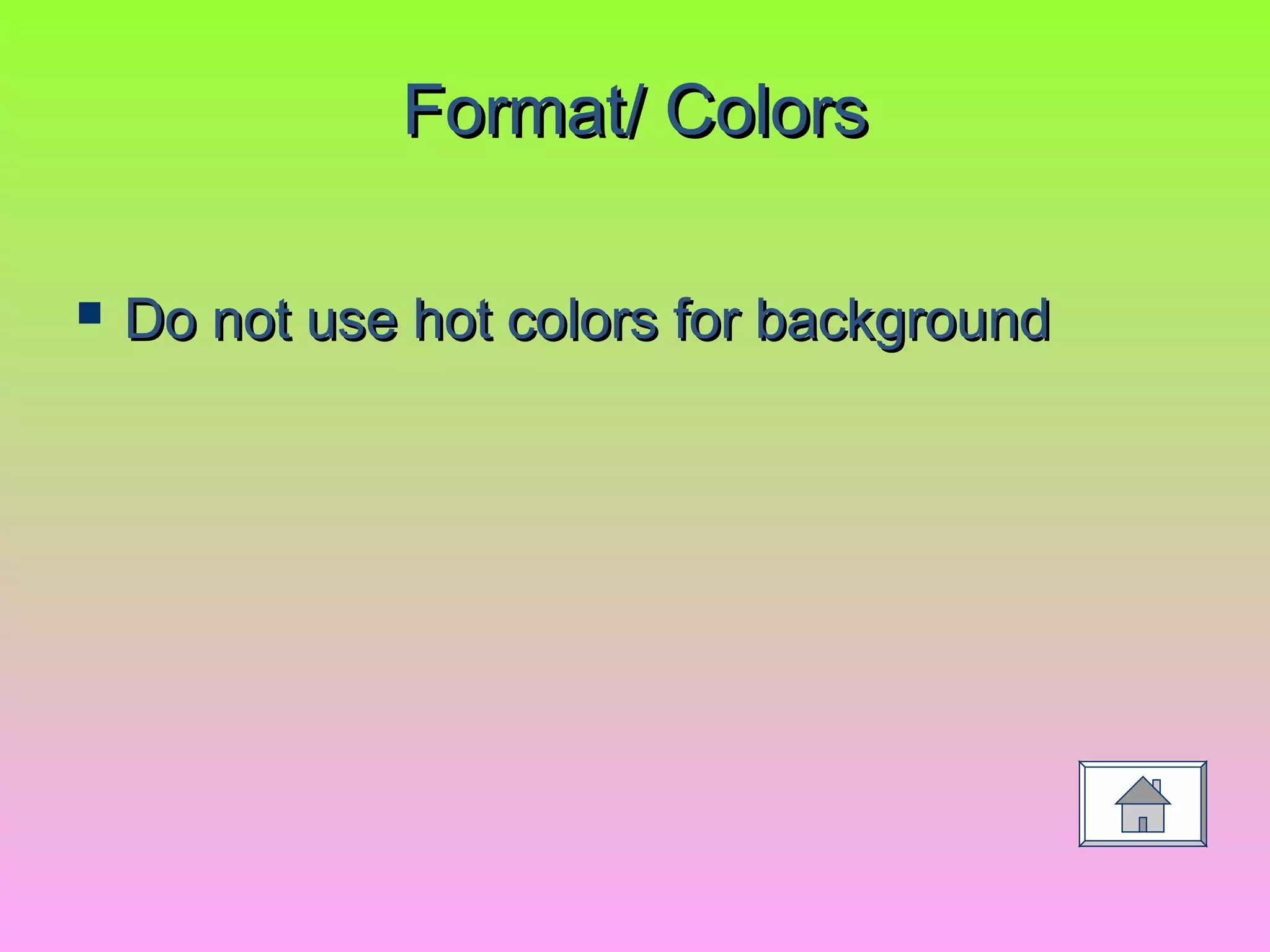
 Do not use hot colors for backgroundDo not use hot colors for background
Format/ TextFormat/ Text
 7 lines per slide (including title)7 lines per slide (including title)
 7 words per line7 words per line
Type SizesType Sizes
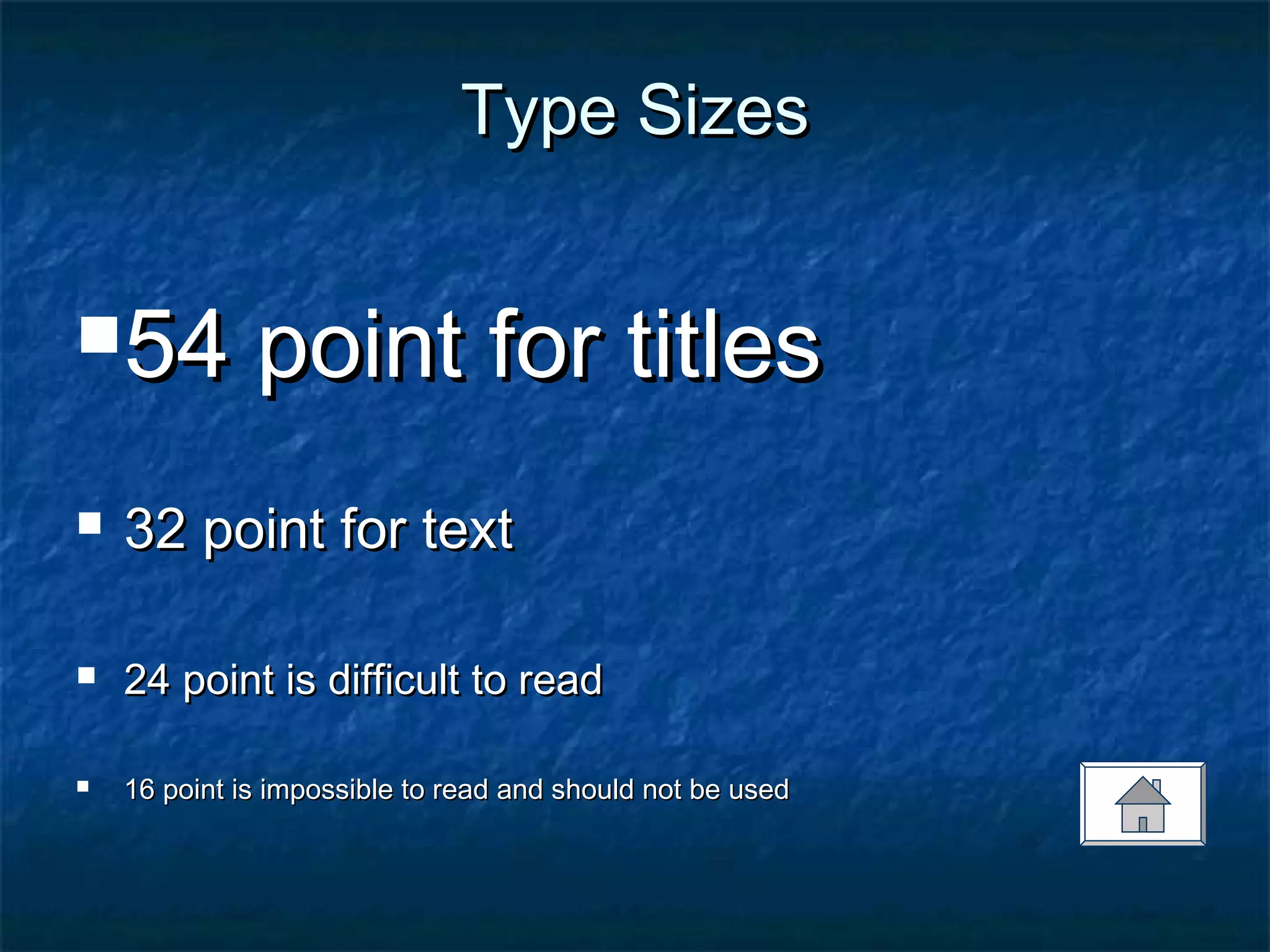
54 point for titles54 point for titles
 32 point for text32 point for text
 24 point is difficult to read24 point is difficult to read
 16 point is impossible to read and should not be used16 point is impossible to read and should not be used
FontsFonts
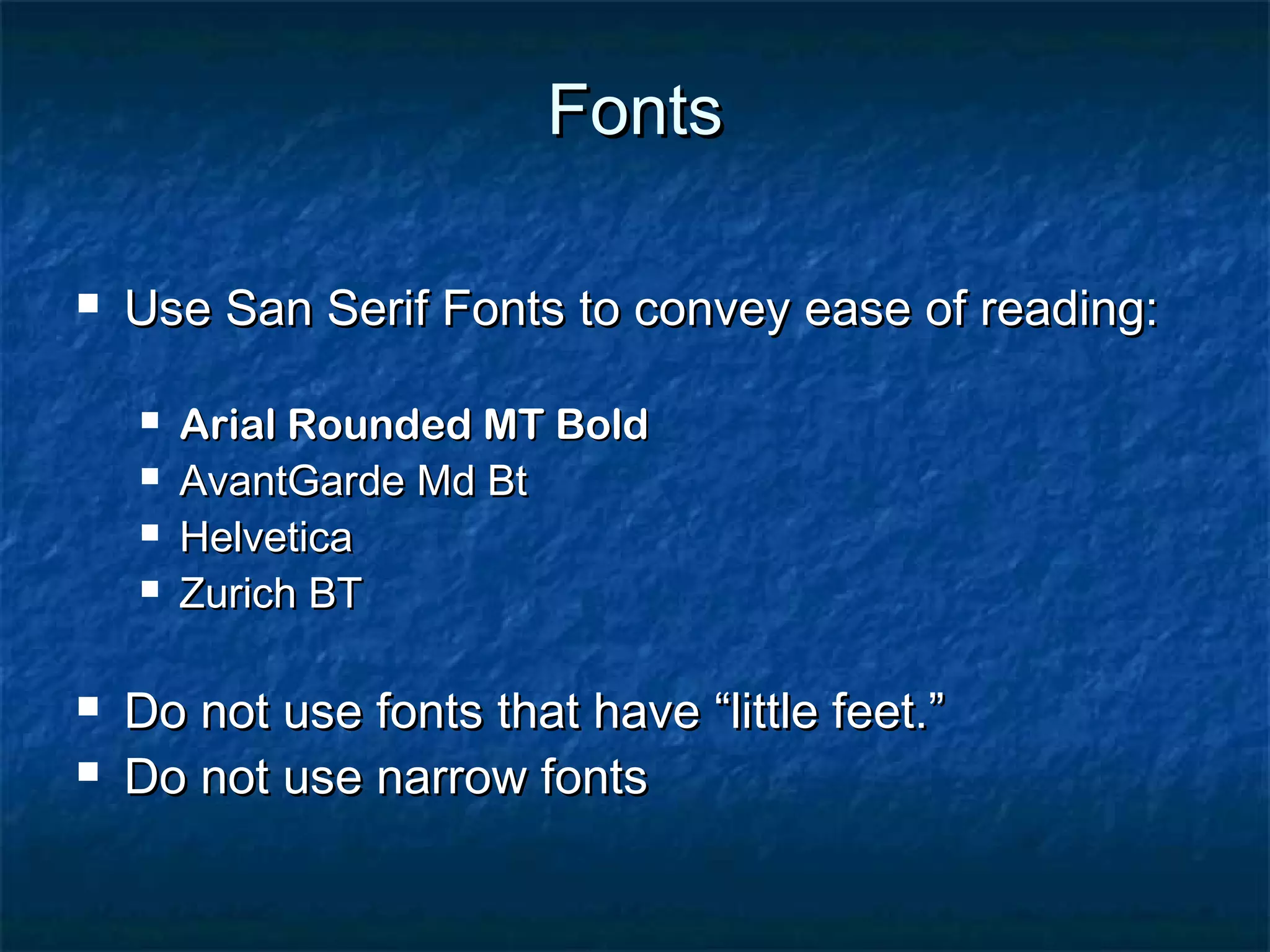
 Use San Serif Fonts to convey ease of reading:Use San Serif Fonts to convey ease of reading:
 Arial Rounded MT BoldArial Rounded MT Bold
 AvantGarde Md BtAvantGarde Md Bt
 HelveticaHelvetica
 Zurich BTZurich BT
 Do not use fonts that have “little feet.”Do not use fonts that have “little feet.”
 Do not use narrow fontsDo not use narrow fonts
FontsFonts
 Different computers have different fontsDifferent computers have different fonts
loaded on themloaded on them
 This may affect the look of your presentationThis may affect the look of your presentation
EmphasisEmphasis
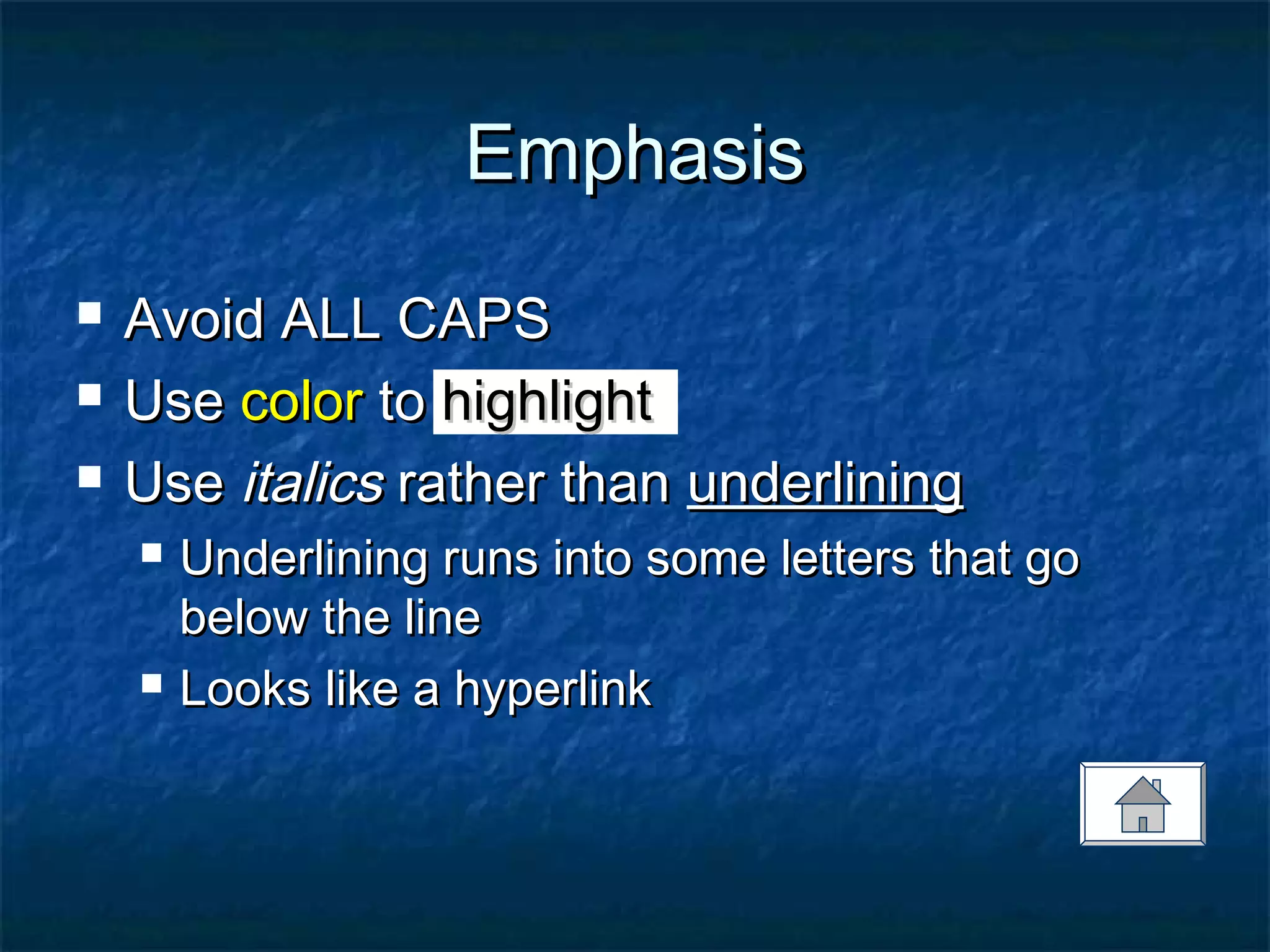
 Avoid ALL CAPSAvoid ALL CAPS
 UseUse colorcolor toto highlighthighlight
 UseUse italicsitalics rather thanrather than underliningunderlining
 Underlining runs into some letters that goUnderlining runs into some letters that go
below the linebelow the line
 Looks like a hyperlinkLooks like a hyperlink
EffectsEffects
 All effects should have a purposeAll effects should have a purpose
 Do not overuse animation effectsDo not overuse animation effects
 Animation creates a secondary focus thatAnimation creates a secondary focus that
competes with contentcompetes with content
EffectsEffects
 No moving textNo moving text
 No sound effectsNo sound effects
 Use appear and dim effects for bulletUse appear and dim effects for bullet
pointspoints
Graphics/ VisualsGraphics/ Visuals
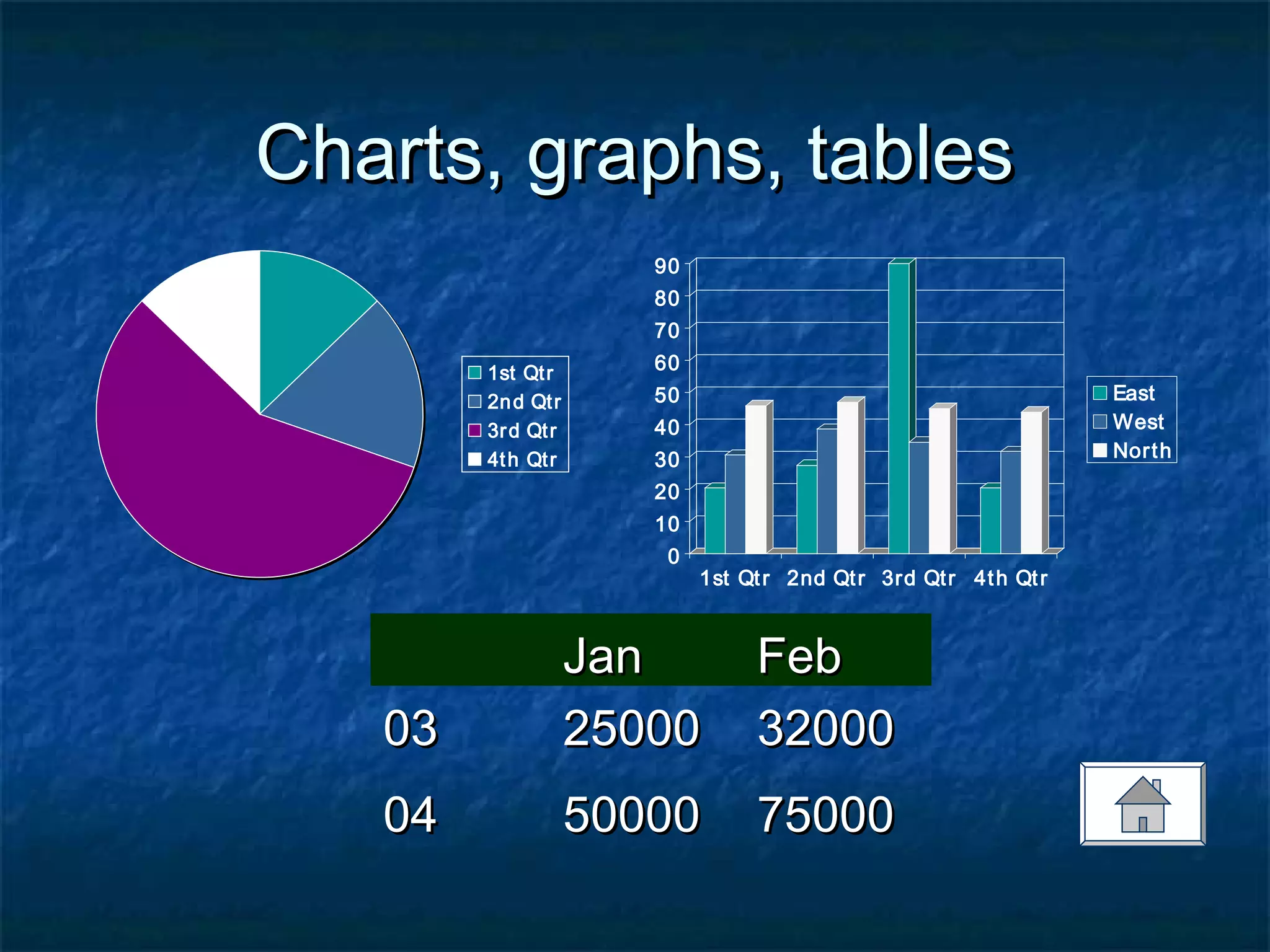
 Charts, graphs, tablesCharts, graphs, tables
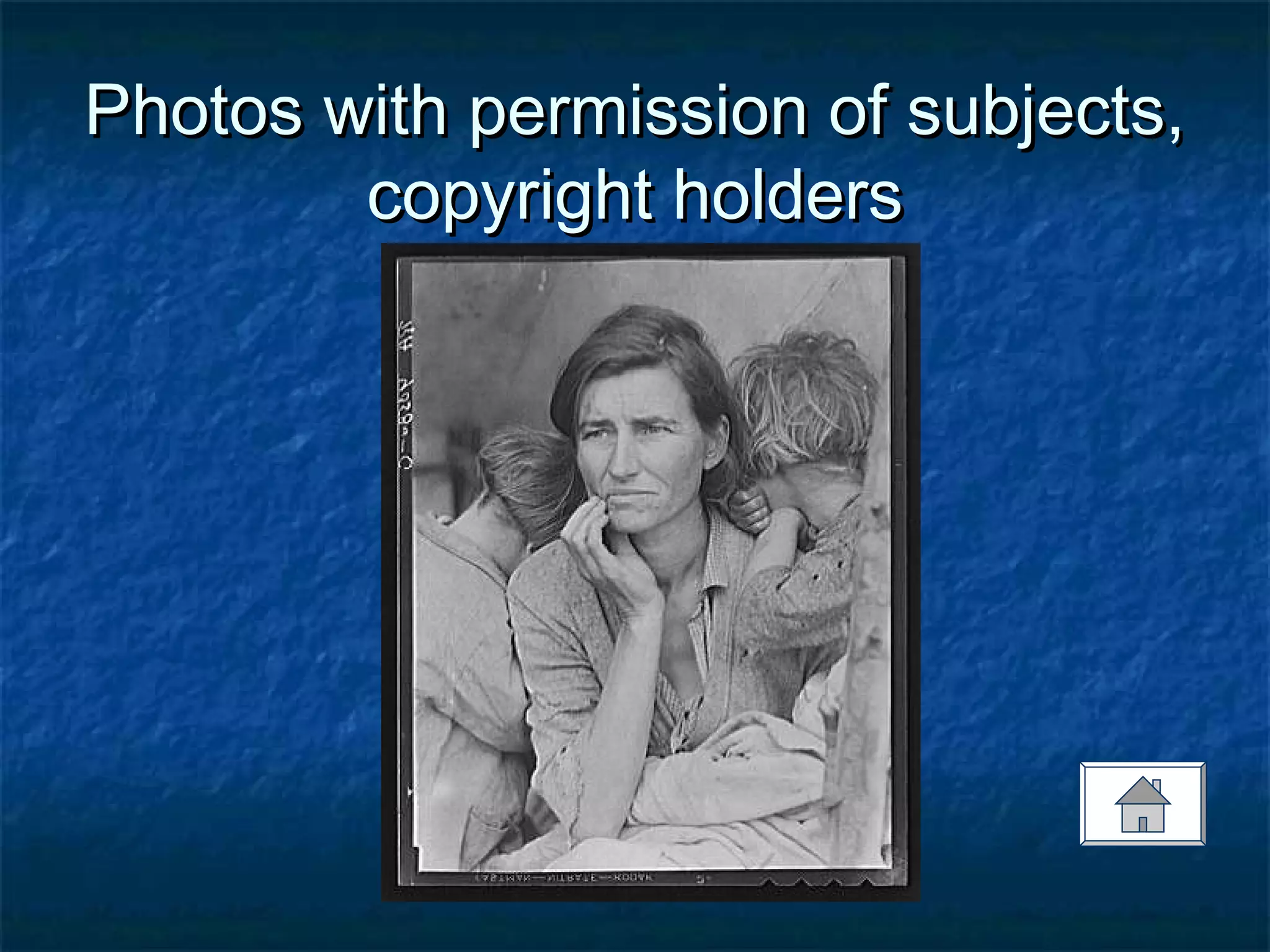
 Photos with permission of subjects,Photos with permission of subjects,
copyright holderscopyright holders
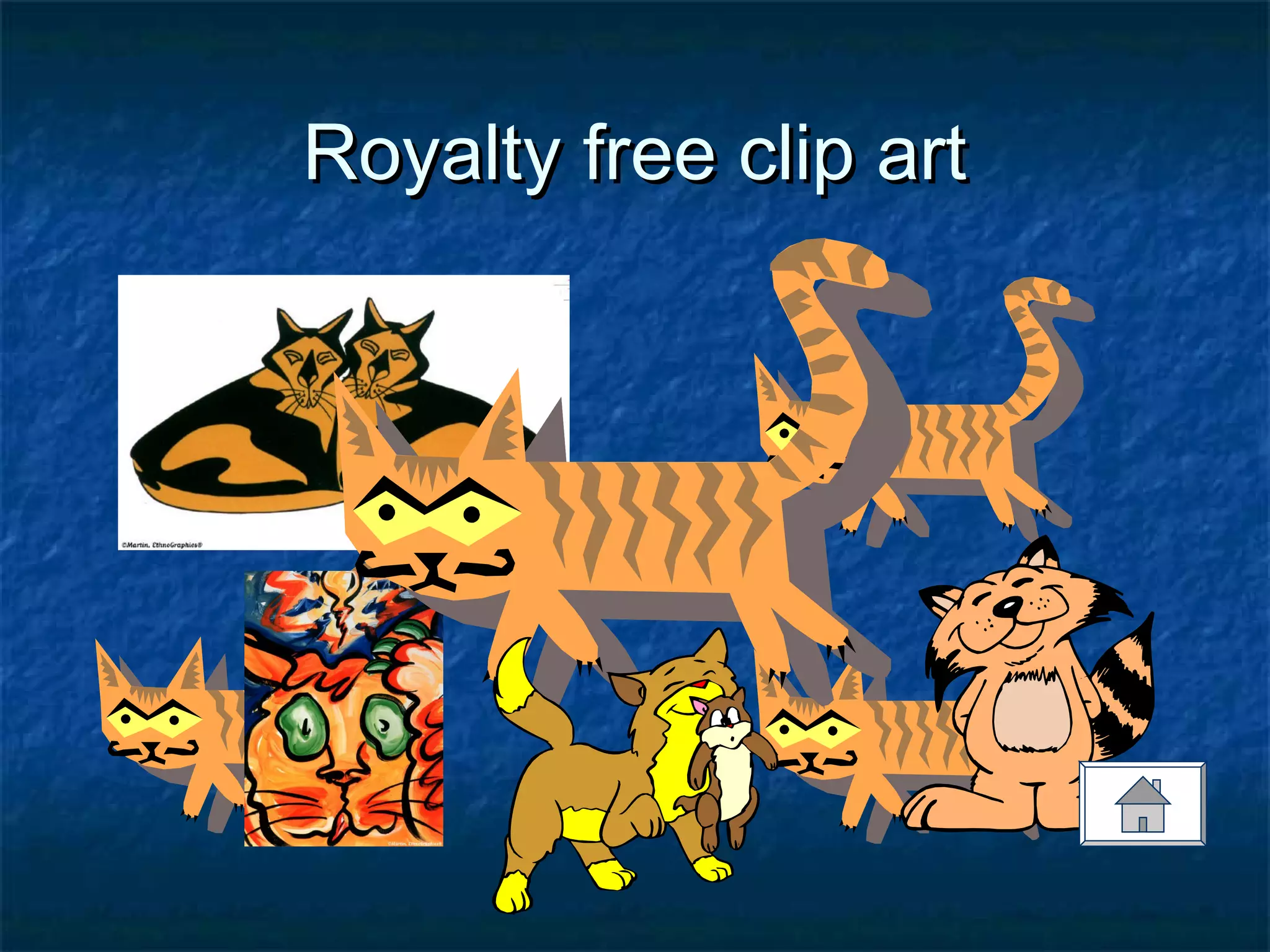
 Royalty free clip artRoyalty free clip art
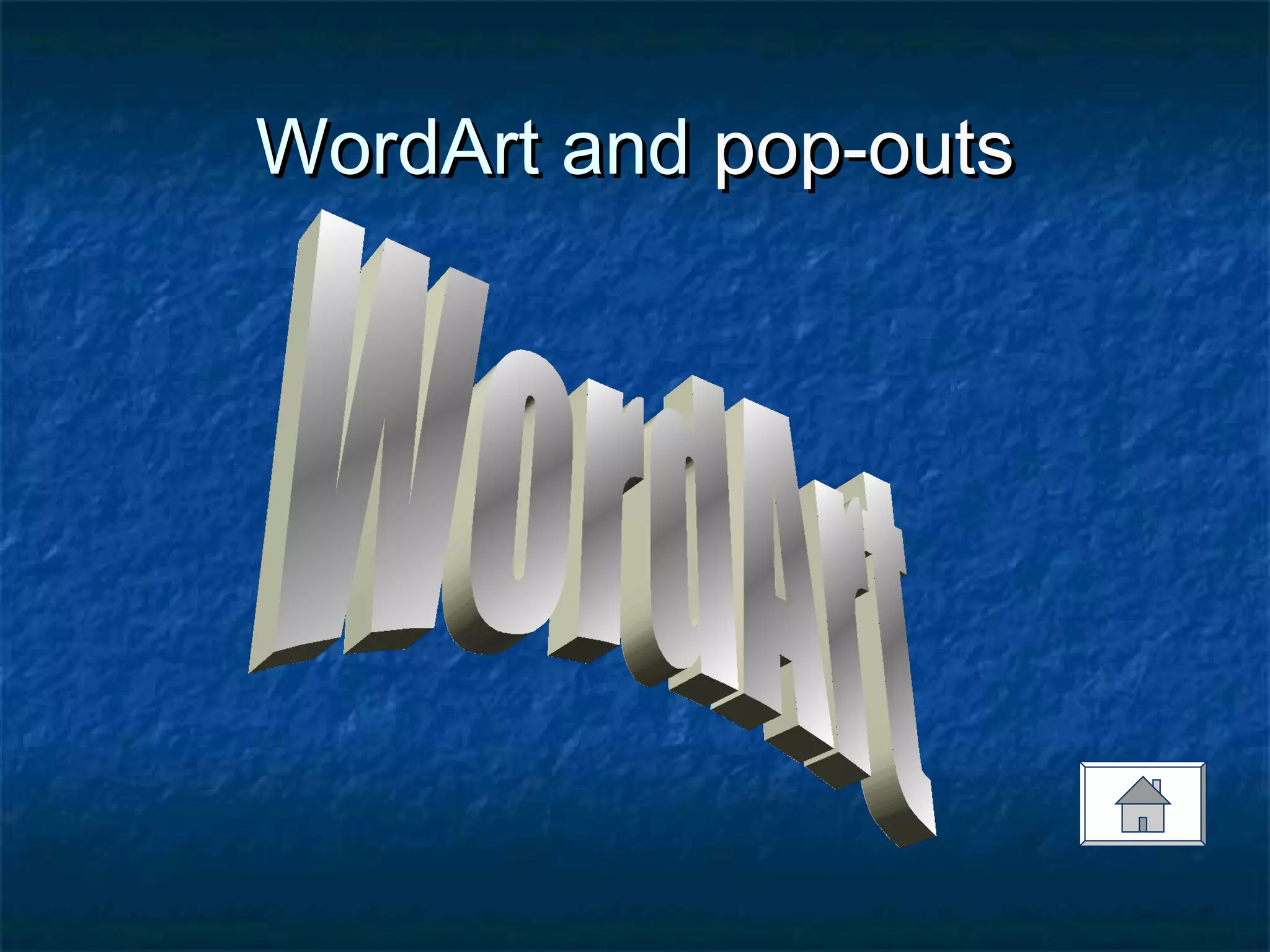
 WordArt and pop-outsWordArt and pop-outs
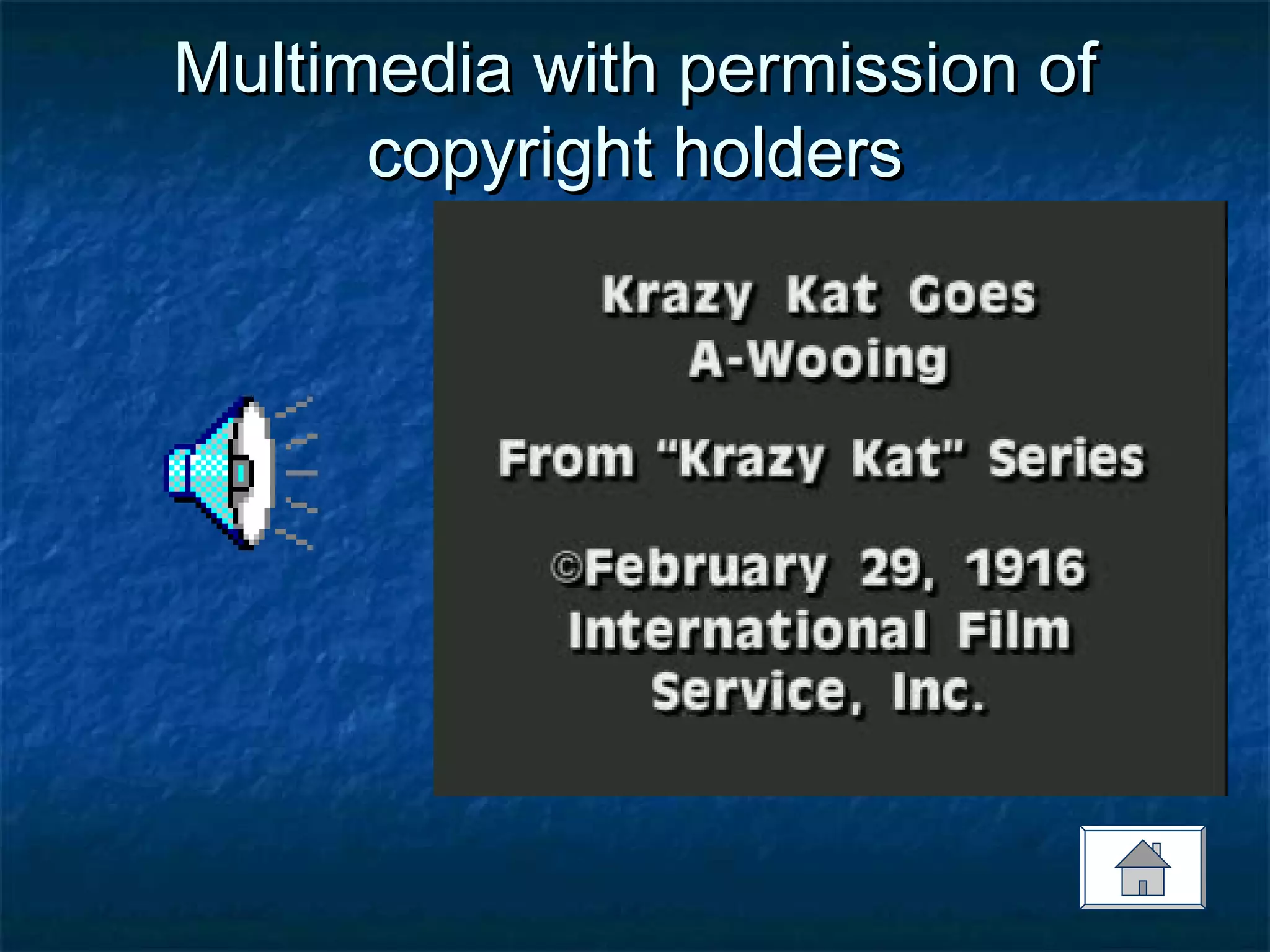
 Multimedia with permission of copyright holderMultimedia with permission of copyright holder
 Images must relate to content/ teaching pointsImages must relate to content/ teaching points
Charts, graphs, tablesCharts, graphs, tables
0
10
20
30
40
50
60
70
80
90
1st Qtr 2nd Qtr 3rd Qtr 4th Qtr
East
West
North
1st Qtr
2nd Qtr
3rd Qtr
4th Qtr
JanJan FebFeb
0303 2500025000 3200032000
0404 5000050000 7500075000
Photos with permission of subjects,Photos with permission of subjects,
copyright holderscopyright holders
Royalty free clip artRoyalty free clip art
WordArt andWordArt and pop-outspop-outs
Multimedia with permission ofMultimedia with permission of
copyright holderscopyright holders
Images must relate to content/Images must relate to content/
teaching pointsteaching points
Red and BlackRed and Black

Ppt tips and_tricks

  • 1.
    PowerPoint Tips andPowerPointTips and TricksTricks Waking Up FromWaking Up From ““PowerPoint-Induced Sleep:”PowerPoint-Induced Sleep:” Effective Use of PowerPointEffective Use of PowerPoint for Teachingfor Teaching Adapted from a workshop provided at USC, Columbia, by DEIS Instructional Developer, Vera Polyakova-Norwood
  • 2.
     Format/ GeneralFormat/General  Format/ ColorsFormat/ Colors  Format/ TextFormat/ Text  Type SizesType Sizes  FontsFonts  EmphasisEmphasis  EffectsEffects  Graphics/ VisualsGraphics/ Visuals Table of Contents:
  • 3.
    Format/ GeneralFormat/ General •Avoid overused templatesAvoid overused templates
  • 4.
    Format/ GeneralFormat/ General Place content in the middle of slidesPlace content in the middle of slides
  • 5.
    Format/ GeneralFormat/ General Use bullet points: no complete sentencesUse bullet points: no complete sentences -Start each bullet point with the same-Start each bullet point with the same grammatical pattern to convey a sense ofgrammatical pattern to convey a sense of style and to establish a dynamicstyle and to establish a dynamic
  • 6.
    Format/ GeneralFormat/ General Use external and internal linksUse external and internal links  To demonstrate the content of yourTo demonstrate the content of your presentationpresentation  To break the linearity of PowerPointTo break the linearity of PowerPoint
  • 7.
    Format/ GeneralFormat/ General Include a conclusions slideInclude a conclusions slide  To provide reinforcement through summaryTo provide reinforcement through summary
  • 8.
    Format/ ColorsFormat/ Colors Select colors with high contrastSelect colors with high contrast  Consider people with color blindness andConsider people with color blindness and low-visionlow-vision  No red on black or vice versaNo red on black or vice versa
  • 9.
    Format/ ColorsFormat/ Colors Light type on dark backgroundLight type on dark background
  • 10.
    Format/ ColorsFormat/ Colors Black type on yellow backgroundBlack type on yellow background
  • 11.
    Format/ ColorsFormat/ Colors Do not use hot colors for backgroundDo not use hot colors for background
  • 12.
    Format/ TextFormat/ Text 7 lines per slide (including title)7 lines per slide (including title)  7 words per line7 words per line
  • 13.
    Type SizesType Sizes 54point for titles54 point for titles  32 point for text32 point for text  24 point is difficult to read24 point is difficult to read  16 point is impossible to read and should not be used16 point is impossible to read and should not be used
  • 14.
    FontsFonts  Use SanSerif Fonts to convey ease of reading:Use San Serif Fonts to convey ease of reading:  Arial Rounded MT BoldArial Rounded MT Bold  AvantGarde Md BtAvantGarde Md Bt  HelveticaHelvetica  Zurich BTZurich BT  Do not use fonts that have “little feet.”Do not use fonts that have “little feet.”  Do not use narrow fontsDo not use narrow fonts
  • 15.
    FontsFonts  Different computershave different fontsDifferent computers have different fonts loaded on themloaded on them  This may affect the look of your presentationThis may affect the look of your presentation
  • 16.
    EmphasisEmphasis  Avoid ALLCAPSAvoid ALL CAPS  UseUse colorcolor toto highlighthighlight  UseUse italicsitalics rather thanrather than underliningunderlining  Underlining runs into some letters that goUnderlining runs into some letters that go below the linebelow the line  Looks like a hyperlinkLooks like a hyperlink
  • 17.
    EffectsEffects  All effectsshould have a purposeAll effects should have a purpose  Do not overuse animation effectsDo not overuse animation effects  Animation creates a secondary focus thatAnimation creates a secondary focus that competes with contentcompetes with content
  • 18.
    EffectsEffects  No movingtextNo moving text  No sound effectsNo sound effects  Use appear and dim effects for bulletUse appear and dim effects for bullet pointspoints
  • 19.
    Graphics/ VisualsGraphics/ Visuals Charts, graphs, tablesCharts, graphs, tables  Photos with permission of subjects,Photos with permission of subjects, copyright holderscopyright holders  Royalty free clip artRoyalty free clip art  WordArt and pop-outsWordArt and pop-outs  Multimedia with permission of copyright holderMultimedia with permission of copyright holder  Images must relate to content/ teaching pointsImages must relate to content/ teaching points
  • 20.
    Charts, graphs, tablesCharts,graphs, tables 0 10 20 30 40 50 60 70 80 90 1st Qtr 2nd Qtr 3rd Qtr 4th Qtr East West North 1st Qtr 2nd Qtr 3rd Qtr 4th Qtr JanJan FebFeb 0303 2500025000 3200032000 0404 5000050000 7500075000
  • 21.
    Photos with permissionof subjects,Photos with permission of subjects, copyright holderscopyright holders
  • 22.
    Royalty free clipartRoyalty free clip art
  • 23.
    WordArt andWordArt andpop-outspop-outs
  • 24.
    Multimedia with permissionofMultimedia with permission of copyright holderscopyright holders
  • 25.
    Images must relateto content/Images must relate to content/ teaching pointsteaching points
  • 26.