

PowerShell Bangalore
and ITPro User Groups
      In-person Meeting – 15th, December 2012


                    http://twitter.com/BangaloreITPr
                    o
                    http://twitter.com/psbug


                               LearningPowerShell.com
PowerShell 3.0
                        Workflows
PowerShell Bangalore User Group (@PSBUG) – 15th December,
                                                    2012


                                         Ravikanth Chaganti
                                     http://twitter.com/ravikanth

                                     http://ravichaganti.com/blog


                                            LearningPowerShell.com
About Me
• Work at Dell Inc.
• PowerShell MVP since
  2010
• Author
    •   Layman’s guide to PS
        remoting
    •   WQL via PowerShell
• Founder & Editor
    •   PowerShellMagazine.co
        m
    •   LearningPowerShell.com
        (coming soon)


                                 LearningPowerShell.com
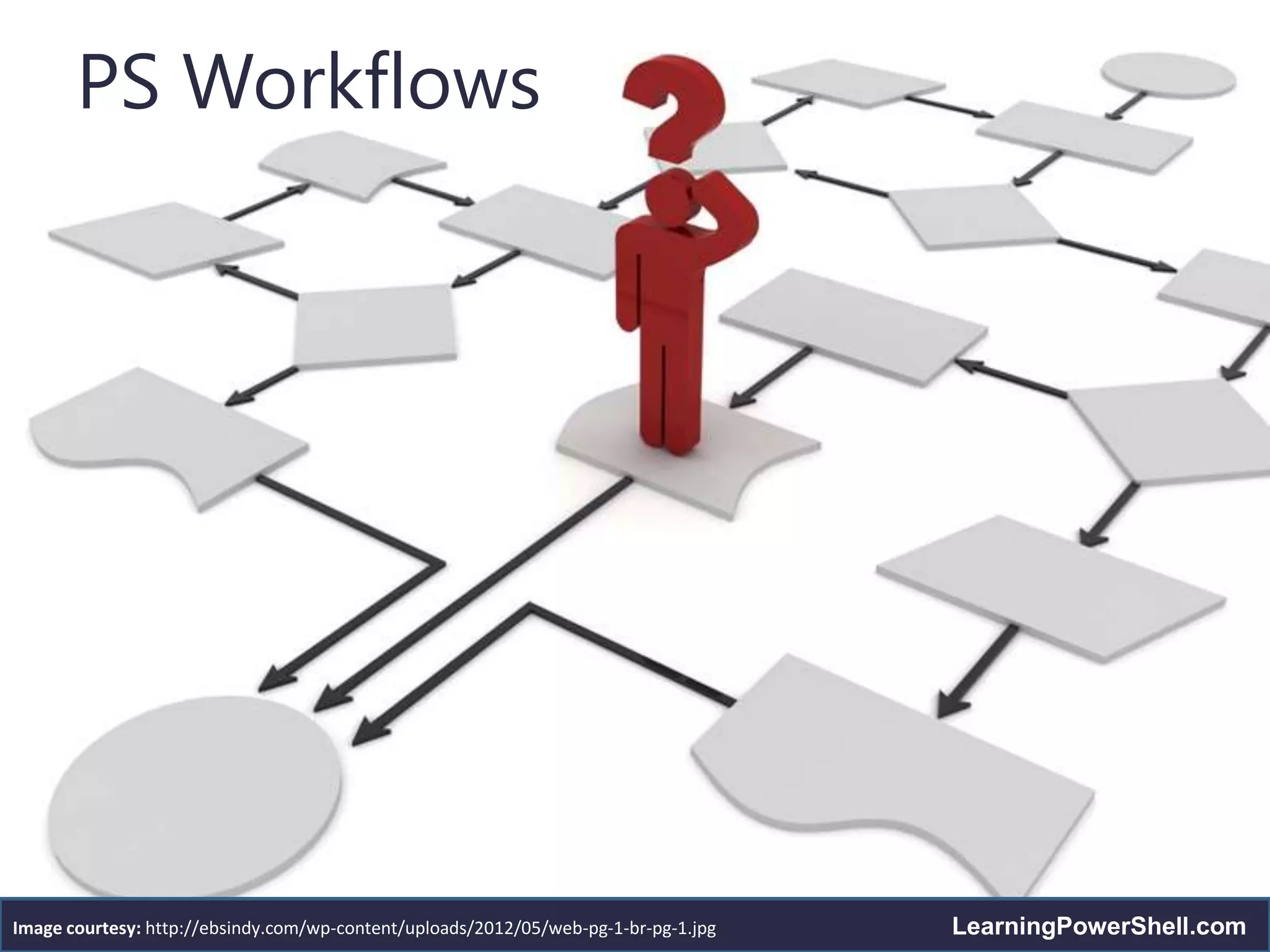
PS Workflows


Image courtesy: http://ebsindy.com/wp-content/uploads/2012/05/web-pg-1-br-pg-1.jpg   LearningPowerShell.com
Introduction to Workflows
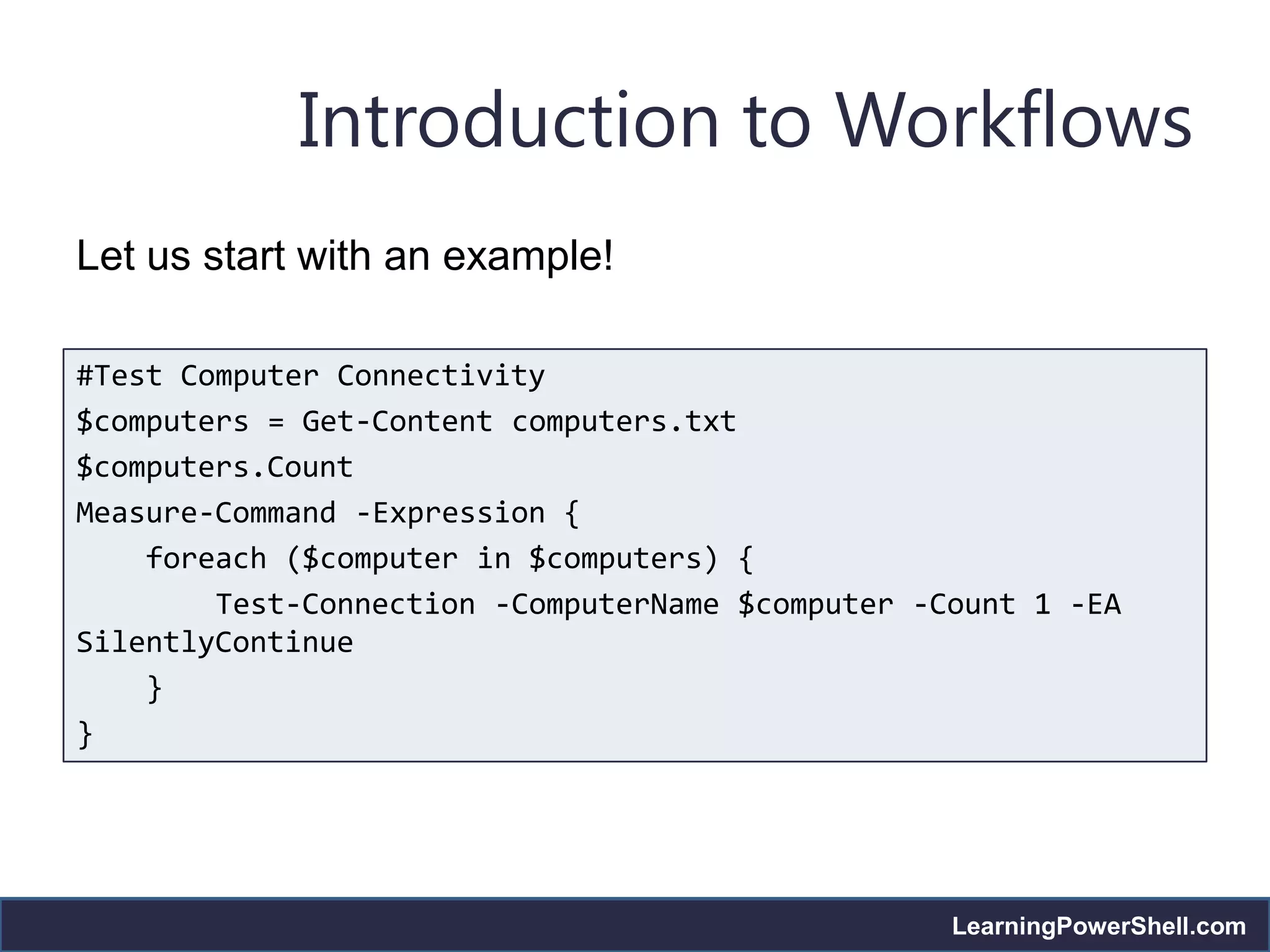
Let us start with an example!

#Test Computer Connectivity
$computers = Get-Content computers.txt
$computers.Count
Measure-Command -Expression {
    foreach ($computer in $computers) {
        Test-Connection -ComputerName $computer -Count 1 -EA
SilentlyContinue
    }
}


                                                  LearningPowerShell.com
Introduction to Workflows
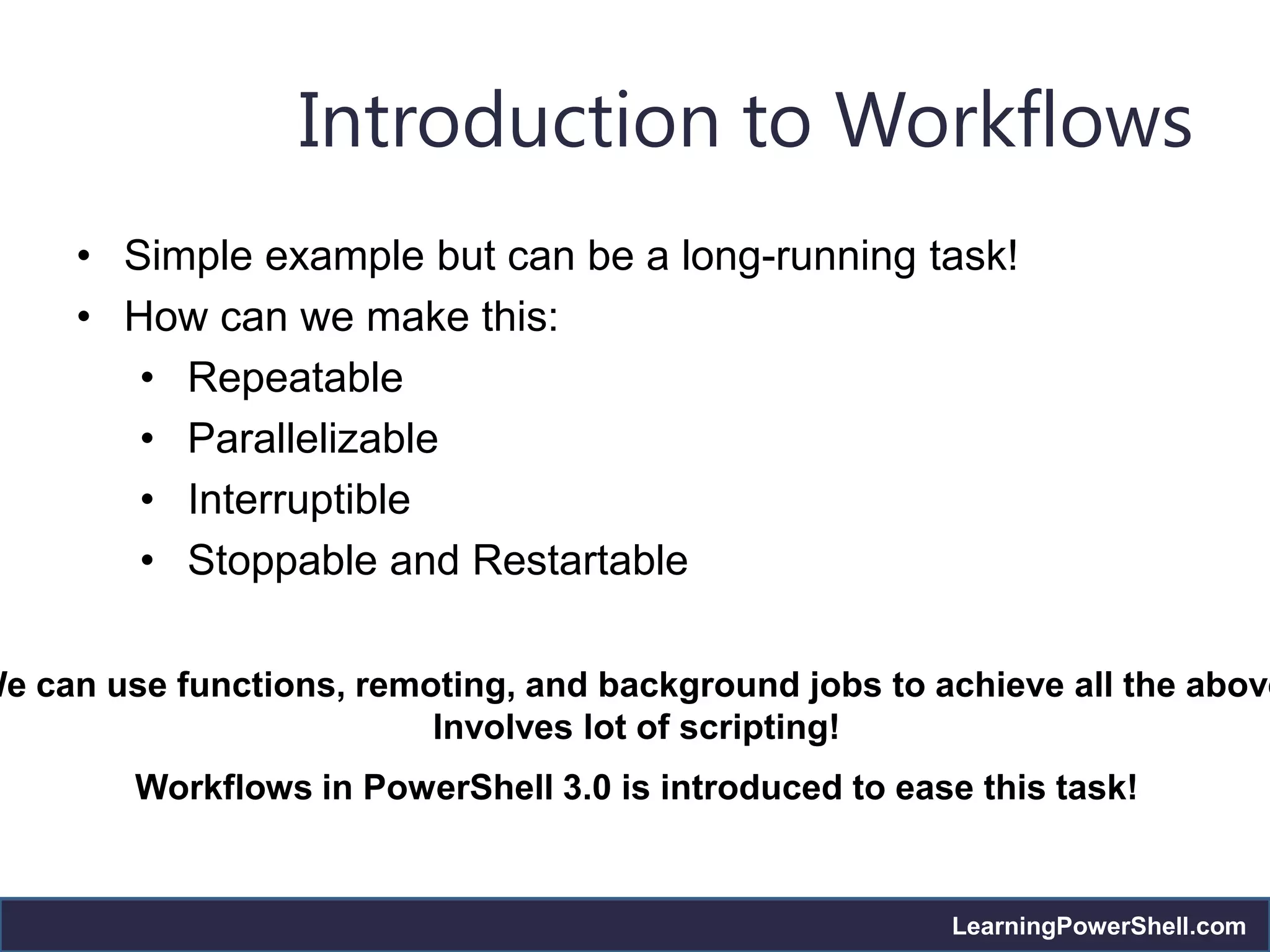
     • Simple example but can be a long-running task!
     • How can we make this:
        • Repeatable
        • Parallelizable
        • Interruptible
        • Stoppable and Restartable

We can use functions, remoting, and background jobs to achieve all the above
                          Involves lot of scripting!
         Workflows in PowerShell 3.0 is introduced to ease this task!


                                                         LearningPowerShell.com
Introduction to Workflows
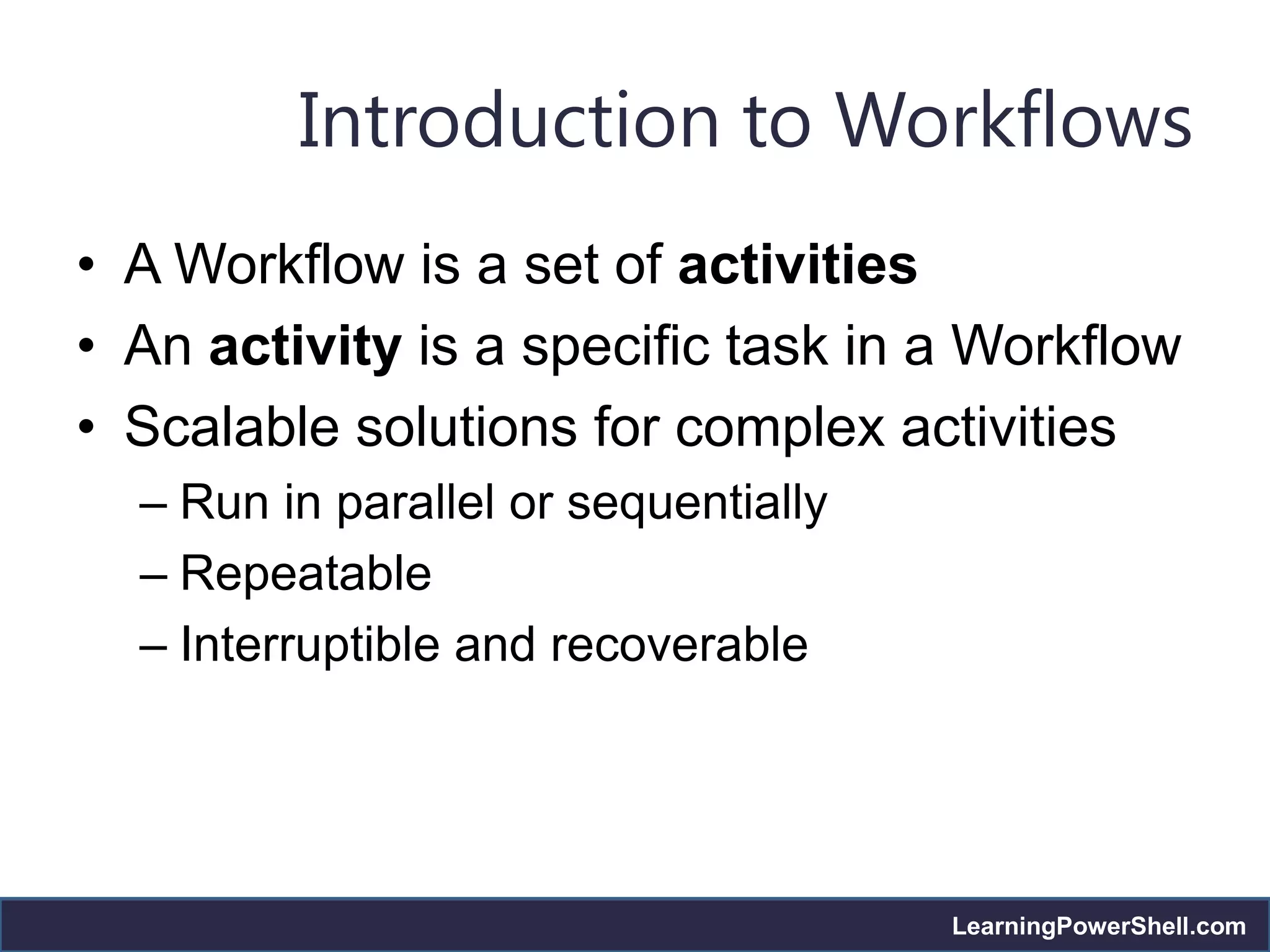
• A Workflow is a set of activities
• An activity is a specific task in a Workflow
• Scalable solutions for complex activities
  – Run in parallel or sequentially
  – Repeatable
  – Interruptible and recoverable


                                      LearningPowerShell.com
Introduction to Workflows
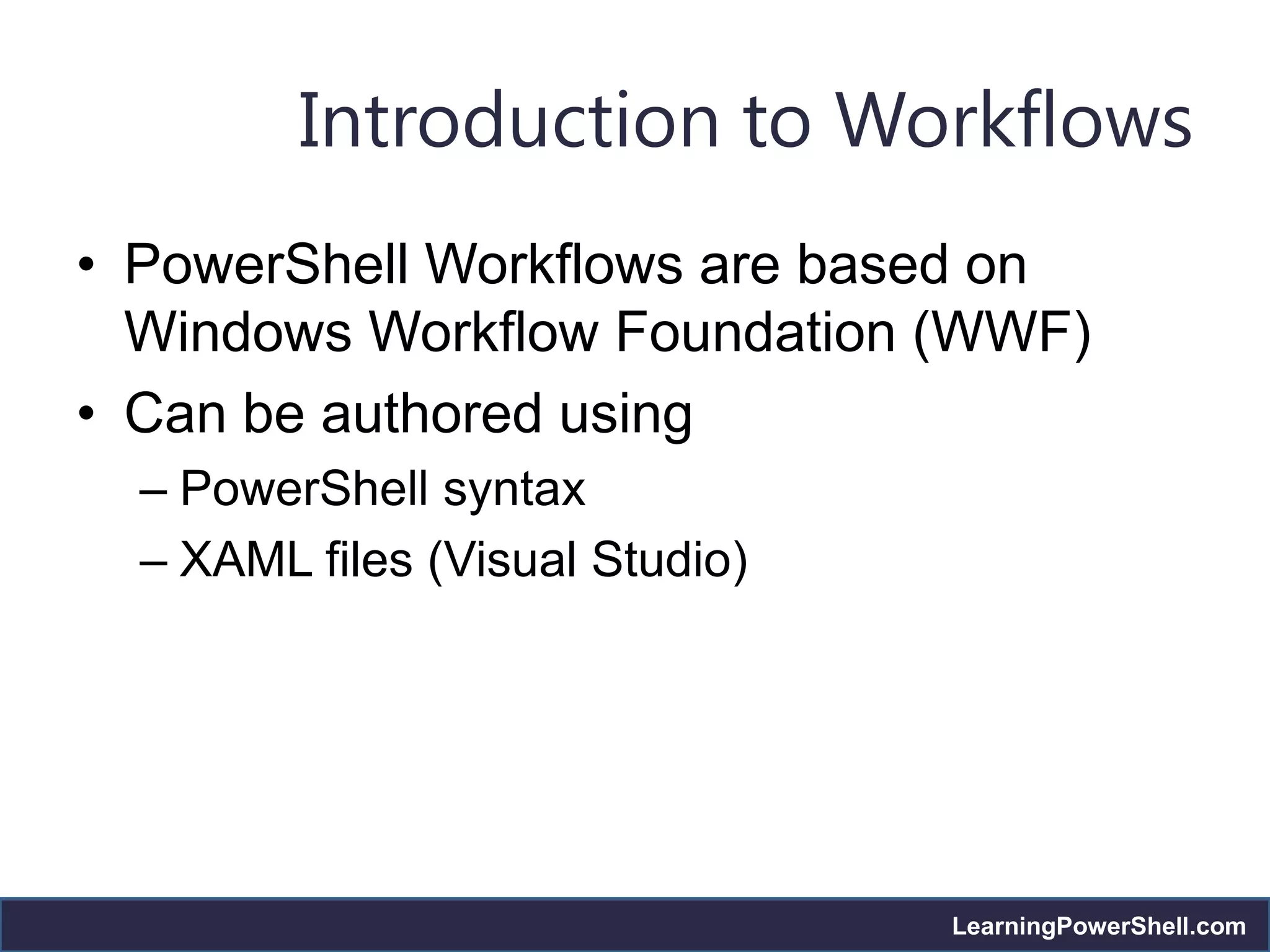
• PowerShell Workflows are based on
  Windows Workflow Foundation (WWF)
• Can be authored using
  – PowerShell syntax
  – XAML files (Visual Studio)


                                 LearningPowerShell.com
Benefits of Workflows
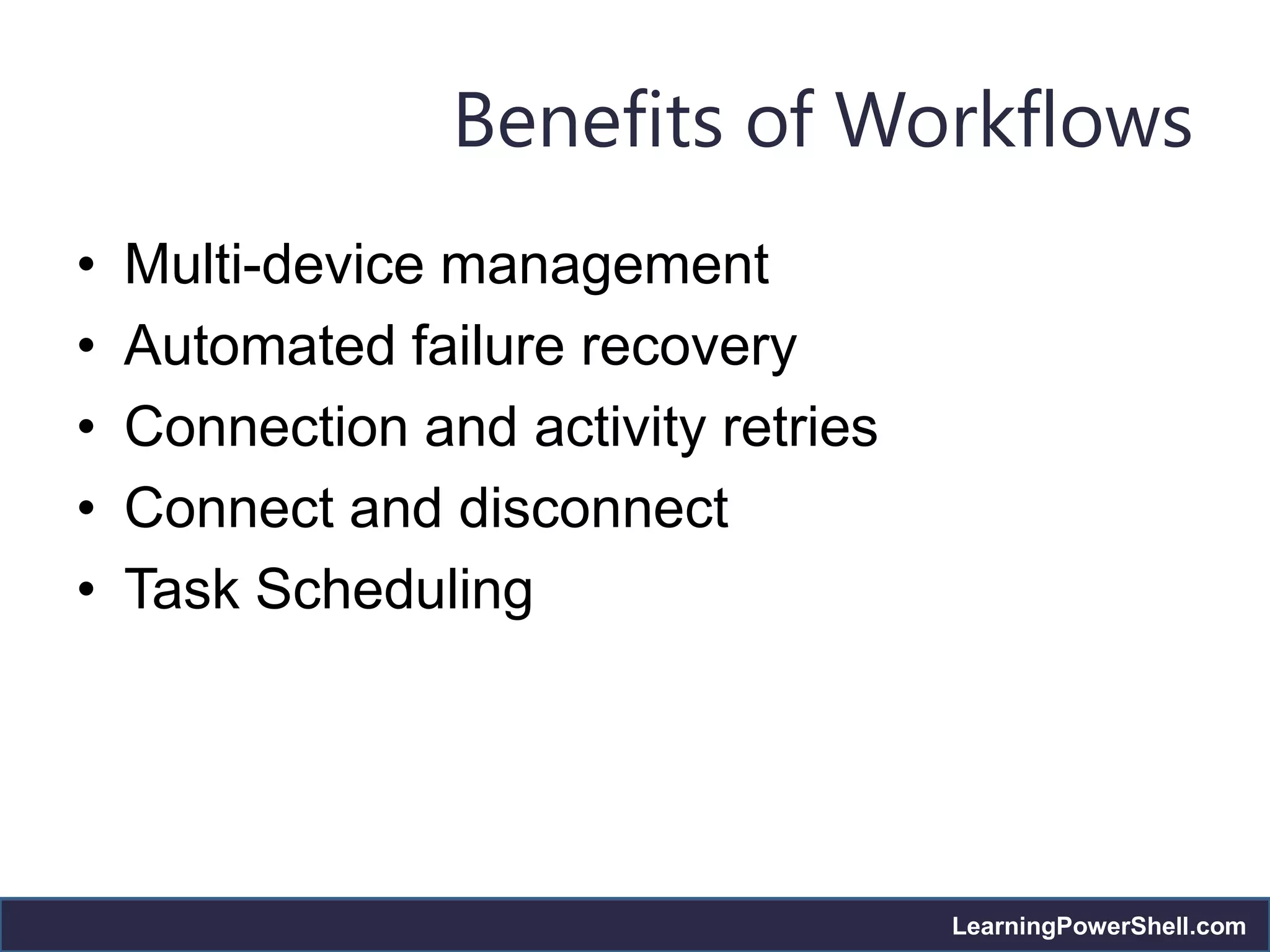
•   Multi-device management
•   Automated failure recovery
•   Connection and activity retries
•   Connect and disconnect
•   Task Scheduling


                                      LearningPowerShell.com
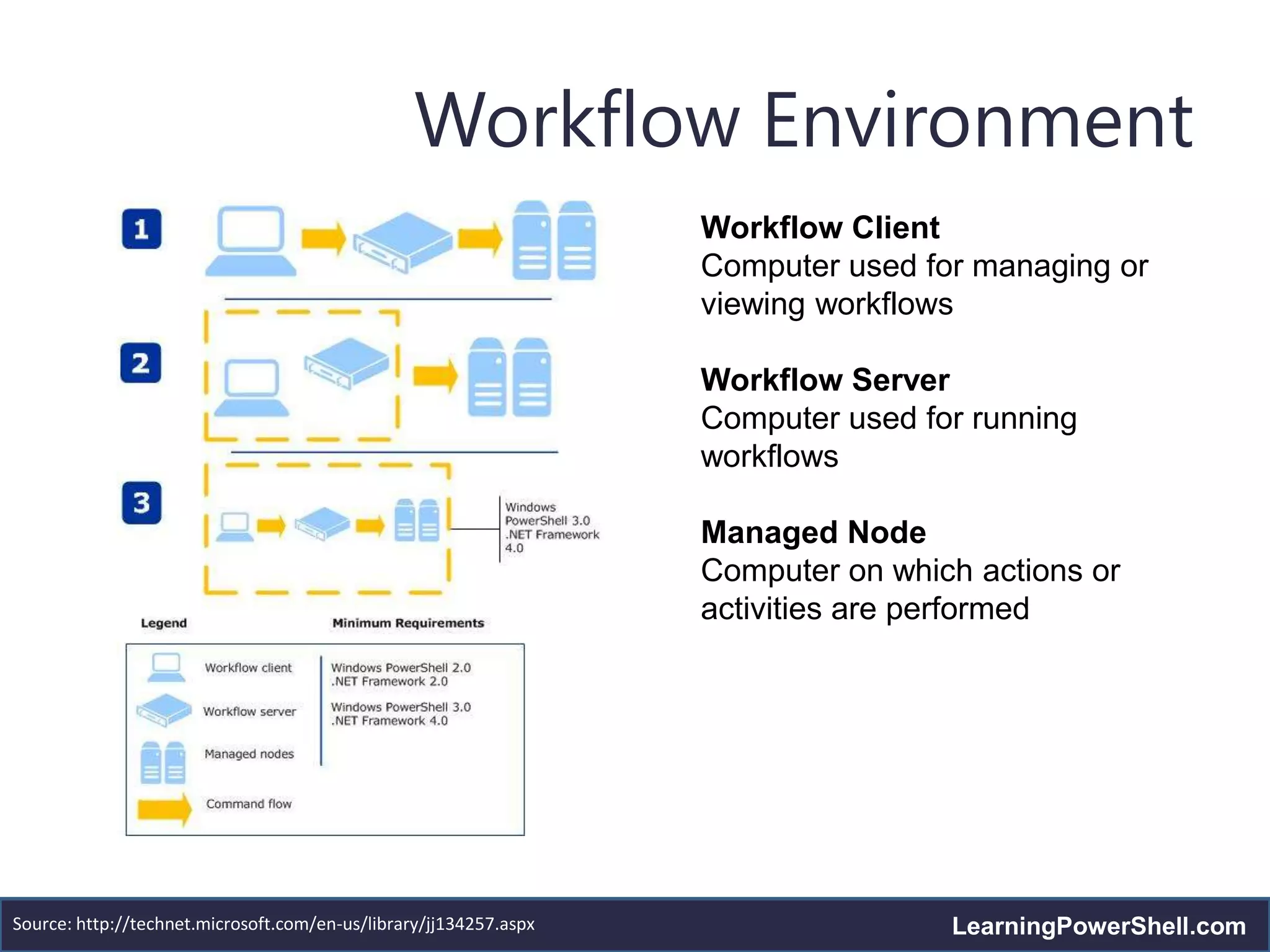
Workflow Environment
                                                                   Workflow Client
                                                                   Computer used for managing or
                                                                   viewing workflows

                                                                   Workflow Server
                                                                   Computer used for running
                                                                   workflows

                                                                   Managed Node
                                                                   Computer on which actions or
                                                                   activities are performed


Source: http://technet.microsoft.com/en-us/library/jj134257.aspx                   LearningPowerShell.com
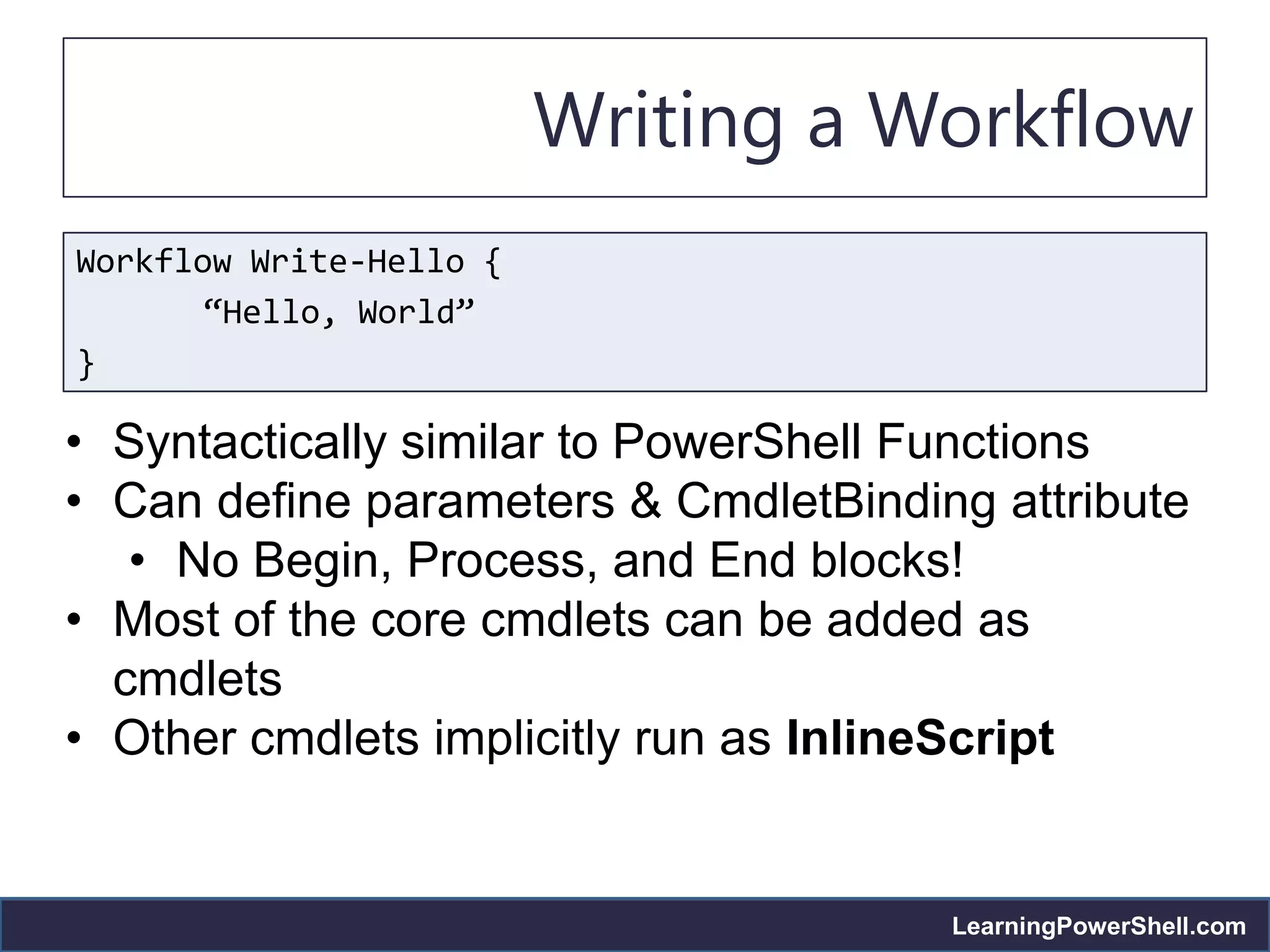
Writing a Workflow
Workflow Write-Hello {
       “Hello, World”
}

• Syntactically similar to PowerShell Functions
• Can define parameters & CmdletBinding attribute
   • No Begin, Process, and End blocks!
• Most of the core cmdlets can be added as
  cmdlets
• Other cmdlets implicitly run as InlineScript


                                      LearningPowerShell.com
Writing a Workflow
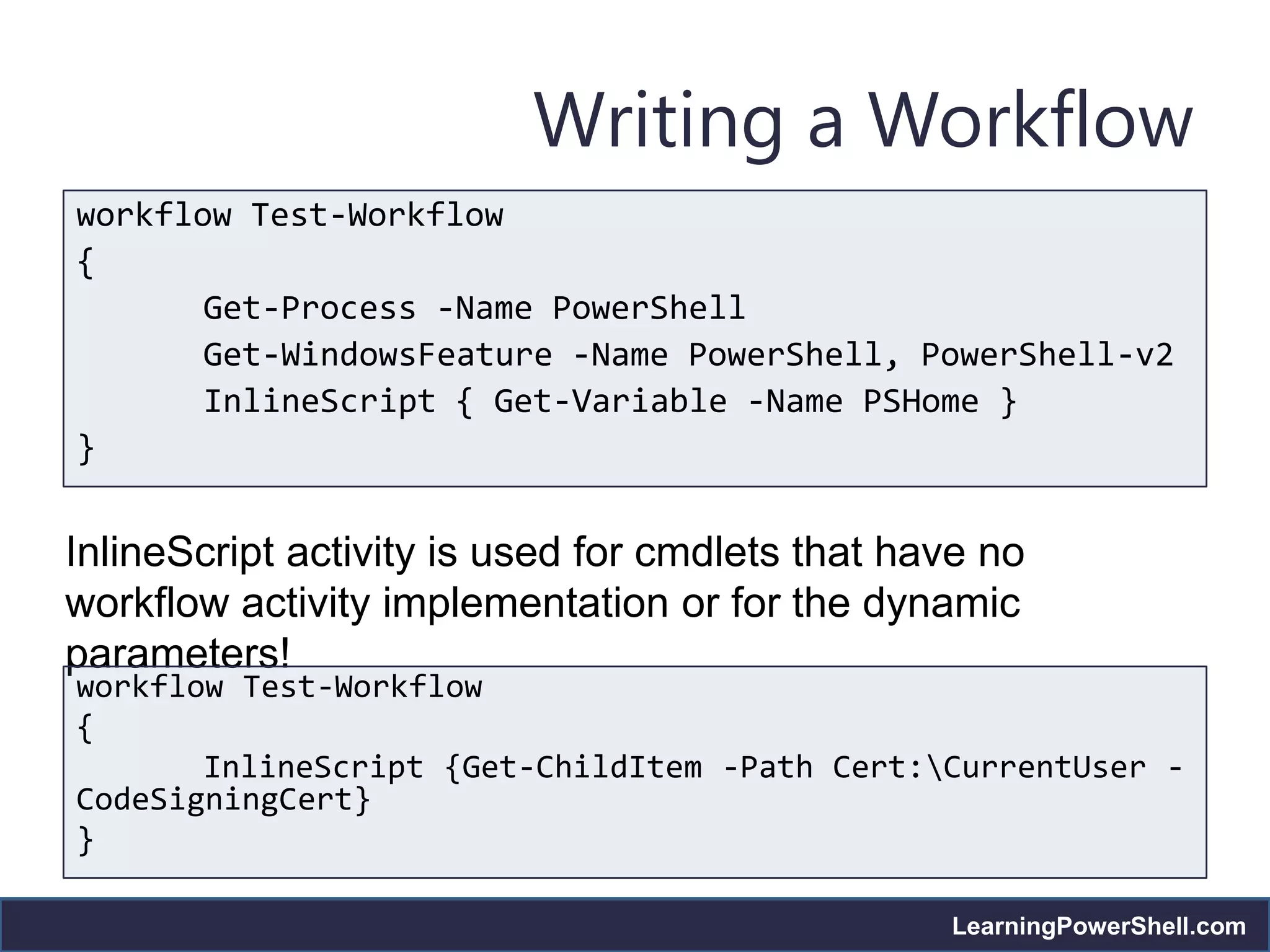
workflow Test-Workflow
{
       Get-Process -Name PowerShell
       Get-WindowsFeature -Name PowerShell, PowerShell-v2
       InlineScript { Get-Variable -Name PSHome }
}


InlineScript activity is used for cmdlets that have no
workflow activity implementation or for the dynamic
parameters!
workflow Test-Workflow
{
       InlineScript {Get-ChildItem -Path Cert:CurrentUser -
CodeSigningCert}
}

                                                 LearningPowerShell.com
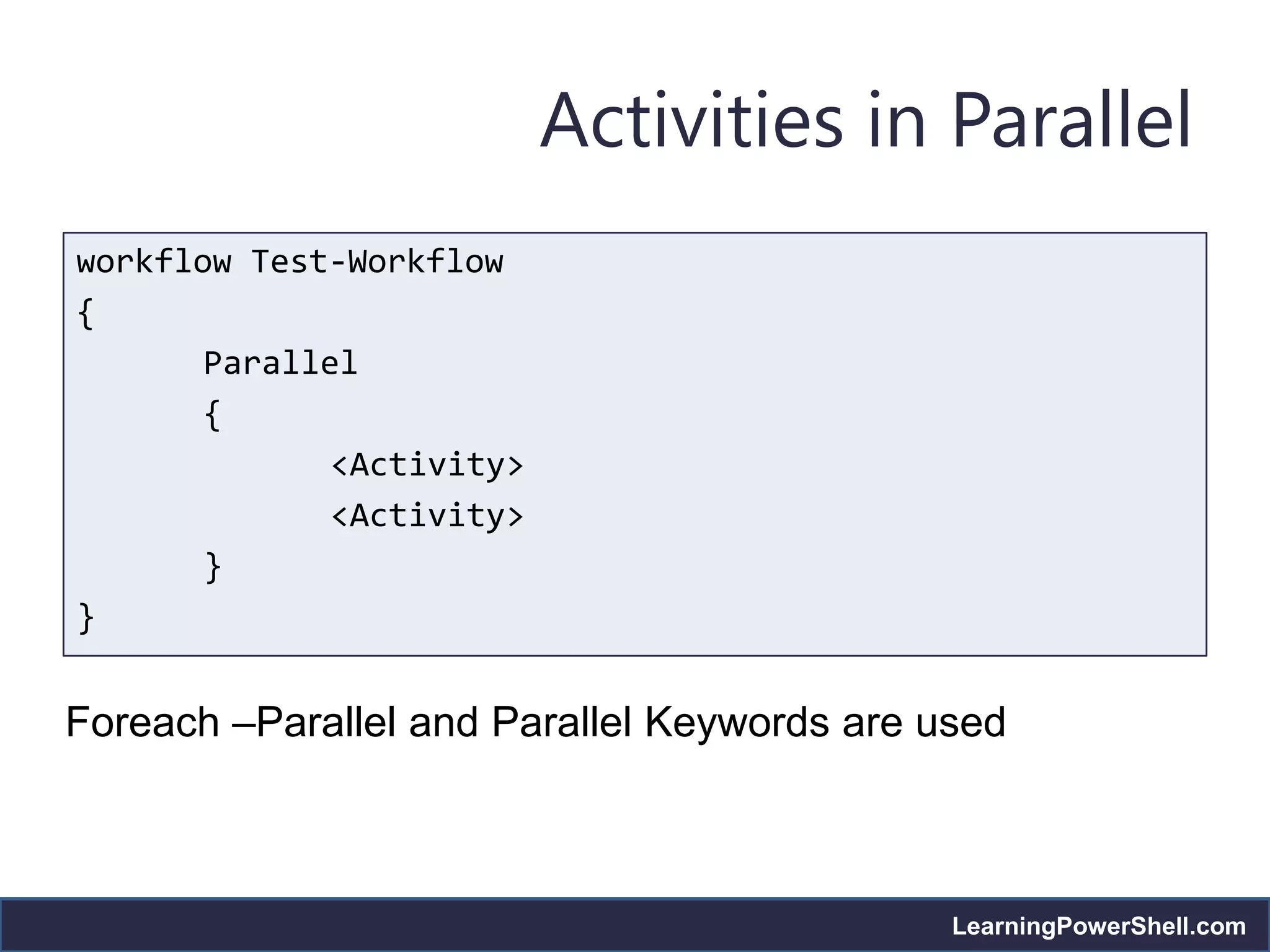
Activities in Parallel
workflow Test-Workflow
{
       Parallel
       {
              <Activity>
              <Activity>
       }
}


Foreach –Parallel and Parallel Keywords are used


                                             LearningPowerShell.com
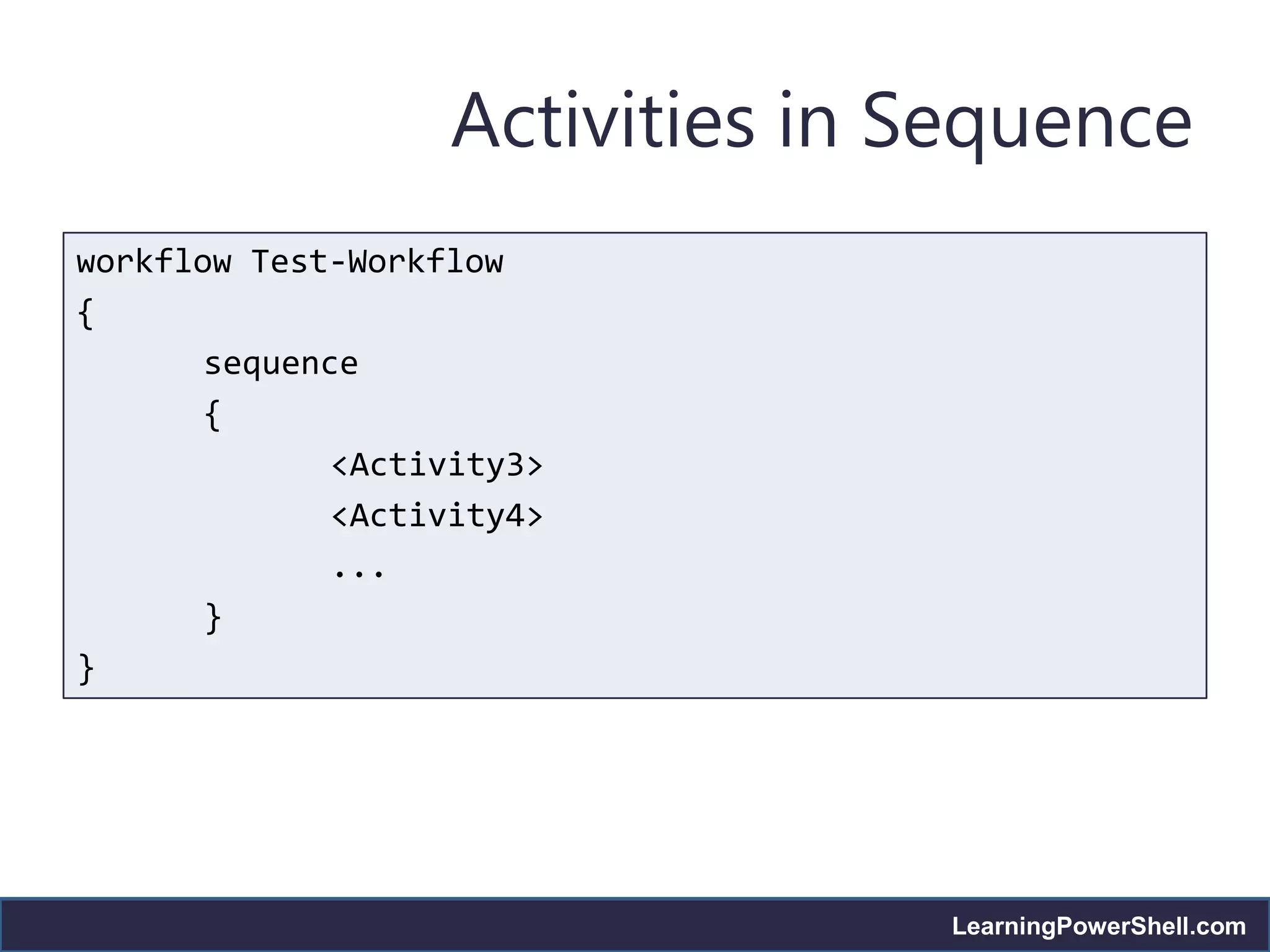
Activities in Sequence
workflow Test-Workflow
{
       sequence
       {
              <Activity3>
              <Activity4>
              ...
       }
}


                                 LearningPowerShell.com
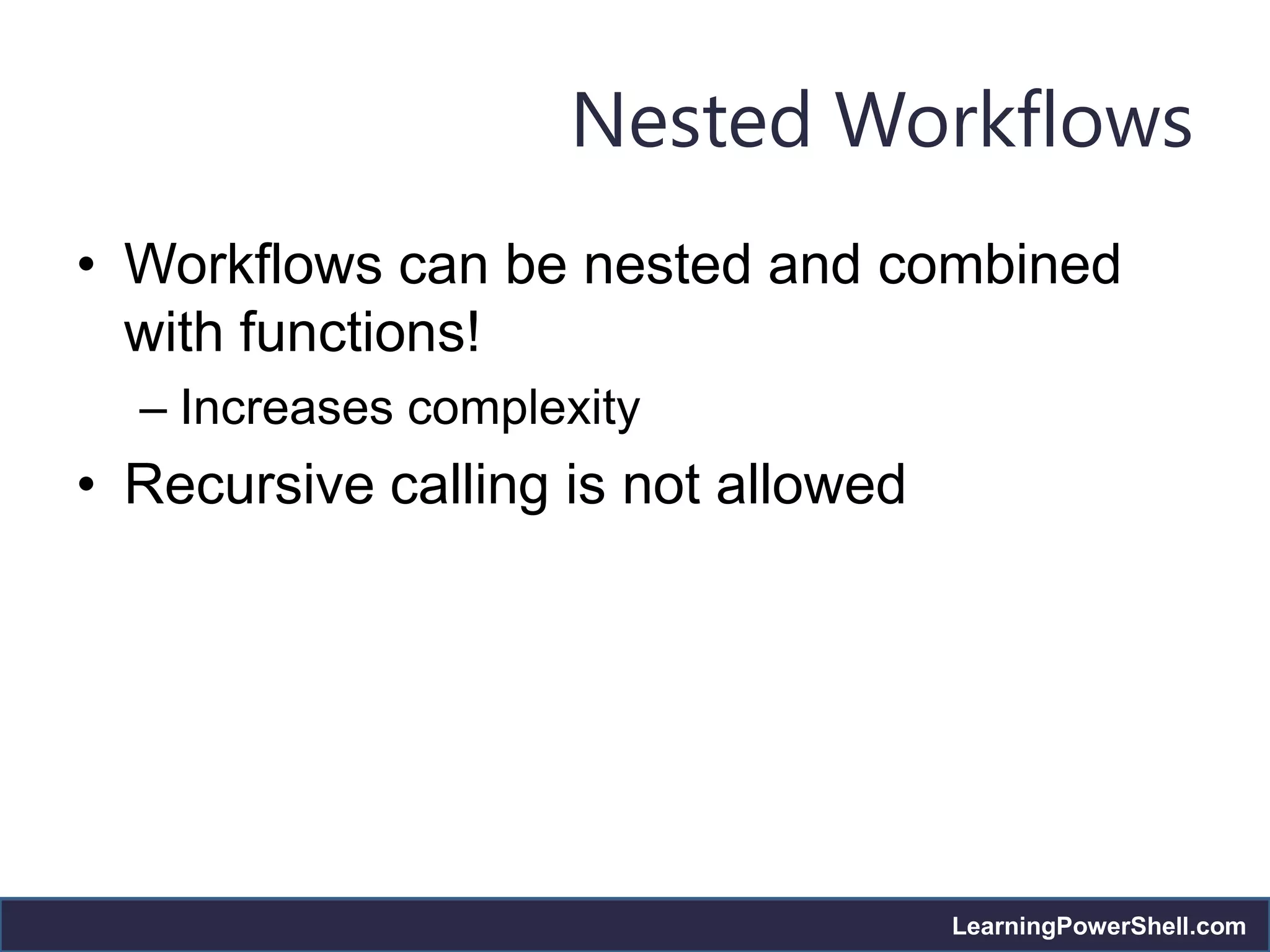
Nested Workflows
• Workflows can be nested and combined
  with functions!
  – Increases complexity
• Recursive calling is not allowed


                                     LearningPowerShell.com
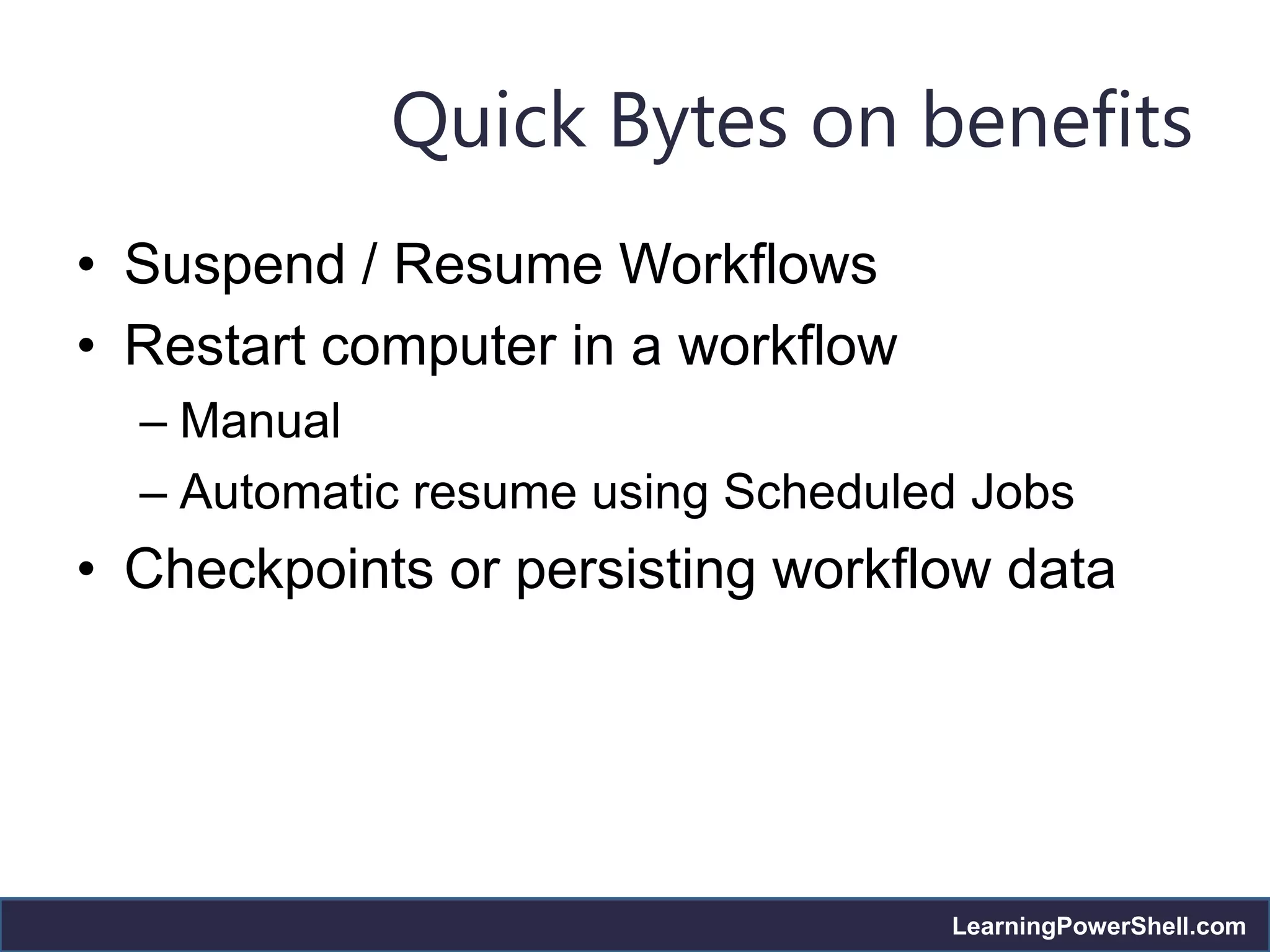
Quick Bytes on benefits
• Suspend / Resume Workflows
• Restart computer in a workflow
  – Manual
  – Automatic resume using Scheduled Jobs
• Checkpoints or persisting workflow data


                                   LearningPowerShell.com
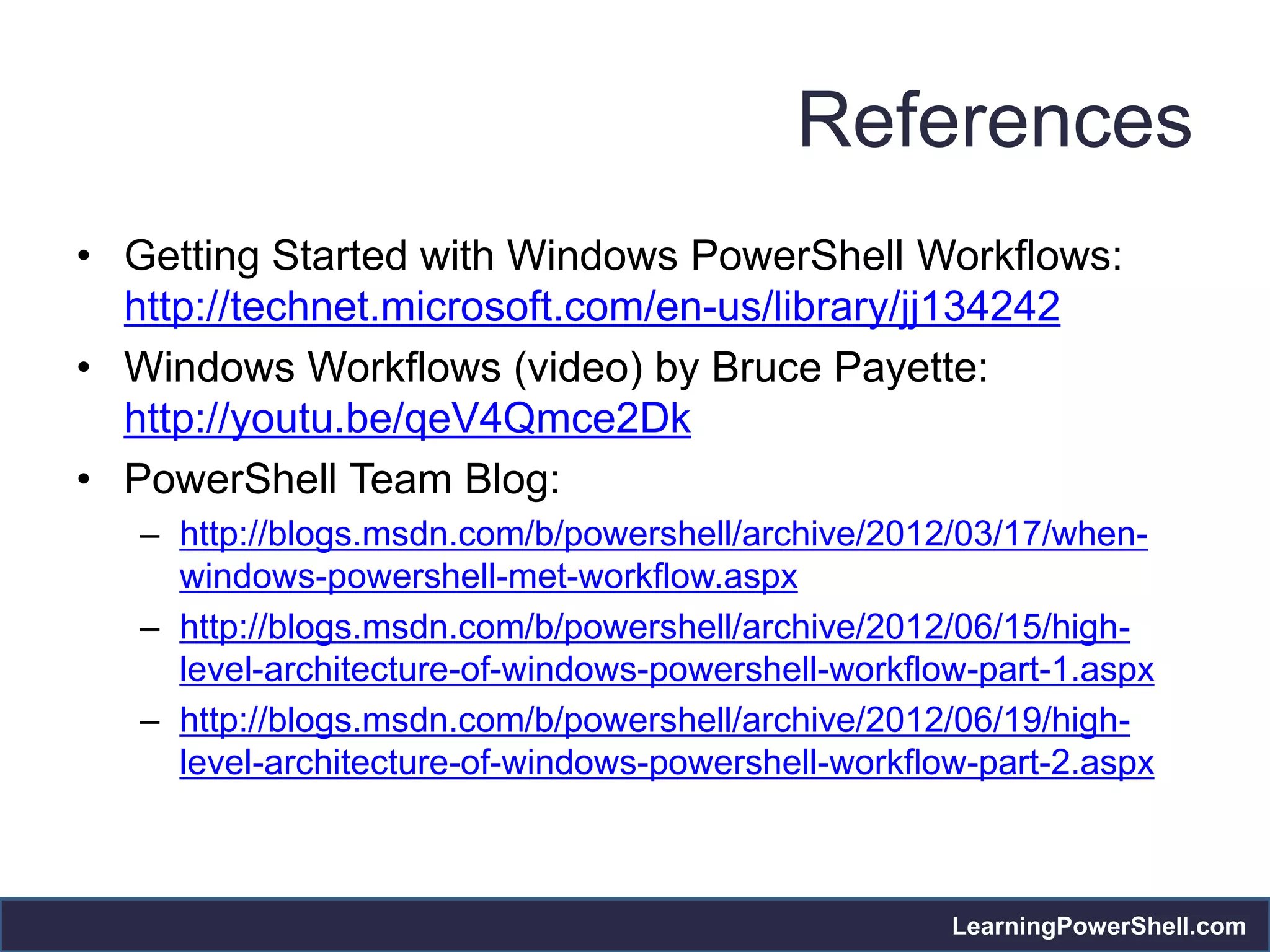
References
• Getting Started with Windows PowerShell Workflows:
  http://technet.microsoft.com/en-us/library/jj134242
• Windows Workflows (video) by Bruce Payette:
  http://youtu.be/qeV4Qmce2Dk
• PowerShell Team Blog:
   – http://blogs.msdn.com/b/powershell/archive/2012/03/17/when-
     windows-powershell-met-workflow.aspx
   – http://blogs.msdn.com/b/powershell/archive/2012/06/15/high-
     level-architecture-of-windows-powershell-workflow-part-1.aspx
   – http://blogs.msdn.com/b/powershell/archive/2012/06/19/high-
     level-architecture-of-windows-powershell-workflow-part-2.aspx


                                                     LearningPowerShell.com
Call to Action
• Join our FB Page:
  https://www.facebook.com/groups/451930394834695/
• Follow us on Twitter: @psbug
• Provide feedback on what you want to see
• Watch out for the session schedules!
• Write for us!
   – On PowerShell Magazine
   – On PSBUG blog! (http://psbug.wordpress.com/)


                                                    LearningPowerShell.com
OPEN HOUSE


             LearningPowerShell.com

PowerShell 3.0 workflows

  • 1.
    PowerShell Bangalore and ITProUser Groups In-person Meeting – 15th, December 2012 http://twitter.com/BangaloreITPr o http://twitter.com/psbug LearningPowerShell.com
  • 2.
    PowerShell 3.0 Workflows PowerShell Bangalore User Group (@PSBUG) – 15th December, 2012 Ravikanth Chaganti http://twitter.com/ravikanth http://ravichaganti.com/blog LearningPowerShell.com
  • 3.
    About Me • Workat Dell Inc. • PowerShell MVP since 2010 • Author • Layman’s guide to PS remoting • WQL via PowerShell • Founder & Editor • PowerShellMagazine.co m • LearningPowerShell.com (coming soon) LearningPowerShell.com
  • 4.
    PS Workflows Image courtesy:http://ebsindy.com/wp-content/uploads/2012/05/web-pg-1-br-pg-1.jpg LearningPowerShell.com
  • 5.
    Introduction to Workflows Letus start with an example! #Test Computer Connectivity $computers = Get-Content computers.txt $computers.Count Measure-Command -Expression { foreach ($computer in $computers) { Test-Connection -ComputerName $computer -Count 1 -EA SilentlyContinue } } LearningPowerShell.com
  • 6.
    Introduction to Workflows • Simple example but can be a long-running task! • How can we make this: • Repeatable • Parallelizable • Interruptible • Stoppable and Restartable We can use functions, remoting, and background jobs to achieve all the above Involves lot of scripting! Workflows in PowerShell 3.0 is introduced to ease this task! LearningPowerShell.com
  • 7.
    Introduction to Workflows •A Workflow is a set of activities • An activity is a specific task in a Workflow • Scalable solutions for complex activities – Run in parallel or sequentially – Repeatable – Interruptible and recoverable LearningPowerShell.com
  • 8.
    Introduction to Workflows •PowerShell Workflows are based on Windows Workflow Foundation (WWF) • Can be authored using – PowerShell syntax – XAML files (Visual Studio) LearningPowerShell.com
  • 9.
    Benefits of Workflows • Multi-device management • Automated failure recovery • Connection and activity retries • Connect and disconnect • Task Scheduling LearningPowerShell.com
  • 10.
    Workflow Environment Workflow Client Computer used for managing or viewing workflows Workflow Server Computer used for running workflows Managed Node Computer on which actions or activities are performed Source: http://technet.microsoft.com/en-us/library/jj134257.aspx LearningPowerShell.com
  • 11.
    Writing a Workflow WorkflowWrite-Hello { “Hello, World” } • Syntactically similar to PowerShell Functions • Can define parameters & CmdletBinding attribute • No Begin, Process, and End blocks! • Most of the core cmdlets can be added as cmdlets • Other cmdlets implicitly run as InlineScript LearningPowerShell.com
  • 12.
    Writing a Workflow workflowTest-Workflow { Get-Process -Name PowerShell Get-WindowsFeature -Name PowerShell, PowerShell-v2 InlineScript { Get-Variable -Name PSHome } } InlineScript activity is used for cmdlets that have no workflow activity implementation or for the dynamic parameters! workflow Test-Workflow { InlineScript {Get-ChildItem -Path Cert:CurrentUser - CodeSigningCert} } LearningPowerShell.com
  • 13.
    Activities in Parallel workflowTest-Workflow { Parallel { <Activity> <Activity> } } Foreach –Parallel and Parallel Keywords are used LearningPowerShell.com
  • 14.
    Activities in Sequence workflowTest-Workflow { sequence { <Activity3> <Activity4> ... } } LearningPowerShell.com
  • 15.
    Nested Workflows • Workflowscan be nested and combined with functions! – Increases complexity • Recursive calling is not allowed LearningPowerShell.com
  • 16.
    Quick Bytes onbenefits • Suspend / Resume Workflows • Restart computer in a workflow – Manual – Automatic resume using Scheduled Jobs • Checkpoints or persisting workflow data LearningPowerShell.com
  • 17.
    References • Getting Startedwith Windows PowerShell Workflows: http://technet.microsoft.com/en-us/library/jj134242 • Windows Workflows (video) by Bruce Payette: http://youtu.be/qeV4Qmce2Dk • PowerShell Team Blog: – http://blogs.msdn.com/b/powershell/archive/2012/03/17/when- windows-powershell-met-workflow.aspx – http://blogs.msdn.com/b/powershell/archive/2012/06/15/high- level-architecture-of-windows-powershell-workflow-part-1.aspx – http://blogs.msdn.com/b/powershell/archive/2012/06/19/high- level-architecture-of-windows-powershell-workflow-part-2.aspx LearningPowerShell.com
  • 18.
    Call to Action •Join our FB Page: https://www.facebook.com/groups/451930394834695/ • Follow us on Twitter: @psbug • Provide feedback on what you want to see • Watch out for the session schedules! • Write for us! – On PowerShell Magazine – On PSBUG blog! (http://psbug.wordpress.com/) LearningPowerShell.com
  • 19.
    OPEN HOUSE LearningPowerShell.com

Editor's Notes

  • #6 Start with this example; show how long it takes
  • #7 Convert the previous example to workflow and show the improvements and ease in achieving the same.Import-Module PSWorkflowWorkflow Invoke-WorkFlowPing { param( [string[]]$Computers ) foreach -parallel ($computer in $computers) { Test-Connection -ComputerName $computer -Count 1 -EA SilentlyContinue }}Measure-Command -Expression { Invoke-WorkFlowPing -Computers $computers }
  • #8 Relate the earlier example to activities and call out what is an activity in that caseTalk about how the earlier examples achieves all the characteristics defined in slide 6 without any additional scripting from our side.Each Activity runs in its own runspace; talk about variable sharing limitations, etc
  • #9 Show a quick glance at Visual Studio Workflow Authoring
  • #10 # Workflow provides built-in parameters that help in remote execution (Example: PS ComputerName)# Provide suspend, resume capability; checkpoints can be created in a workflow so that the workflow can be resumed from the persisted task# retry connections when the managed nodes are unavailable or can be asked to retry a task if the remote system was offline during workflow execution# You can connect and disconnect to a computer to monitor the workflows running on the computer# use triggers to invoke a workflow!Explain the use cases around these a bit such a complex device monitoring and reporting; multi-tier application deployment; cloud scale-up and scale-out scenarios, etc
  • #11 It is important to understand the Workflow environment before starting to write workflows! So, here it is.Demonstrate the 3 scenarios and configuring workflow environment for 3 scenarios# PS remoting is enabled on domain joined Server 2012 computers, by default.Discuss what happens when we enable PS Remoting on WMF 3.0 systems: # Session Configuration for Workflows is created # SharedHost mode is enabled # Performance optimizations such as background jobs, throttling, lifecycle of remote connectionsDemonstrate how we can get session configuration details and create a custom session configuration
  • #12 Begin with the workflow keyword, which identifies a workflow command to Windows PowerShell. The workflow keyword is required in a scriptworkflow. The name of the workflow follows the workflow keyword. The body of the workflow is enclosed in braces.Cmdlets that have no implementation as activities:New-AliasShow-CommandSet-PSBreakPointFormat-ListEnter-PSSessionGet-Variable
  • #13 Talk about the activity common parameters and show examples!
  • #14 Talk about the parallel activities and what happens when this workflow is run and describe that the order is not guranteed.
  • #15 Should be combined with Parallel to be more effective. Otherwise, this is nothing different than listing all activities in an order.
  • #17 Just a quick demo of these features or benefits