Release Management with Visual Studio
Team Services and Office Dev PnP
Petter Skodvin-Hvammen
Principal Consultant, Puzzlepart, Norway
@pettersh | skodvinhvammen.wordpress.com | pettersh@puzzlepart.com
Session Goals
1. Introduction to Release Management
2. How does it work in Visual Studio Team Services
3. Introduction to Office Dev PnP
4. How can we release to SharePoint (and other)
There will be plenty of examples and demos...
What is Release Management?
“Release management is the
process of managing, planning,
scheduling and controlling a
software build through different
stages and environments; including
testing and deploying software
releases”
https://en.wikipedia.org/wiki/Release_management
In Visual Studio Team Services
Service that helps you automate the
deployment and testing of your
software in multiple environments.
Why Release Management?
• You spend to much time on planning and deploying
changes
• There are too many manual steps
risk of failure
• It is not clear what feature or fix is released to which
environment
• One-click deploy to all of your environments on-
demand
• Schedule deployments
• Automatically deploy when code changes
• Roll back to previous version easily
• Control who can release to each environment
• Track the releases across environments
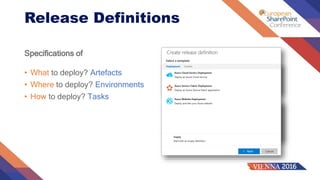
Release Definitions
Specifications of
• What to deploy? Artefacts
• Where to deploy? Environments
• How to deploy? Tasks
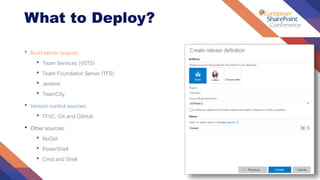
What to Deploy?
• Build server outputs:
• Team Services (VSTS)
• Team Foundation Server (TFS)
• Jenkins
• TeamCity
• Version control sources:
• TFVC, Git and GitHub
• Other sources:
• NuGet
• PowerShell
• Cmd and Shell
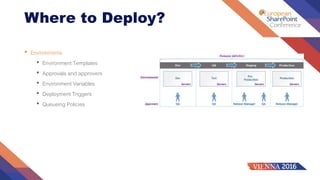
Where to Deploy?
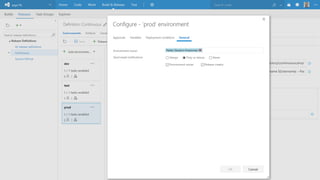
• Environments
• Environment Templates
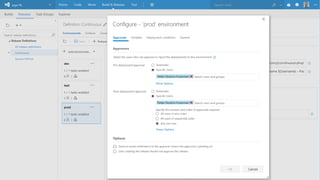
• Approvals and approvers
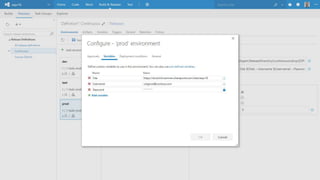
• Environment Variables
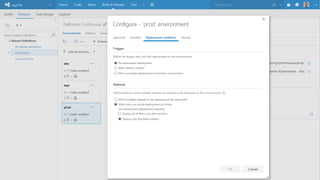
• Deployment Triggers
• Queueing Policies
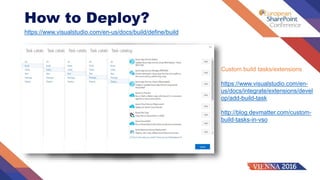
How to Deploy?
https://www.visualstudio.com/en-us/docs/build/define/build
Custom build tasks/extensions
https://www.visualstudio.com/en-
us/docs/integrate/extensions/devel
op/add-build-task
http://blog.devmatter.com/custom-
build-tasks-in-vso
DEMO
Office 365 Dev Patterns &
Practices (PnP)
https://github.com/OfficeDev/PnP-Sites-Core
https://github.com/OfficeDev/PnP-PowerShell
https://github.com/OfficeDev?query=office-ui-fabric (http://dev.office.com/fabric)
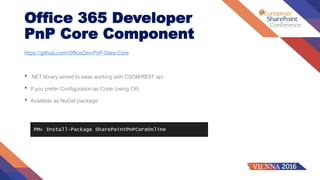
Office 365 Developer
PnP Core Component
https://github.com/OfficeDev/PnP-Sites-Core
• .NET library aimed to ease working with CSOM/REST api
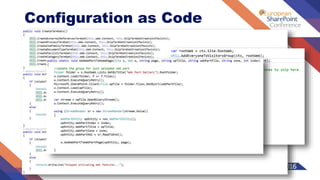
• If you prefer Configuration as Code (using C#)
• Available as NuGet package
Configuration as Code
Office 365 Developer
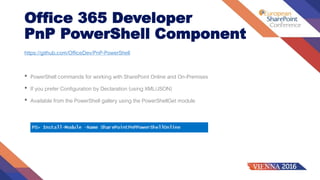
PnP PowerShell Component
https://github.com/OfficeDev/PnP-PowerShell
• PowerShell commands for working with SharePoint Online and On-Premises
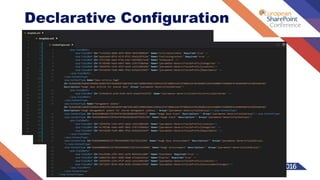
• If you prefer Configuration by Declaration (using XML/JSON)
• Available from the PowerShell gallery using the PowerShellGet module
Declarative Configuration
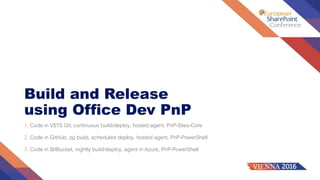
Build and Release
using Office Dev PnP
1. Code in VSTS Git, continuous build/deploy, hosted agent, PnP-Sites-Core
2. Code in GitHub, no build, scheduled deploy, hosted agent, PnP-PowerShell
3. Code in BitBucket, nightly build/deploy, agent in Azure, PnP-PowerShell
DEMO
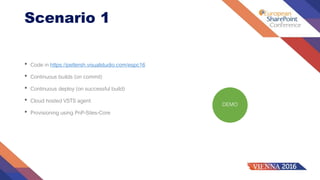
Scenario 1
• Code in https://pettersh.visualstudio.com/espc16
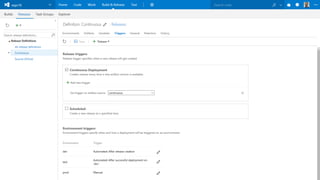
• Continuous builds (on commit)
• Continuous deploy (on successful build)
• Cloud hosted VSTS agent
• Provisioning using PnP-Sites-Core
DEMO
Scenario 2
• Code in https://github.com/pskodvin/espc16-github
• No builds (no triggers defined)
• Scheduled deploy
• Cloud hosted VSTS agent
• Provisioning using PnP-PowerShell
DEMO
Scenario 3
• Code in https://bitbucket.org/puzzlepart/hoegh-o365-intranet
• Scheduled builds
• Continuous deploy (on successful build)
• Azure hosted VSTS agent
• Provisioning using PnP-PowerShell
Relevant Topics
Some related thoughts and ideas worth considering
• Automatically create labels, tags or branches
• Automatically relase when a pull request is accepted and successfully built
• Automatically provision or decommission virtual machines using ARM
• Automatically create news, blog posts, SharePoint items, Yammer posts,…
• Deploy to
• SharePoint on-premises
• Azure web jobs
• Provider hosted apps
• Microsoft graph
Summary
• Visual Studio Team Services
• Build and Release Management
• Office Development Patterns & Practices (PnP)
puzzlepart.com
Twitter: @pettersh
Blog: skodvinhvammen.wordpress.com
Email: pettersh@puzzlepart.com
Backup slides
In case of connectivity issues (oh nooooo….)
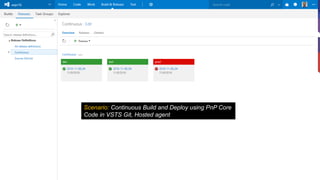
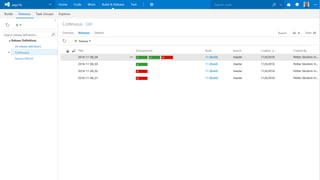
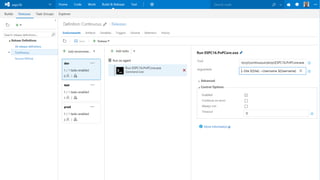
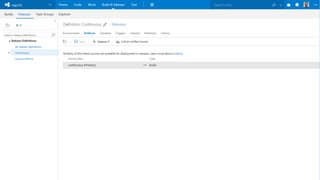
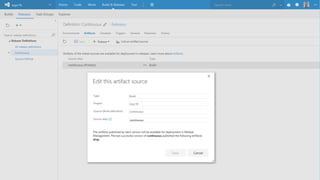
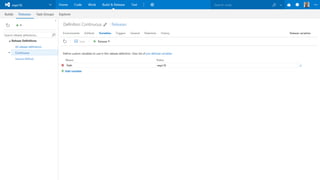
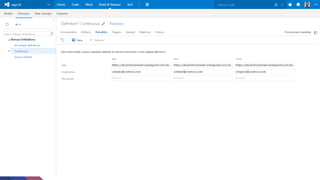
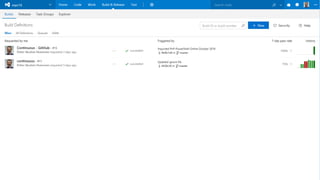
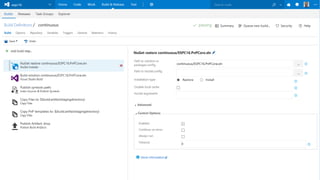
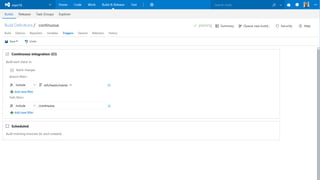
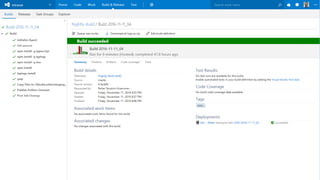
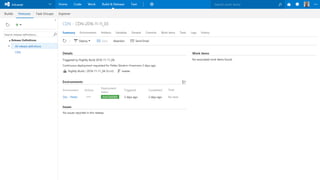
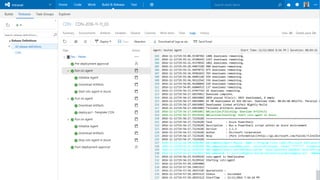
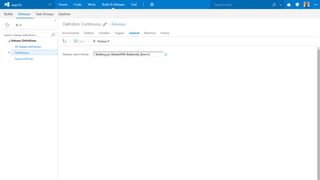
Scenario: Continuous Build and Deploy using PnP Core
Code in VSTS Git, Hosted agent
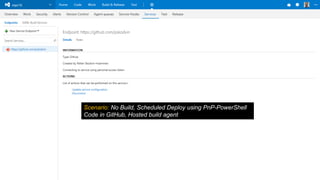
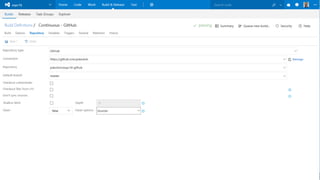
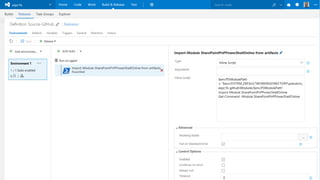
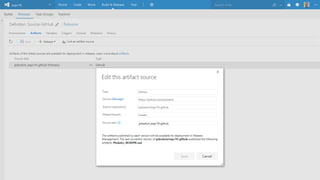
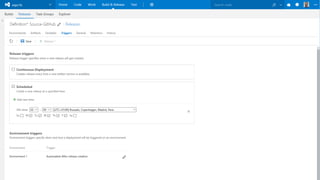
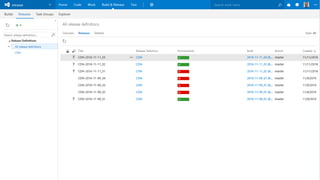
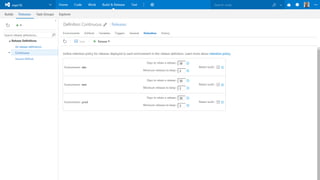
Scenario: No Build, Scheduled Deploy using PnP-PowerShell
Code in GitHub, Hosted build agent
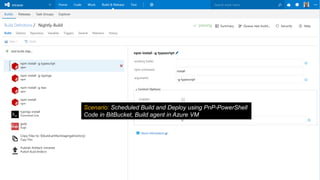
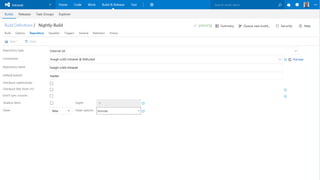
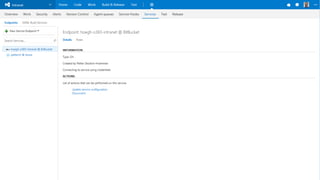
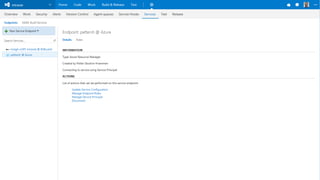
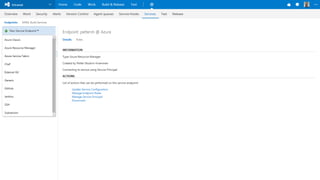
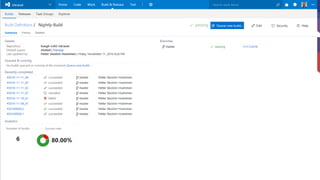
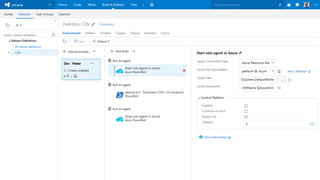
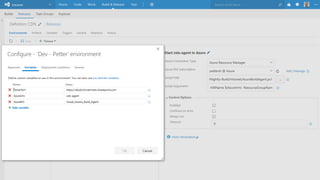
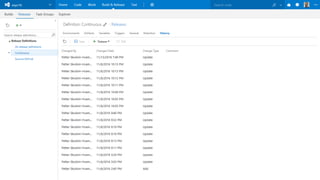
Scenario: Scheduled Build and Deploy using PnP-PowerShell
Code in BitBucket, Build agent in Azure VM
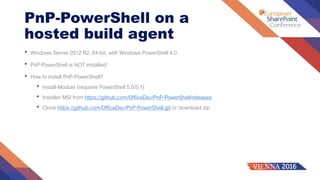
PnP-PowerShell on a
hosted build agent
• Windows Server 2012 R2, 64-bit, with Windows PowerShell 4.0
• PnP-PowerShell is NOT installed!
• How to install PnP-PowerShell?
• Install-Module (requires PowerShell 5.0/5.1)
• Installer MSI from https://github.com/OfficeDev/PnP-PowerShell/releases
• Clone https://github.com/OfficeDev/PnP-PowerShell.git or download zip
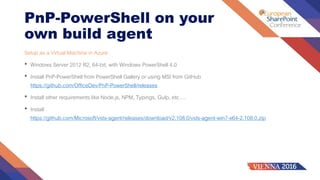
PnP-PowerShell on your
own build agent
Setup as a Virtual Machine in Azure
• Windows Server 2012 R2, 64-bit, with Windows PowerShell 4.0
• Install PnP-PowerShell from PowerShell Gallery or using MSI from GitHub
https://github.com/OfficeDev/PnP-PowerShell/releases
• Install other requirements like Node.js, NPM, Typings, Gulp, etc….
• Install
https://github.com/Microsoft/vsts-agent/releases/download/v2.108.0/vsts-agent-win7-x64-2.108.0.zip

Release Management with Visual Studio Team Services and Office Dev PnP

  • 2.
    Release Management withVisual Studio Team Services and Office Dev PnP Petter Skodvin-Hvammen Principal Consultant, Puzzlepart, Norway @pettersh | skodvinhvammen.wordpress.com | pettersh@puzzlepart.com
  • 3.
    Session Goals 1. Introductionto Release Management 2. How does it work in Visual Studio Team Services 3. Introduction to Office Dev PnP 4. How can we release to SharePoint (and other) There will be plenty of examples and demos...
  • 4.
    What is ReleaseManagement? “Release management is the process of managing, planning, scheduling and controlling a software build through different stages and environments; including testing and deploying software releases” https://en.wikipedia.org/wiki/Release_management In Visual Studio Team Services Service that helps you automate the deployment and testing of your software in multiple environments.
  • 5.
    Why Release Management? •You spend to much time on planning and deploying changes • There are too many manual steps risk of failure • It is not clear what feature or fix is released to which environment • One-click deploy to all of your environments on- demand • Schedule deployments • Automatically deploy when code changes • Roll back to previous version easily • Control who can release to each environment • Track the releases across environments
  • 6.
    Release Definitions Specifications of •What to deploy? Artefacts • Where to deploy? Environments • How to deploy? Tasks
  • 7.
    What to Deploy? •Build server outputs: • Team Services (VSTS) • Team Foundation Server (TFS) • Jenkins • TeamCity • Version control sources: • TFVC, Git and GitHub • Other sources: • NuGet • PowerShell • Cmd and Shell
  • 8.
    Where to Deploy? •Environments • Environment Templates • Approvals and approvers • Environment Variables • Deployment Triggers • Queueing Policies
  • 9.
    How to Deploy? https://www.visualstudio.com/en-us/docs/build/define/build Custombuild tasks/extensions https://www.visualstudio.com/en- us/docs/integrate/extensions/devel op/add-build-task http://blog.devmatter.com/custom- build-tasks-in-vso
  • 10.
  • 11.
    Office 365 DevPatterns & Practices (PnP) https://github.com/OfficeDev/PnP-Sites-Core https://github.com/OfficeDev/PnP-PowerShell https://github.com/OfficeDev?query=office-ui-fabric (http://dev.office.com/fabric)
  • 12.
    Office 365 Developer PnPCore Component https://github.com/OfficeDev/PnP-Sites-Core • .NET library aimed to ease working with CSOM/REST api • If you prefer Configuration as Code (using C#) • Available as NuGet package
  • 13.
  • 14.
    Office 365 Developer PnPPowerShell Component https://github.com/OfficeDev/PnP-PowerShell • PowerShell commands for working with SharePoint Online and On-Premises • If you prefer Configuration by Declaration (using XML/JSON) • Available from the PowerShell gallery using the PowerShellGet module
  • 15.
  • 16.
    Build and Release usingOffice Dev PnP 1. Code in VSTS Git, continuous build/deploy, hosted agent, PnP-Sites-Core 2. Code in GitHub, no build, scheduled deploy, hosted agent, PnP-PowerShell 3. Code in BitBucket, nightly build/deploy, agent in Azure, PnP-PowerShell
  • 17.
    DEMO Scenario 1 • Codein https://pettersh.visualstudio.com/espc16 • Continuous builds (on commit) • Continuous deploy (on successful build) • Cloud hosted VSTS agent • Provisioning using PnP-Sites-Core
  • 18.
    DEMO Scenario 2 • Codein https://github.com/pskodvin/espc16-github • No builds (no triggers defined) • Scheduled deploy • Cloud hosted VSTS agent • Provisioning using PnP-PowerShell
  • 19.
    DEMO Scenario 3 • Codein https://bitbucket.org/puzzlepart/hoegh-o365-intranet • Scheduled builds • Continuous deploy (on successful build) • Azure hosted VSTS agent • Provisioning using PnP-PowerShell
  • 20.
    Relevant Topics Some relatedthoughts and ideas worth considering • Automatically create labels, tags or branches • Automatically relase when a pull request is accepted and successfully built • Automatically provision or decommission virtual machines using ARM • Automatically create news, blog posts, SharePoint items, Yammer posts,… • Deploy to • SharePoint on-premises • Azure web jobs • Provider hosted apps • Microsoft graph
  • 21.
    Summary • Visual StudioTeam Services • Build and Release Management • Office Development Patterns & Practices (PnP)
  • 22.
  • 23.
    Backup slides In caseof connectivity issues (oh nooooo….)
  • 24.
    Scenario: Continuous Buildand Deploy using PnP Core Code in VSTS Git, Hosted agent
  • 42.
    Scenario: No Build,Scheduled Deploy using PnP-PowerShell Code in GitHub, Hosted build agent
  • 47.
    Scenario: Scheduled Buildand Deploy using PnP-PowerShell Code in BitBucket, Build agent in Azure VM
  • 61.
    PnP-PowerShell on a hostedbuild agent • Windows Server 2012 R2, 64-bit, with Windows PowerShell 4.0 • PnP-PowerShell is NOT installed! • How to install PnP-PowerShell? • Install-Module (requires PowerShell 5.0/5.1) • Installer MSI from https://github.com/OfficeDev/PnP-PowerShell/releases • Clone https://github.com/OfficeDev/PnP-PowerShell.git or download zip
  • 62.
    PnP-PowerShell on your ownbuild agent Setup as a Virtual Machine in Azure • Windows Server 2012 R2, 64-bit, with Windows PowerShell 4.0 • Install PnP-PowerShell from PowerShell Gallery or using MSI from GitHub https://github.com/OfficeDev/PnP-PowerShell/releases • Install other requirements like Node.js, NPM, Typings, Gulp, etc…. • Install https://github.com/Microsoft/vsts-agent/releases/download/v2.108.0/vsts-agent-win7-x64-2.108.0.zip

Editor's Notes

  • #2 Demo Preparations: VSCode: C:\dev-git\espc16 C:\dev-git\espc16-github C:\dev-git\hoegh-o365-intranet Chrome: https://pettersh.visualstudio.com/espc16 (build+release+release) https://hoeghlng.visualstudio.com/Intranet (build+release) https://github.com/pskodvin/espc16-github https://bitbucket.org/puzzlepart/hoegh-o365-intranet
  • #4 Who’s using release management today Who’s using TFS or team services? Who’s using Office Dev Patterns and Practices?
  • #6 Release documentation Deployment guides Packaging and distribution Logging into remote servers and opening command shells
  • #8 Predefined release definitions Custom release definitions
  • #9 Jenkins is an open source automation engine built on Java https://jenkins.io
  • #12 About visual studio team services
  • #20 Demo Preparations: VSCode: C:\dev-git\espc16 C:\dev-git\espc16-github C:\dev-git\hoegh-o365-intranet Chrome: https://pettersh.visualstudio.com/espc16 (build+release+release) https://hoeghlng.visualstudio.com/Intranet (build+release)
  • #21 Demo Preparations: VSCode: C:\dev-git\espc16 C:\dev-git\espc16-github C:\dev-git\hoegh-o365-intranet Chrome: https://pettersh.visualstudio.com/espc16 (build+release+release) https://hoeghlng.visualstudio.com/Intranet (build+release)
  • #22 Demo Preparations: VSCode: C:\dev-git\espc16 C:\dev-git\espc16-github C:\dev-git\hoegh-o365-intranet Chrome: https://pettersh.visualstudio.com/espc16 (build+release+release) https://hoeghlng.visualstudio.com/Intranet (build+release)