Features,
Exportables & You


Jon Skulski
Drupal Architect, ChapterThree LLC
jon@chapterthree.com
http://www.chapterthree.com/blog/jon_skulski
Features
        http://www.drupal.org/project/features


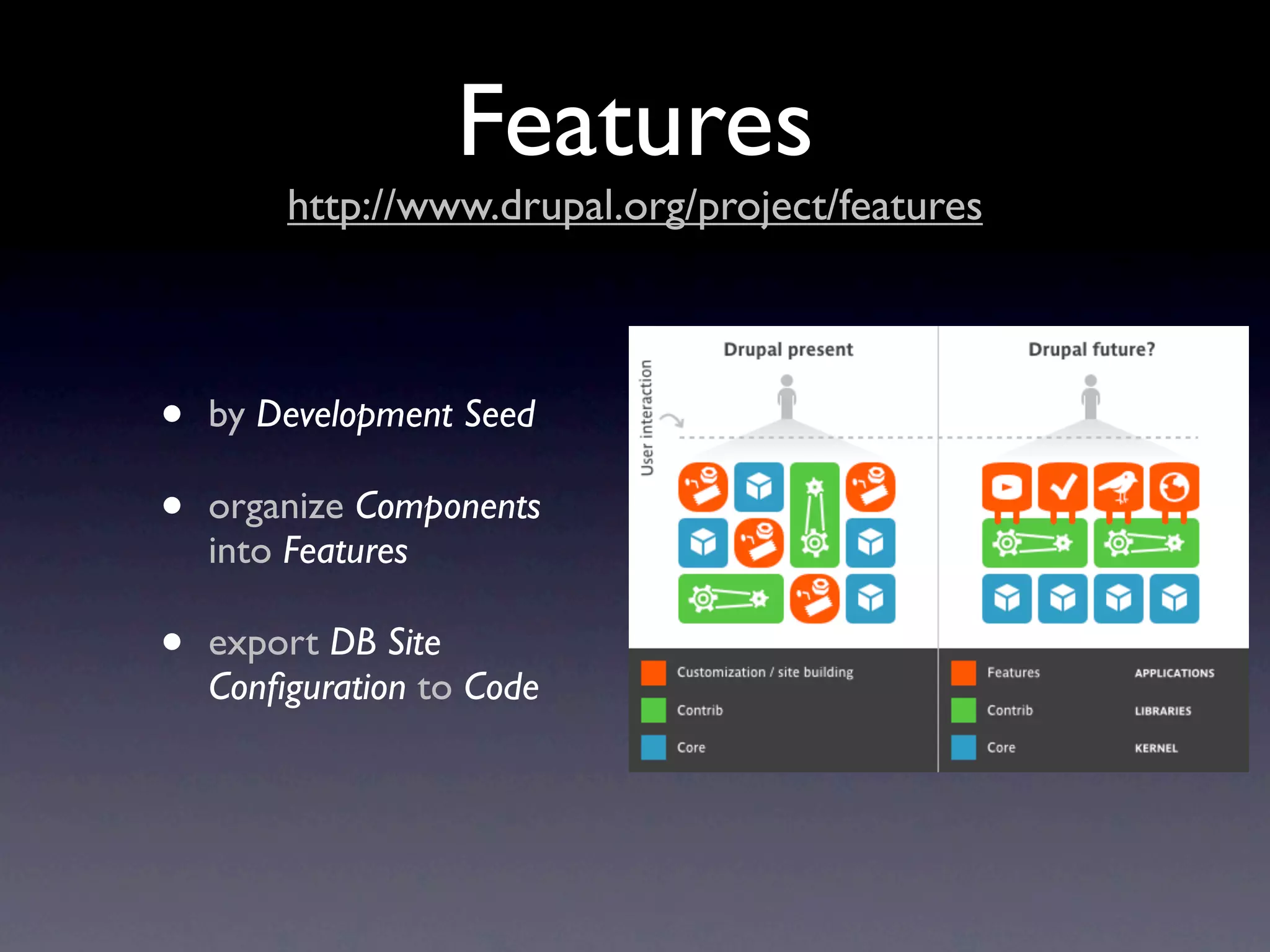
•   by Development Seed

•   organize Components
    into Features

•   export DB Site
    Configuration to Code
Features
               what makes a feature, mr. lebowski?

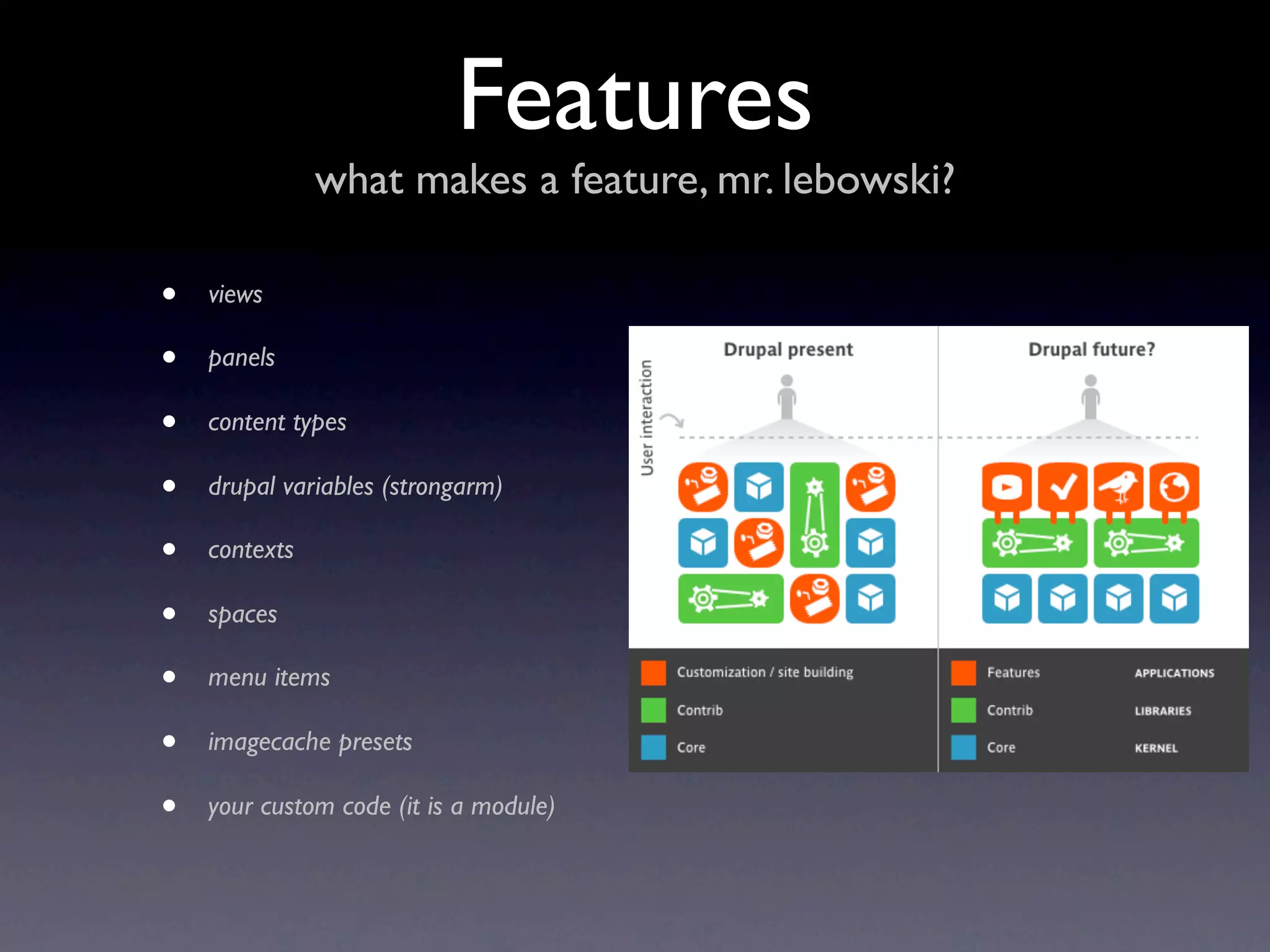
•   views

•   panels

•   content types

•   drupal variables (strongarm)

•   contexts

•   spaces

•   menu items

•   imagecache presets

•   your custom code (it is a module)
Blog
                 a typical Drupal use case


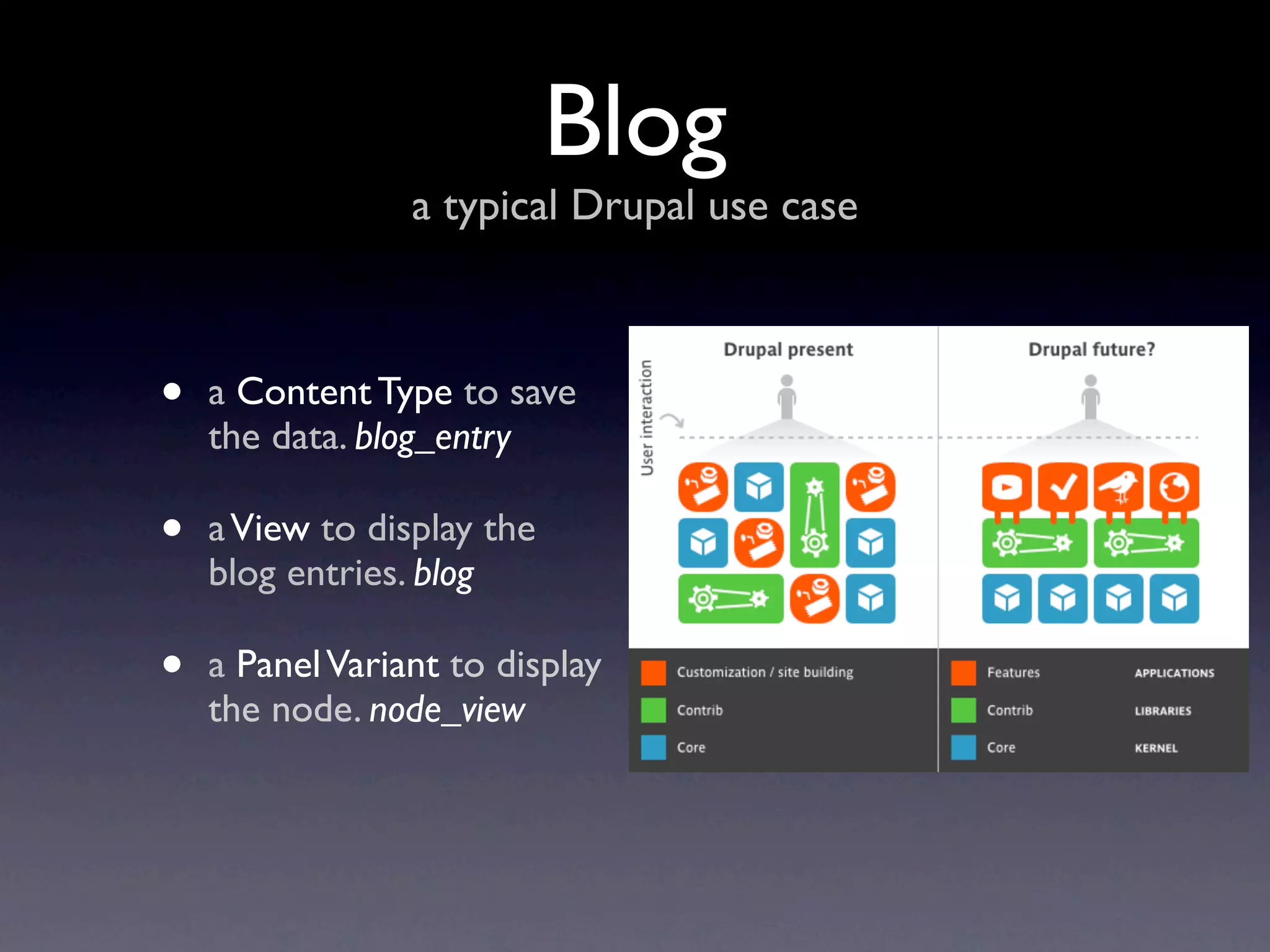
•   a Content Type to save
    the data. blog_entry

•   a View to display the
    blog entries. blog

•   a Panel Variant to display
    the node. node_view
DEMO
see it in action
State of the Union
what works in features, what needs work
Works Wonderfully
    extensive use and little to no problems


• Views
• :-
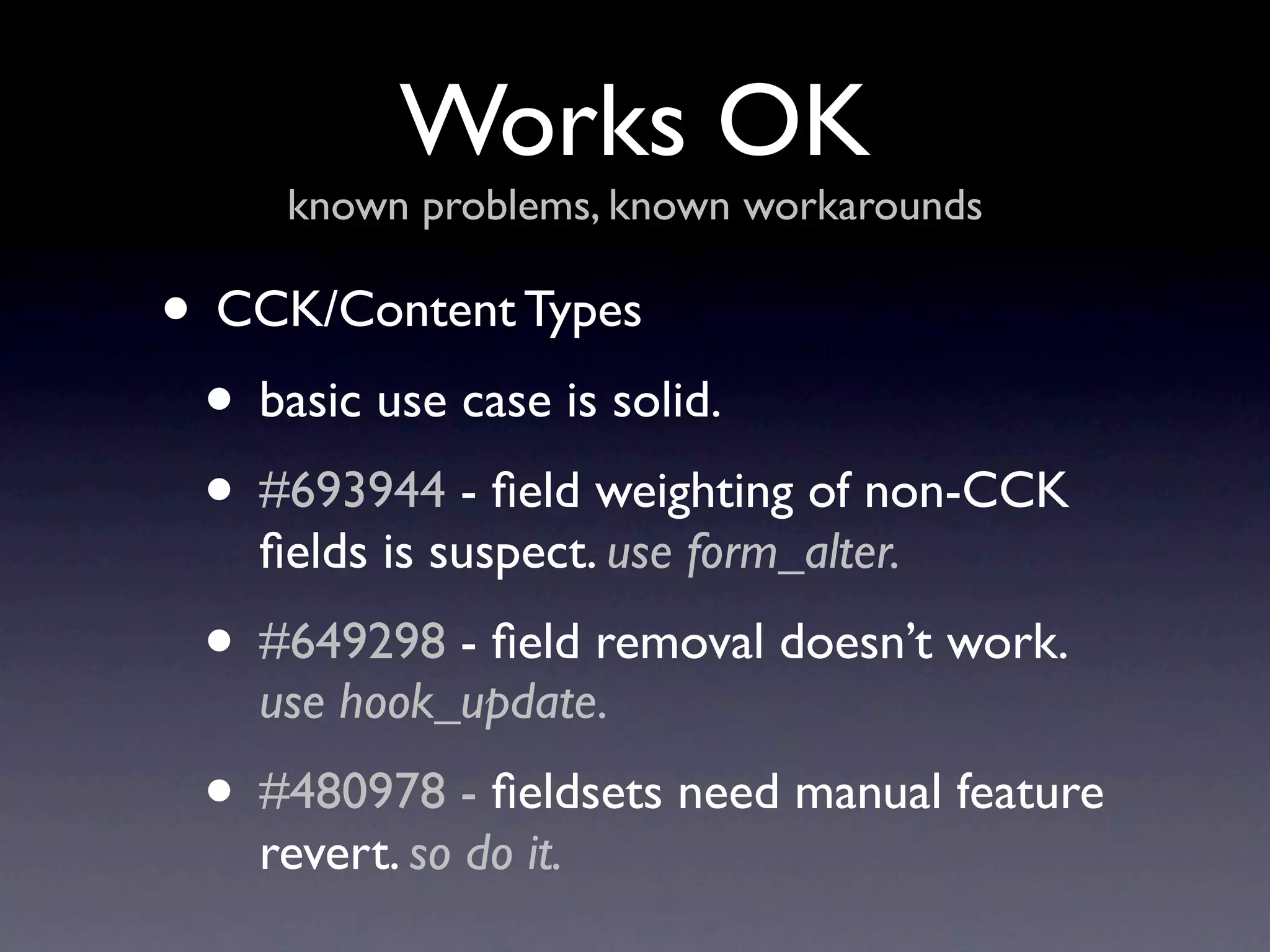
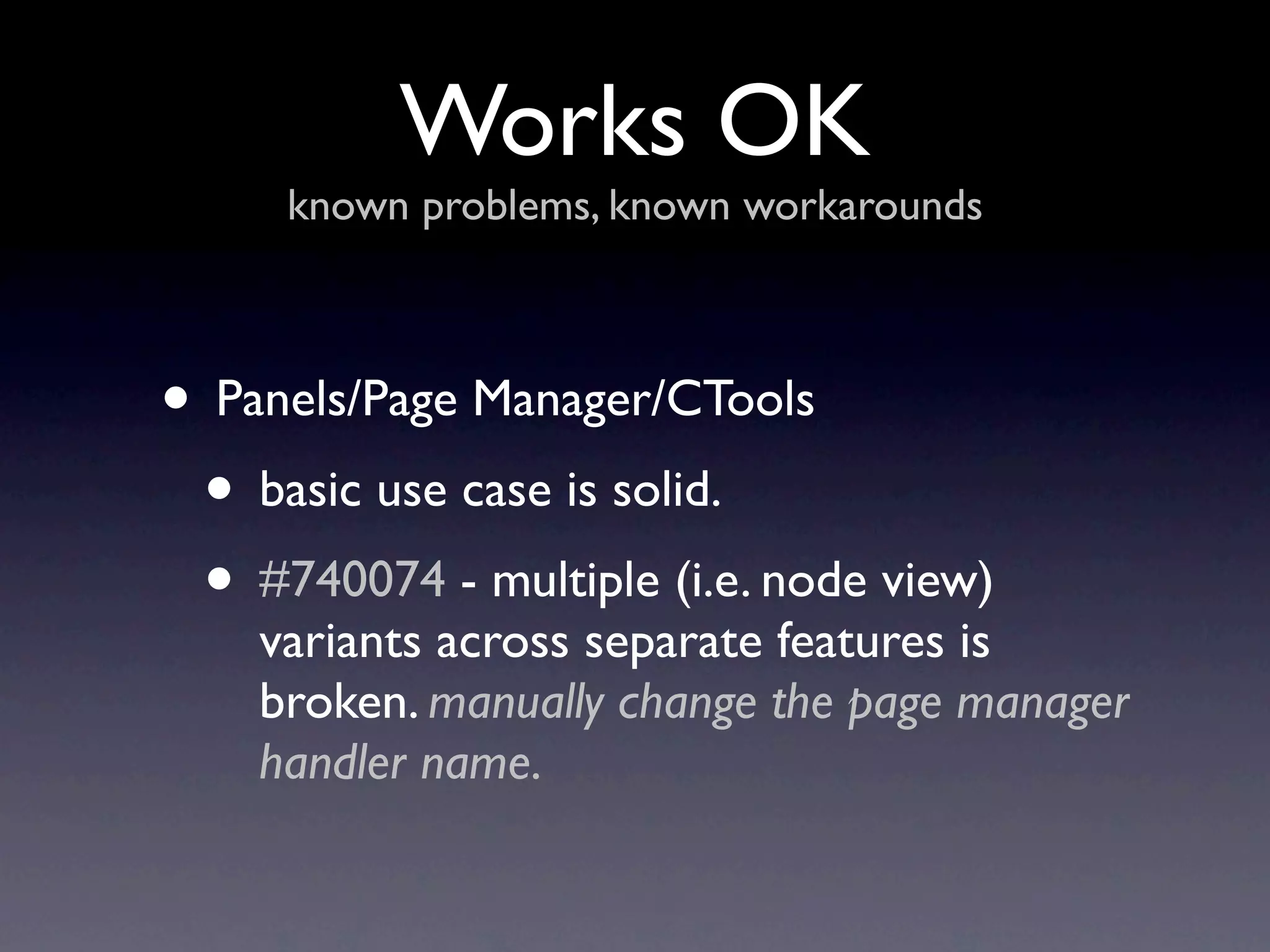
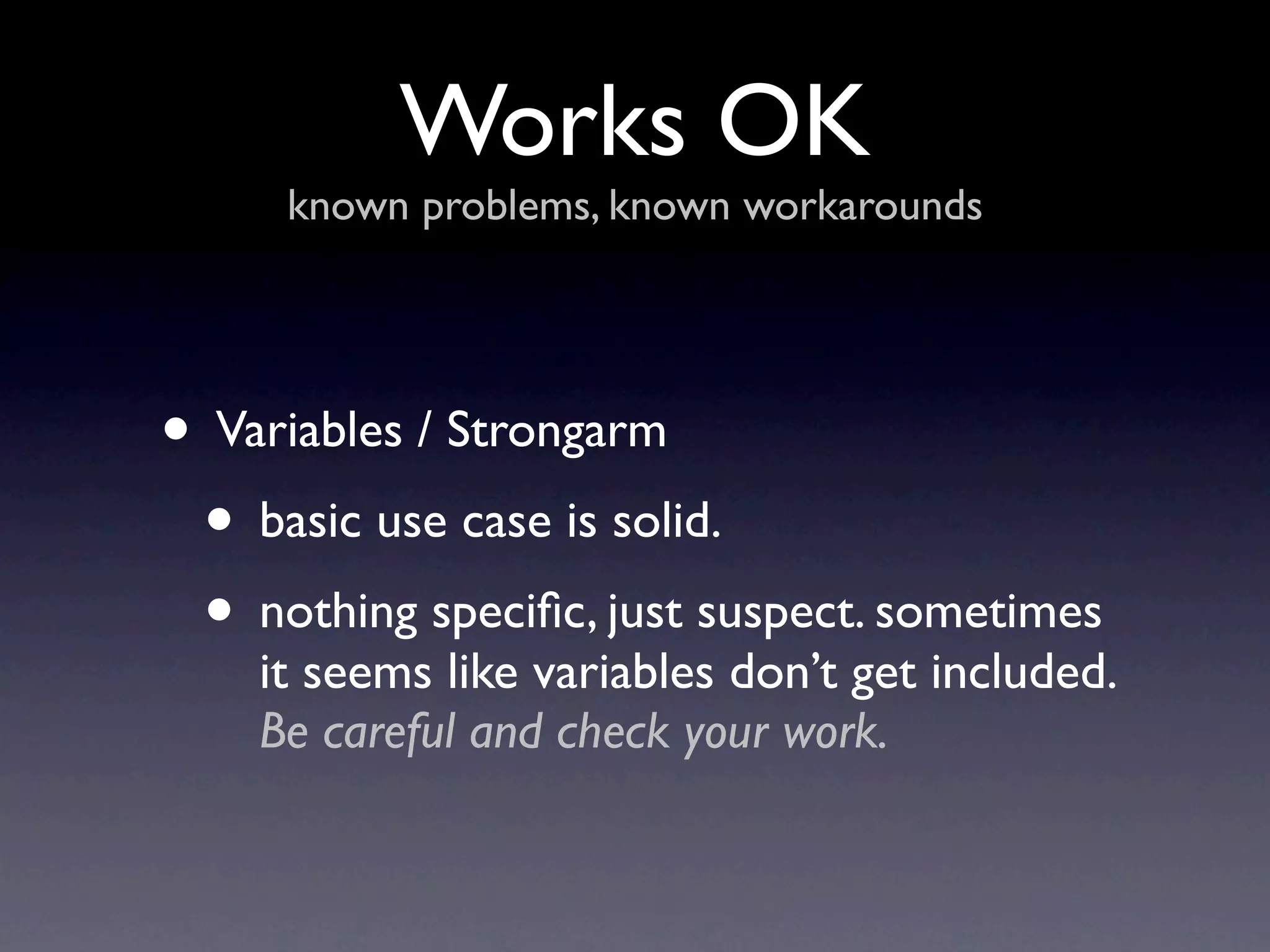
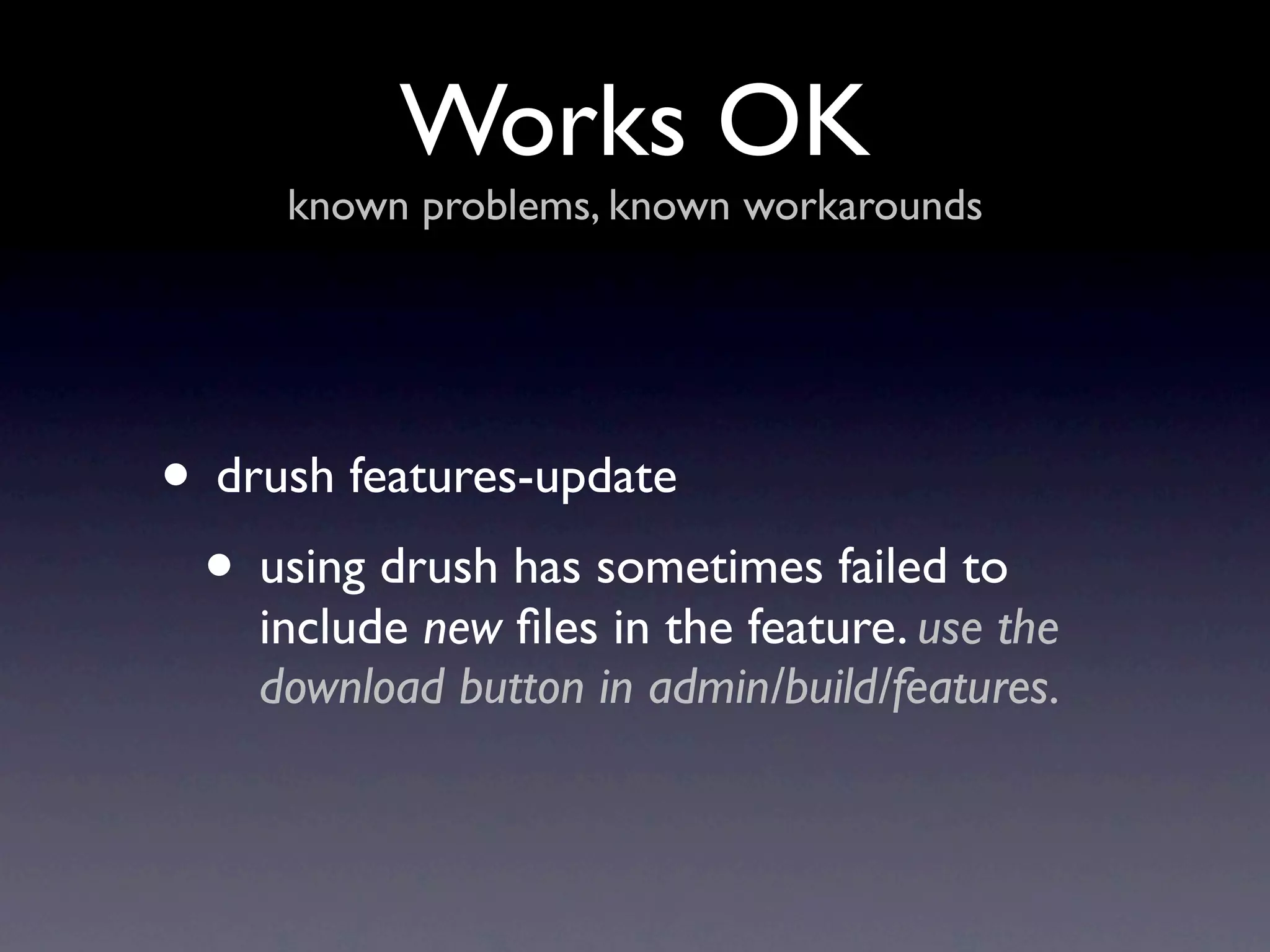
Works OK
     known problems, known workarounds

• CCK/Content Types
 • basic use case is solid.
 • #693944 - field weighting of non-CCK
    fields is suspect. use form_alter.
 • #649298 - field removal doesn’t work.
    use hook_update.
 • #480978 - fieldsets need manual feature
    revert. so do it.
Works OK
     known problems, known workarounds


• Panels/Page Manager/CTools
 • basic use case is solid.
 • #740074 - multiple (i.e. node view)
    variants across separate features is
    broken. manually change the page manager
    handler name.
Works OK
     known problems, known workarounds


• Variables / Strongarm
 • basic use case is solid.
 • nothing specific, just suspect. sometimes
    it seems like variables don’t get included.
    Be careful and check your work.
Works OK
     known problems, known workarounds


• drush features-update
 • using drush has sometimes failed to
    include new files in the feature. use the
    download button in admin/build/features.
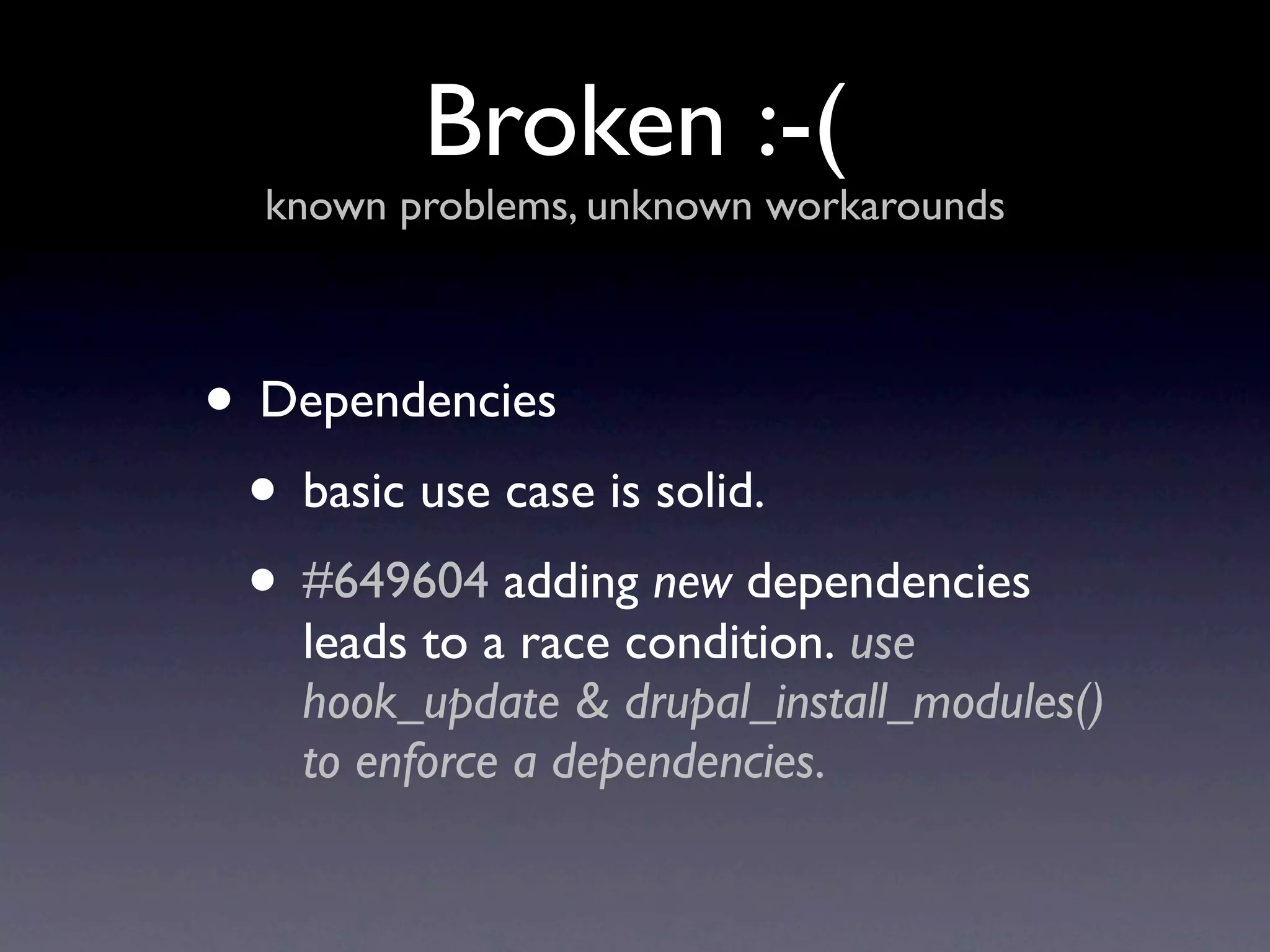
Broken :-(
  known problems, unknown workarounds


• Dependencies
 • basic use case is solid.
 • #649604 adding new dependencies
    leads to a race condition. use
    hook_update & drupal_install_modules()
    to enforce a dependencies.
Broken :-(
  known problems, unknown workarounds


• Taxonomy
 • no default hook
Broken :-(
  known problems, unknown workarounds


• Anything without a Default Hook
 • A default hook is a pattern in drupal
    that allows code to add objects like
    views, content types, etc.
  • By design, features uses default hooks.
    So anything without one isn’t going to
    work. Use exportables...
Exportables
      http://www.drupal.org/project/exportables


•   by jazzslider & dmitrig01

•   provides an API for
    adding Default Hook-ish
    Functionality

•   allows DB Site
    Configuration to be
    exported to Code
Exportables
       never send a human to do a machine’s job


•   allows an exportable to give a machine name to the
    nameless

•   maintains a link between the sequential ID and the
    declared machine name

•   pays attention to changes in the database versus our
    default code

•   pretty good at caching the right stuff
Exportables
       never send a human to do a machine’s job


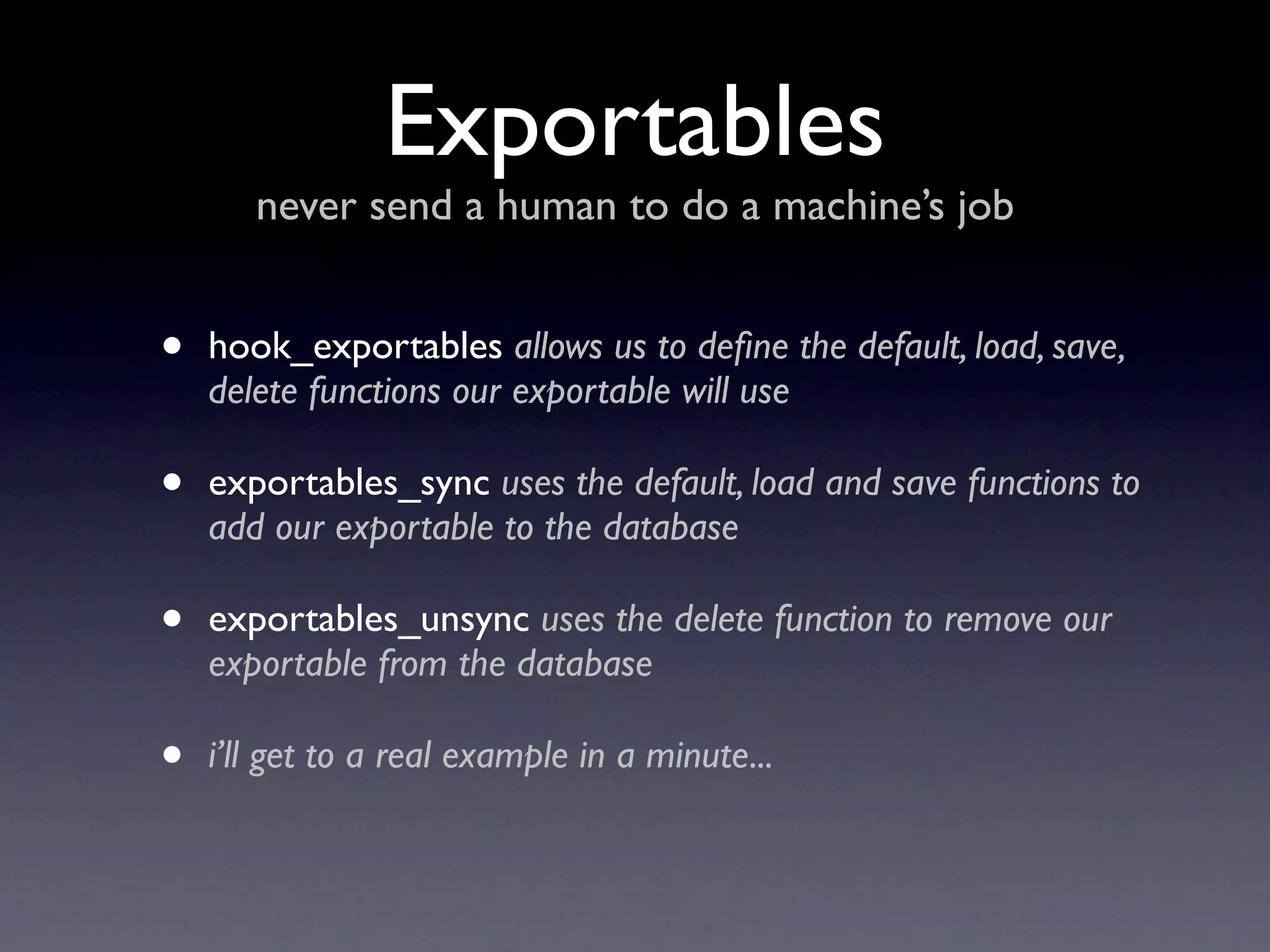
•   hook_exportables allows us to define the default, load, save,
    delete functions our exportable will use

•   exportables_sync uses the default, load and save functions to
    add our exportable to the database

•   exportables_unsync uses the delete function to remove our
    exportable from the database

•   i’ll get to a real example in a minute...
Exportables
never send a human to do a machine’s job

       So we can use this export
             taxonomies!
Exportables
never send a human to do a machine’s job


               Well, no.
Exportables
never send a human to do a machine’s job
Exportables
        never send a human to do a machine’s job


Taxonomies use sequential IDs and exportables allow
   us to link that to a machine name. So what’s the
                        problem?
Exportables
never send a human to do a machine’s job


   Views filters in code look like:
Exportables
never send a human to do a machine’s job


     Which translates into this:
Exportables
         never send a human to do a machine’s job


 So what happens when you push a new feature and it
installs the vocabulary at VID = 18 because a client had
                created new vocabularies?
Exportables
never send a human to do a machine’s job
Case Study:
    Reserved Taxonomy
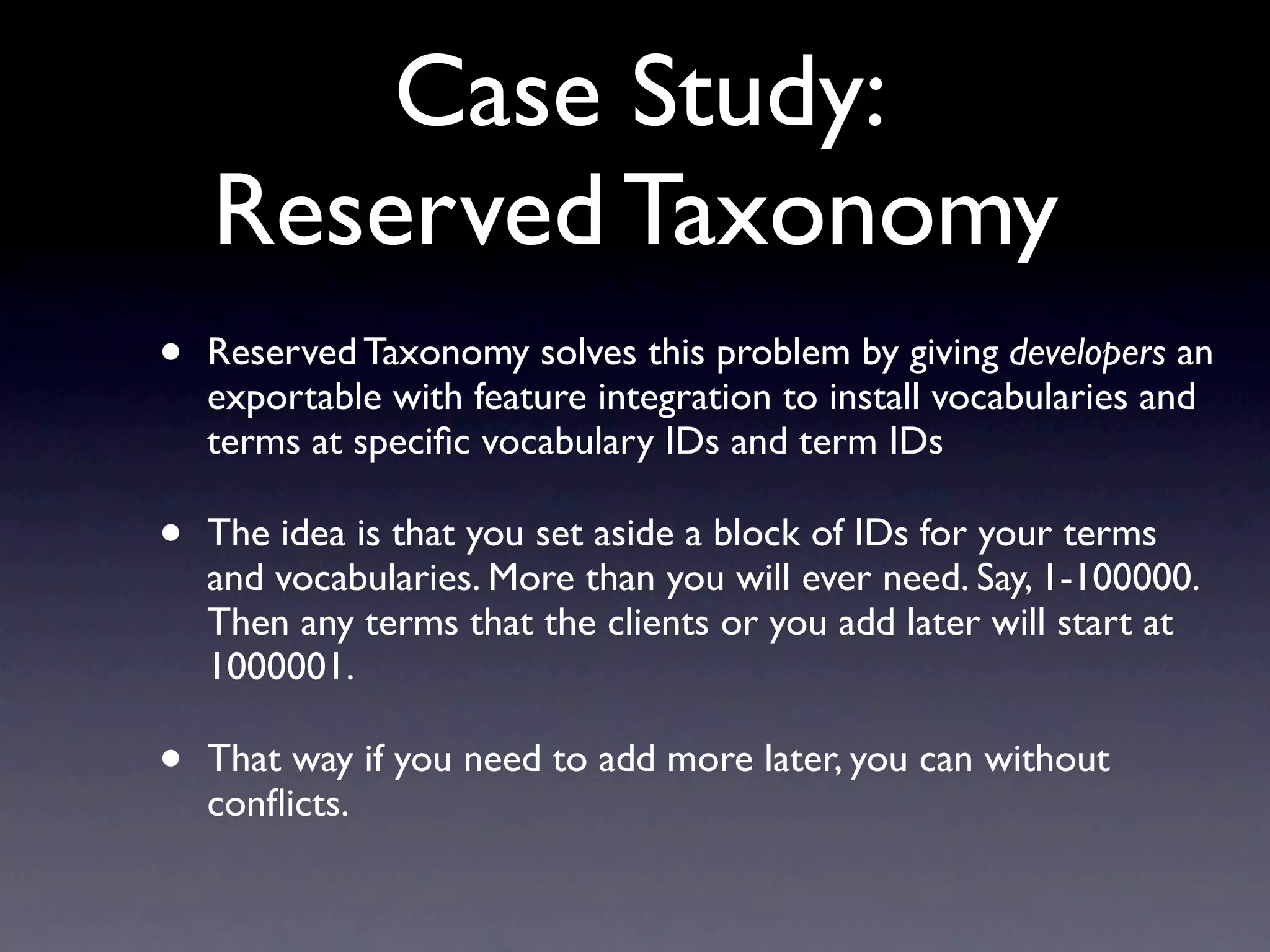
•   Reserved Taxonomy solves this problem by giving developers an
    exportable with feature integration to install vocabularies and
    terms at specific vocabulary IDs and term IDs

•   The idea is that you set aside a block of IDs for your terms
    and vocabularies. More than you will ever need. Say, 1-100000.
    Then any terms that the clients or you add later will start at
    1000001.

•   That way if you need to add more later, you can without
    conflicts.
CODE
see it in motion
Questions?
Comments? Experiences?
Thanks!


Jon Skulski
Drupal Architect, ChapterThree LLC
jon@chapterthree.com / jonskulski

Features, Exportables & You

  • 1.
    Features, Exportables & You JonSkulski Drupal Architect, ChapterThree LLC jon@chapterthree.com http://www.chapterthree.com/blog/jon_skulski
  • 2.
    Features http://www.drupal.org/project/features • by Development Seed • organize Components into Features • export DB Site Configuration to Code
  • 3.
    Features what makes a feature, mr. lebowski? • views • panels • content types • drupal variables (strongarm) • contexts • spaces • menu items • imagecache presets • your custom code (it is a module)
  • 4.
    Blog a typical Drupal use case • a Content Type to save the data. blog_entry • a View to display the blog entries. blog • a Panel Variant to display the node. node_view
  • 5.
  • 6.
    State of theUnion what works in features, what needs work
  • 7.
    Works Wonderfully extensive use and little to no problems • Views • :-
  • 8.
    Works OK known problems, known workarounds • CCK/Content Types • basic use case is solid. • #693944 - field weighting of non-CCK fields is suspect. use form_alter. • #649298 - field removal doesn’t work. use hook_update. • #480978 - fieldsets need manual feature revert. so do it.
  • 9.
    Works OK known problems, known workarounds • Panels/Page Manager/CTools • basic use case is solid. • #740074 - multiple (i.e. node view) variants across separate features is broken. manually change the page manager handler name.
  • 10.
    Works OK known problems, known workarounds • Variables / Strongarm • basic use case is solid. • nothing specific, just suspect. sometimes it seems like variables don’t get included. Be careful and check your work.
  • 11.
    Works OK known problems, known workarounds • drush features-update • using drush has sometimes failed to include new files in the feature. use the download button in admin/build/features.
  • 12.
    Broken :-( known problems, unknown workarounds • Dependencies • basic use case is solid. • #649604 adding new dependencies leads to a race condition. use hook_update & drupal_install_modules() to enforce a dependencies.
  • 13.
    Broken :-( known problems, unknown workarounds • Taxonomy • no default hook
  • 14.
    Broken :-( known problems, unknown workarounds • Anything without a Default Hook • A default hook is a pattern in drupal that allows code to add objects like views, content types, etc. • By design, features uses default hooks. So anything without one isn’t going to work. Use exportables...
  • 15.
    Exportables http://www.drupal.org/project/exportables • by jazzslider & dmitrig01 • provides an API for adding Default Hook-ish Functionality • allows DB Site Configuration to be exported to Code
  • 16.
    Exportables never send a human to do a machine’s job • allows an exportable to give a machine name to the nameless • maintains a link between the sequential ID and the declared machine name • pays attention to changes in the database versus our default code • pretty good at caching the right stuff
  • 17.
    Exportables never send a human to do a machine’s job • hook_exportables allows us to define the default, load, save, delete functions our exportable will use • exportables_sync uses the default, load and save functions to add our exportable to the database • exportables_unsync uses the delete function to remove our exportable from the database • i’ll get to a real example in a minute...
  • 18.
    Exportables never send ahuman to do a machine’s job So we can use this export taxonomies!
  • 19.
    Exportables never send ahuman to do a machine’s job Well, no.
  • 20.
    Exportables never send ahuman to do a machine’s job
  • 21.
    Exportables never send a human to do a machine’s job Taxonomies use sequential IDs and exportables allow us to link that to a machine name. So what’s the problem?
  • 22.
    Exportables never send ahuman to do a machine’s job Views filters in code look like:
  • 23.
    Exportables never send ahuman to do a machine’s job Which translates into this:
  • 24.
    Exportables never send a human to do a machine’s job So what happens when you push a new feature and it installs the vocabulary at VID = 18 because a client had created new vocabularies?
  • 25.
    Exportables never send ahuman to do a machine’s job
  • 26.
    Case Study: Reserved Taxonomy • Reserved Taxonomy solves this problem by giving developers an exportable with feature integration to install vocabularies and terms at specific vocabulary IDs and term IDs • The idea is that you set aside a block of IDs for your terms and vocabularies. More than you will ever need. Say, 1-100000. Then any terms that the clients or you add later will start at 1000001. • That way if you need to add more later, you can without conflicts.
  • 27.
  • 28.
  • 29.
    Thanks! Jon Skulski Drupal Architect,ChapterThree LLC jon@chapterthree.com / jonskulski